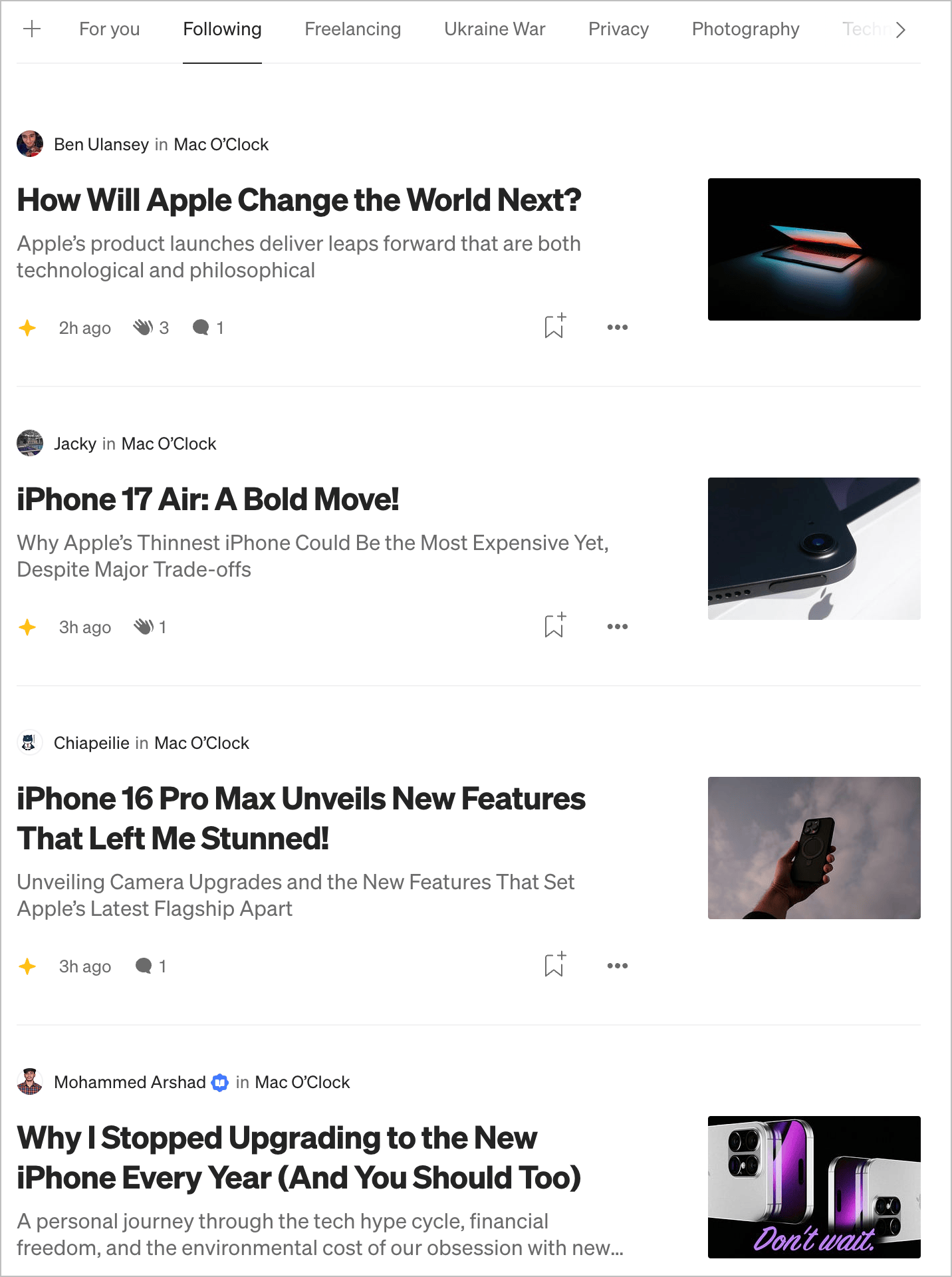
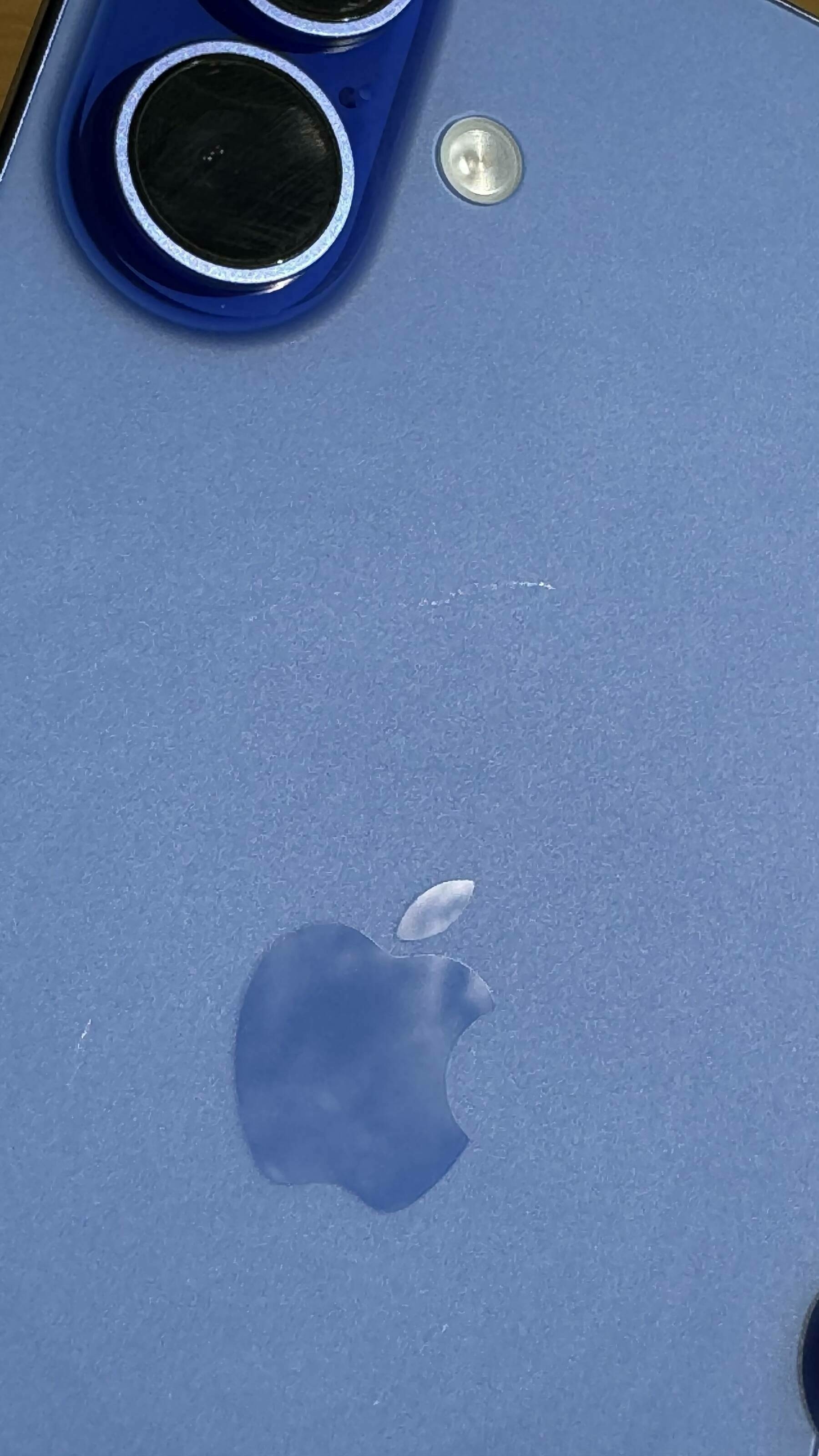
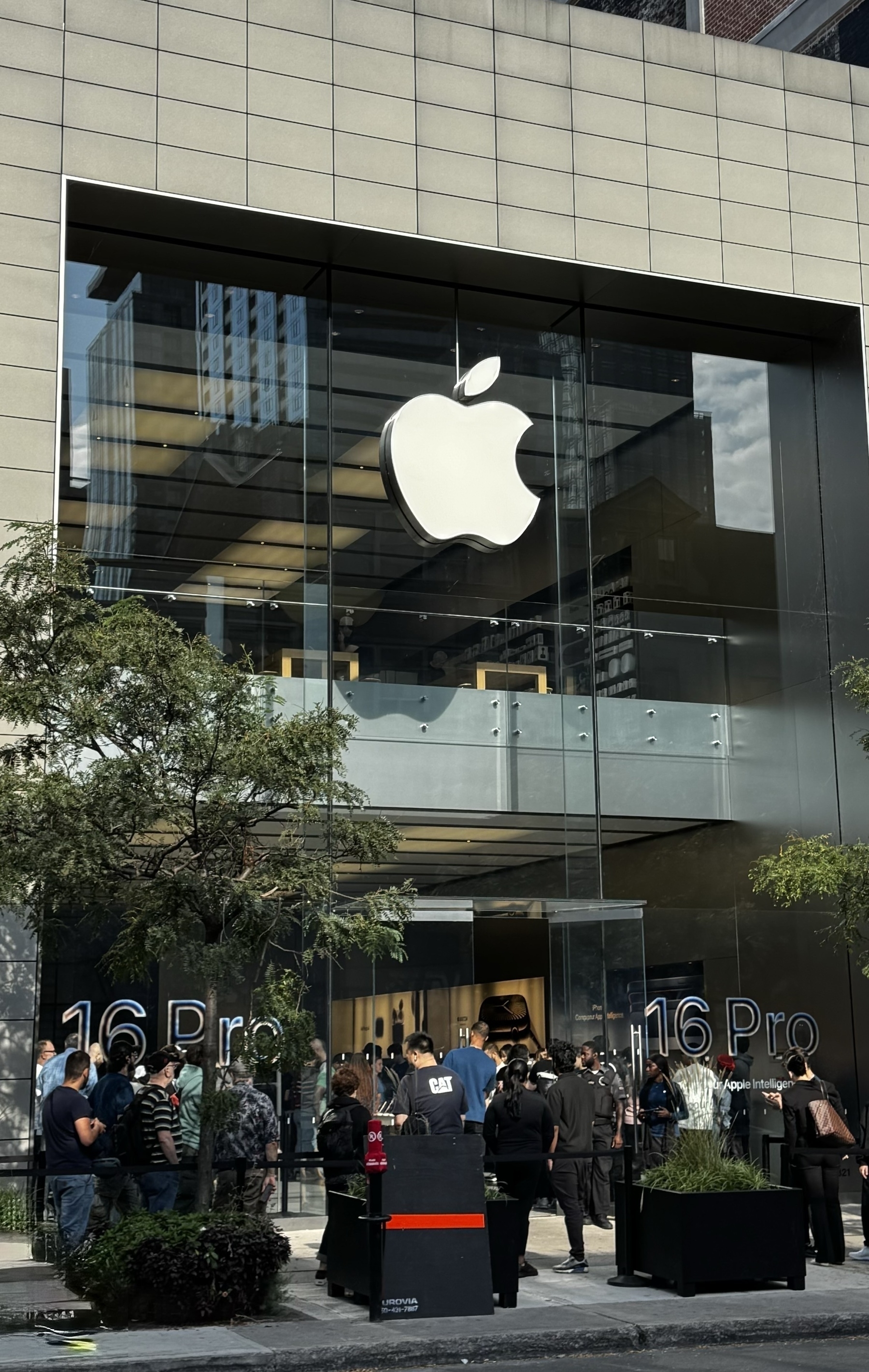
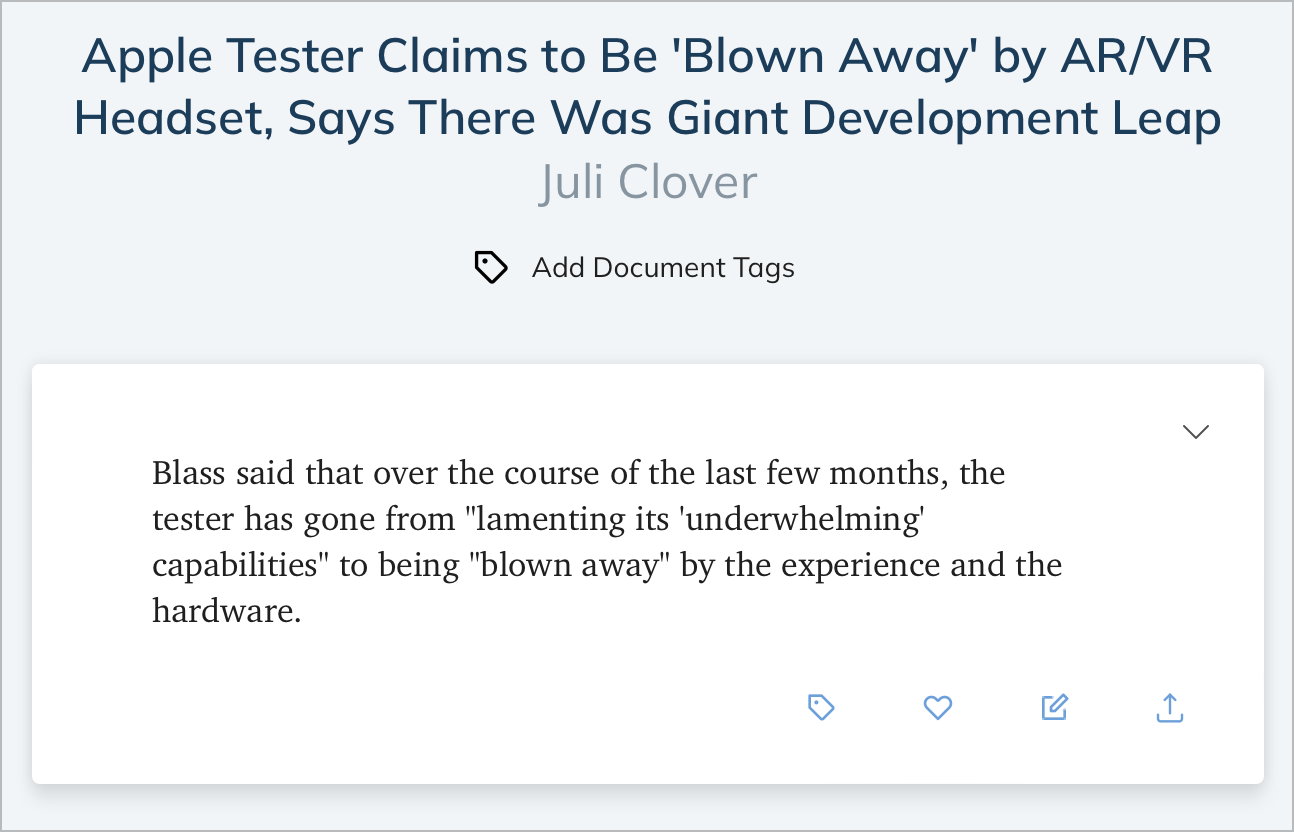
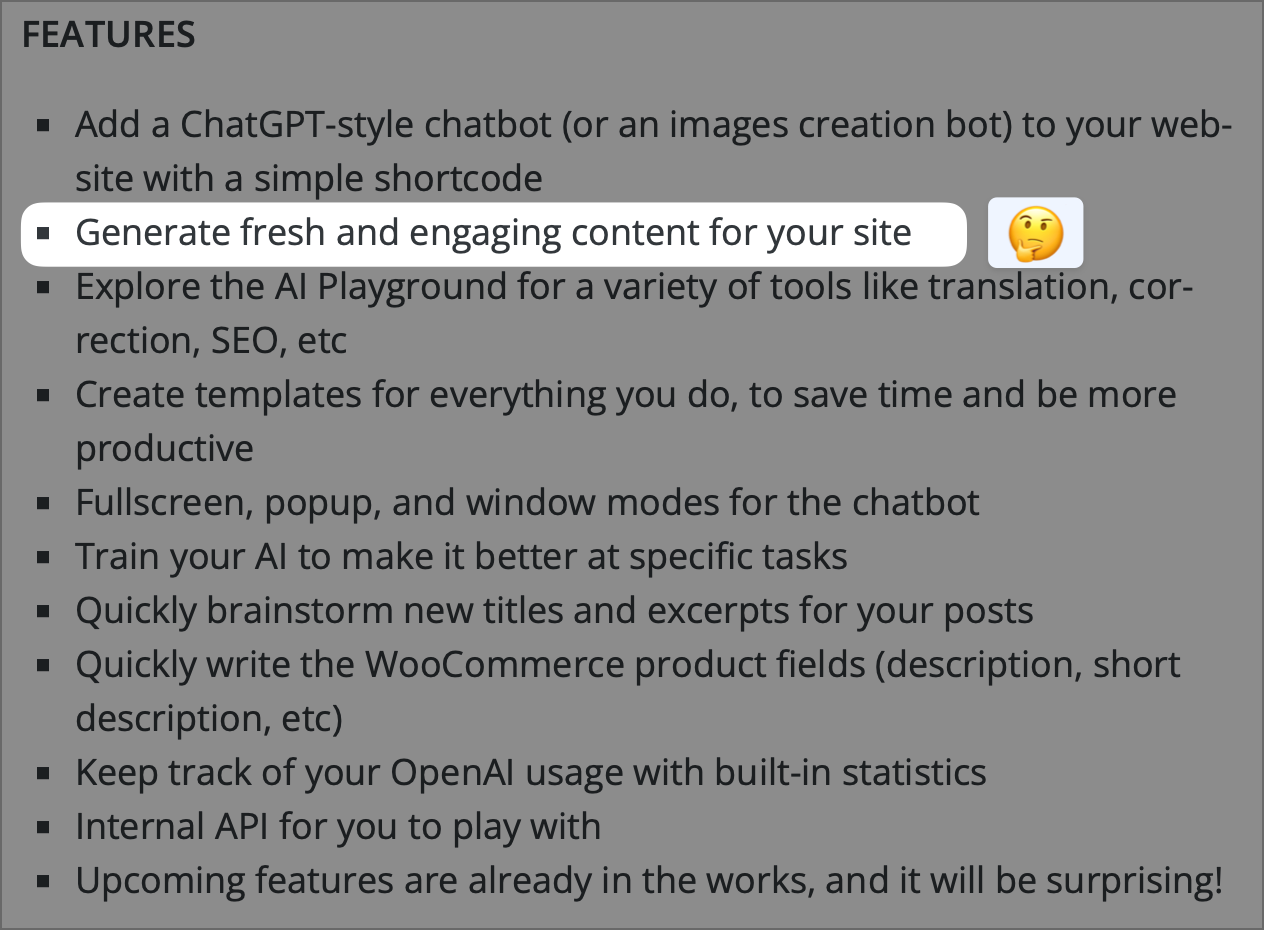
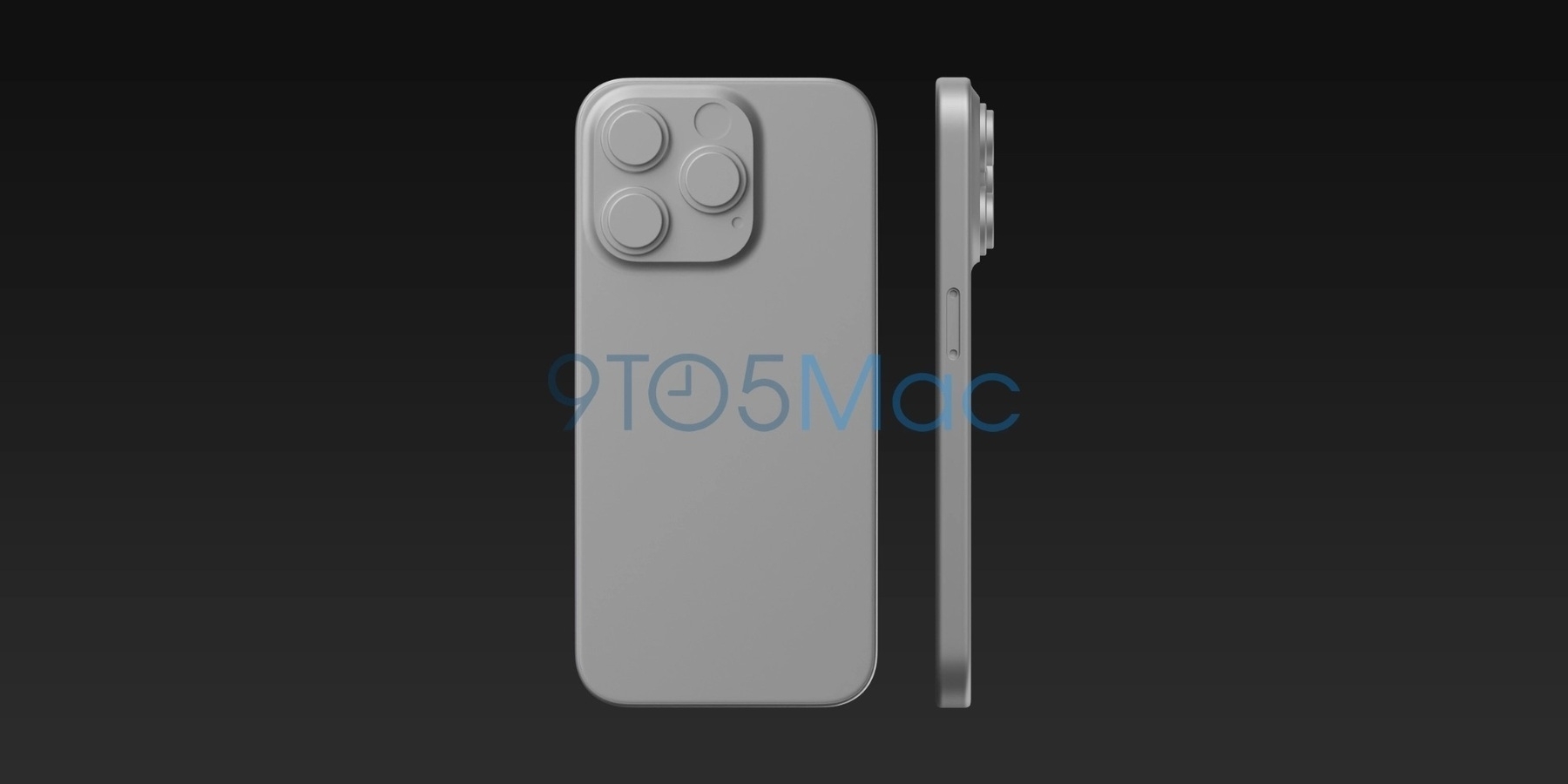
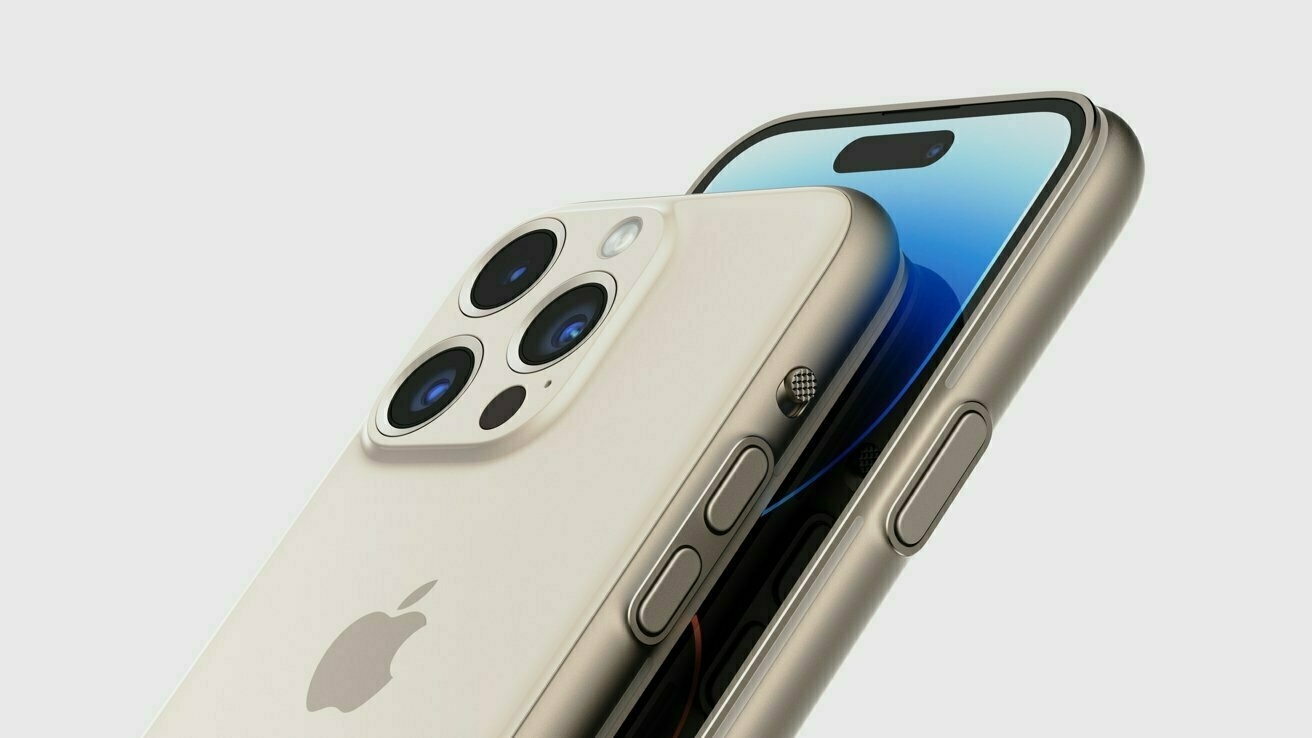
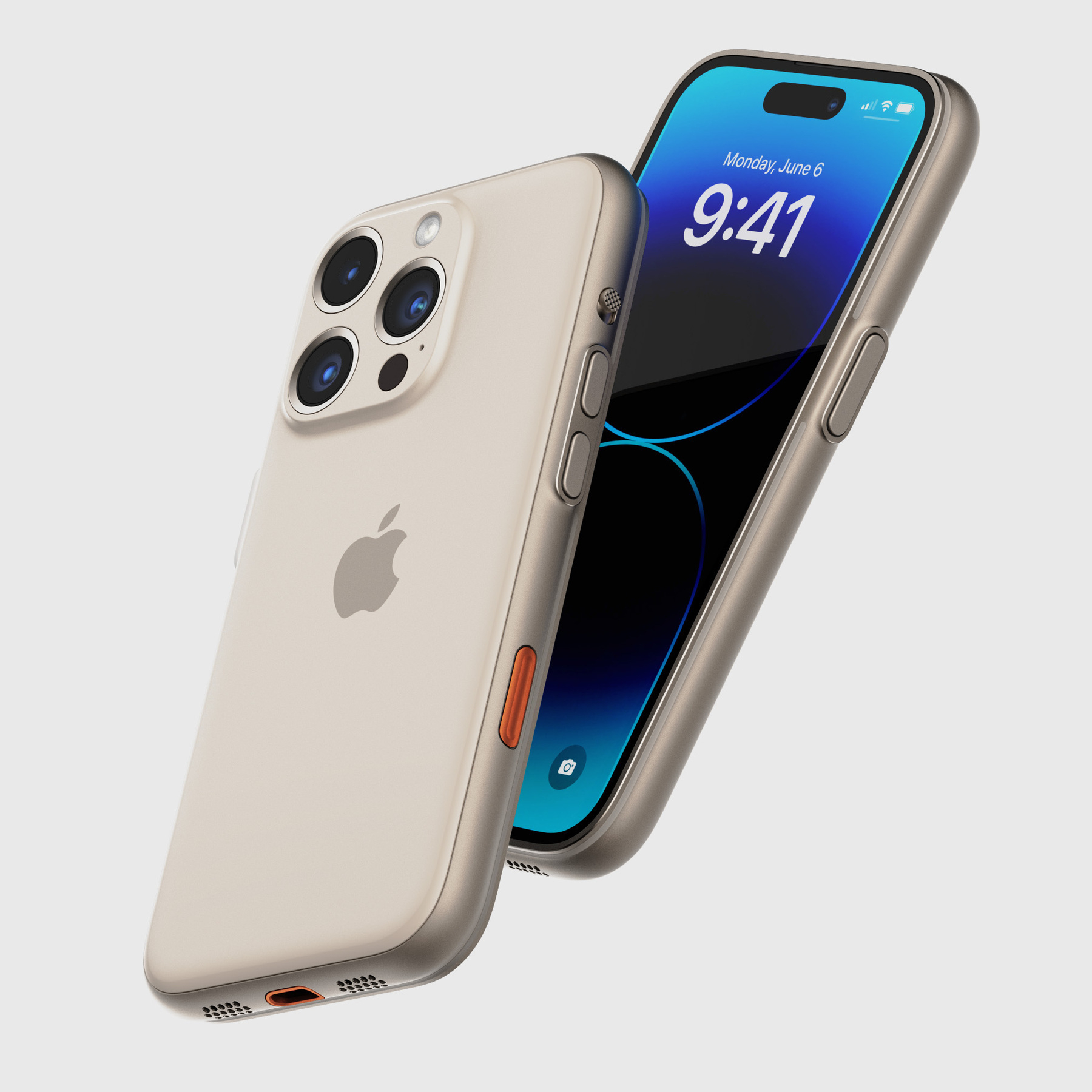
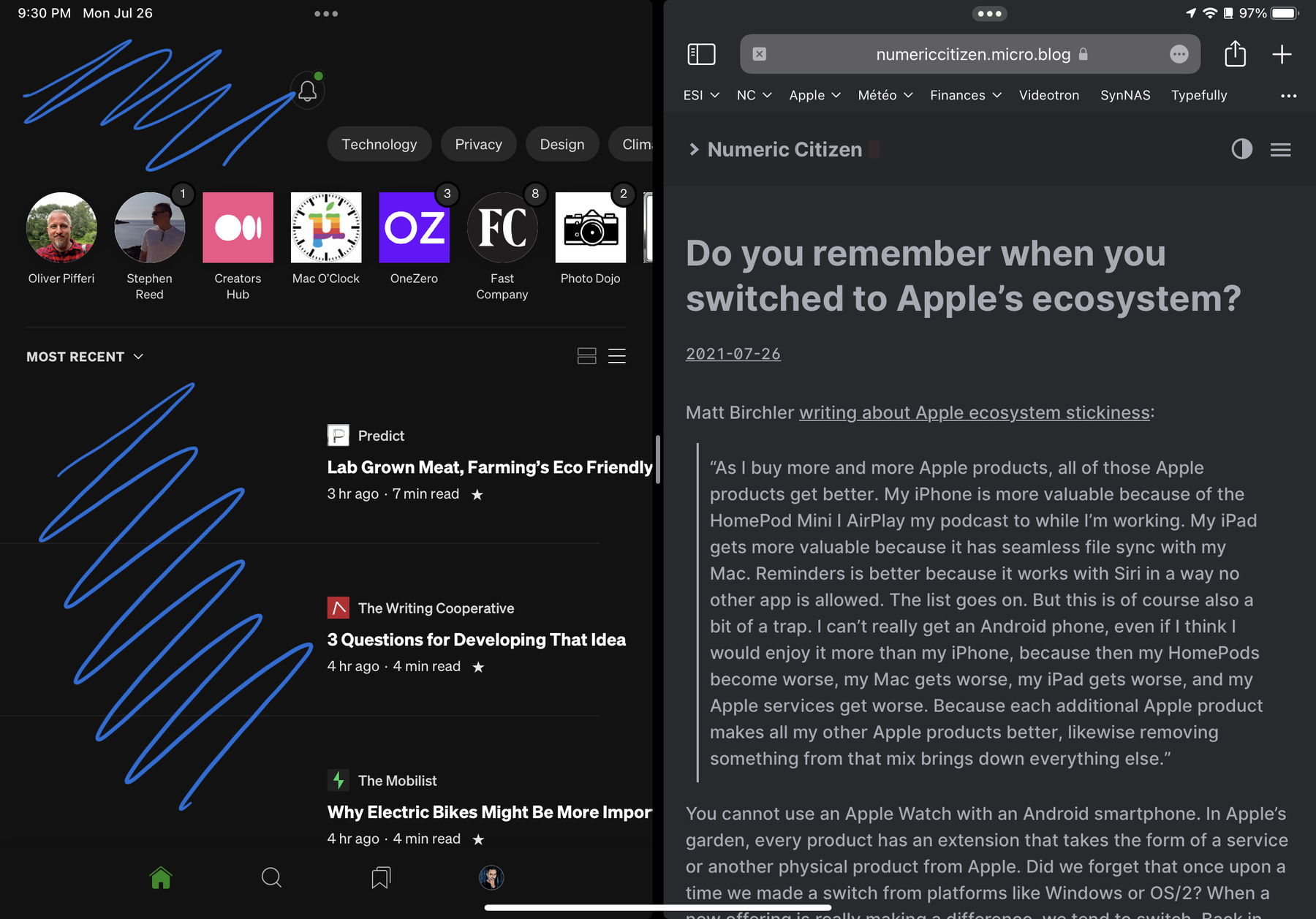
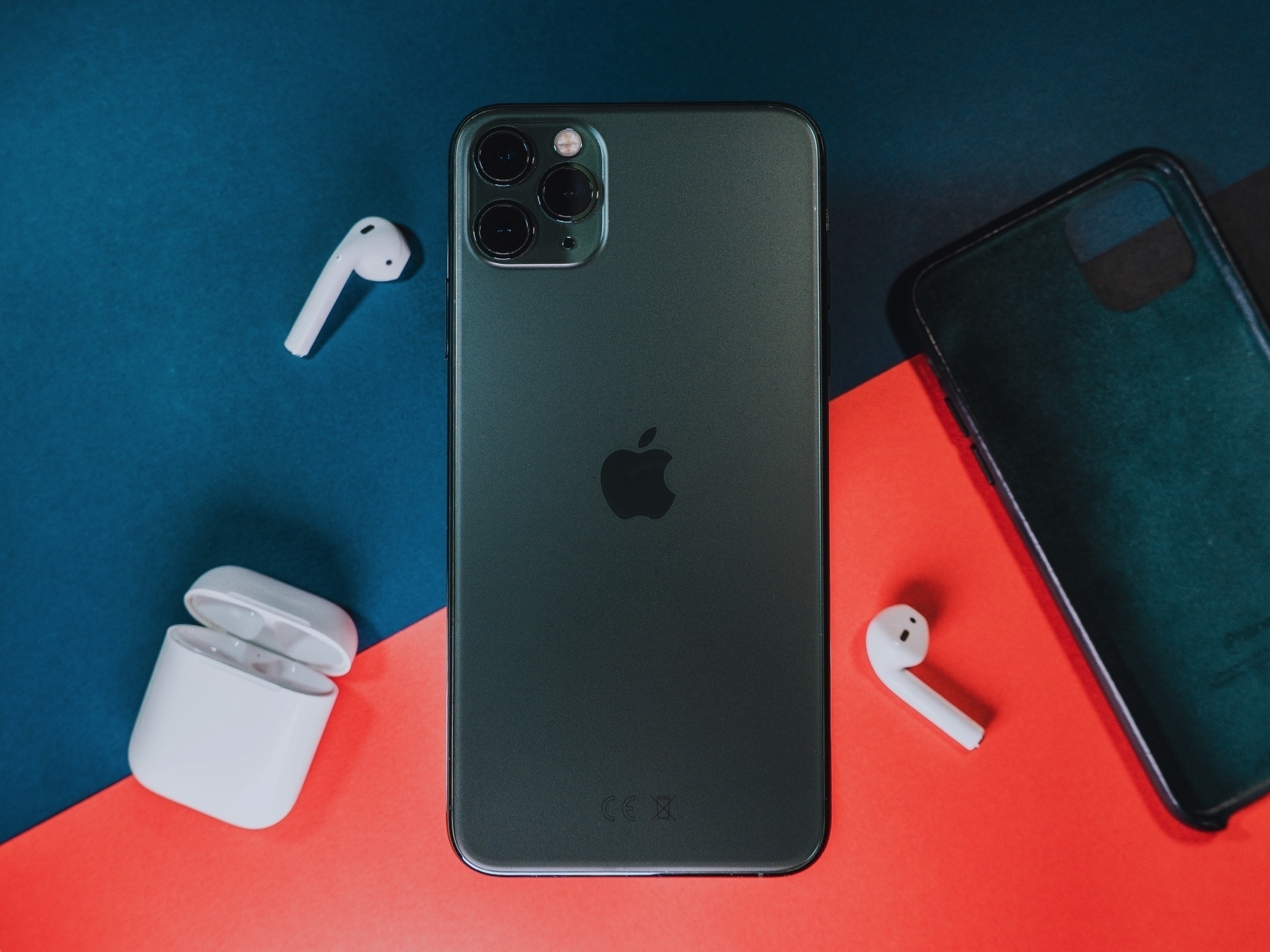
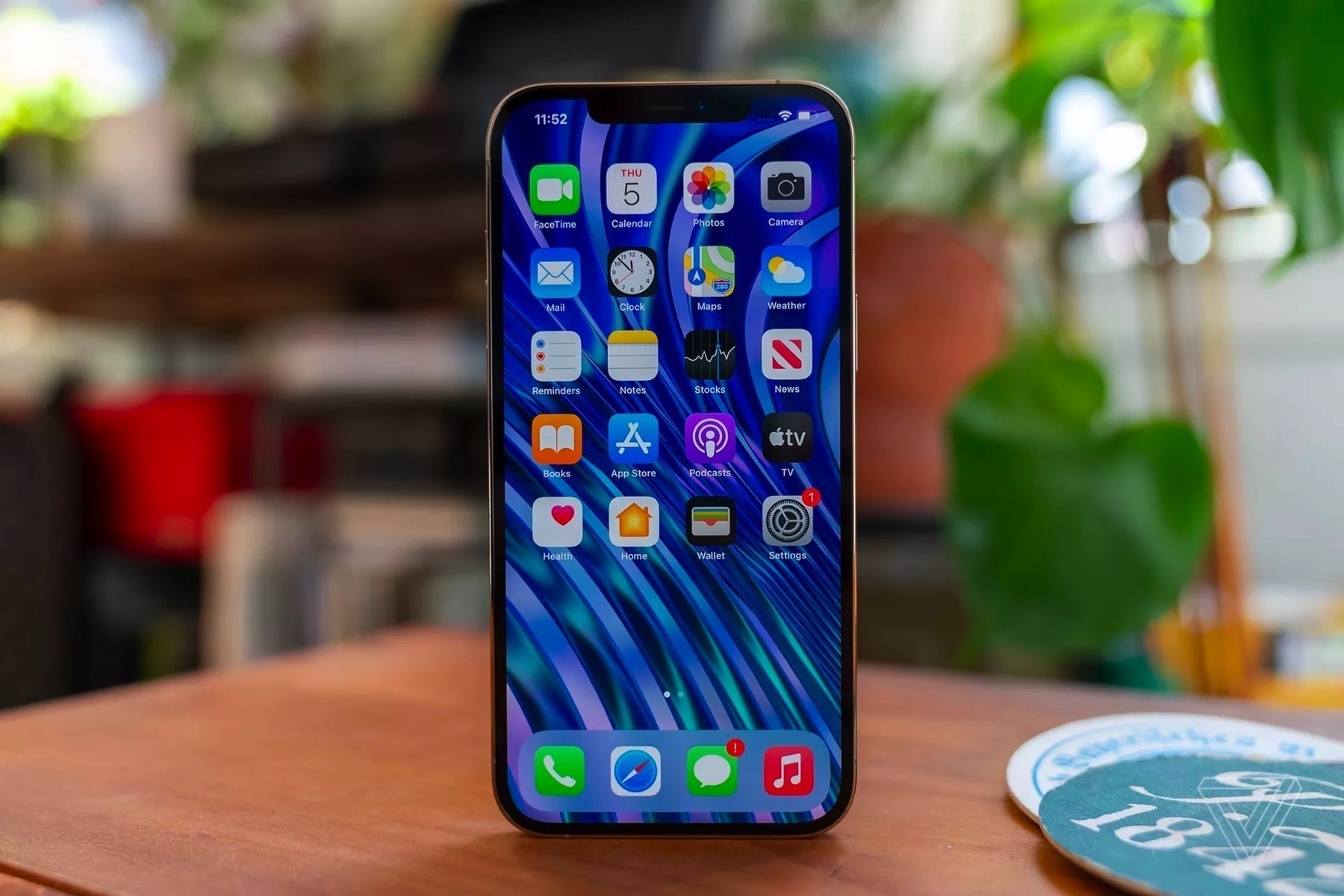
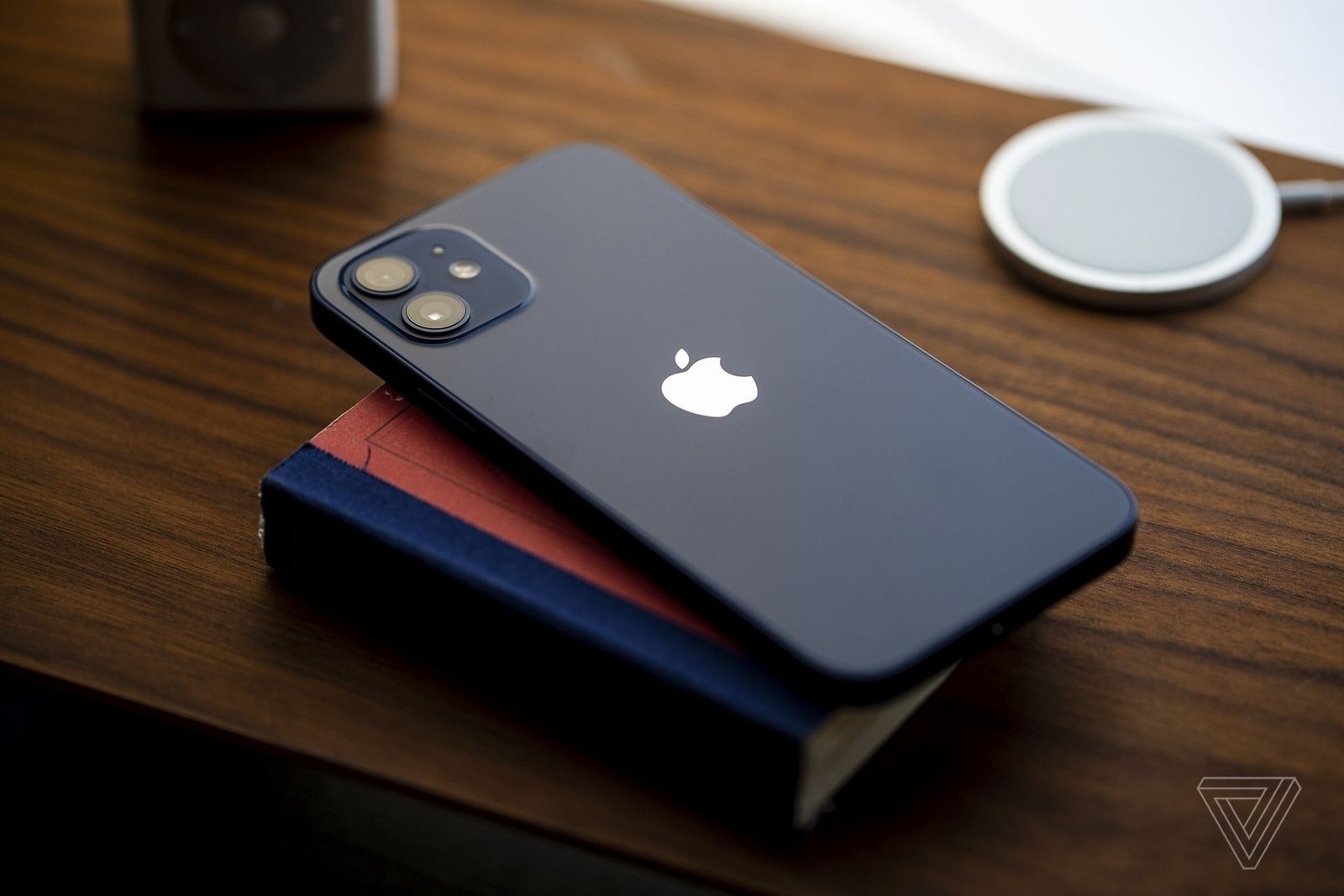
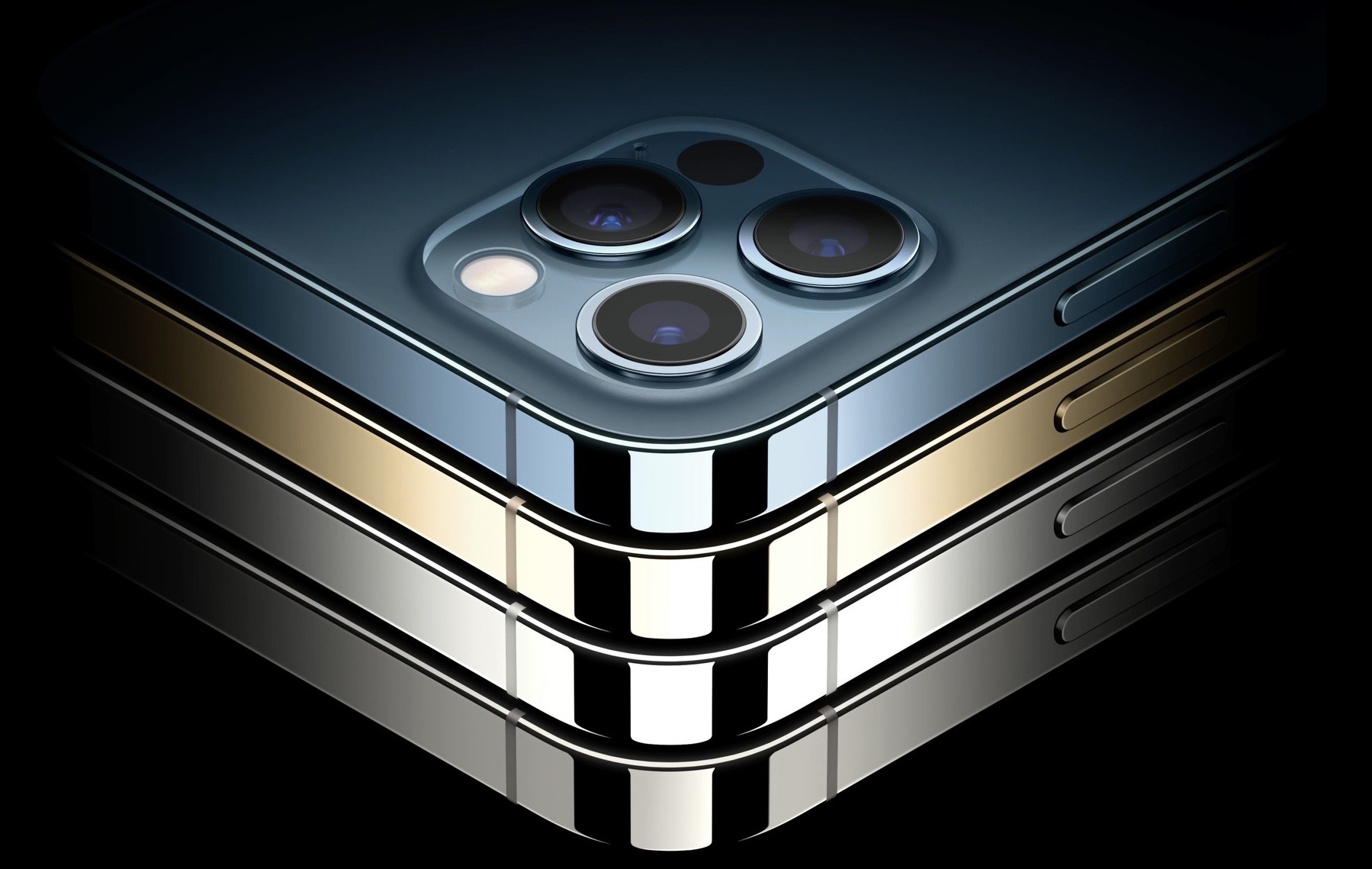
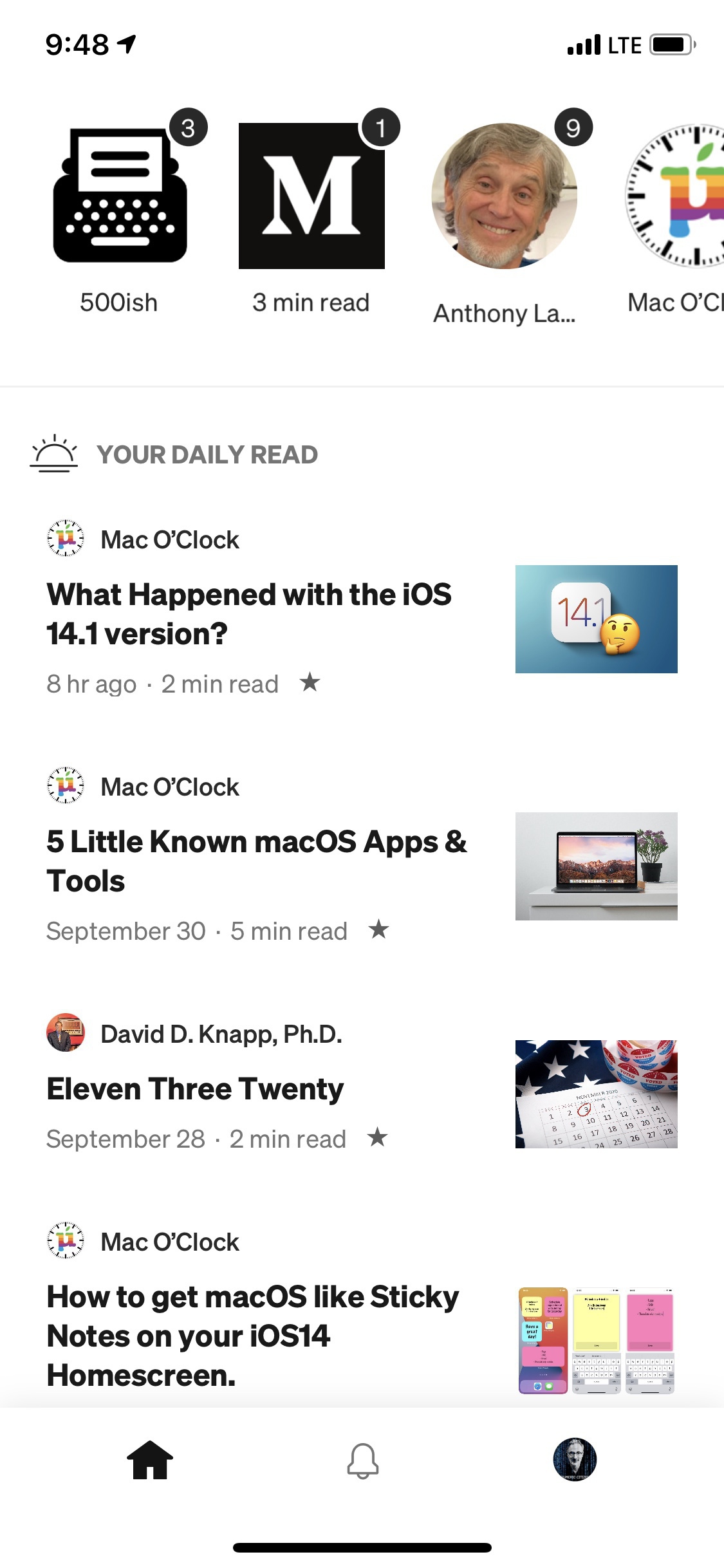
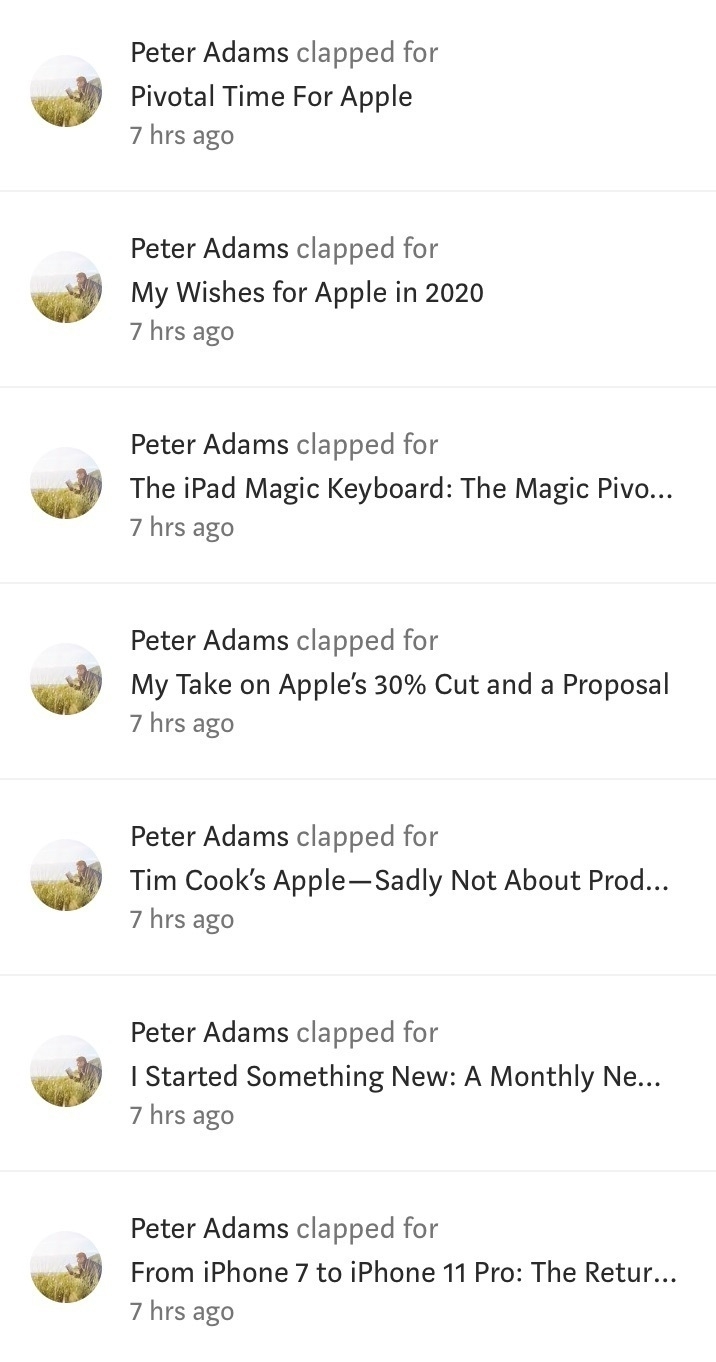
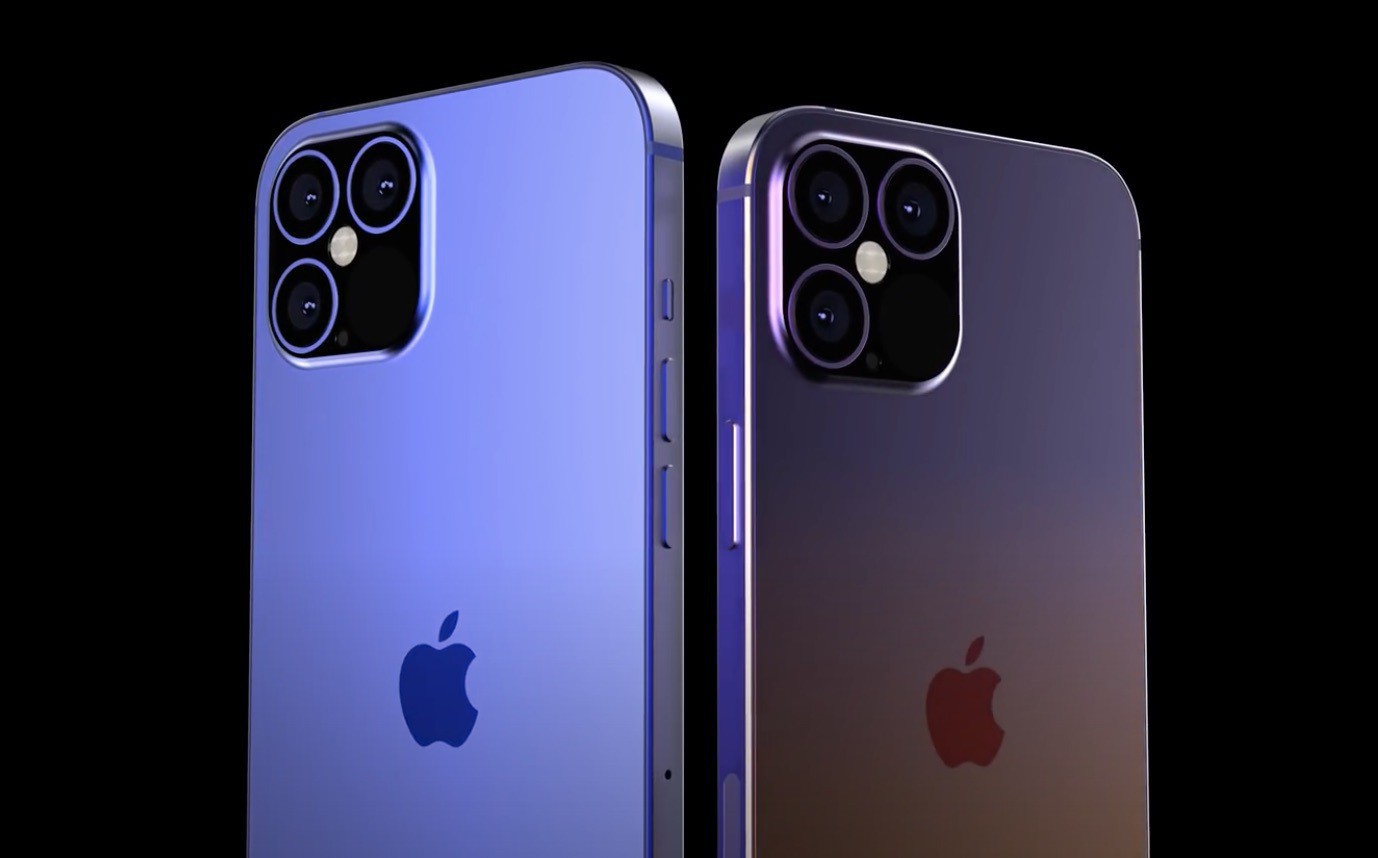
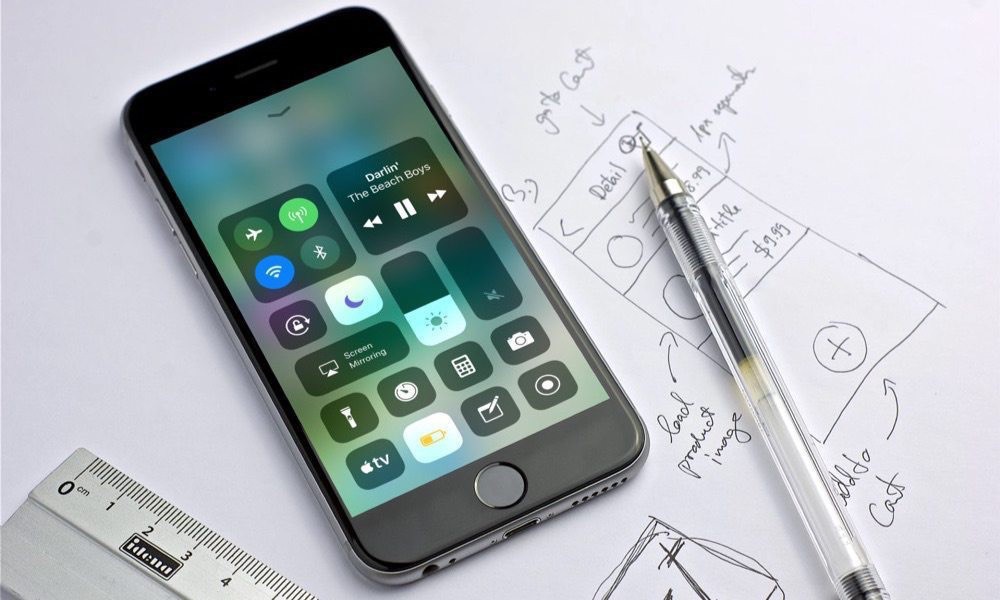
I returned to Medium with enthusiasm but was disappointed by the clickbaity titles that we can find. For example, I read an article titled “iPhone 16 Pro Max Unveils New Features That Left Me Stunned!” only to discover that the author was excited about a potential new photo mode with the telephoto lens (macrophotography) without citing sources for the rumors. The author speculated on the revolutionary nature of the device without testing it. It raises questions about the possible involvement of generative AI in crafting this story. Oh, and the other article: “Why I Stopped Upgrading to the New iPhone Every Year (And You Should Too)”… I can’t wait to let someone tell me what to do. 👀🤷🏻
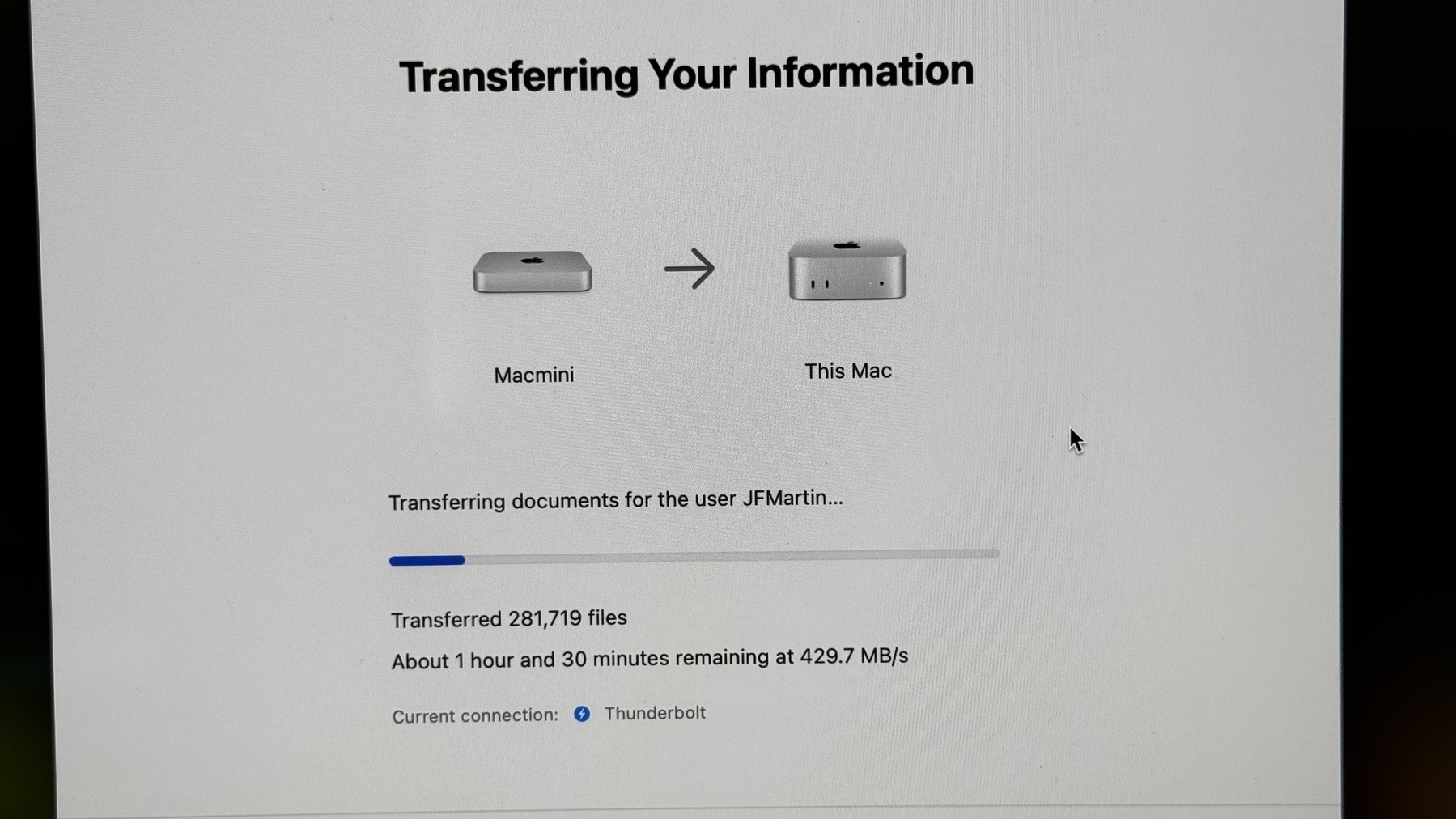
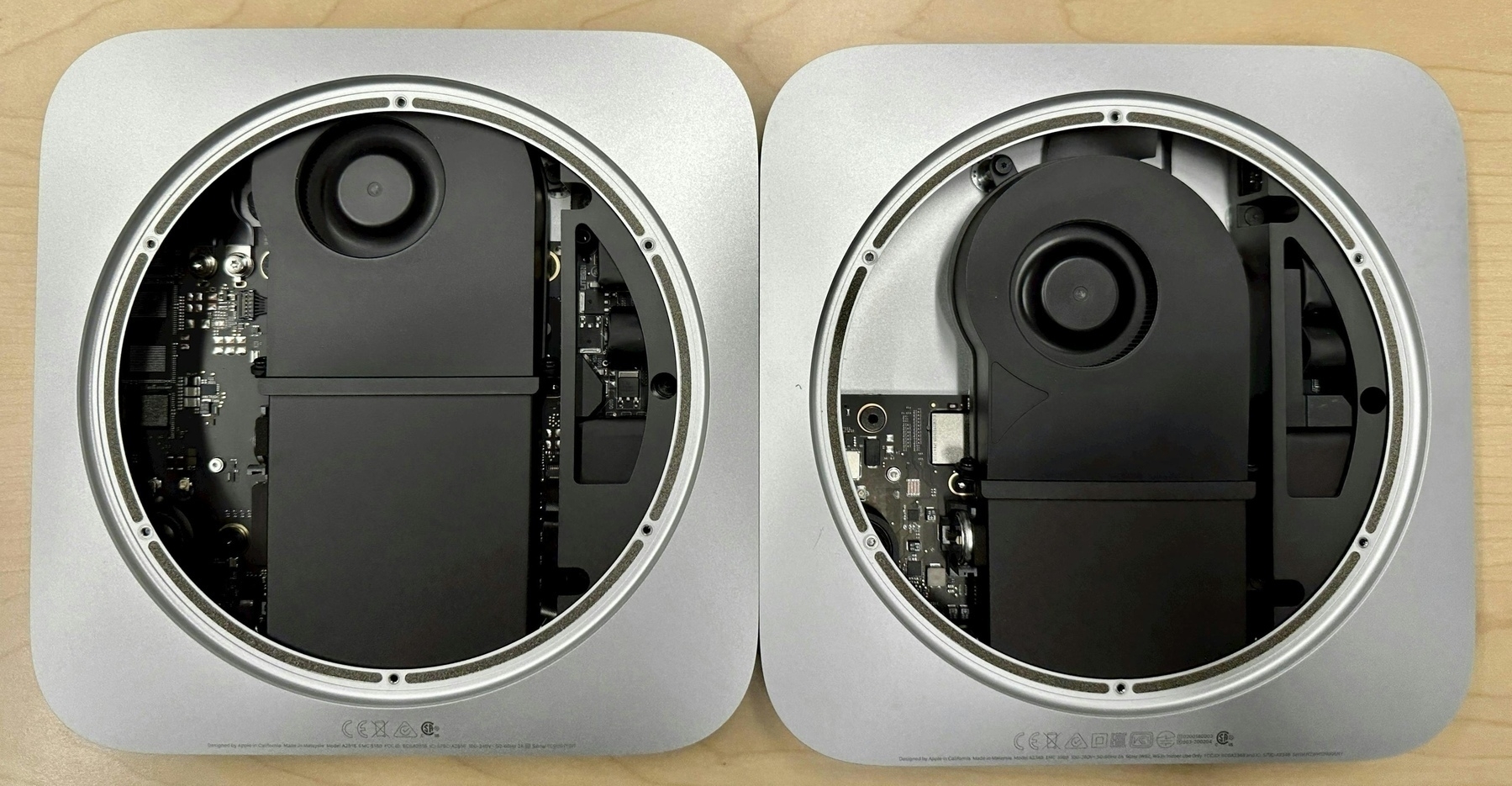
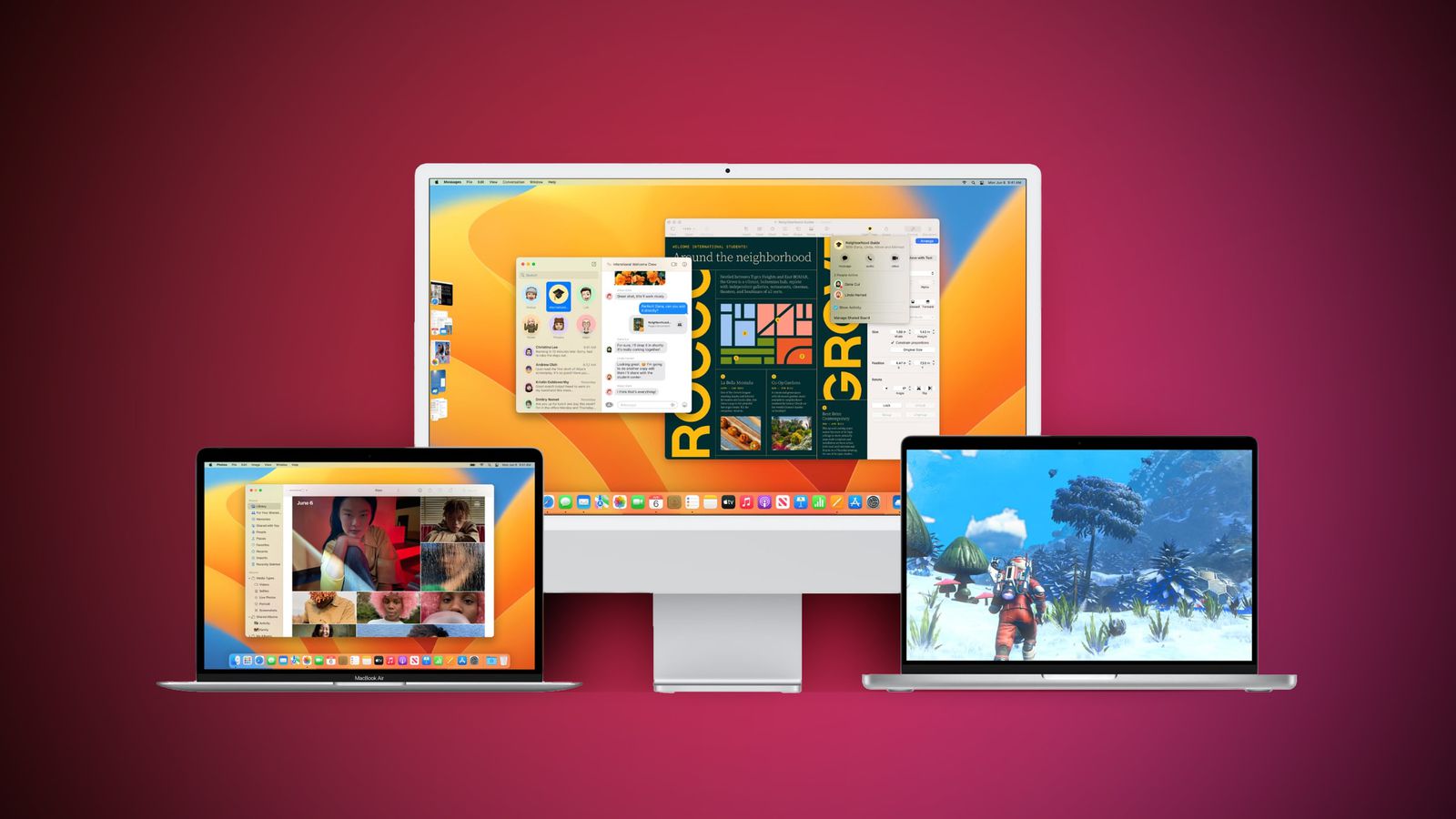
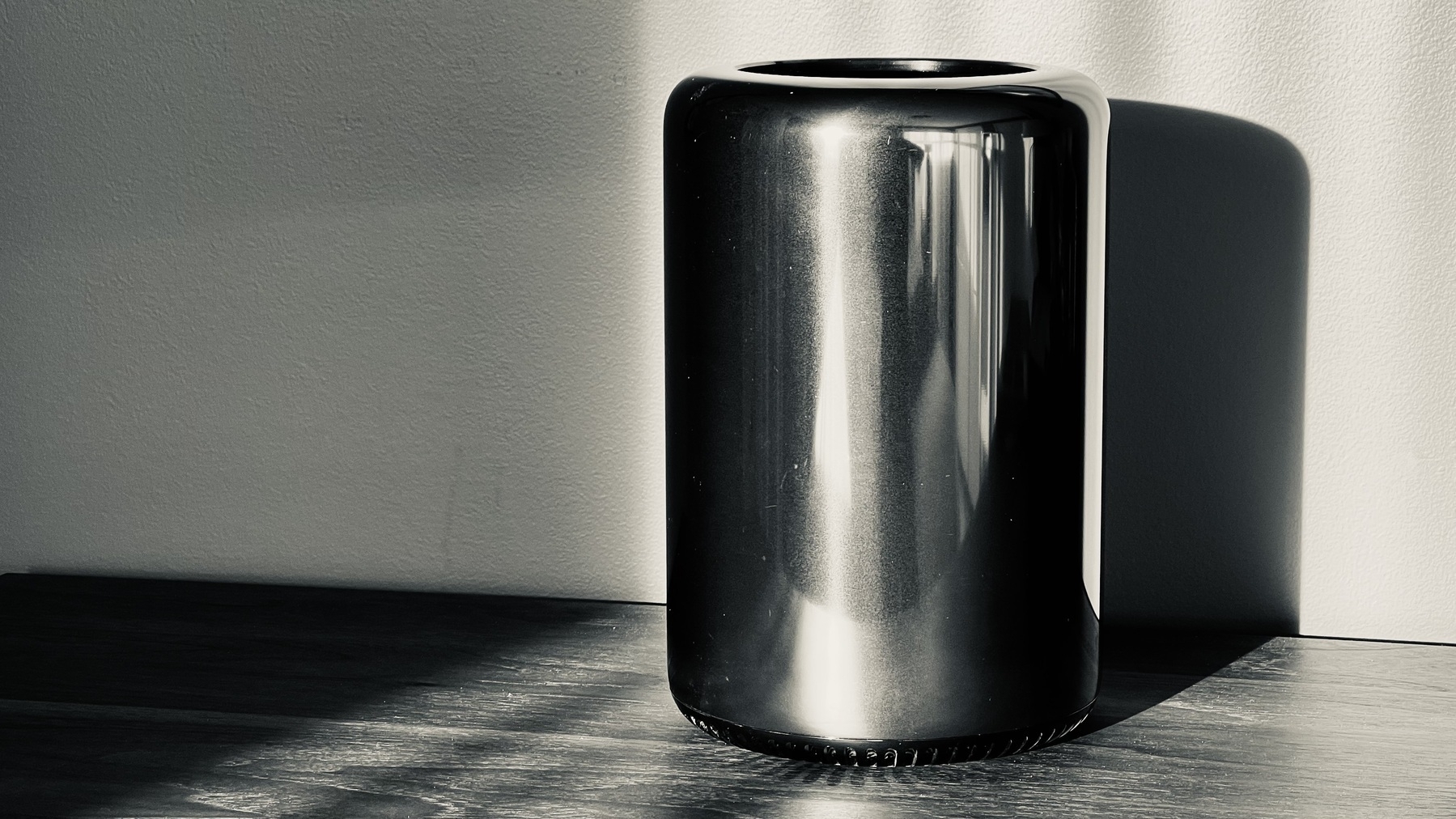
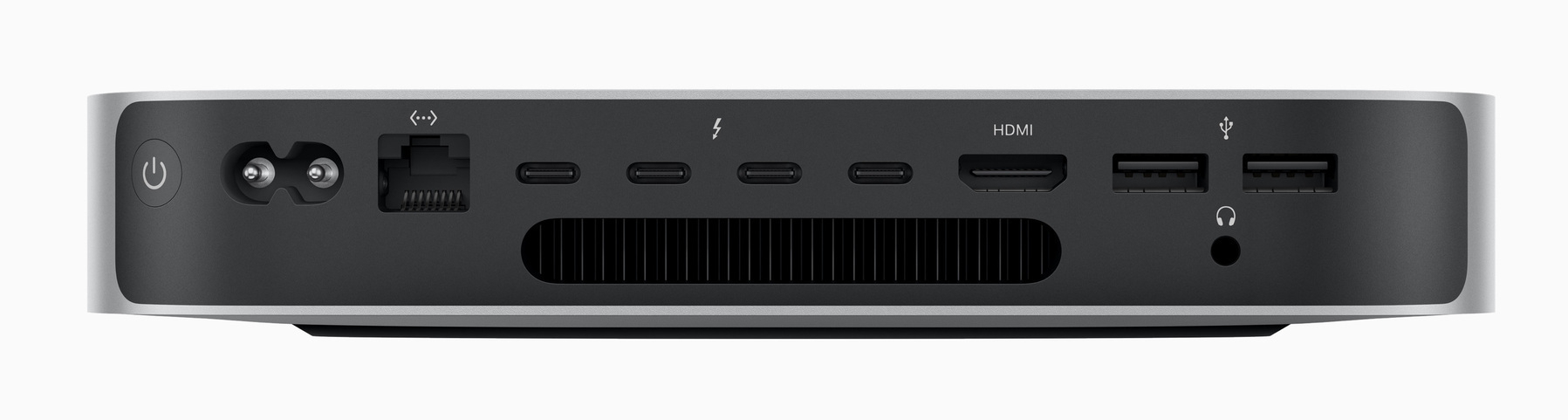
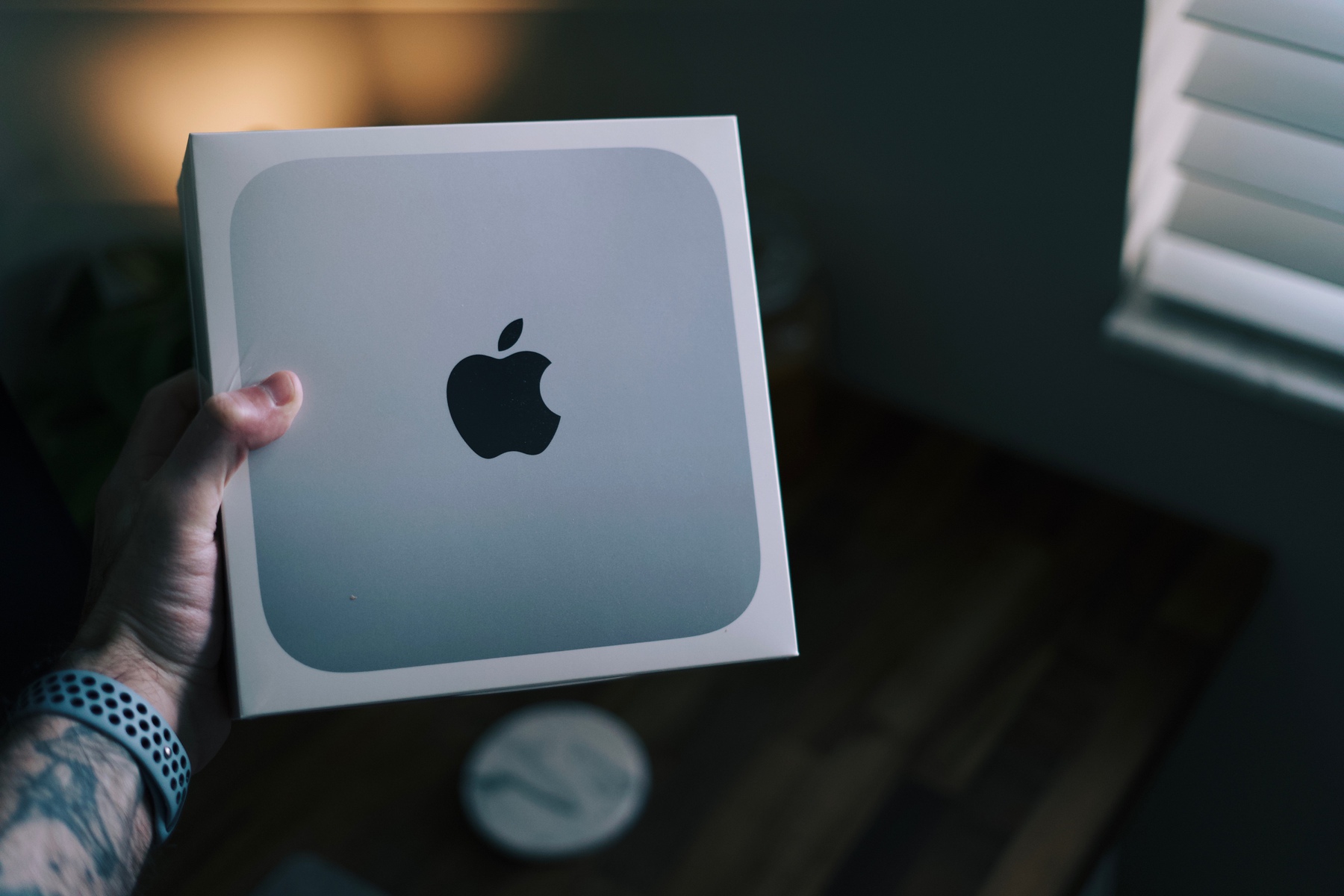
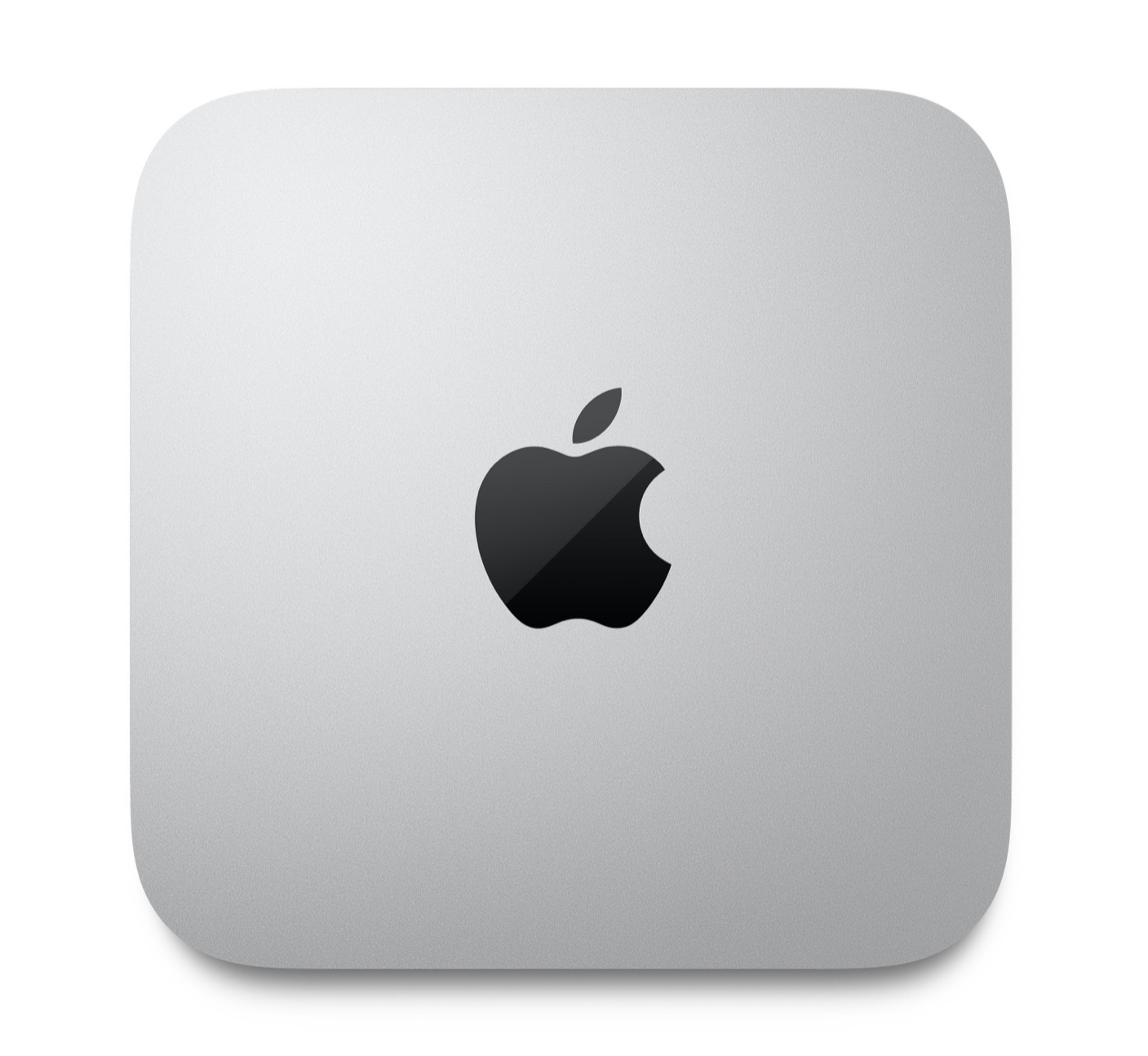
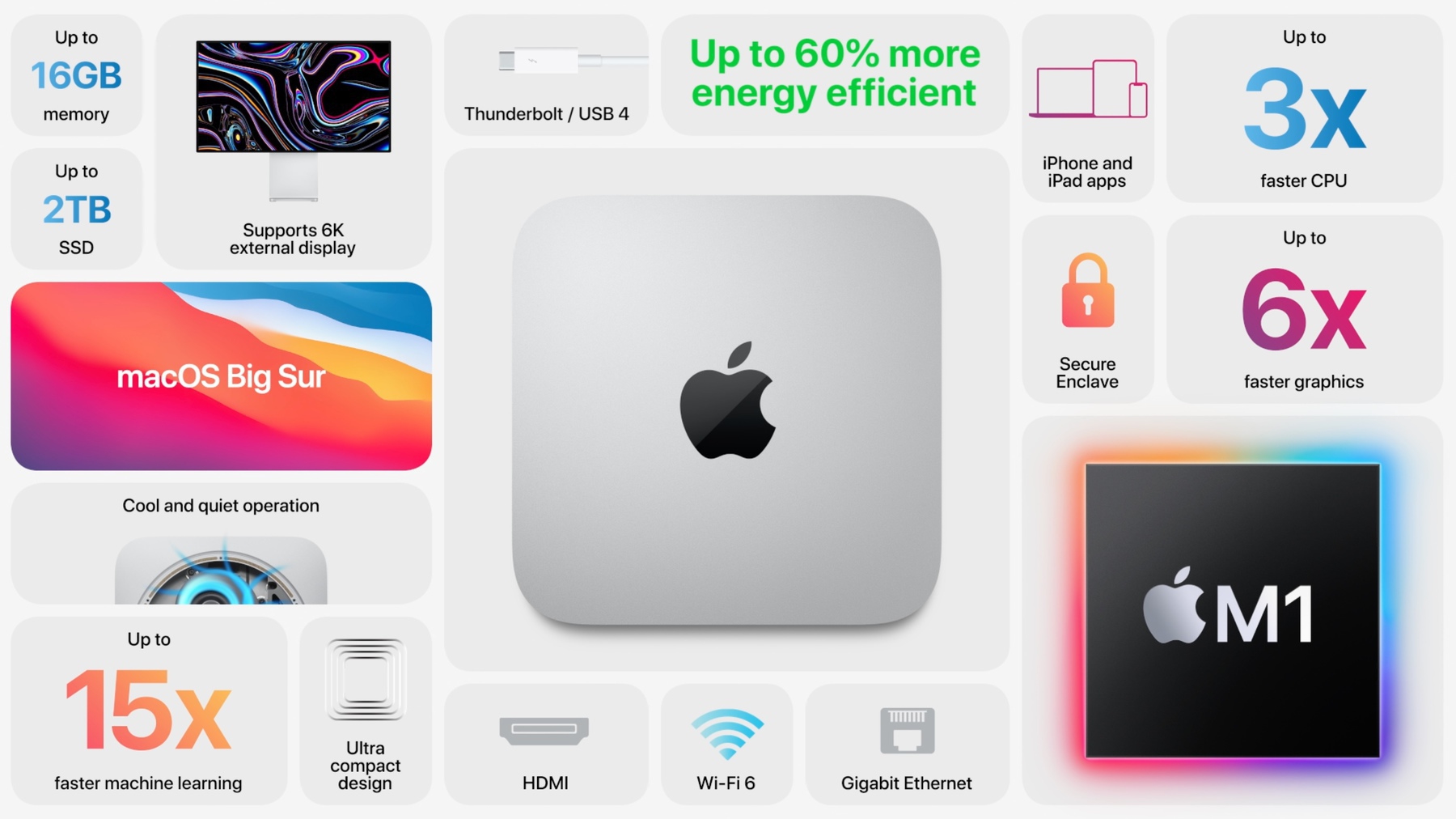
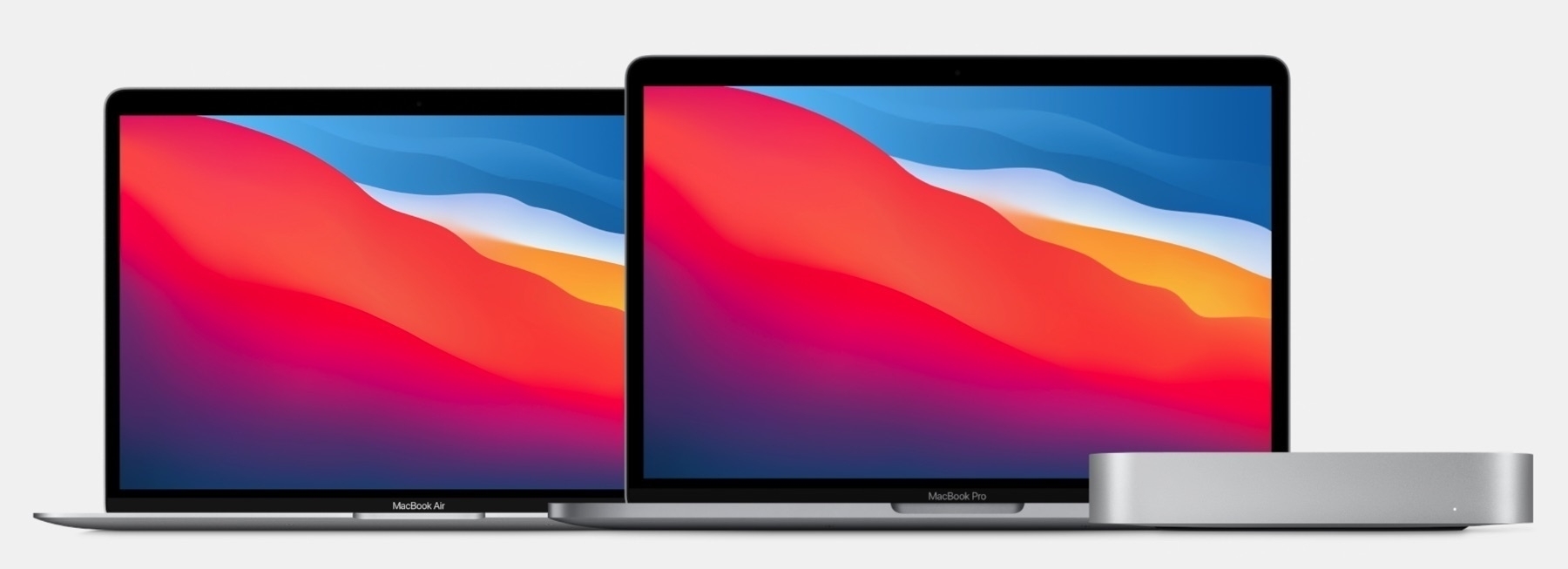
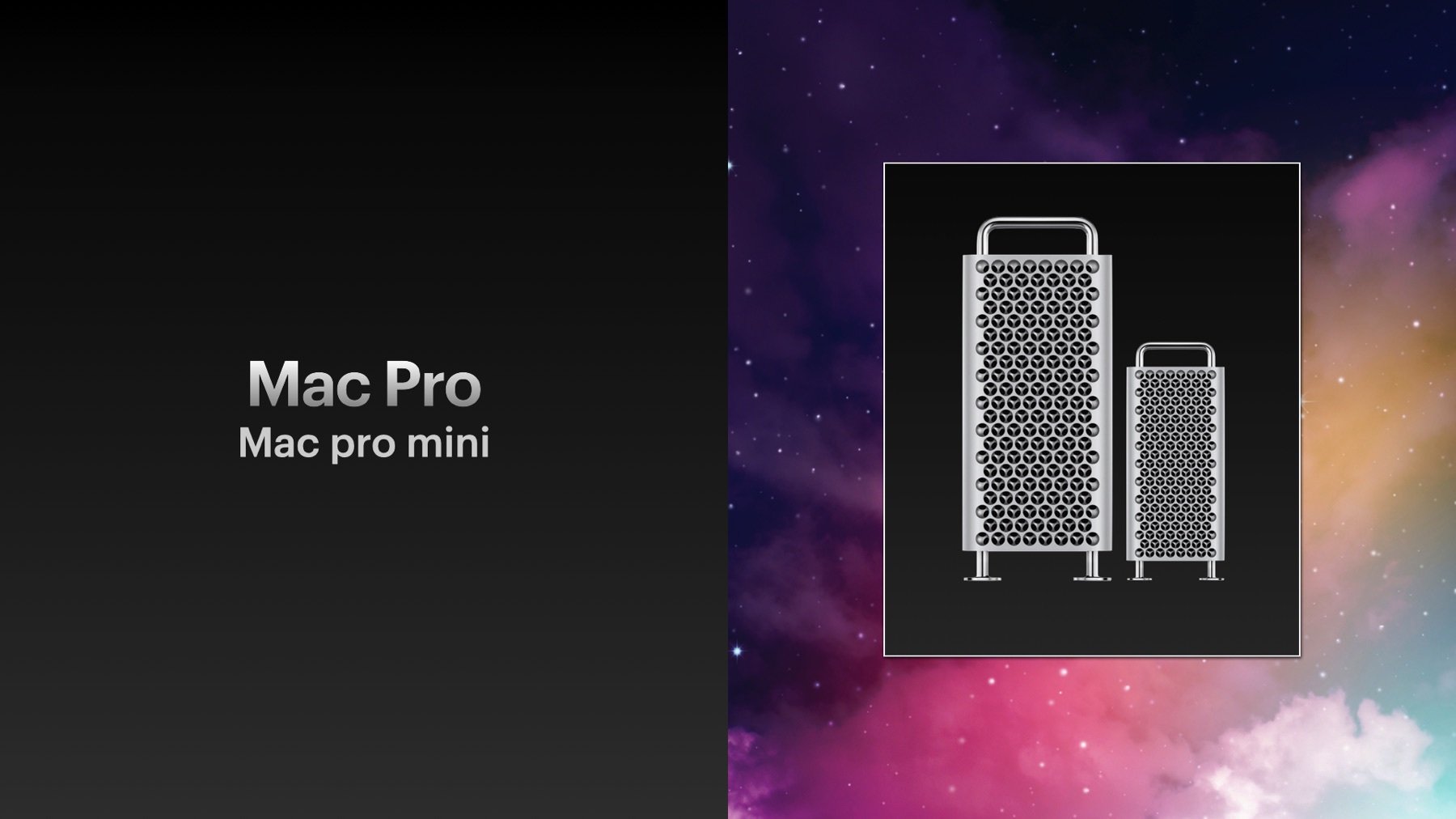
Compare this to my latest post about the M4 Mac mini: “The M4 Mac mini Will Be My Best Mac Ever”. I speak for myself only in the title.