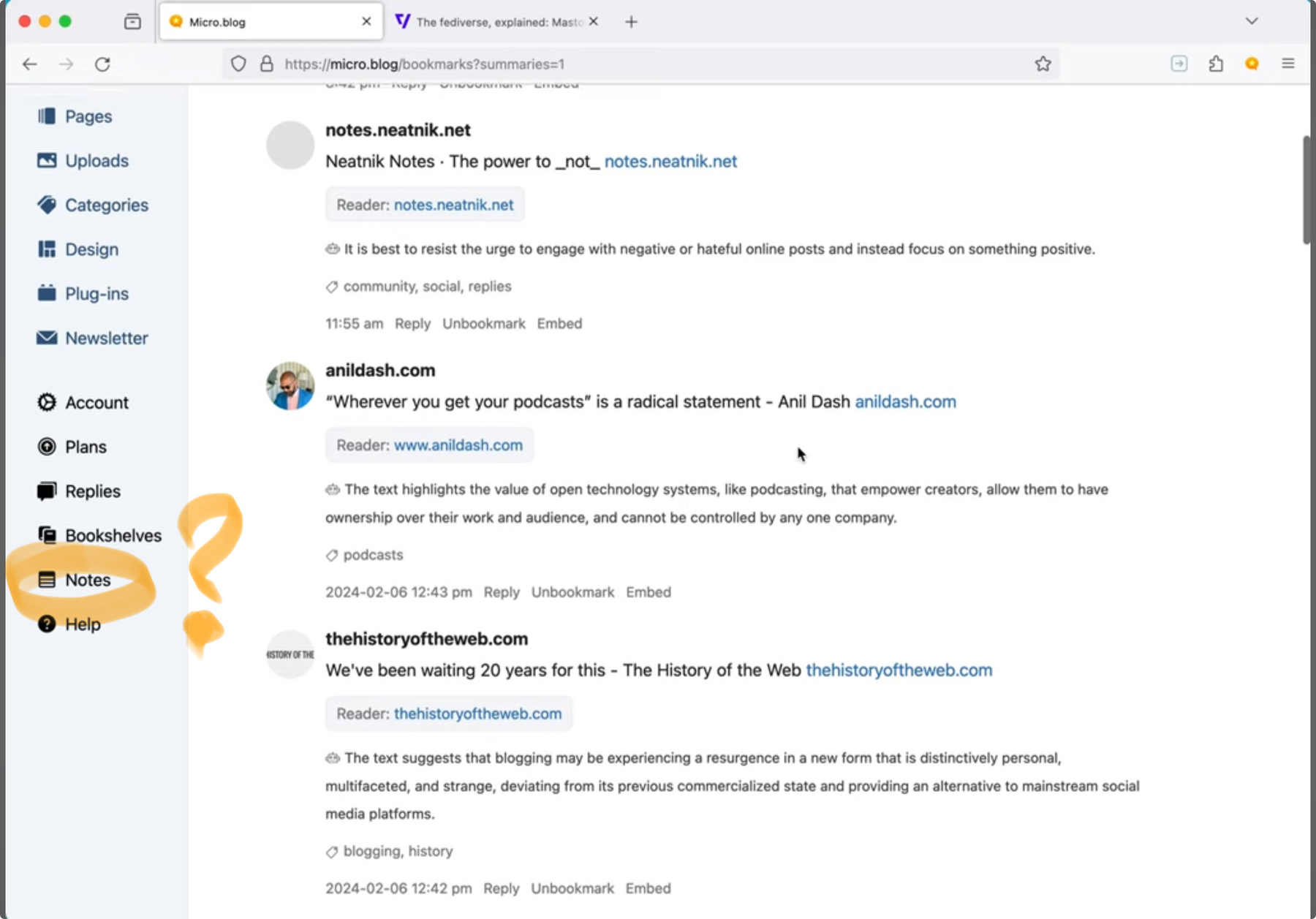
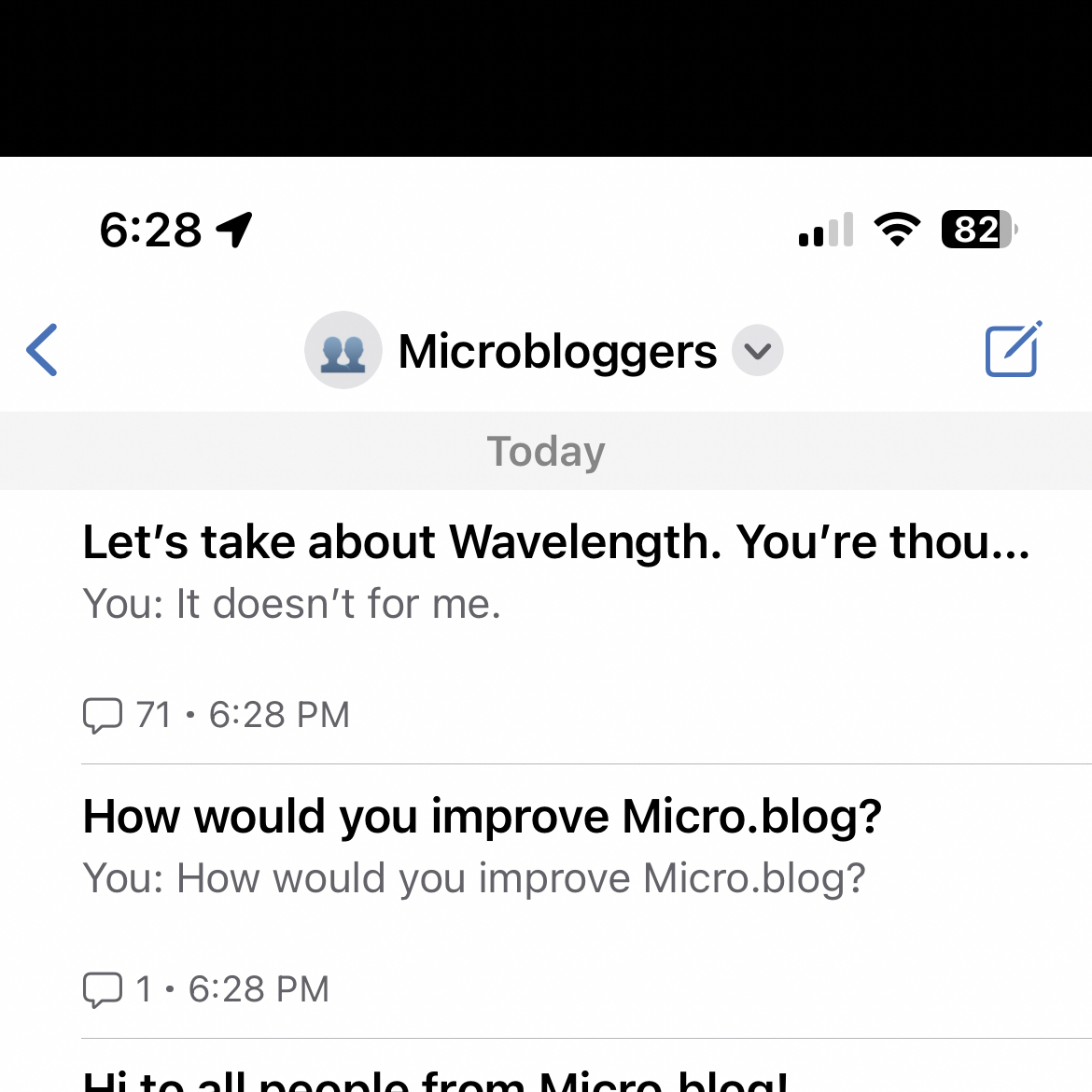
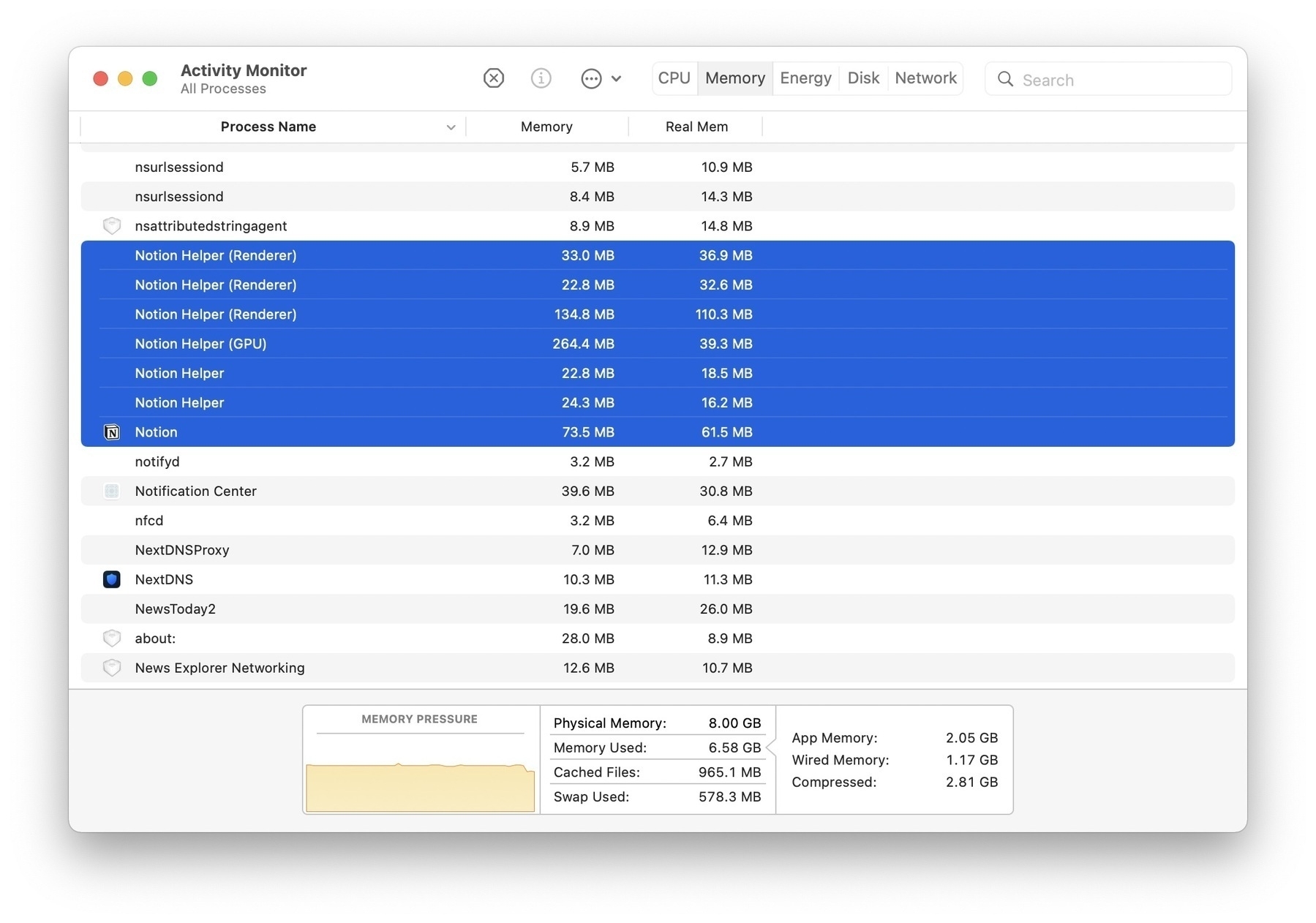
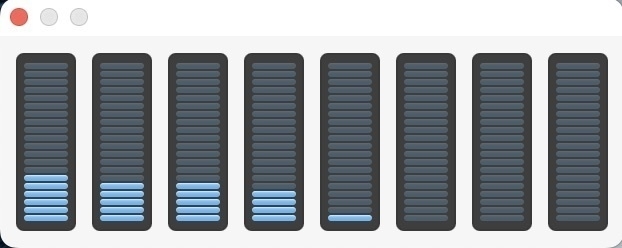
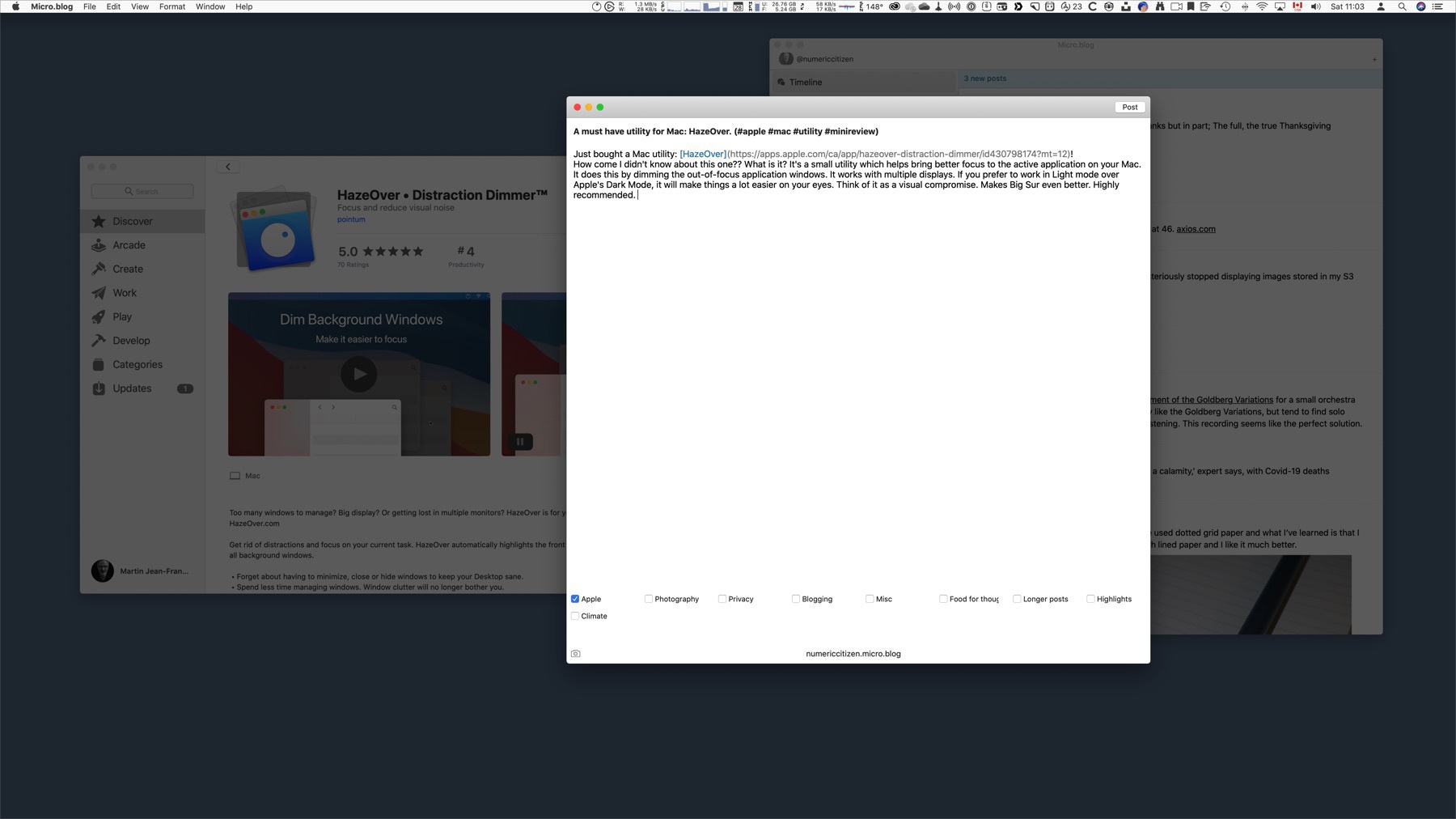
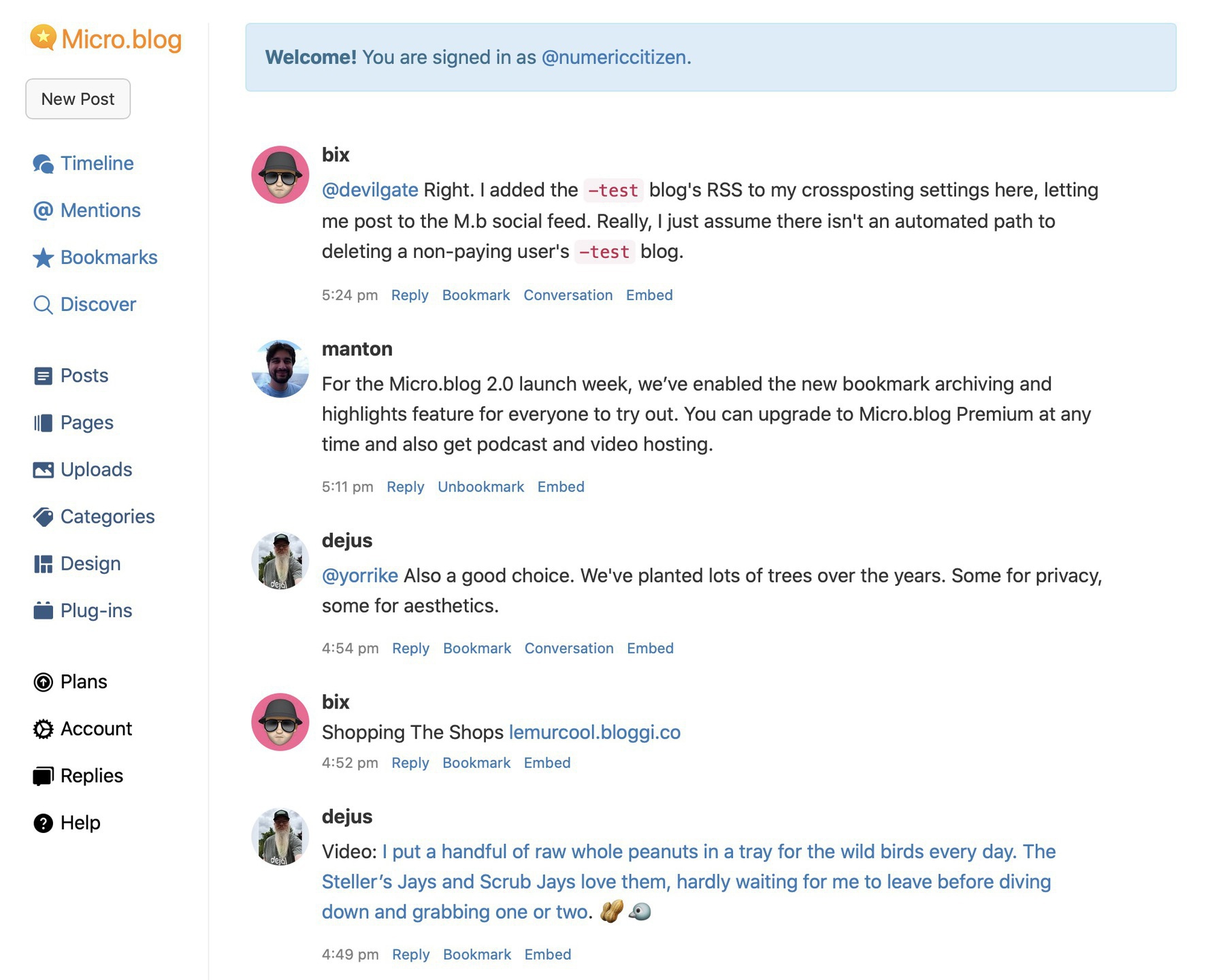
What happens when you run Micro.blog.app and the web app side by side? Here is a peek at Activity Monitor on the memory consumption tab. There’s the native app. Fine. But, for each web app, Sonoma seems to spin three other processes (Graphics, Networking, and some root process using the web app URL name). Fascinating. Native apps don’t consume as much memory.


Already at Four Web Apps in My Dock, and You?

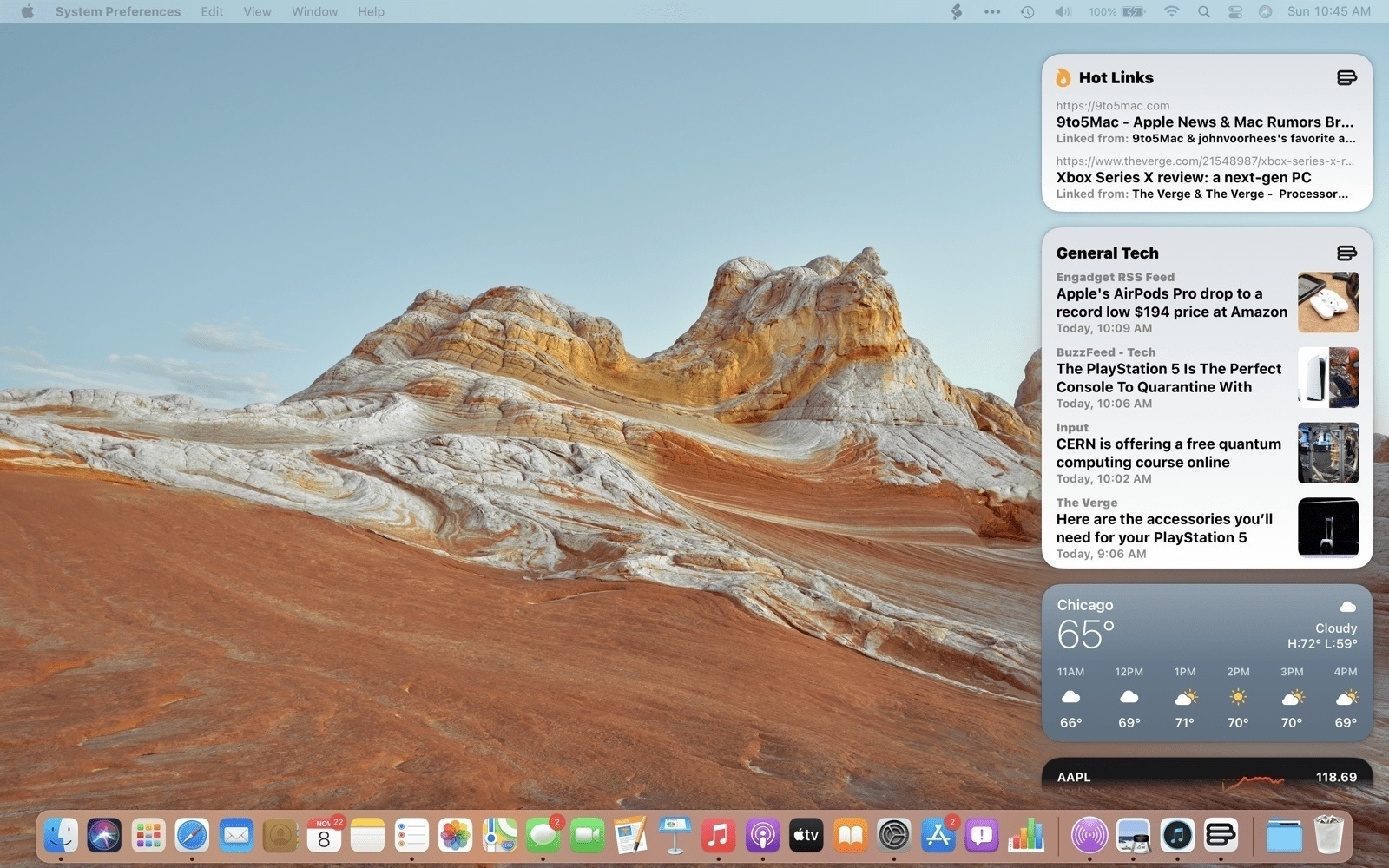
So far, I have created four web apps on my Dock in Sonoma: Micro.blog1, Pixelfed2, Tinylytics, and Omnivore. I like this a lot3. For Omnivore, the web app provides a better experience than the “native” app, which is probably not really native4. What other apps could I set in my Dock now?🤔


  1. For Micro.blog, it doesn’t make too much sense as there is a native Mac app already. ↩︎

  2. It’s better than having a Safari tab for that. It’s fast and feels native. ↩︎


  3. I know, it’s already possible on Windows. ↩︎

  4. It feels like an iPad app on the Mac. ↩︎

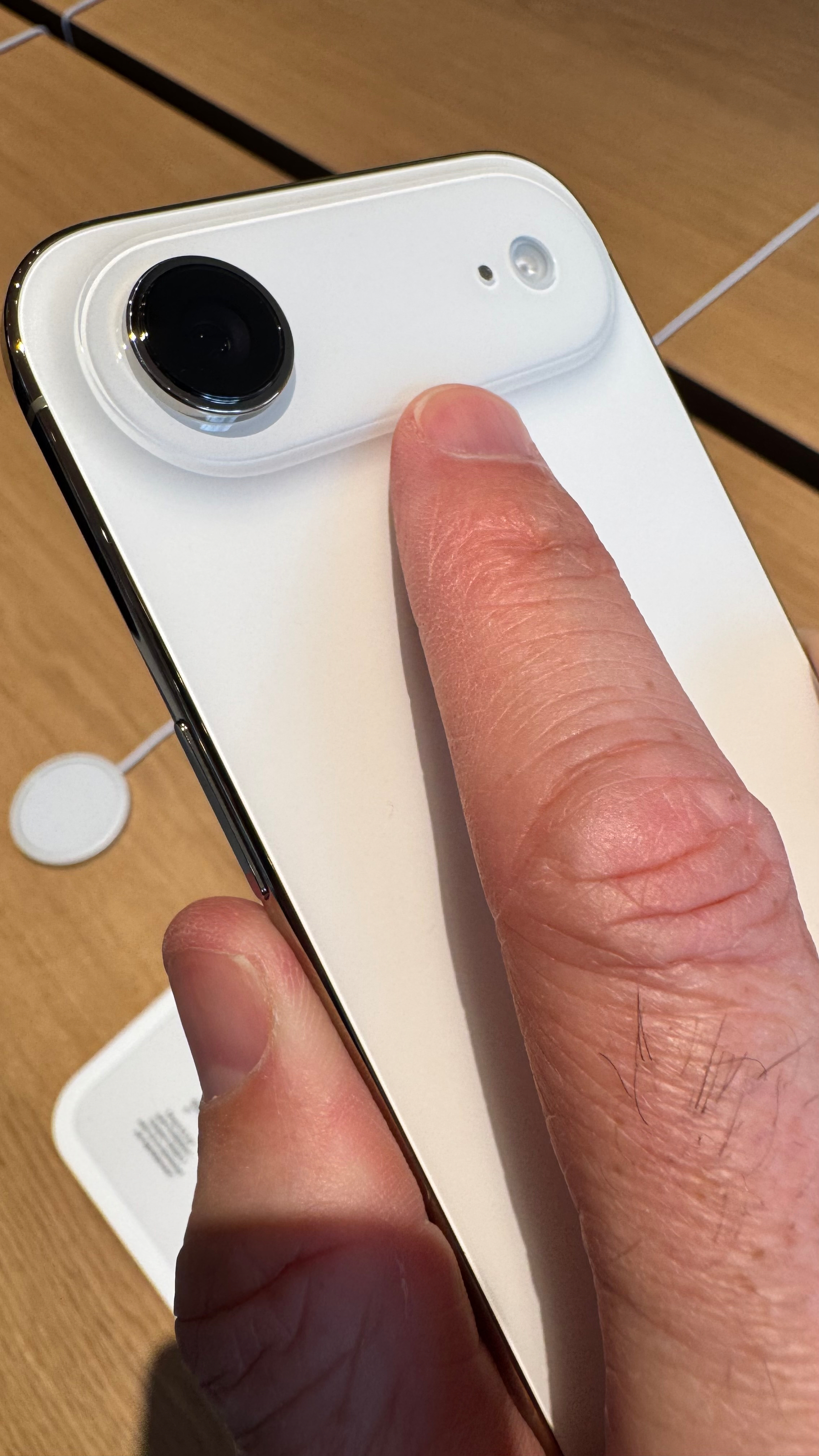
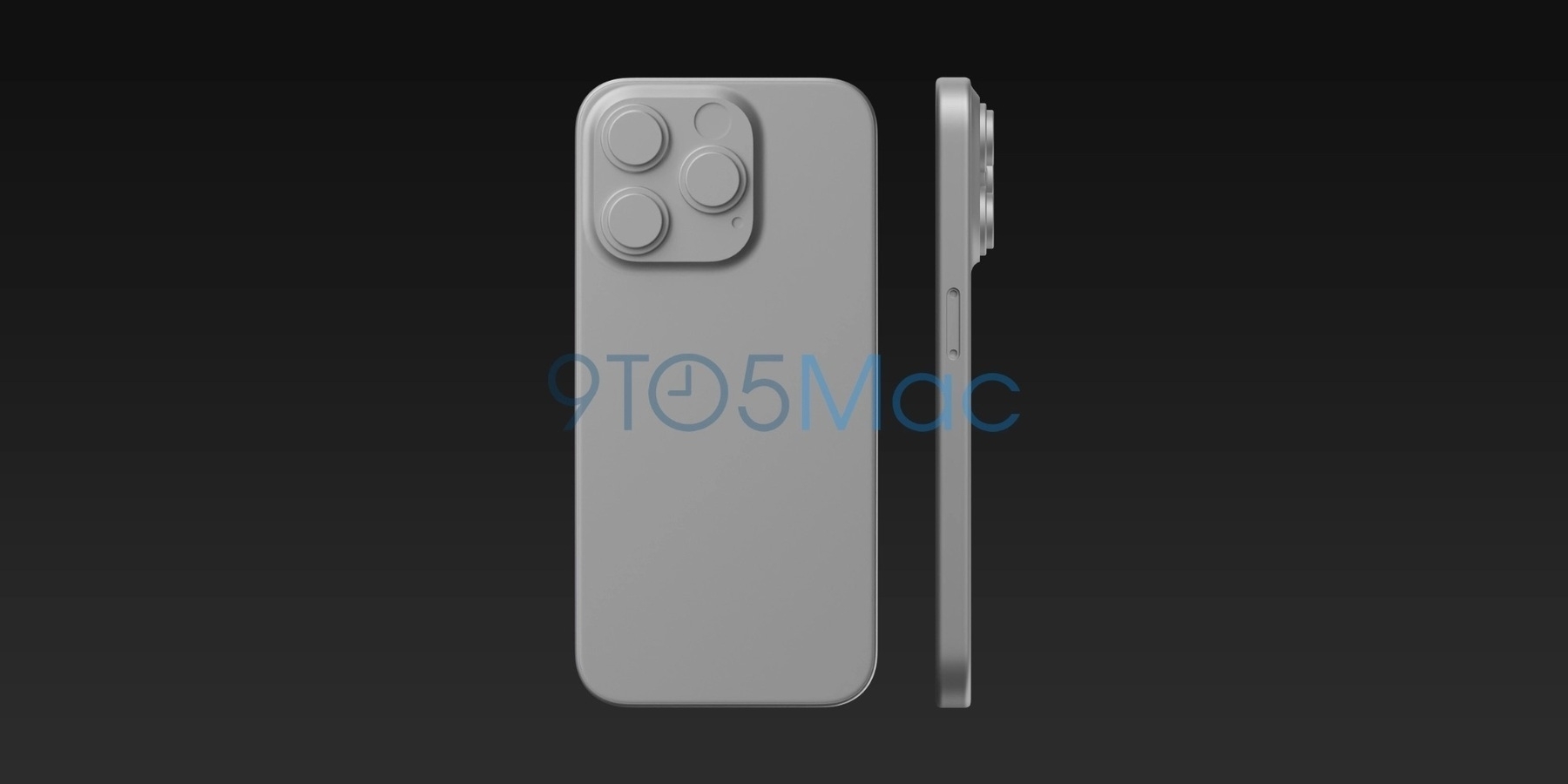
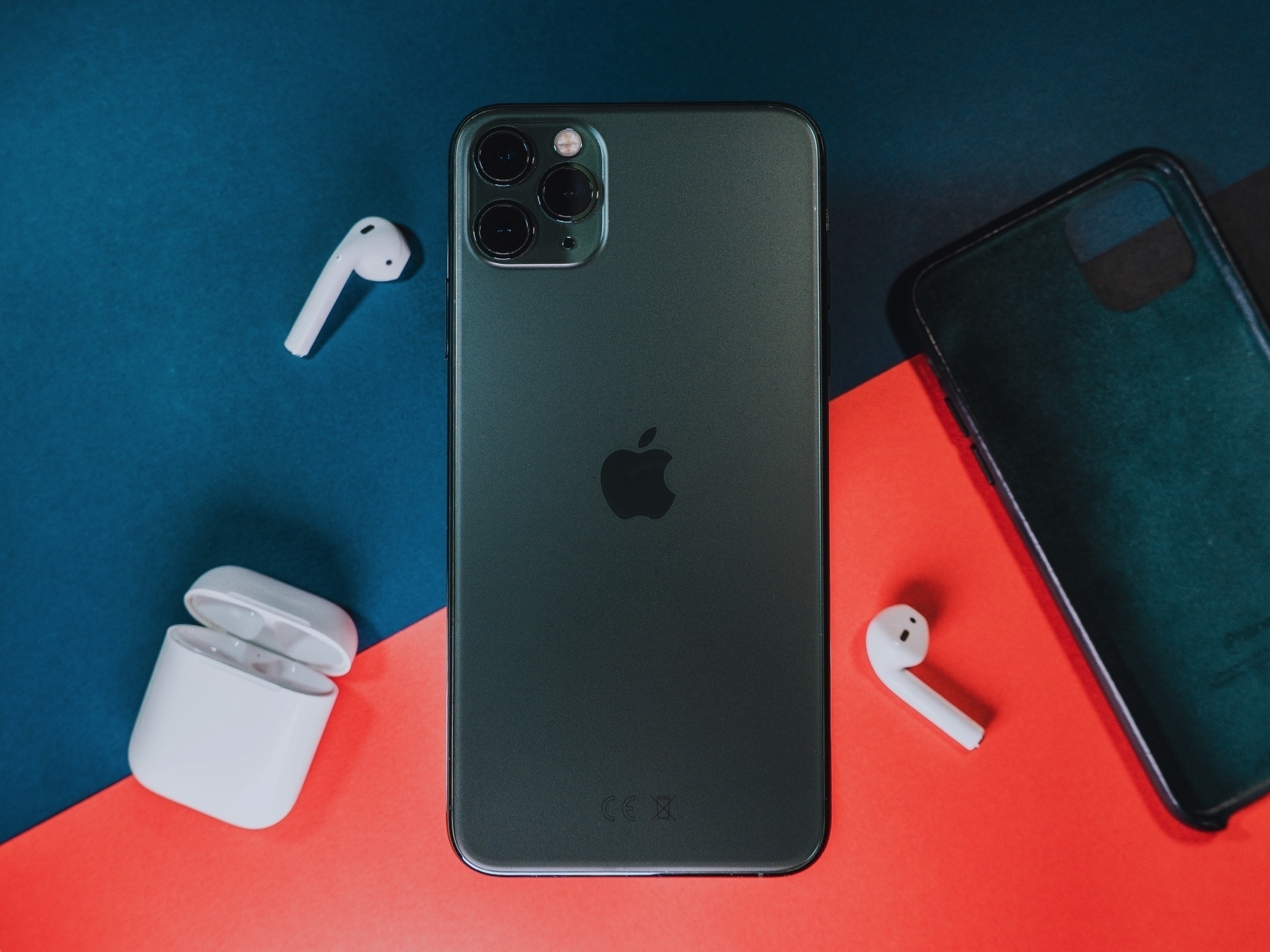
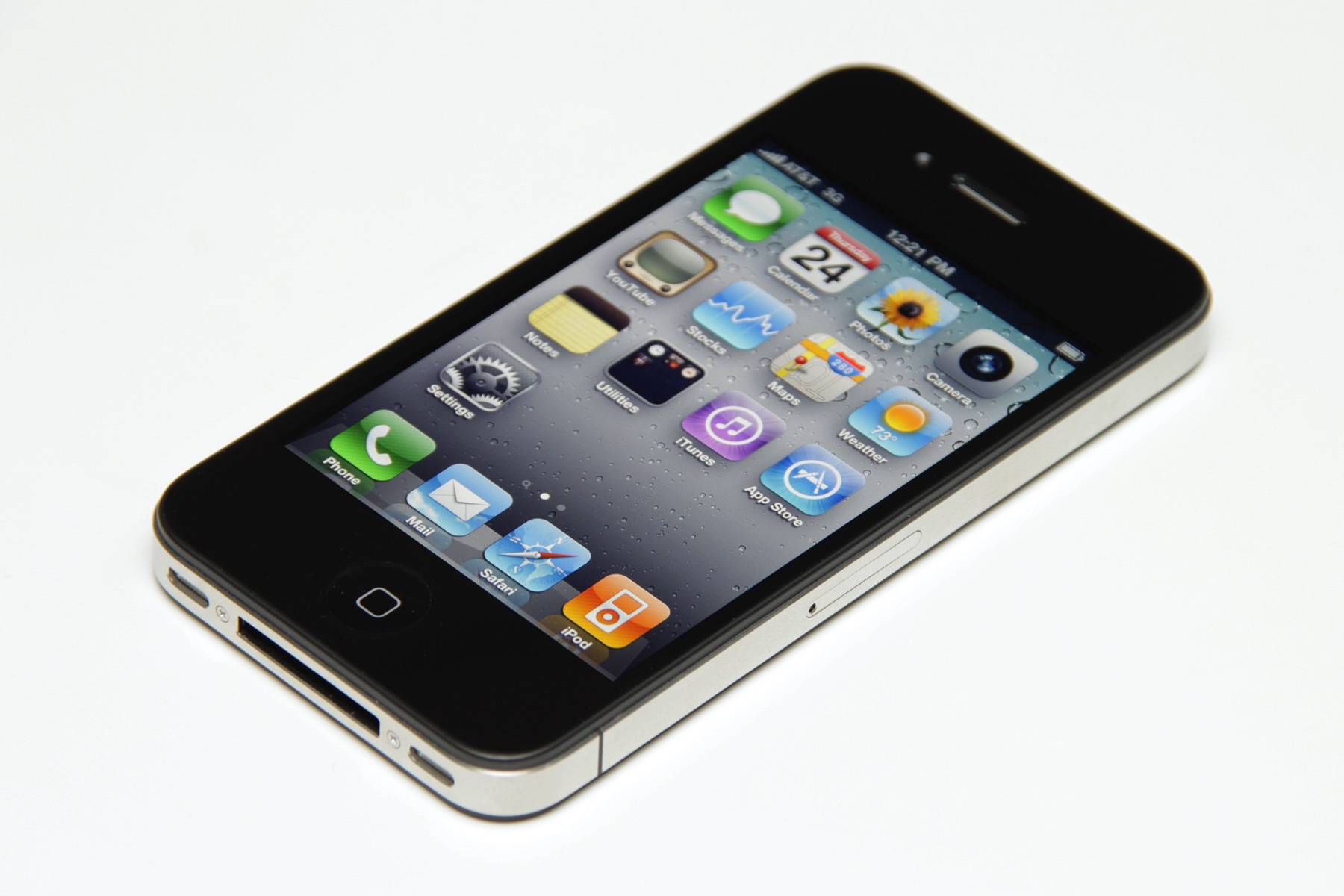
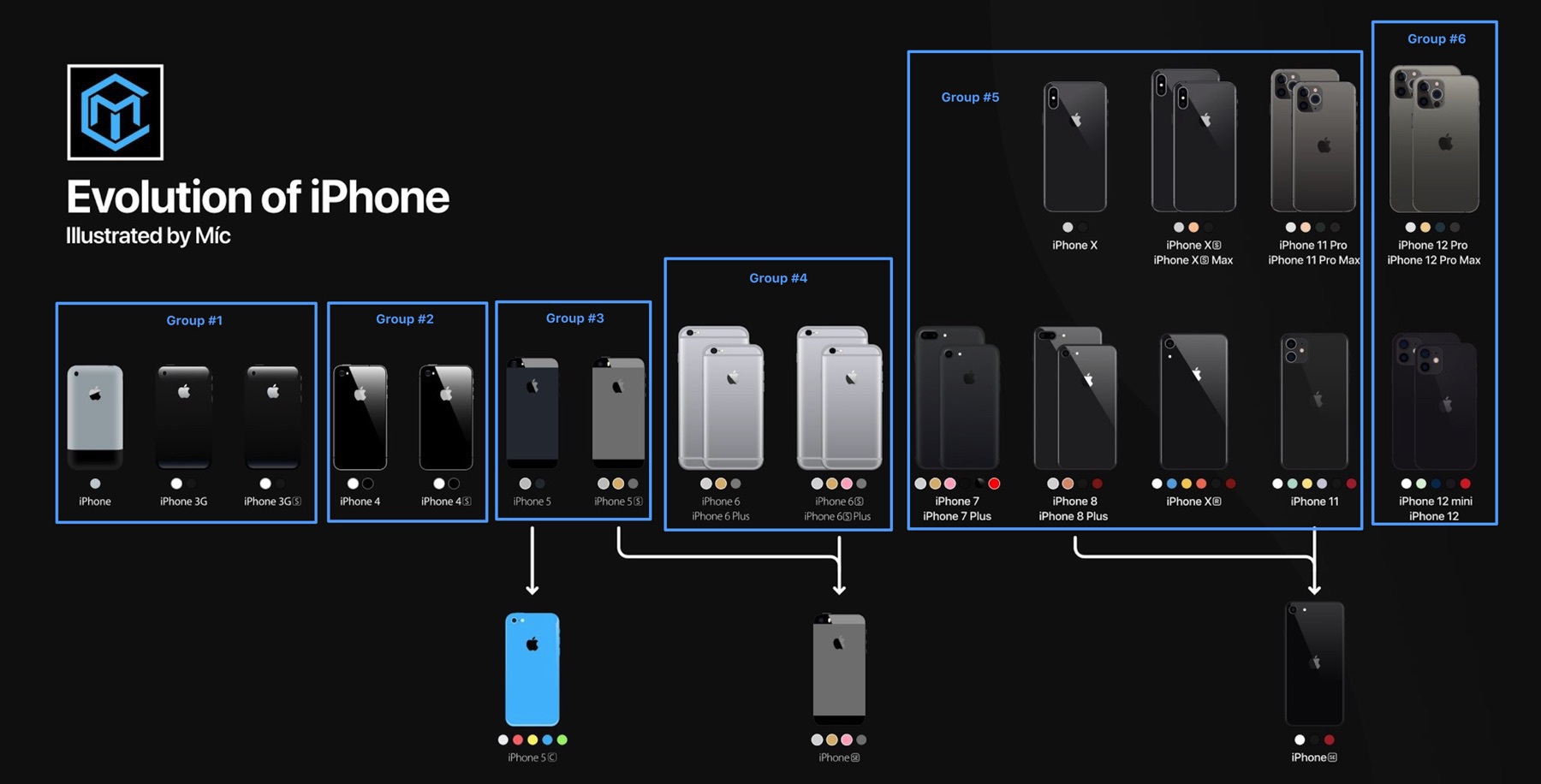
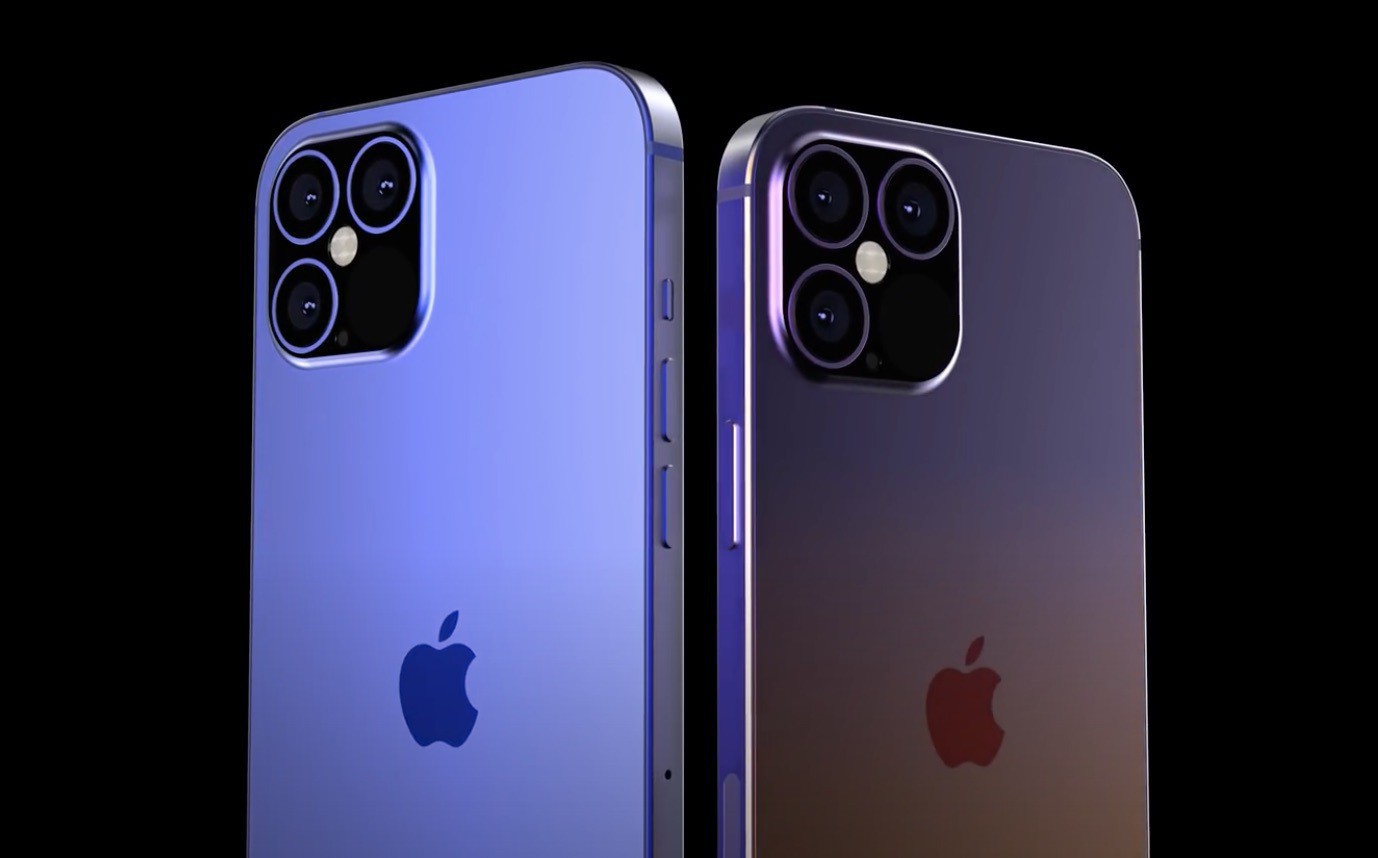
My iPhone 15 Pro Max is not overheating. But I find those reports, as reported here, a bit worrying. Could Apple fix or mitigate these occurrences with a software update or a new configuration toggle in the Settings.app? Did you experience overheating issues?

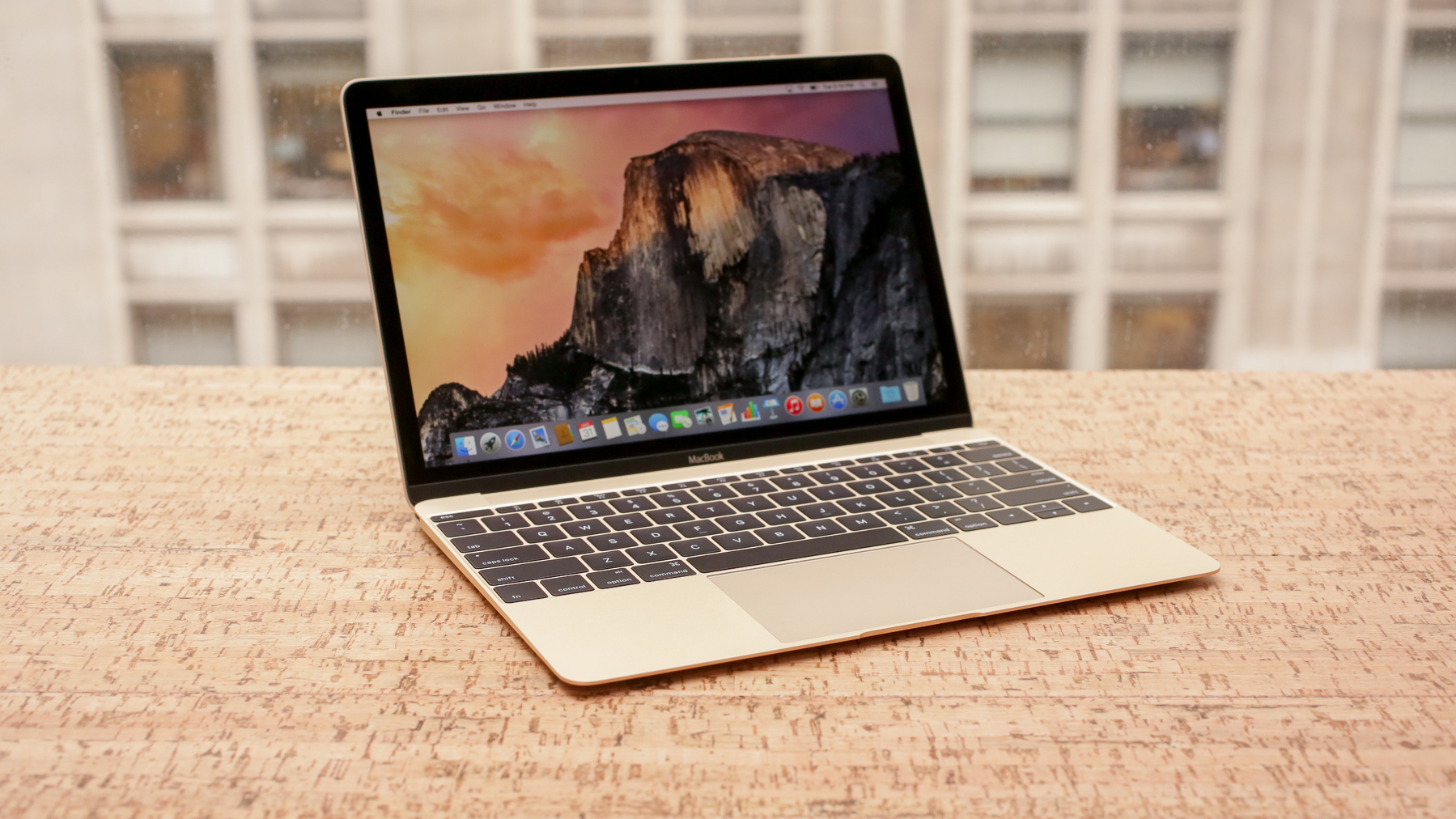
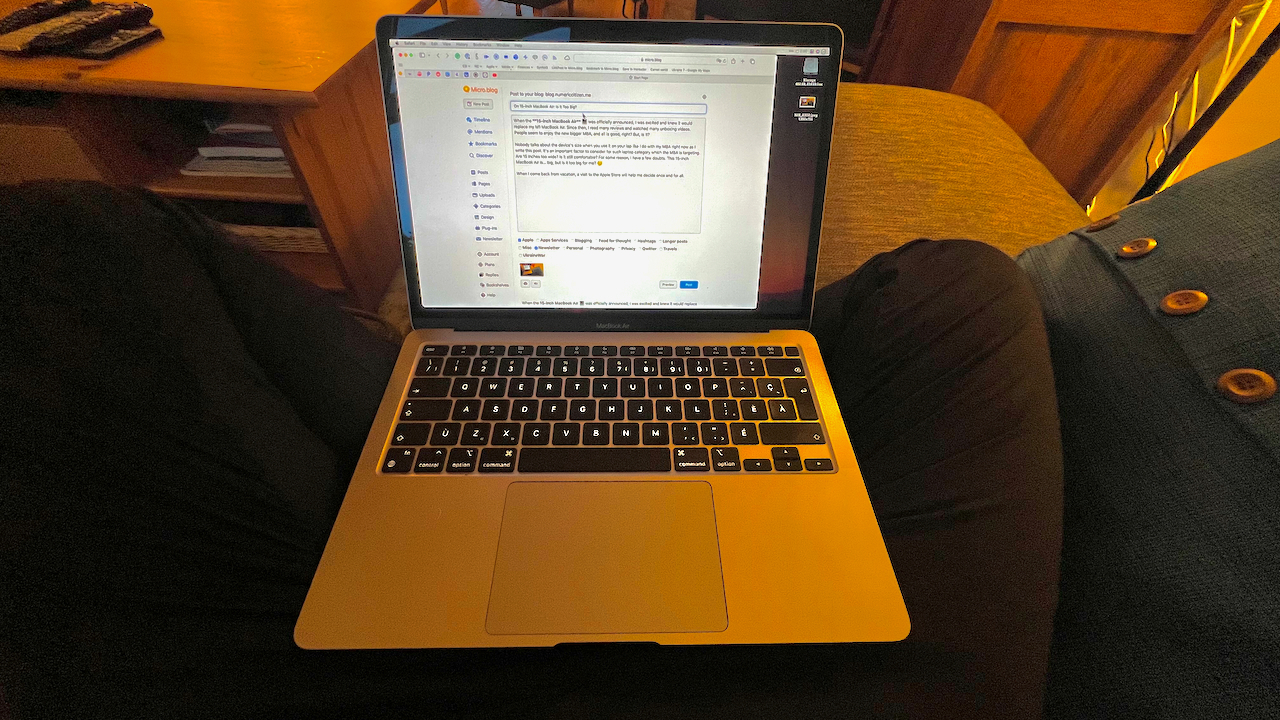
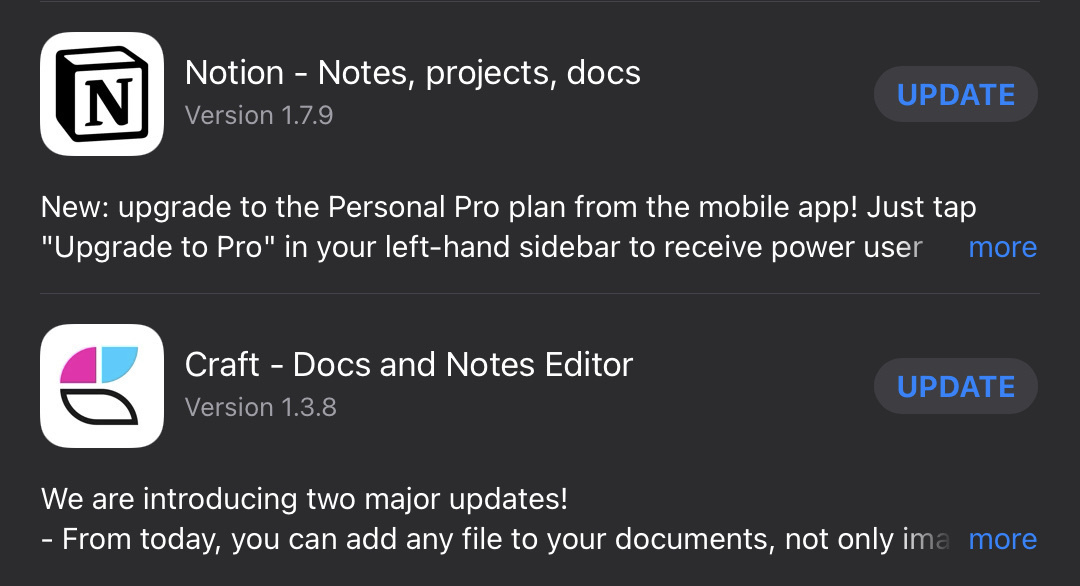
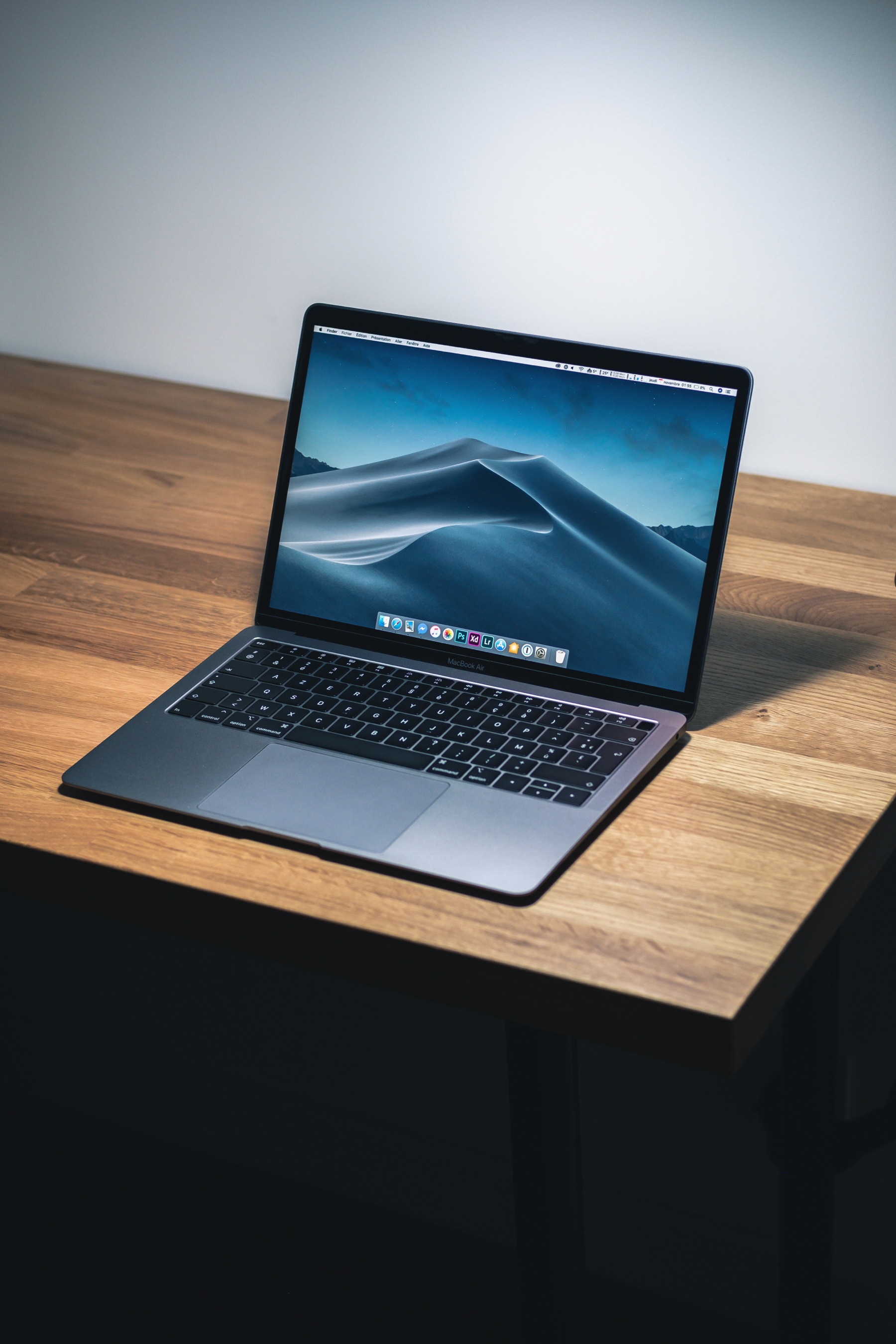
💡Thought of the day: I don’t have a thing like a second brain 🧠 using a dedicated app. It’s a popular concept nowadays to build a second brain utilizing an app like Craft, Obsidian or anything else. I don’t believe in the idea of having a second brain. But let’s suppose I believed in this concept; I would argue that my second brain is inside my MacBook Air, spread in different apps, fulfilling a specific task in supporting this idea of the second brain. ☝🏻

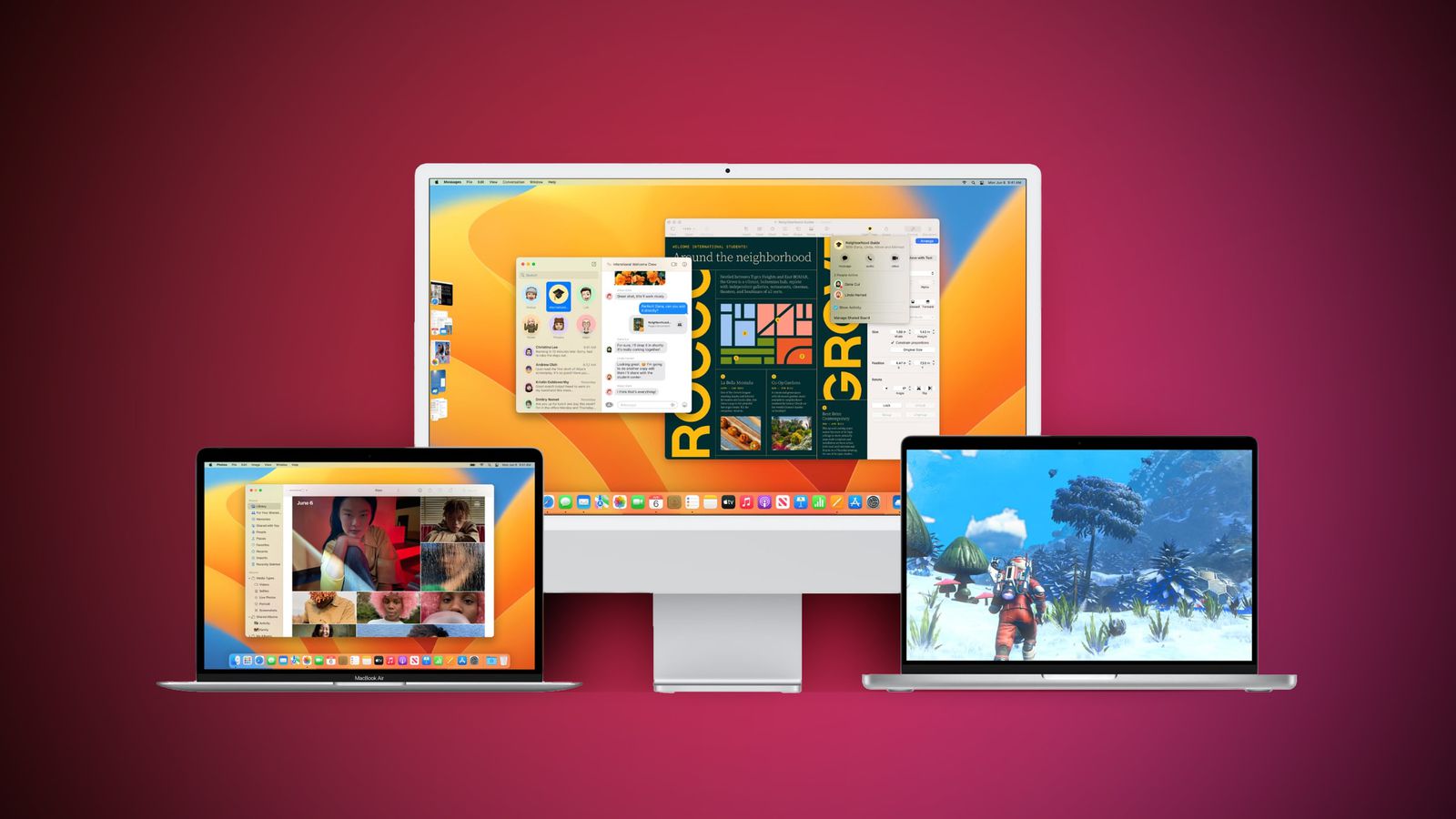
The Mac is the last platform to get my trust for an upgrade of macOS. I do iPhone and iPad in a heartbeat, but the Mac, no. I wait a few weeks so that my must-have apps receive updates. I don’t want to ruin anything by upgrading to Sonoma so soon. I’ll probably wait until November.

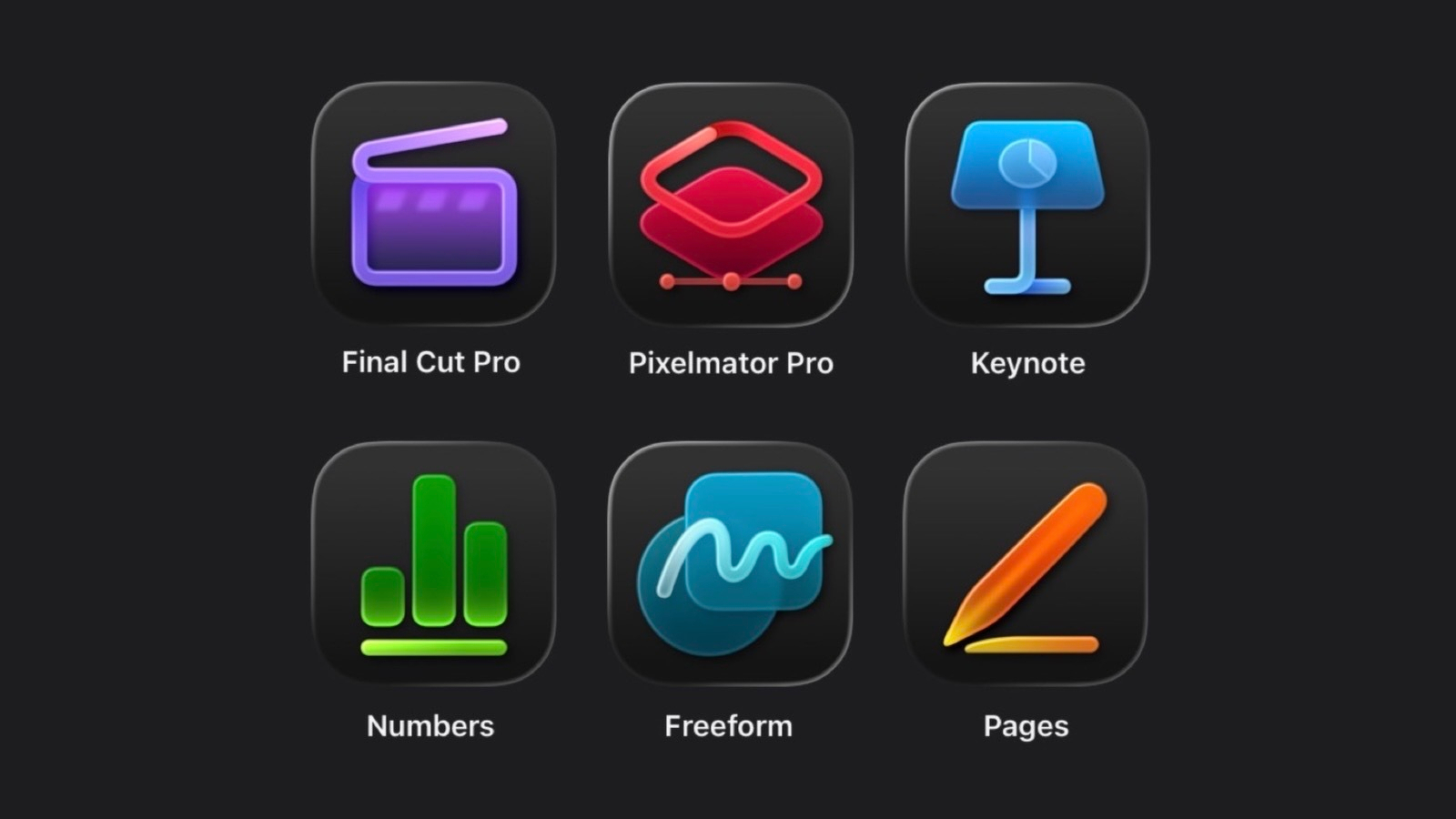
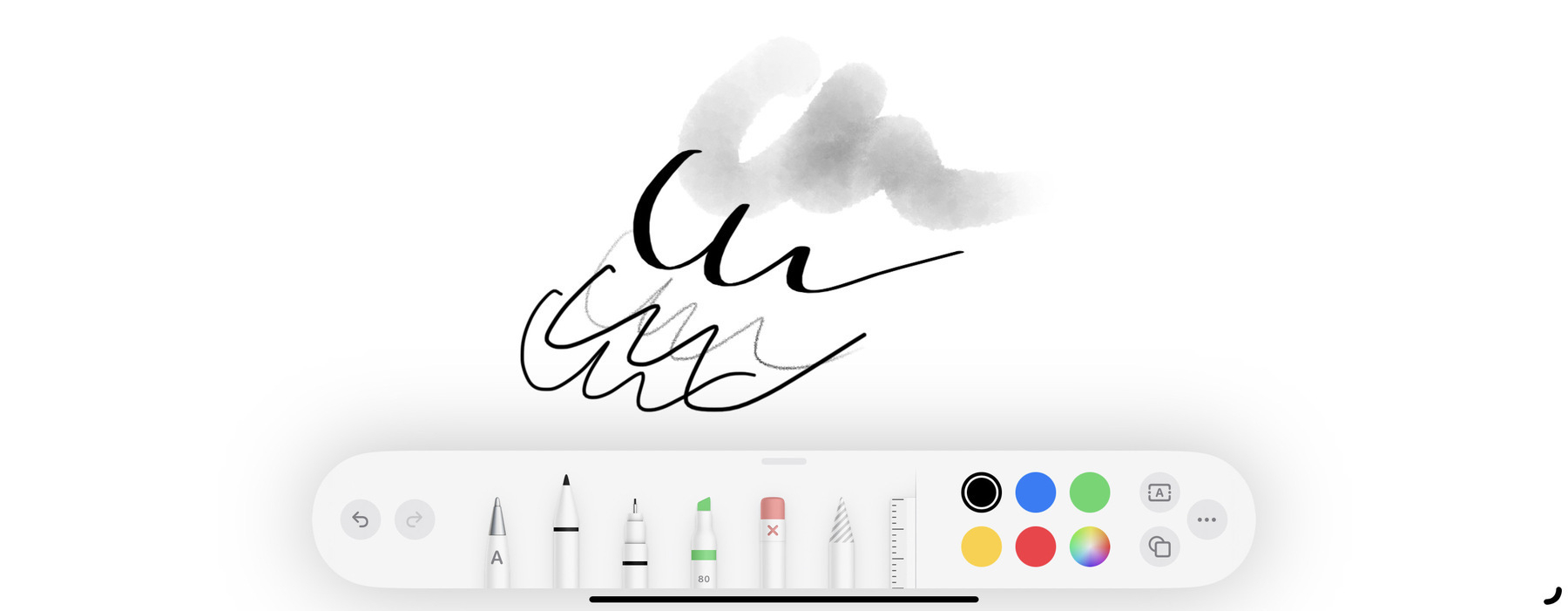
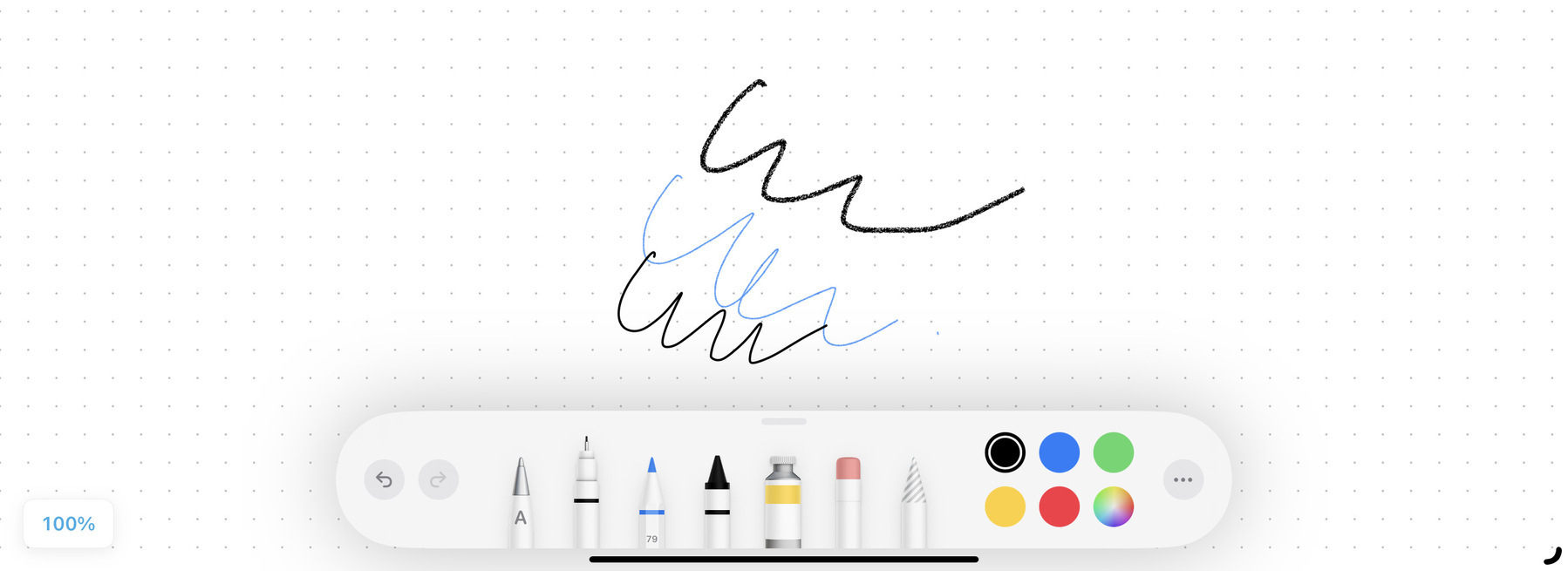
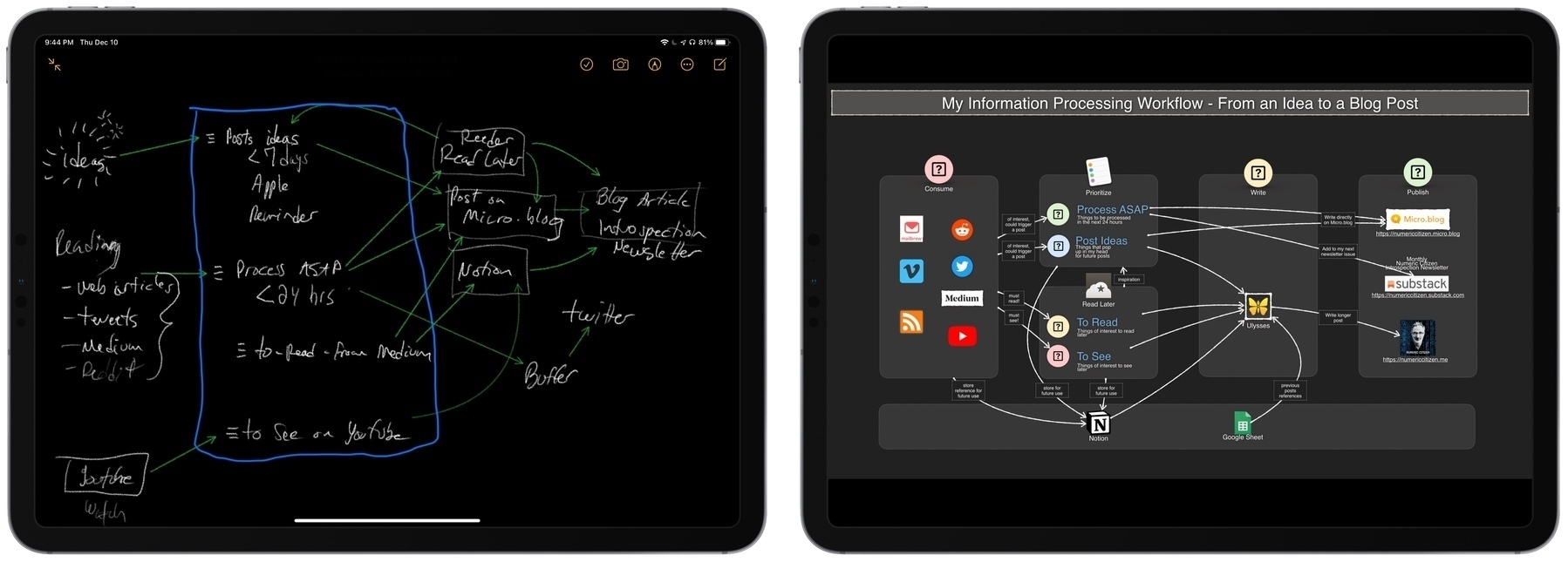
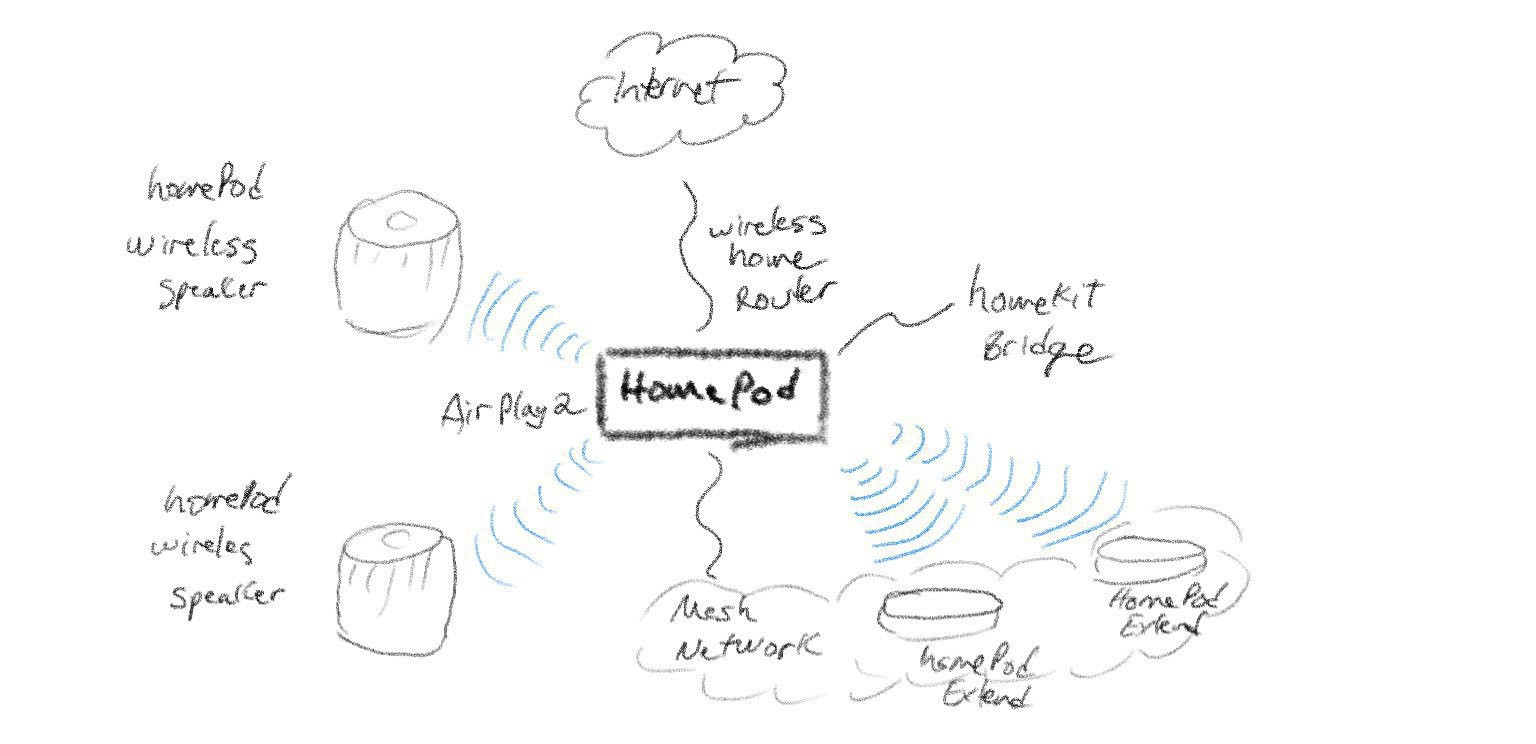
I’ve recently been using Apple’s Freeform for different articles I’m working on. I’m really falling in love with this app. It’s a sleeper hit for me. Its apparent simplicity shouldn’t put you off. Freeform is capable of supporting the creation of rather sophisticated diagrams. I really feel Apple’s designers brought all their craftsmanship and attention to detail here. Everything feels in the right place.