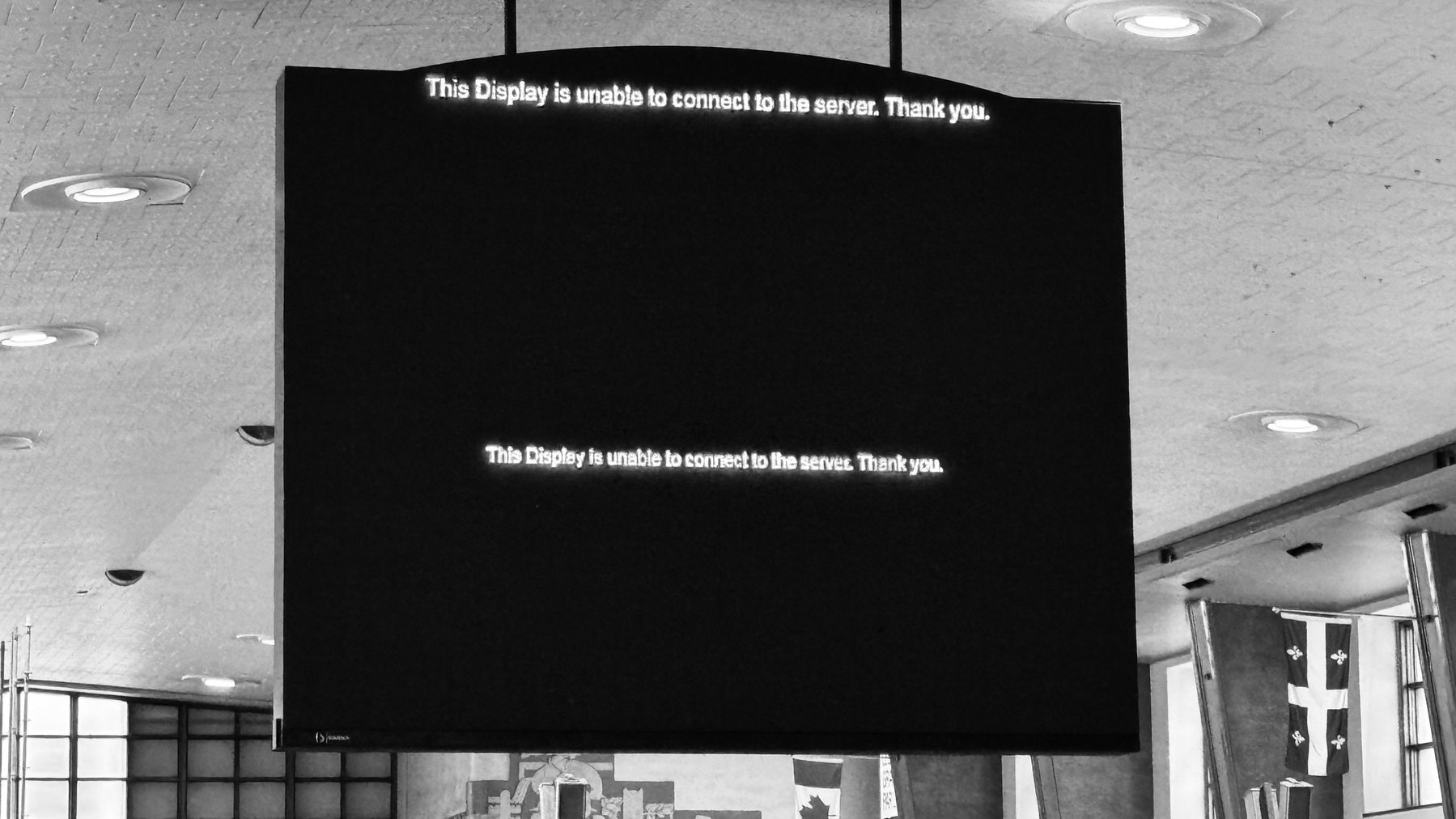
404 - Page Not Found

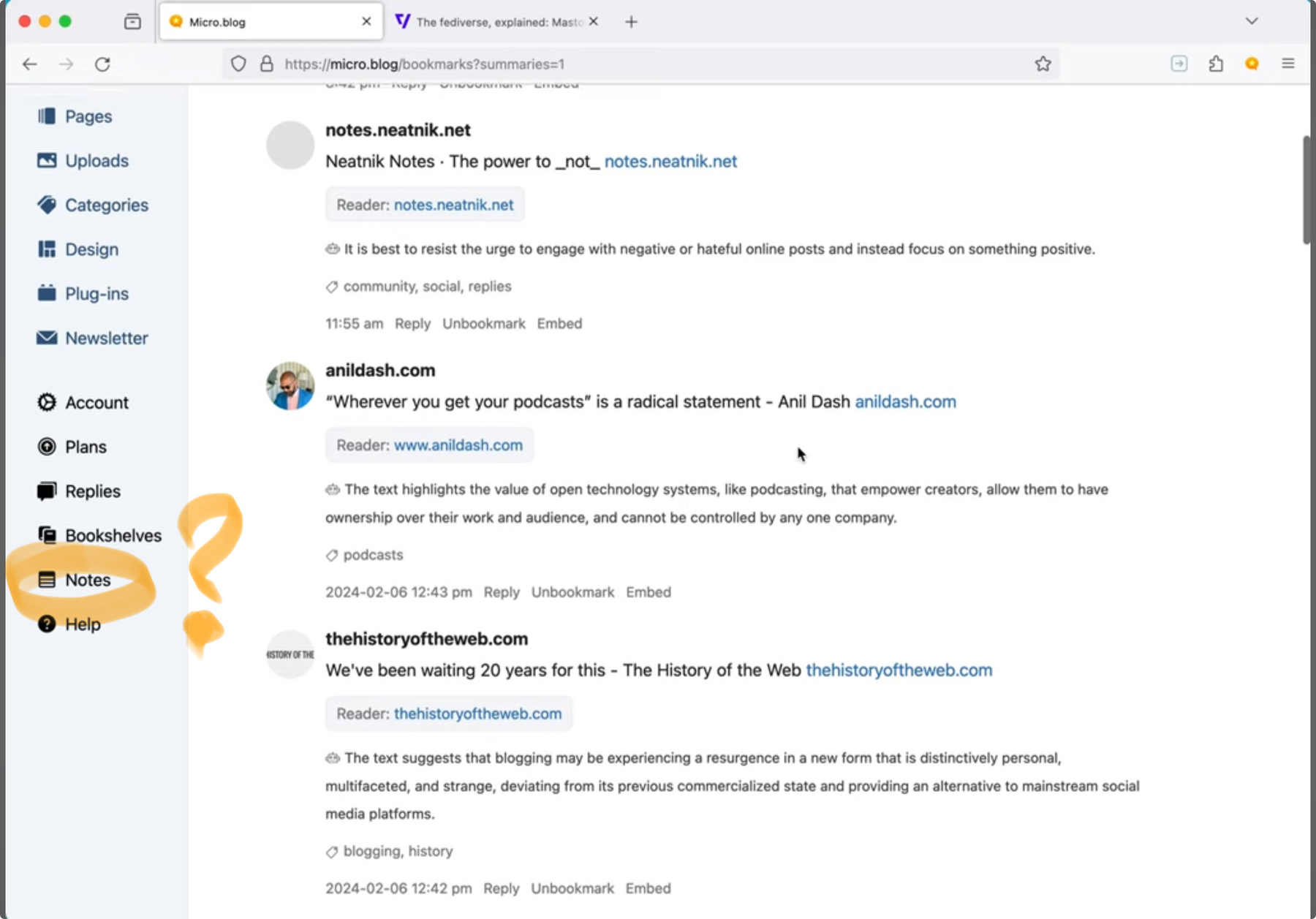
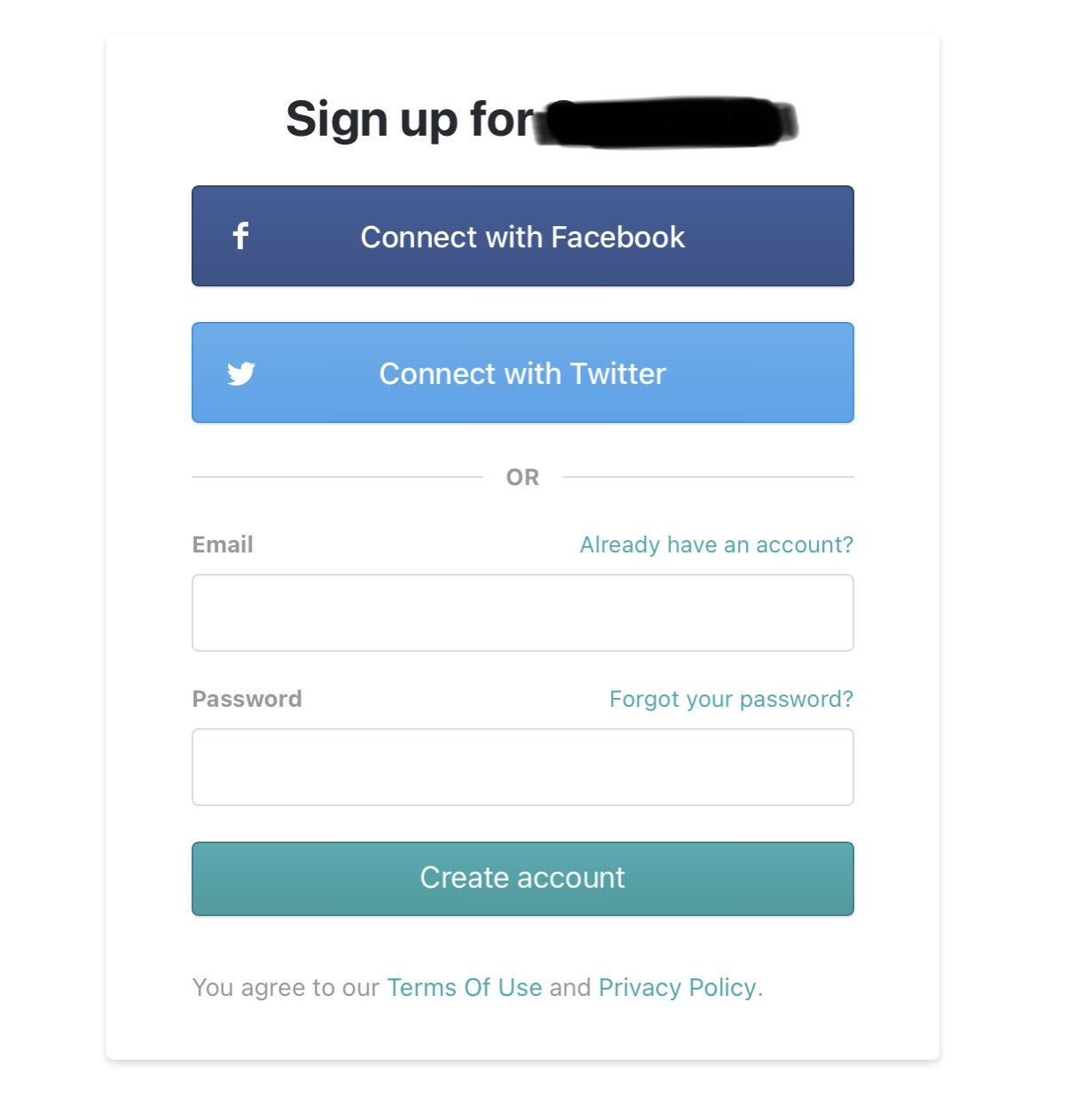
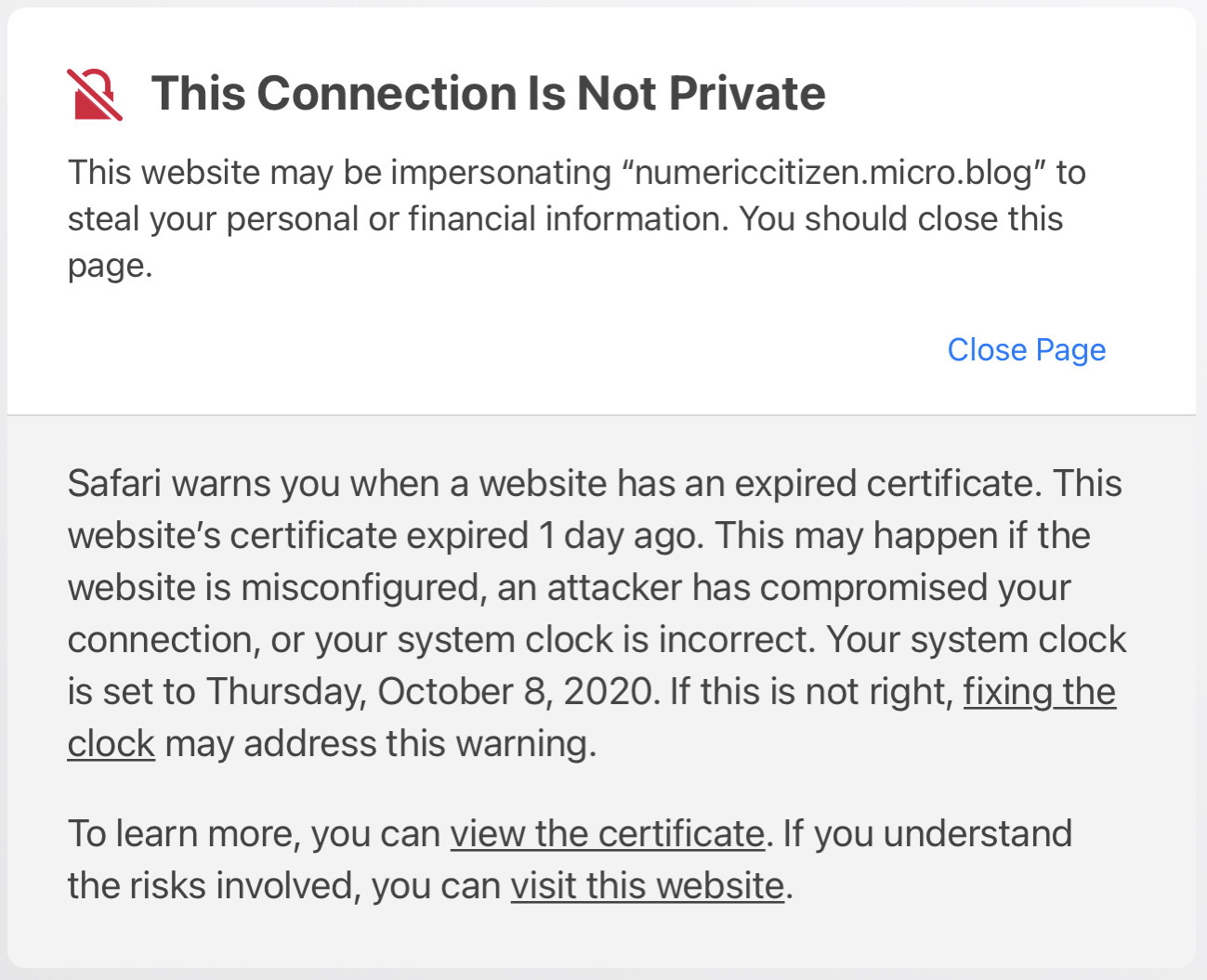
I have an issue with Short.io. I want to contact their support to find a solution to something that partially works, but no contact information is available in the /Support section. The /Blog section shows a small “Contact Us” button leading to a page not found error. There is no mail address either. They ask for $ 250 / year for a “Personal” subscription plan. How can I trust them if I cannot contact them for support?1🤔

The problem: not all links are leading to the destination page under the go.numericcitizen.me domain name. Why? This used to work for all links, but it’s no longer true. Why? Exhibit one: this link works. This one won’t.

Instead of 404 - Page Not Found, this should be 404 - Support Not Available 😔

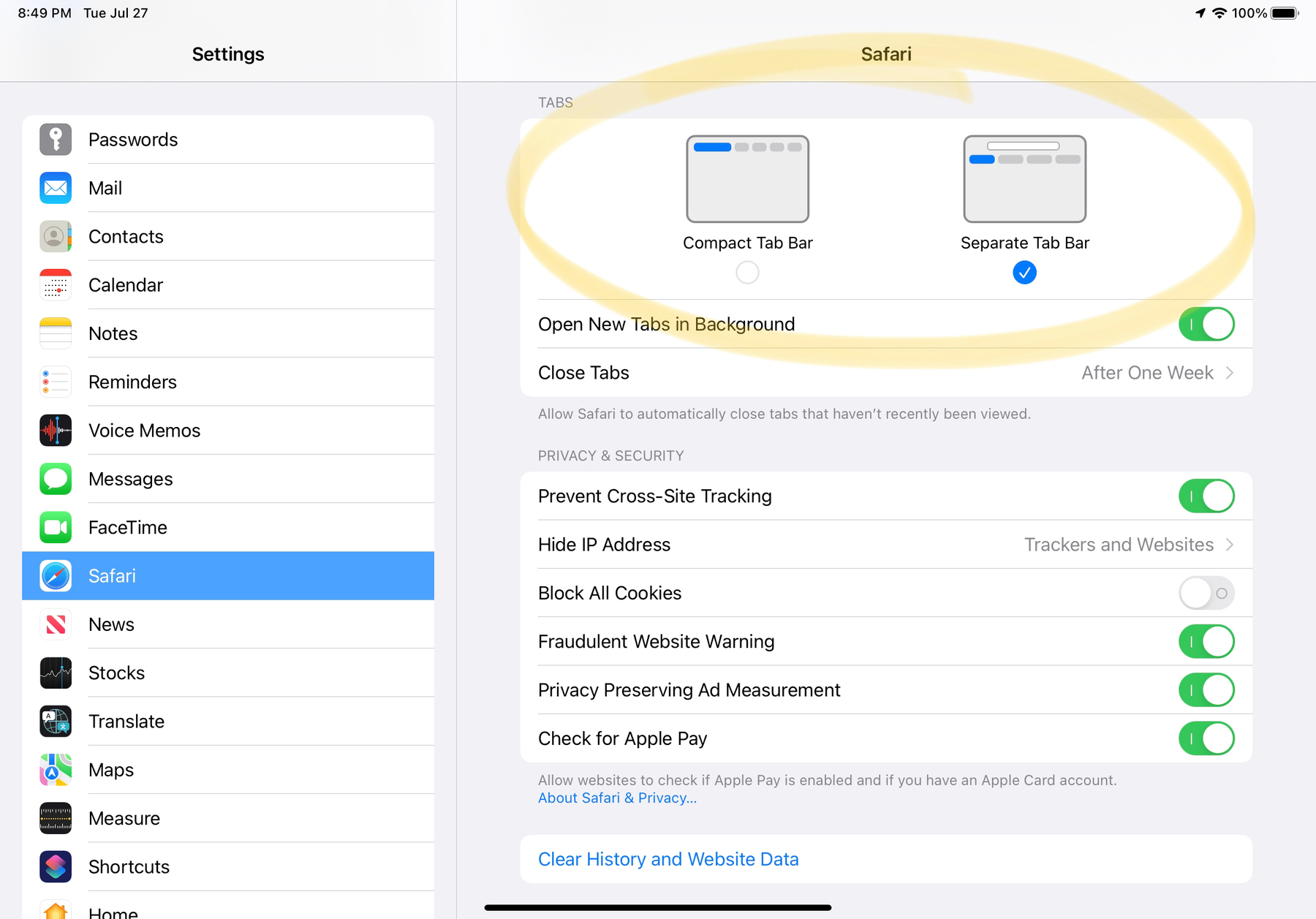
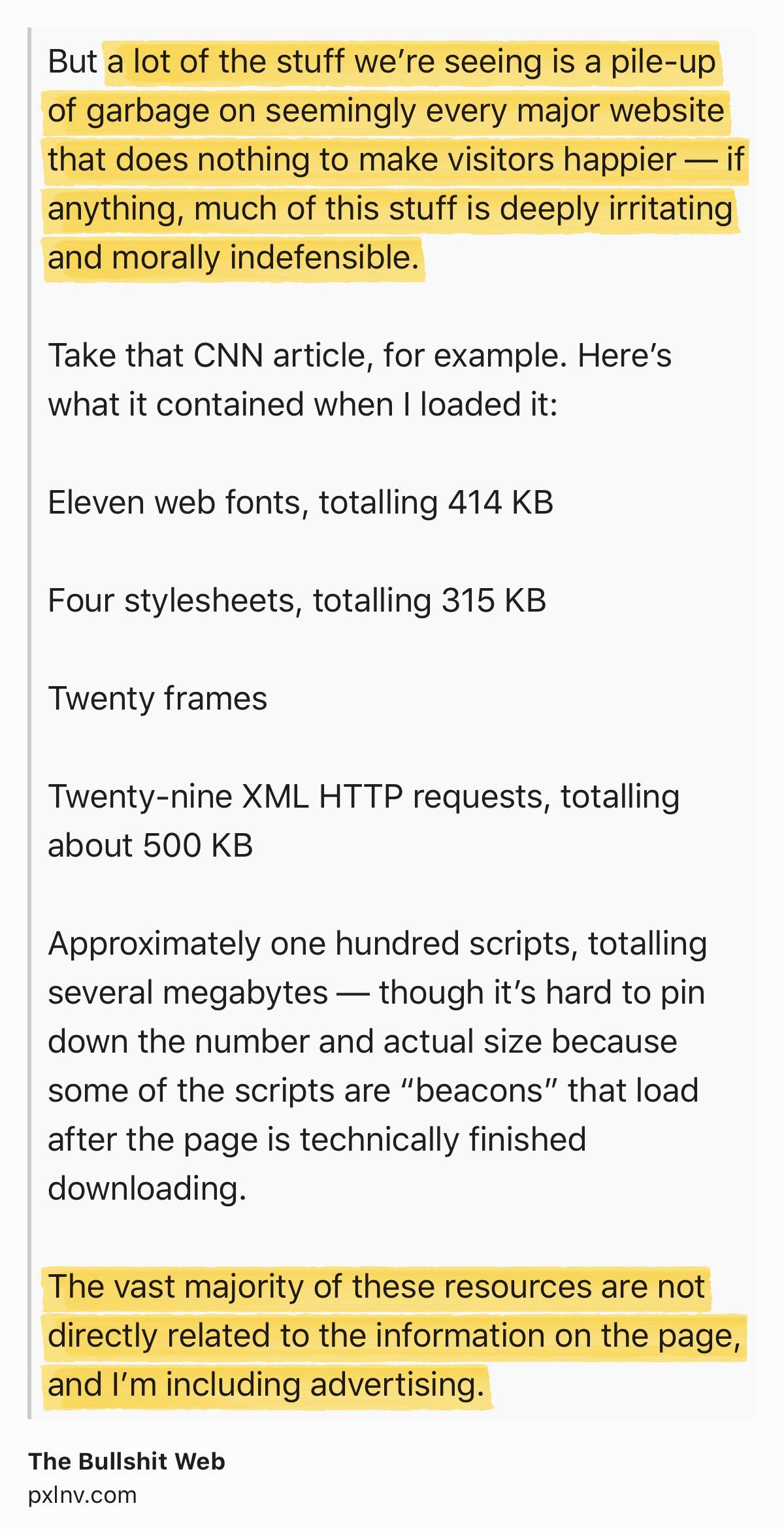
Update: I got my answer after chatting with tech support through their chatbox on their website, which wasn’t initially showing because of content blocking in Safari. 🤦🏻‍♂️ All is fine now.


  1. Their Twitter account is a ghost town; the last tweet was posted in 2021. ↩︎
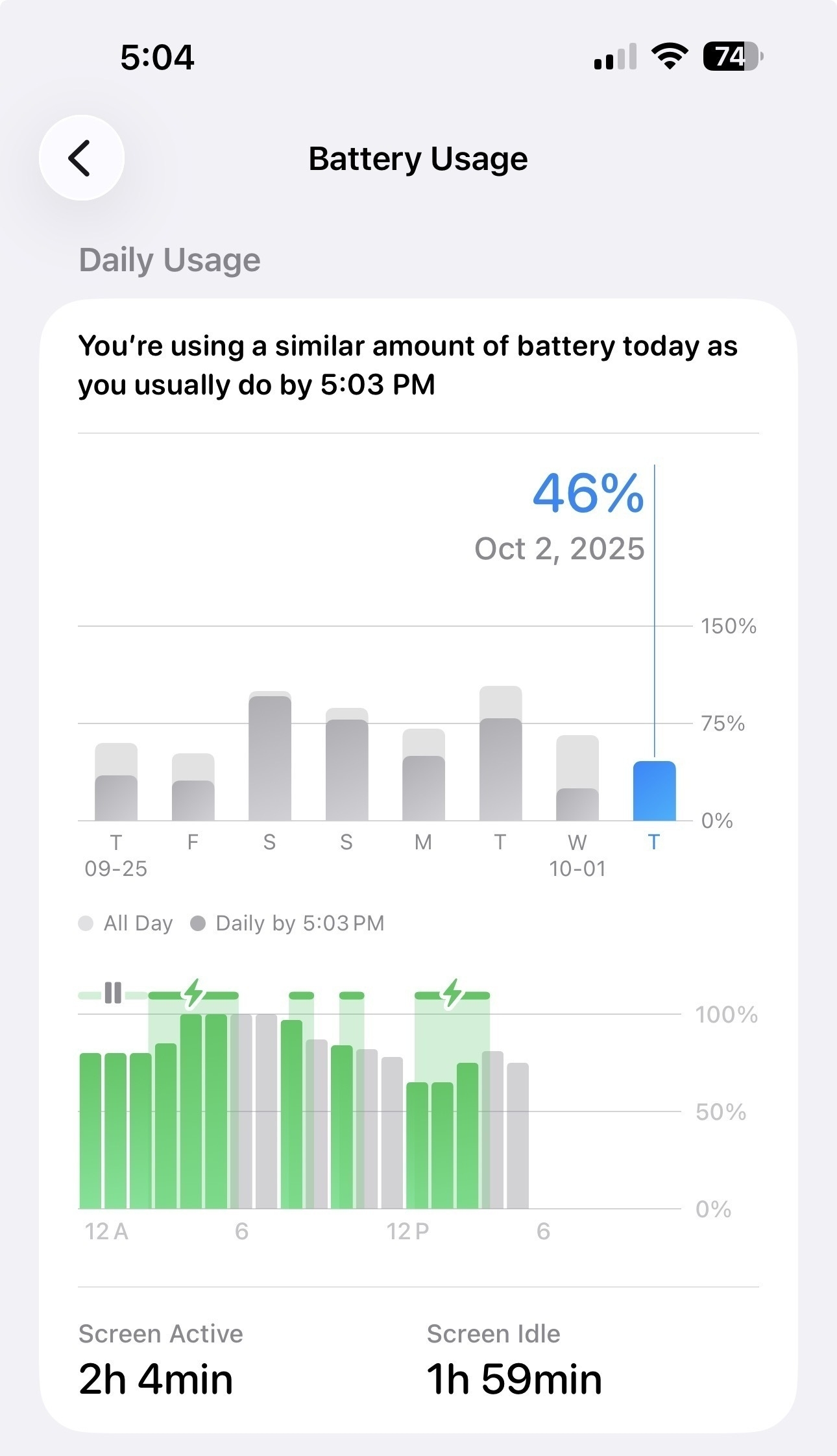
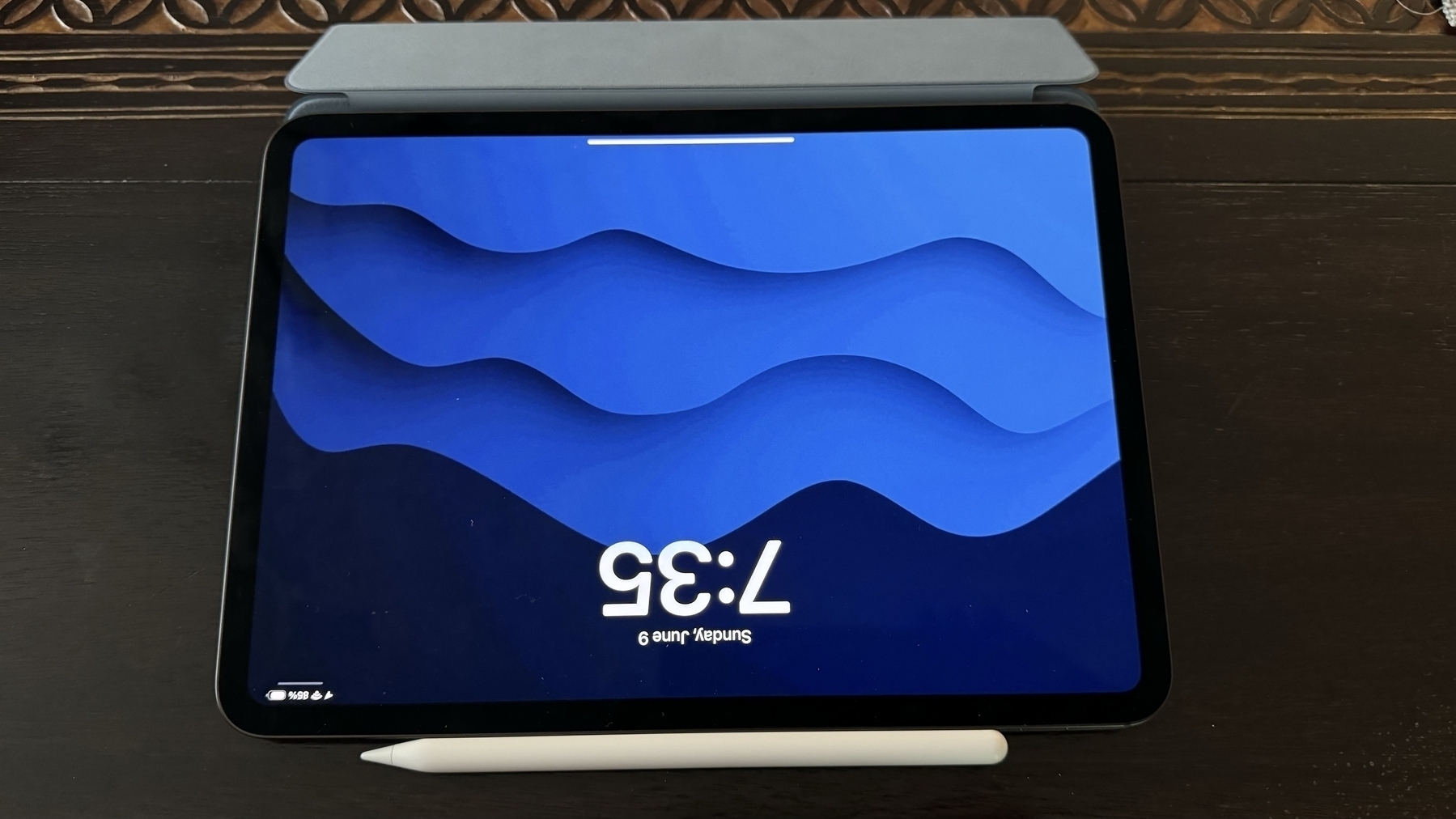
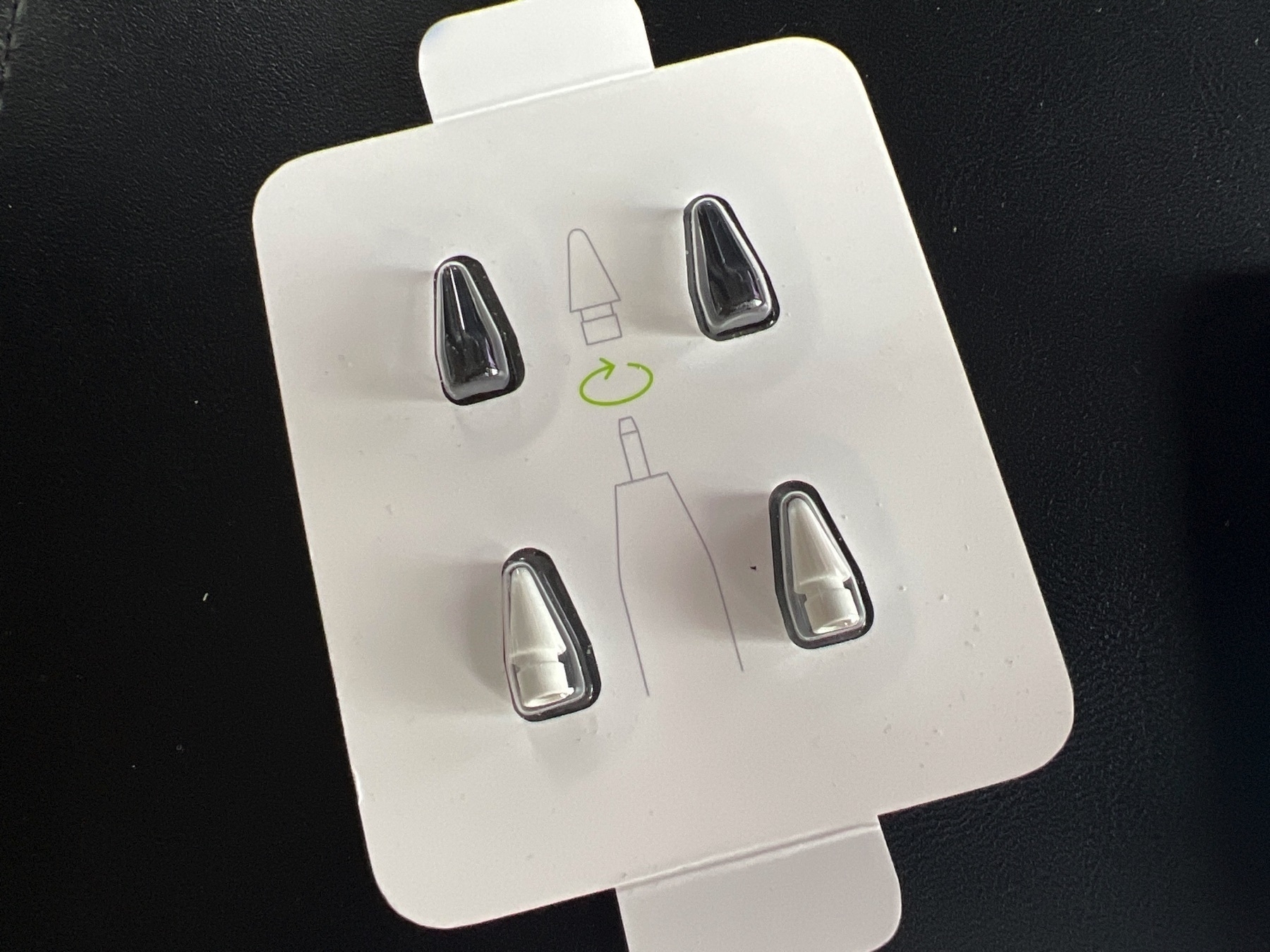
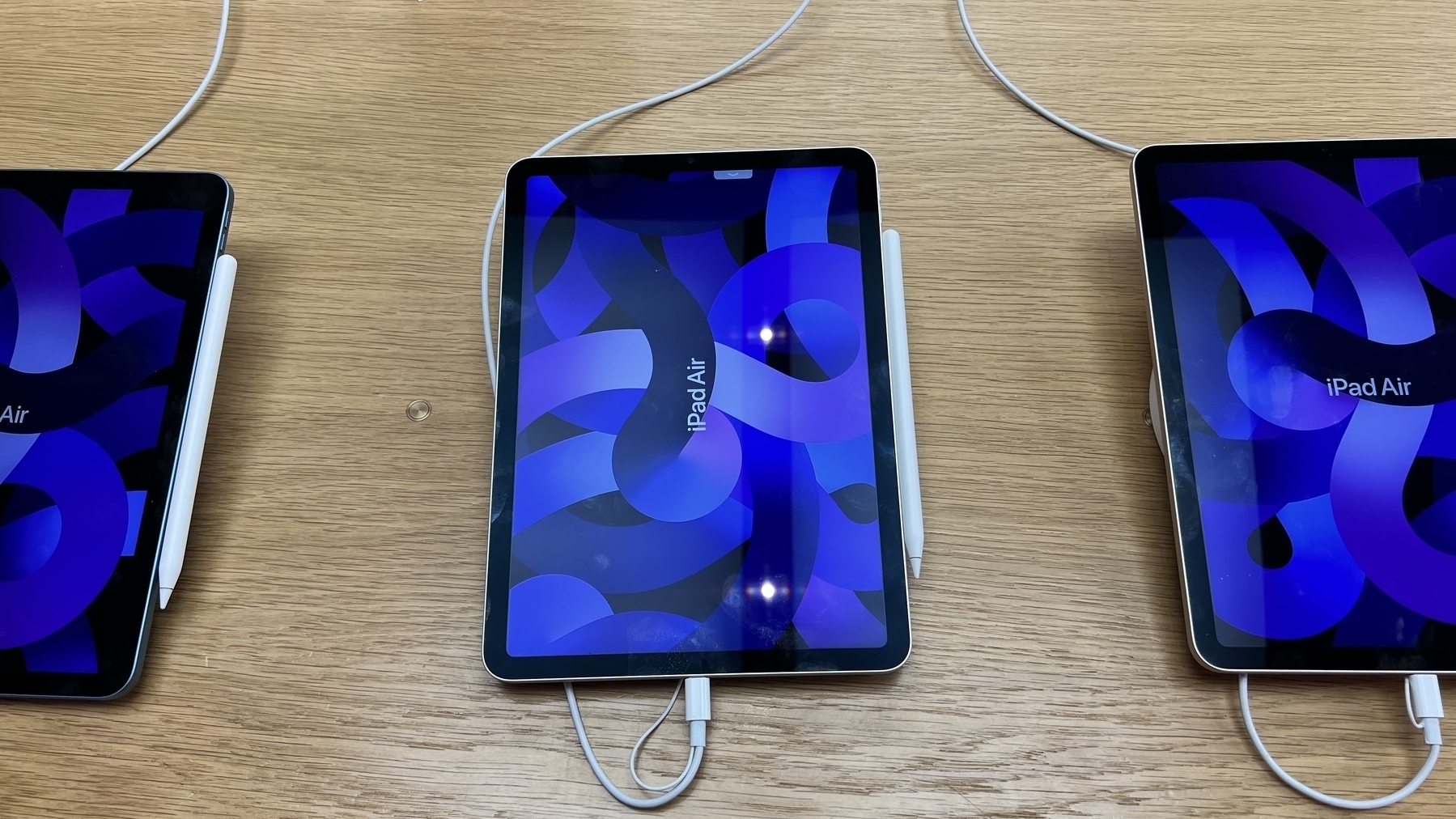
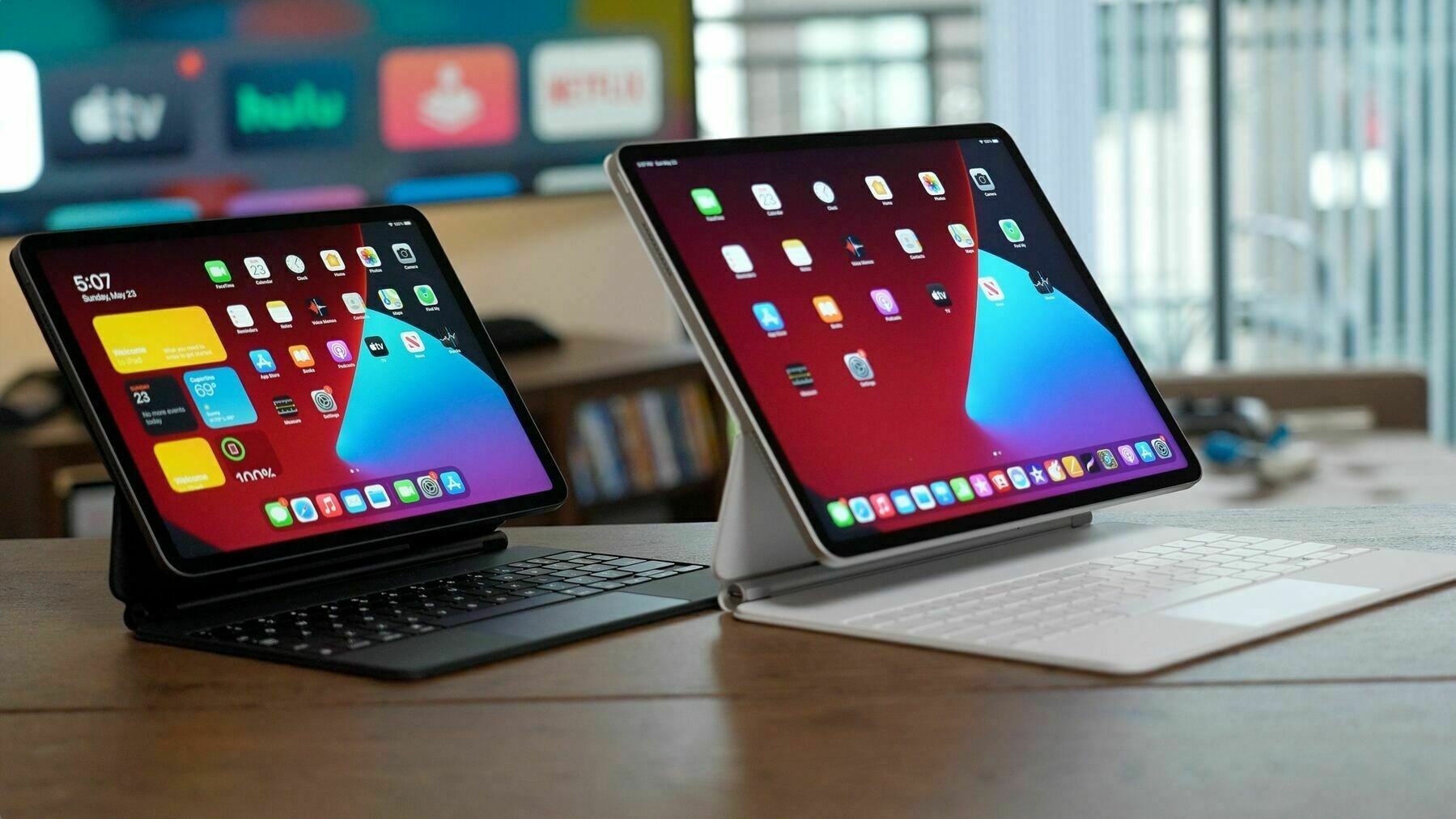
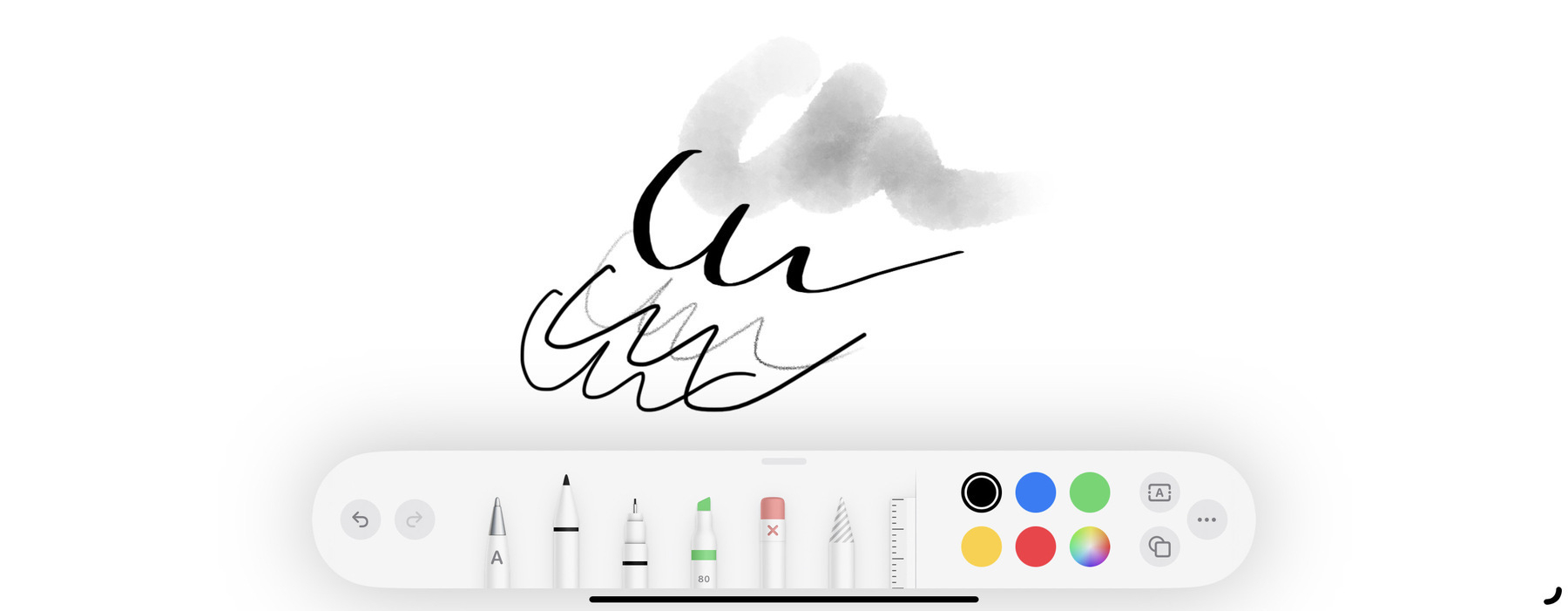
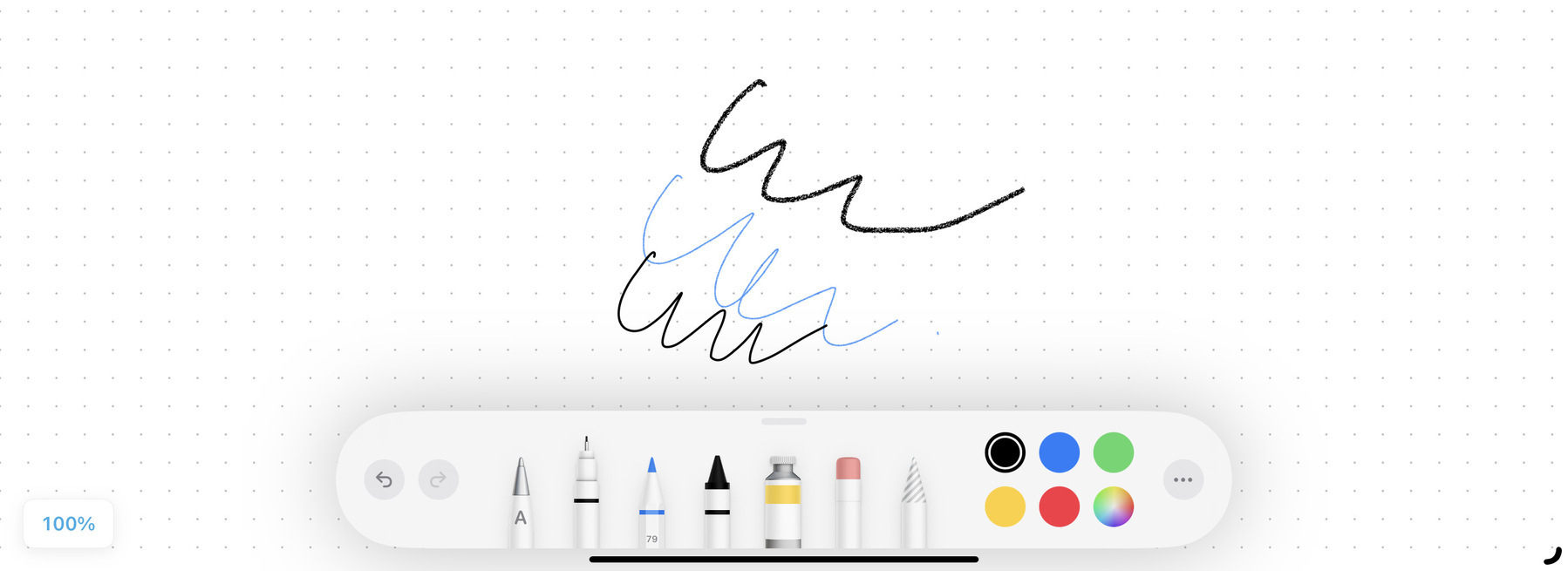
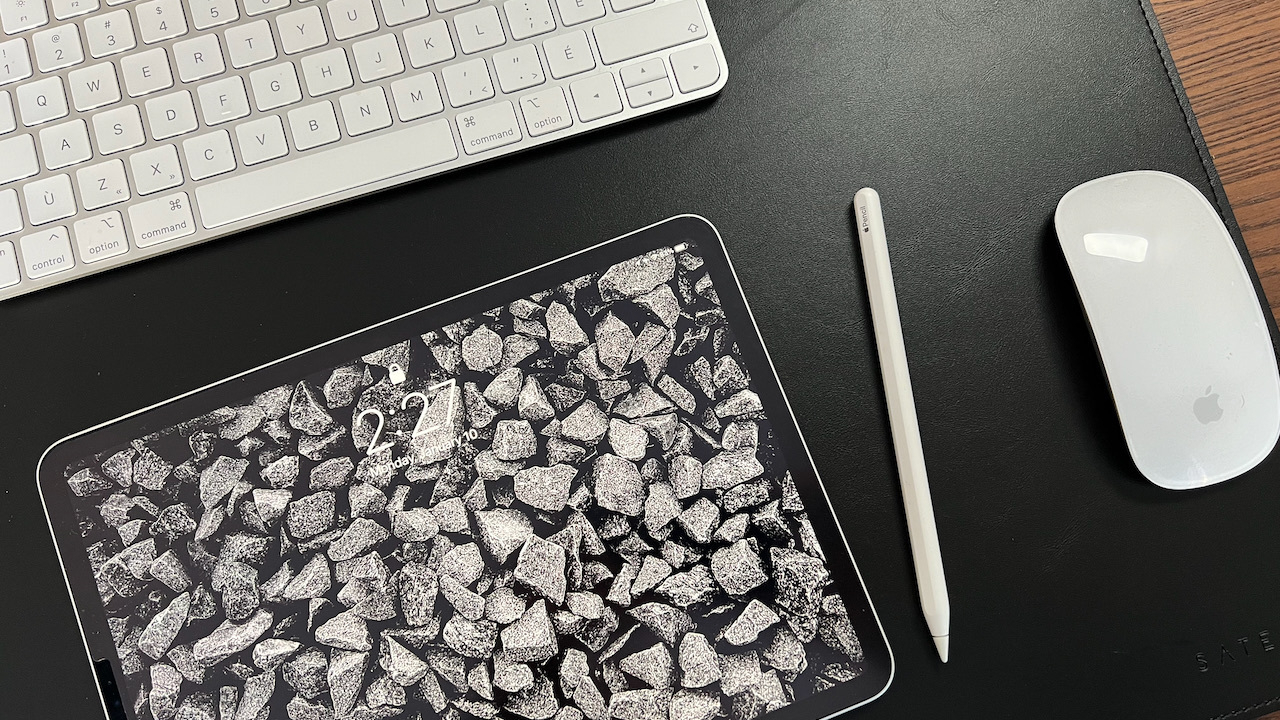
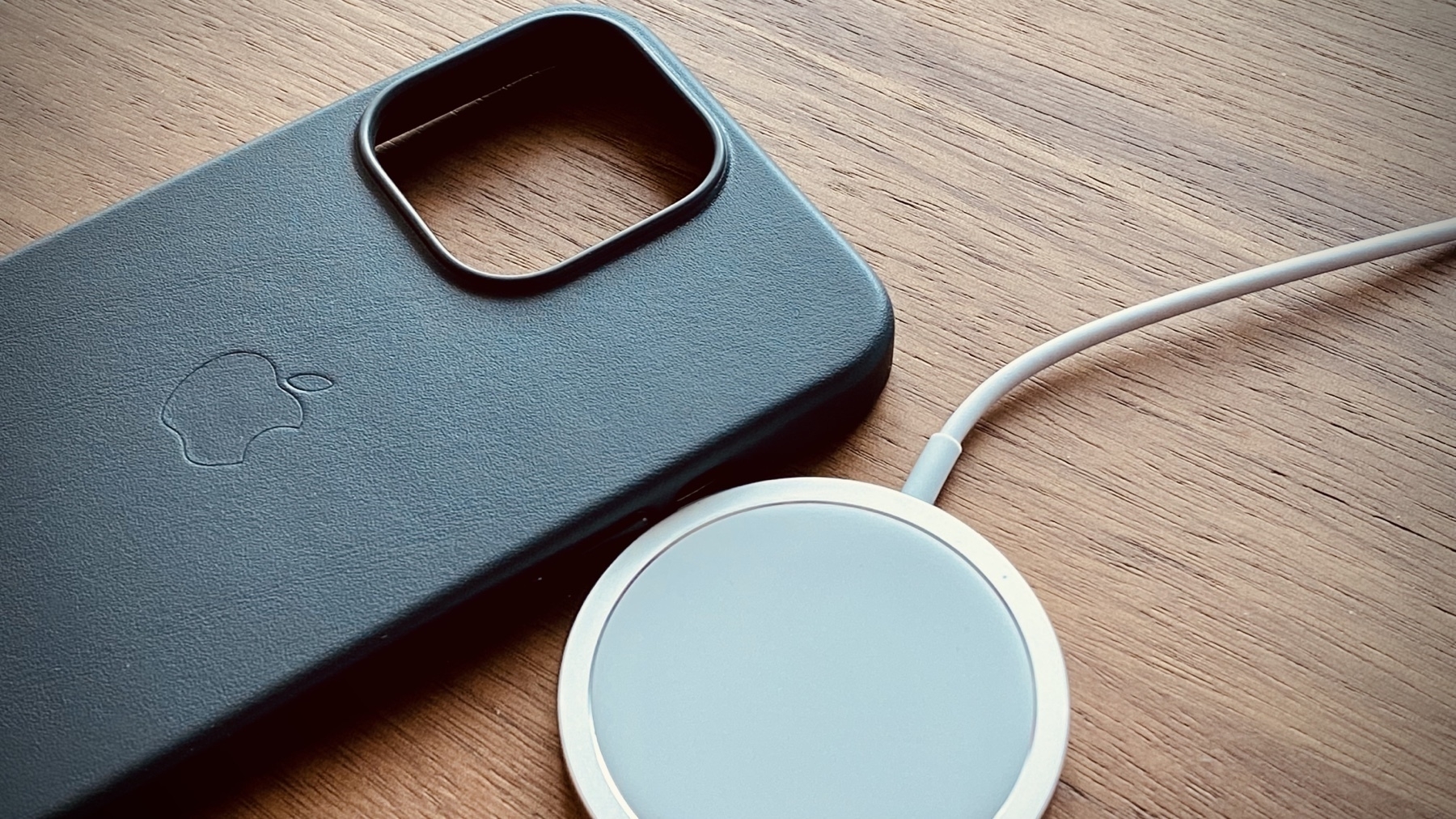
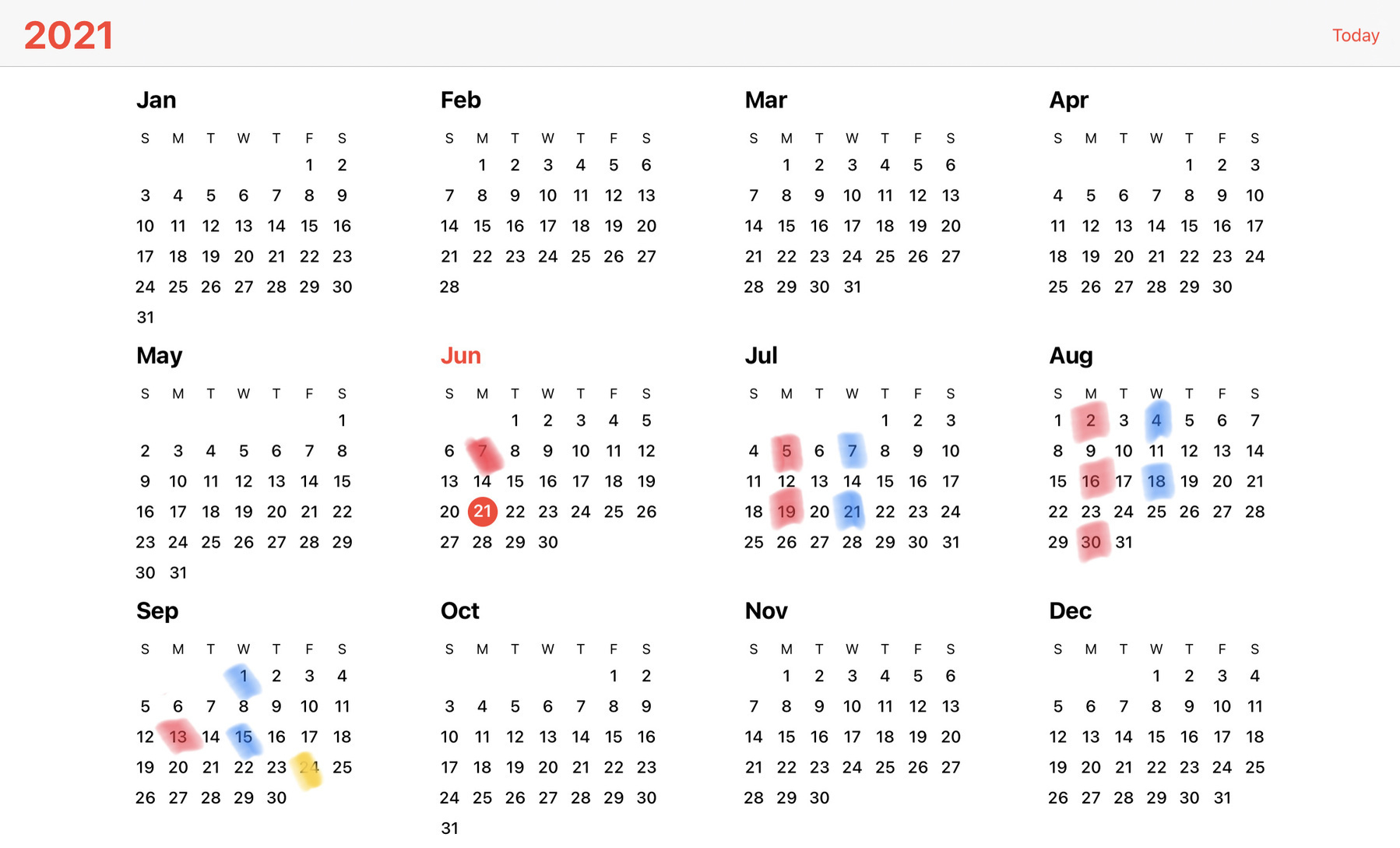
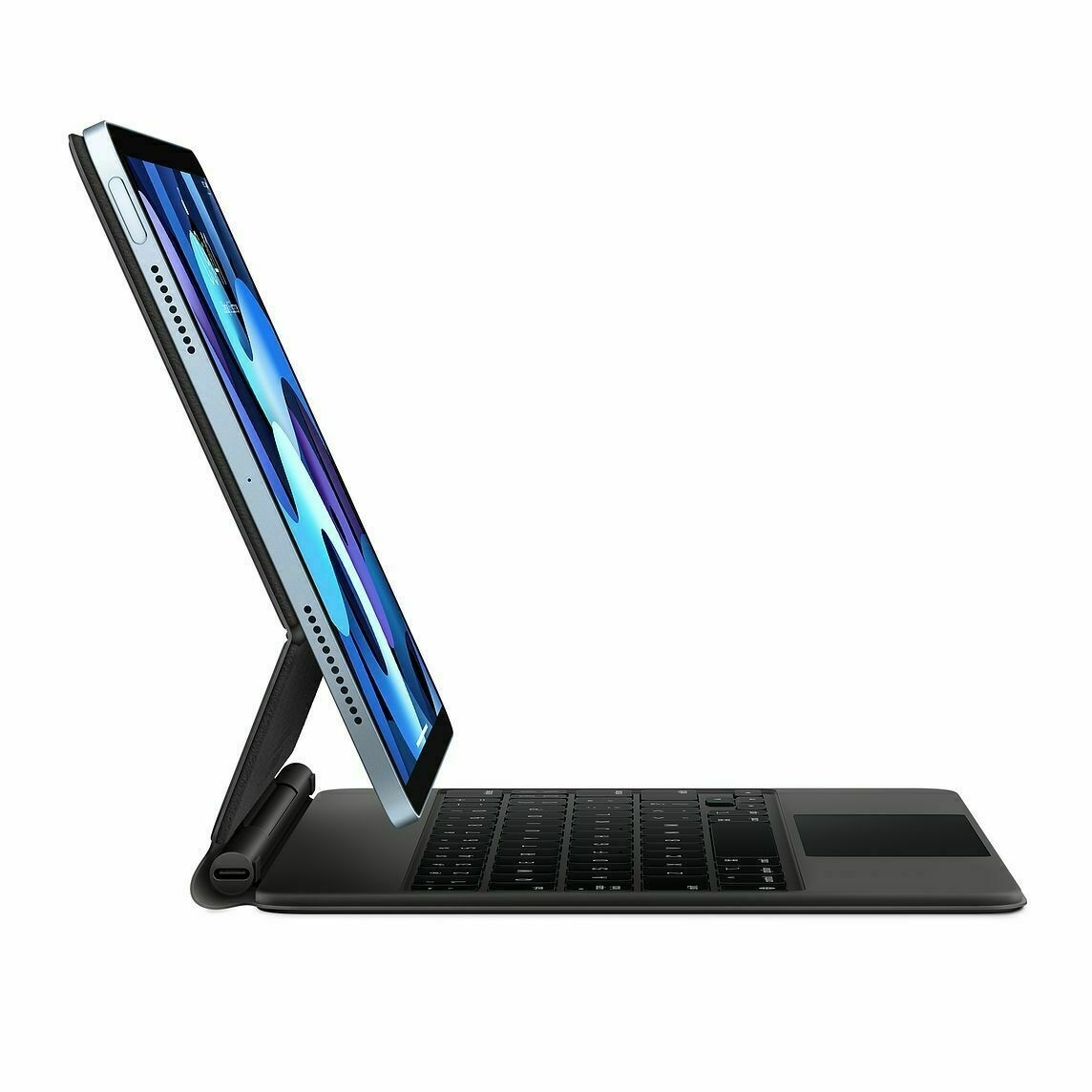
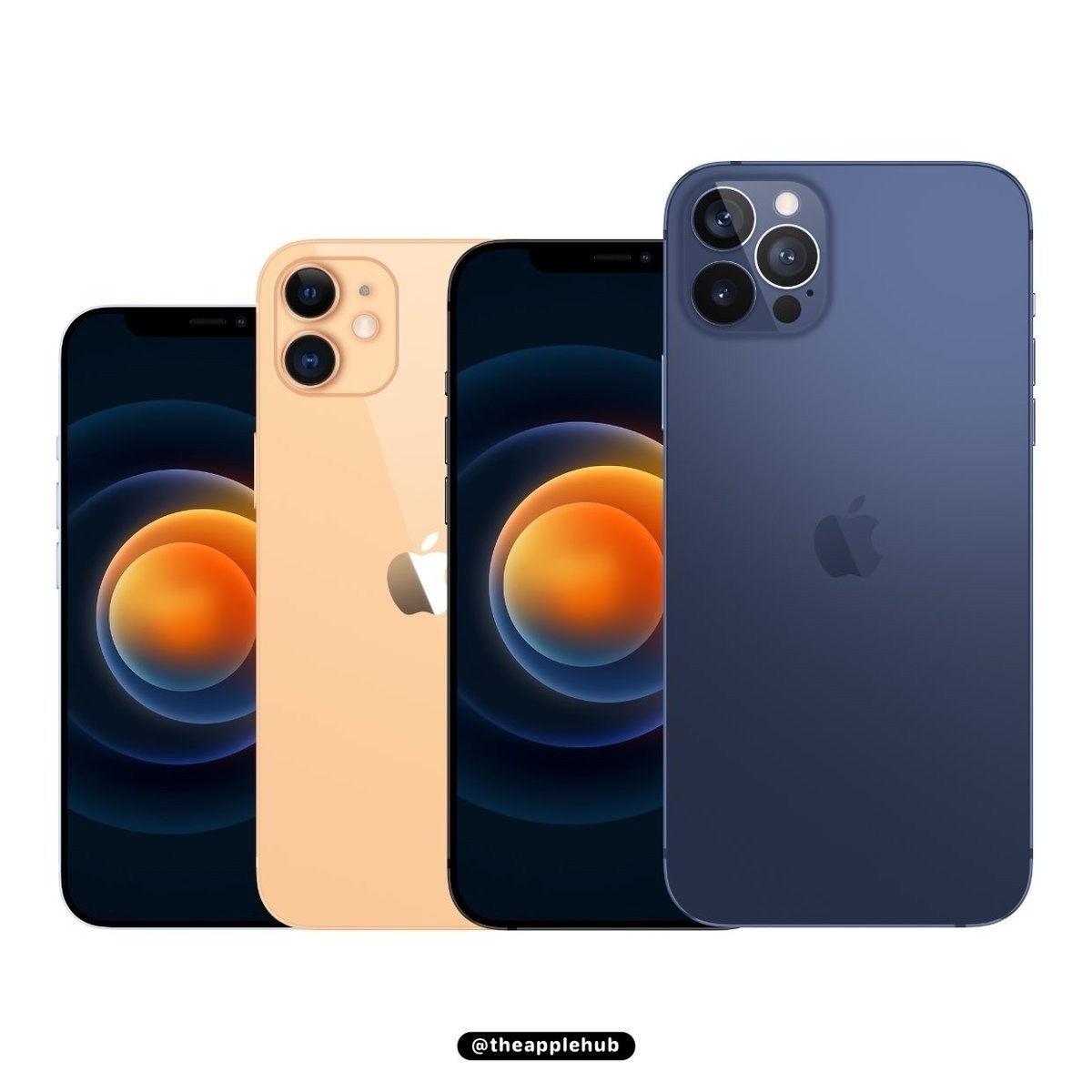
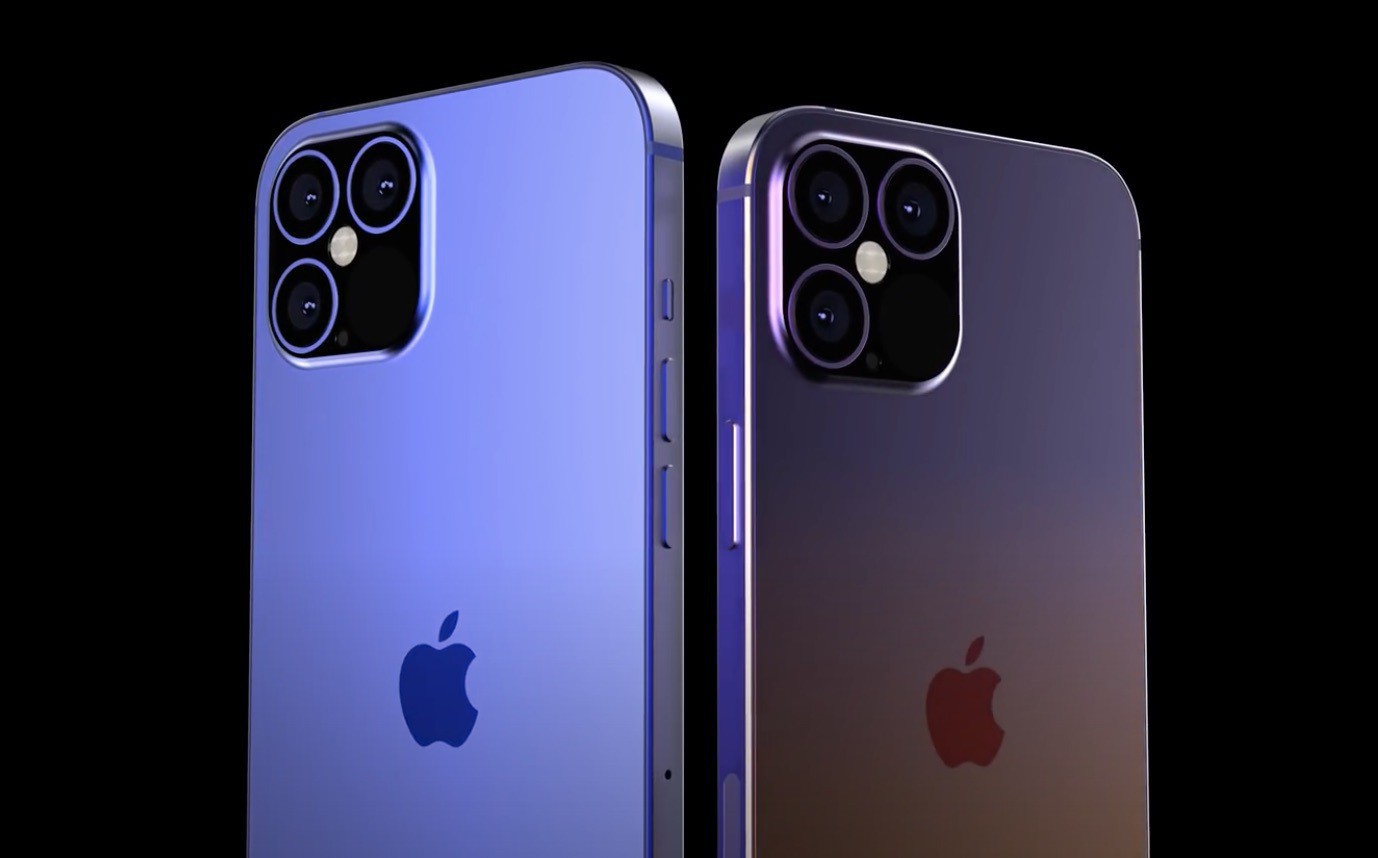
If Apple is indeed close to releasing the third-generation Apple Pencil with a magnetic pencil tip, I can see that coming with some new trick, enabled with iPadOS 17.1, probably to be launched before October 21st1. What else could this new pencil do? Include an electronic erasure on the other end of the pencil? 👀


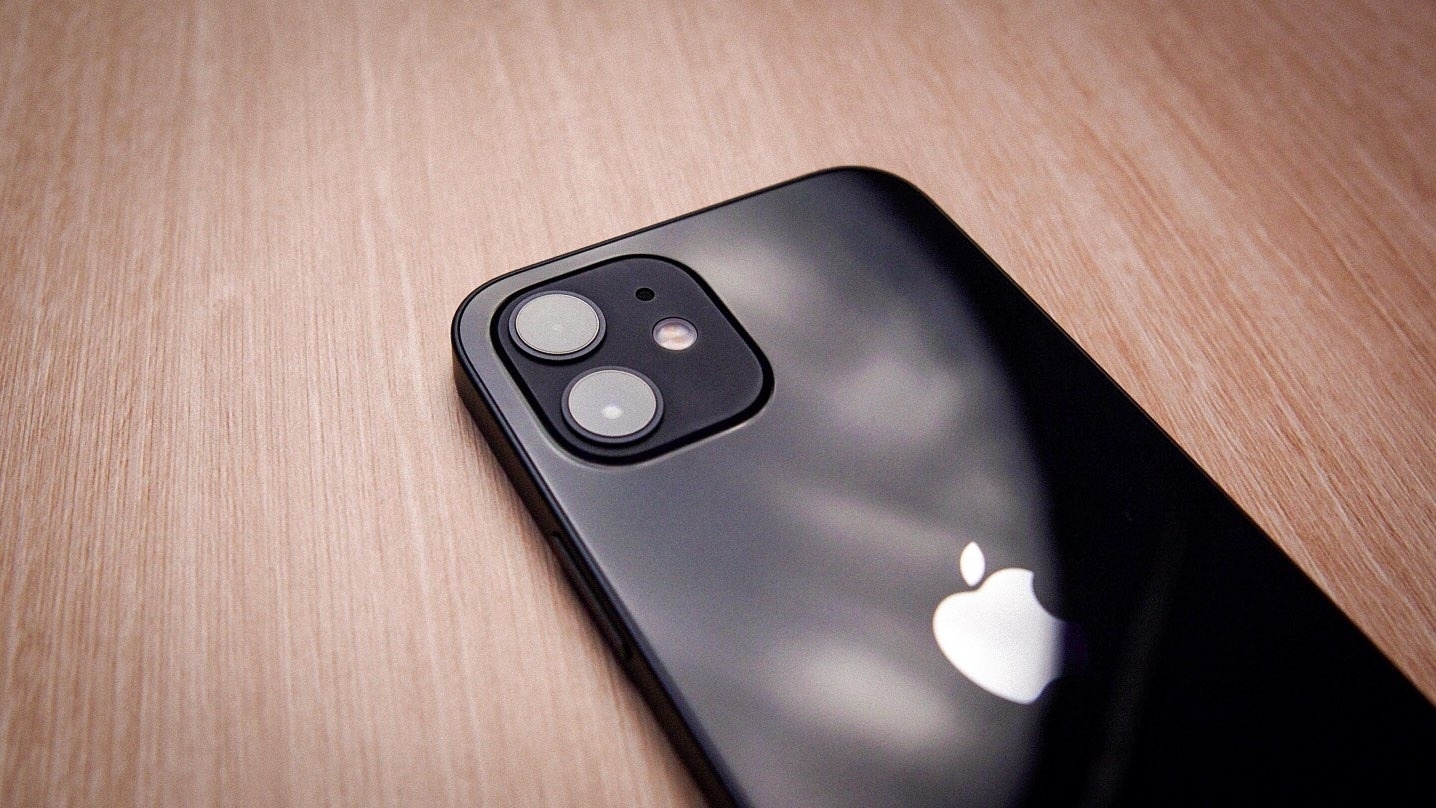
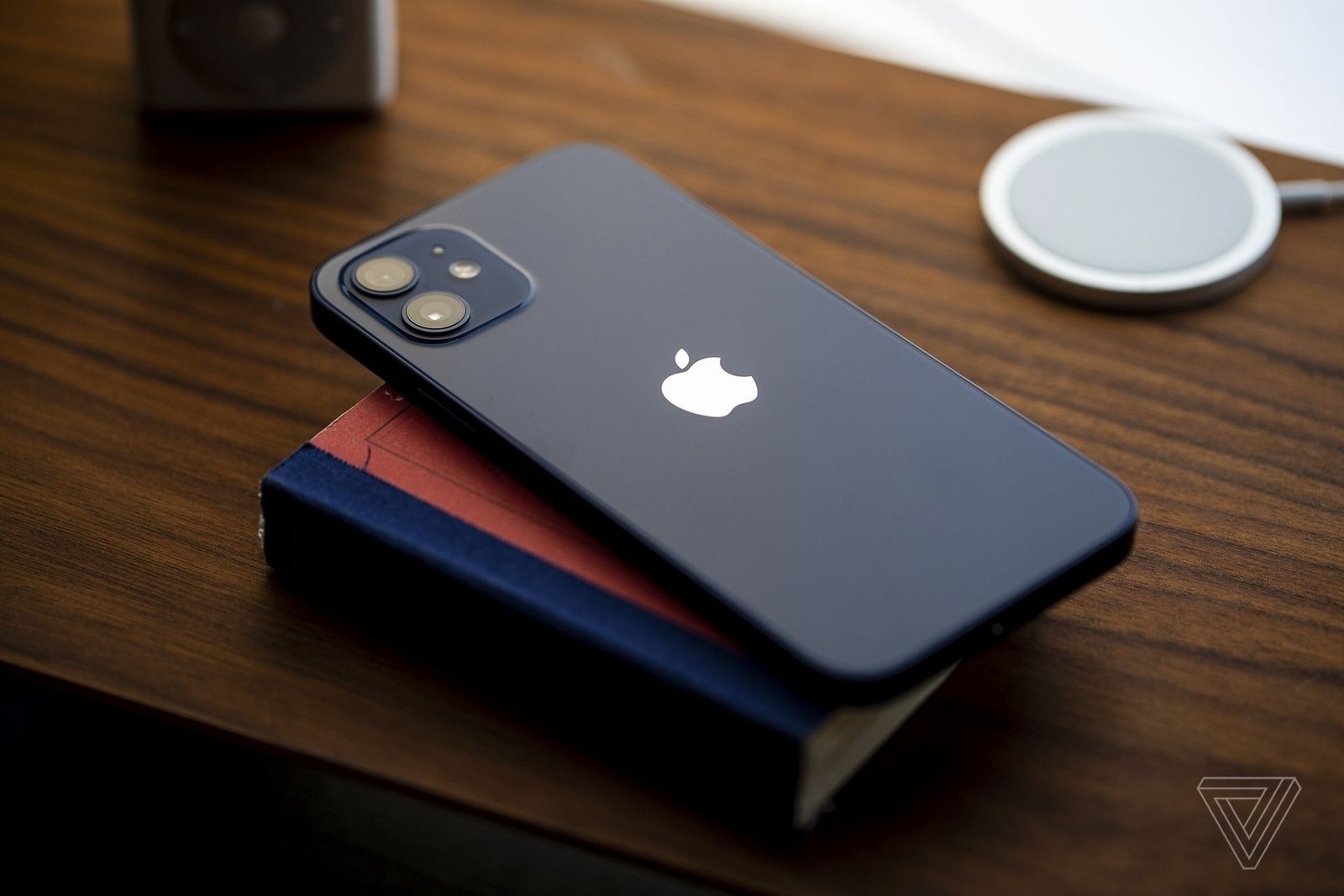
  1. The date was apparently leaked by a French government agency about the reduction of radiation from the iPhone 12, which Apple would indeed fix no later than October 21st. ↩︎
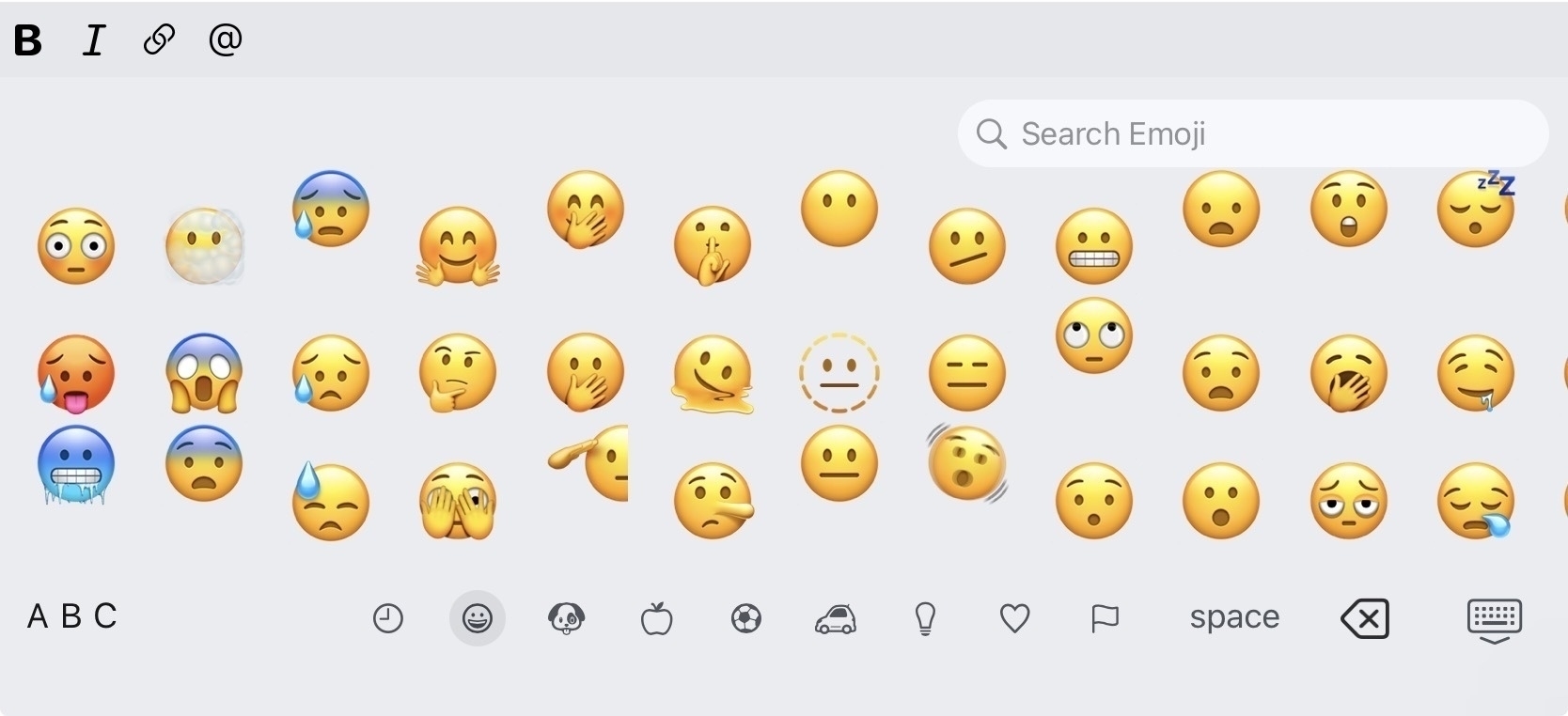
A Definitive Solution to a Simple Problem

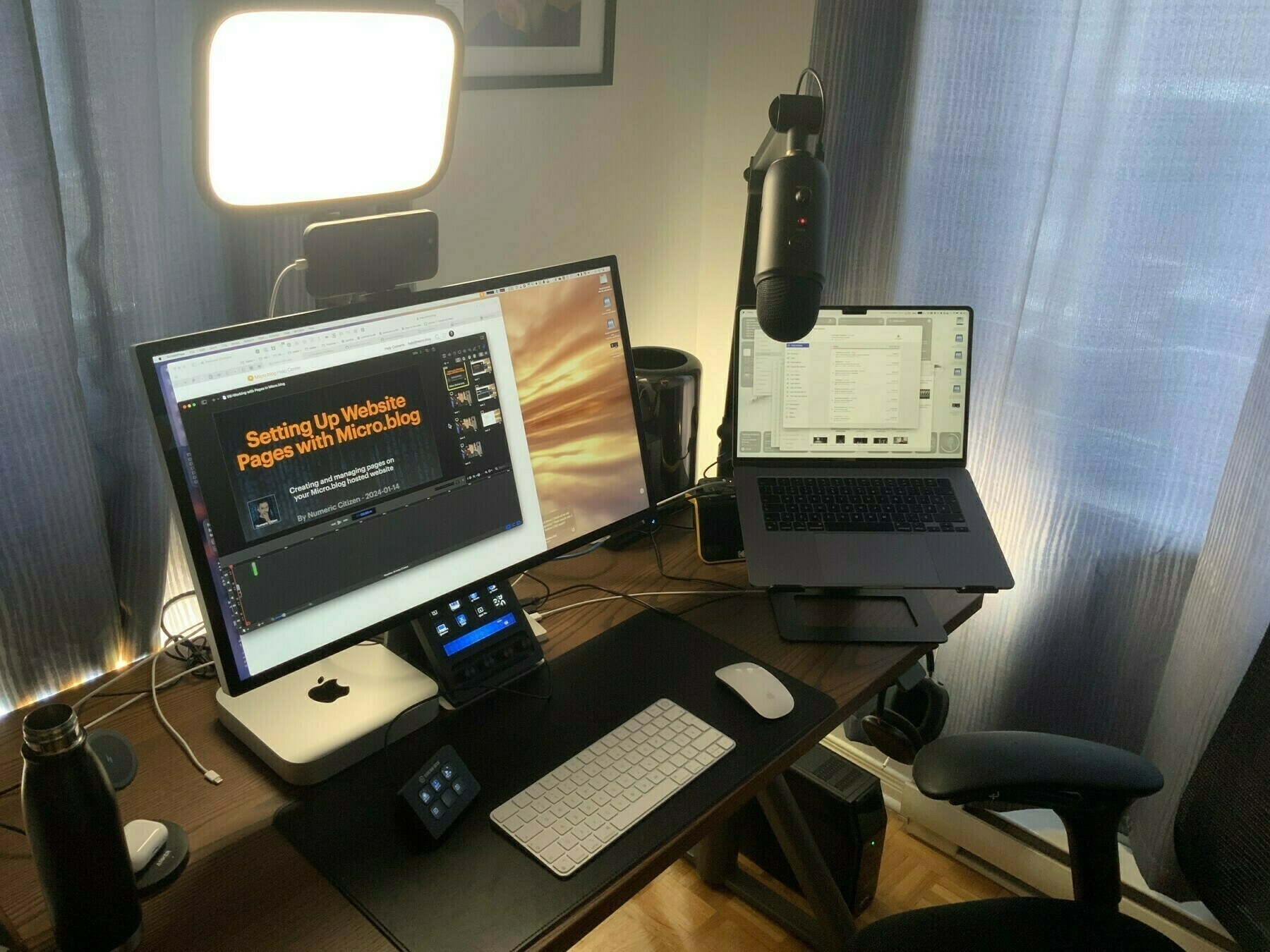
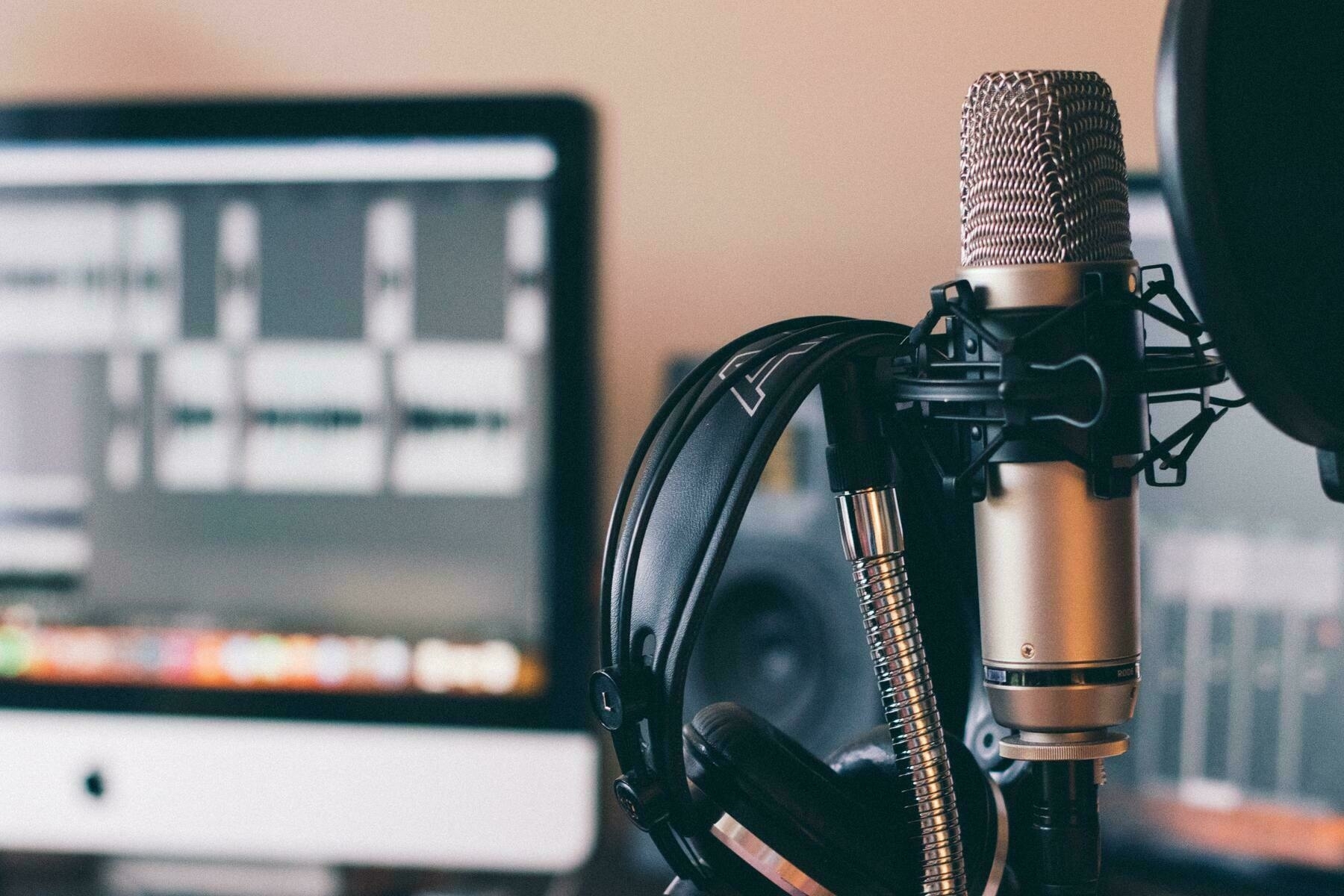
I finally found the right setup to definitively fix my audio record quality. The problem triggering this endless trial-and-error journey is that the Blue Yeti microphone can be too sensitive and pick up too much background noise1. On paper, the macOS Voice Isolation recording should fix this. However, ScreenFlow 10.0.9 has issues with audio recording from a USB microphone while Voice Isolation is active2.

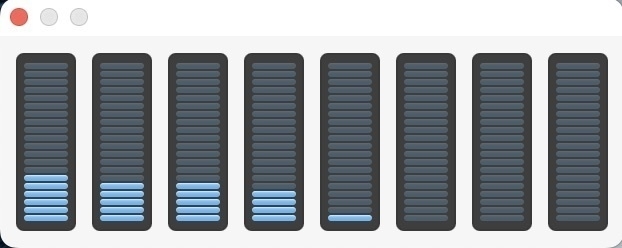
The solution? Use Audio Highjack3 to record from the USB microphone with Voice Isolation active and output to the ScreenFlow audio capture driver. When recording, I start the Audio Hijack session, then switch to ScreenFlow and hit record. Voilà. I do use Adobe Podcast Audio Enhancer too. The results are quite good! You can hear it in my latest podcast episode. A screenshot of my Audio Hijack workflow is included so you can look at it4.


  1. People in the house don’t always pay attention when I’m recording my stuff. We could hear them quite easily. ↩︎
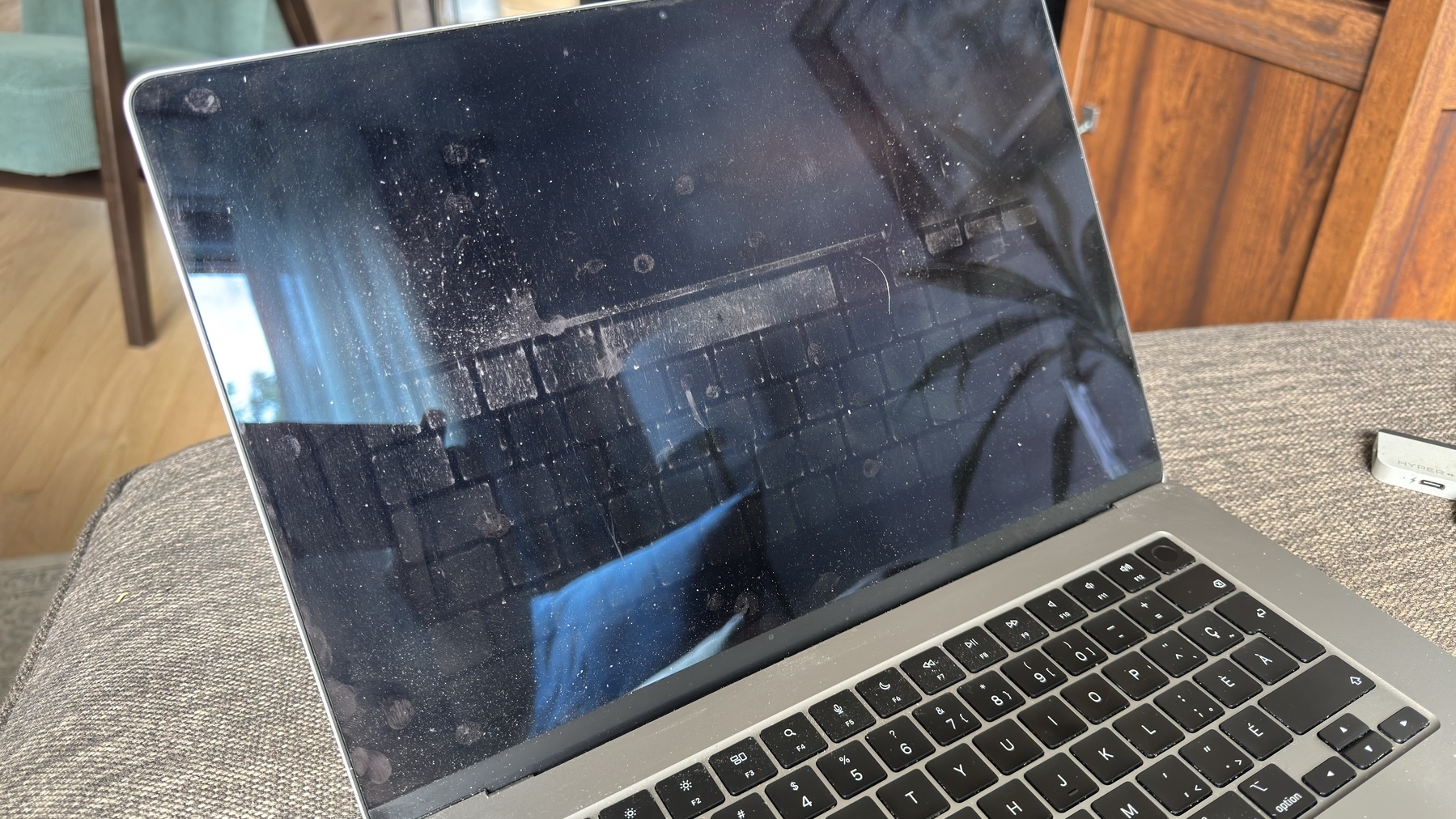
  2. The sound is highly distorted. It’s a known issue, apparently. ↩︎

  3. Audio Hijack is a superb piece of software if you ask me. ↩︎
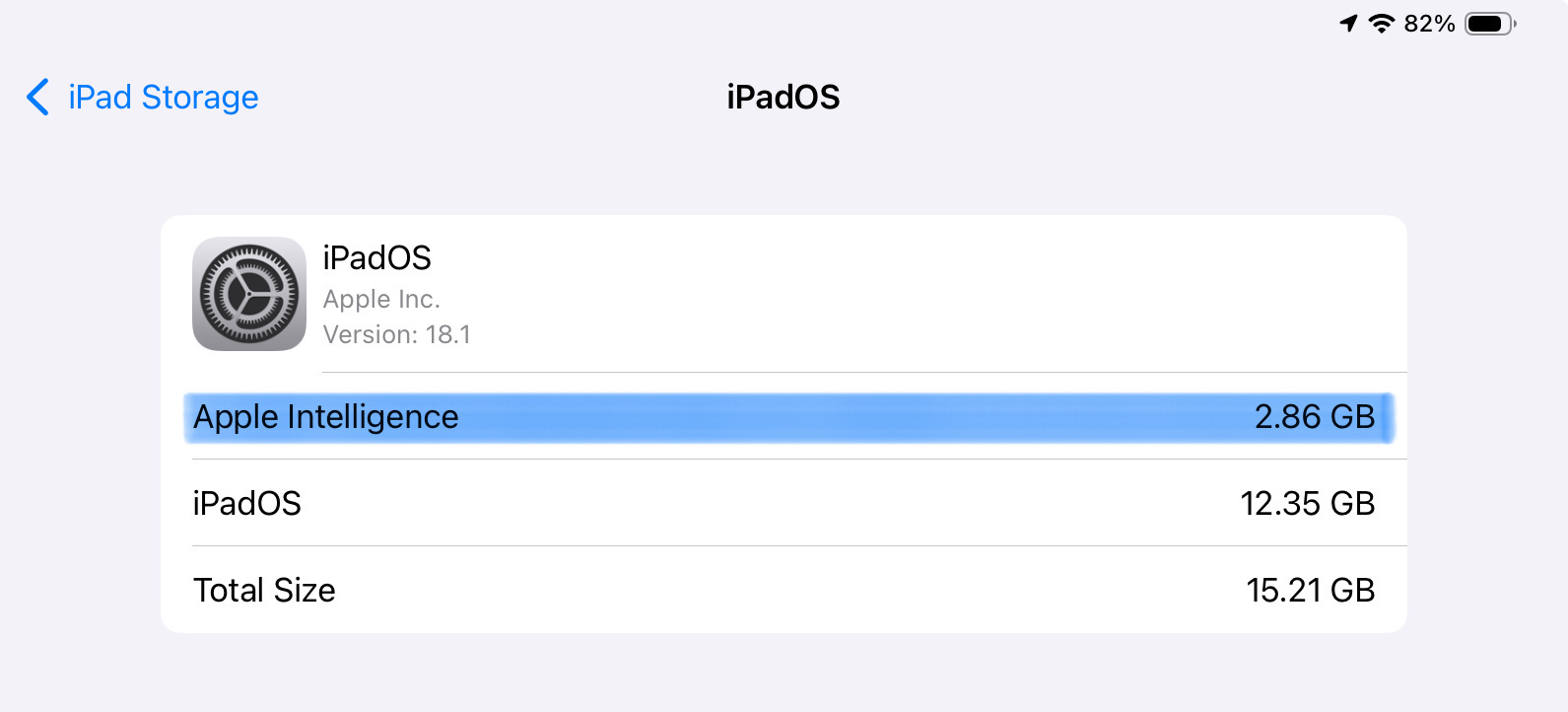
  4. More tiles are included so I can make sure there are no lingering background noises after Voice Isolation makes its magic. ↩︎