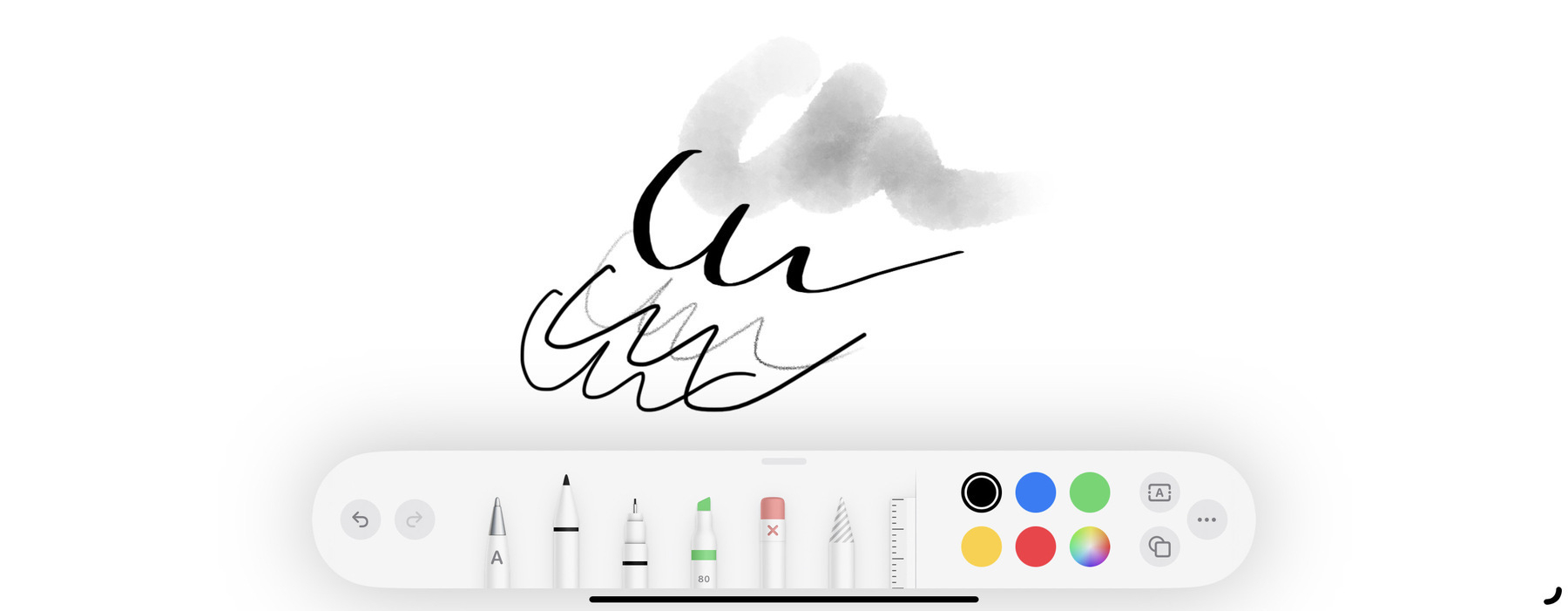
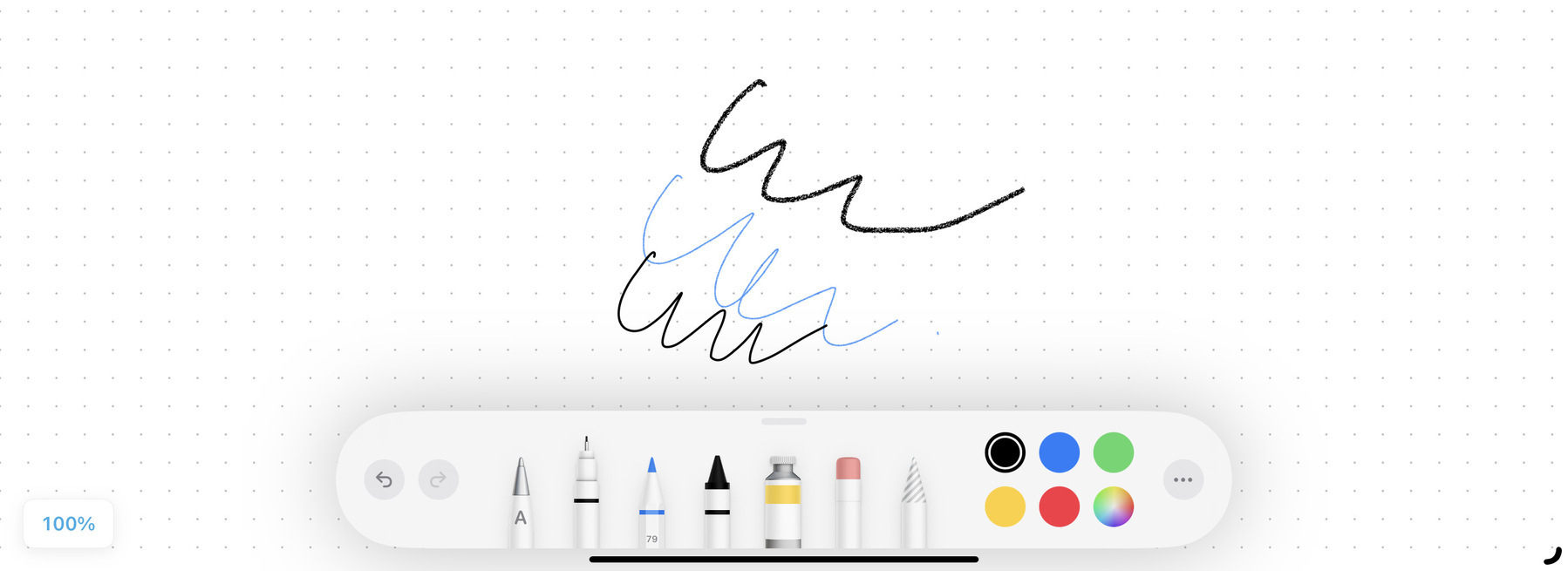
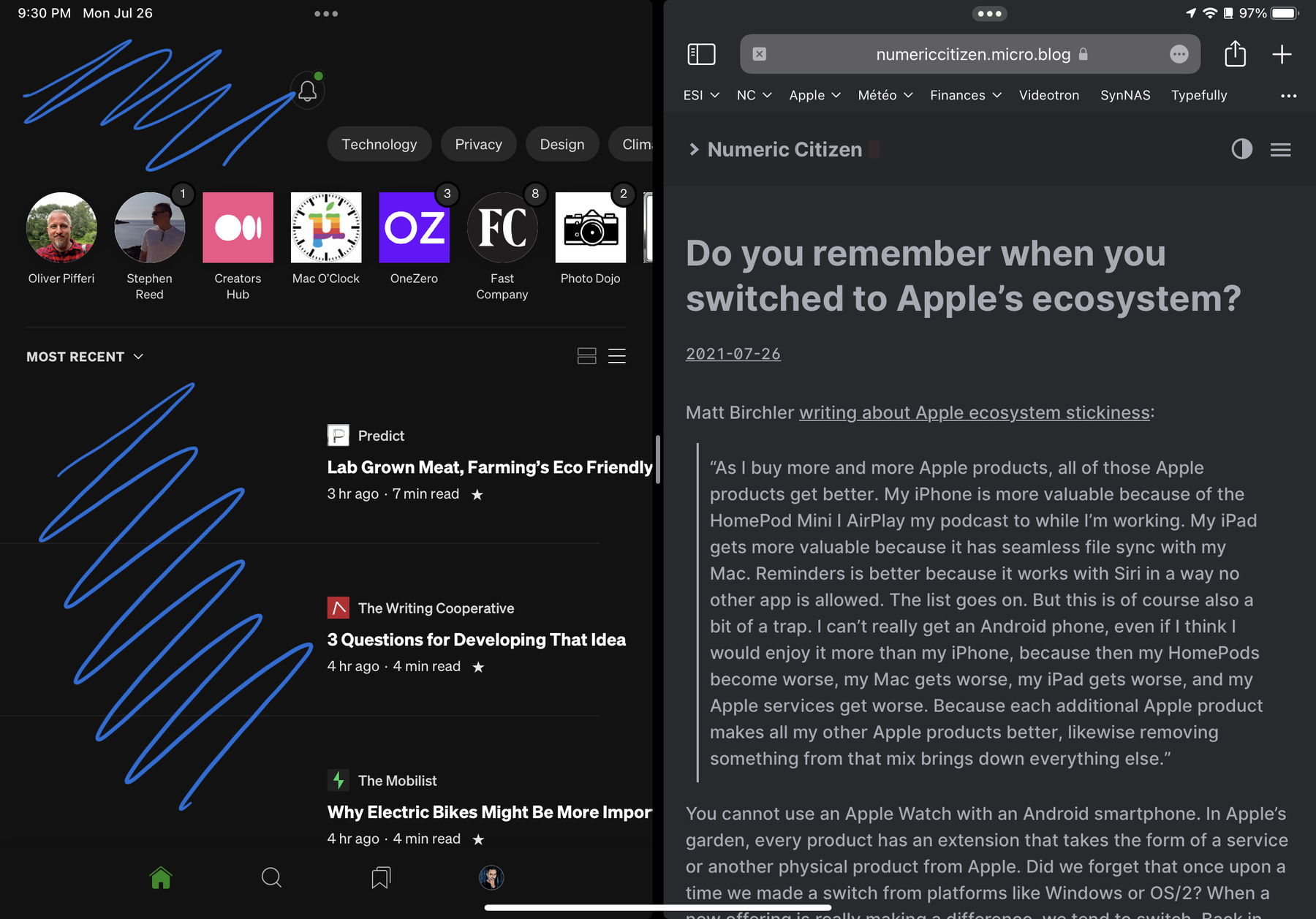
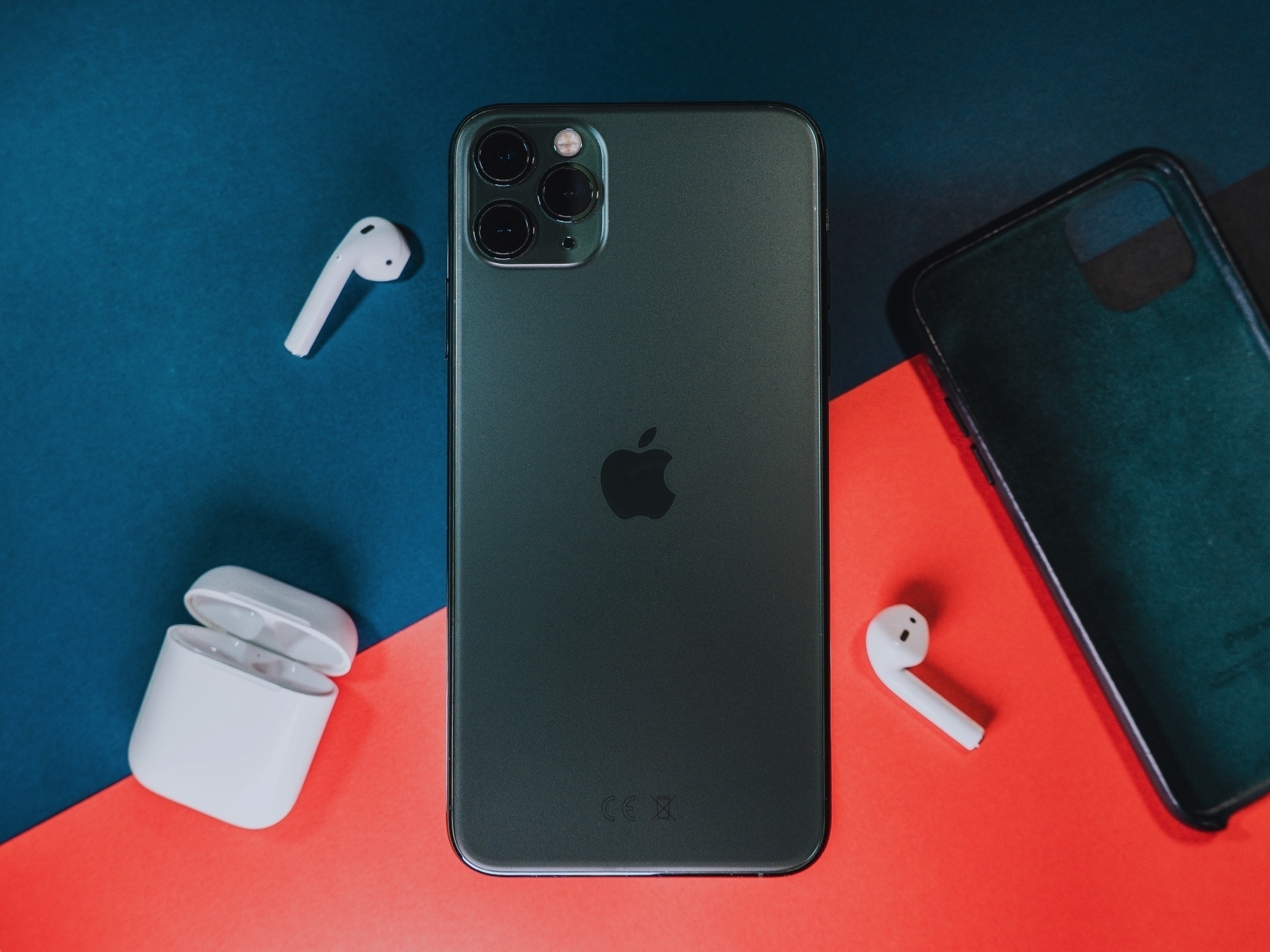
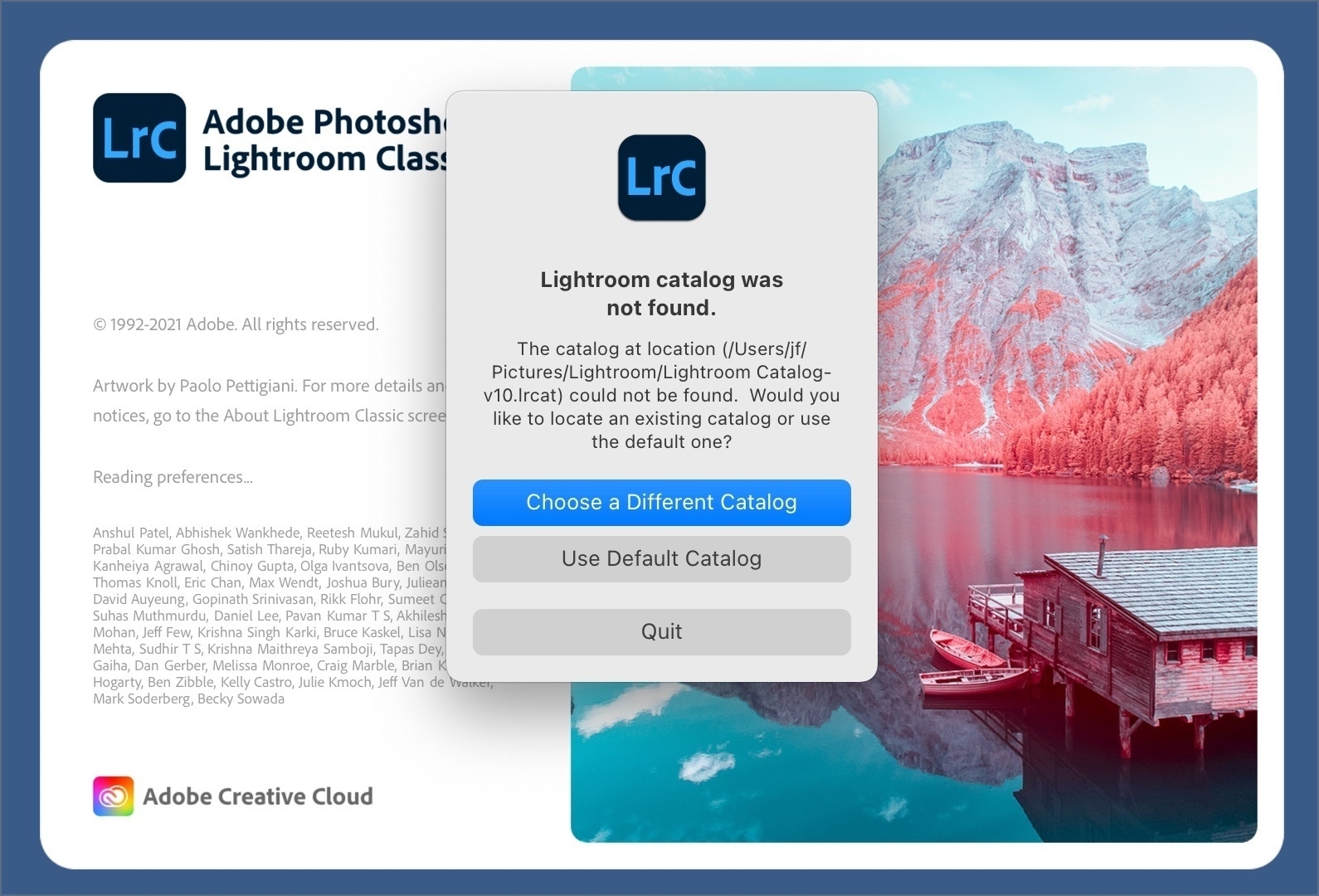
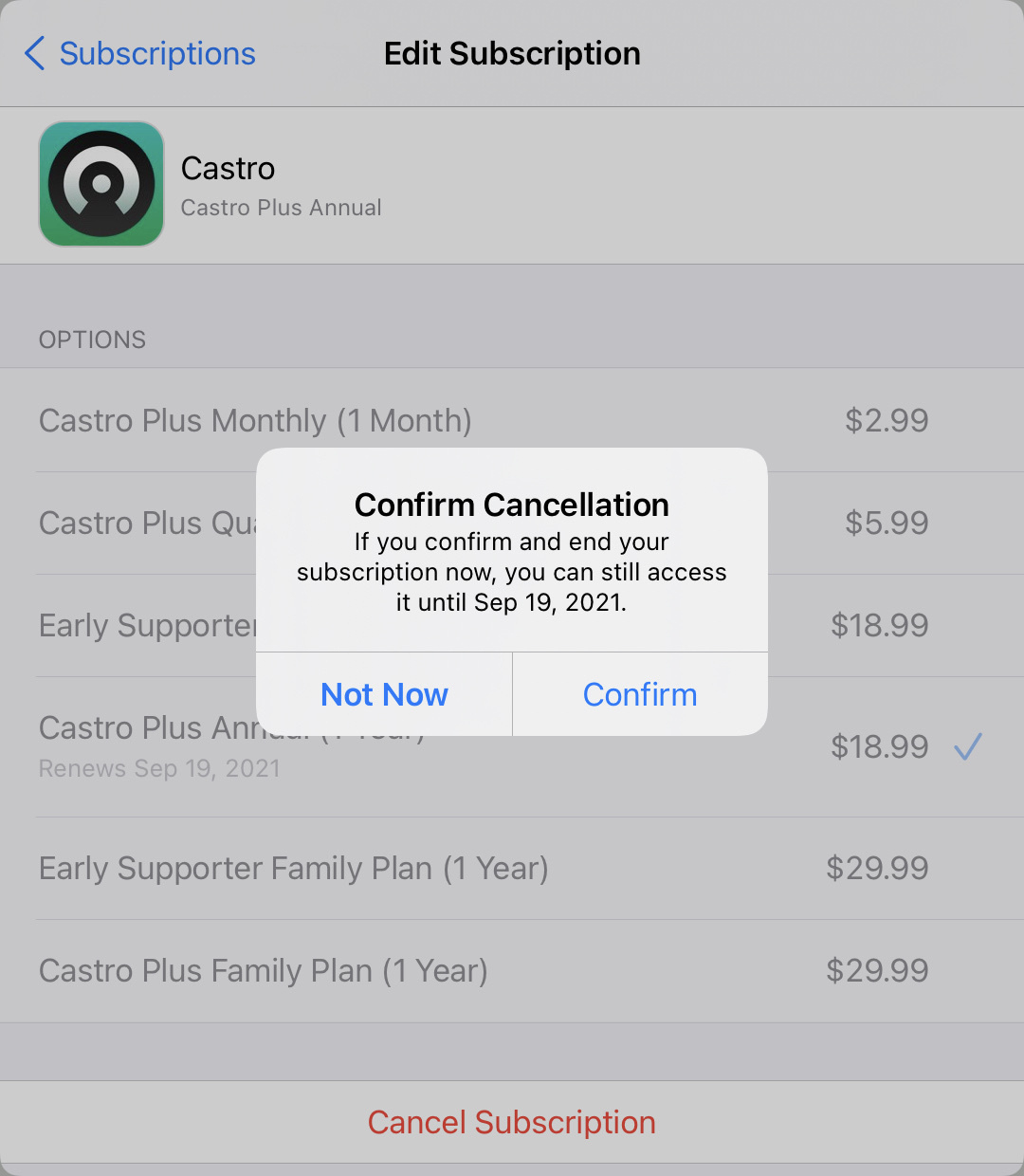
The Enigmatic Snapseed from Google

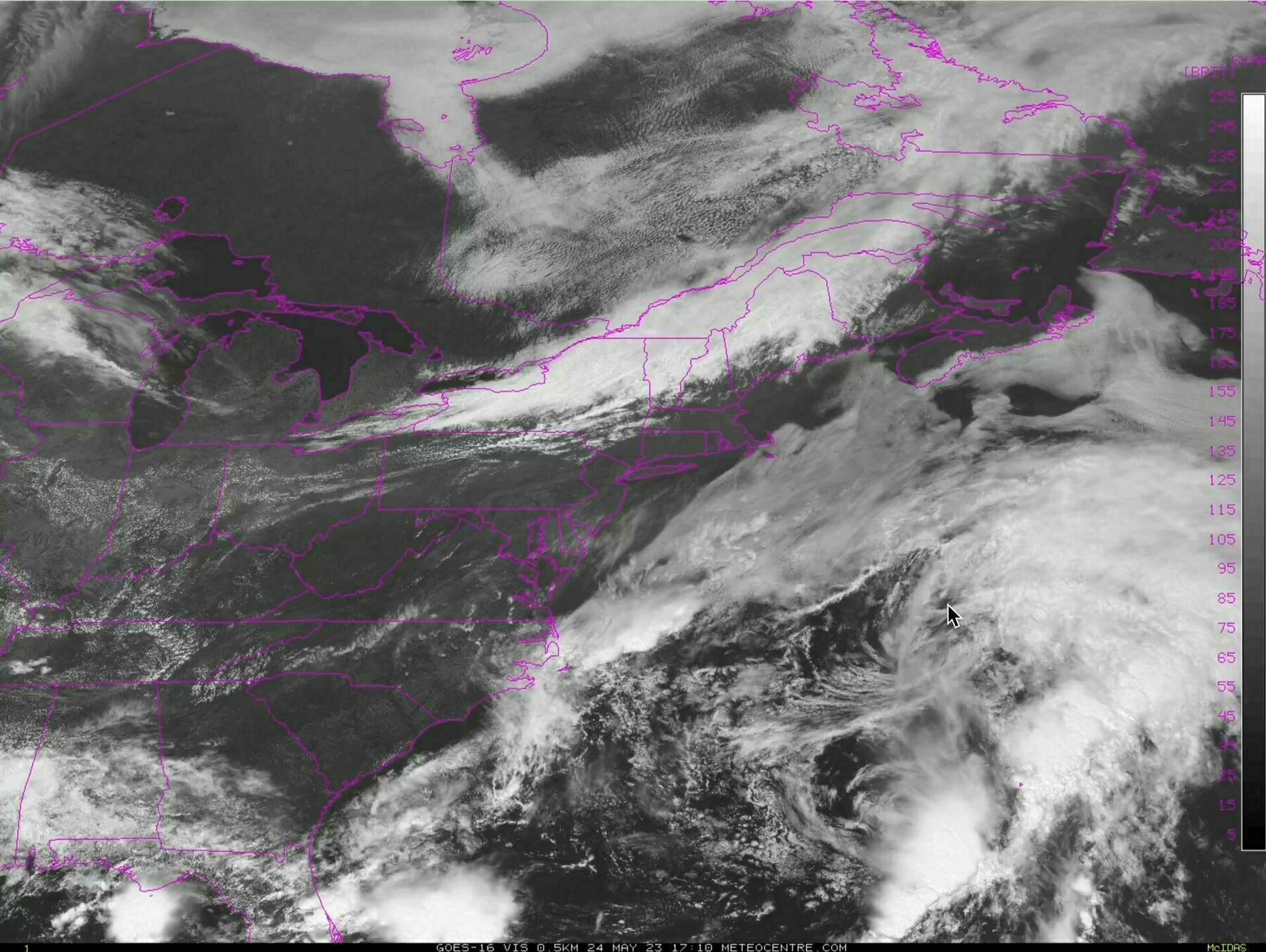
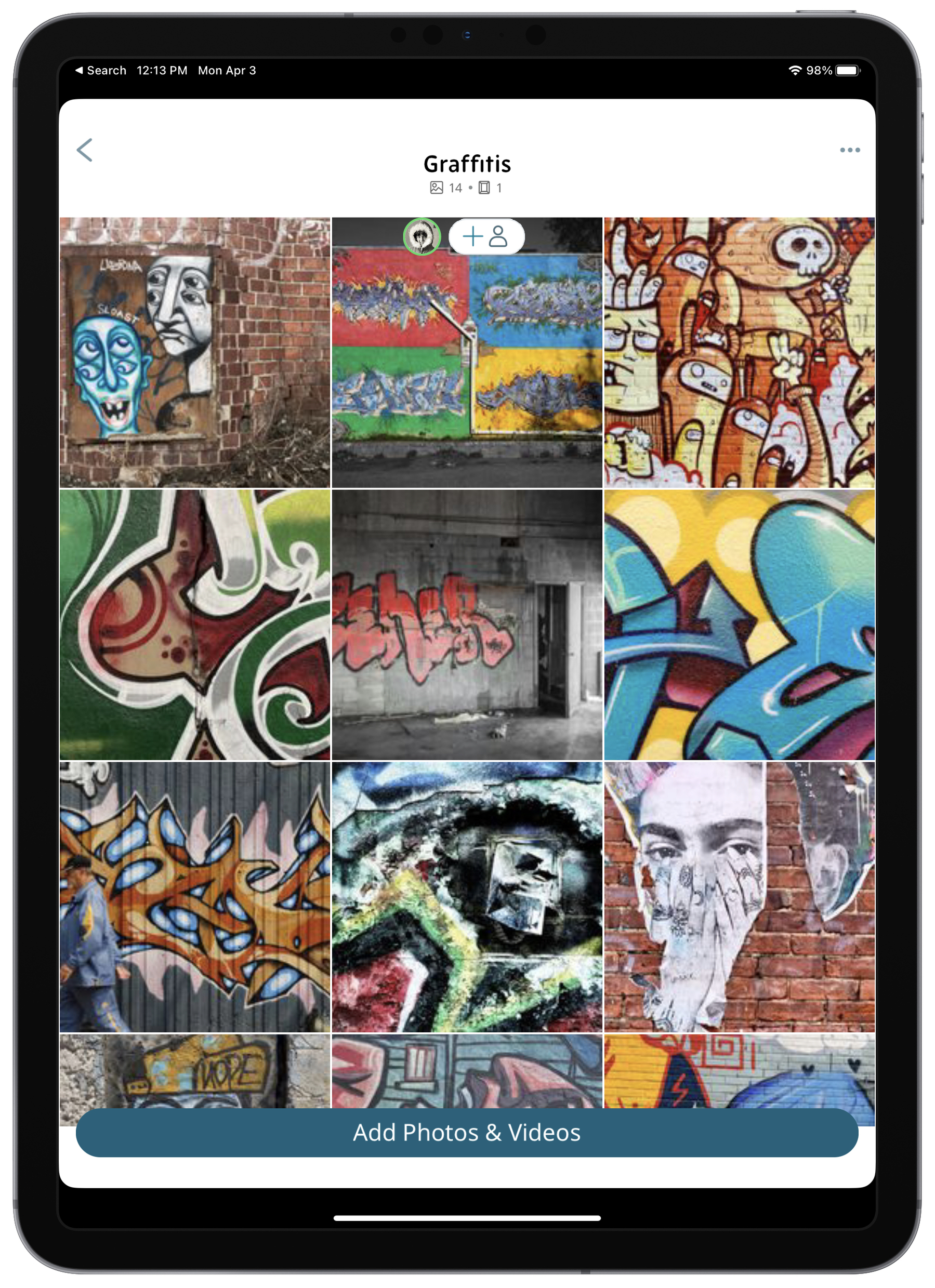
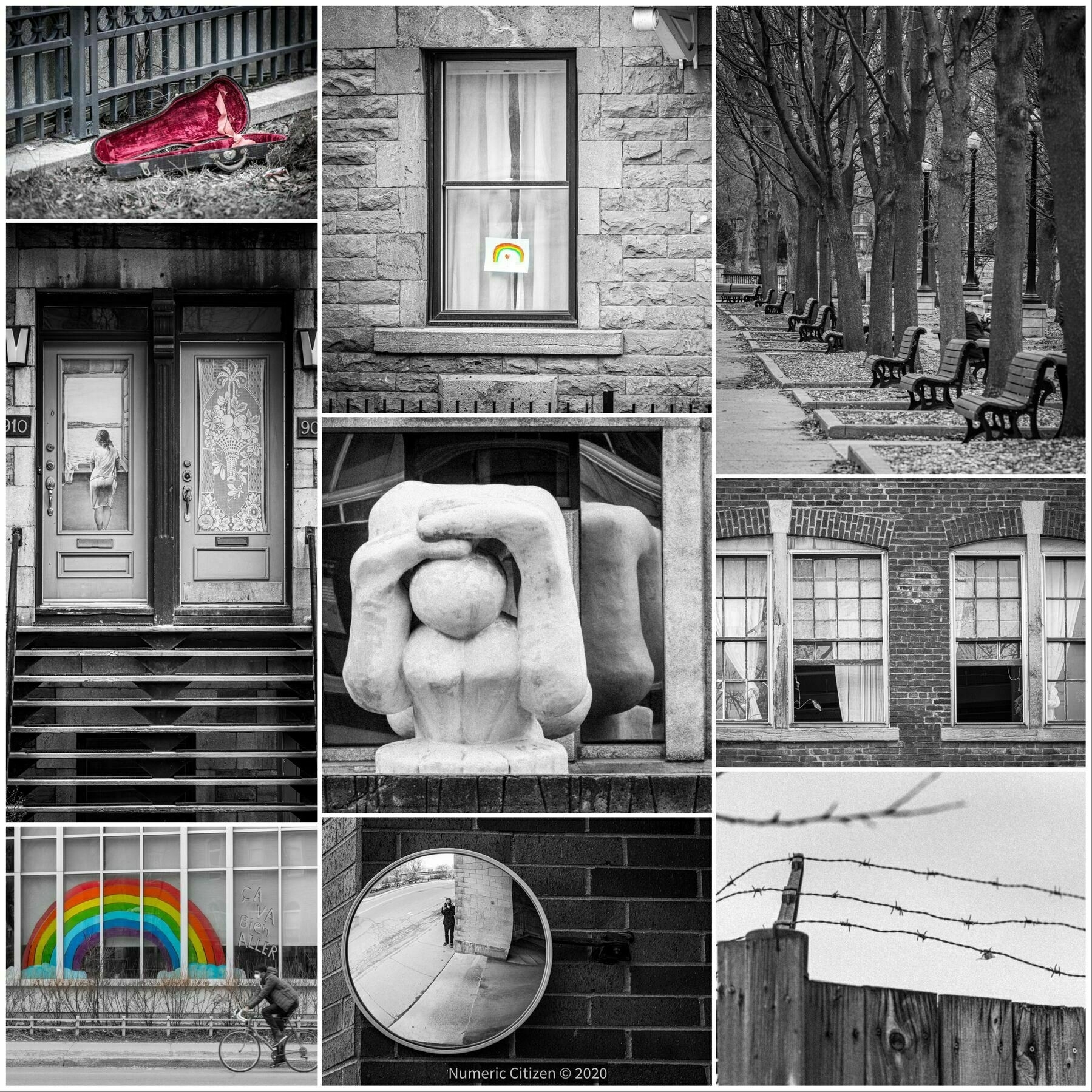
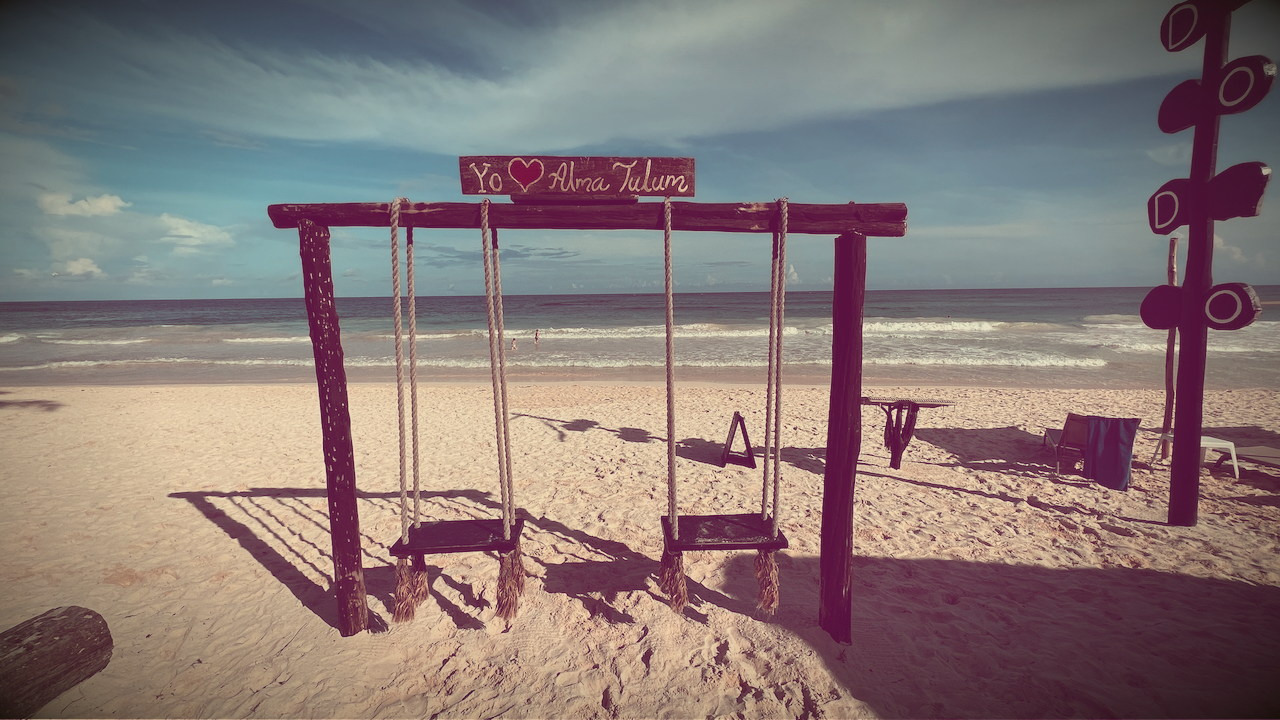
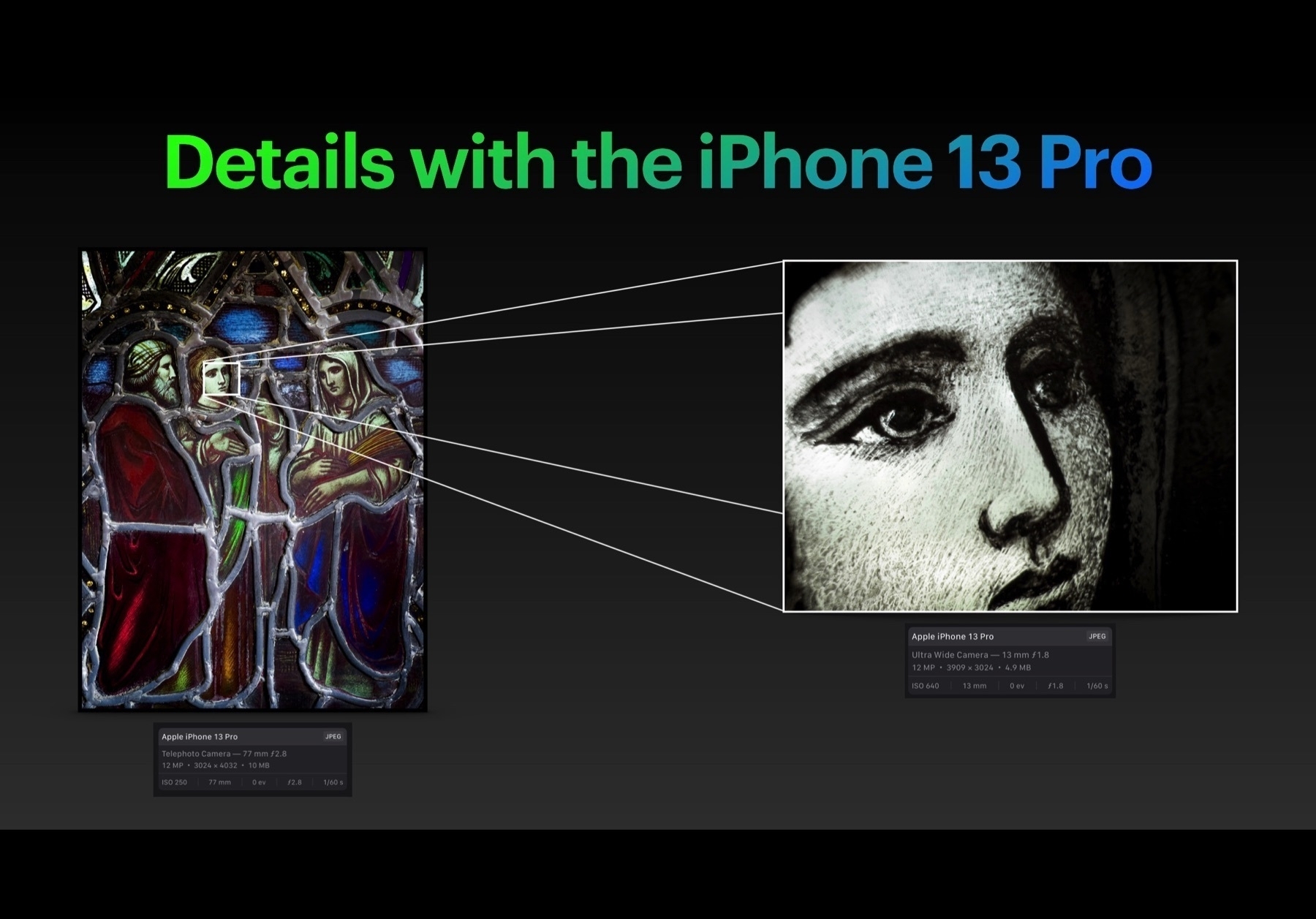
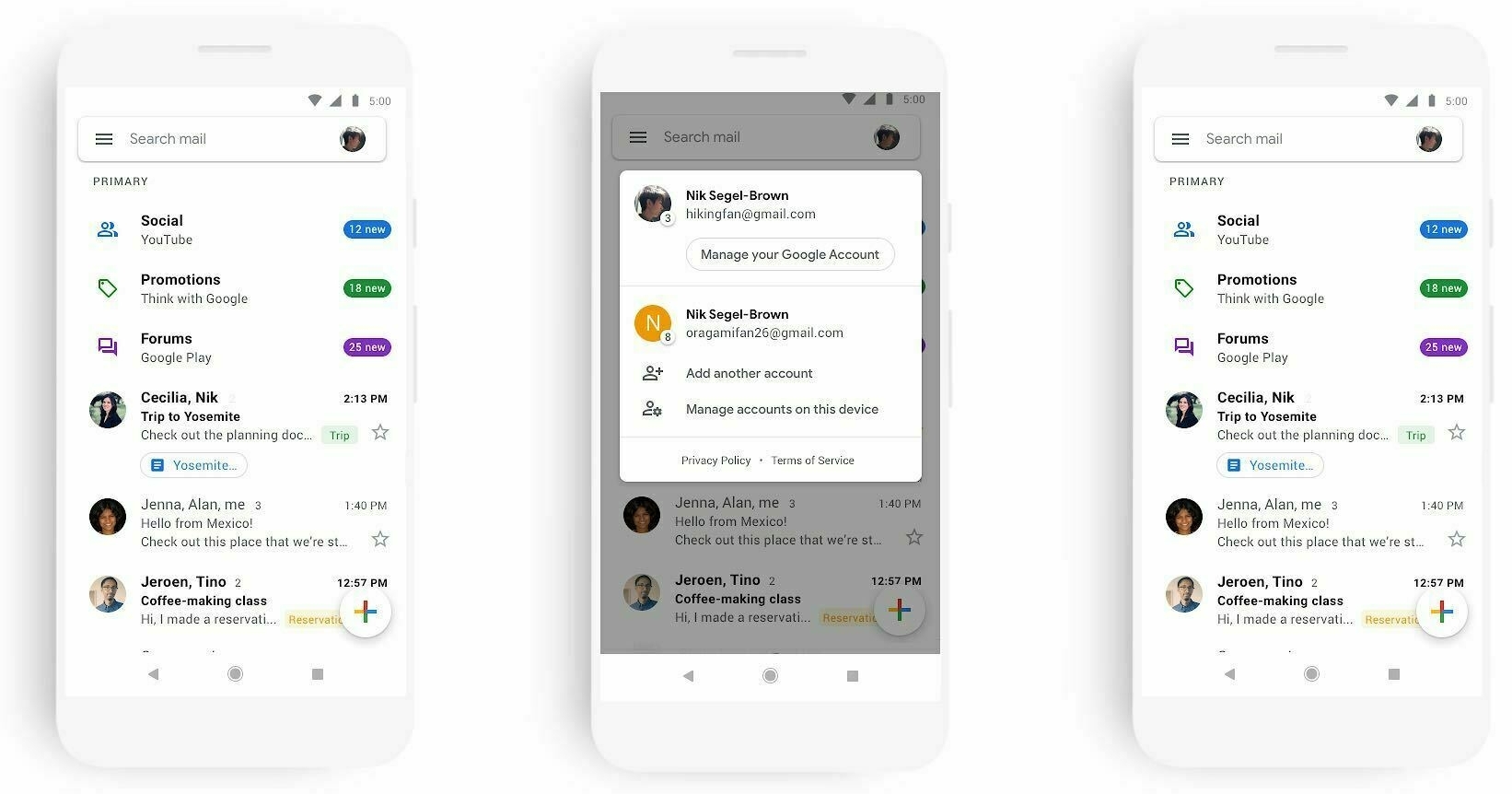
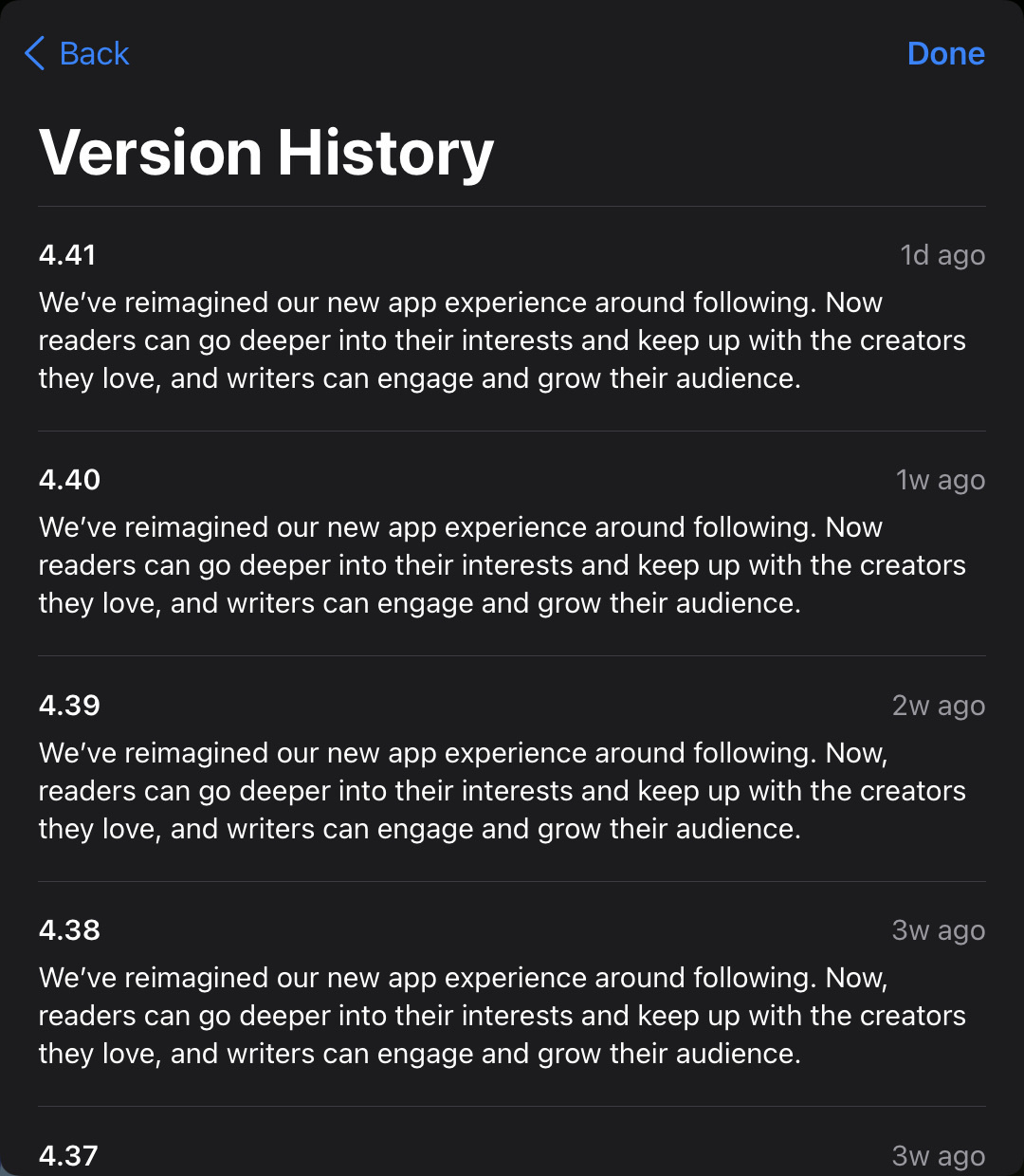
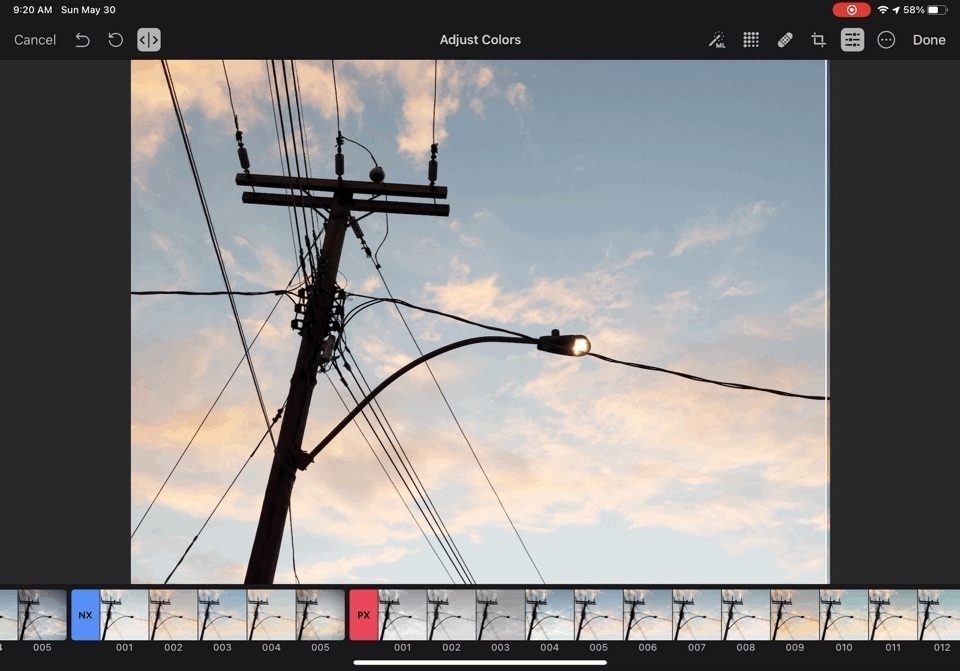
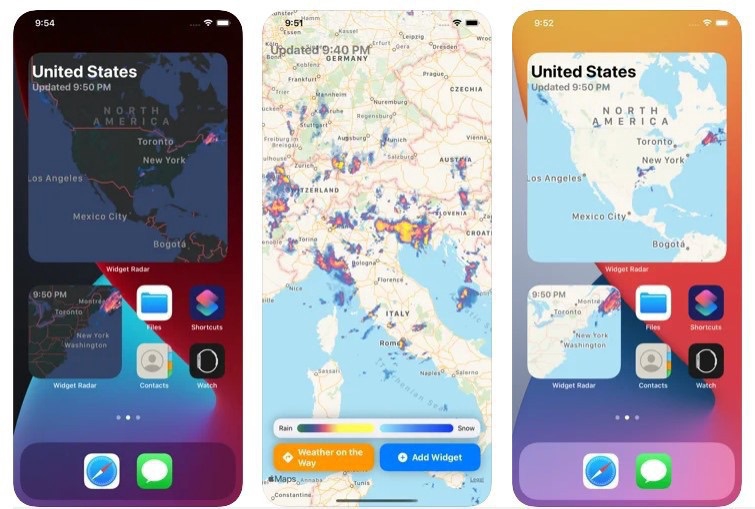
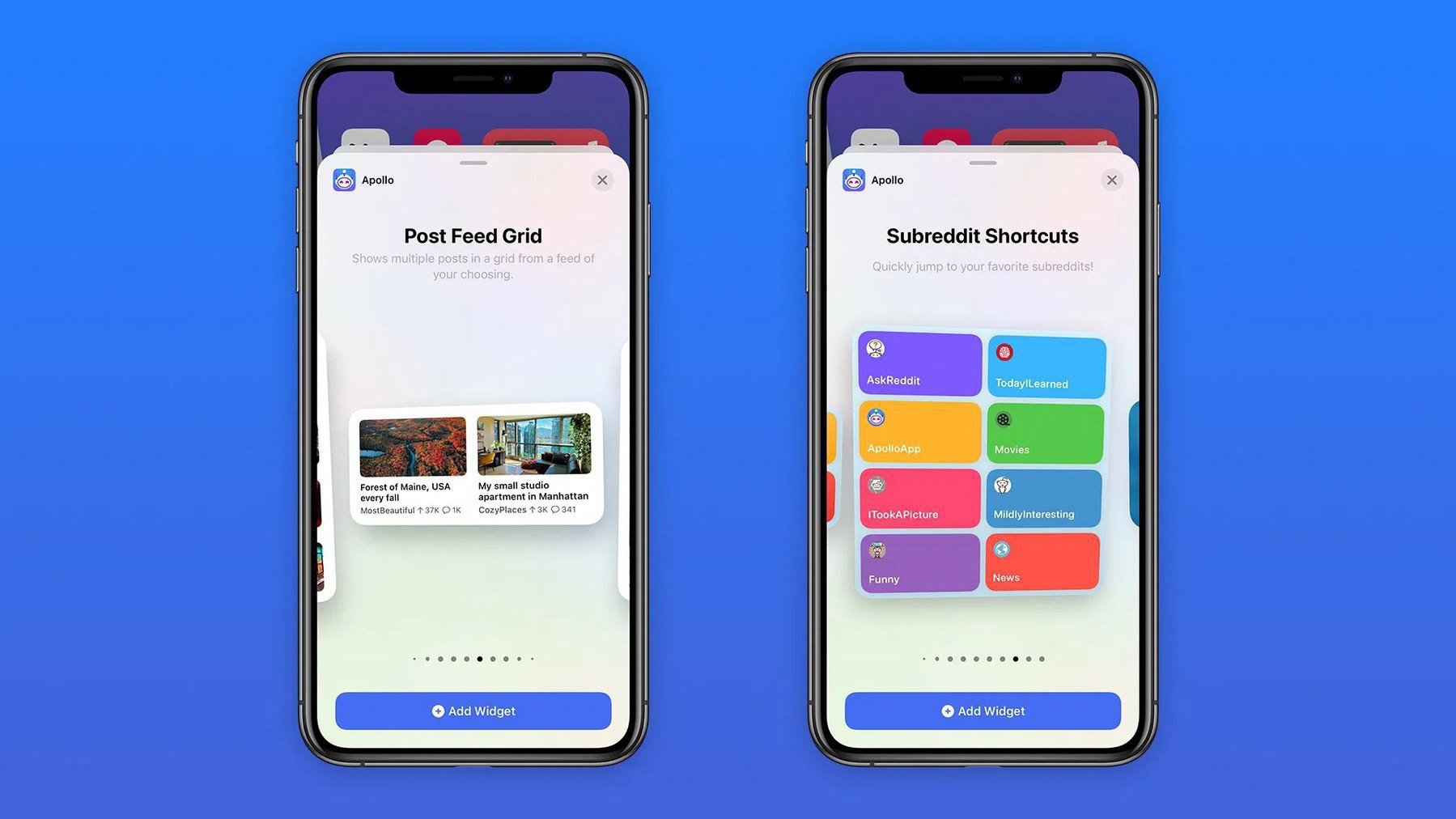
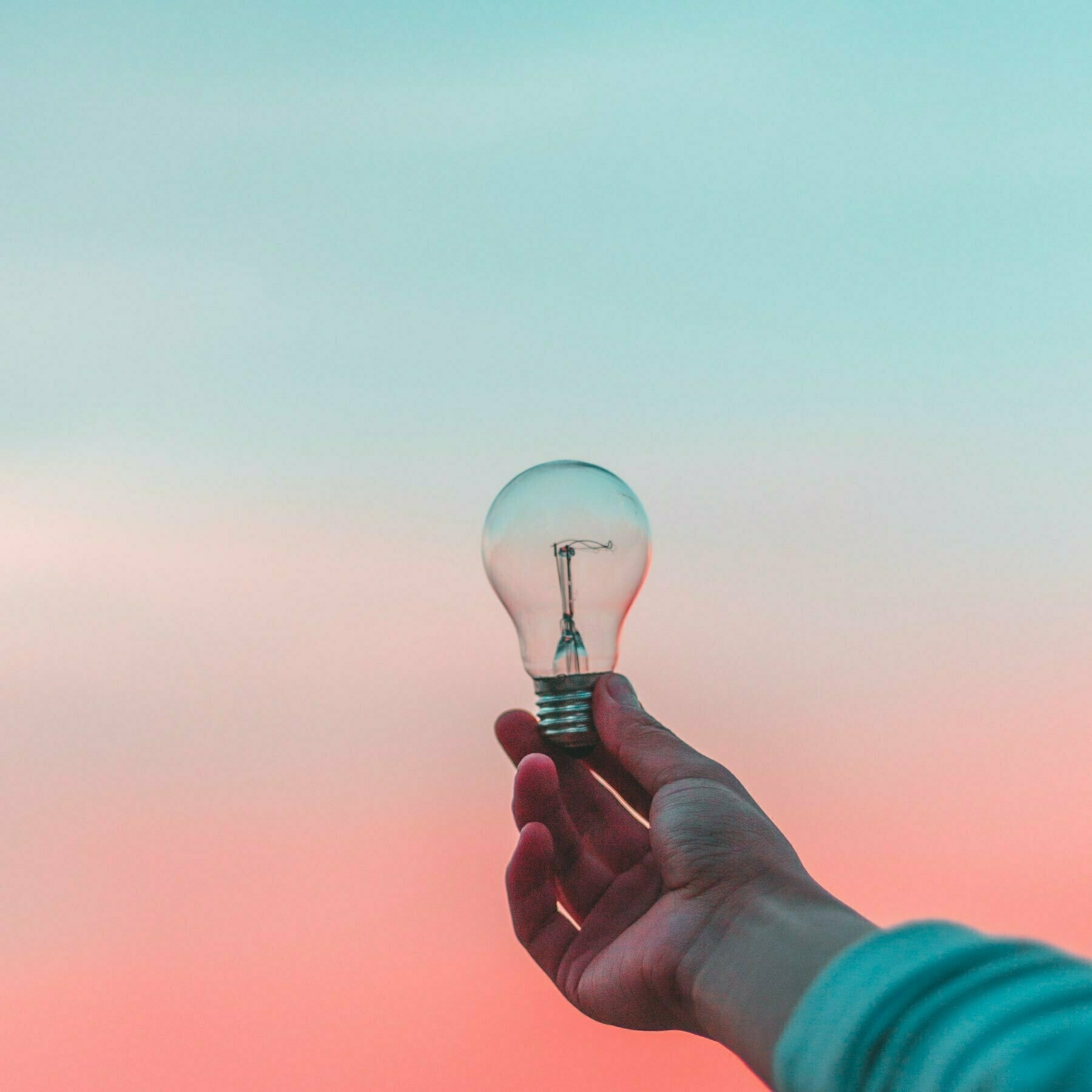
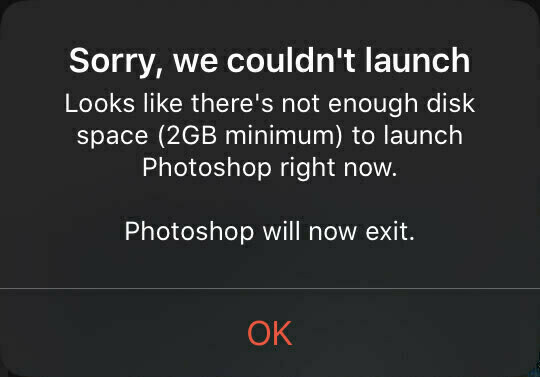
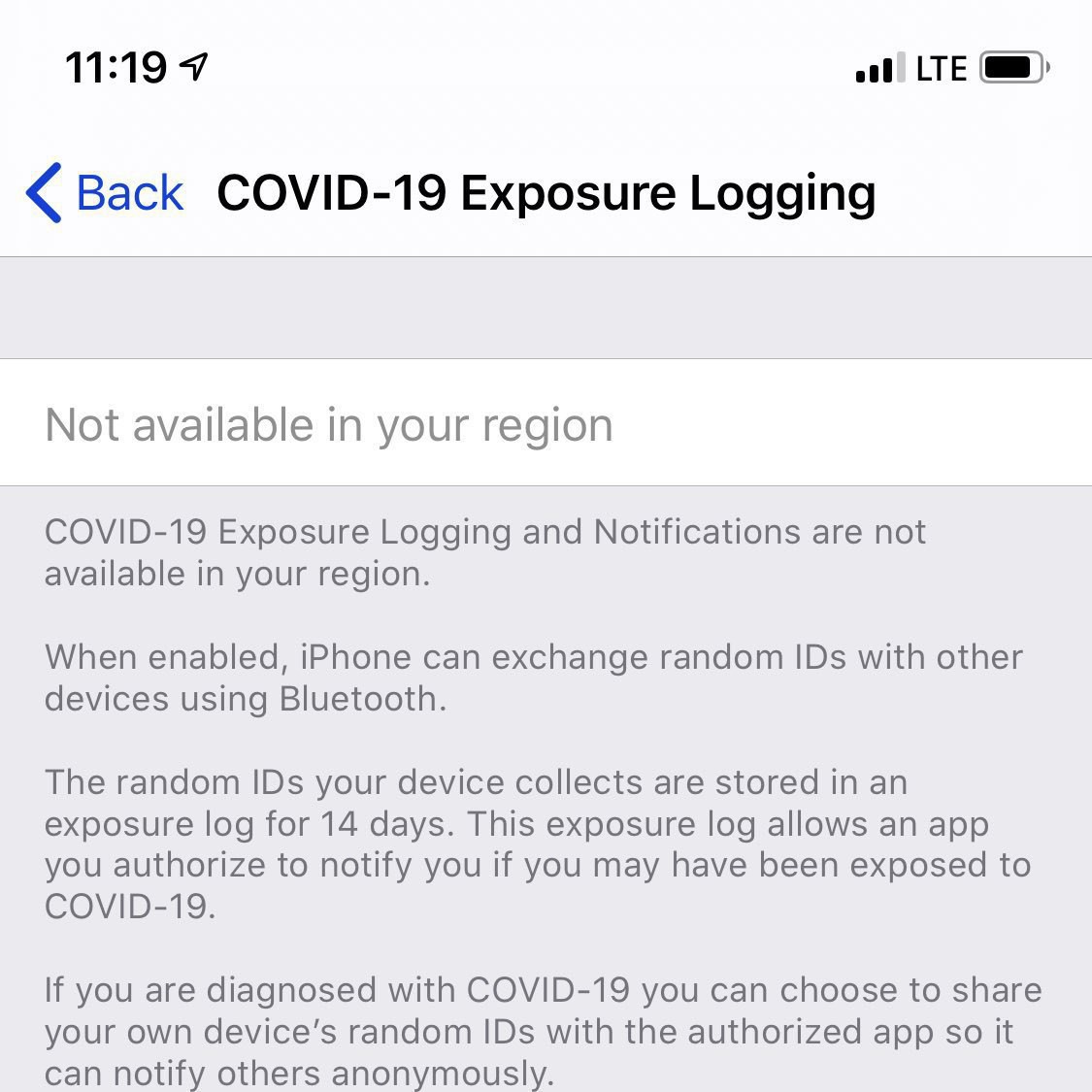
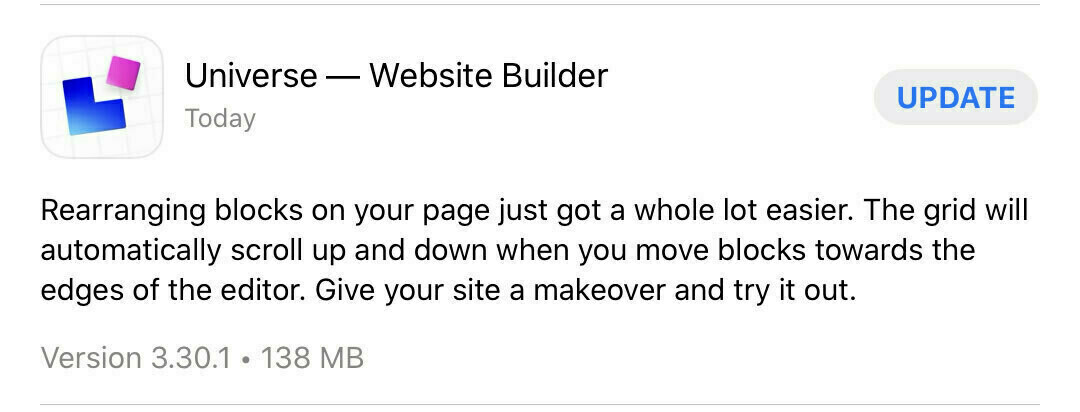
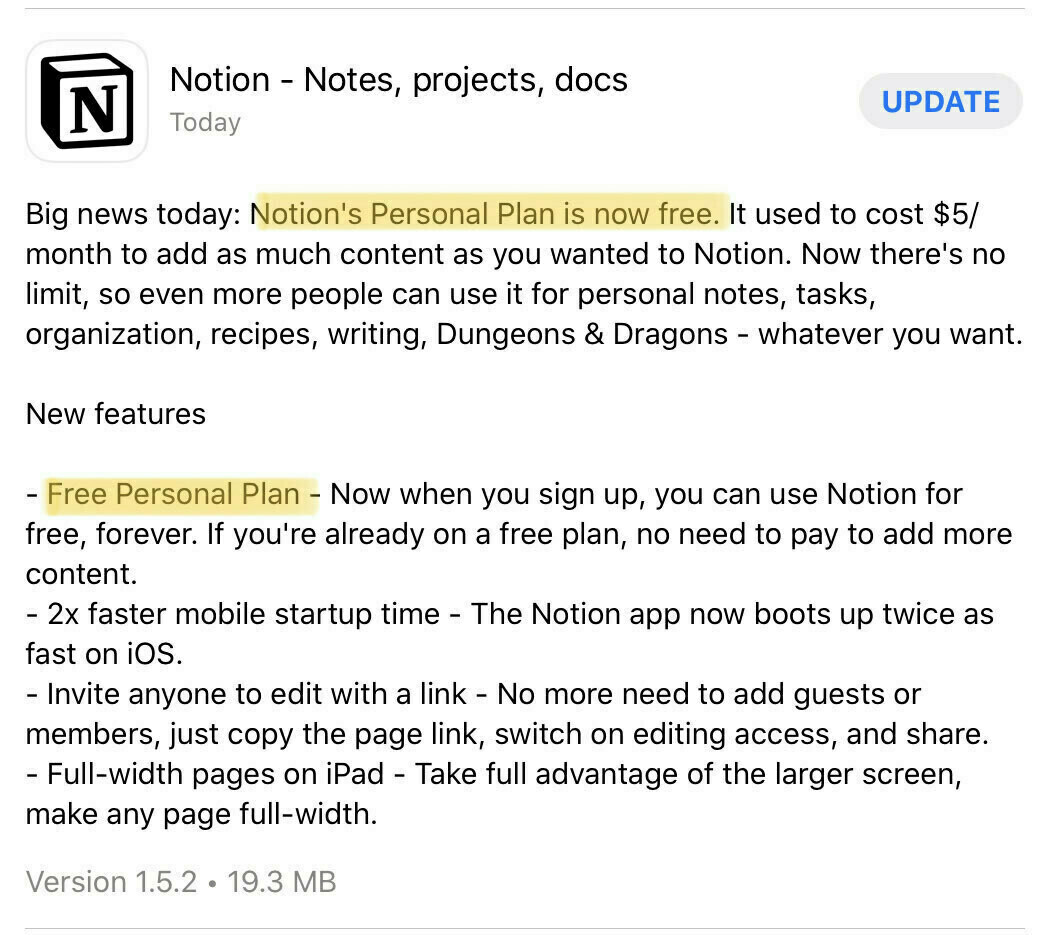
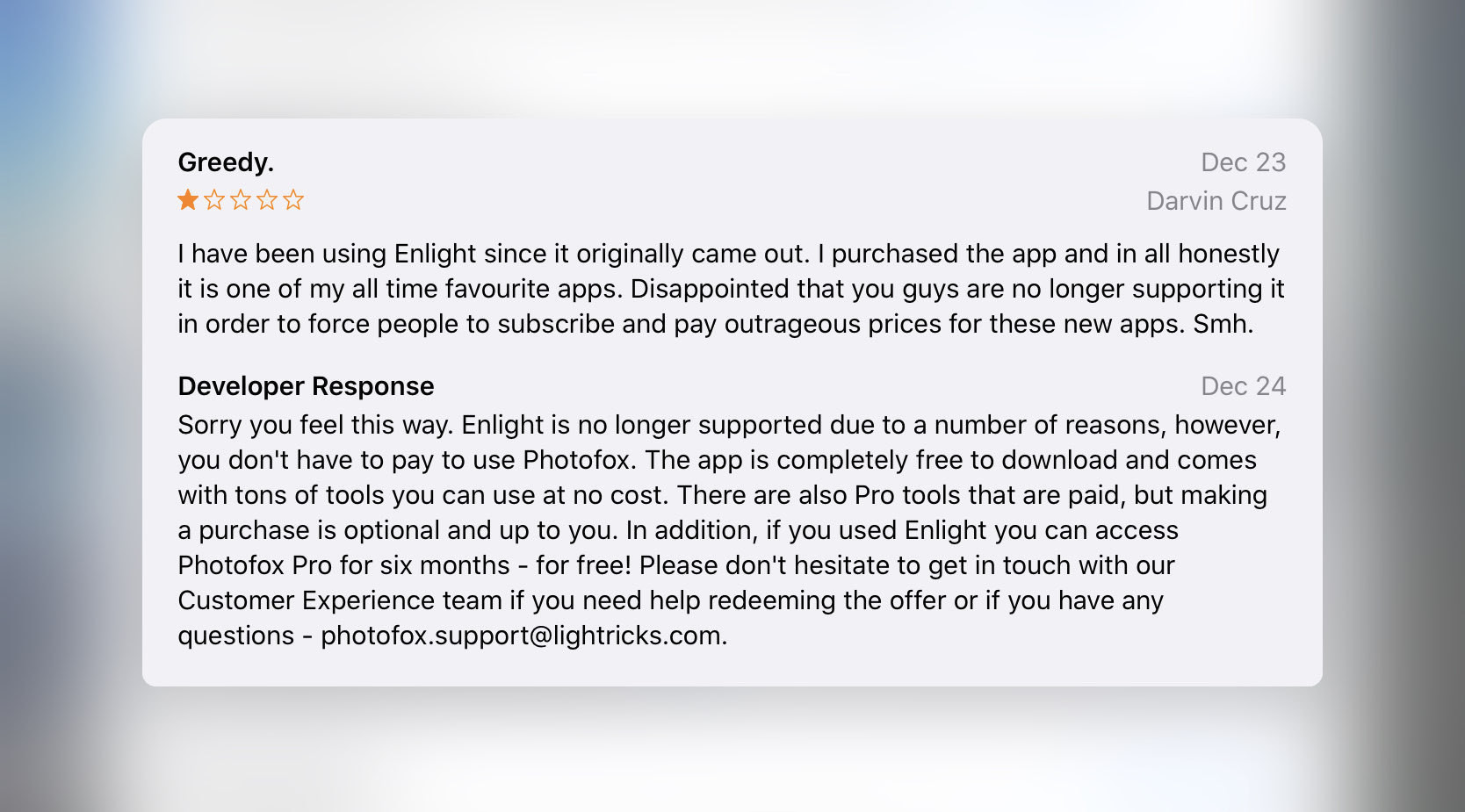
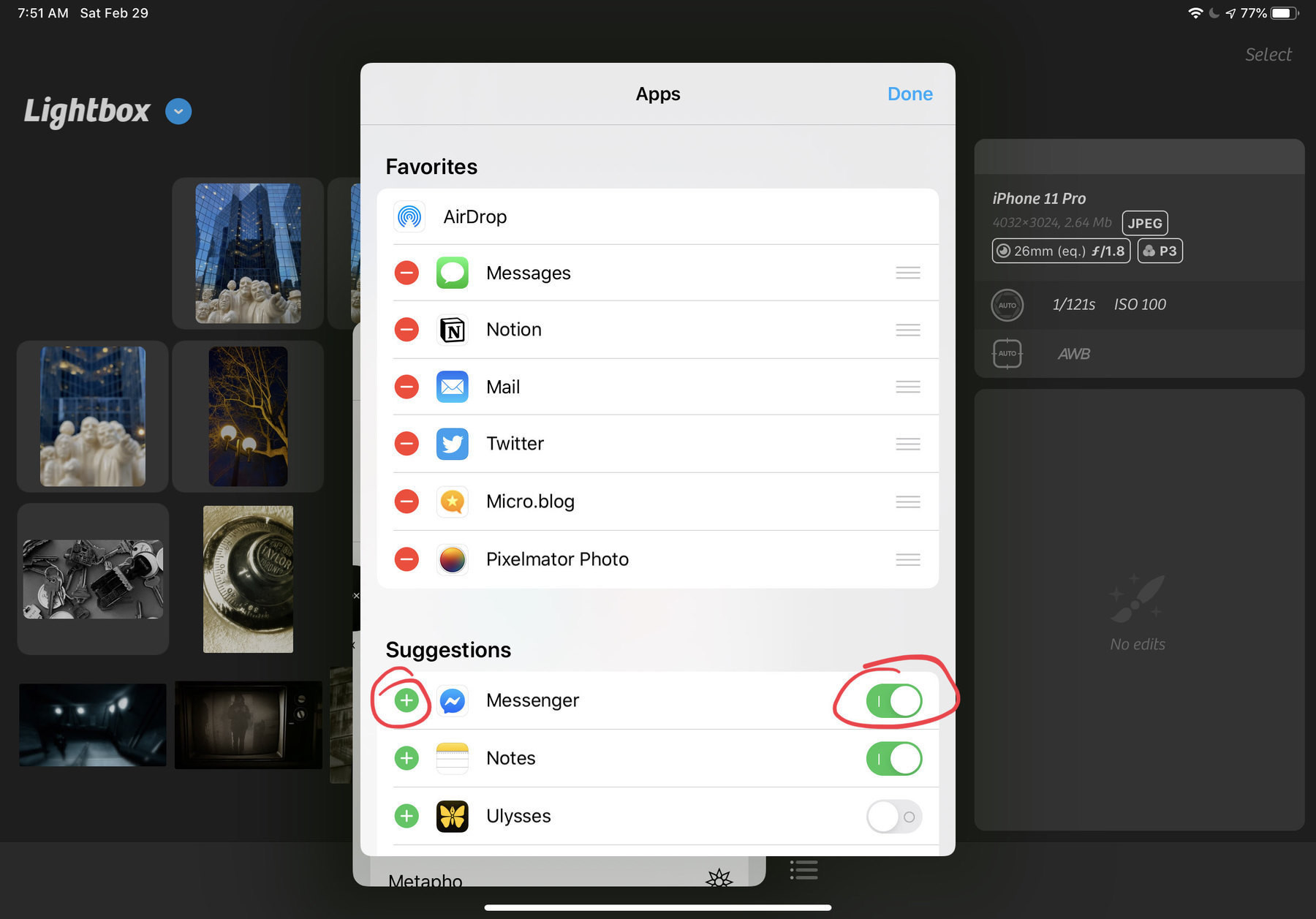
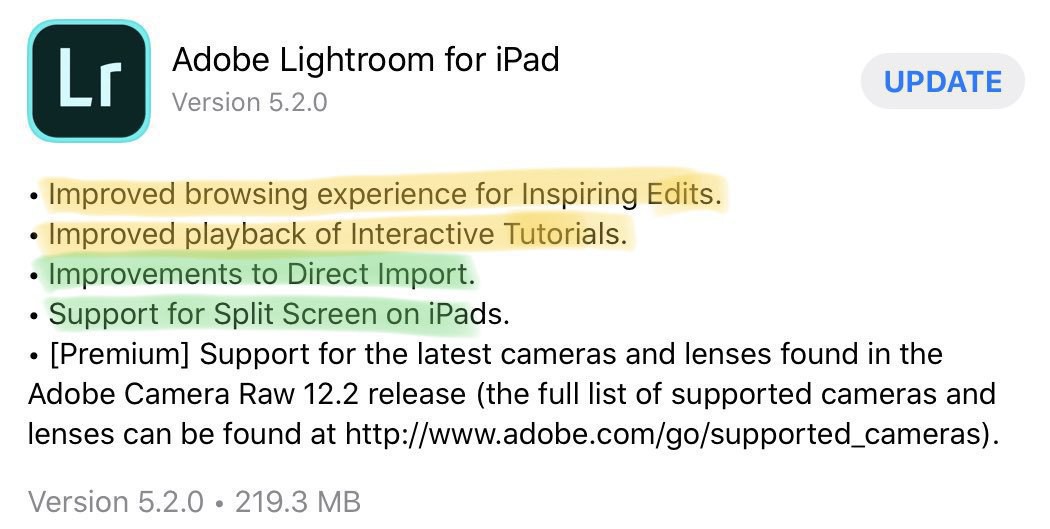
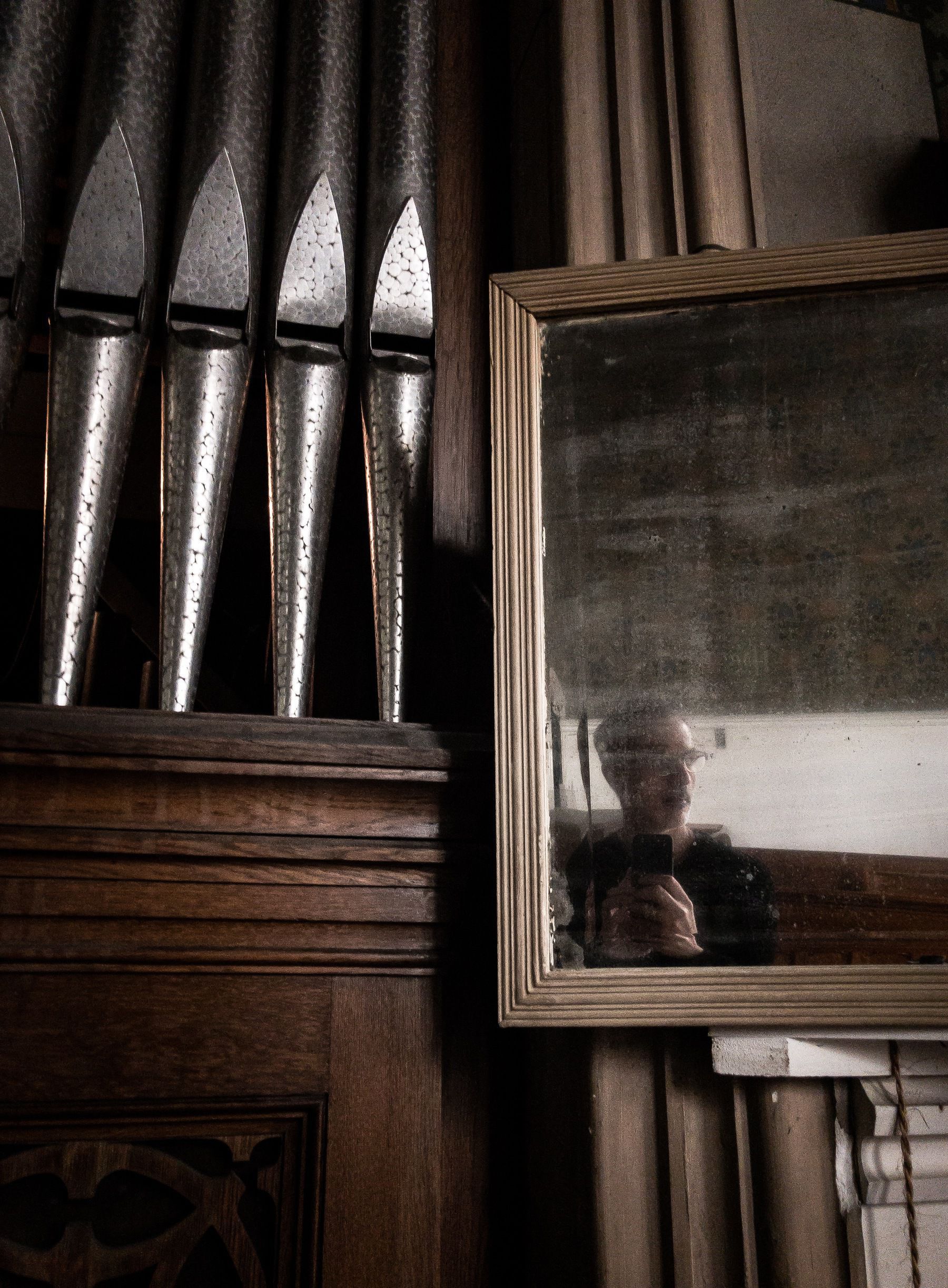
Surprising to see Snapseed being updated since it is owned by Google. I use this photo processing application to create the posts in the Perfect Imperfection Series on my Smugmug account. If Google was to kill this app, it would probably put an end to my photo series. I tried to find other apps to replace Snapseed but failed to find something that comes close. Now, why is Google even bother maintaining Snapseed? How does it fit their business model?

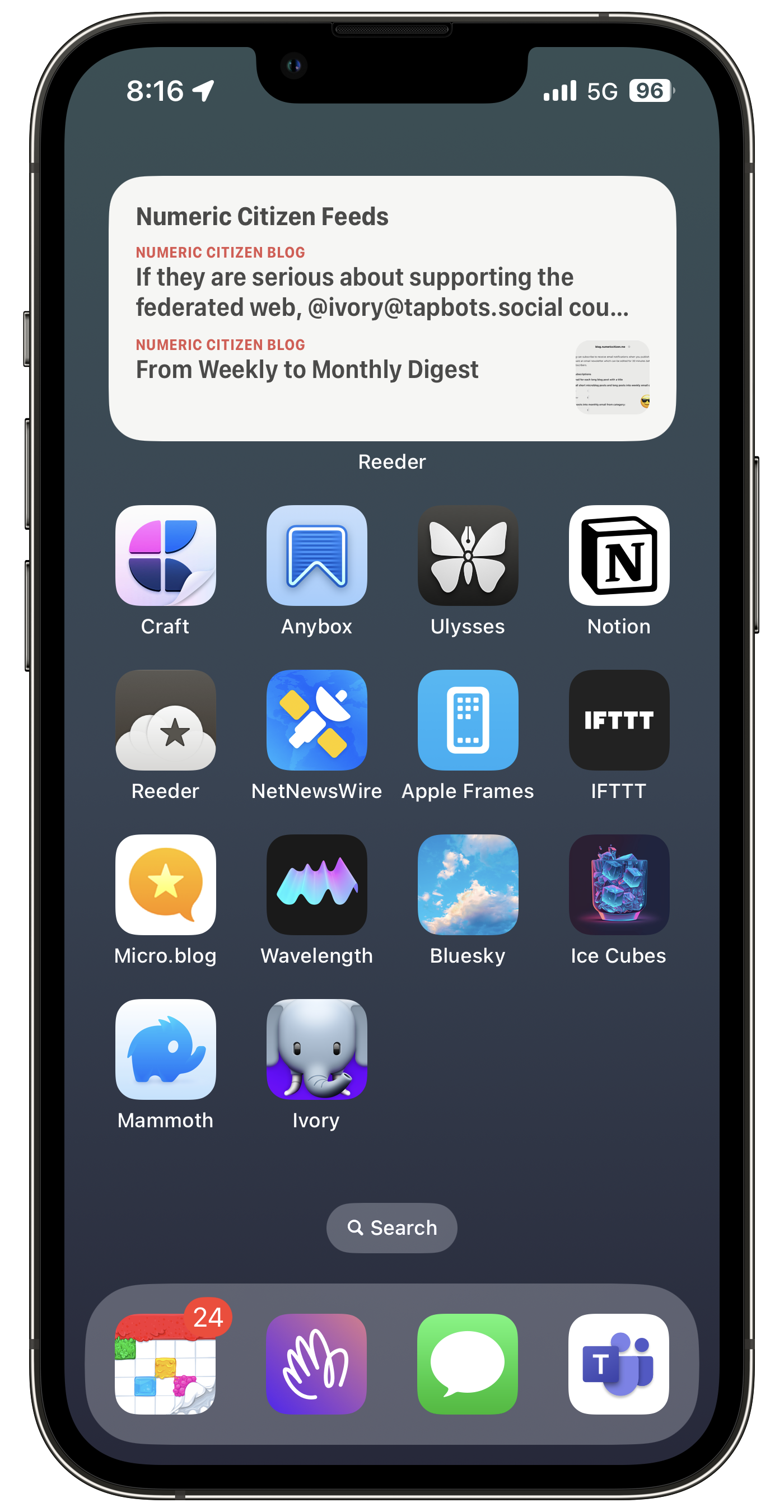
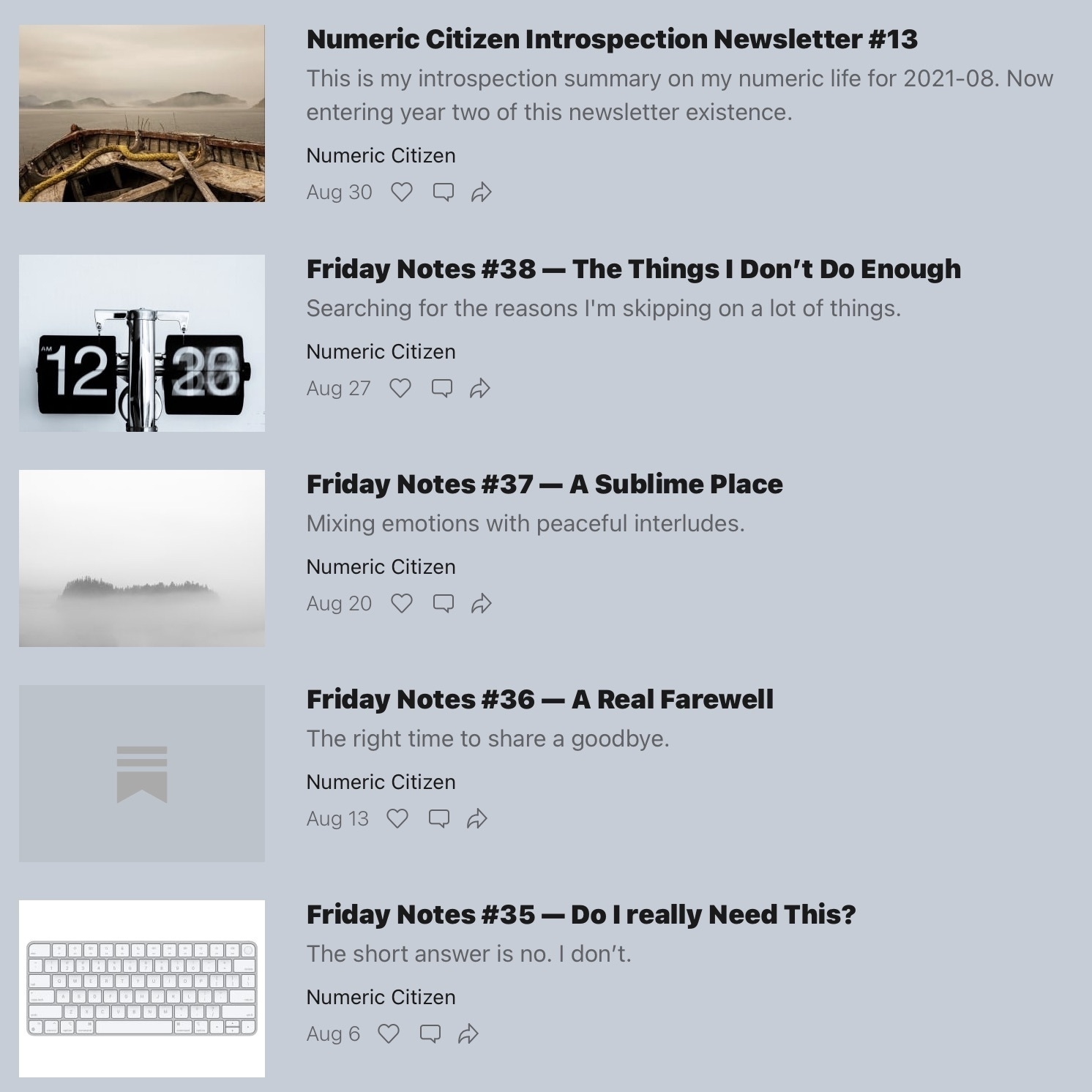
Weekly Posts Digest from Numeric Citizen Microblog


Being Unsplashed — Take 2

If you’ve been reading my blogs for a while, you probably know by now that I’m a big fan of Unsplash (“My Growing Love Affair with Unsplash”). I’ve been using Unsplash constantly to find and use pictures in many of my posts (when I cannot find one of mines that fit the post subject). My contributions slowed a bit in the last year because I spend more time building my online presence on Smugmug (my Smugmug page) and more recently on Glass (my profile on Glass).

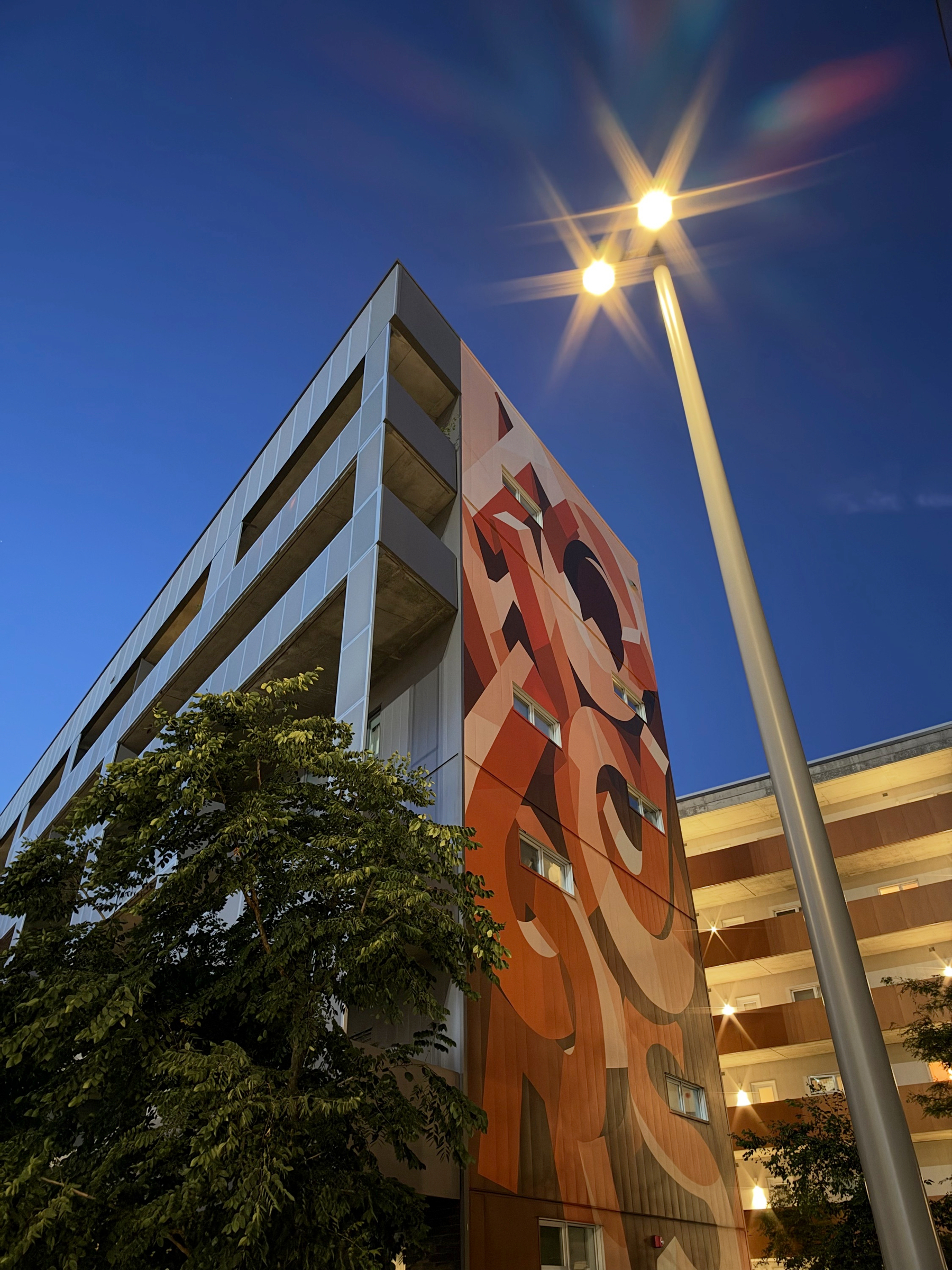
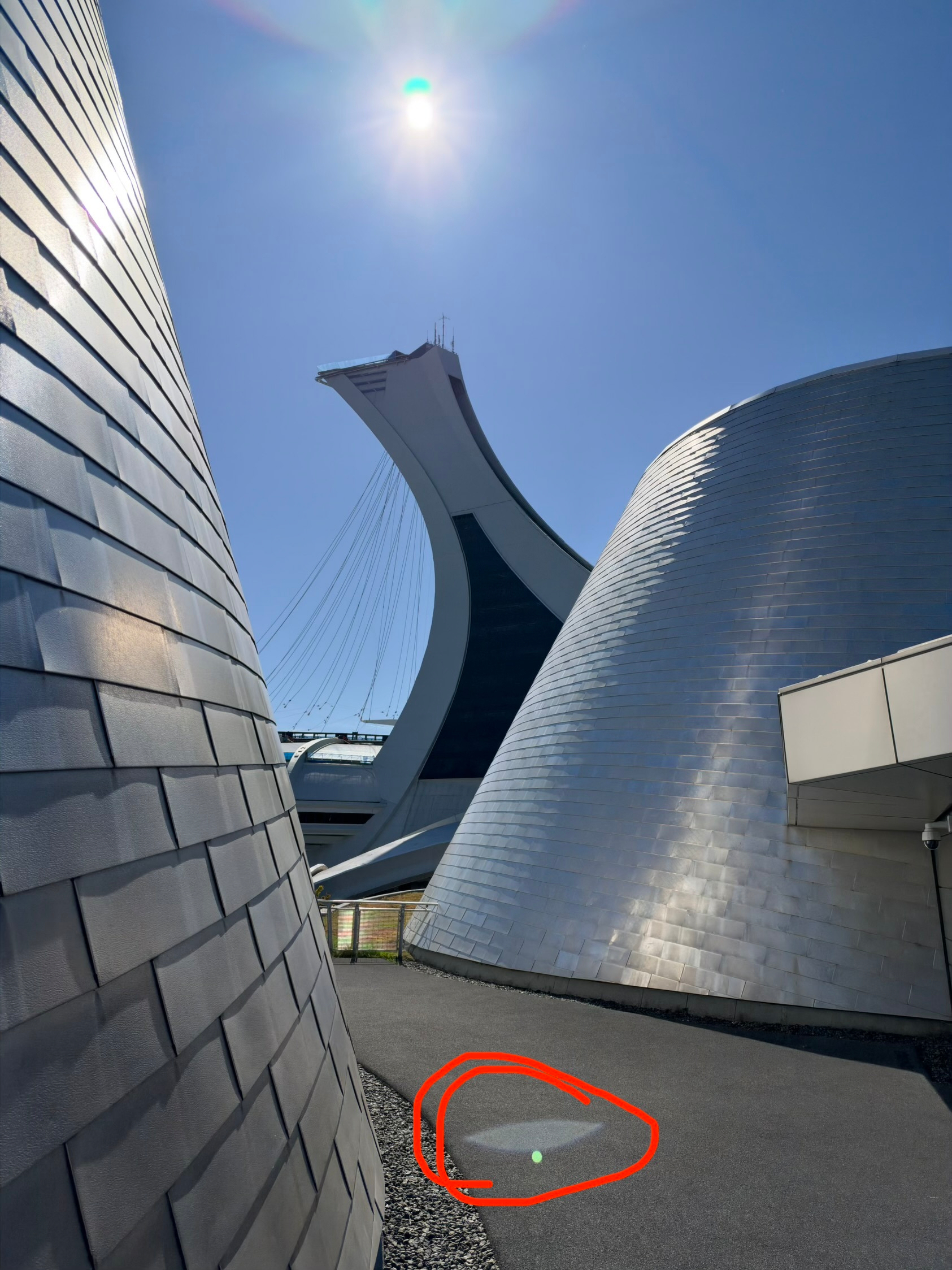
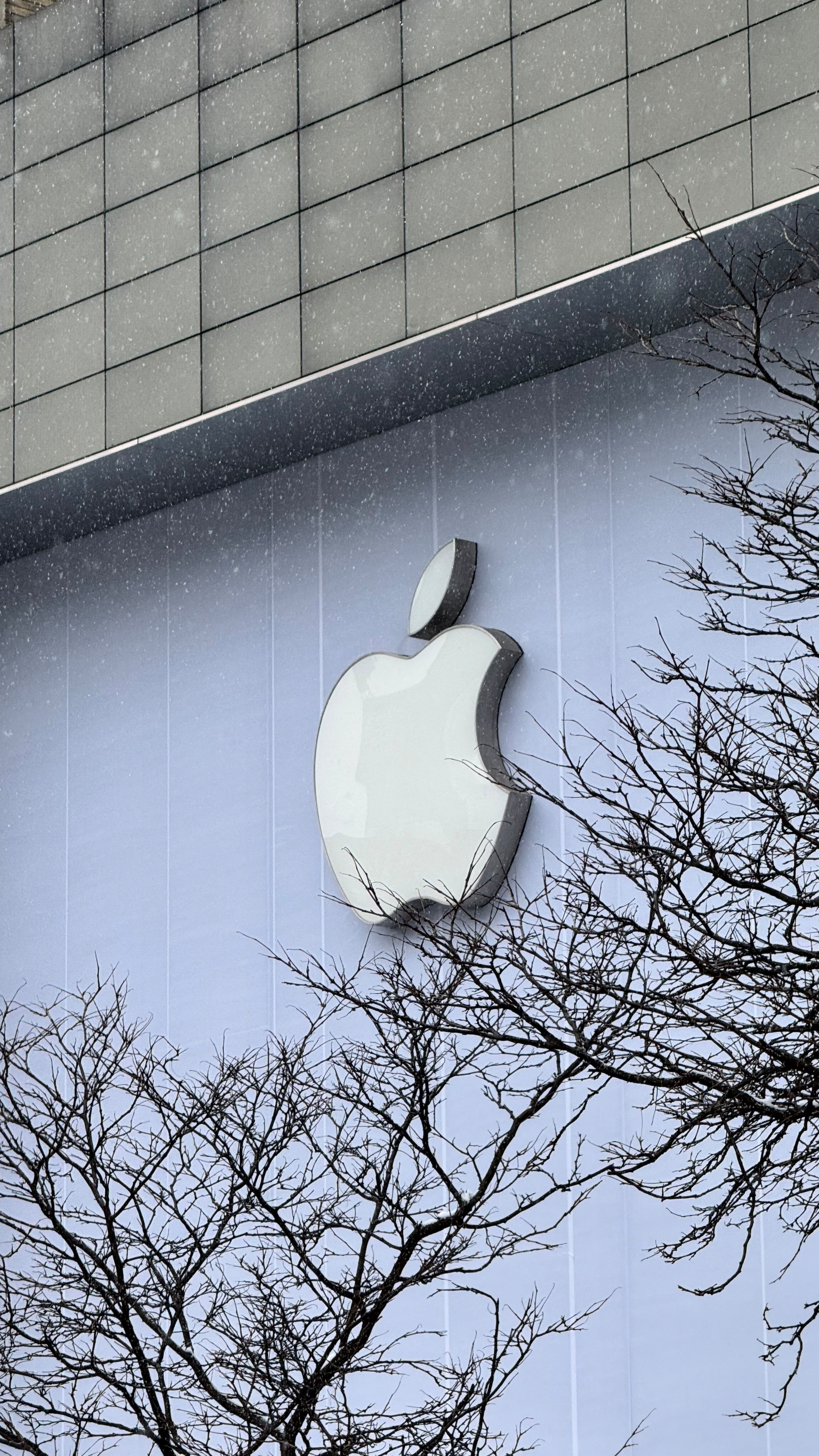
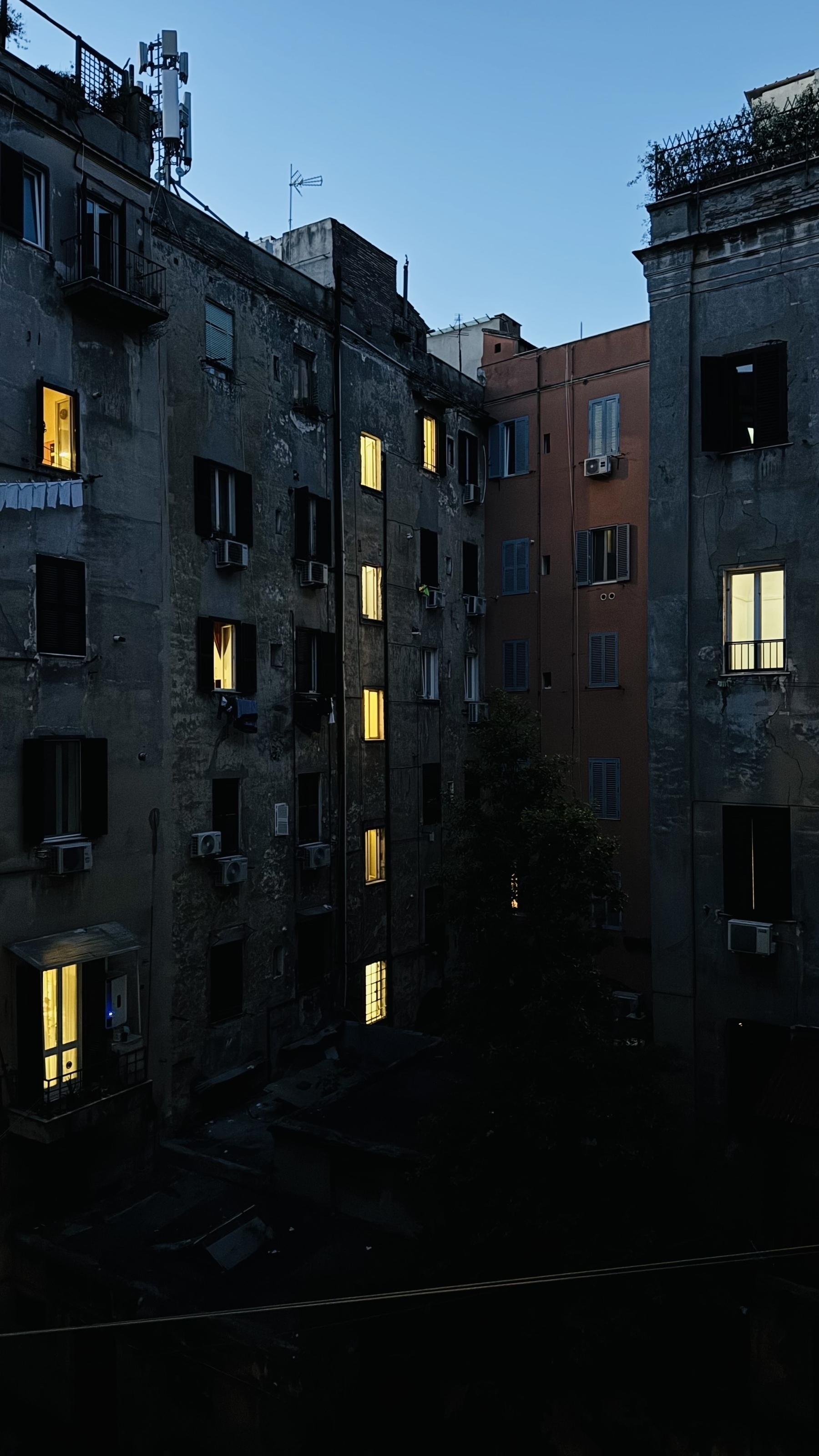
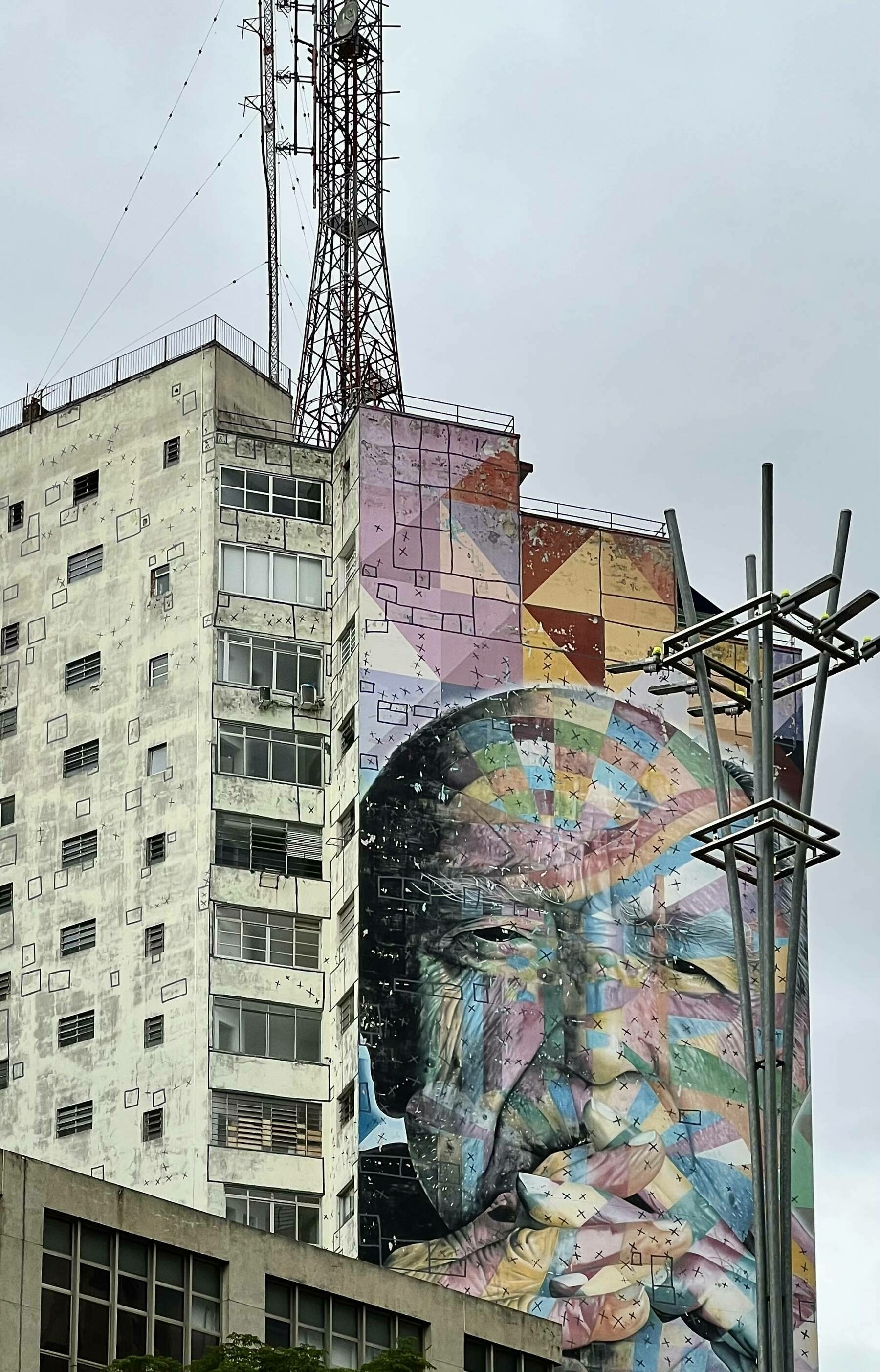
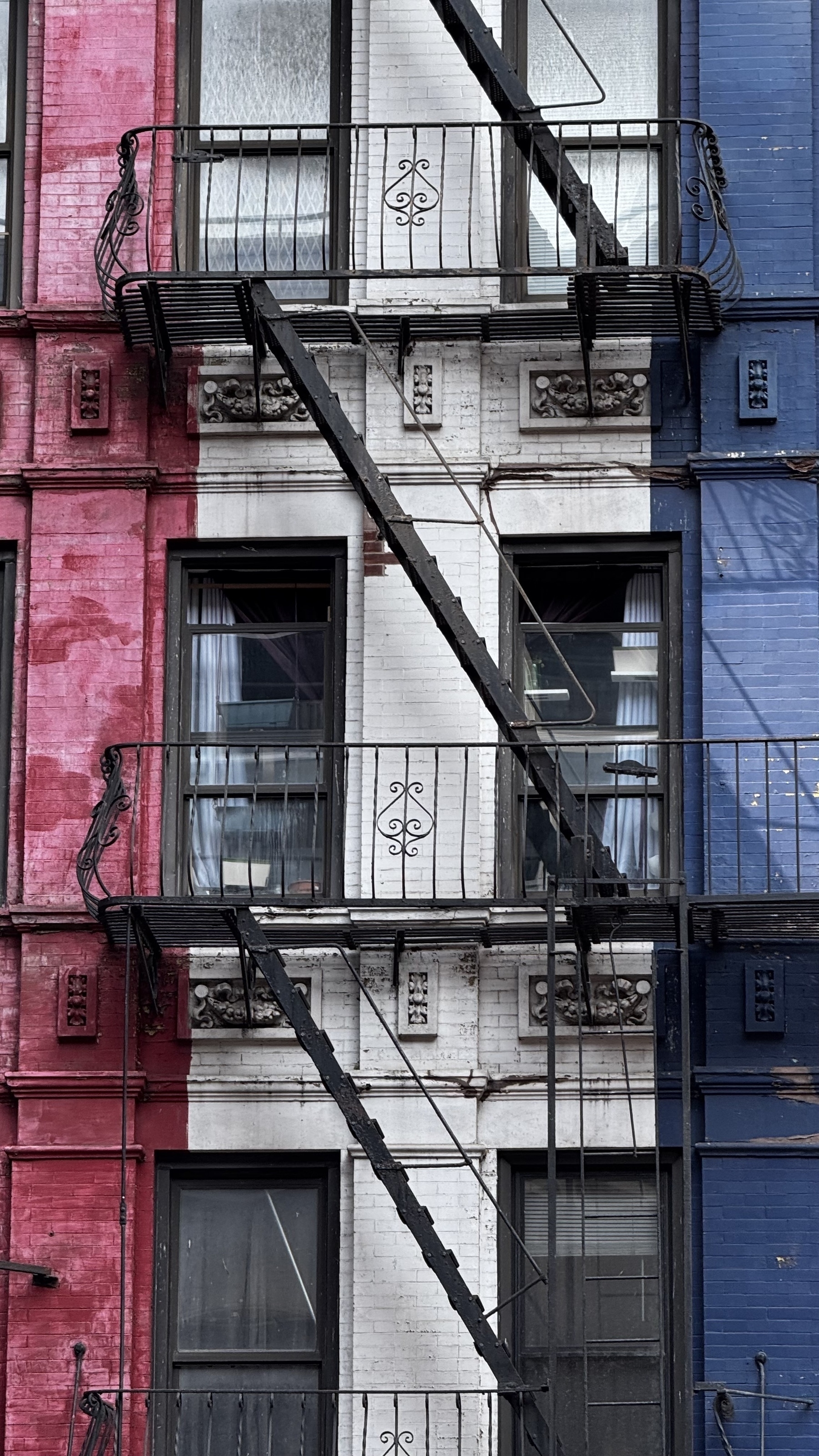
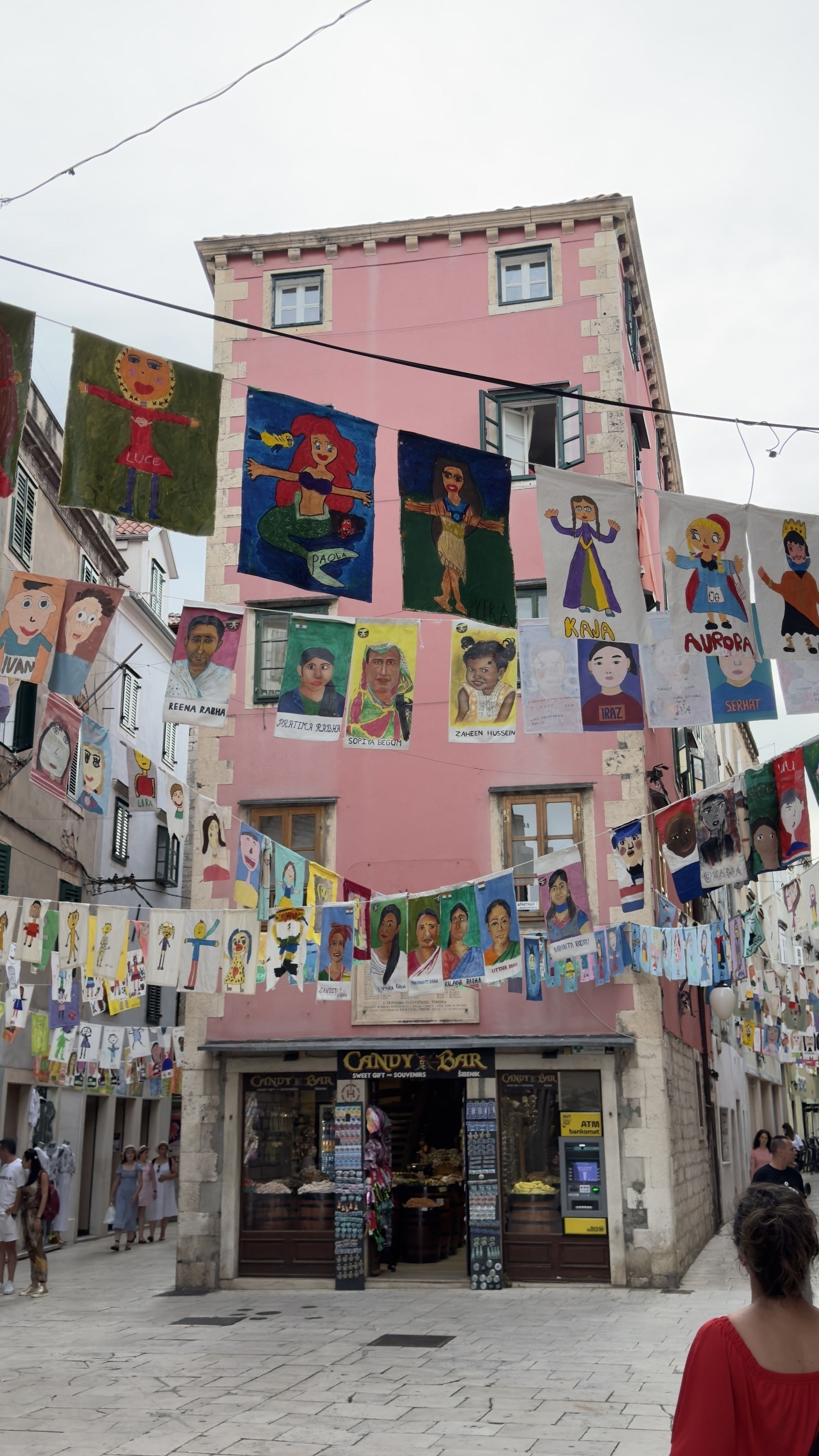
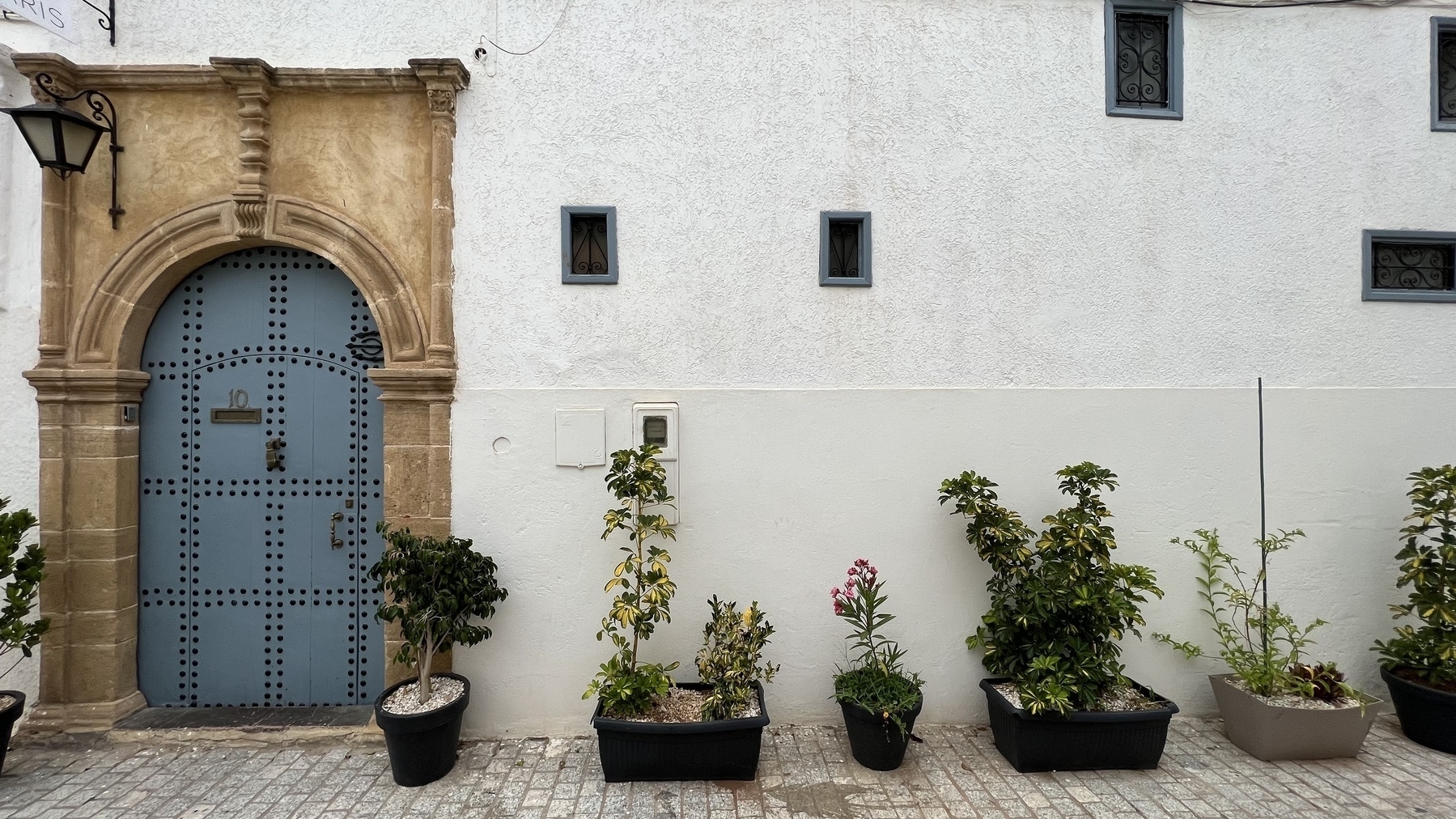
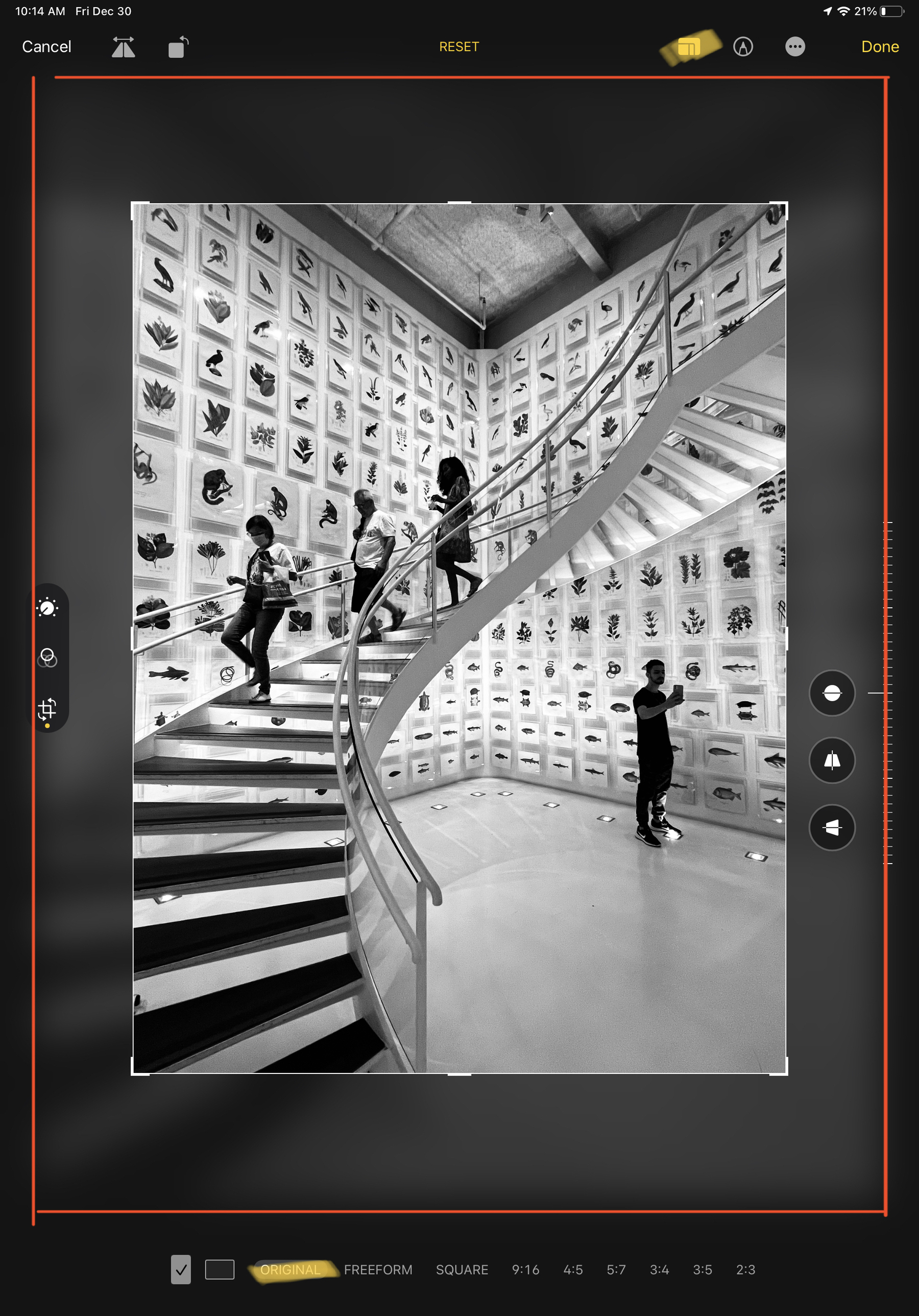
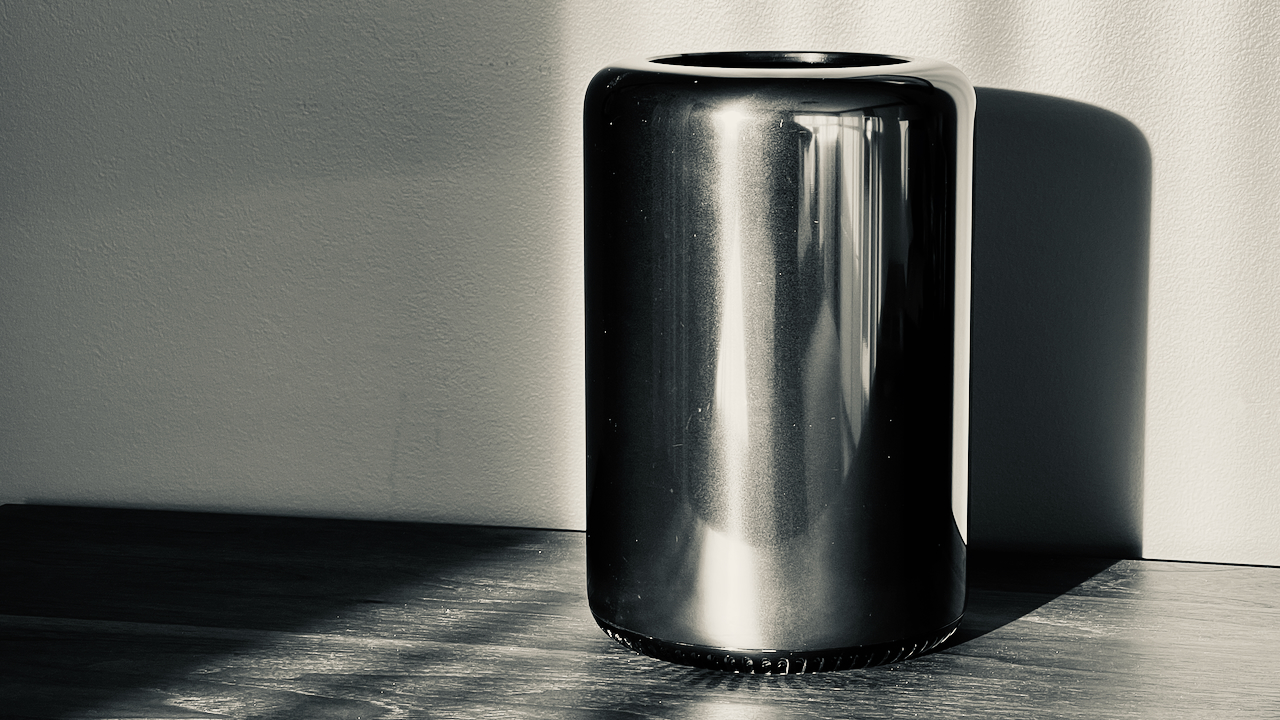
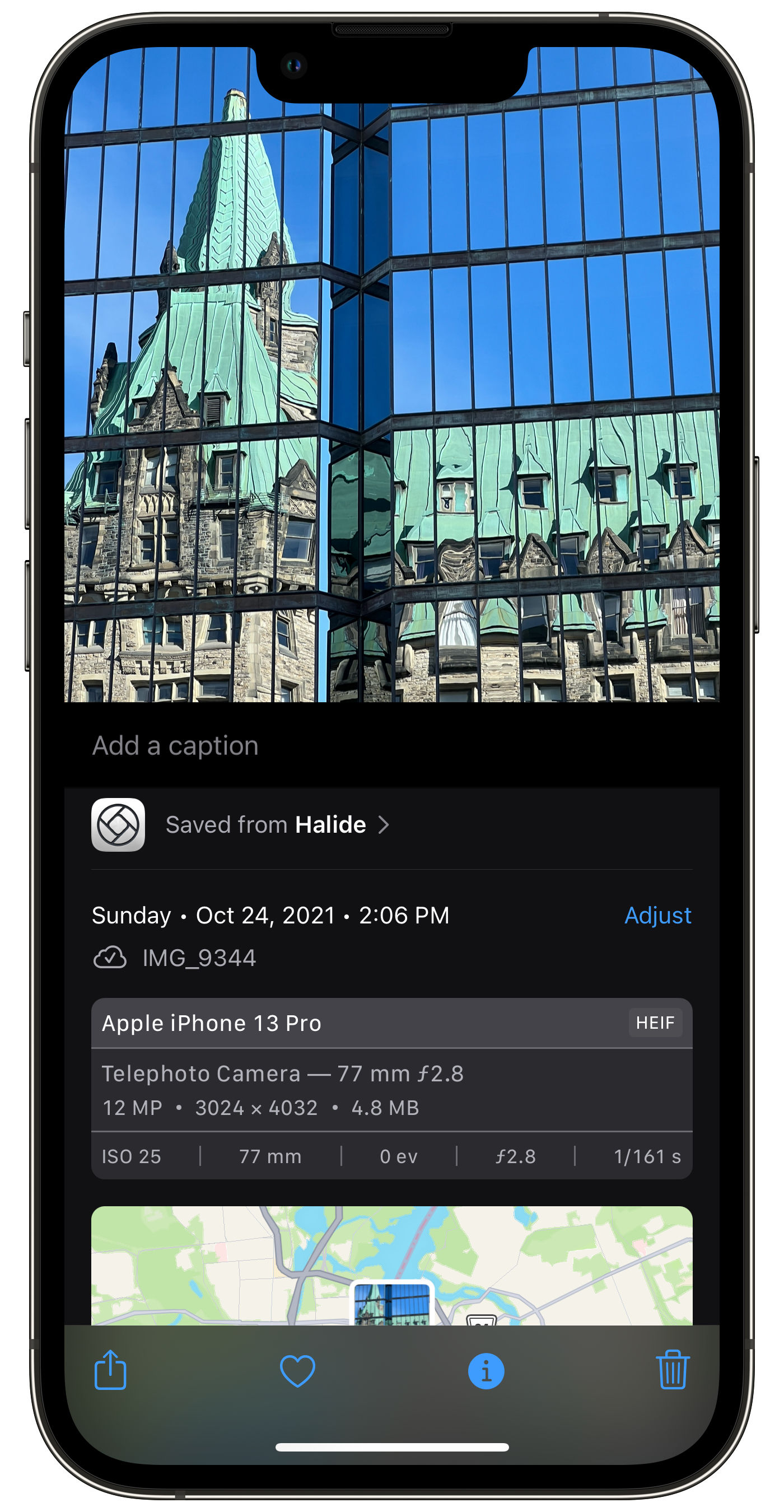
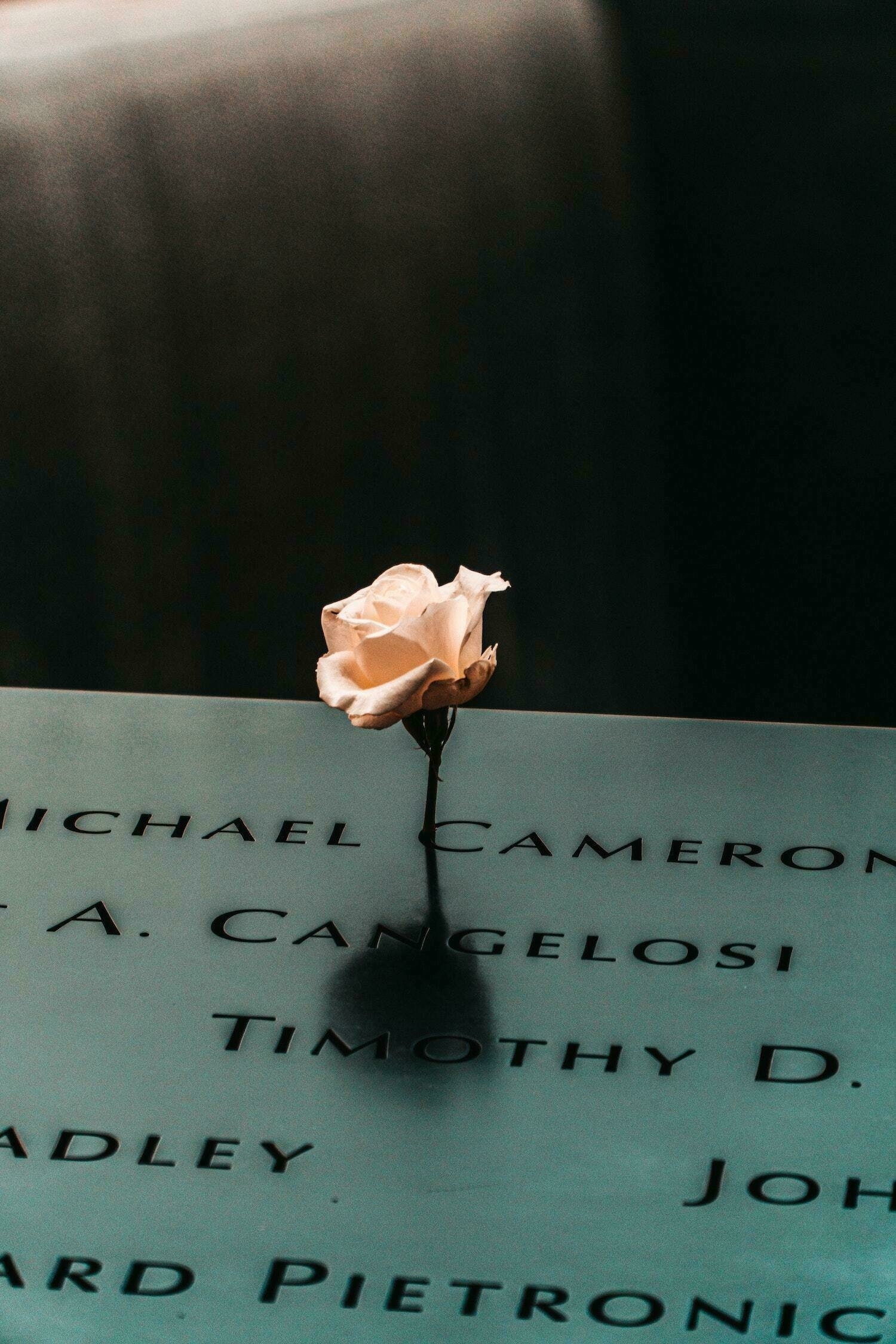
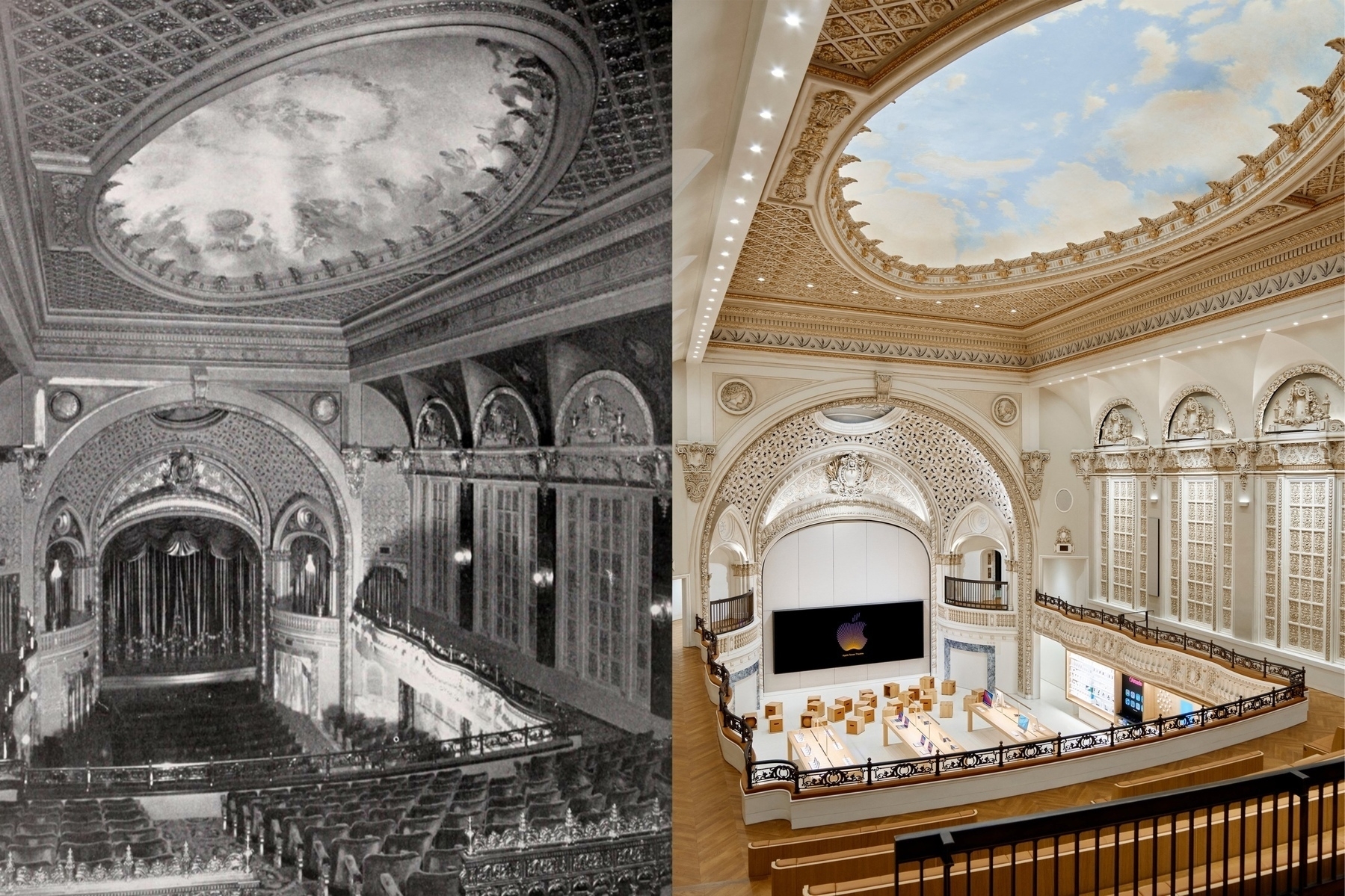
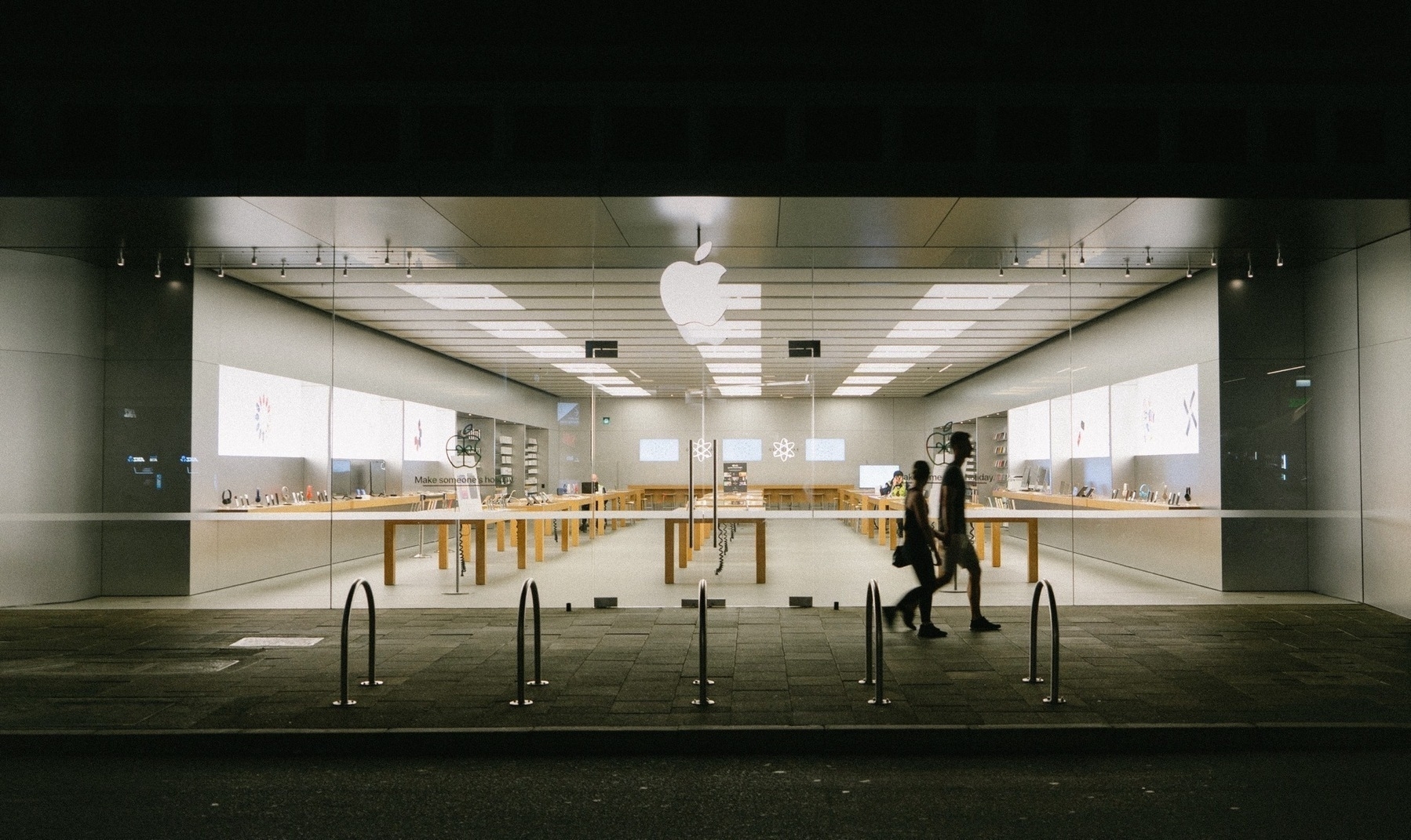
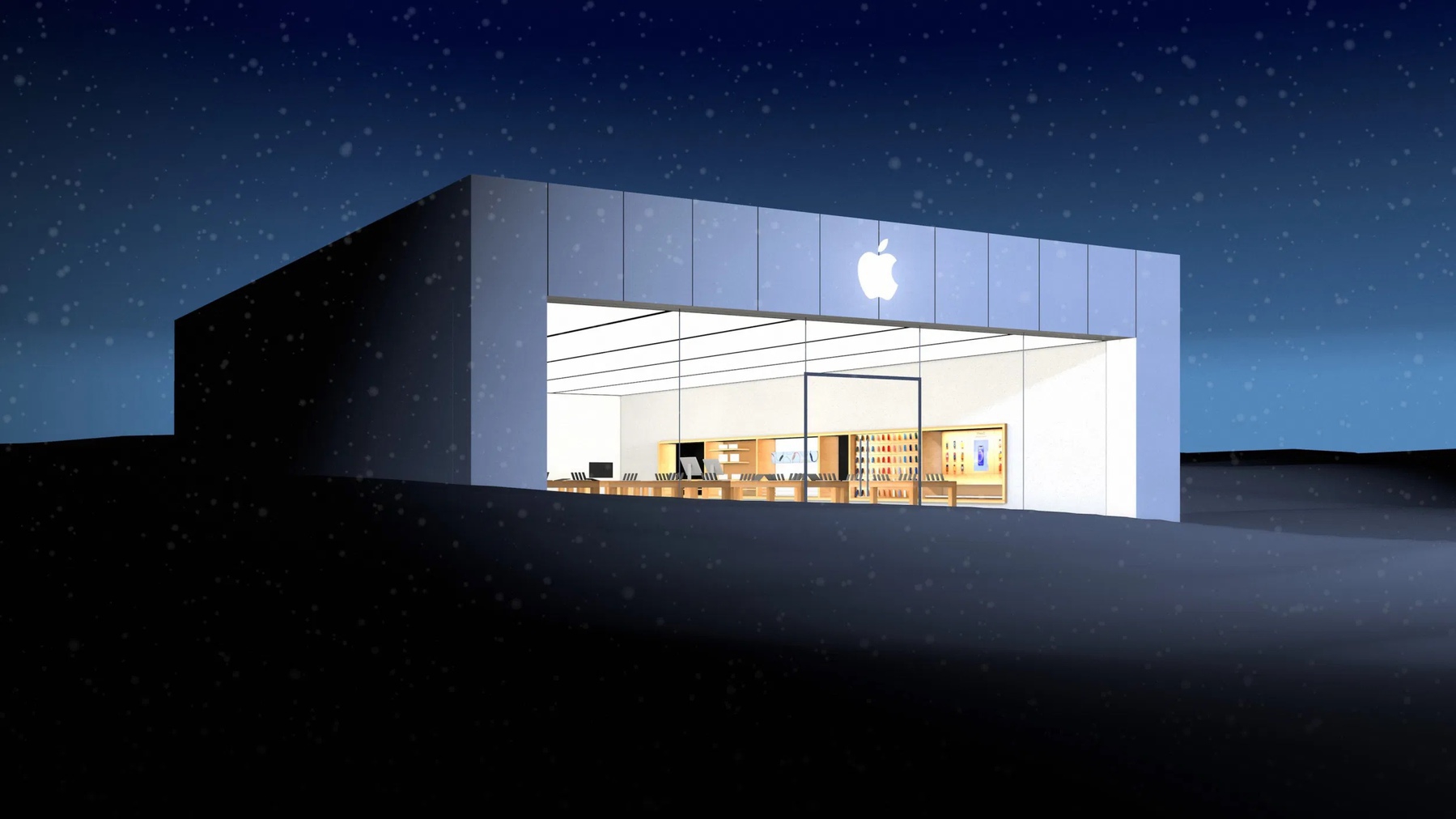
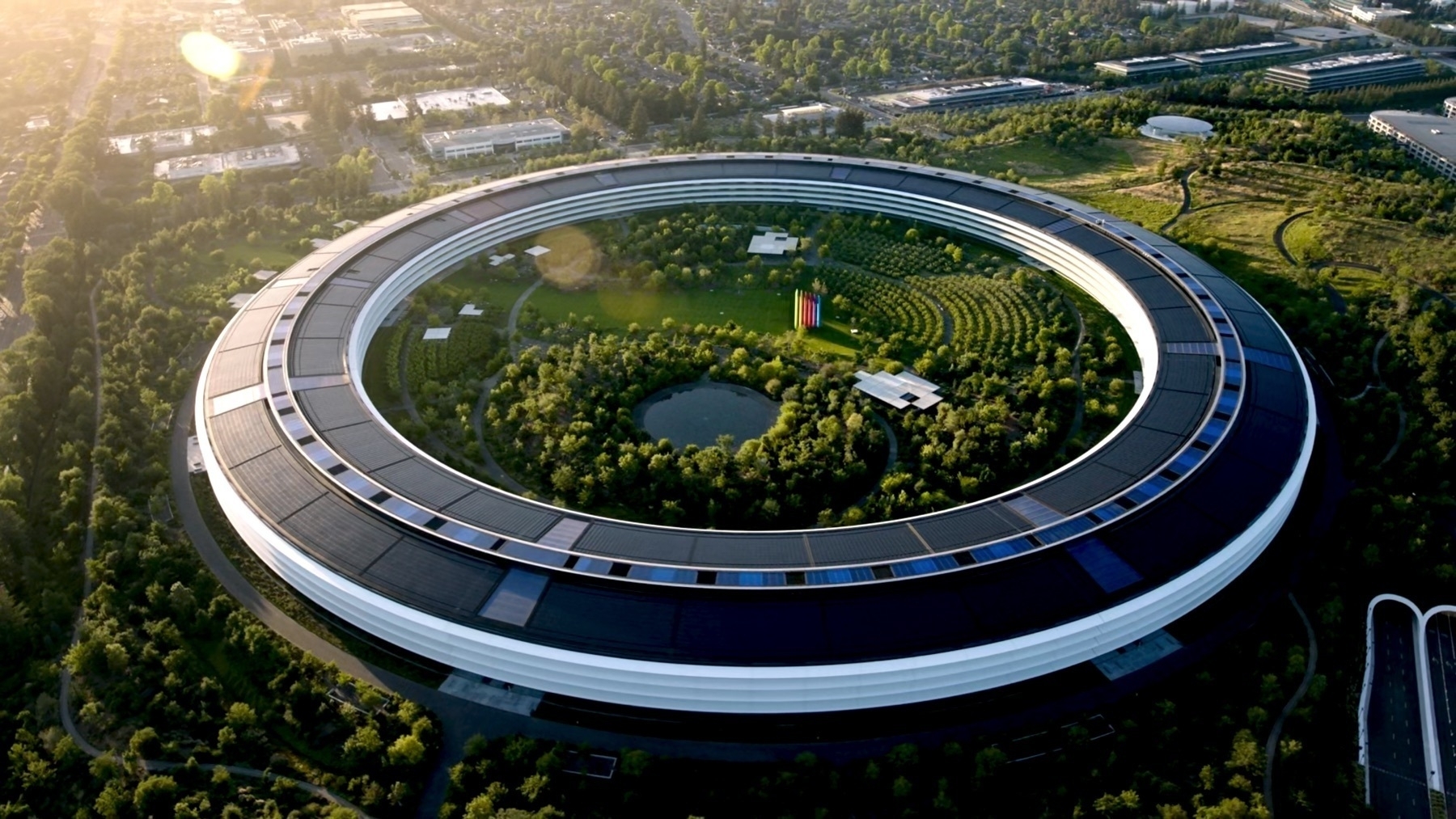
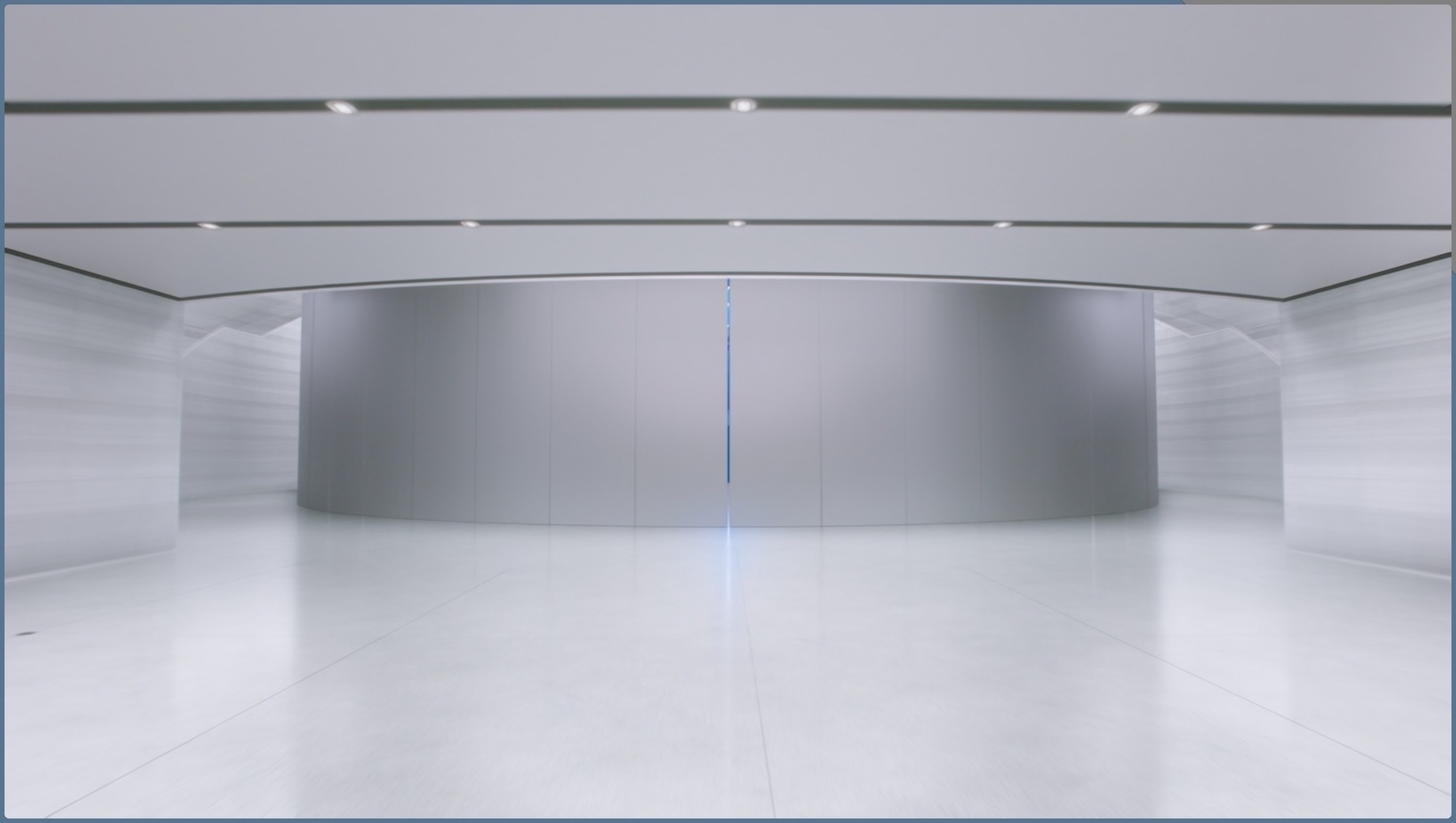
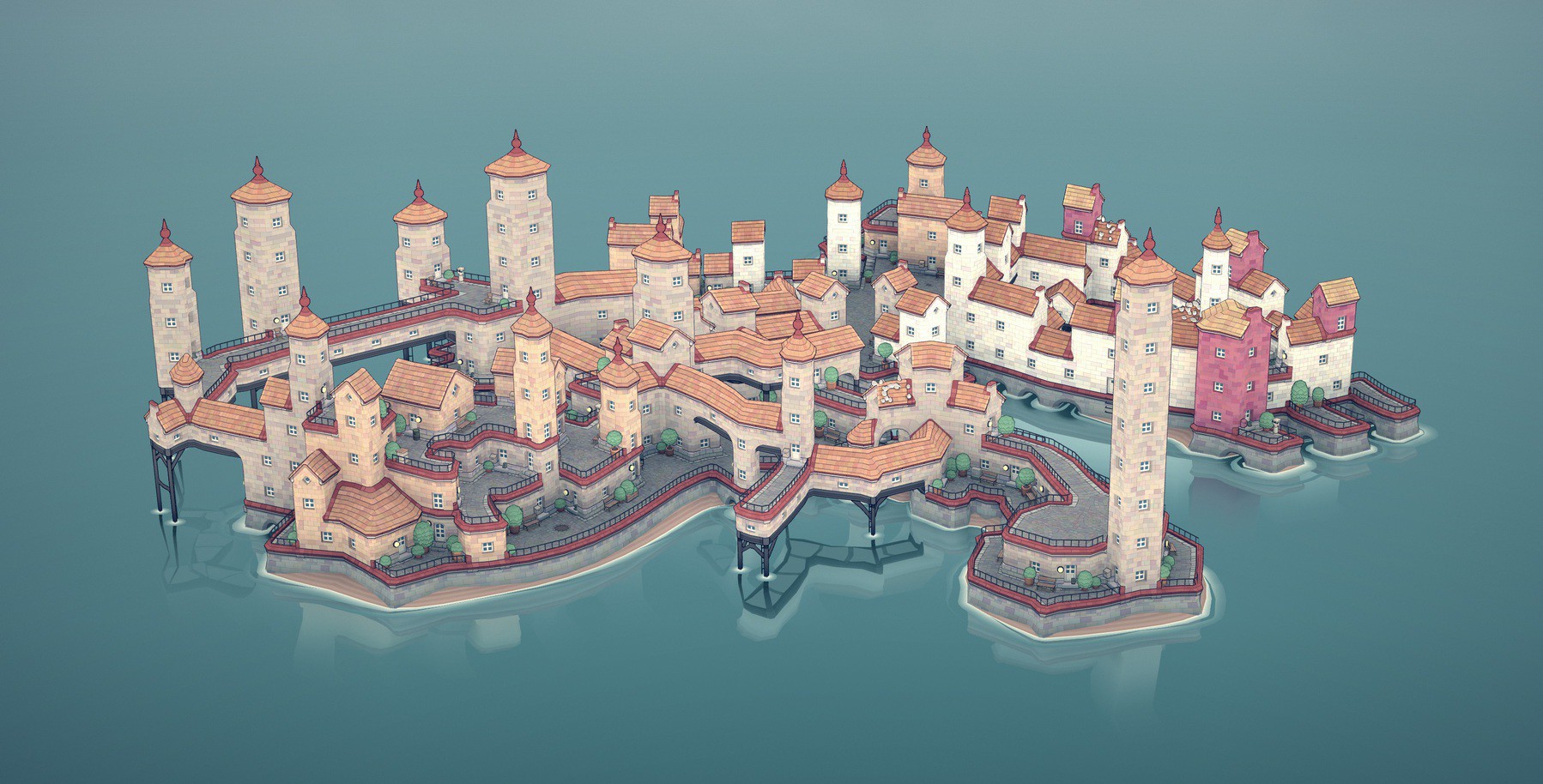
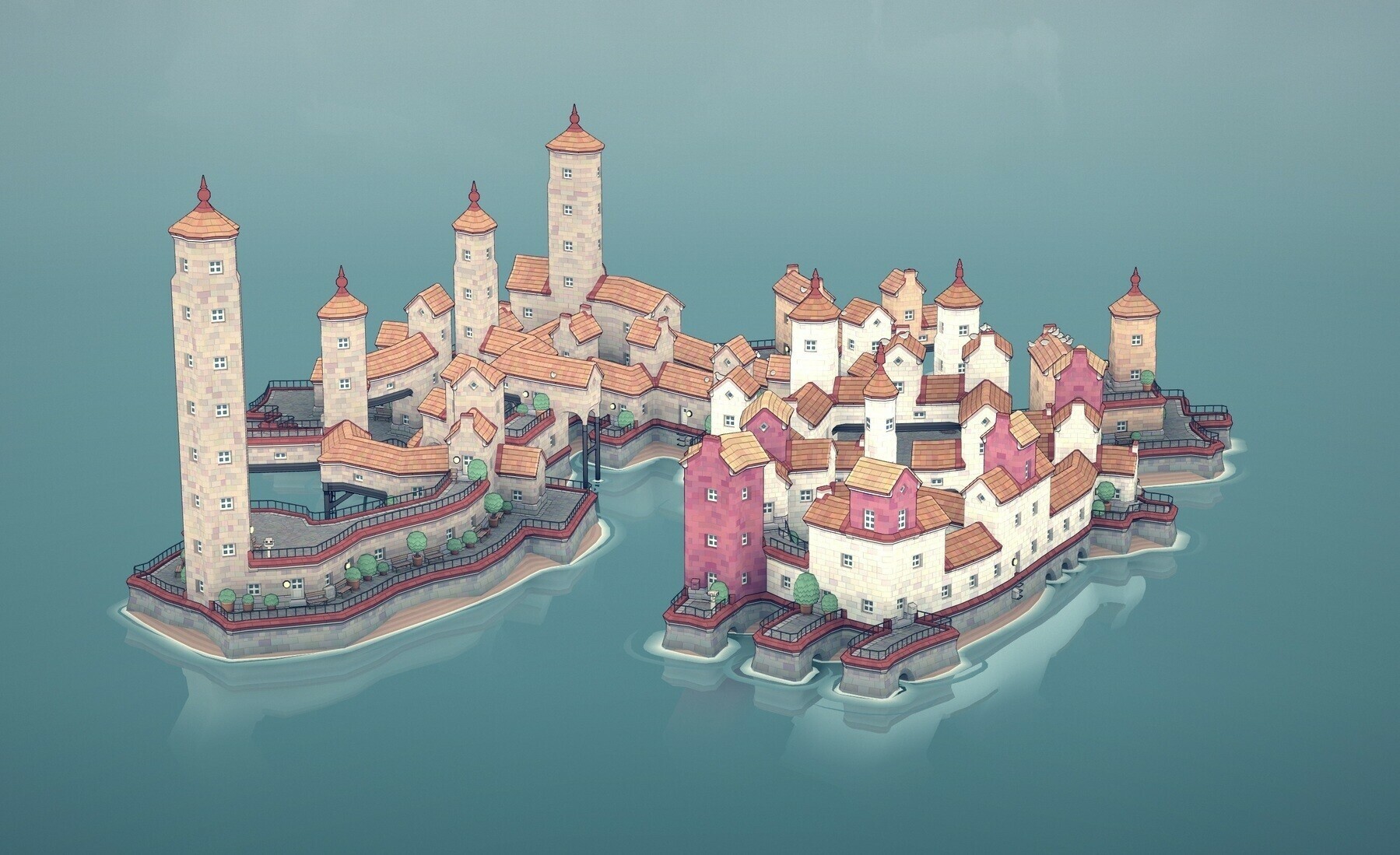
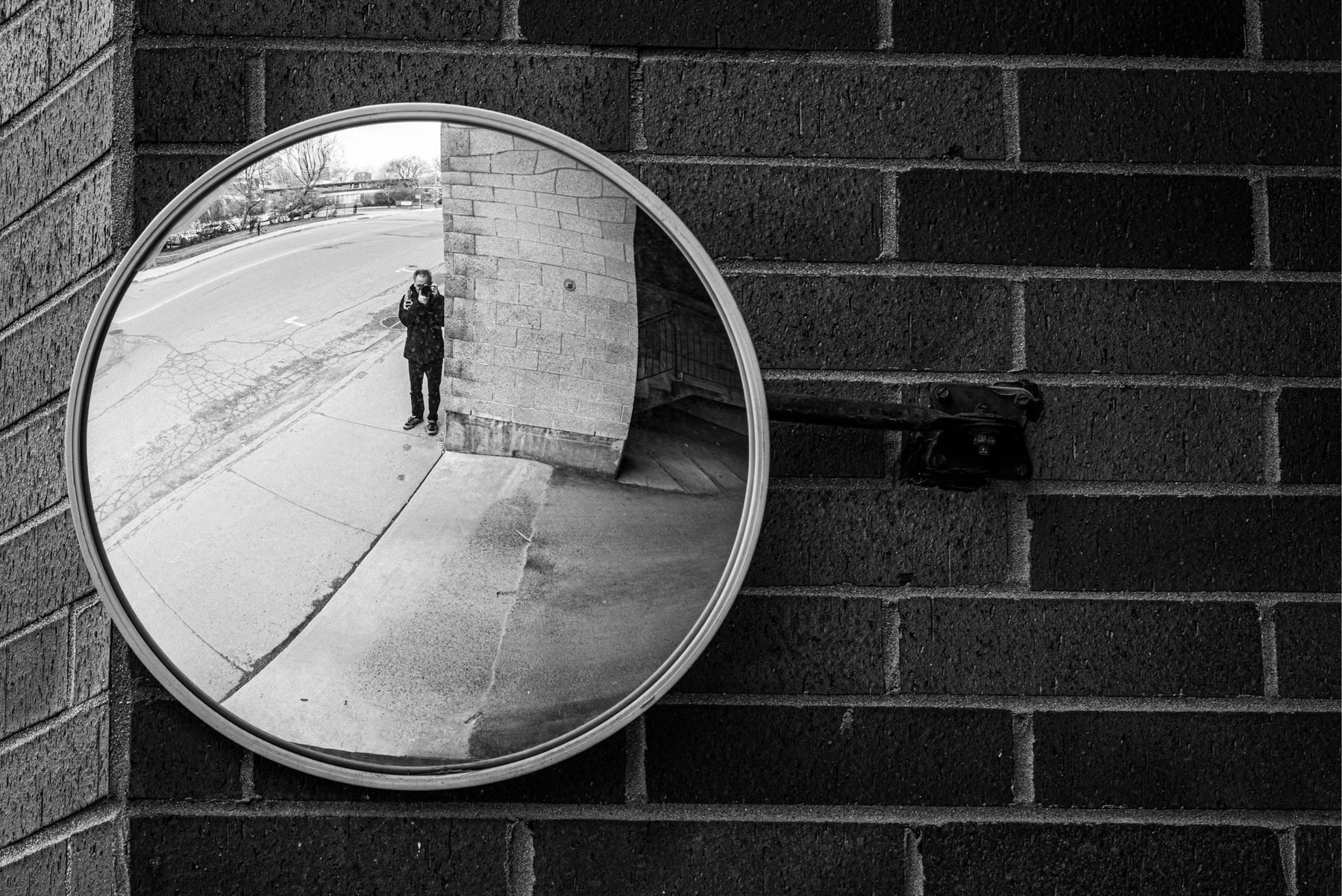
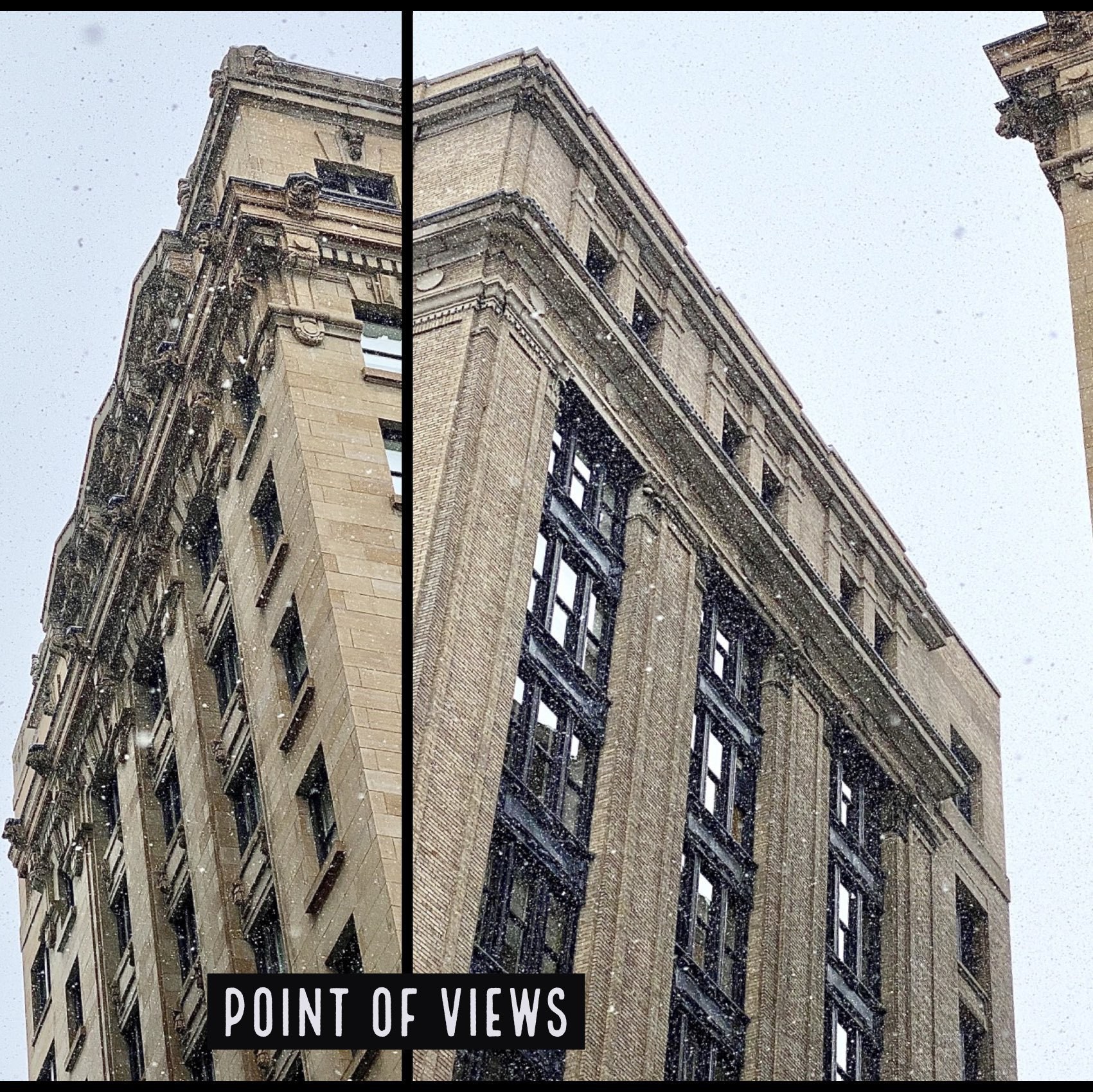
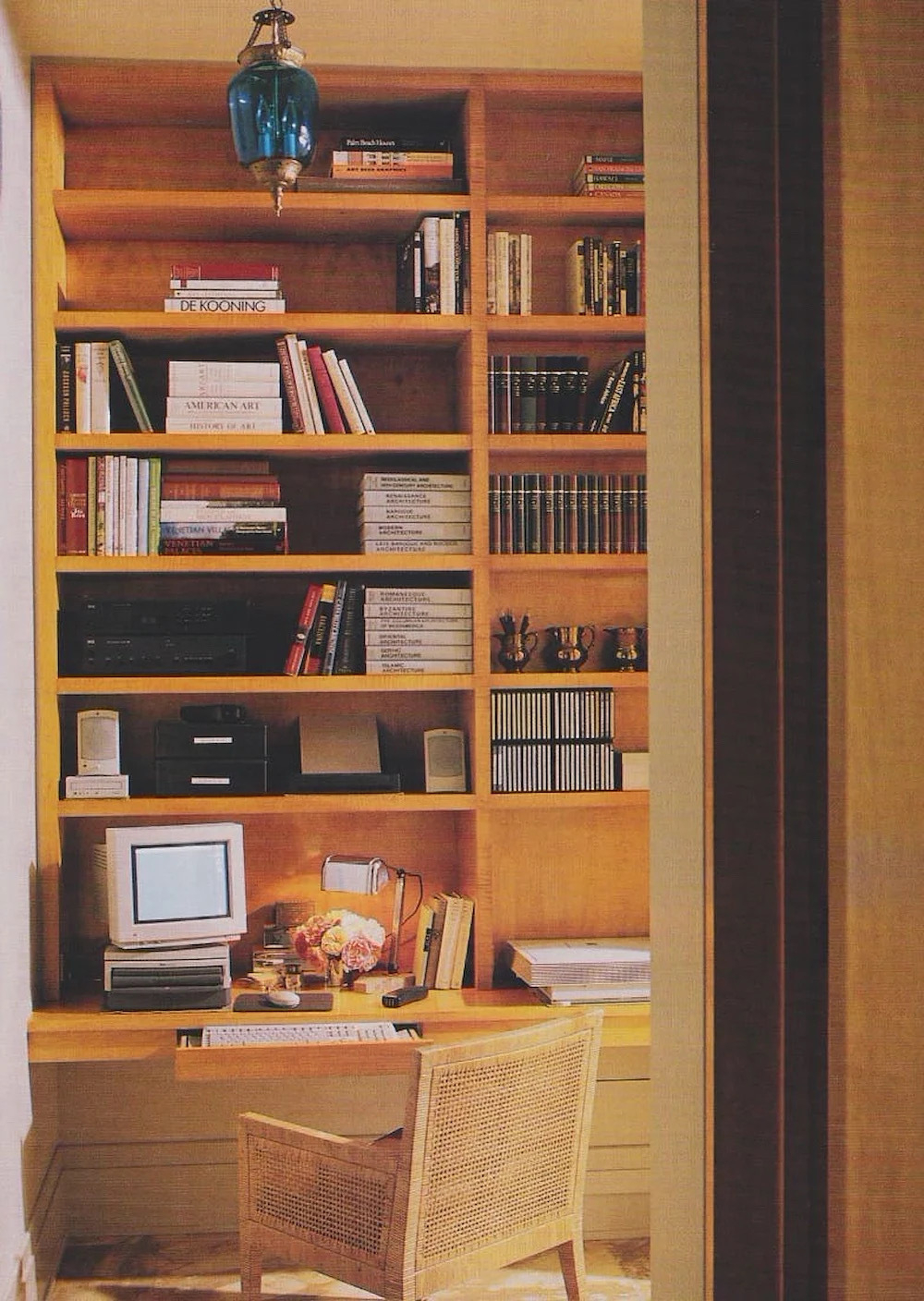
This week, the picture above has been selected to be featured in the architecture category. I’m honoured. You can see my featured photo in the architecture category right now. The last time that I’ve been unsplashed was less than a year ago, I wrote about it on my main blog: OMG — I’ve Been Unsplashed!.

To see all of my contributions to Unsplash, visit my profile page. The expression of “being Unsplash” is a creation of mine. 😂

2021-12-12


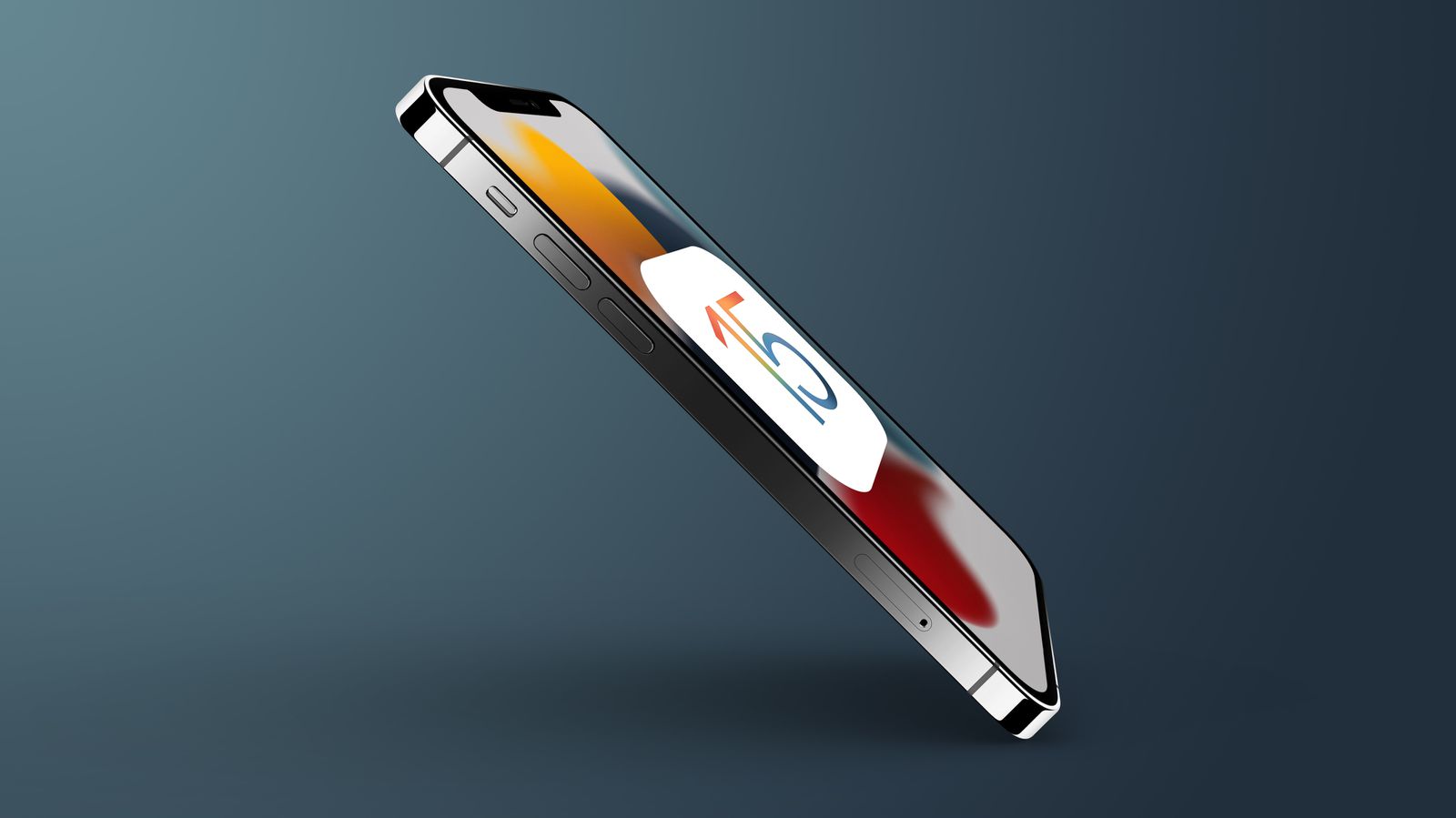
iOS 15.2 & iPadOS 15.2 are OUT — A Few Thoughts

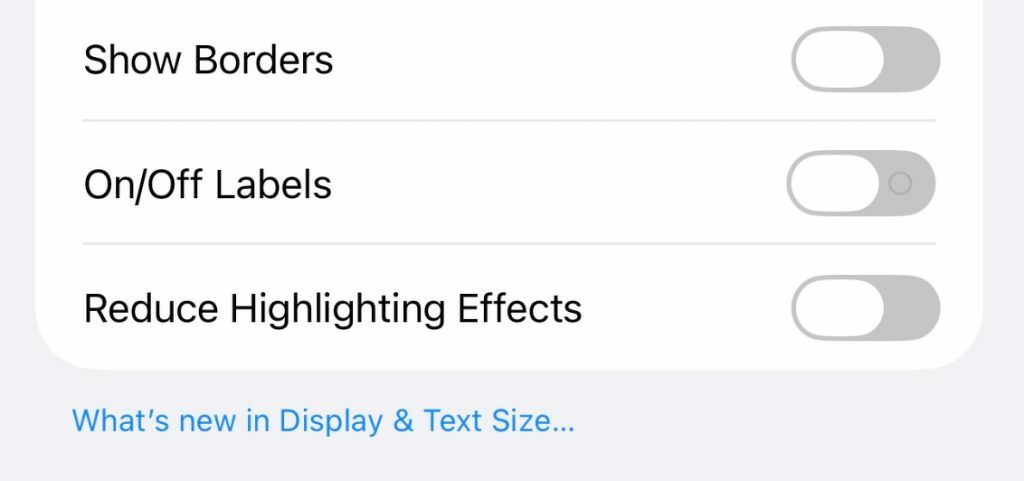
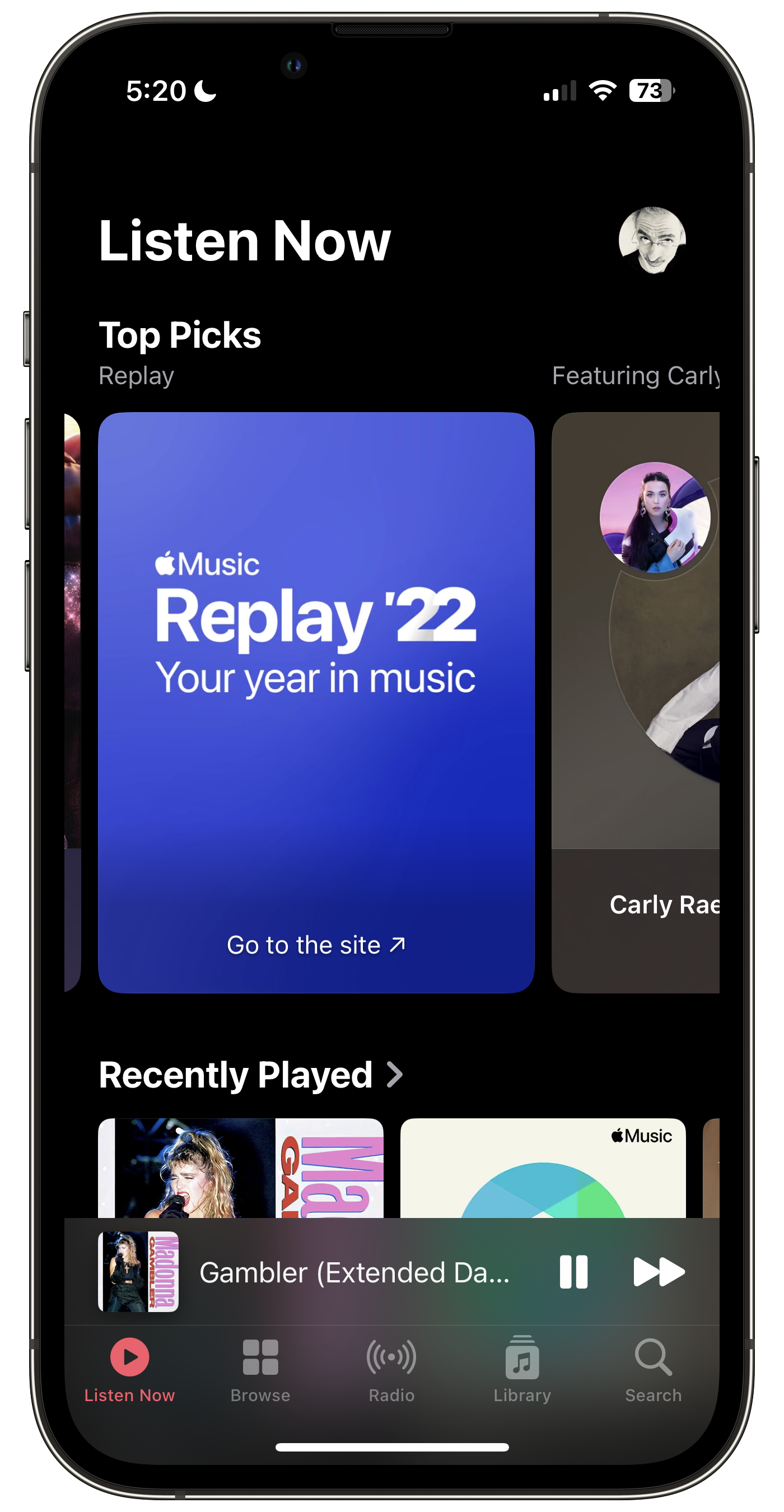
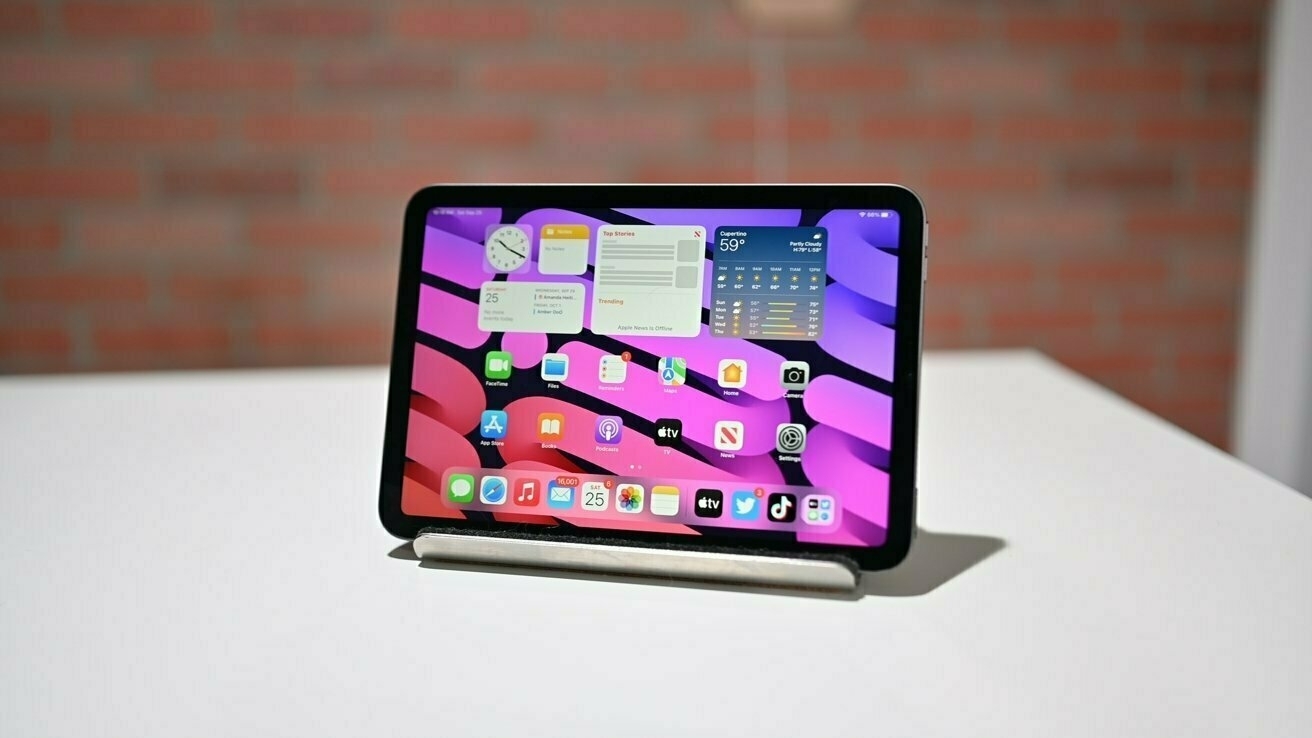
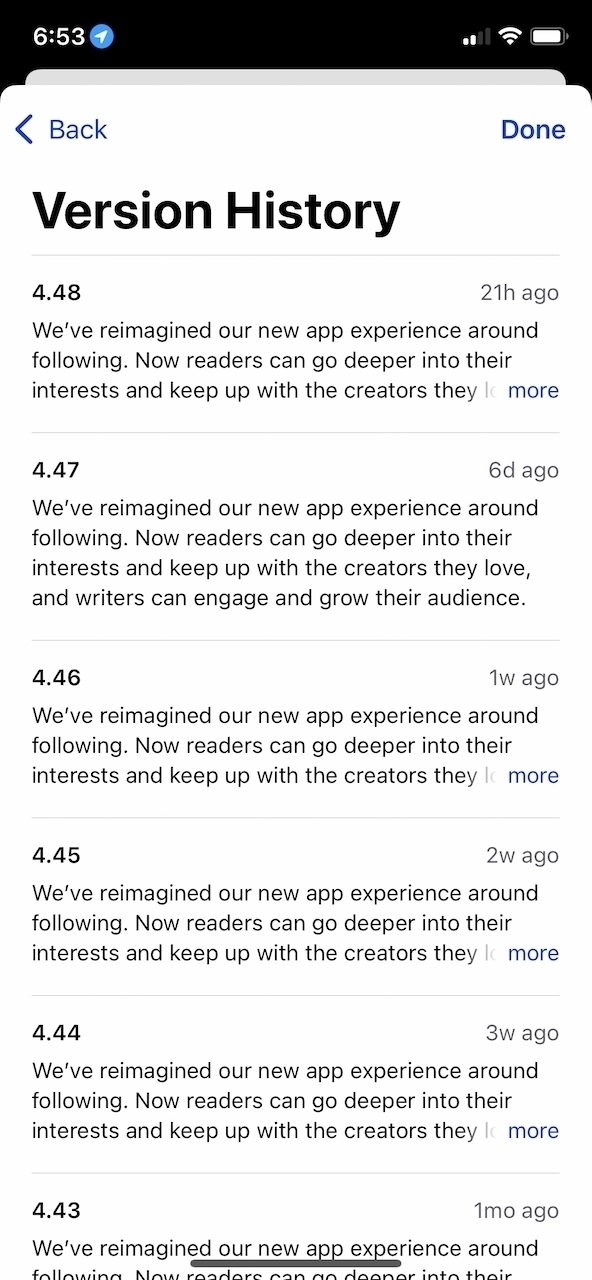
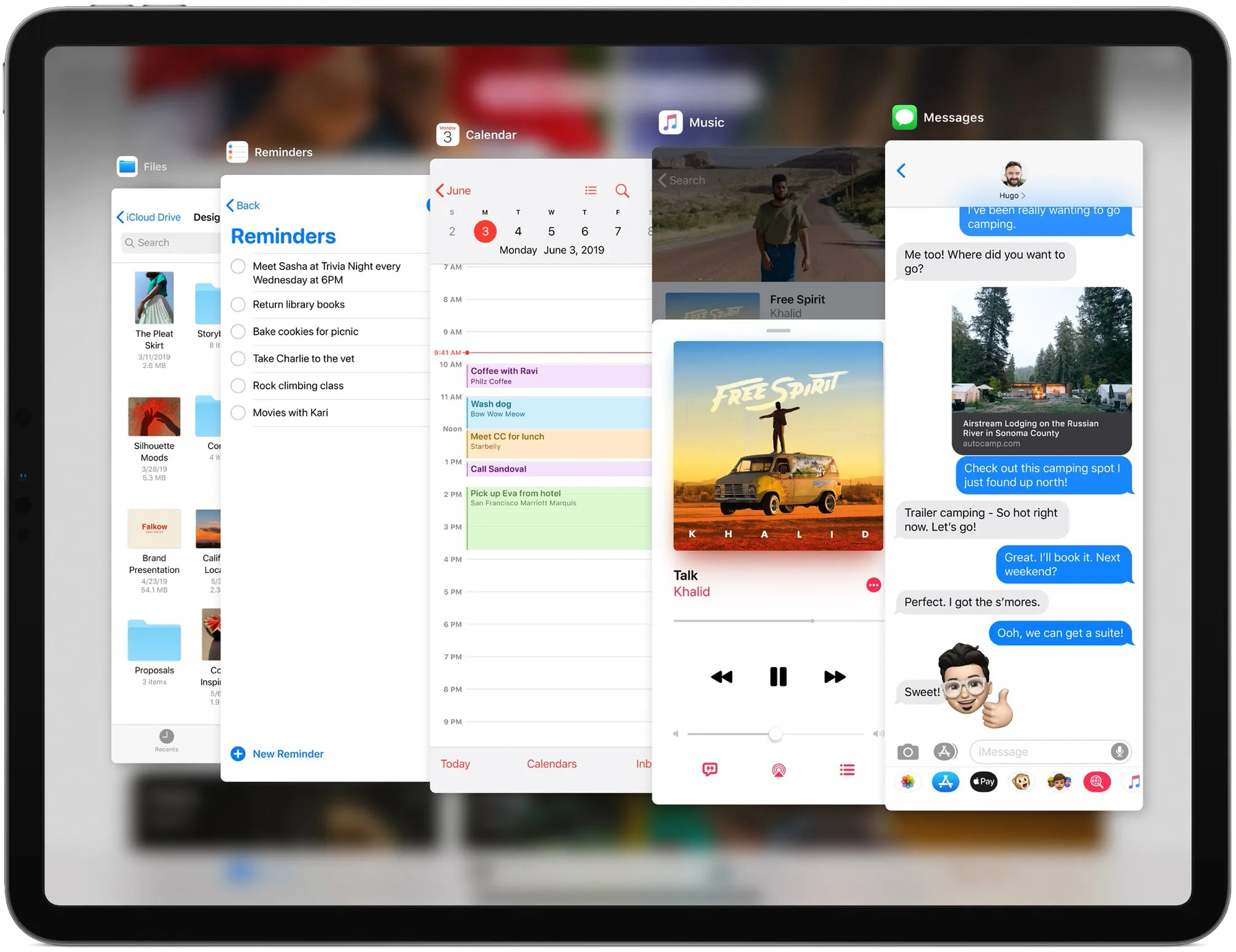
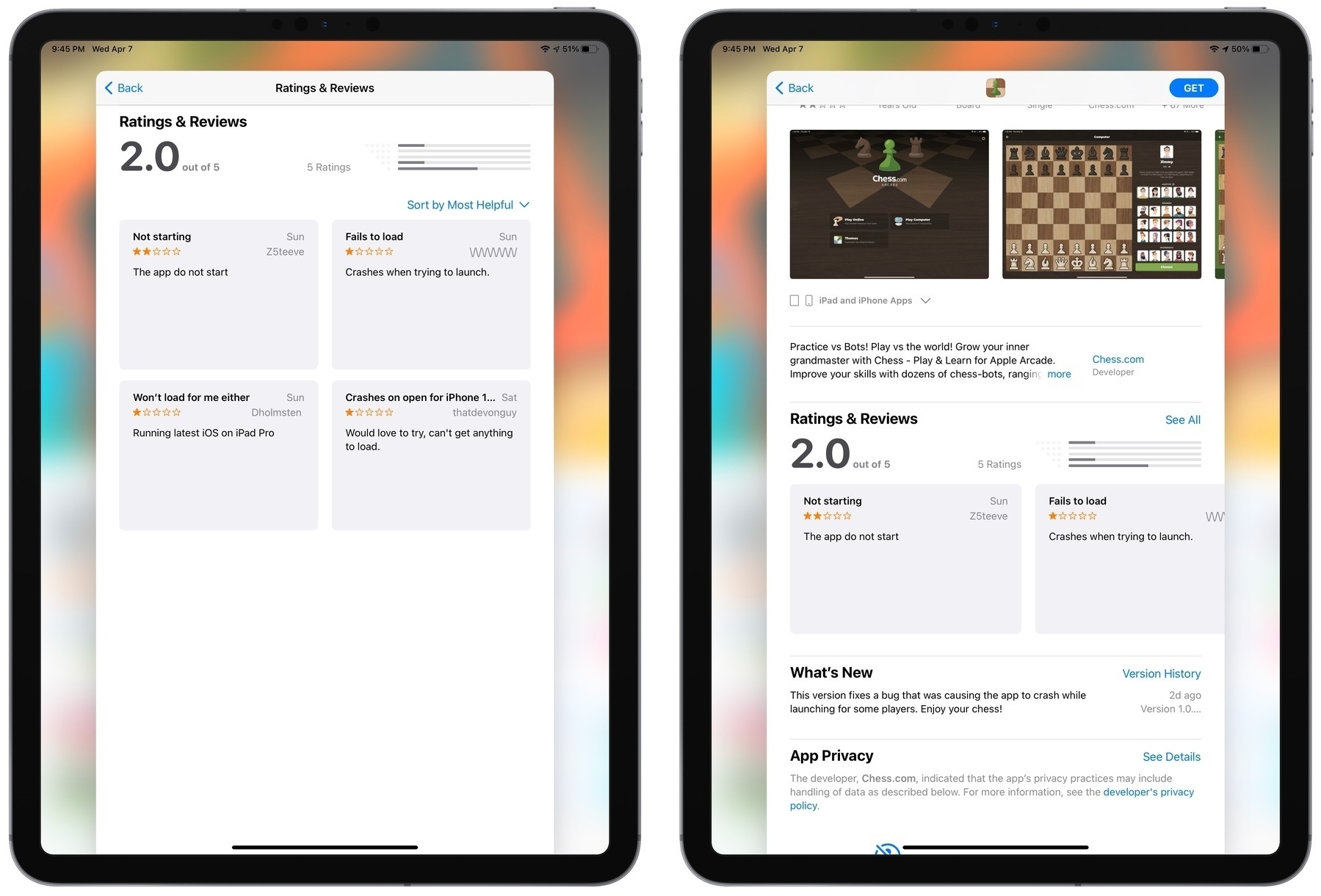
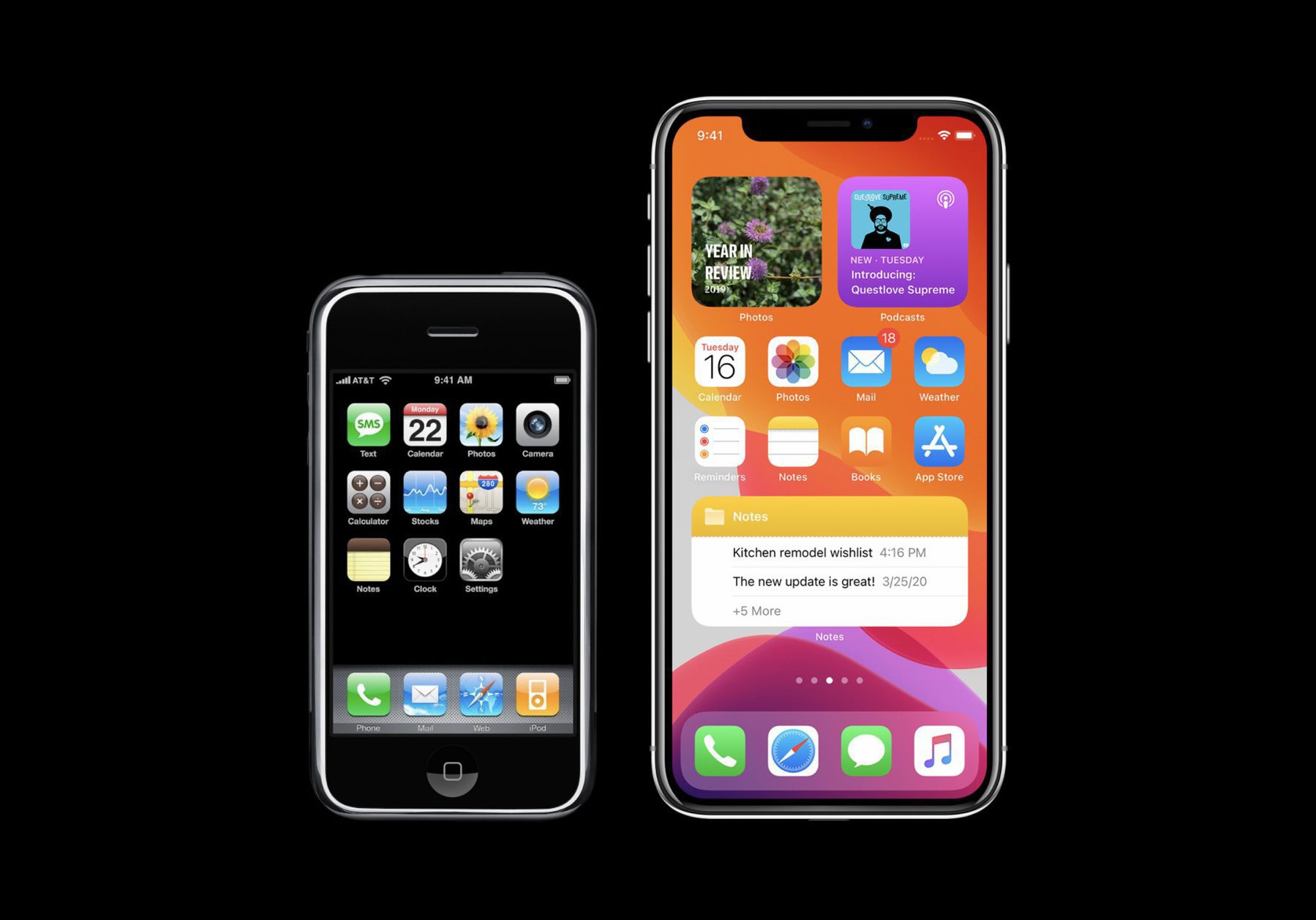
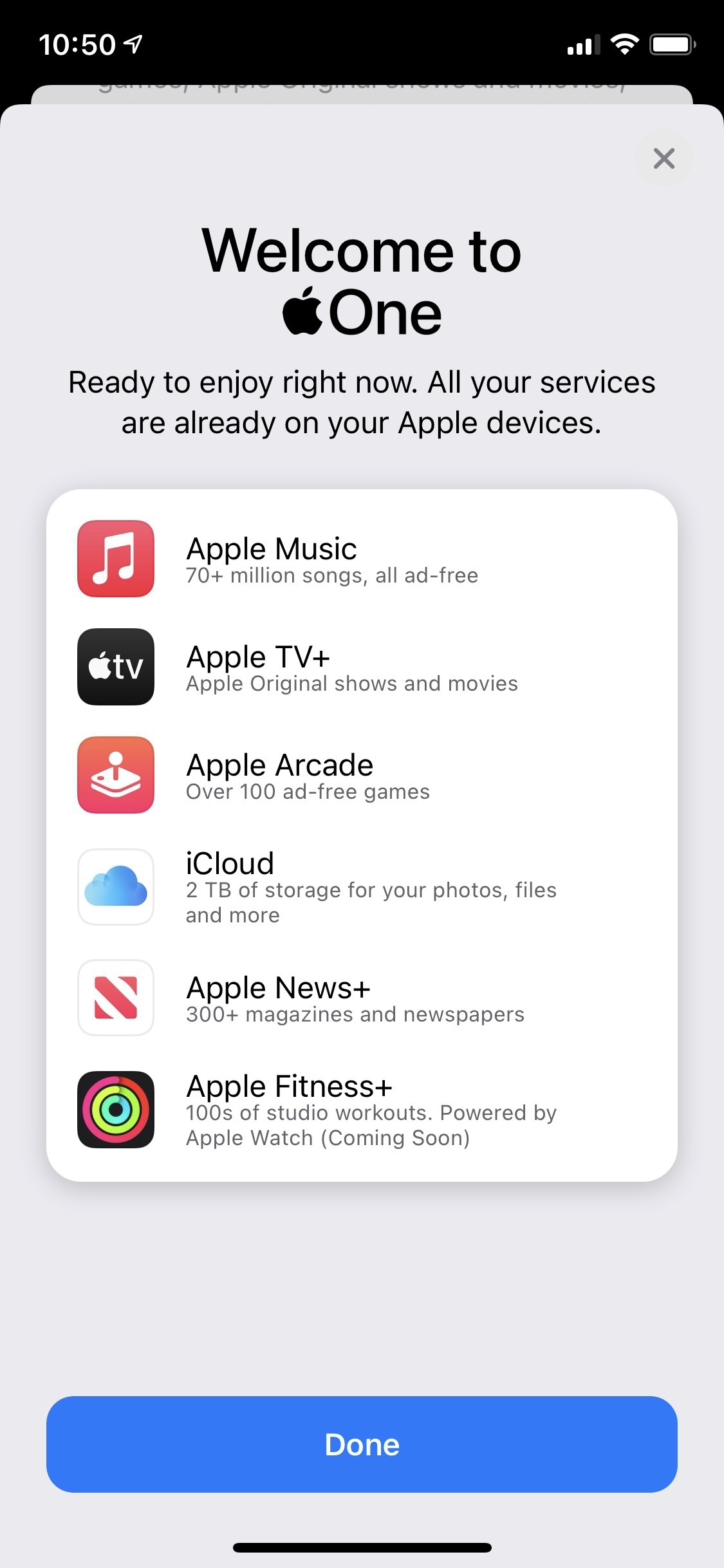
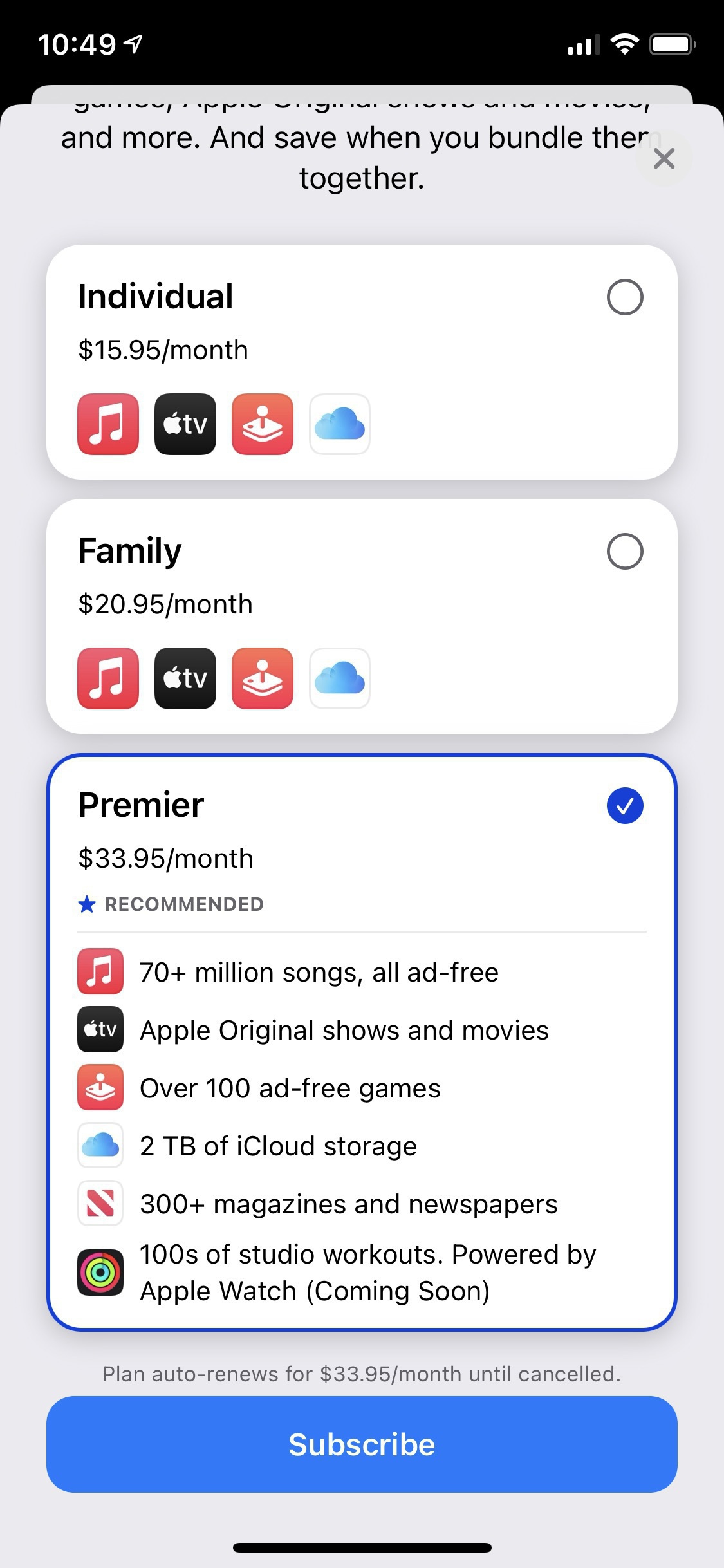
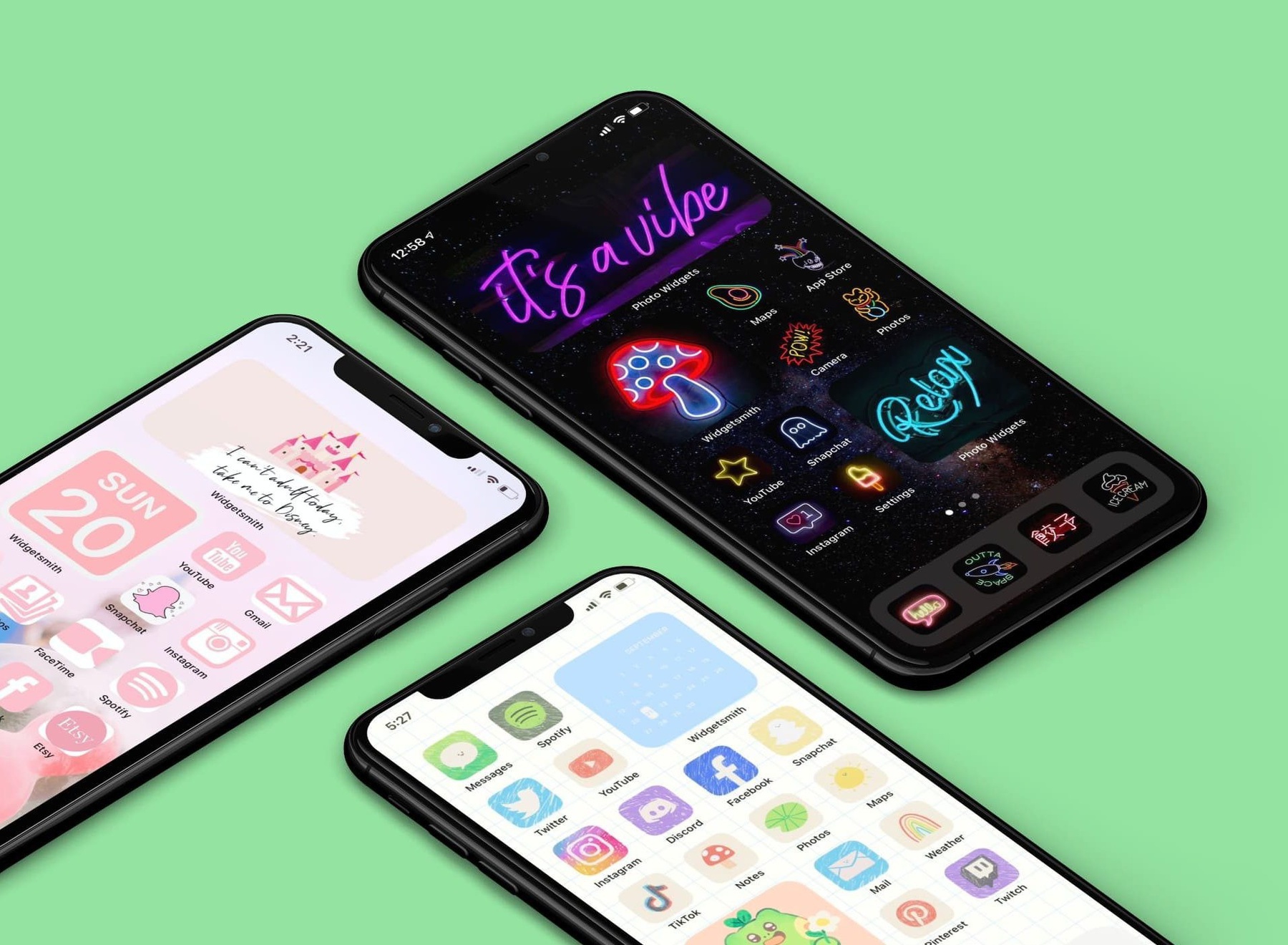
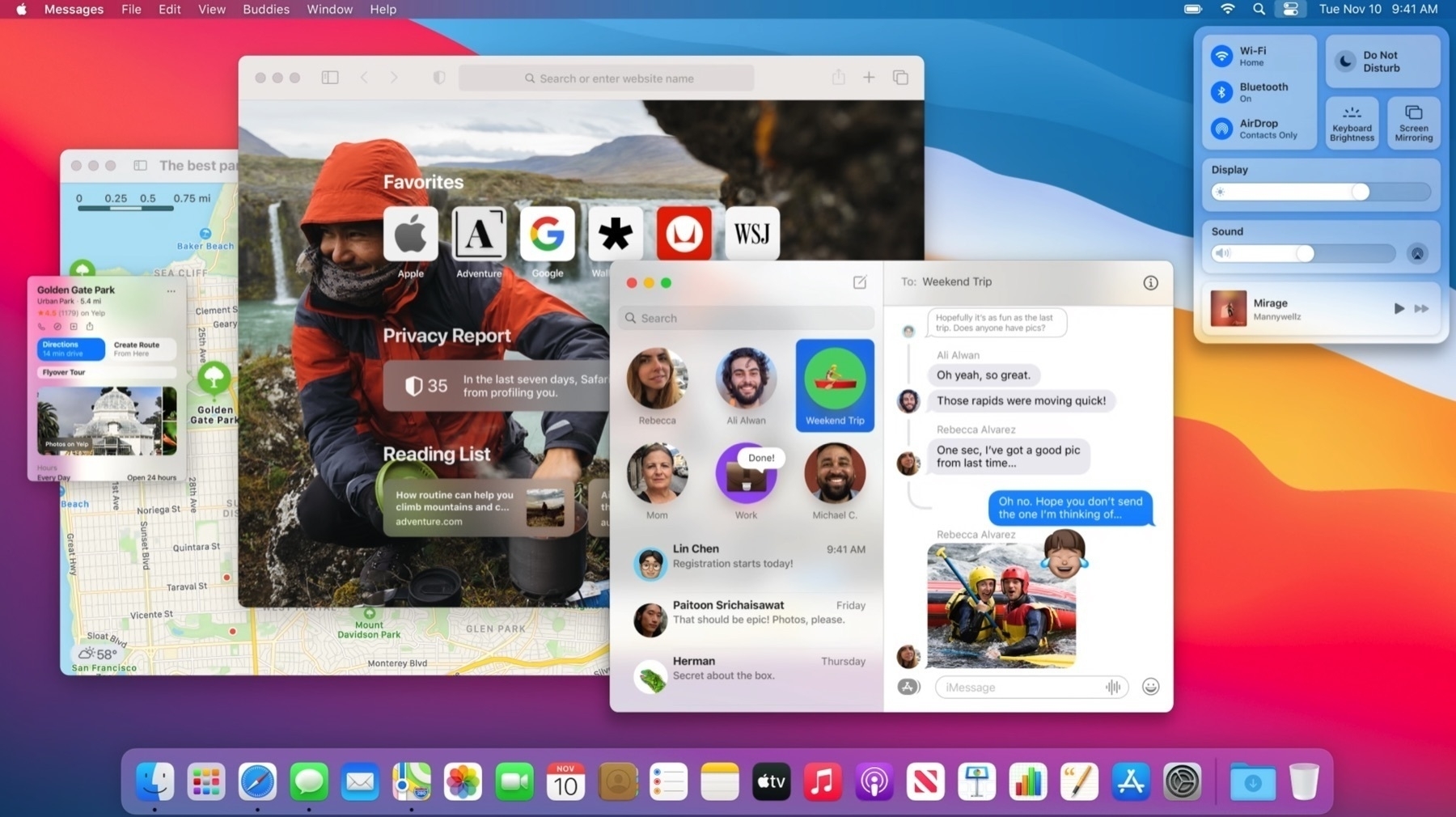
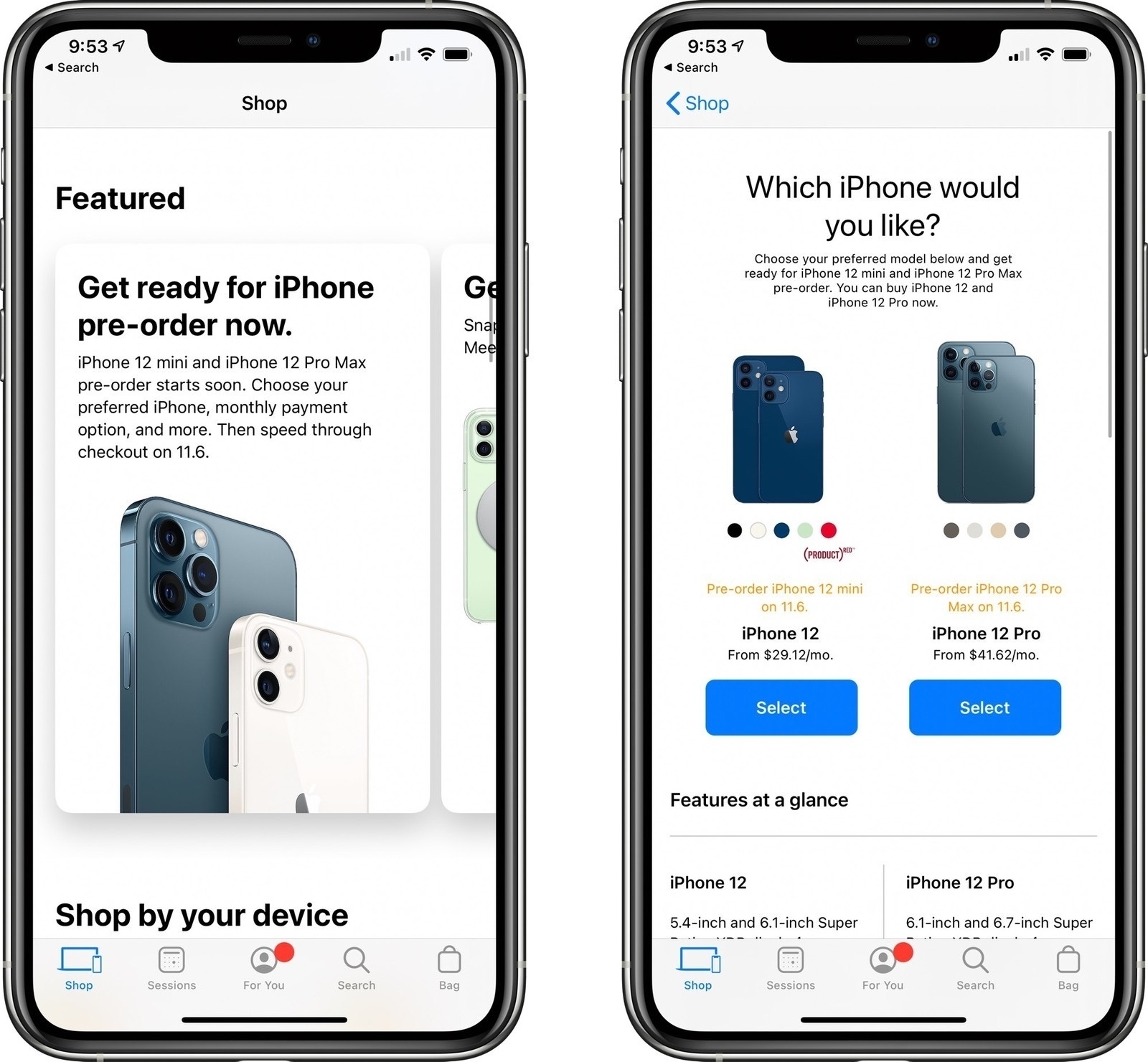
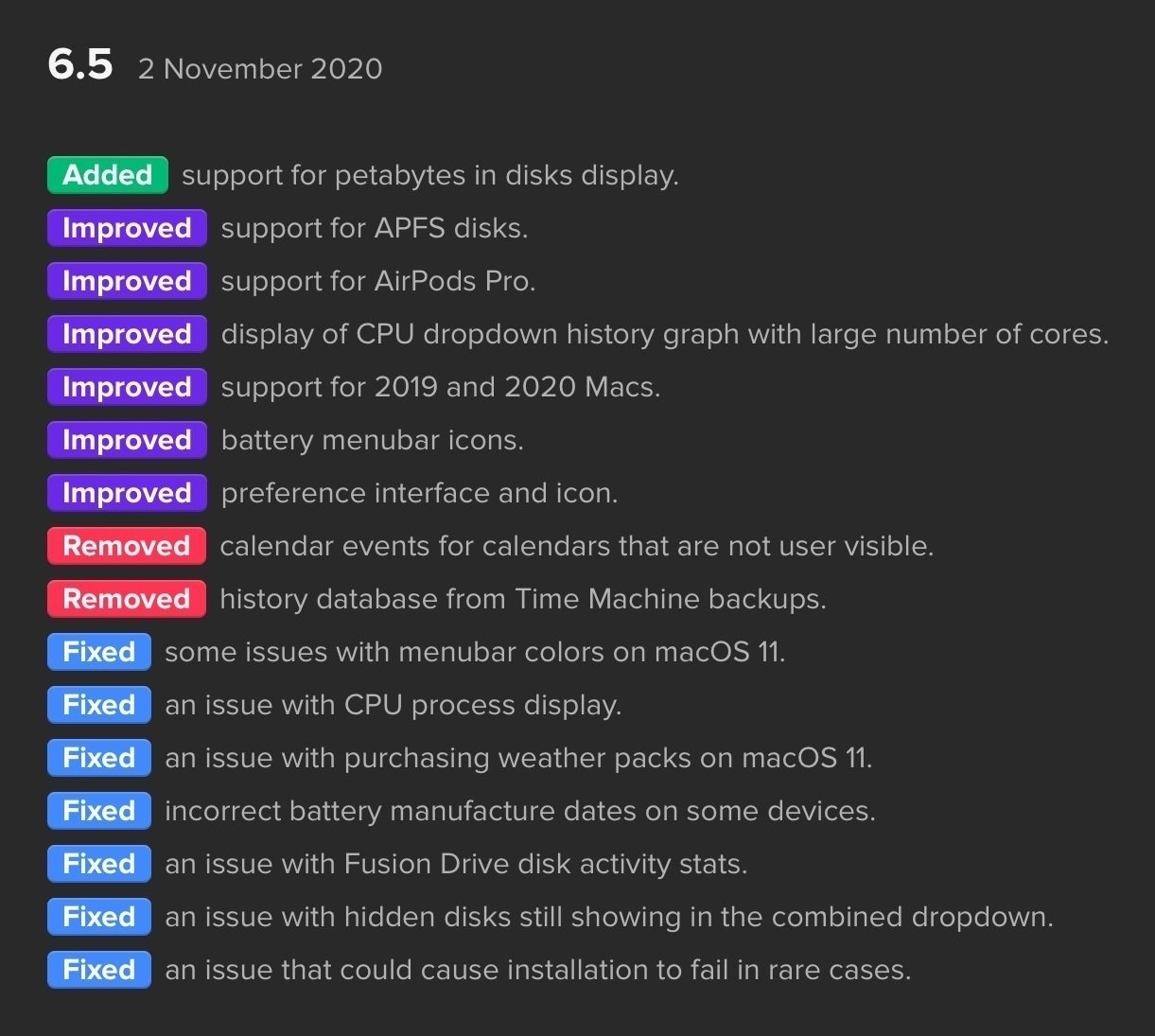
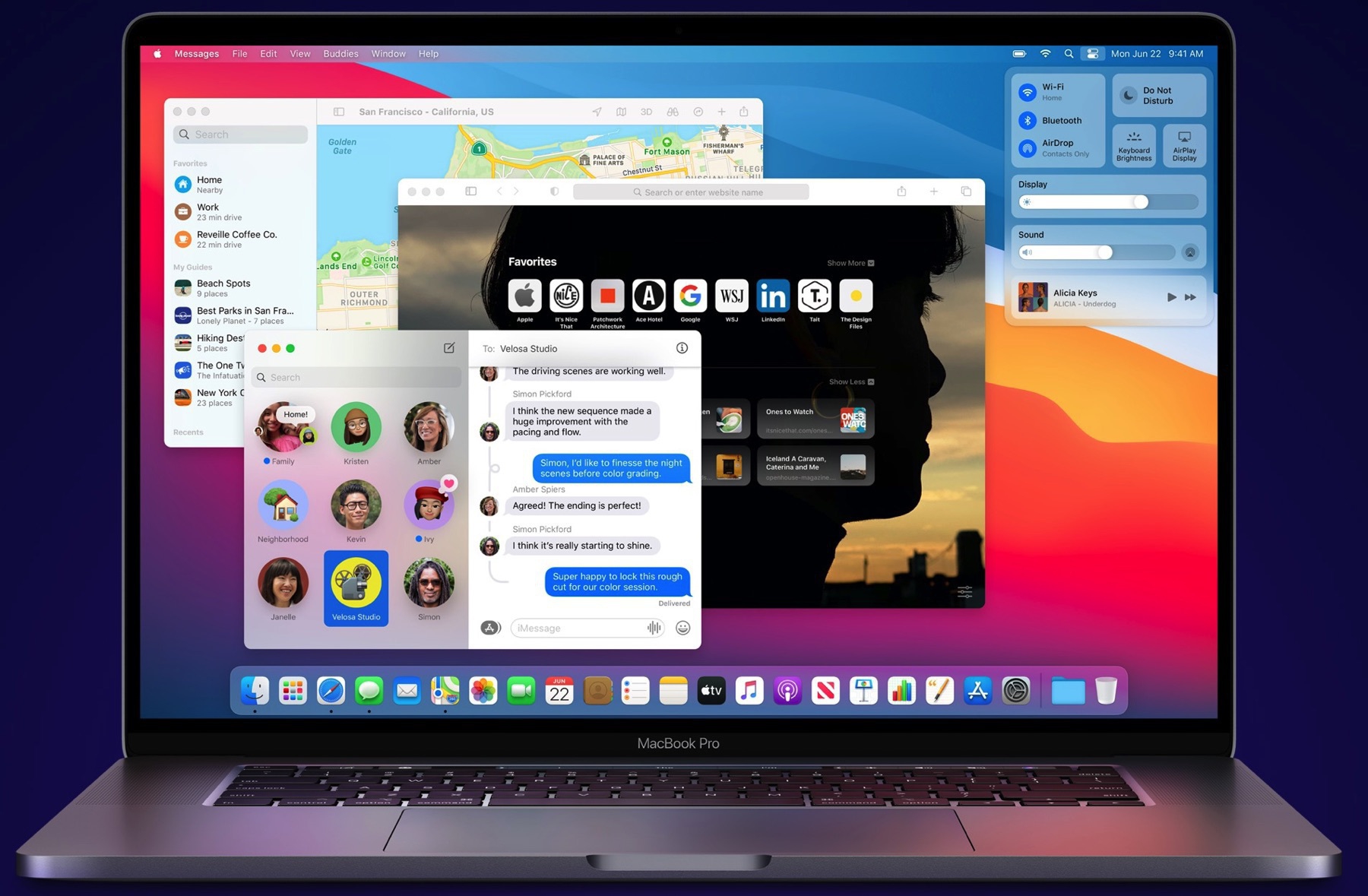
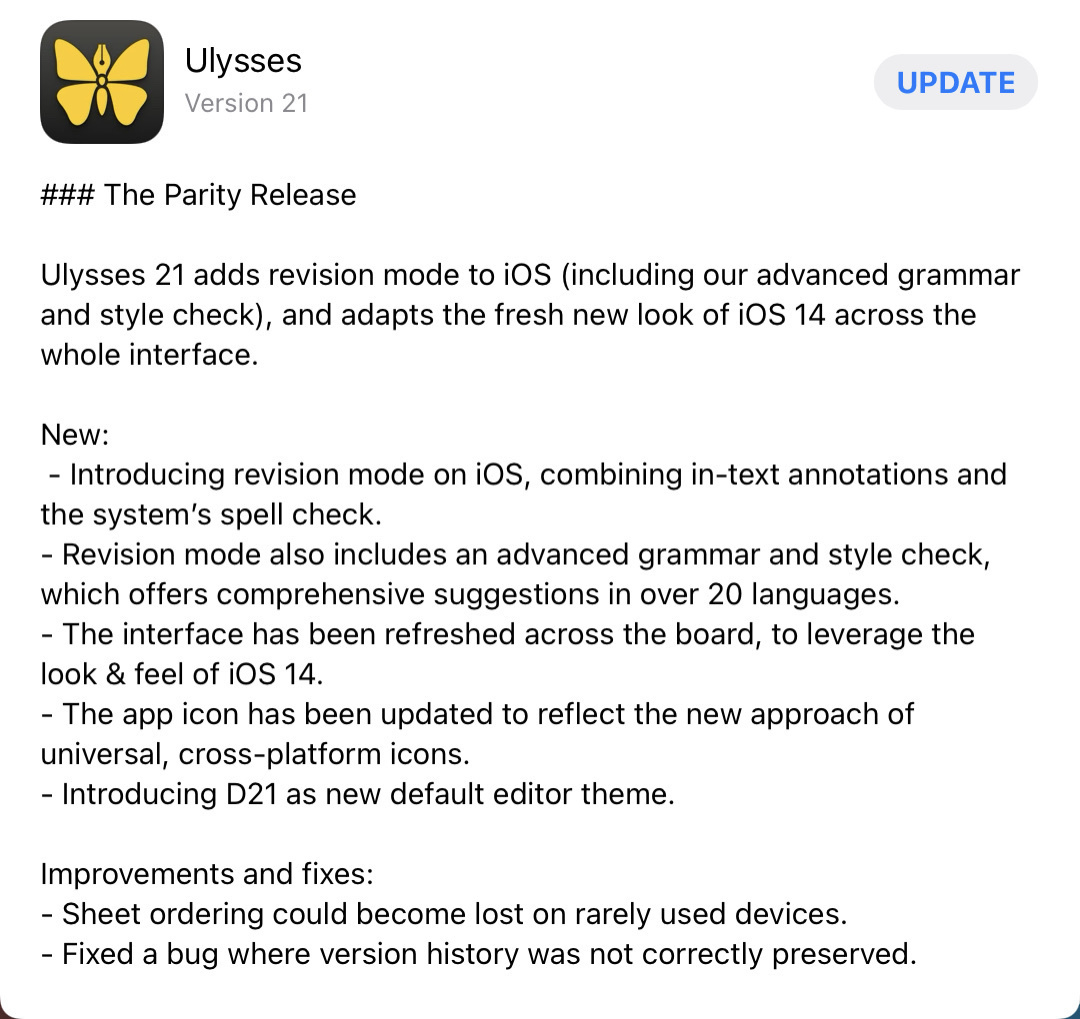
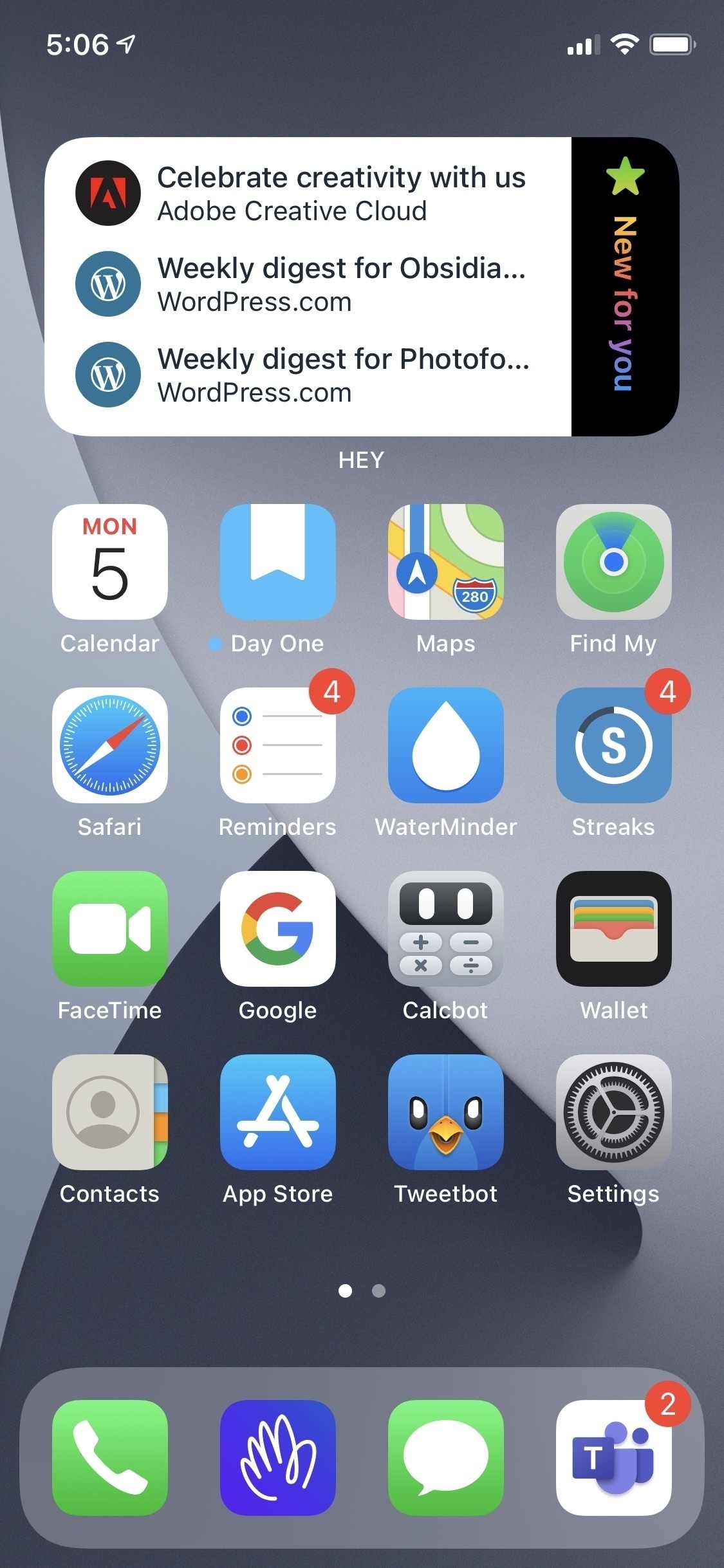
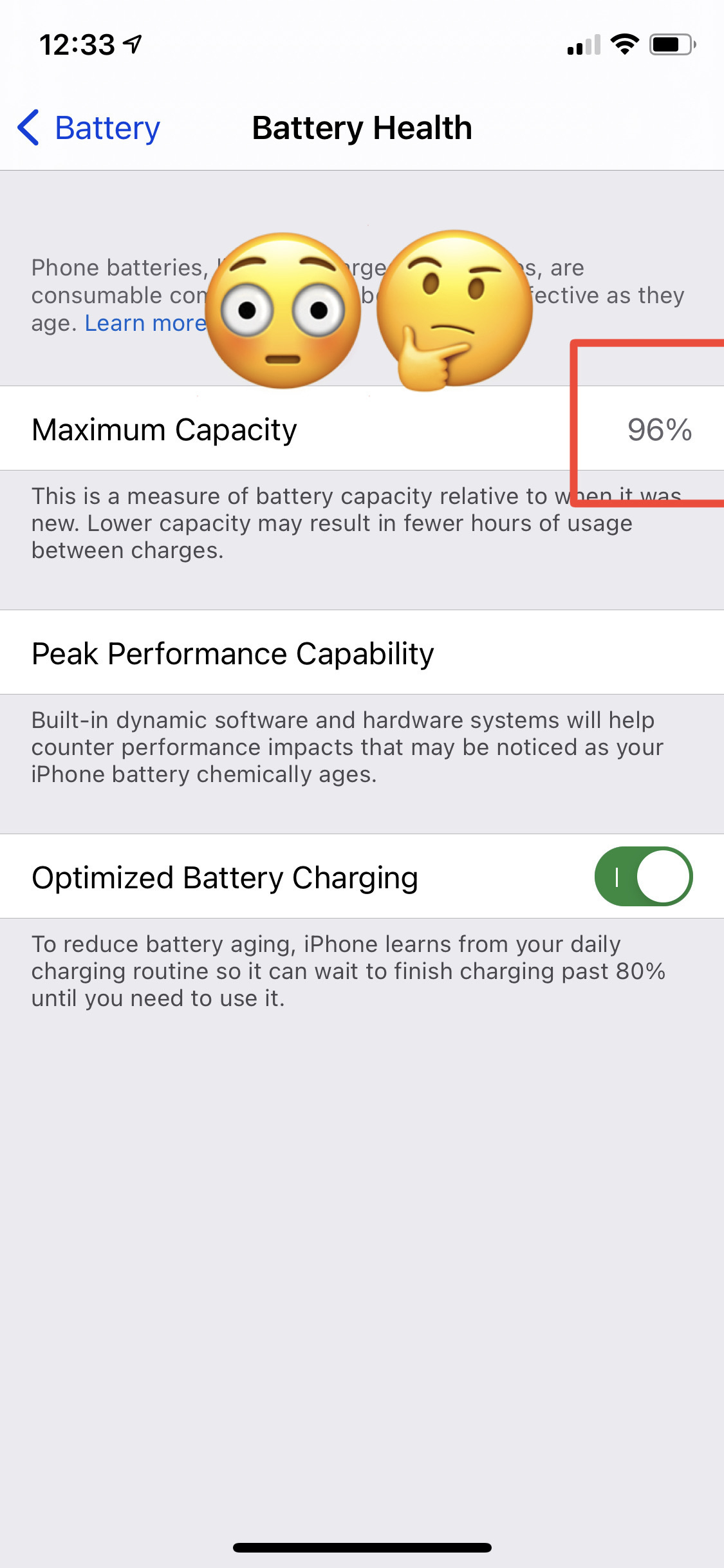
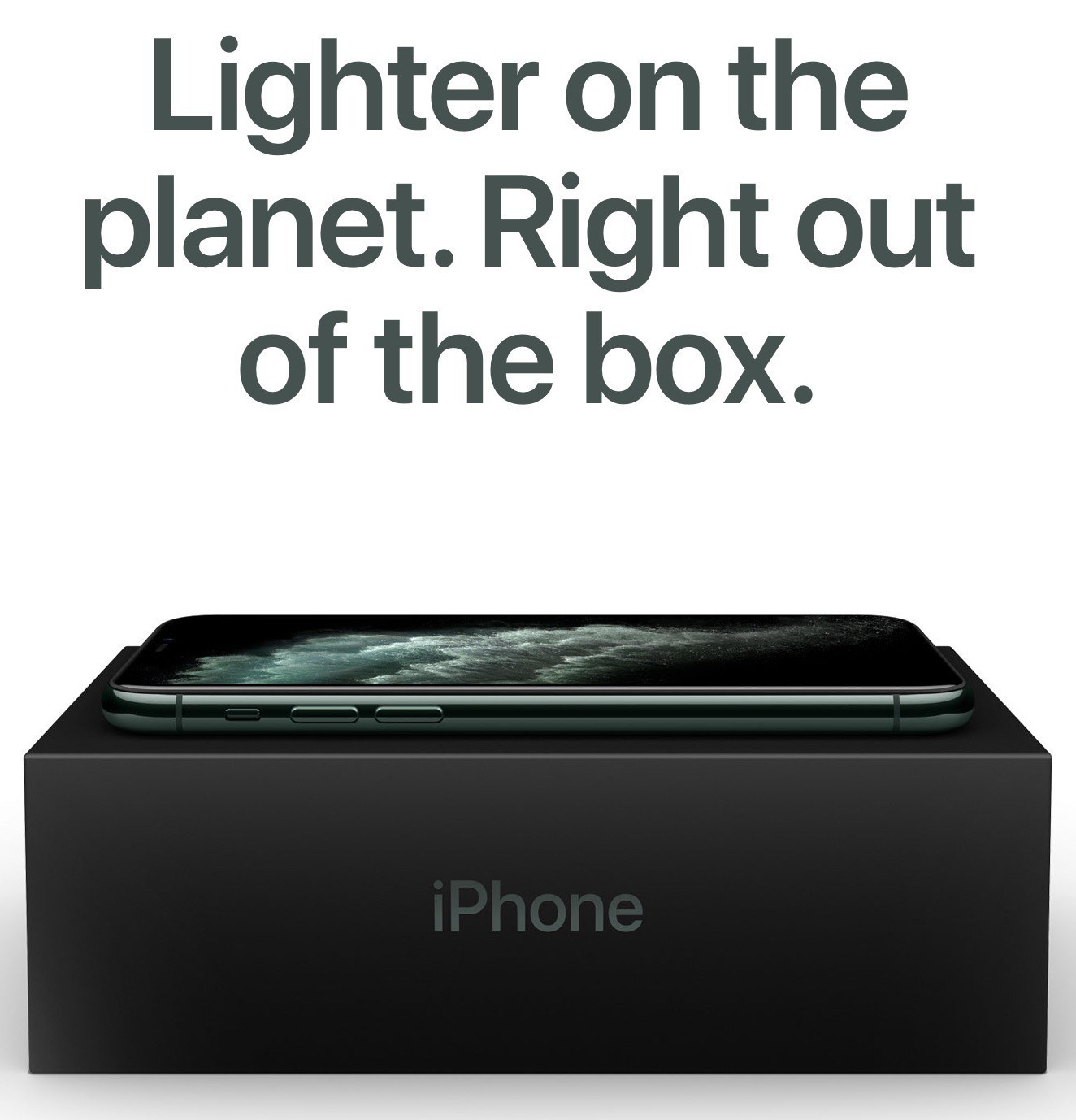
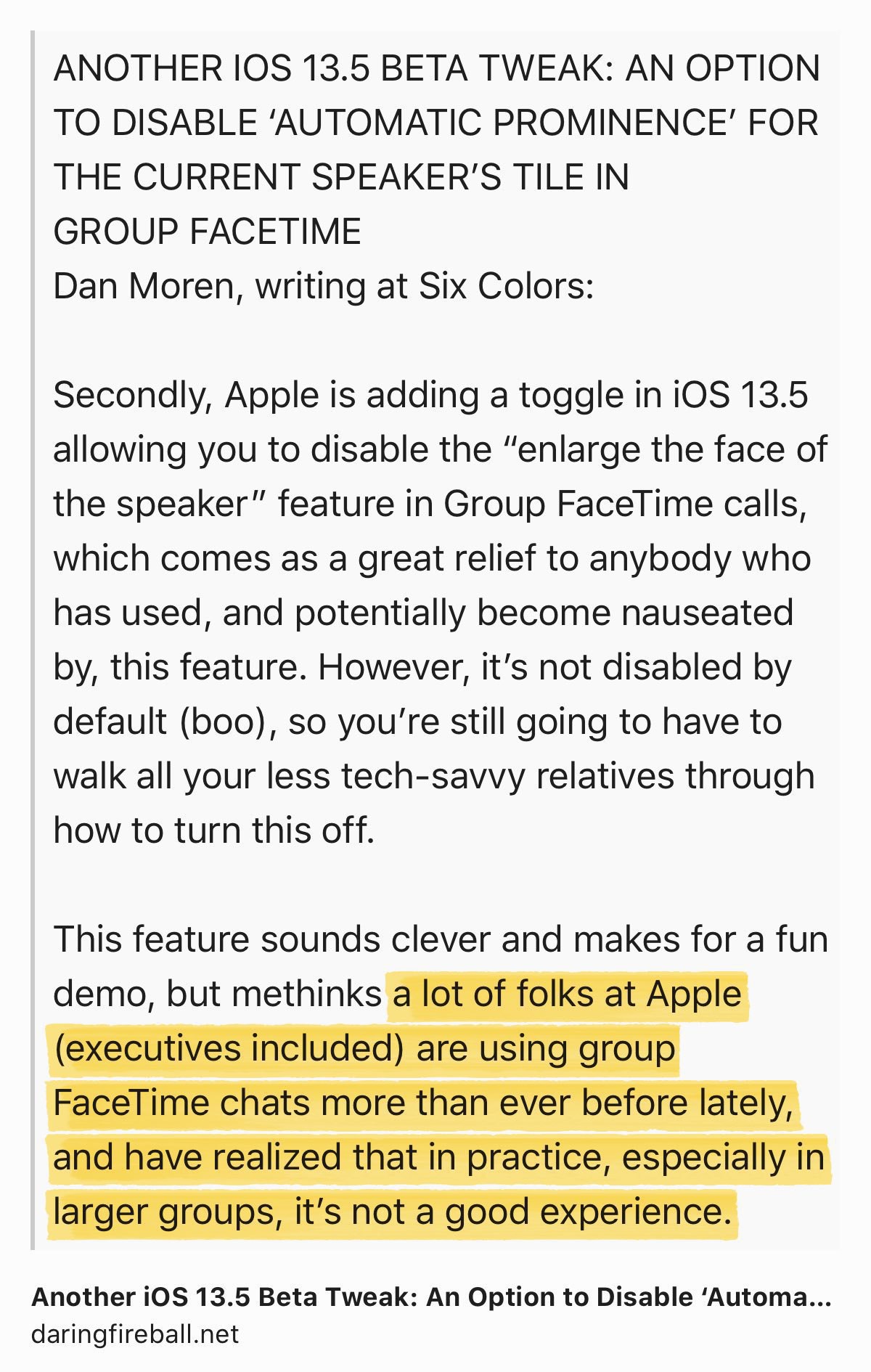
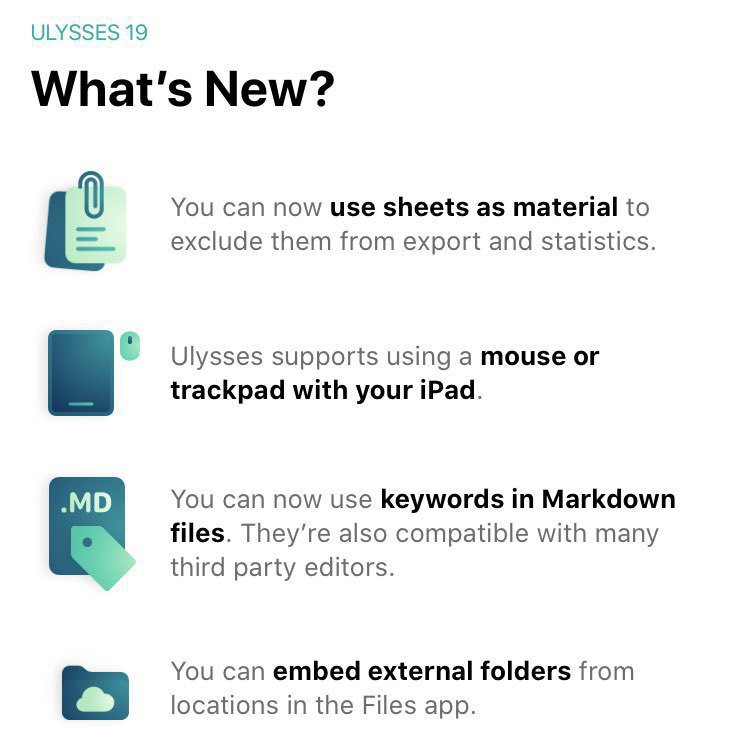
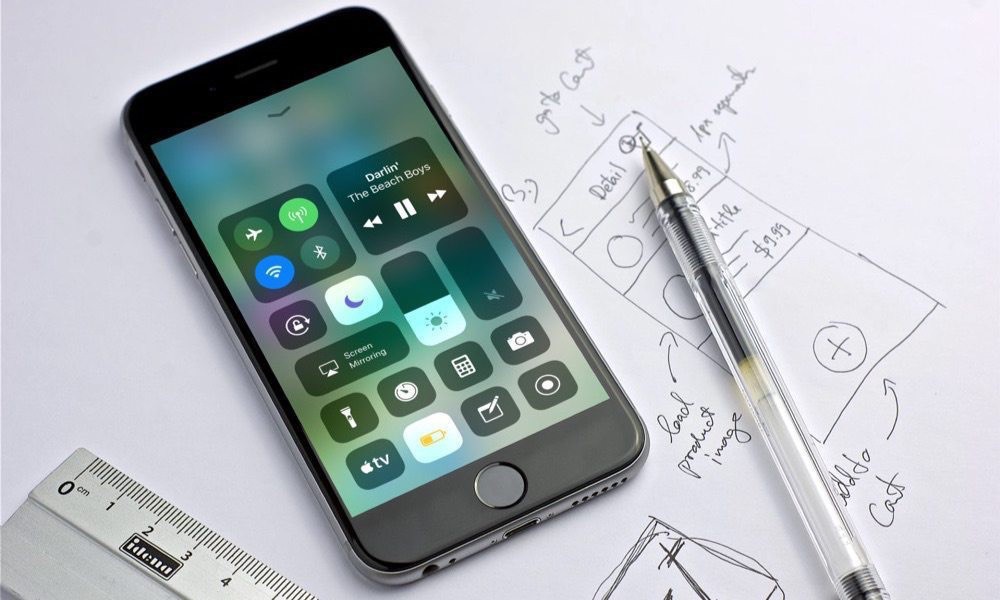
The previous screenshots show the release notes, as seen on an iPhone. I just can’t believe Apple cannot fix the font size. It’s been like this life forever. It’s all in the details, Apple, in the details. Gosh.

The most interesting thing for me is the App Privacy Report, which I love. As an IT guy in my professional life, I like to see what’s going on in my devices. App Privacy Report is a great way to show this to me.

Notifications Summary has a refined design. The summary goes edge-to-edge with the screen. It’s a bit weird. I don’t know if this is a bug or a feature. Yet, I like to see more information in the summary as each notification offers expanded content.

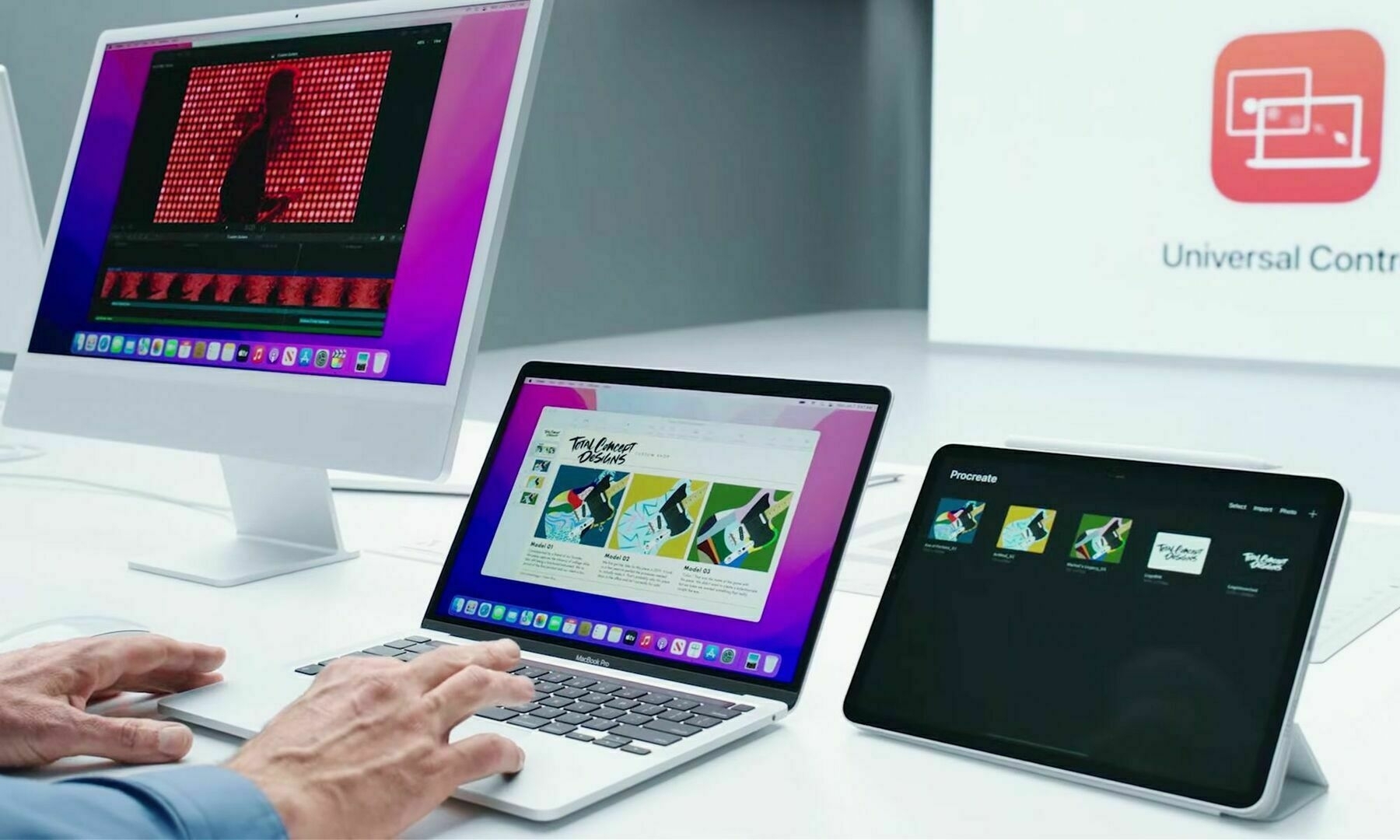
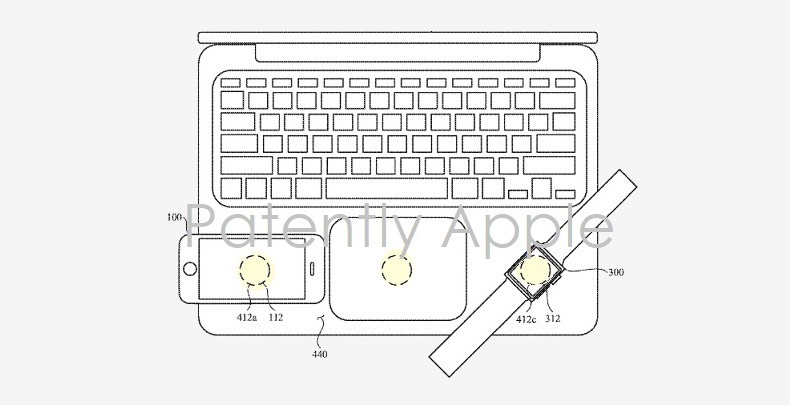
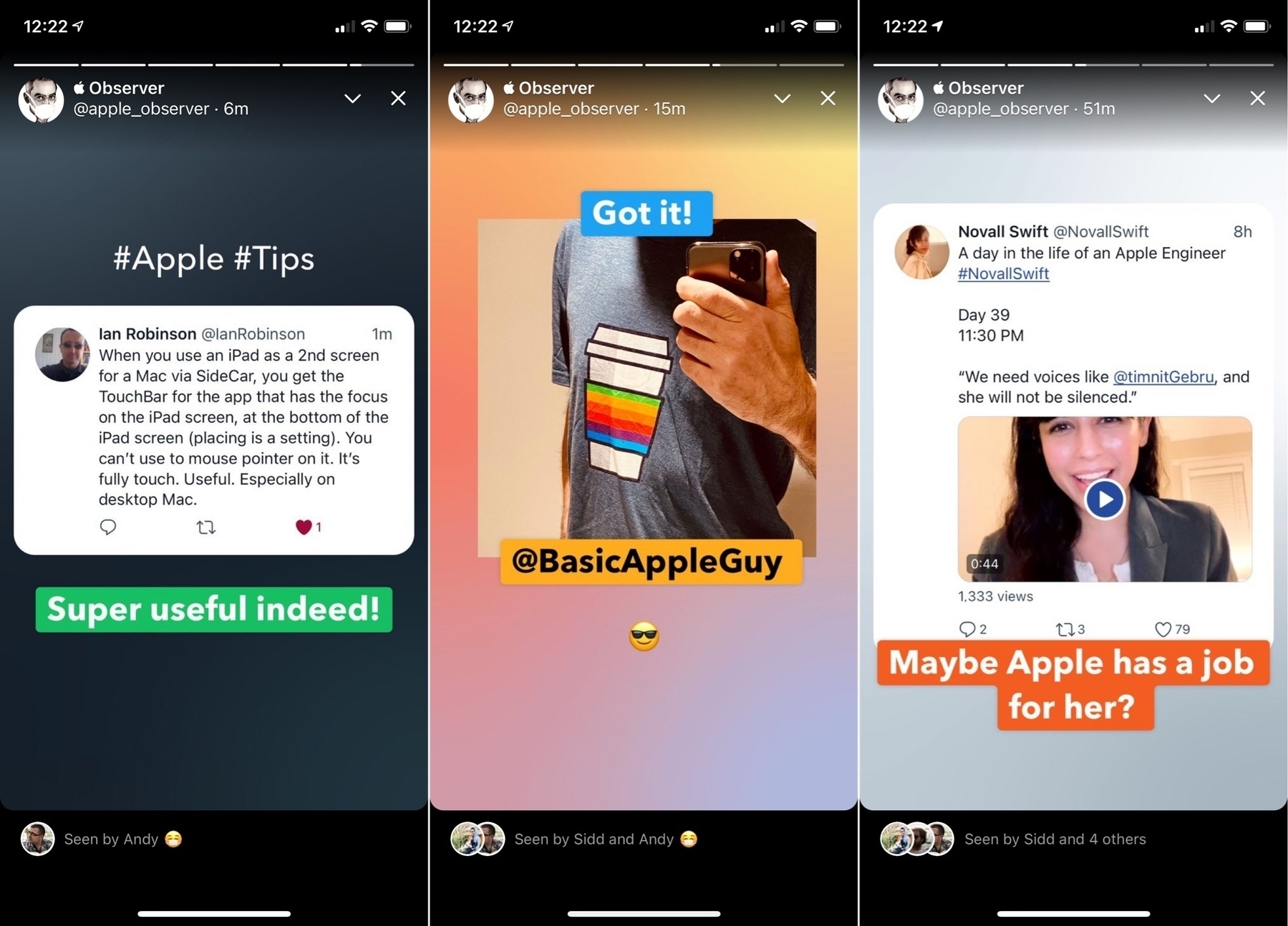
As a side note, apparently, Apple won’t release Universal Control this year. I couldn’t care less because I don’t see this as useful in my current workflow. Maybe there is something to Universal Control that I don’t get.

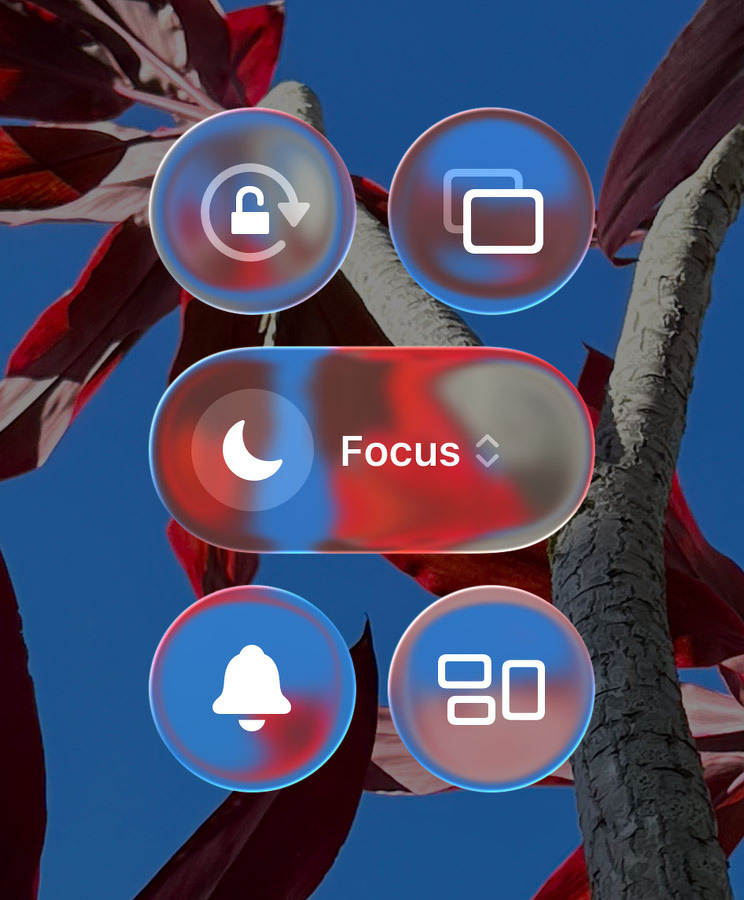
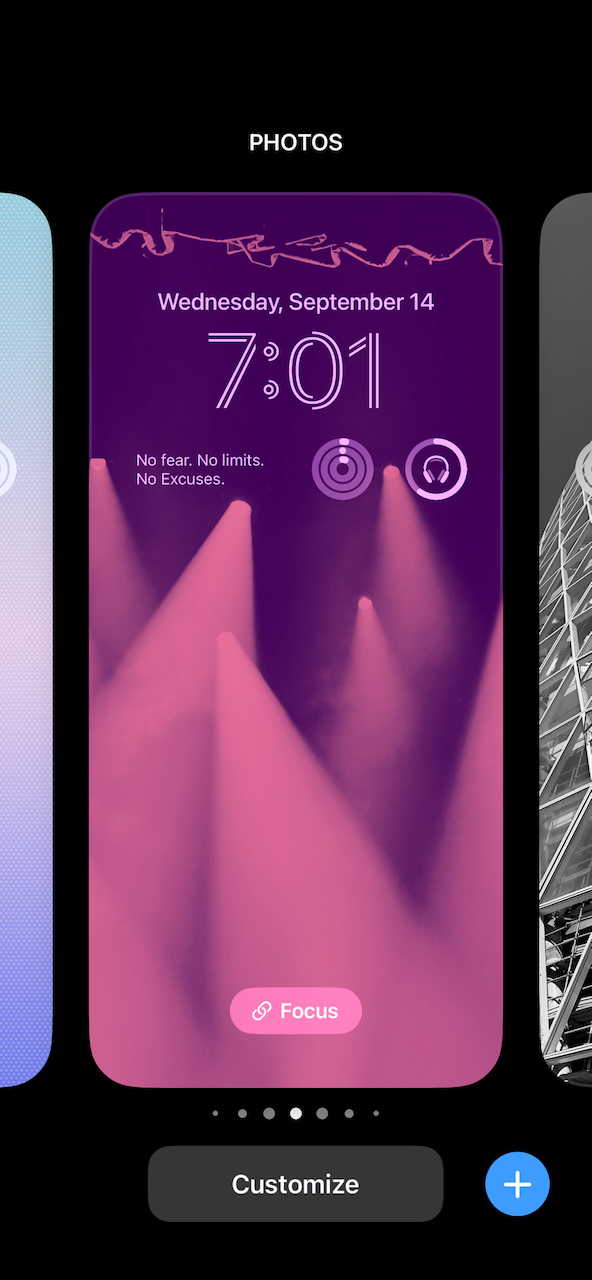
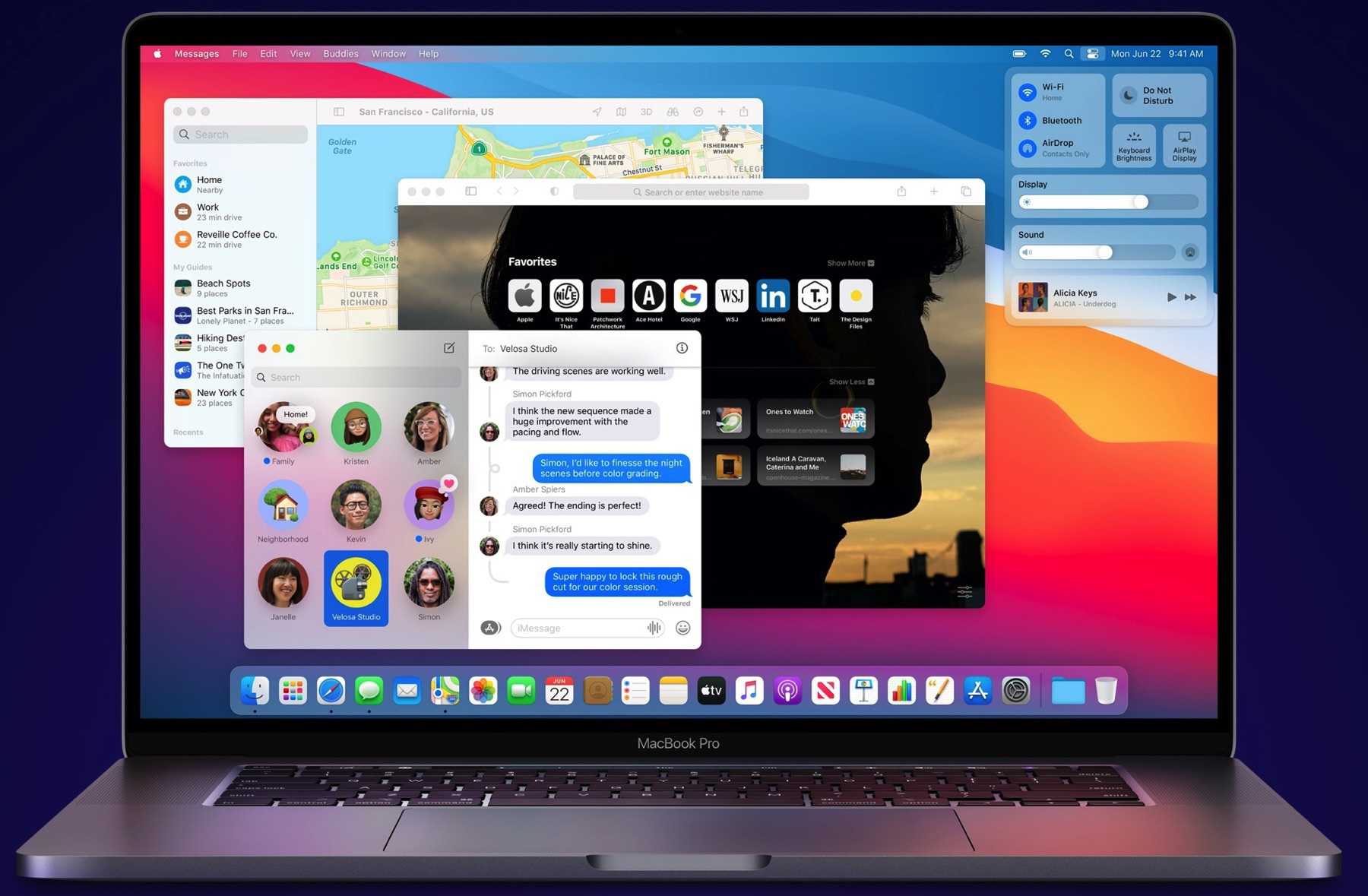
Wallpaper by Basic Apple Guy.

2021-12-13


On iOS 15’s Legacy Contacts

I remember working on “A Guide for Preparing to Leave Your Numeric Legacy”, one of the cited challenges was to get access to the deceased person’s online data. I provided ways and a methodology to get ready for their numeric legacy. With iOS 15’s Legacy Contacts, Apple is making it much easier. The setup process takes less than 2 minutes to complete. An access key and a death certificate are required to ask Apple to let the legacy contacts to gain access to the online data. At long last, big tech companies now consider important to let people surviving people to keep access to deceased people in a simple and secure way. I can see countless headaches being prevented with this feature, first promised at WWDC last June. Bravo to Apple.

2021-12-14


Currently Working On — A Teaser

Four articles to be published soon

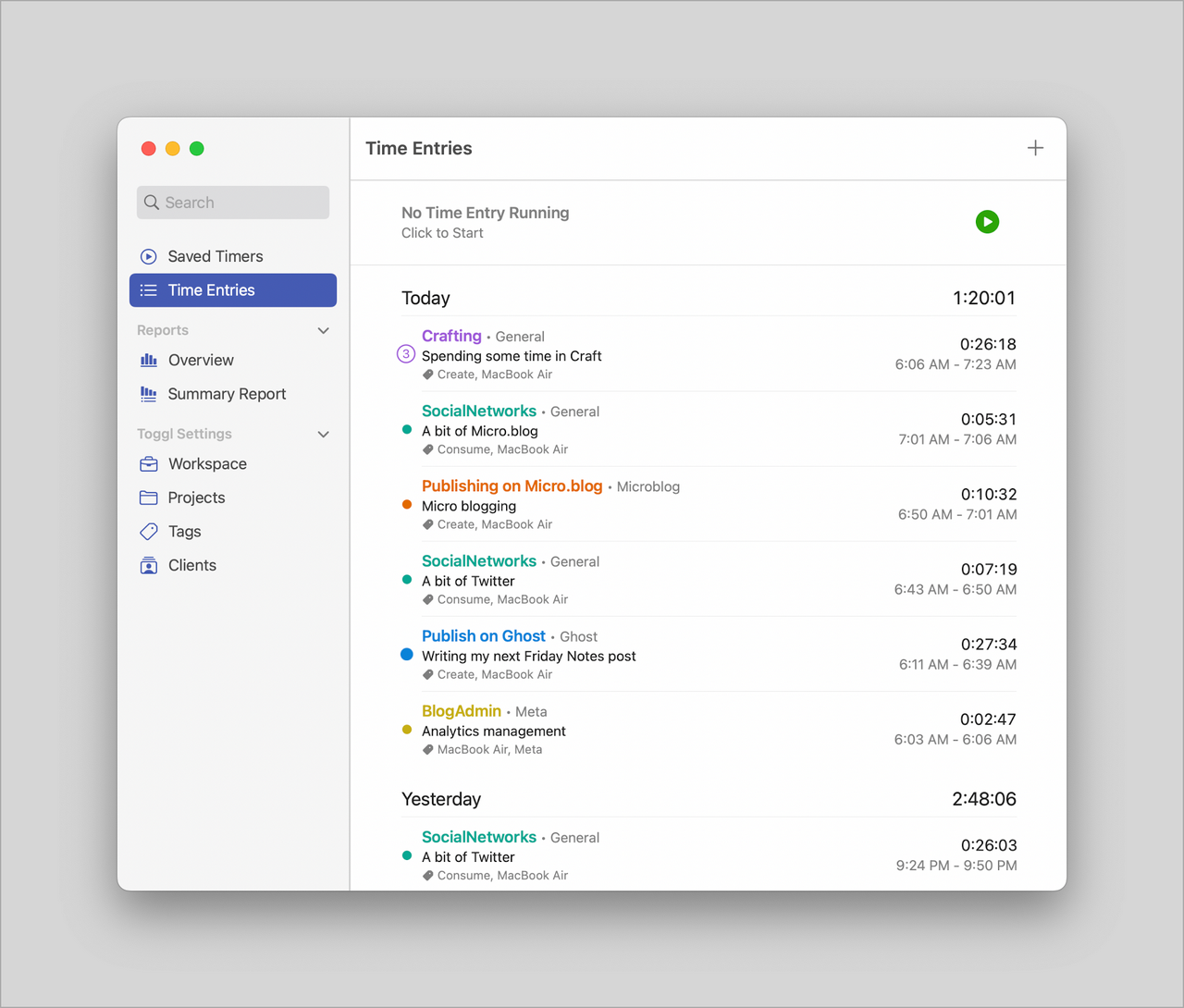
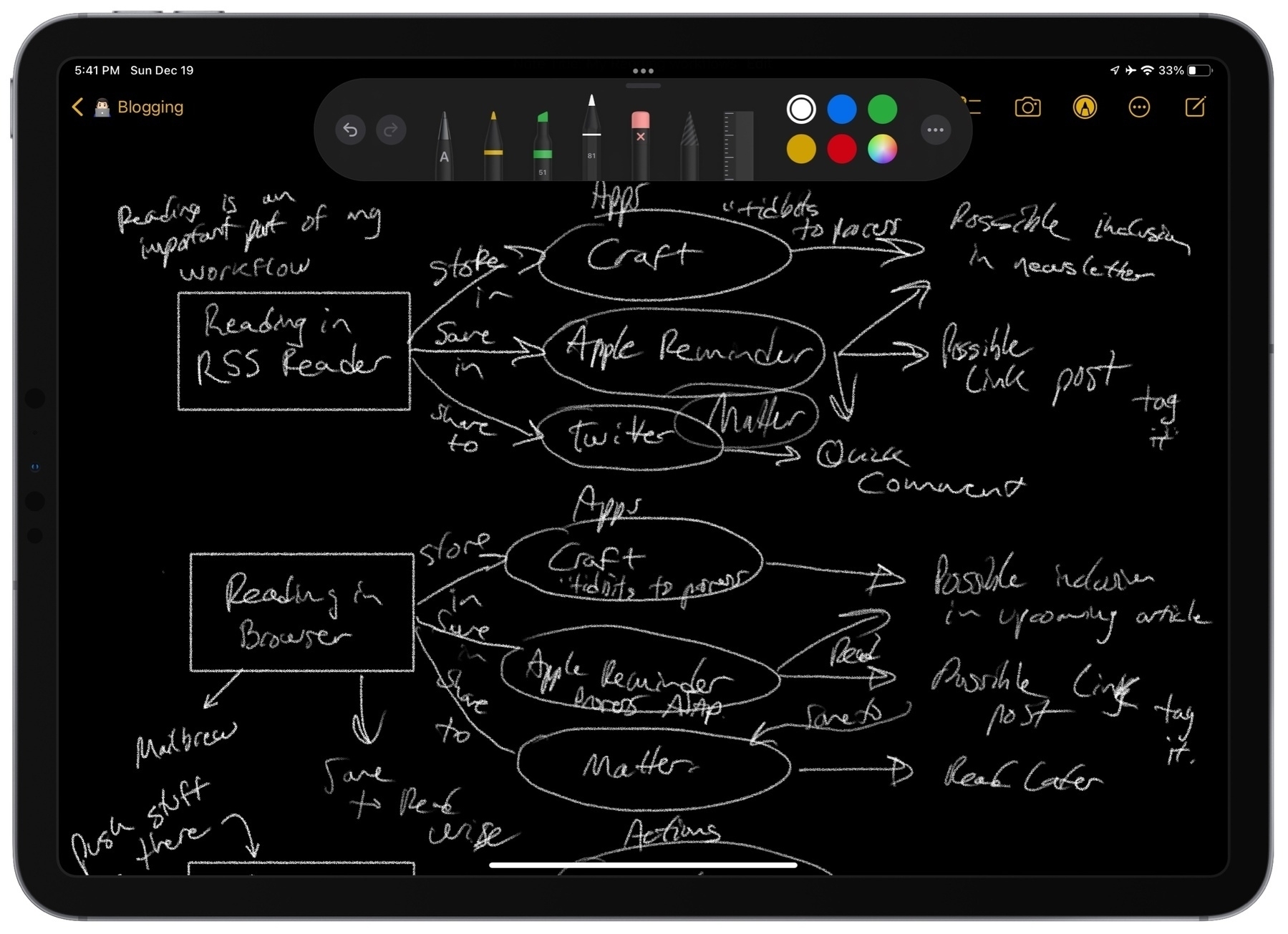
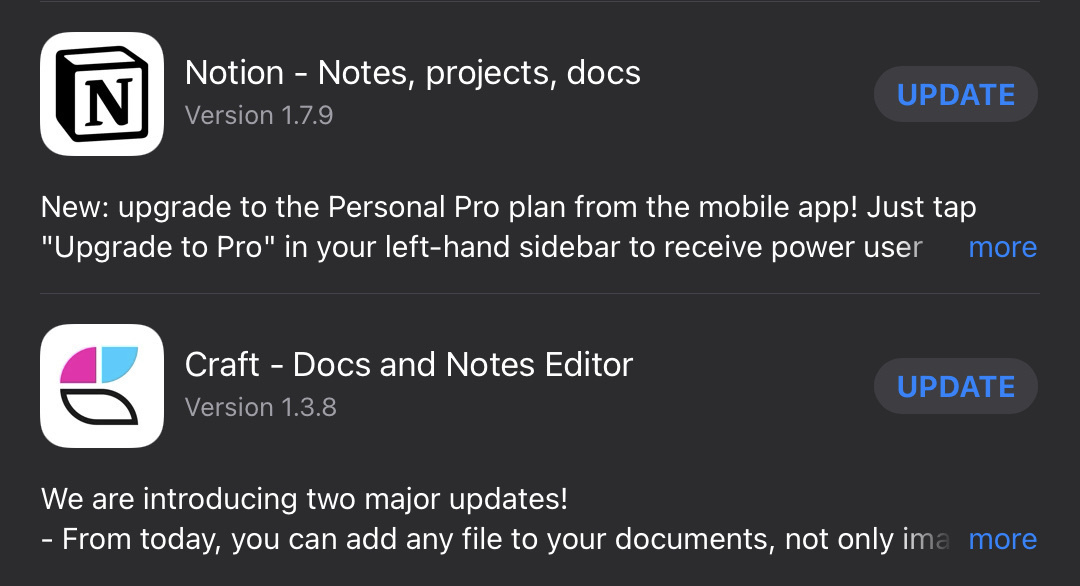
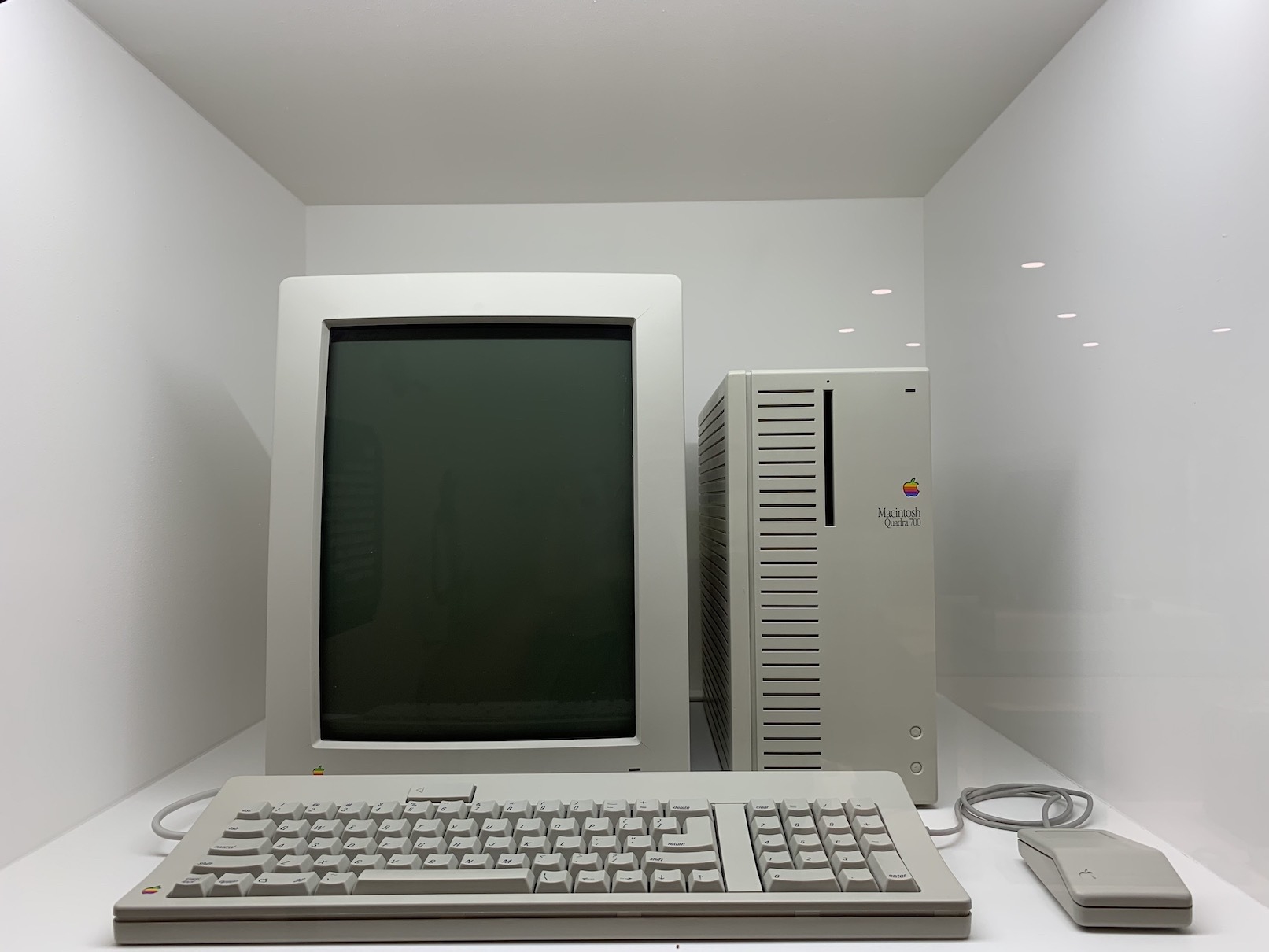
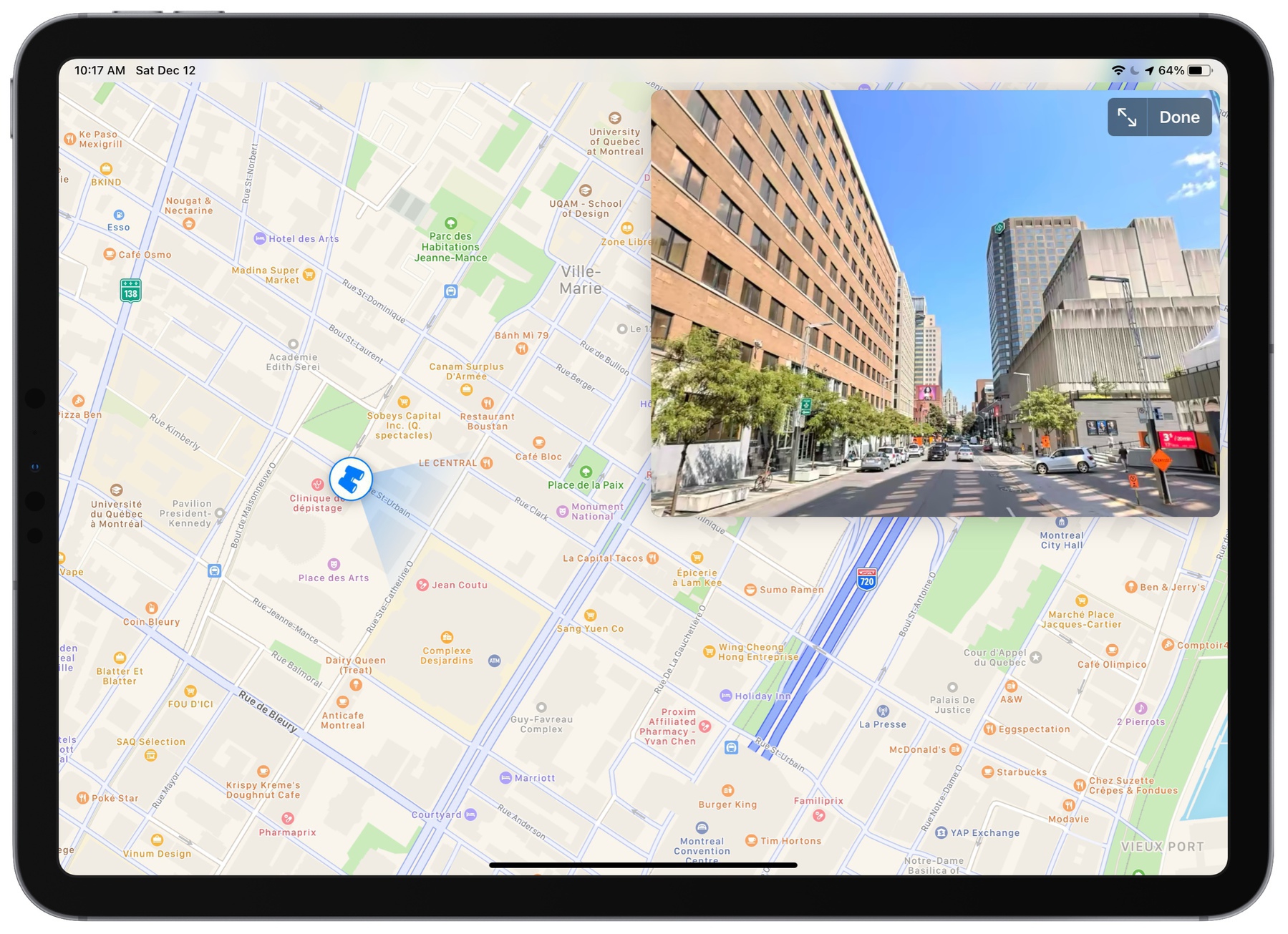
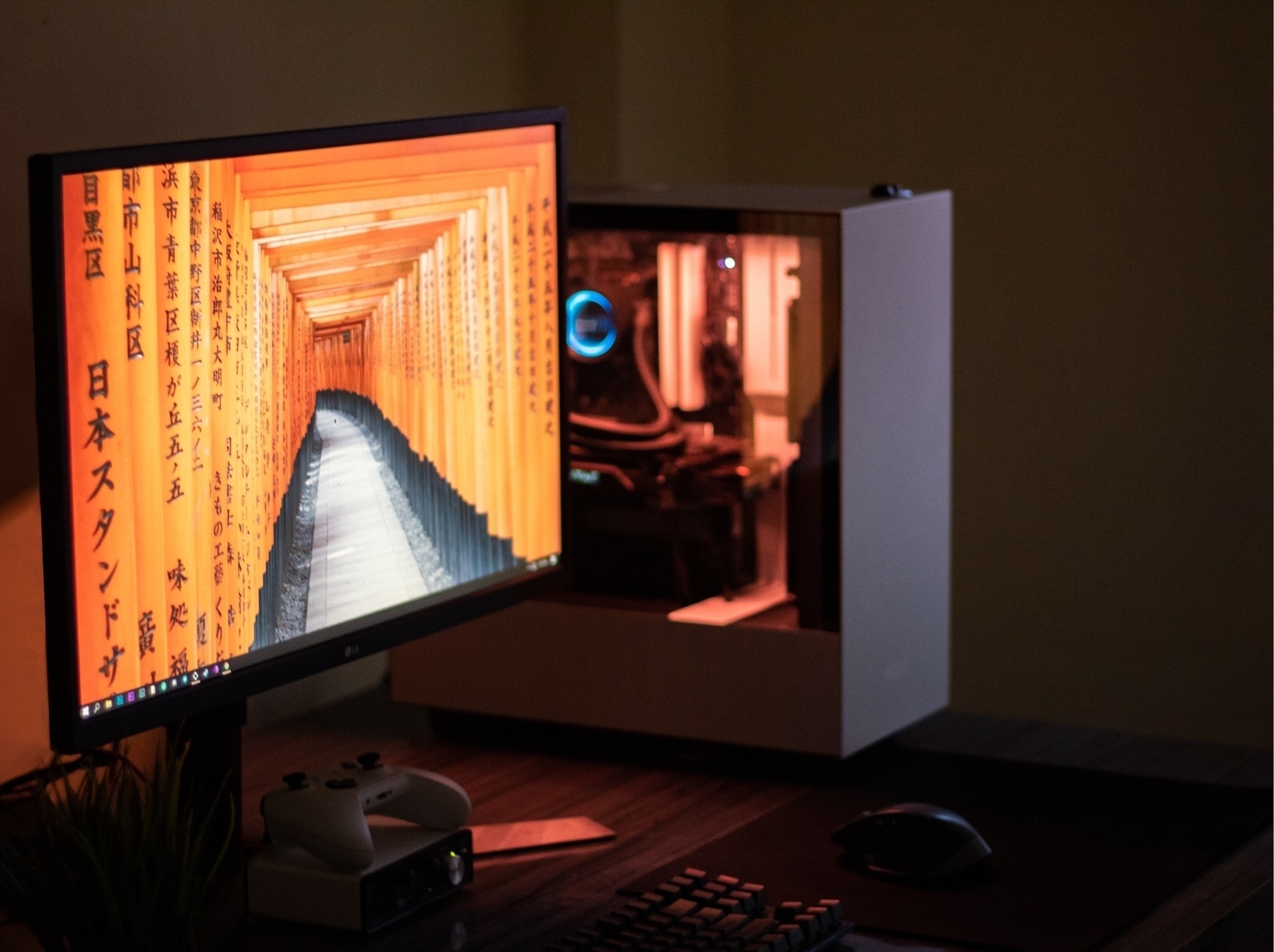
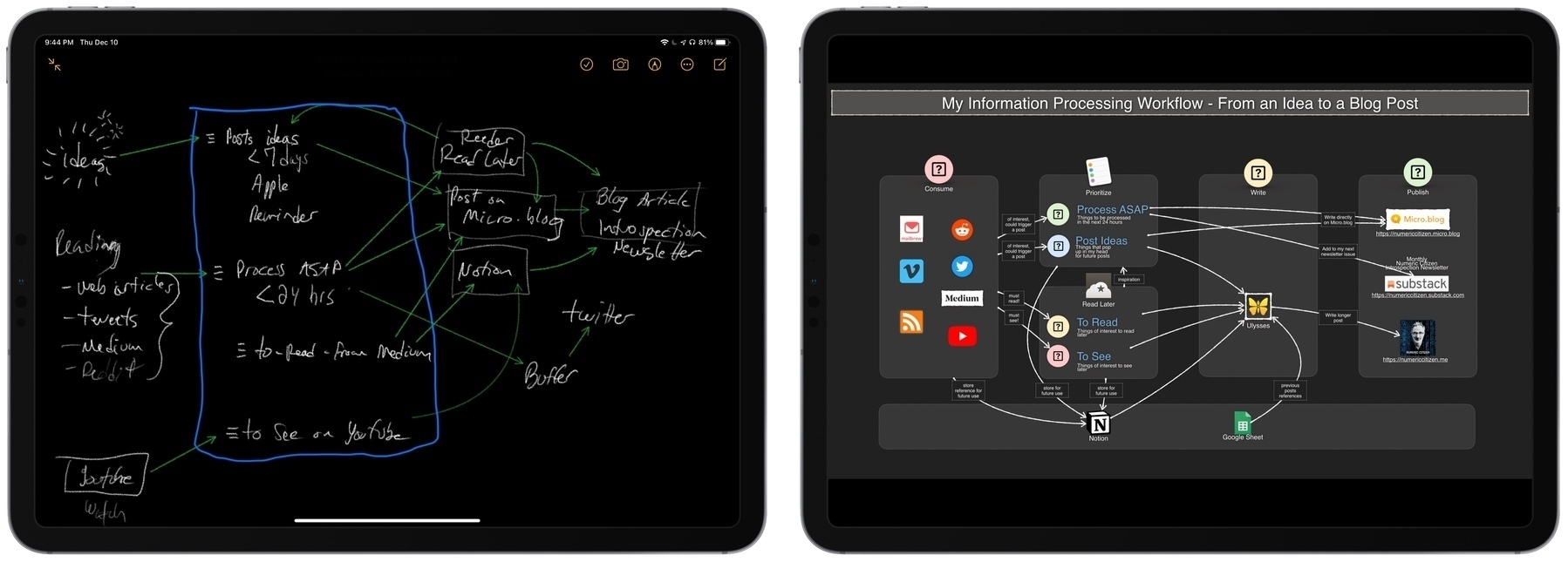
Directly from Craft, a peek at four articles that I’m currently working on, almost ready for publication! 👀👨🏻‍💻

I dare you to meet me in my Digital Garden! 🏡

2021-12-15


I Just Paid $50 to Wikipedia

I think it’s worth it and it’s important. The transaction was easy (Apple Pay), which makes a big difference. Consider this an impulsive buy.

2021-12-17


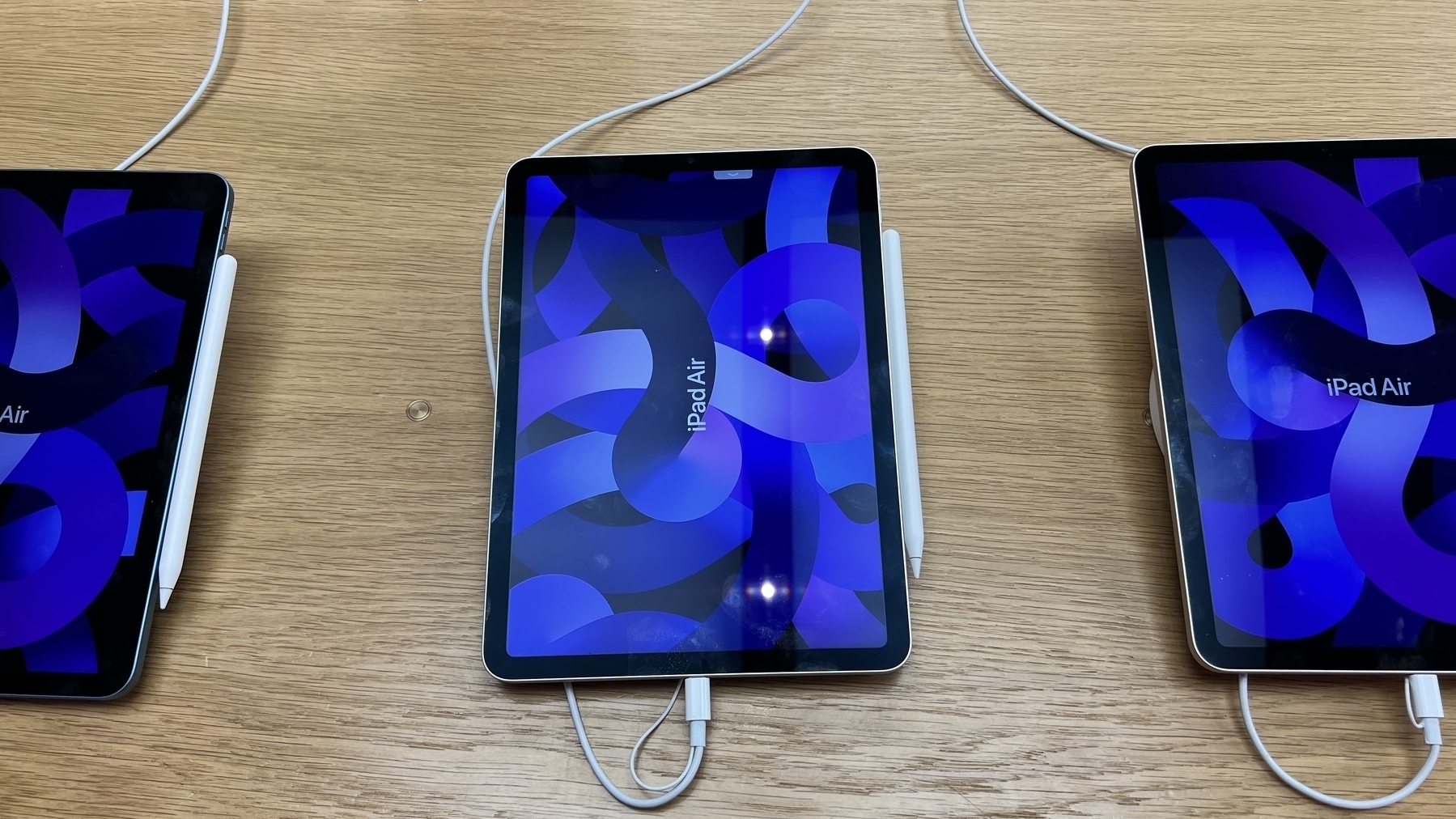
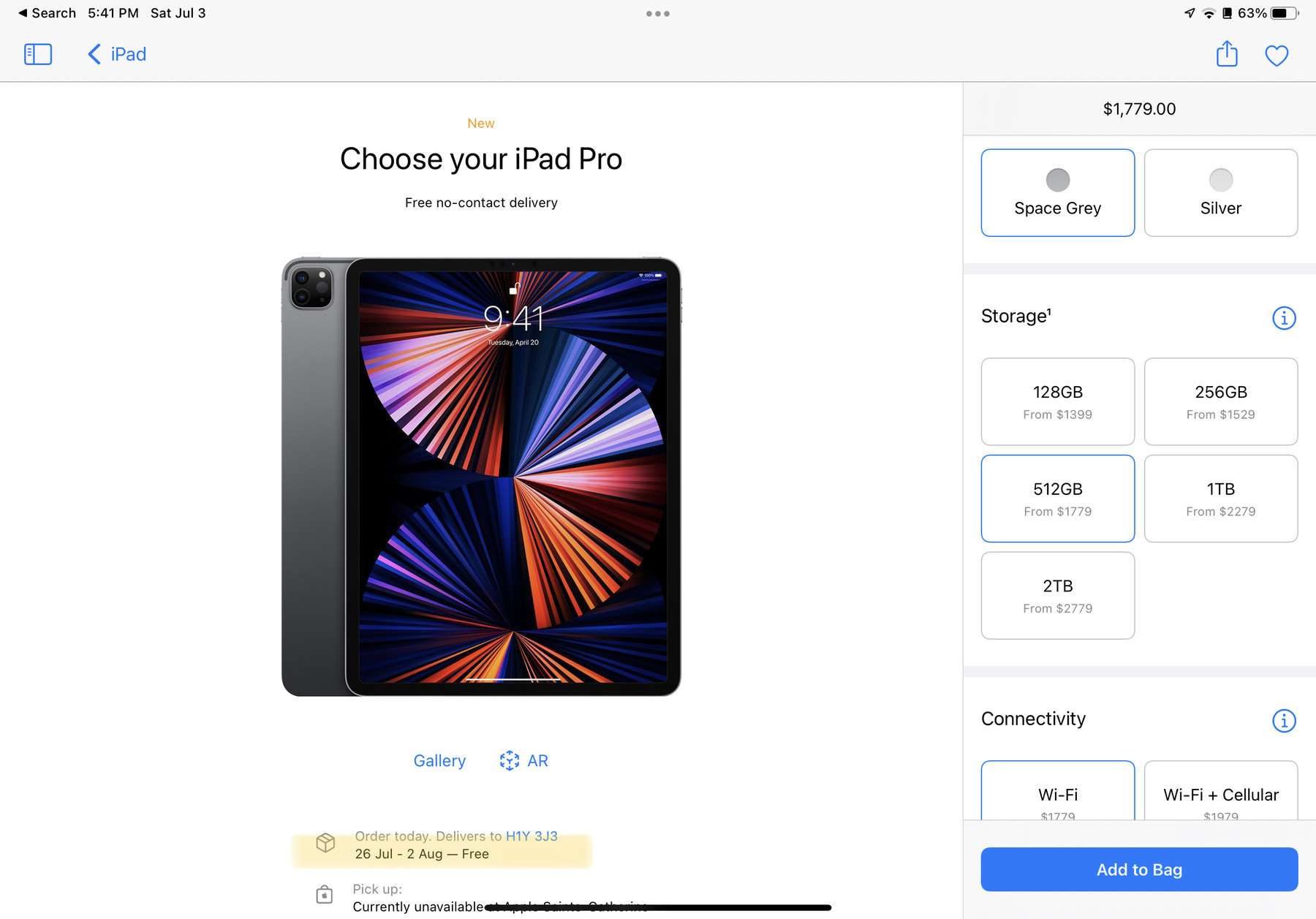
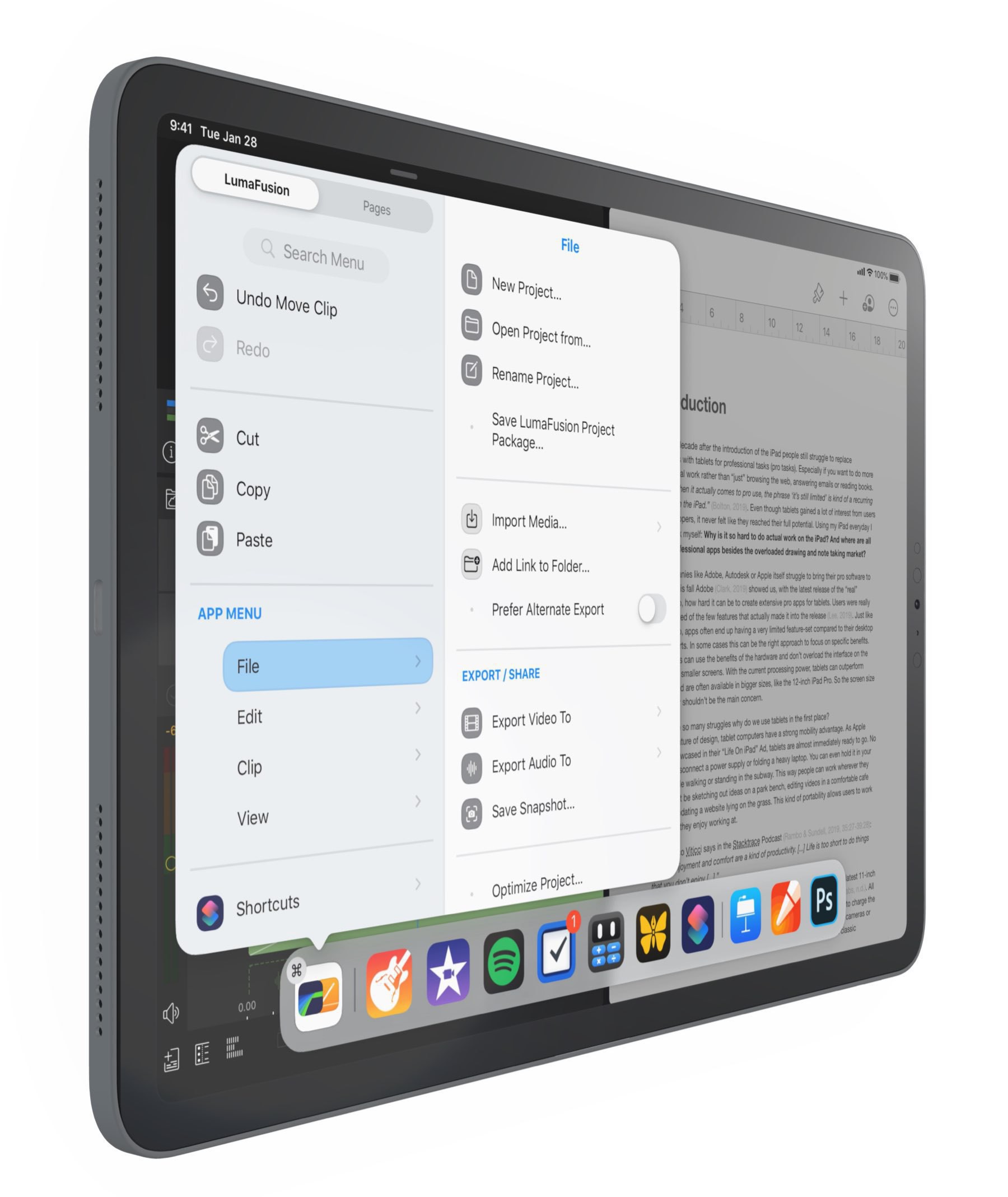
Is The iPad Still Exciting — It Depends

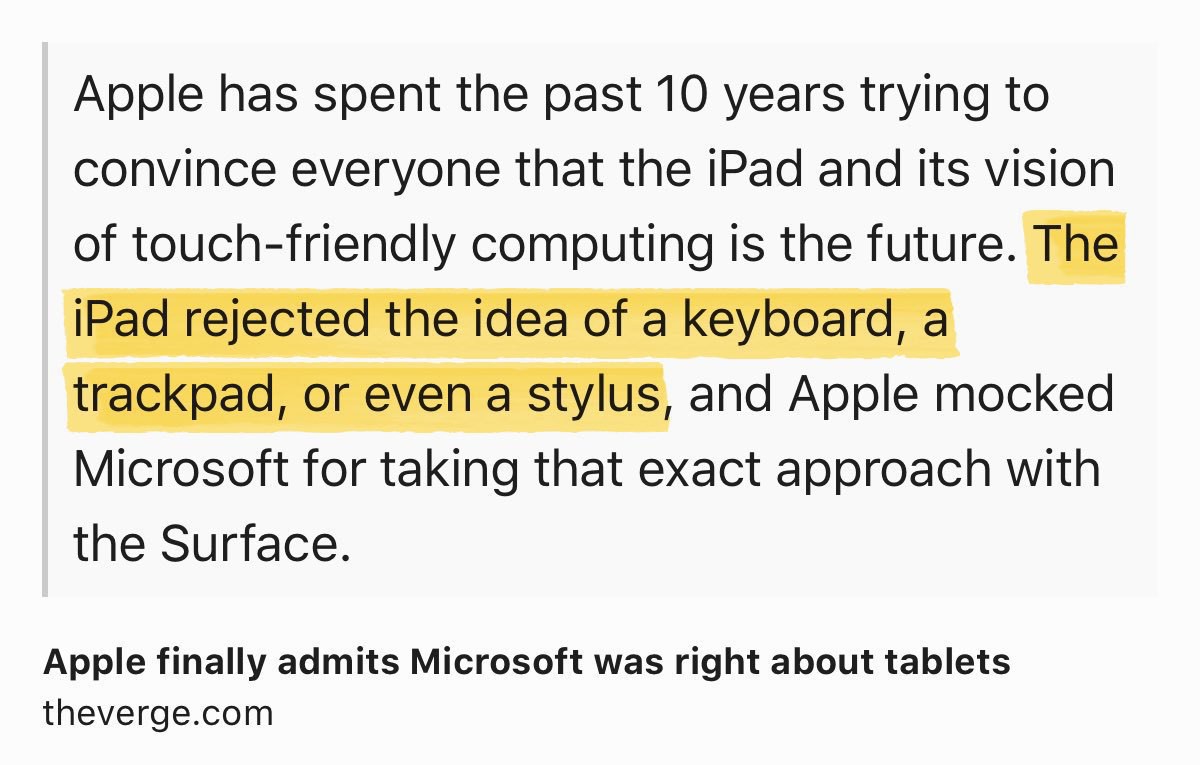
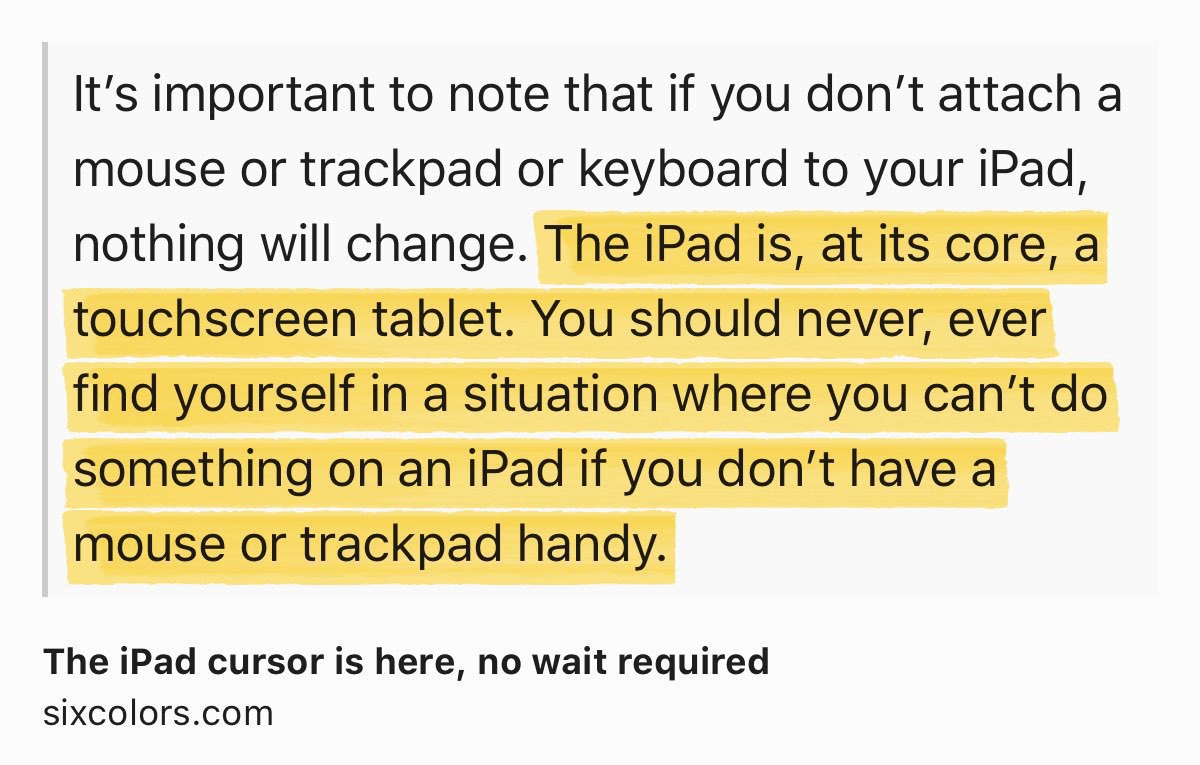
I want to chime in on a series of posts by Matt Birchler (on his YouTube channel) and Andy Nicolaides (on his The Dent website) regarding the iPad. The question is clear: is the iPad still exciting?

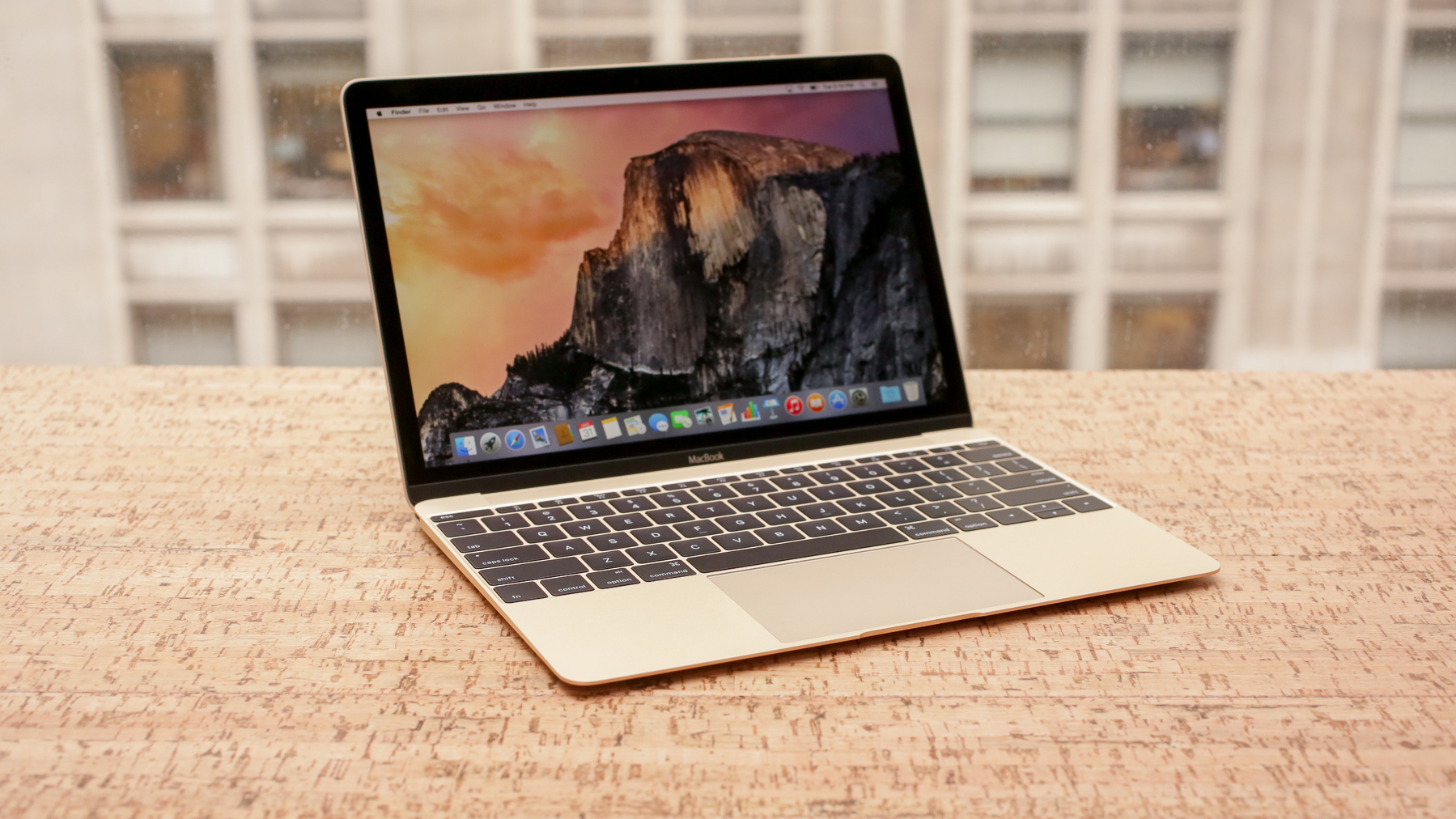
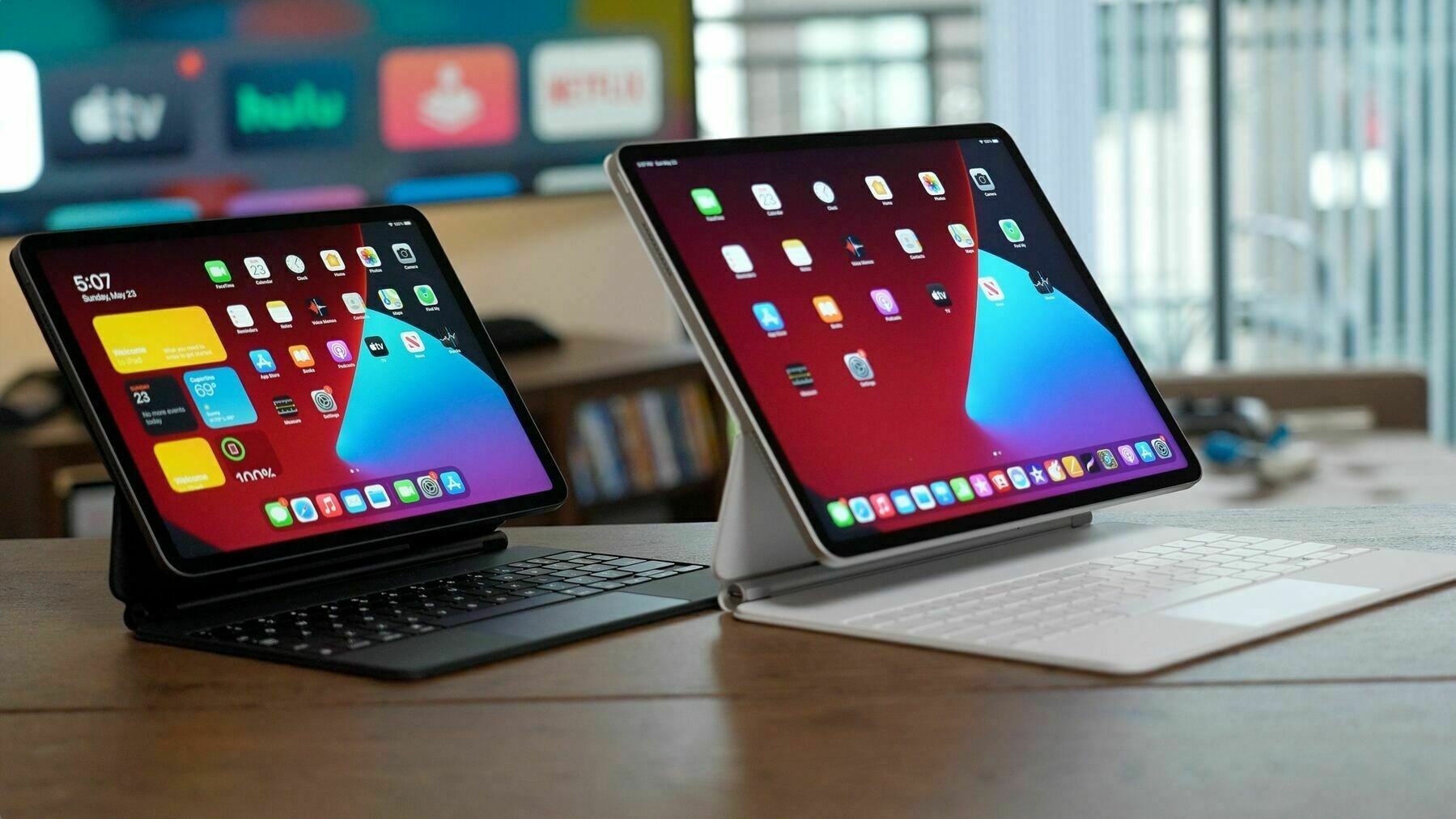
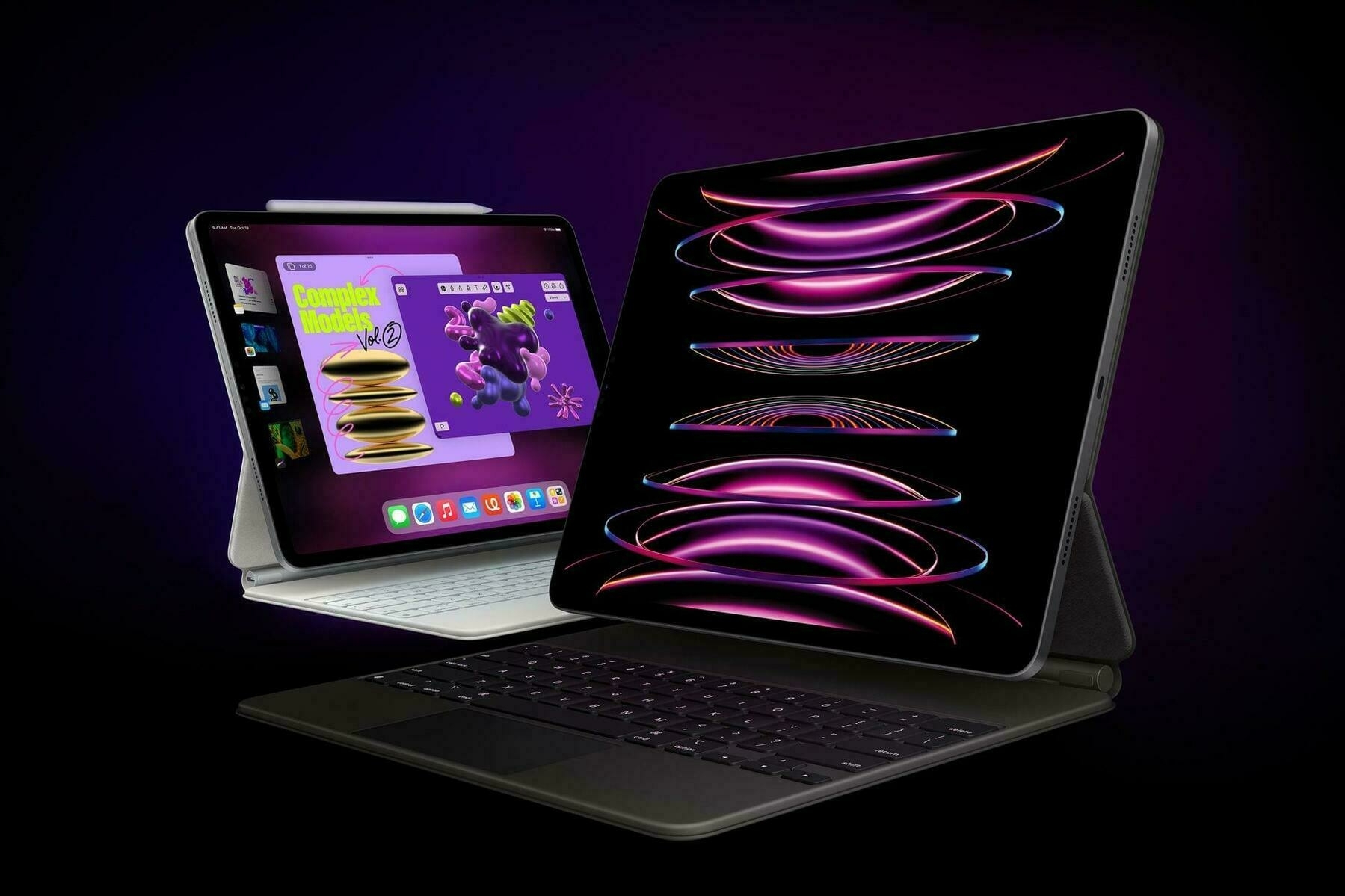
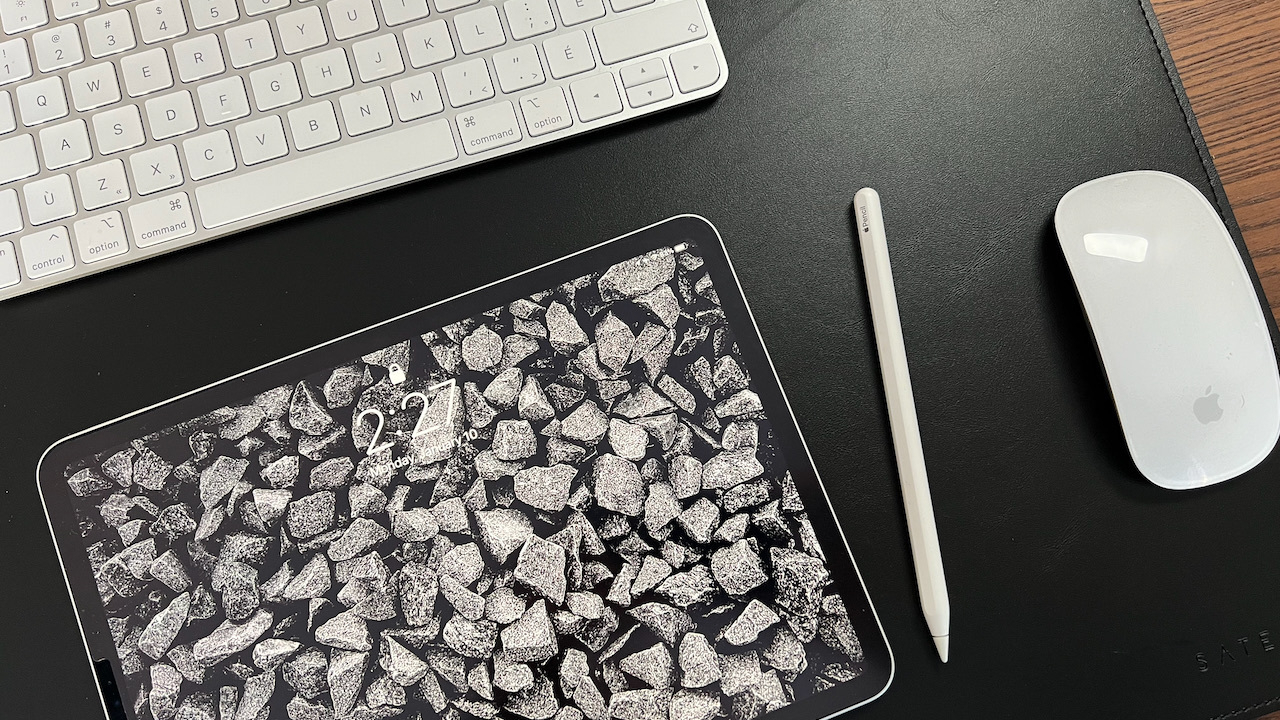
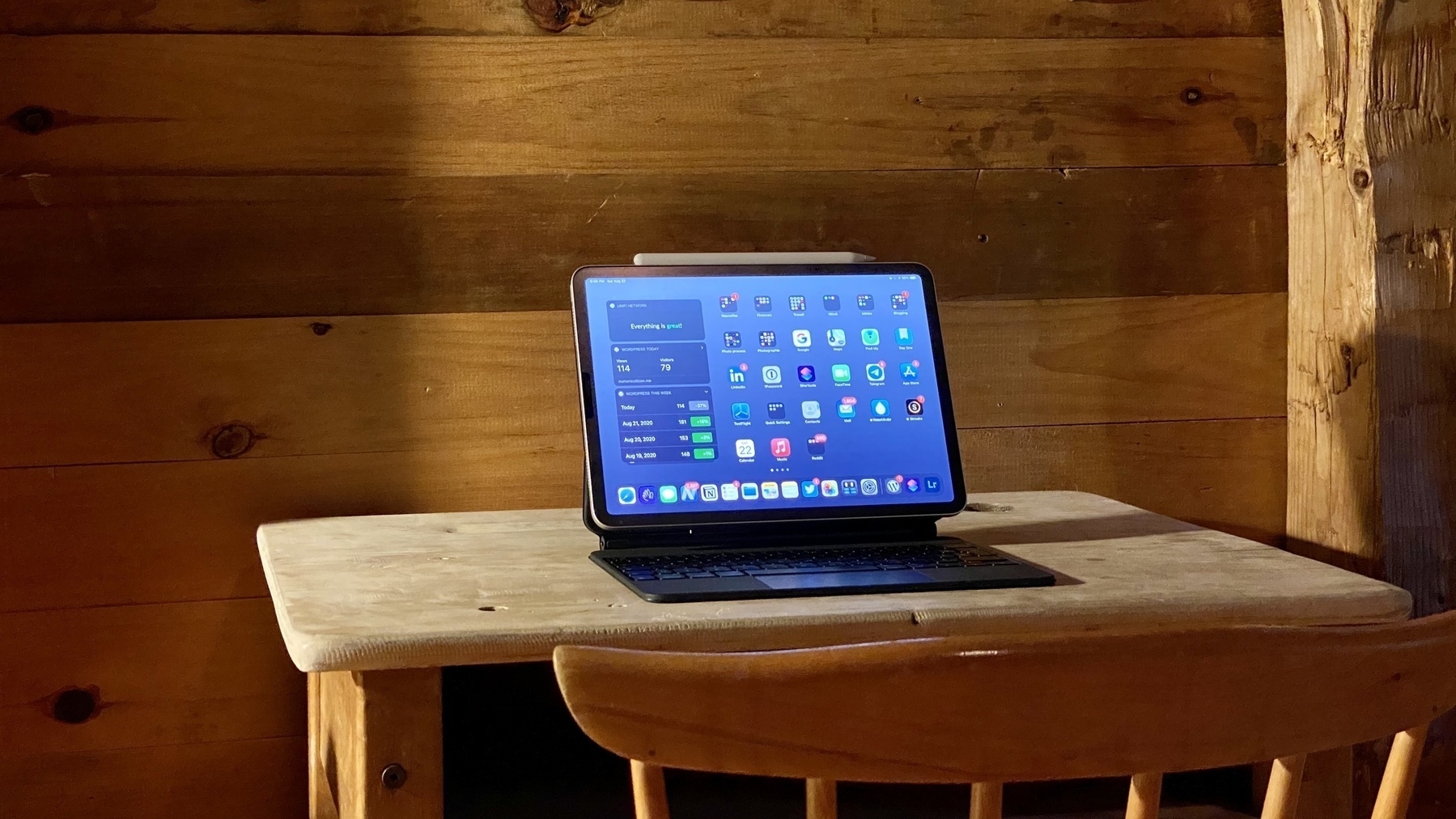
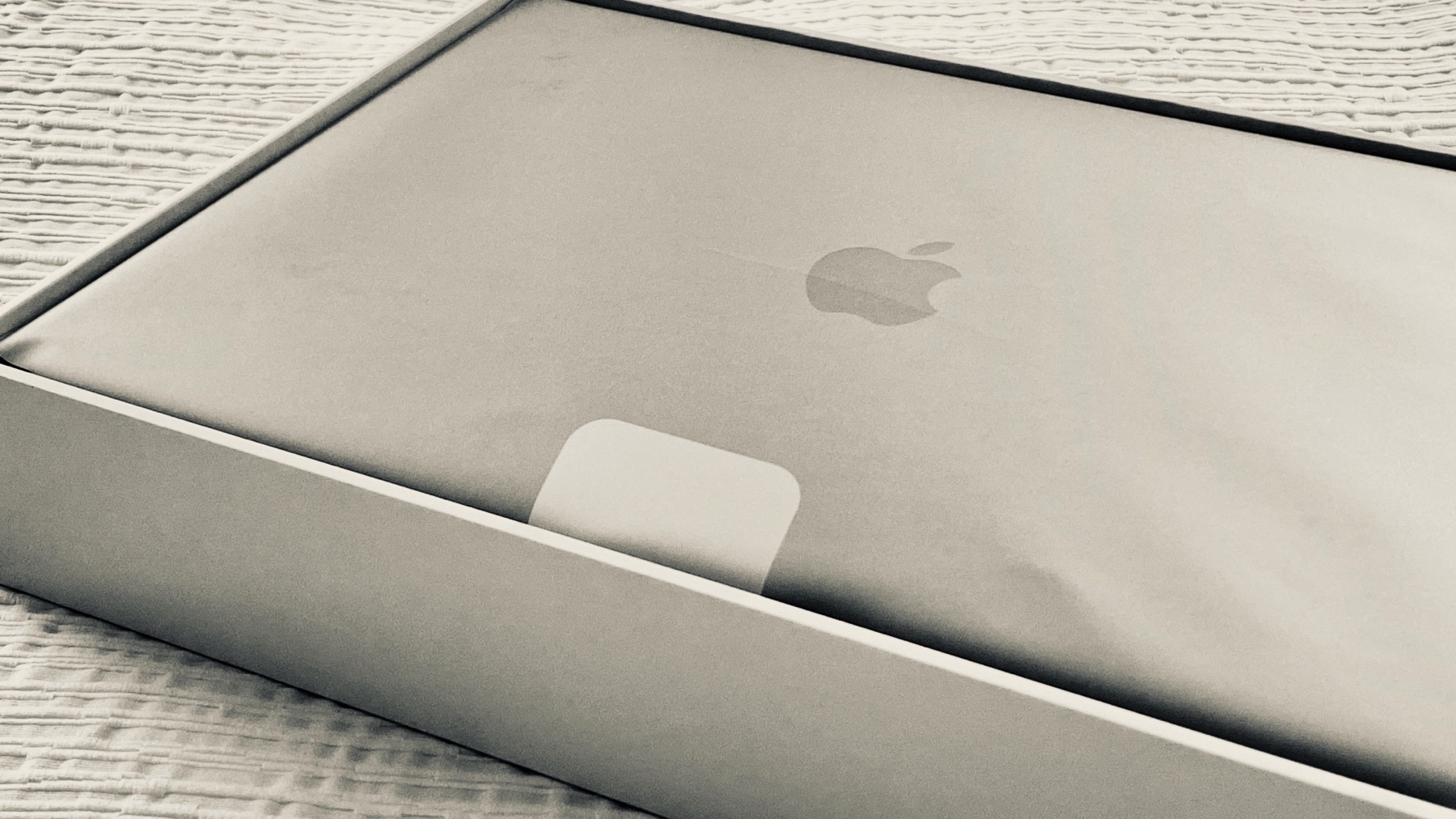
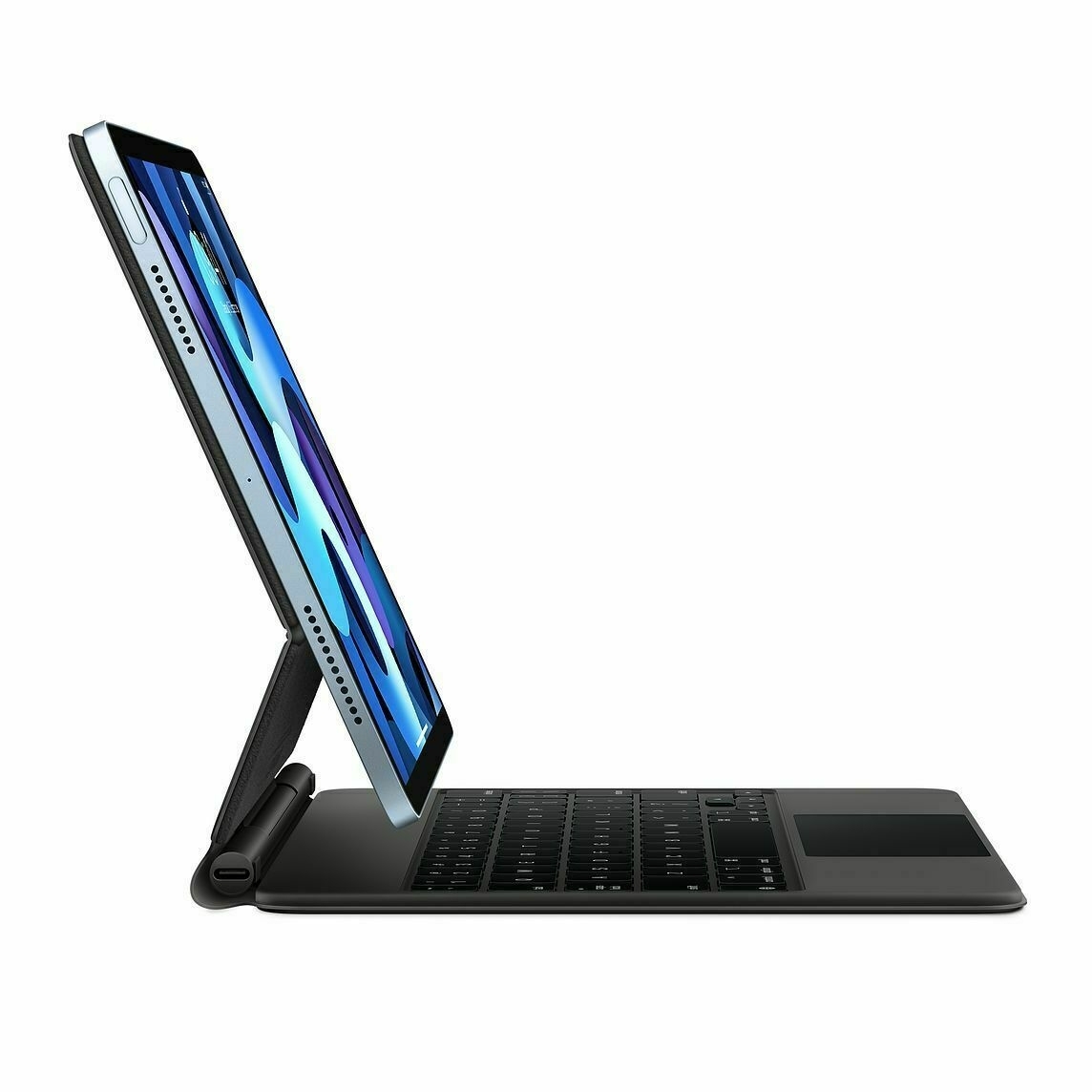
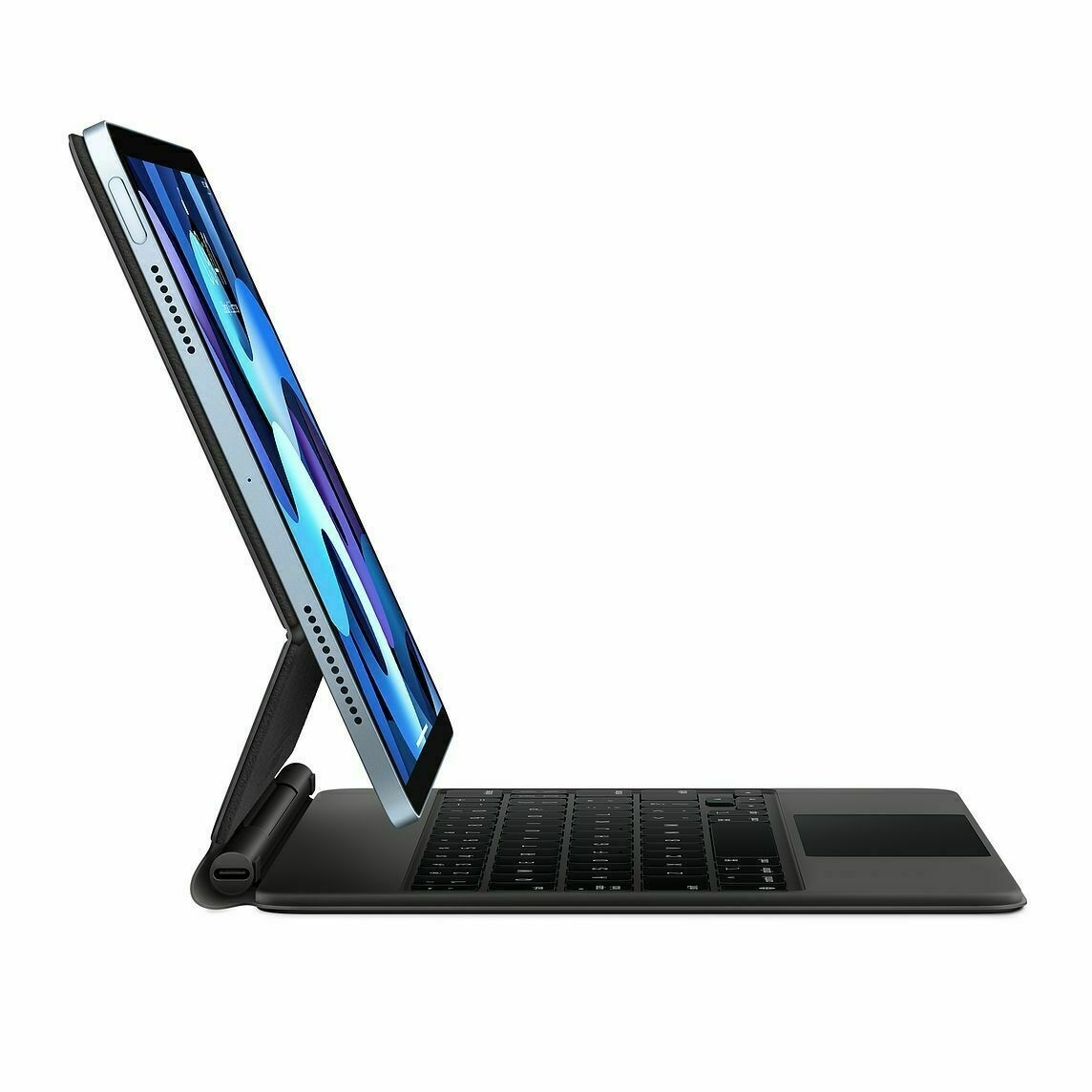
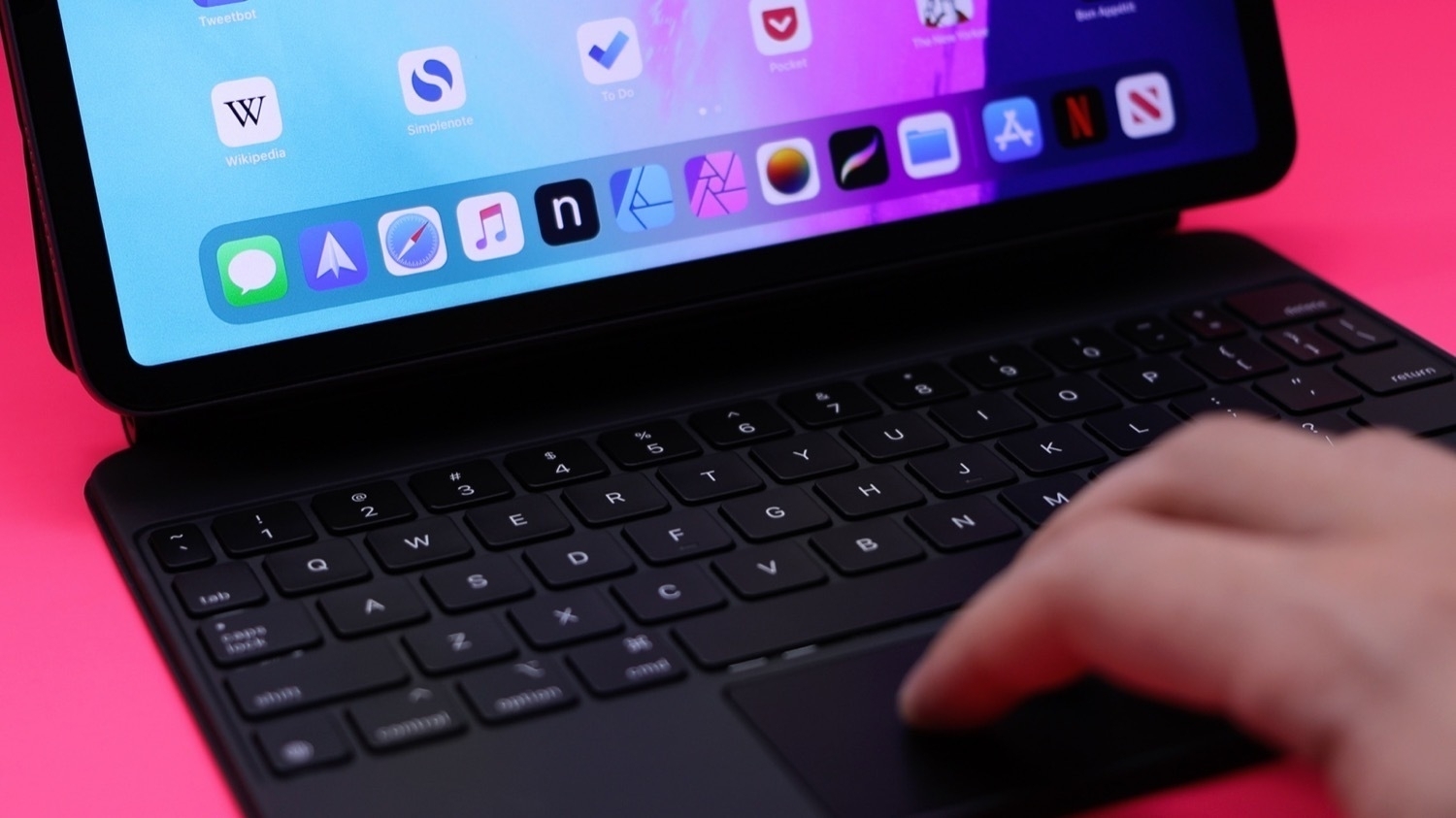
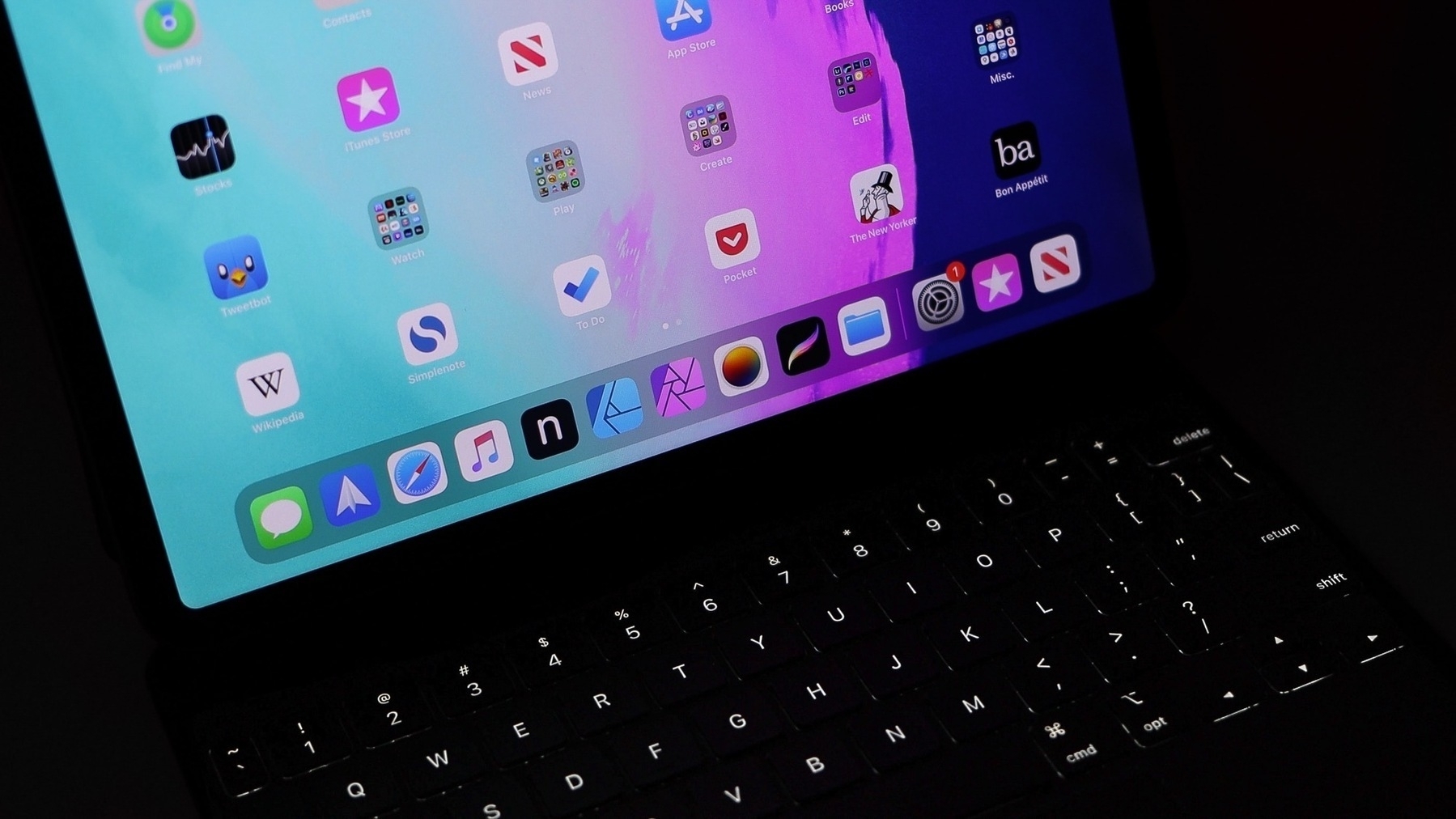
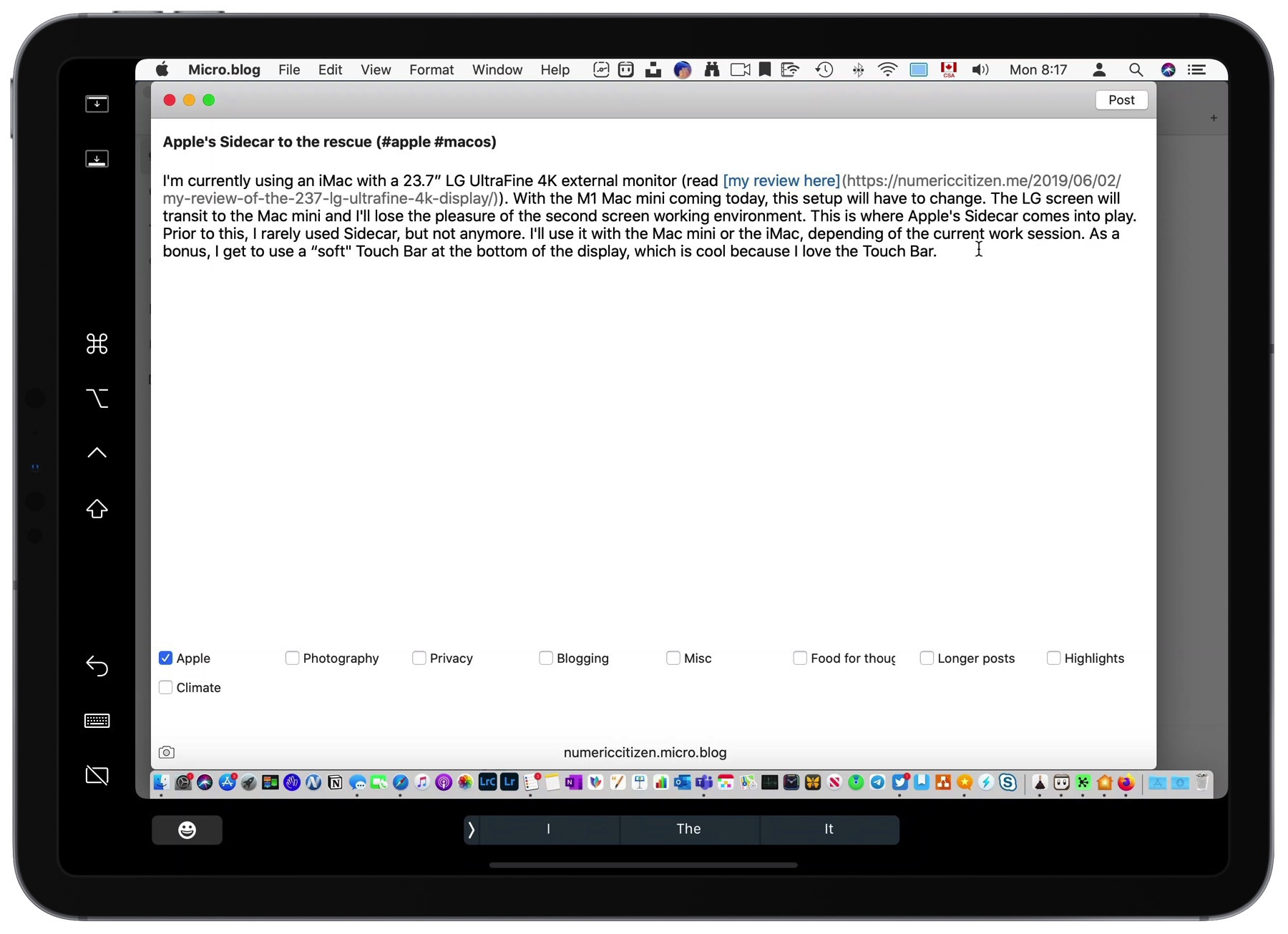
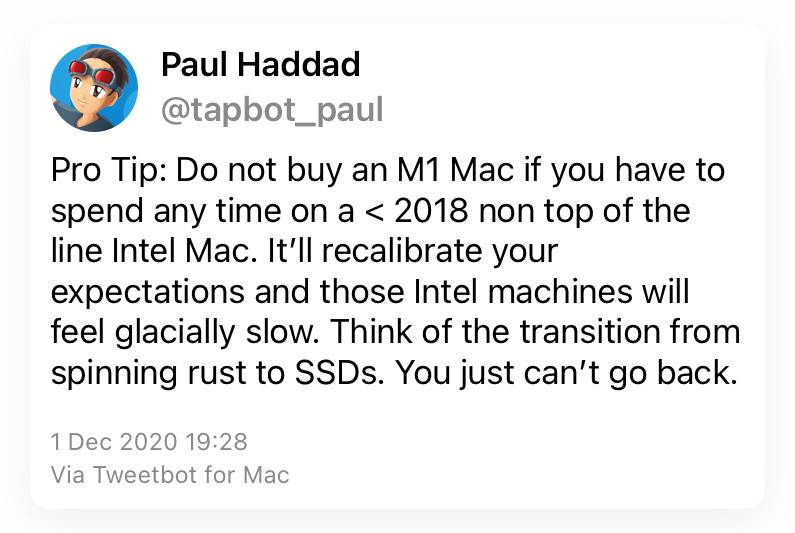
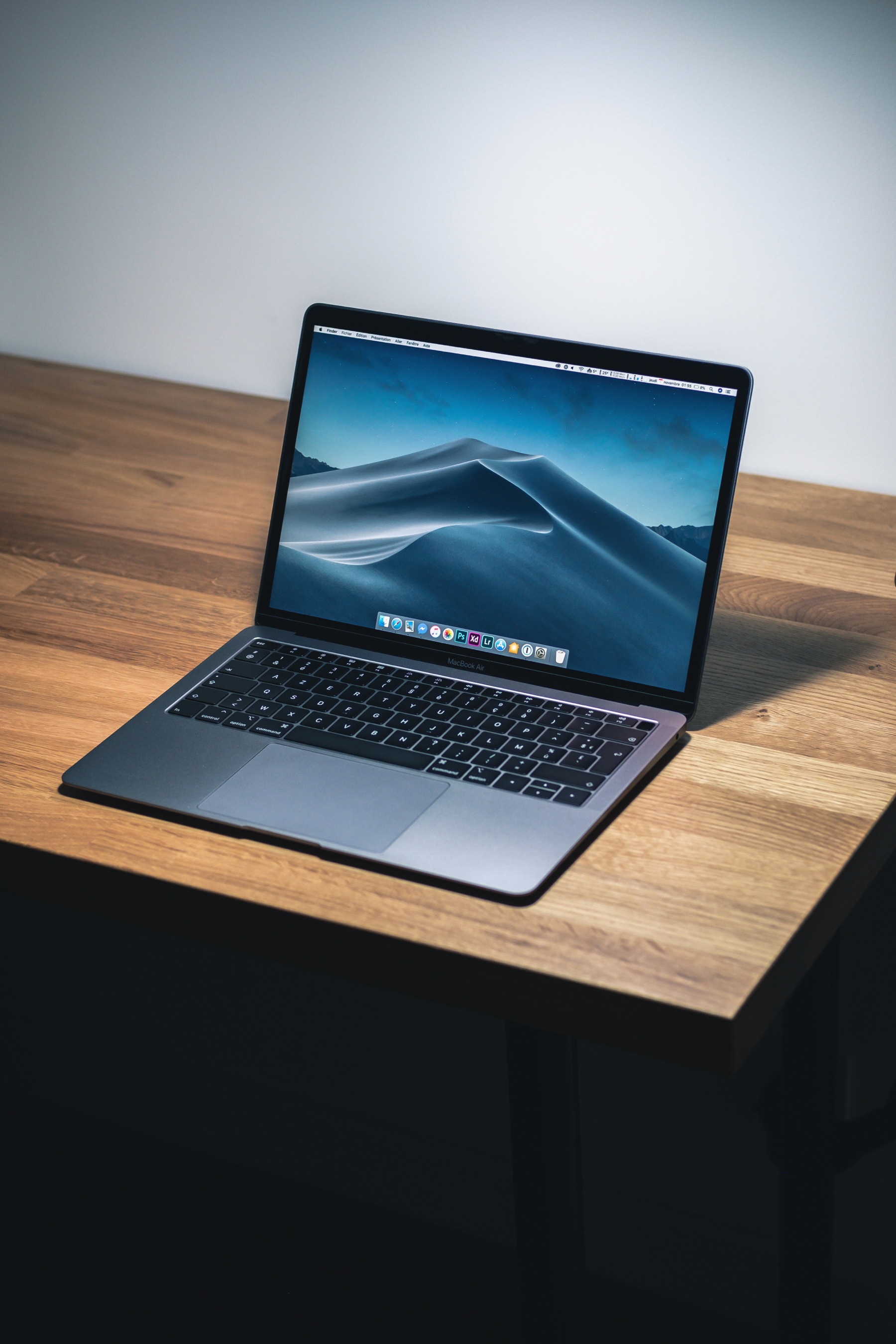
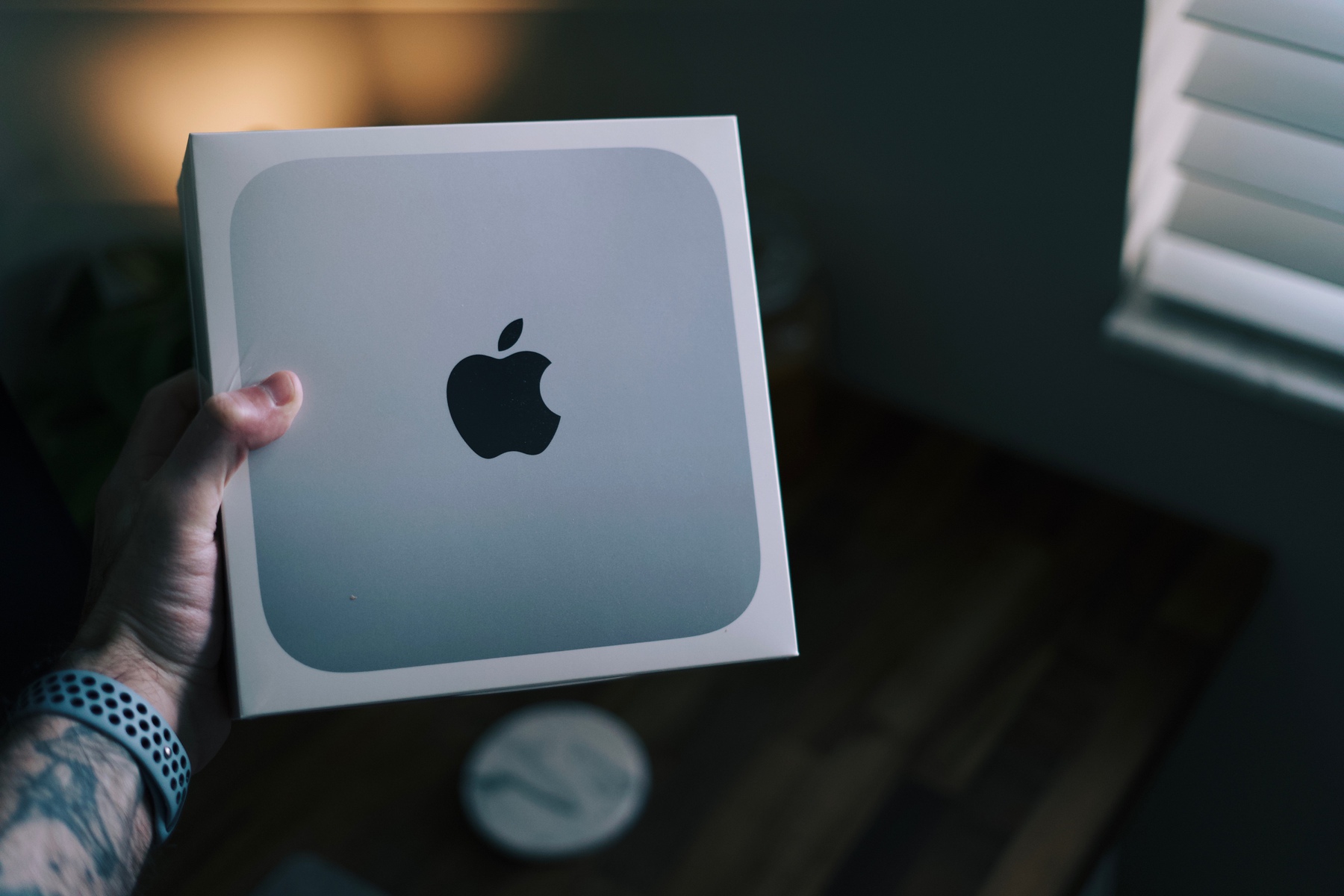
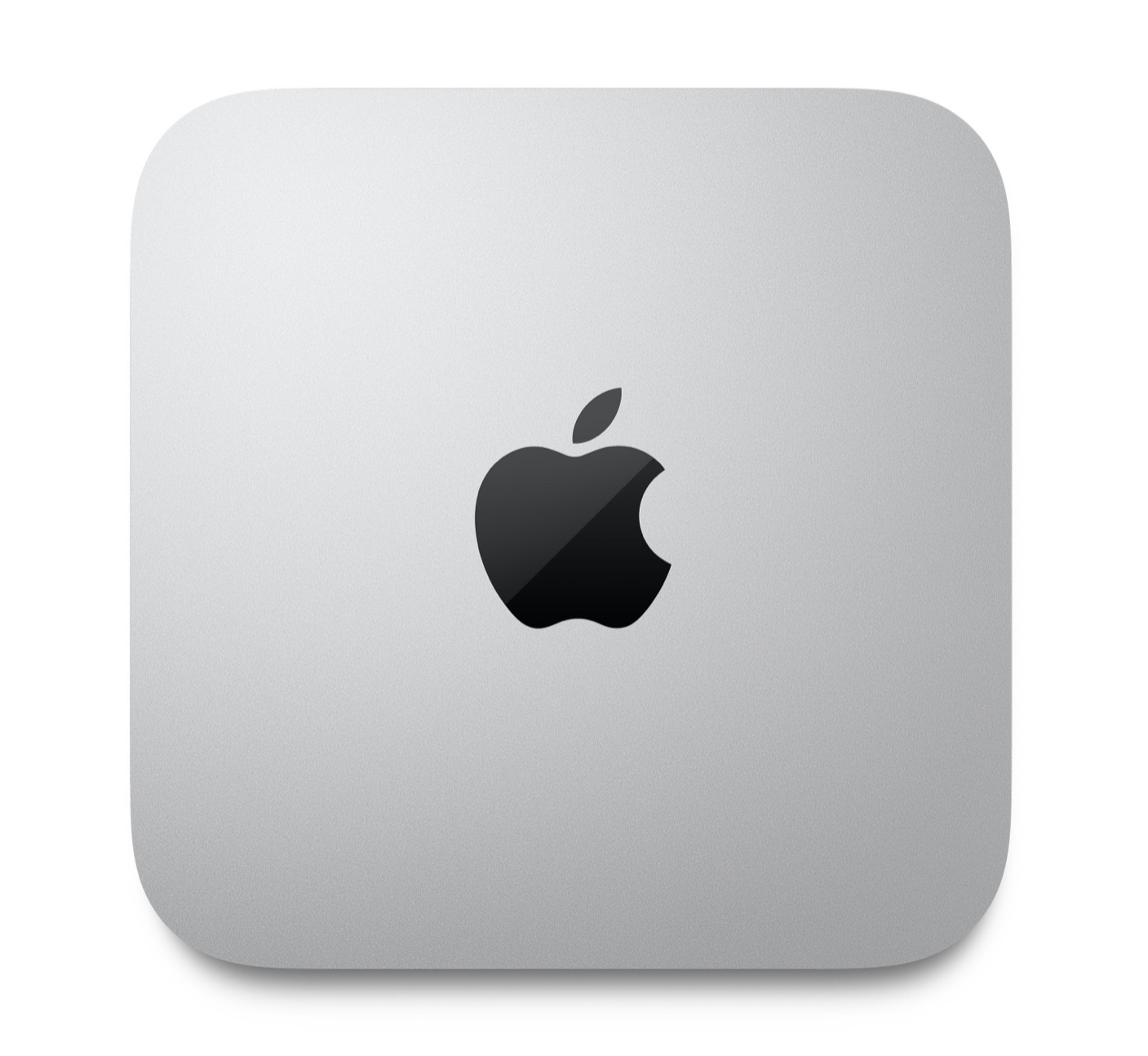
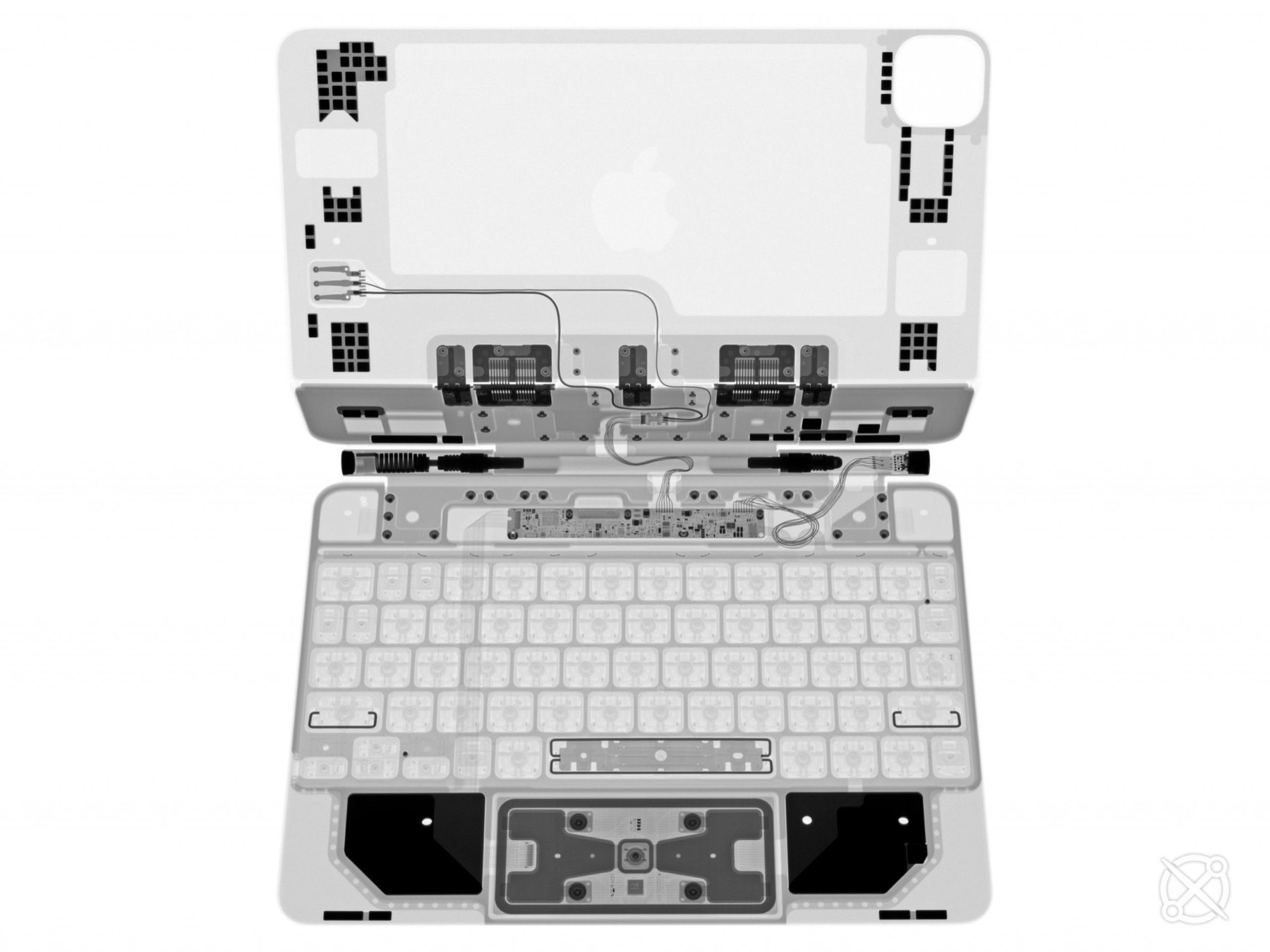
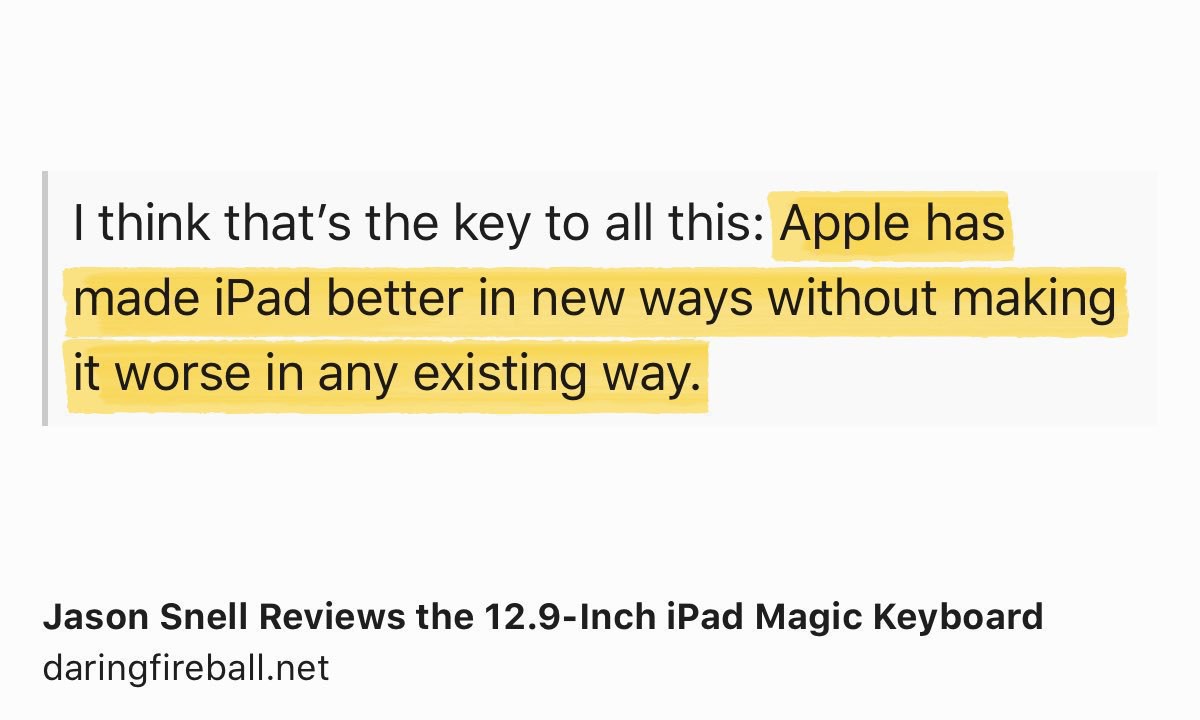
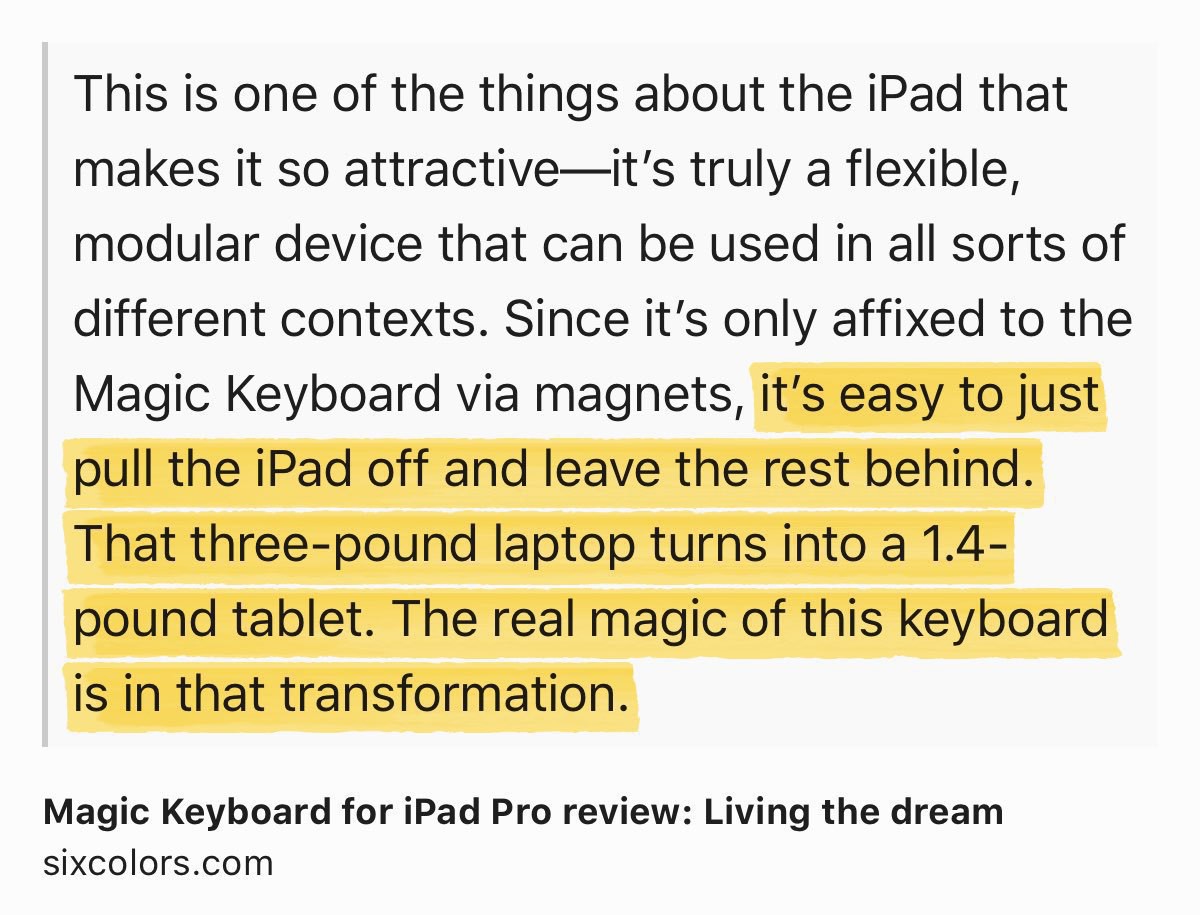
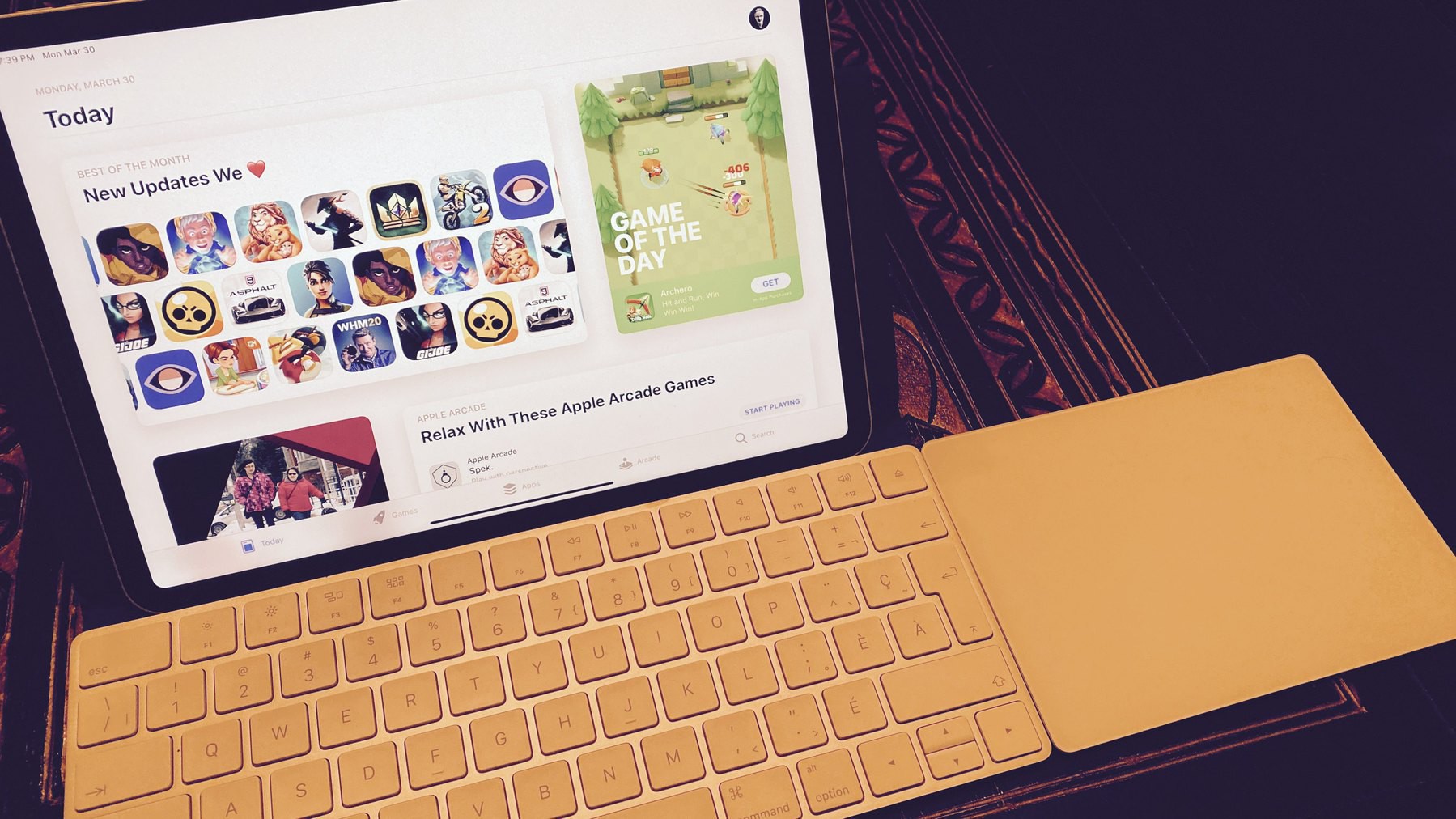
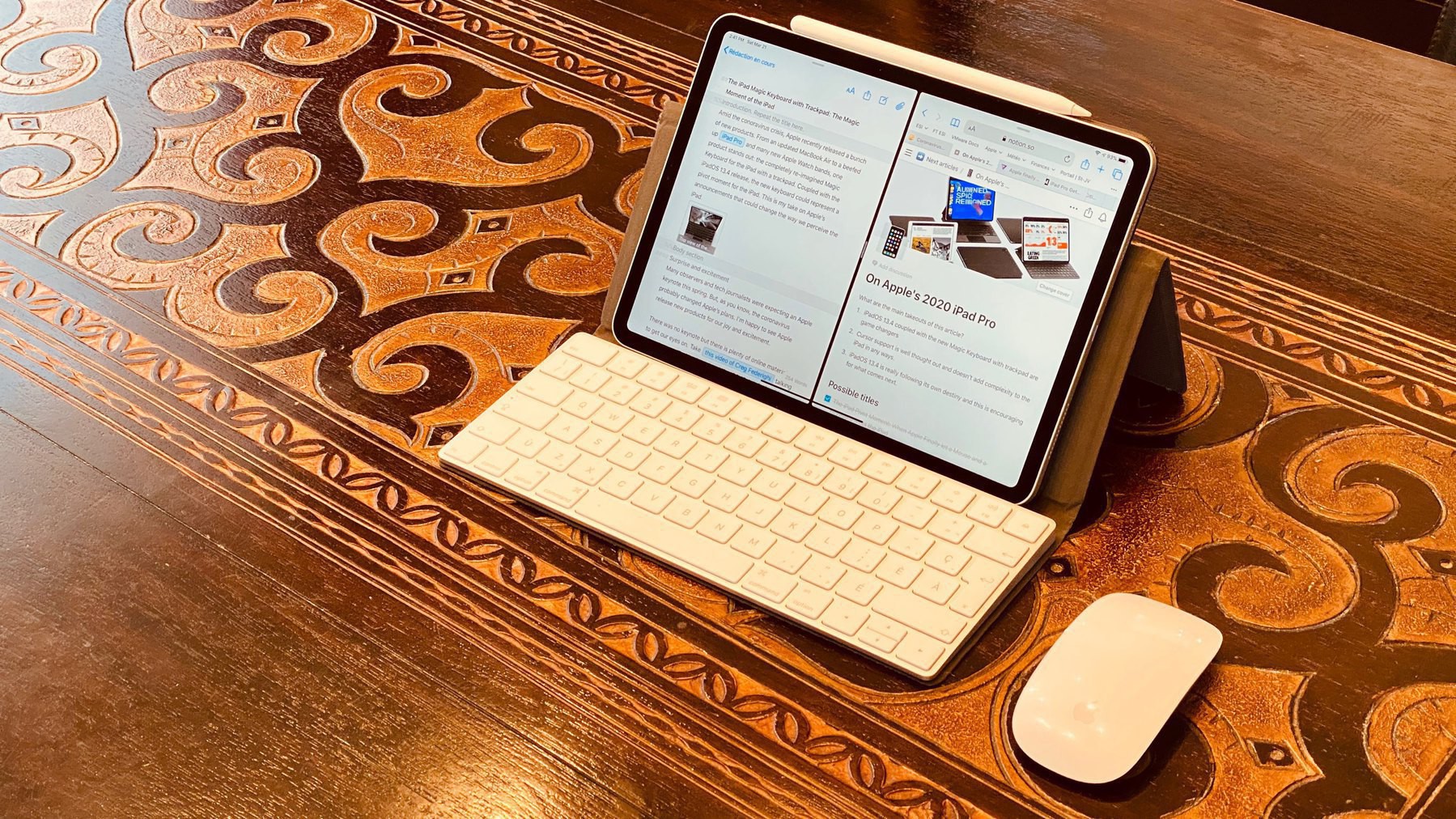
It all depends on the use case. I came to realize in 2021 that the iPad (even in its Pro incarnation) cannot be as powerful and effective in my workflow as the MacBook Air. Besides creating content, is the iPad Pro still relevant? You bet! There is nothing beating the feeling of tearing the iPad from its Magic Keyboard and sitting on the couch for reading or browsing the web. Every single time, I enjoy the experience in all its glory, if such a thing can be said. The other use case that I came to appreciate is Sidecar. The iPad Pro, even in its 11” size, proves to be a superb and useful second screen to my Mac mini. And using the iPad with its Magic Keyboard, when I’m on the go, is still a superb experience, as long as I set my expectations accordingly.

With iPadOS 15, Apple did address a few more low-hanging fruits from a software perspective. There is still a lot to accomplish, but more than ever I feel Apple is giving the iPad the attention it deserves.

In summary, the iPad can be super exciting, it all comes down to its use case. For me, it still is, when I use it.

2021-12-17

Is The iPad Still Exciting — It Depends

I want to chime in on a series of posts by Matt Birchler (on his YouTube channel) and Andy Nicolaides (on his The Dent website) regarding the iPad. The question is clear: is the iPad still exciting?

It all depends on the use case. I came to realize in 2021 that the iPad (even in its Pro incarnation) cannot be as powerful and effective in my workflow as the MacBook Air. Besides creating content, is the iPad Pro still relevant? You bet! There is nothing beating the feeling of tearing the iPad from its Magic Keyboard and sitting on the couch for reading or browsing the web. Every single time, I enjoy the experience in all its glory, if such a thing can be said. The other use case that I came to appreciate is Sidecar. The iPad Pro, even in its 11” size, proves to be a superb and useful second screen to my Mac mini. And using the iPad with its Magic Keyboard, when I’m on the go, is still a superb experience, as long as I set my expectations accordingly.

With iPadOS 15, Apple did address a few more low-hanging fruits from a software perspective. There is still a lot to accomplish, but more than ever I feel Apple is giving the iPad the attention it deserves.

In summary, the iPad can be super exciting, it all comes down to its use case. For me, it still is, when I use it.

On iOS 15’s Legacy Contacts

I remember working on “A Guide for Preparing to Leave Your Numeric Legacy”, one of the cited challenges was to get access to the deceased person’s online data. I provided ways and a methodology to get ready for their numeric legacy. With iOS 15’s Legacy Contacts, Apple is making it much easier. The setup process takes less than 2 minutes to complete. An access key and a death certificate are required to ask Apple to let the legacy contacts to gain access to the online data. At long last, big tech companies now consider important to let people surviving people to keep access to deceased people in a simple and secure way. I can see countless headaches being prevented with this feature, first promised at WWDC last June. Bravo to Apple.

iOS 15.2 & iPadOS 15.2 are OUT — A Few Thoughts

The previous screenshots show the release notes, as seen on an iPhone. I just can’t believe Apple cannot fix the font size. It’s been like this life forever. It’s all in the details, Apple, in the details. Gosh.

The most interesting thing for me is the App Privacy Report, which I love. As an IT guy in my professional life, I like to see what’s going on in my devices. App Privacy Report is a great way to show this to me.

Notifications Summary has a refined design. The summary goes edge-to-edge with the screen. It’s a bit weird. I don’t know if this is a bug or a feature. Yet, I like to see more information in the summary as each notification offers expanded content.

As a side note, apparently, Apple won’t release Universal Control this year. I couldn’t care less because I don’t see this as useful in my current workflow. Maybe there is something to Universal Control that I don’t get.

Wallpaper by Basic Apple Guy.

Being Unsplashed — Take 2

If you’ve been reading my blogs for a while, you probably know by now that I’m a big fan of Unsplash (“My Growing Love Affair with Unsplash”). I’ve been using Unsplash constantly to find and use pictures in many of my posts (when I cannot find one of mines that fit the post subject). My contributions slowed a bit in the last year because I spend more time building my online presence on Smugmug (my Smugmug page) and more recently on Glass (my profile on Glass).

This week, the picture above has been selected to be featured in the architecture category. I’m honoured. You can see my featured photo in the architecture category right now. The last time that I’ve been unsplashed was less than a year ago, I wrote about it on my main blog: OMG — I’ve Been Unsplashed!.

To see all of my contributions to Unsplash, visit my profile page. The expression of “being Unsplash” is a creation of mine. 😂

Weekly Posts Digest from Numeric Citizen Microblog


On My Photographic Style

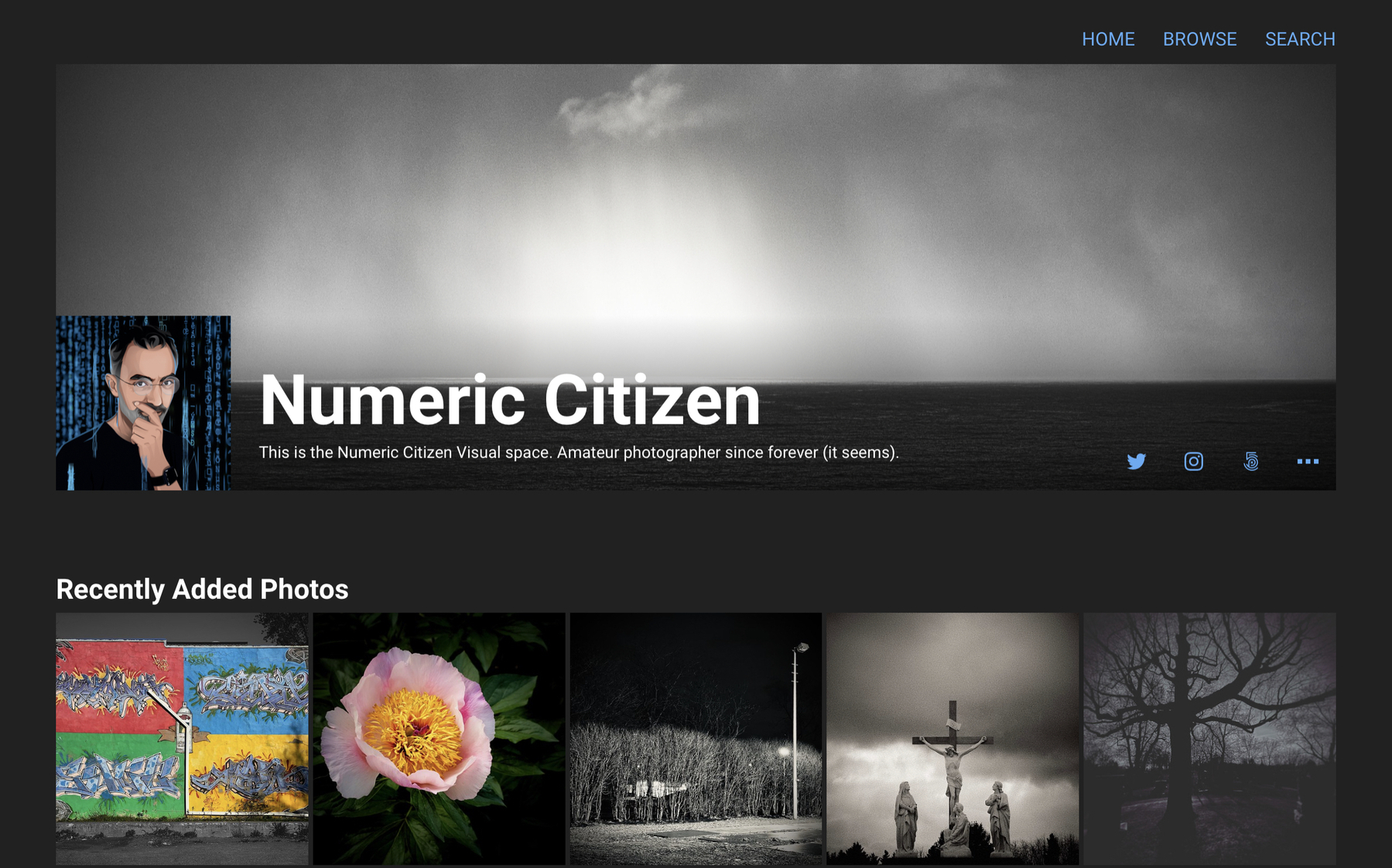
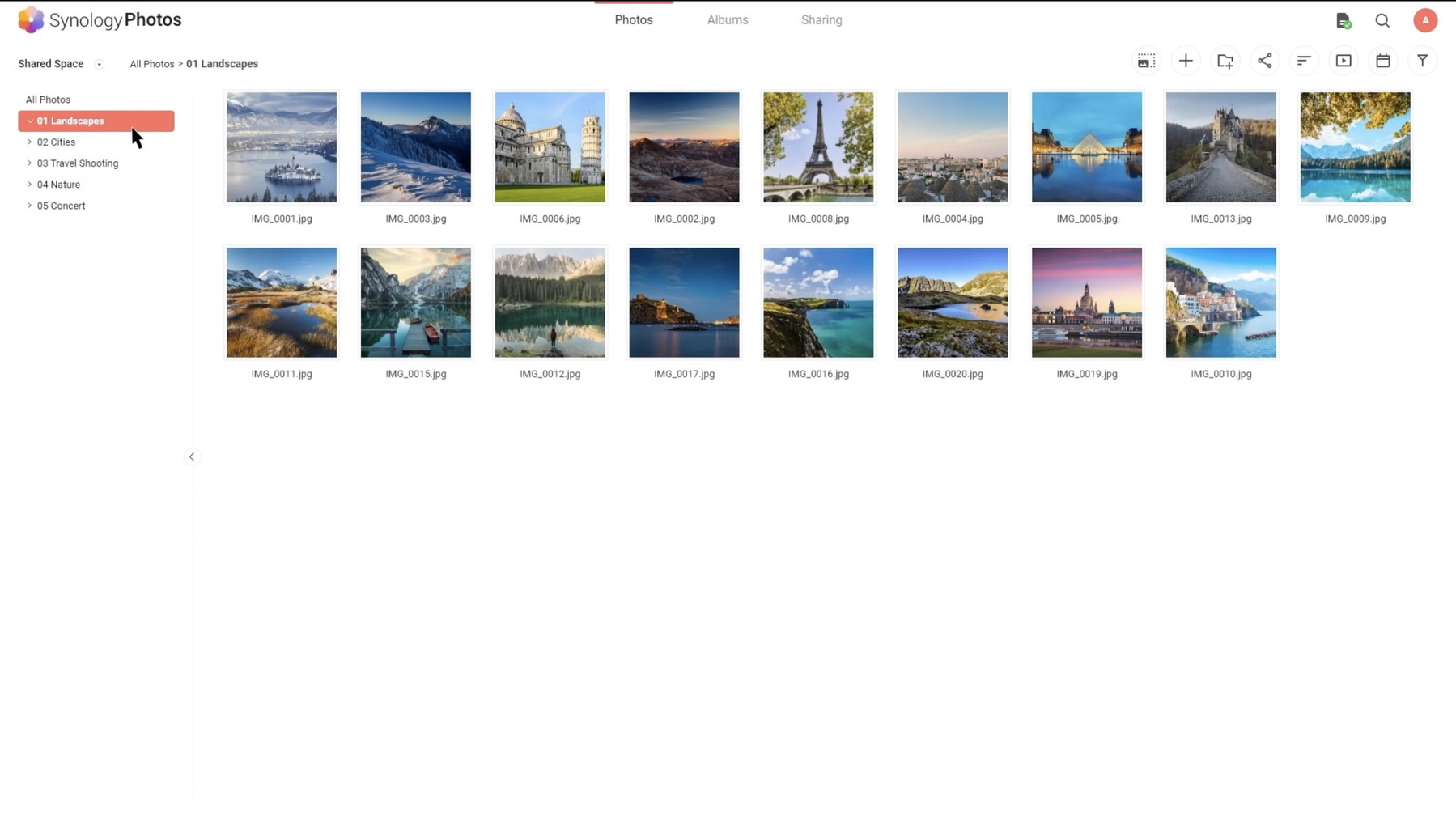
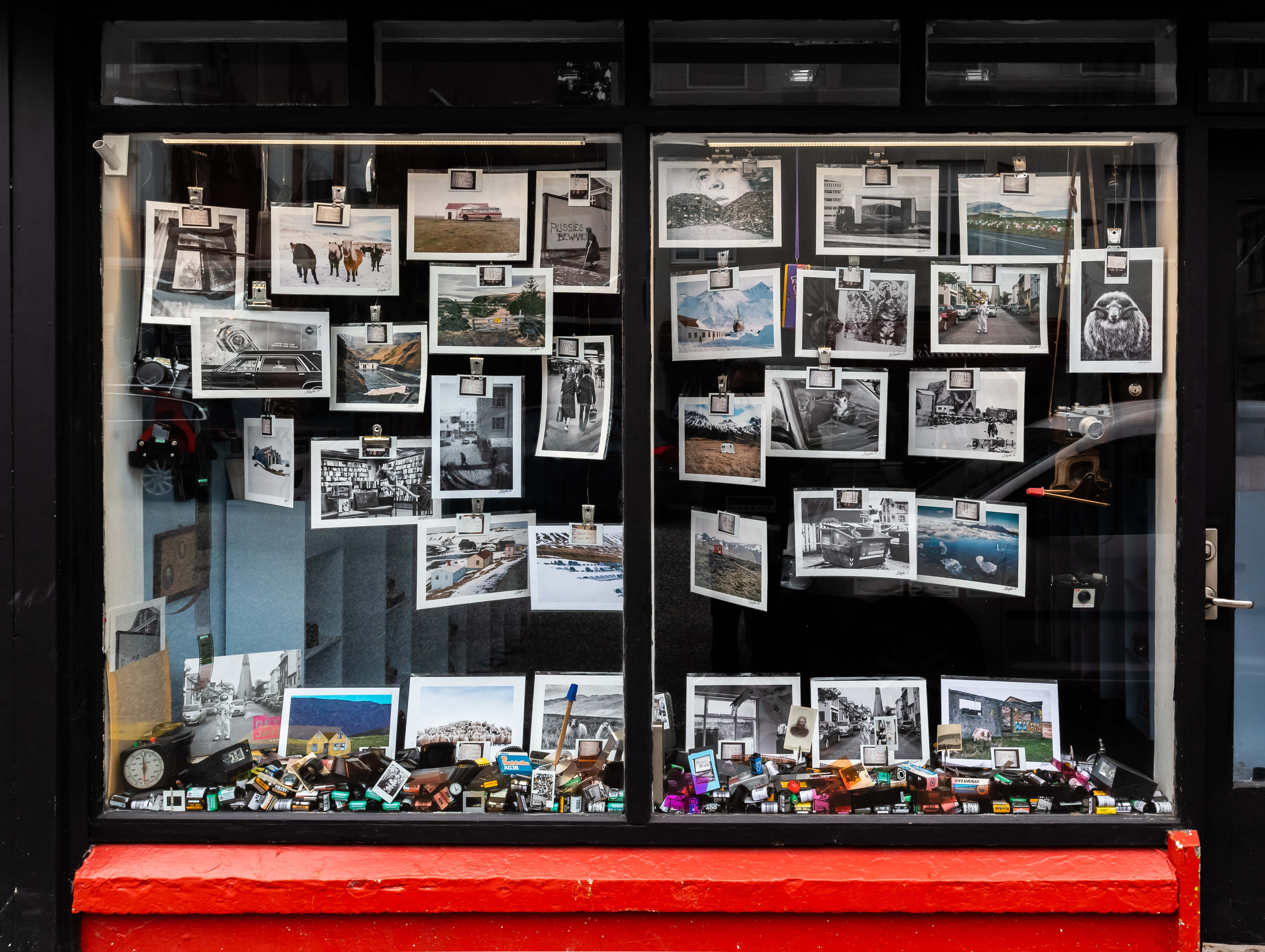
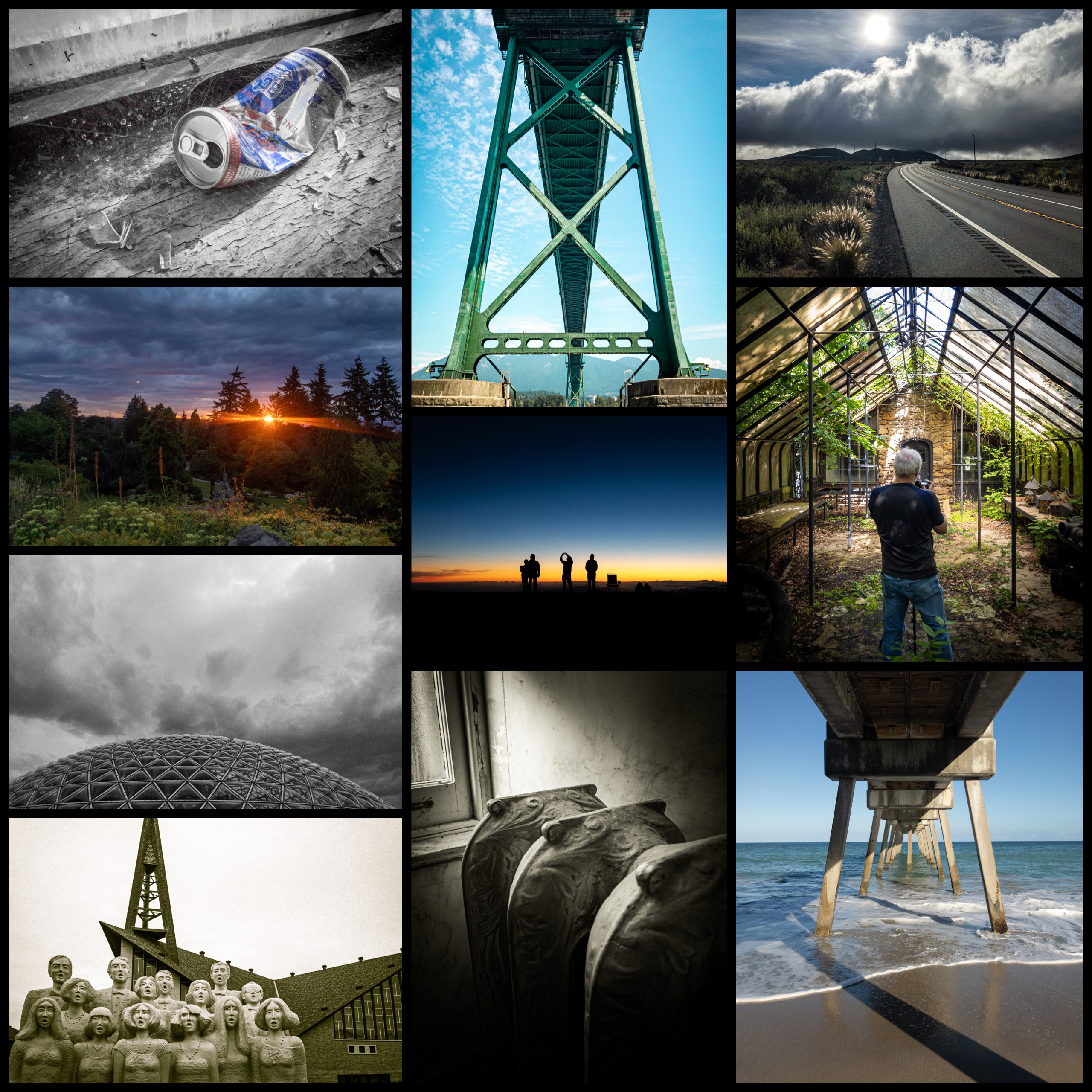
The photo thumbnails are from a personal trip to Austria in 1998. When I look back at these photos, I have to come to a conclusion that my photographic style didn’t really change in 30 years. It feels a bit depressing. It is basically revolving about architecture, nature. Very rarely about people, these are too hard to capture; I don’t have a good sense of timing, and I’m shy. I’m rarely doing street photography. The only addition to my subjects in recent years is urban exploration. Do we come into this world with a pre-determined photographic style?

Here is my Glass page.

And my SmugMug page.

Oh and my Unsplash page!

2021-12-04


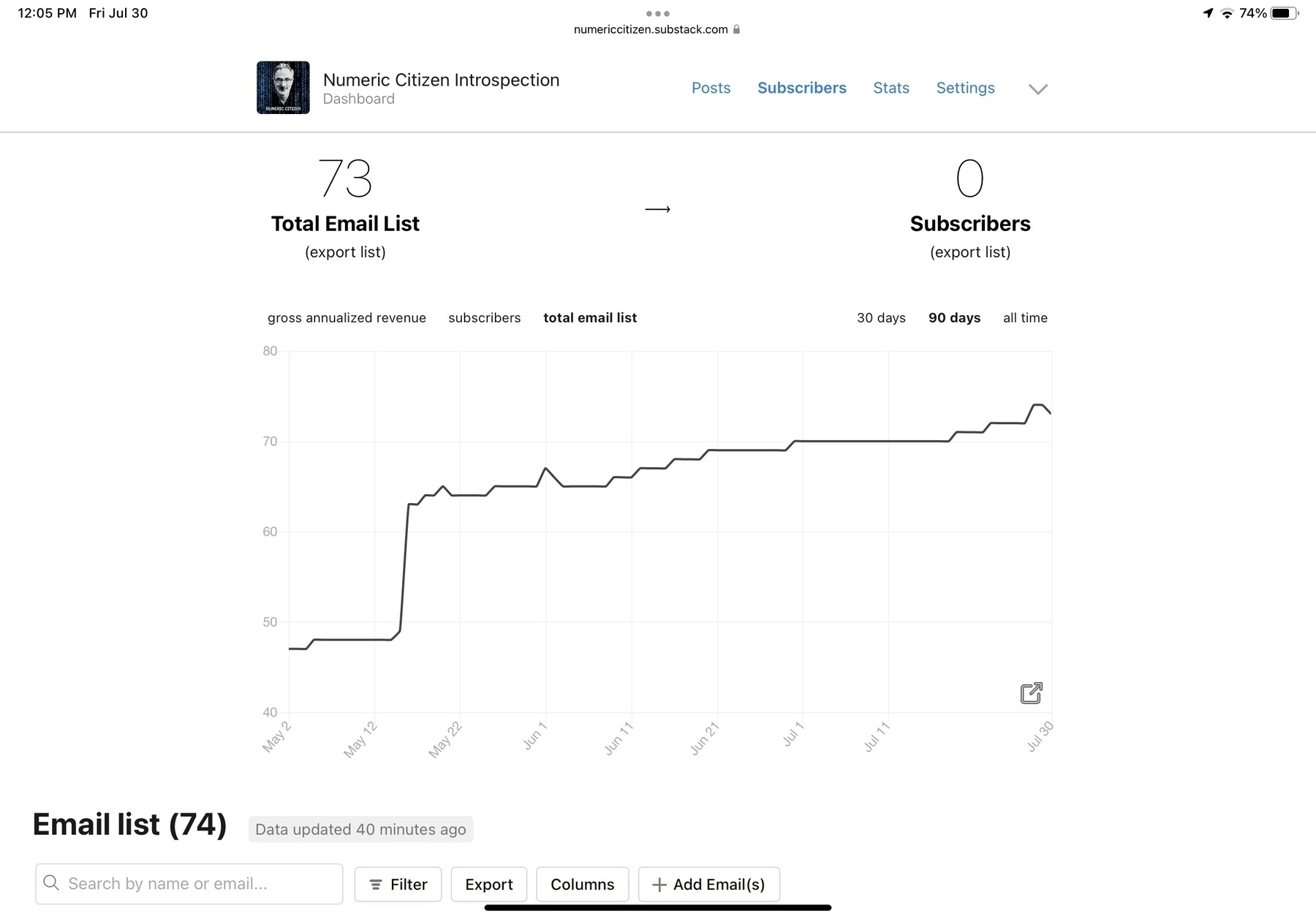
About Micro.blog Upcoming Update — Newsletter Support

Apparently, it looks like tomorrow, Micro.blog is going to add support for newsletters. A few weeks ago, I can’t remember exactly, Manton posted a screenshot (which I can no longer find) where a “newsletter” item was shown on the left sidebar on the Micro.blog main site.

I’m very curious about Micro.blog take on newsletter. Micro.blog is all about simplicity without being too simplistic. If the feature is available to entry-level paid tier, I’m might enable it and use it myself. Right now, I’m using Mailbrew to gather all my published posts via the RSS feed to generate a newsletter. There is one thing though, are we starting to feel a bit of newsletters fatigue?

Can’t wait for tomorrow.

2021-12-05


Micro.blog Officially Launches Support for Newsletters

So, as expected, yesterday Micro.blog introduced support for newsletters in the premium subscription tier. The official announcement follows:

Today we’re announcing a major new feature for Micro.blog Premium subscribers: email newsletters. Micro.blog can now manage, letting readers subscribe to your blog and receive emails for new blog posts. It’s deeply integrated into Micro.blog and works great for collecting multiple microblog posts together automatically.

Here is why I upgraded my subscription plan almost instantly after the news came out.

First, I’m a big fan of Micro.blog as a publishing platform and also of its foundational principles. I’m totally ok with paying a monthly fee of $10 to support the team behind—I want the platform to thrive. Second, adding support for newsletters is a great idea. Not everyone is using an RSS feed reader or like to read content through a browser. Everyone uses email clients! It’s important to provide different ways of communicating content to the readers. Newsletters are making a comeback.

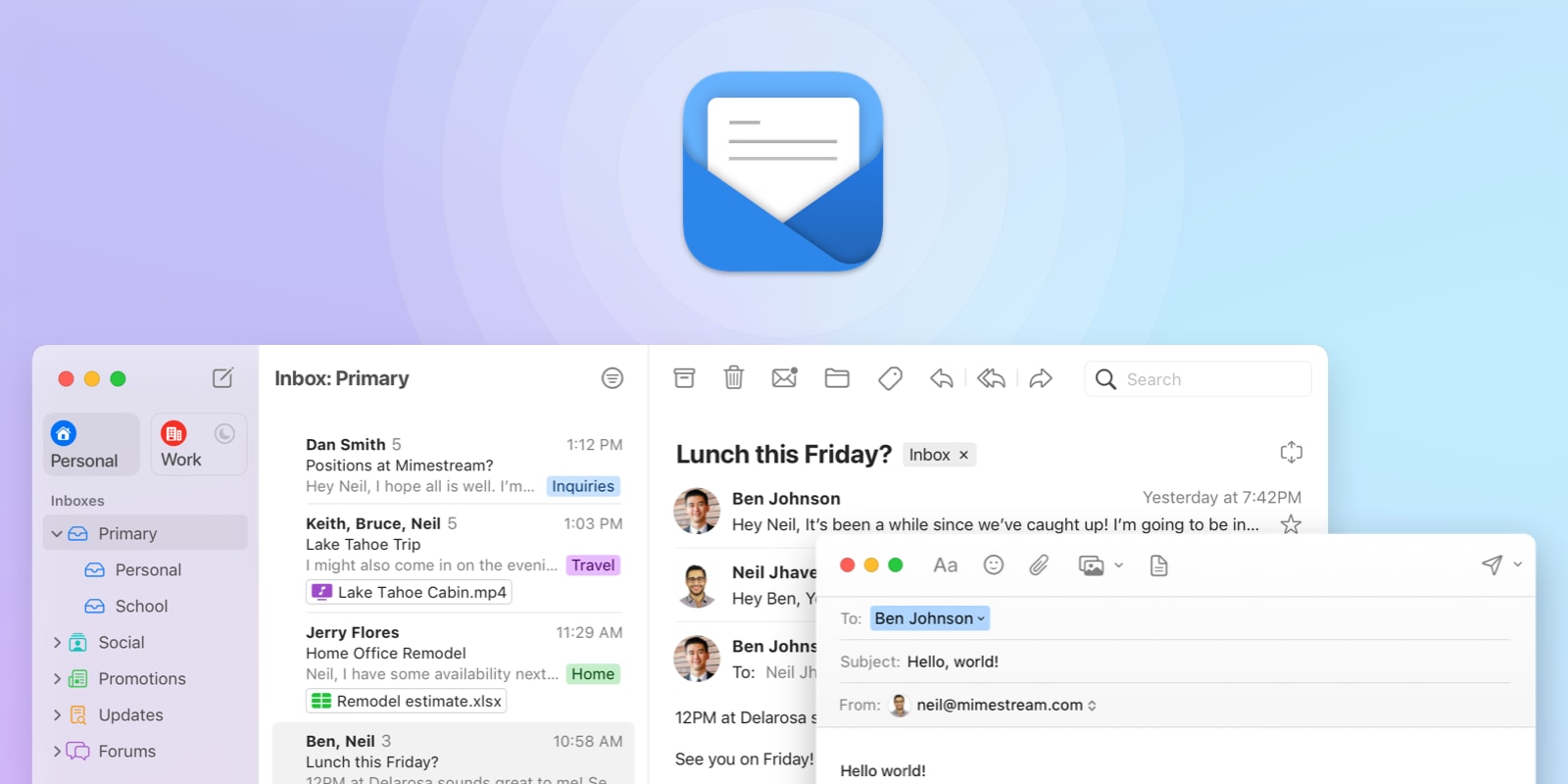
Enabling newsletter is dead simple as shown below. I chose the weekly newsletter containing all the posts for the past week. Email go out at 9AM, local time, each Saturday morning. It’s a good way to start the weekend, isn’t it?

As you can see, the settings are quite simple. There is no formatting option (yet). Having a choice between all text vs excerpt would be a useful one. Speaking of formatting, one thing that I’m curious about, though: how does one newsletter look like? I couldn’t find an example in the documentation. Furthermore, how can we preview the next newsletter issue? It seems that, in case the first option is selected (one email for each post), the author has 30 minutes after posting to preview the email as explained here:

@timapple The preview works the same for the weekly and monthly option except it only creates it 30 minutes before it’s ready to send. Micro.blog will send you a preview email automatically with a link to edit it then. — Manton Reece https://micro.blog/manton/12238527

How does Micro.blog newsletter feature fit in my workflow? Micro.blog newsletter joins two other services that I depend on: Mailbrew to create something very similar in nature to Micro.blog offering and Ghost for my monthly newsletter (previously on Substack). On Mailbrew though, my summary newsletter also brings in content published on other platforms (WordPress, Blot, Ghost, Smugmug, etc.). It’s the ultimate weekly posts summary newsletter. Ghost, for my introspection newsletter, is like Substack, but better. I see Micro.blog offering as being a convenient way for my readers to get my content into their mailbox. It won’t replace Mailbrew or Ghost, obviously.

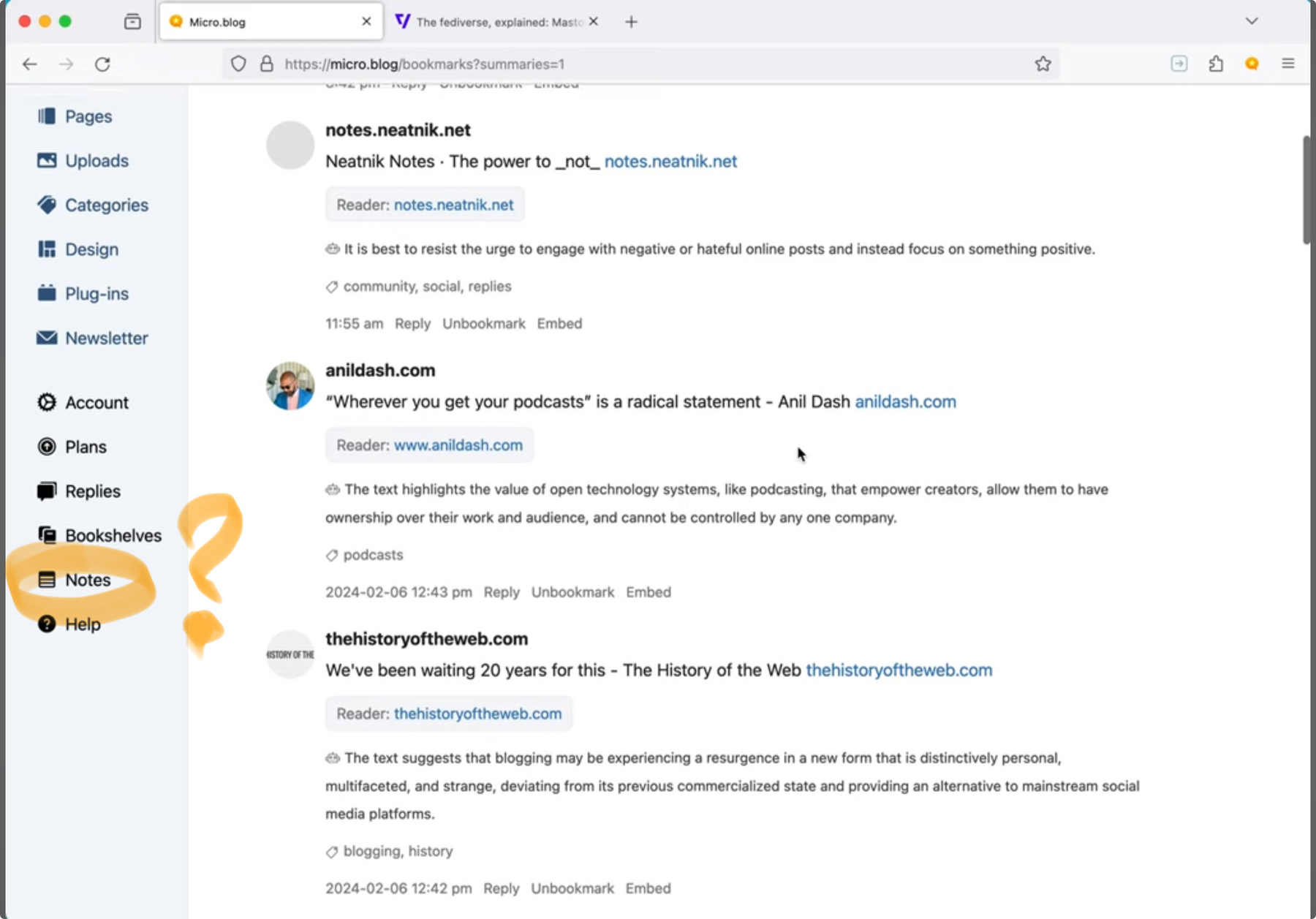
By subscribing to the premium tier, I also get a few goodies that could prove to be useful: bookmarking archiving and highlighting. The former allows for the bookmarking of a post on my timeline. The latter allows me to highlight some text while reading a bookmarked post or URL. Highlighted text can be conveniently used to create a link post easily. One thing that I would love to see is a browser extension for selecting text in any website. I’m not holding my breath, though.

All in all, I’m pretty happy with this addition to an already great service for content creators like me. Oh, and don’t forget to subscribe to the weekly digest! So, to those who subscribe, I guess this post is the first to get through the newsletter feature of Micro.blog!

Don’t miss the YouTube video explaining the feature.

2021-12-07


Strangely, my last post about the Micro.blog newsletter feature intro wasn’t made available in my timeline but it was published on the website and on the RSS feed. It was scheduled, could this be the cause? @manton @help
2021-12-07


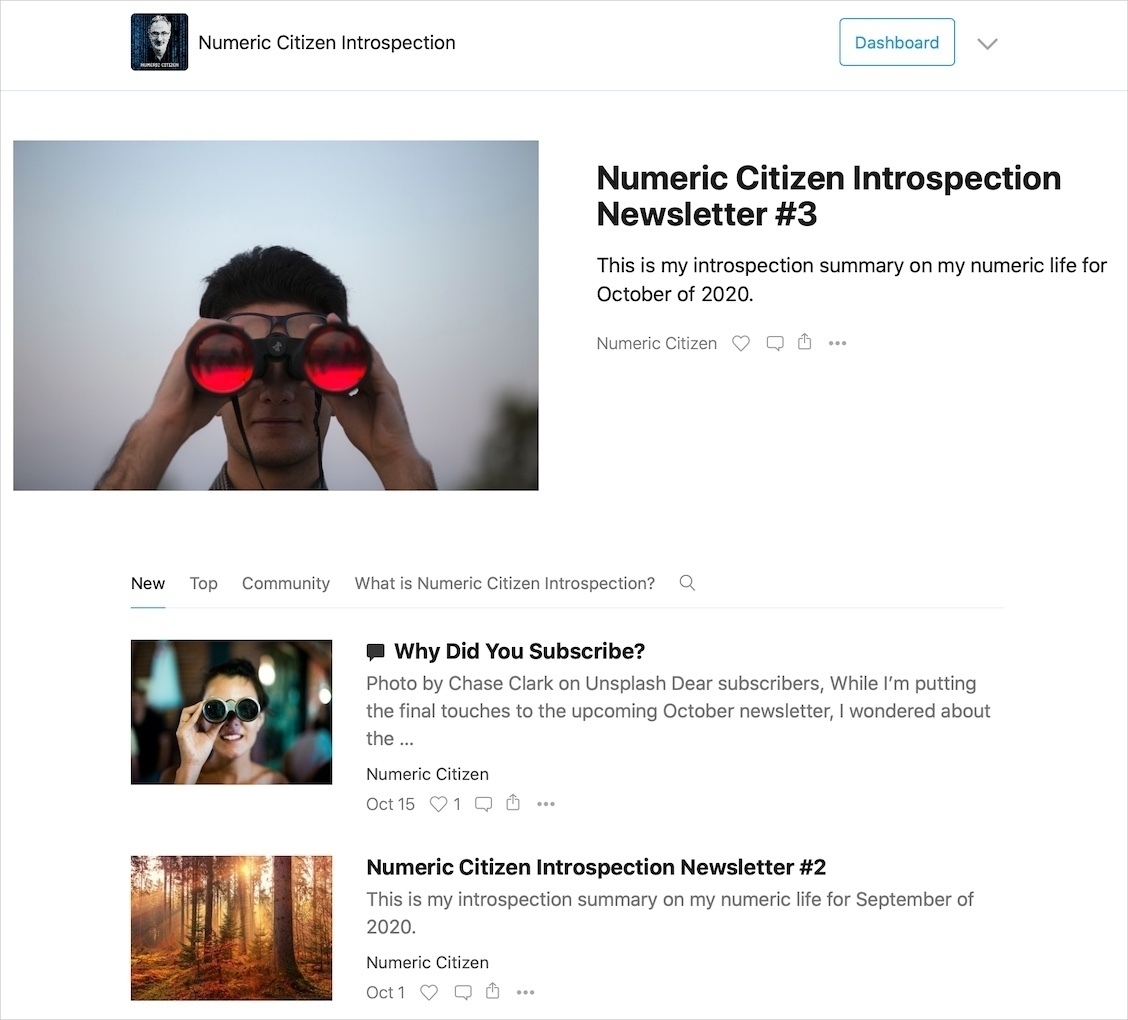
💥So, you’re an #Apple fan, like #photography, care about #privacy, #privacyprotection and #climatechange? We do have many things in common. Why not take a look at my #free newsletter and subscribe? Not sure, visit the link below to see it all in action!🙏🏻
numericcitizen-introspection.blog
2021-12-08

On #Glass Appreciation

Surprise! Today, Glass introduced something I thought would never come: Like! Oops, Appreciation (Announcement on Twitter)! In summary: they are private. They are note at the forefront of the experience. They don’t propels algorithms. They aren’t used to sell targeted ads. They are merely a check box in a database. They are gentle. They are a gift. The team behind Glass is showing sign of lucidity. I like what’s I’m seeing since the start of this special place.

2021-12-09


Hey guys, the first microblog posts digest newsletter coming out tomorrow morning, 9EST.
If you didn’t subscribe, it still is time to do so.
numericcitizen.micro.blog/subscribe…
2021-12-10