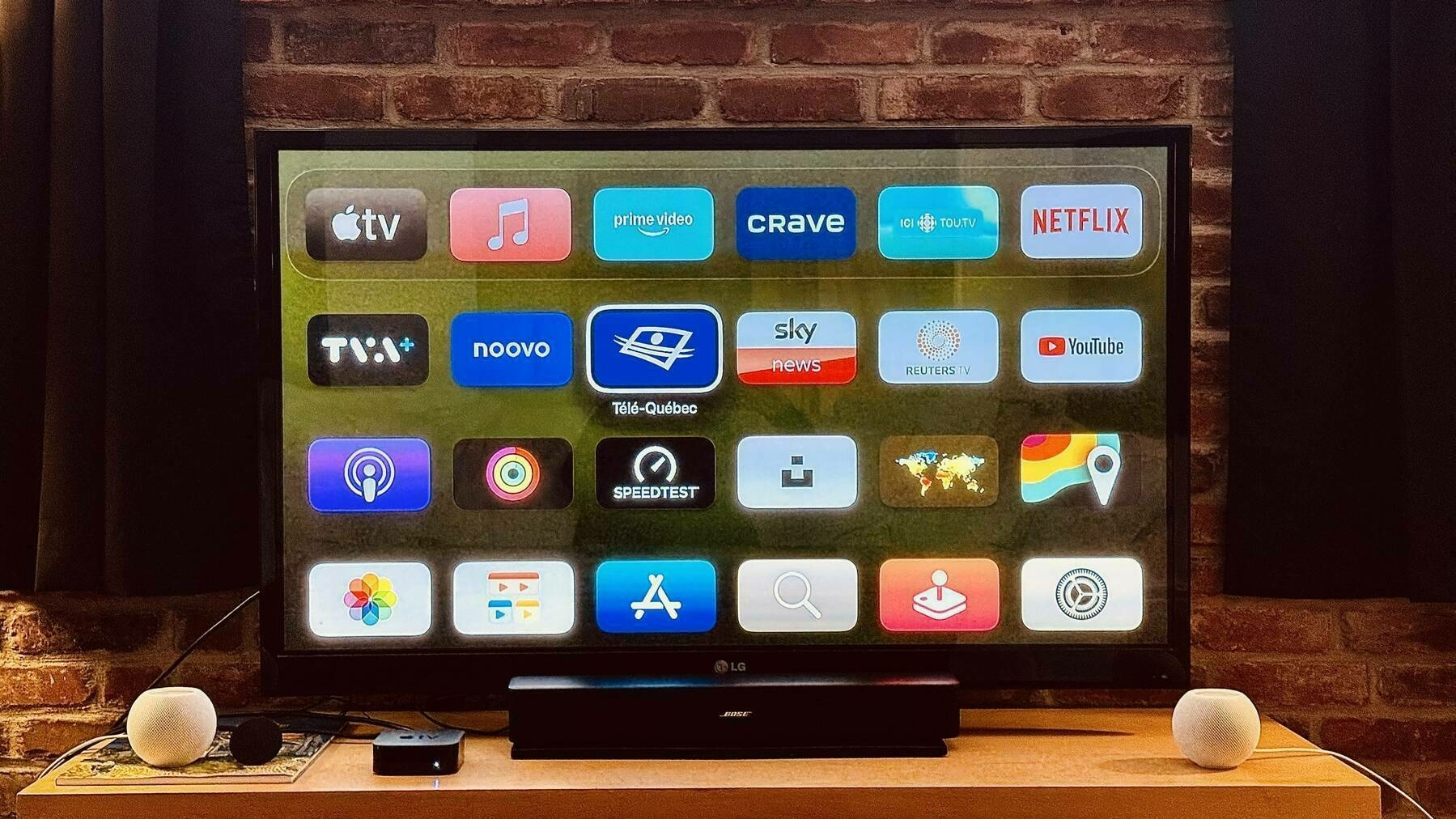
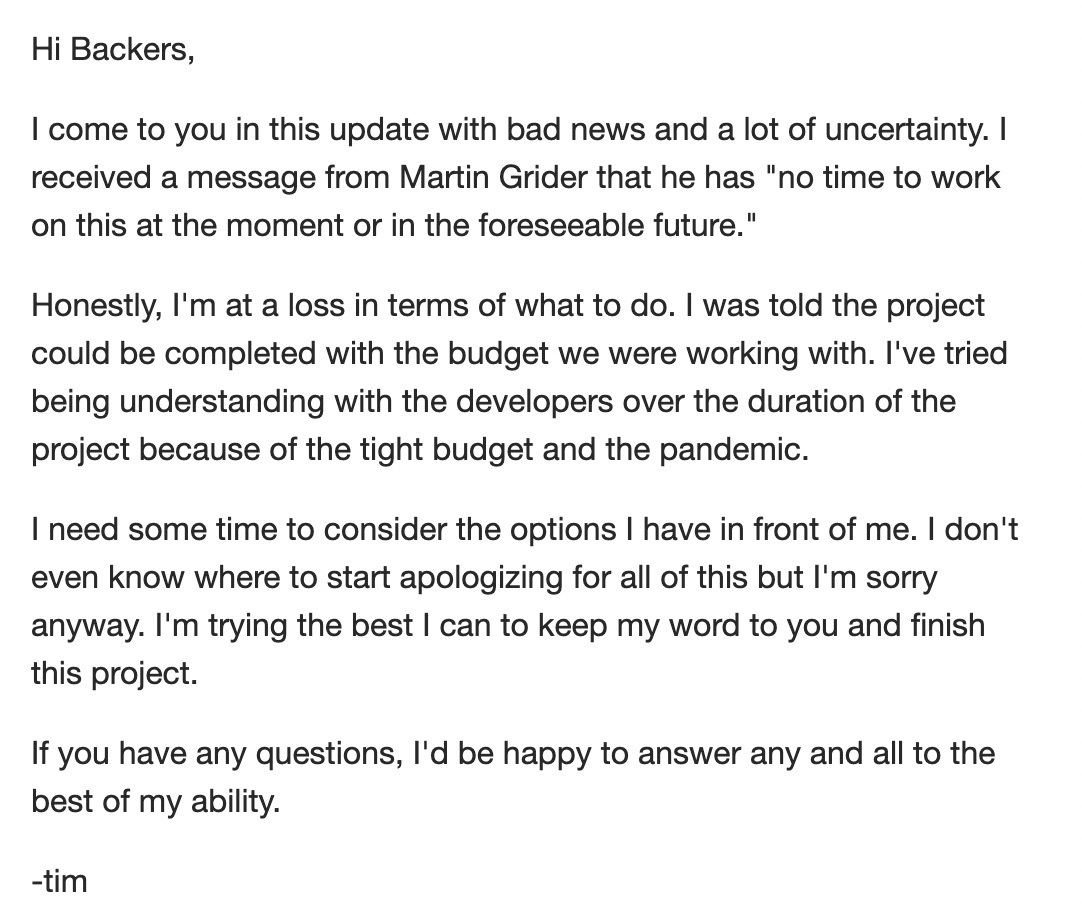
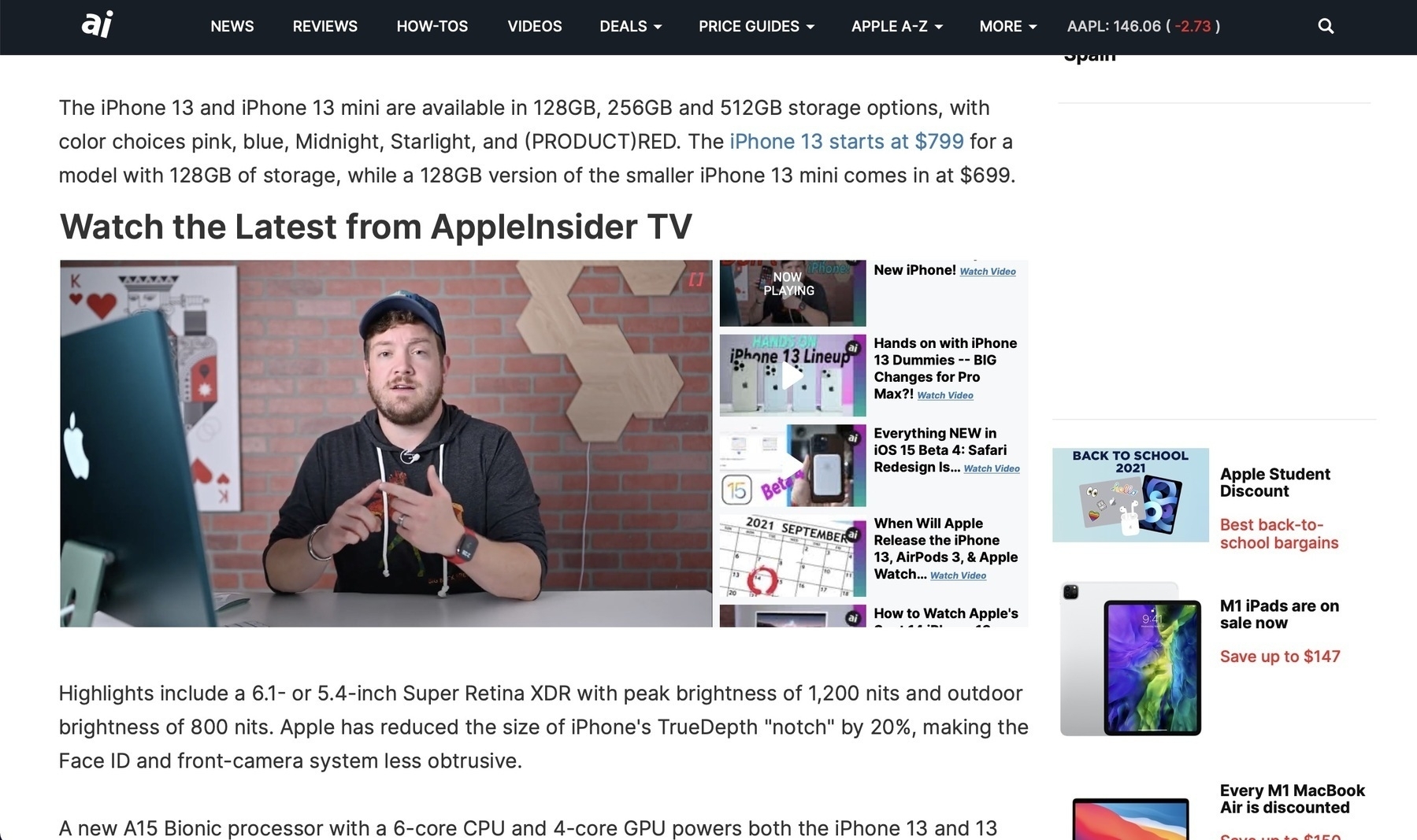
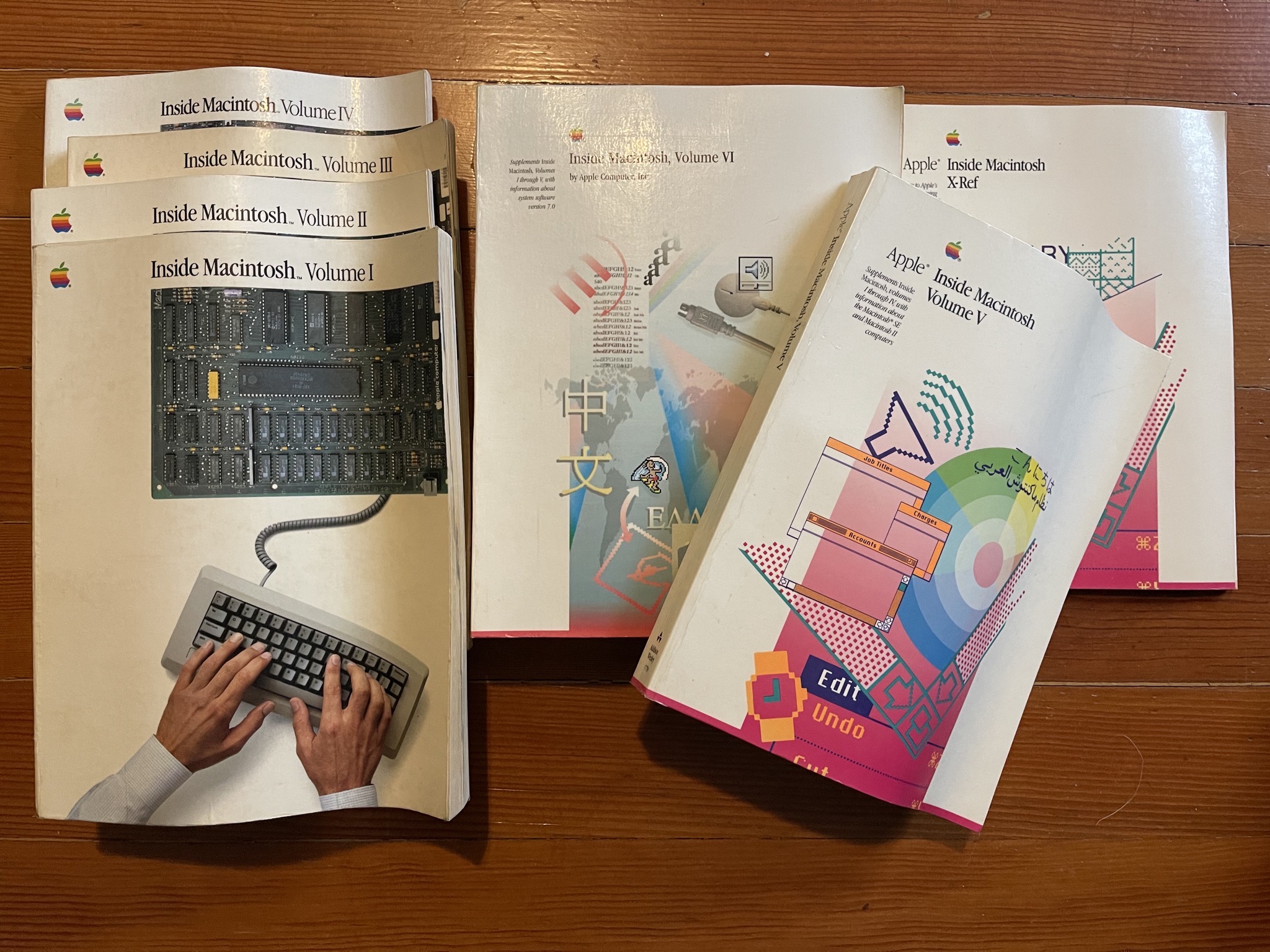
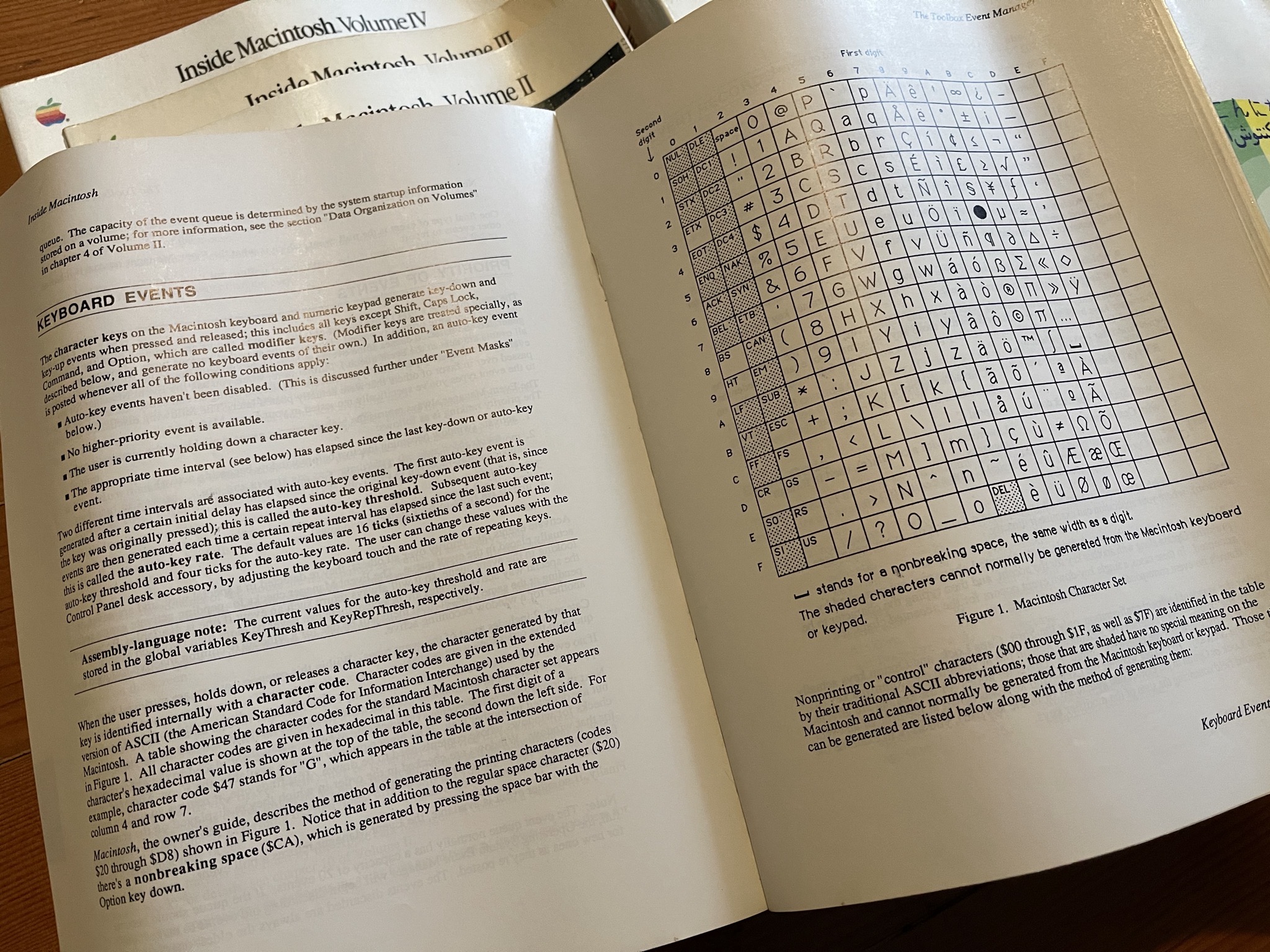
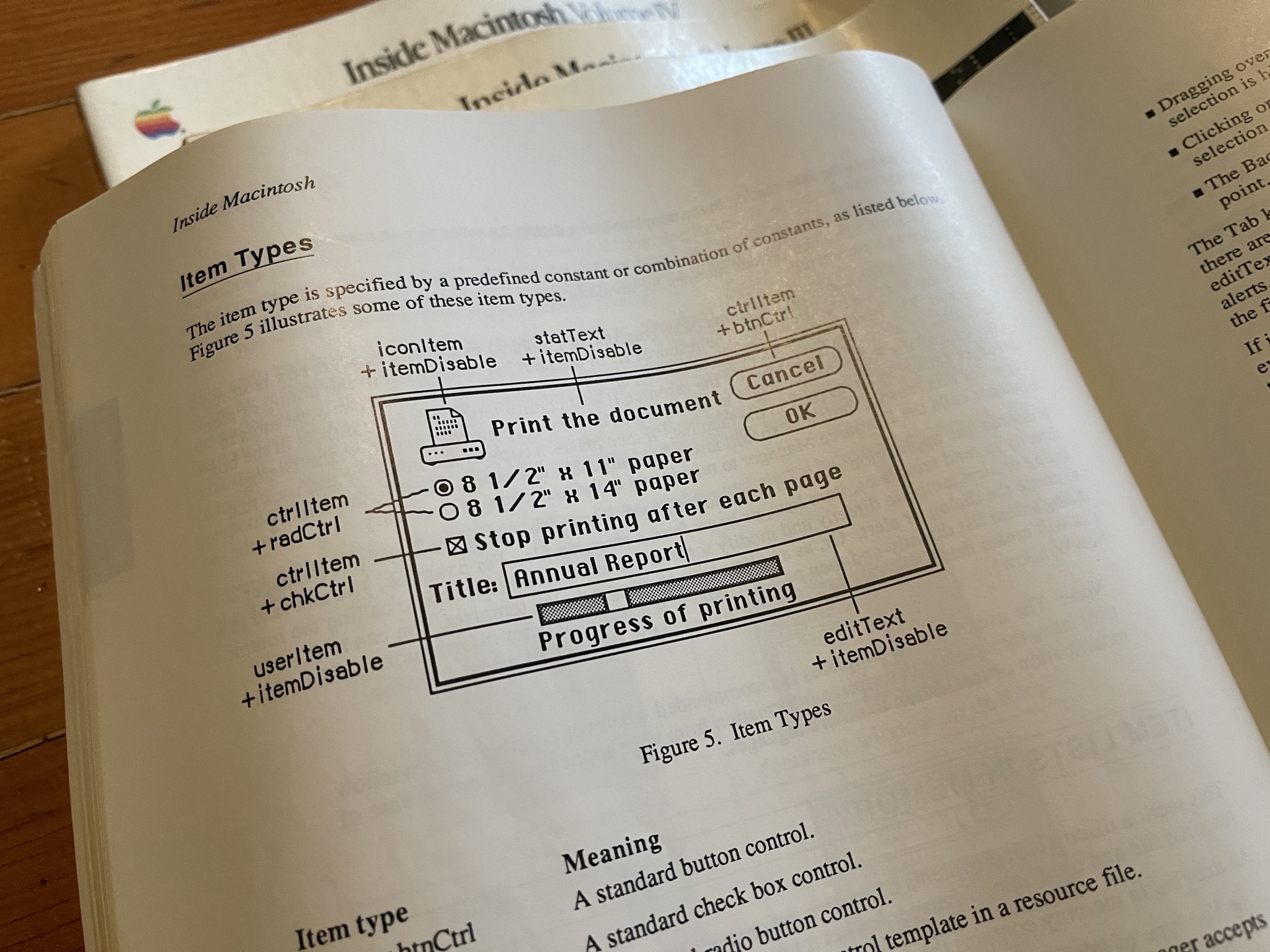
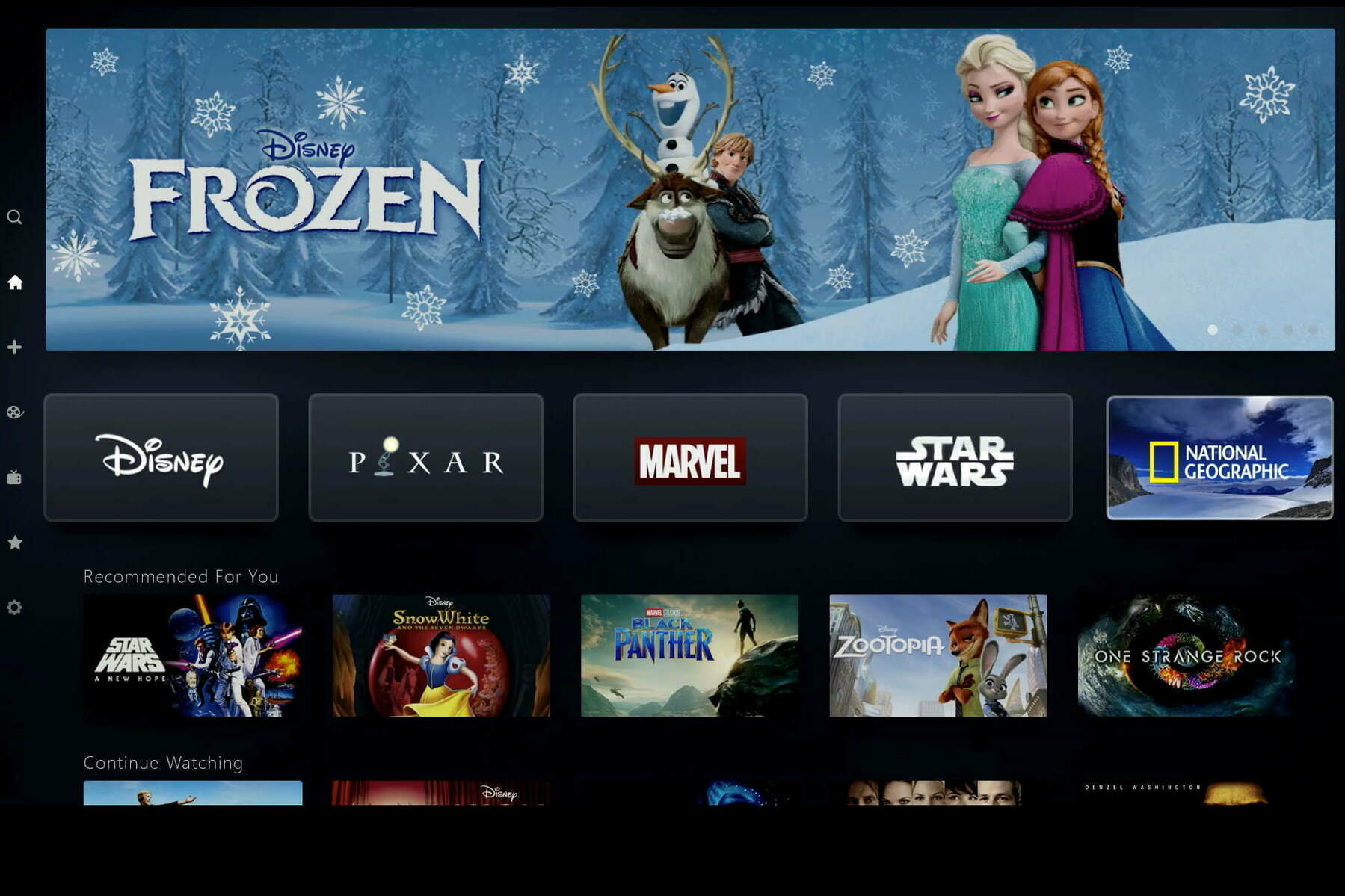
On paper, yes, but how do you cope in a "streaming-only" world?Owning media > streaming services
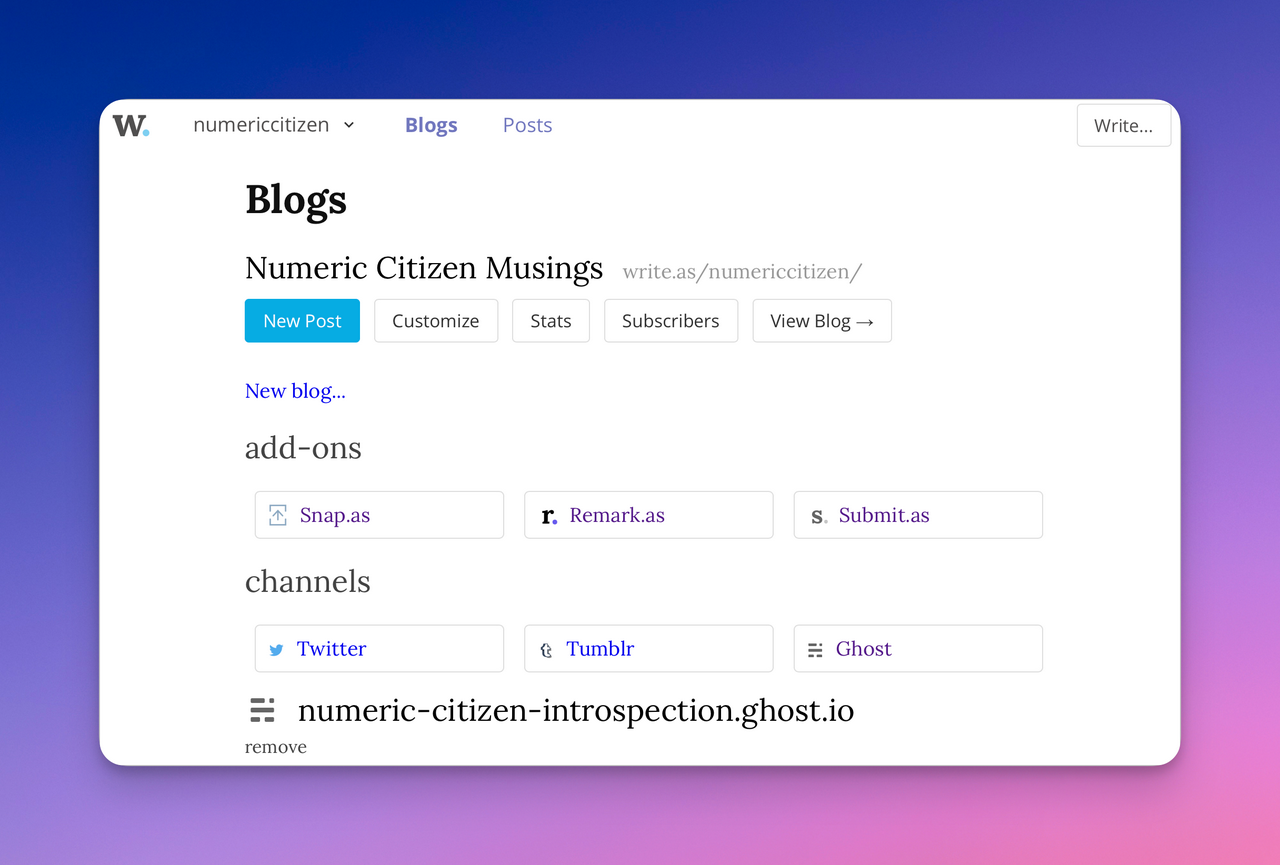
How many websites can a blogger have? (#blogger #blogging #bloggerlife)
How many websites a blogger can have? Good question. I do have (too?) many, each filling their own niche. On that subject, something caught my attention yesterday in the public announcement of HEY’s experiment: “Hello, World!”. Jason Fried explaining why he never had a blog:
“It was primarily because setting up a personal blog was just too much of a hassle. It felt formal, it required yet another tool, yet another place to write, yet another platform to pay for just one feature. I had to pick a template, I had to think up a name, I had to make the relationship official.”
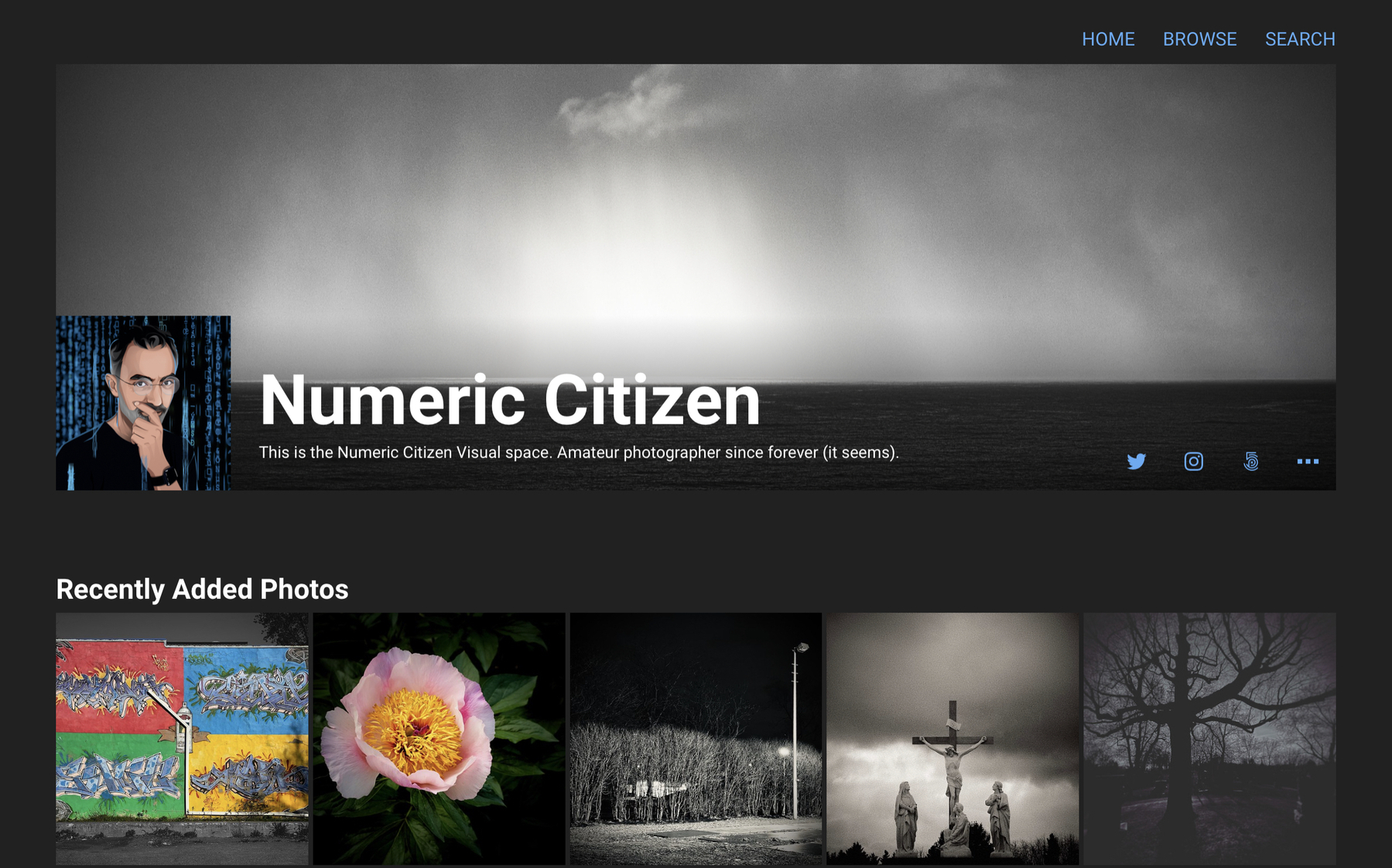
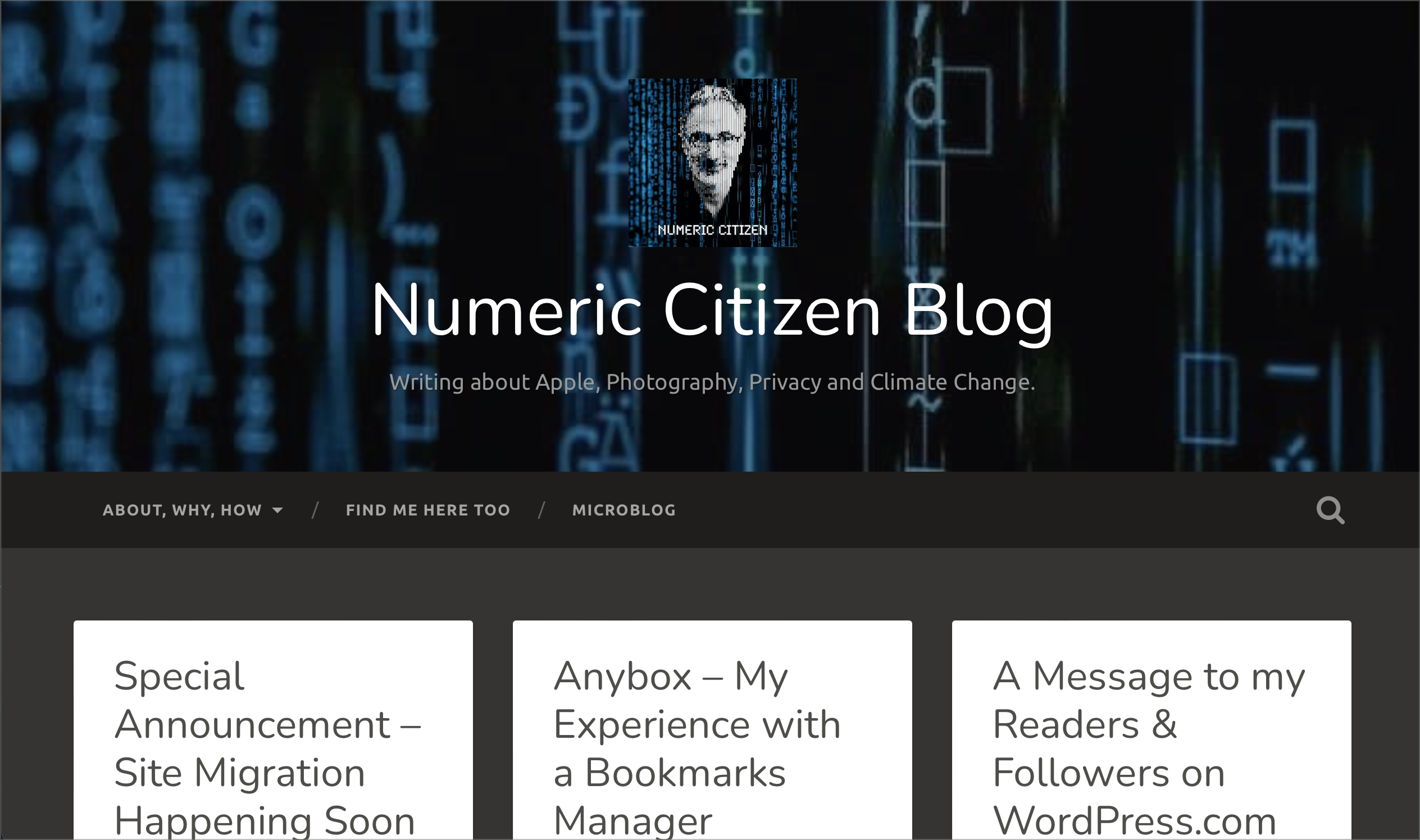
Sure, setting up a blog can be a hassle. For me, it is some kind of challenge and an exercise in creativity. This brings me to something I want to share with you. I’ve been working on something new in the last few days. I’m very excited about it. I started a “metablog”. Yes, another place to publish content. What is it? Well, it is a blog about blogging.
Let’s see what Wikipedia has to say about the word “meta”:
Any subject can be said to have a metatheory, a theoretical consideration of its properties, such as its foundations, methods, form and utility, on a higher level of abstraction. In linguistics, a grammar is considered as being expressed in a metalanguage, language operating on a higher level to describe properties of the plain language (and not itself).
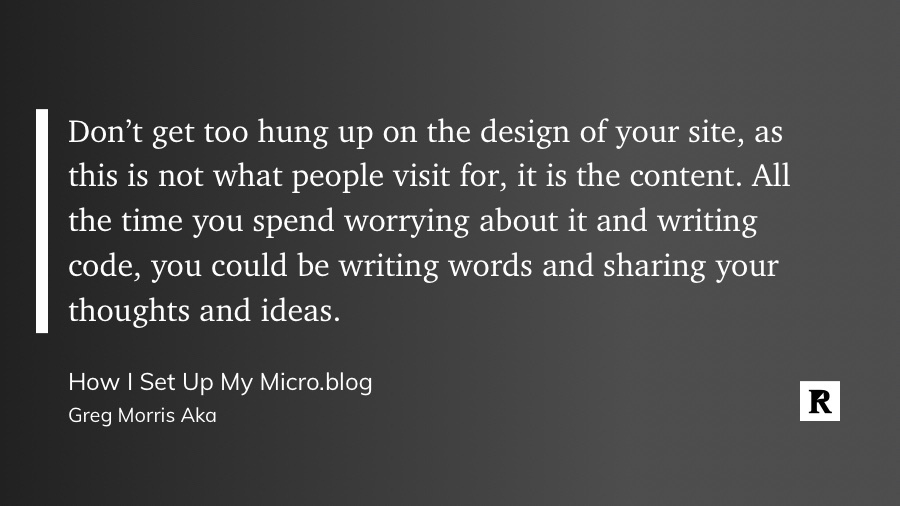
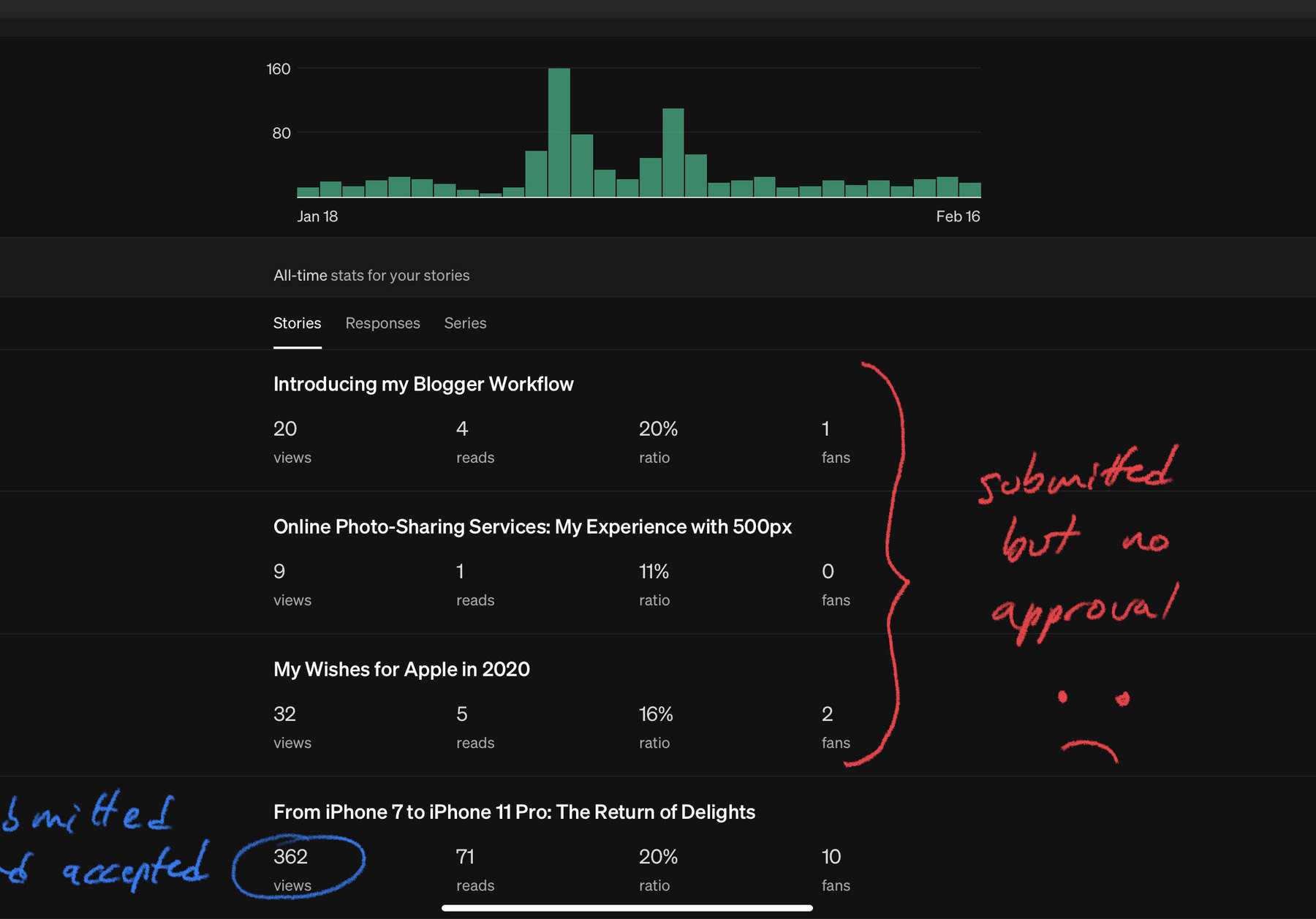
Why do I feel the need to create yet another numeric space? Well, I believe in focused channels in general. I wanted a dedicated space for writing about being a blogger, using tools and services to put things together and out to the world. In other words, it is more about the “how” than anything else. I believe people like to get a look behind the curtain. I certainly do. So, I created this space where I’ll post my updates to my blogger workflow, in more detail.
So, there you have it: Numeric Citizen I/O. You’ll be able to comment on each individual post (I’m using Commento, a privacy-friendly commenting service.). I dearly encourage you to engage in discussion, ask questions or leave your comments. Thanks for visiting!
Indeed.
Writing is fun.
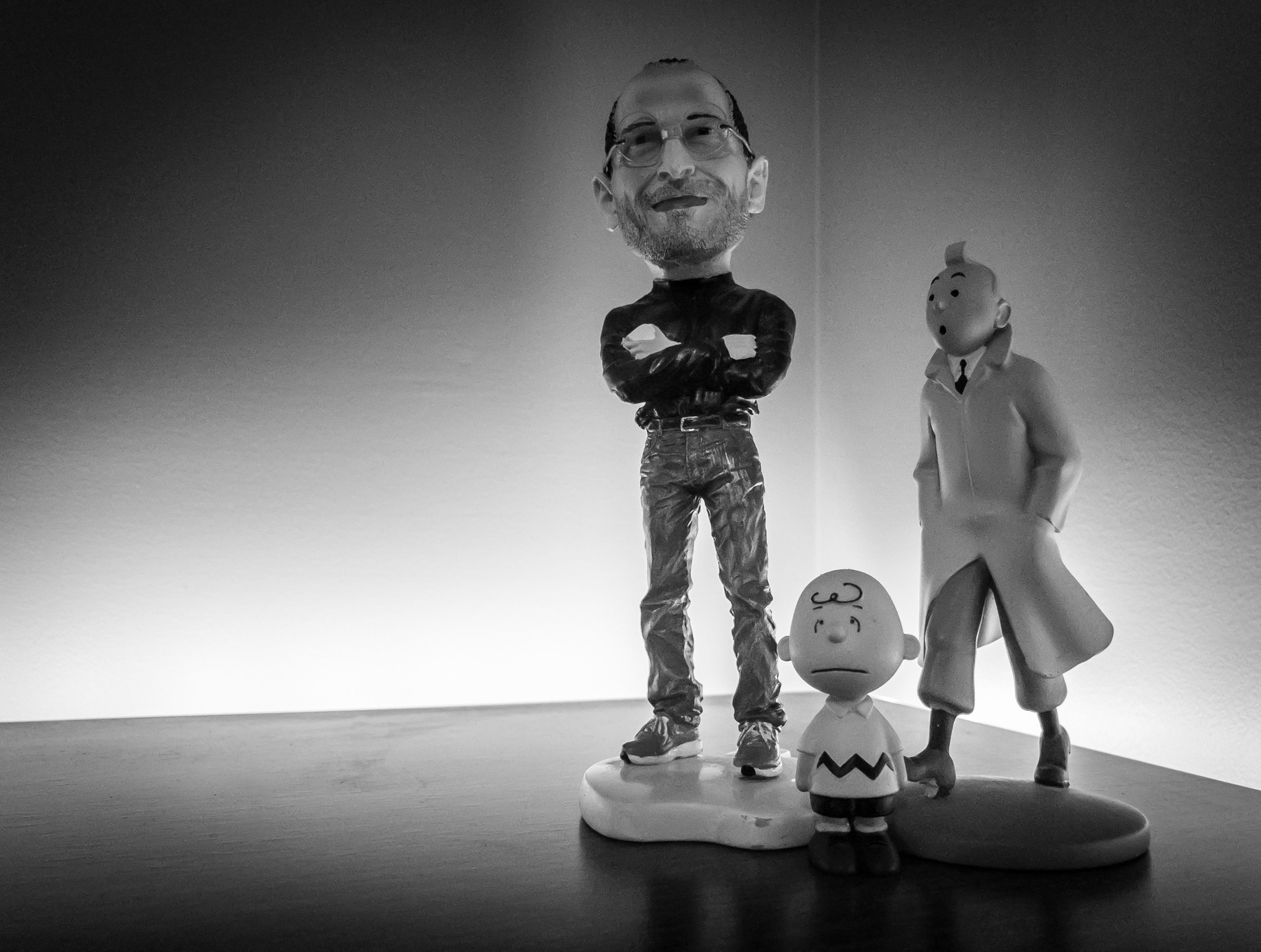
Happy birthday, Steve. (#apple #stevejobs #remembering)
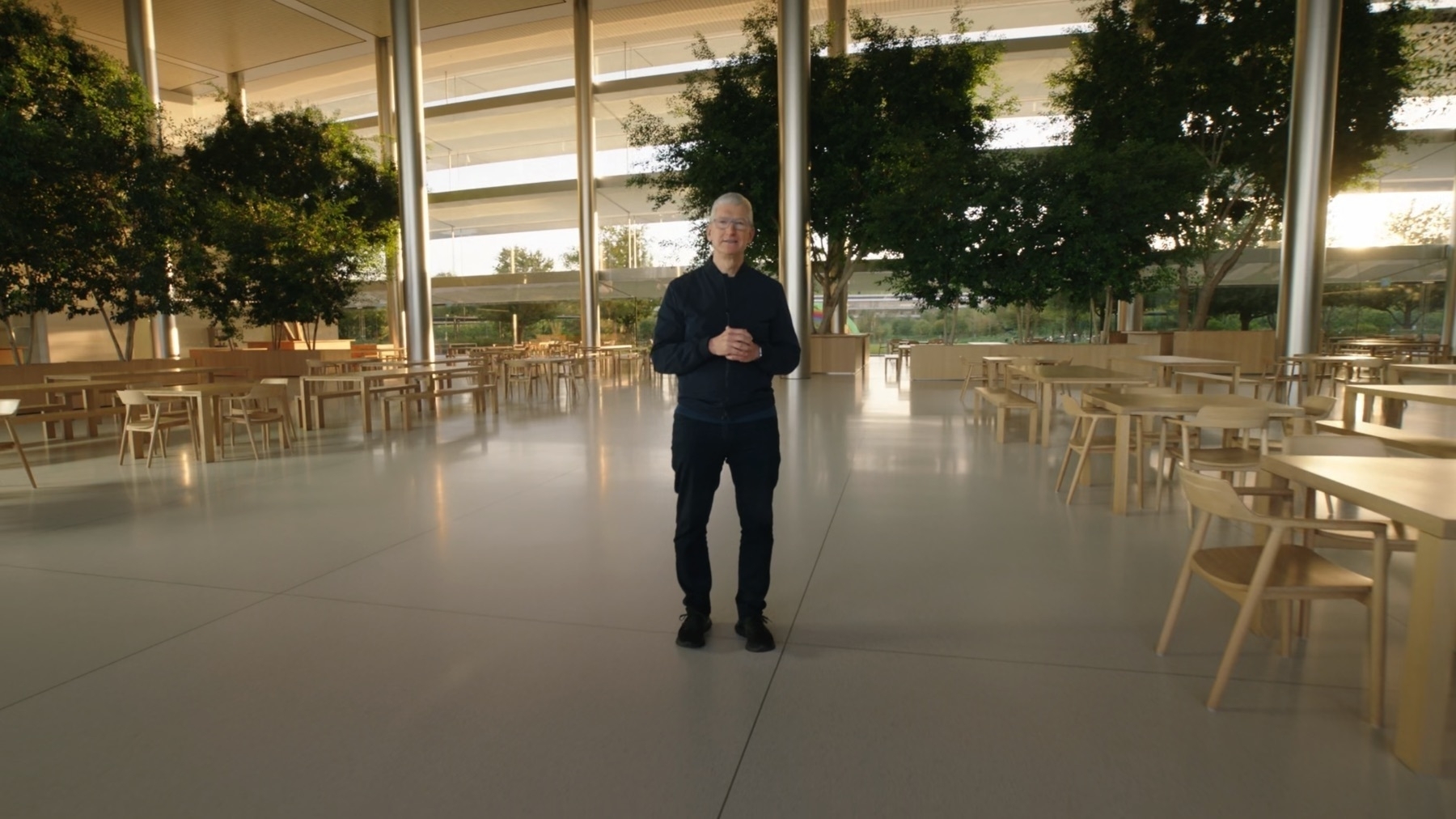
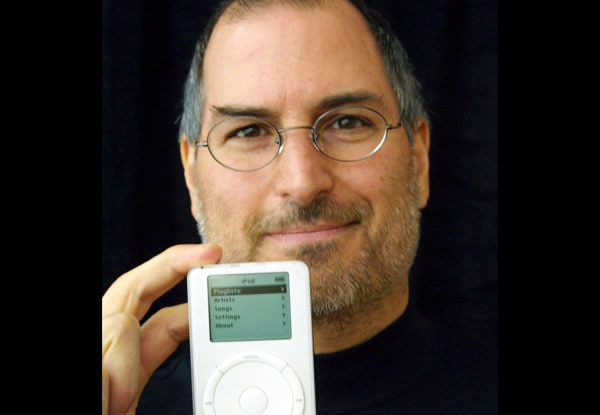
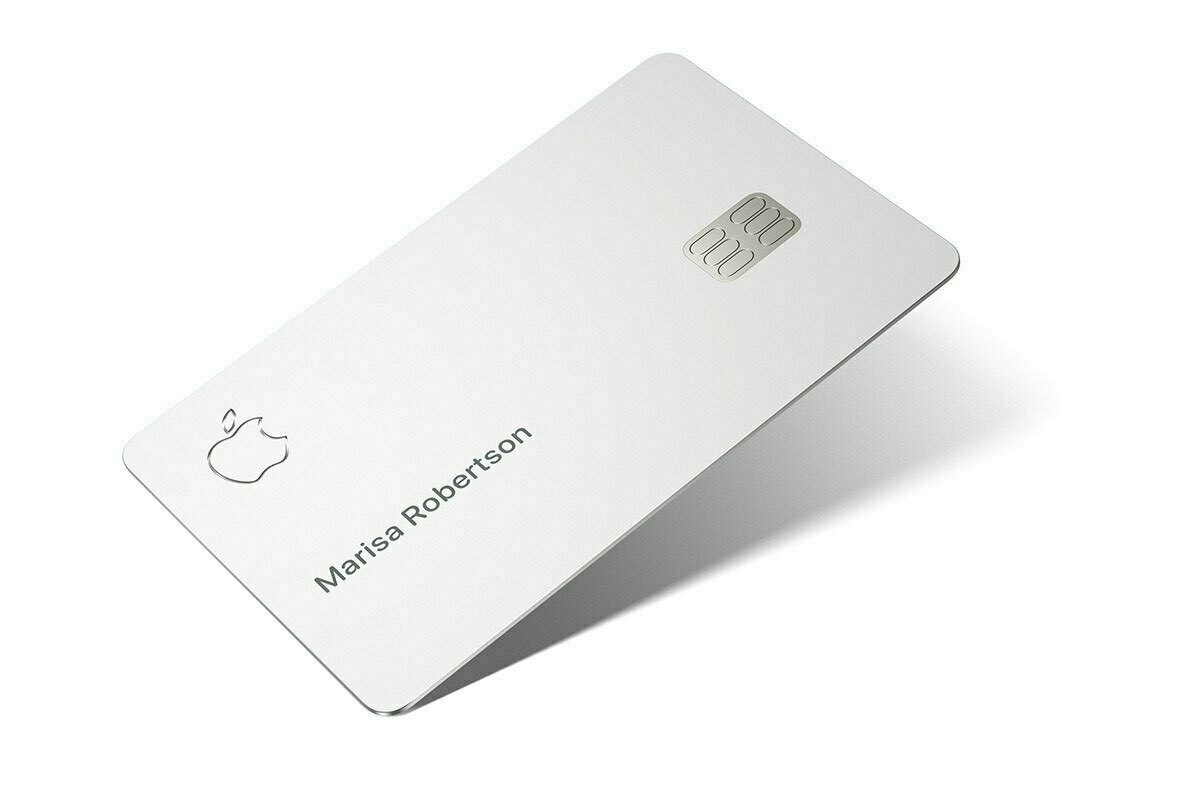
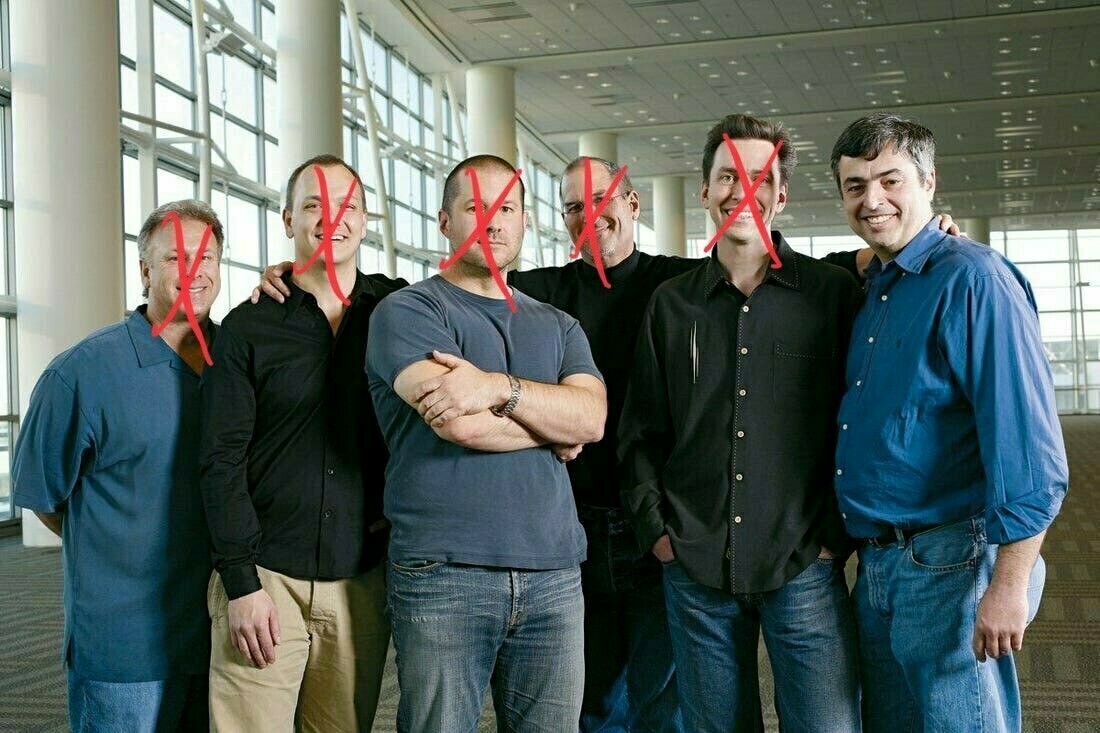
Steve would have been 66 years old today. Even if I love what Apple has become over the years since he died, I miss him dearly. What a great picture of him. It is nice to see Apple and Tim Cook paying a small tribute each year.
Hey, World (#hey #newsletters)
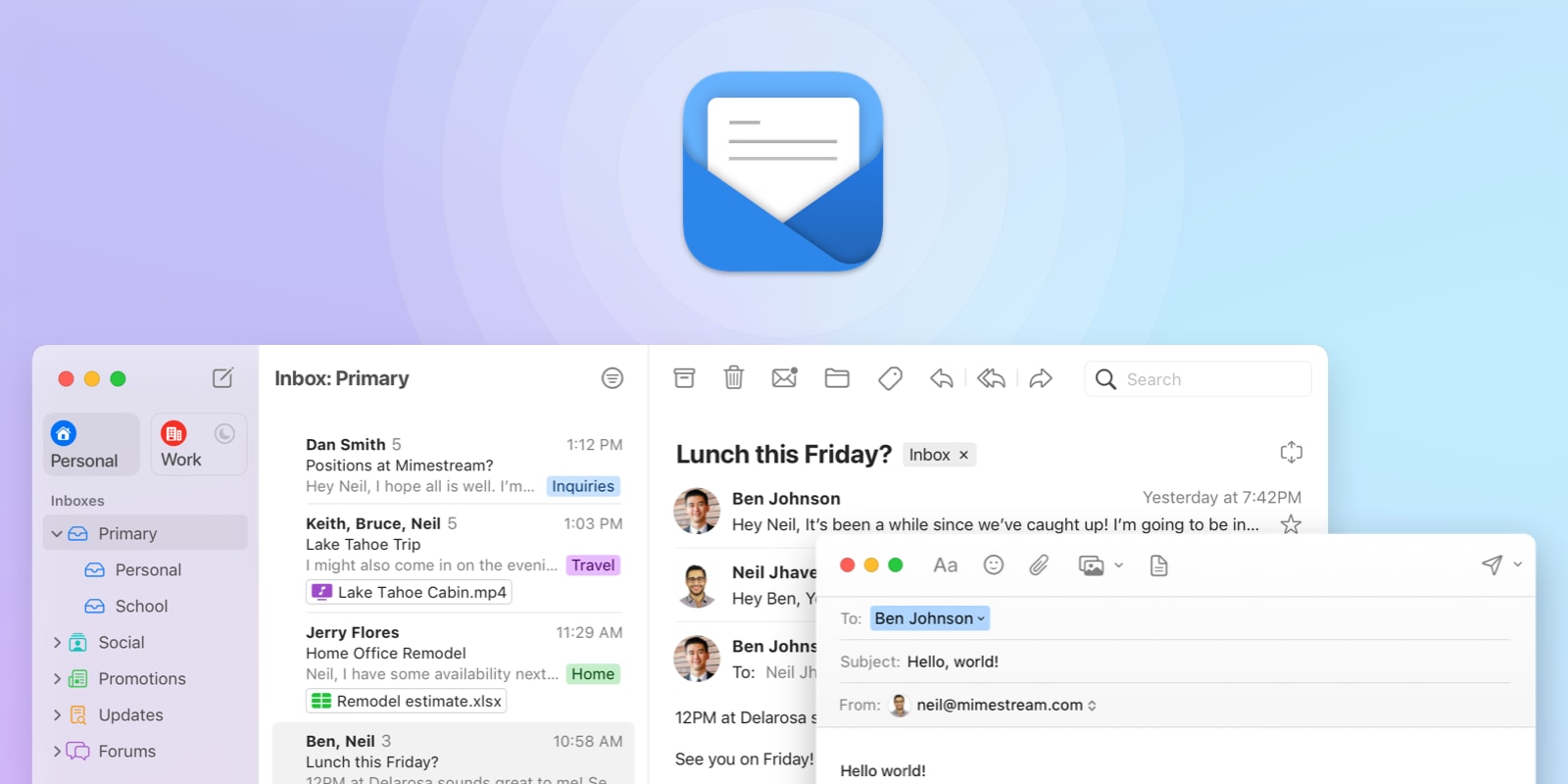
Each day, it seems there is always something new happening in the world of newsletters. When it’s not someone famous who joins Substack, a company out of nowhere offers a brilliant idea built around supporting newsletters in one way or the other. I’m thinking of Hey in particular.
“Email is the internet’s oldest instant self-publishing platform. Except you have to define a small audience every time you write. But what if you didn’t? What if you could just email the web to reach the world? Introducing the HEY World experiment” - Jason Fried from HEY
Yesterday, the company behind the popular HEY email client tentatively announced a new service for their customers. The idea behind is to allow any HEY users to create newsletters and publish them just by sending them to world@hey.com. The service would then post these newsletters on the web, complete with the author’s name. A simple static page, no tracking, no nothing more. I call this: simply brilliant.
The service is not currently available, only in some form of alpha-stage for internal use only. They announced it to read the room and see if there is some interest in something like this that could become some soft of hyper-distributed publishing platform.
I’m personally interested in this kind of service simply because it removes friction in the publishing process. What could be simpler than just writing the newsletter like we do with emails and then hit “send”!? Simply brilliant. For the reader, they can subscribe by email or by using the available RSS feed.
You can read the announcement here. I like the simplicity of this implementation. Very clean. Very lean. I’m in love. Too bad this isn’t available — yet.
What’s next for the iPad Pro? (#apple #ipadpro)
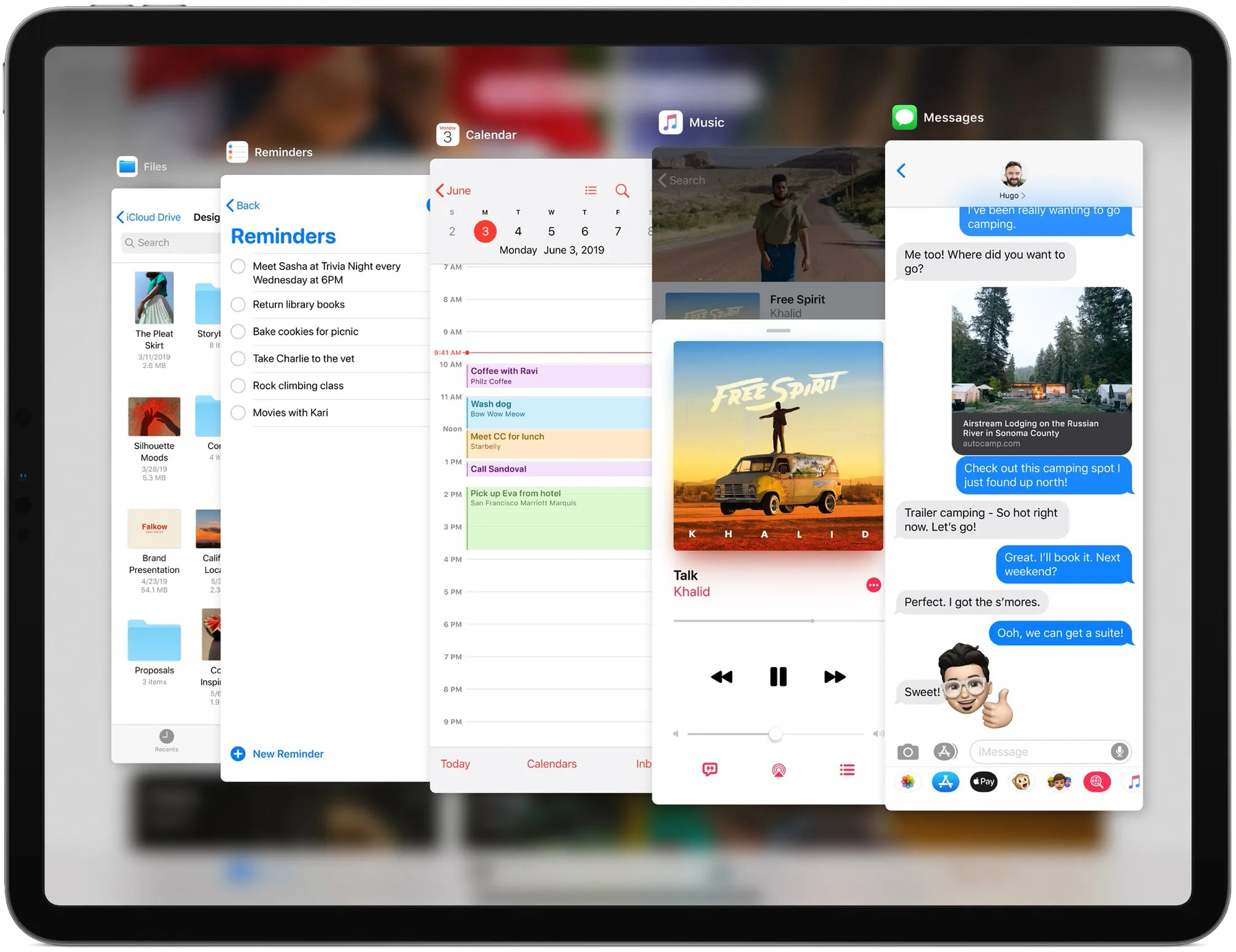
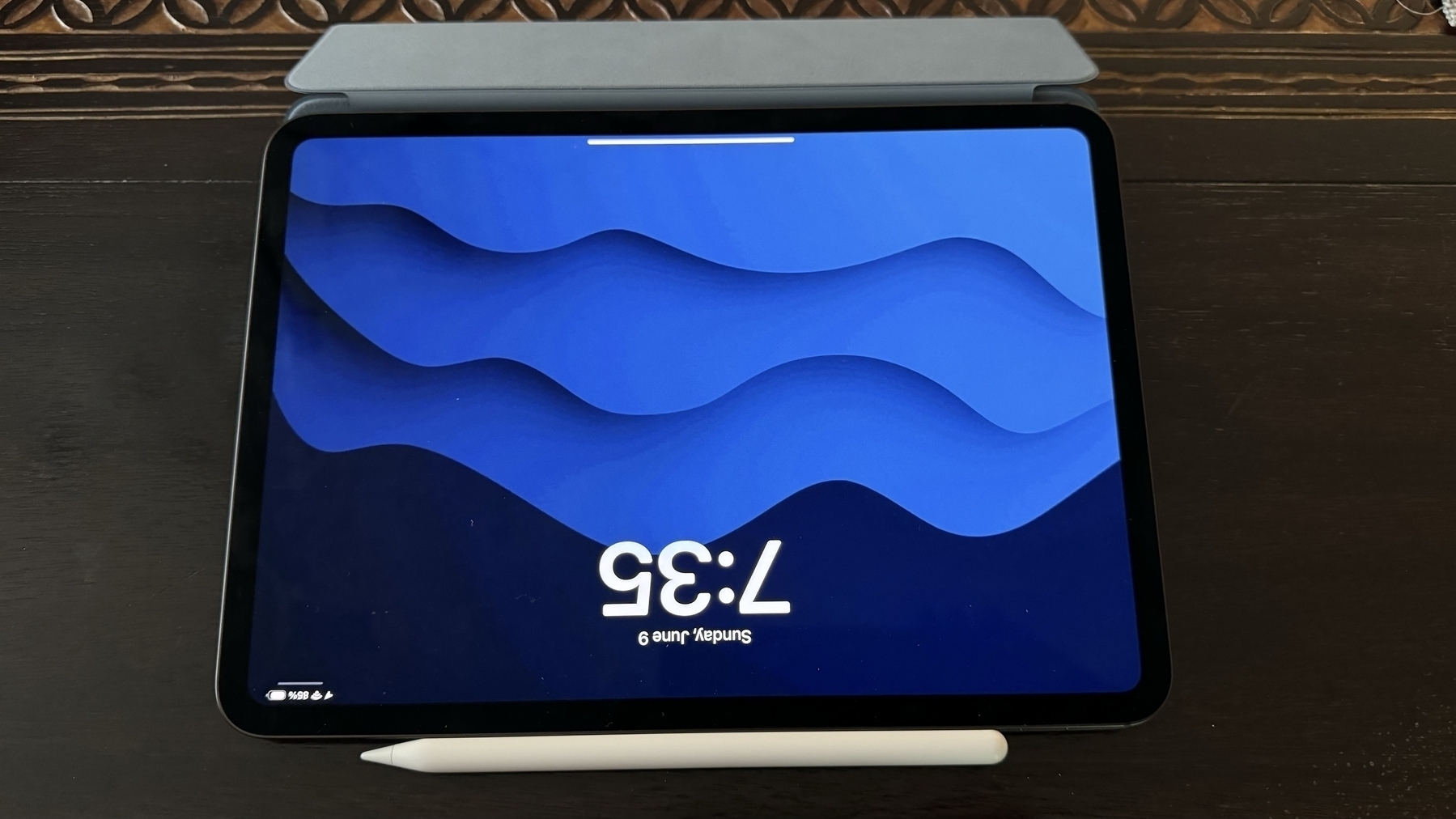
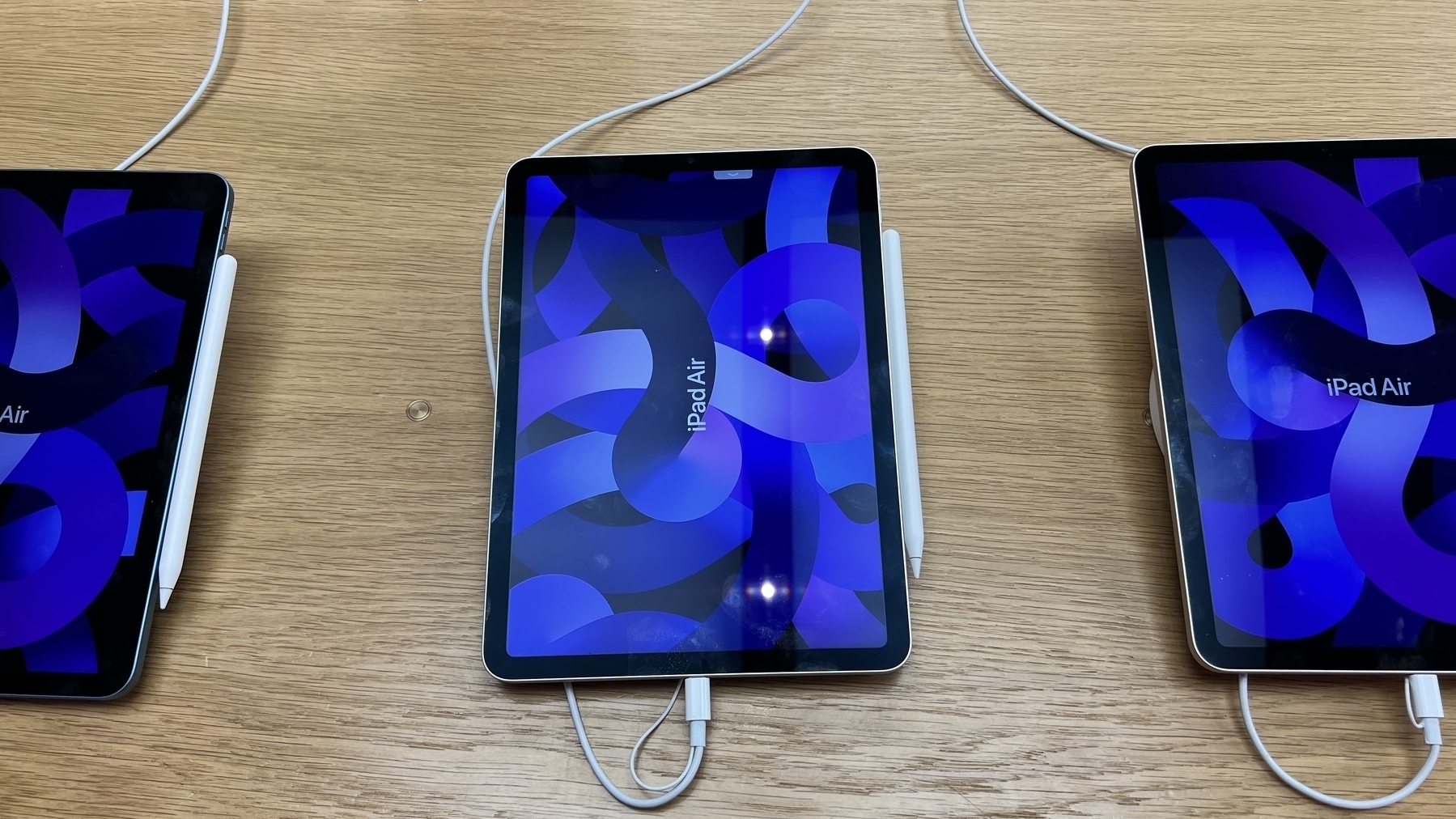
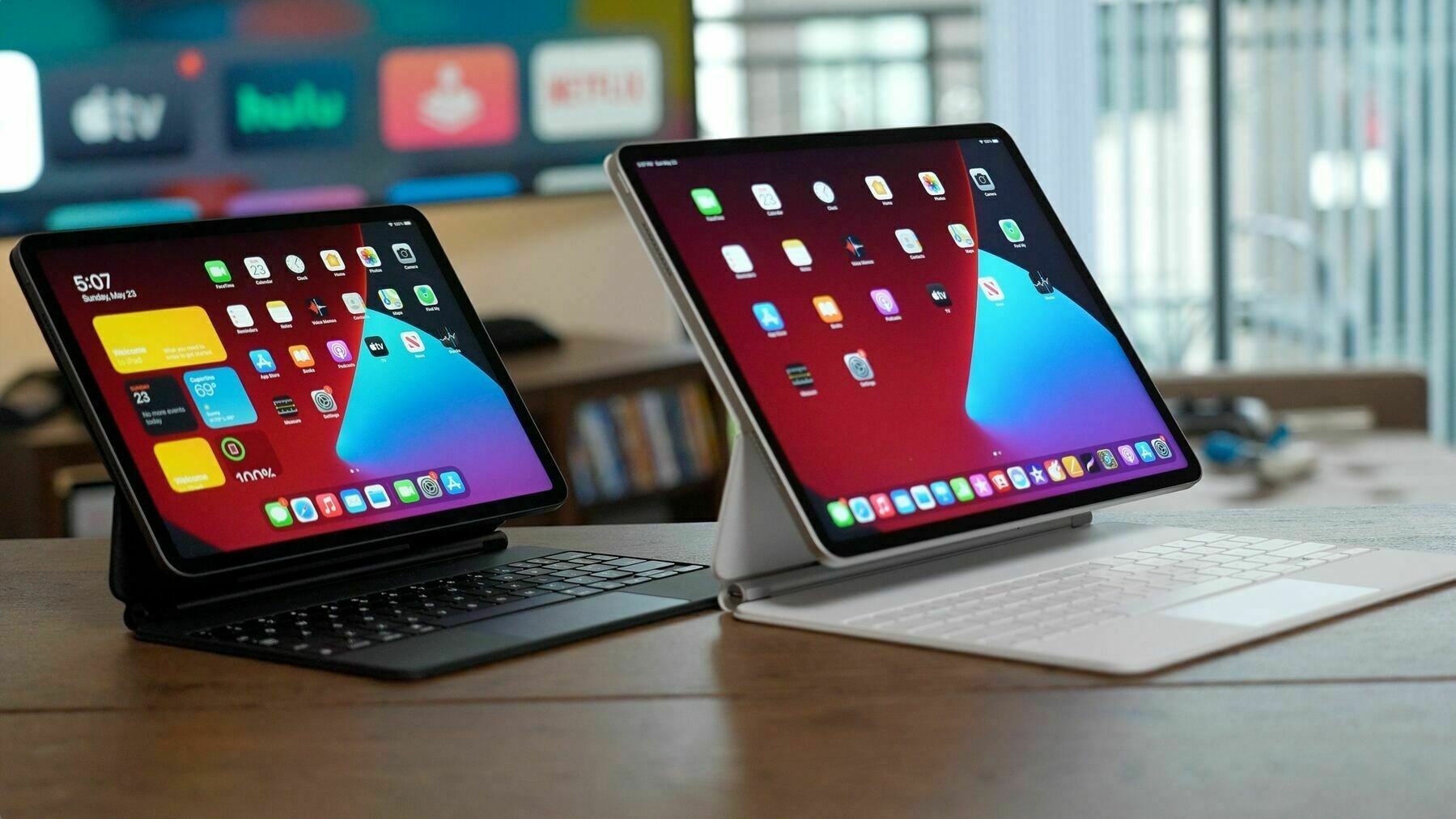
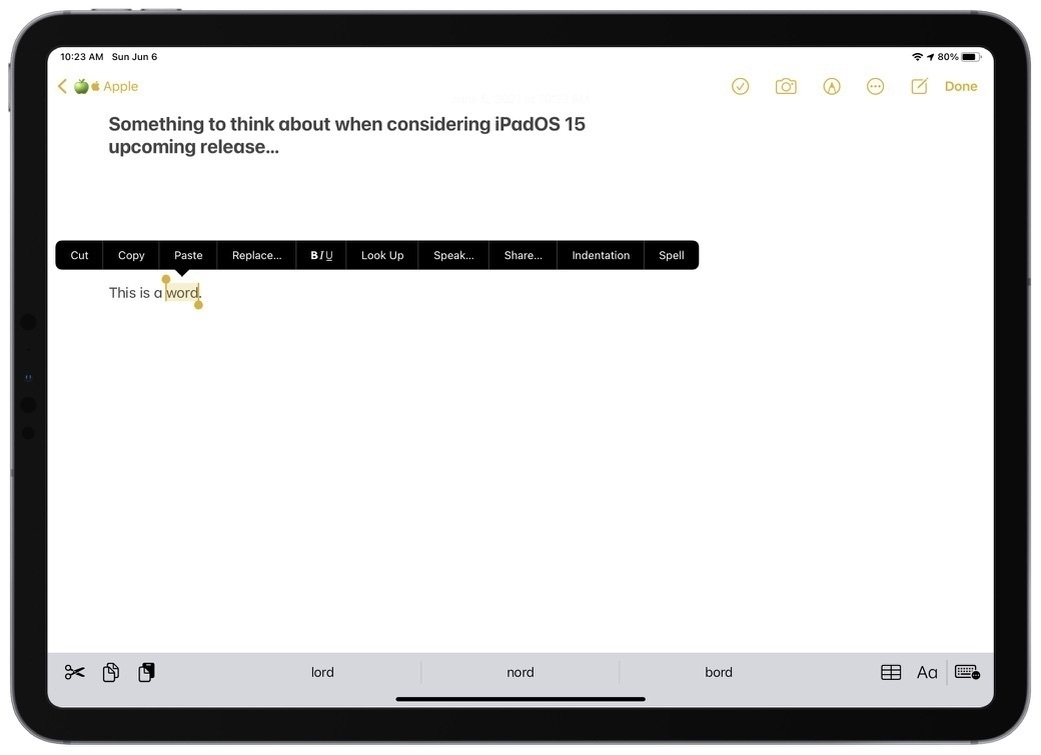
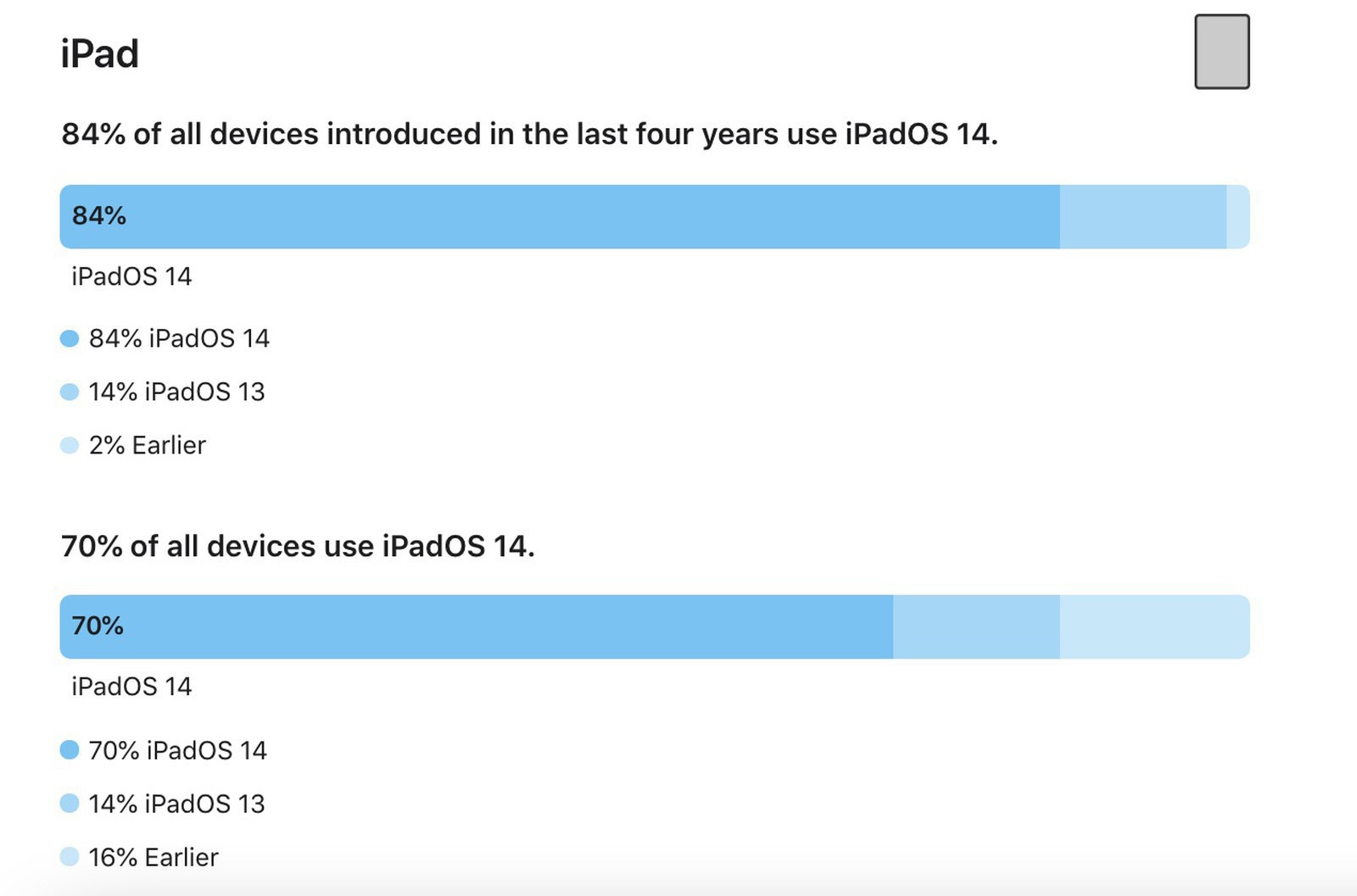
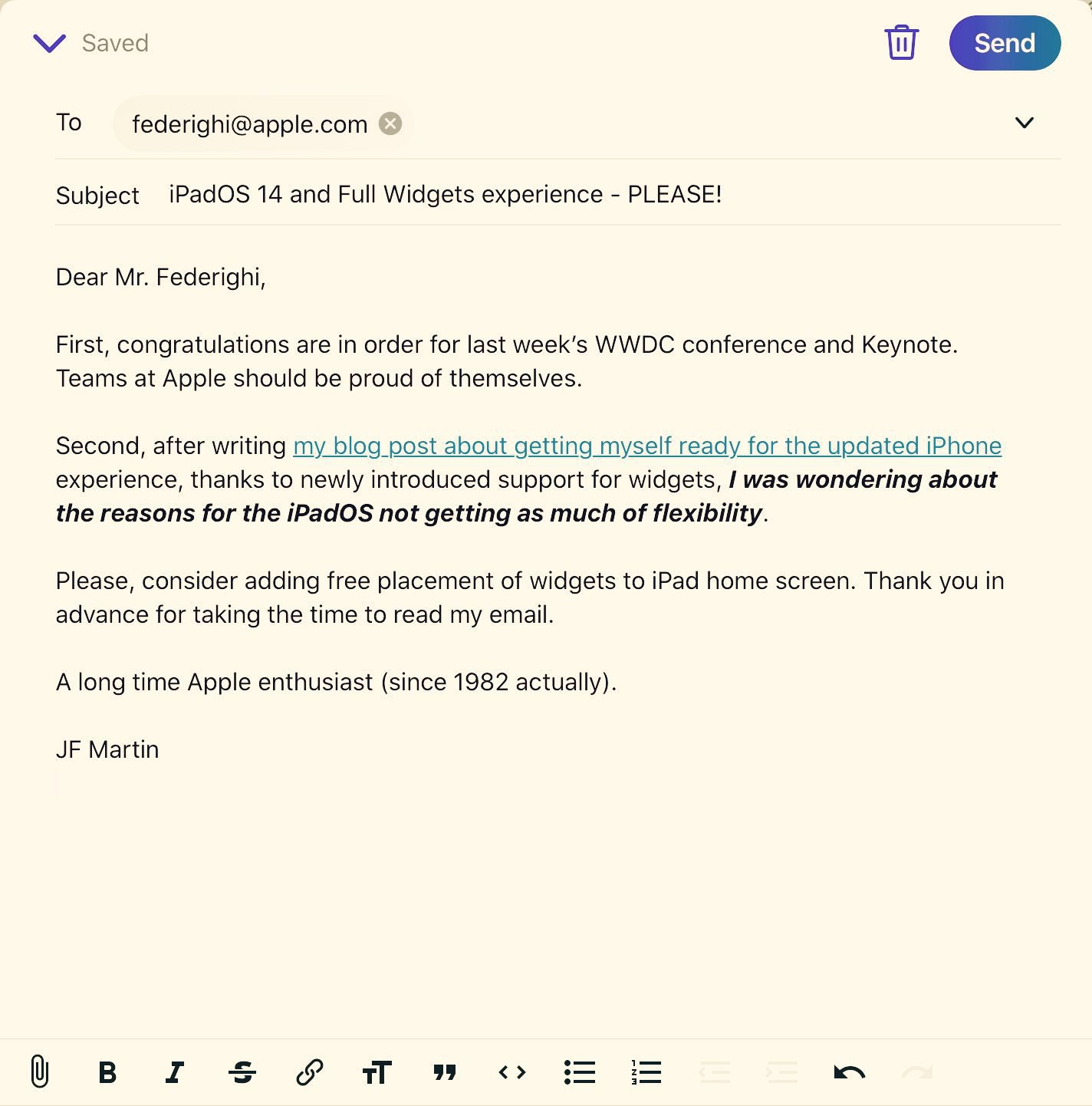
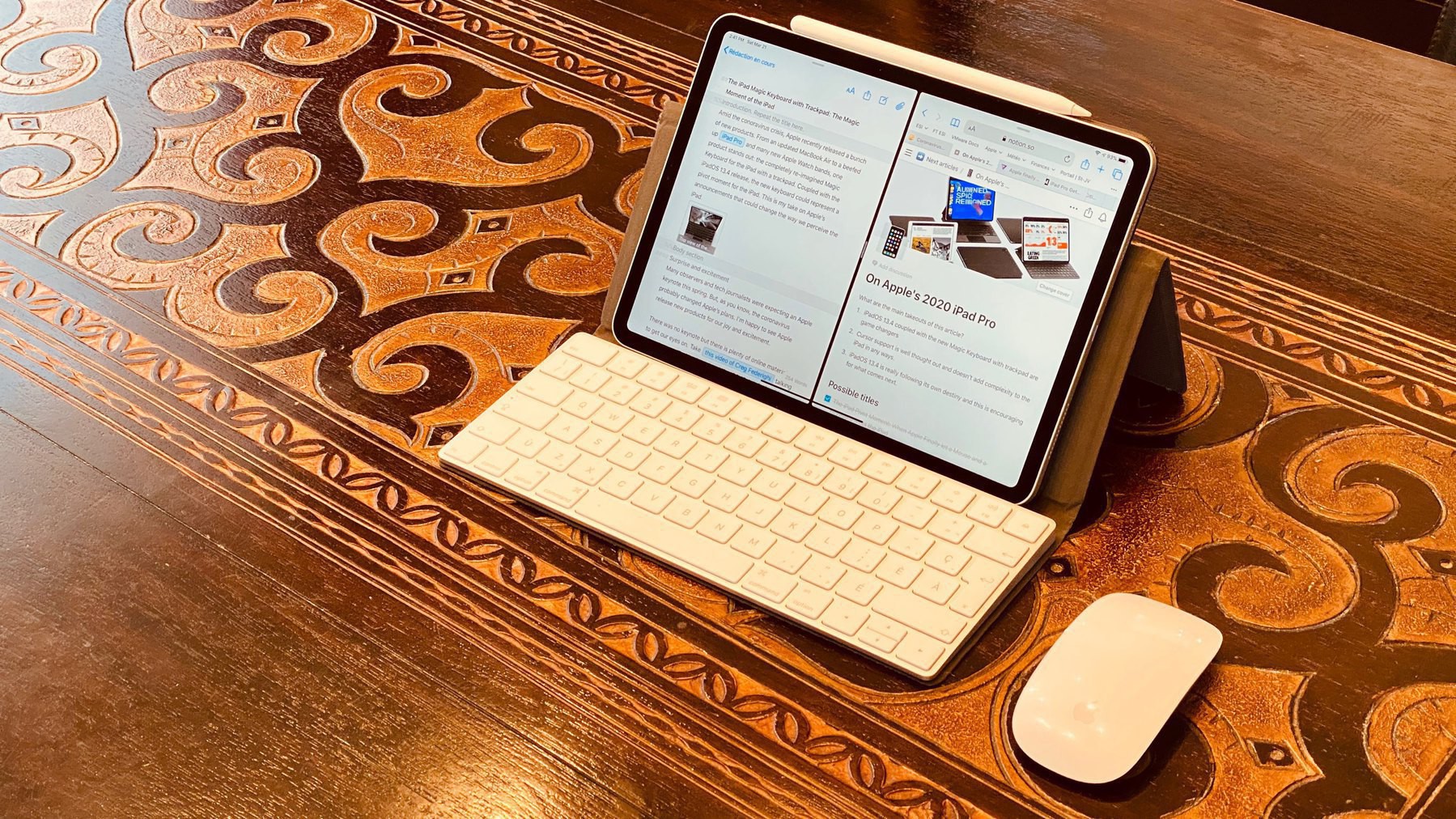
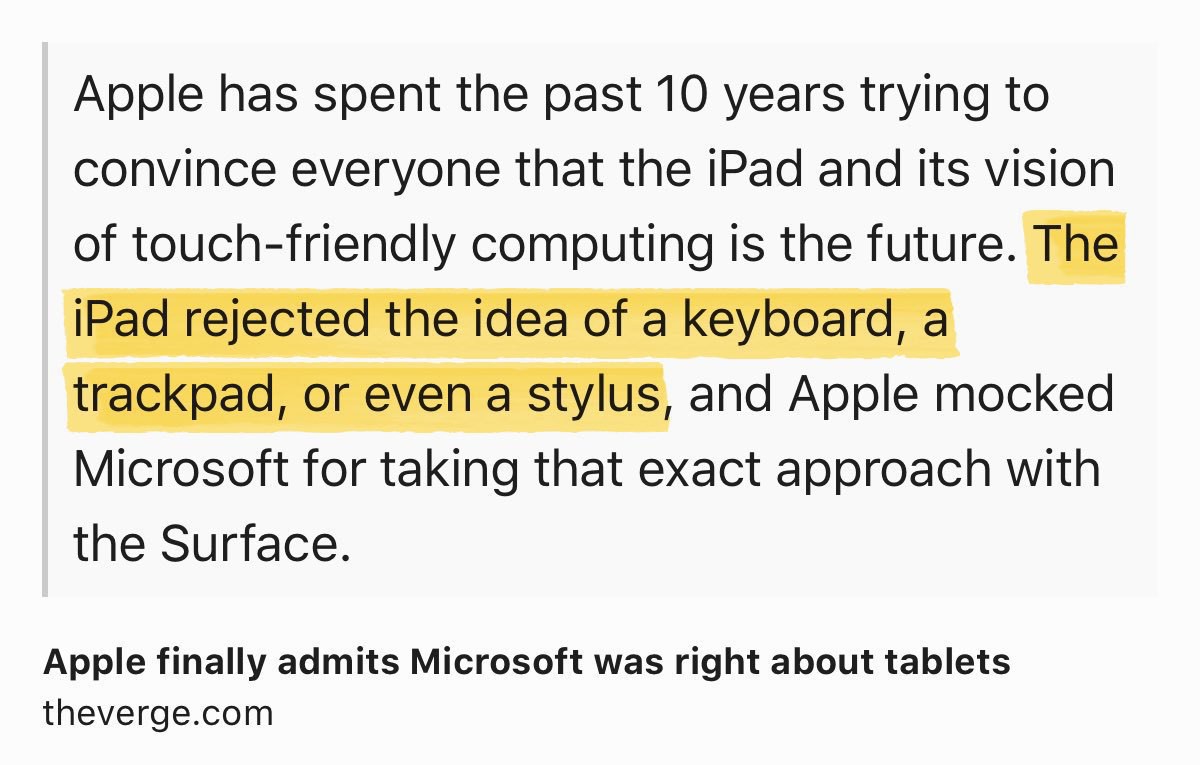
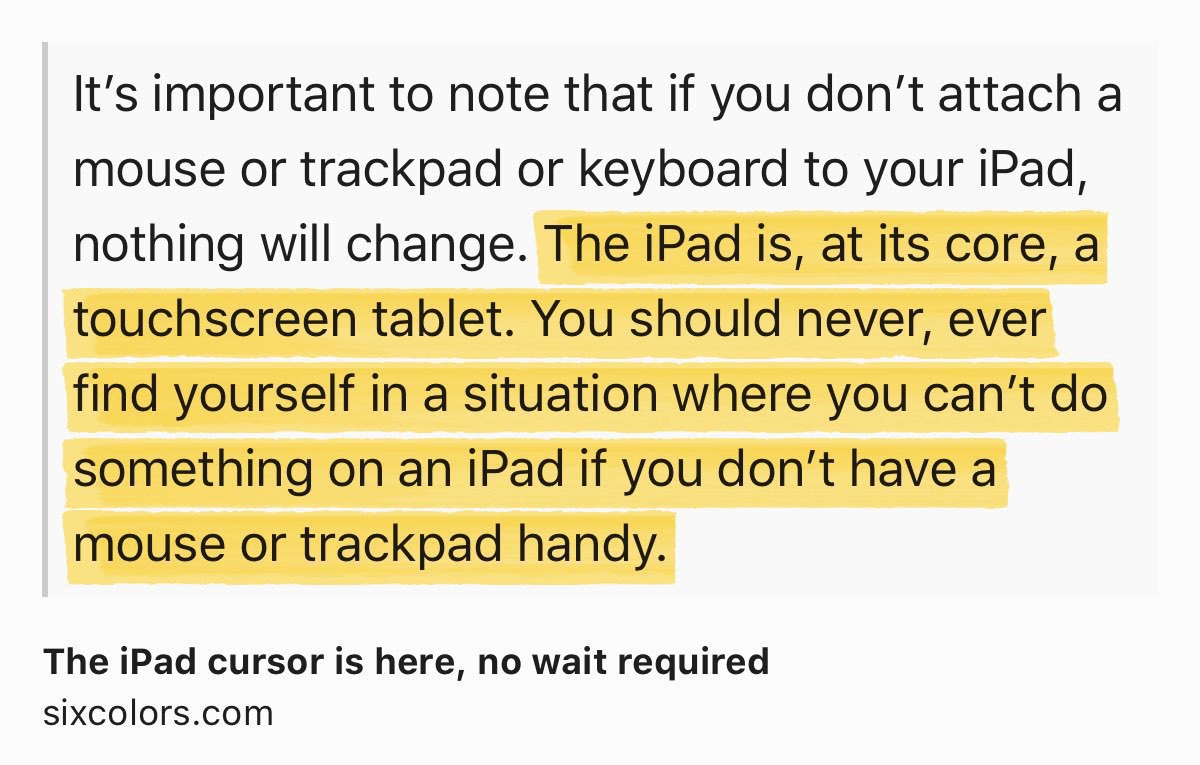
9to5Mac published a nice comparison between the iPad Air and the 2020 iPad Pro. The latter still hold the crown with its 120Hz ProMotion display and LiDAR. Rumours are pointing to an update for the Pro line in March. The question that comes to my mind is: what’s missing from the iPad Pro, from the hardware point of view? I mean, speed, screen, form factor are just close to “perfect”. The main challenge for the iPad line is on the software side. To me, iPadOS 15 and Apple willingness to cross boundaries can’t come soon enough. Better multitasking and external screen support would really help fix long standing issues with the iPad.
HEY, Hey just got updated (#hey)
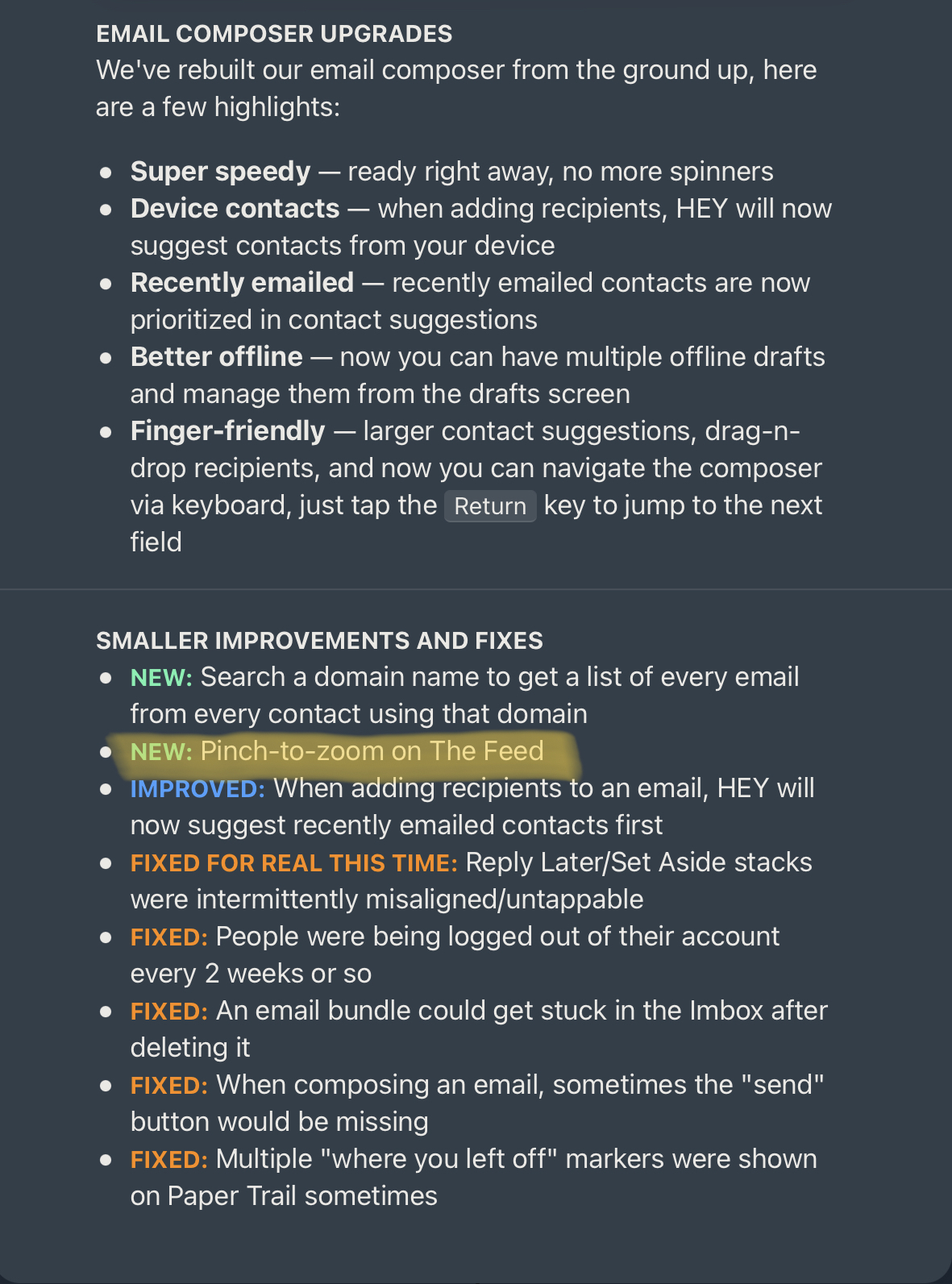
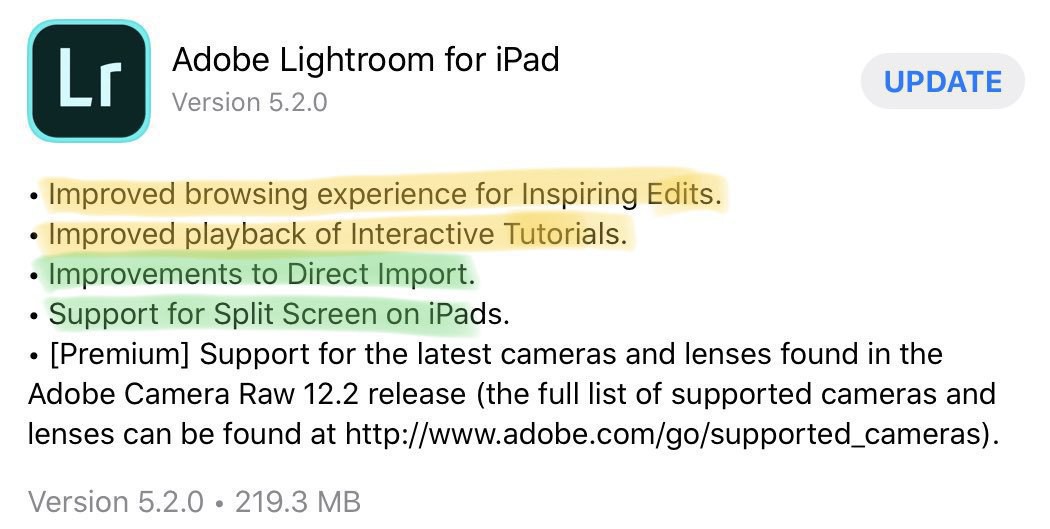
My go-to email client got an update today. Hey version 1.2 brings a few tweaks in the compose mode. In recent weeks, updates are more frequent as they finally delivered support for corporate email. Now, the other thing I’d like to see is a collapsible view in the feed view. I don’t see how pinch-to-zoom can be added without implementing the opposite to bring a collapsed view.
Crafting something with Craft (#craft #rumours #apple)
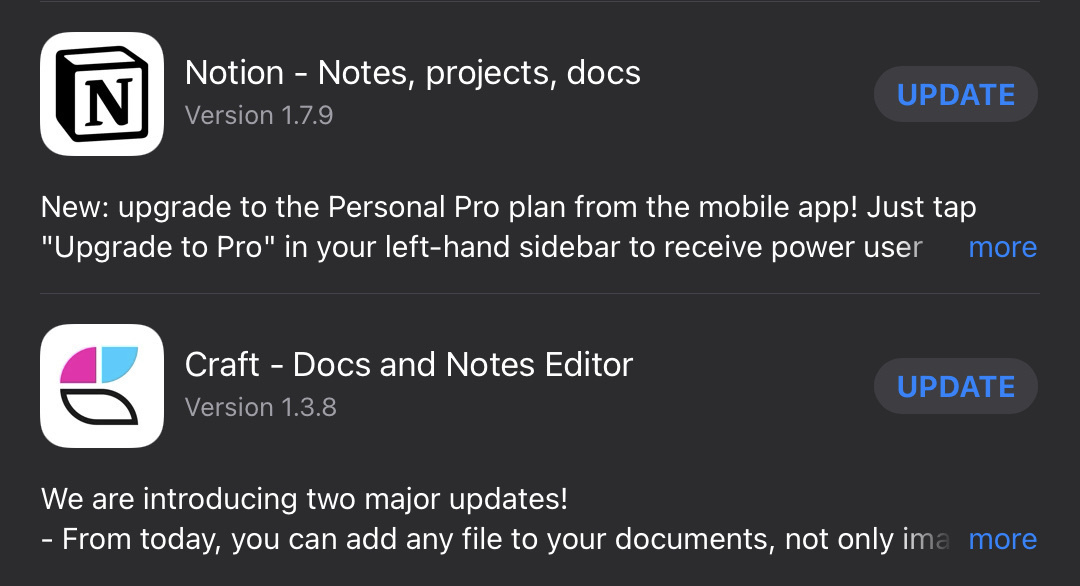
In my quest to better understand the full potential of note taking application « Craft », I’ve come up to something different, a website about Apple’s related rumours. You can hit this link to have a look. You can leave comments, no registration required. Enjoy.
Are we digital nomads? (#blogging #internet)
In the last few months, on Twitter and on Micro.blog, I’ve been witnessing something that takes the shape of a small phenomenon: people are moving from one place to another in the digital space. Many are writing about their experience of moving from one hosting site to another. Some are leaving WordPress to return to Ghost. Others are proudly putting together their hosting solutions. The same happens in the newsletters hosting space: people are leaving Mailchimp to go to Substack or Revue. People are looking to get better return on their investment both in time and money. Others are simply trying to optimize their blogging workflow. There is a myriad of reasons why people decide to leave a place for another one.
I find these numeric movements quite fascinating. Are you one of those guys?
Learning Blot.im the hard way (#blot #selfhosting)
So I started another experiment involving Blot.im. For those who don’t know Blot.im, it is a static web site generator that seems popular among the crowd here. On paper, the process of publishing is very simple: you drag and drop files on a specific folder on your computer and they get instantly published on the web. Sound great, right? That’s what I thought.
My goal with Blot.im is to do some “meta blogging”; a place where I could write about the tools, services and my blogger workflow. So I registered a new domain with GoDaddy: numericcitizen.io. Then, I opened my Blot.im account and stated experimenting. The initial setup is pretty simple. And then challenges pretty quickly started to emerge.
First, I wanted my new domain to point my Blot.im domain. Tried to follow the Blot.im instructions to make it work but all attempts failed. GoDaddy doesn’t support ALIAS DNS records as Blot.im ask me to create. I asked for help from Blot.im support. Still a work in progress.
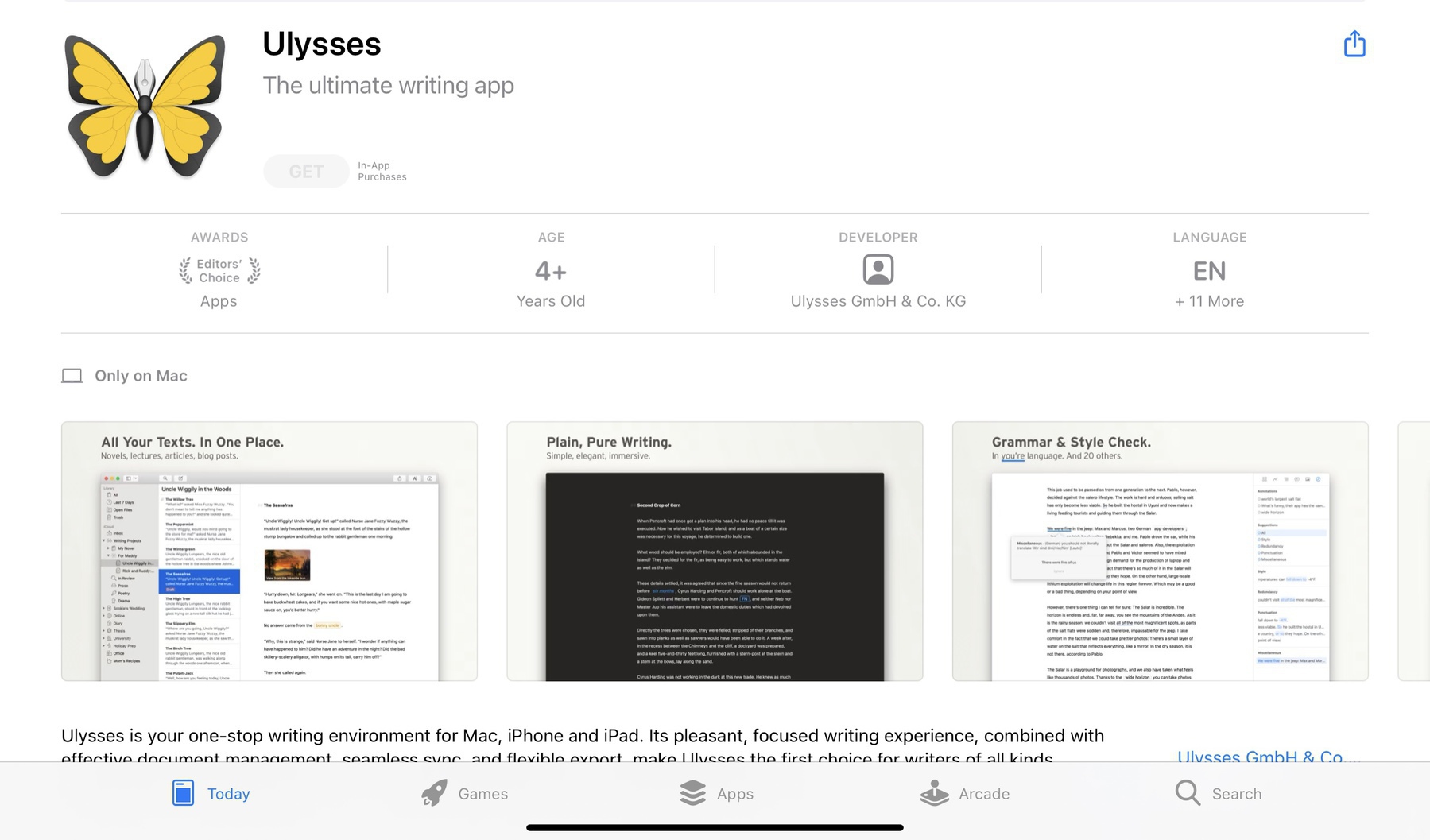
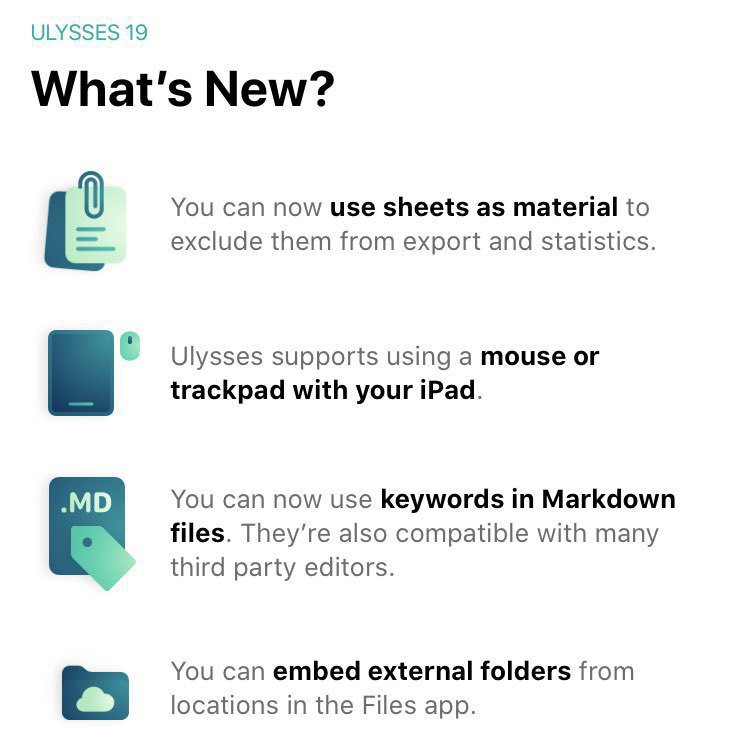
Second, I chose to use Git as the “client” to push content on the service because I don’t want to use Dropbox, a service I despise. By using Git, I need a Git client on my Mac. I’m tentatively settled on Nova. So far so good. After cloning the Git repo from Blot.im to my local machine, I can then use Ulysses to write my posts and push them with Nova. The workflow is very geeky: create .MD file in Ulysses, “commit” within Nova then hit “push” to publish. Not as seamless as I would like. But here another issue: inserting images with a Markdown file is not as easy as it seems. Again, trying to figure out instructions on Blot.im site doesn’t work. The other thing is that if you drop an image within a folder, it will trigger Blot.im to create its own blog post, something that I don’t want. Not cool. Again, I’m asking support to help me here with this supposedly trivial task.
Third, I would like to use Github as the source of truth. Setting up a new repo is simple and cloning it to my local machine too. But, now, how do I make Blot.im to use the Github repo as the source of content? Again, trying to figure out Blot.im instructions but failing to make it work. Still trying to figure that out.
Fourth, tweaking the visual appearance is not as easy as I would have liked. There is a theme editor and I still need to be pretty knowledgeable in HTML and CSS. I did fork one of the theme to make it mine and started to do some tweak but it is a painful trial-and-error process.
All in all, I’m far from positive about Blot.im right now. I spent way too much time on these issues. I’m not sure where this is all going. If you are using Blot.im, please, do me a favour and chime in!