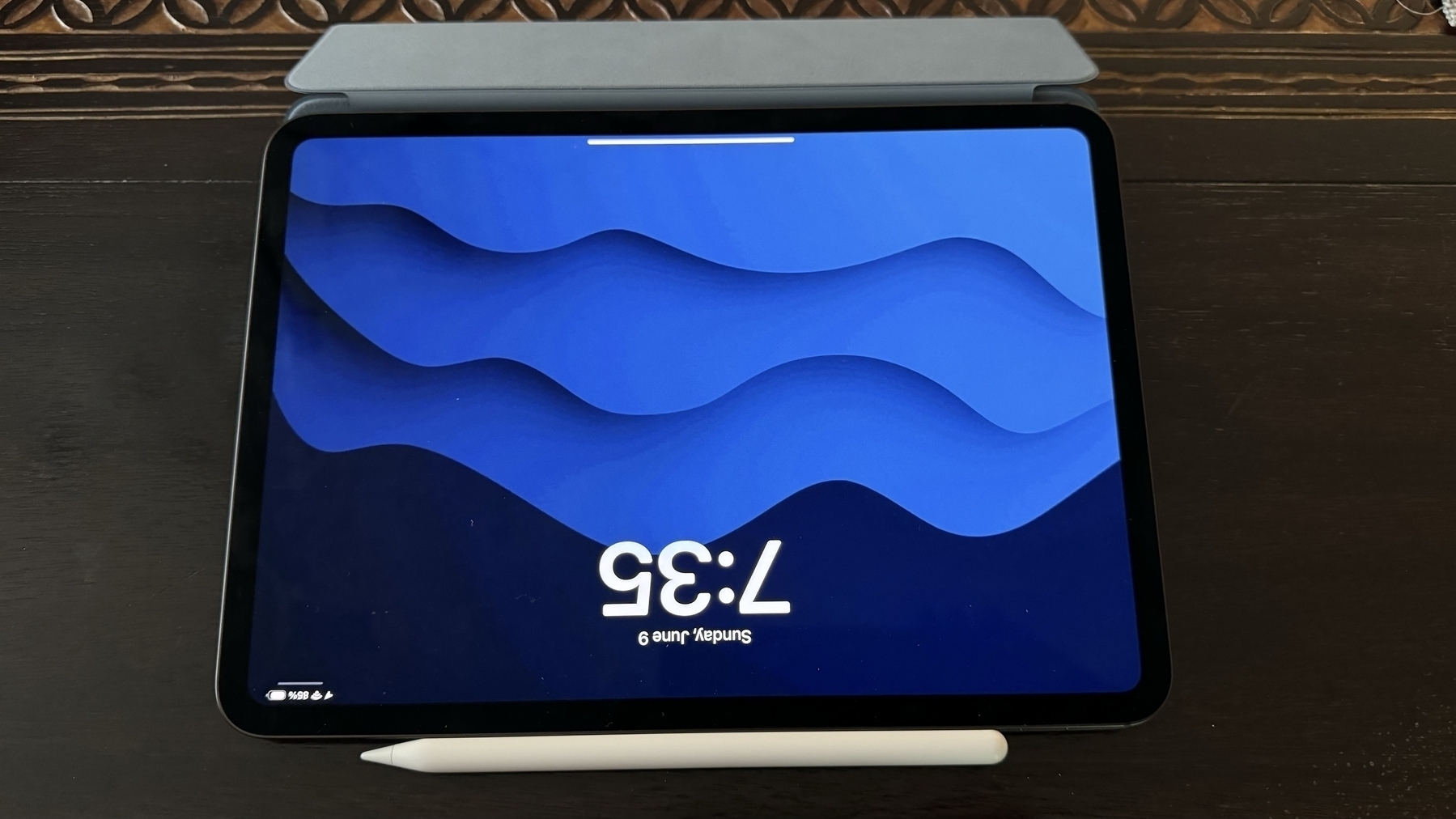
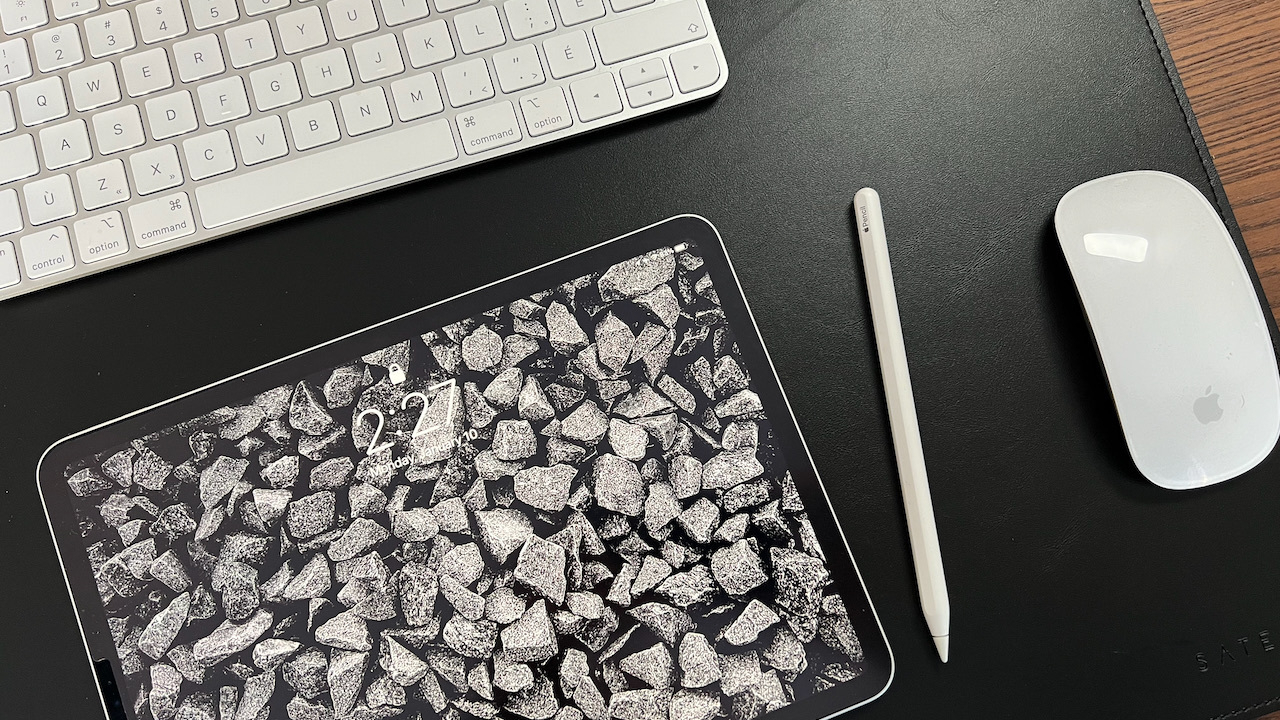
The iPad legitimacy (#apple #iPad #computer)

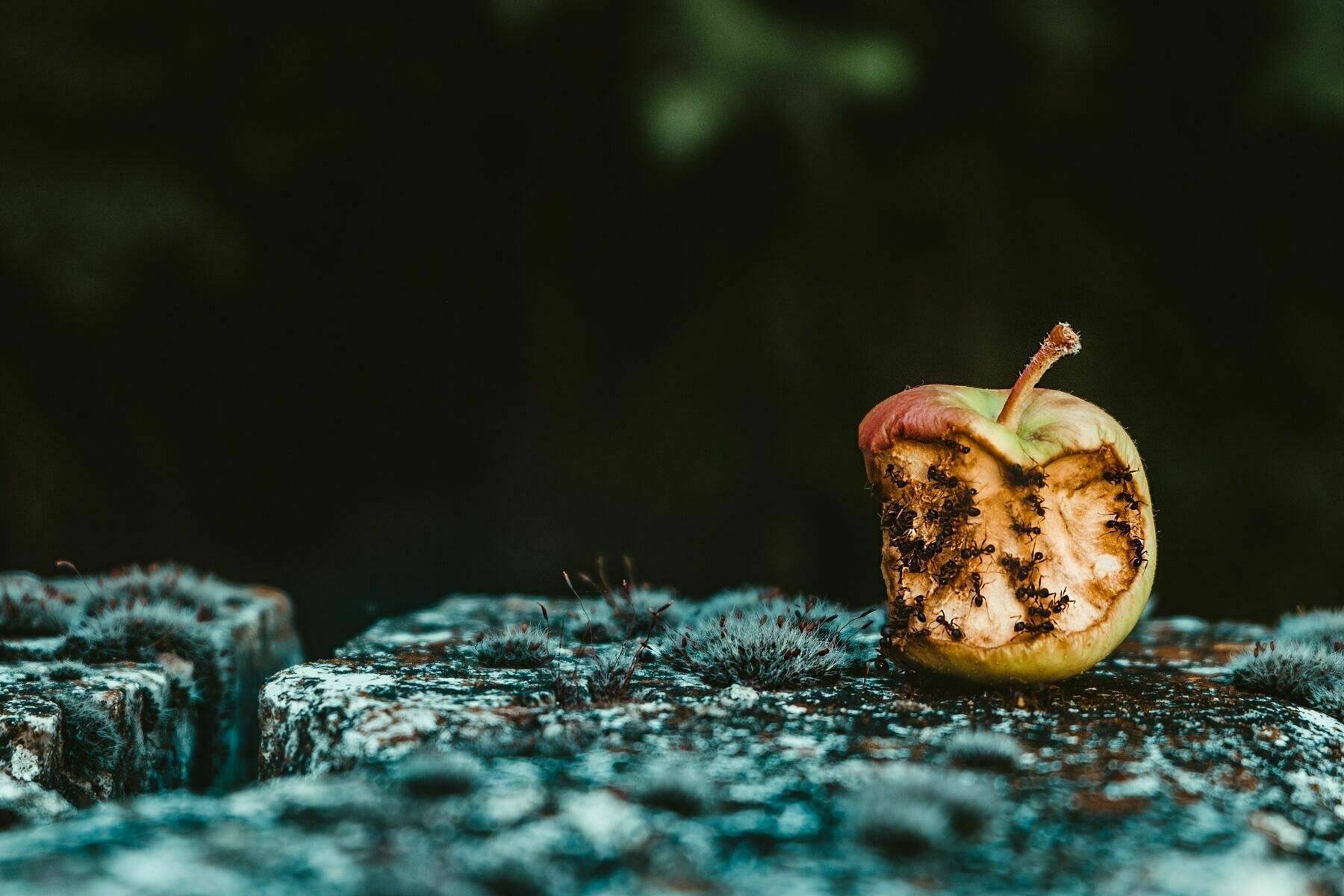
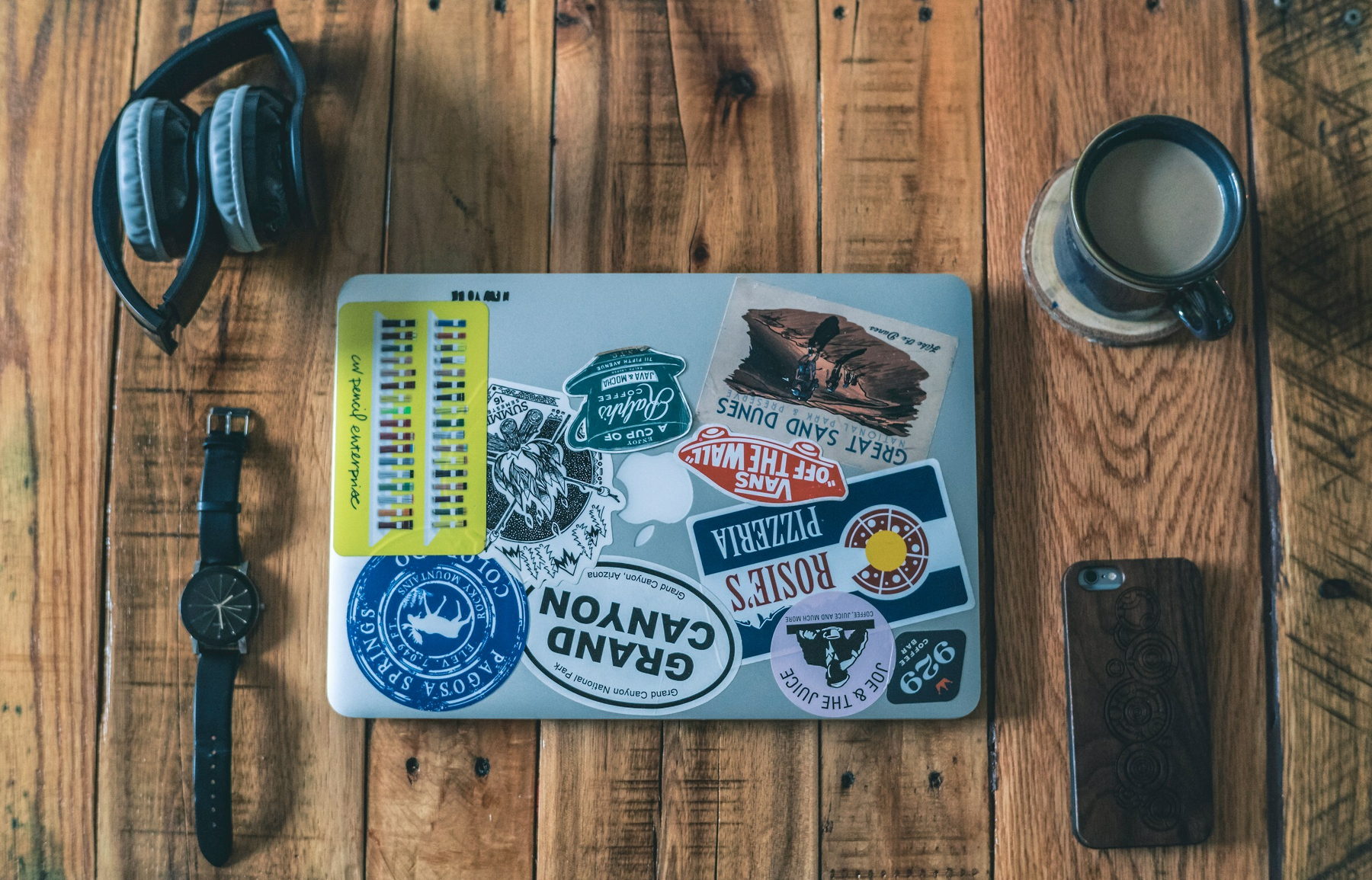
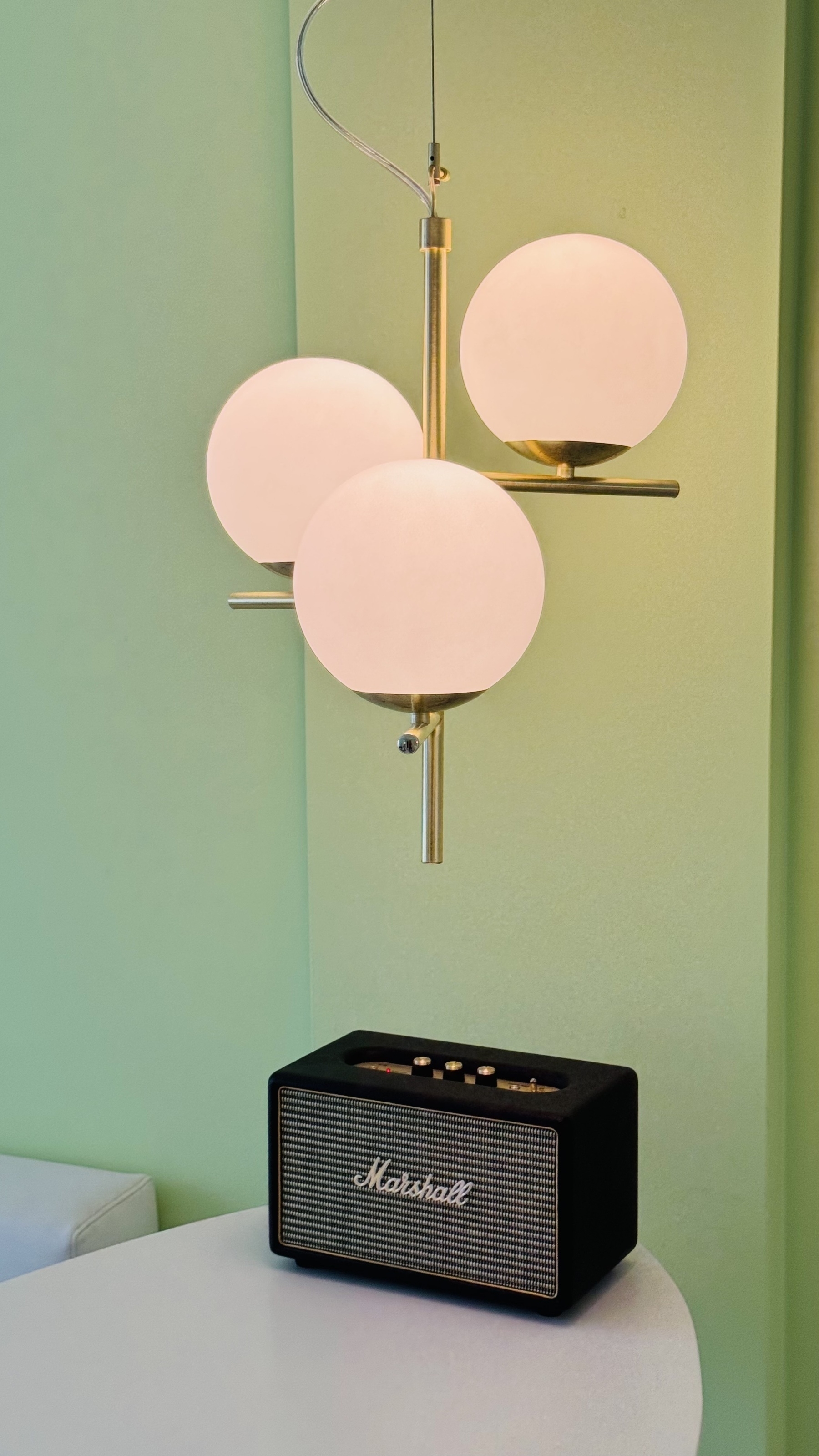
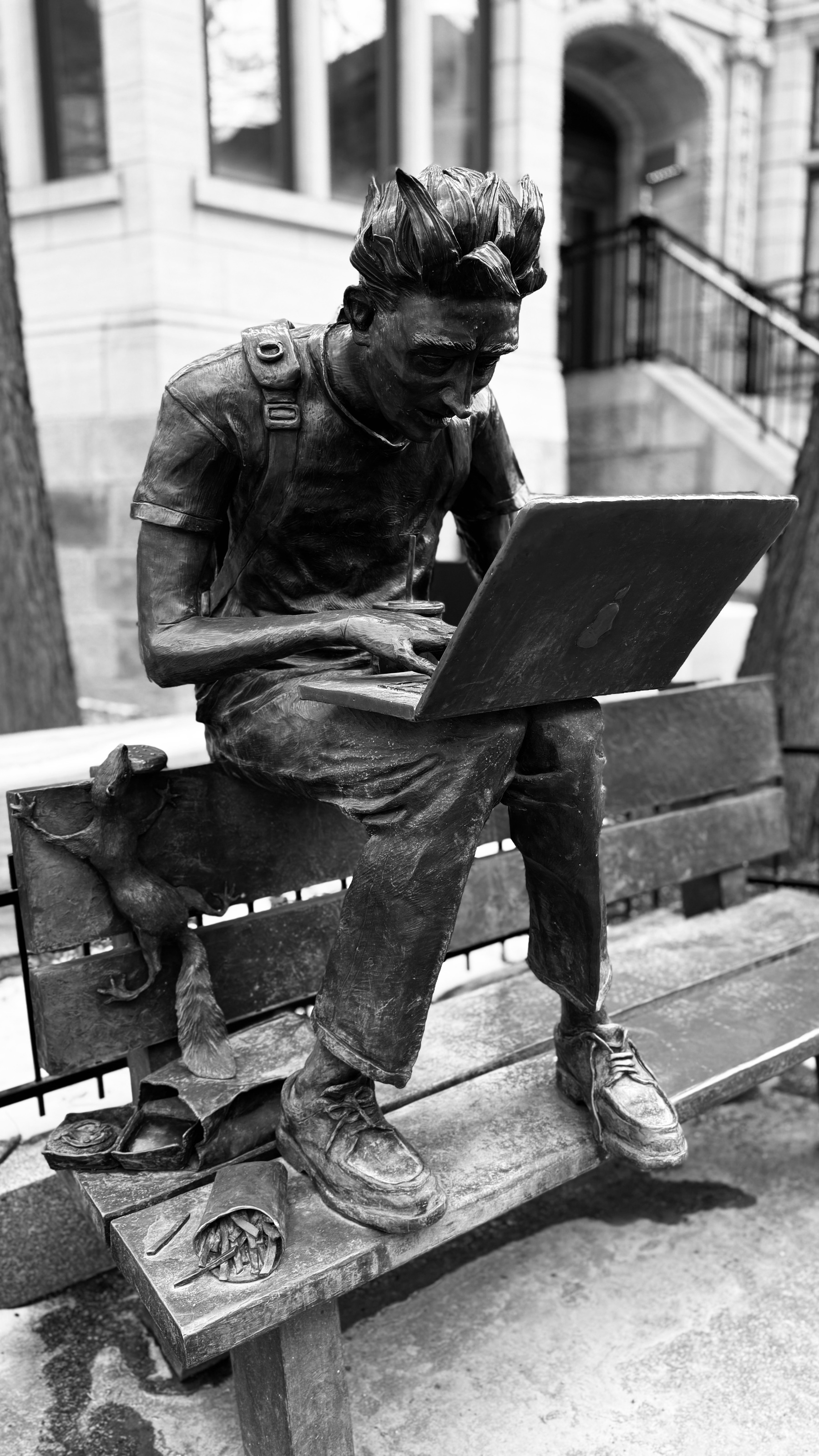
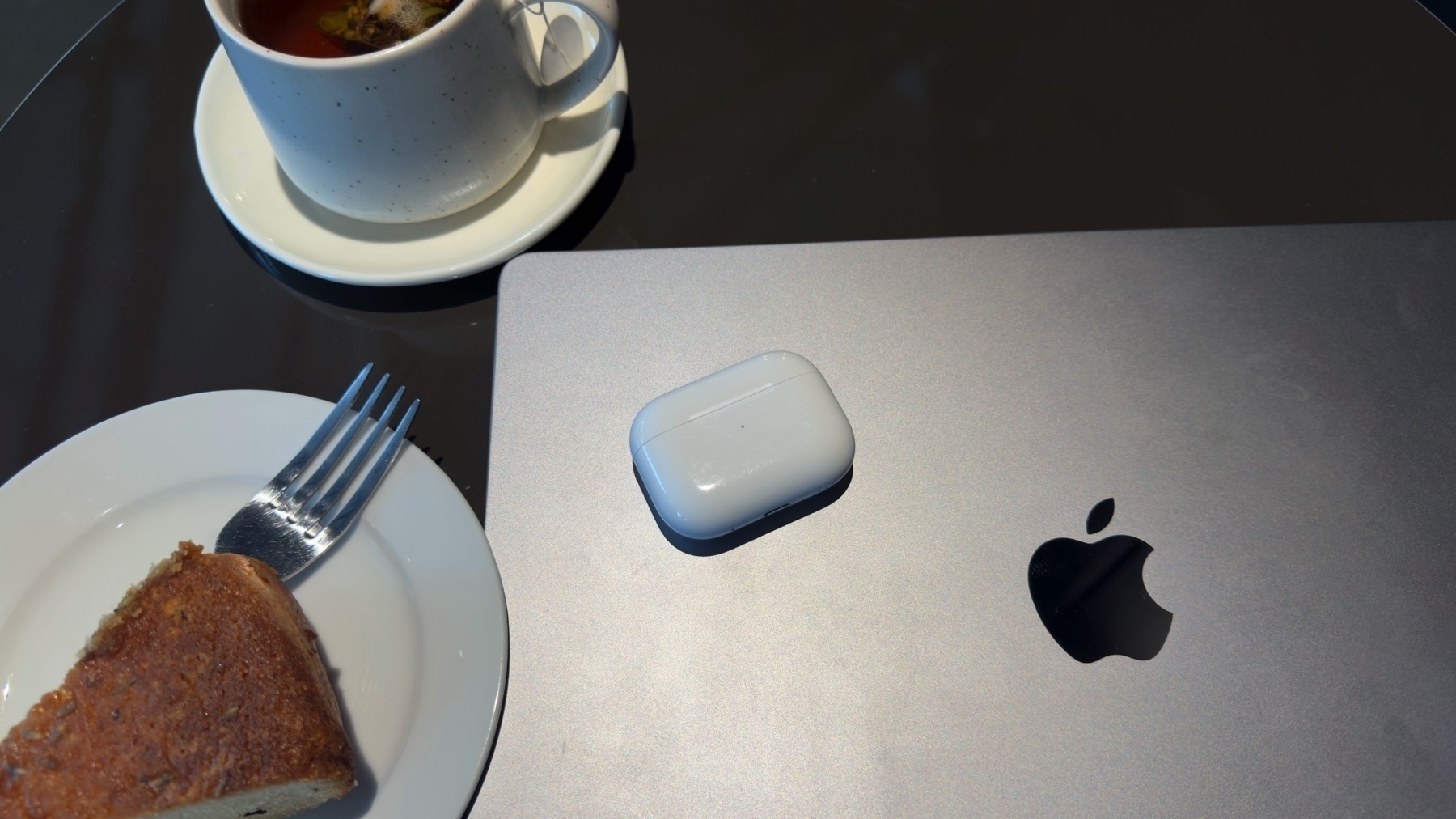
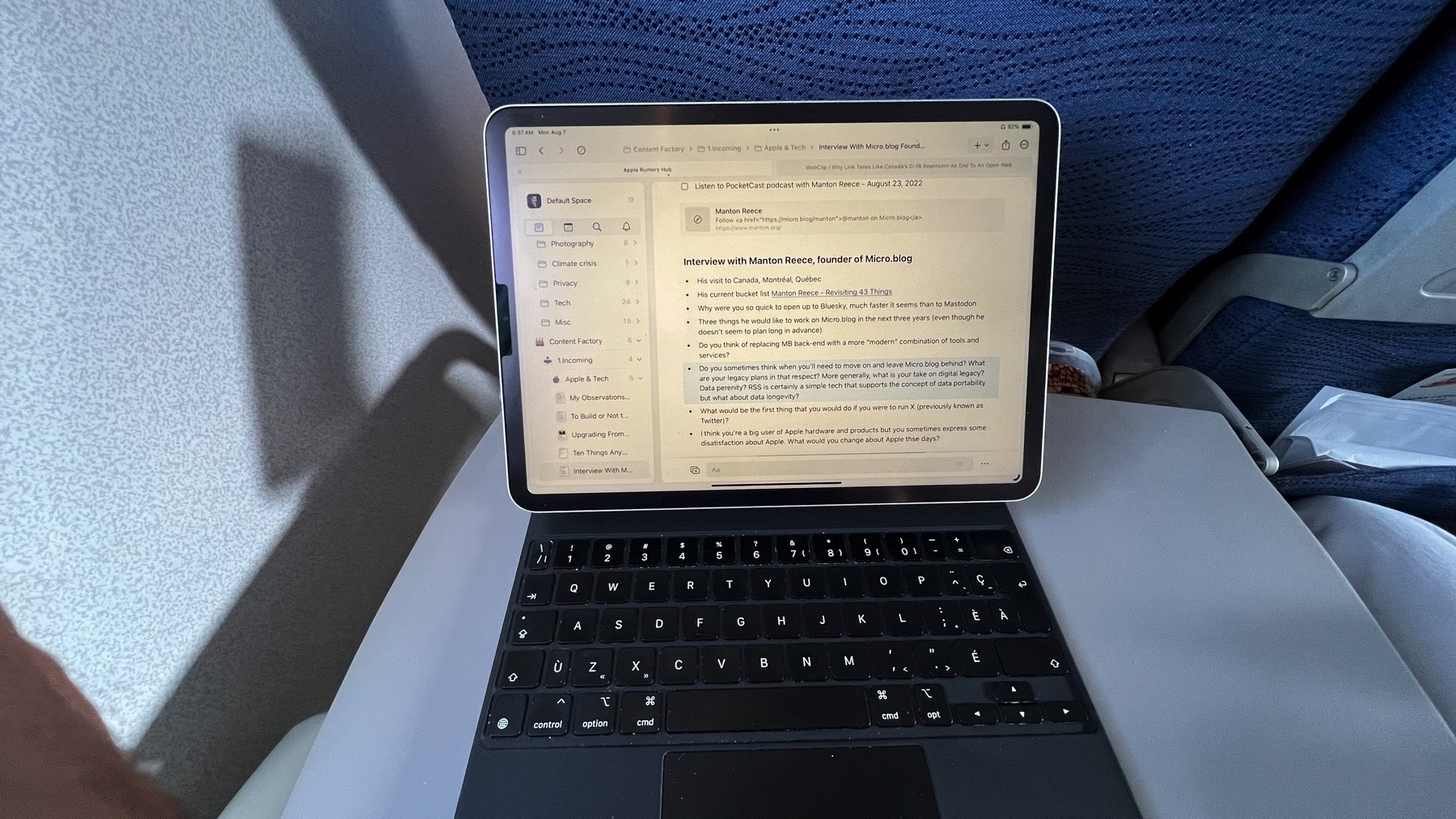
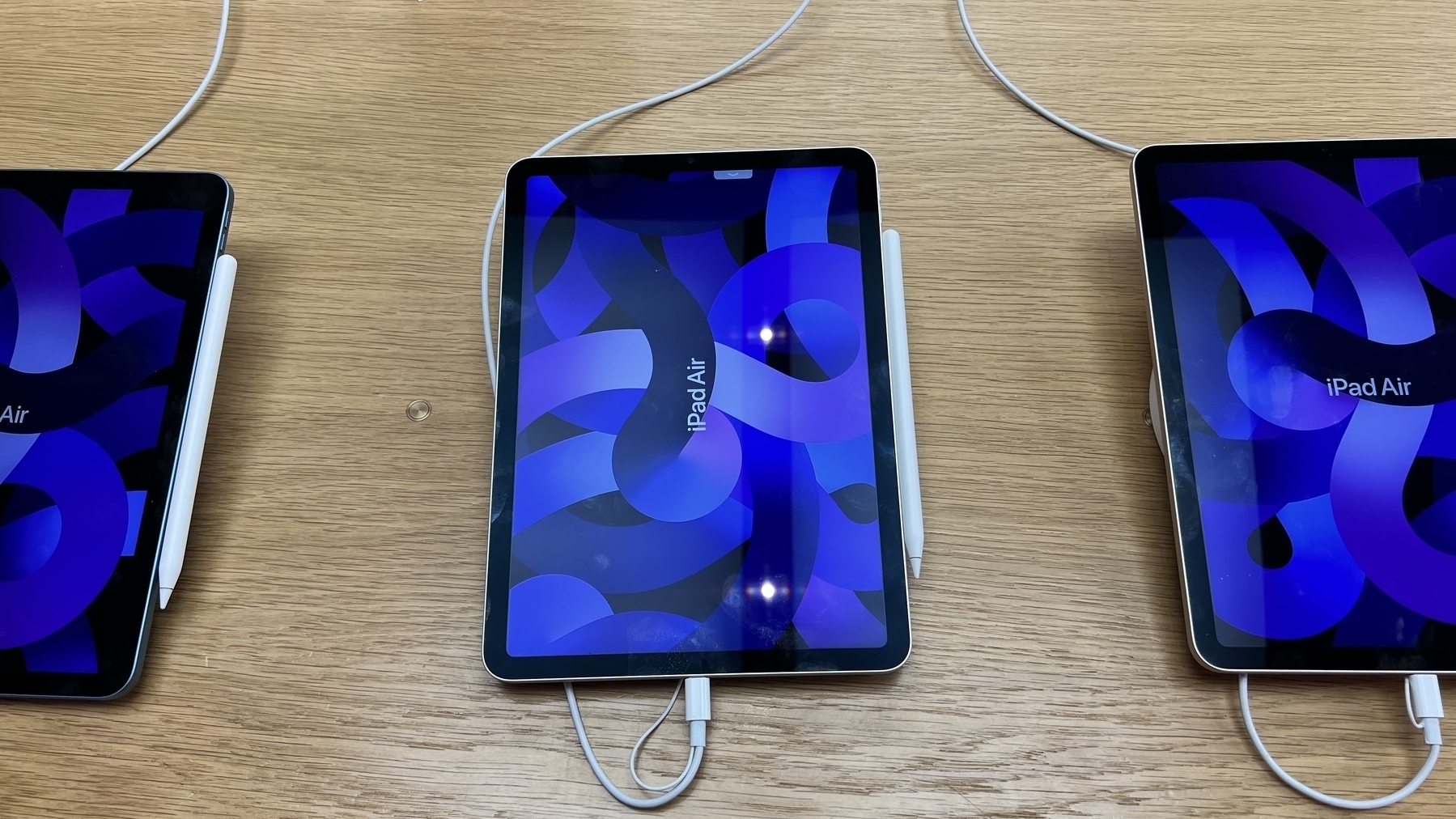
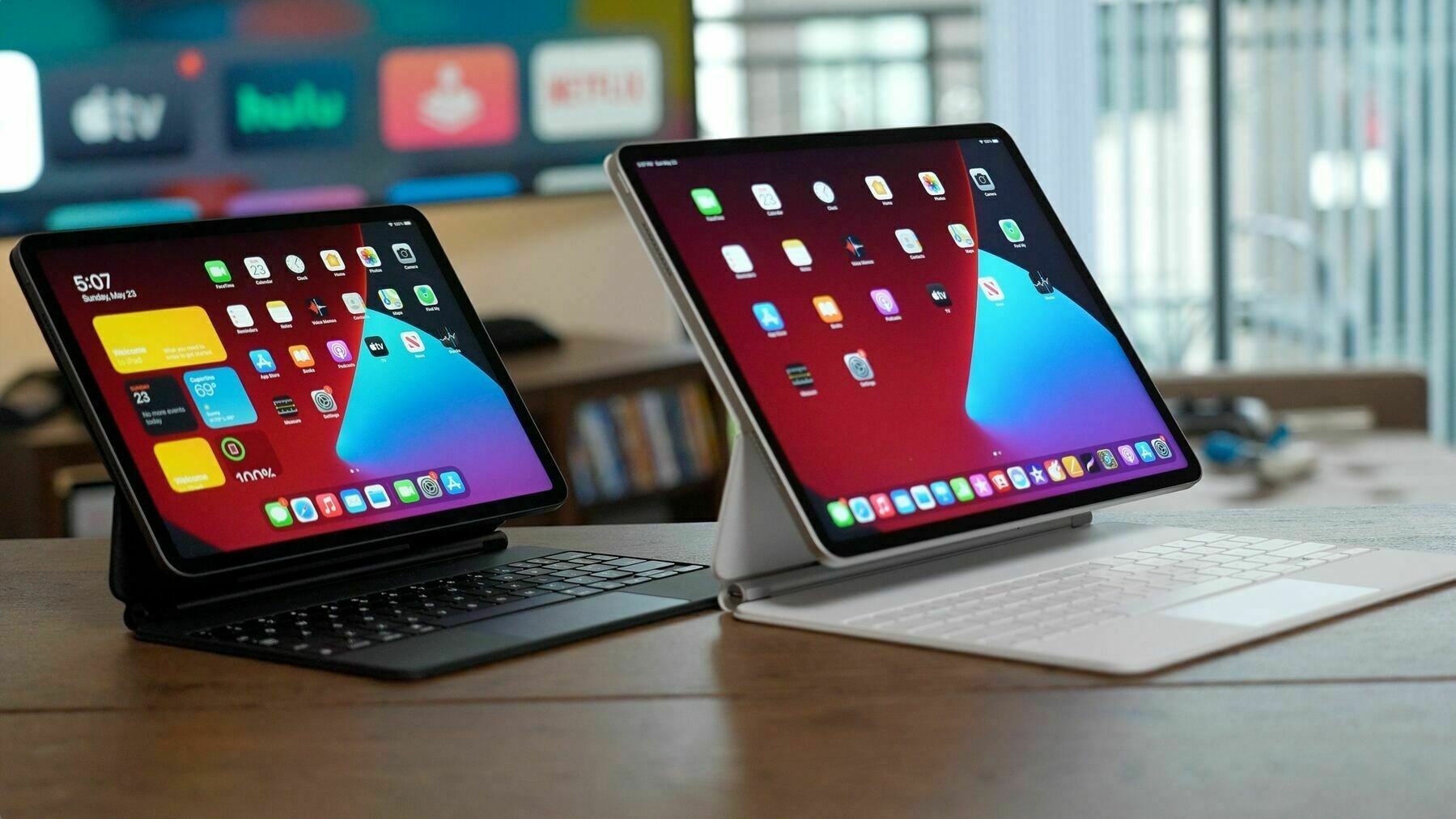
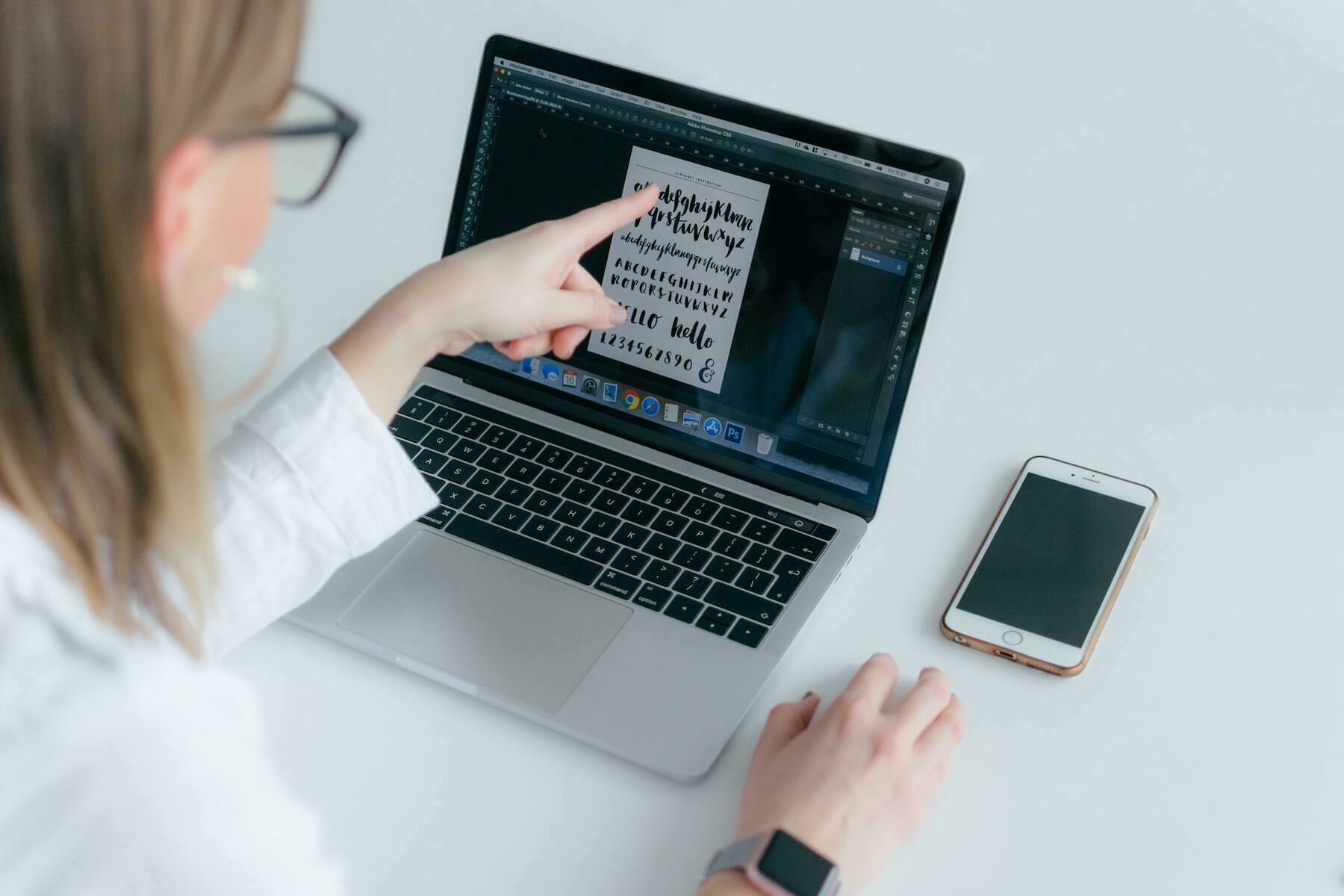
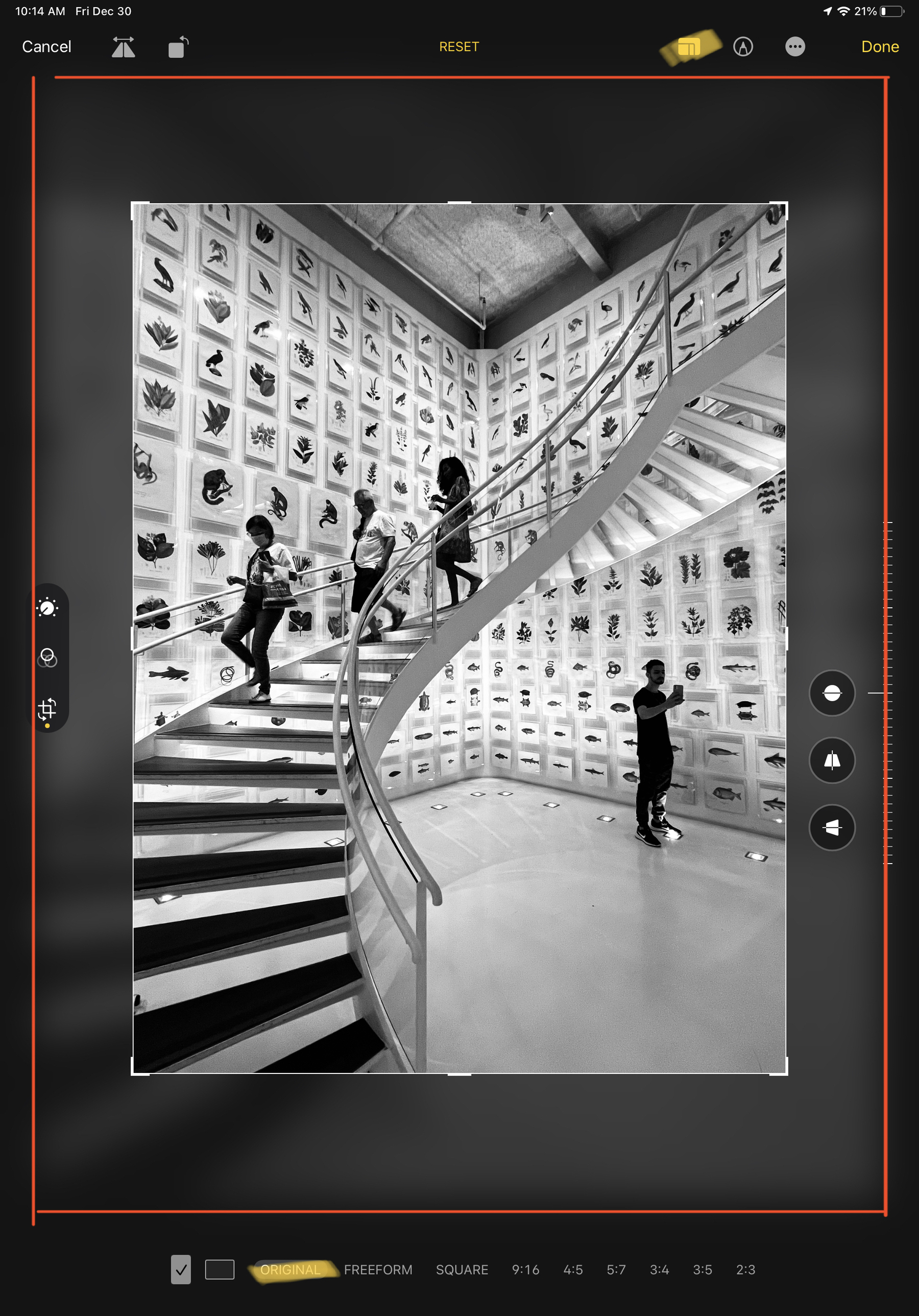
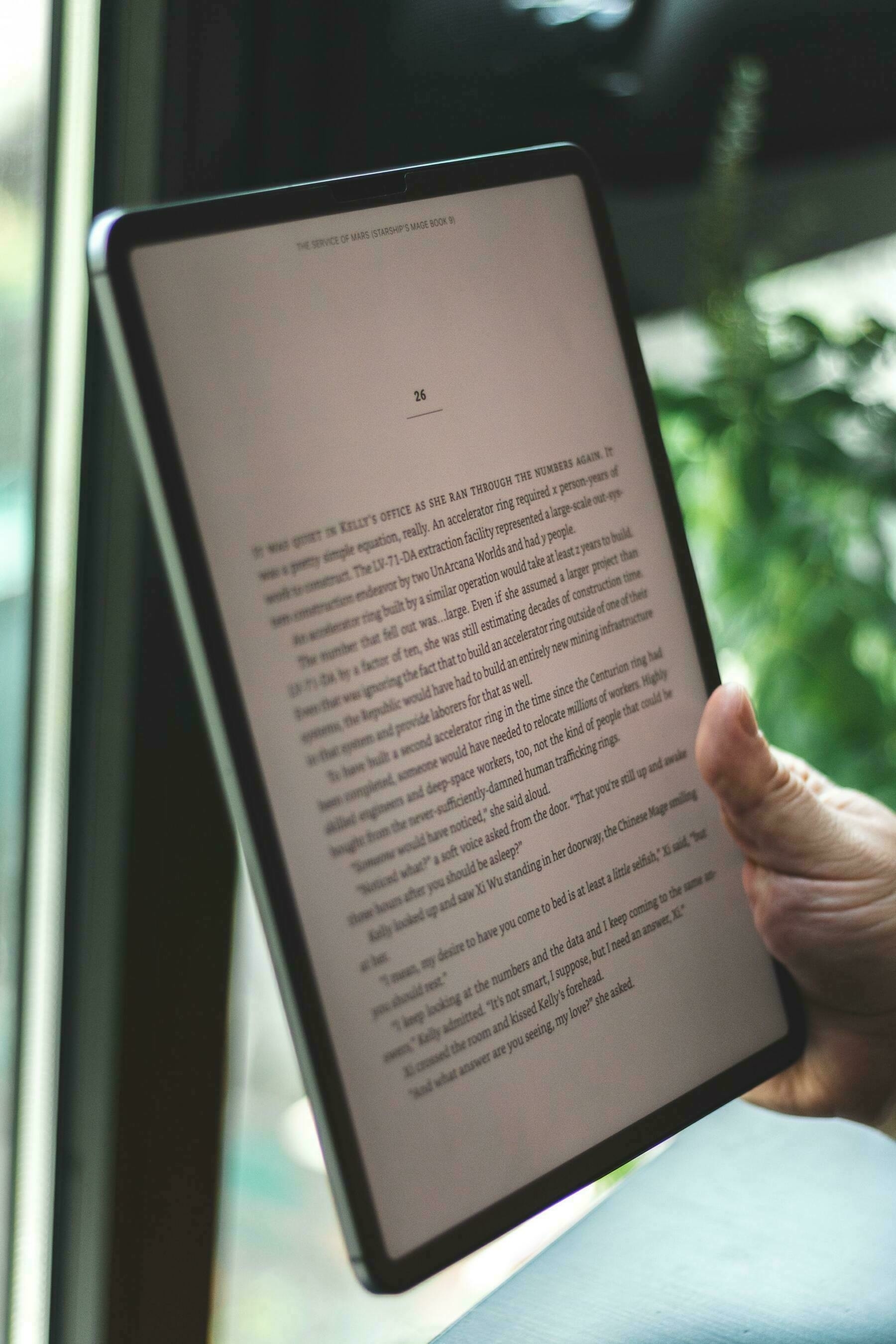
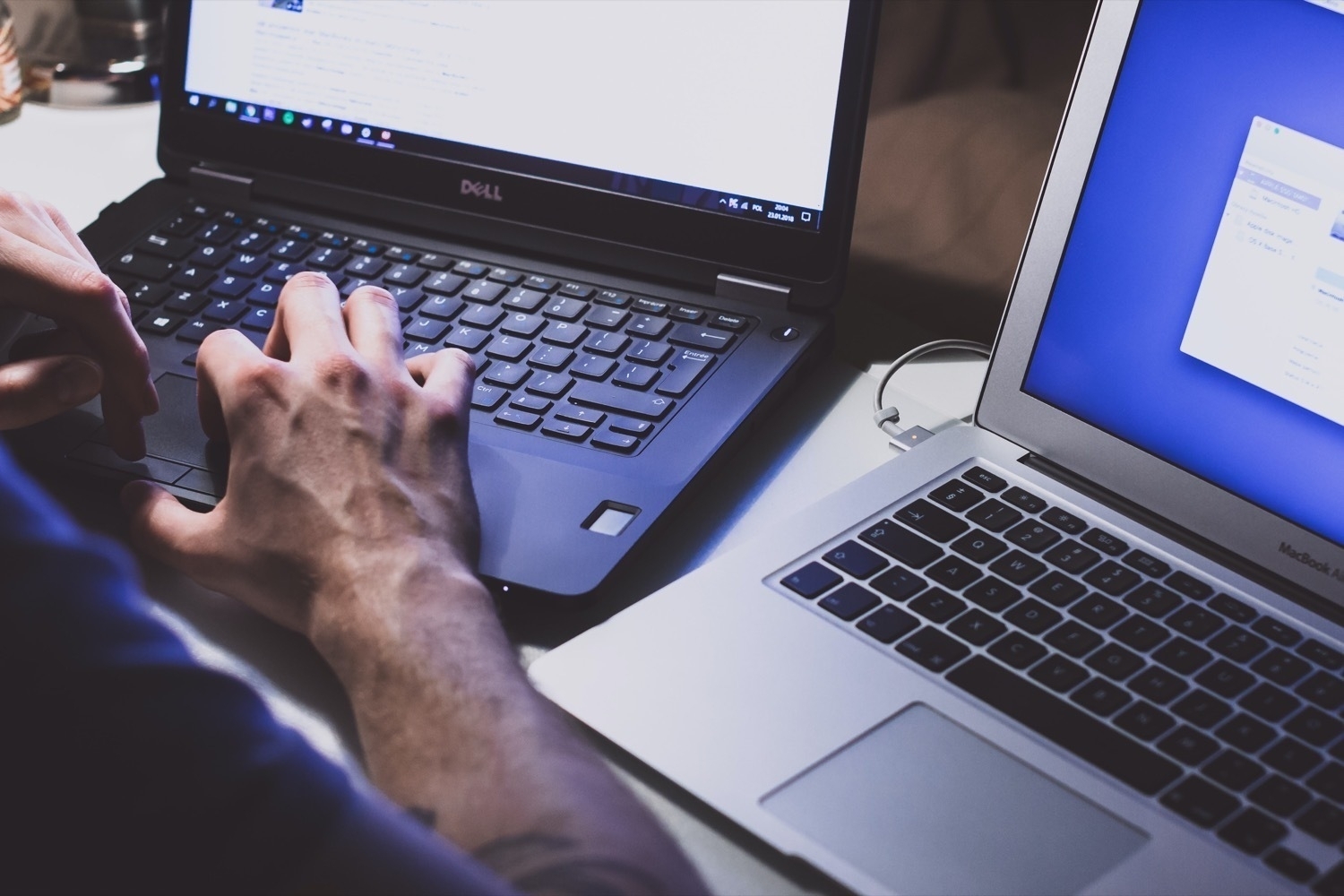
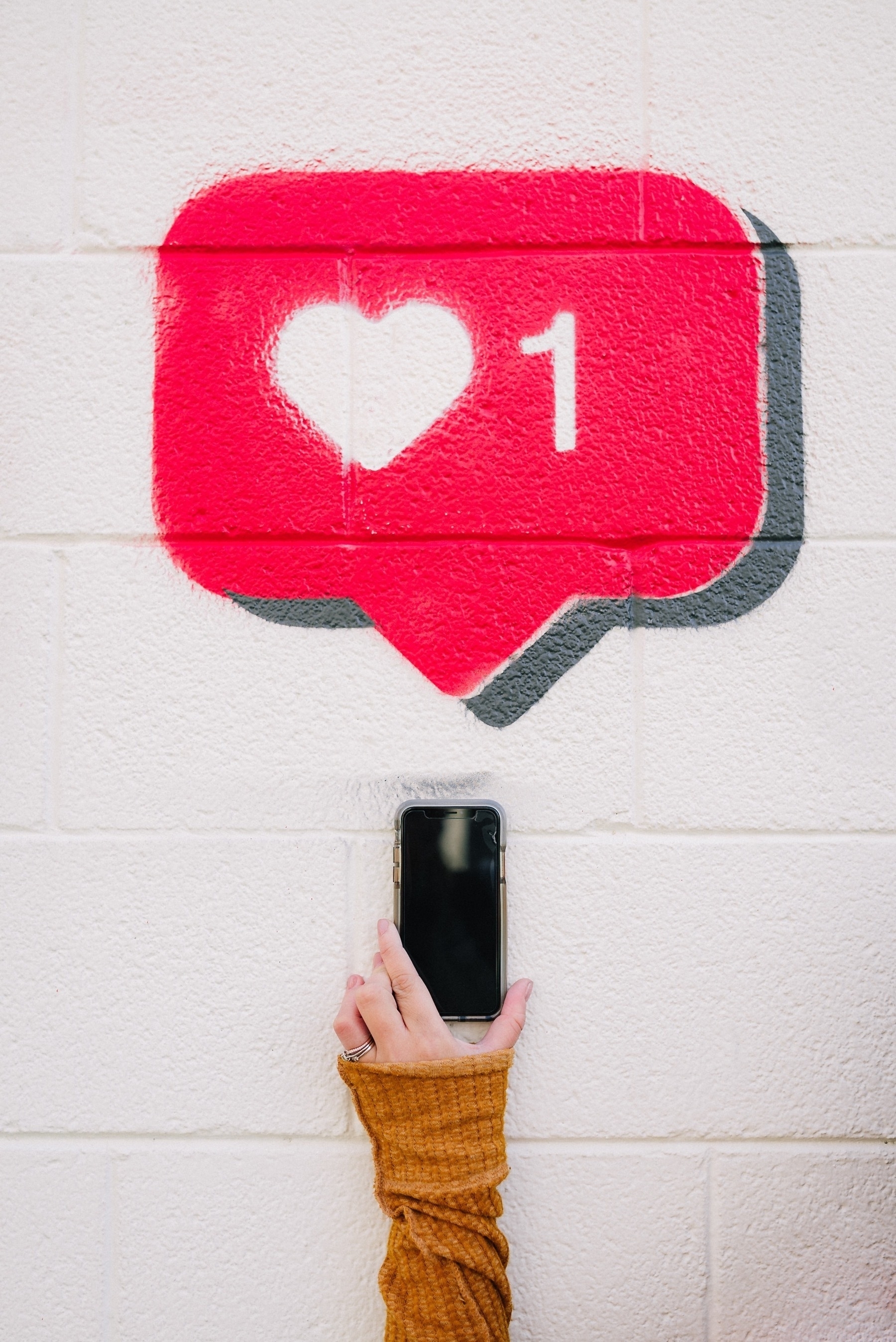
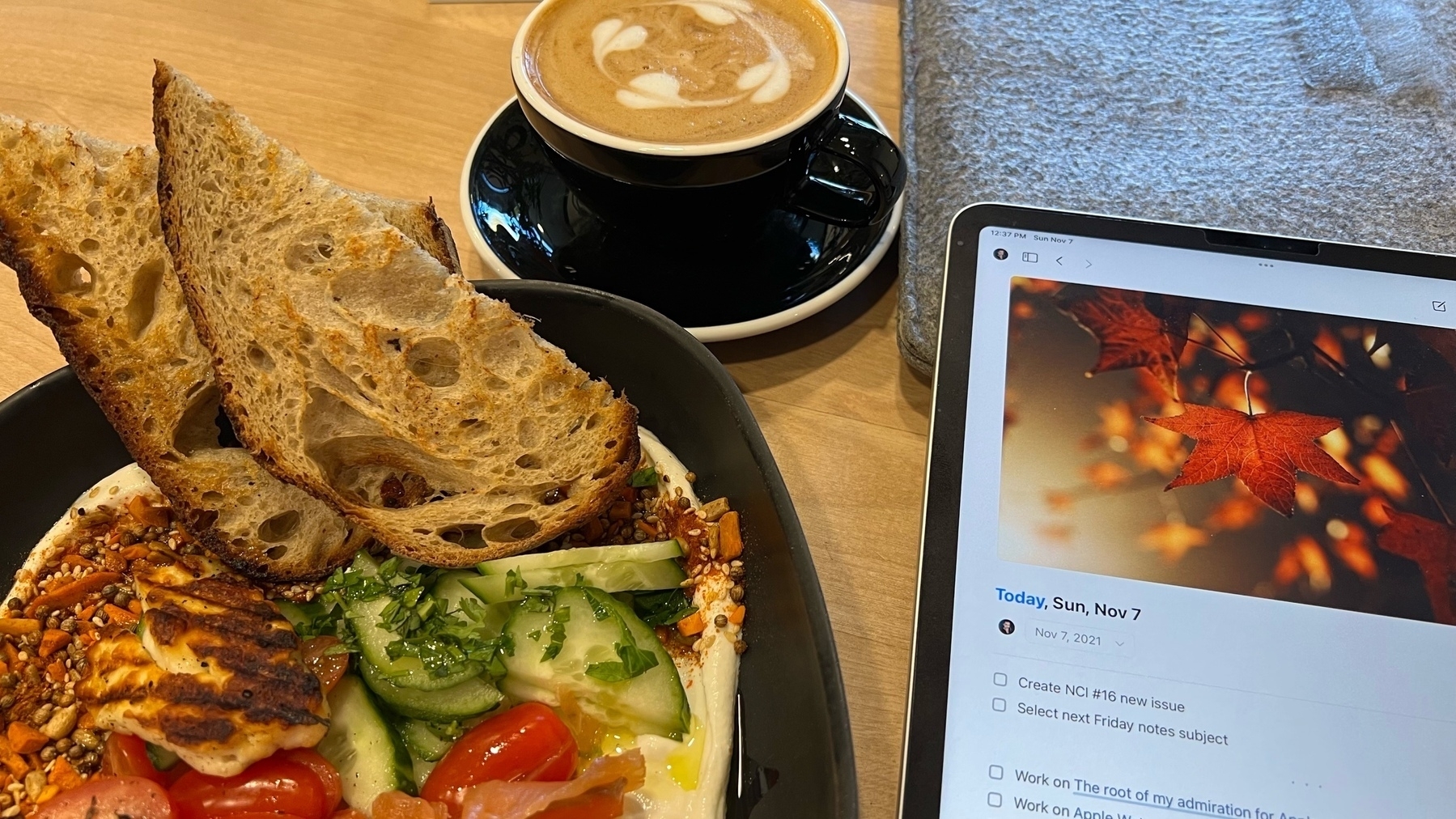
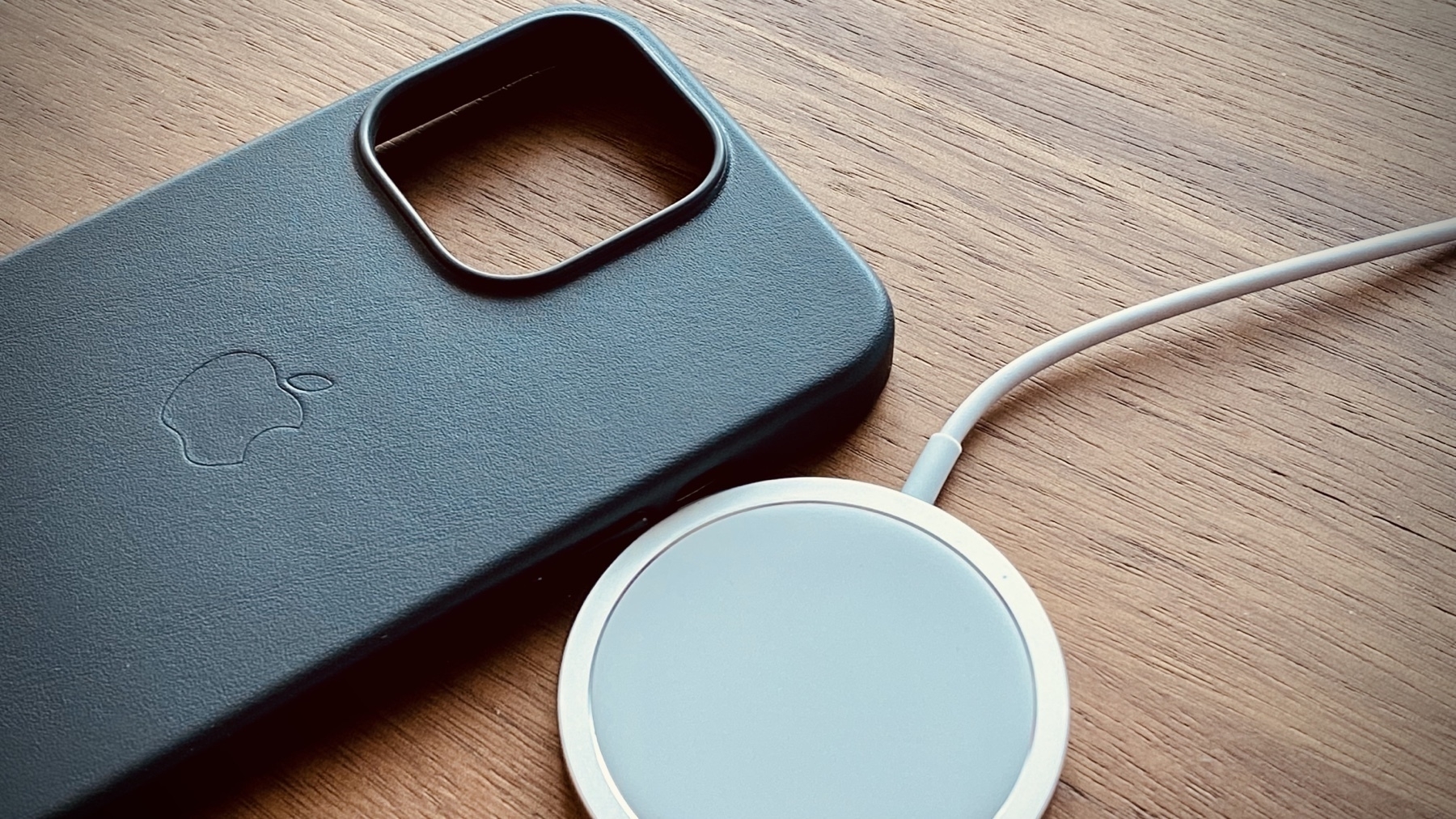
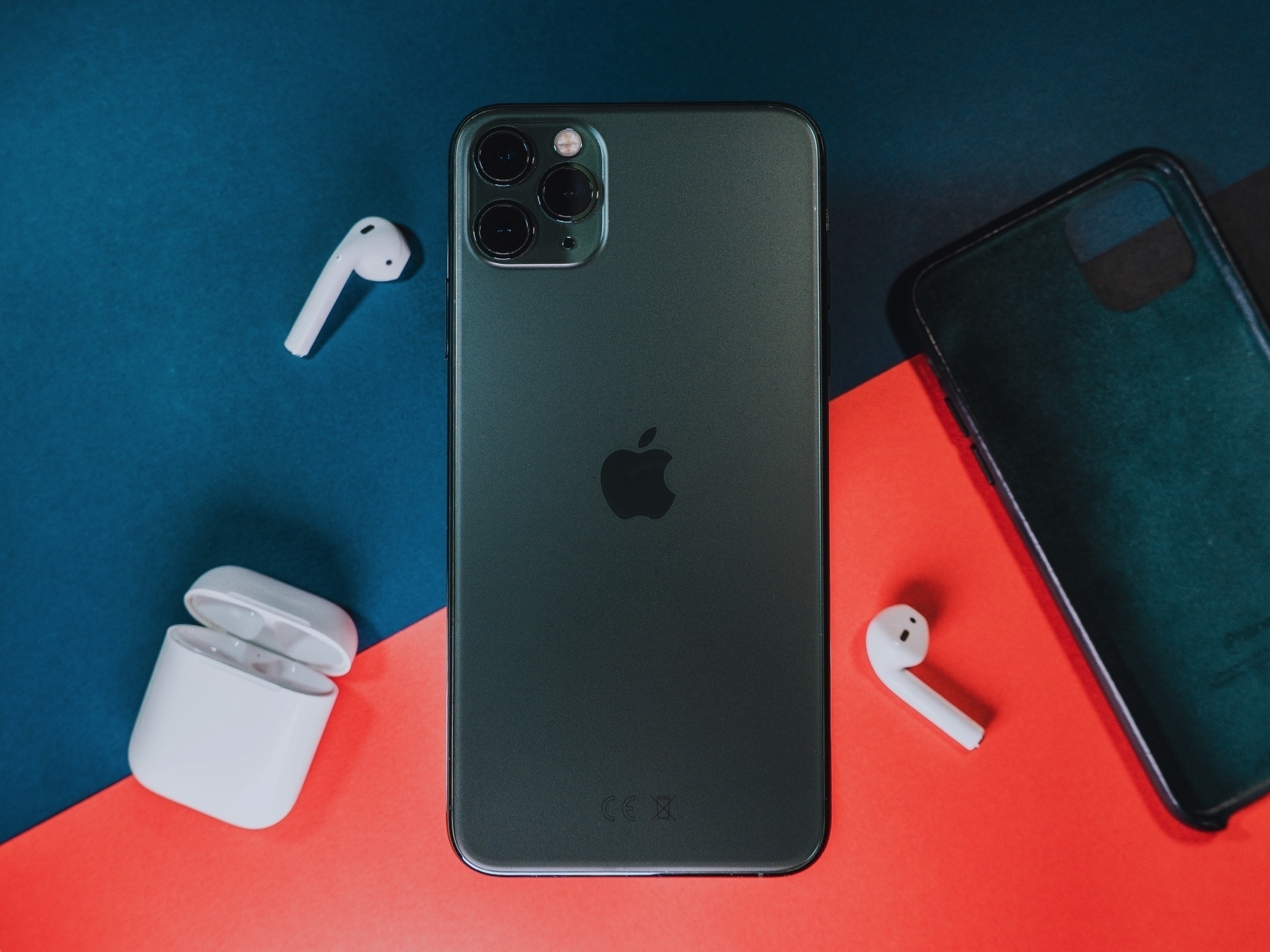
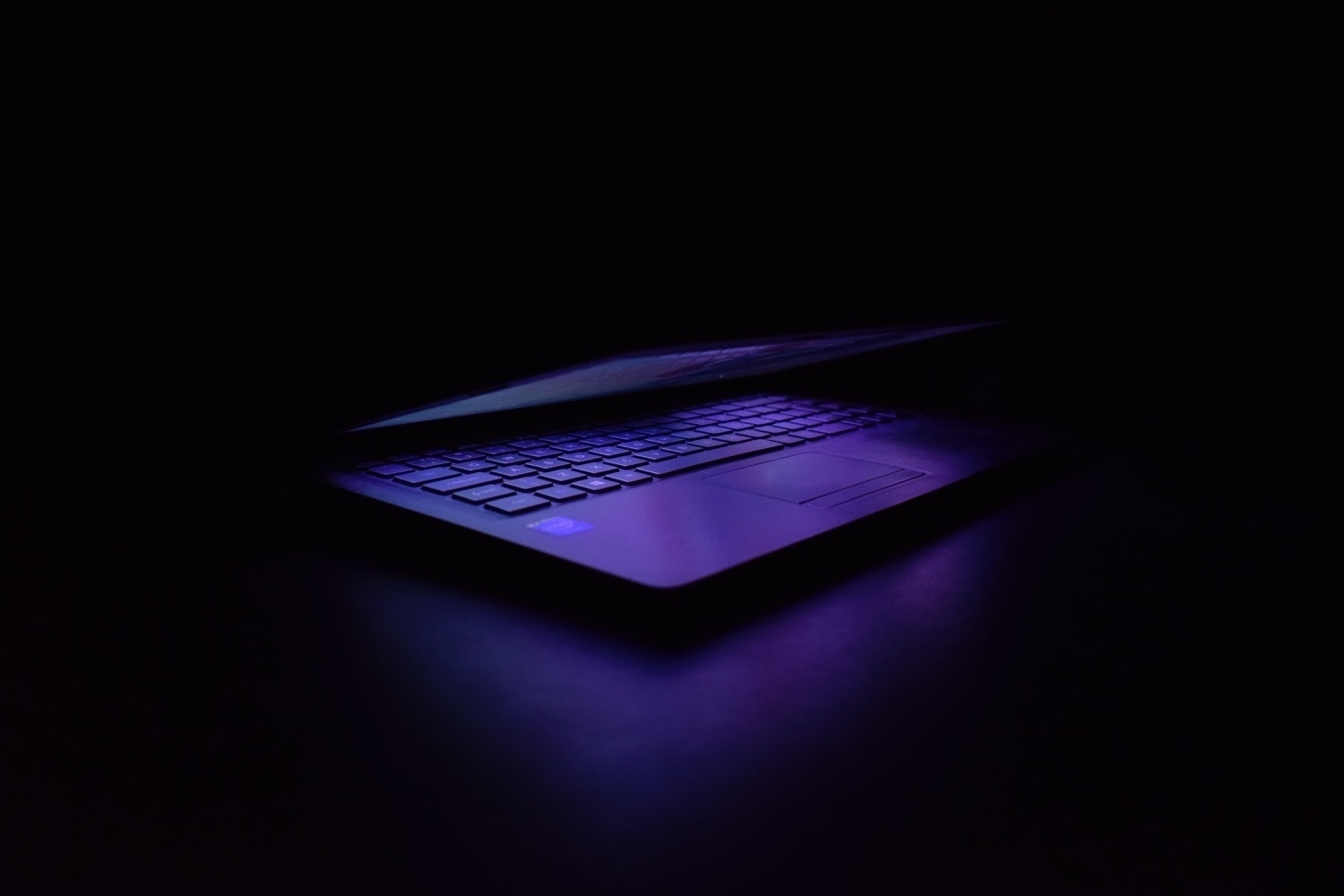
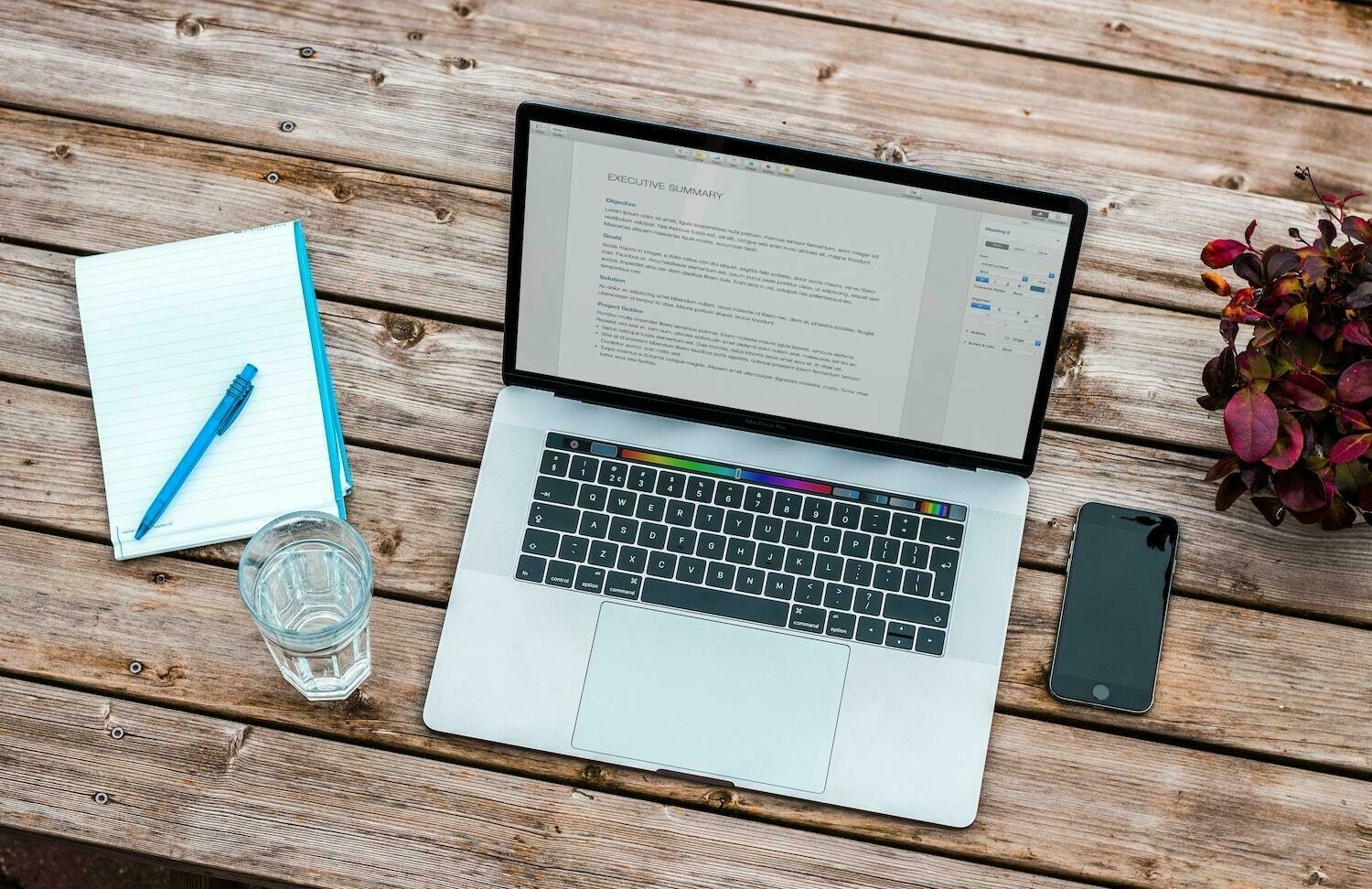
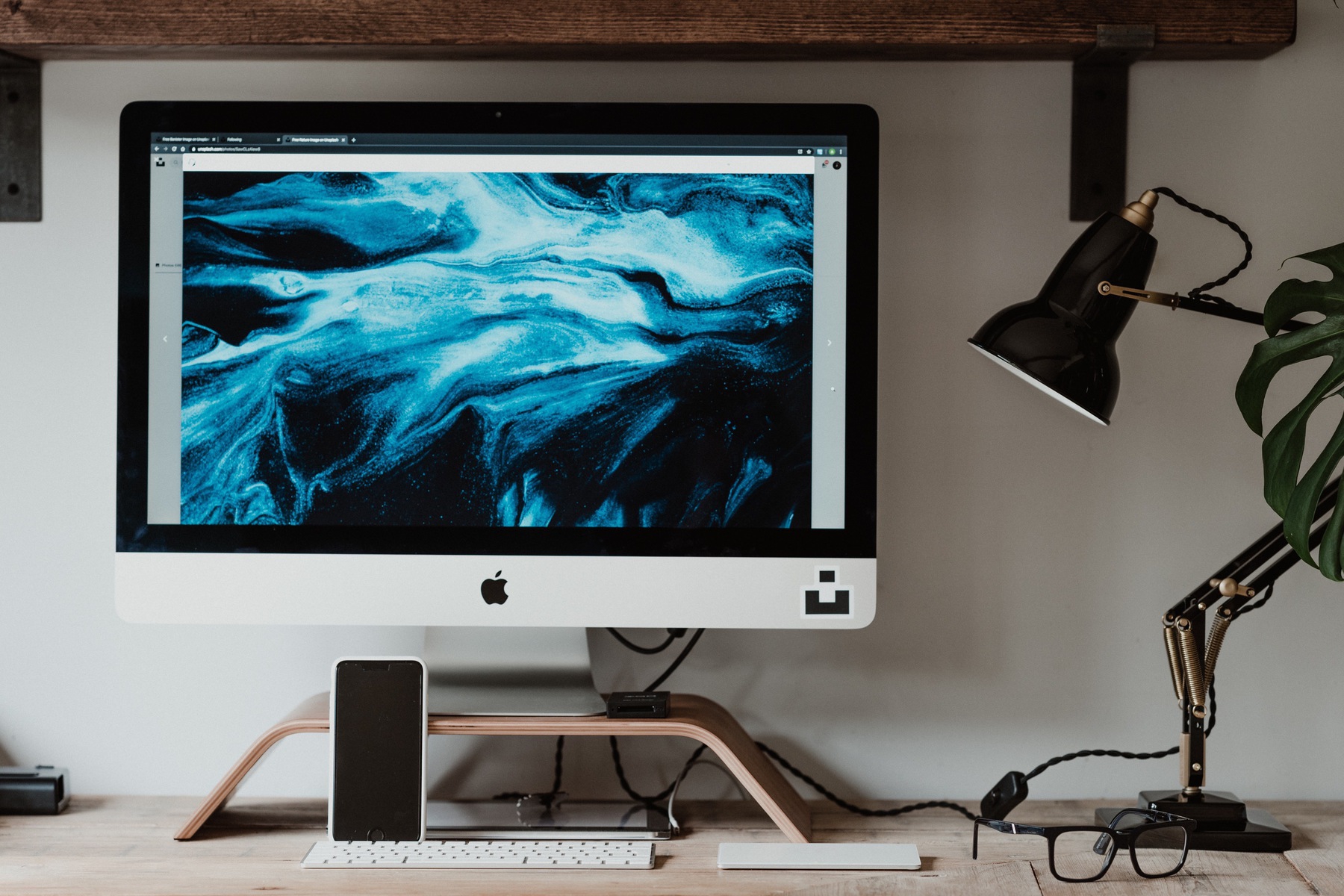
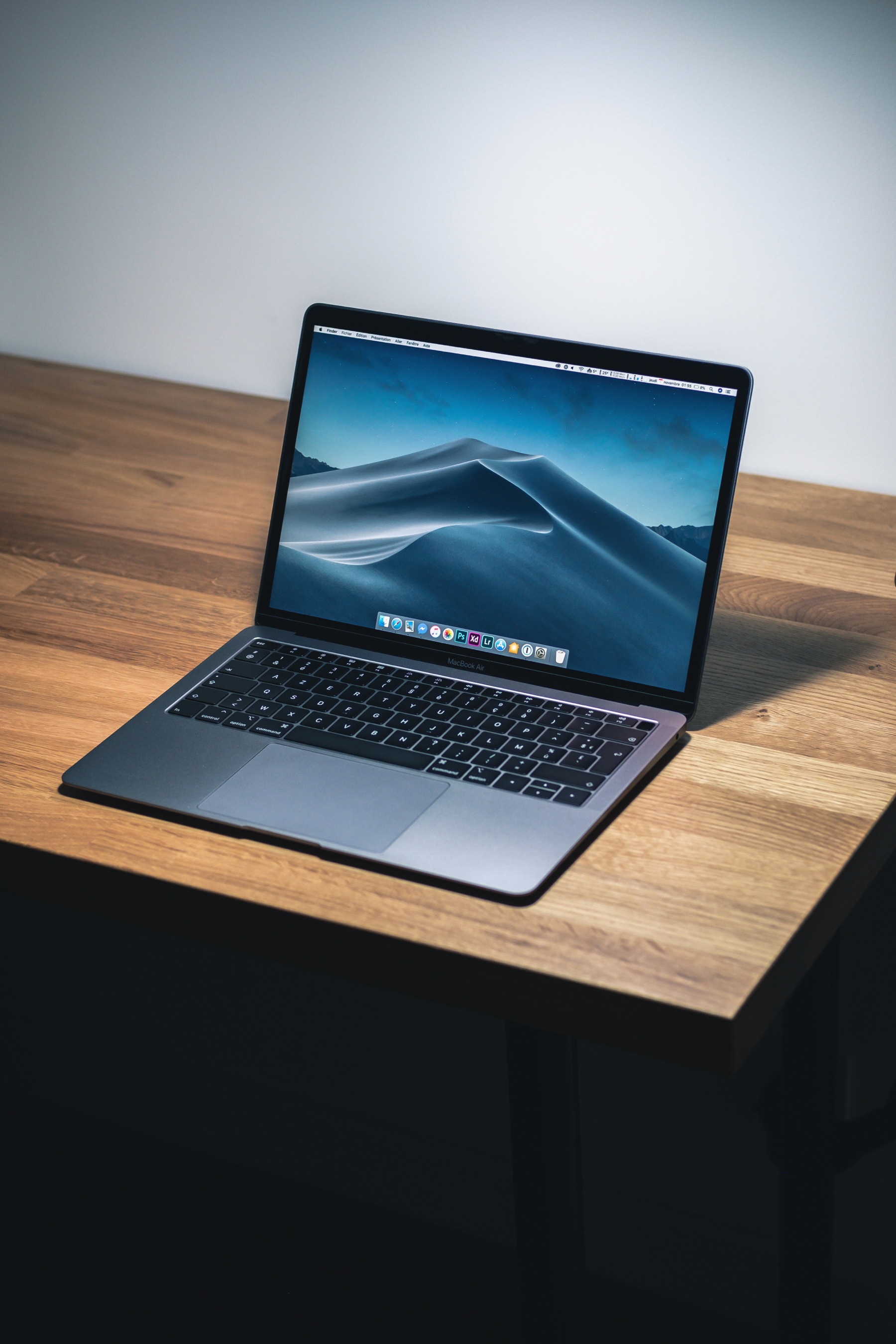
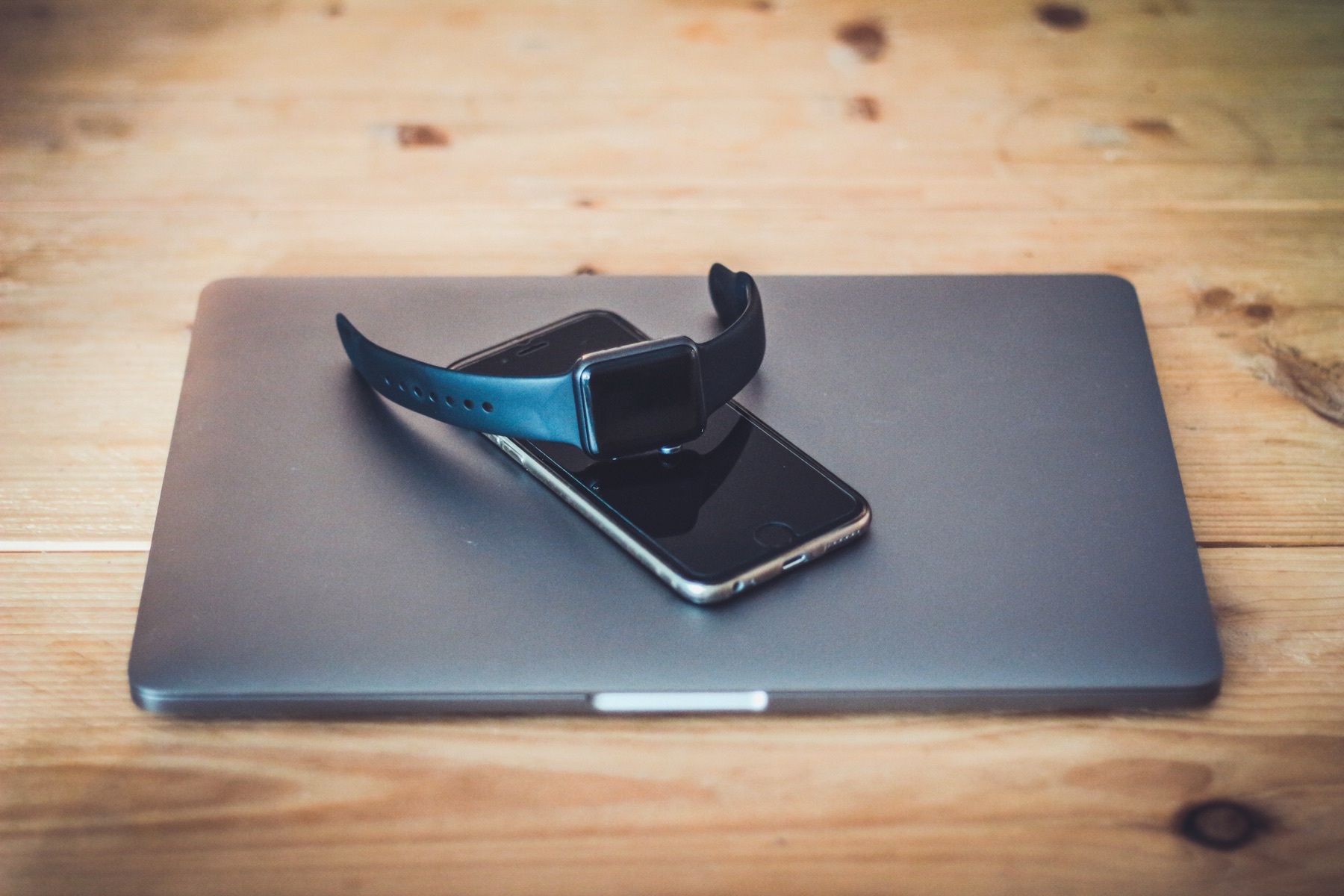
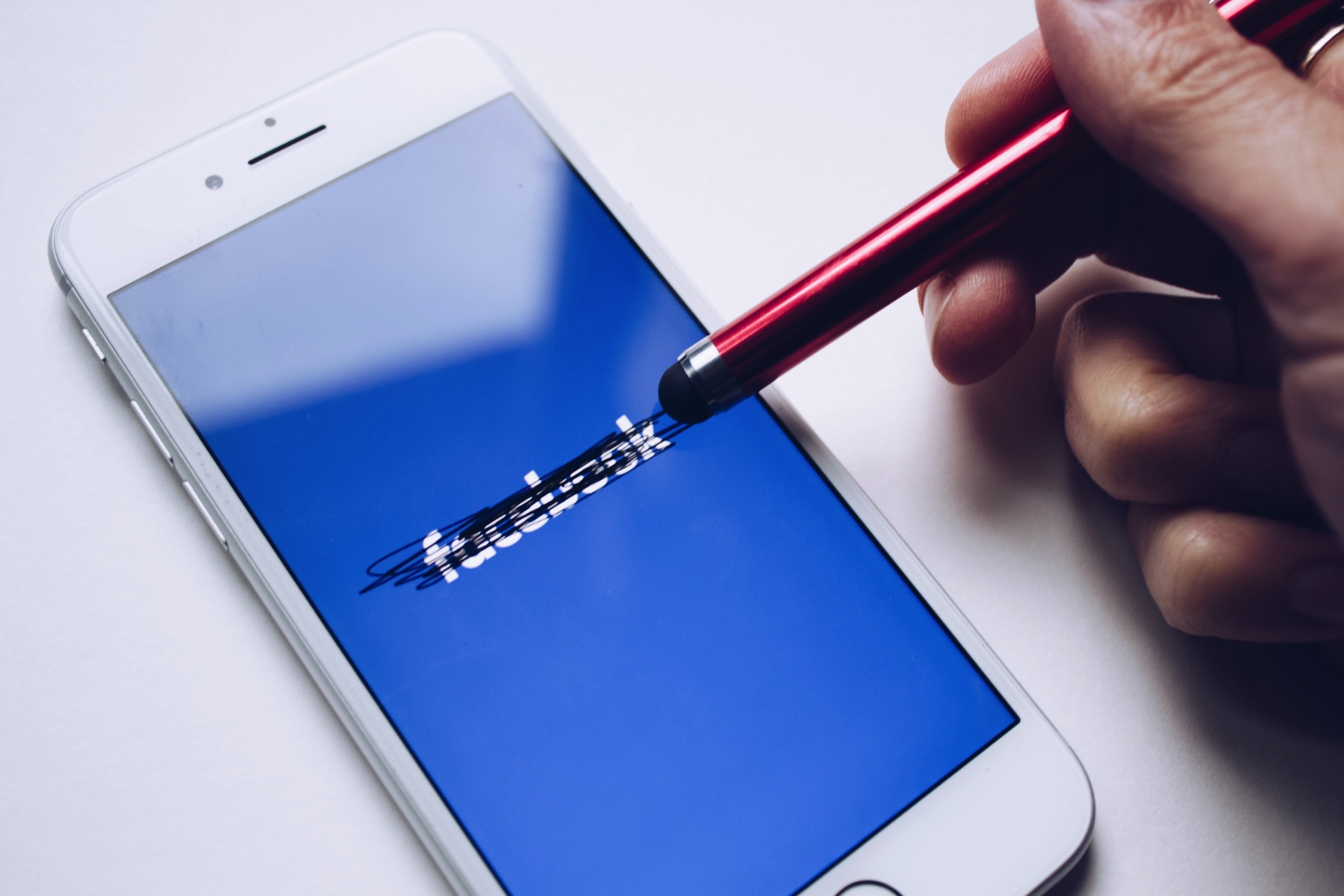
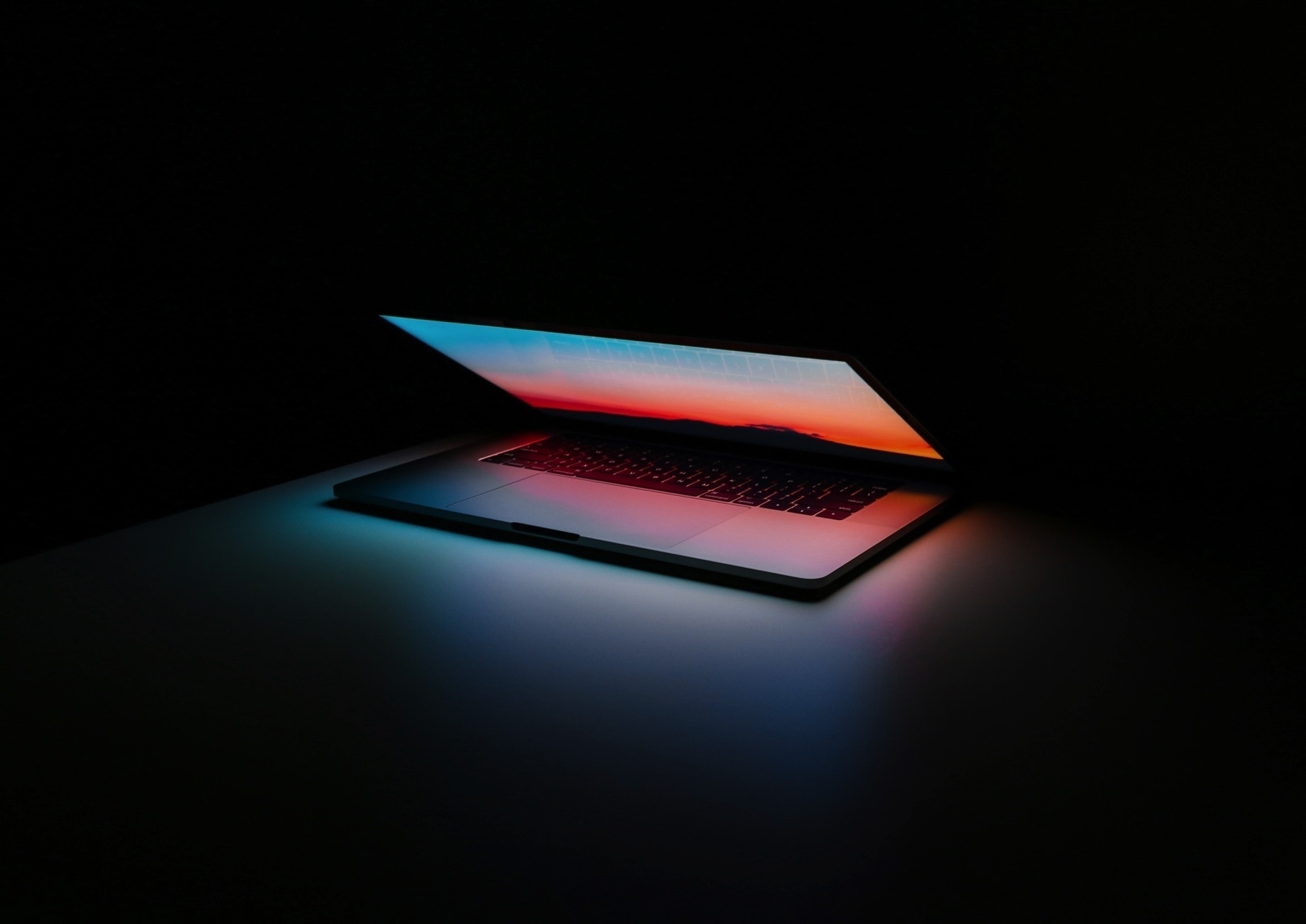
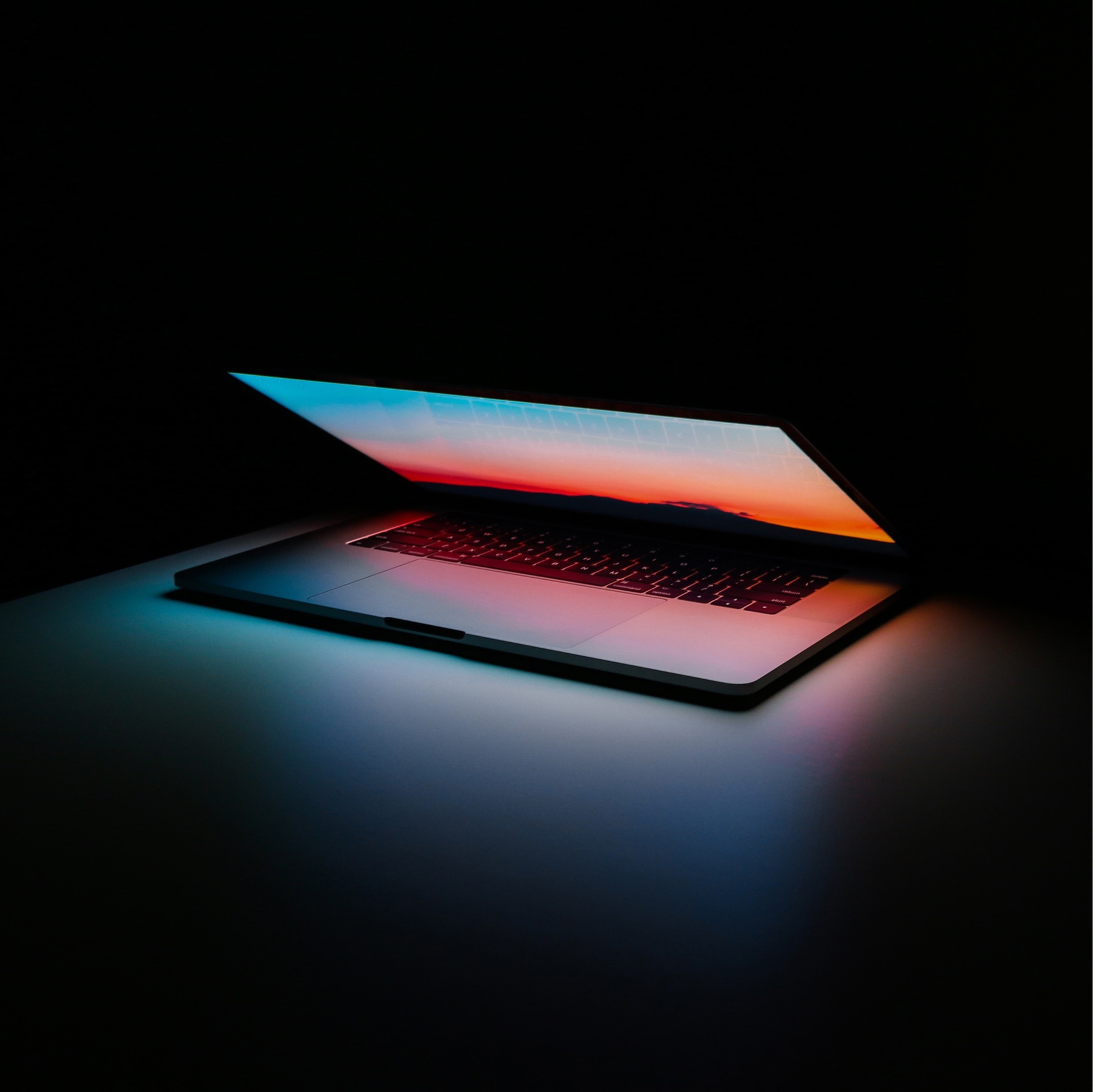
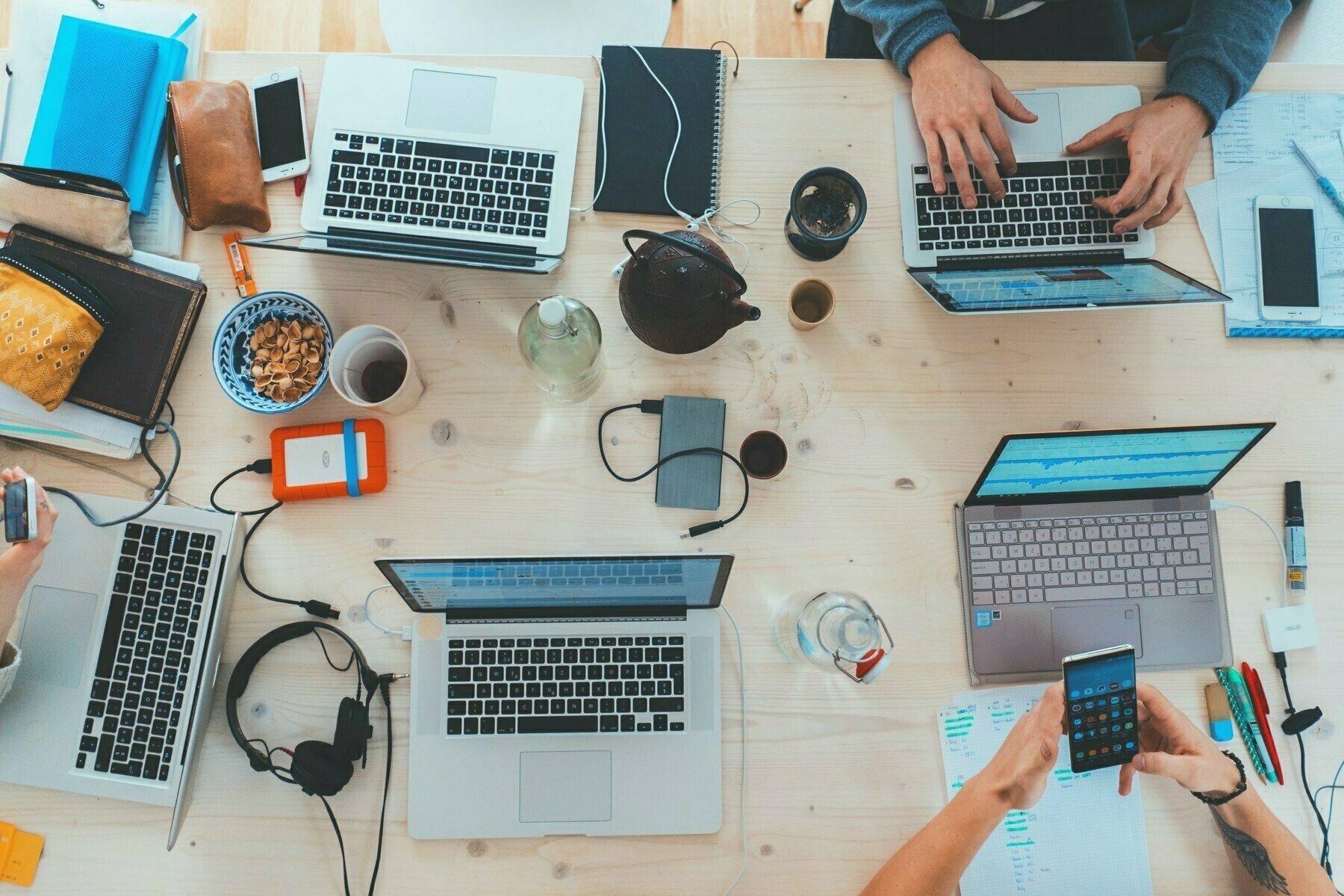
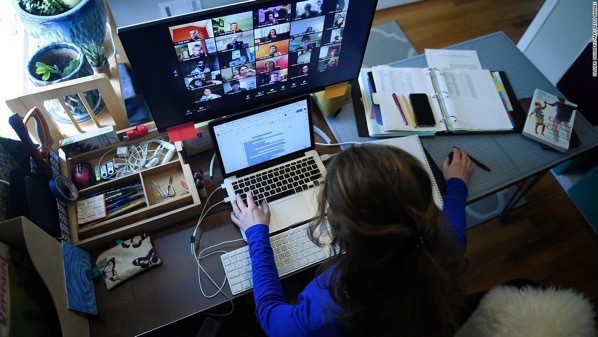
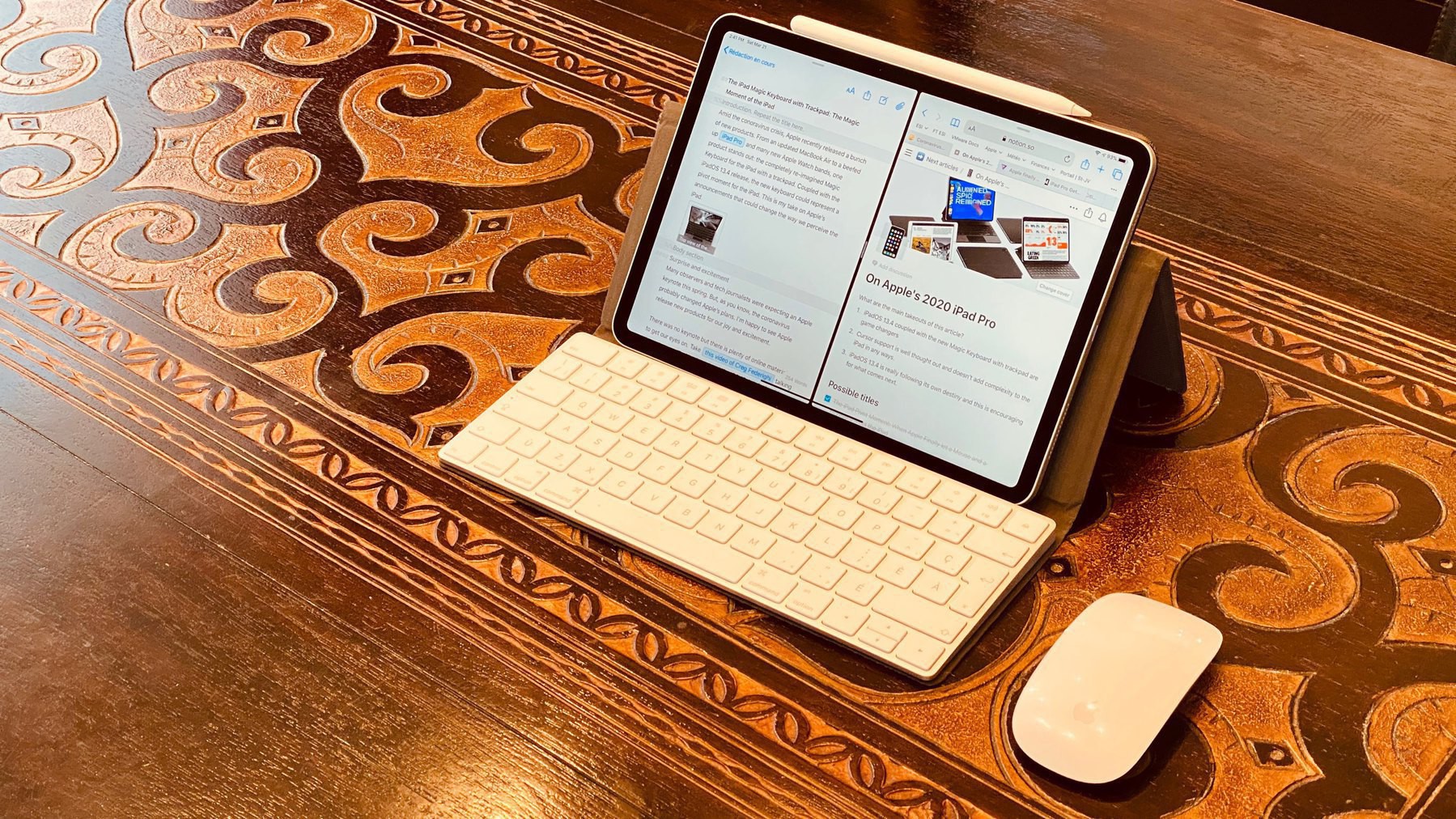
Photo by Daniel Romero on Unsplash

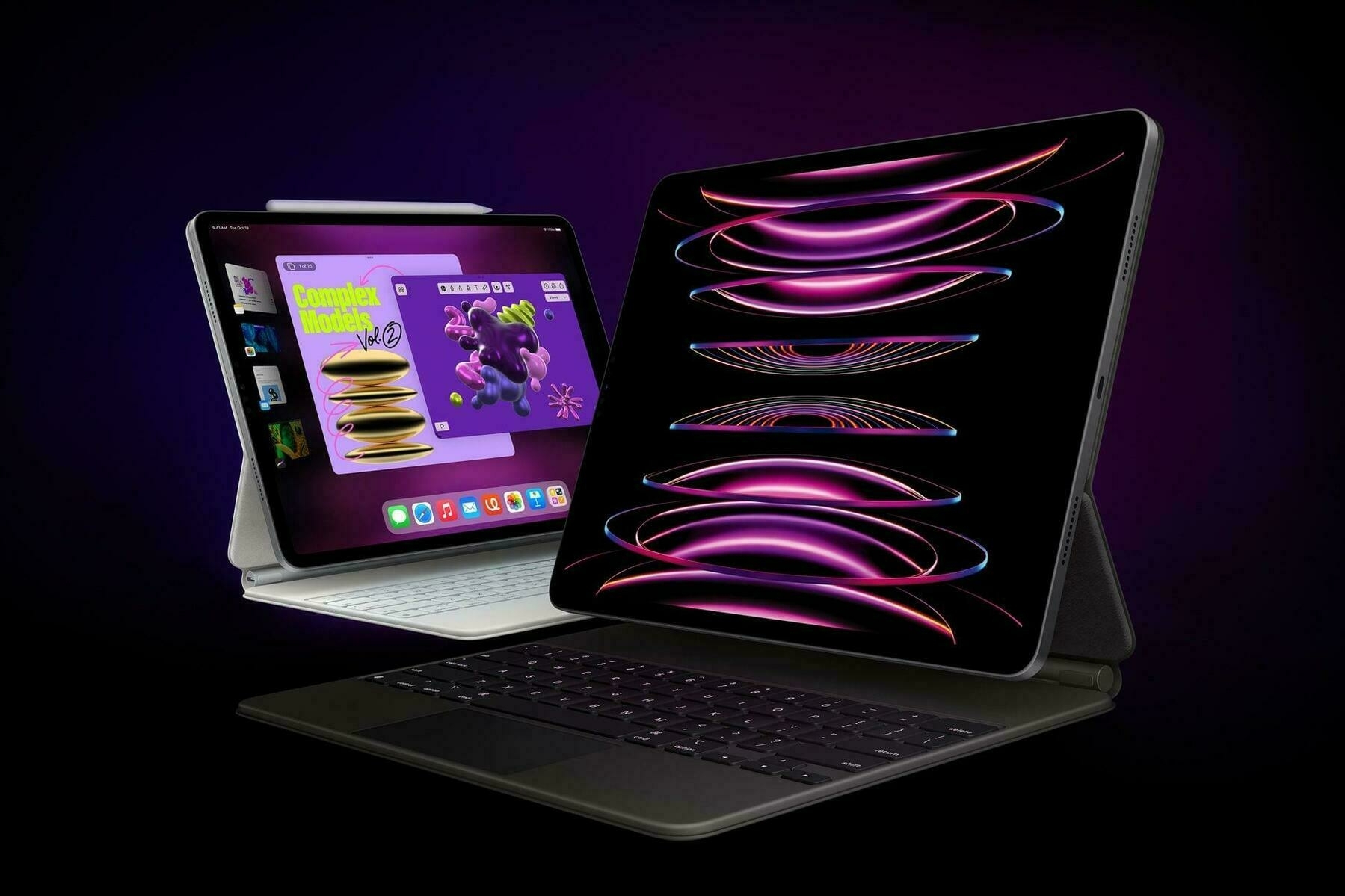
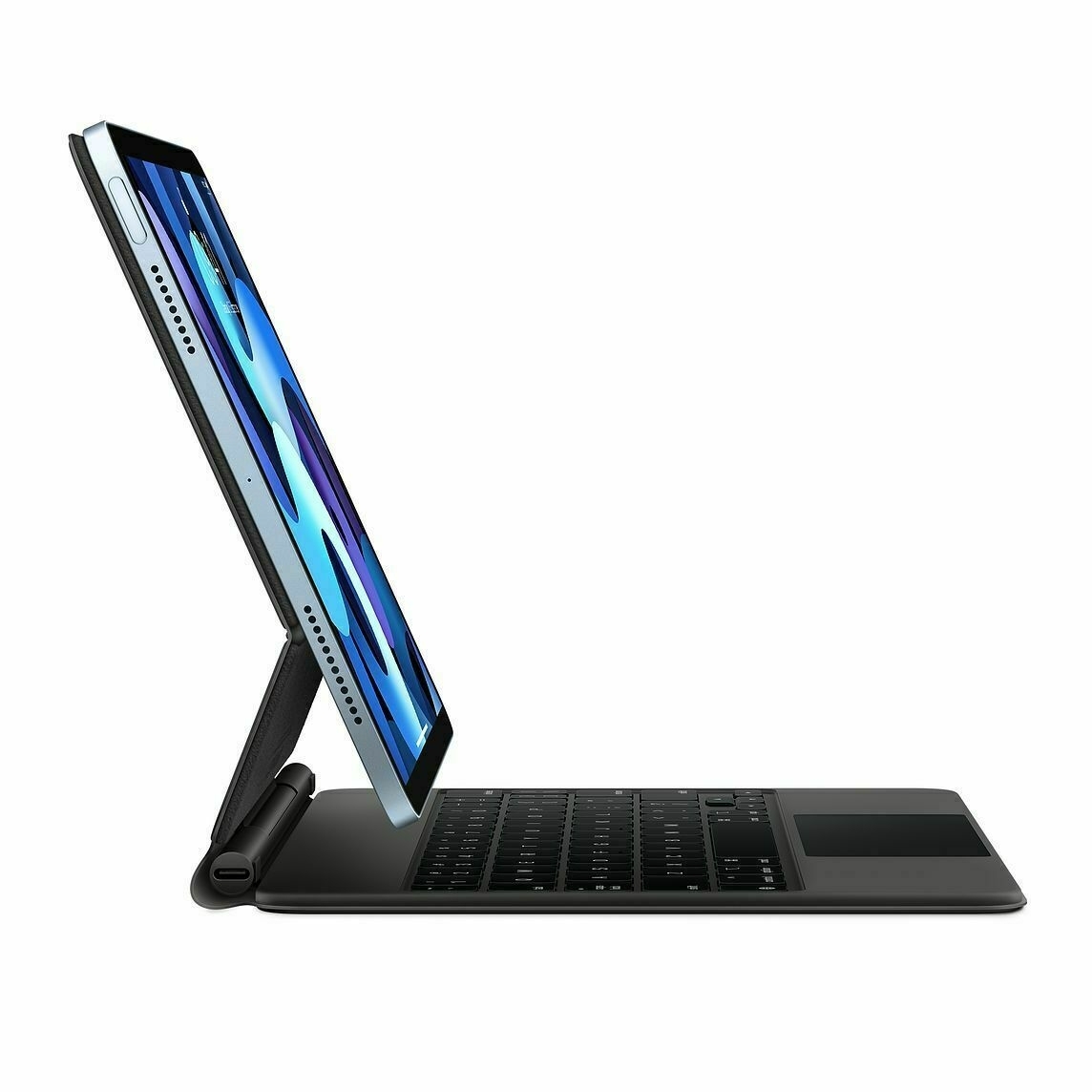
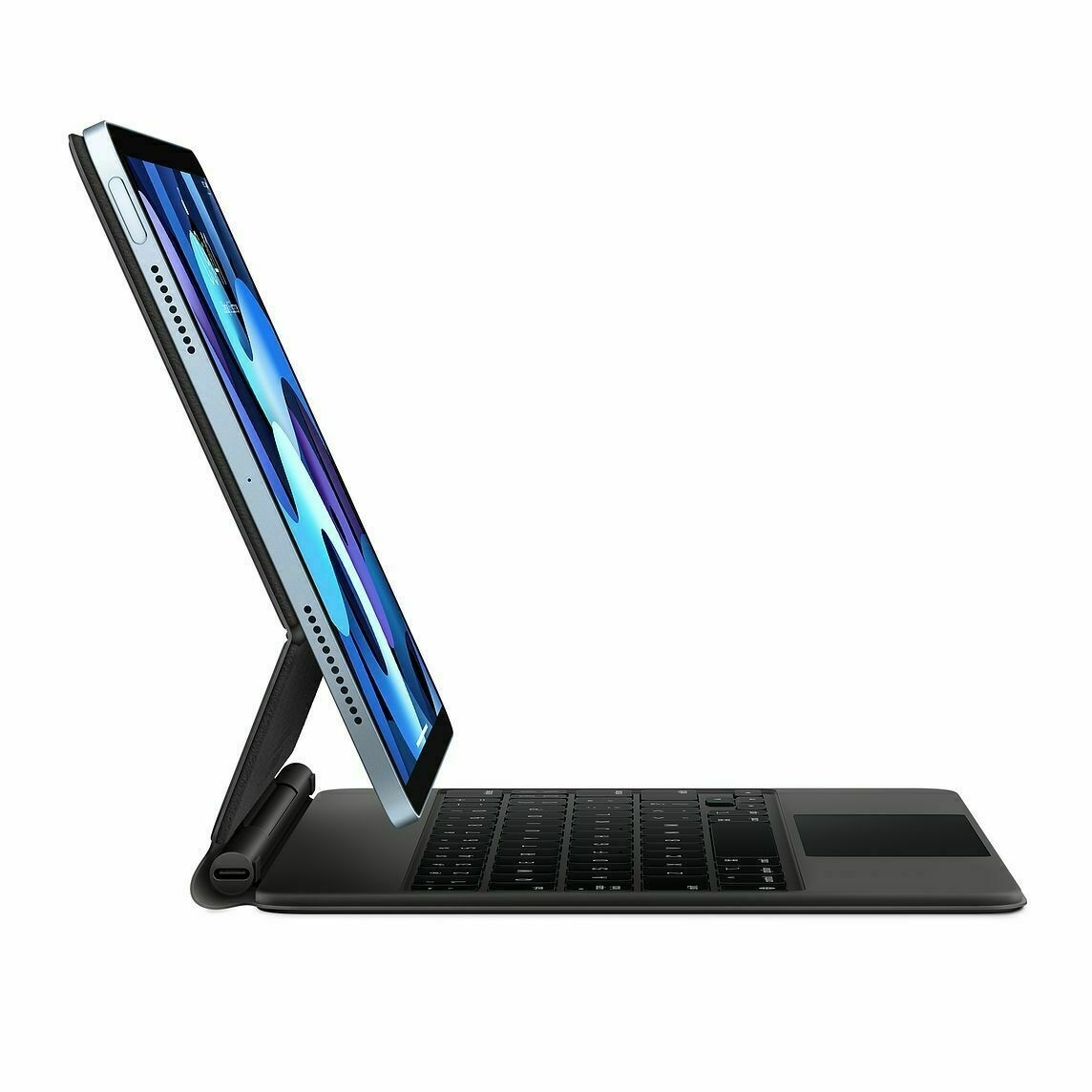
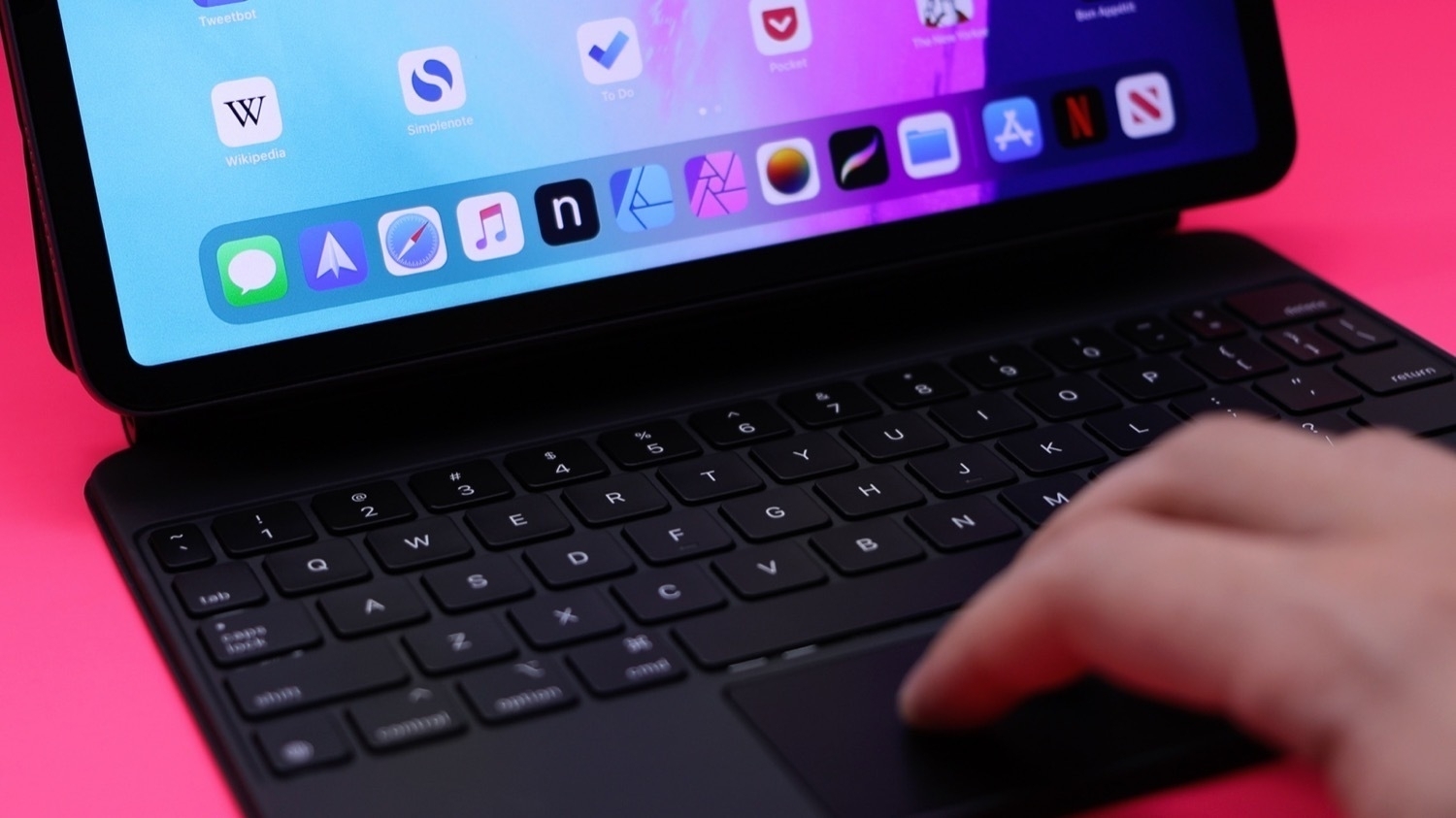
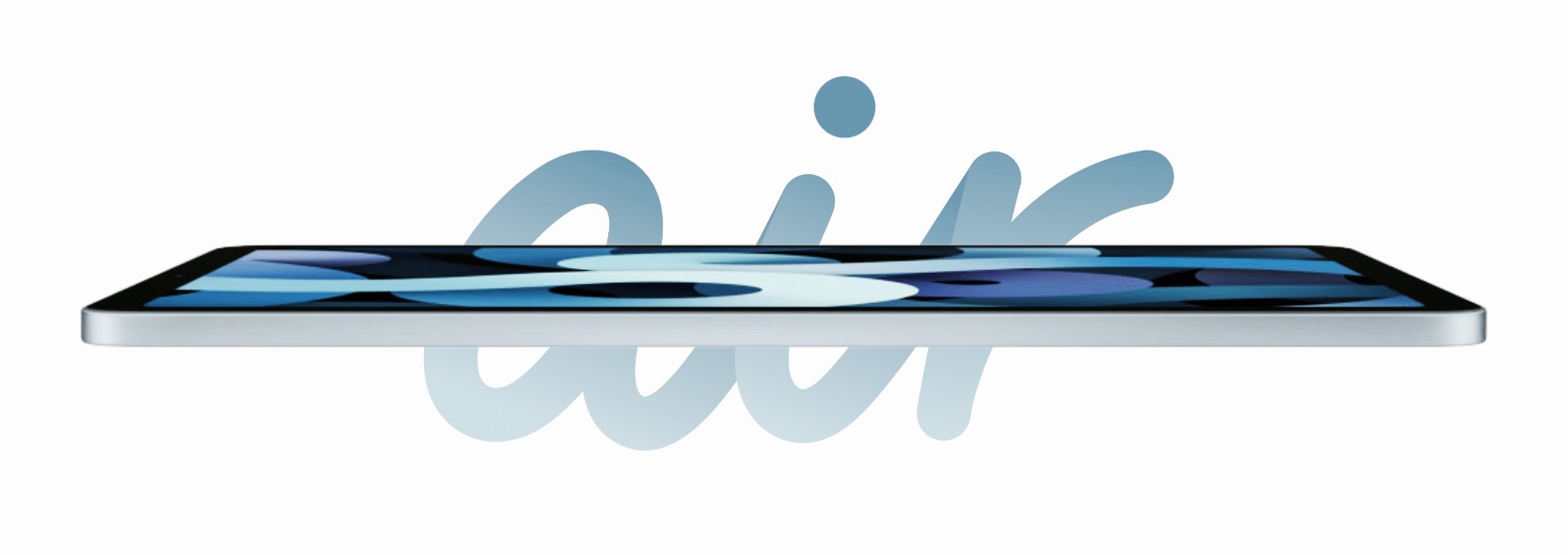
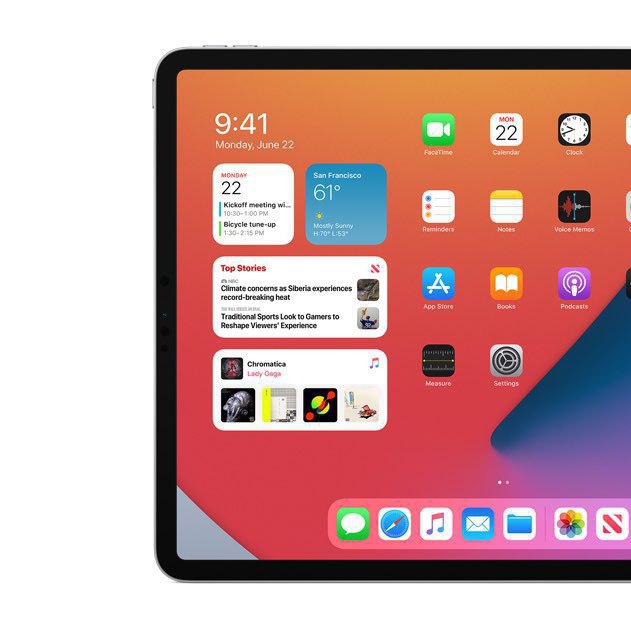
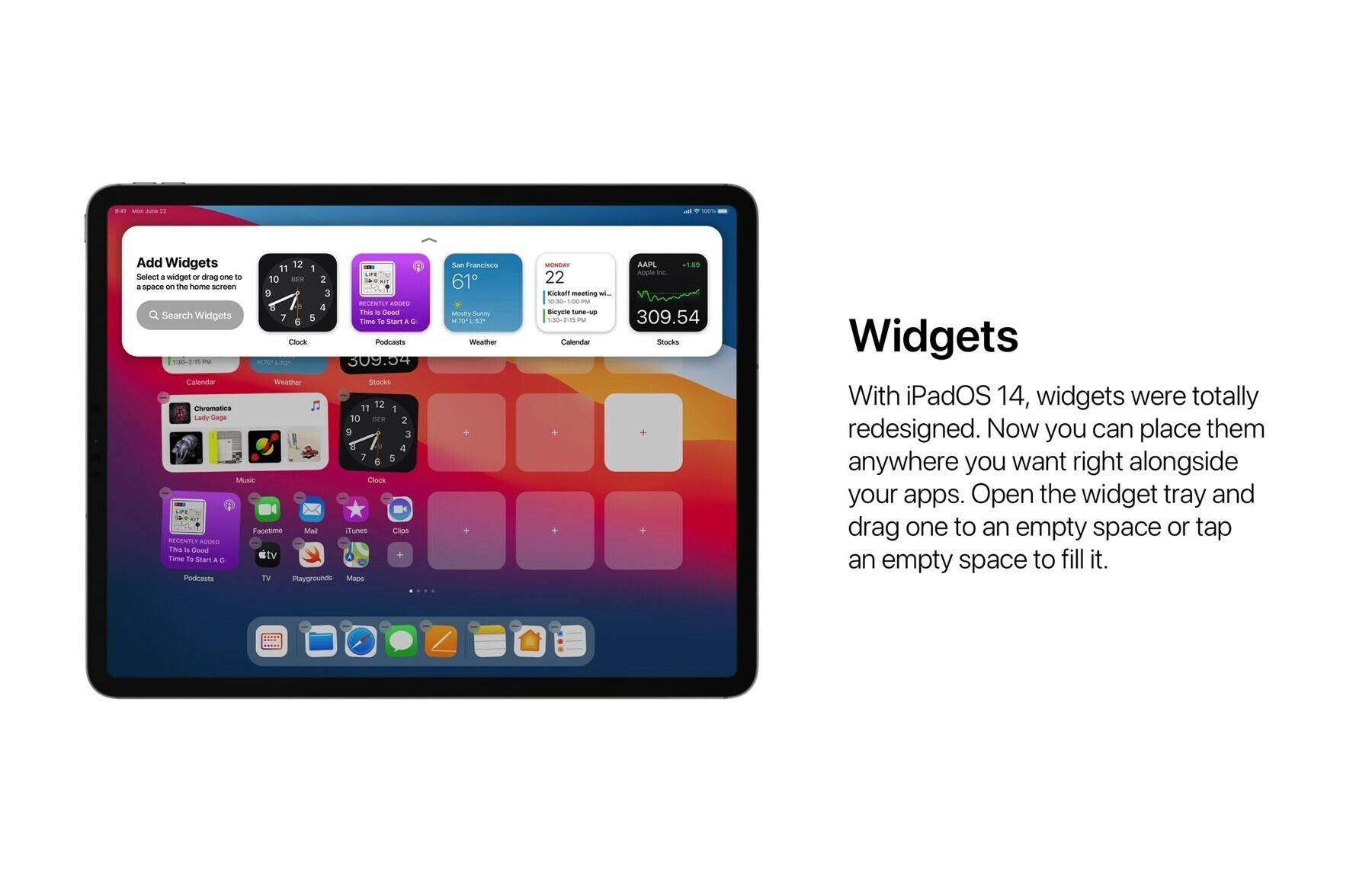
Matt Birchler is writing yet another post about the iPad. The last paragraph (emphasis is mine):

“We live in a world where we’re surrounded by computers. People have a home computer, a work computer, a phone, a watch, a smart TV, and smart speakers. Hell, even the iPad’s harshest critics often have one that they use for watching video and playing games. The iPad is the only device in that list that some people mandate has feature parity with another item on that list.”

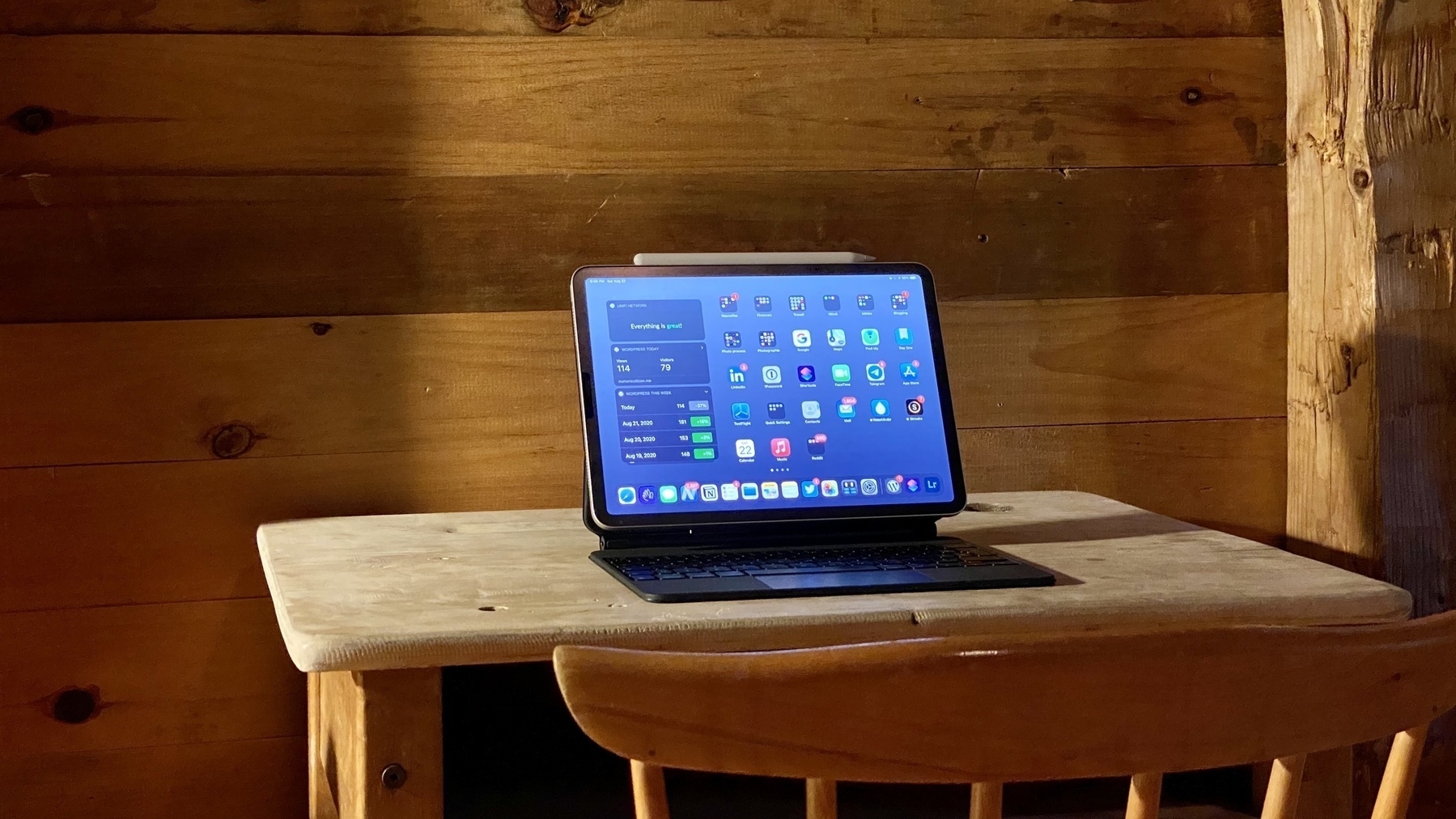
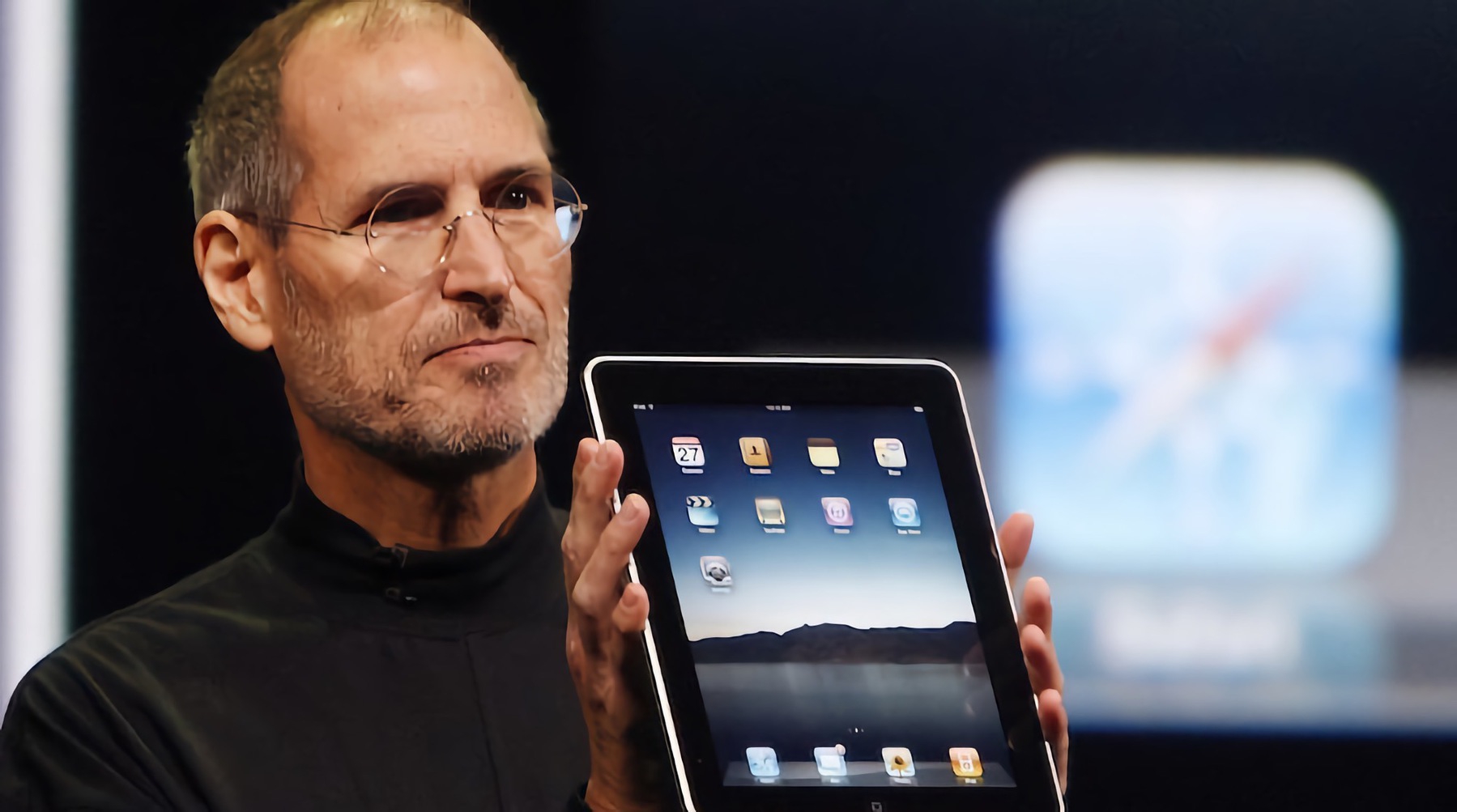
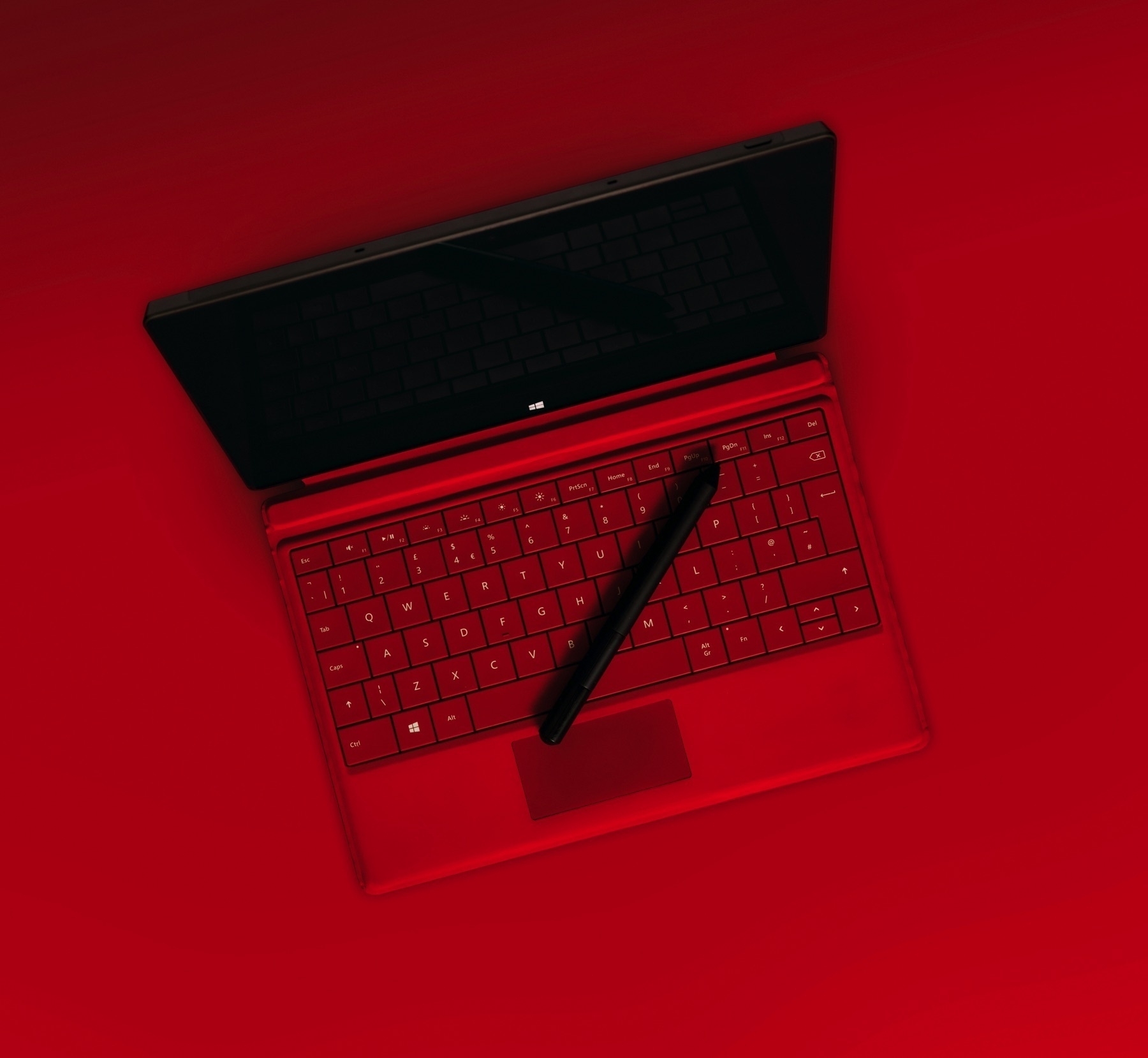
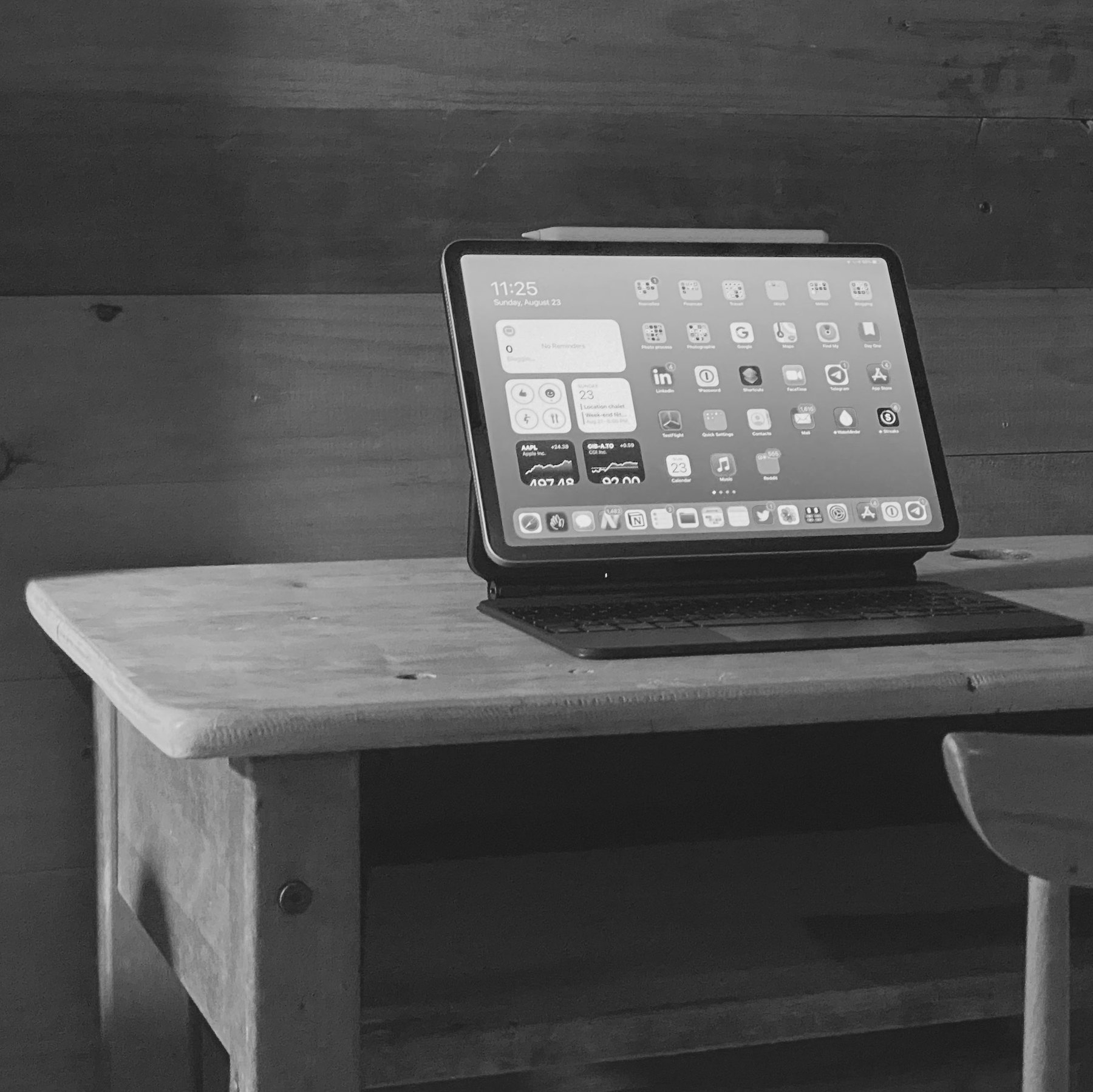
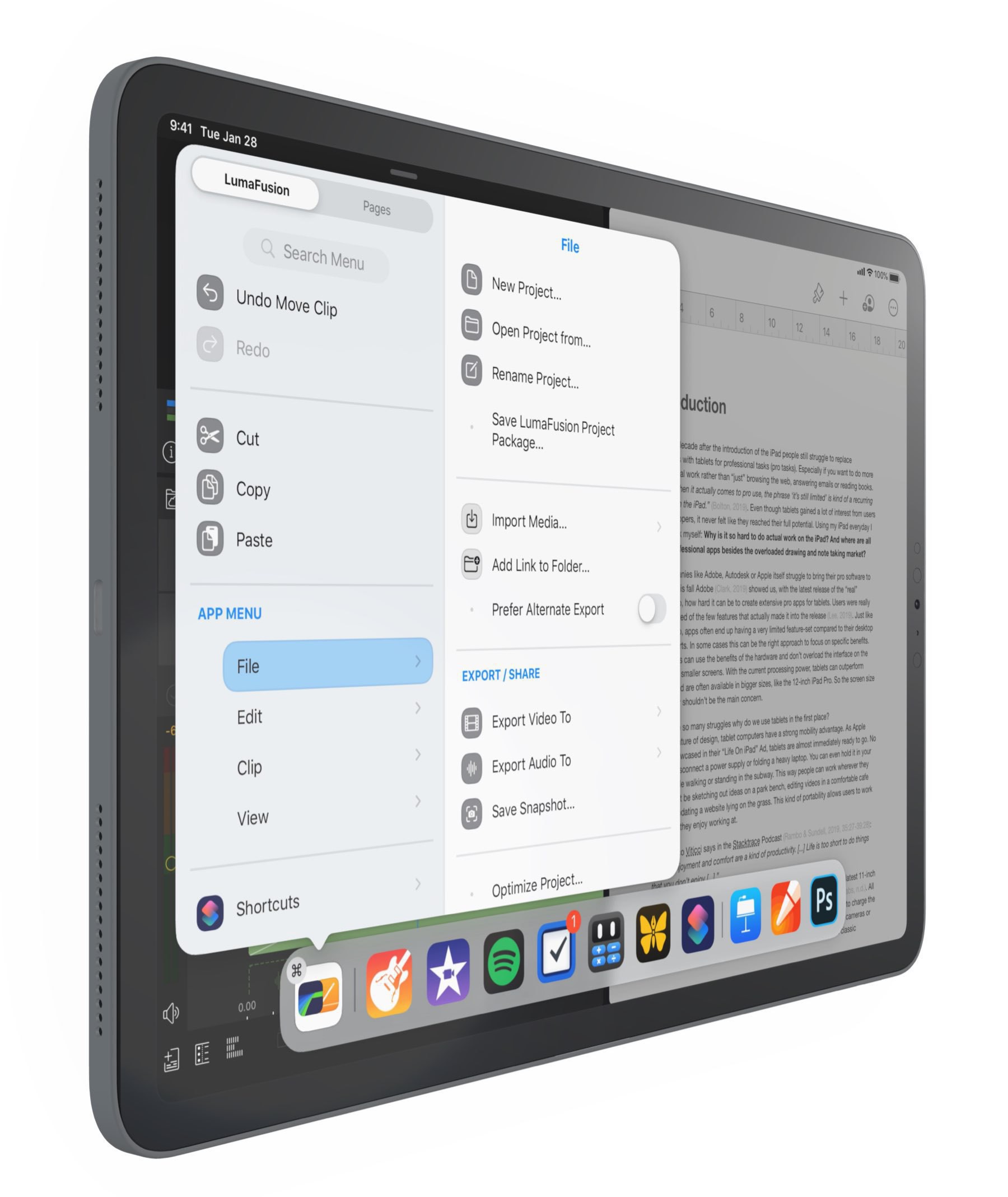
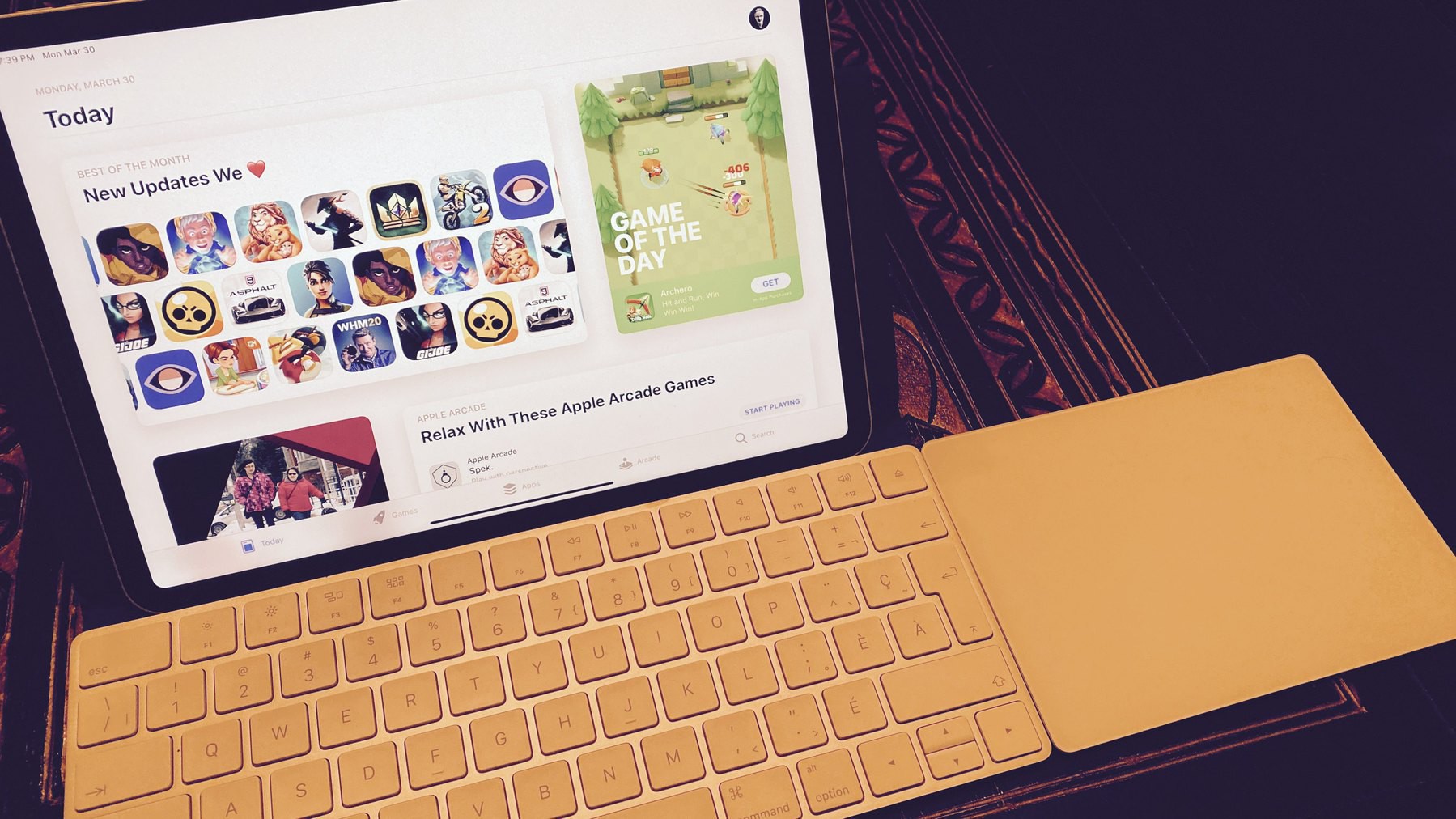
That is so true. I never thought about it this way. Why do we need to constantly compare the iPad to other computing devices to find its legitimacy? For me, the iPad is one of the best computing device of all time. There is nothing like it, it is singular.

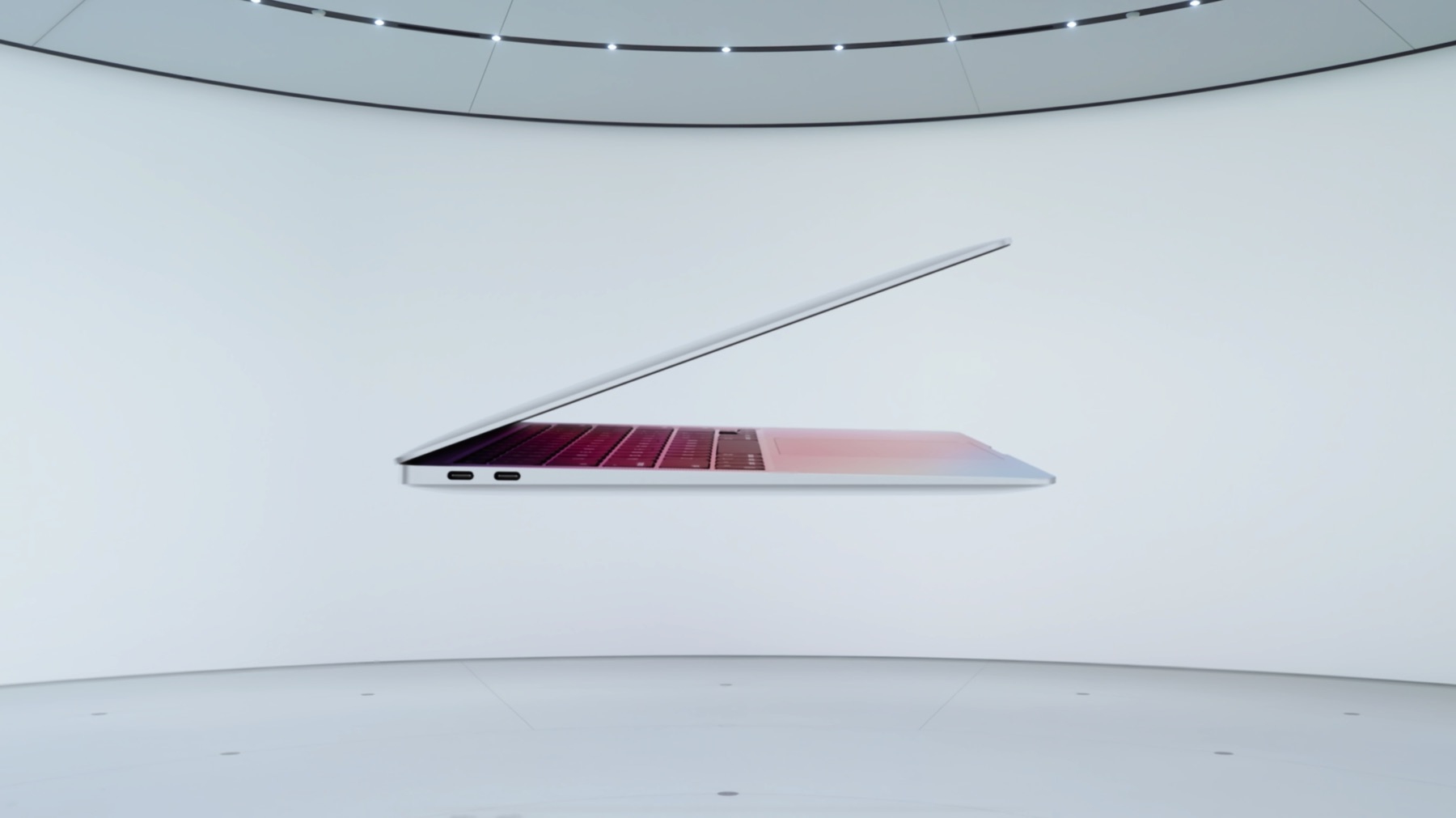
It’s Rosetta 2’s fault (#apple #rosetta2 #bigsur)

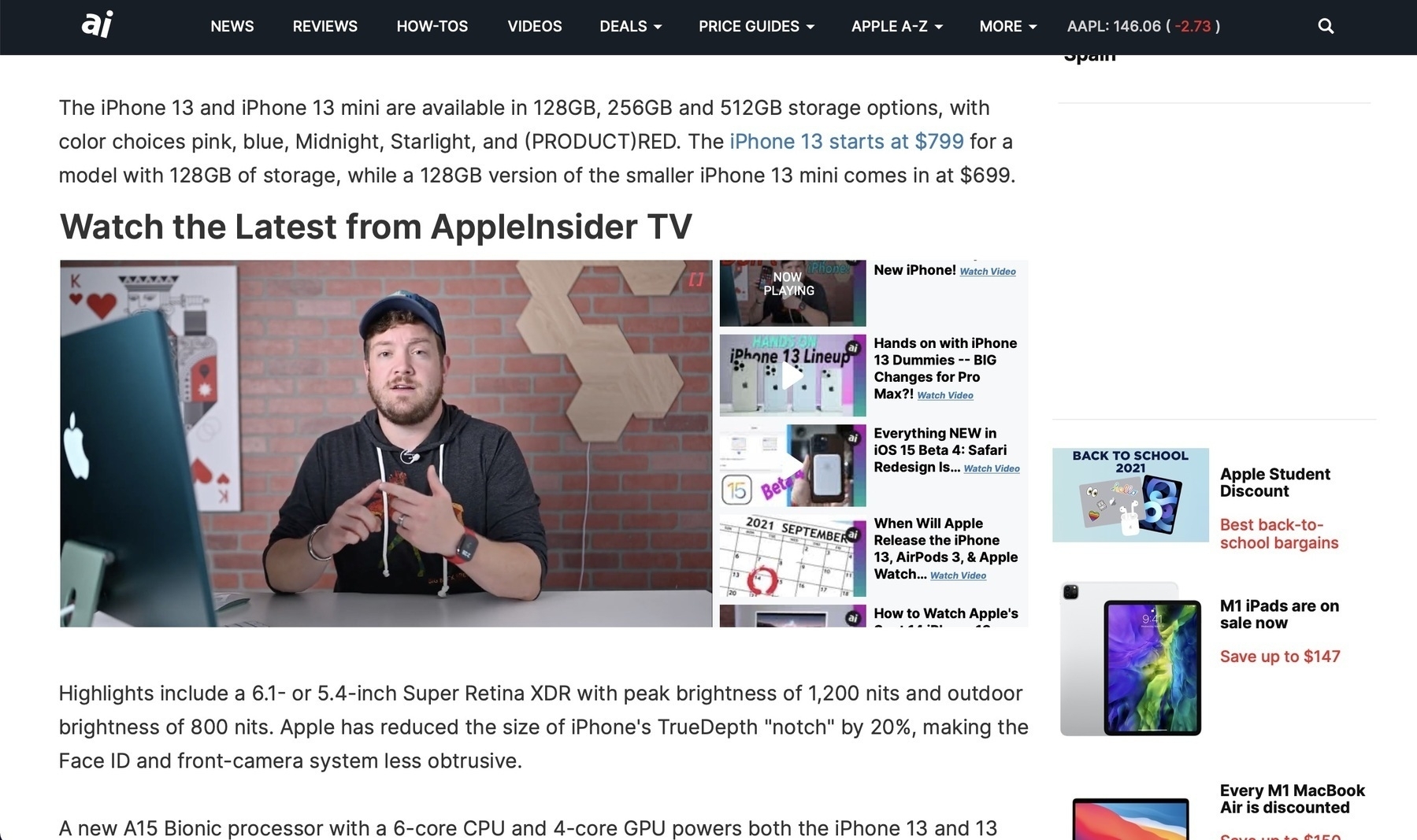
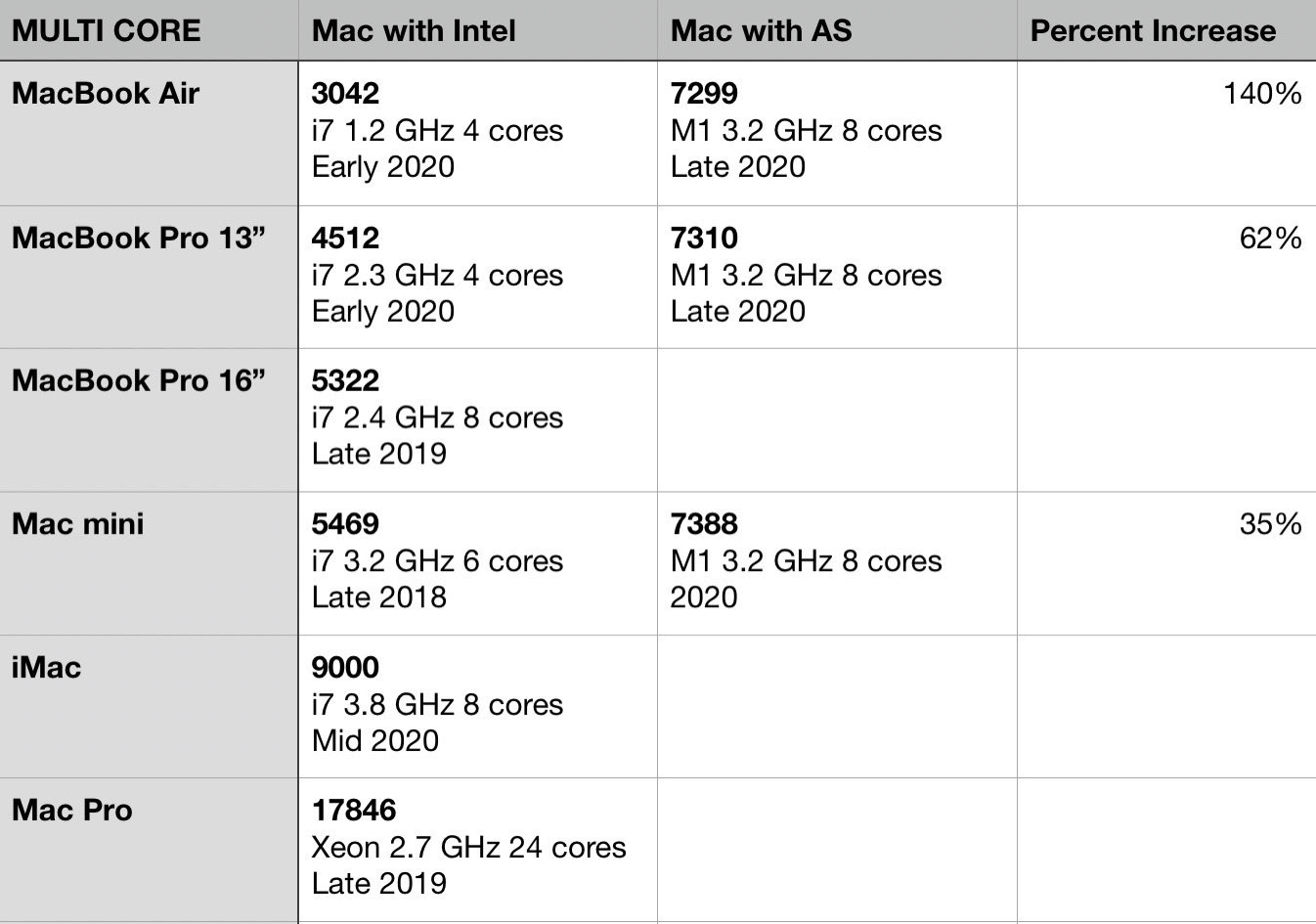
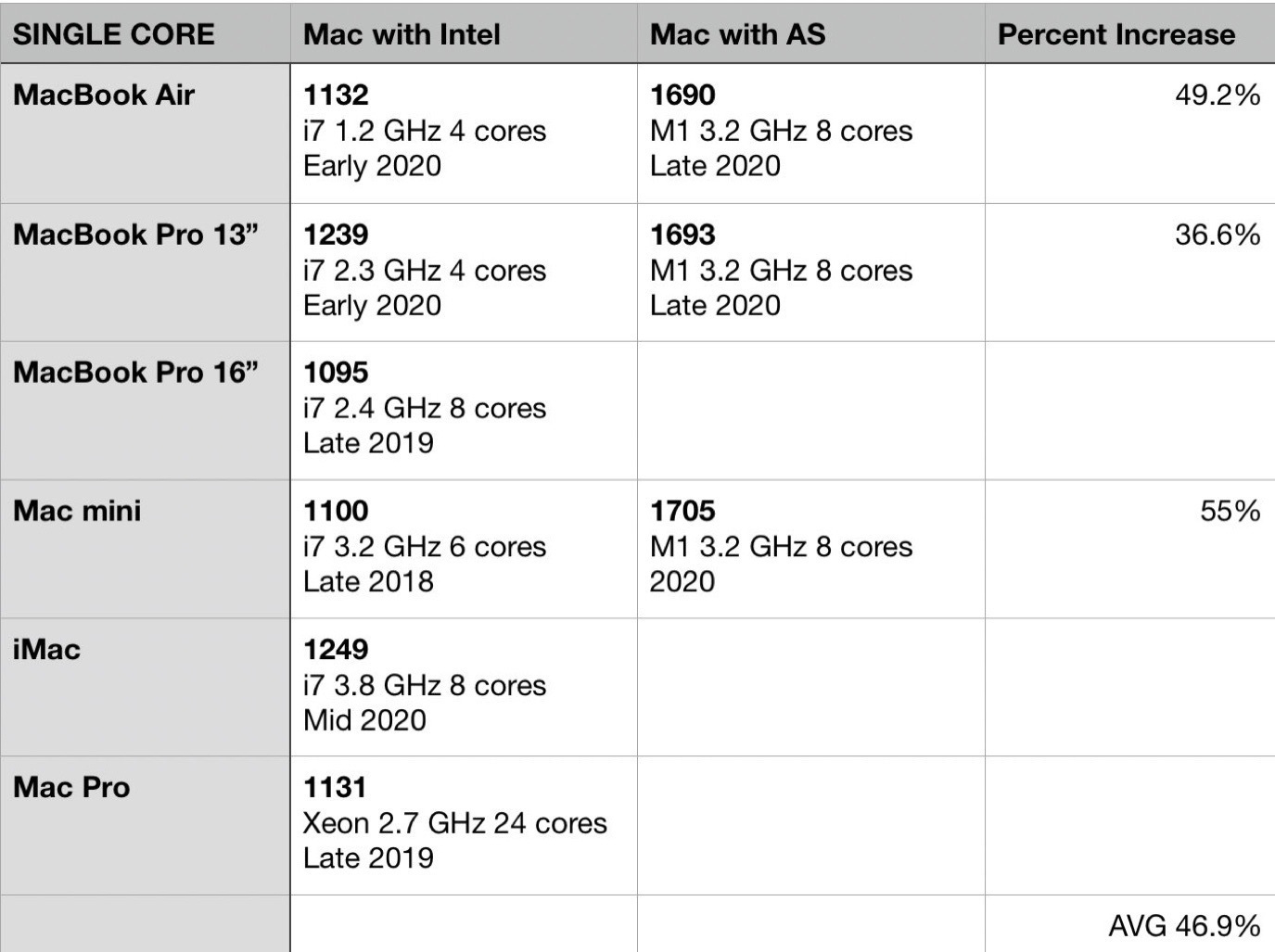
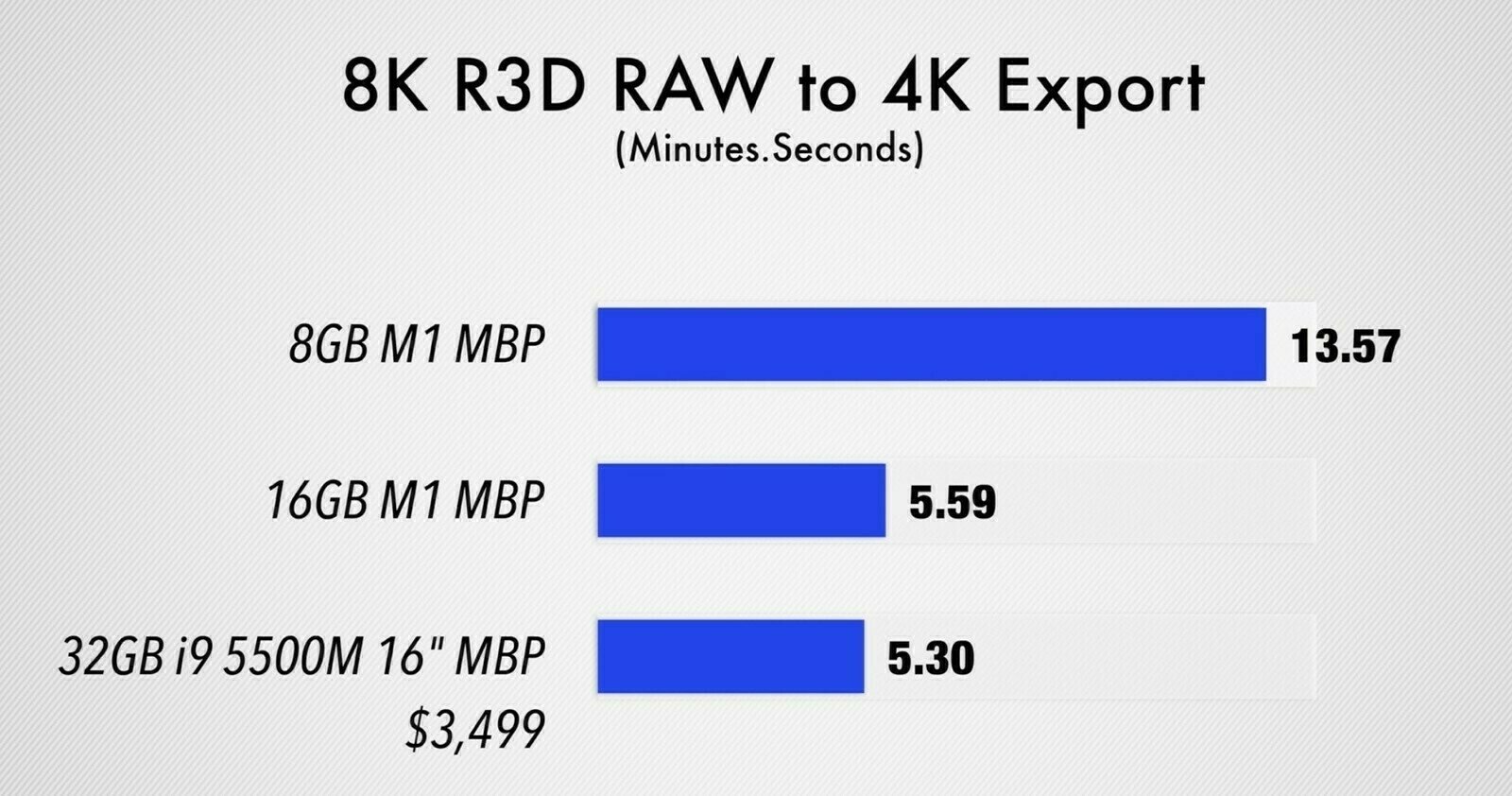
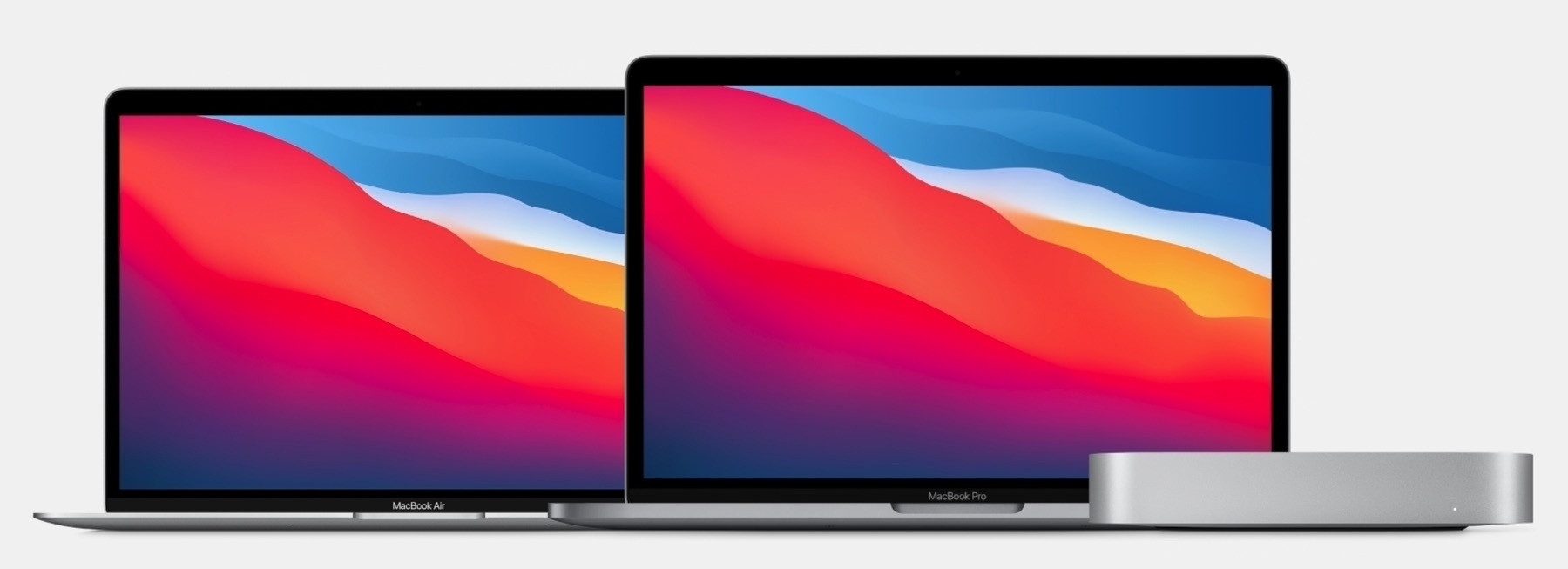
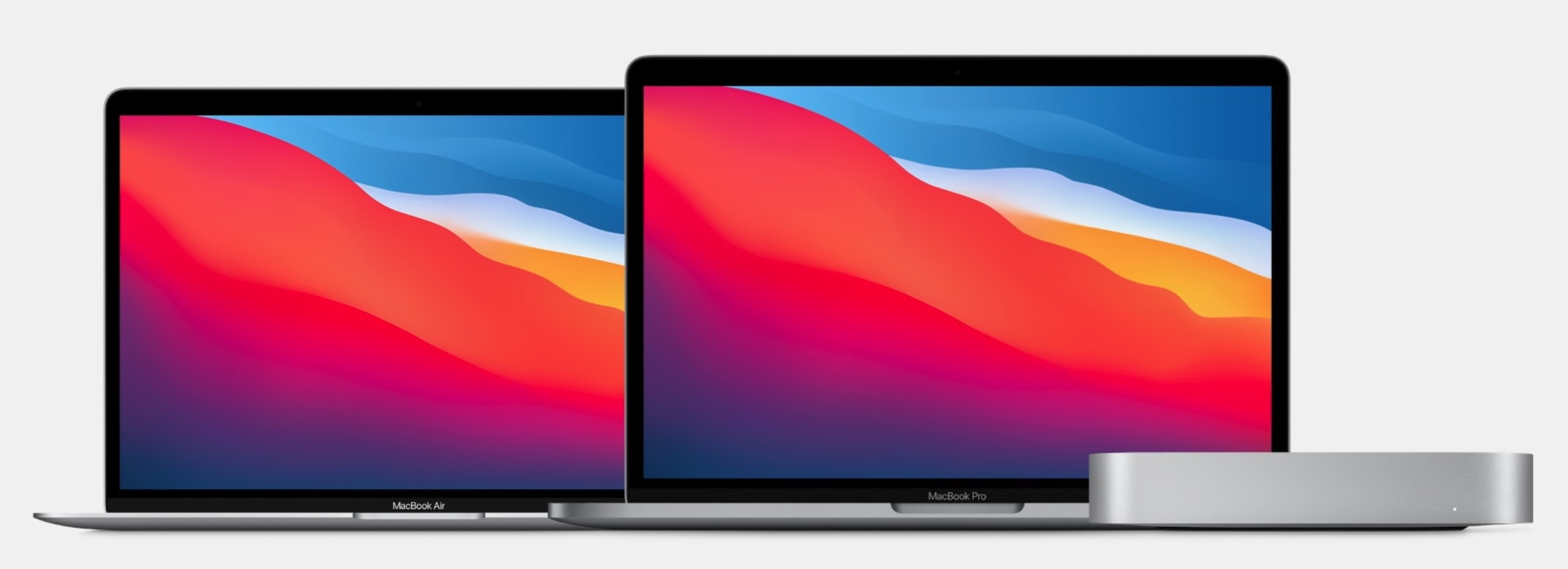
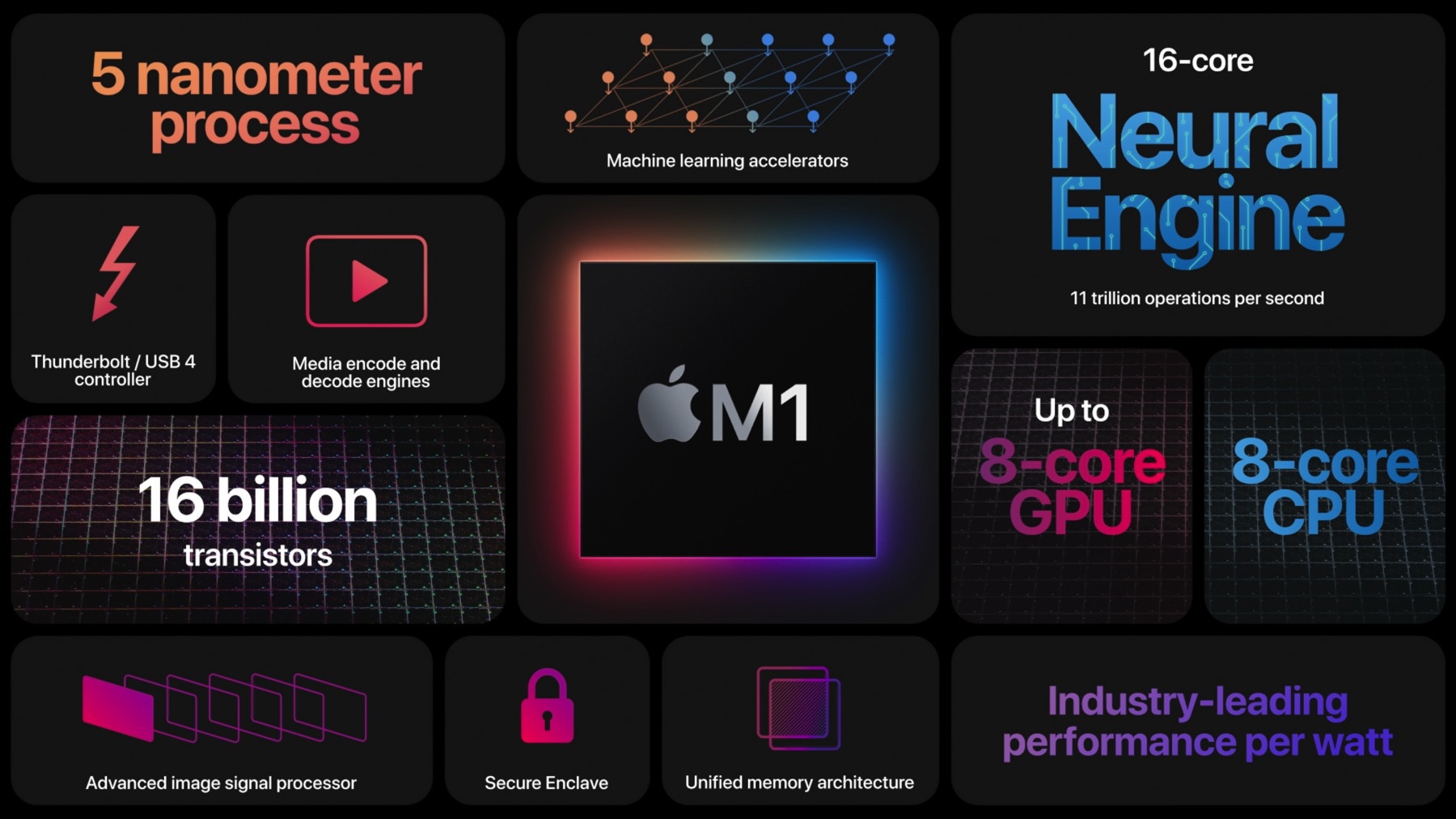
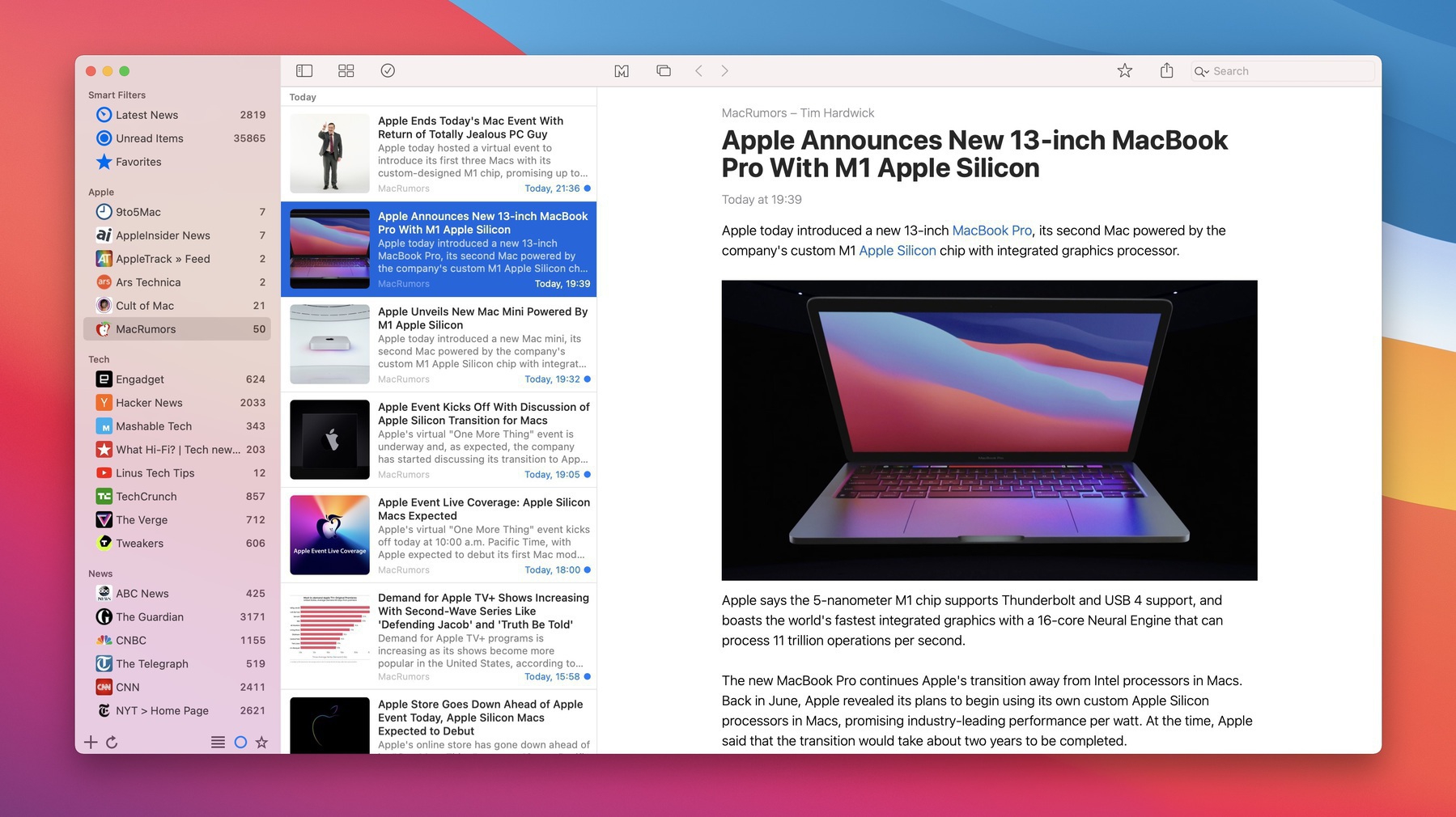
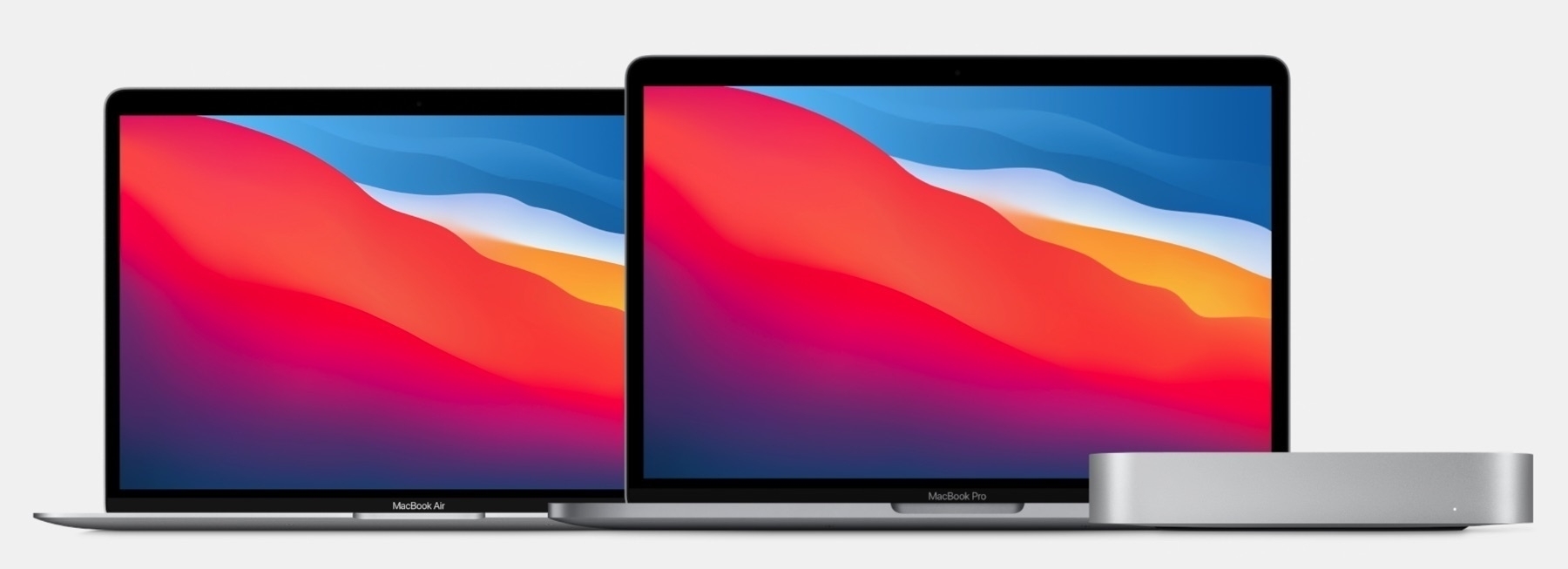
According to a recent small survey by AppleInsider, 53% of apps are running natively on M1-powered Macs. What about the remaining 47%? Well:

“Without native support, they’re run in Rosetta 2 emulation. That may conceivably turn out to mean that they run faster than they did on old Intel hardware, but it’s not why you’ve bought an Apple Silicon Mac.”

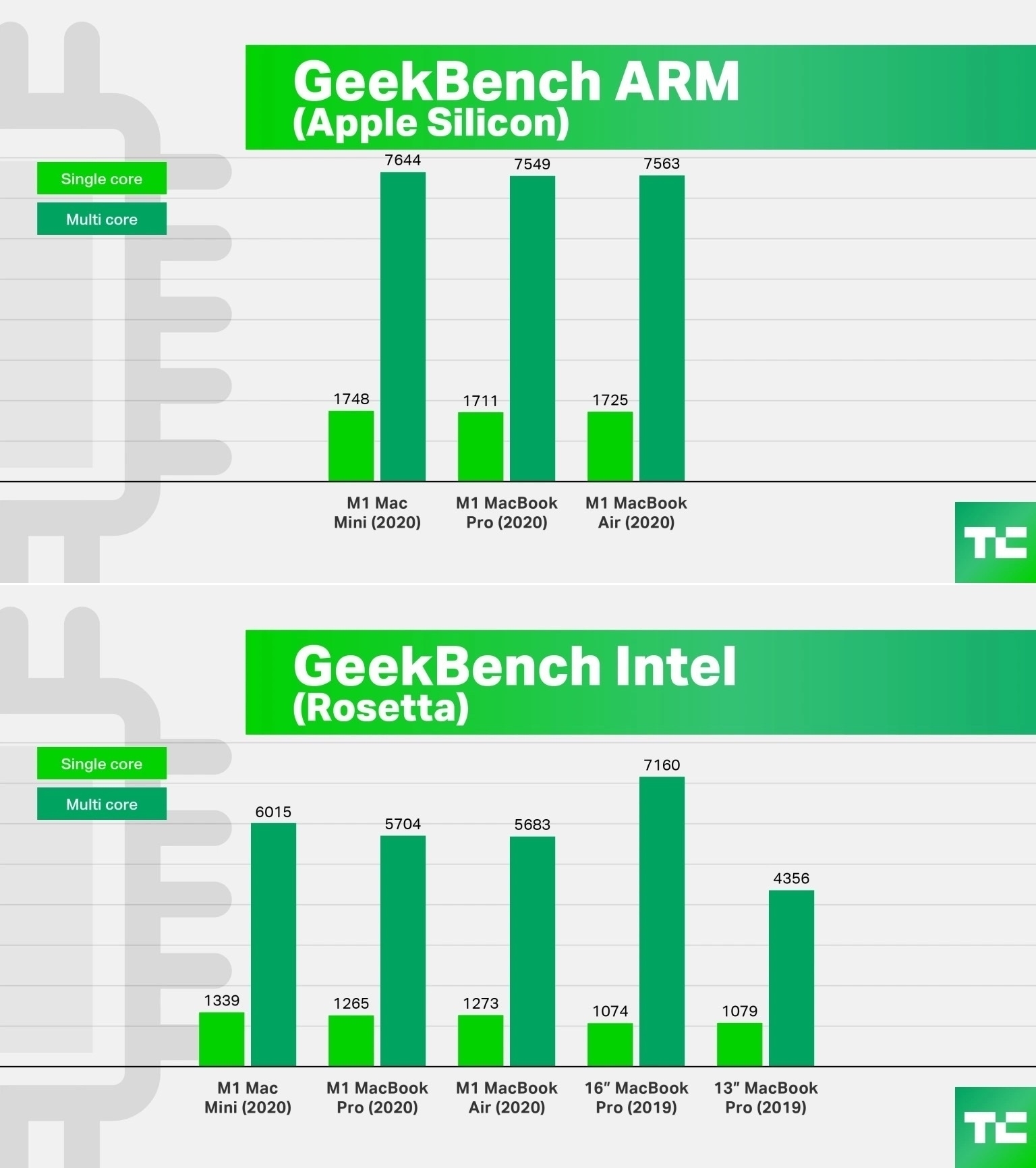
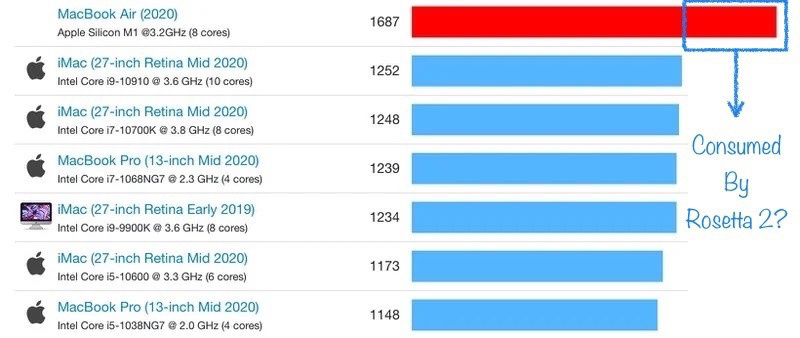
One of the problem is that Apple’s Rosetta 2 is too good at running non-native apps. It’s so good that they can run faster than on an Intel-powered Mac.

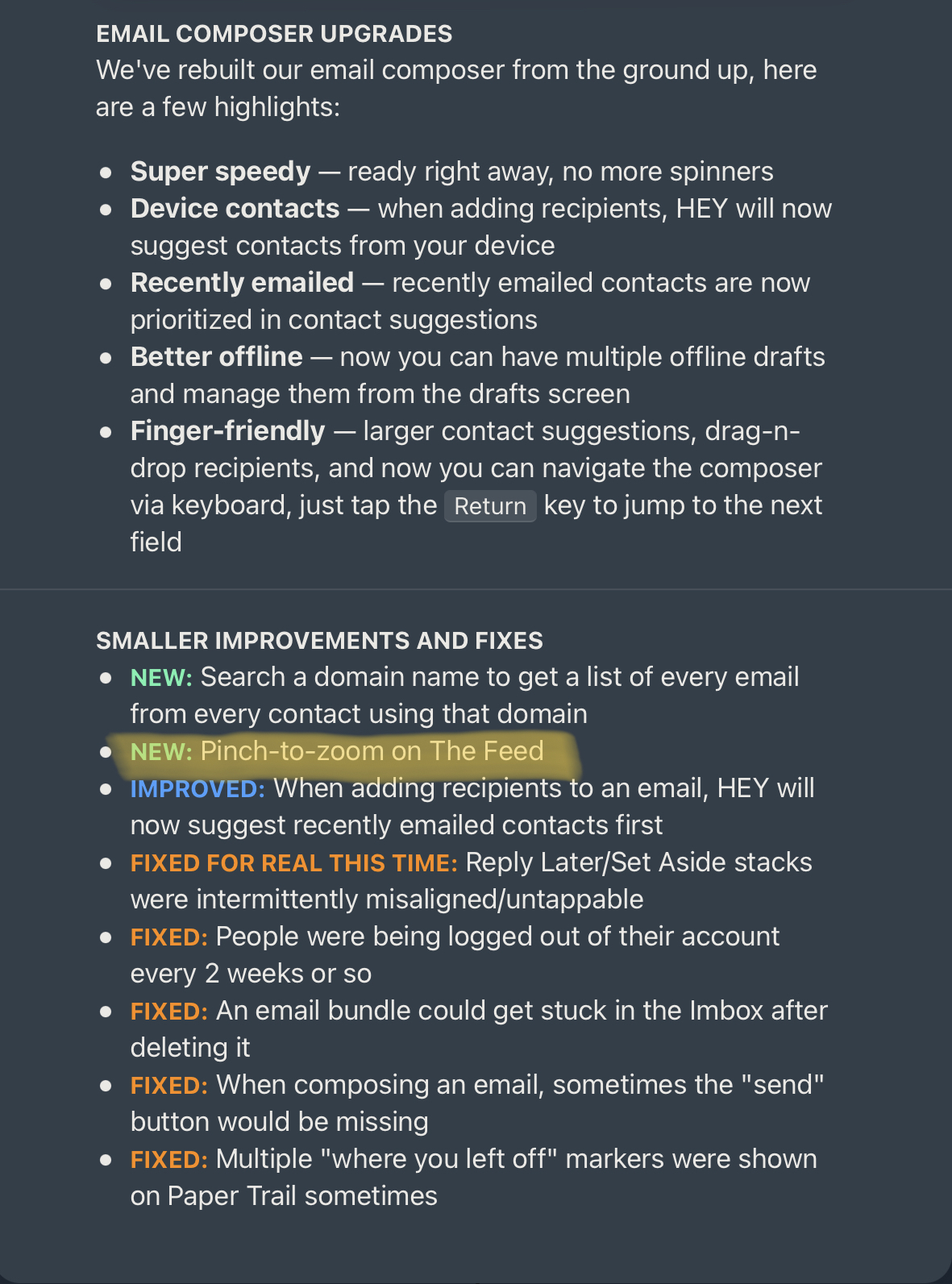
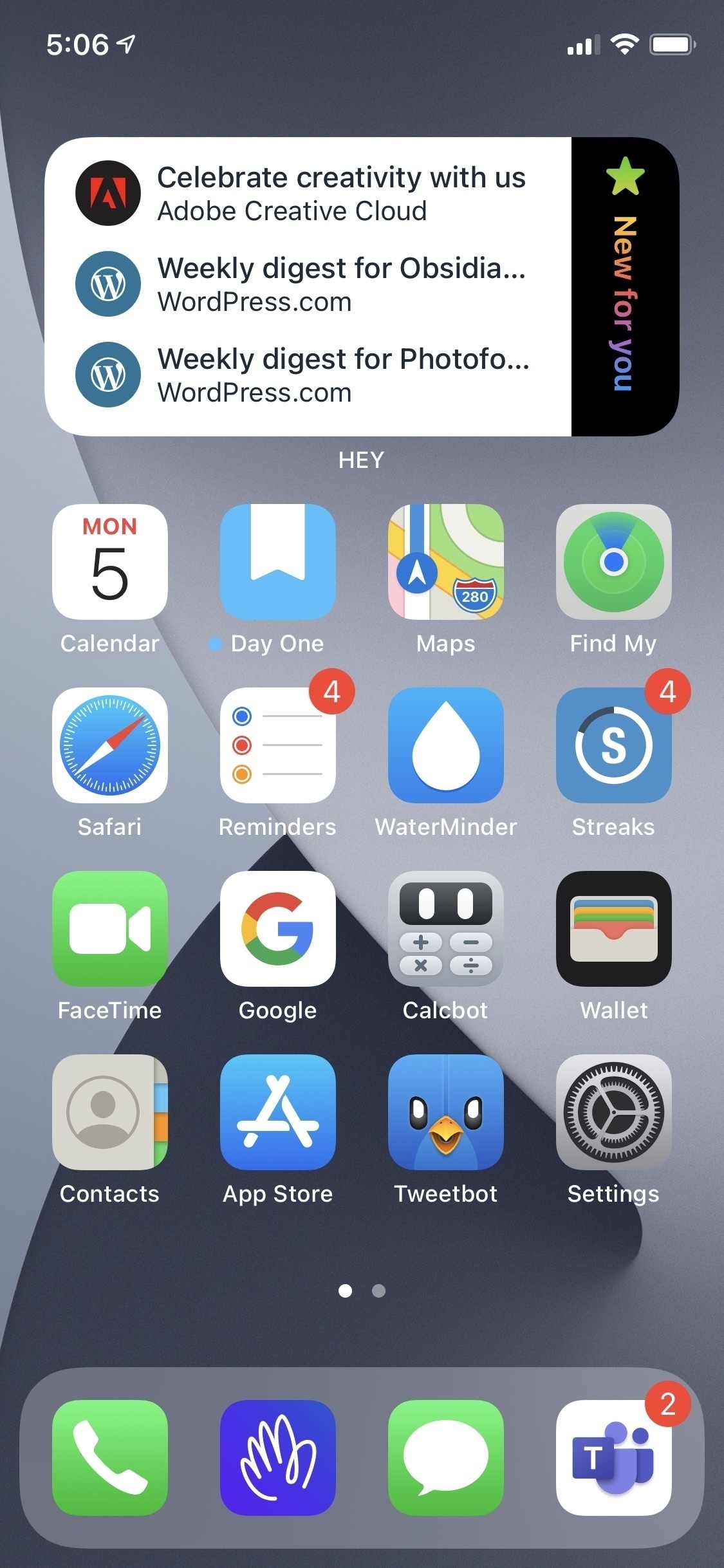
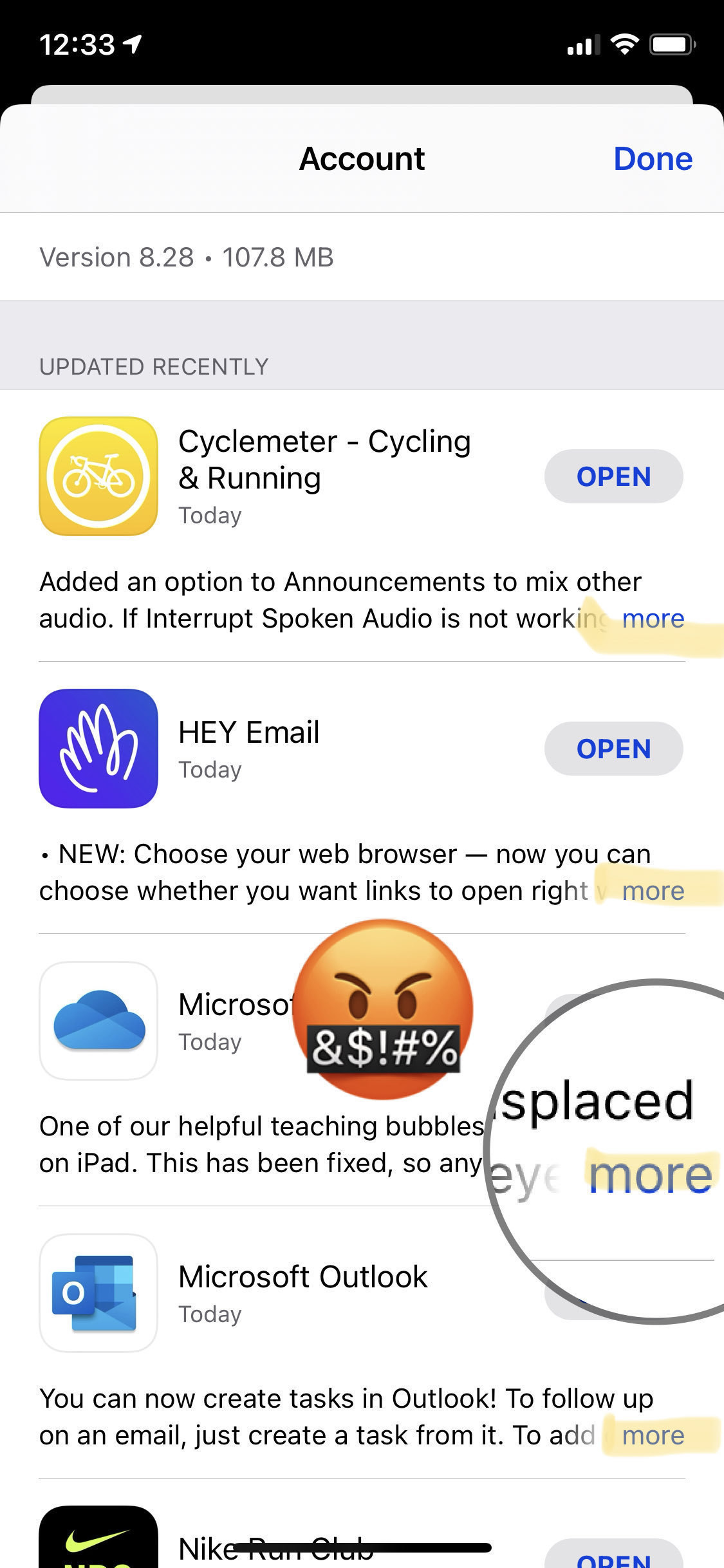
A lot of things are on developer’s shoulders. There are enthusiastic developers and then there are the lazy one. The former rush to add M1 support for their apps even if the performance gain is negligible. The latter either doesn’t care, think it’s good enough or they don’t have full control of the software stack they use to build their apps. Think about the Electron framework. It does support the M1-powered Macs. Developers need to upgrade their apps to take advantage of the latest Apple technologies. An example if the email client for HEY. The last update came in September of last year.

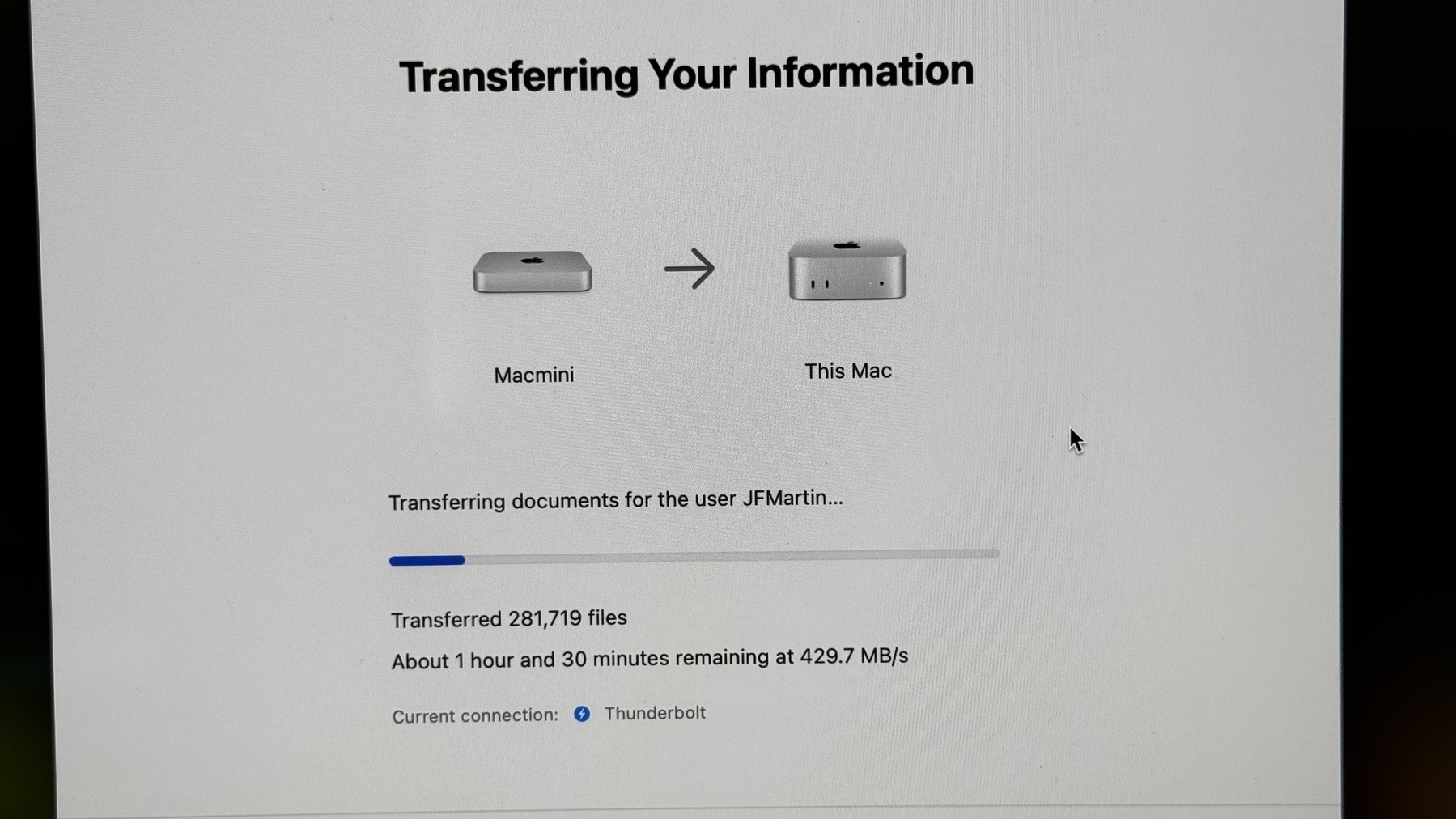
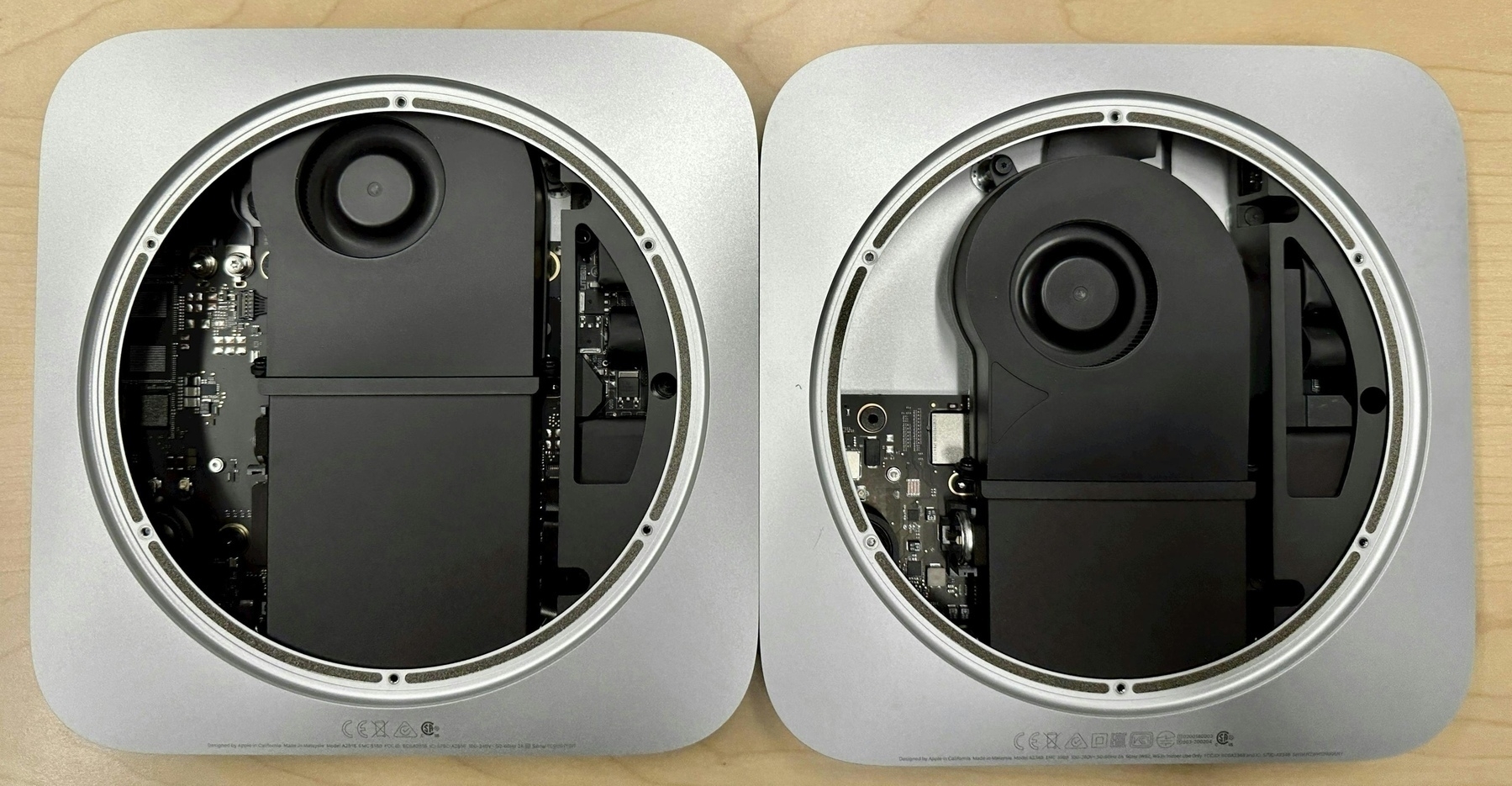
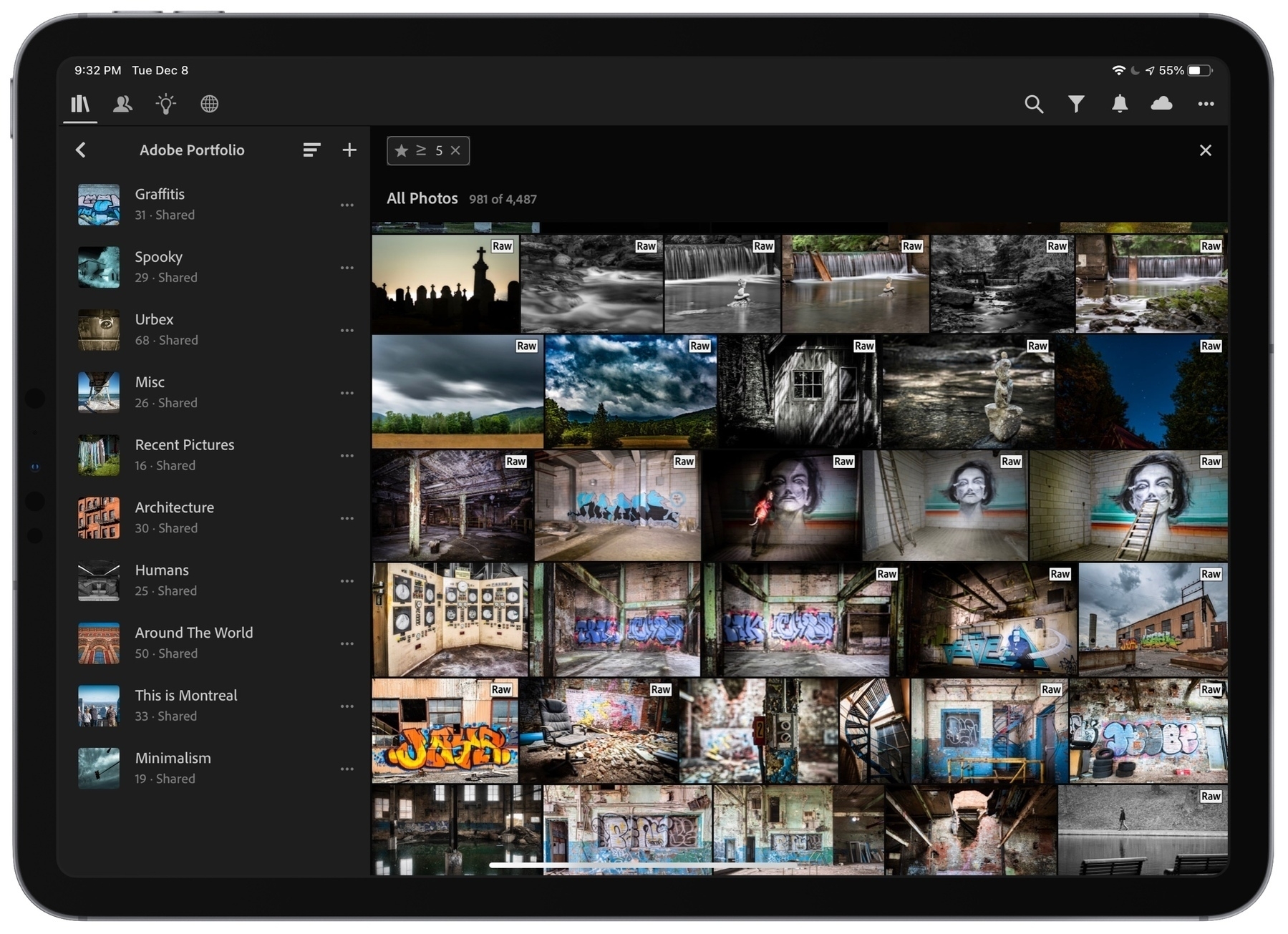
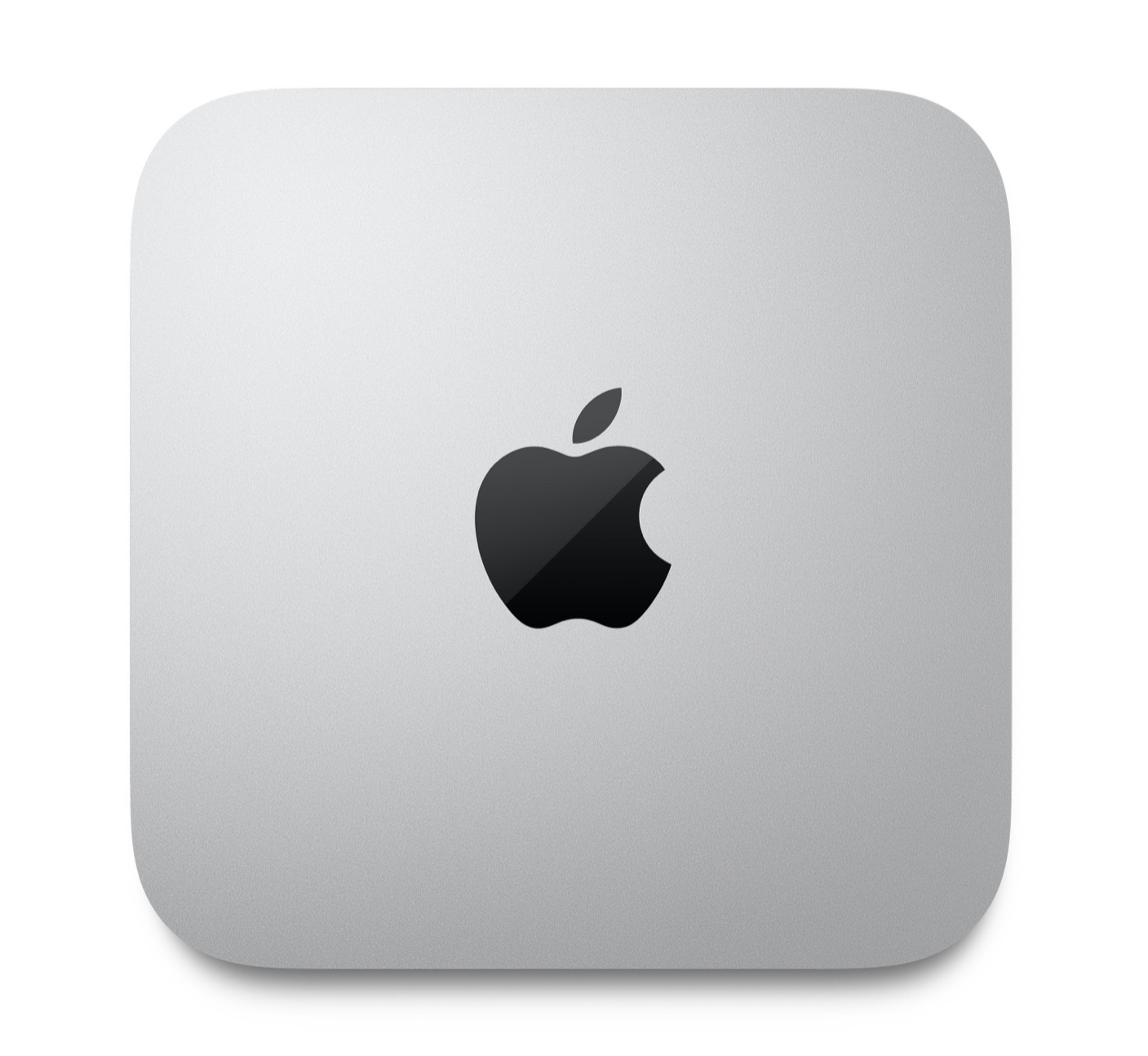
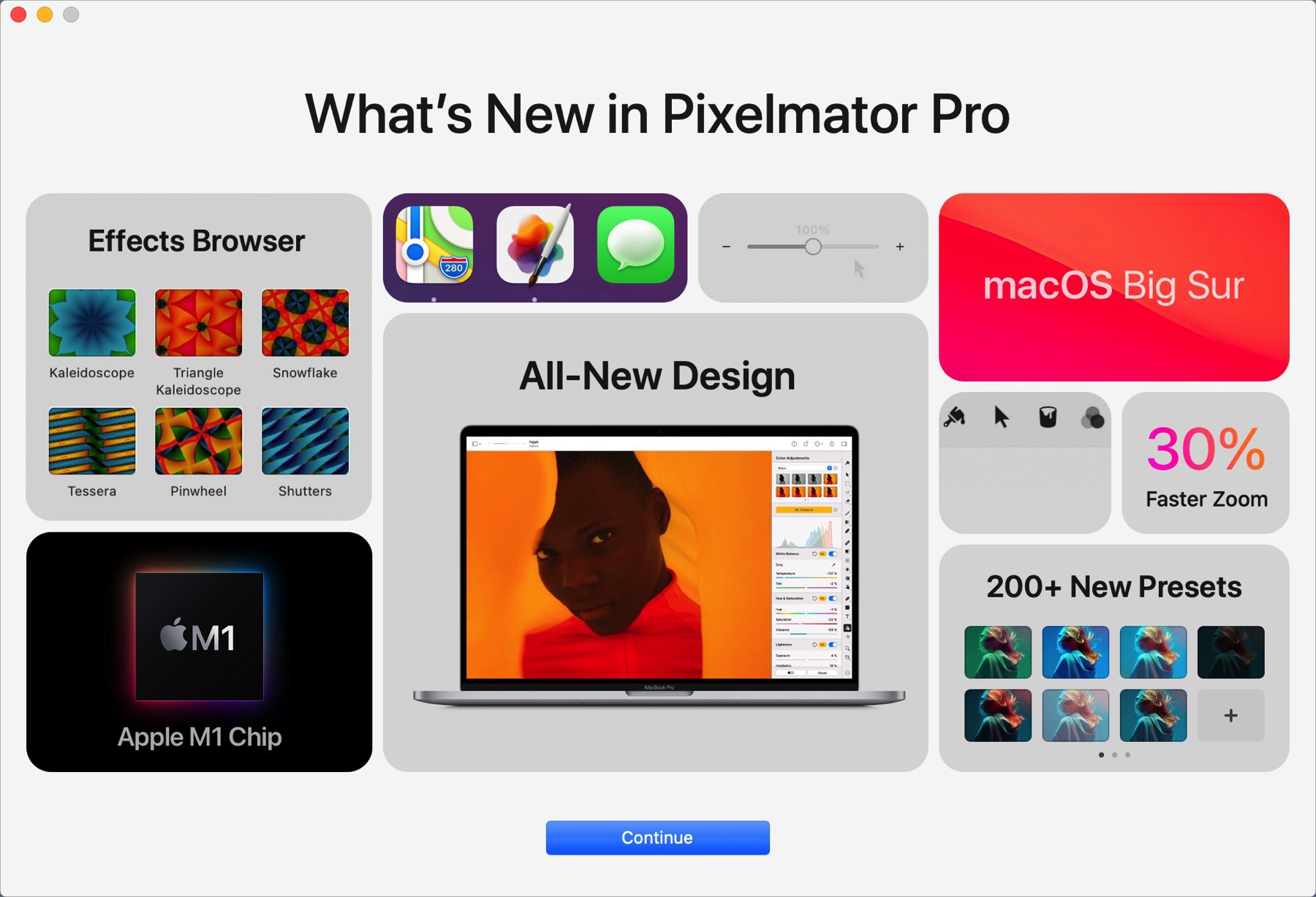
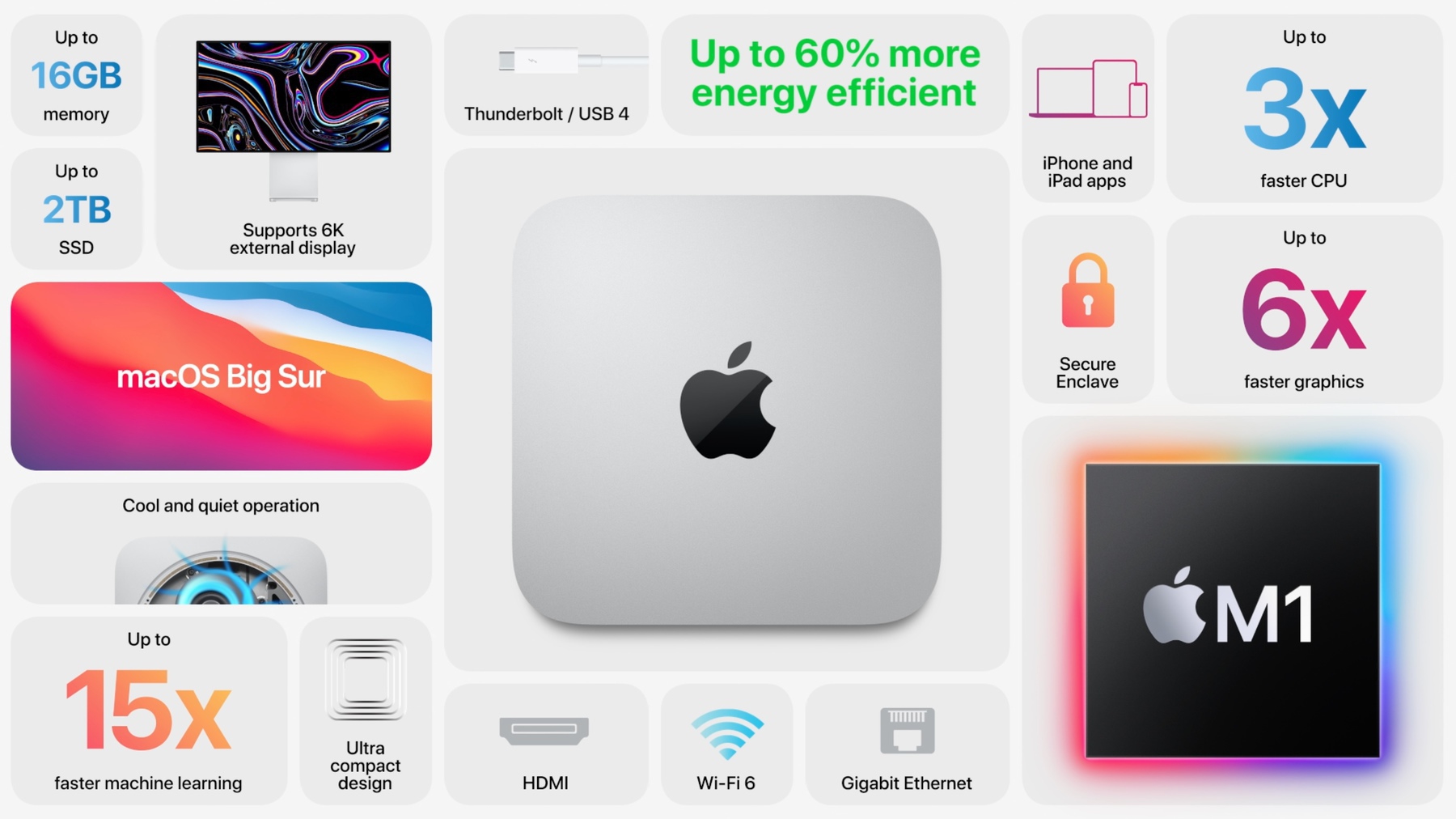
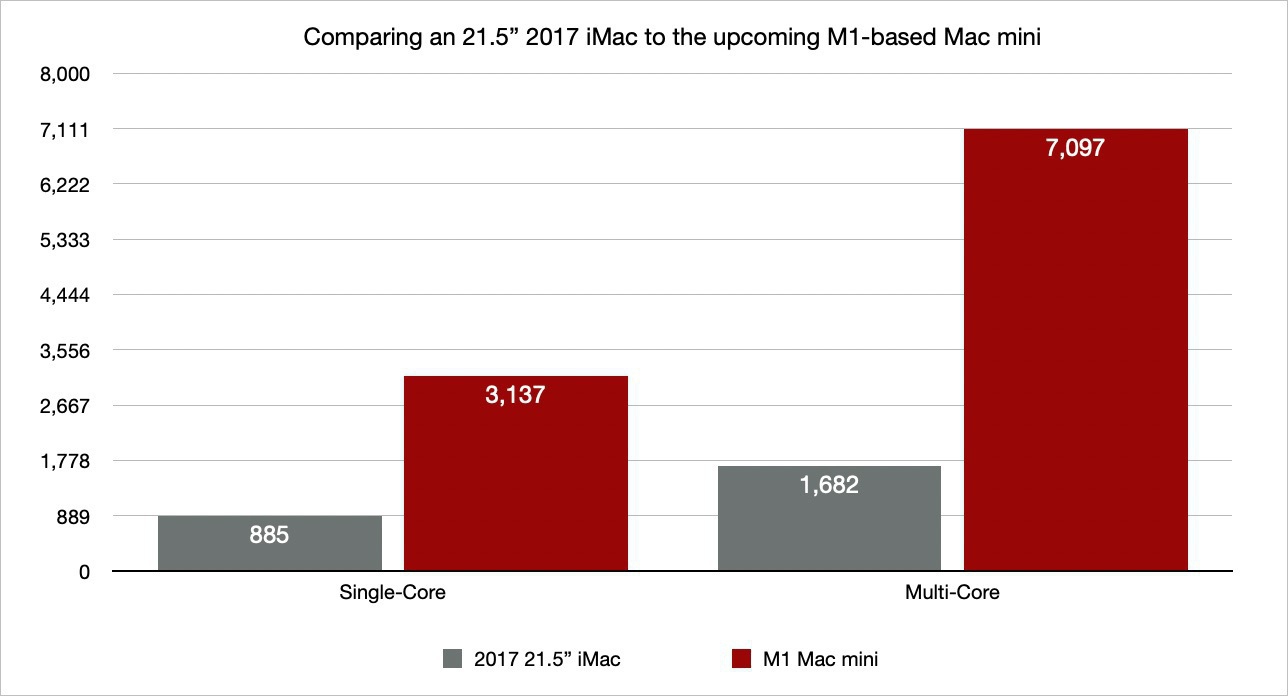
As someone who use both, native and non-native apps, on my M1-powered Mac mini, I don’t see much difference, most of the time. Apps like Lightroom CC or Pixelmator Pro do show a big improvement in many operations. But for the rest? Again, Rosetta 2 is doing a marvellous job and the whole experience on Big Sur with M1 is really good.
On the Lack of Safari’s extensions support (#apple #safariextension #browserextension)

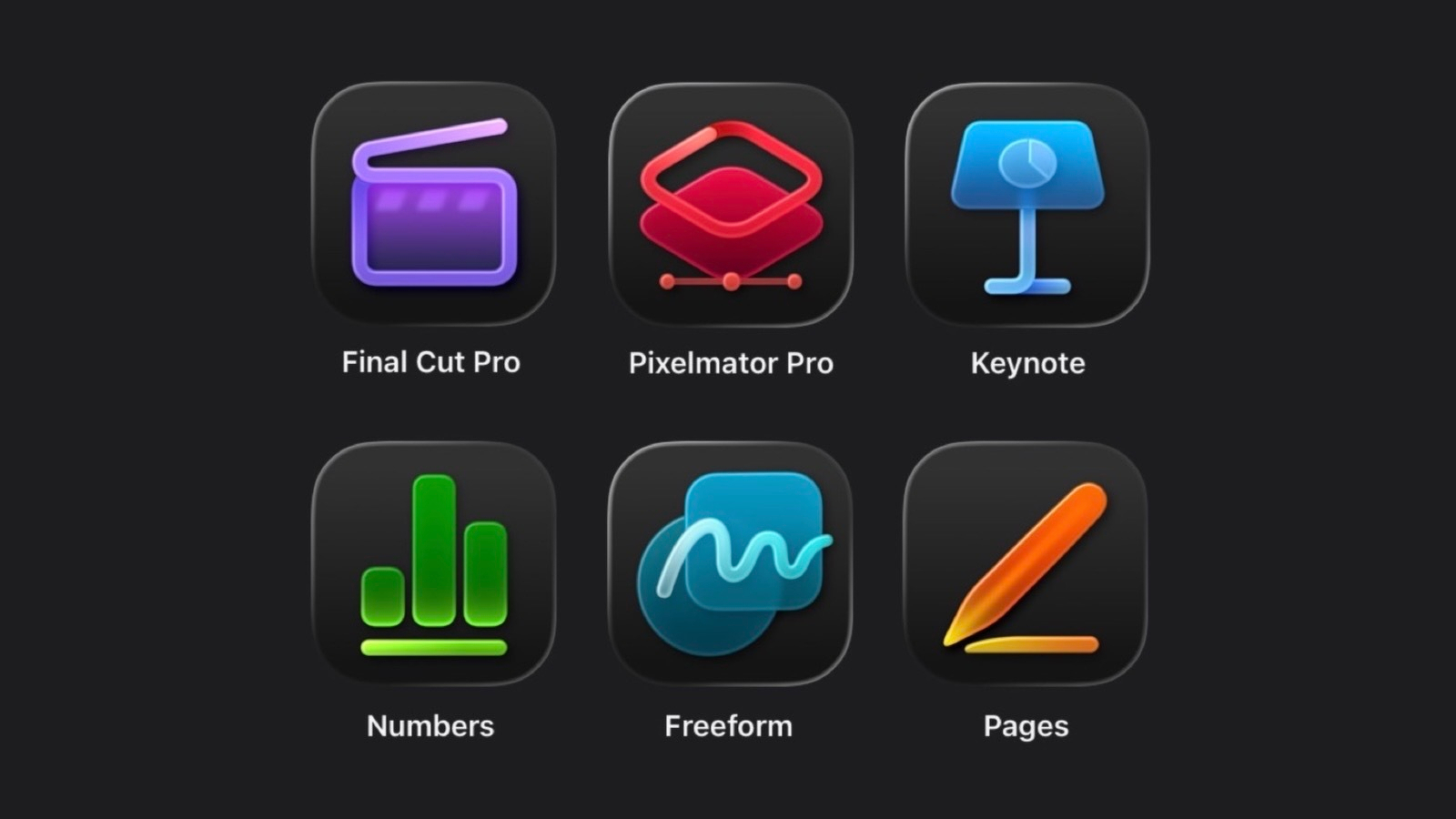
It’s becoming quite frustrating to see Apple’s Safari not being supported for browser extensions. Safari is now reportedly supporting standard web extensions but with an Apple twist making it cumbersome for developers to add support. Apple being Apple, I think it is related to the requirement of having to download an application in order to be able to expose an extension to Safari’s engine. Thanks to privacy protection, Apple is forcing the game here, but this has real consequences.

Apps cannot be installed errors (#appstore #apple #bug)

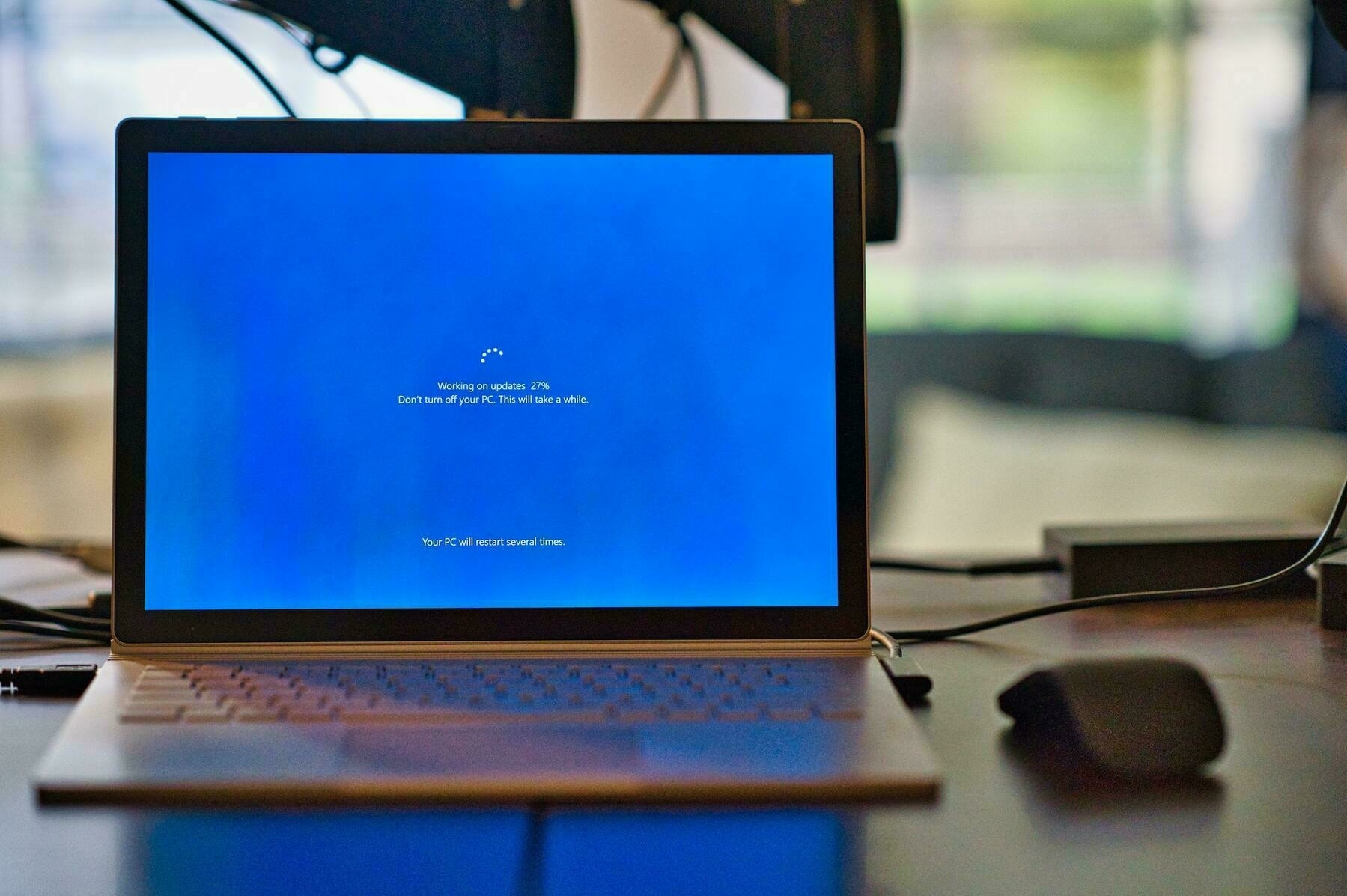
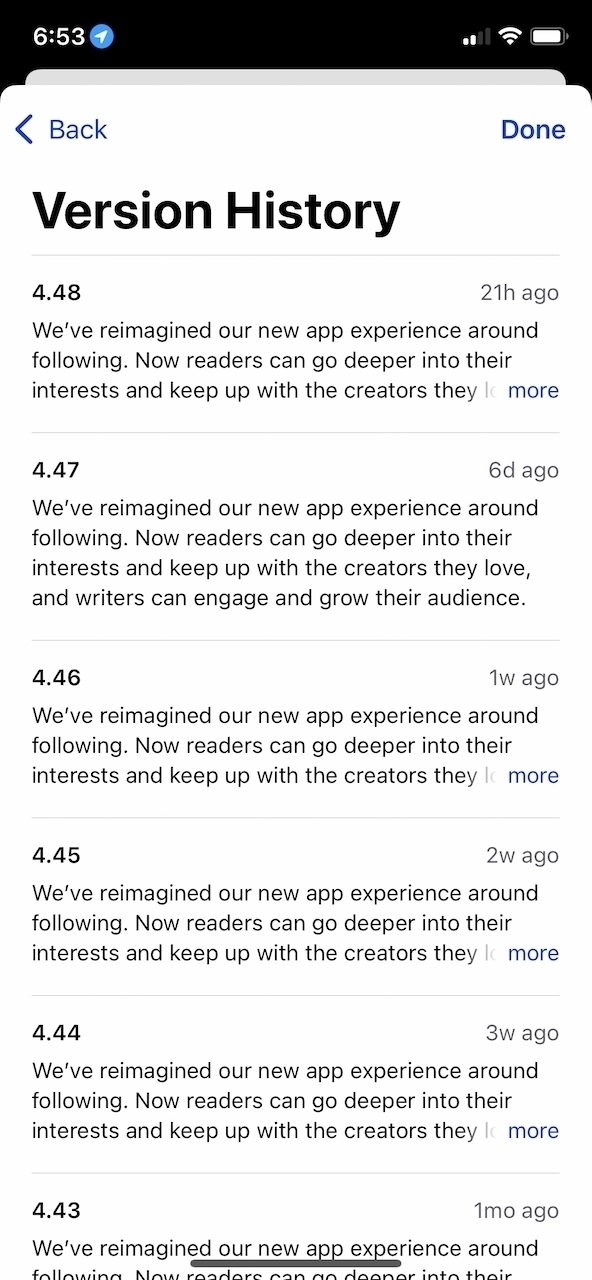
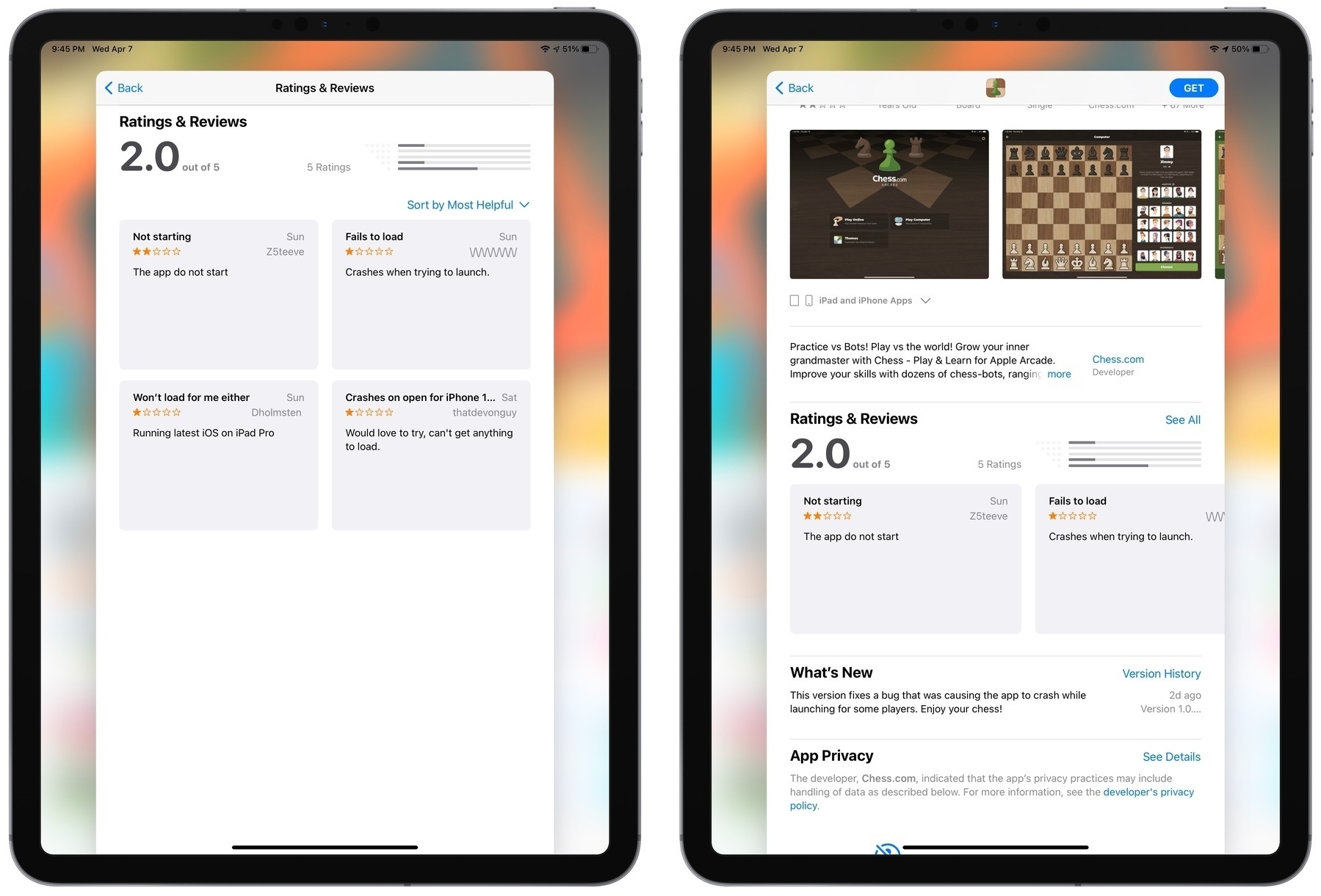
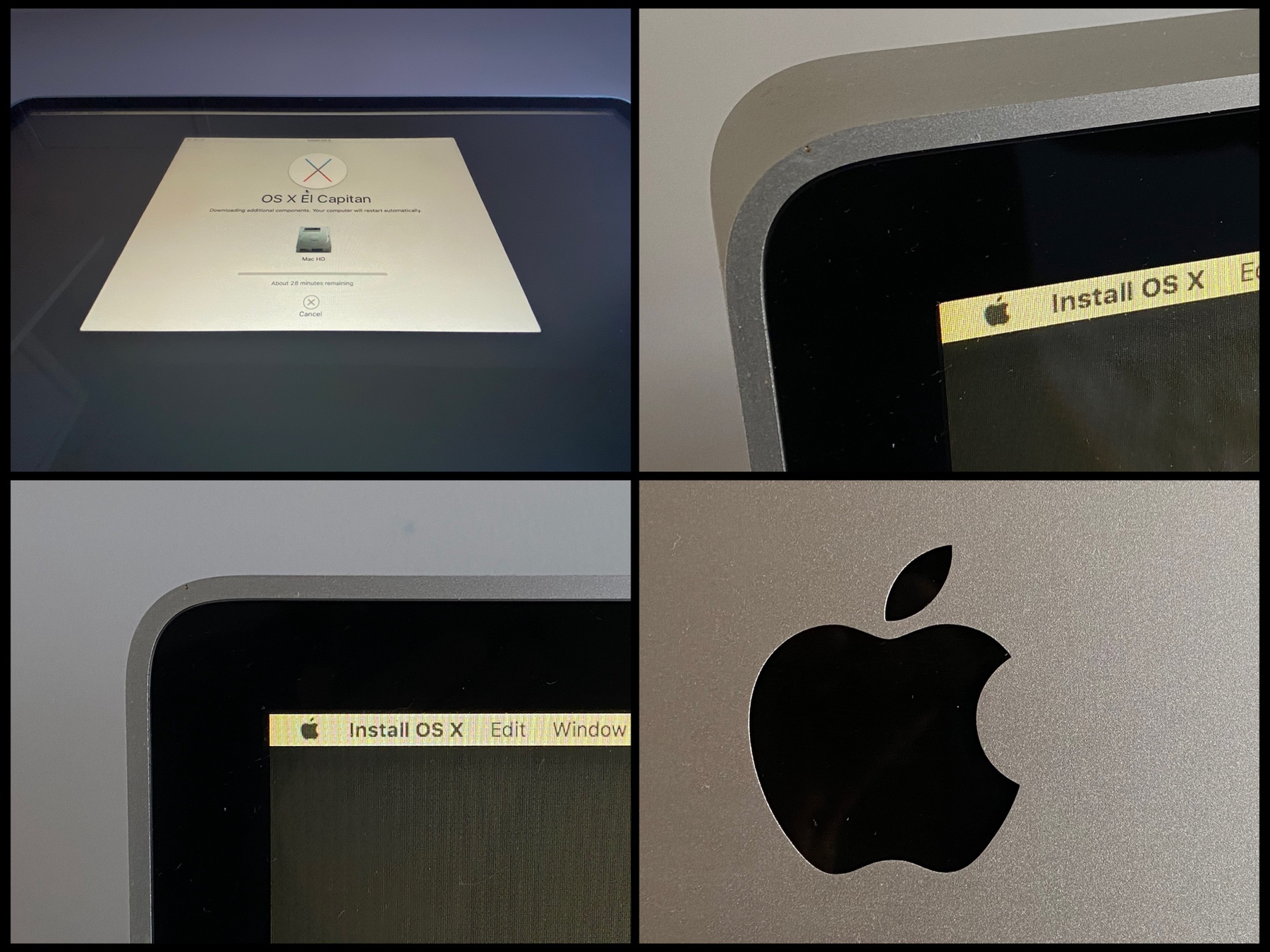
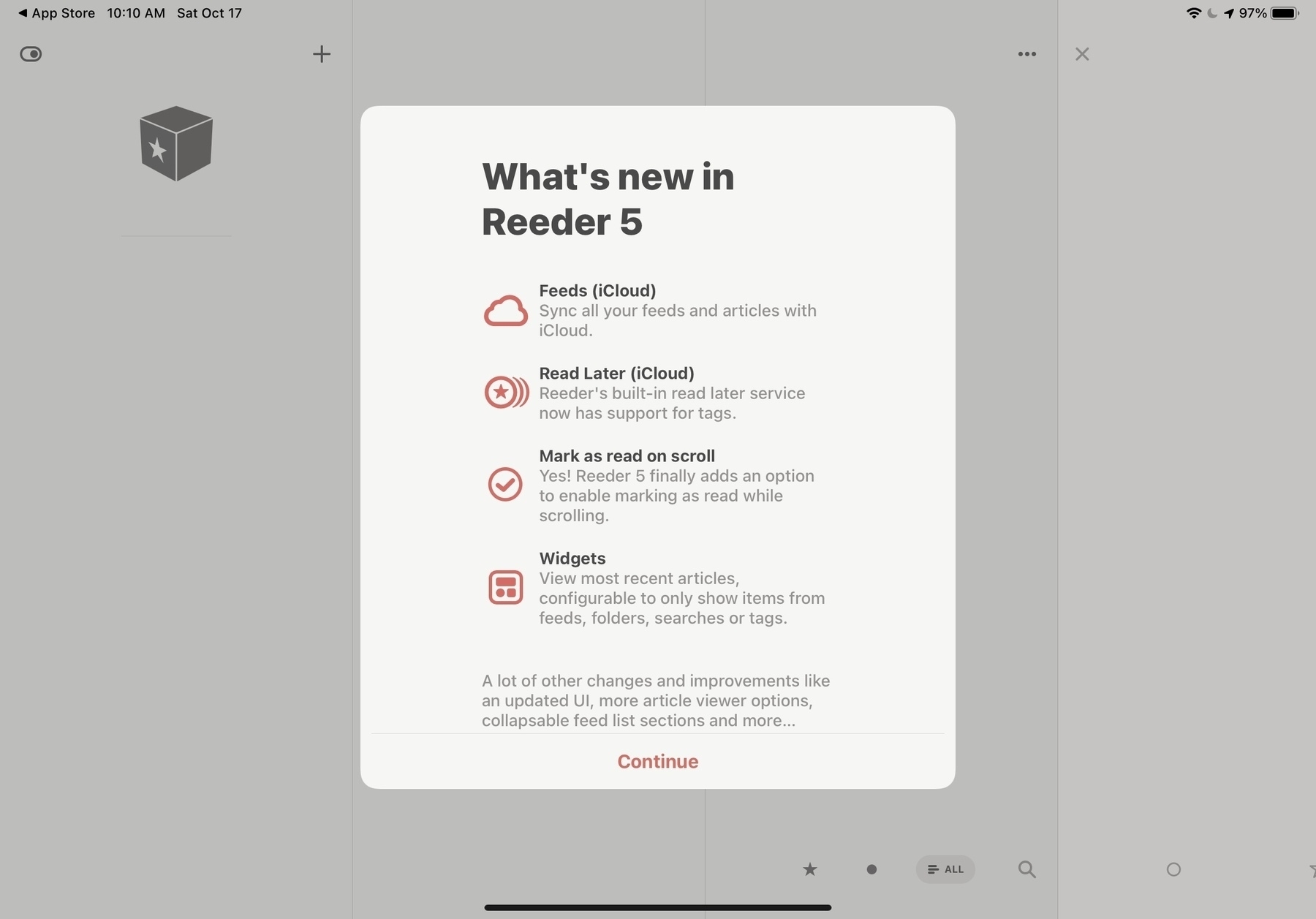
Since running macOS Big Sur, I quite often get these “Unable to Download App” error when trying to update my apps on my M1-based Mac mini. I need to try a few times or even reboot the machine in order to fix this issue. The app is being downloaded, but the installation phase is failing at the very end. Version 11.2 of Big Sur didn’t fix the issue. And it’s not related to an app being open or in use.
Is anyone getting these too? It’s kind of annoying.

Desktop vs Laptop vs Mobile vs Tablet (#blog #bloggerlife #analytics)

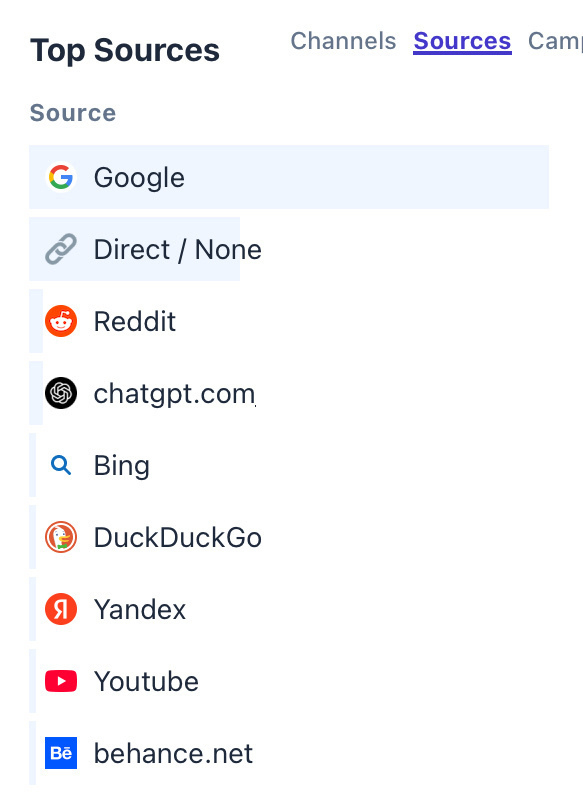
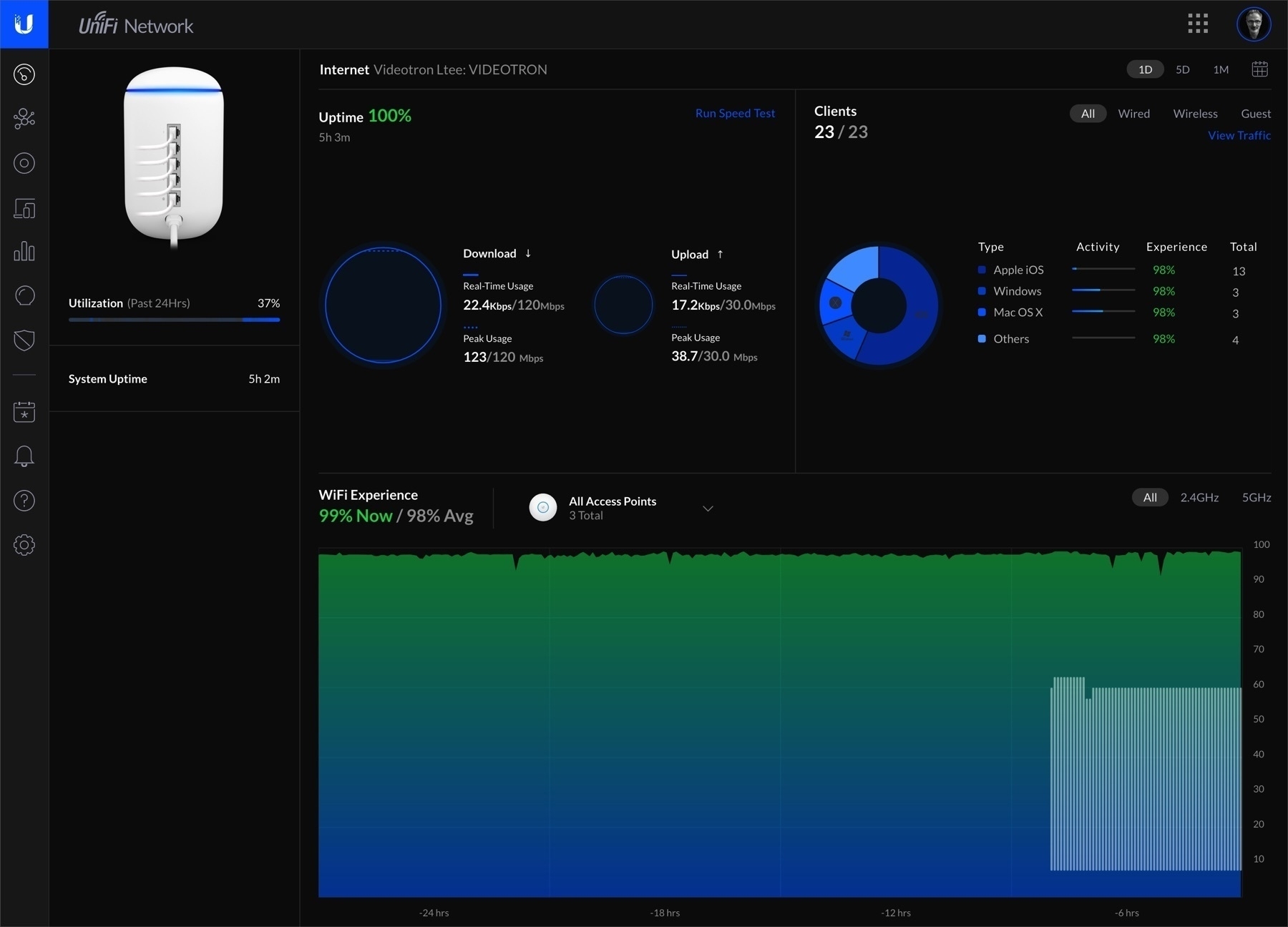
Here is something absolutely fascinating and surprising to me. According to my main blog’s visitors statistics, thanks to my recent switch to Plausible, over the last thirty days, the distribution of devices type used to visit my blog puts the tablet far behind the desktop, the laptop and the smartphone. One would think the tablet form factor to be much more popular.

The iPad is massively popular. I’m still in love with this form factor after all these years. These numbers doesn’t jive.

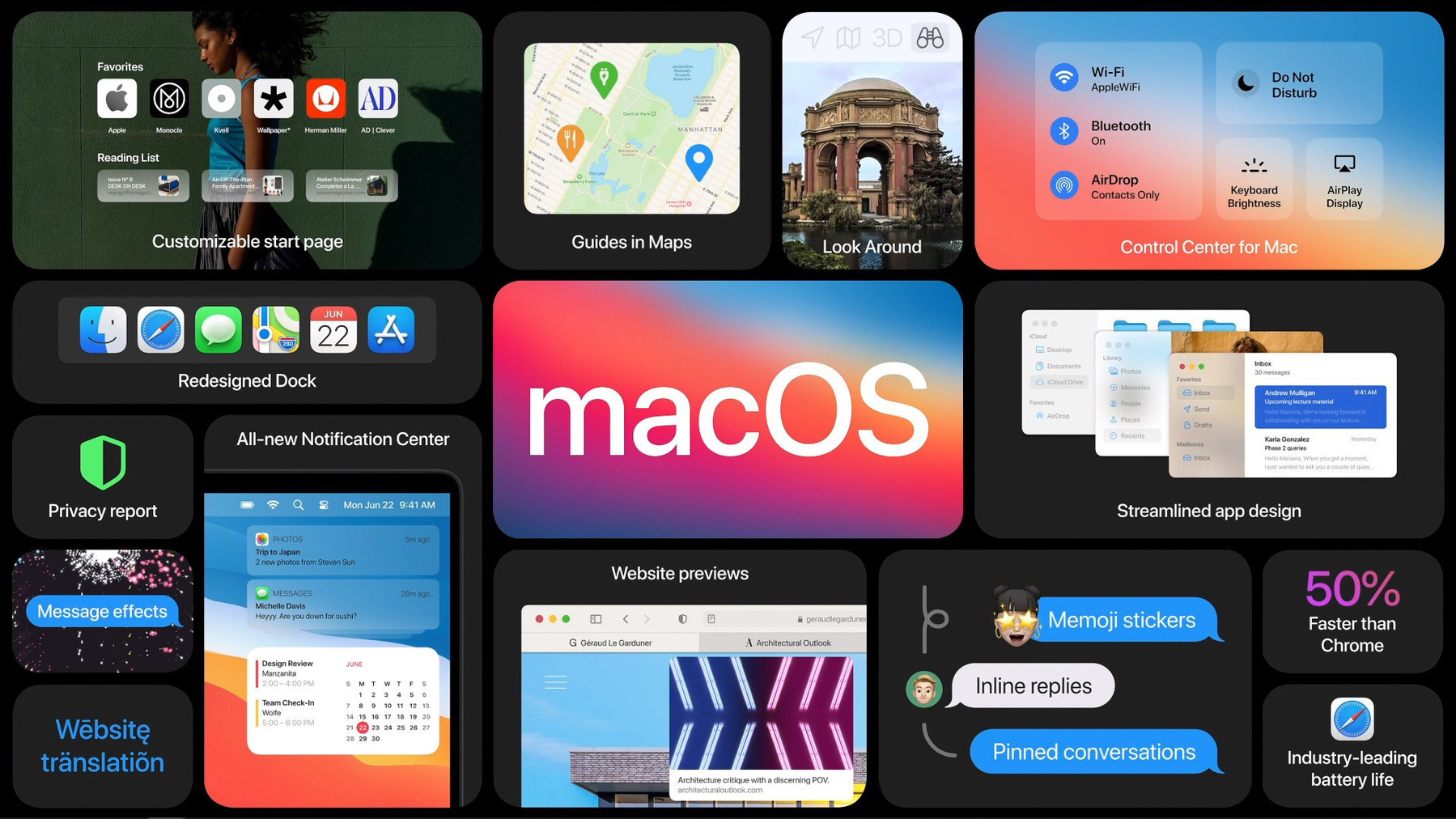
Apple’s macOS Big Sur updates on the path of iOS updates? (#apple #macos #bigsur)

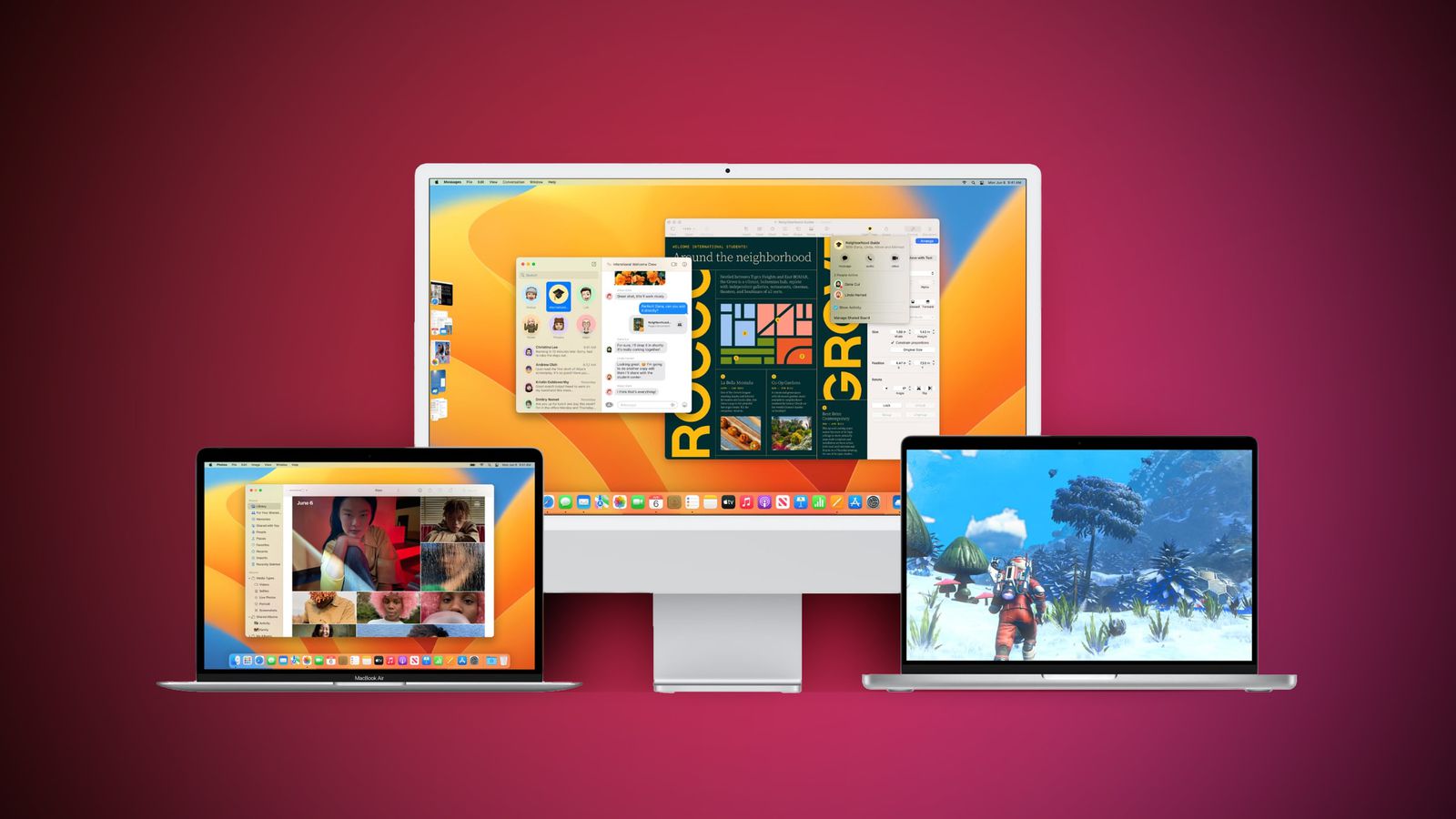
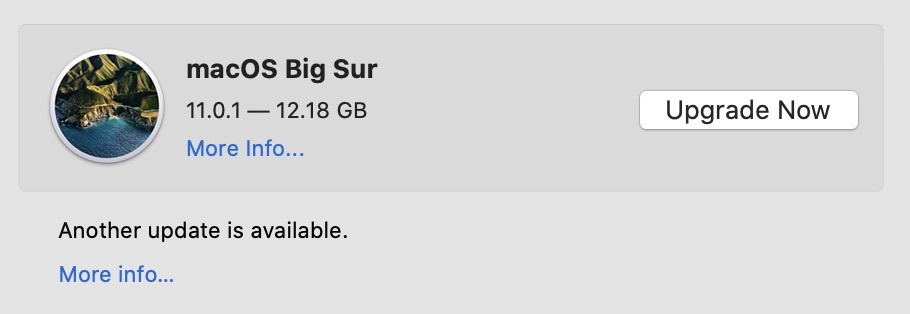
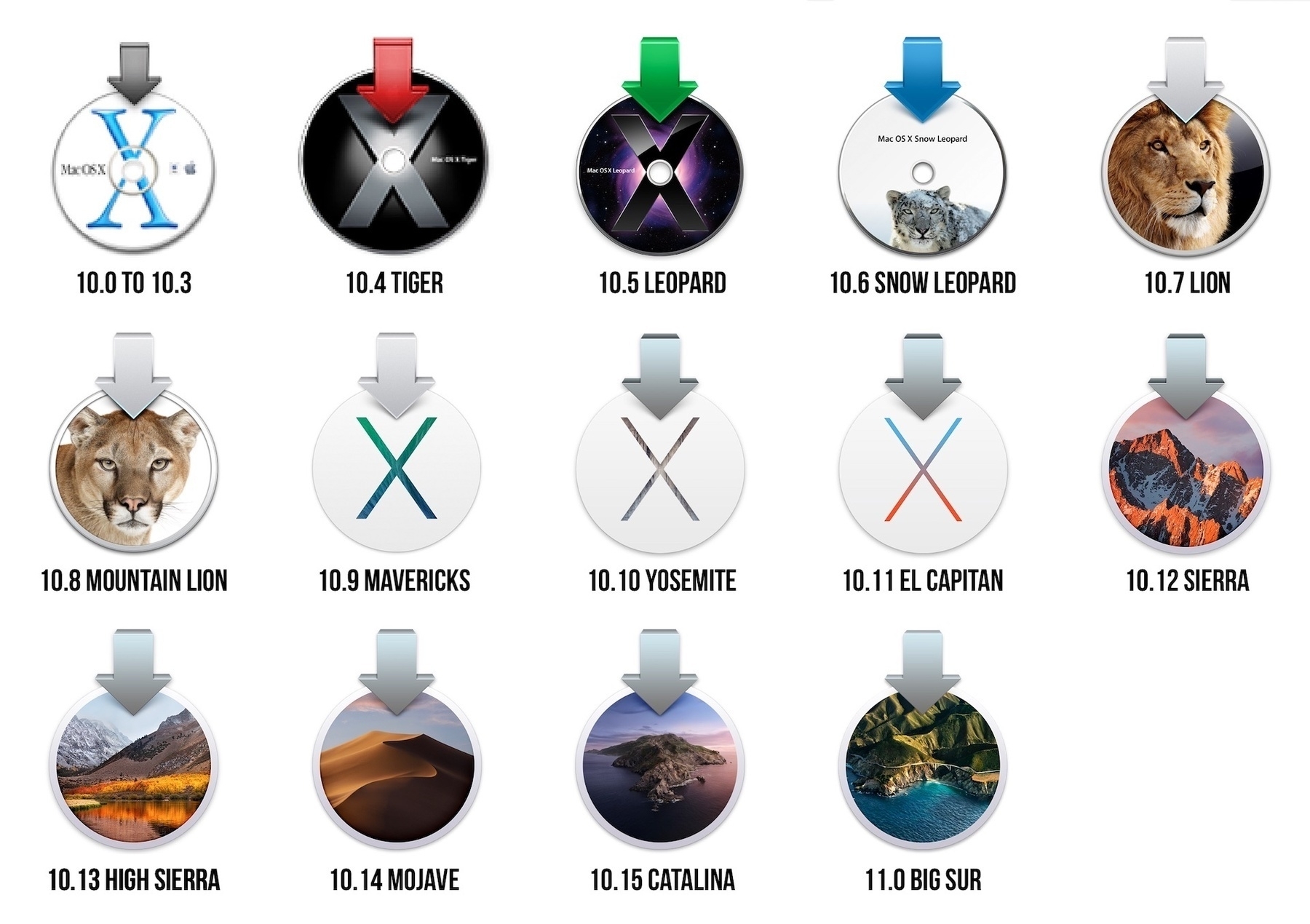
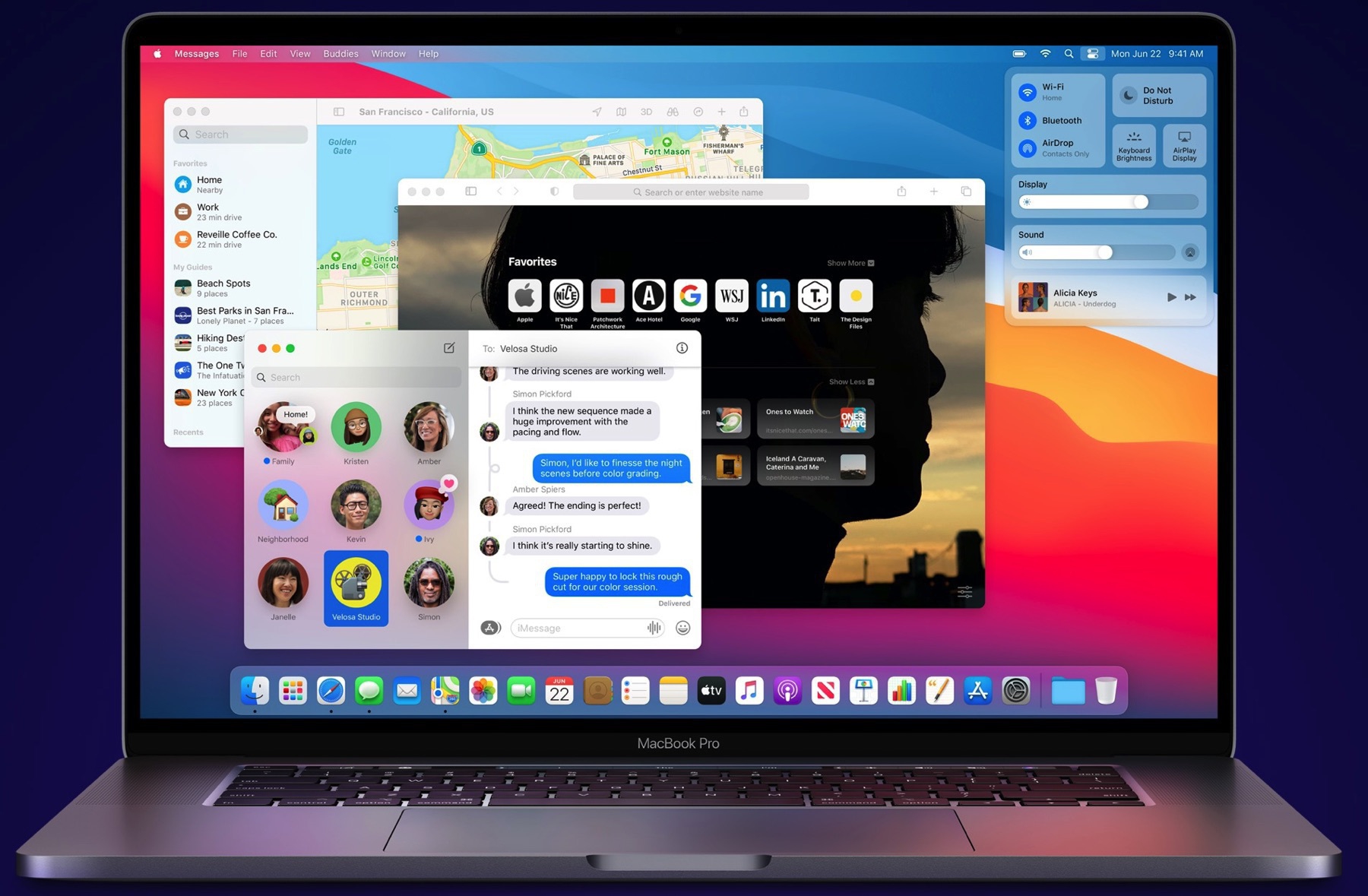
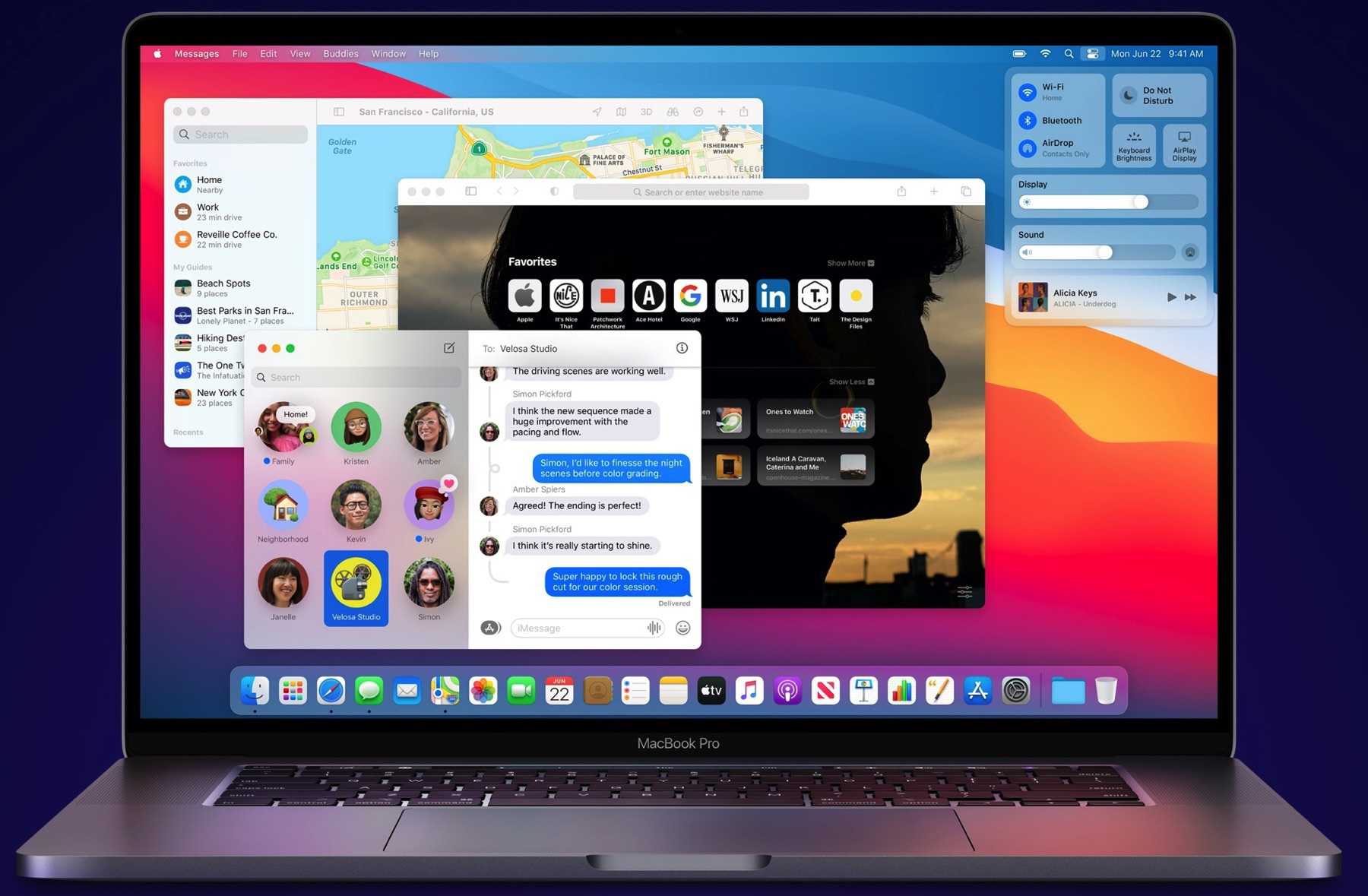
After the release yesterday of macOS Big Sur 11.2, Apple today released the first beta of macOS Big Sur 11.3. It does look like macOS is following the trails of iOS with updates that brings many small features, improvements and tweaks. We’re not used to that, as before Big Sur, macOS updates used to be mostly about bug fixes. I’m happy to see Apple change course for macOS, if this update is any indication.

And here goes beta 1 of iOS 14.5 (#apple #ios14.5)

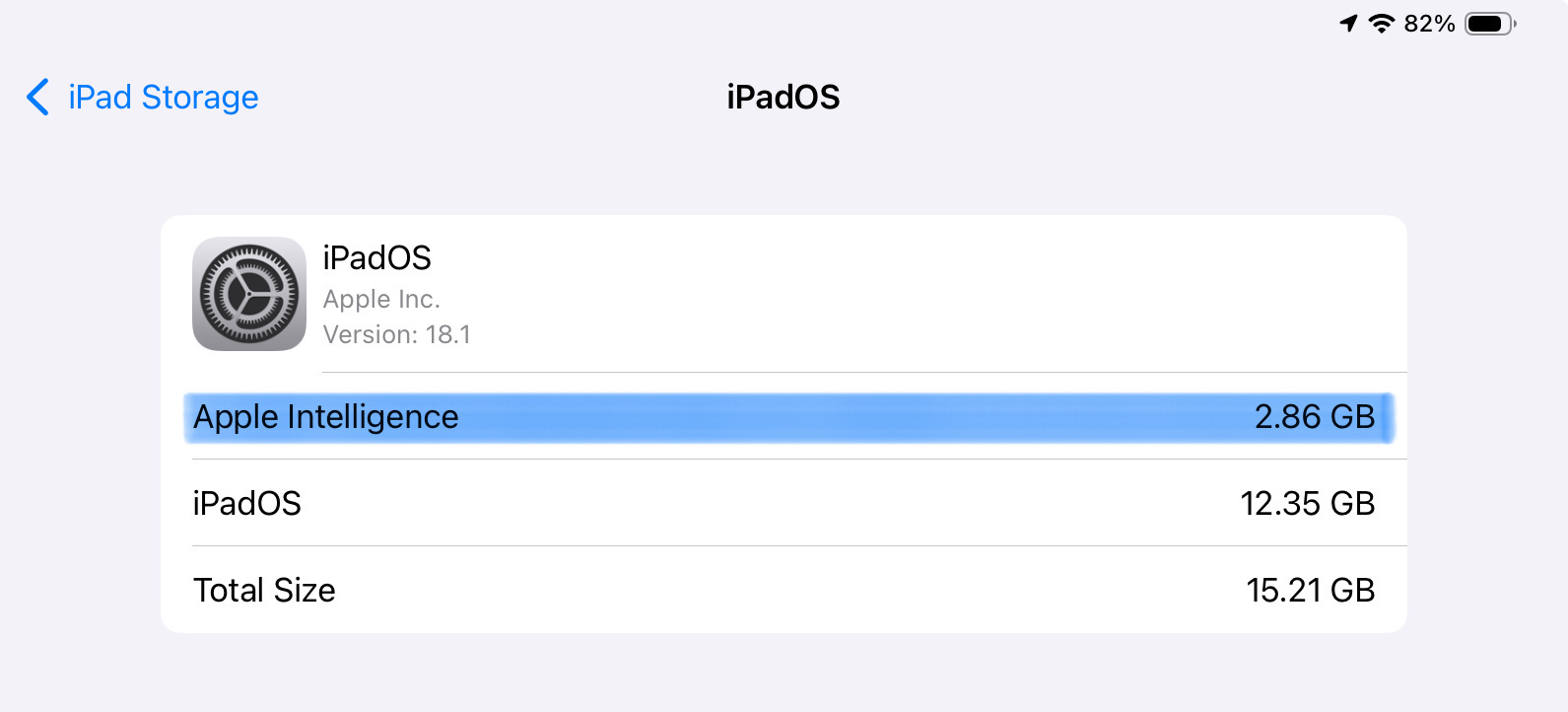
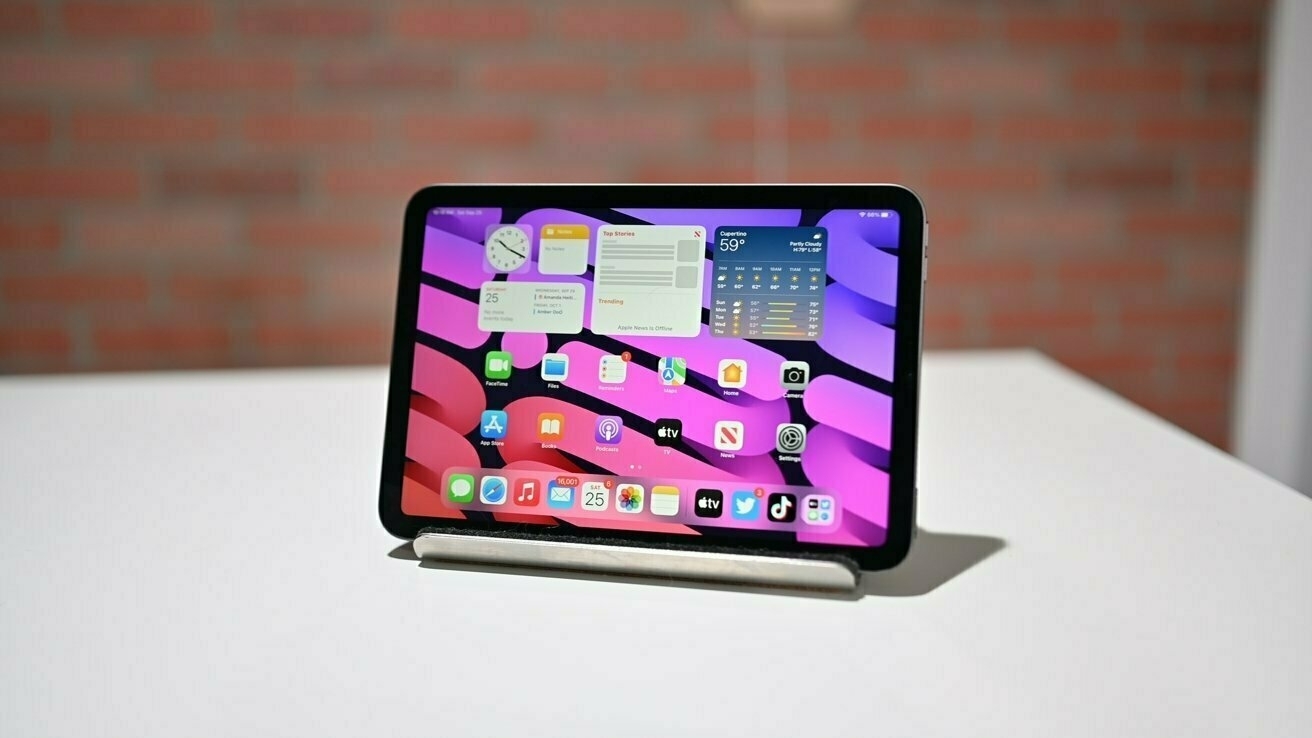
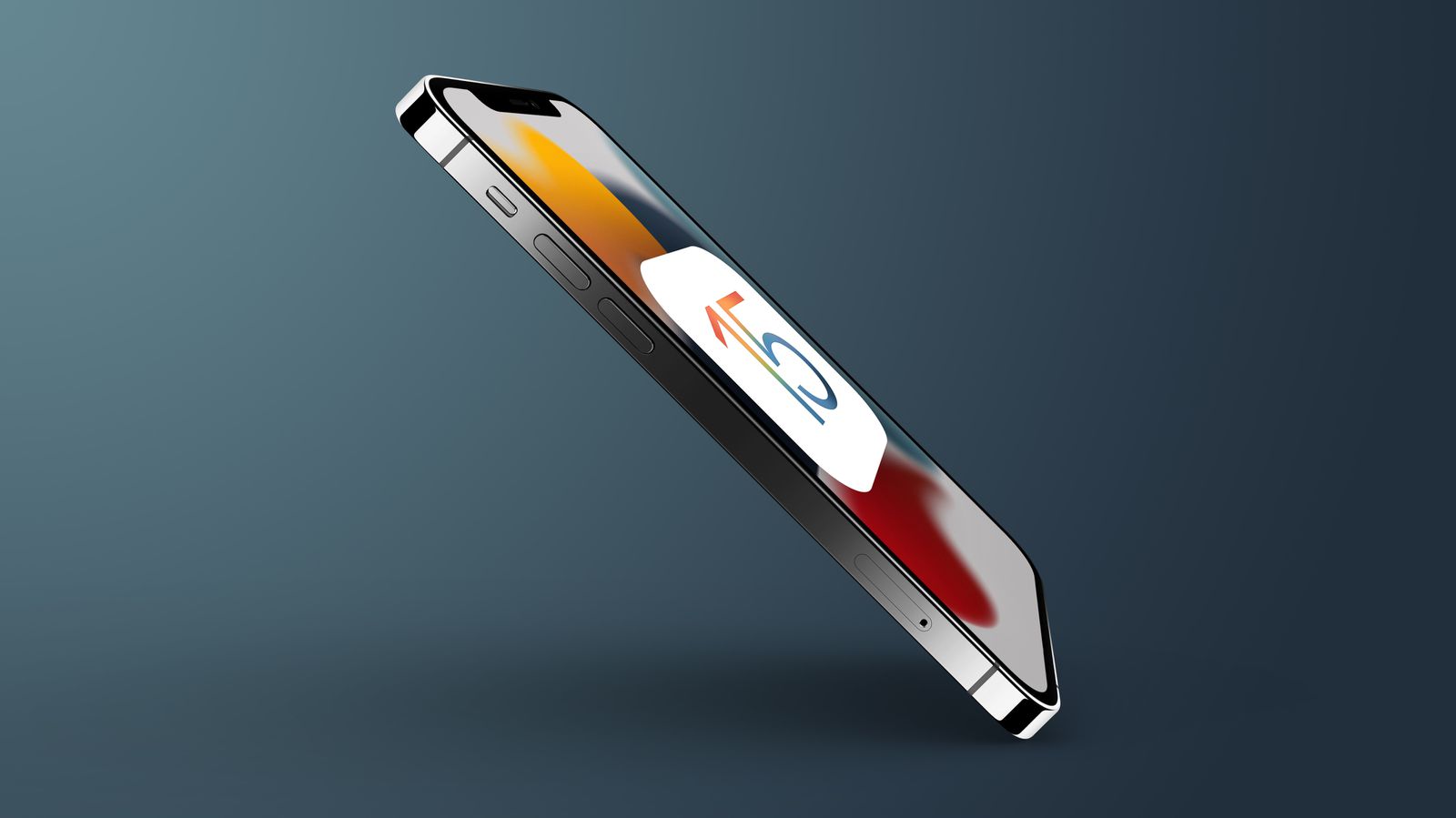
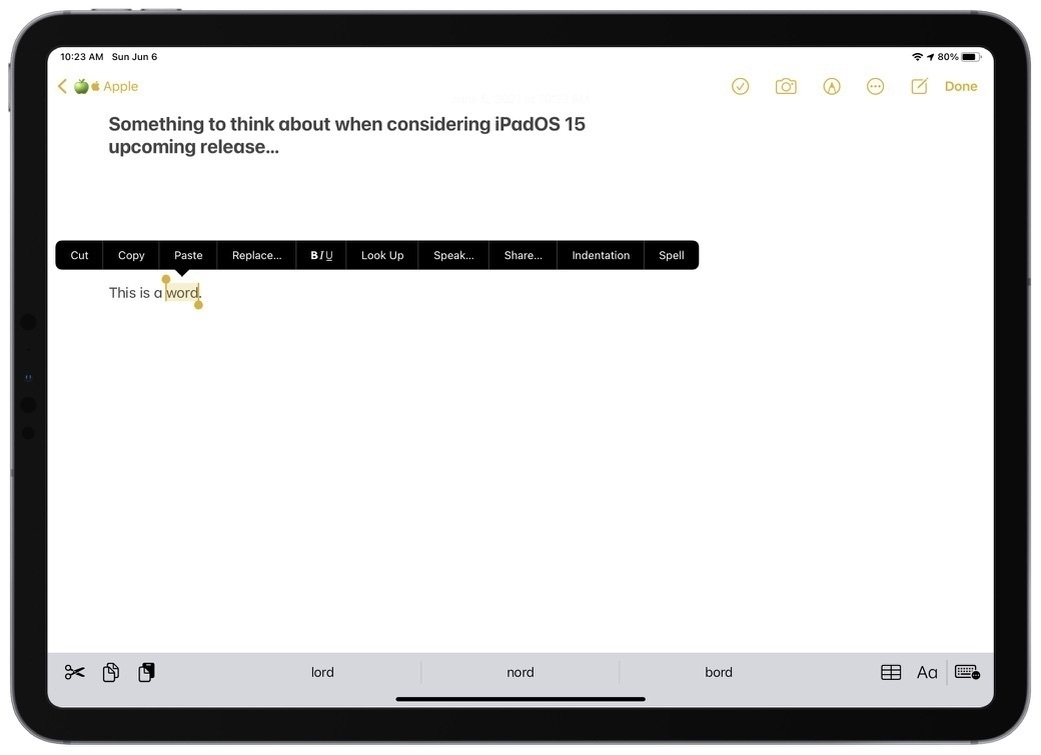
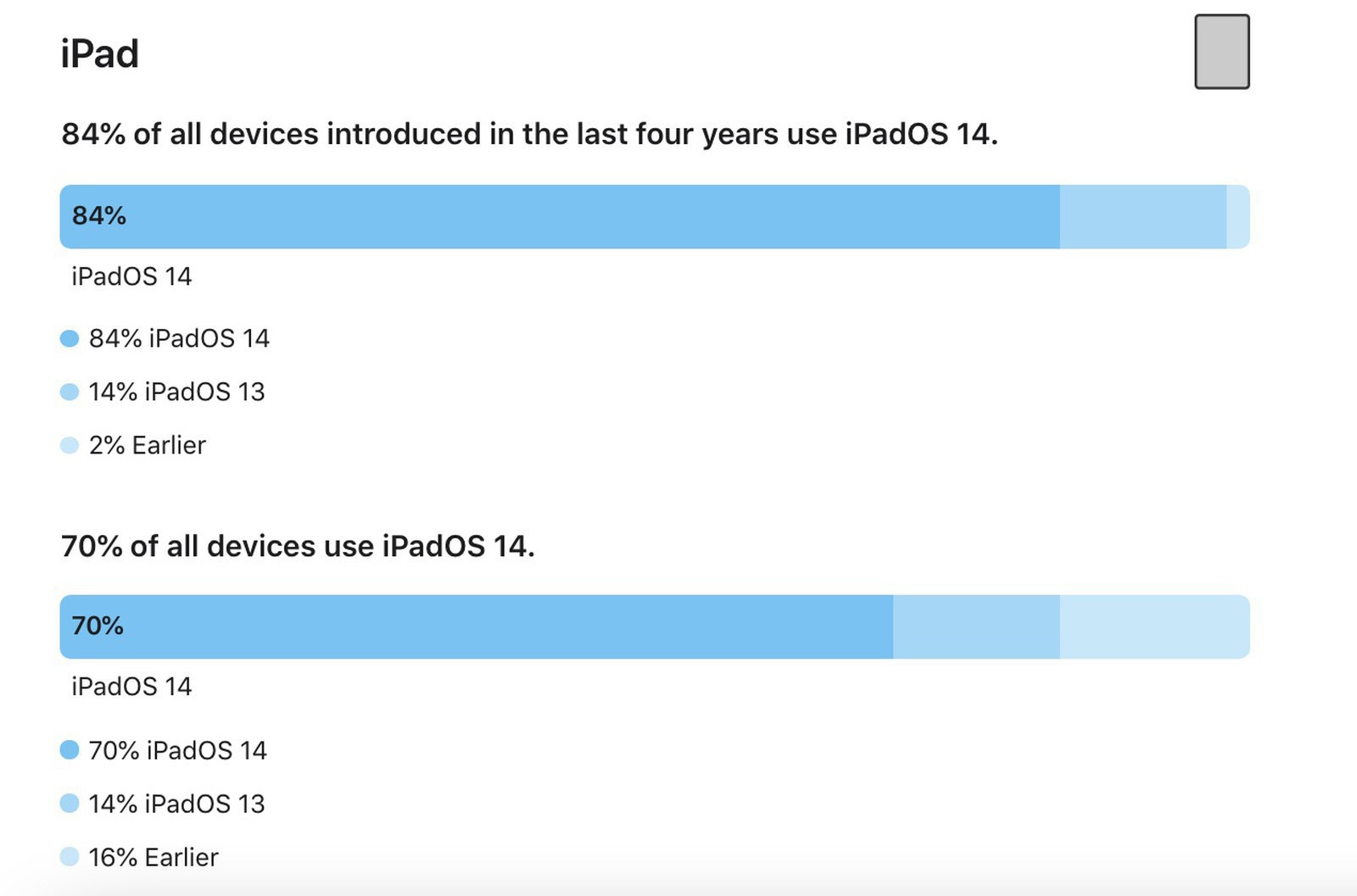
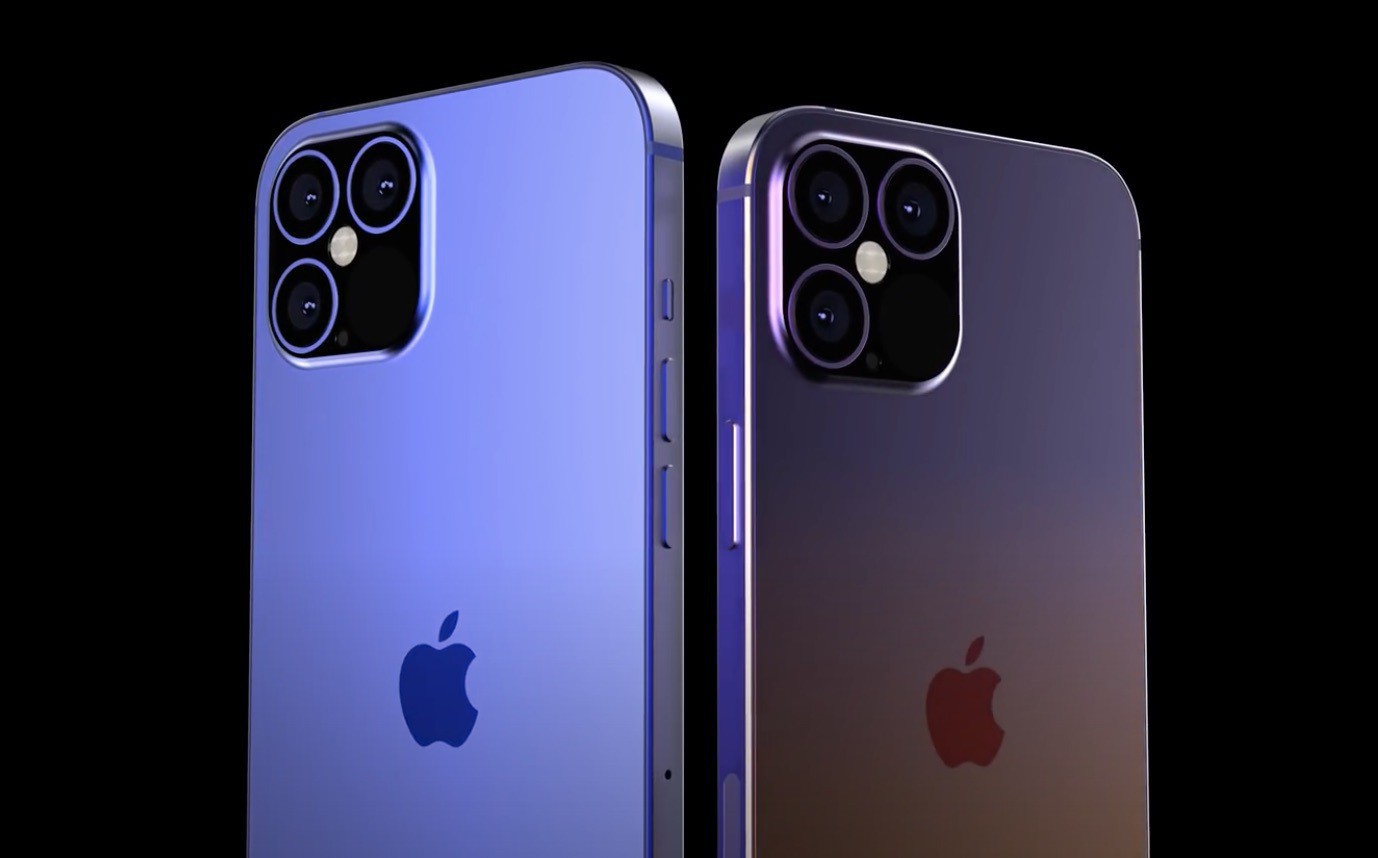
iPadOS 14.5 and iOS 14.5 beta 1 is out!

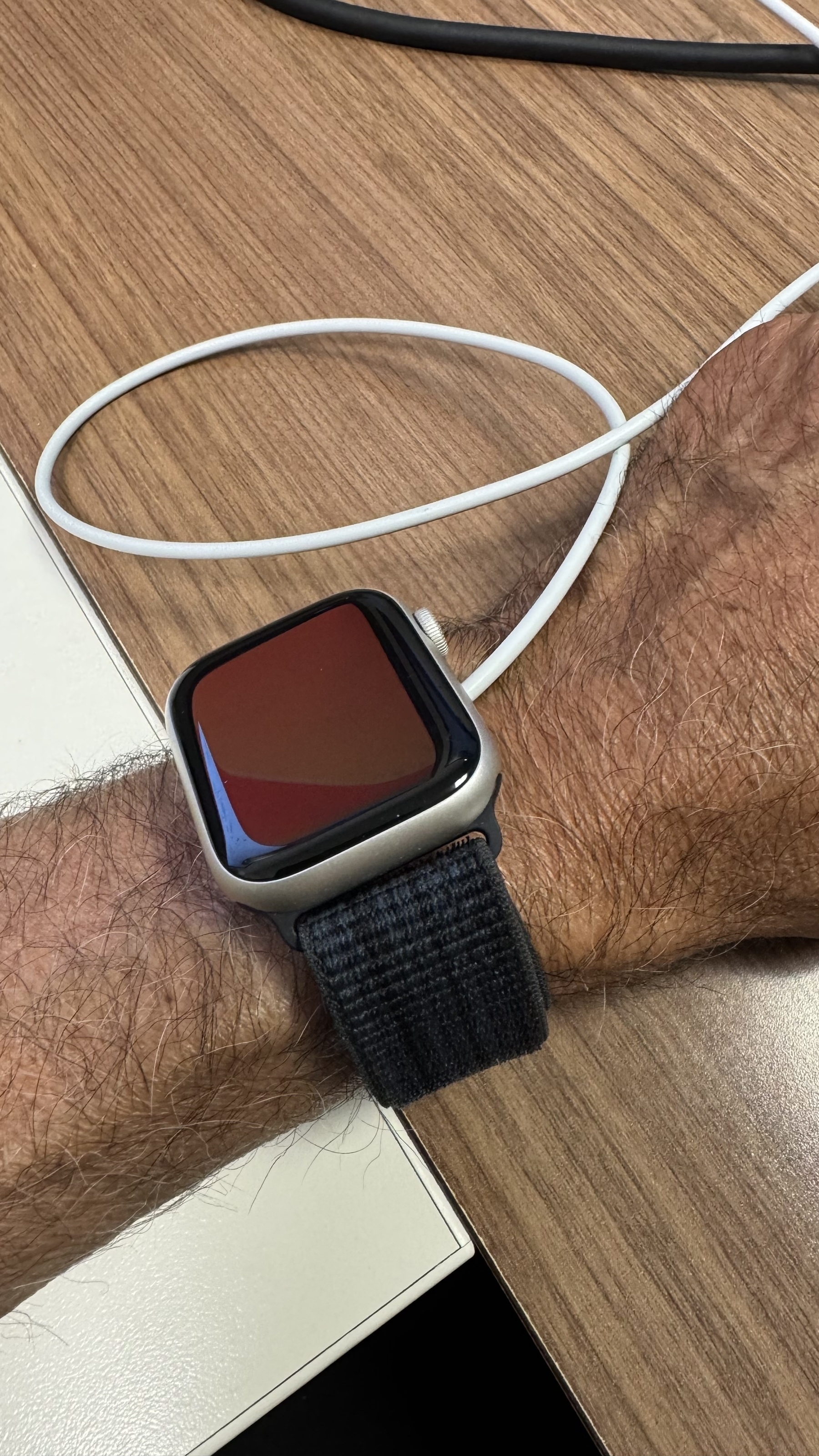
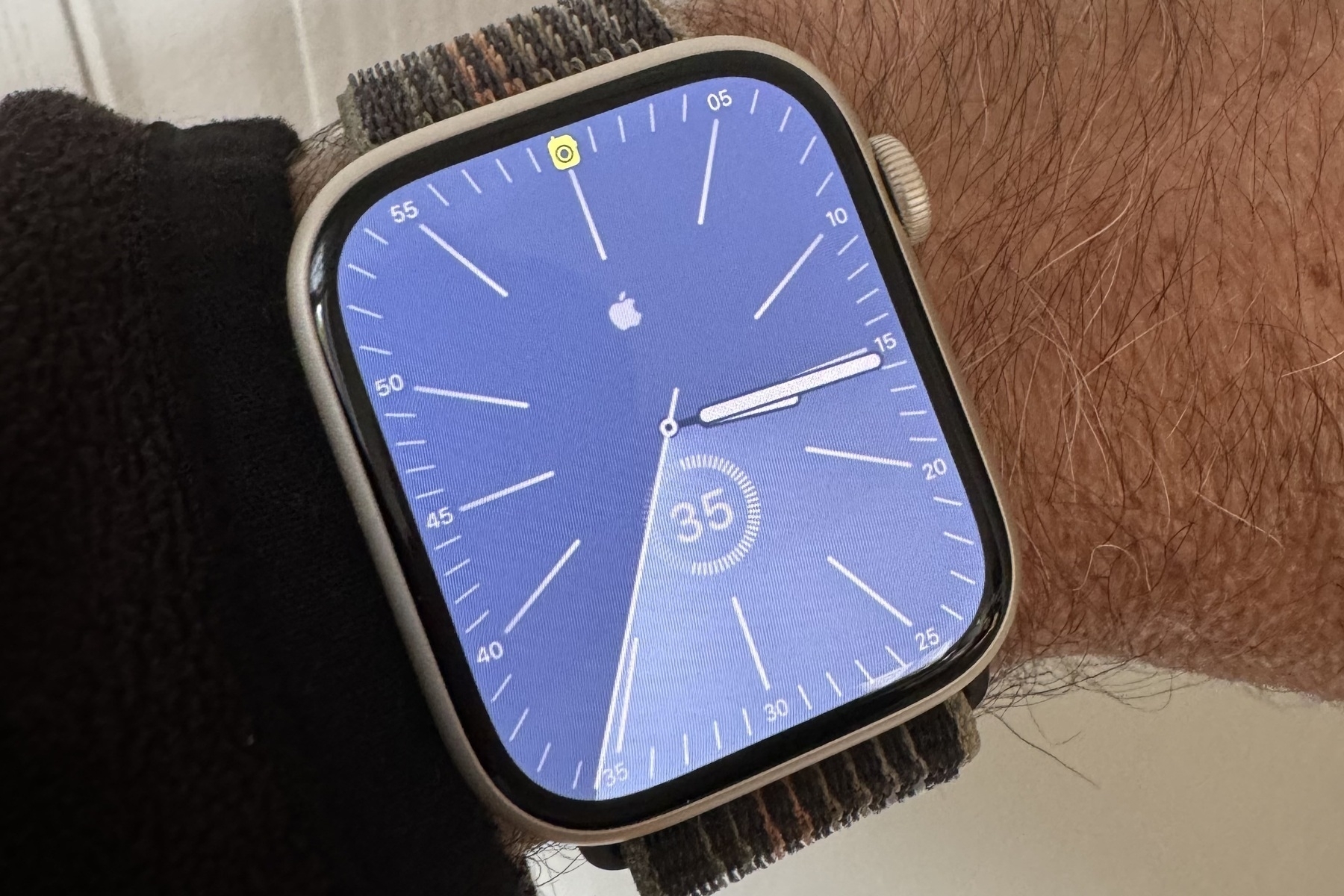
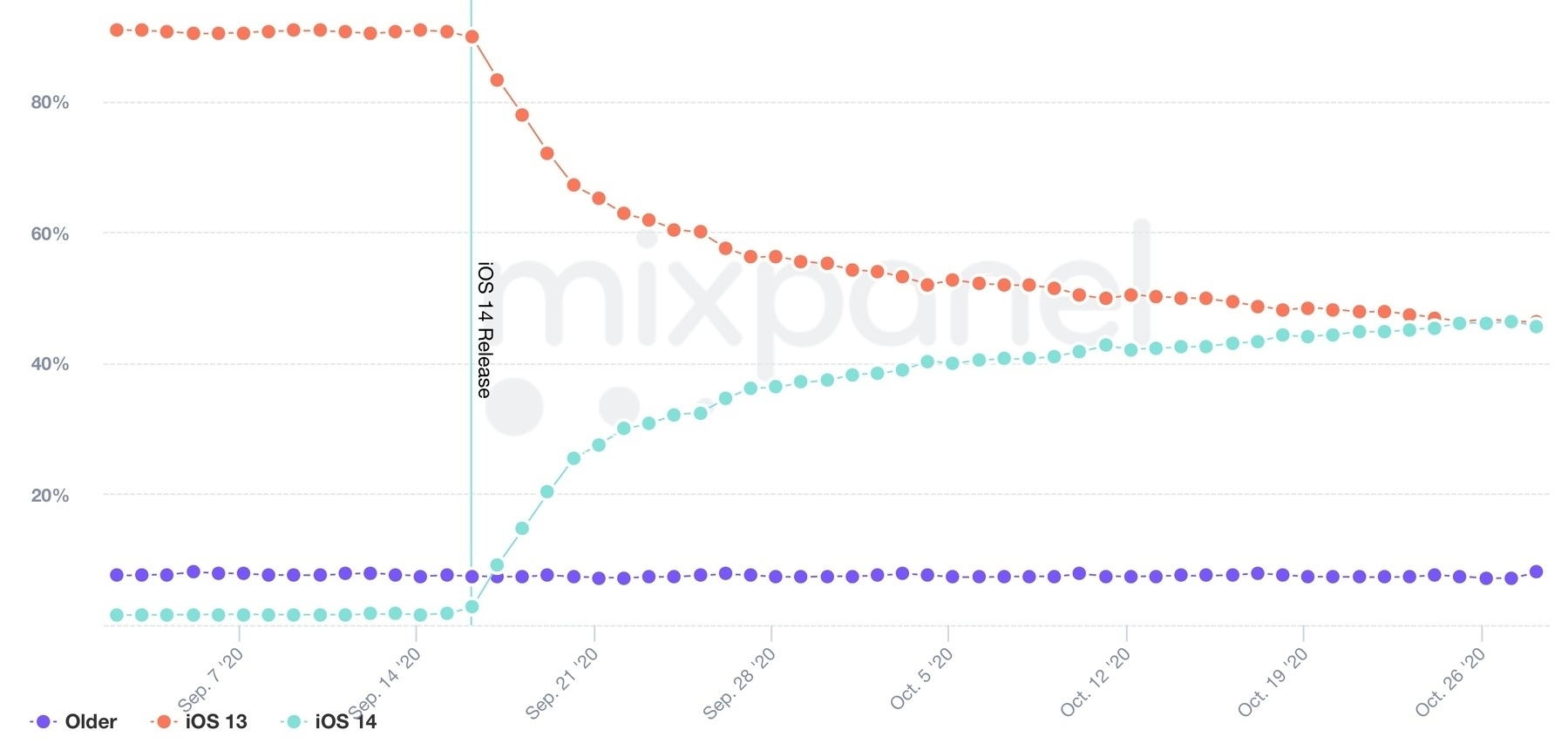
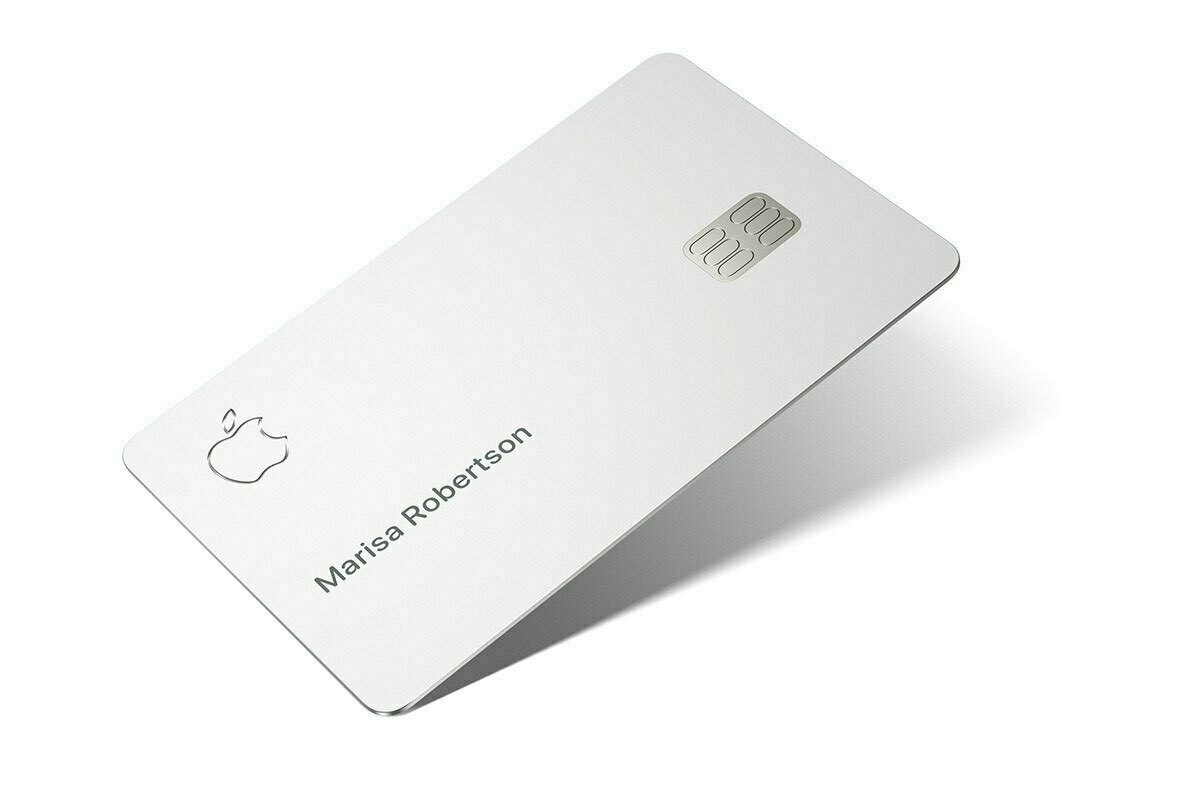
iOS 14.5 beta 1 is out today with a slew of new features and small tweaks. Unlocking your iPhone while wearing a face mask, thanks to your Apple Watch, falls in the category of “finally” moments. In the tweaks category, the Apple logo of an iPad booting up iPadOS “finally” follows the device’s orientation. Updates to Apple Card too to support shared cards. Now, if only this could come to Canada!

Our secret? Optimizing workflows (#blogger #writer #tools)

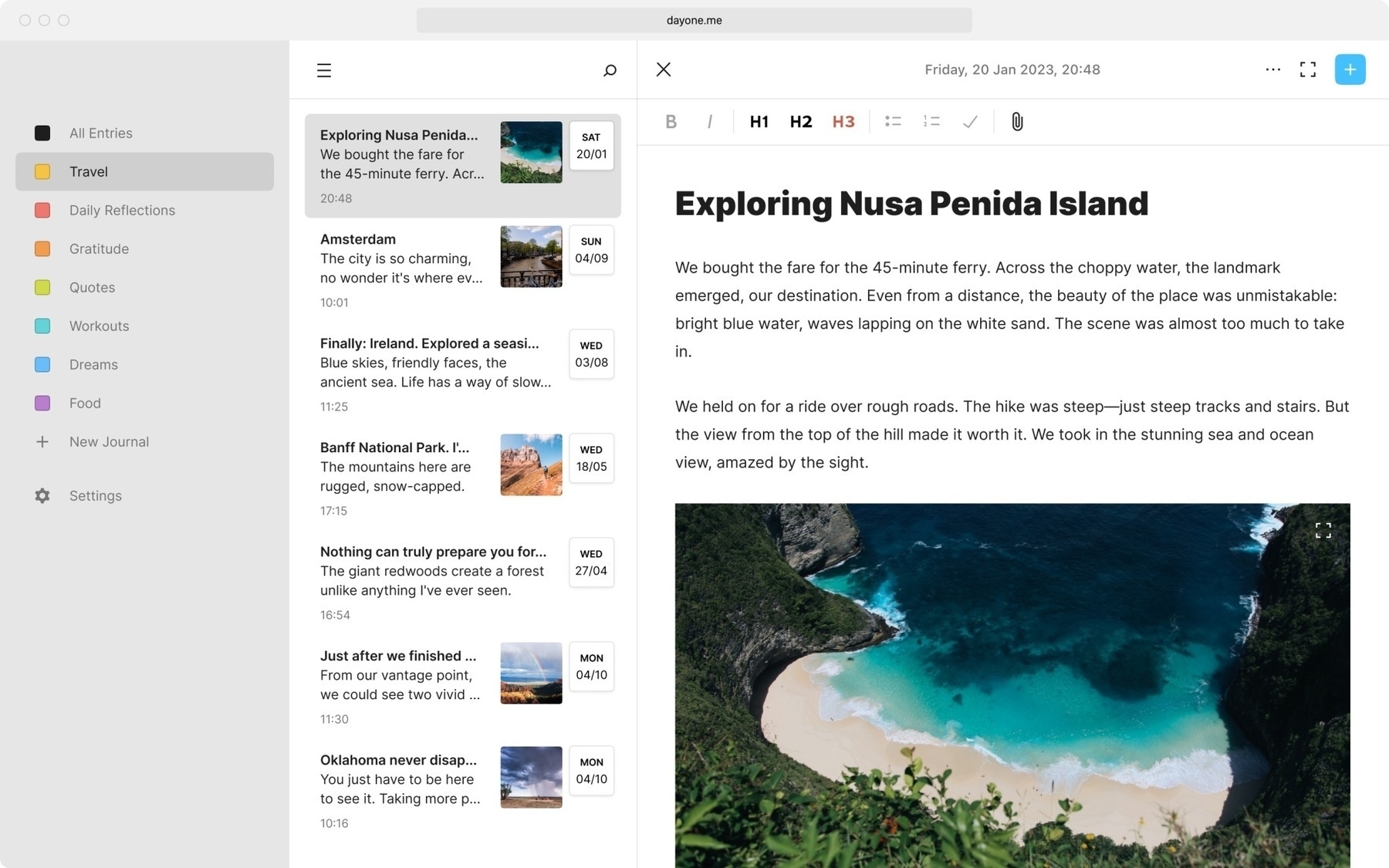
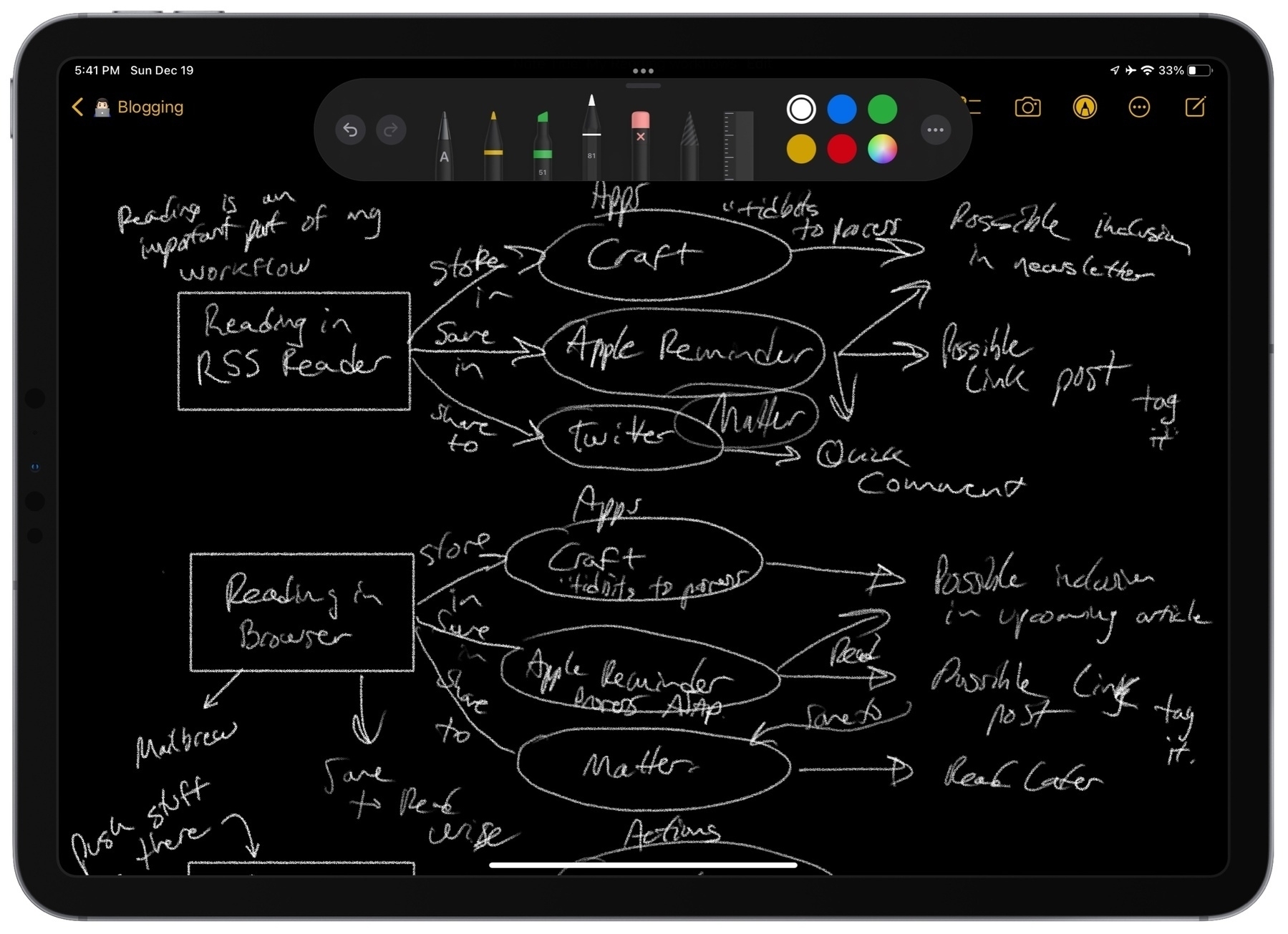
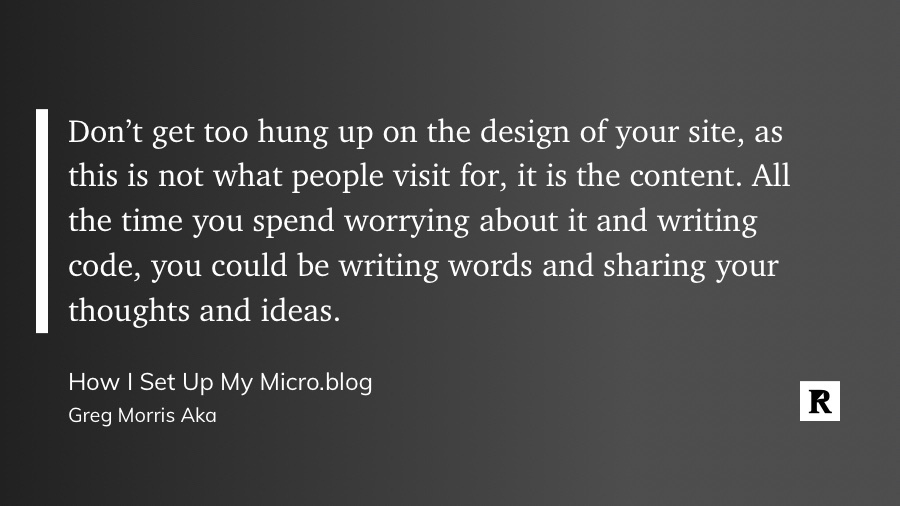
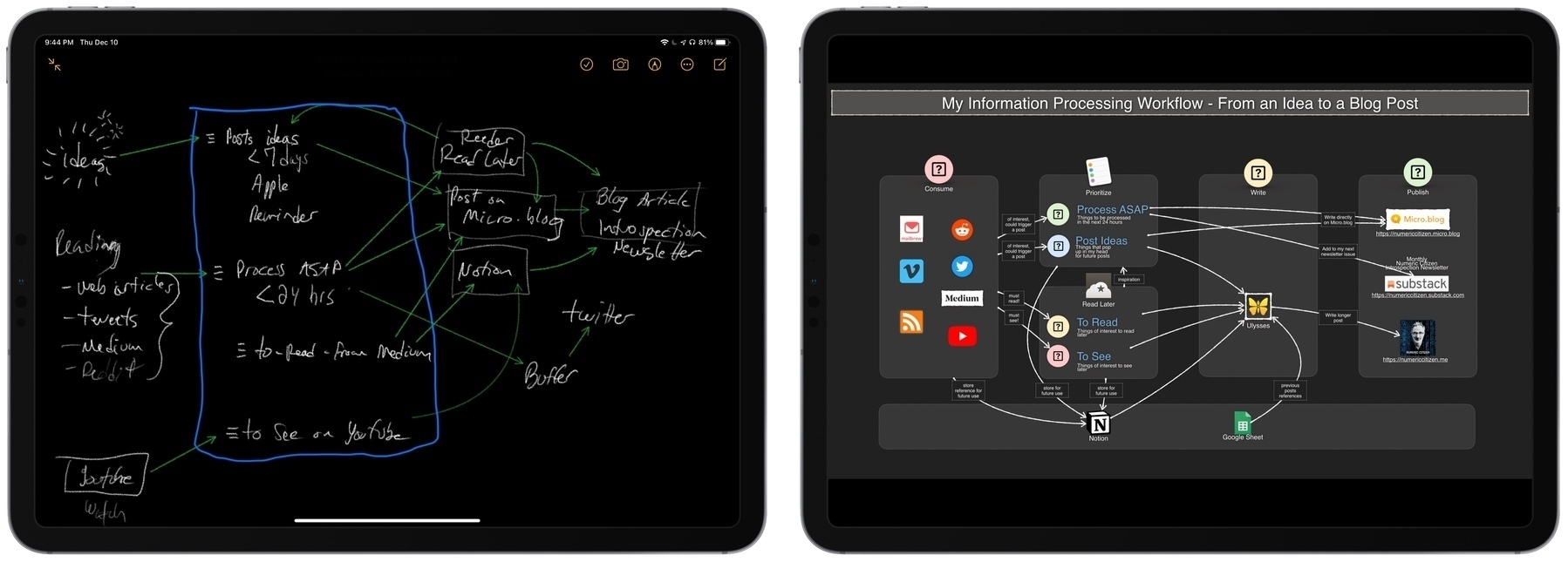
I like to see other people talk about their own writing or blogging workflows. Here’s an interesting tidbit from Greg Morris about using Apple’s Shortcut to publish to WordPress:

“Shortcuts is a really robust way to publish to WordPress and not have to use the WordPress app or third-party app.”

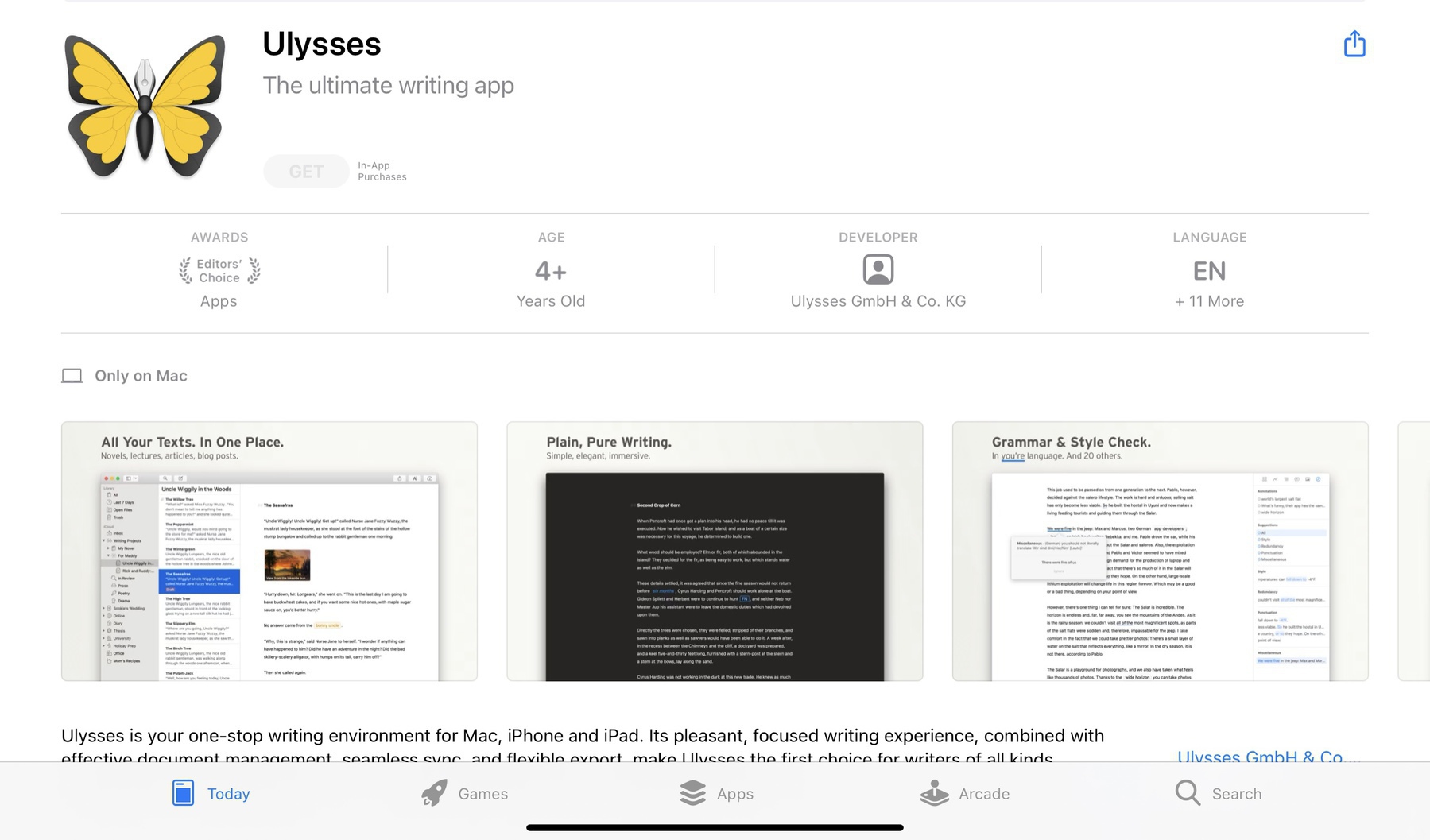
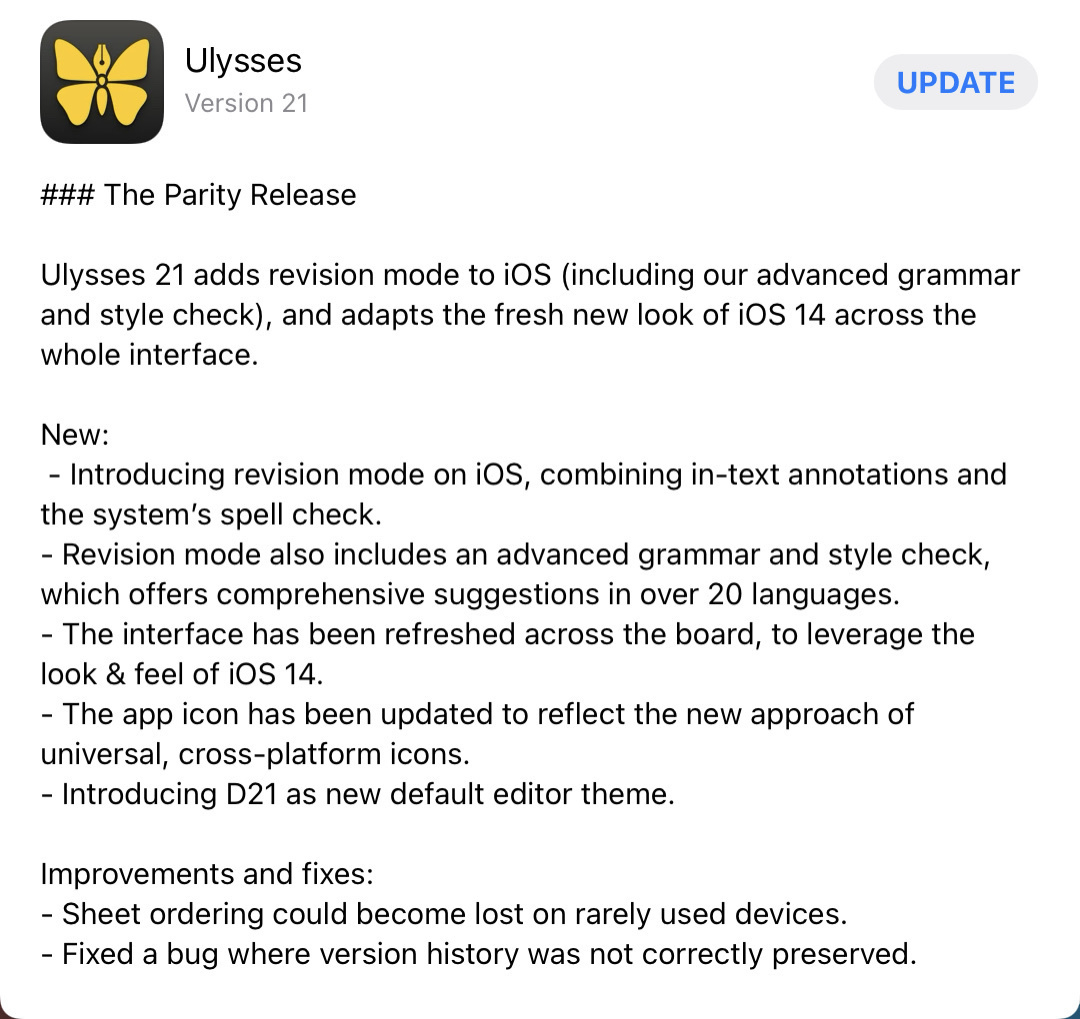
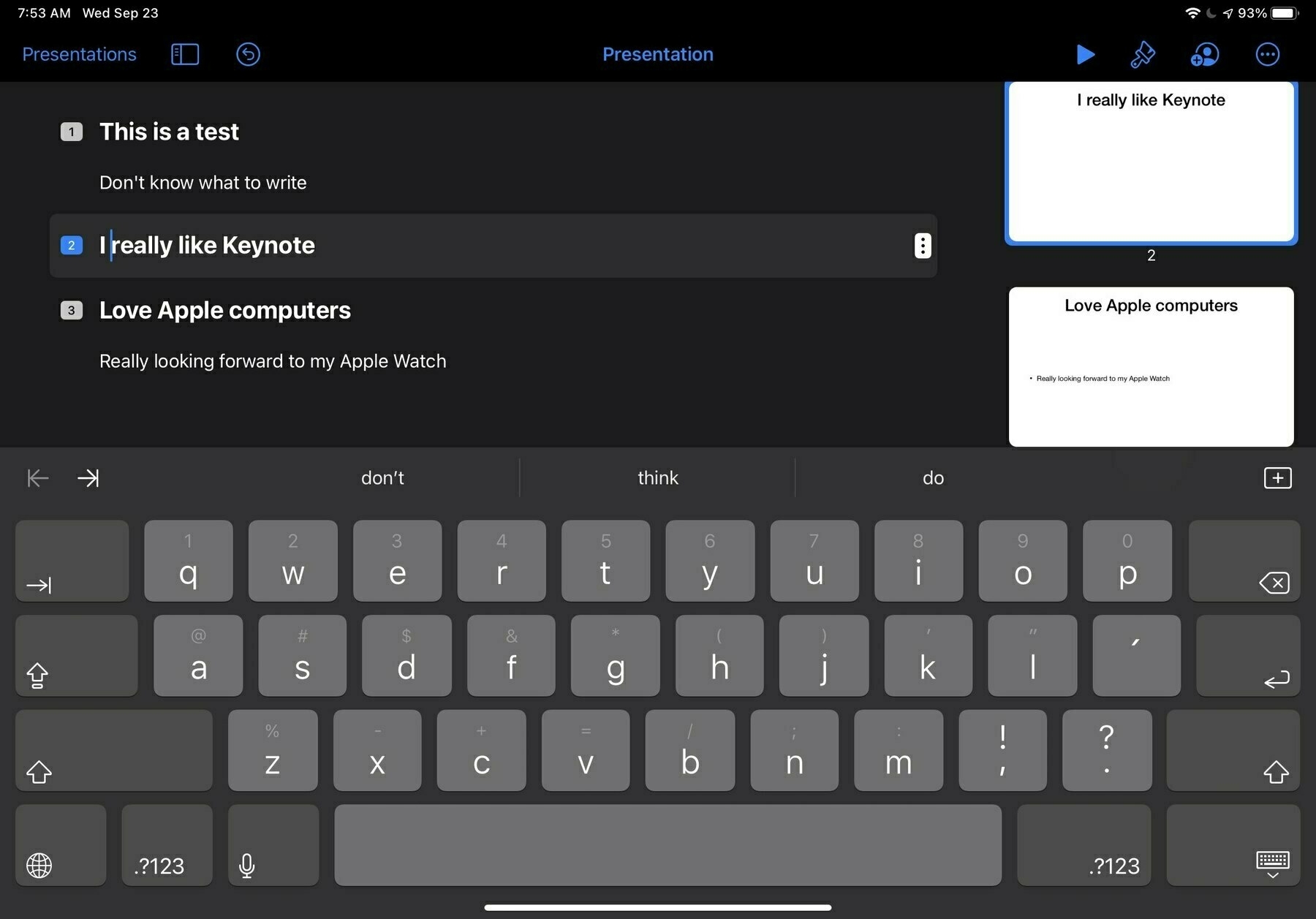
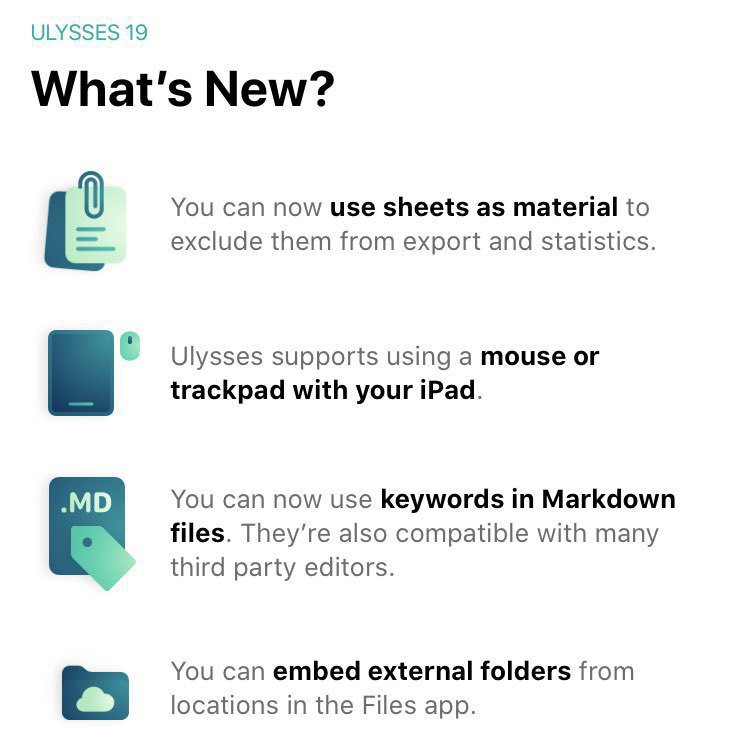
Apple’s Shortcuts are also an important part of my blogger workflow. Since I’m using Ulysses, which supports publishing directly to WordPress, I don’t need a shortcut for that. But for many other small things, it is a valuable tool in my arsenal. Shortcuts are an interesting technology within the iOS and iPadOS ecosystem.

Design is how it works (#apple #design #ux #ui)

From John Gruber’s Apple report card:

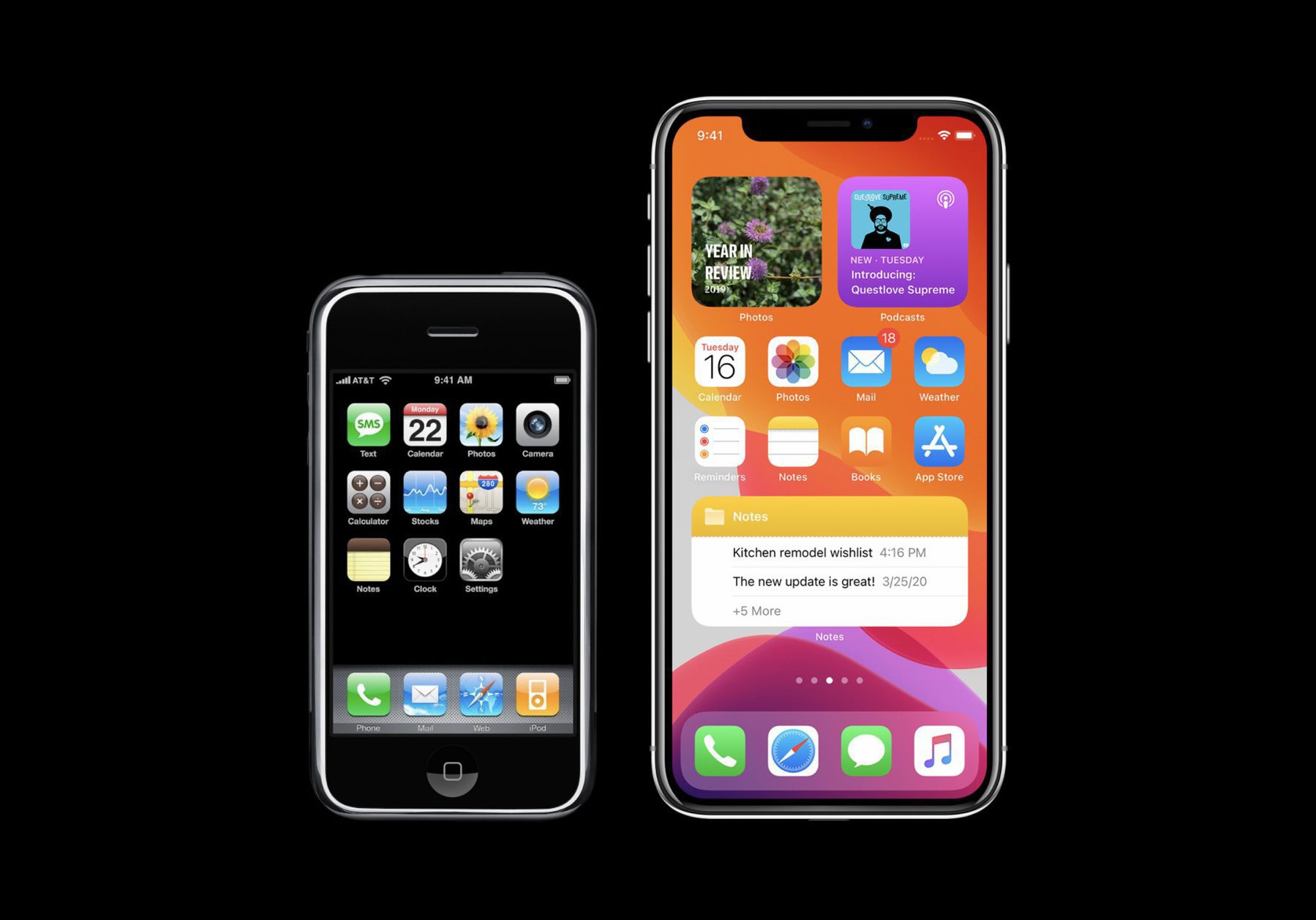
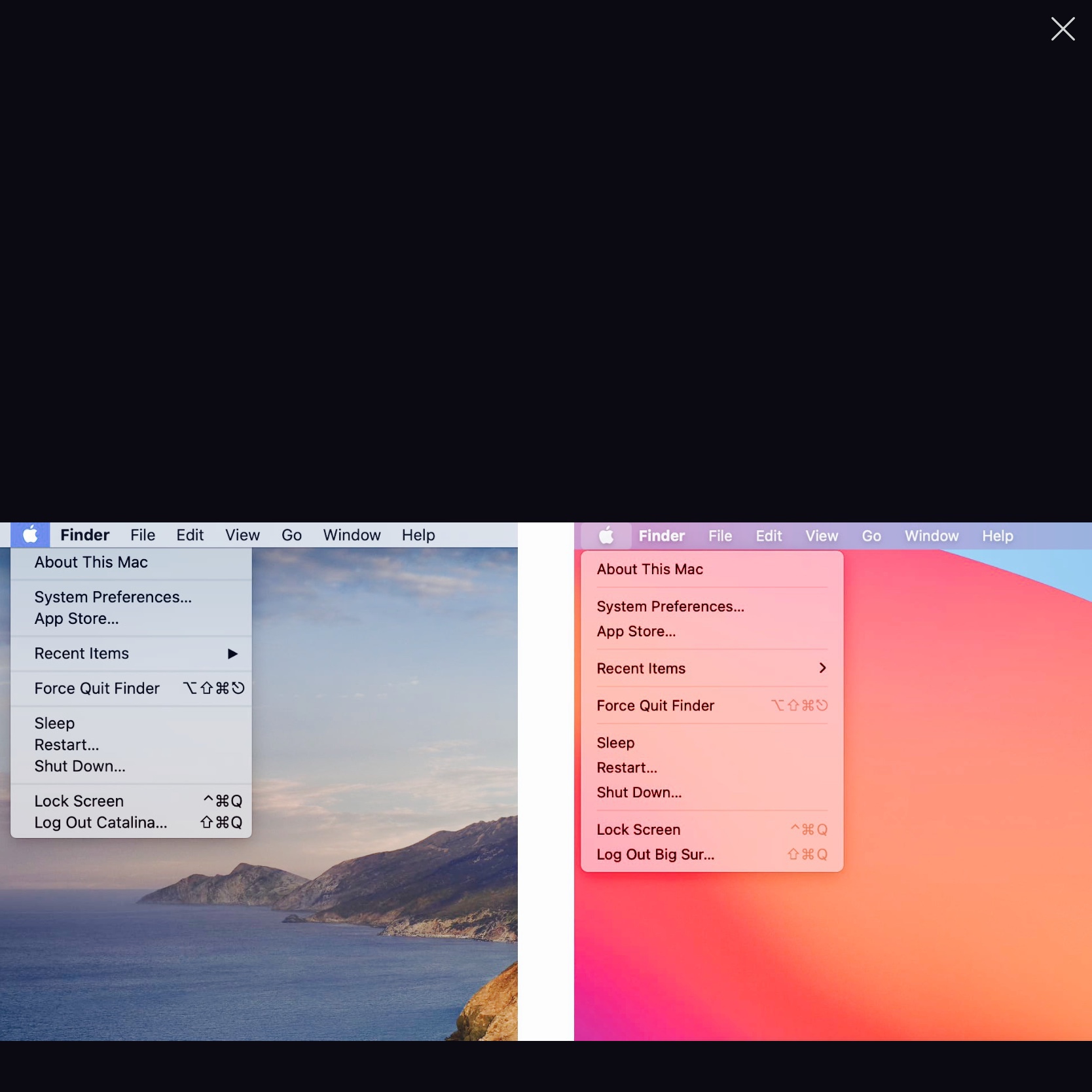
“I’m reminded of all the UI and interaction designs and changes in iOS and MacOS that are just bad. There’s a real sense that _ Apple’s current HI team, under Alan Dye, is a “design is what it looks like” group, not a “design is how it works” group_. Exhibit A: What MacOS 11 Big Sur has done to document proxy icons. Arguably it looks better to hide them. (I disagree, but I can see the counterargument.) Inarguably, they work far worse now — harder to use for people who use them, and much harder to discover for people who don’t yet know about them.”

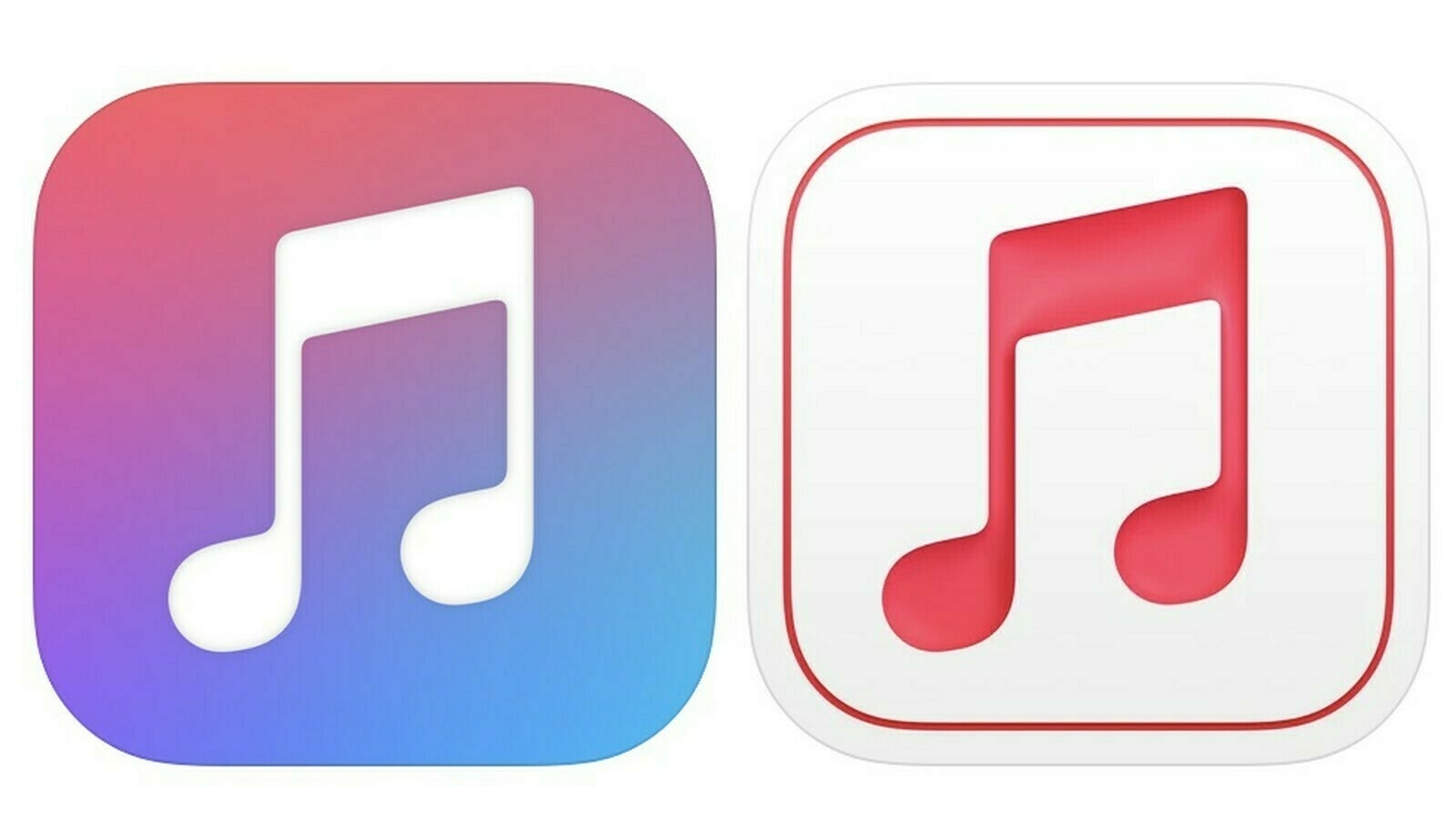
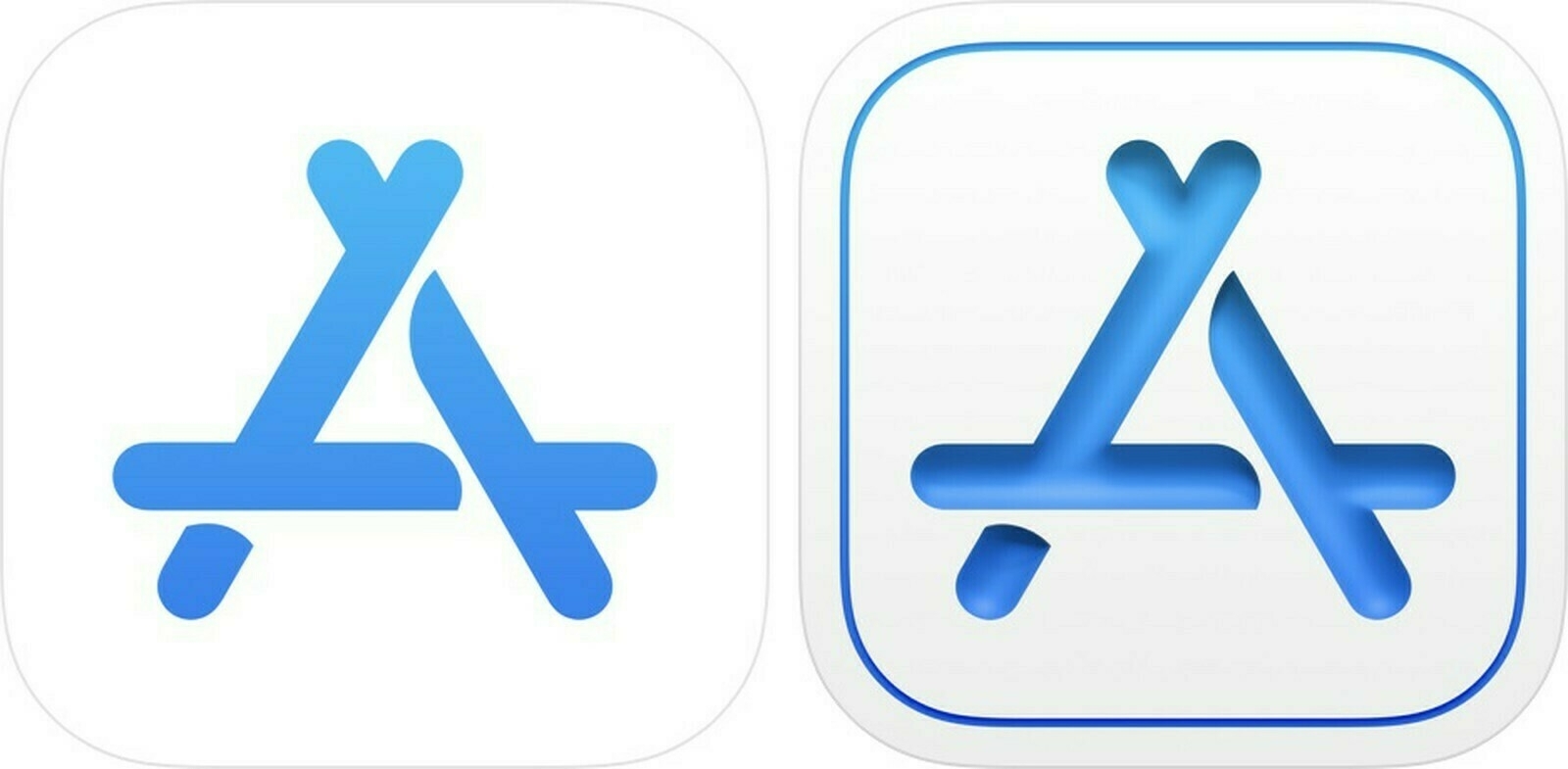
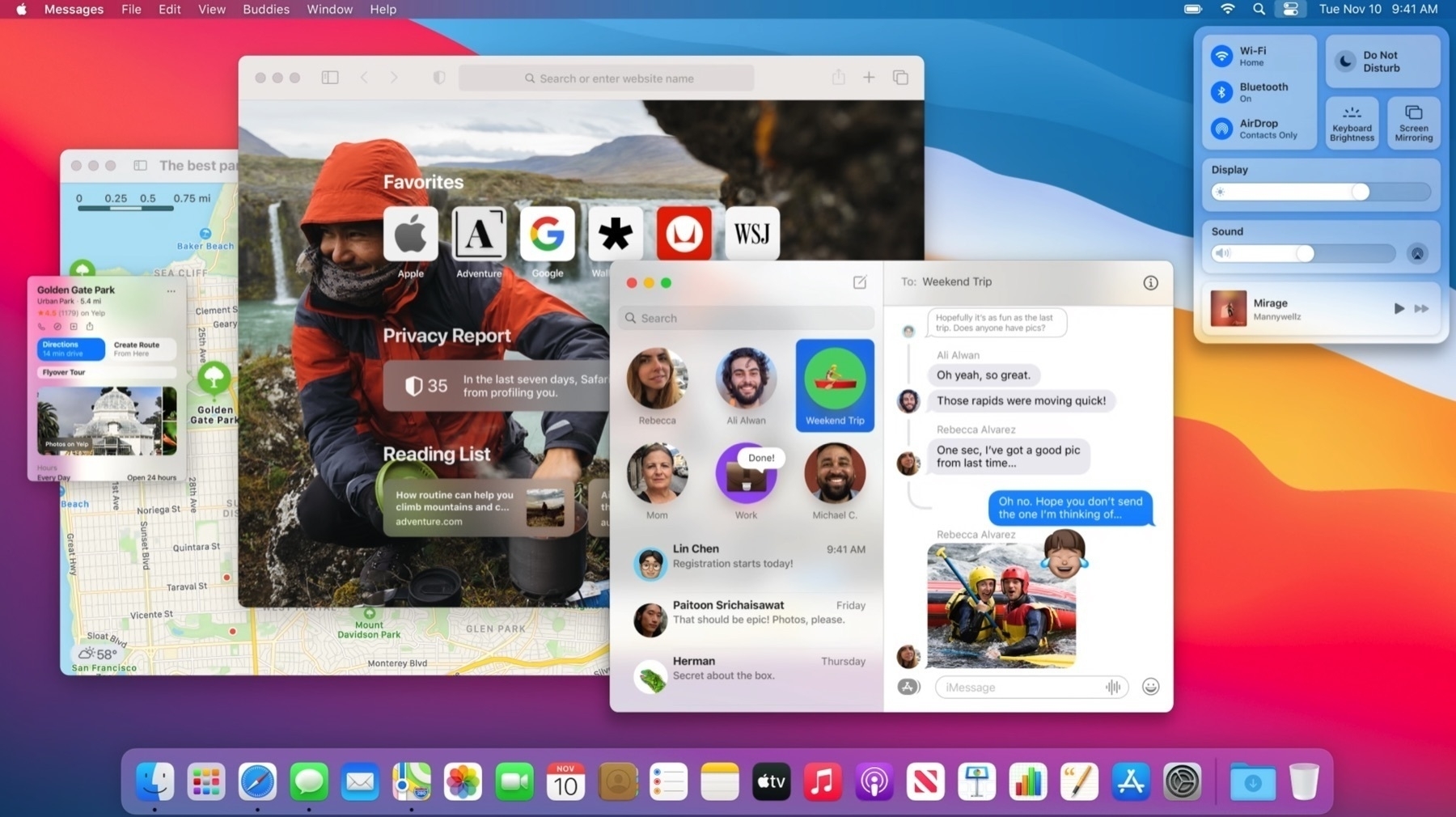
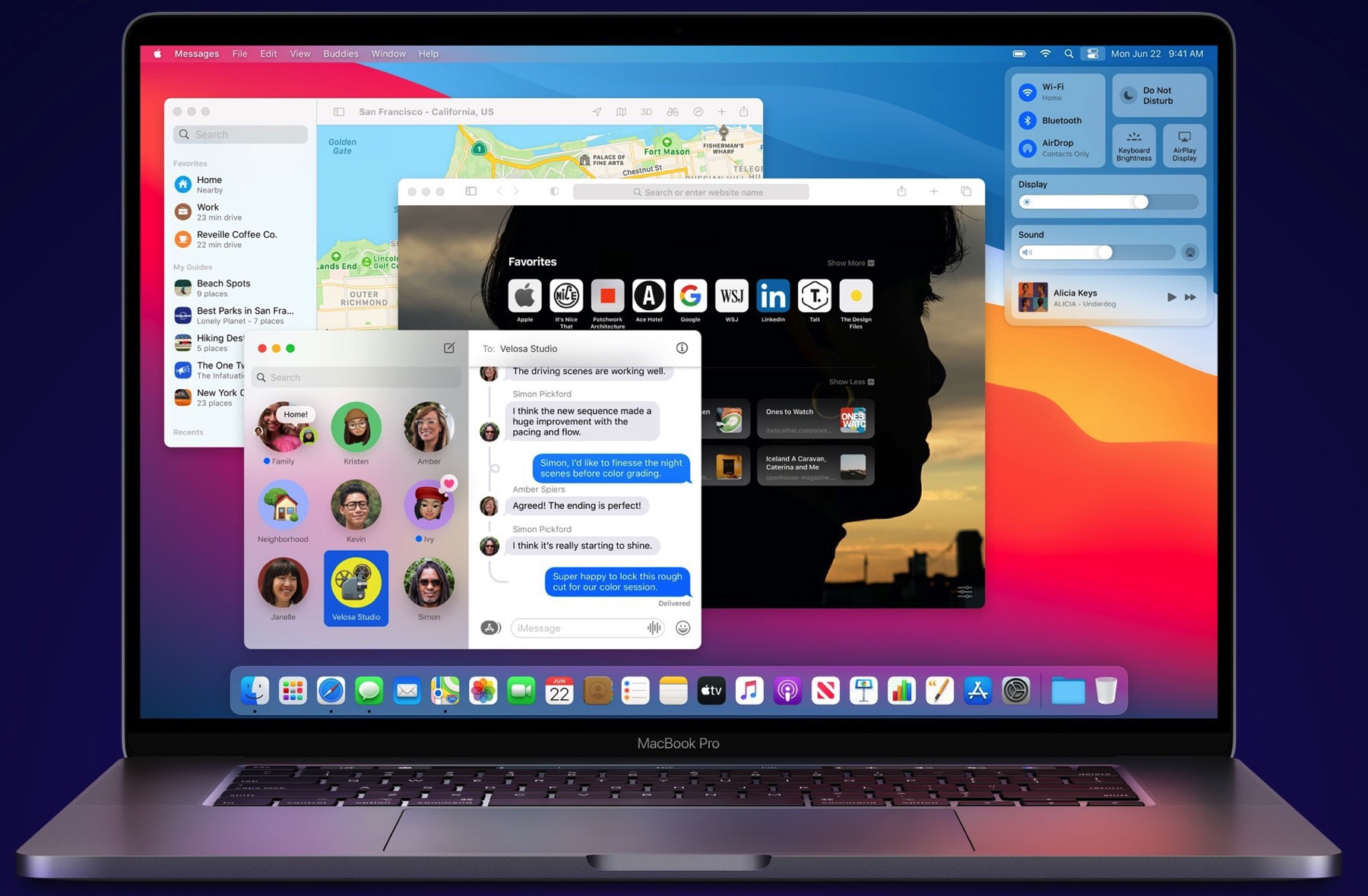
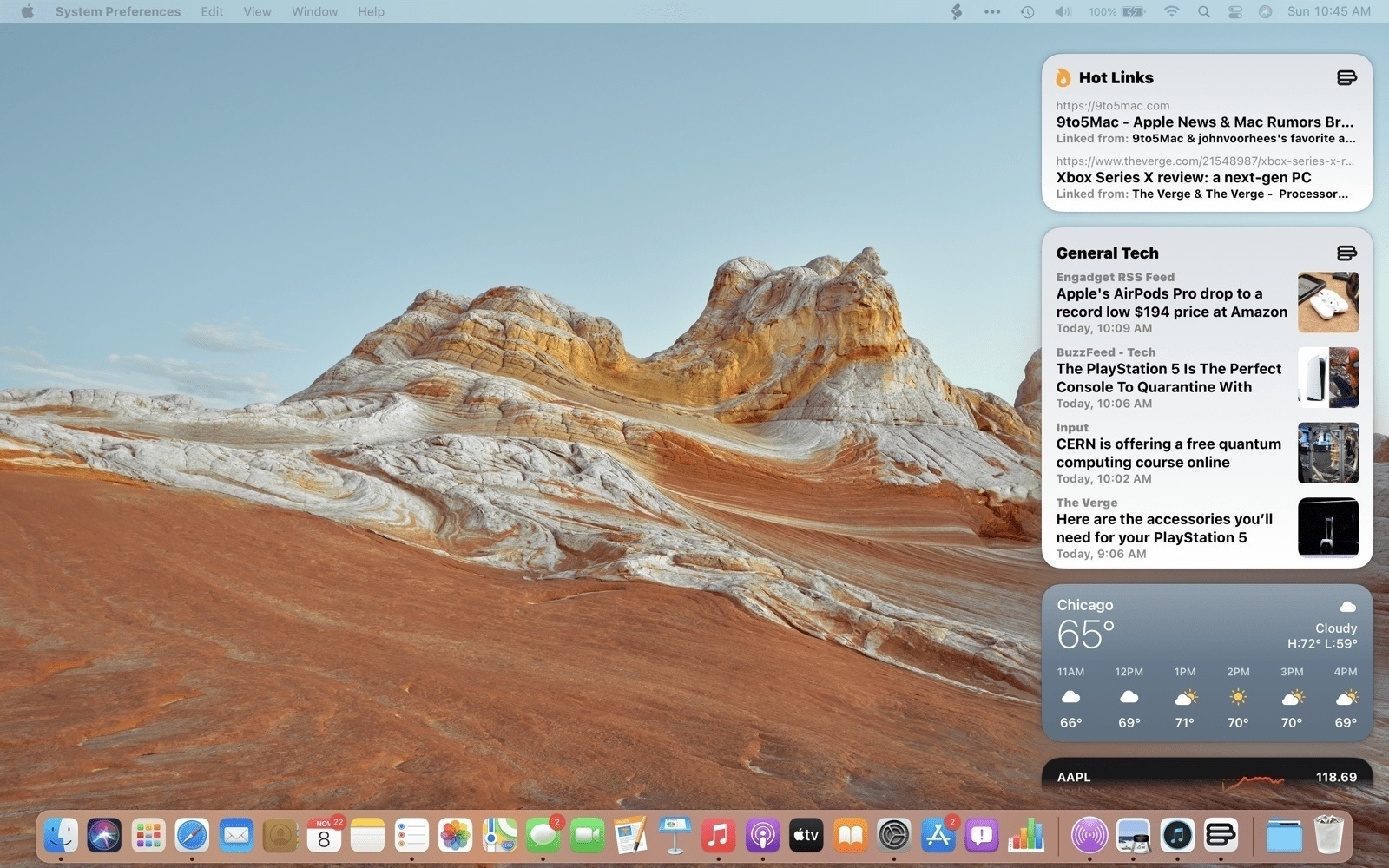
Gruber often has an effective way of putting out his take on Apple’s issues. If you look and use macOS Big Sur for a while, you should get a feel that only the visual parts were redesigned, not the way it works in response to the user behaviour. Big difference.