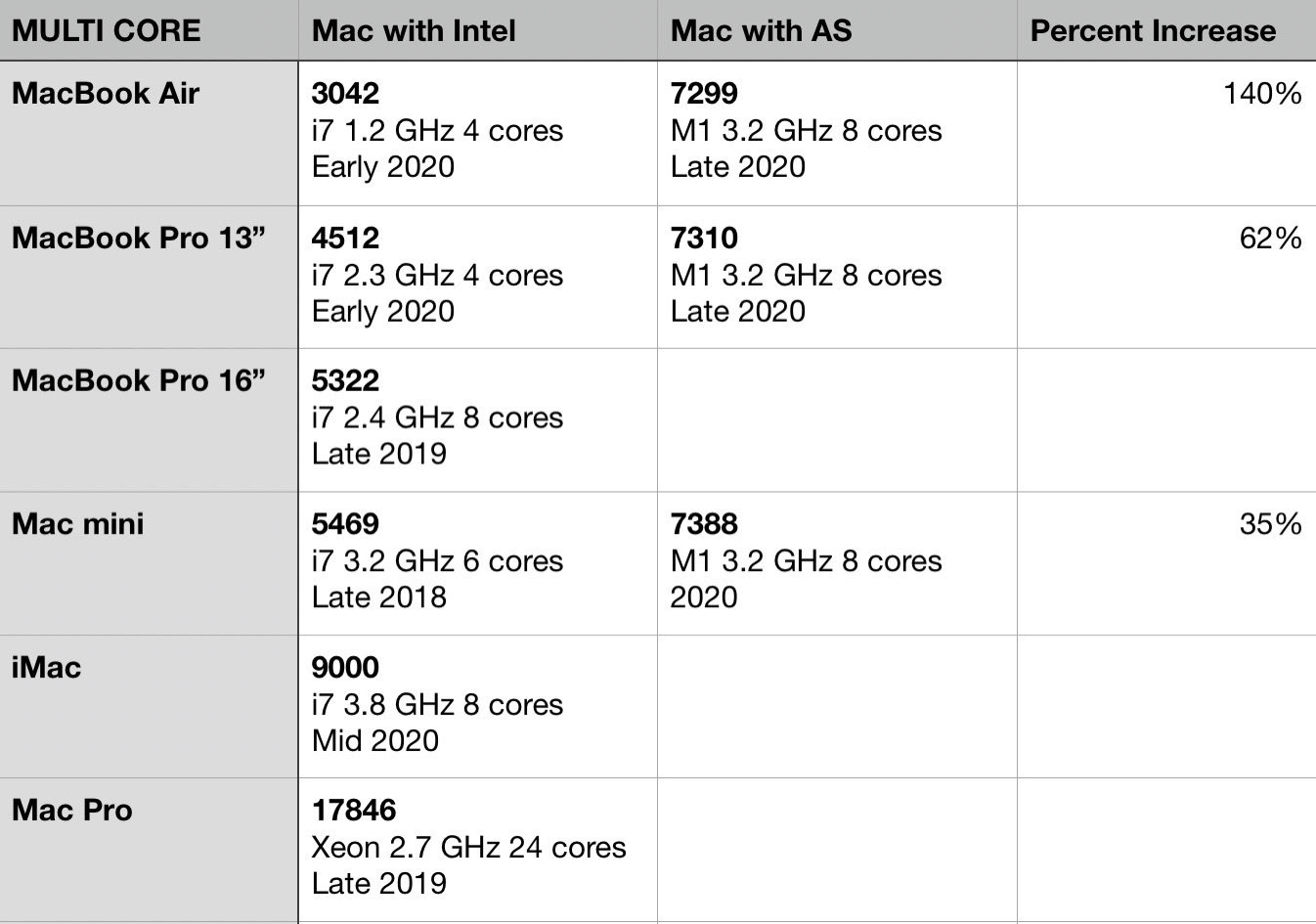
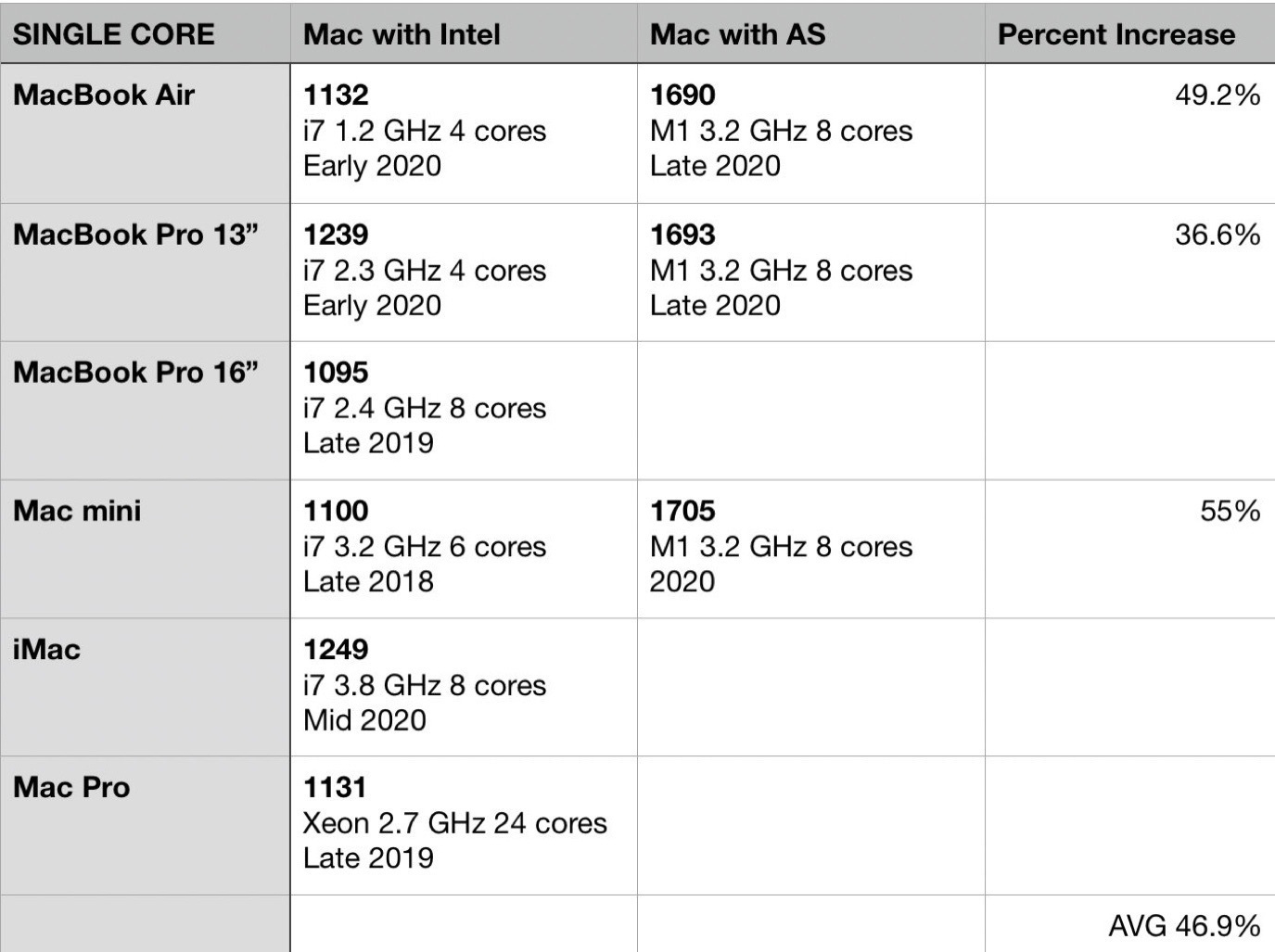
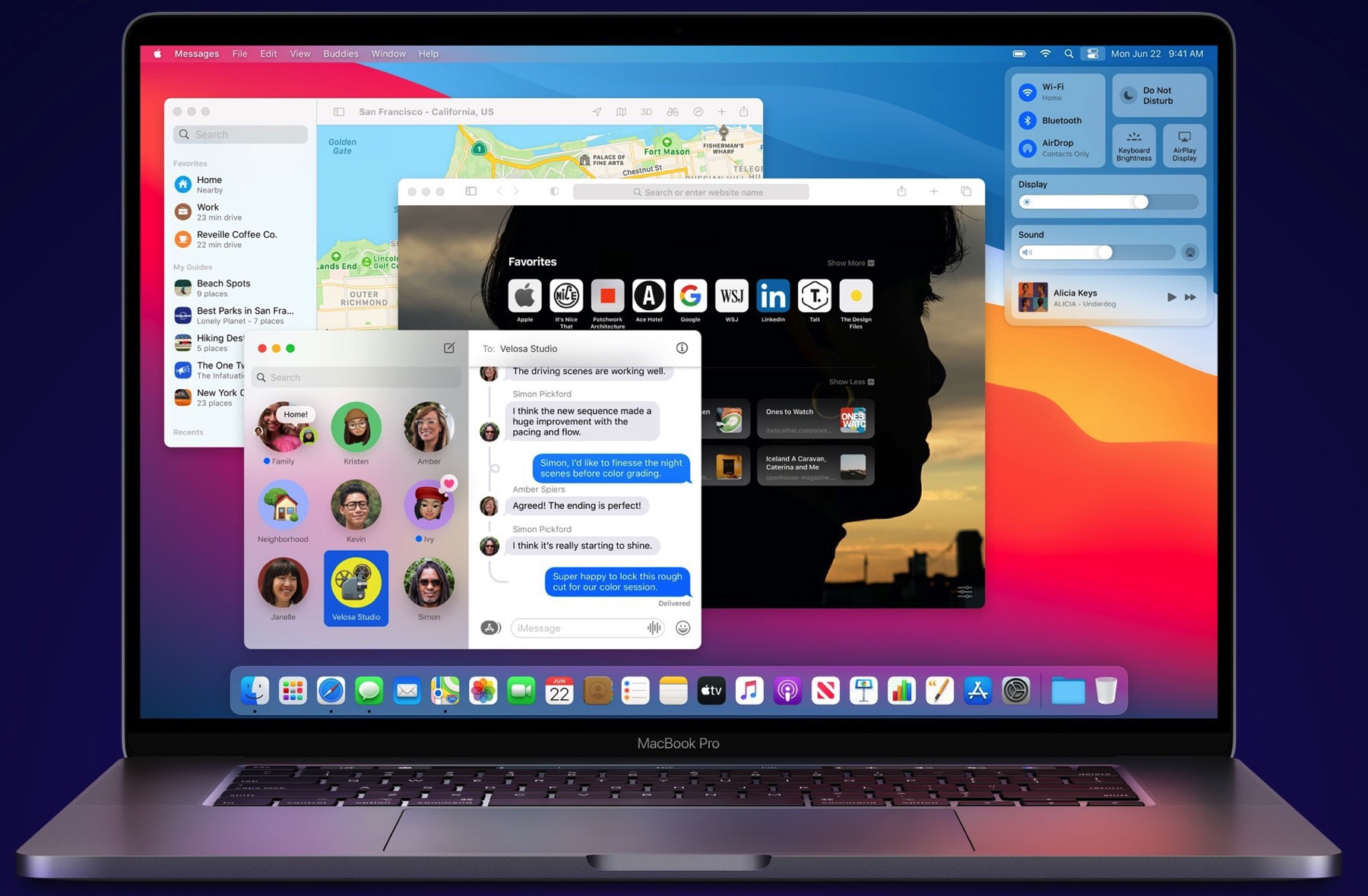
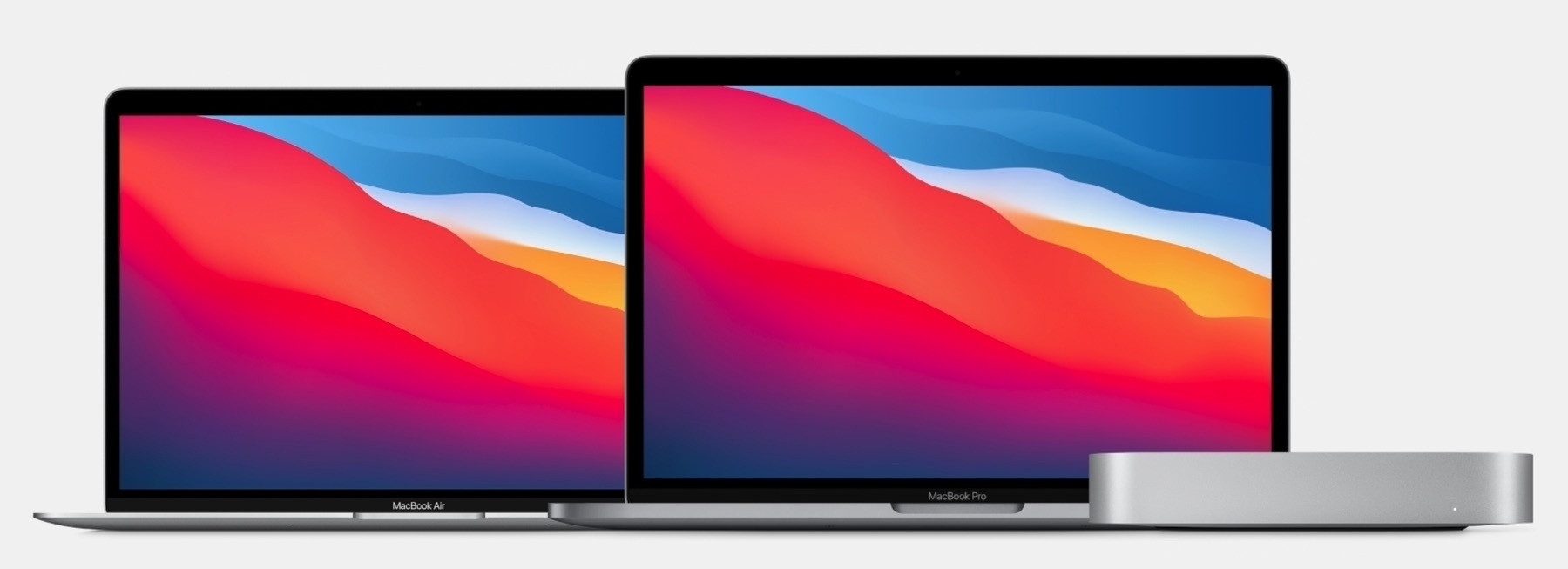
Apple is no longer doomed. Intel is. (#apple #intel #applesilicon)

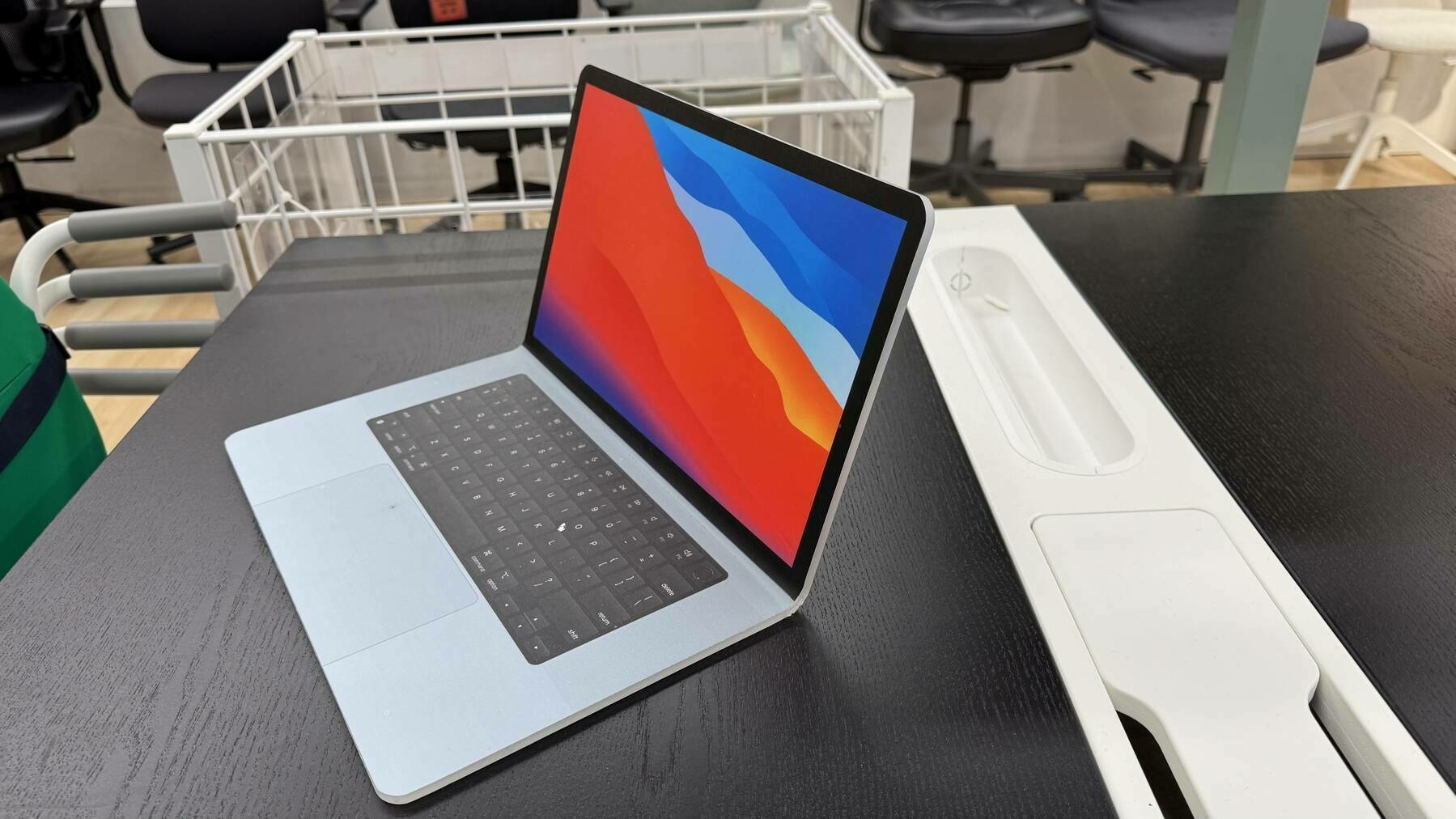
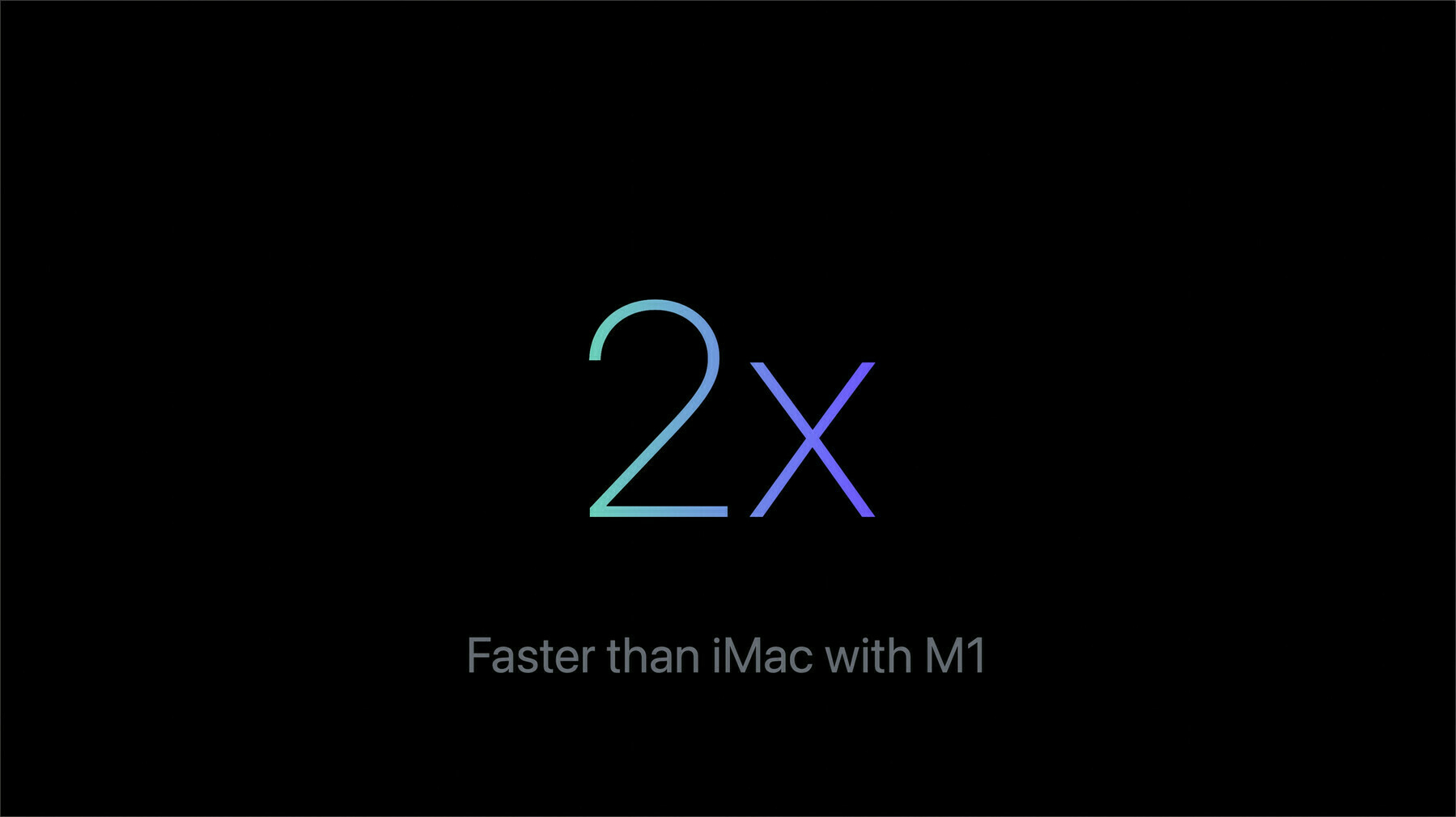
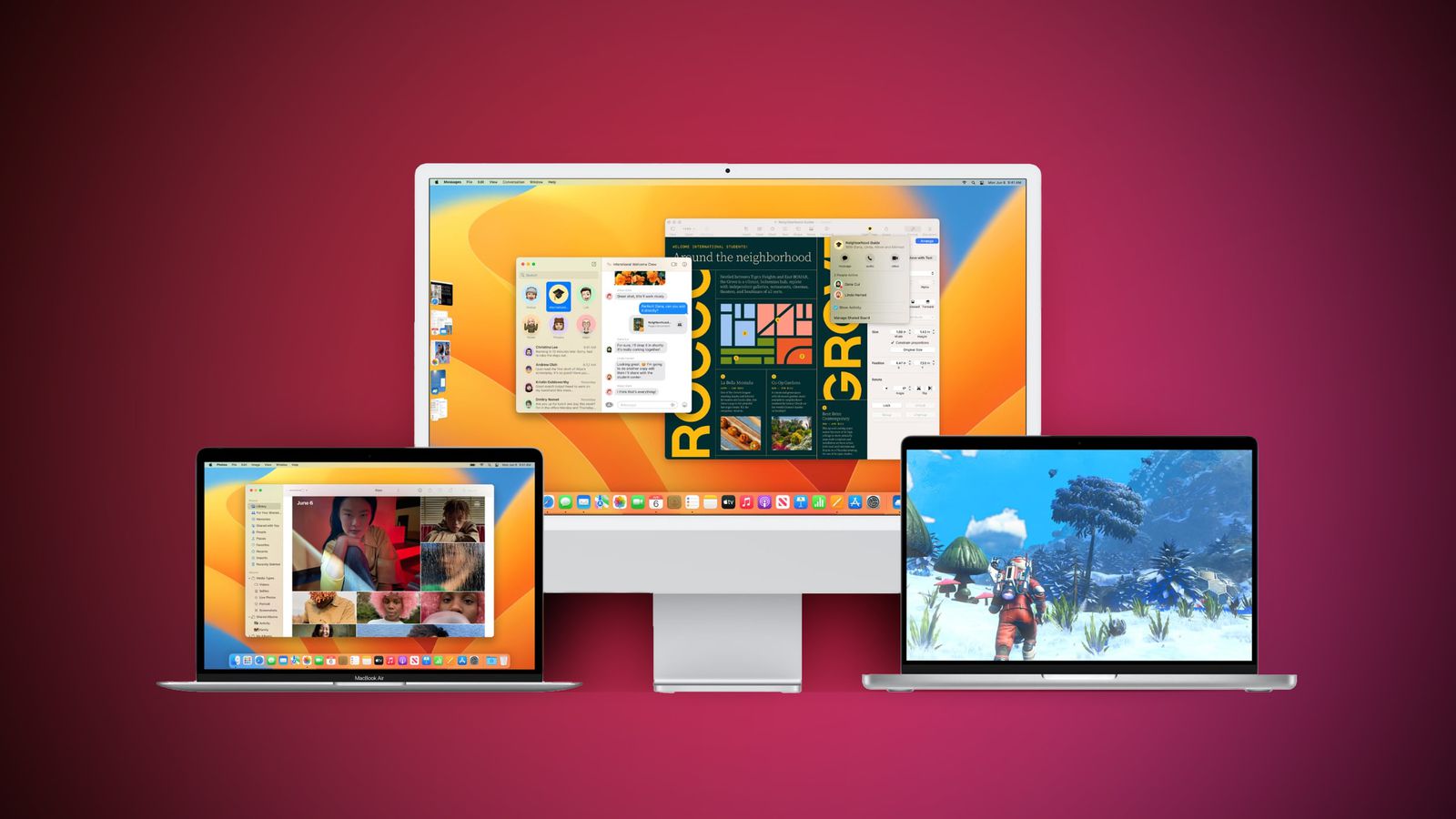
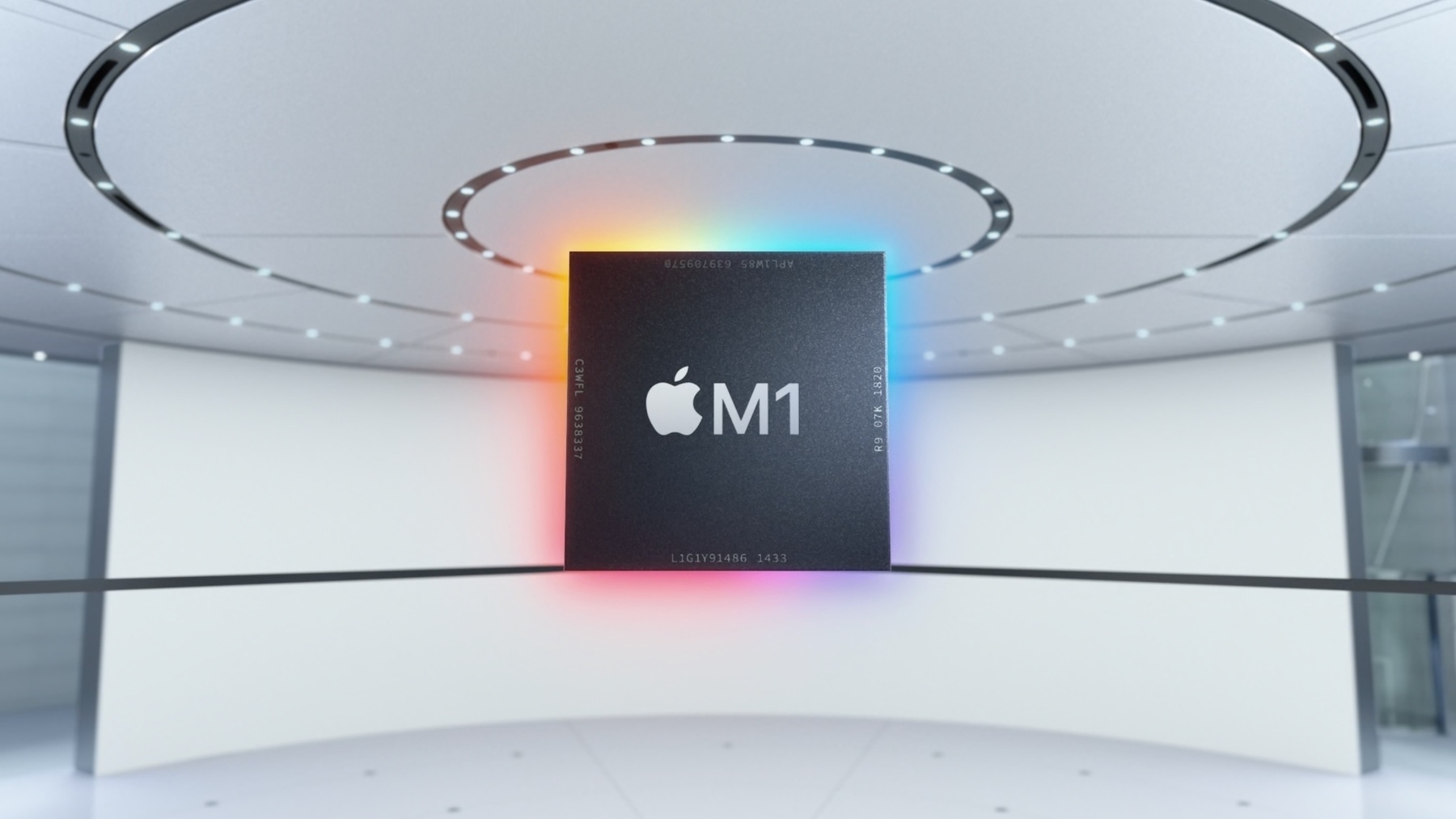
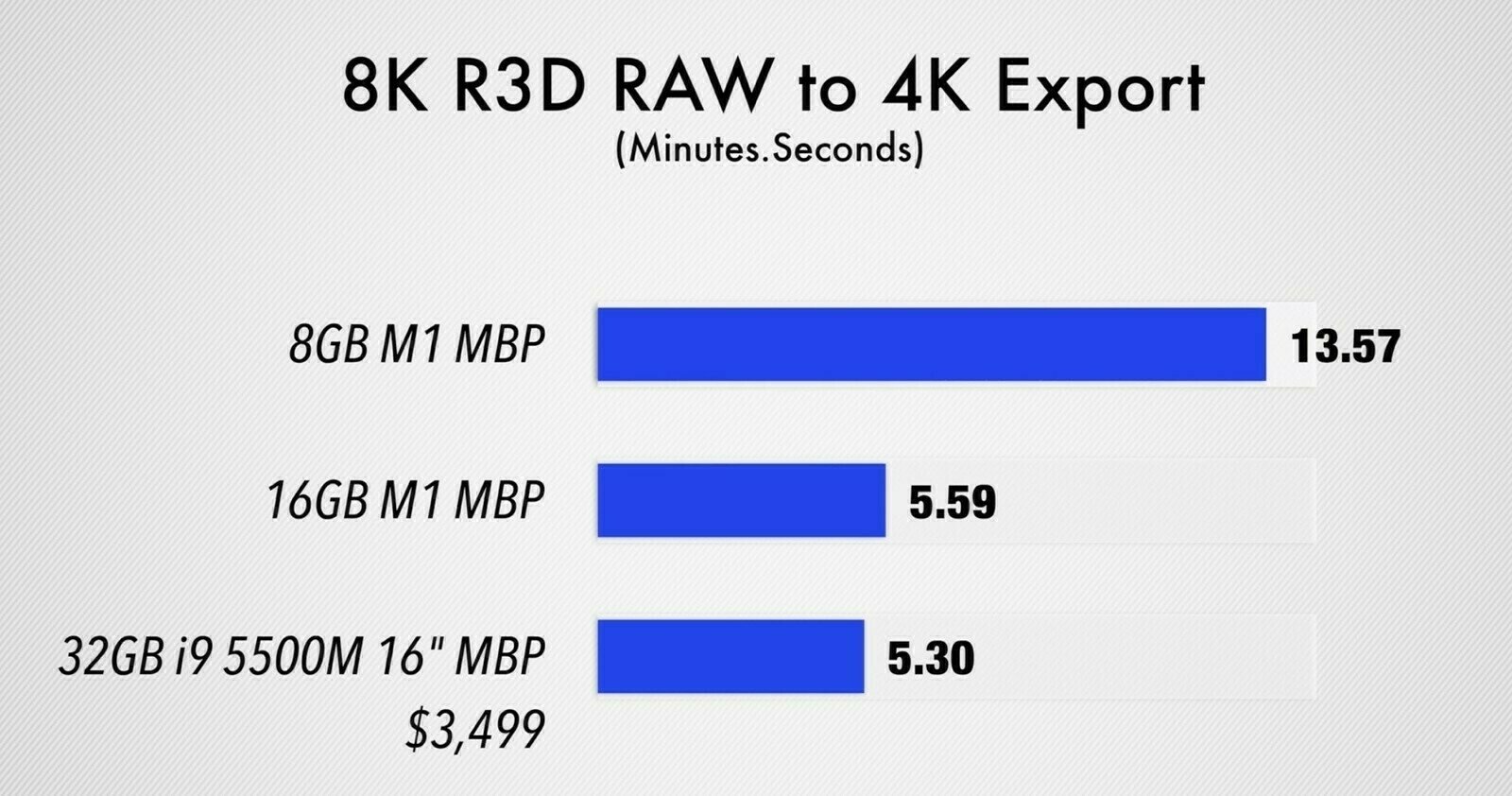
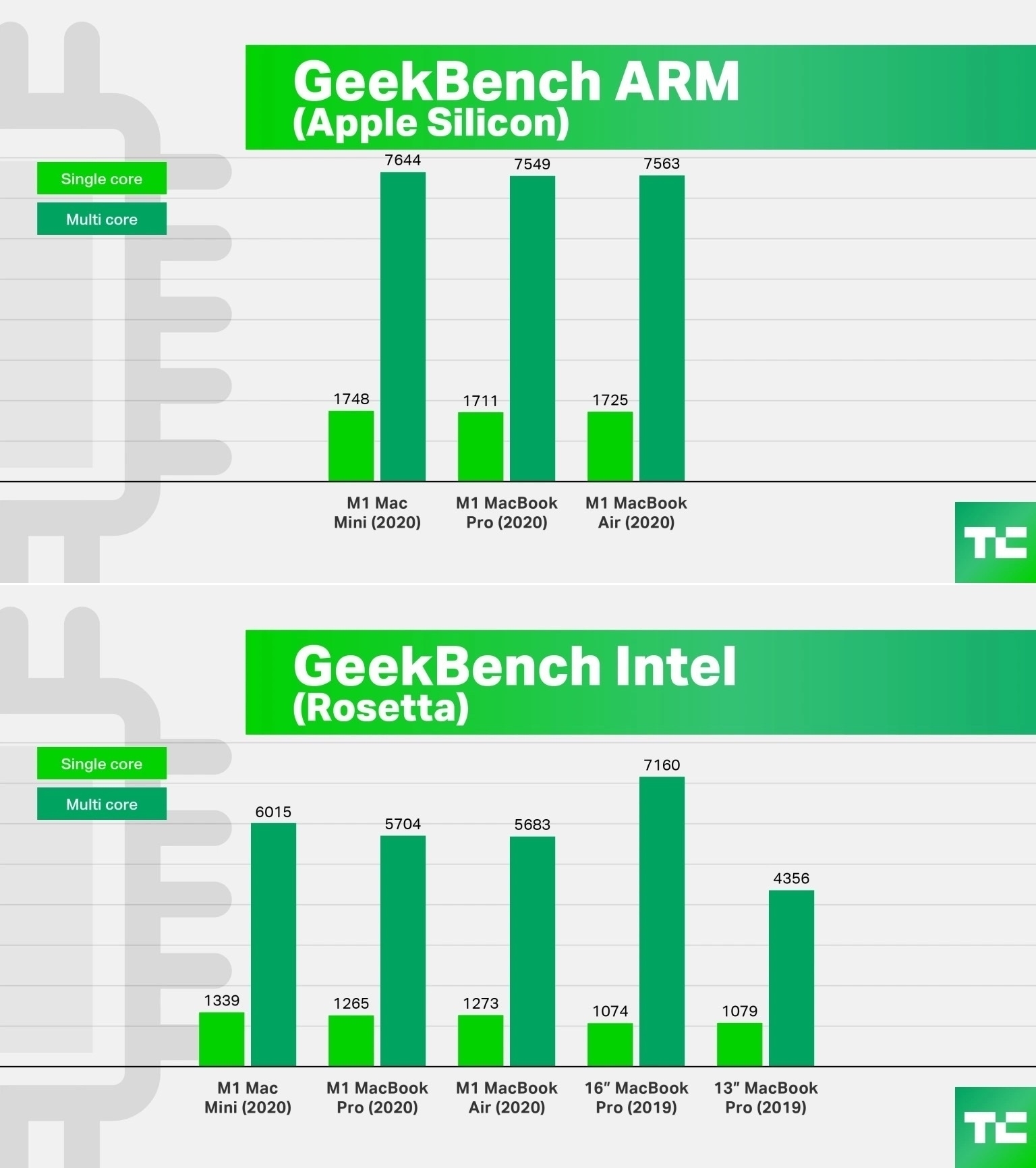
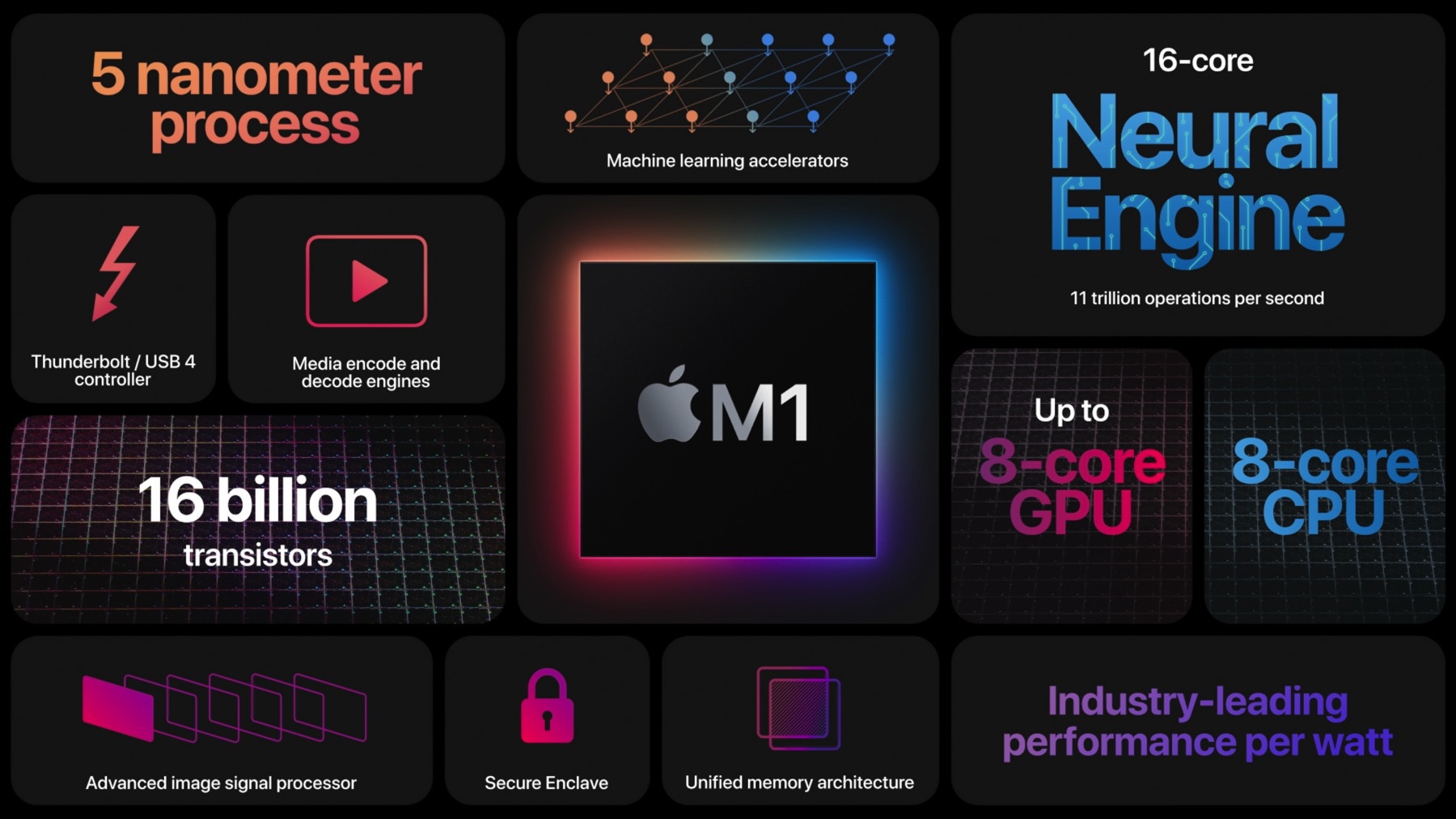
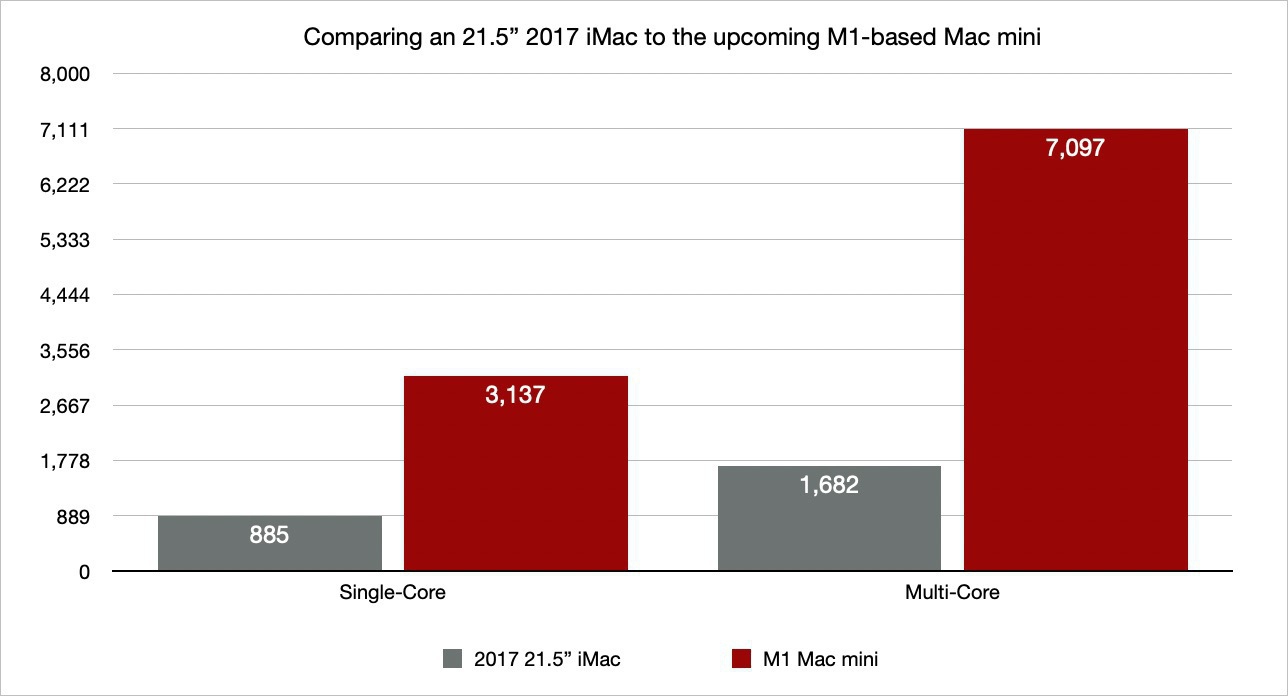
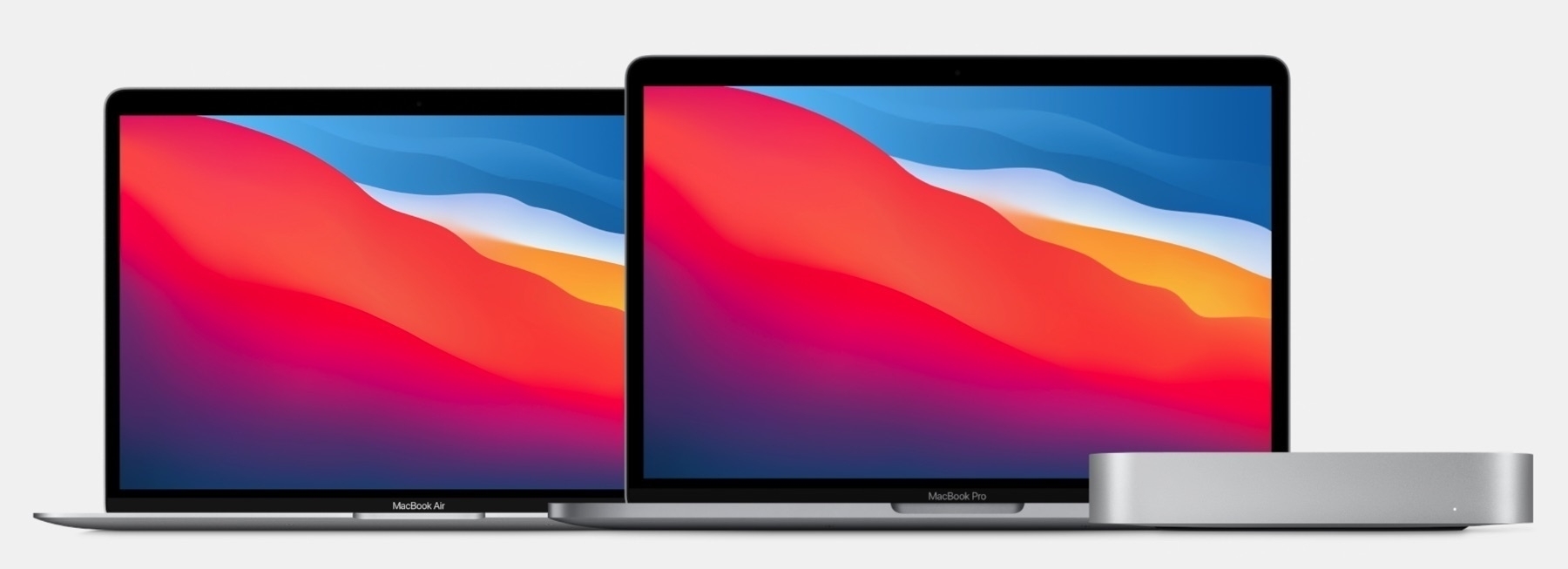
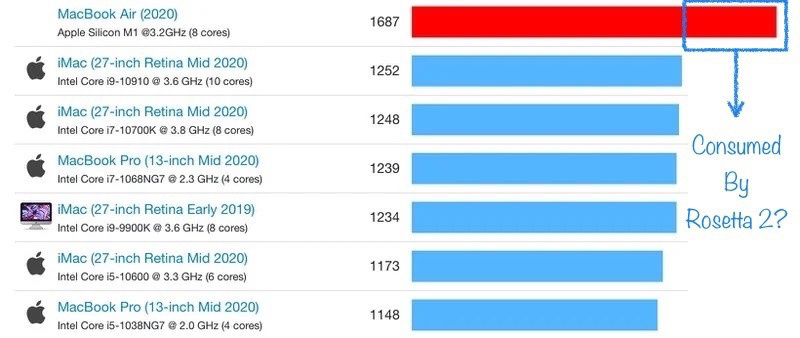
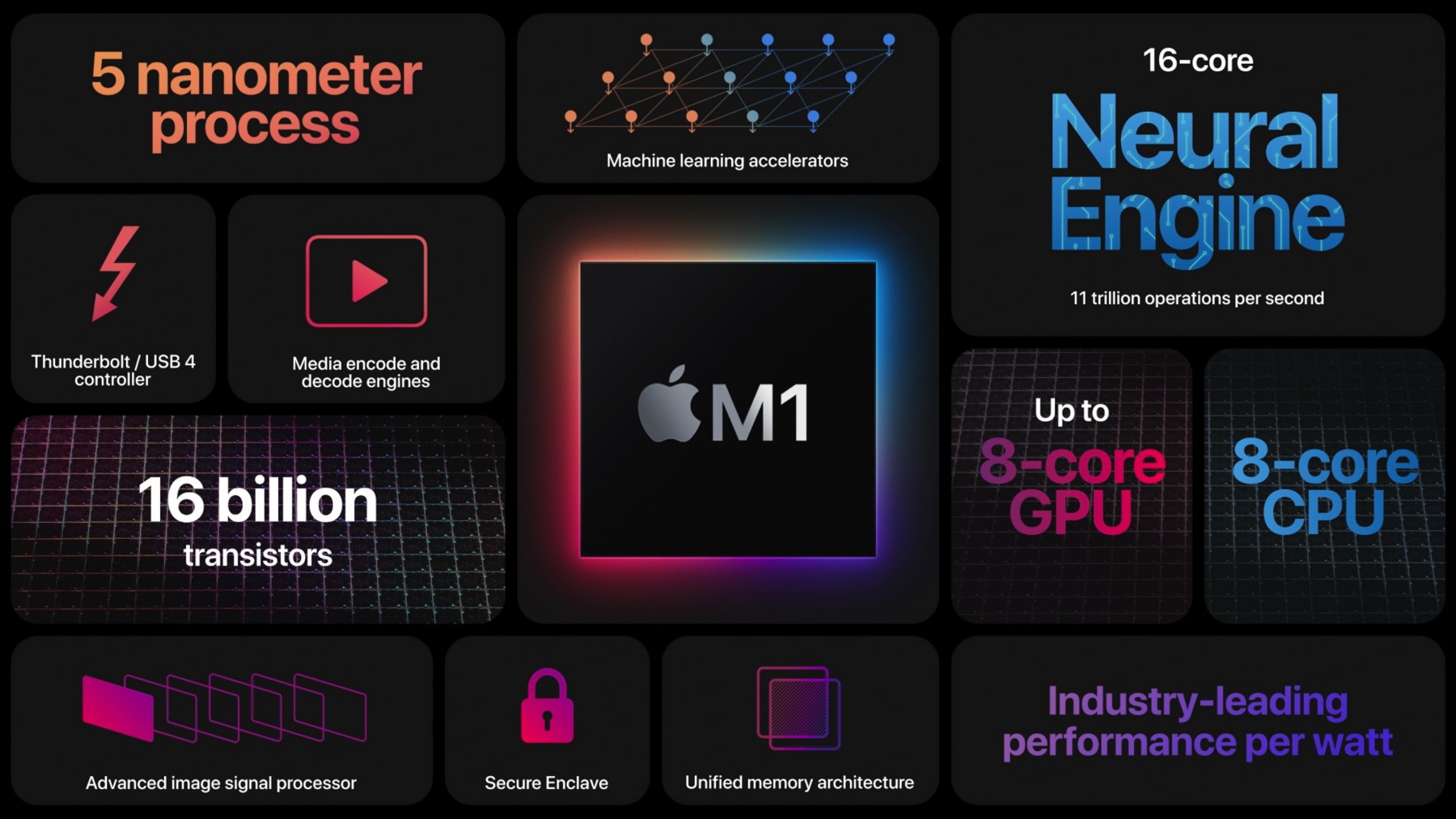
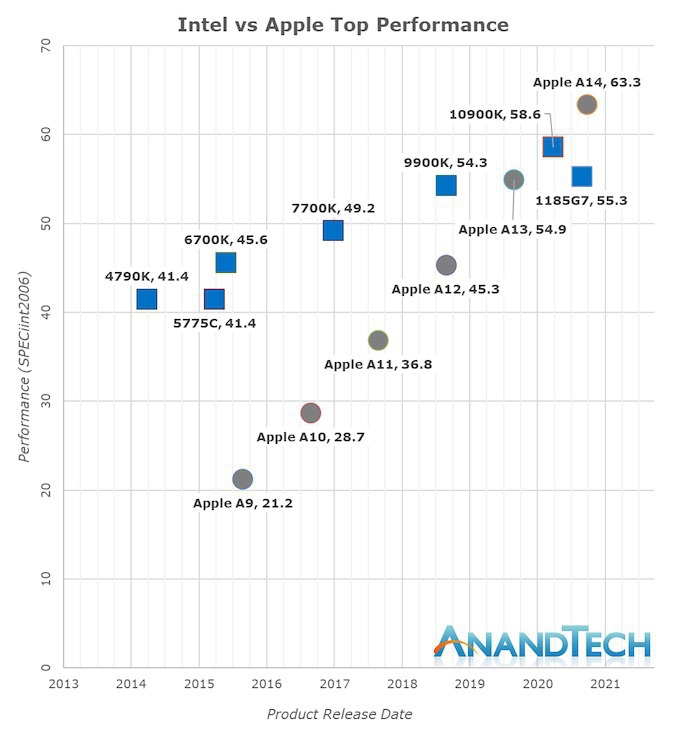
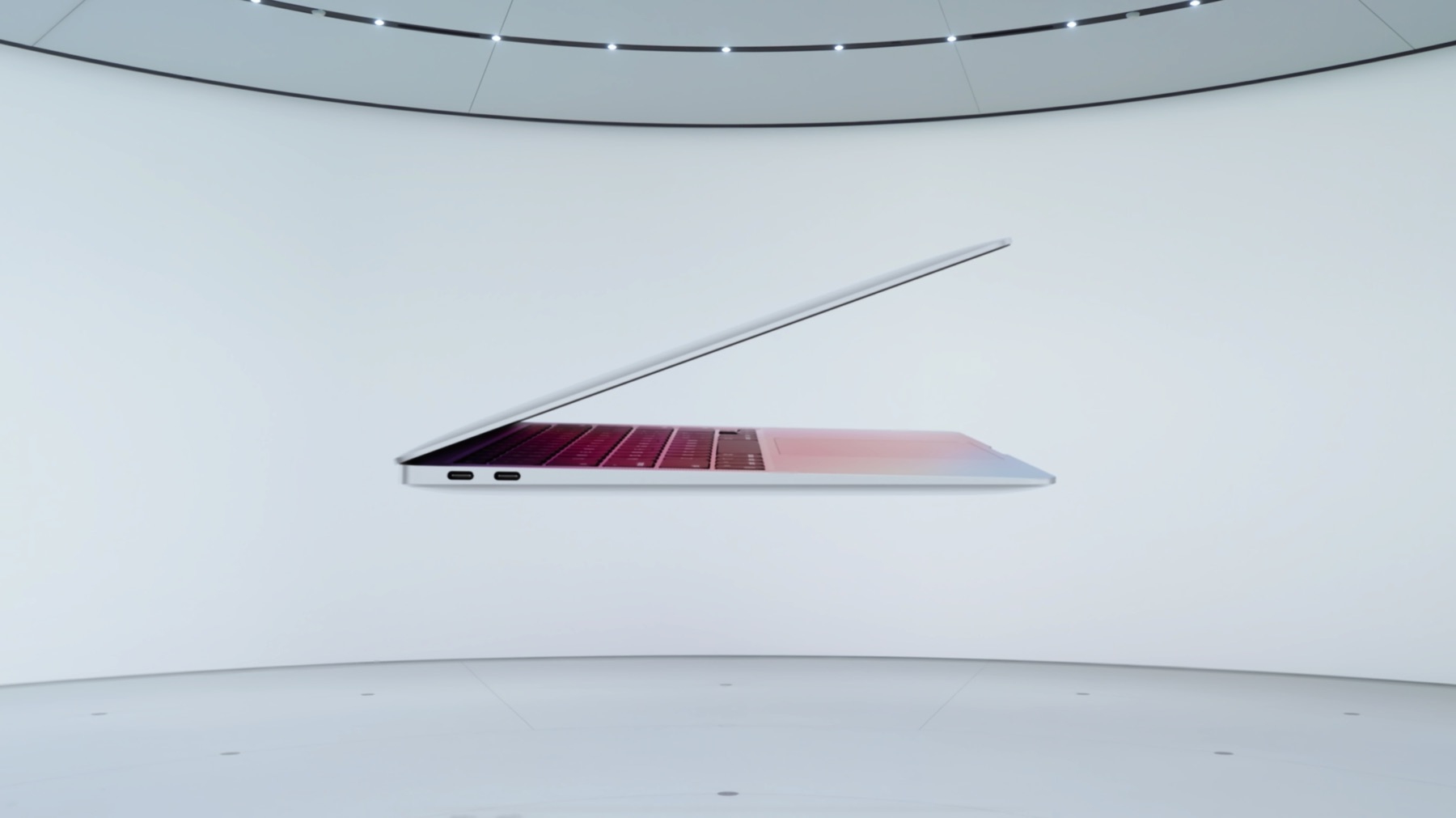
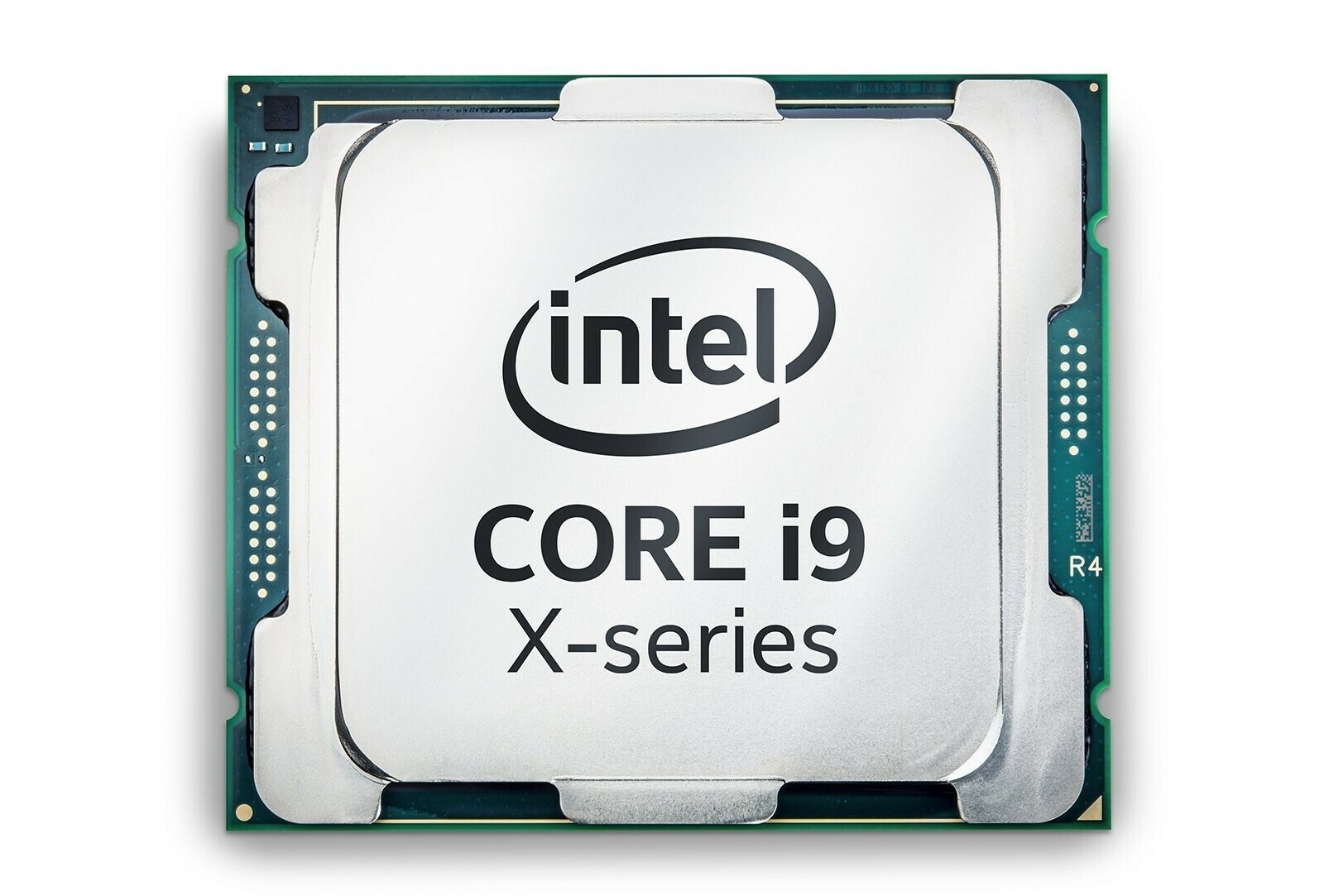
Who is winning between Apple’s M1 chip and Intel’s Tiger Lake chip? Well, if benchmarks are to be believed, Apple is winning, by a wide margin. The results are pretty worrisome for Intel which seems incapable to go beyond a 10 nm process. Intel will become the emblematic image of inefficient processors for years to come. Dell, HP et al. should be worried too because they are in the exact same position Apple was just before their M1 announcement. The only thing now favouriting the Wintel world is the need for Windows for a vast majority of users.

Shortcuts to frustration (#apple #shortcuts #ios #ipados)

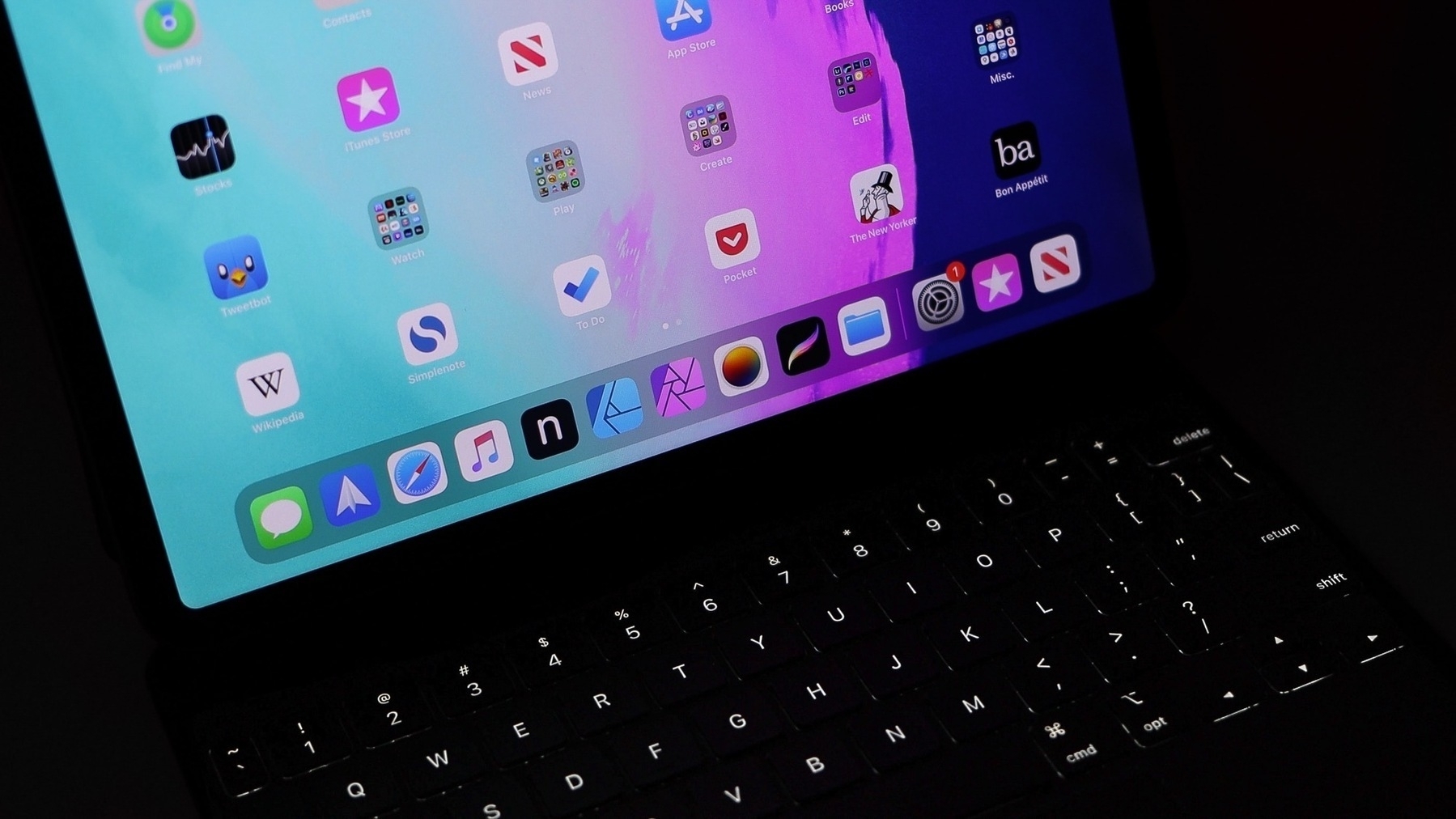
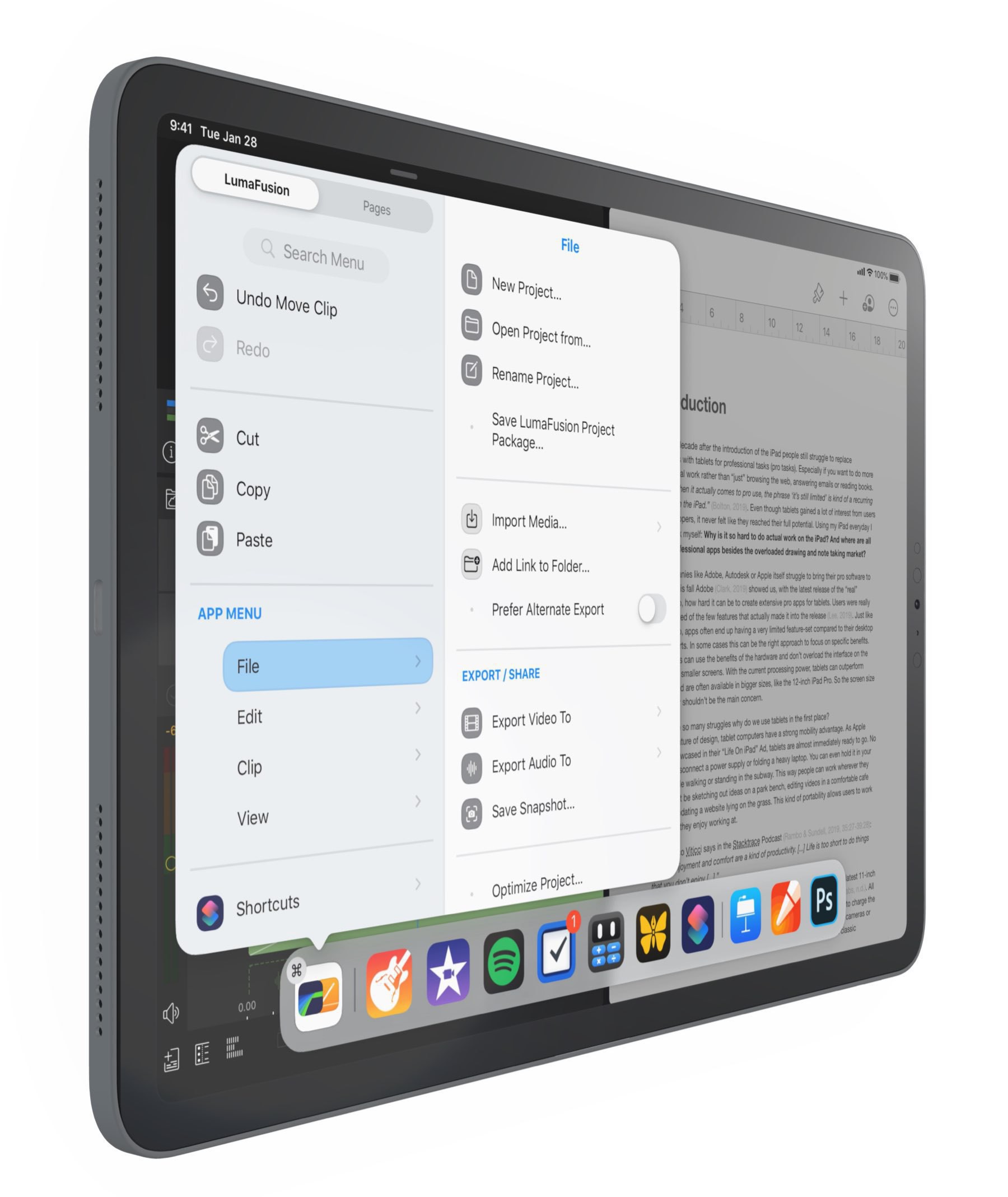
Let’s put it straight: Apple’s Shortcuts are the weirdest, most cumbersome and utterly frustrating thing to build, test and eventually use. I cannot count how many hours I spent trying to understand their intricacies and most useful use cases. As much as I want to get empowered by them, it often ends in frustration. Here is why.

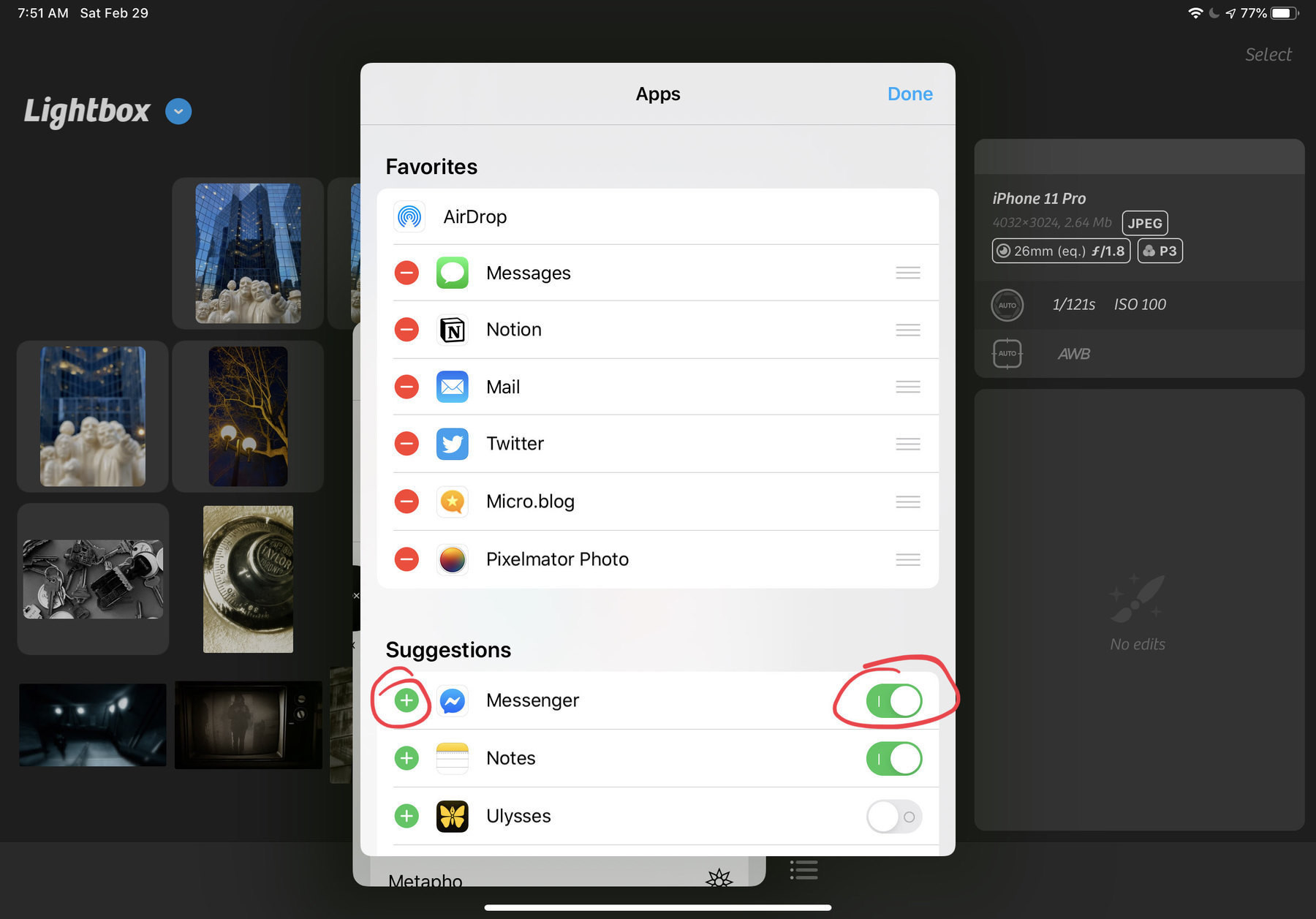
You cannot disable old shortcuts that are no longer used but that you want to keep as a reference. There is no way to export them in a clean and readable PDF format. There is a lack of some form of runtime debugging tools. The editor doesn’t scale beyond a few dozens instructions. There is no way to write shortcuts in a text editor à la AppleScript. Share sheets bad design and organization make shortcuts invocation a trial and error experience. As your shortcuts collection grows, it hard to remember which shortcut does what in what context and what is required to launch it. And the list goes on and on. Documentation within the Shortcuts editor is lacking, very limited. A big part of the story is dependant on the willingness of developers to support them. It’s so frustrating to see an app lacking any form of exposure to the shortcut engine.

Make no mistake, I like the idea of automation on the iPad or iPhone. I’m happy to see Apple improving on them with each release of their operating systems. But, there is so much left to cover.

On using Lightroom on a Mac (#apple #adobe #applesilicon)

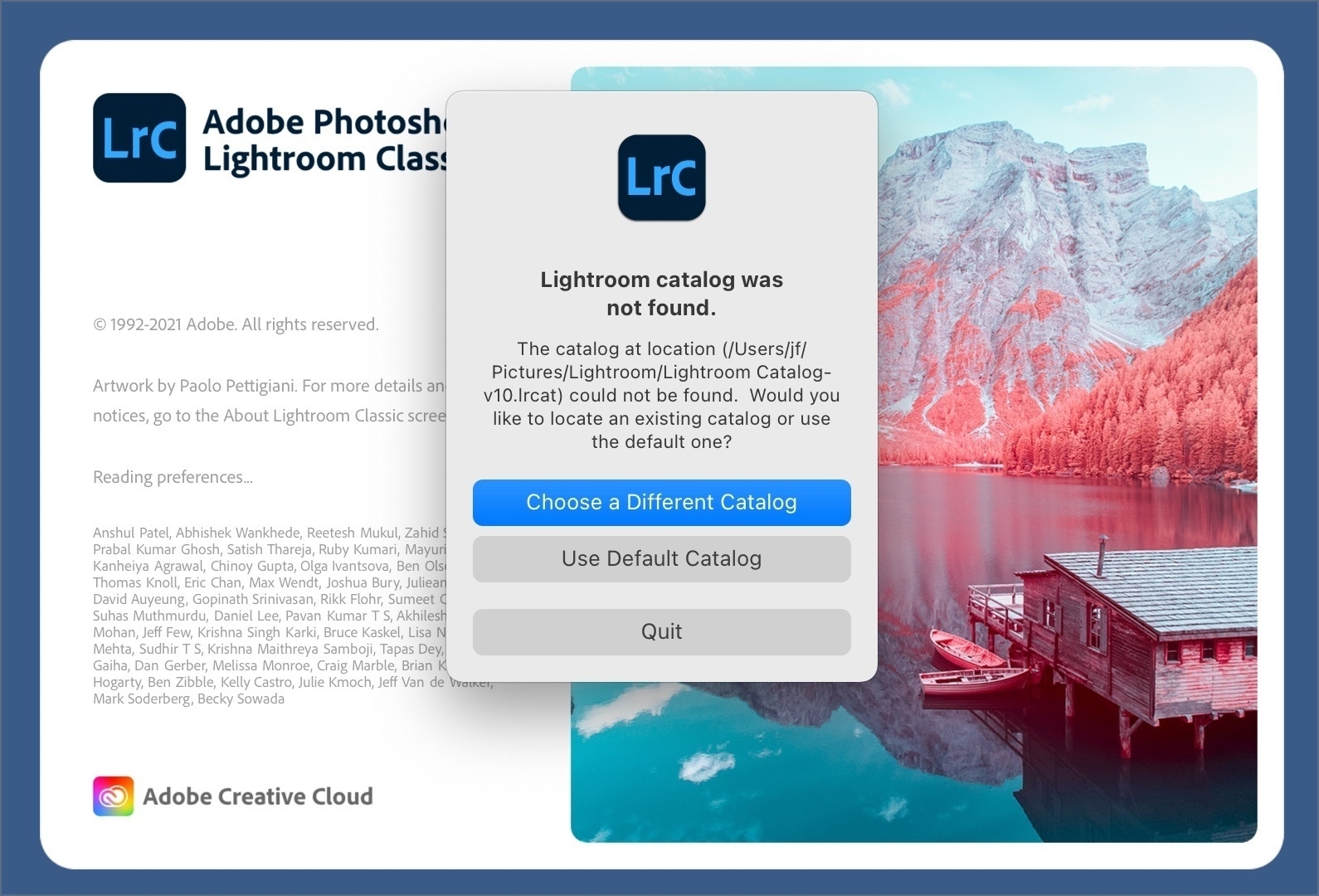
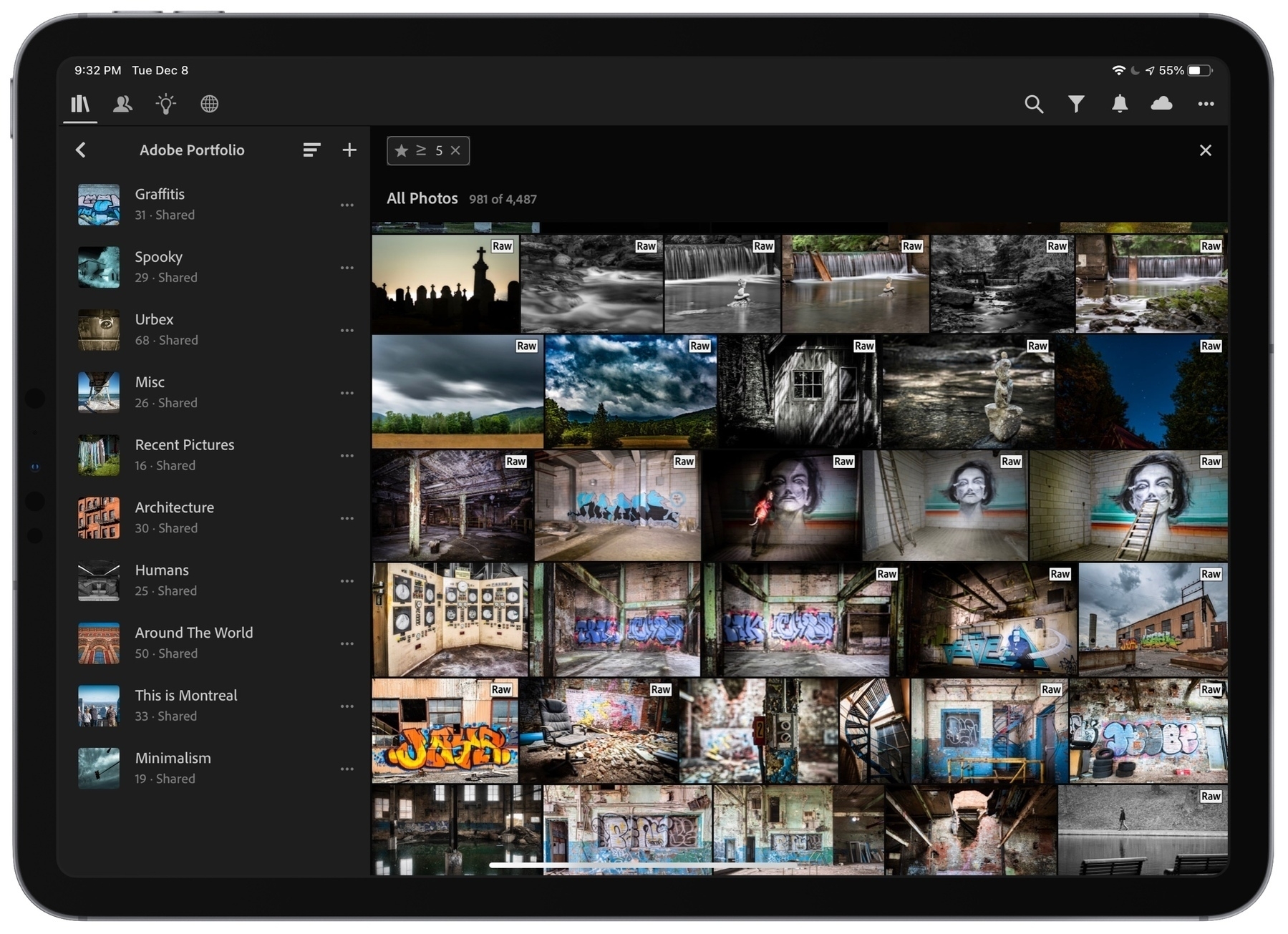
Let’s set the tone: Adobe software, Lightroom in particular, is not a very efficient piece of software to use on the Mac… even on a higher-end configuration. Recent updates in the last year or so tried to improve things a little bit, but there is still a long way to go. It’s not clear why Lightroom Classic is so bad. Is it because it is a multi-platform software? Probably. If so, we pay the price at every single use.

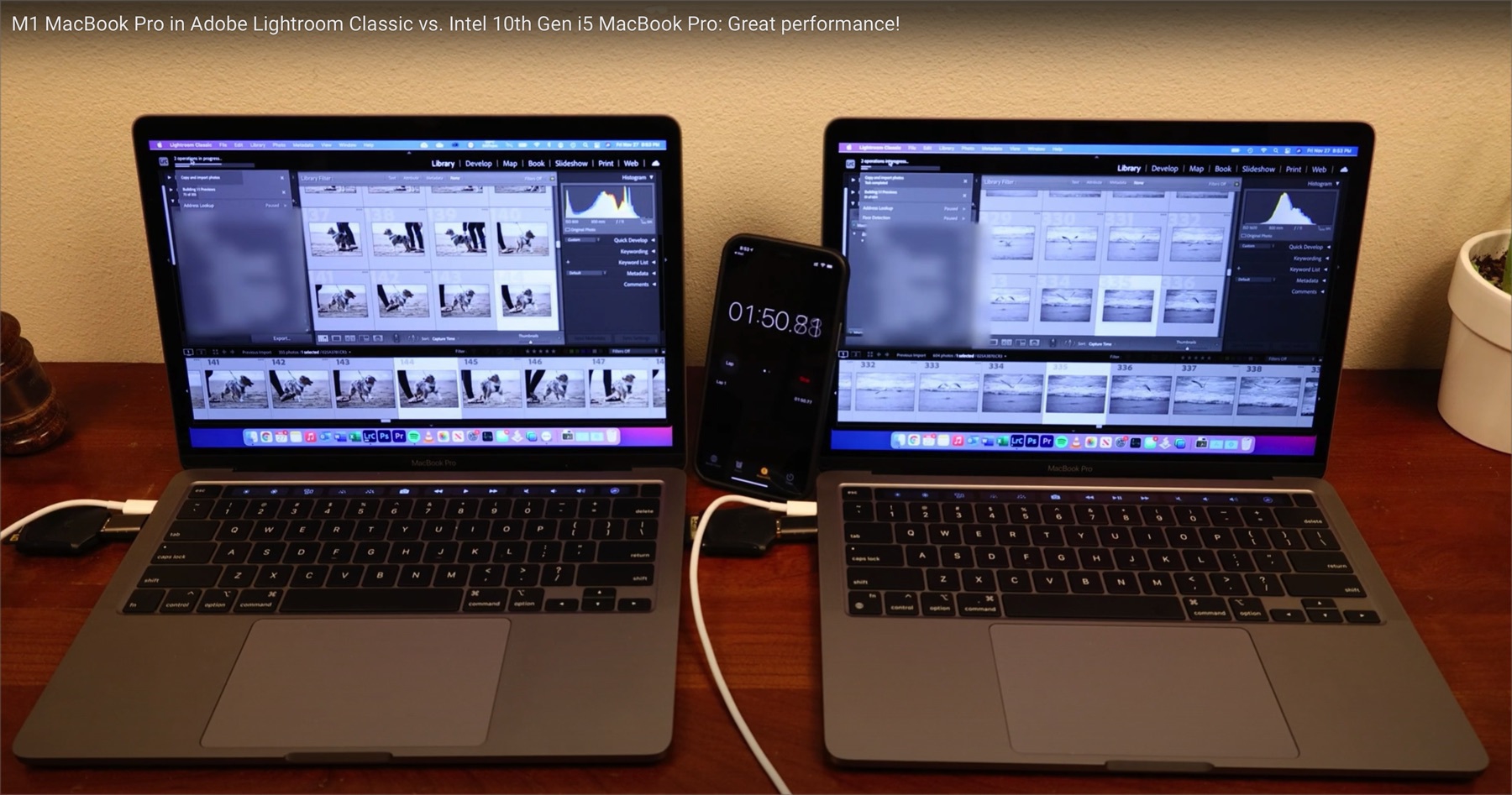
Does the M1 chip in a Mac can change the game? Well, yes and no. The following YouTube video compares Lightroom Classic running on an Intel-based MacBook Pro to an M1-based MacBook Pro. With Rosetta 2 translation layer running to support the non-optimized version of Lightroom Classic, we could think the experience would be awful. In fact, not only it isn’t, the M1-based Mac makes the experience a bit better. Who would have thought.

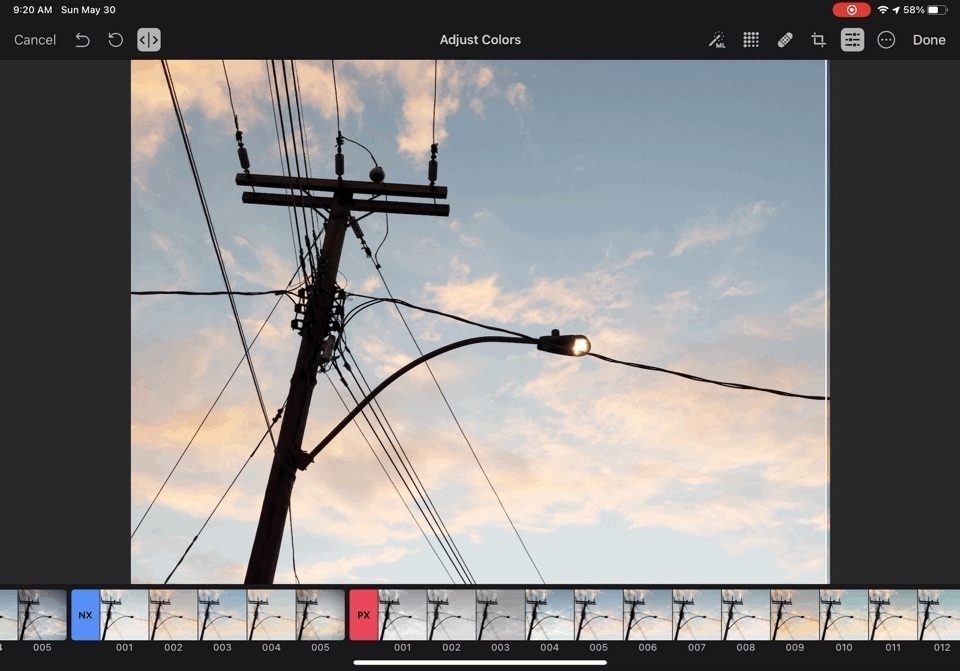
Now, Adobe is working on a native or universal version of Lightroom for the M1 chip. Note that I’m referring to Lightroom CC here, the cloud version of Lightroom, not the Classic version. Depending of who you are and what is your relation to photo processing, it may be a good or a bad news. Nonetheless, the prospect of a universal of Lightroom CC is certainly exciting. Will Adobe take advantage of the GPU cores or the ML cores of the M1 chip? I highly doubt it. If the iPad version of Lightroom CC is any indication, though, not all is lost. We’ll see.

Selling a piece of my Apply history (#apple #imac #2007 #elcapitan)

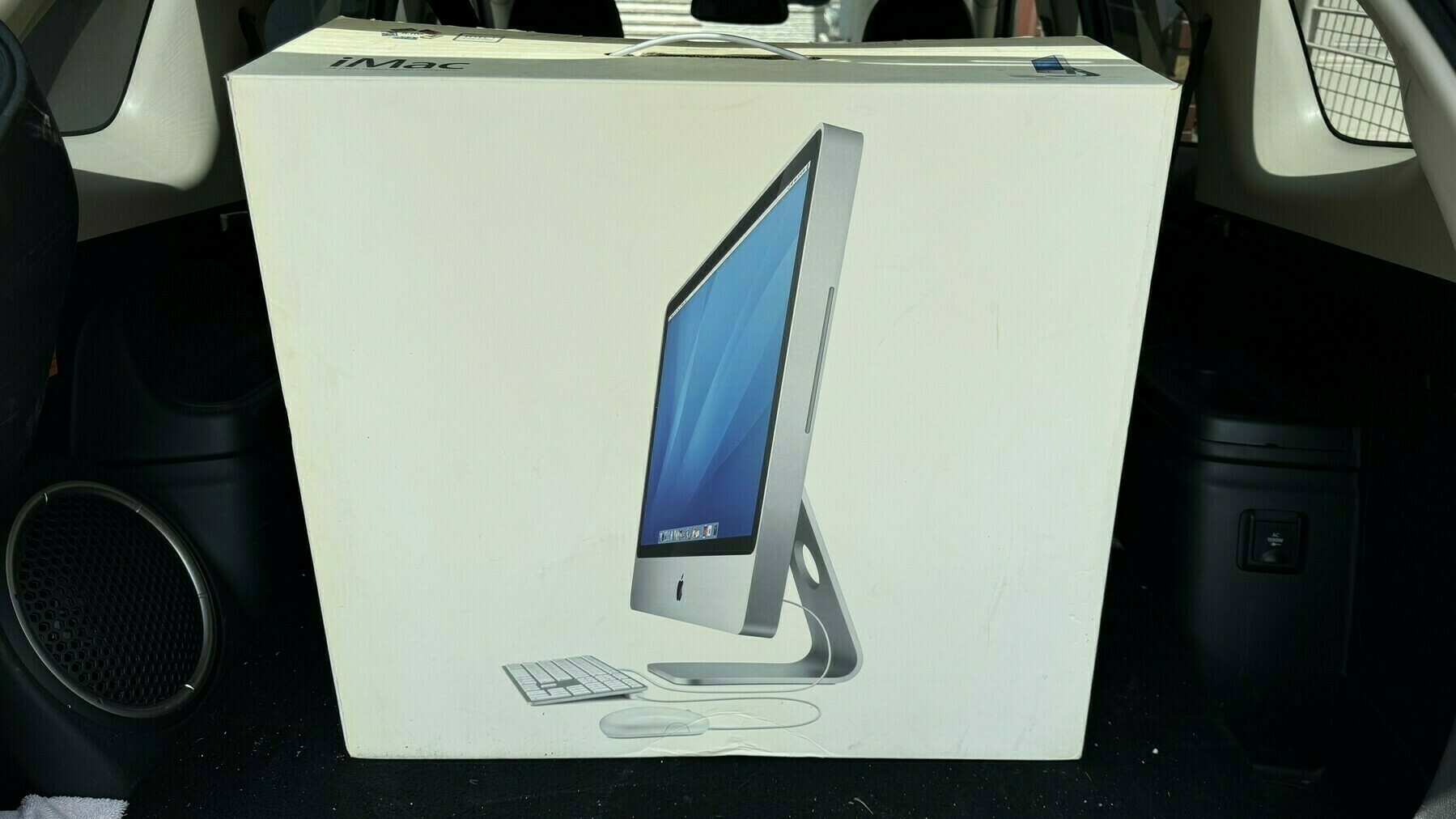
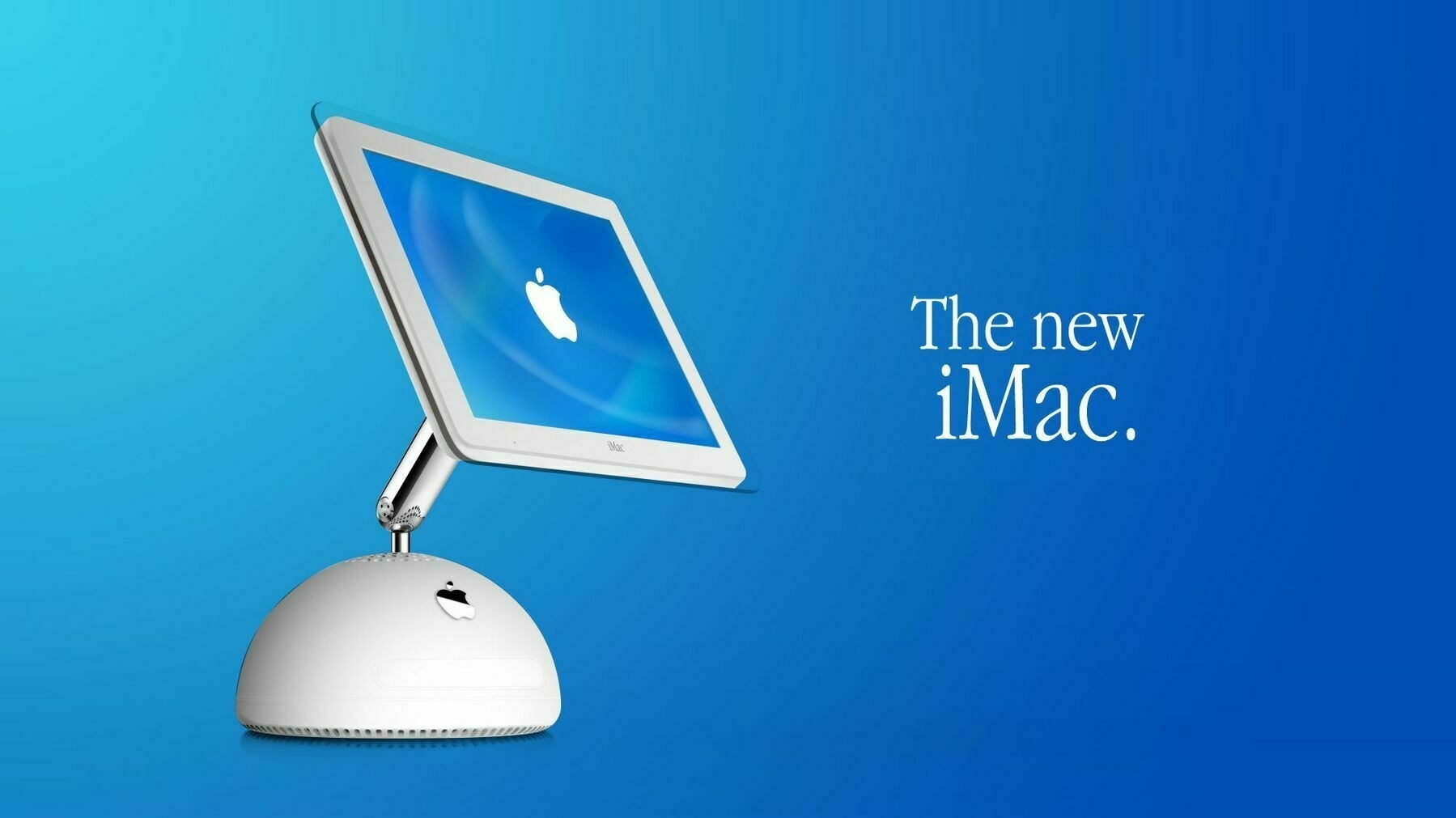
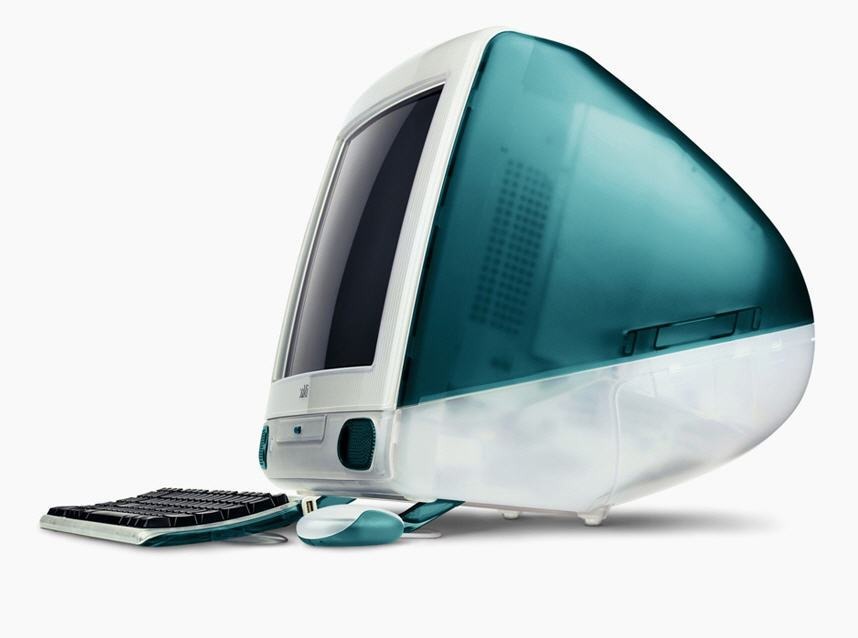
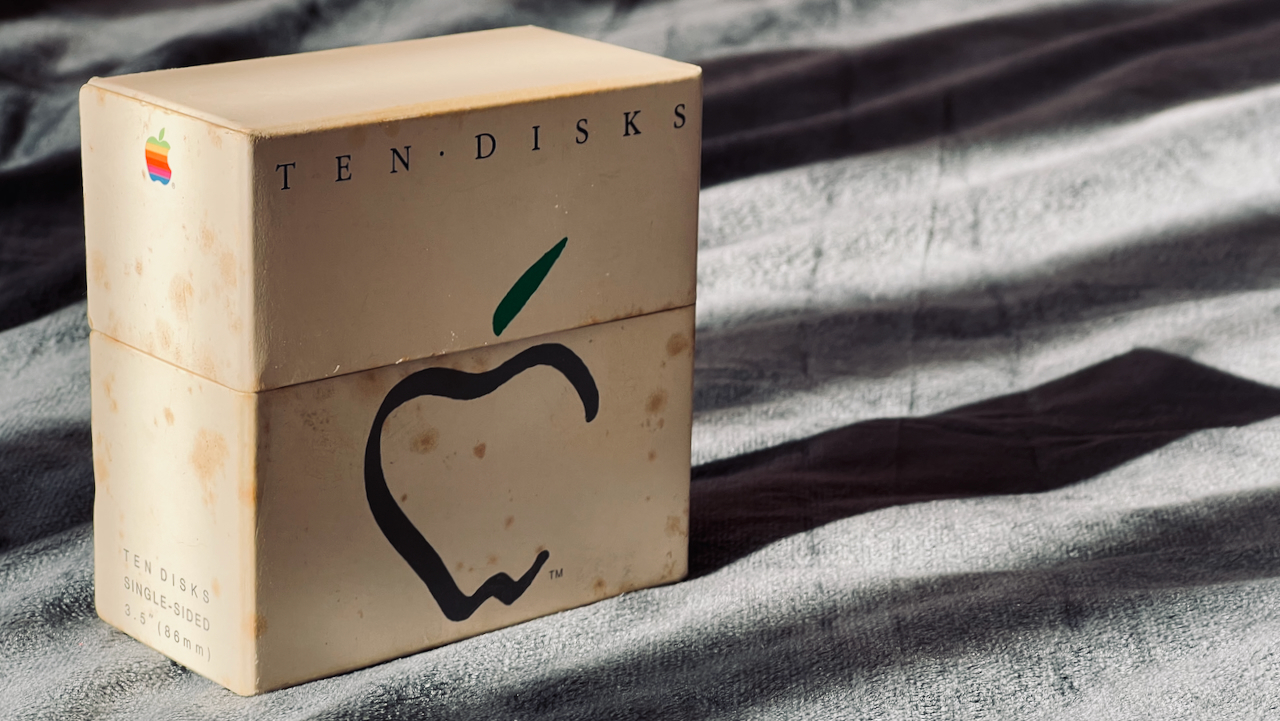
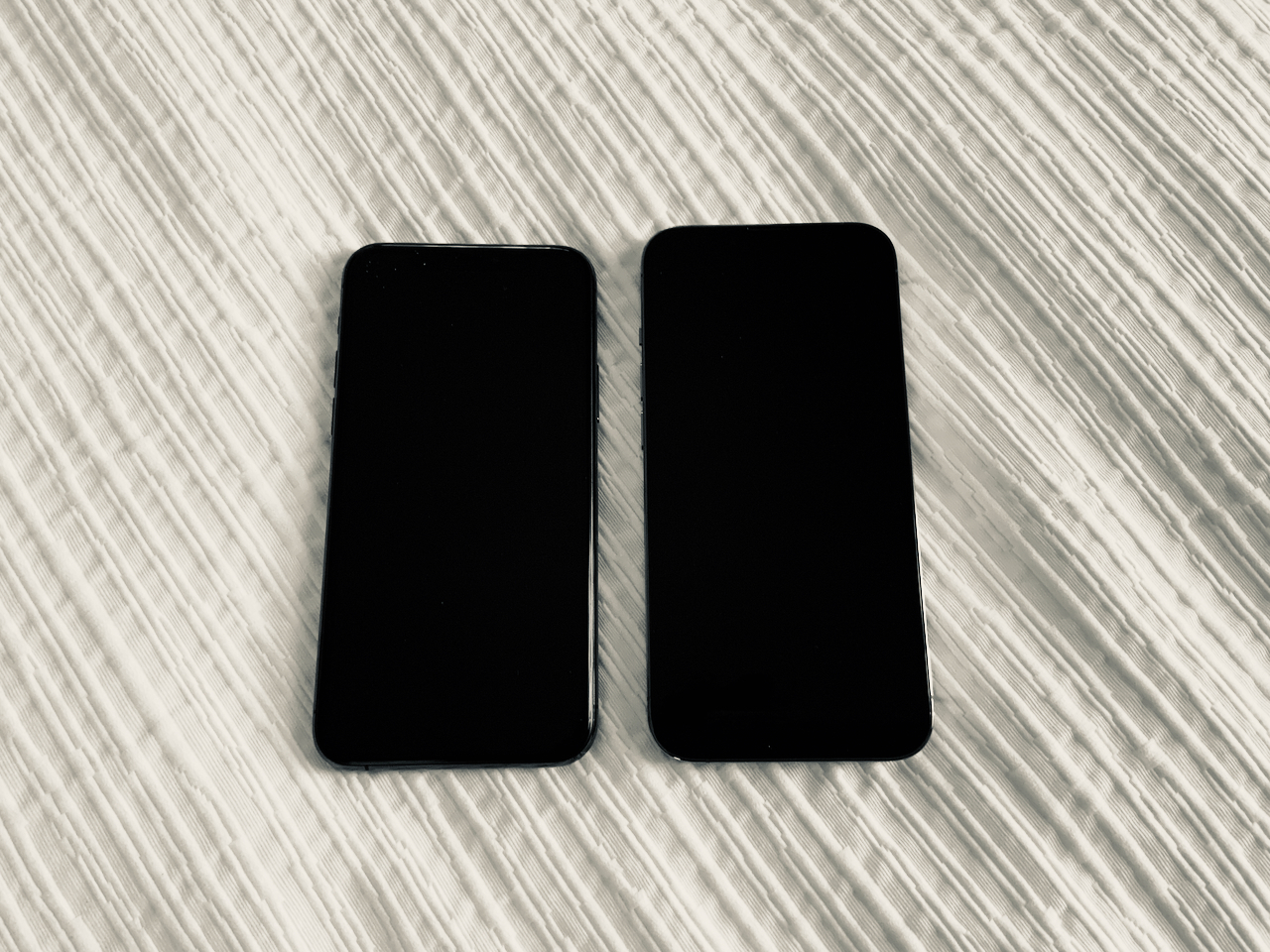
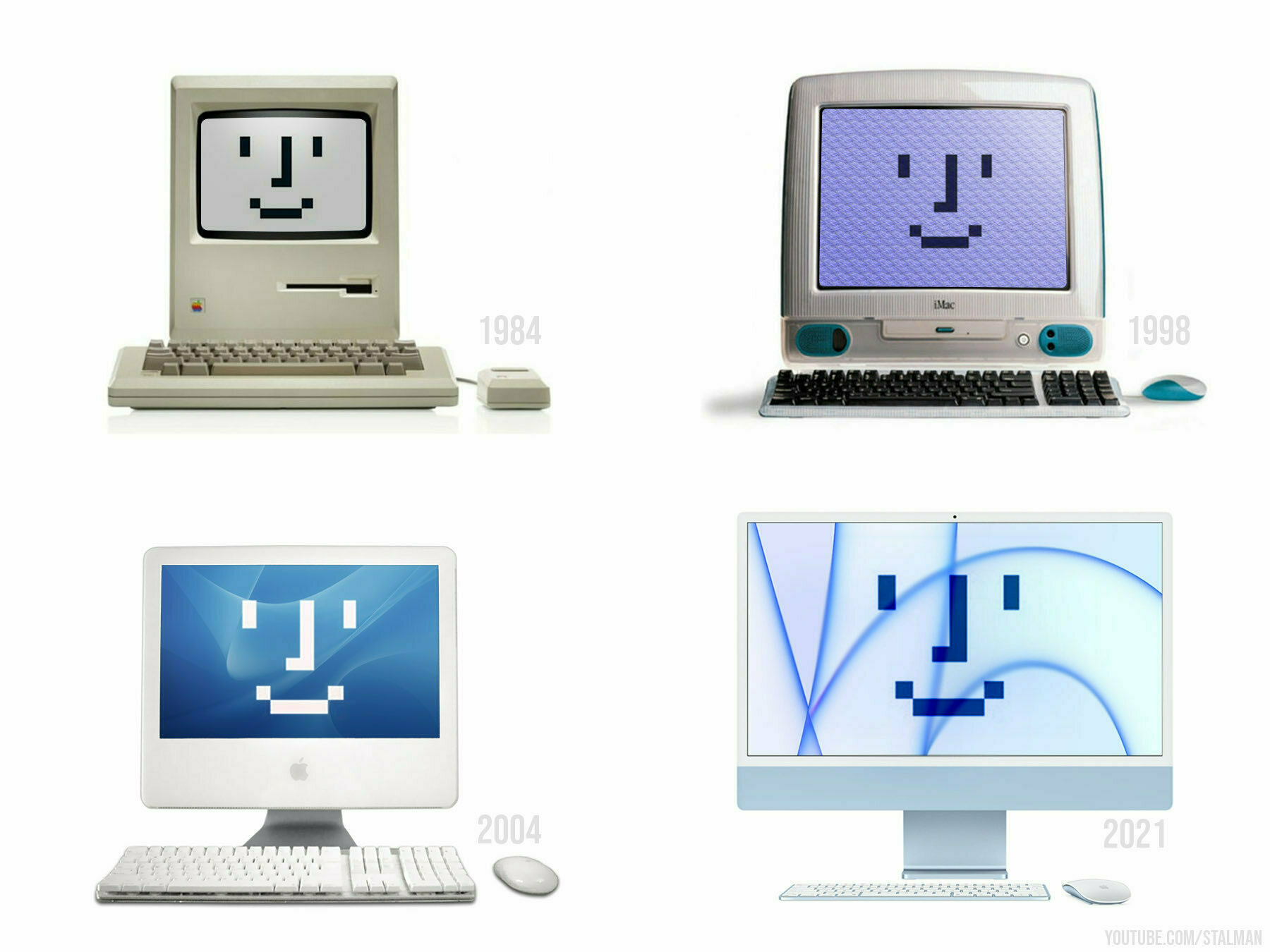
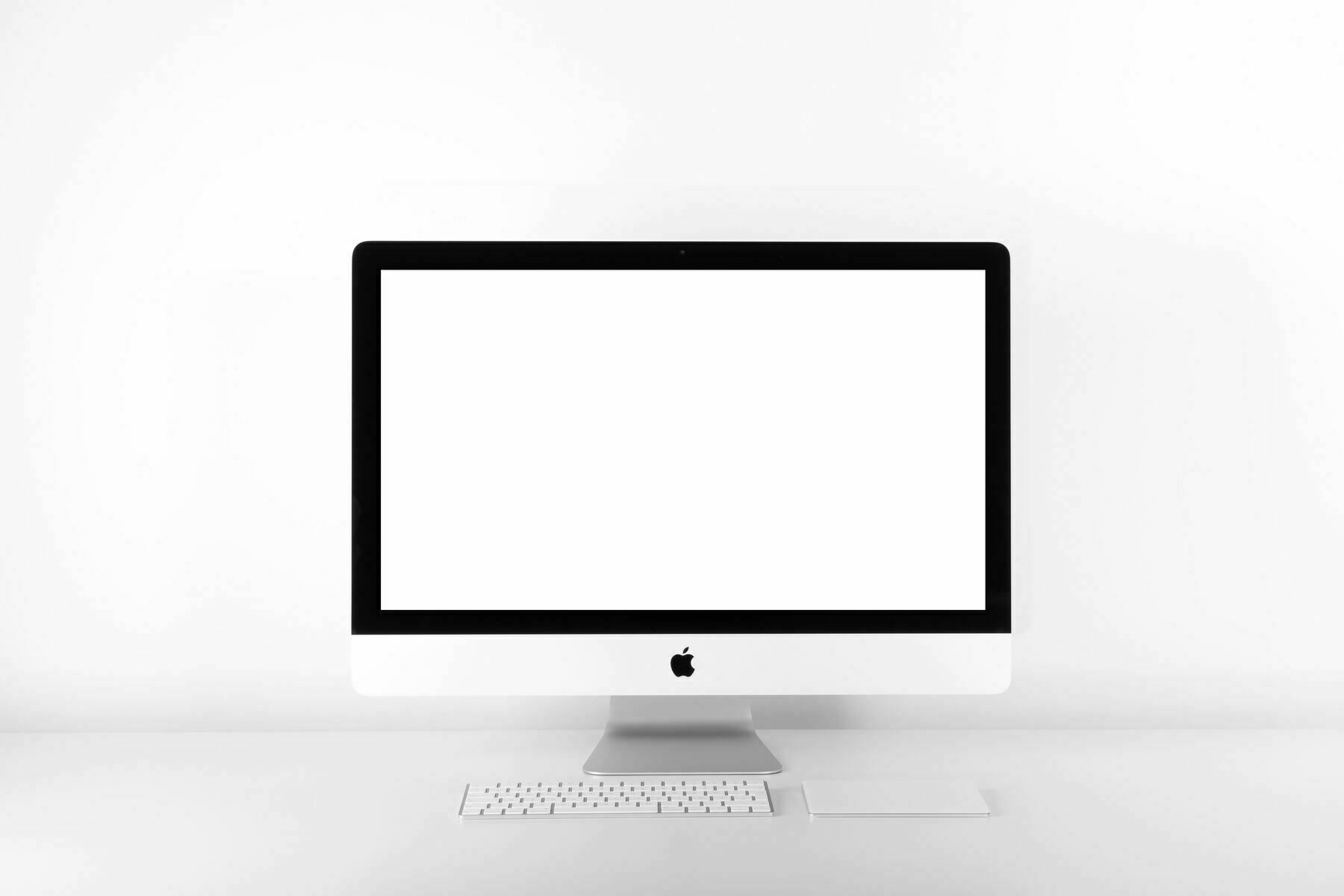
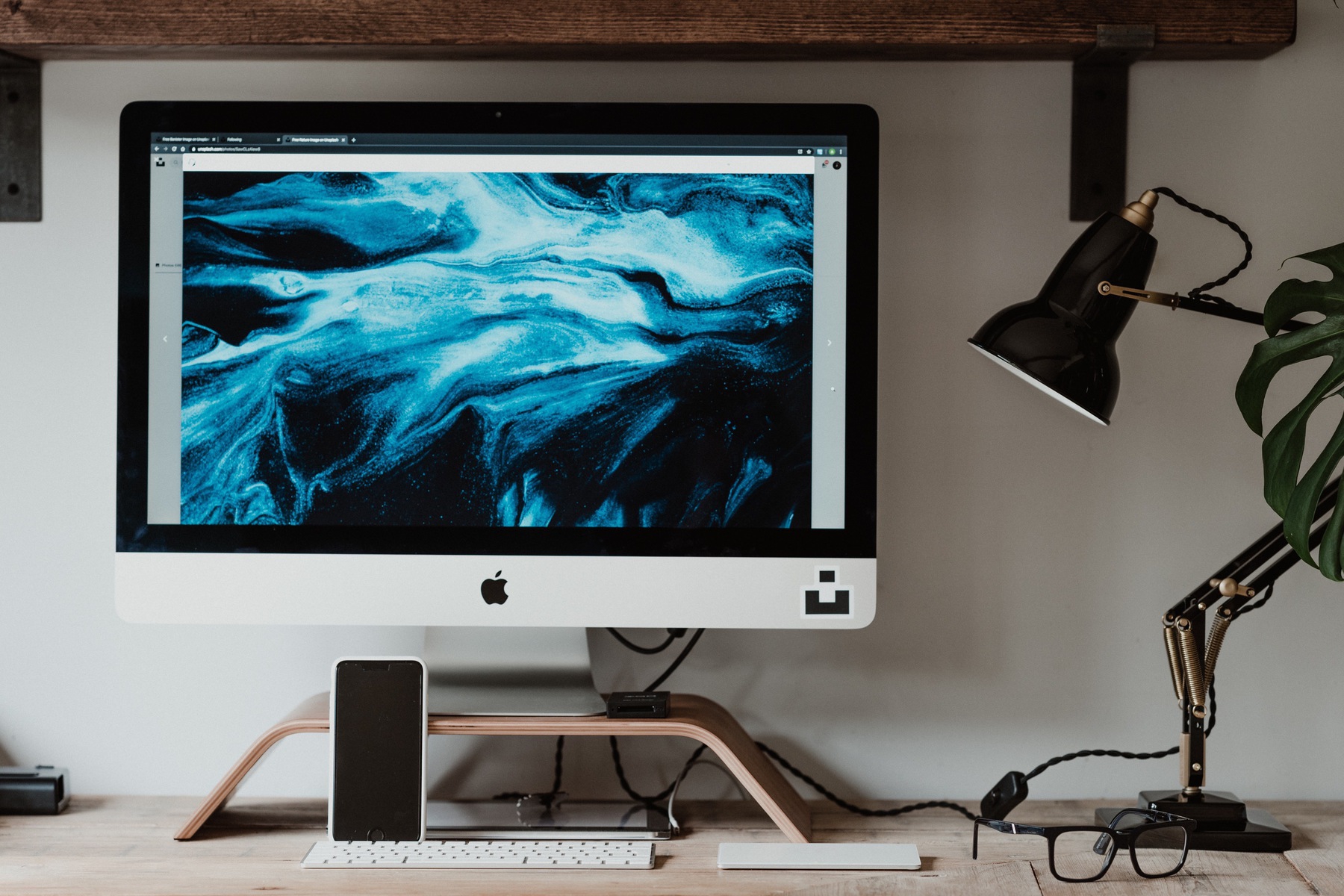
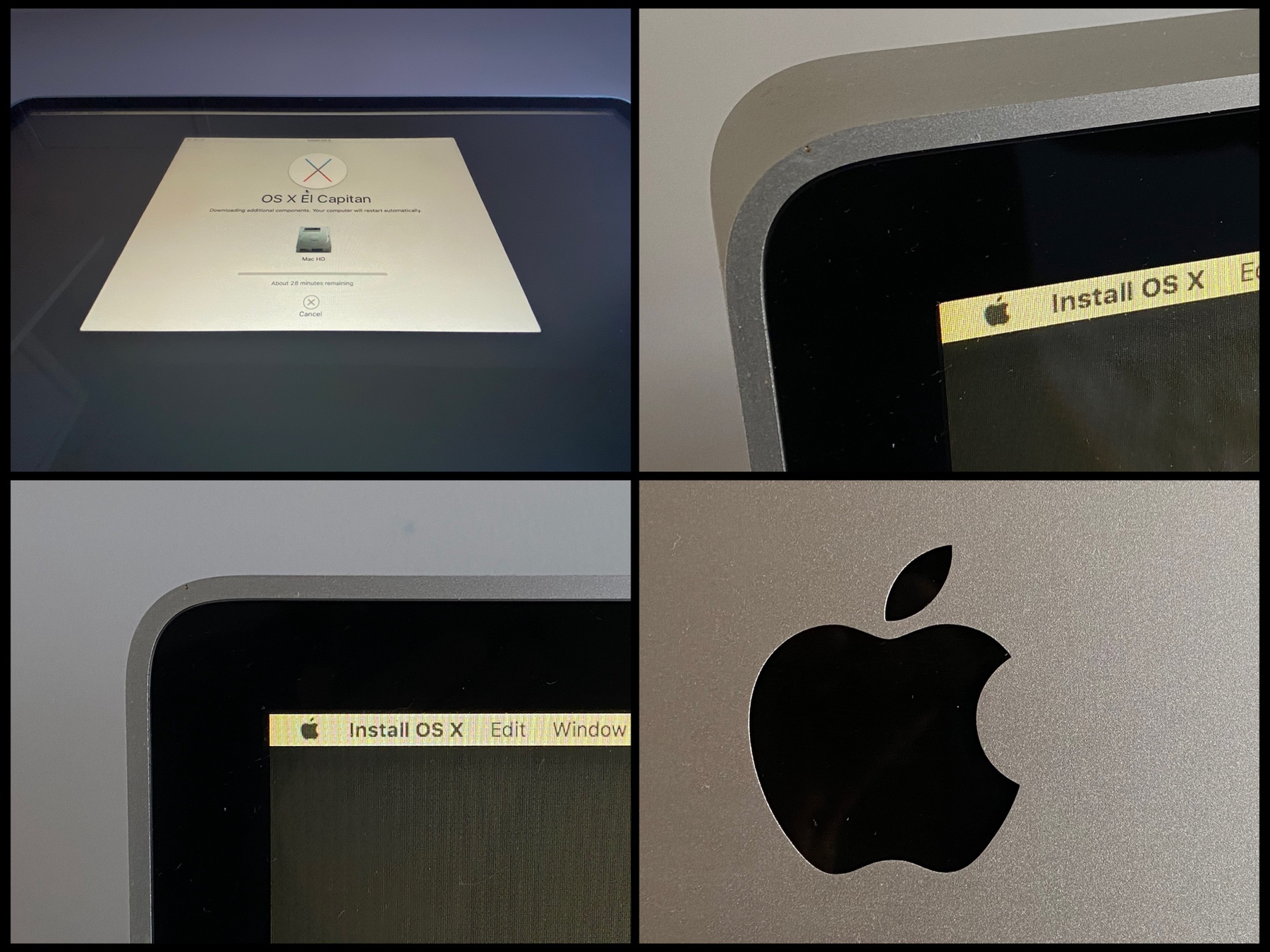
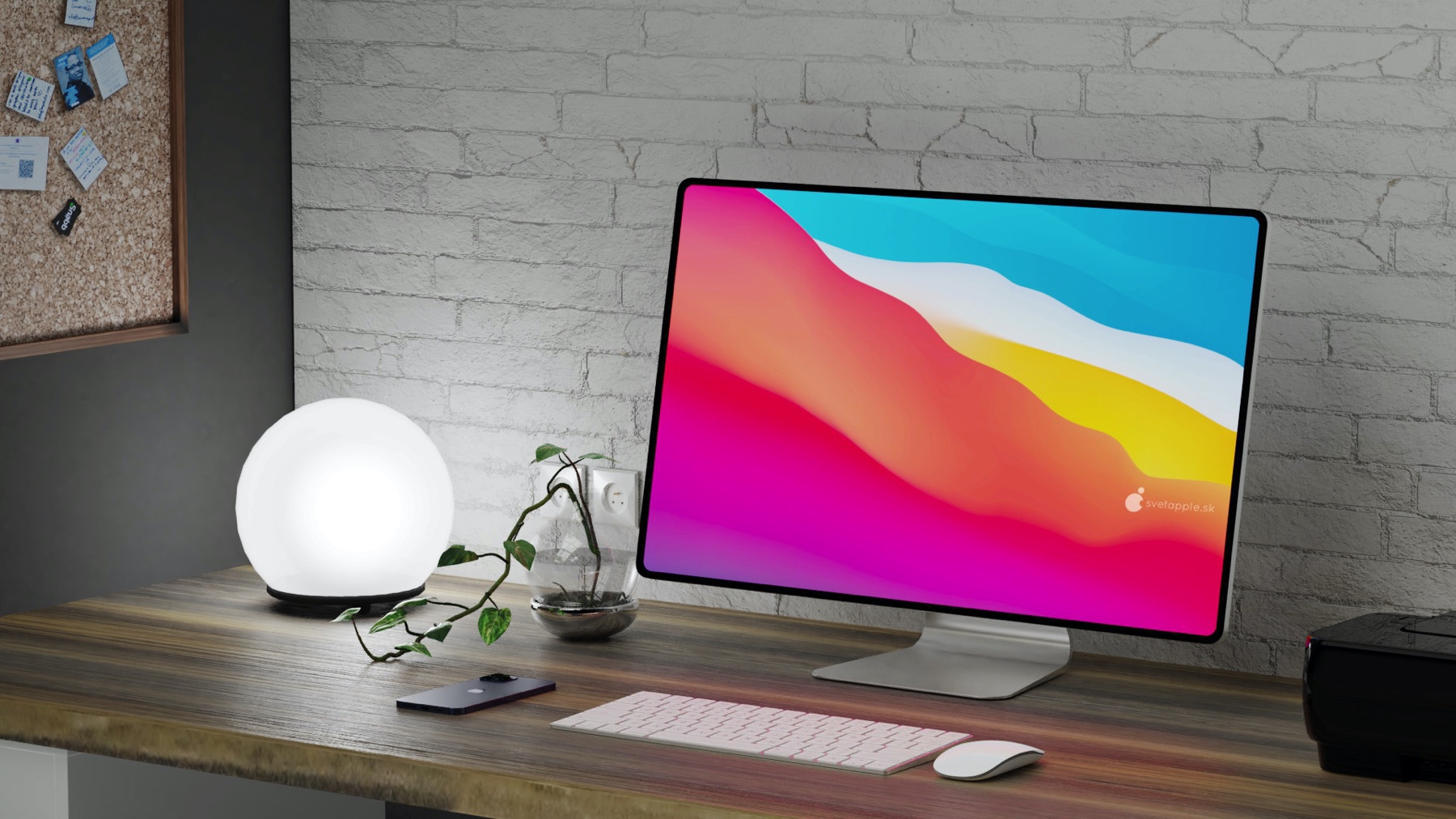
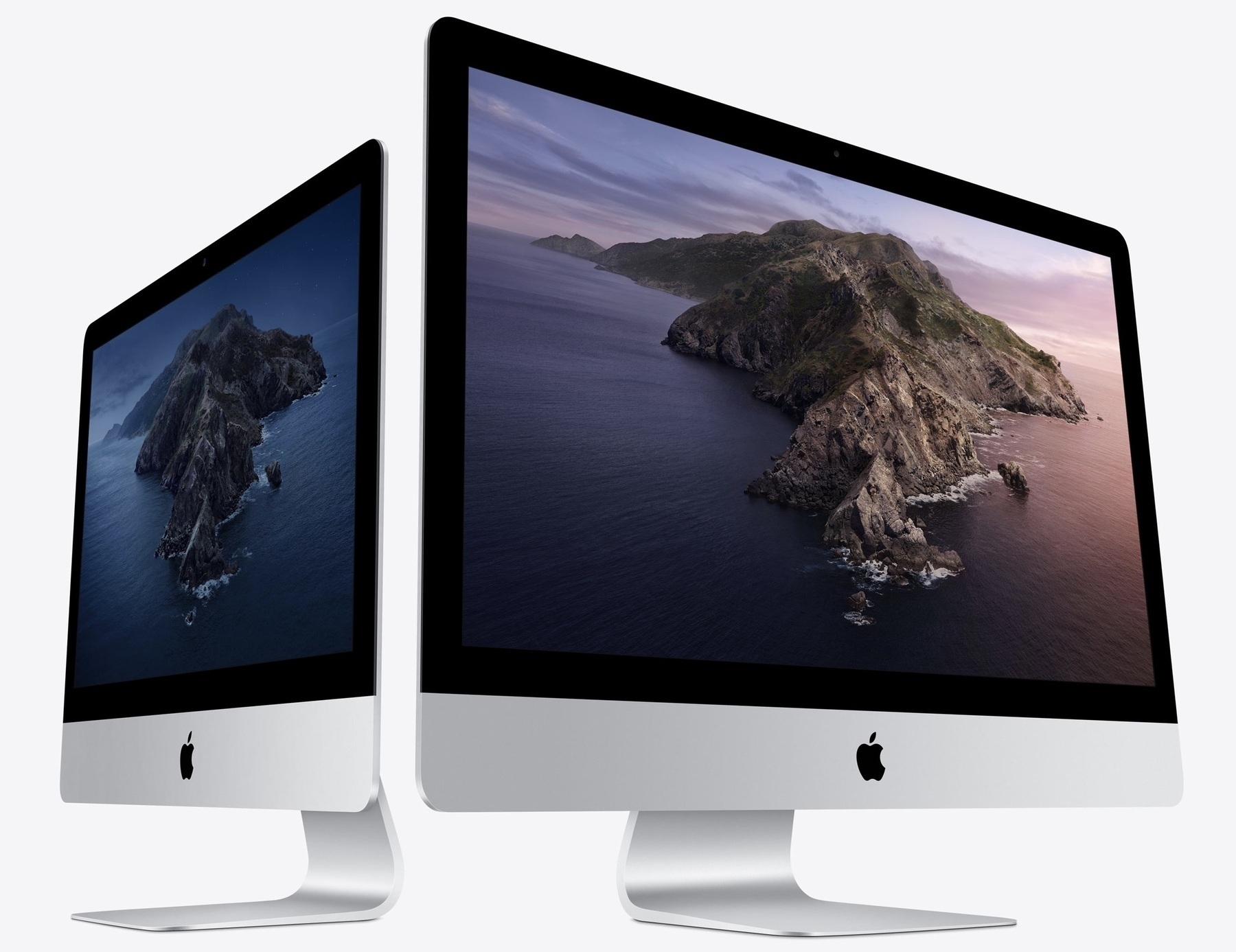
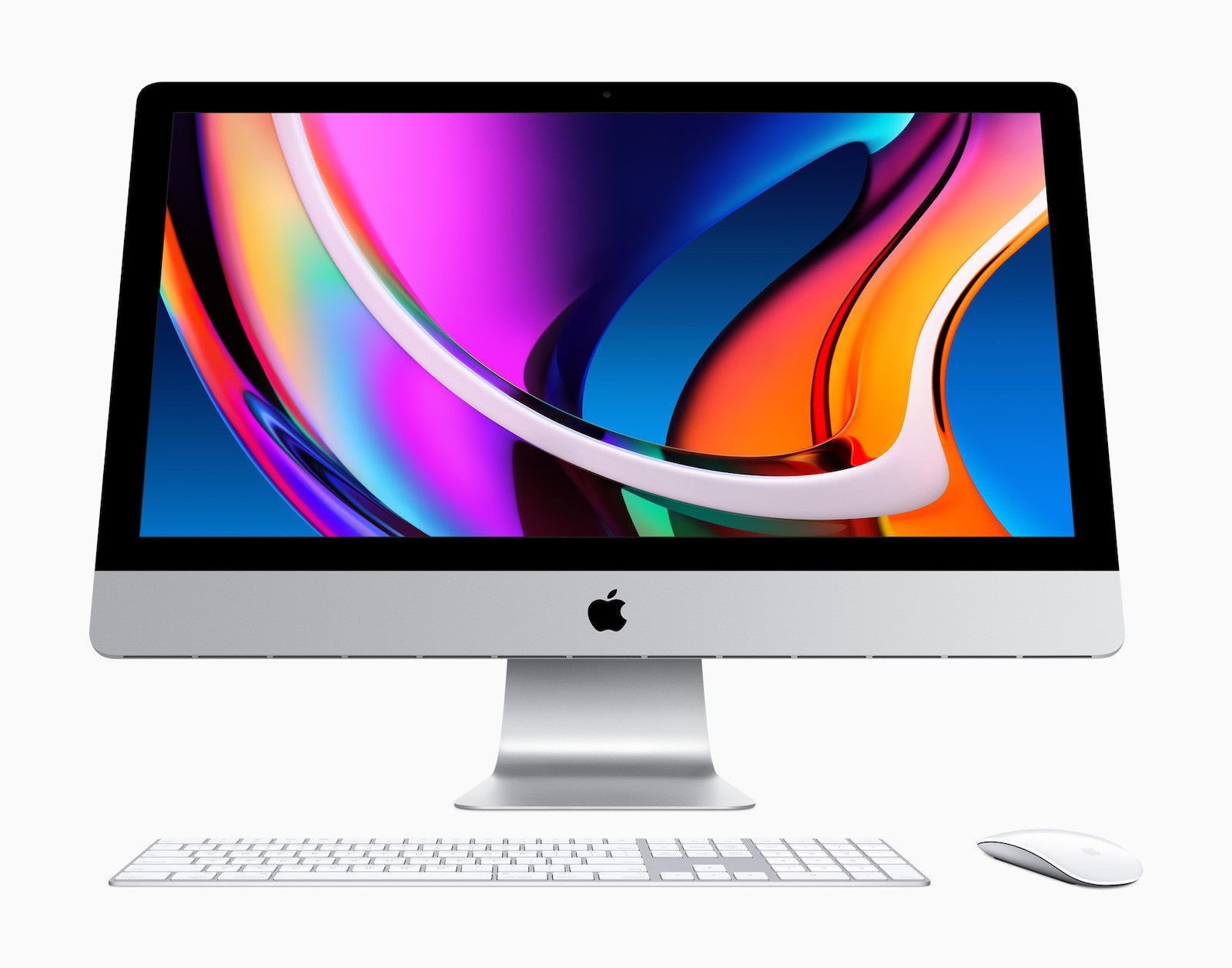
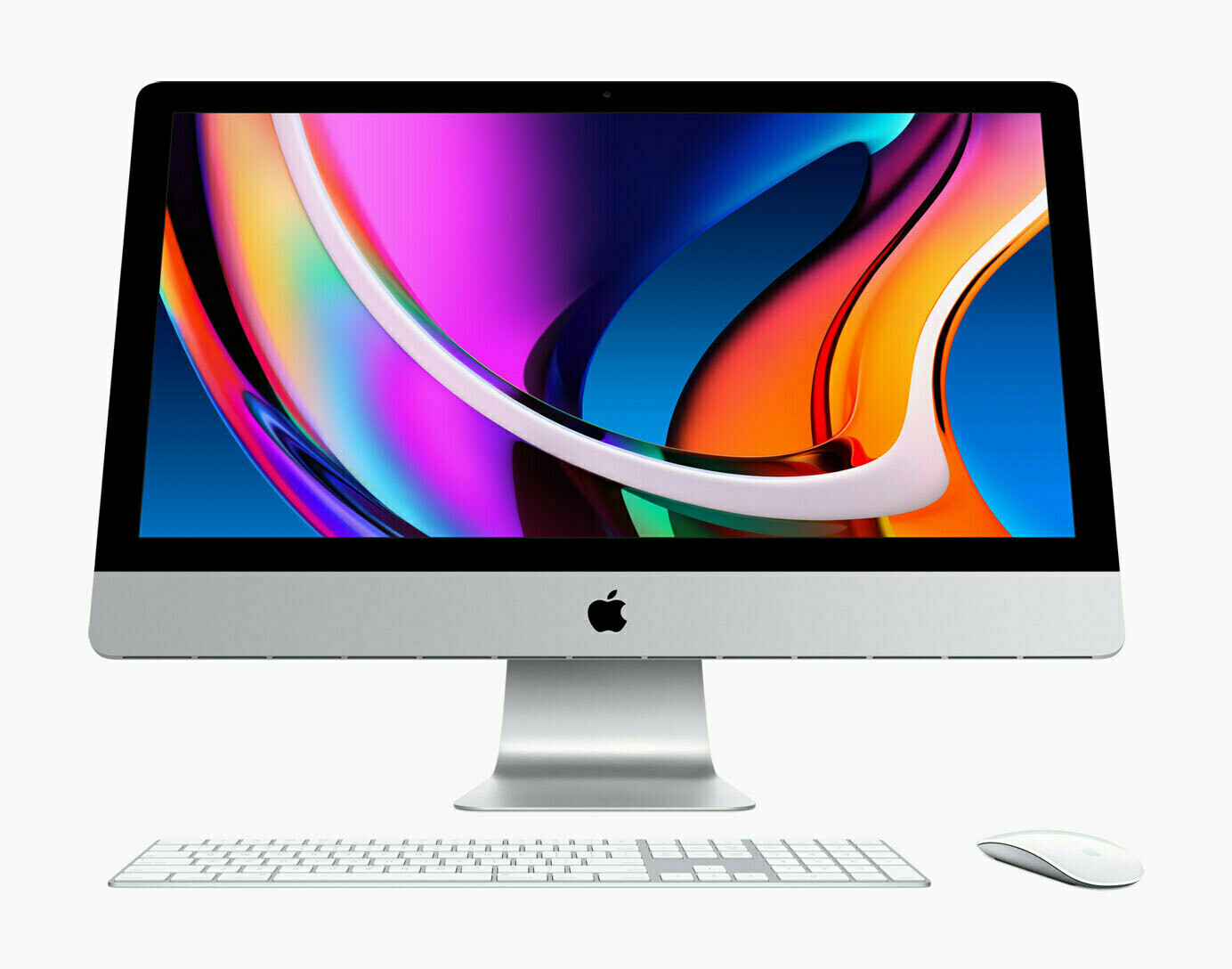
Today I sold my oldest Mac in the house: a 24 inches 2007 iMac running El Capitan. When I look at this computer, I see many similarities with the current iPad Pro design: round bezels, boxy frame. I hope Apple will return to this design, albeit in a refreshing way, for their upcoming M1-based iMac.

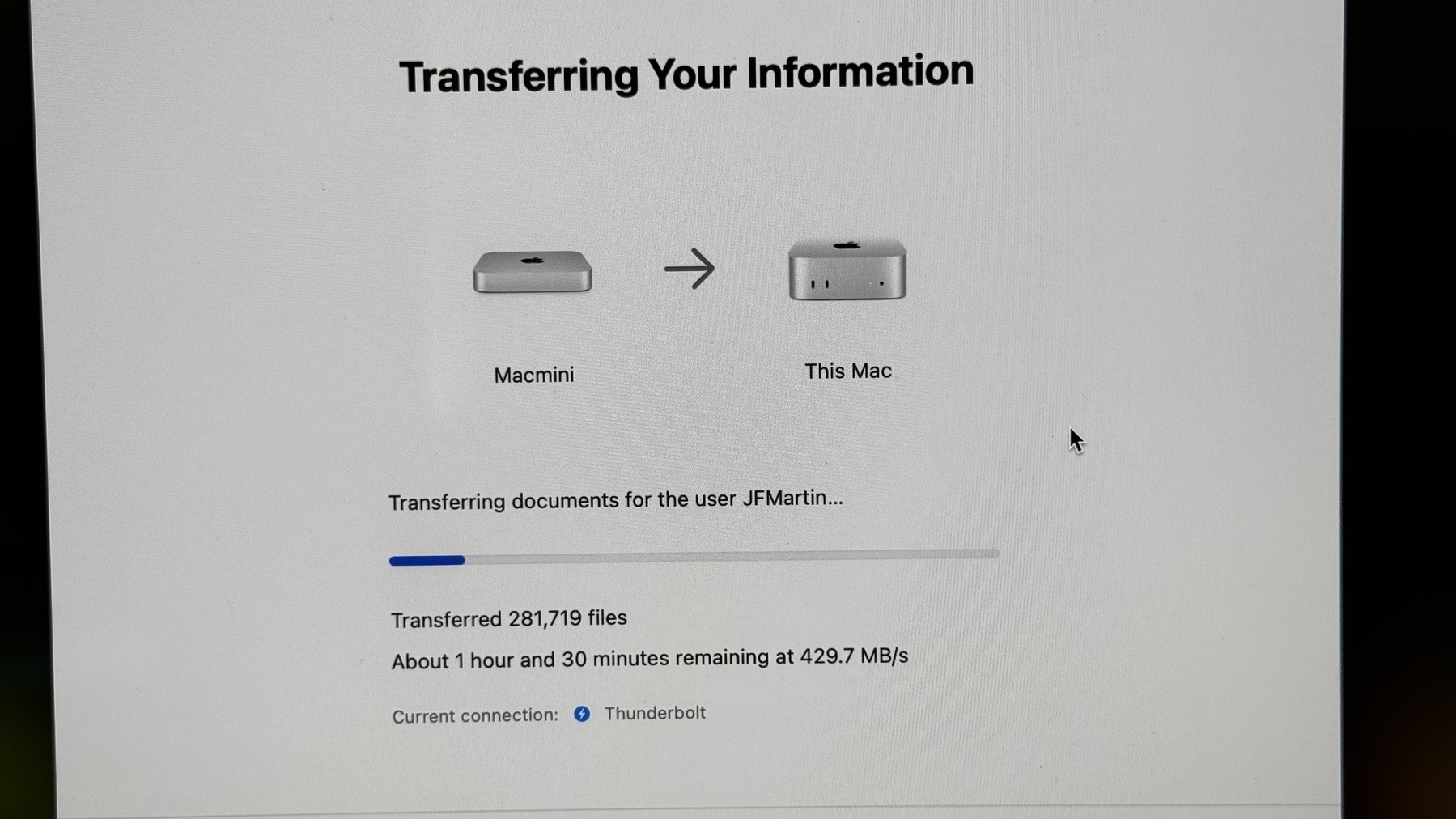
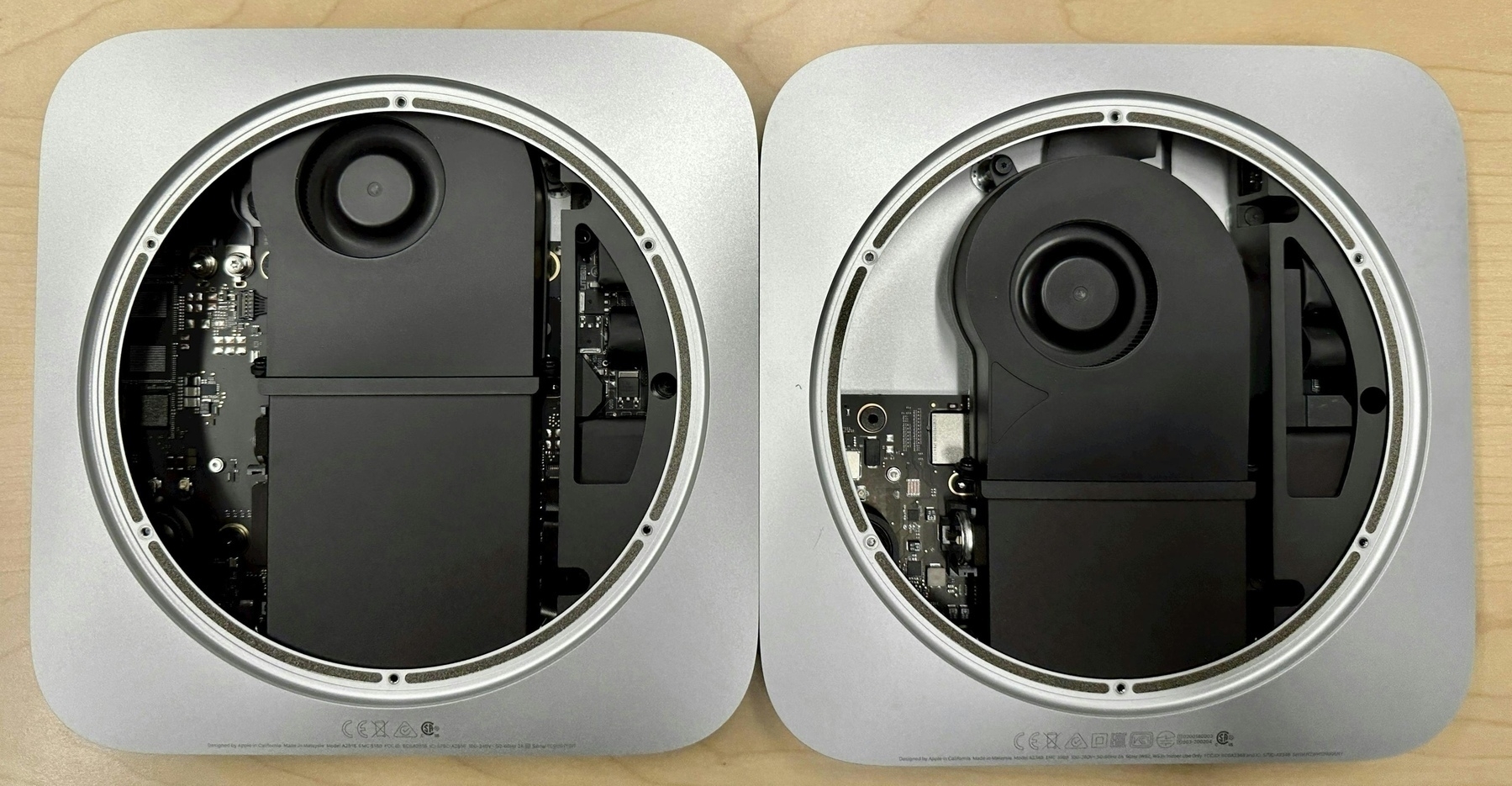
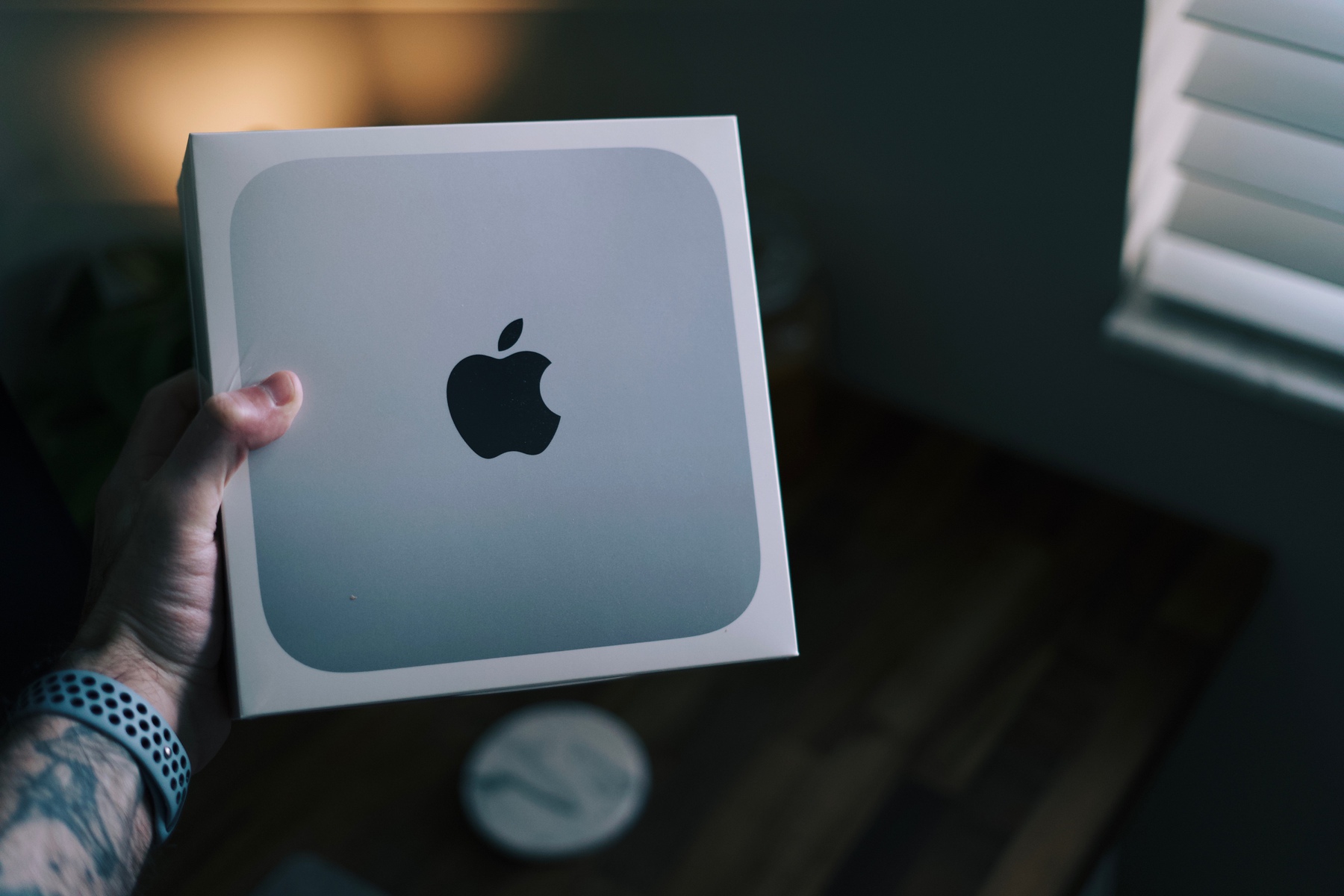
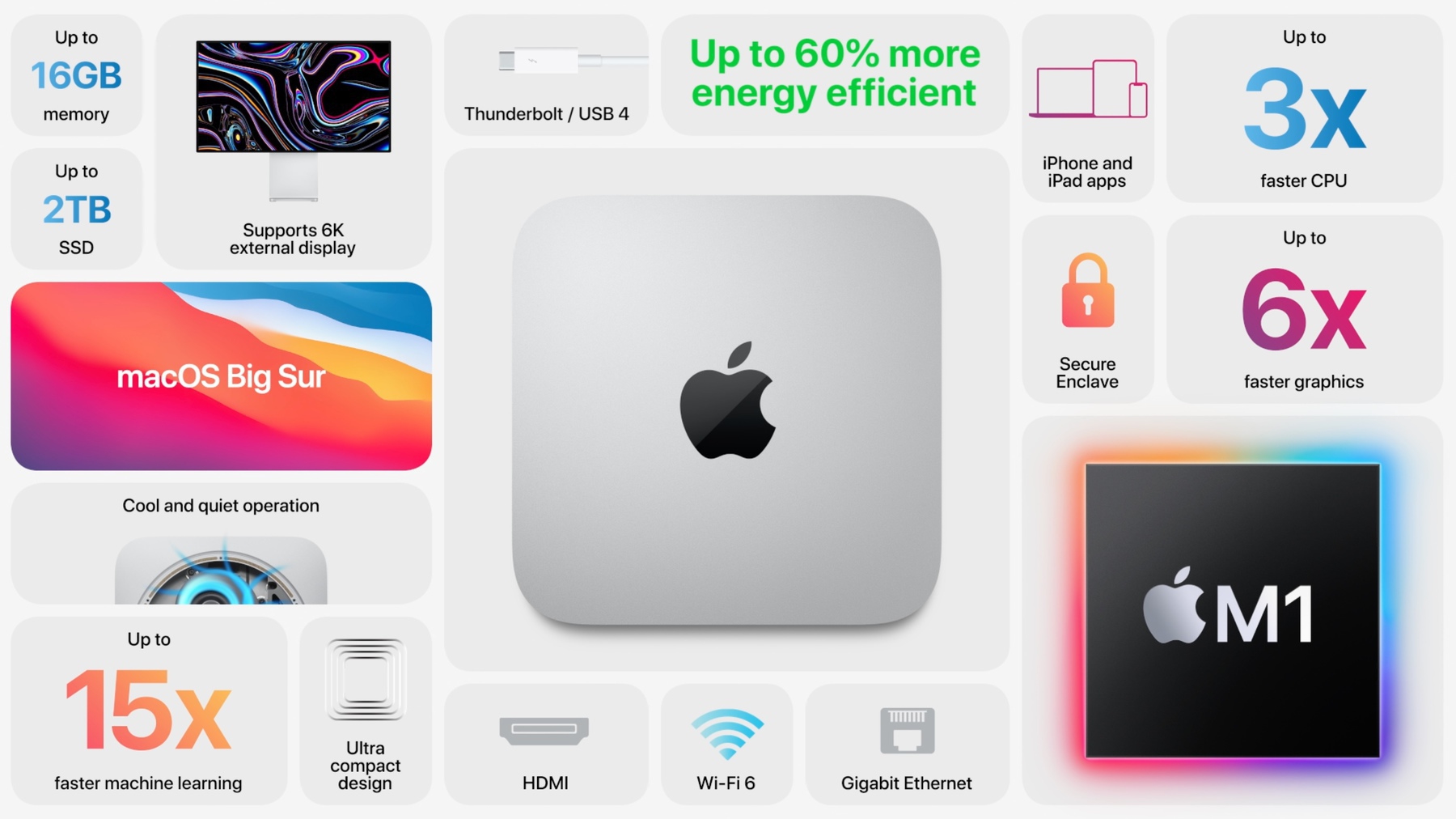
Now, waiting for my M1-based Mac mini. 24 days before adding another piece to my long story with Apple products.

24" 2007 iMac

A must have utility for Mac: HazeOver. (#apple #mac #utility #minireview)

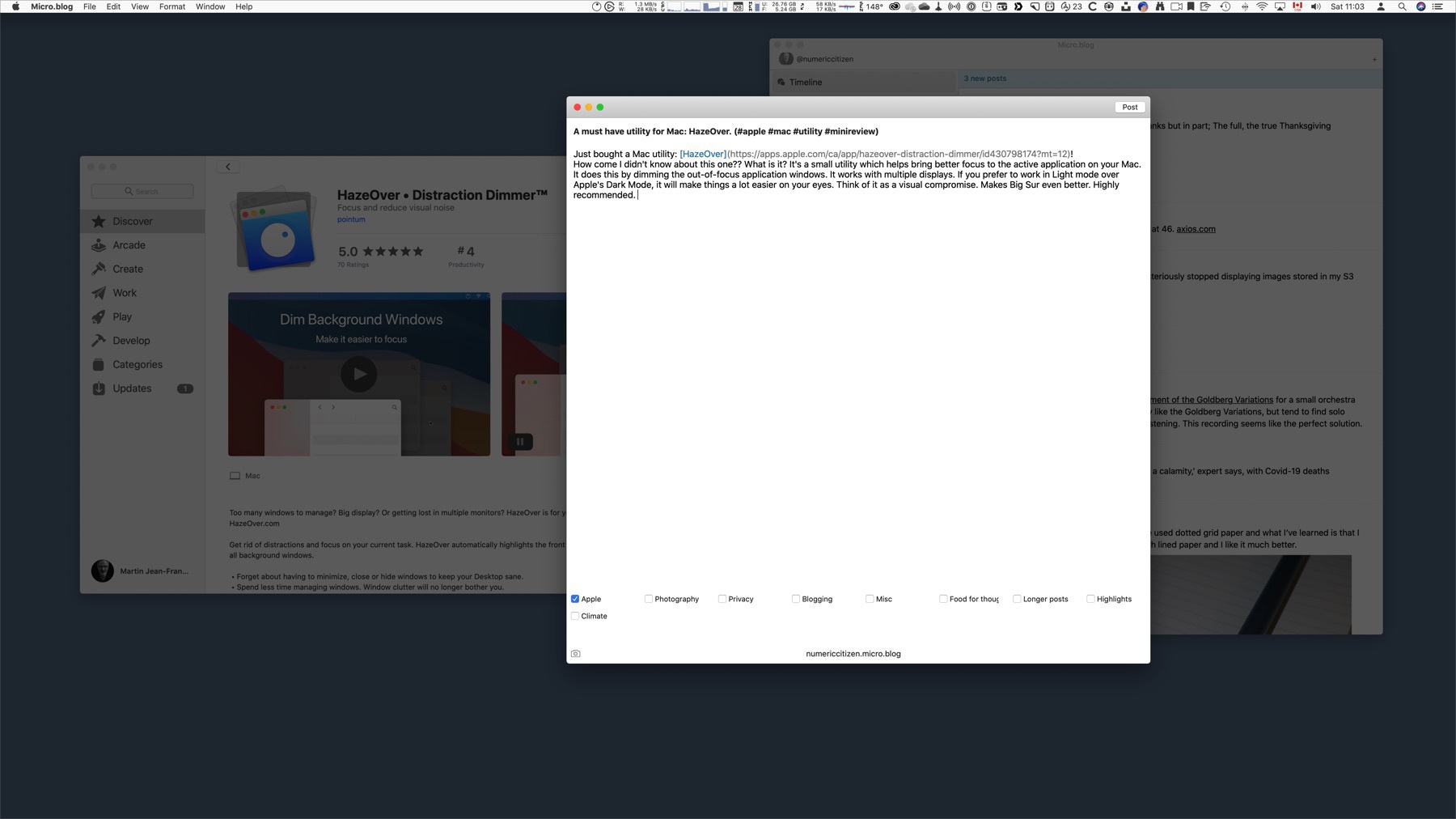
Just bought a Mac utility: HazeOver! How come I didn’t know about this one?? What is it? It’s a small utility which helps bring better focus to the active application on your Mac. It does this by dimming the out-of-focus application windows. It works with multiple displays. If you prefer to work in Light mode over Apple’s Dark Mode, it will make things a lot easier on your eyes. Think of it as a visual compromise. Makes Big Sur even better. Highly recommended.

The M1 chip never cease to amaze (#apple #applesilicon #m1chip #tech #amdryzen)

Another excellent Twitter thread about the M1 chip. This time, it is a comparison with the AMD Ryzen. From a thermal design power, the M1 chip is simply unique and unmatched. On a per-core basis, top of the line AMD Ryzen chip and Apple’s M1 chip are of equal performance. On top of that, the M1 chip is much more than a standard CPU. Oh, and it is only the beginning. Who thought 2020 was such a bad year.

The future of widgets on iOS (#apple #ios #ipados #widgets)

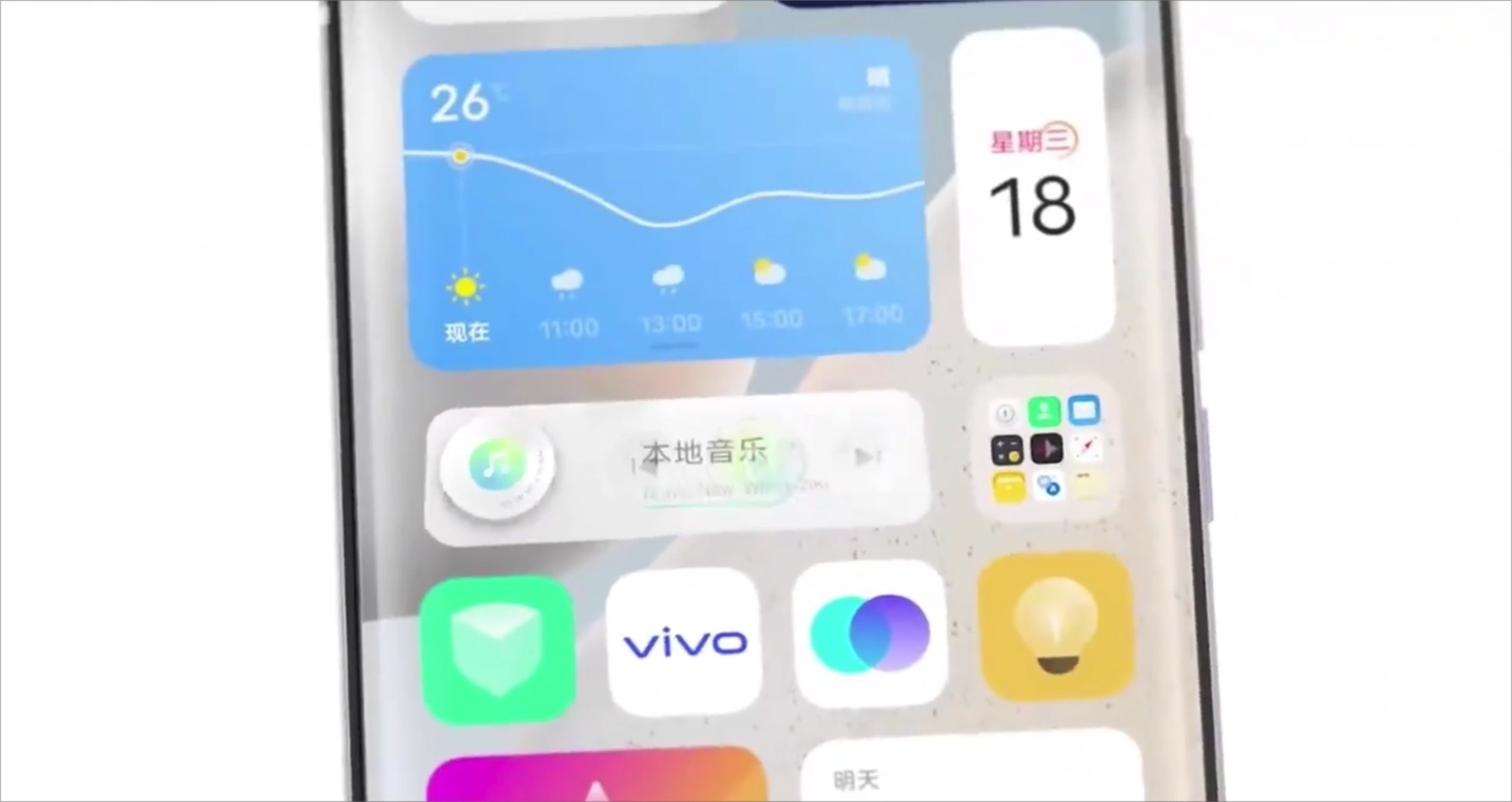
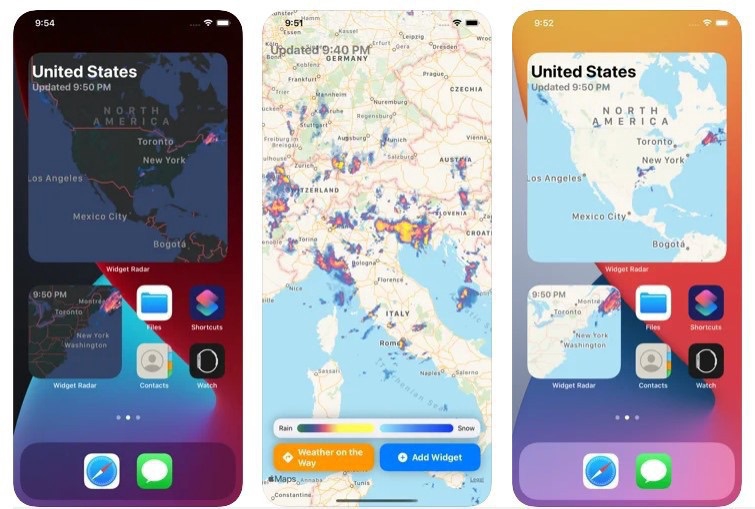
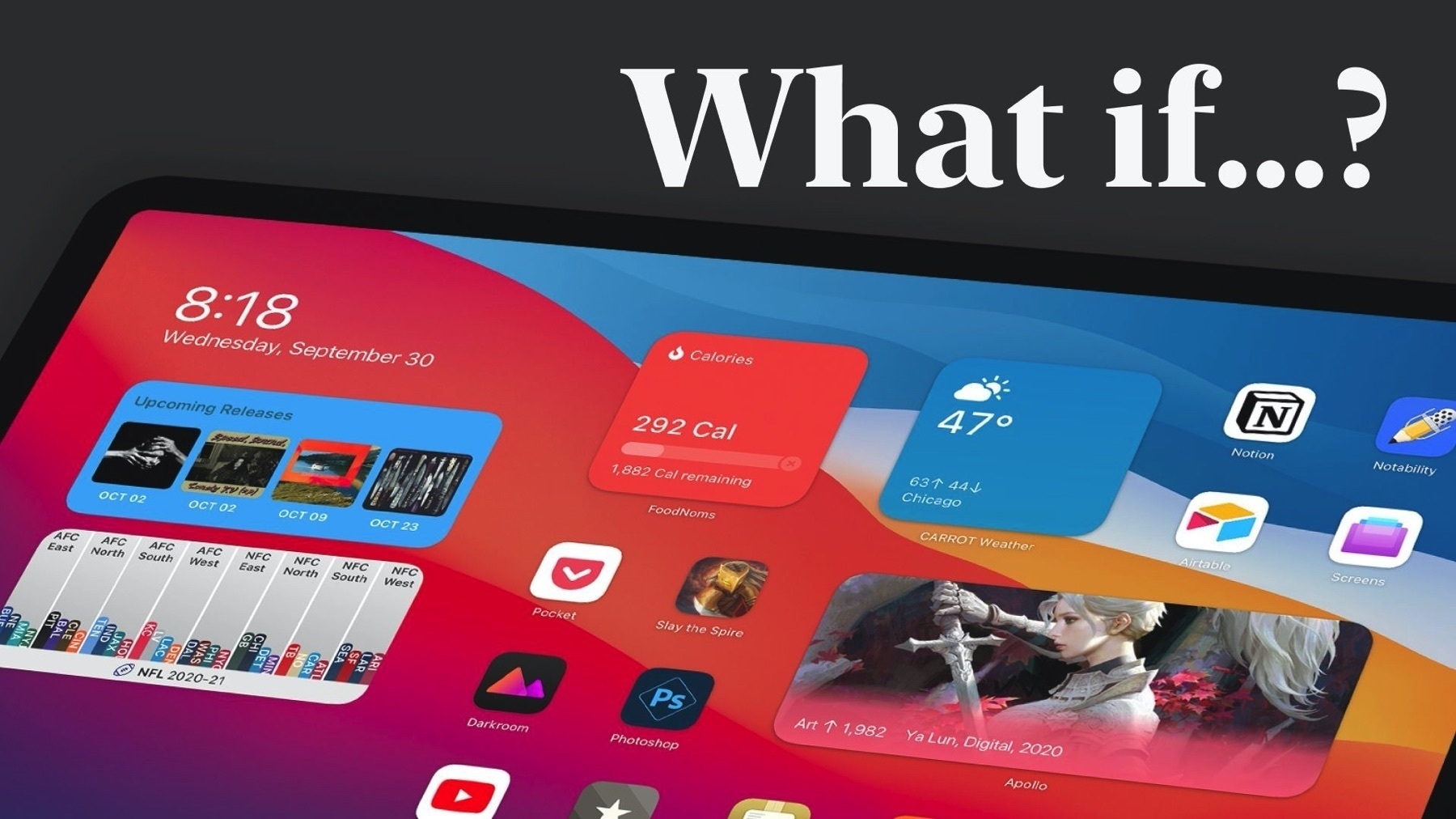
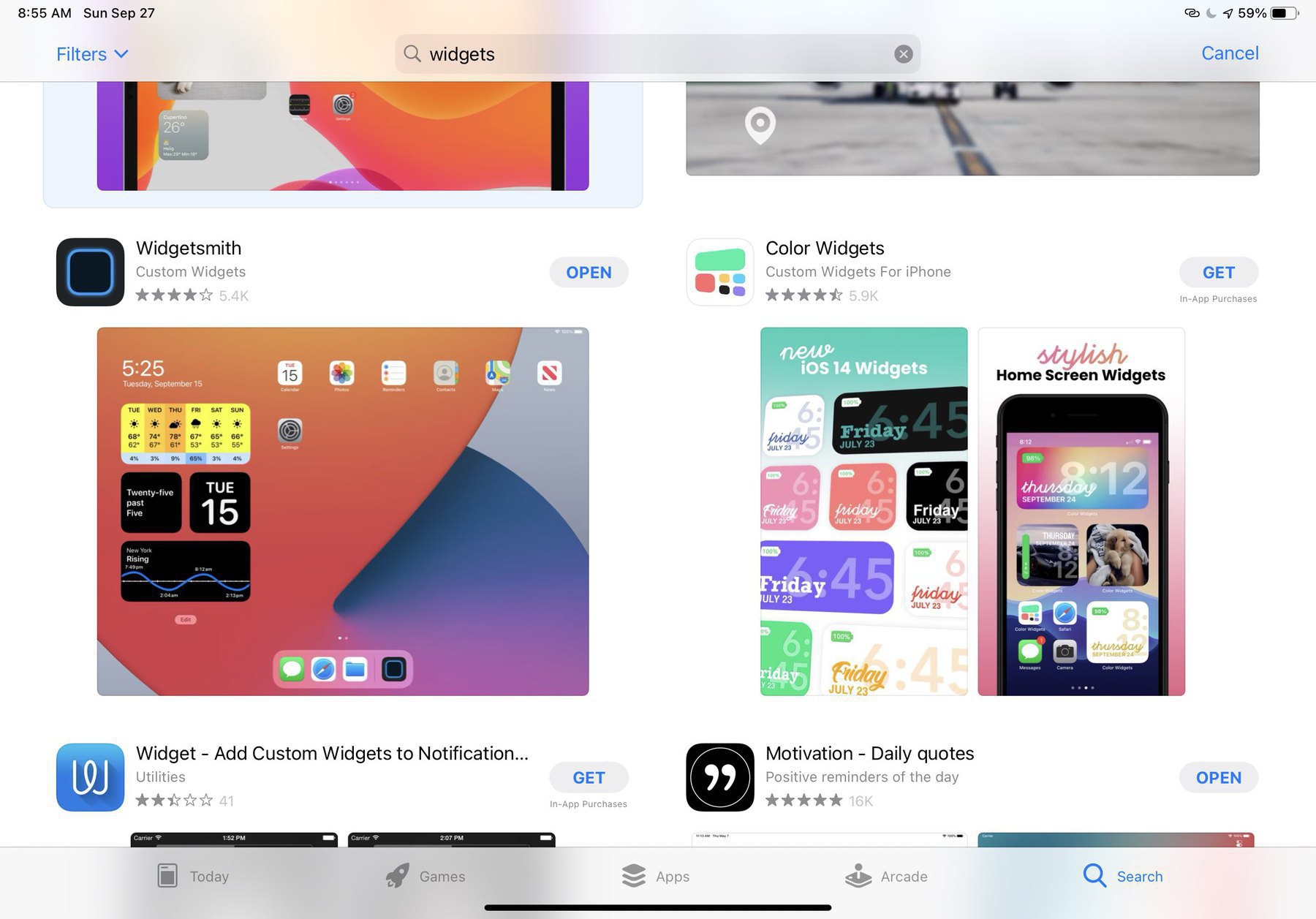
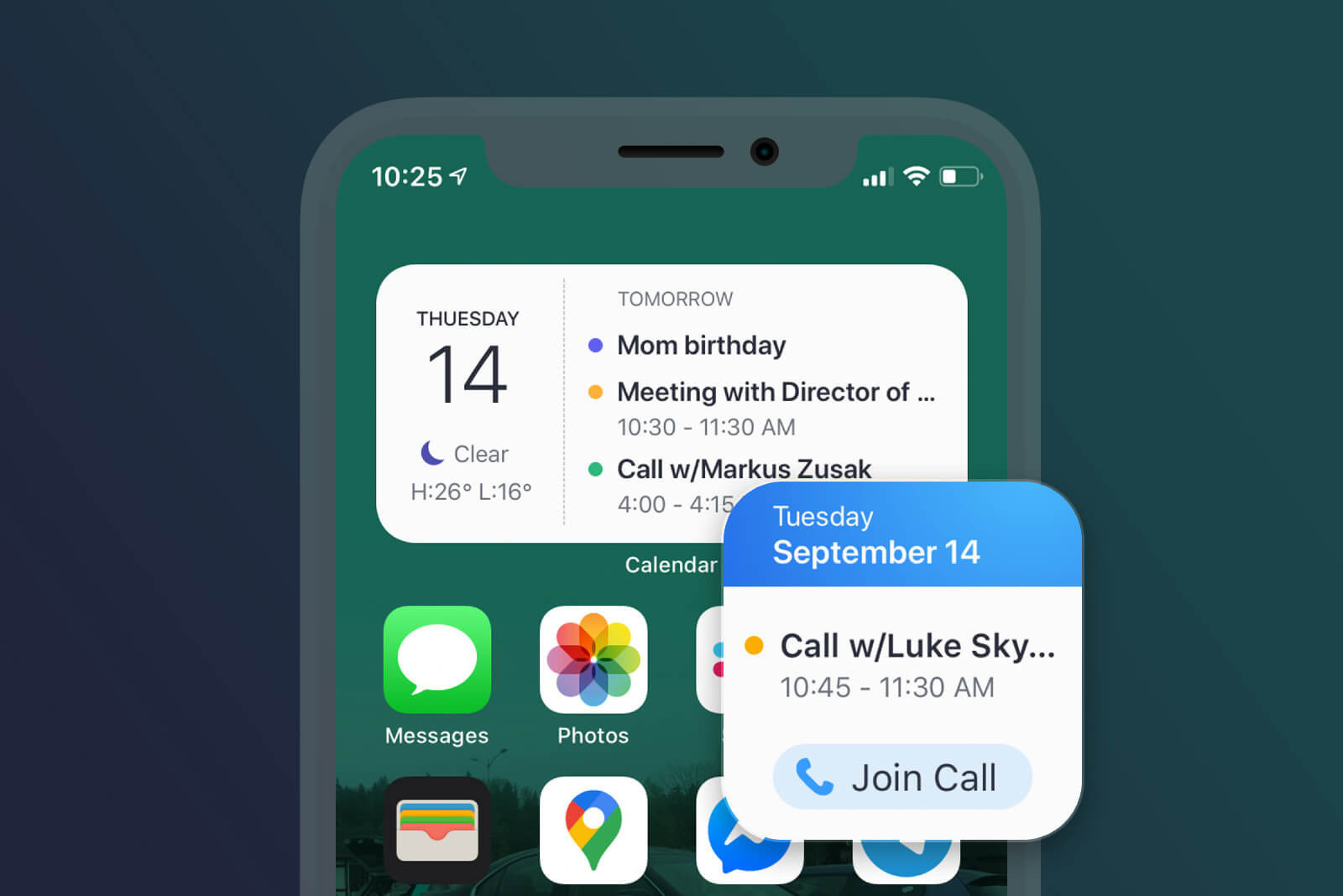
There is a lot to like from this short video showing vivo’s OrigiOS in action. Expandable widgets, user-adjusted widget size, dynamic content, super clean animations, a few touches of skeuomorphism where it counts, dynamic icons, immediate feedback on touch, all those things which are lacking on iOS home screen could see the light if Apple choose to. Widgets 1.0 were long to come for us, iPhone and iPad users, but here they are. Yet, there is still so much untapped potential.

What are your thoughts?

The future of the iPad, according to an M1 chip (#apple #ipadpro #applesilicon #mac #m1mac #ipados)

In a blog post “Your Move, iPad”, by Becky Hansmeyer, the author asks “So if raw power isn’t enough, and new display tech isn’t enough, where does the iPad go from here? Will it be abandoned once more, lagging behind the Mac in terms of innovation, or will Apple continue to debut its latest tech in this form factor?”

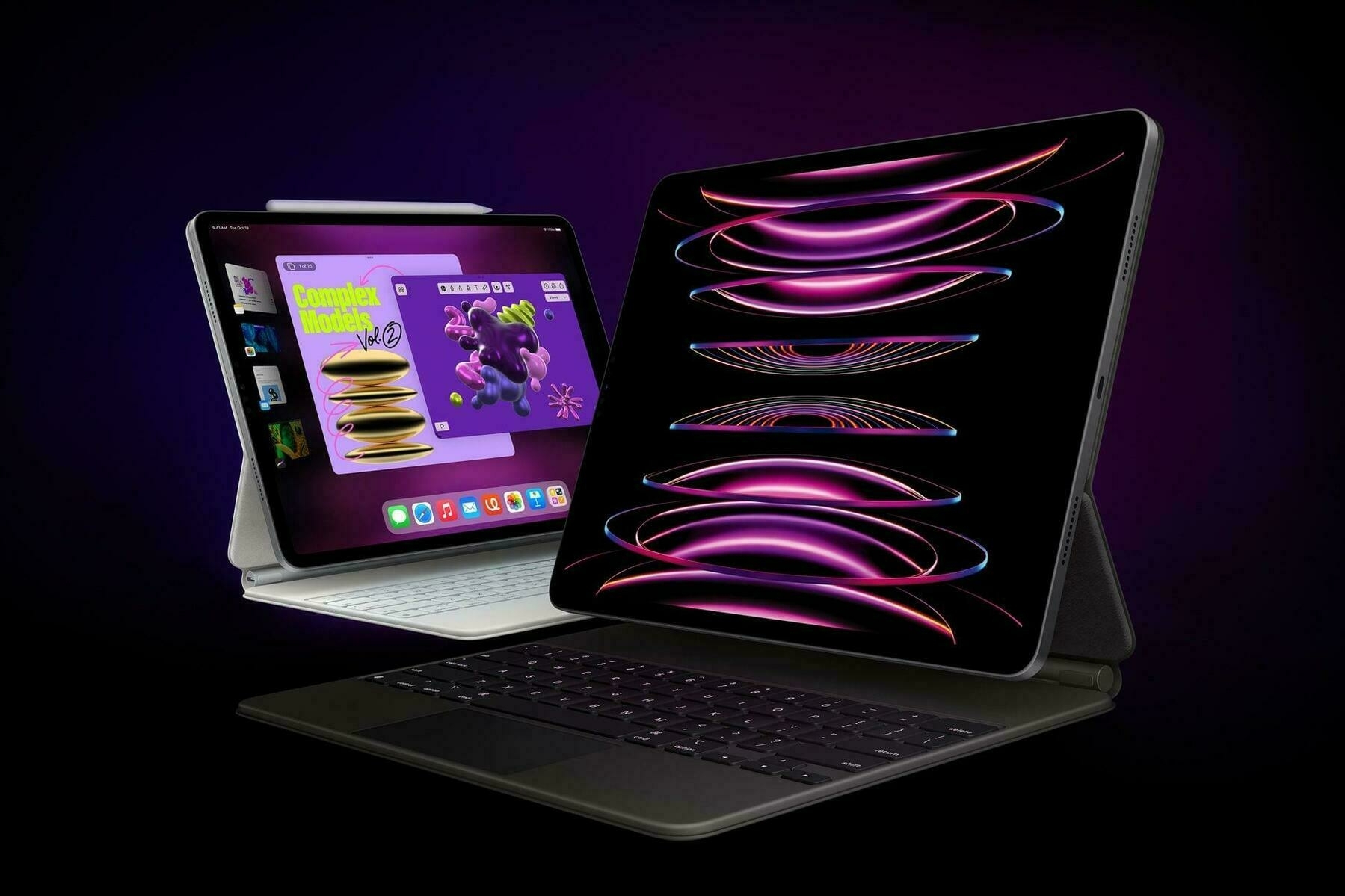
In light of the massively successful M1-powered Macs, what can we infer for the future of the iPad Pro?

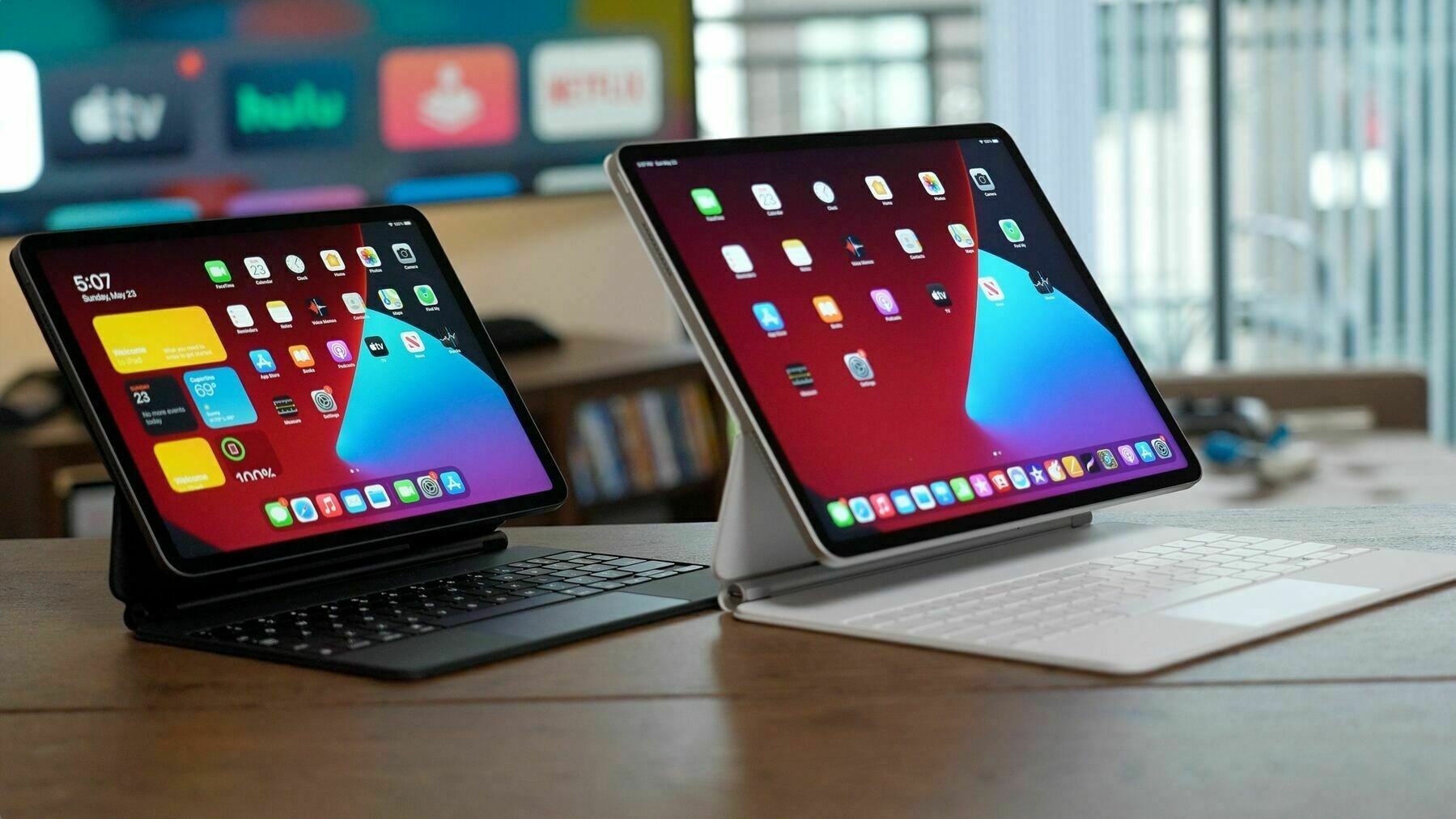
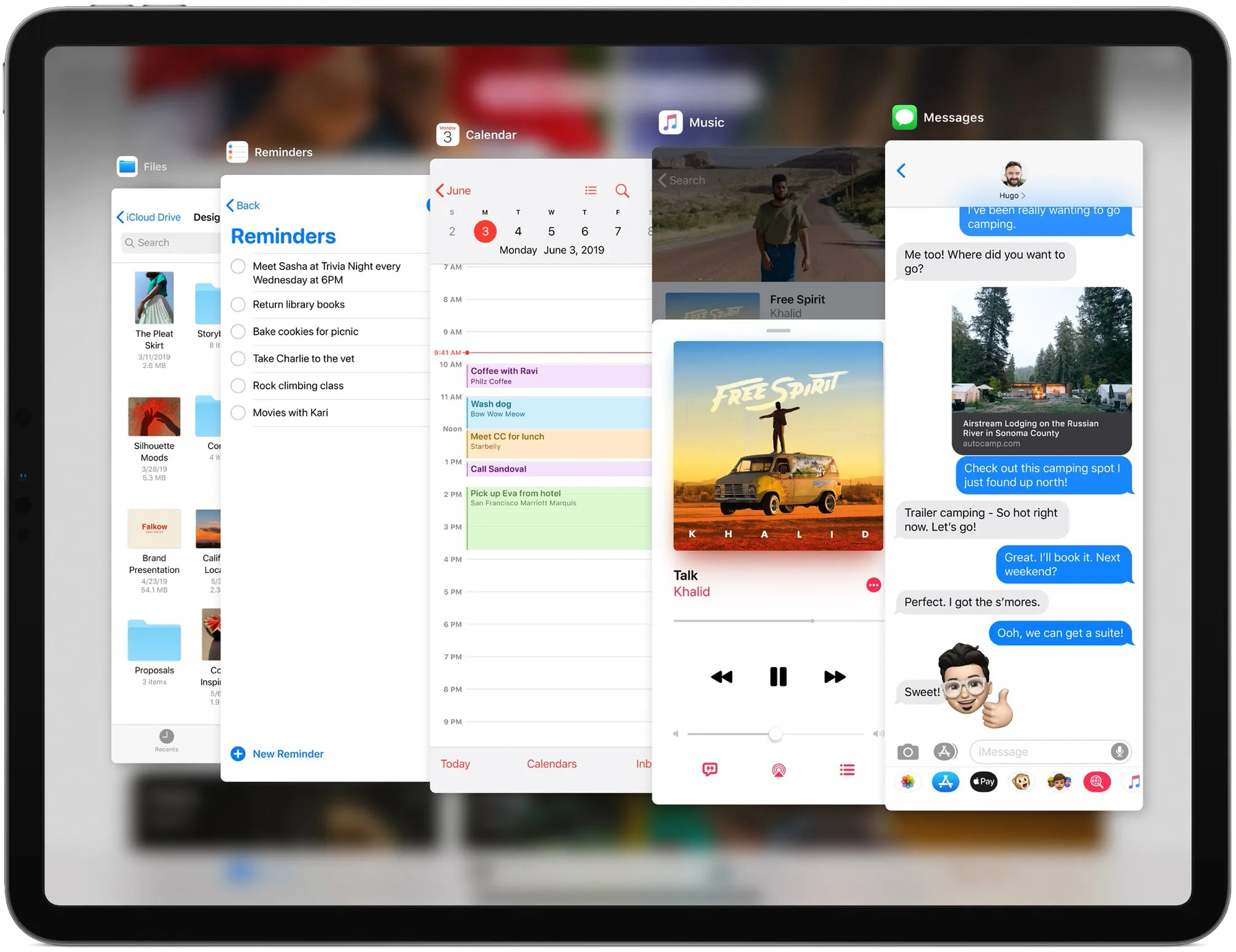
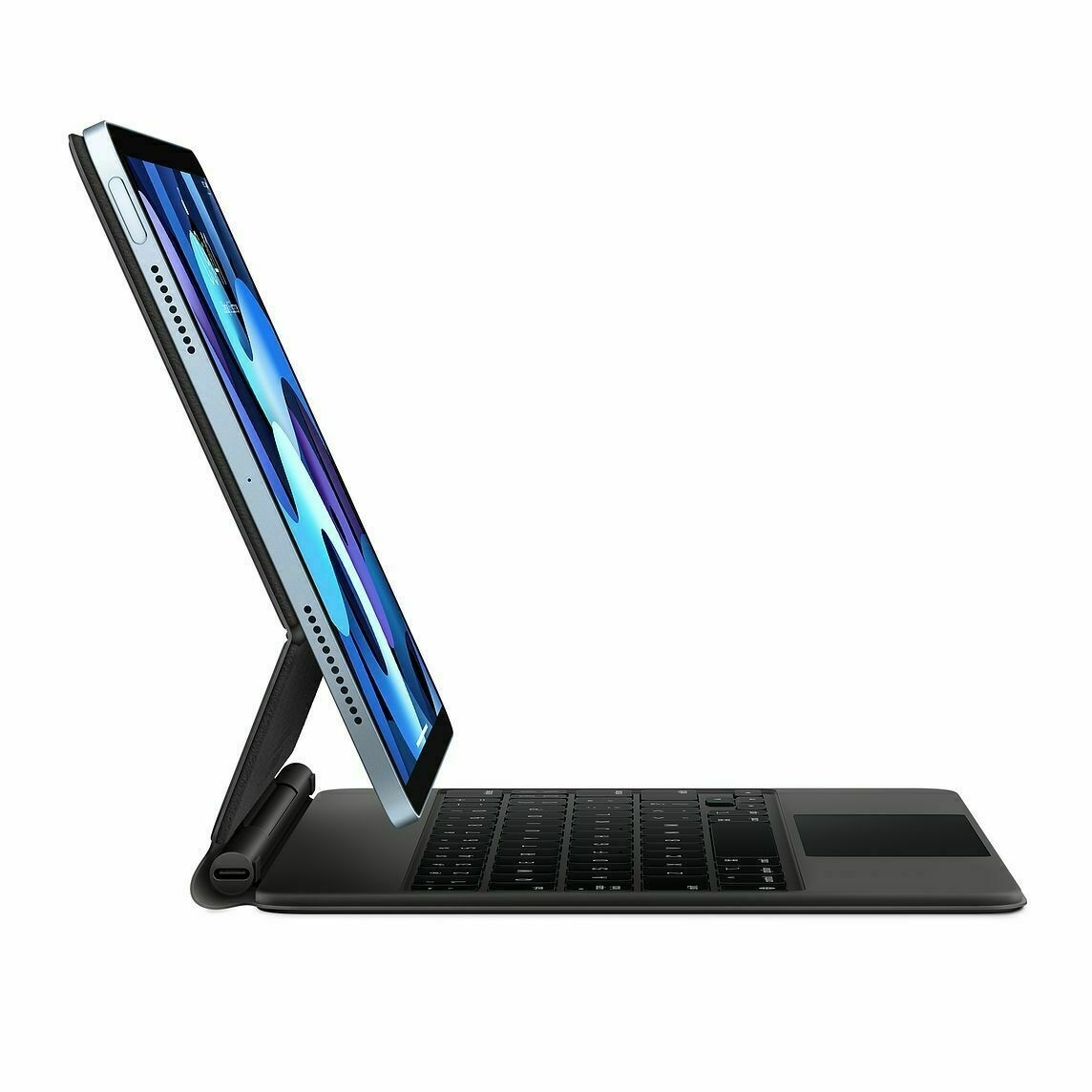
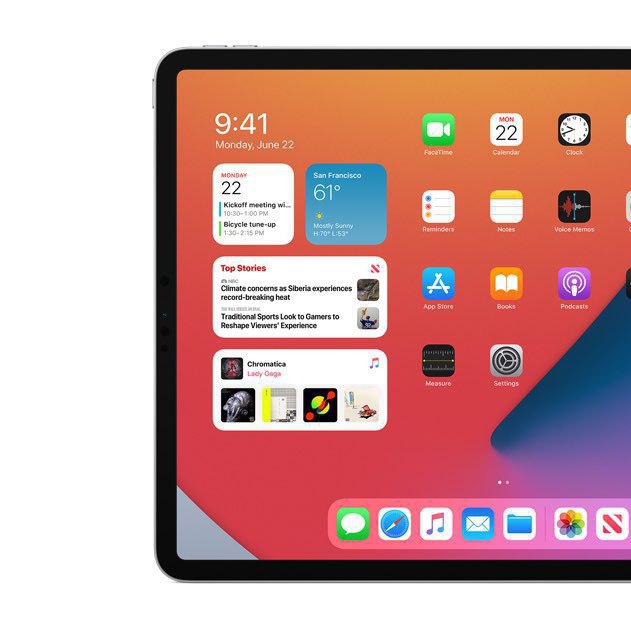
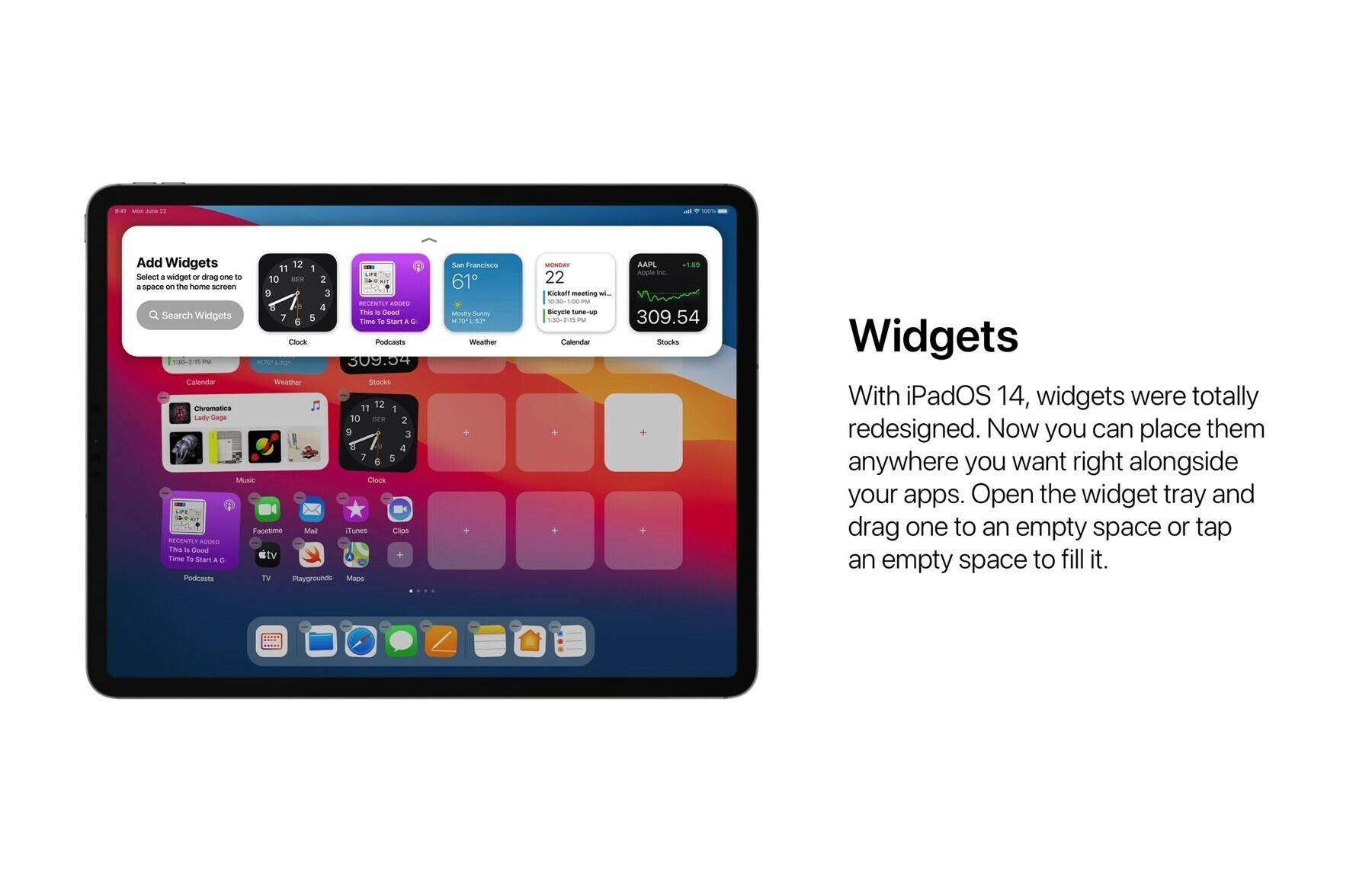
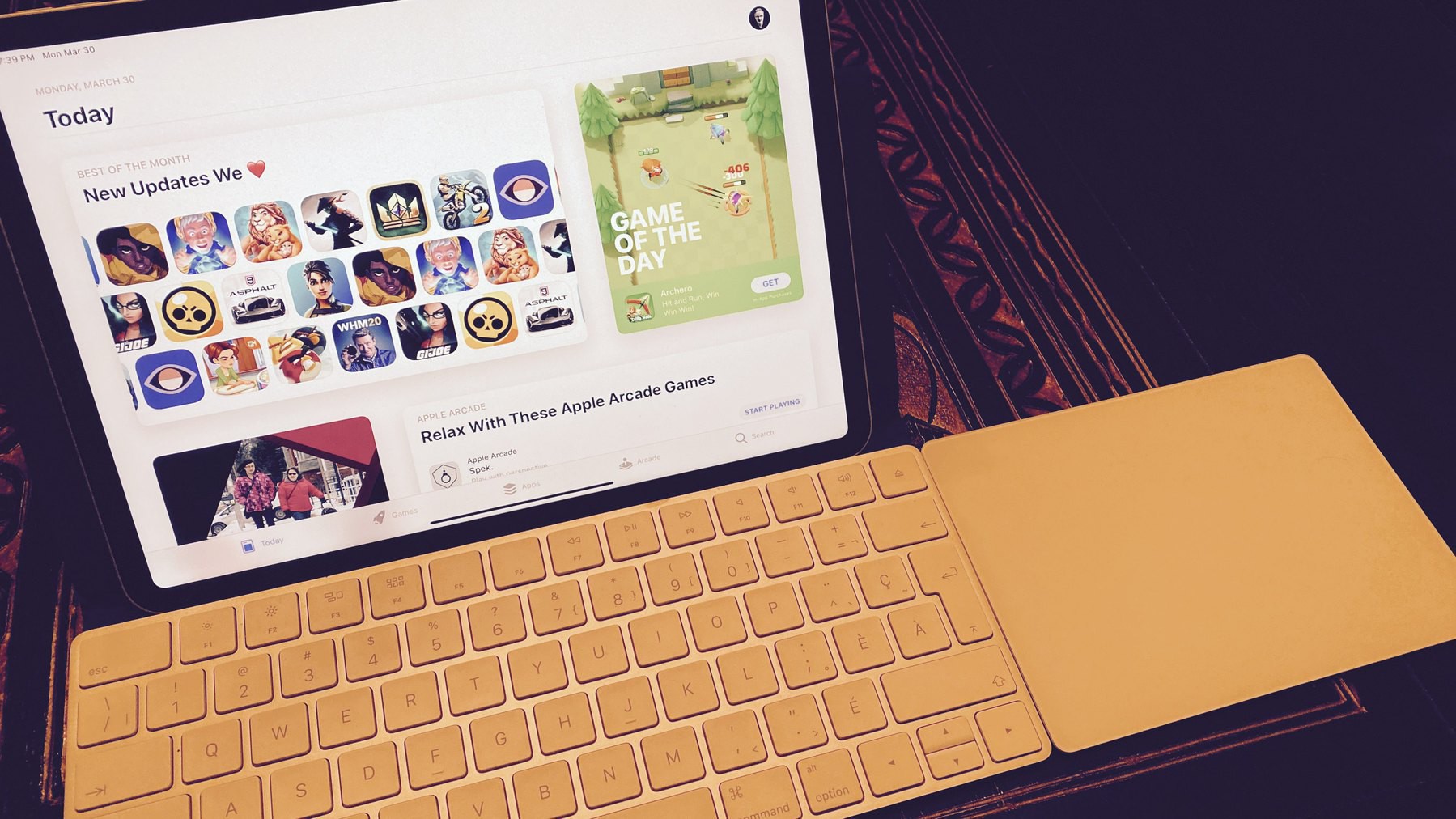
Apple doesn’t need to add touchscreen to their MacBook line if they unleash the iPad with a much more complete iPadOS experience. I think Apple missed the occasion with iPadOS 14 by not adding a more flexible widgets experience, by refusing to improve external display support and by not revisiting the multitasking interaction model. See? It’s not only a matter of adding 5G wireless support or LiDAR or a second USB-C port. These will only be as good as the software will allow them to be useful. The just begun new era for Mac with the M1 chip combined with Apple’s tight software integration should give us answers on why the iPad Pro future lies in the software.

A fascinating Twitter thread about Apple Silicon Wizardry (#apple #applesilicon)

Here is a super fascinating Twitter thread that I reproduce here. Find the original tweets here. It’s is about Apple Silicon wizardry. For techy people only!

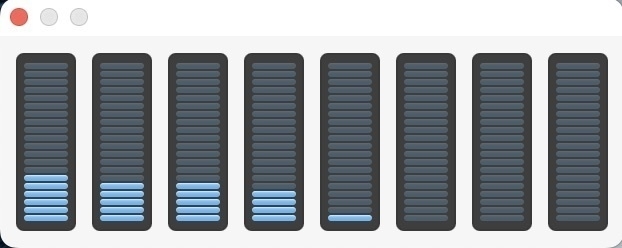
“In case you were wondering: Apple’s replacement for Intel processors turns out to work really, really well. Some otherwise skeptical techies are calling it “black magic”. It runs Intel code extraordinarily well. The basic reason is that Arm and Intel architectures have converged. Yes, the instruction sets are different, but the underlying architectural issues have become very similar. The biggest hurdle was “memory-ordering”, the order in which two CPUs see modifications in memory by each other. It’s the biggest problem affecting Microsoft’s emulation of x86 on their Arm-based “Surface” laptops. So Apple simply cheated. They added Intel’s memory-ordering to their CPU. When running translated x86 code, they switch the mode of the CPU to conform to Intel’s memory ordering. With underlying architectural issues ironed out, running x86 code simply means translating those instructions to the Arm equivalent. This is very efficient and results in code that often runs at the same speed. Sometimes there isn’t a direct equivalent, so the translation results in slightly slower code, but benchmarks show x86 being consistently at least 70% of the speed. In any case, a surprising number of popular apps already run on it. Apple seeded developer systems a few months back, allowing people to get their code ready. Normally, that wouldn’t have been enough time. When you recompile code for a new architecture, it usually breaks. But as I said above: Arm and Intel architectures have converged enough that code is much less likely to break, making recompiling easier. Apple has made surprising choices. They’ve optimized JavaScript, with special JavaScript-specific instructions, double sized L1 caches, and probably other tricks I don’t know of. Thus, as you browse the web, their new laptop will seem faster and last longer on battery, because JavaScript, even though other benchmarks show it roughly the same speed as Intel/AMD. The older MacBook Air had a dual core CPU that ran at 3.8 GHz, but when in low-power mode, 1.2 GHz. Switching between fast and slow modes is how it conserves power for mobile. But it’s ultimately inefficient. The Intel CPU is designed to run at 5 GHz. Downclocking to 1 GHz saves power – but not as much as if you’d designed the processor to run at 1 GHz to begin with. Apple’s strategy is to use two processors: one designed to run fast above 3 GHz, and the other to run slow below 2 GHz. Apple calls this their “performance” and “efficiency” processors. Each optimized to be their best at their goal. When they need to conserve power, they turn off the “performance” processors and run code on their “efficiency” processors. They have 4x performance processors (twice that of their older Macs) plus 4x efficiency processors. All 8 can be active. When doing something that can use 8 processors, such as compiling code, it goes real REAL fast. 8 processors vs. 2 processors in their old notebooks make a difference. A big part of this story is that Intel is about 3 years behind on Moore’s Law. Apple Silicon uses the latest 5nm tech from TMSC, while Intel uses the older 10nm/7nm generation. Much of Intel’s product line uses the even older 14nm/10nm generation. None of this is actual “black magic”. It’s all pretty understandable. It’s just all the various things have been executed really well, leading to a combined result that is a great leap forward. Another “magic” trick is how their “Swift” programming language uses “reference counting” instead of the “garbage collection” in Android. They did something in their CPU to double the speed of reference counting. …even when translating x86 code, all that reference counting overhead (already more efficient than garbage collection) gets dropped in half. Yet another weird performance enhance to add to all the others.”



Overwhelming reactions — When Apple makes history, again (#apple #applesilicon #m1chip #mac)

After Apple announced their M1-based Macs and people started to get their hands on them, reactions were enthusiatic and unanimous. At one point, I wanted to create an archive page that would have gathered the most interesting reactions, but it was too late and overwelming. Well, someone else did it. Here is a great blog post: “Apple Silicon M1: Black. Magic. Fuckery” gathering reactions to these new machines from Apple. There are many gems in there. Check it out! I really have the feeling that Apple is making history, again.