Publishing on Apple News, soon? (#apple #applenews #publishing #writing)
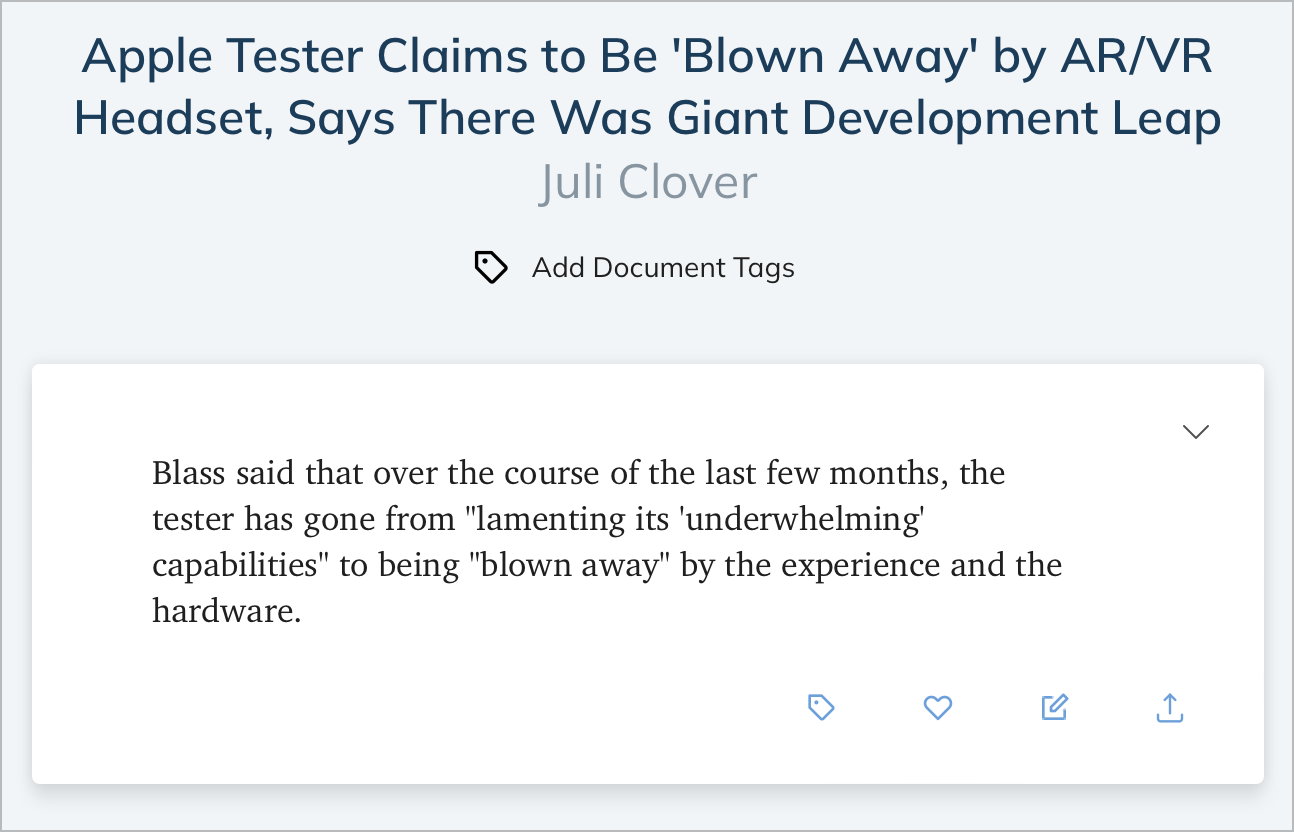
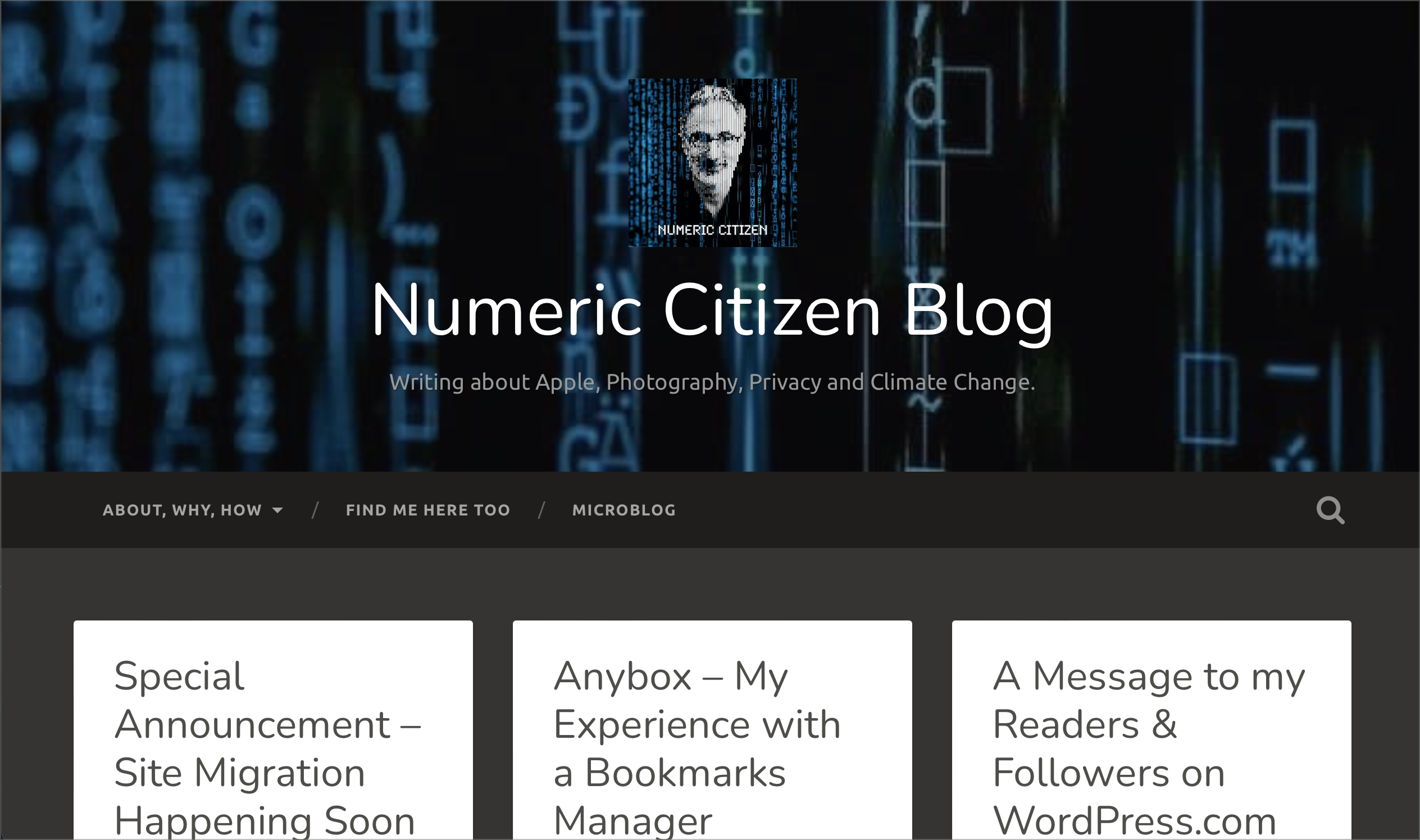
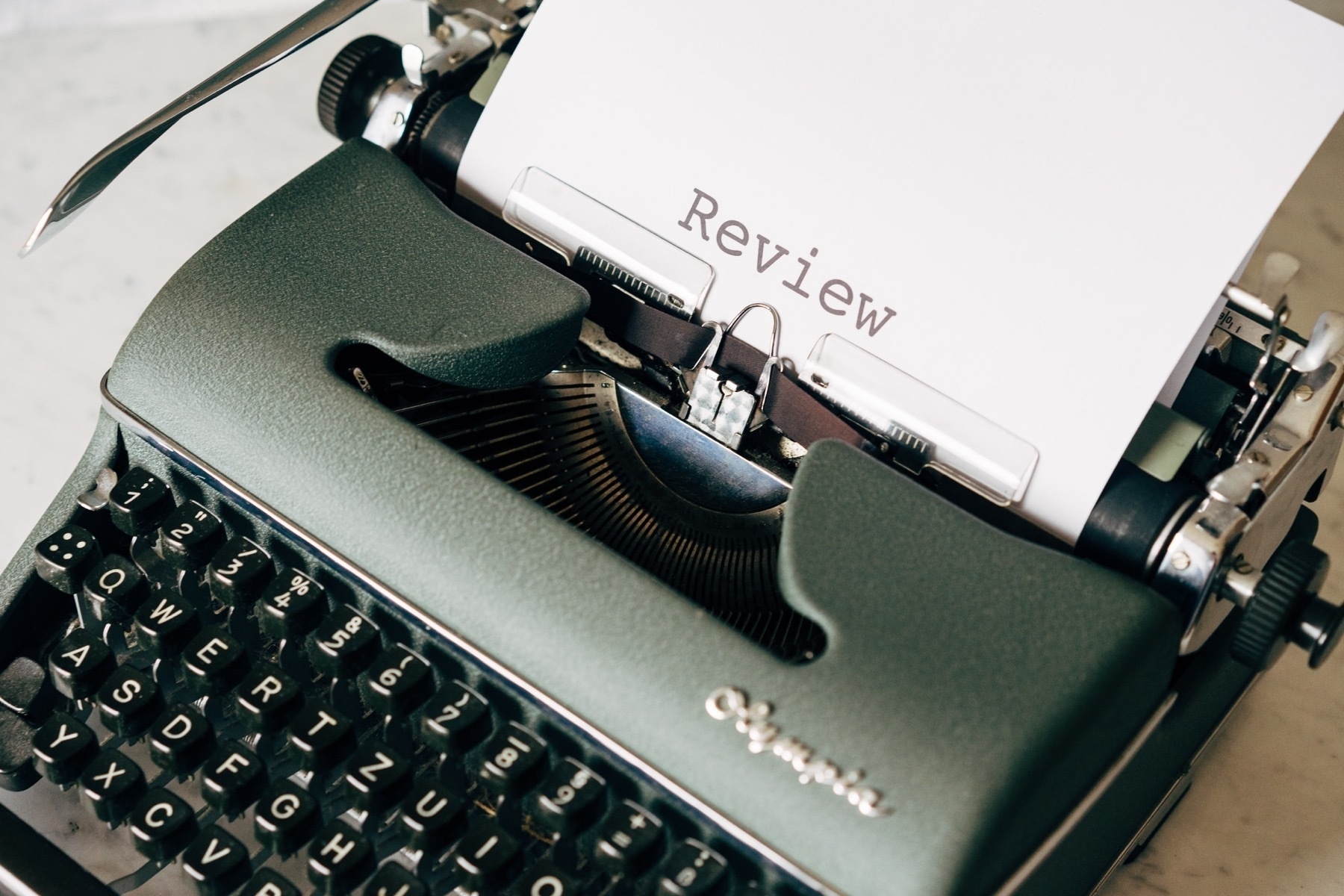
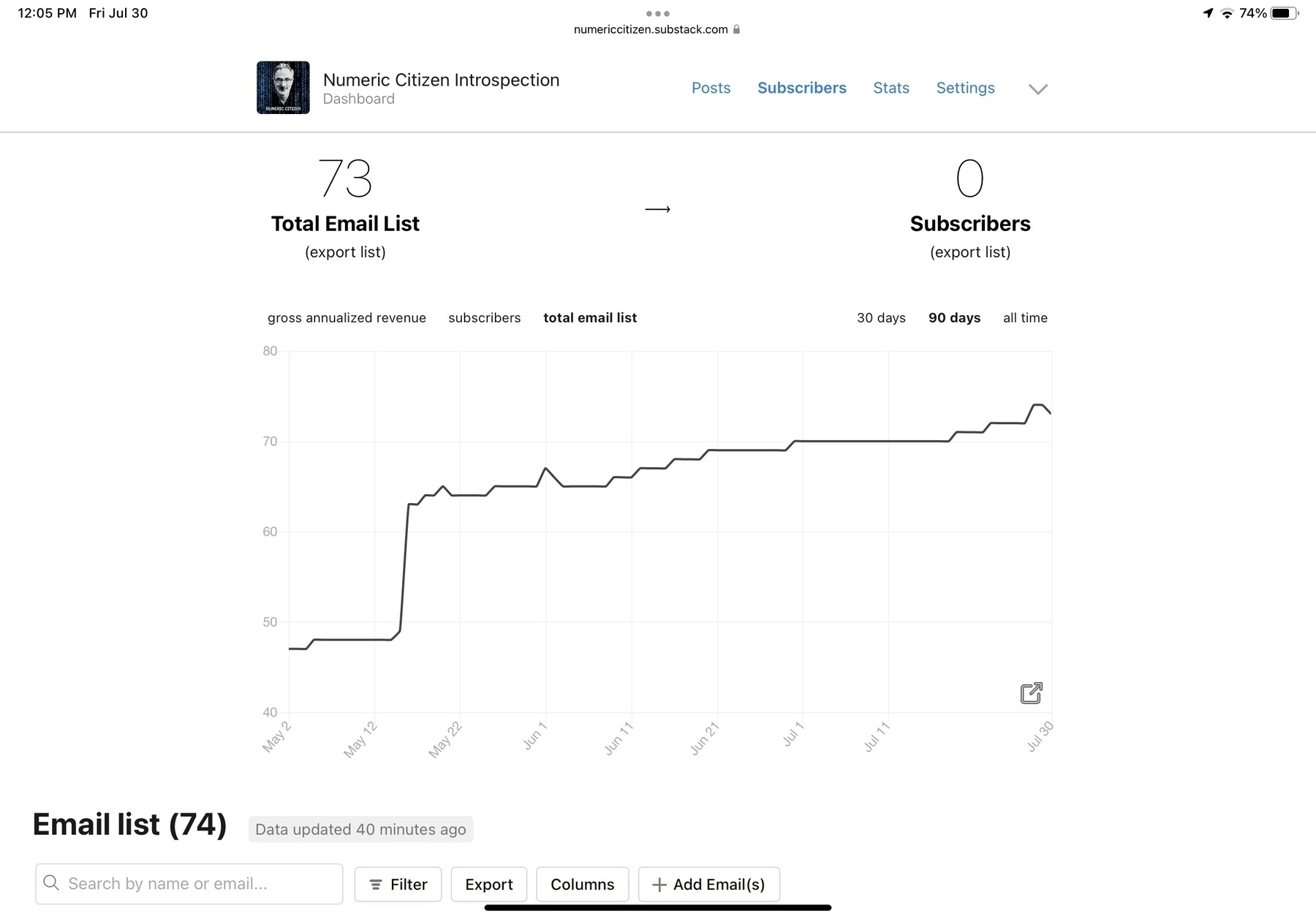
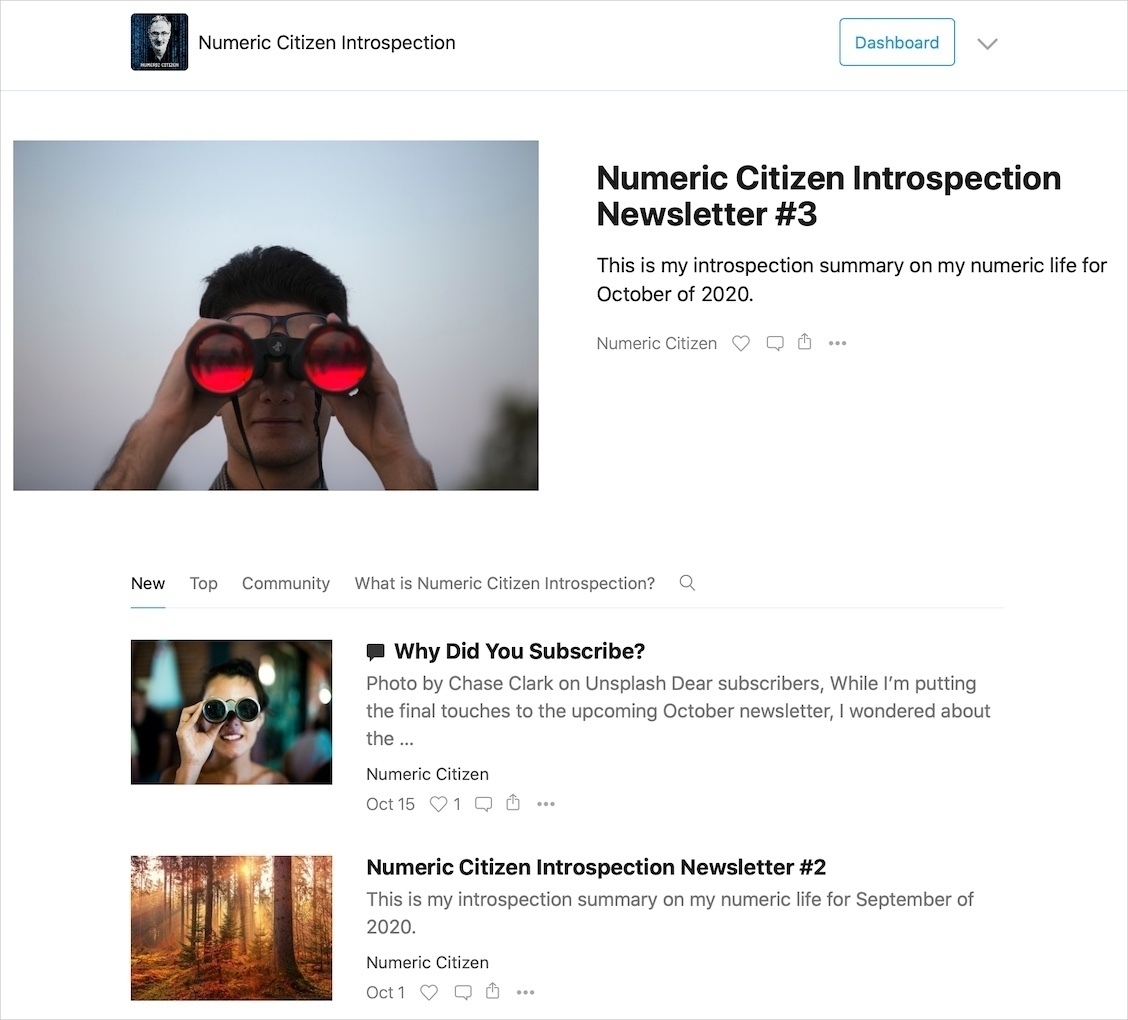
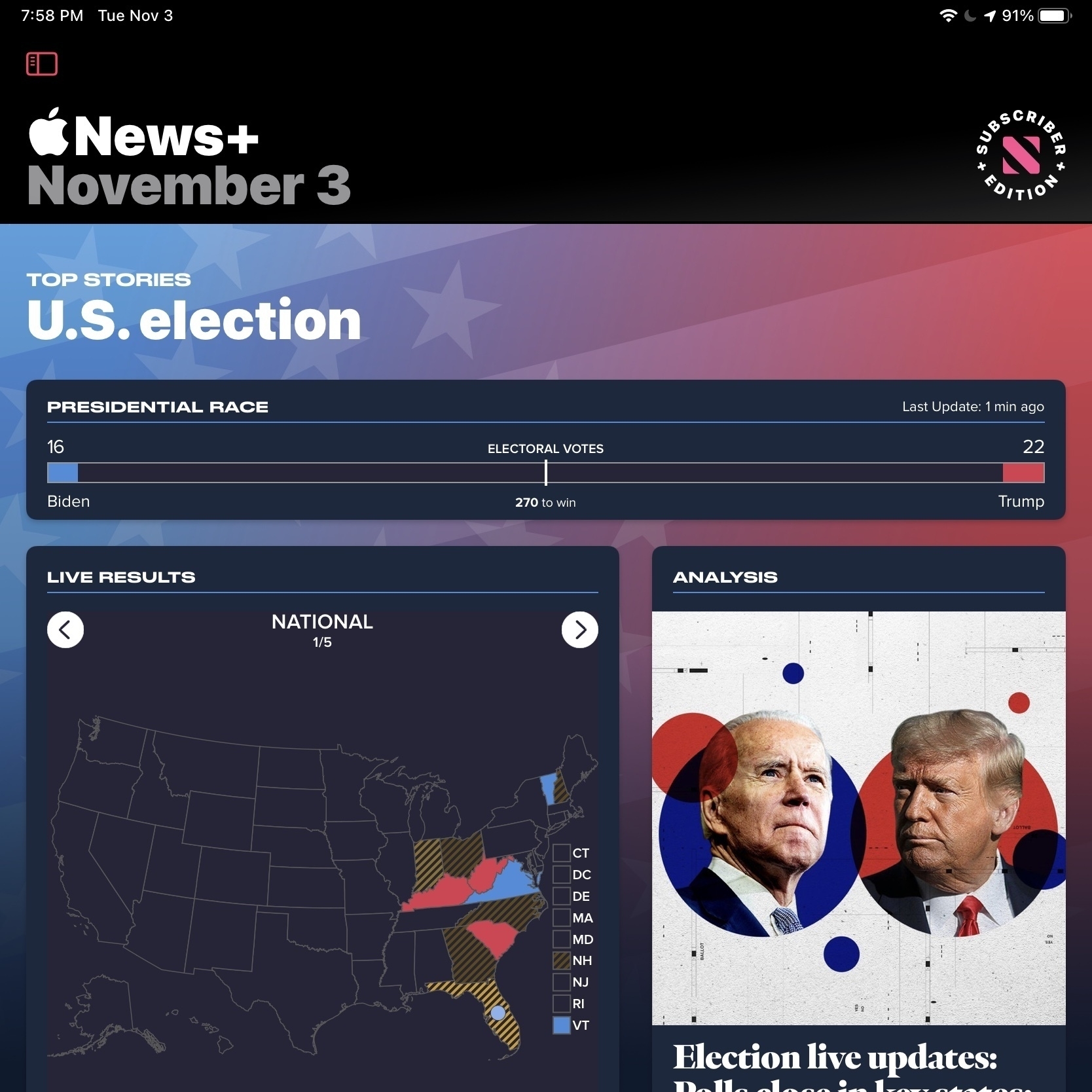
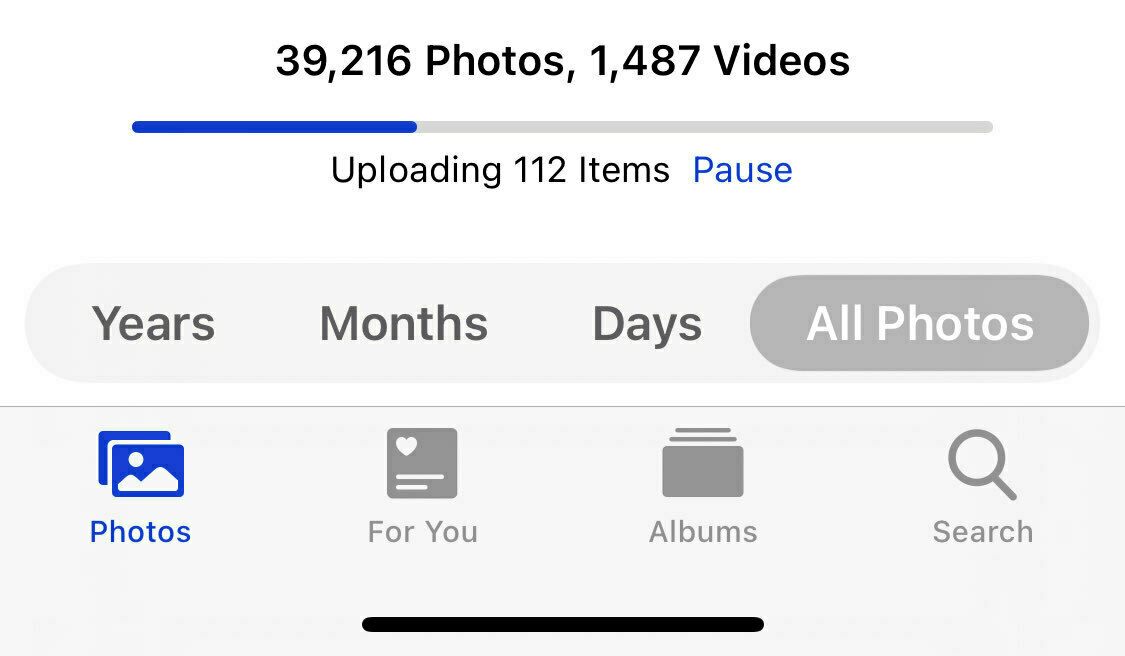
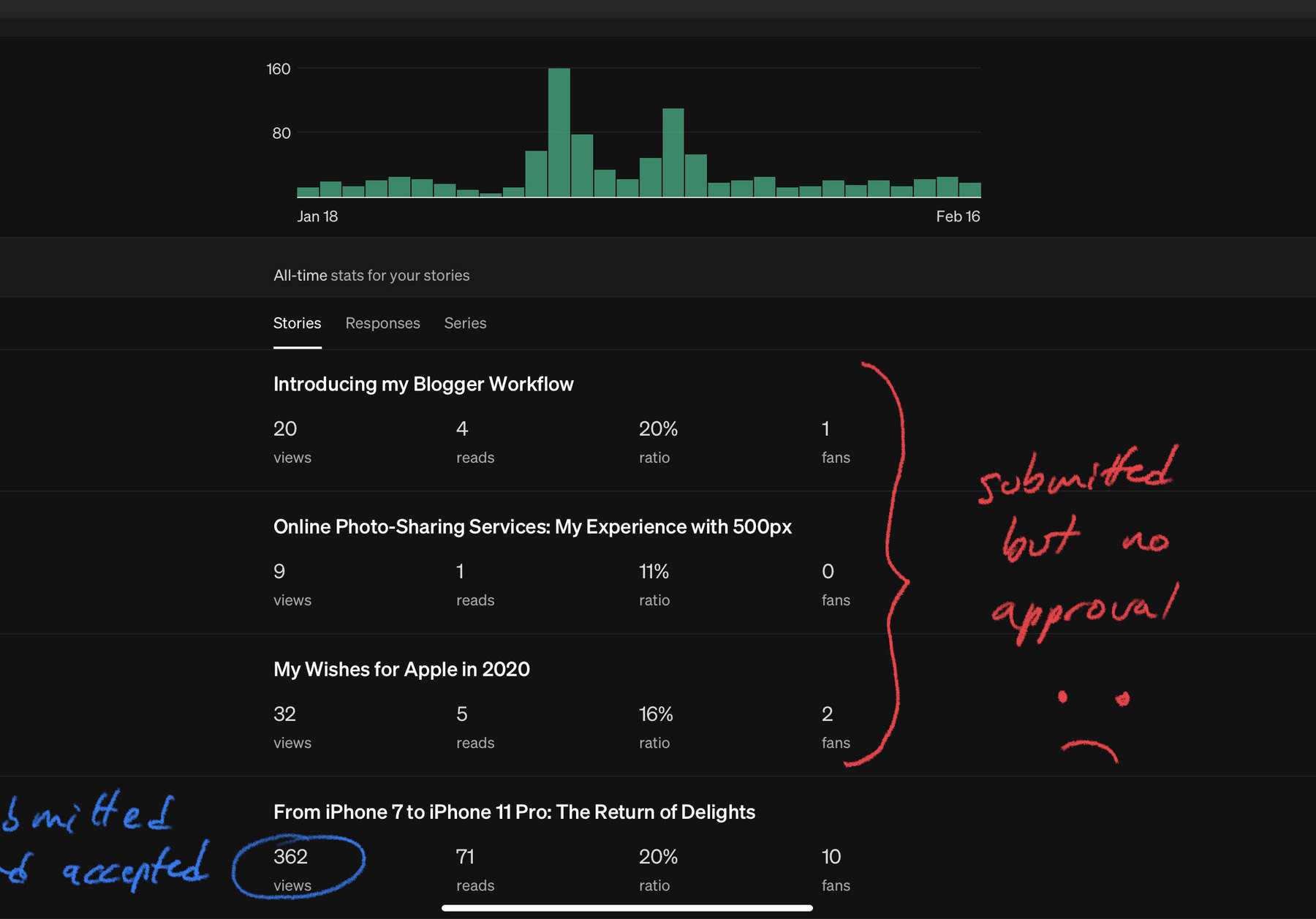
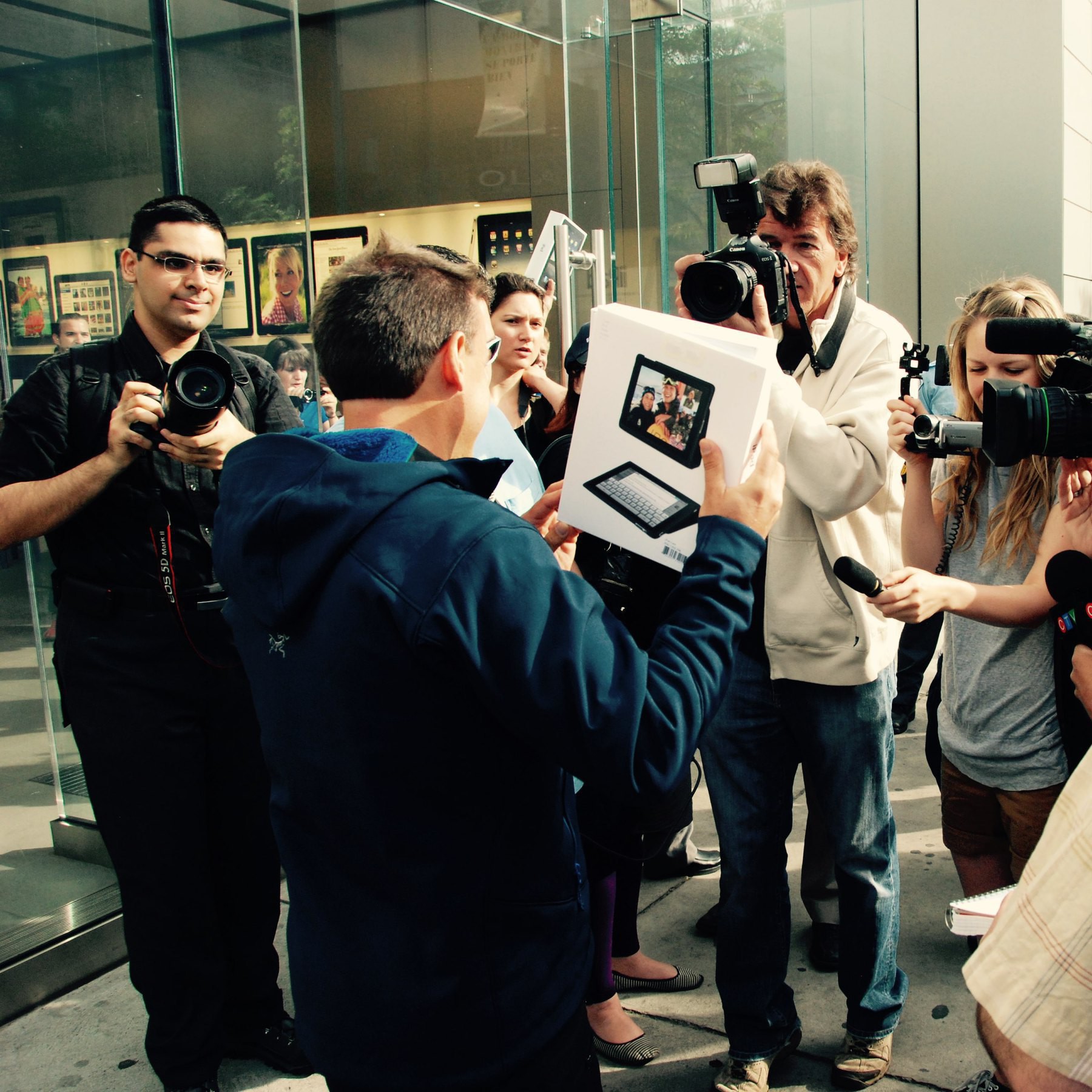
After months of silence, I’m finally getting some response from Apple regarding my submission to publish on Apple News. I can’t remember when I first submitted my Numeric Citizen Blog for publication on the Apple News platform. In a unexpected twist, they got in touch with me and asked to fill a questionnaire, which I promptly did. They are putting a new review process in place. I also updated my selection of articles submitted for review to use more recent ones. We’ll see how fast they respond and if they open the gate!

Is It Apple Silicon Ready? (#apple #applesilicon #m1chip #macOSBigSur)

It took a while but here is the first and most comprehensive list of application compatibility with Apple’s M1 Macs. You can search and sort the list easily and use the category filter too to locate application in the list. Well done. Design or photography applications compatibility level is high but productivity isn’t, which is not surprising. Most of my apps are already universal binaries. https://isapplesiliconready.com

For Icons lovers (#macos #ios #apple #design #ui #ux #visualarts)

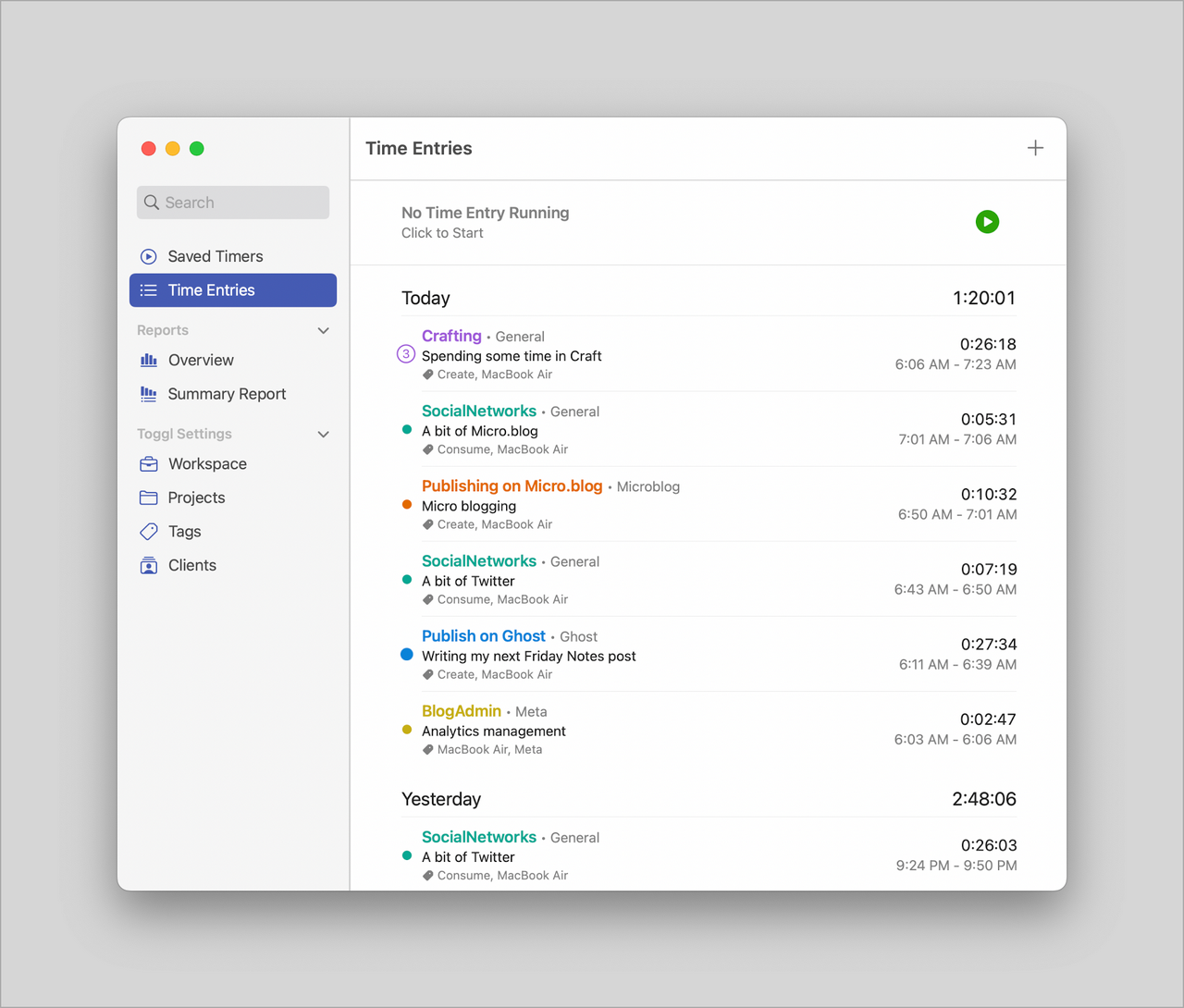
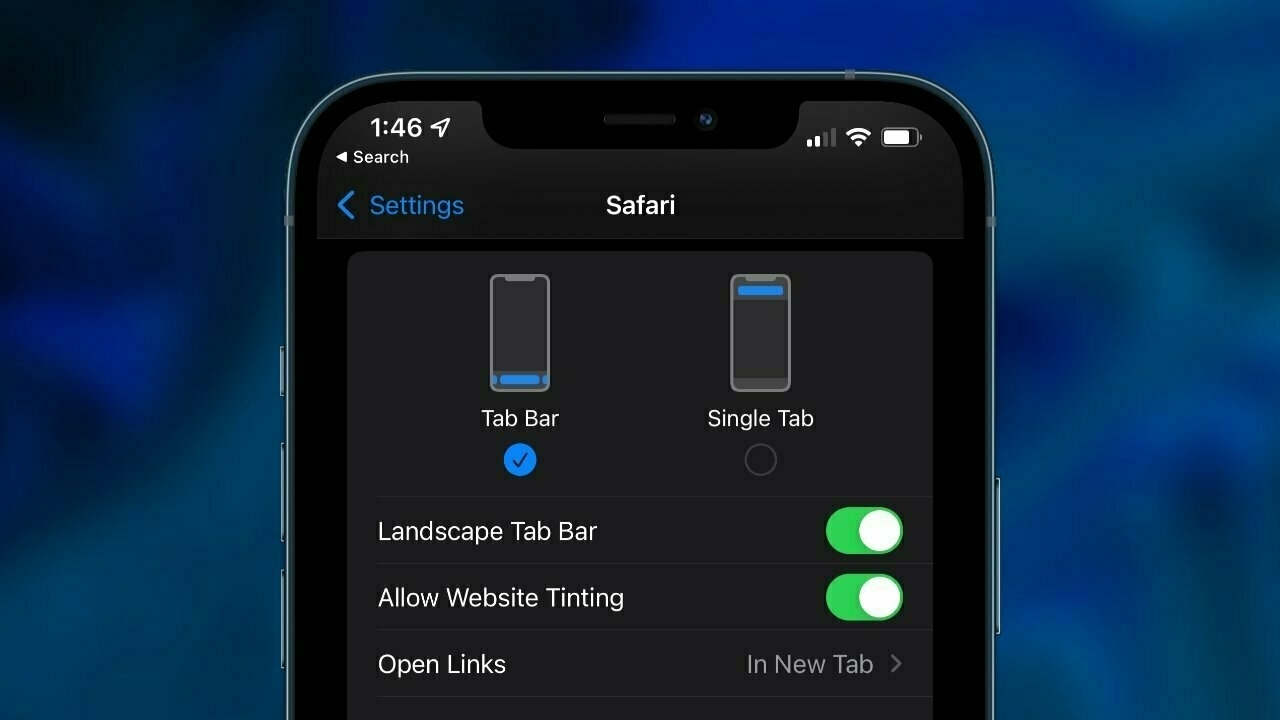
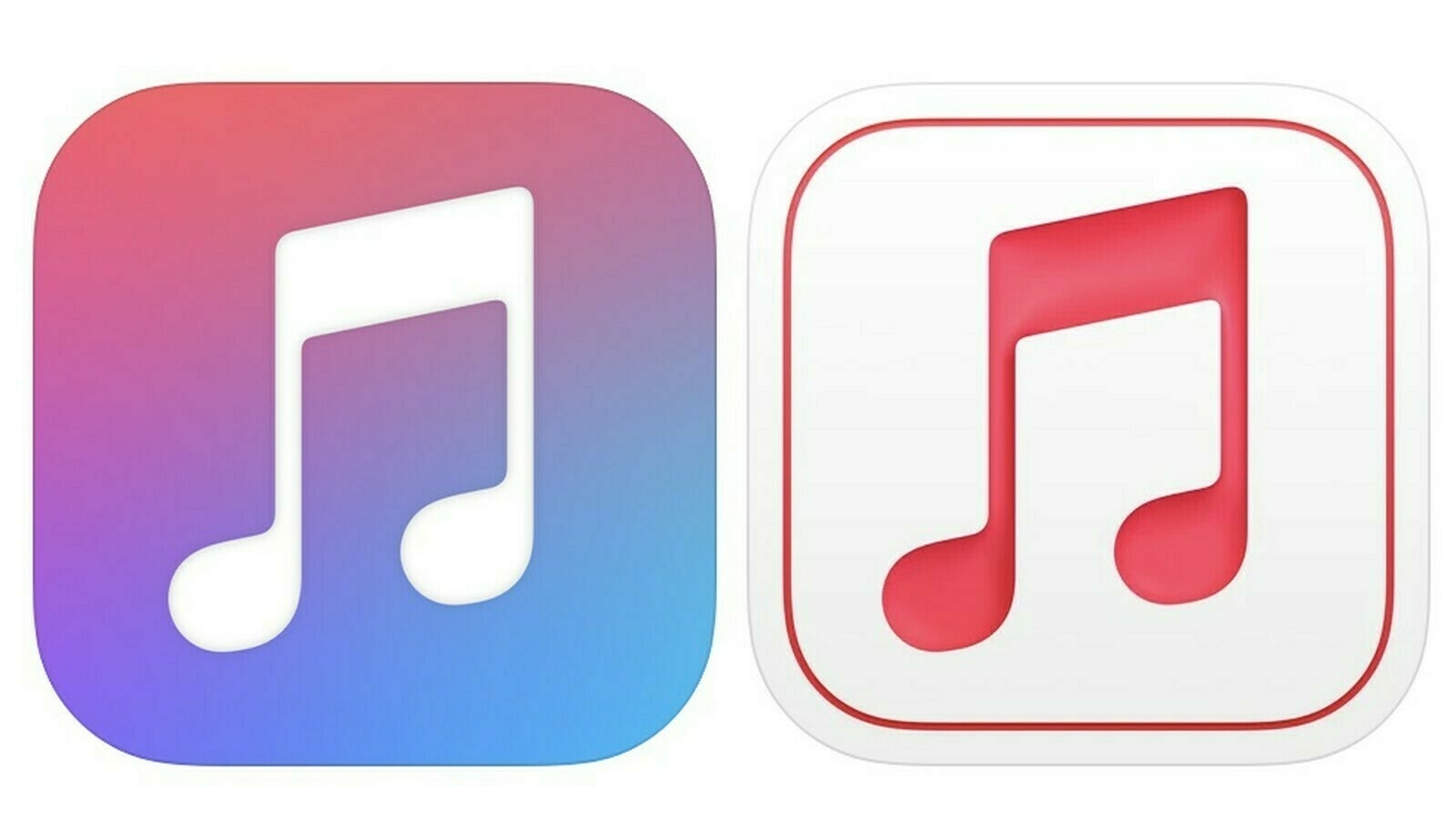
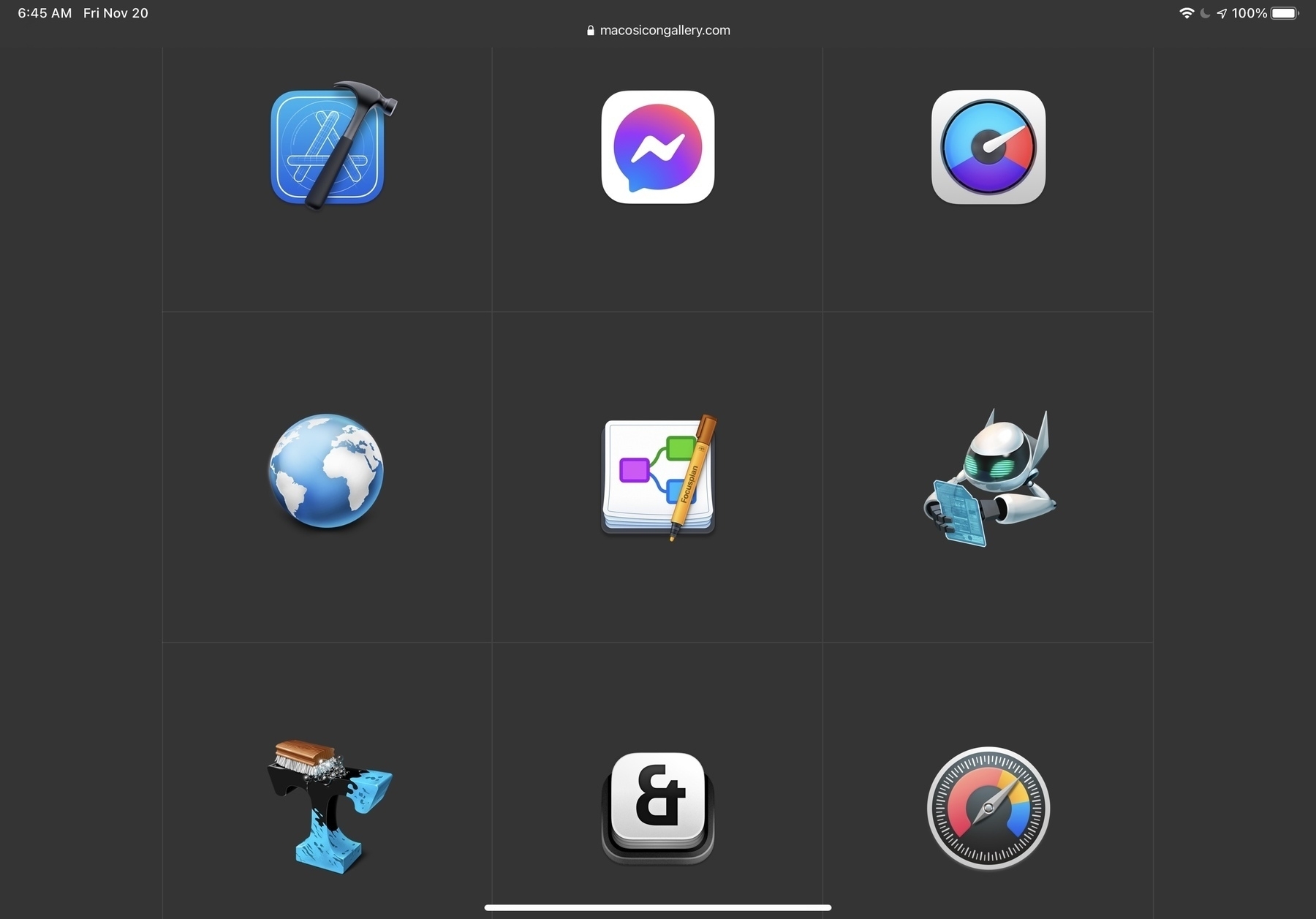
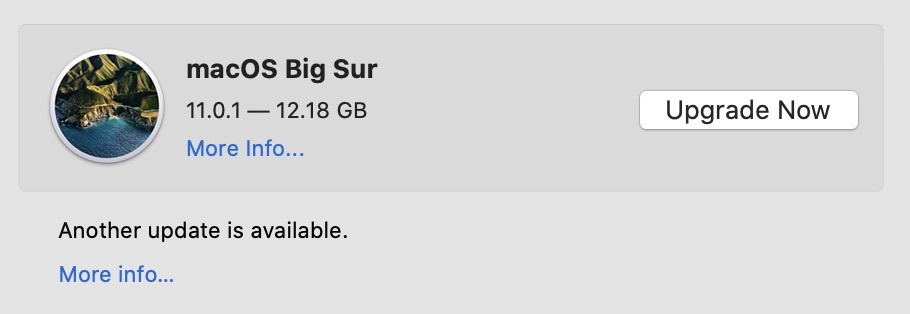
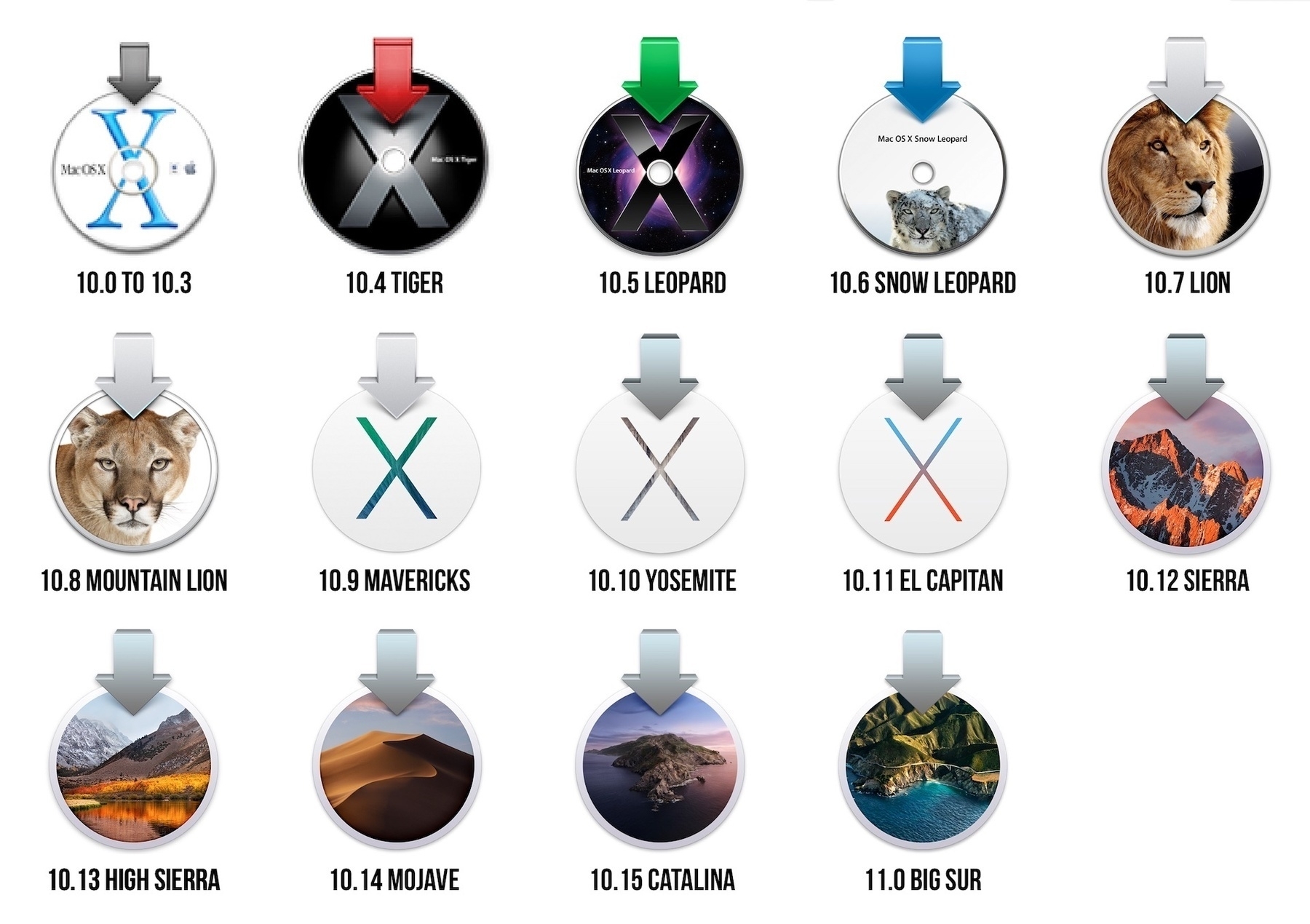
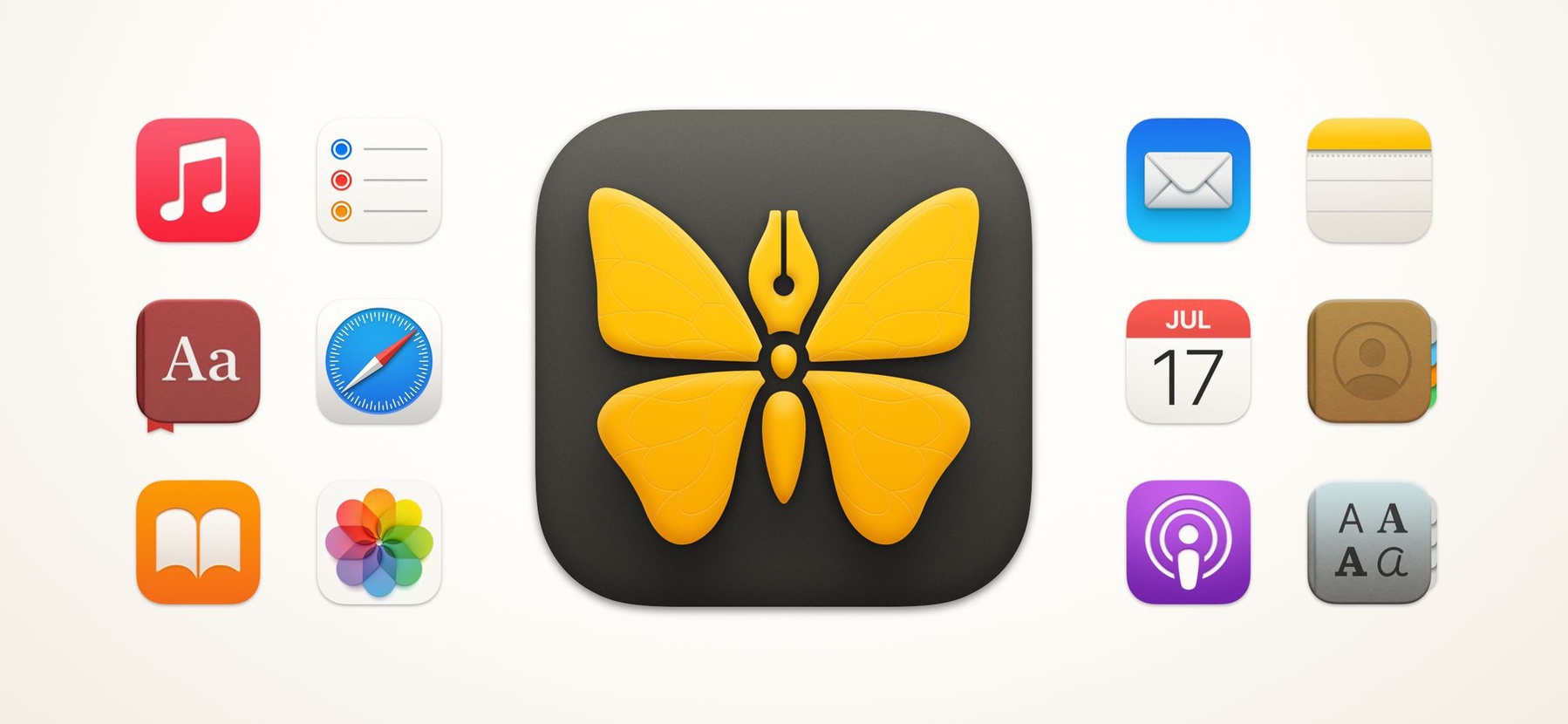
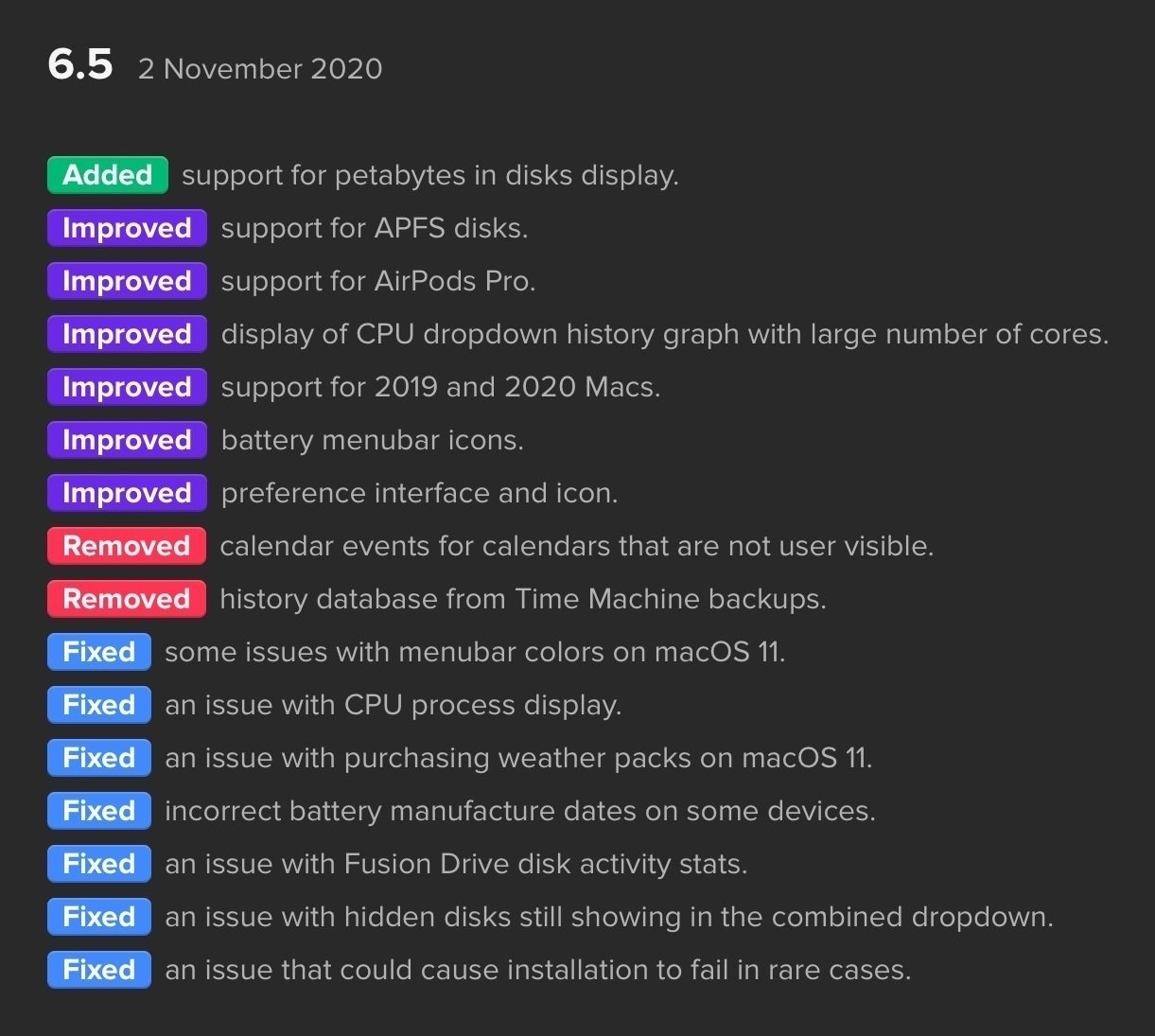
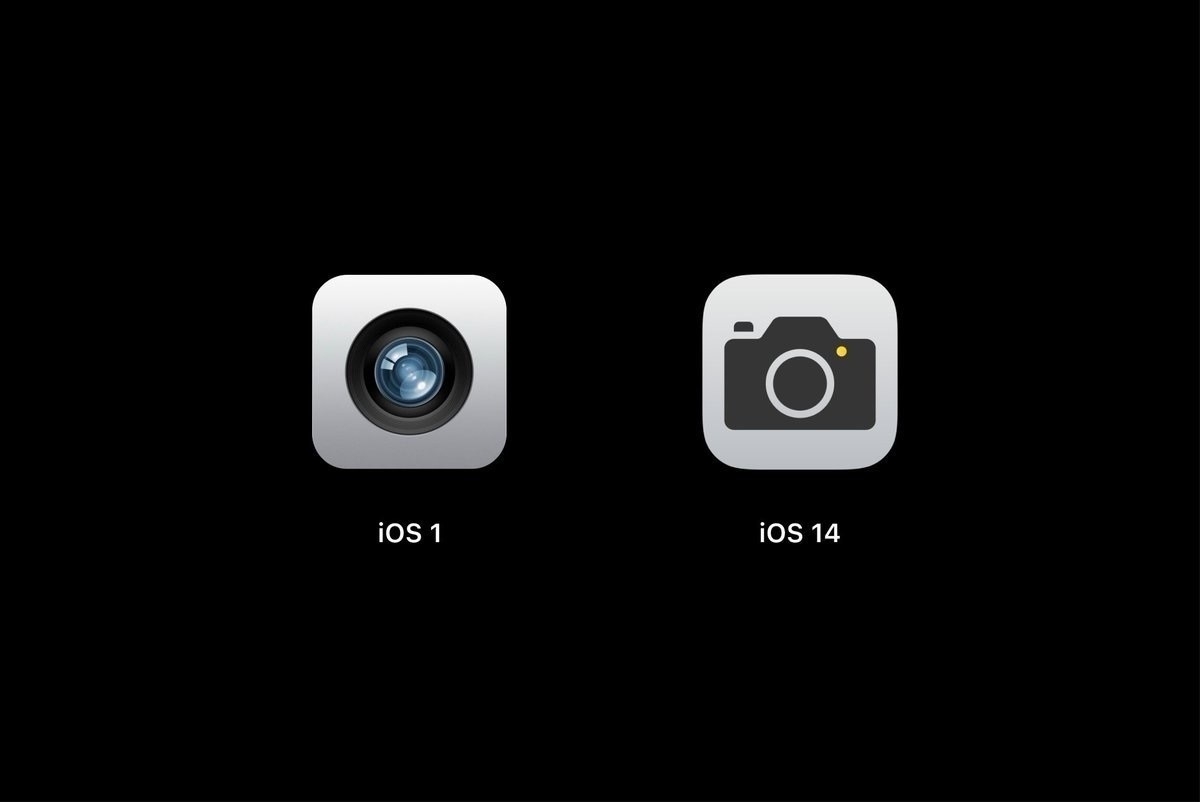
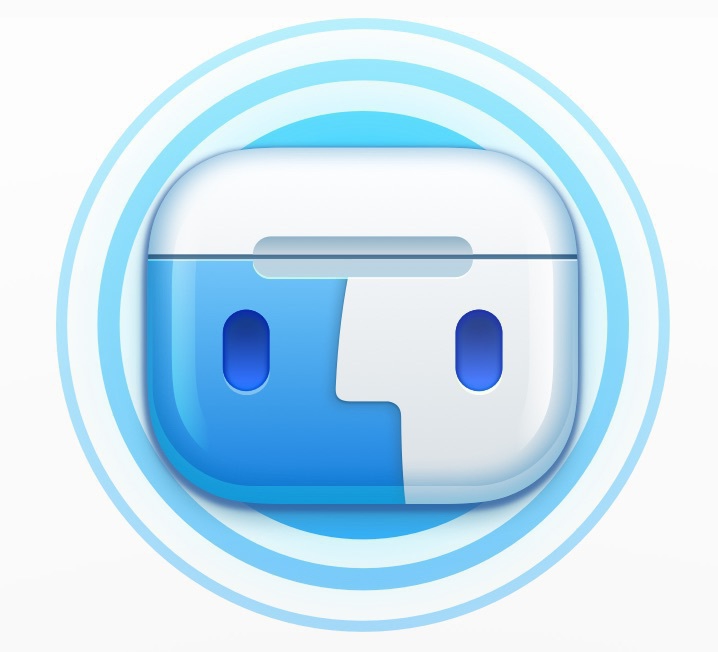
I’m a user of Timing for Mac, and recently the app got updated in order to support macOS Big Sur. The update brings a fresh and entirely new app icon to better fit the visual style of Big Sur, and I love it 😍. The icon has been designed by Matthew Skiles. Looking on his Twitter profile, I discovered two interesting web sites: https://www.macosicongallery.com/ and https://www.iosicongallery.com/. These are catalogs of the best icons for macOS and iOS of well known apps. Check them out. These sites made me realize how much we lost in design quality over the years, great icons are hard to come by these days.

It’s overwhelming and unanimous (#apple #applem1 #applesiliconmacs #m1chip)

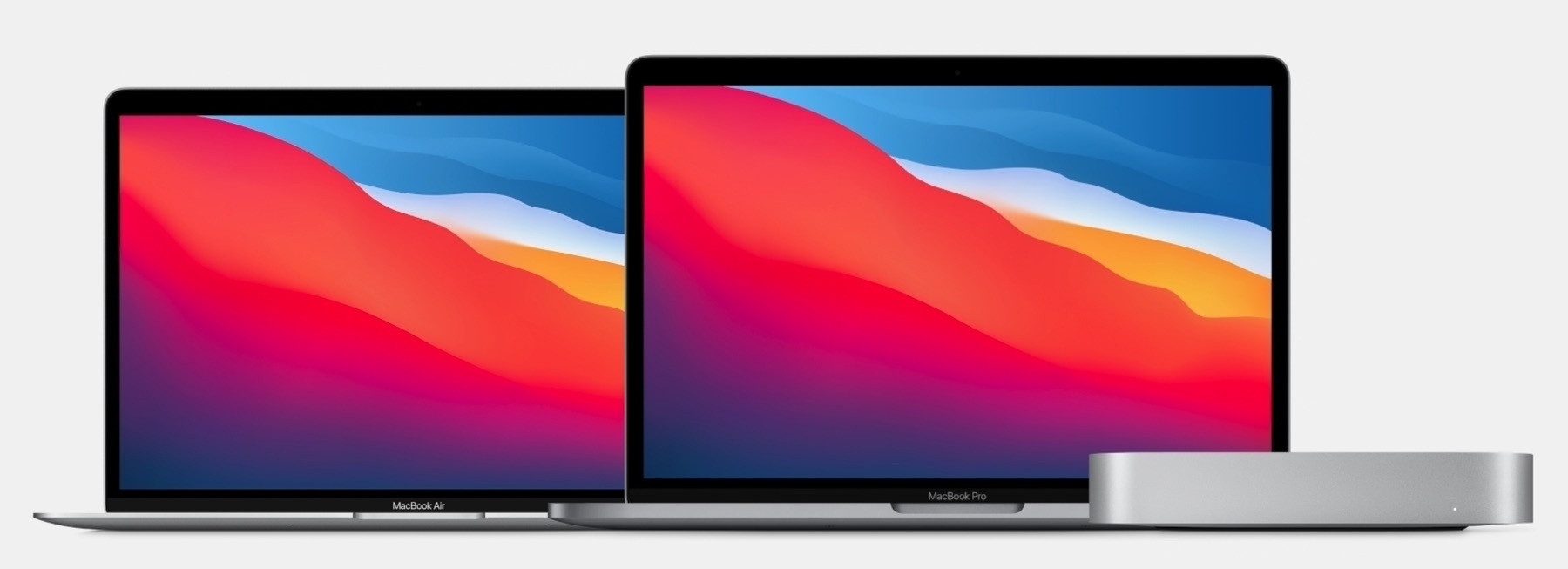
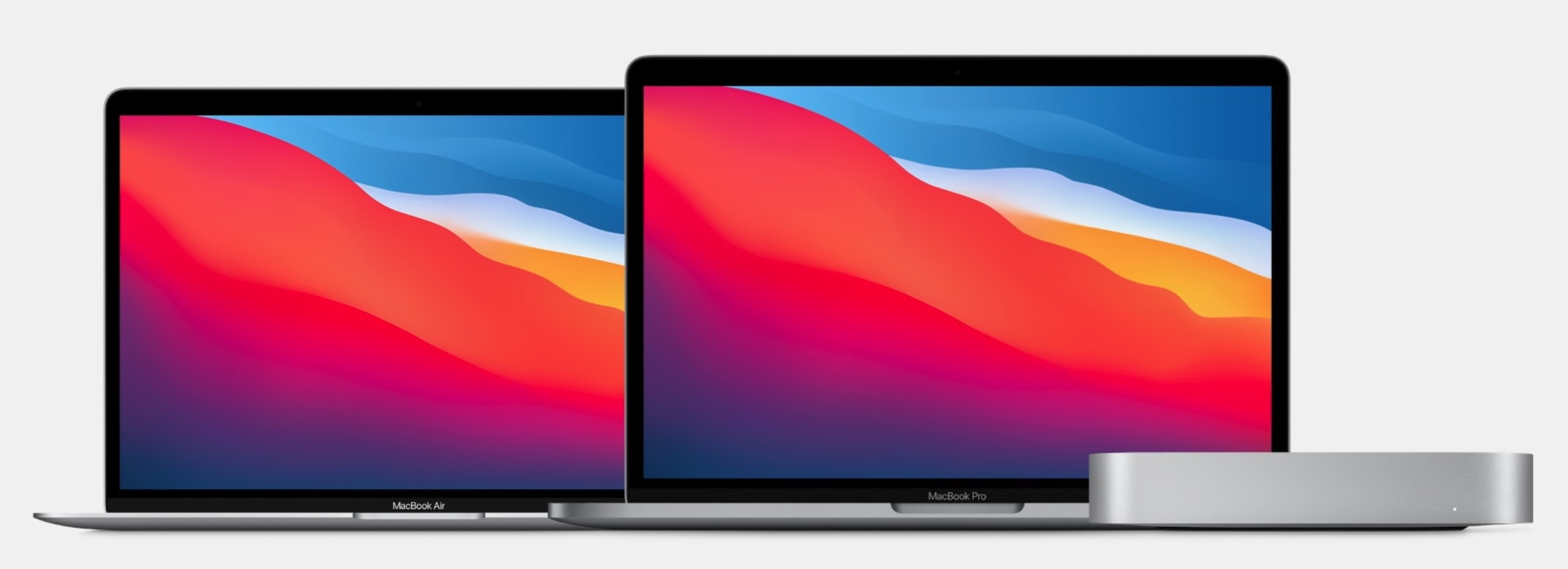
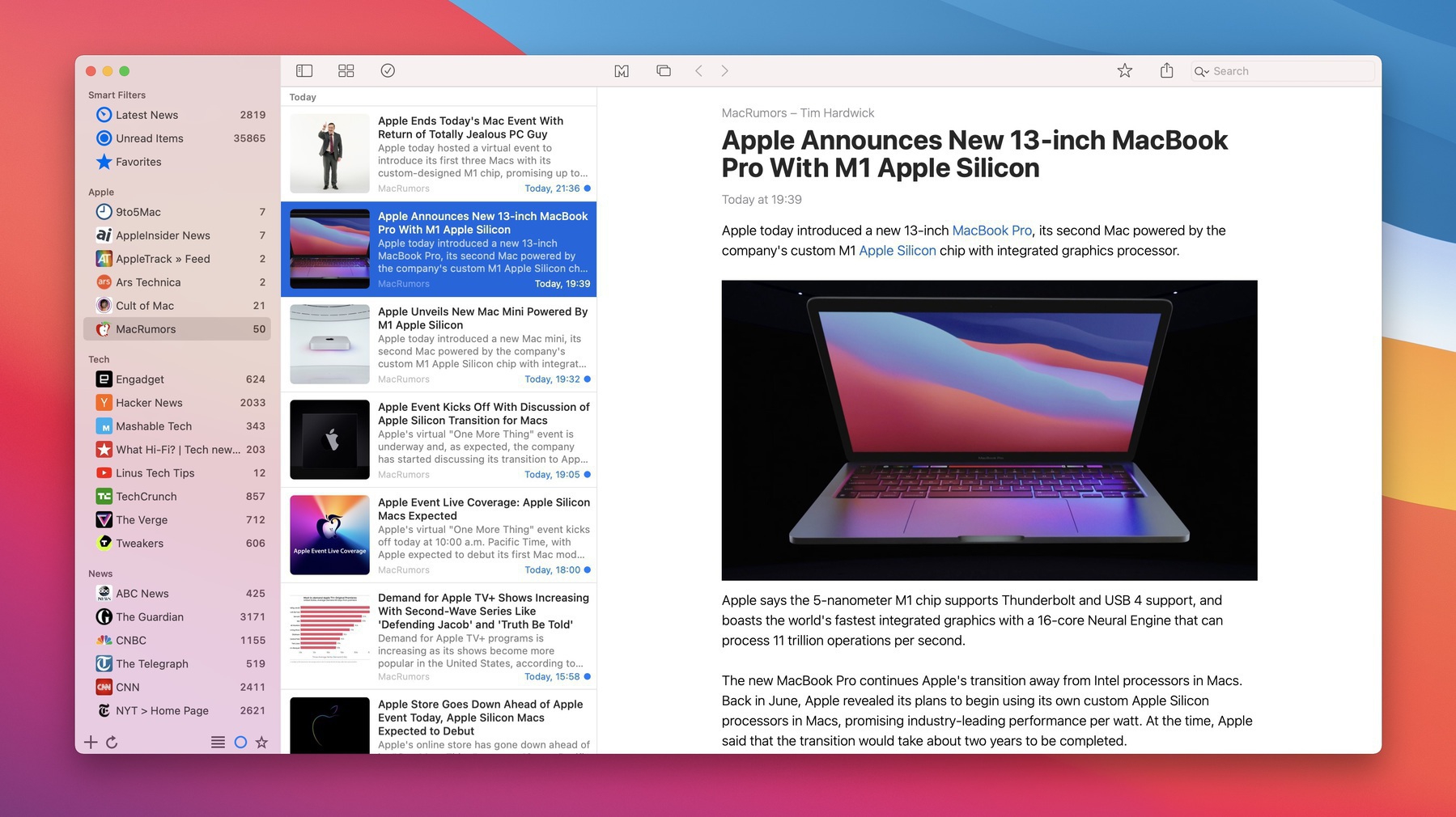
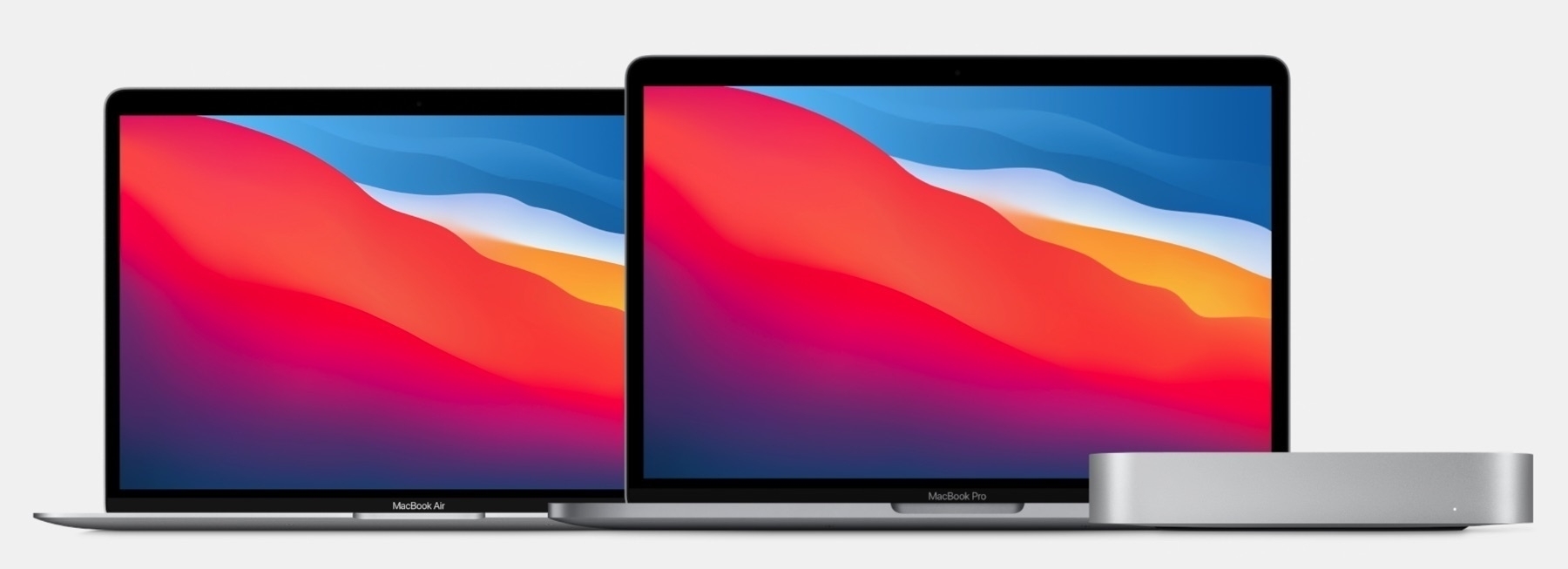
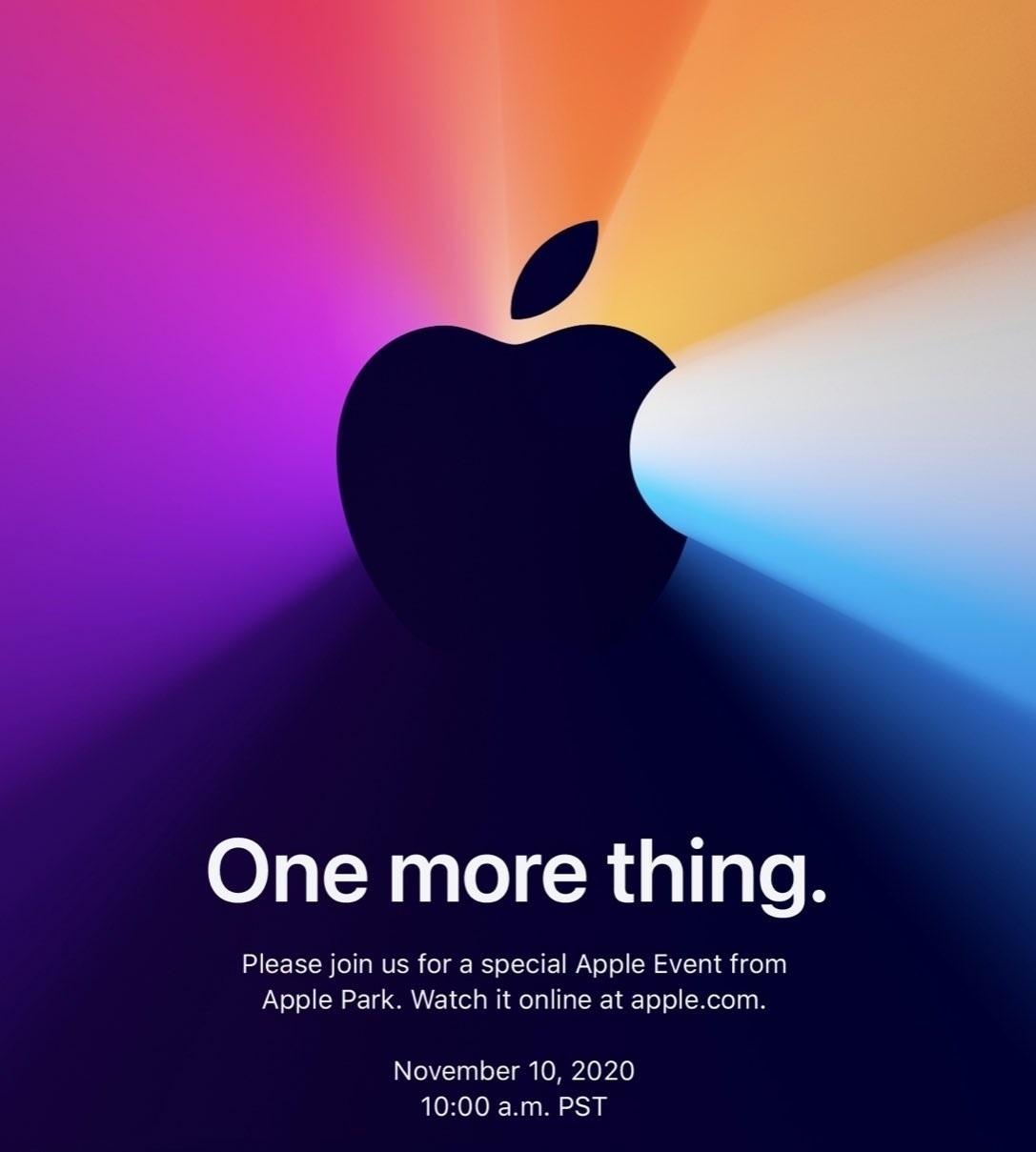
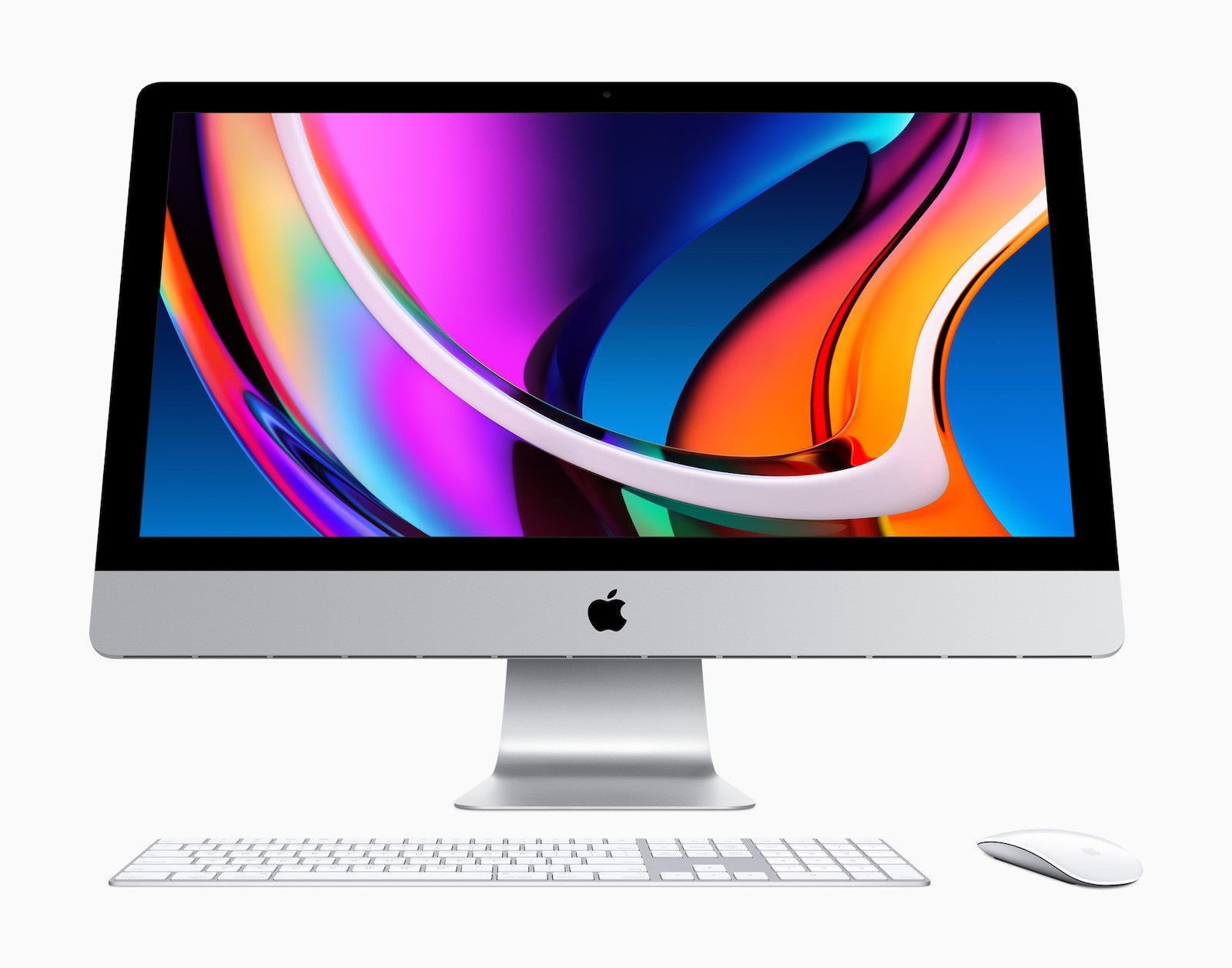
Following Apple’s “One More Thing” event, I wanted to gather positives reactions to Apple’s M1-Based machines. It’s simply overwhelming. I just can’t keep up. It’s all over the place. I can only imagine Apple’s marketing department current putting a press release doing just that.

“I can’t remember the last time reviews for an Apple product were so universally positive, especially considering these are machines that look the same as the previous-gen. Apple simply excelled themselves with the ARM transition.” — Benjamin Mayo

It’s not only overwhelming but unanimous. What a great time to see history being made.

Is 8 GB of RAM enough? (#apple #macbookair #applesilicon #M1chip ) 🤔

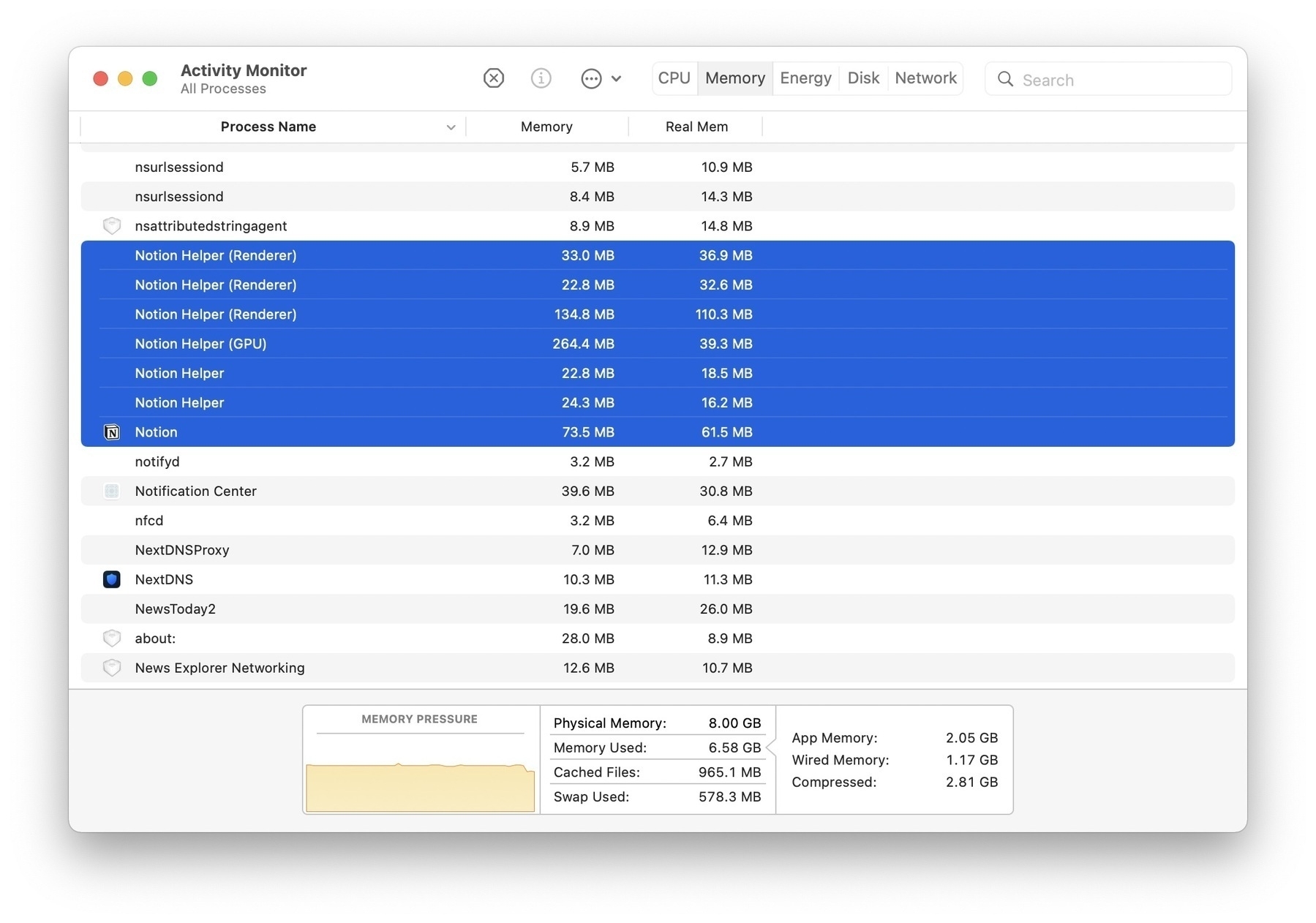
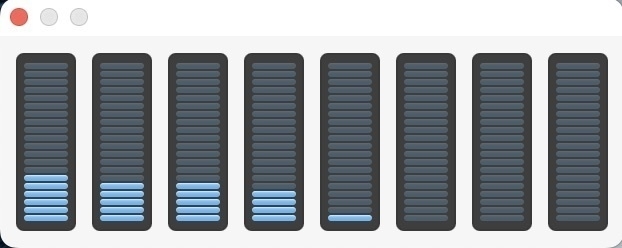
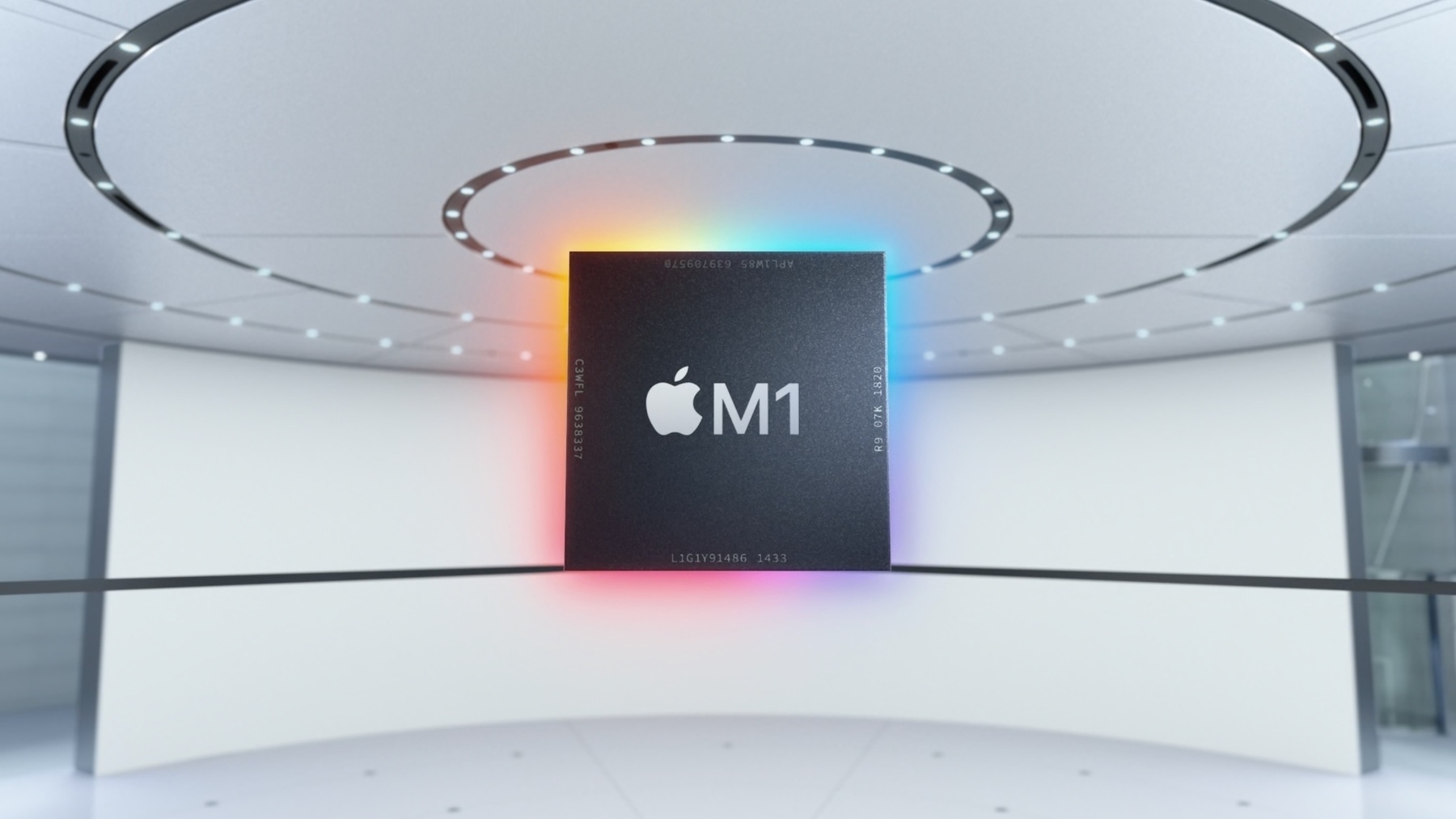
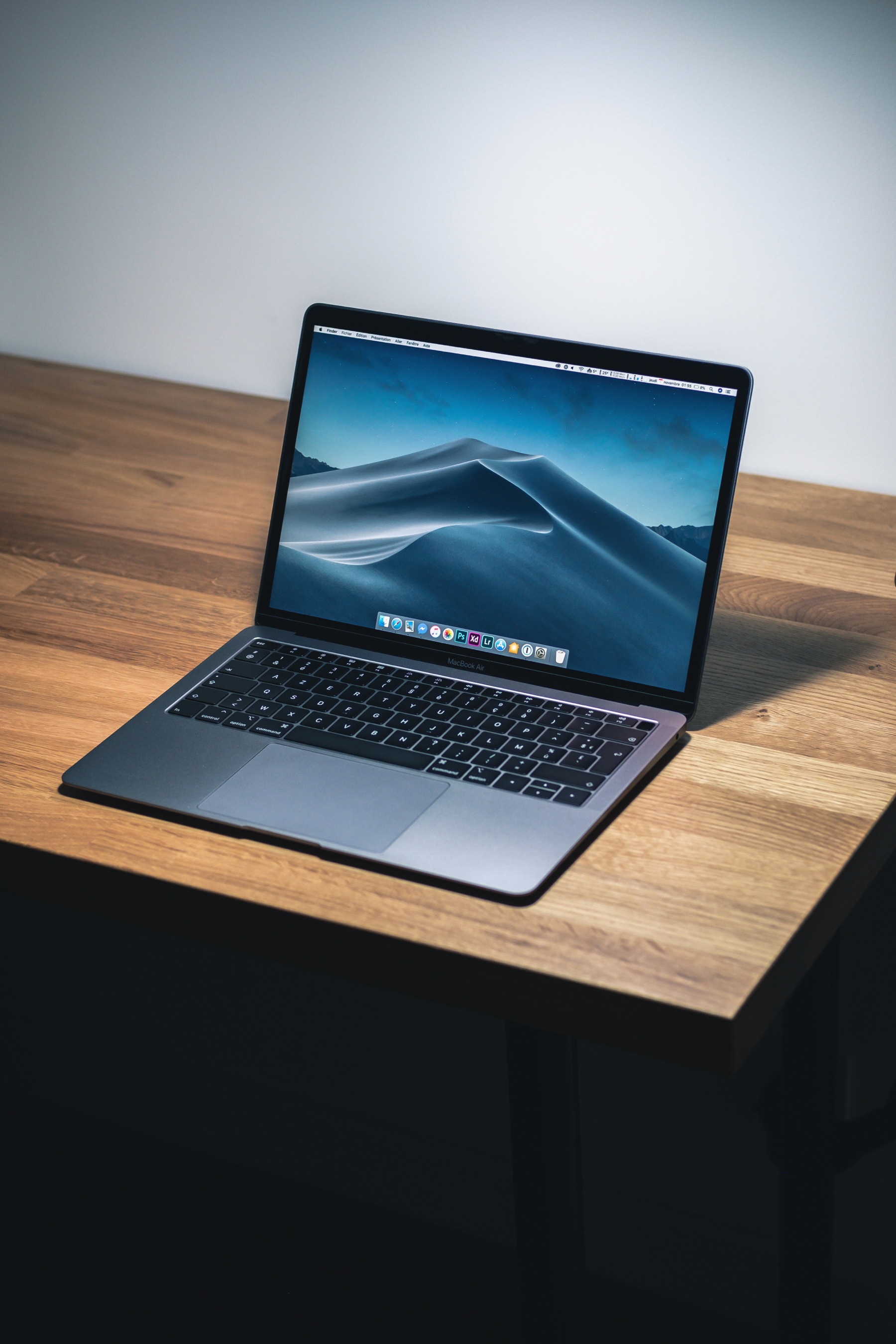
Many are asking if they should go with a 16 GB RAM configuration for their new M1-based MacBook Air. Some others think Apple should have made a 32 GB of RAM configuration for the 13” MacBook Pro. According to this informal benchmarking video, 8 GB seems enough for most people. During his tests, the user opened many different apps and documents in Excel, tabs in Chrome, Photoshop and the MacBook Air stayed cool and never ever started to fall on its knees. At no time the idle CPU metric went down below 60%. The fan-less computer never got hot. Why? Three letters: SoC.

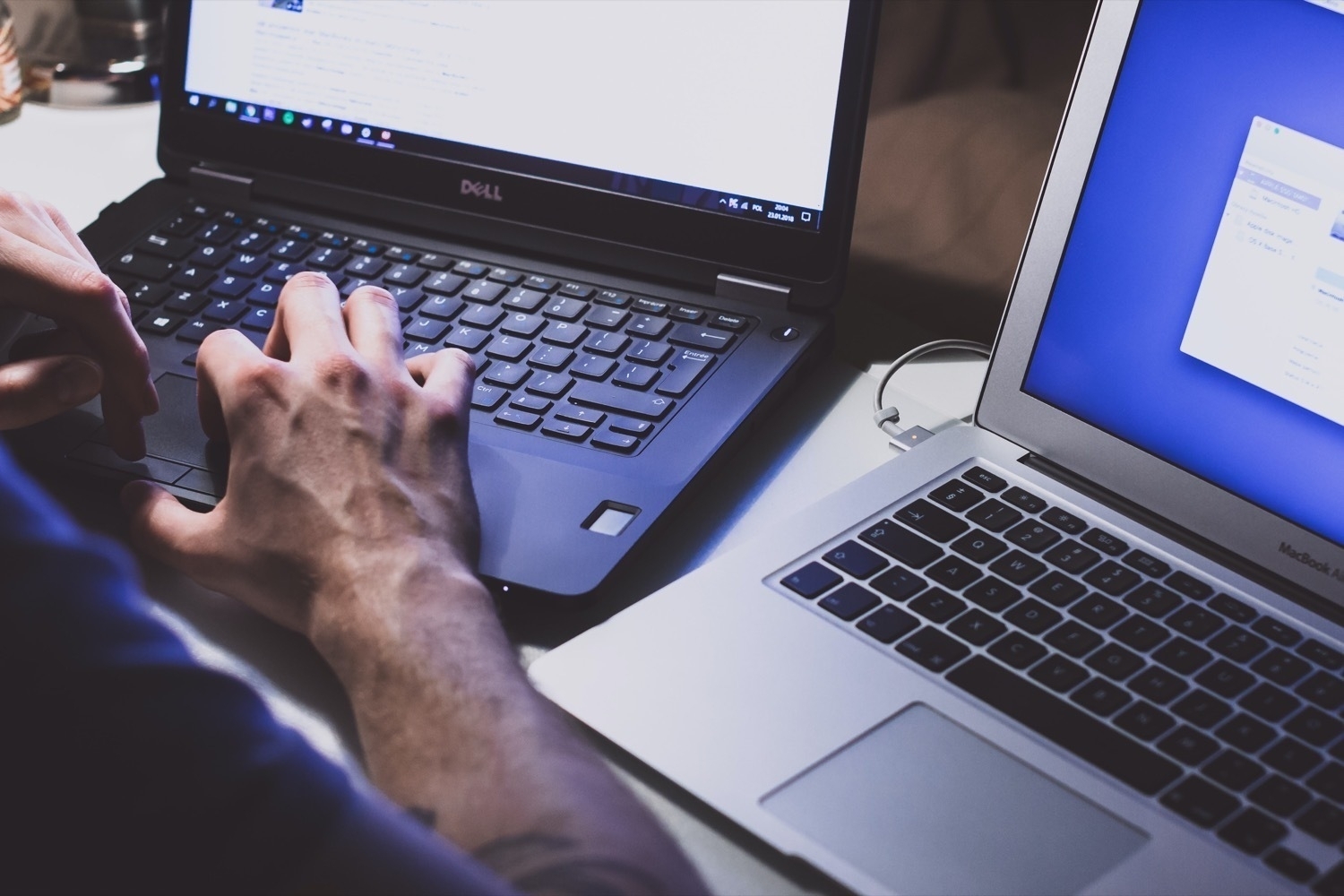
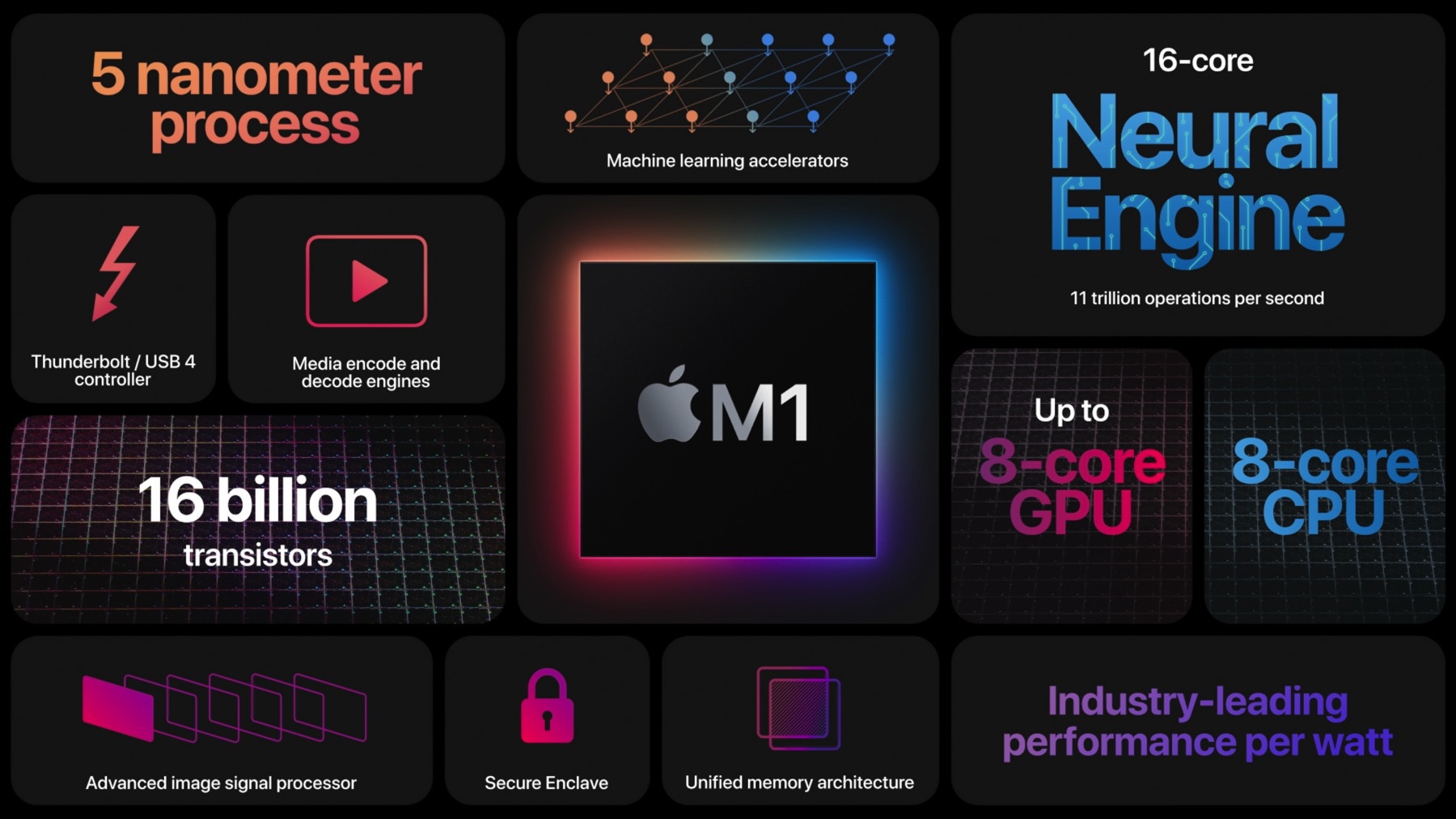
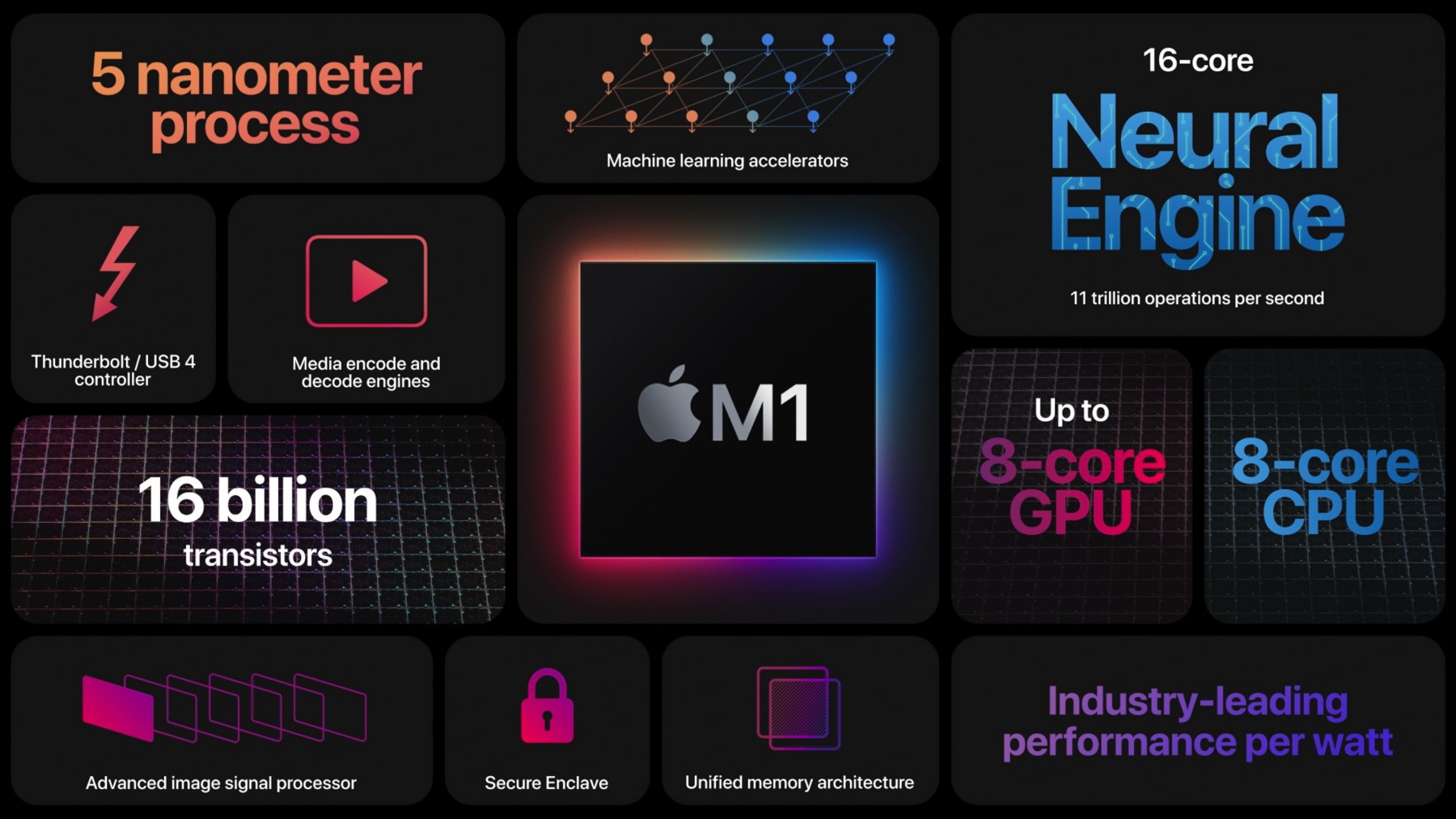
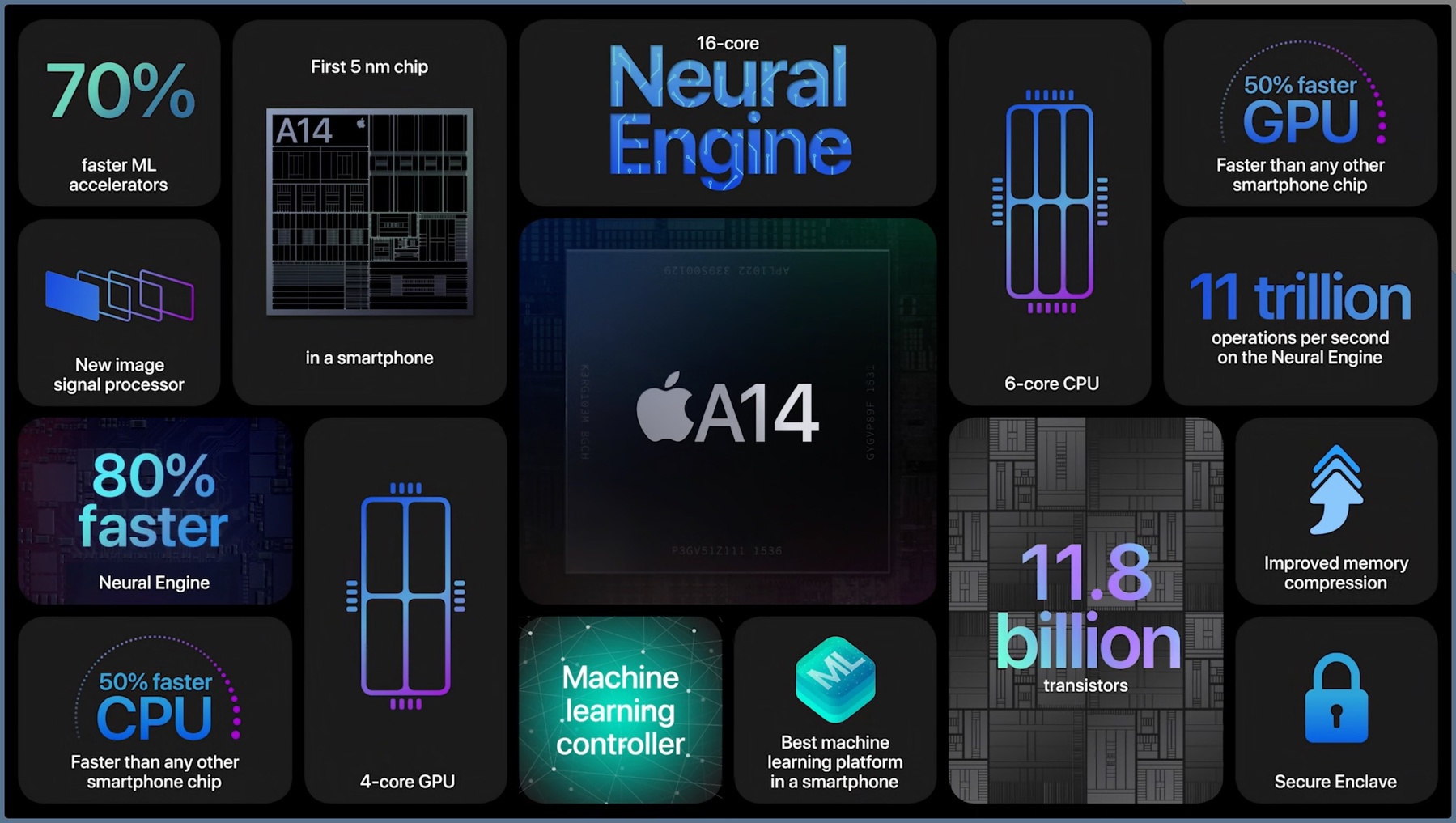
The M1 chip gathers many different components close together on the same chip so they don’t have to go through the PCI bus to move data around. I think it plays a big role in Apple Silicon Macs efficiency. We can no longer compare the RAM configuration of an Apple Mac with a Wintel machine, just like we cannot compare a 12 GB of RAM Android phone to a 6 GB of RAM iPhone. It’s just two different worlds.

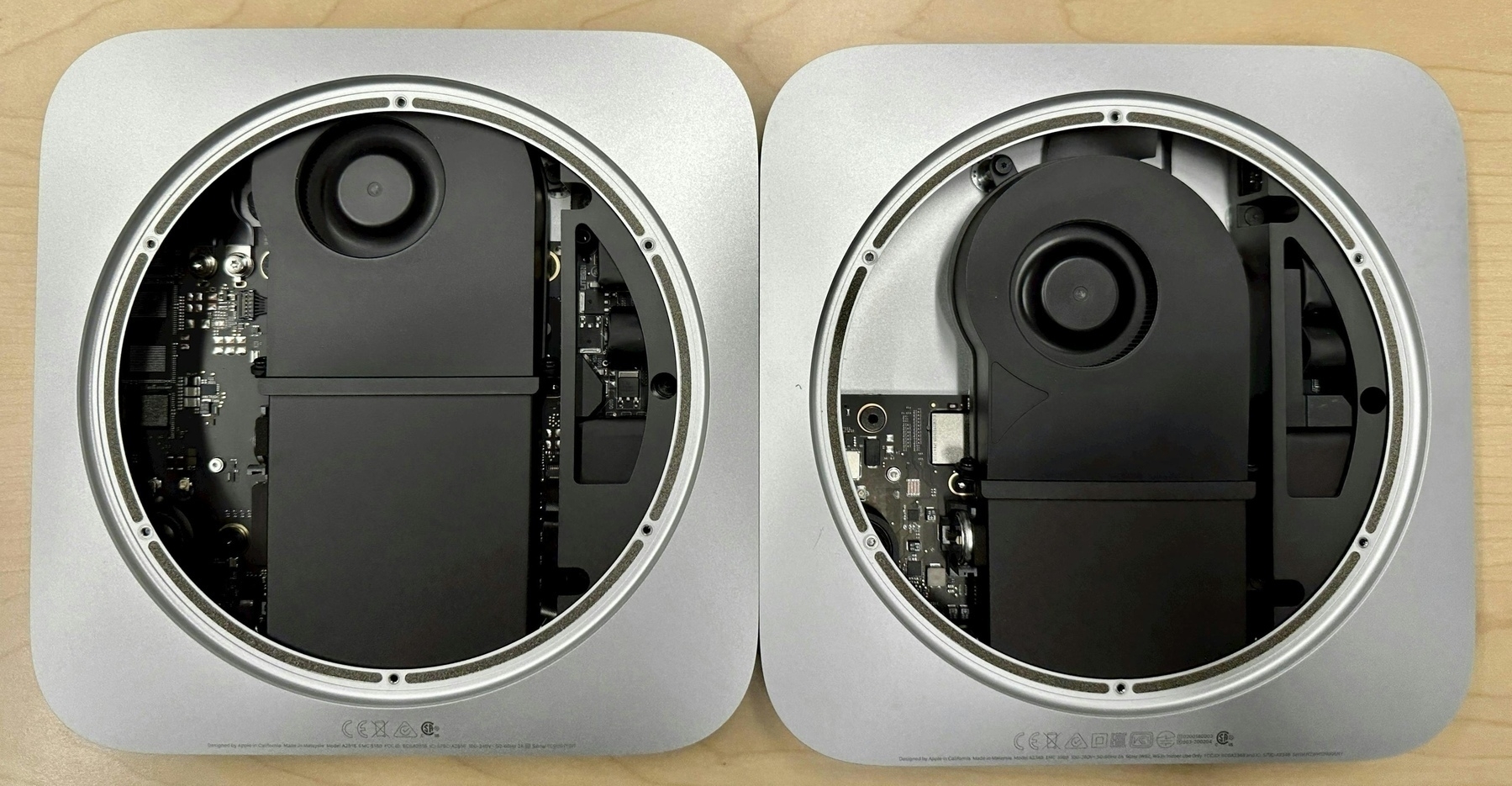
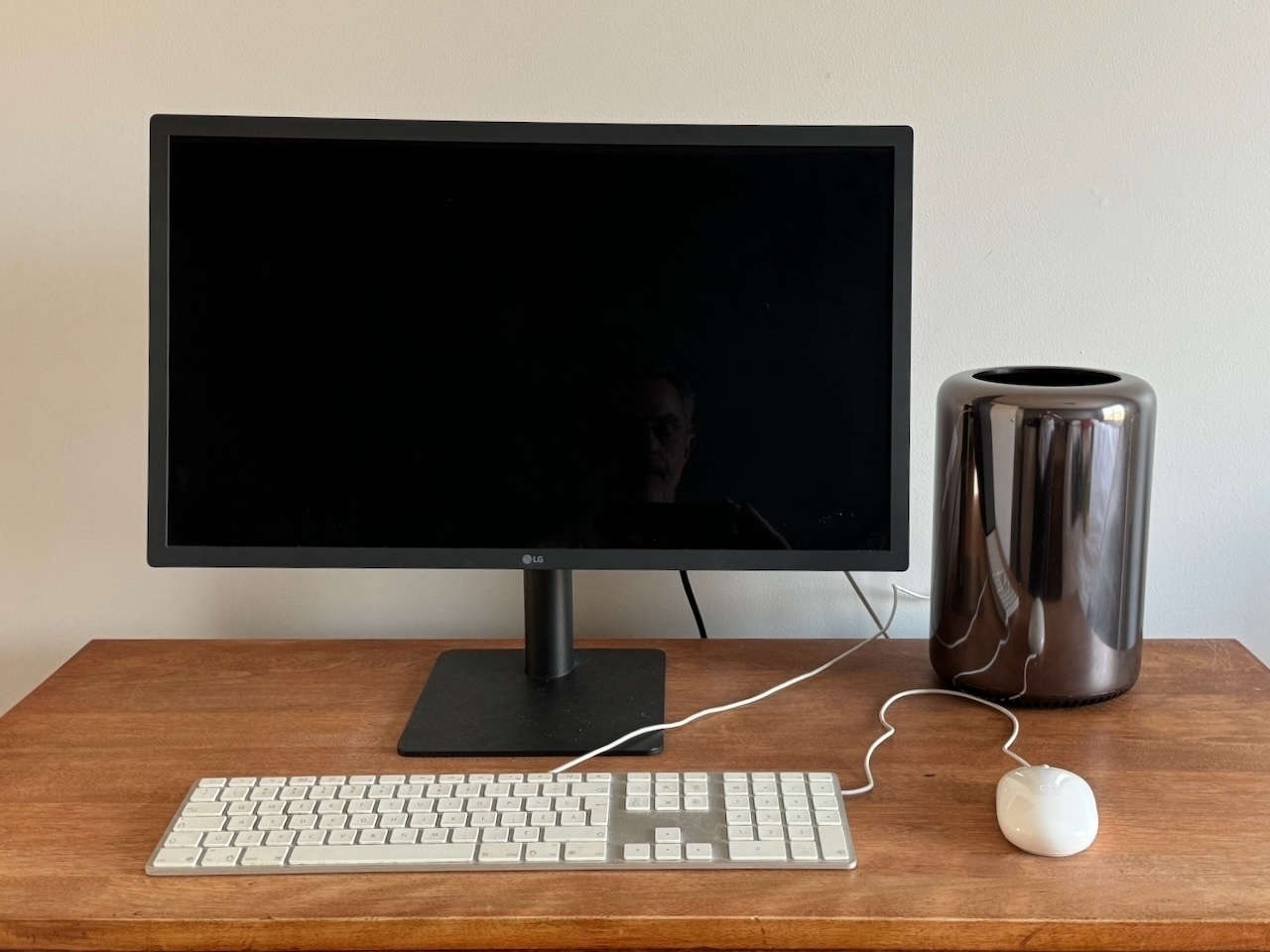
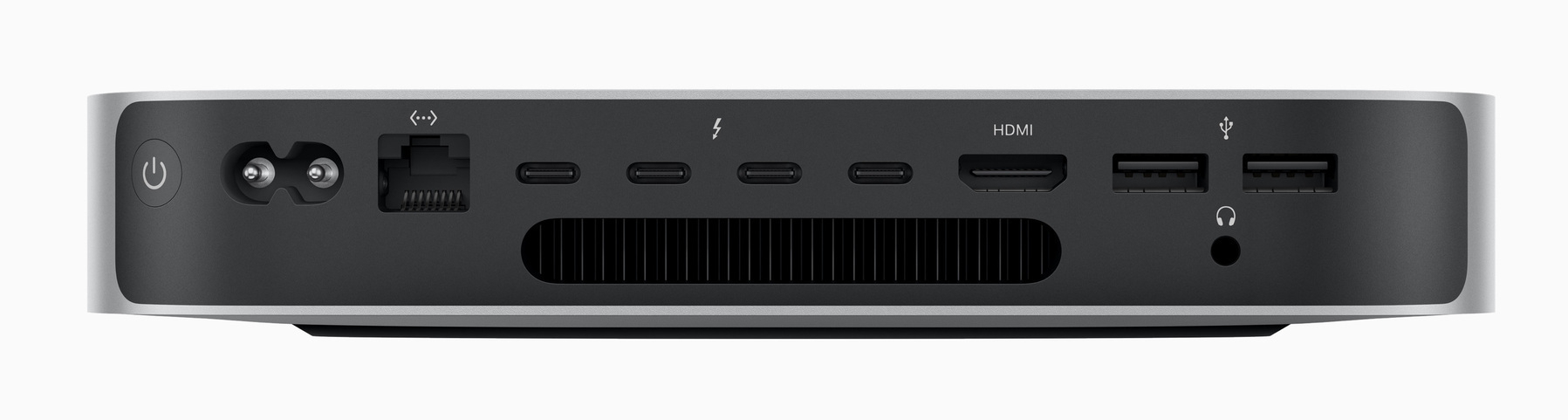
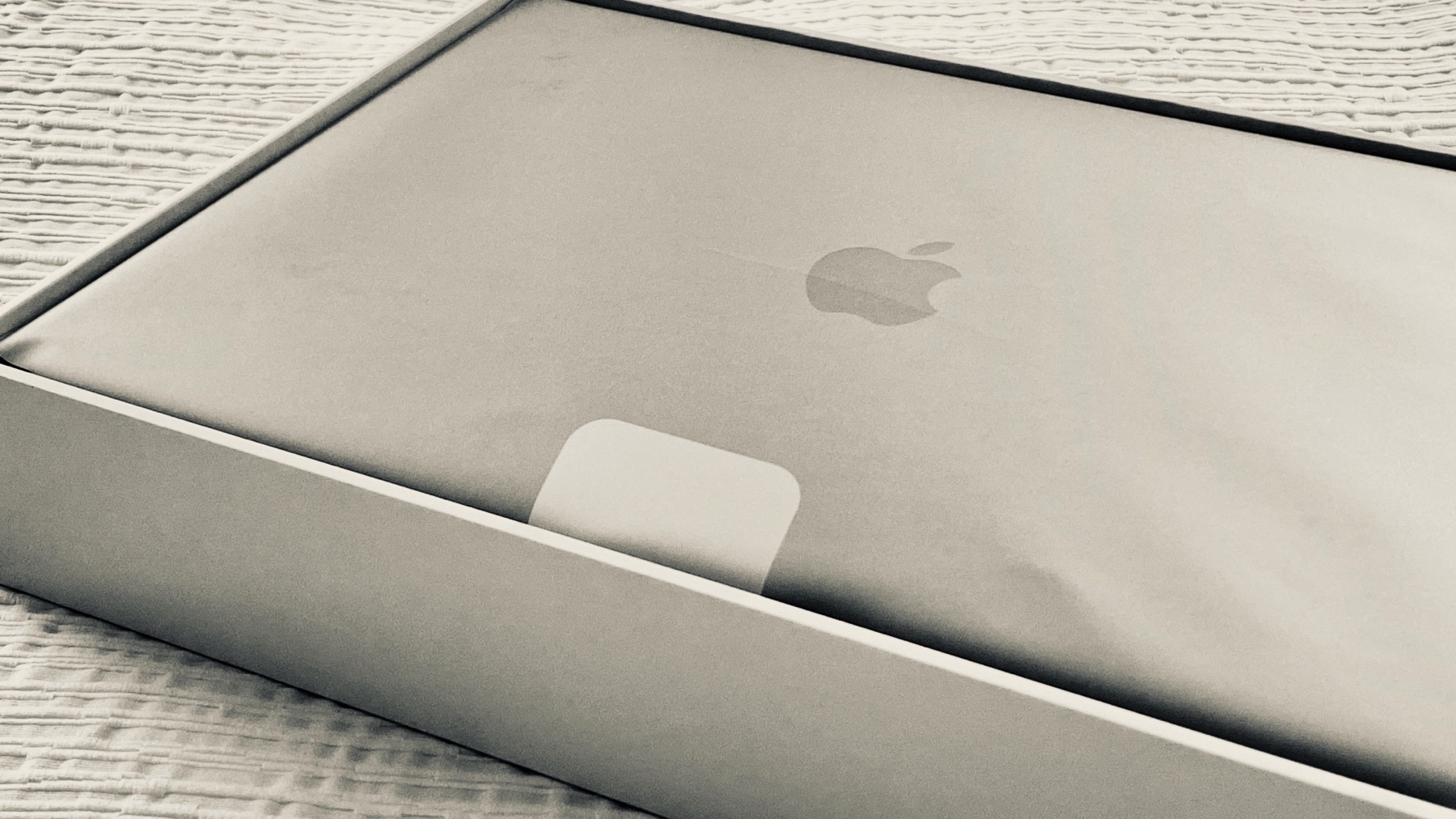
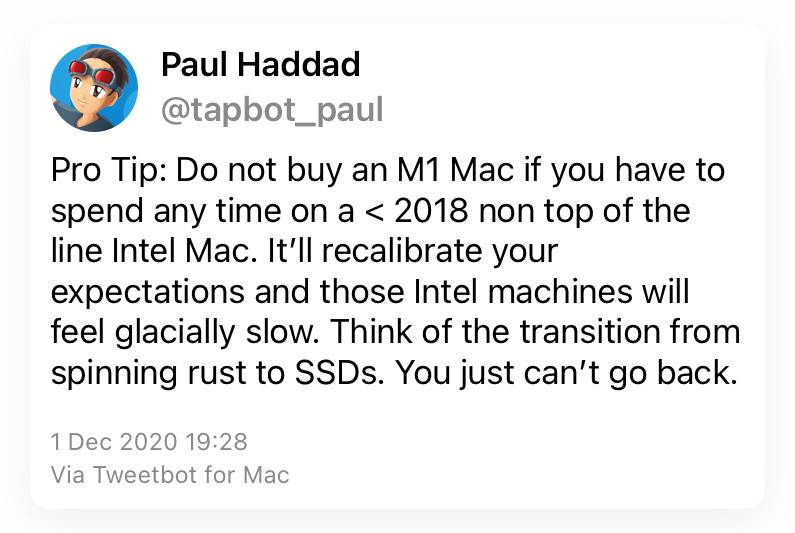
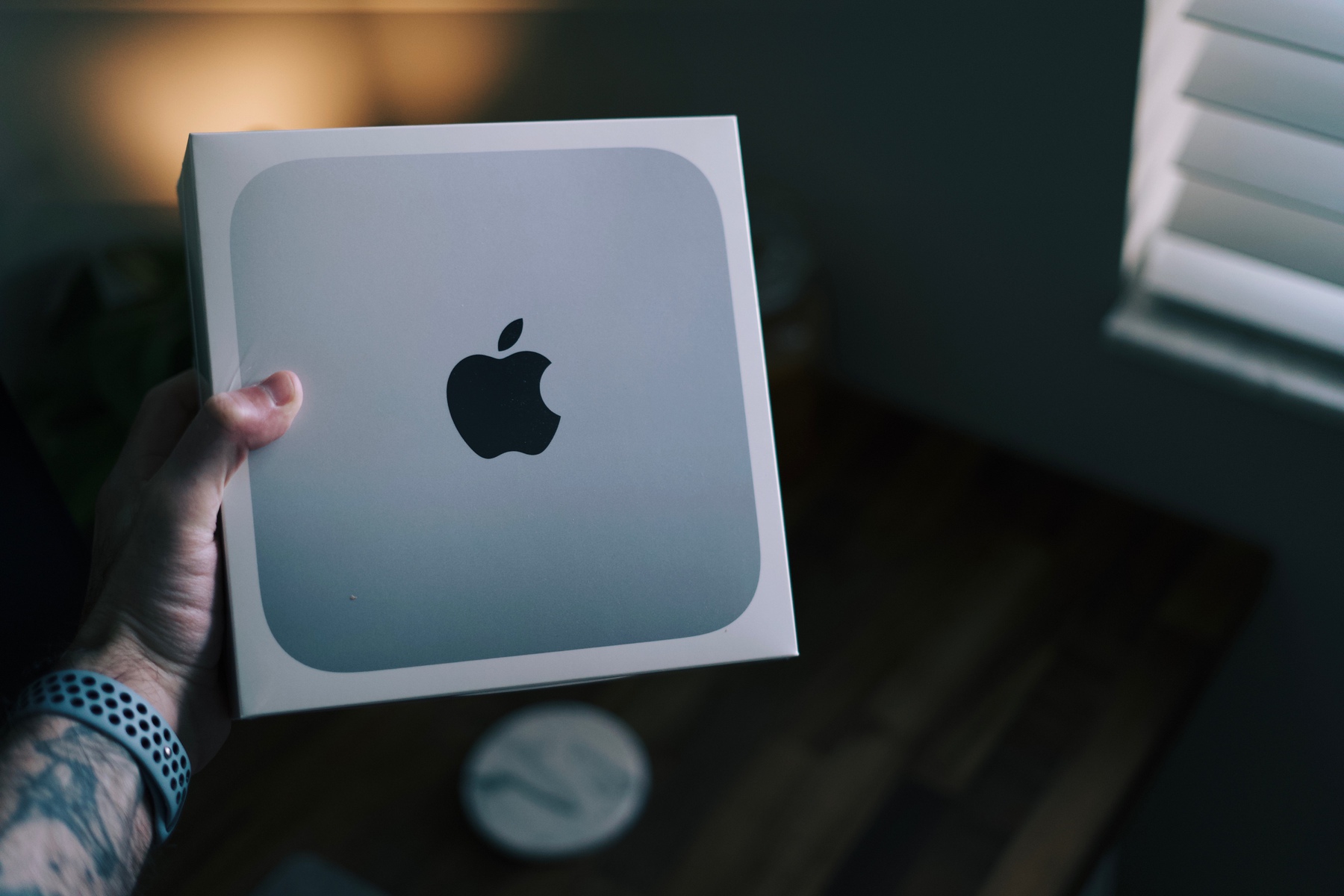
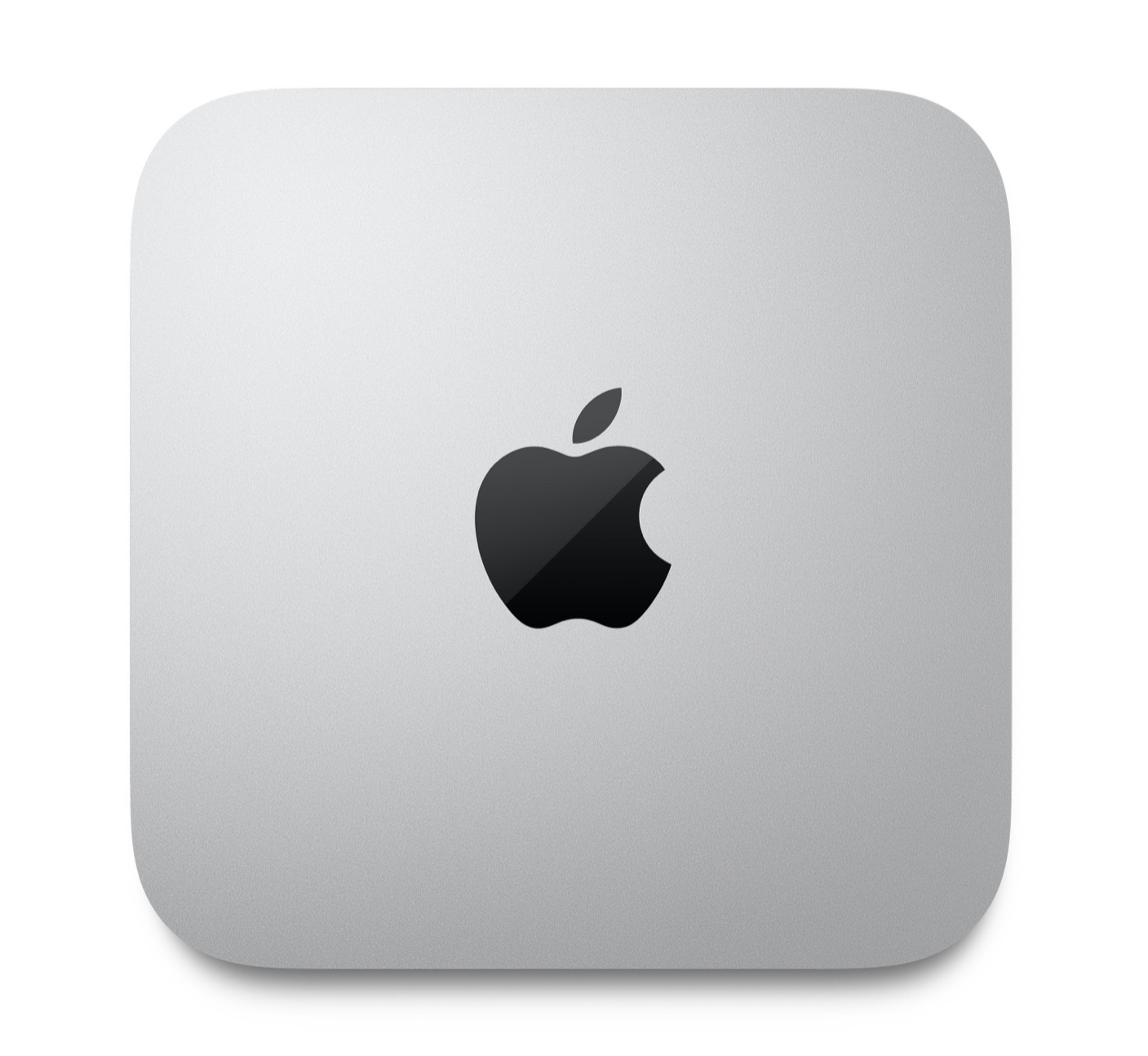
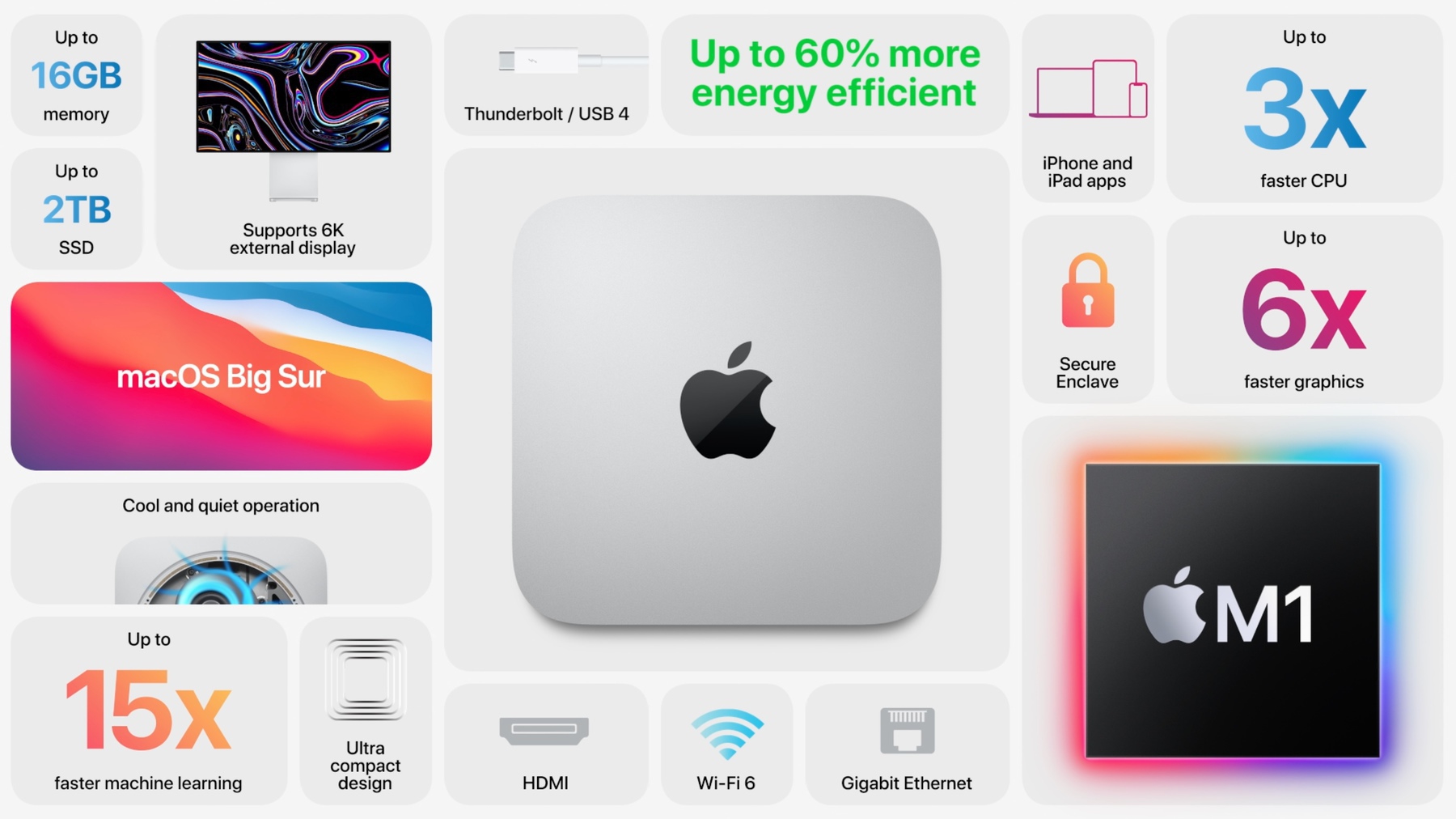
Yet, I ordered a 16 GB Mac mini. 😳

The Rosetta 2 tax (#apple #m1chip #applesilicon)

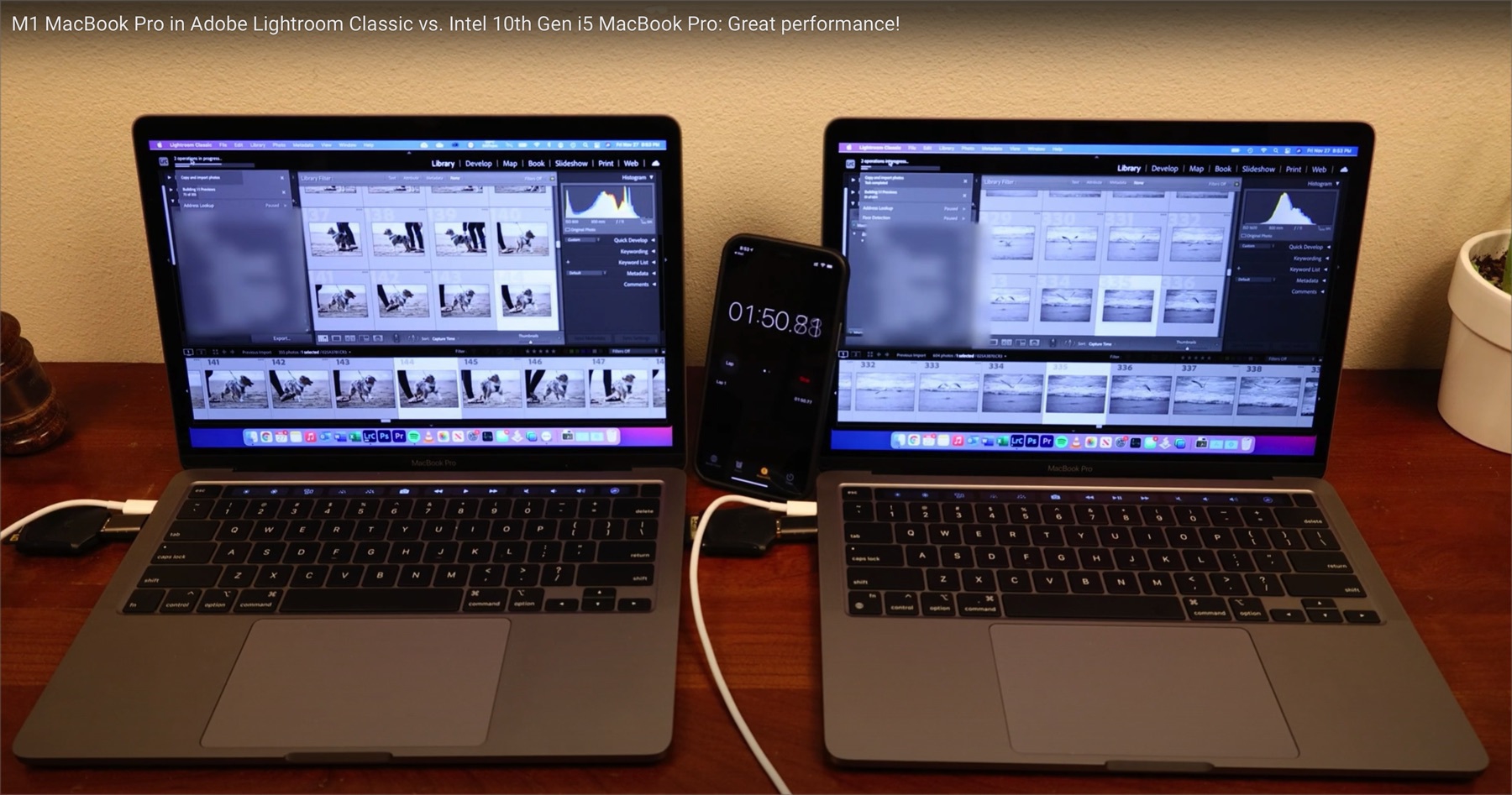
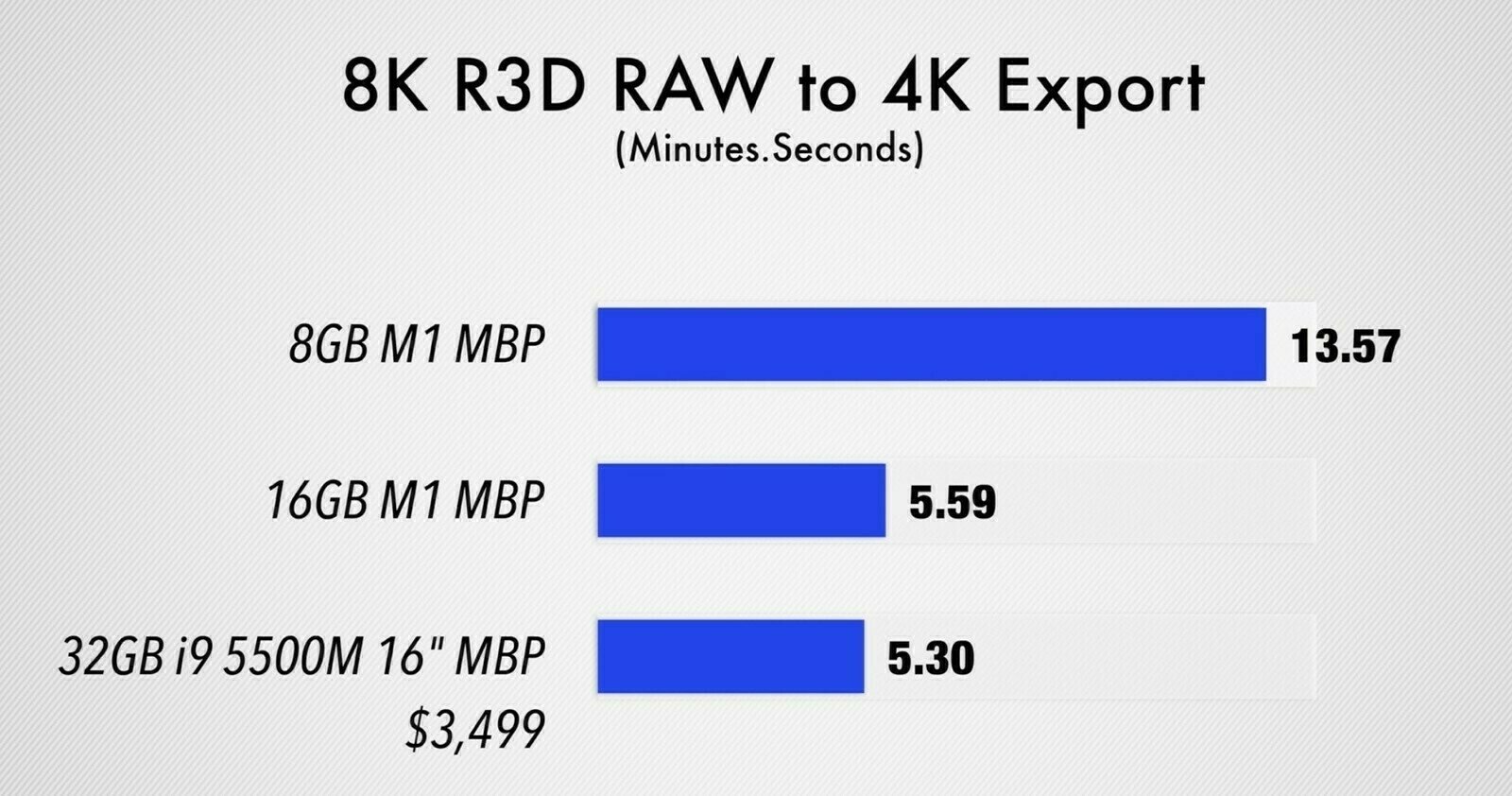
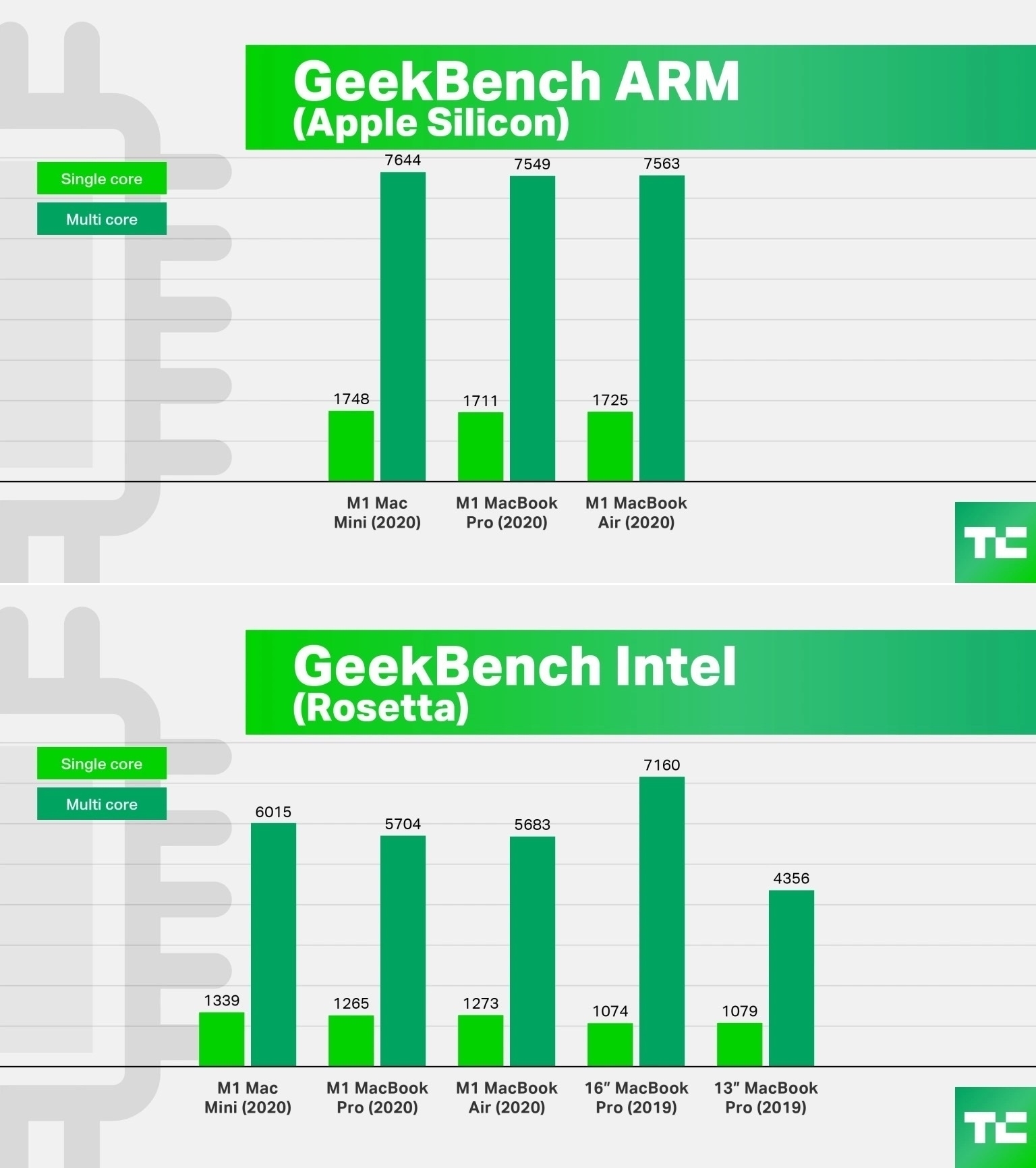
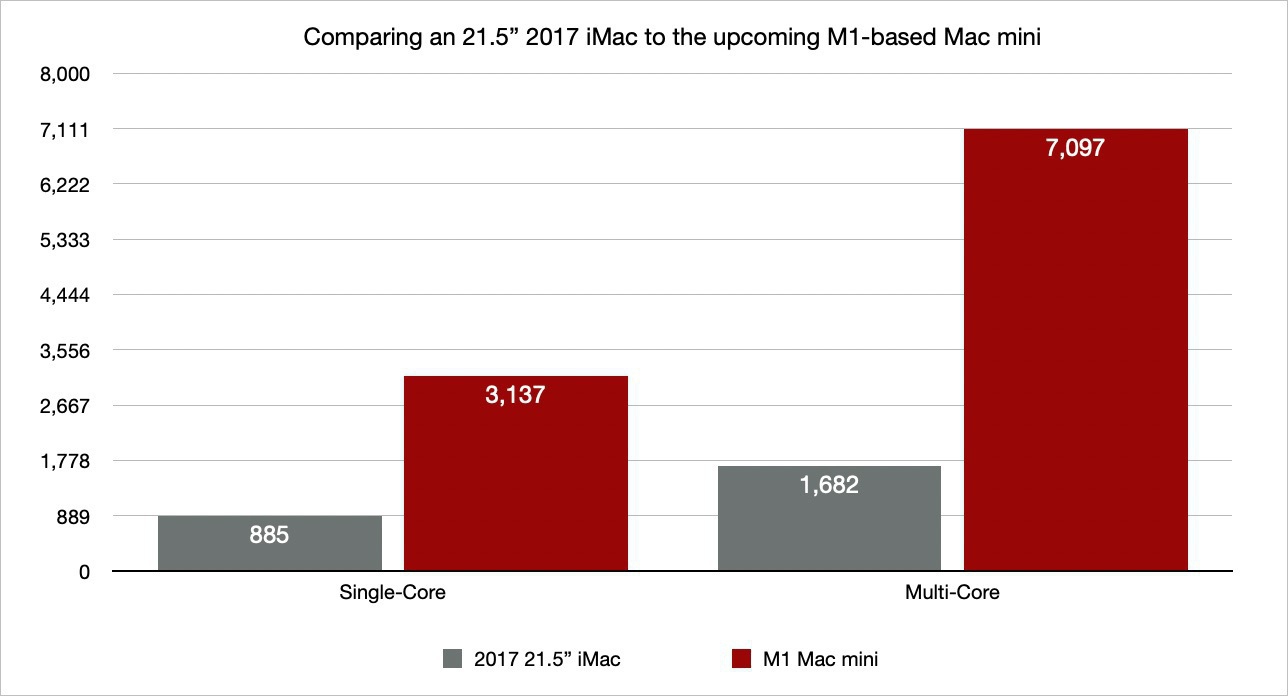
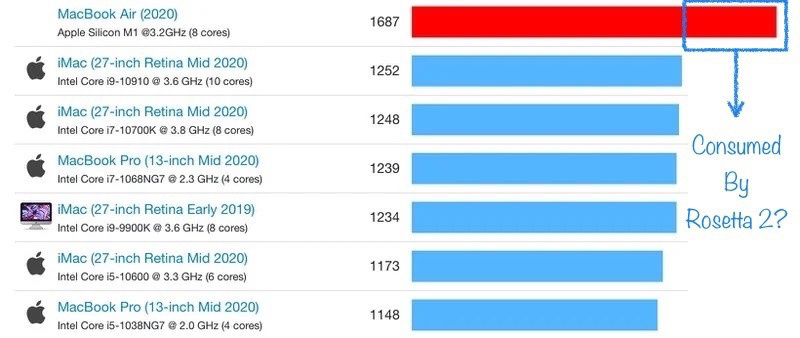
One of the best take on Apple’s new M1-based Mac is from TechCrunch. What I learned in this review is, thanks to Apple’s Rosetta 2, the cost of running an un-optimized app on these machines: 26% performance hit. The more interesting thing is the fascinating fact that, even with this hit, apps can still run faster than on Intel-based Mac counterparts.

I can’t remember the last time I didn’t mind paying taxes.

Pixelmator Pro 2.0 — A Small Wonder (@pixelmator #applesilicon #m1chip #universalapp)

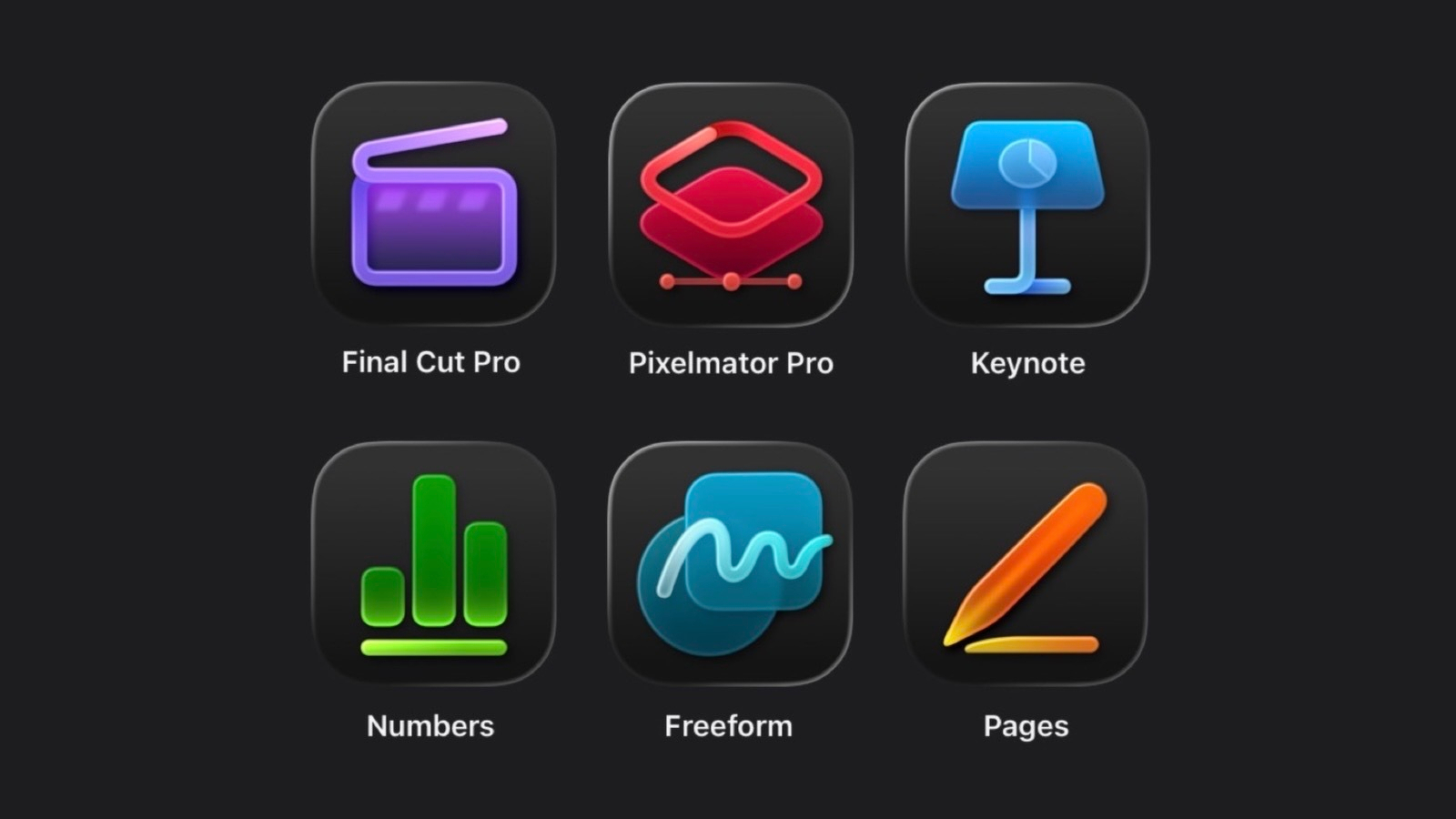
I’ve said it before, Pixelmator Pro is one of the best app in the Apple ecosystem for three reasons. First, the Pixelmator team is always fast to take advantage of Apple’s latest software and hardware technologies. Second, it’s a real native app, designed and built for the Mac. Third, Pixelmator Pro is close to how Apple’s own apps should be designed. Make no mistake, I love Apple’s iWork. Pixelmator feels familiar and Apple-ish, something that I like. They probably read the HIG documentation dozen of times. Congrats to them.

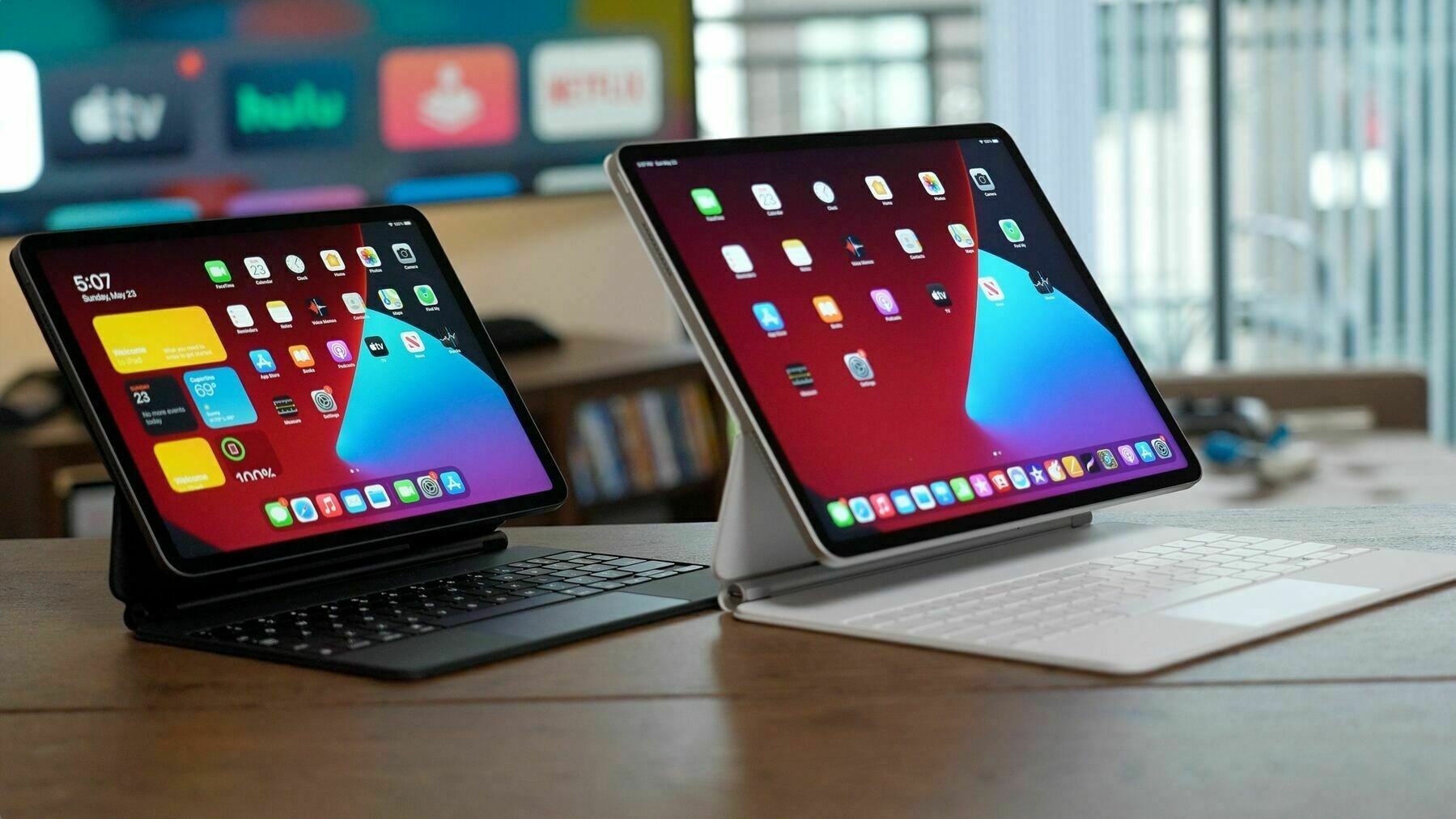
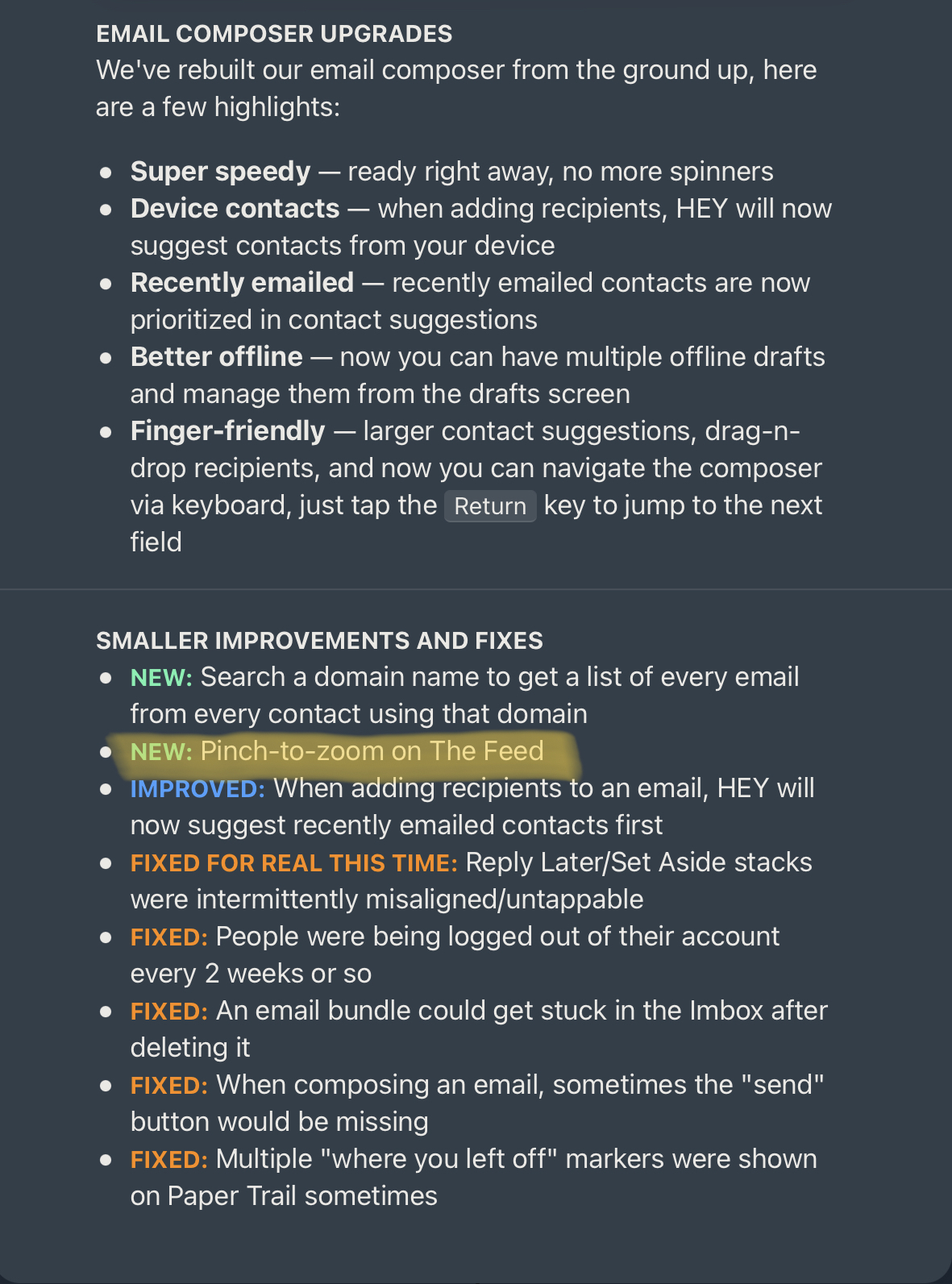
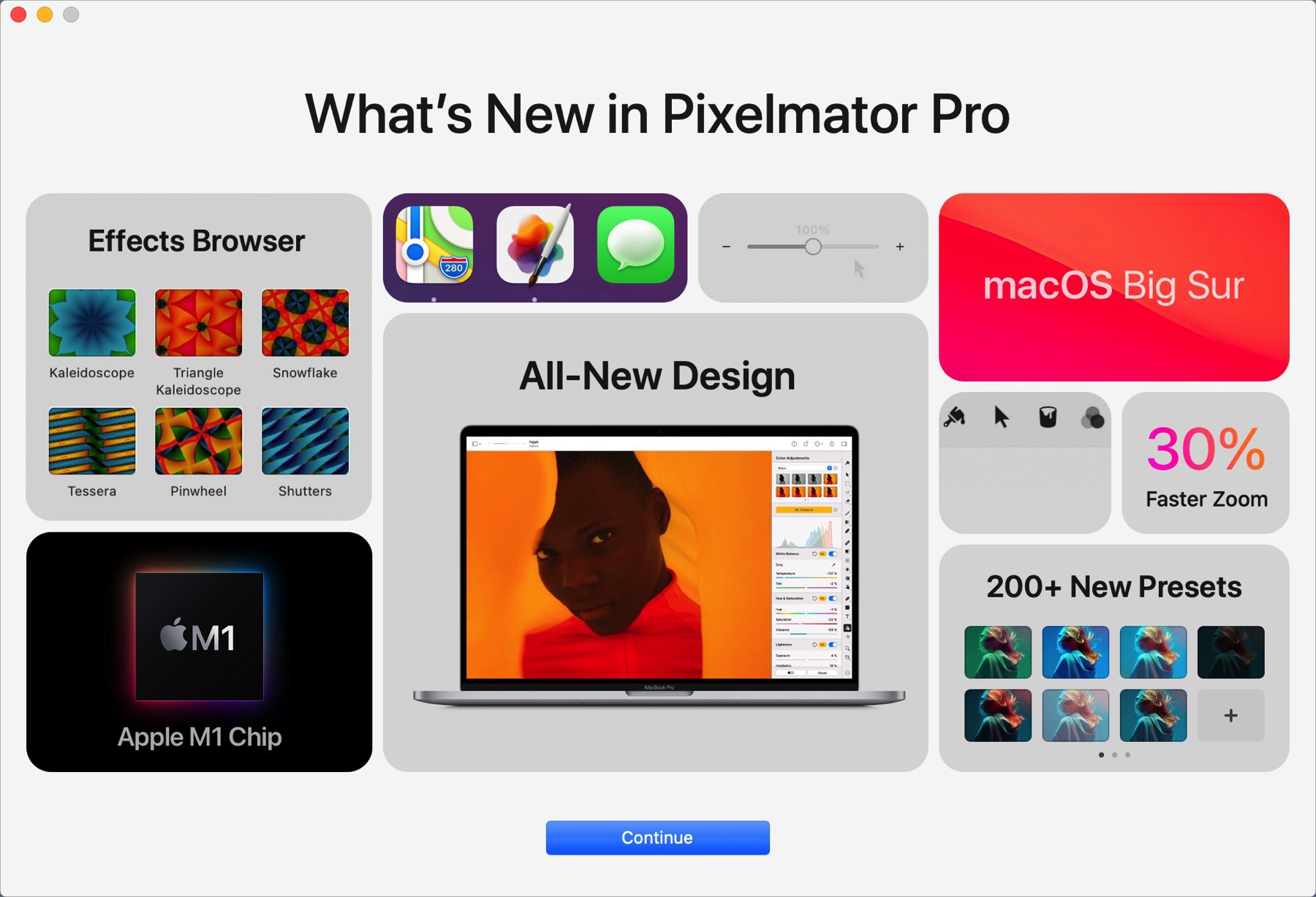
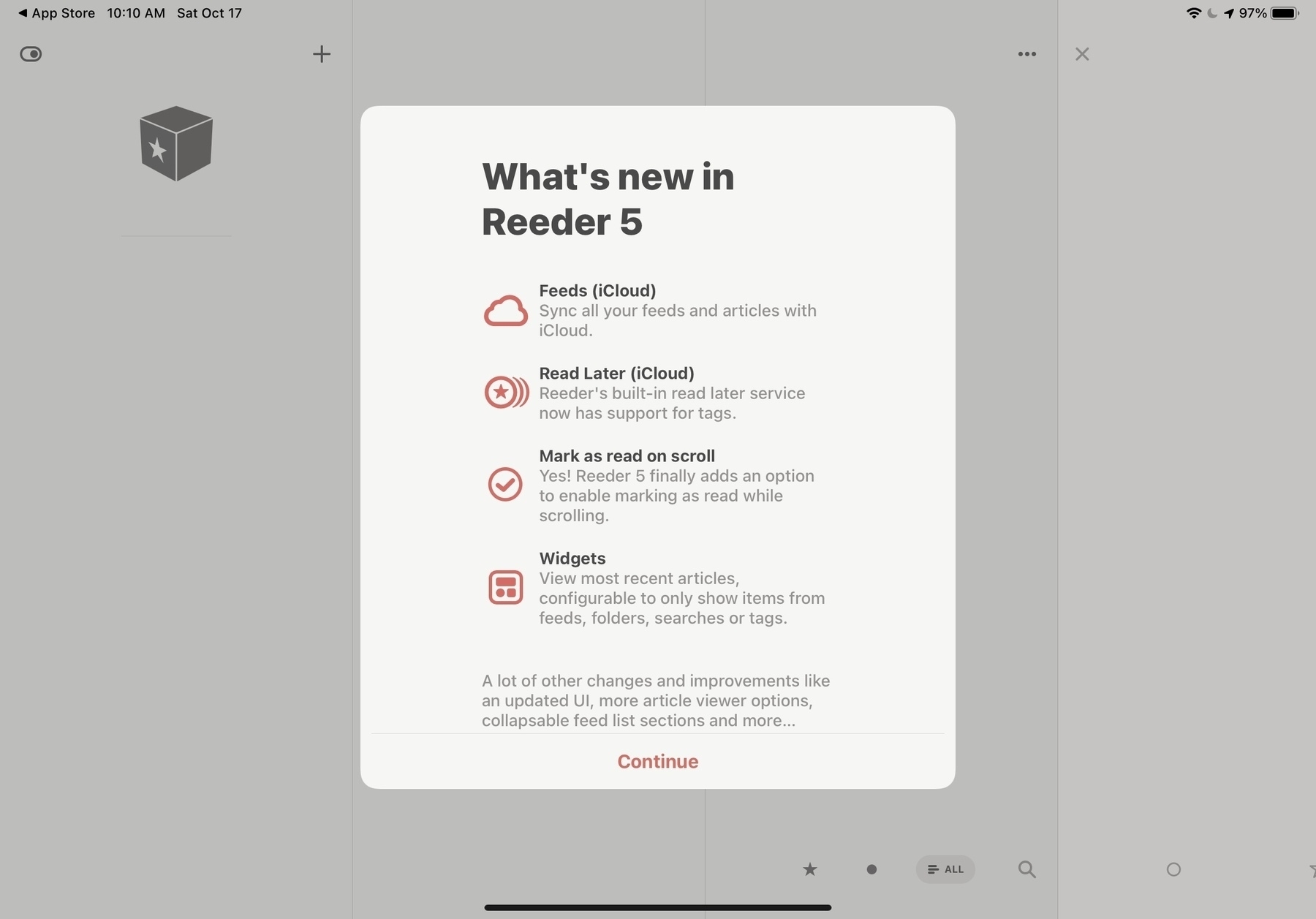
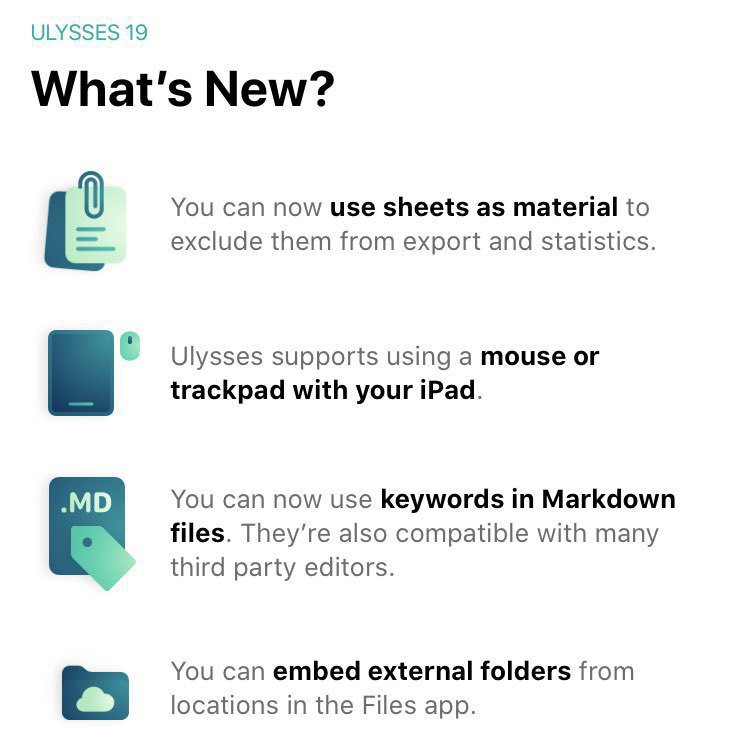
Oh, and look at this “What’s new" welcome page when you first launch the app after upgrading to version 2.0. Look familiar to you? Can’t wait to install this on my upcoming Mac mini.

Microsoft already feeling the heat (#microsoft #apple #m1chip #applesilicon)

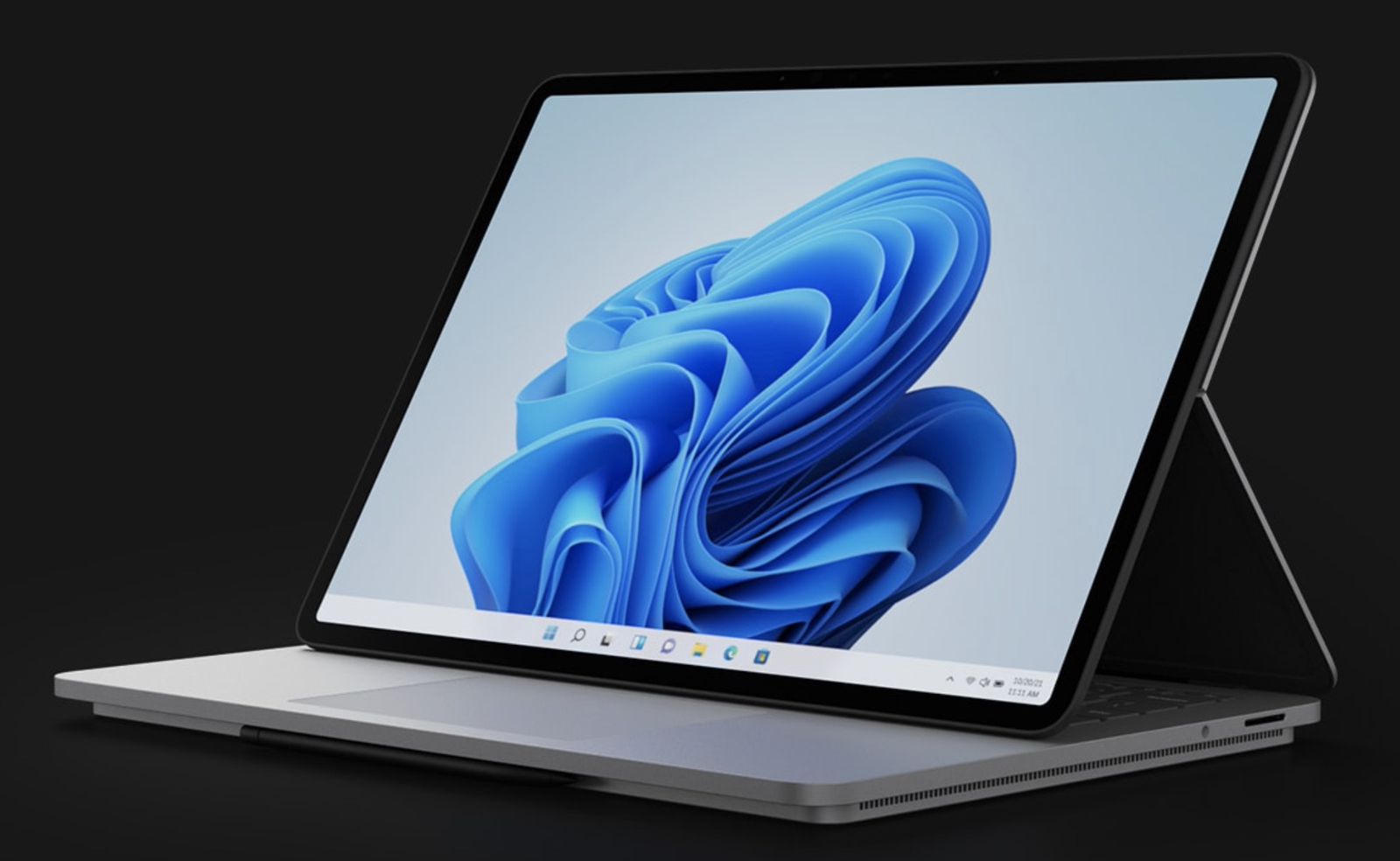
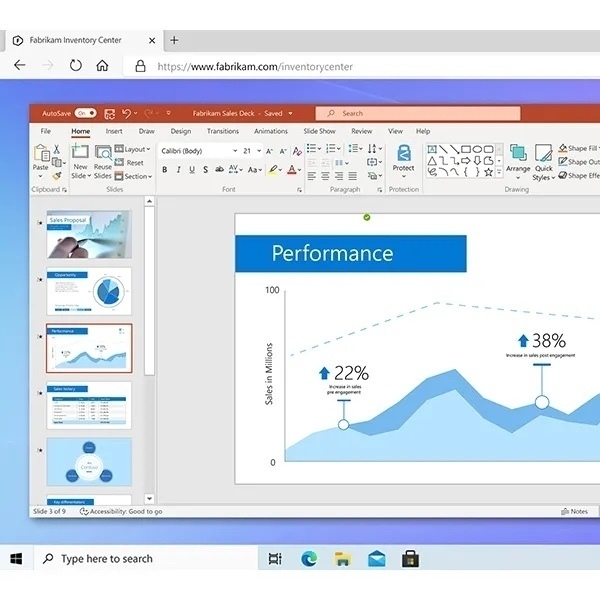
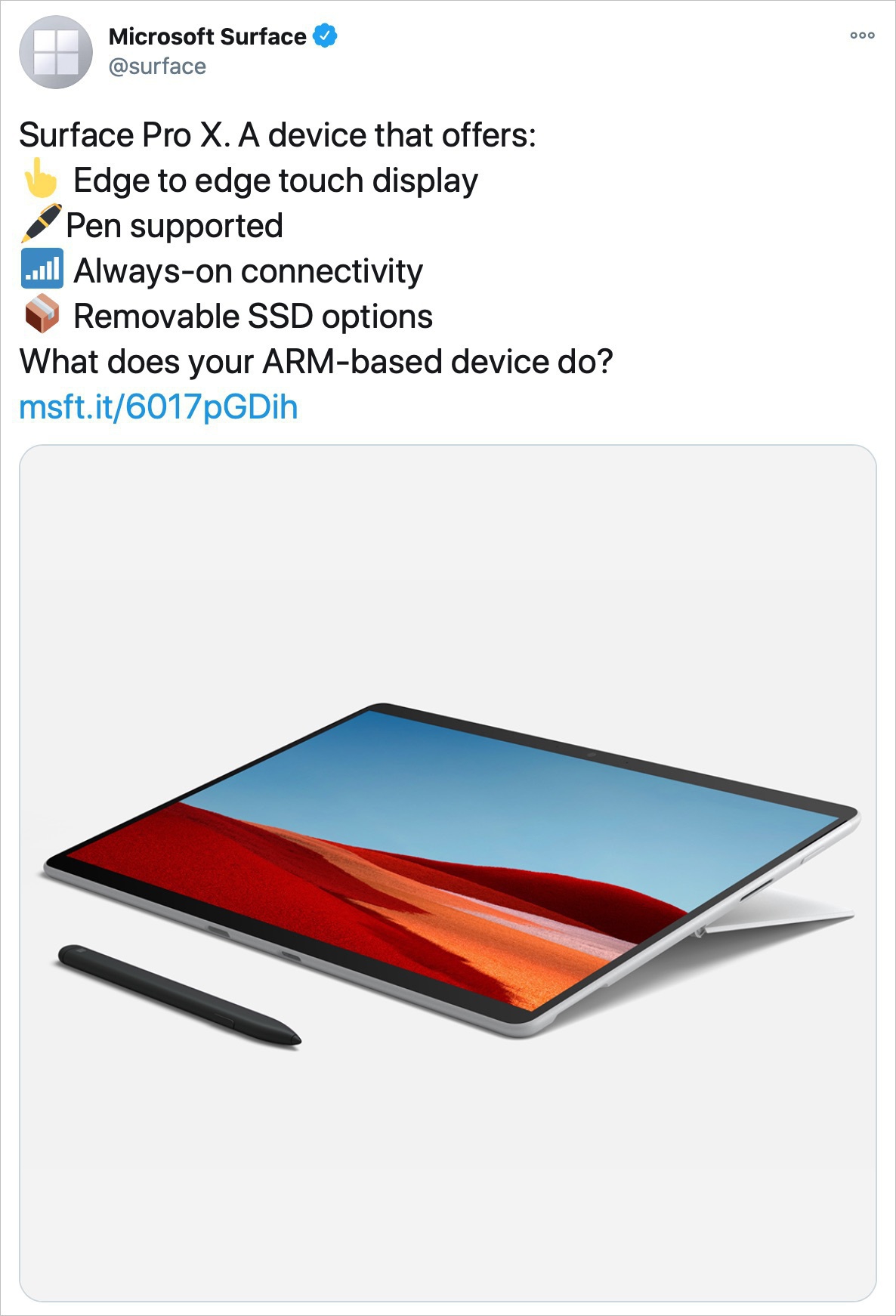
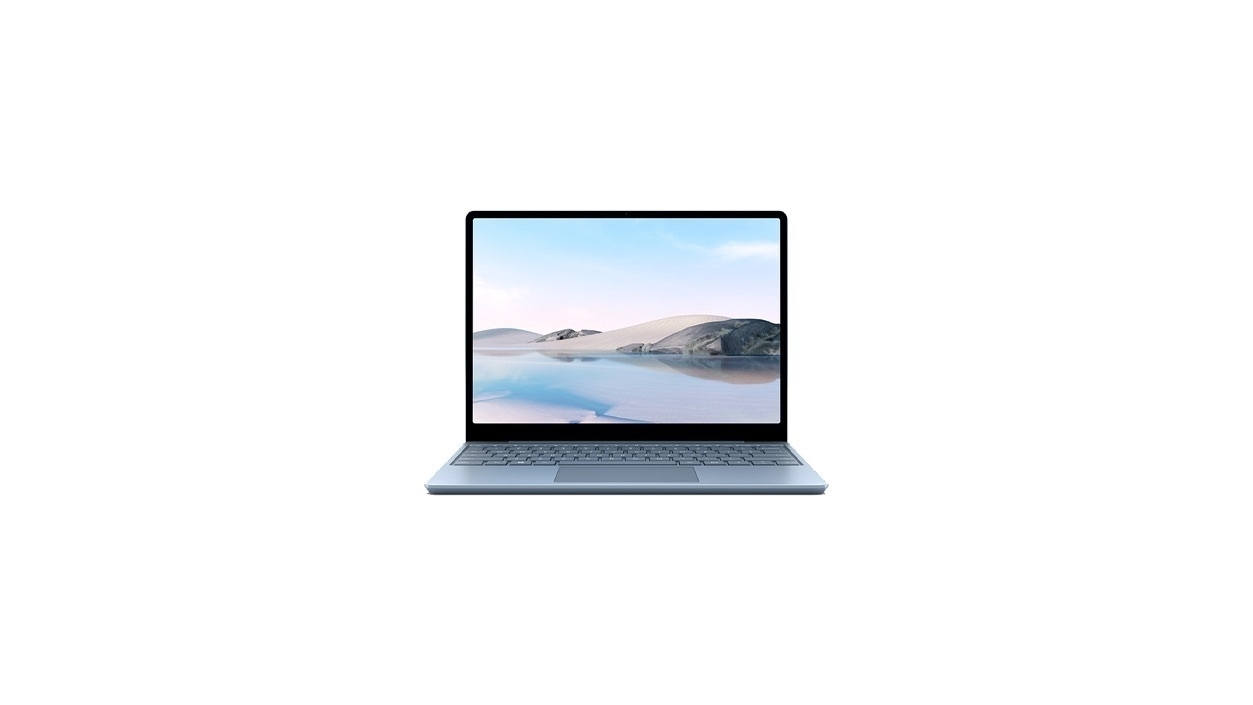
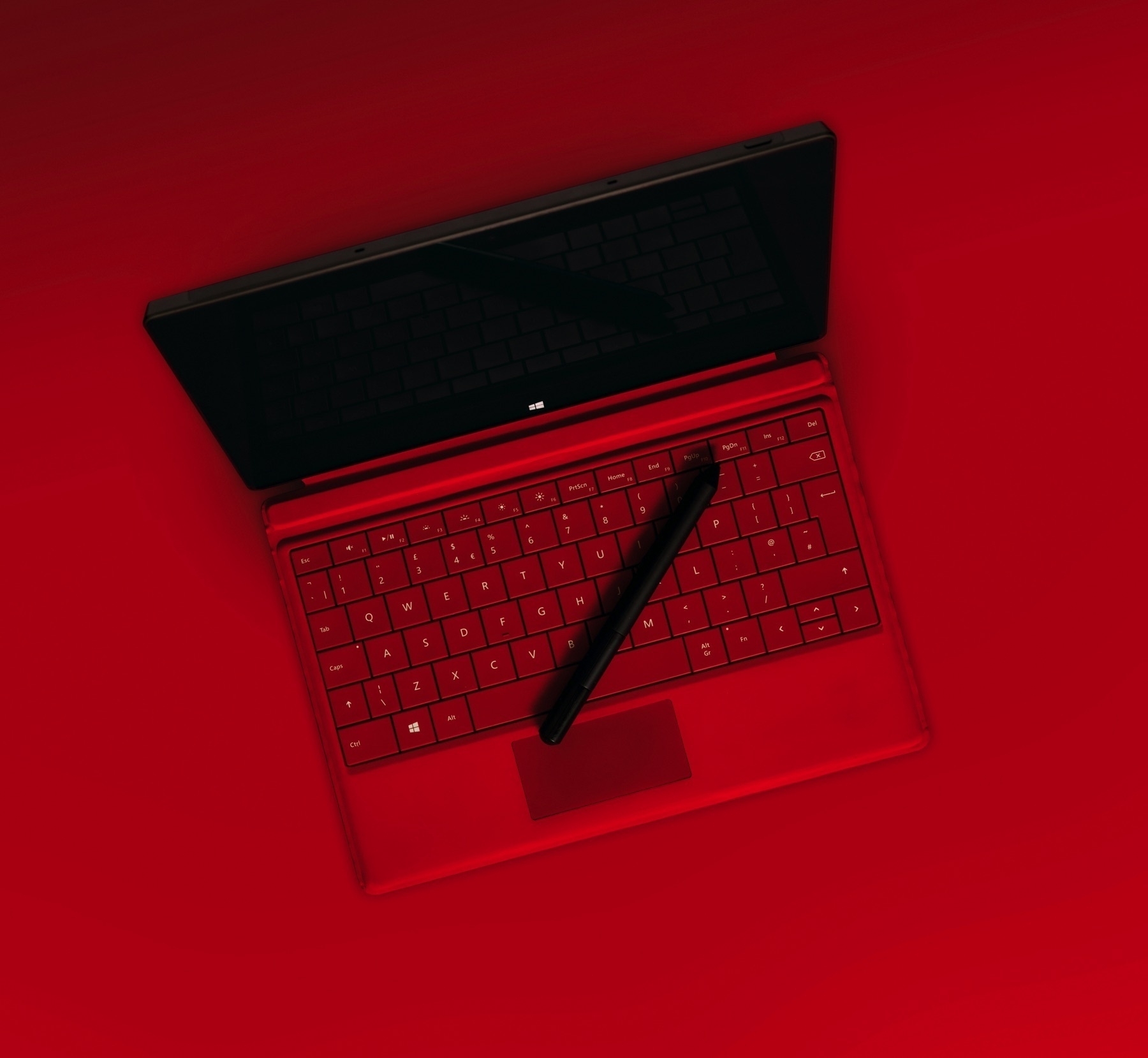
Carefully look at this add by Microsoft bellow. The phrasing of this ad clearly shows the roots of the company making the product. “Pen supported” is one example. Why not write something like “Touch interface” or “Touch screen”. The word “supported” sounds wrong and makes me feel Microsoft is not fully confident about the real nature of this computing environment. The other thing is the removable SSD option. That’s typical geeky-PC-world-thing. Do we really care in a world of cloud-based storage being an extension of our devices? Really bad ad.

Clearly, Microsoft is already feeling the heat and is on the defensive. It’s only getting started. Others will follow.