A Powerful Ecosystem of Tech
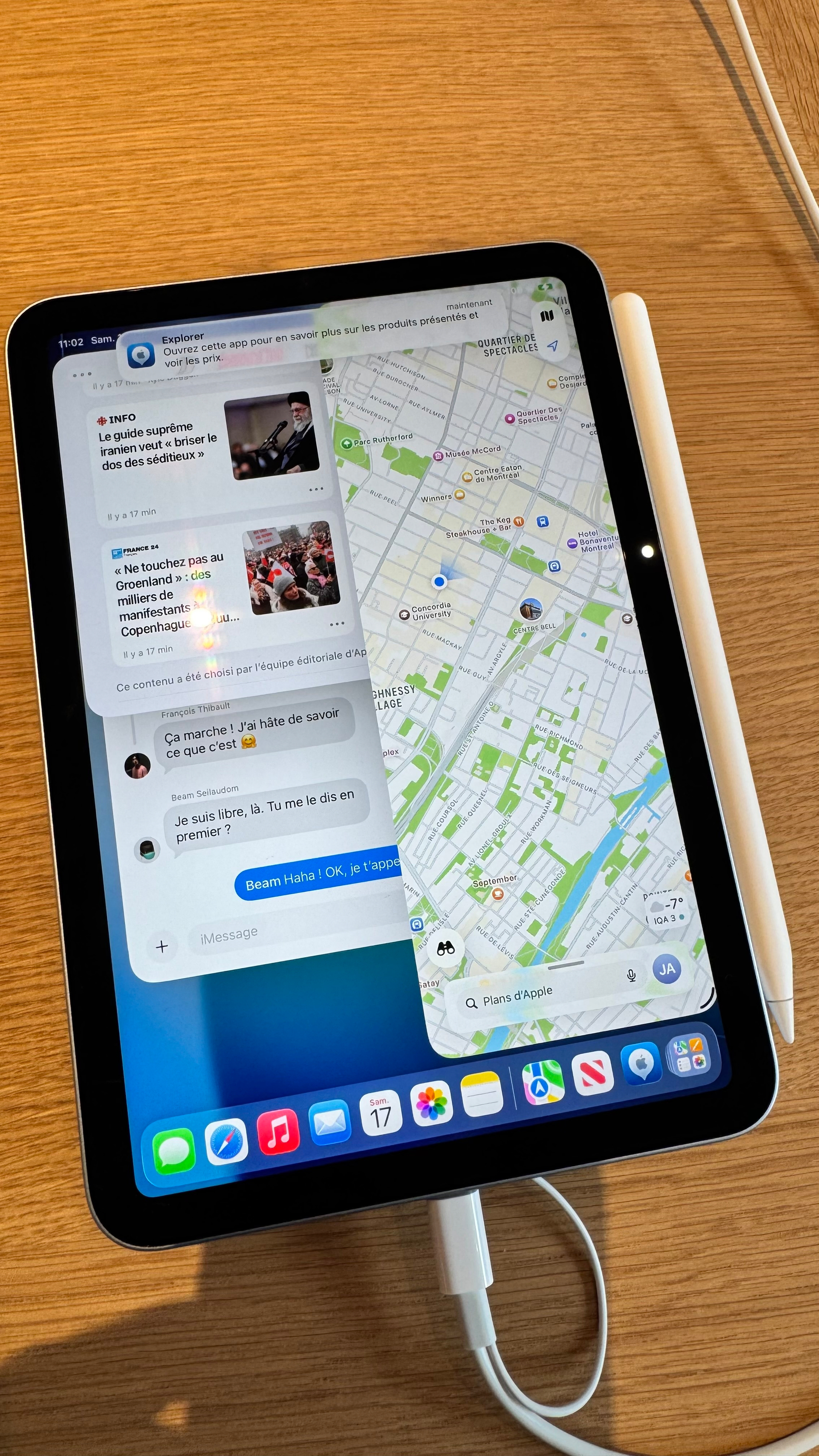
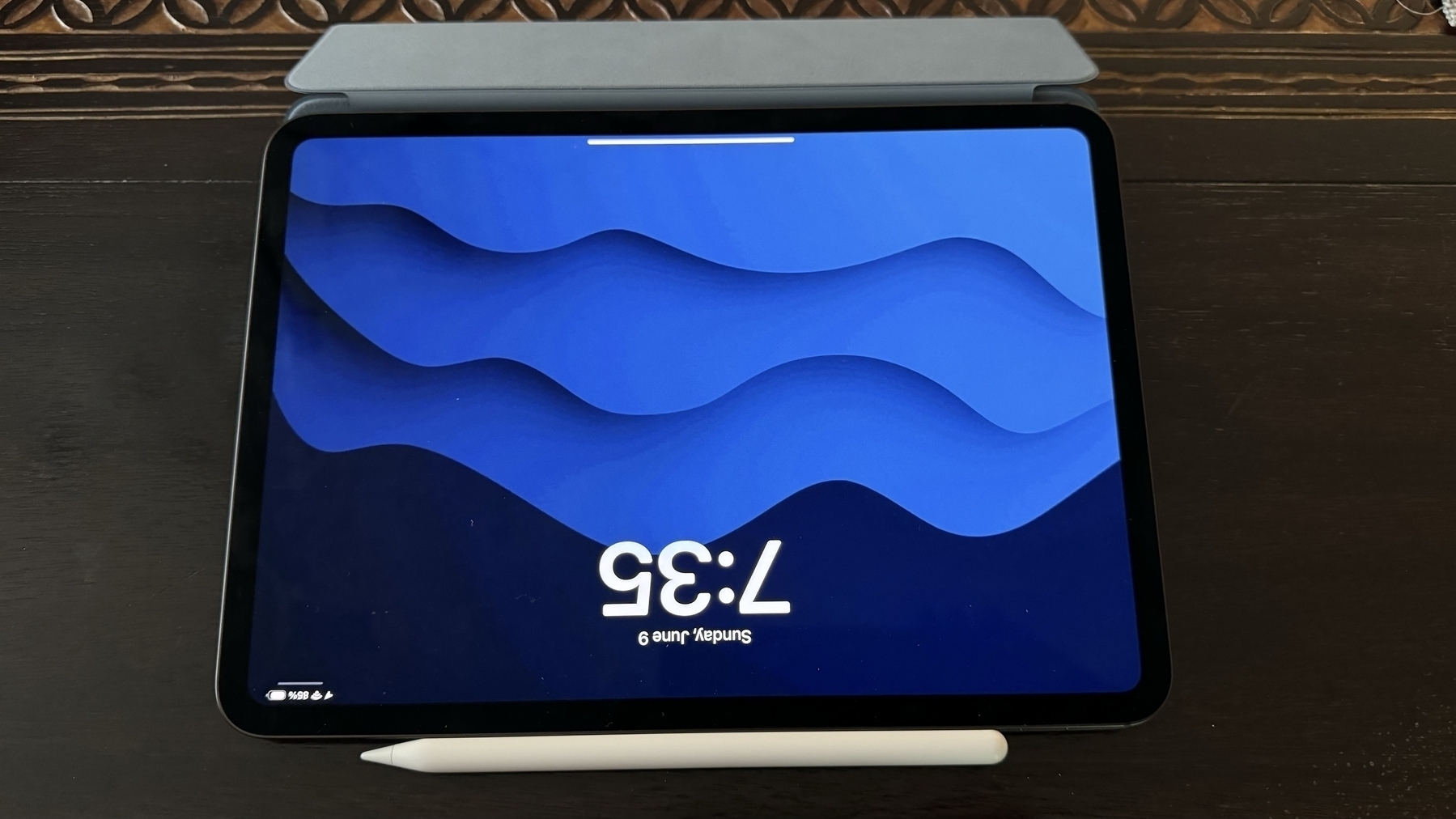
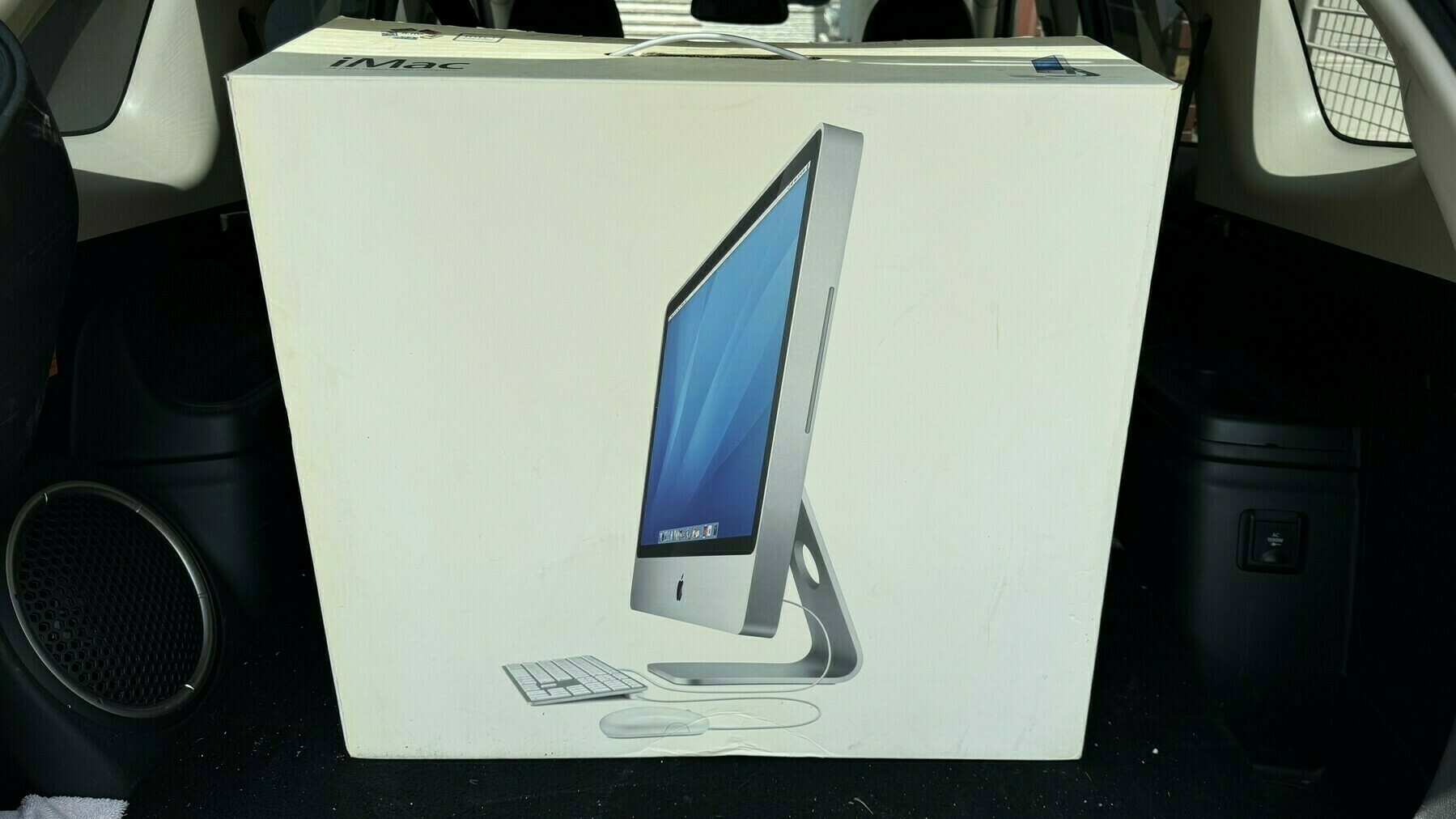
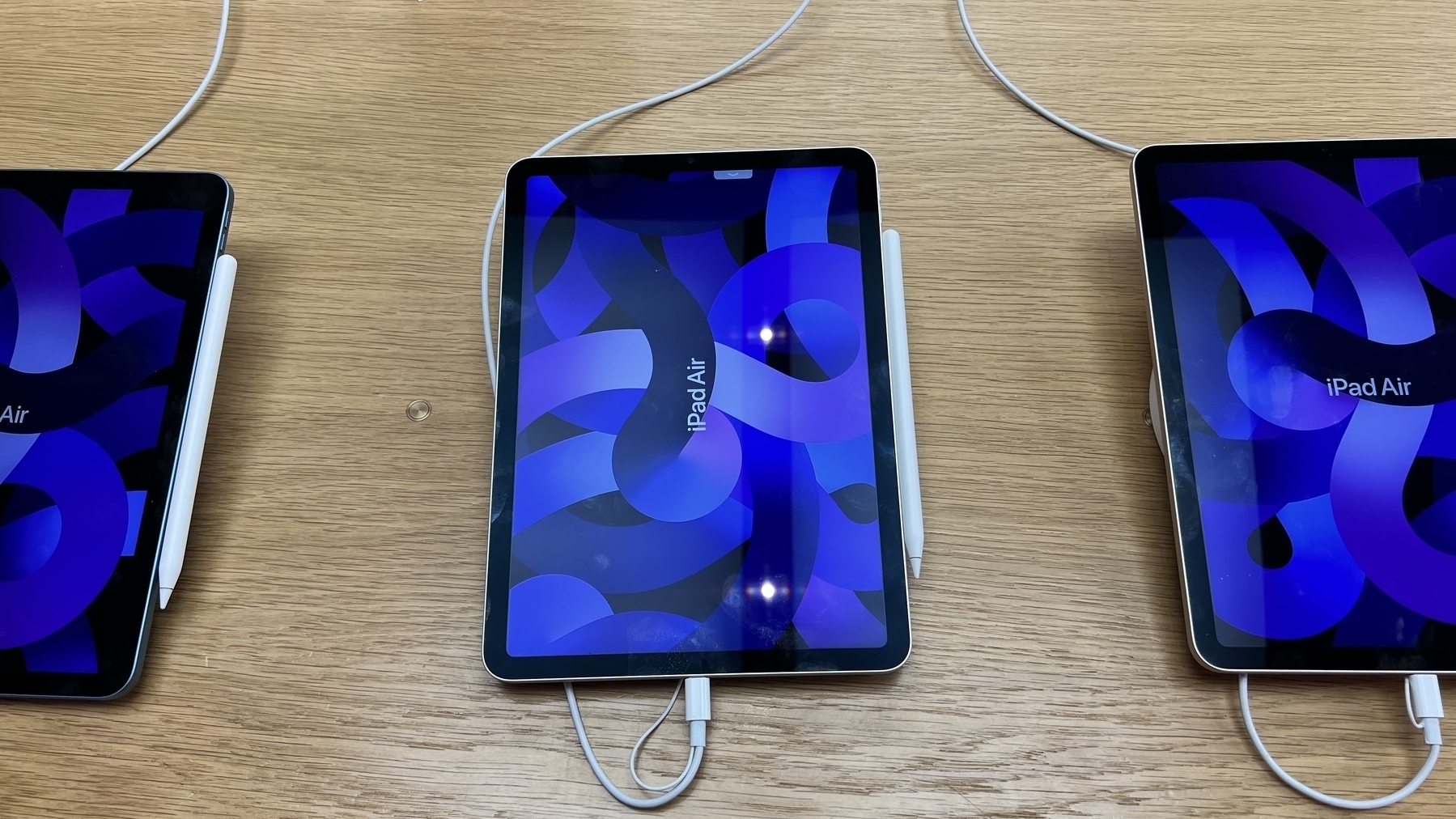
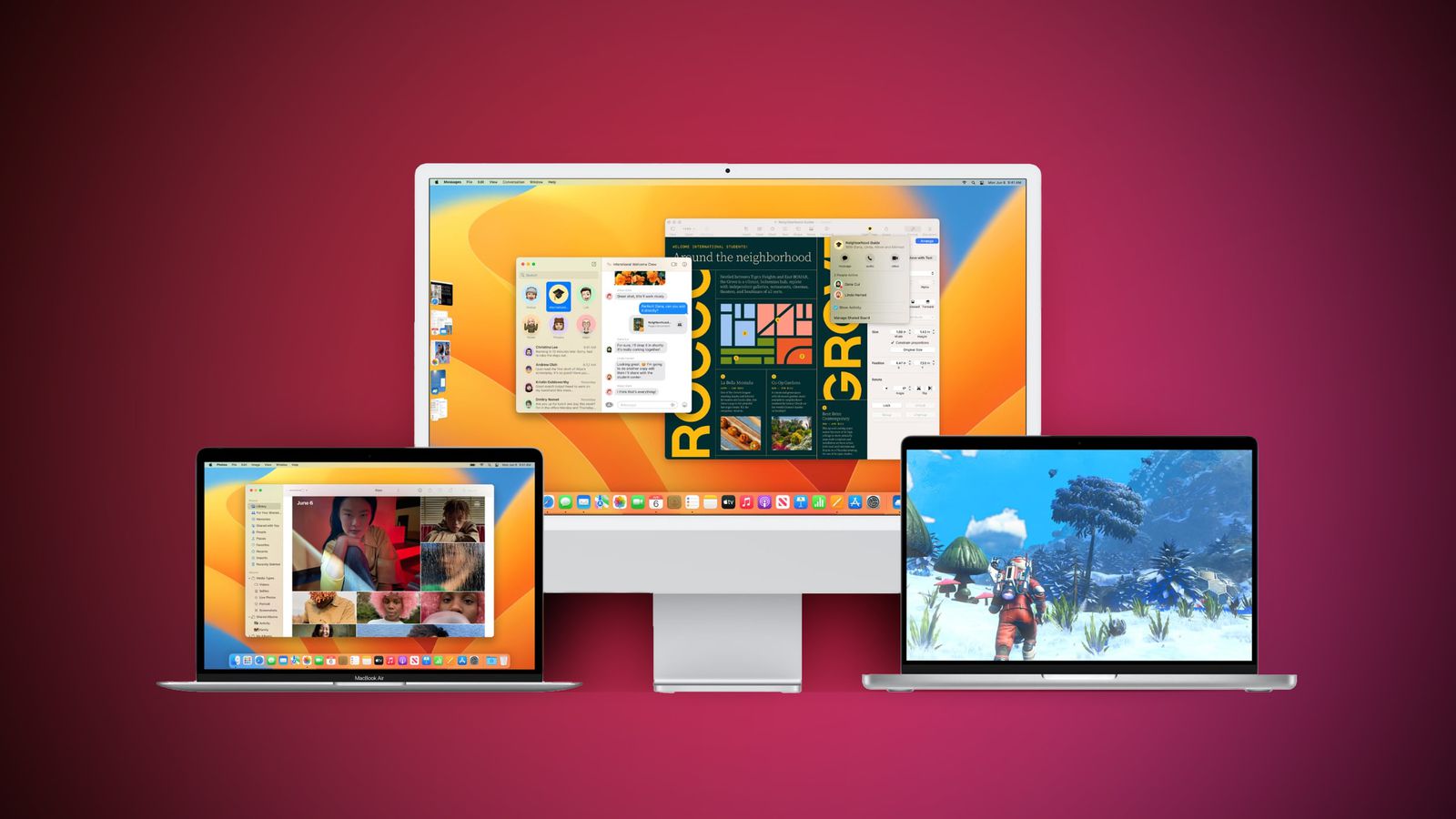
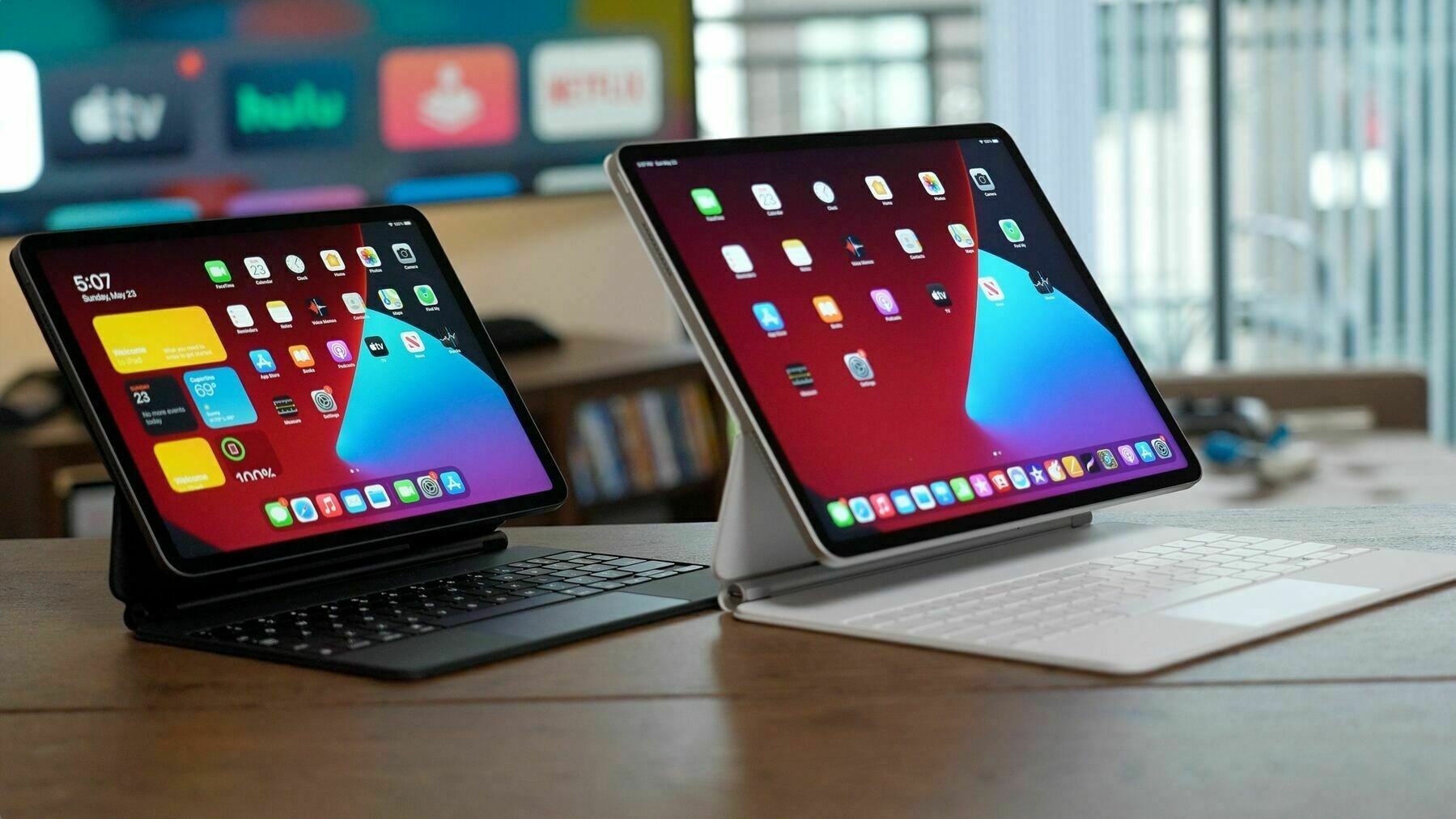
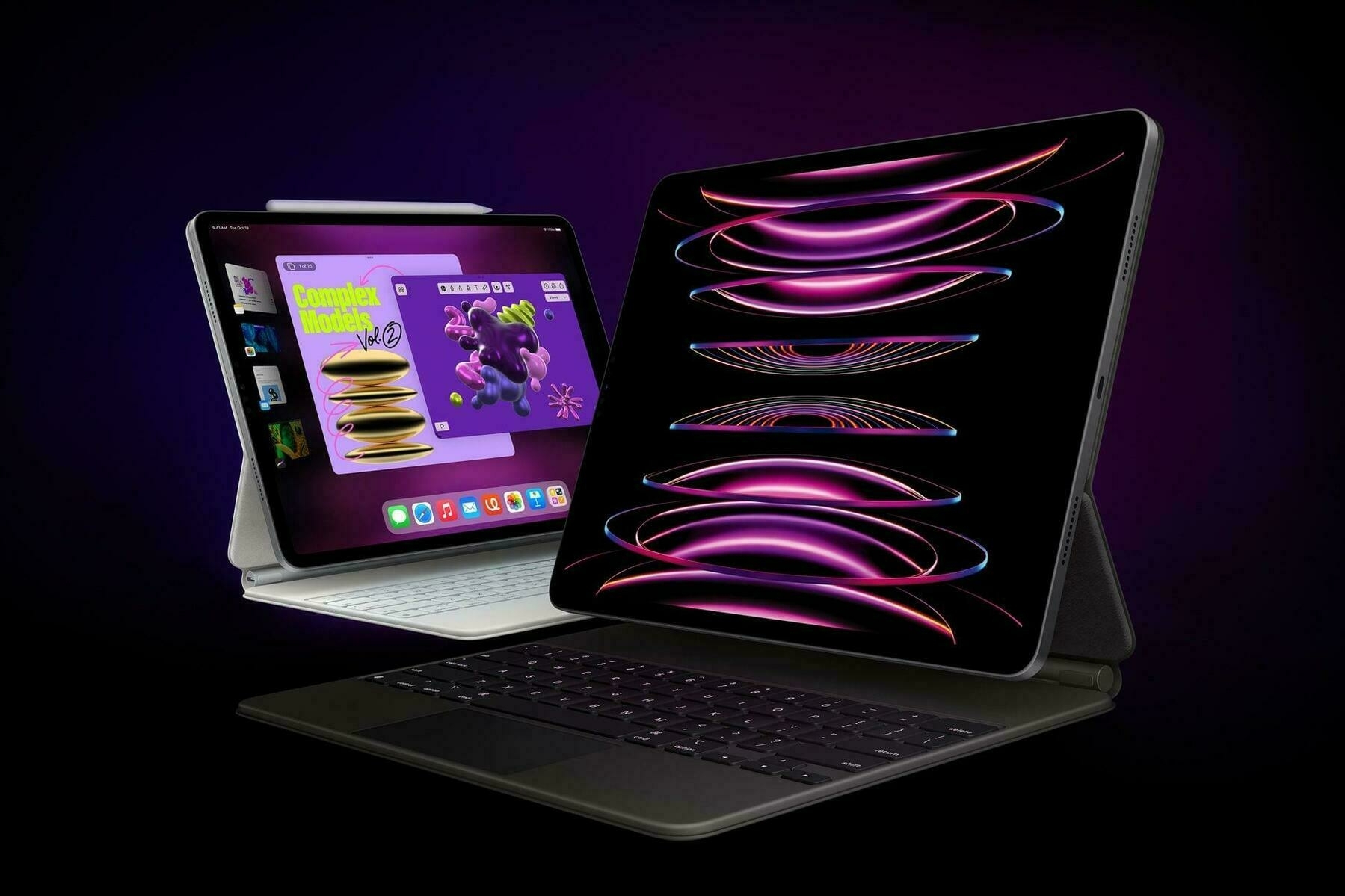
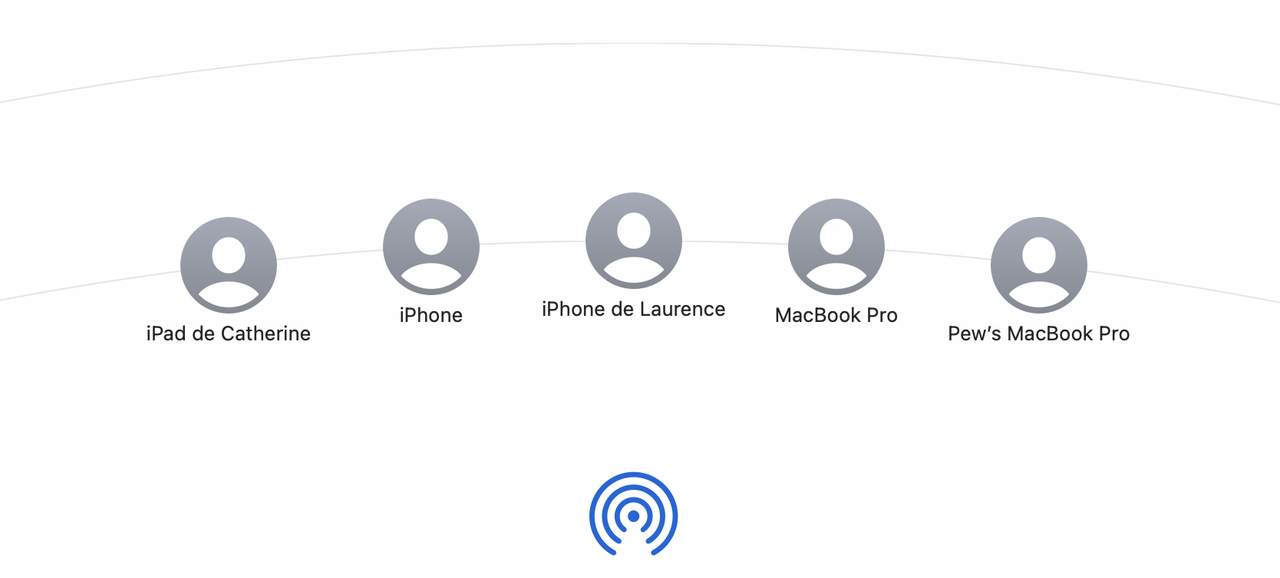
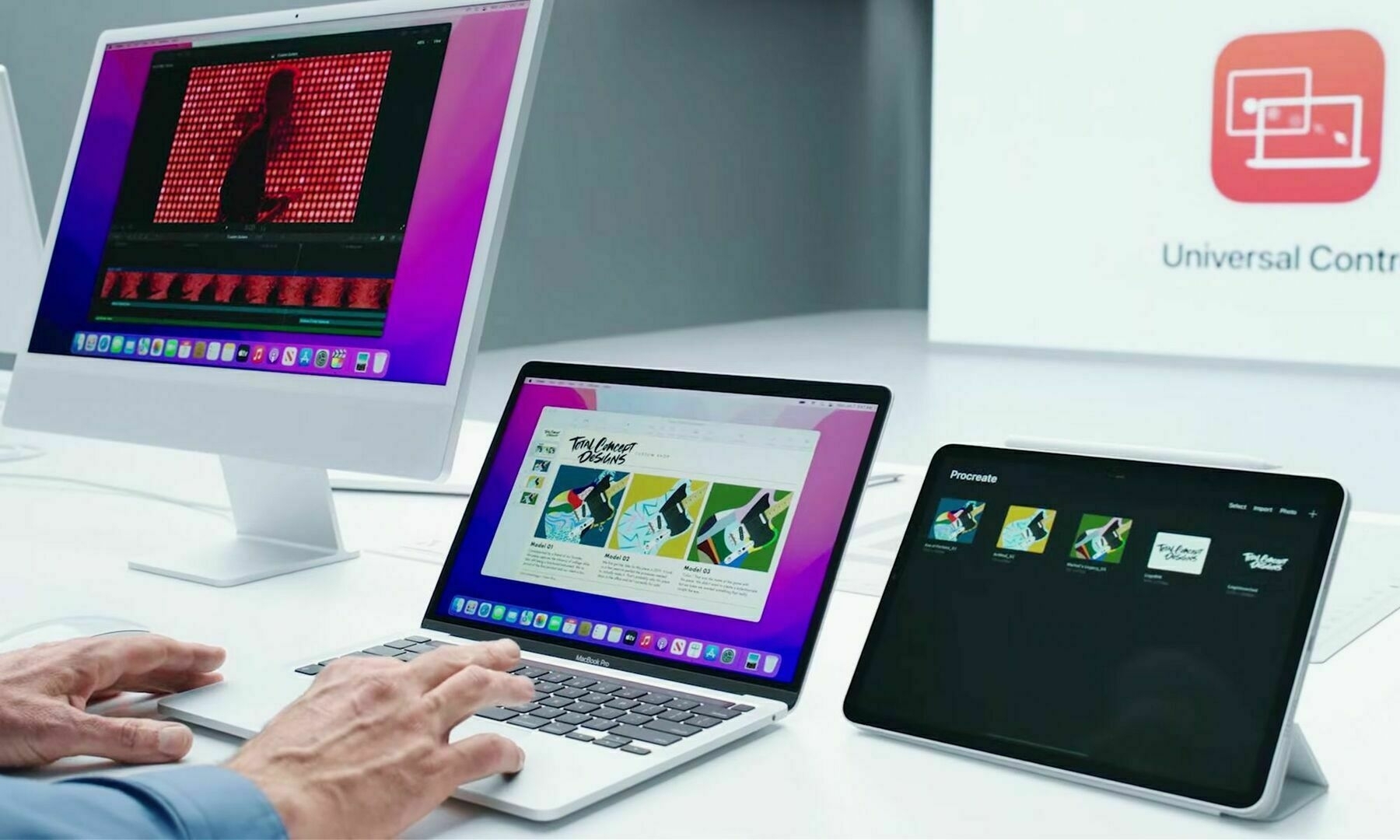
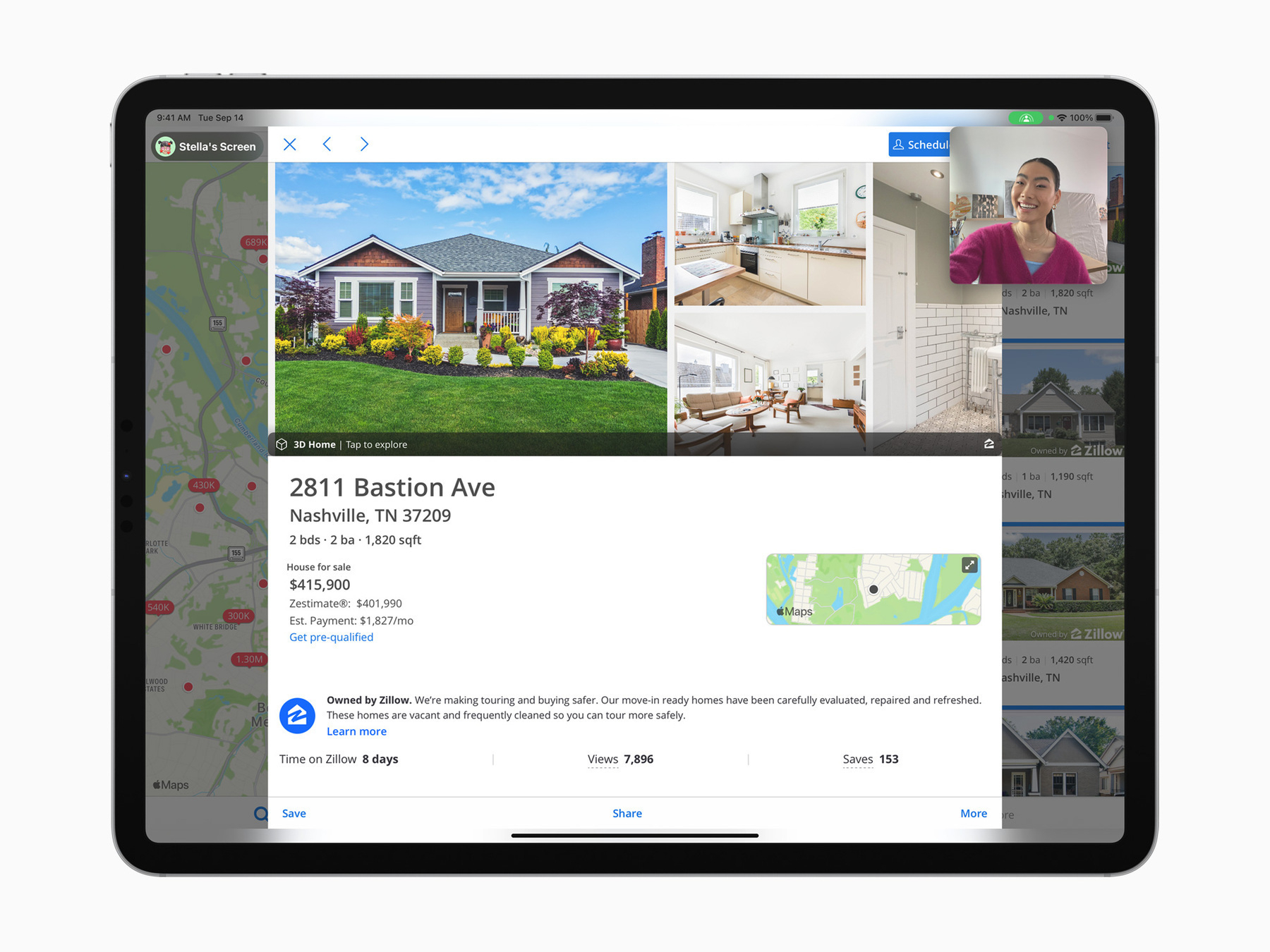
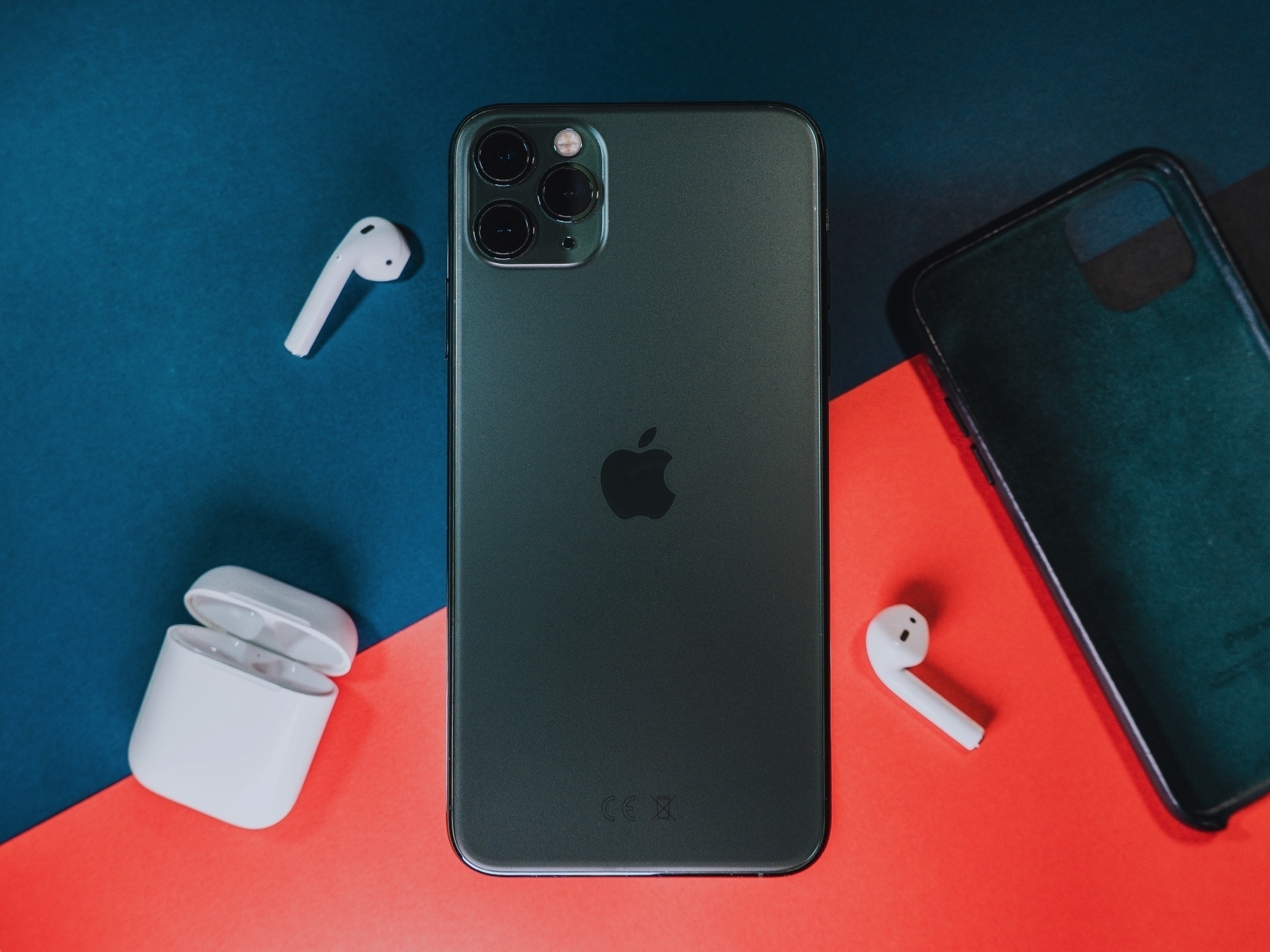
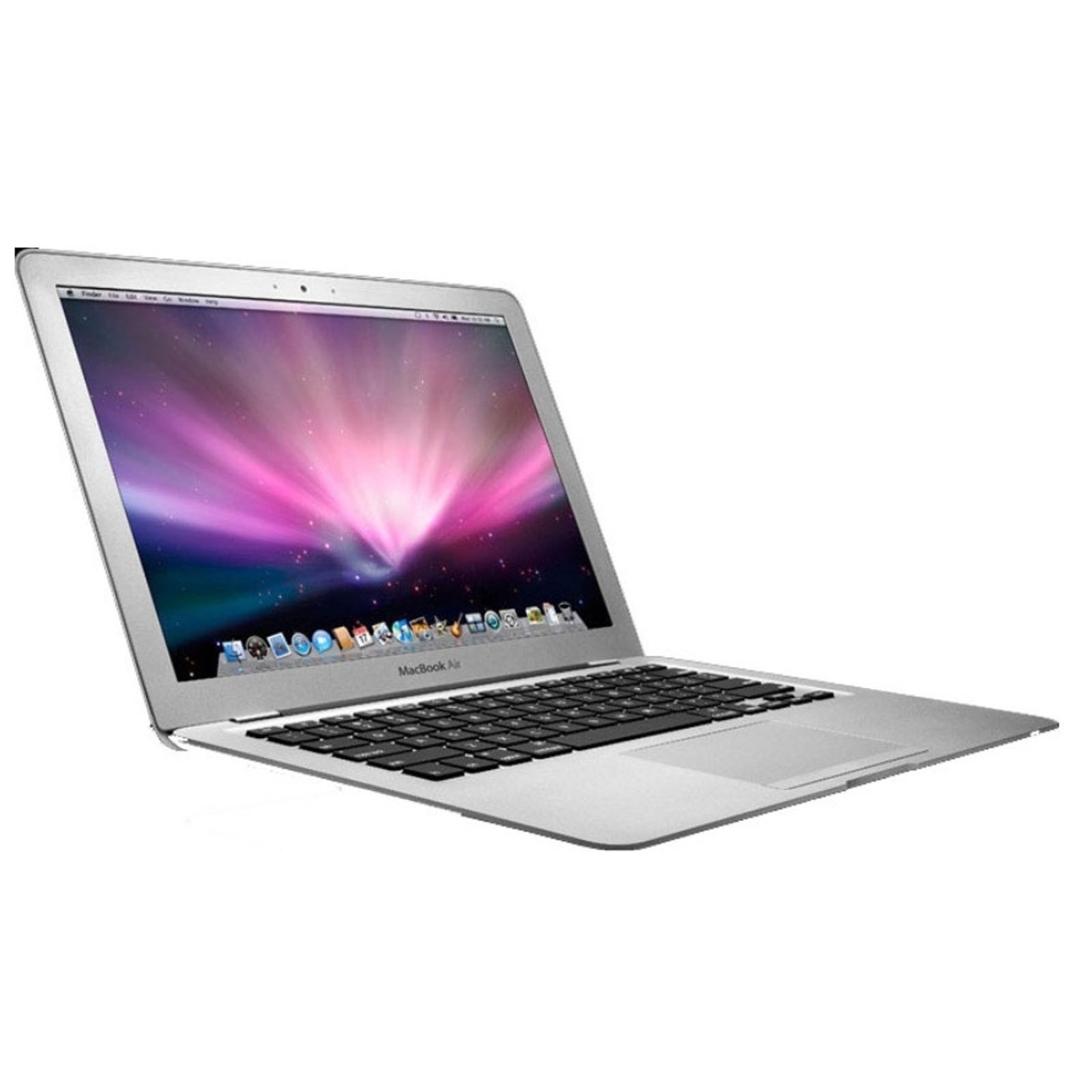
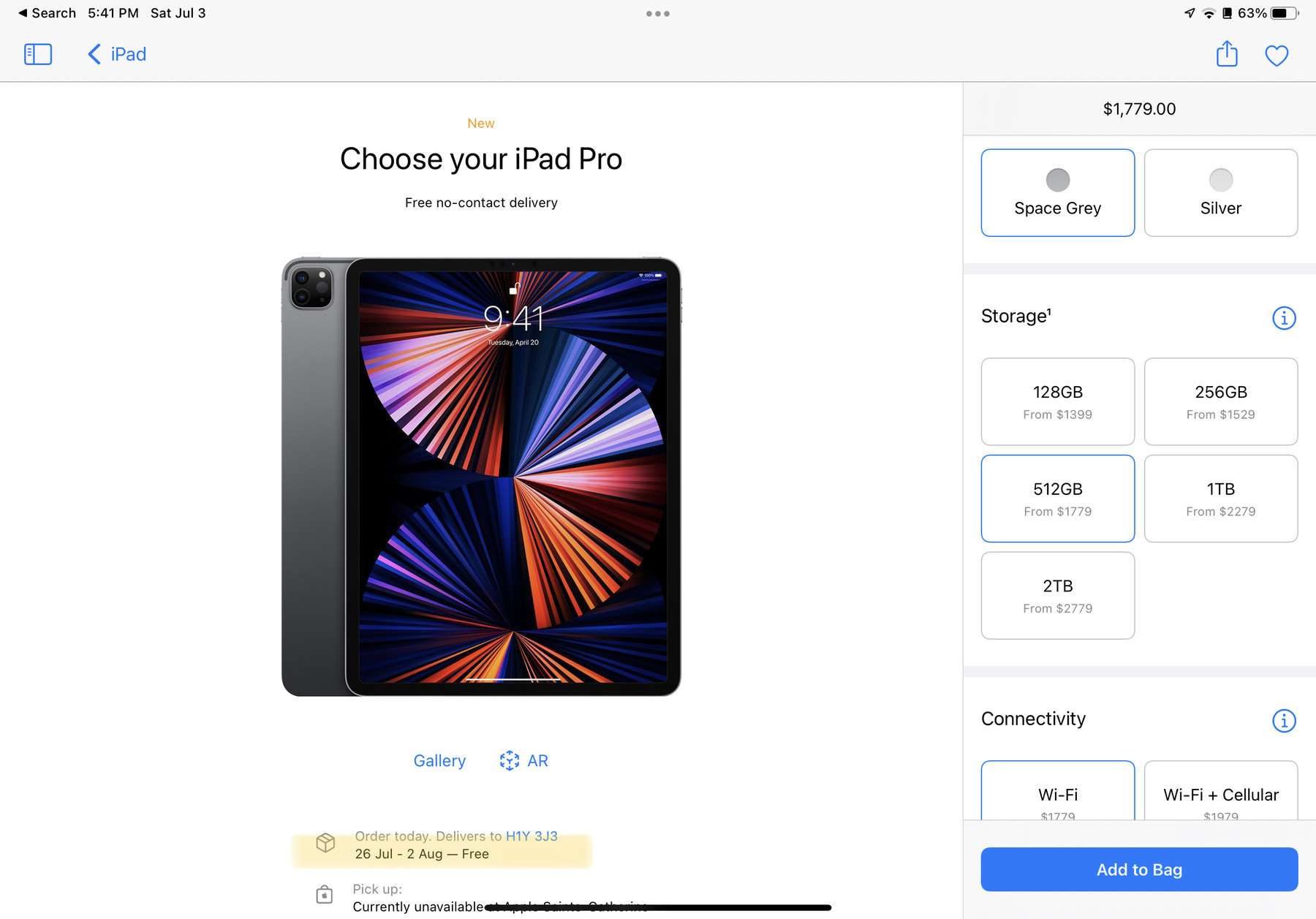
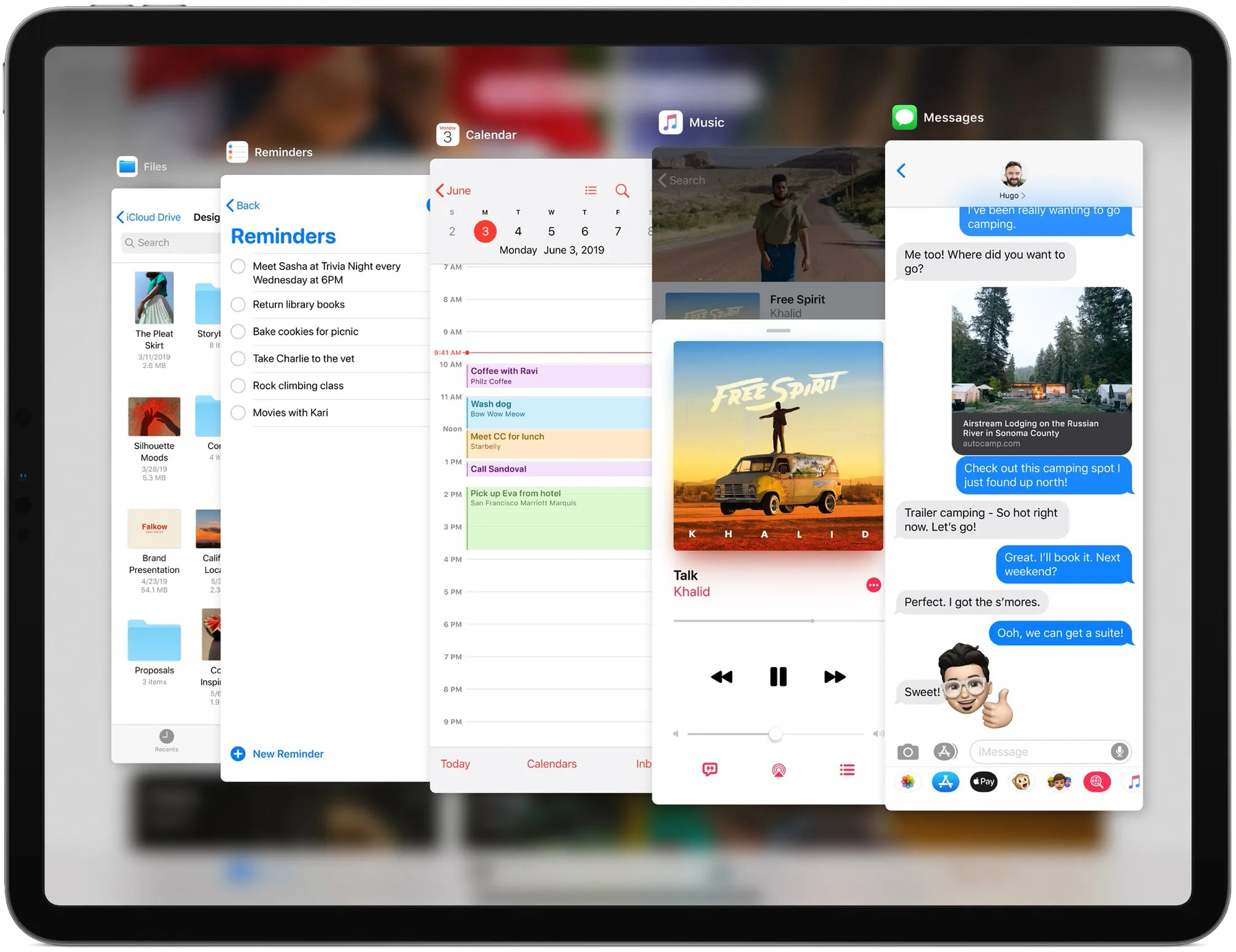
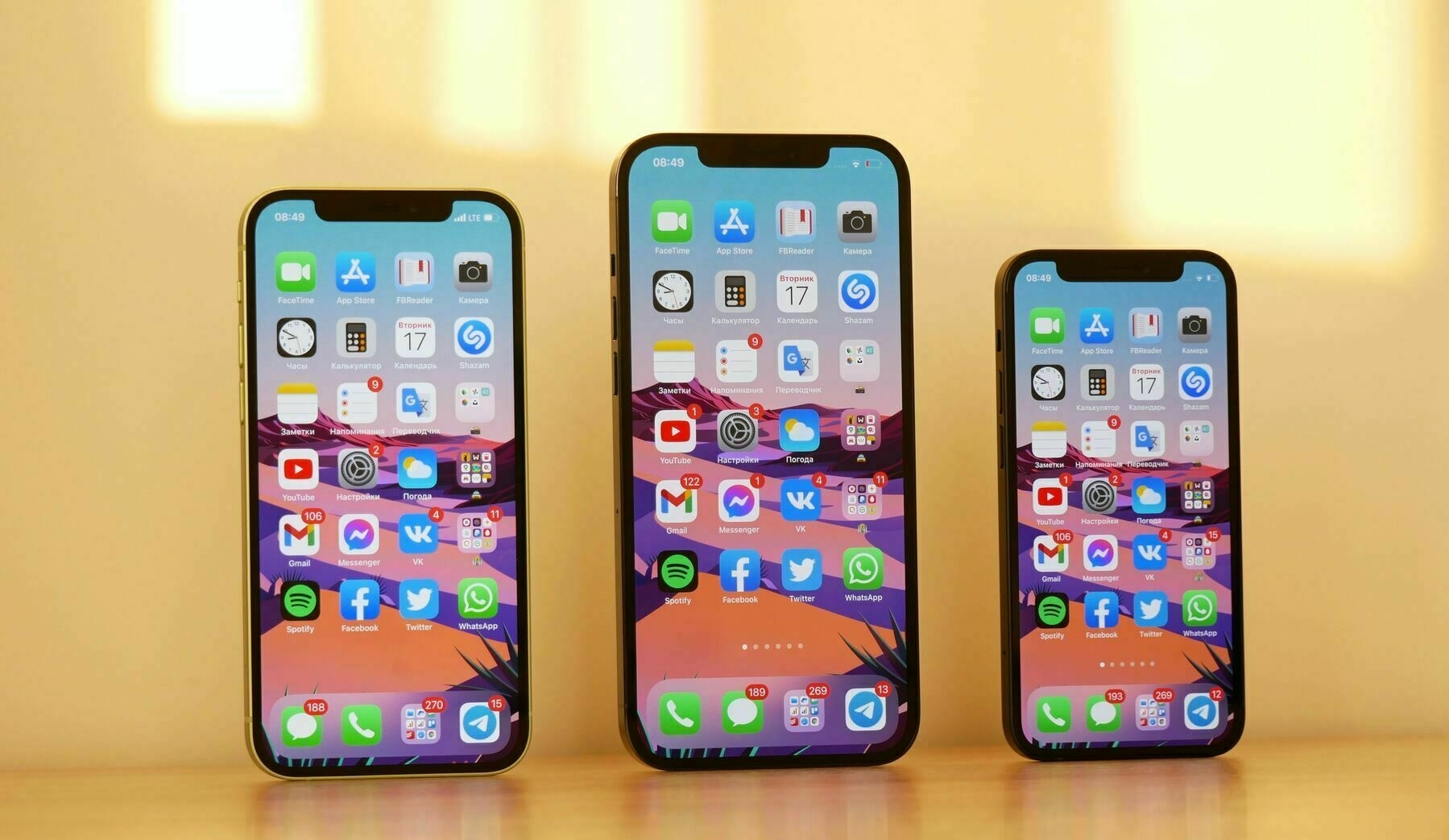
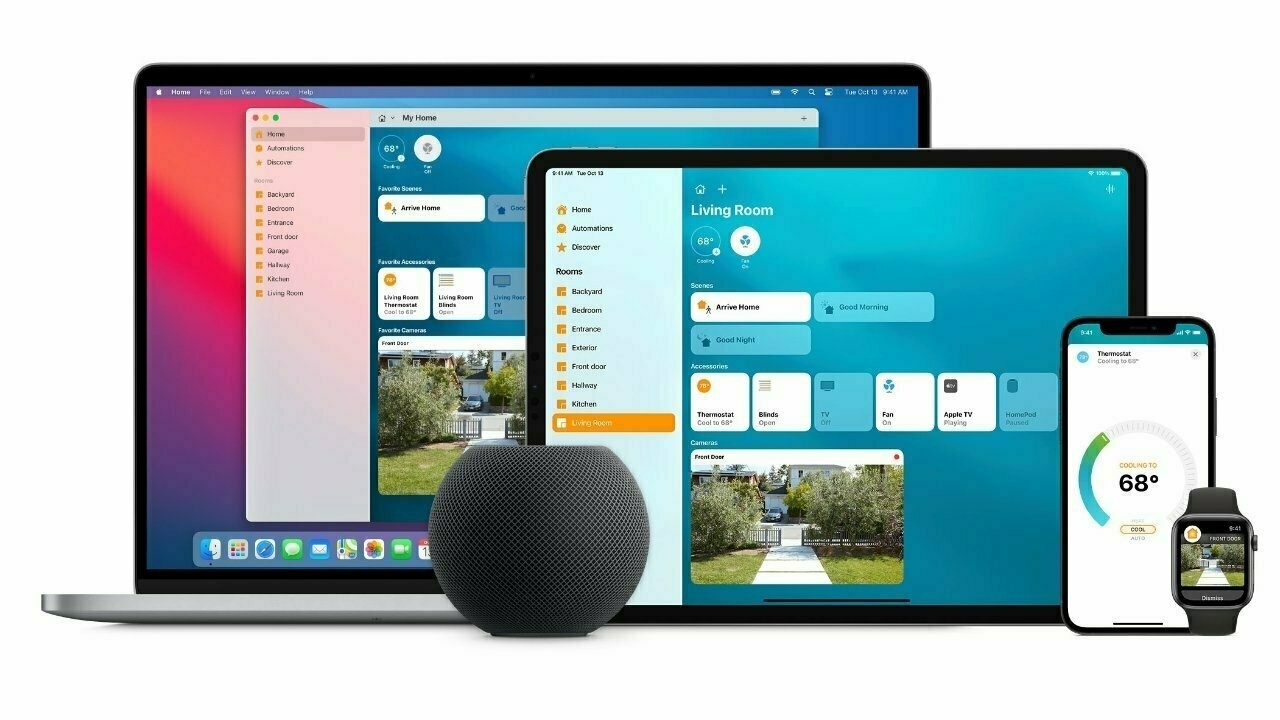
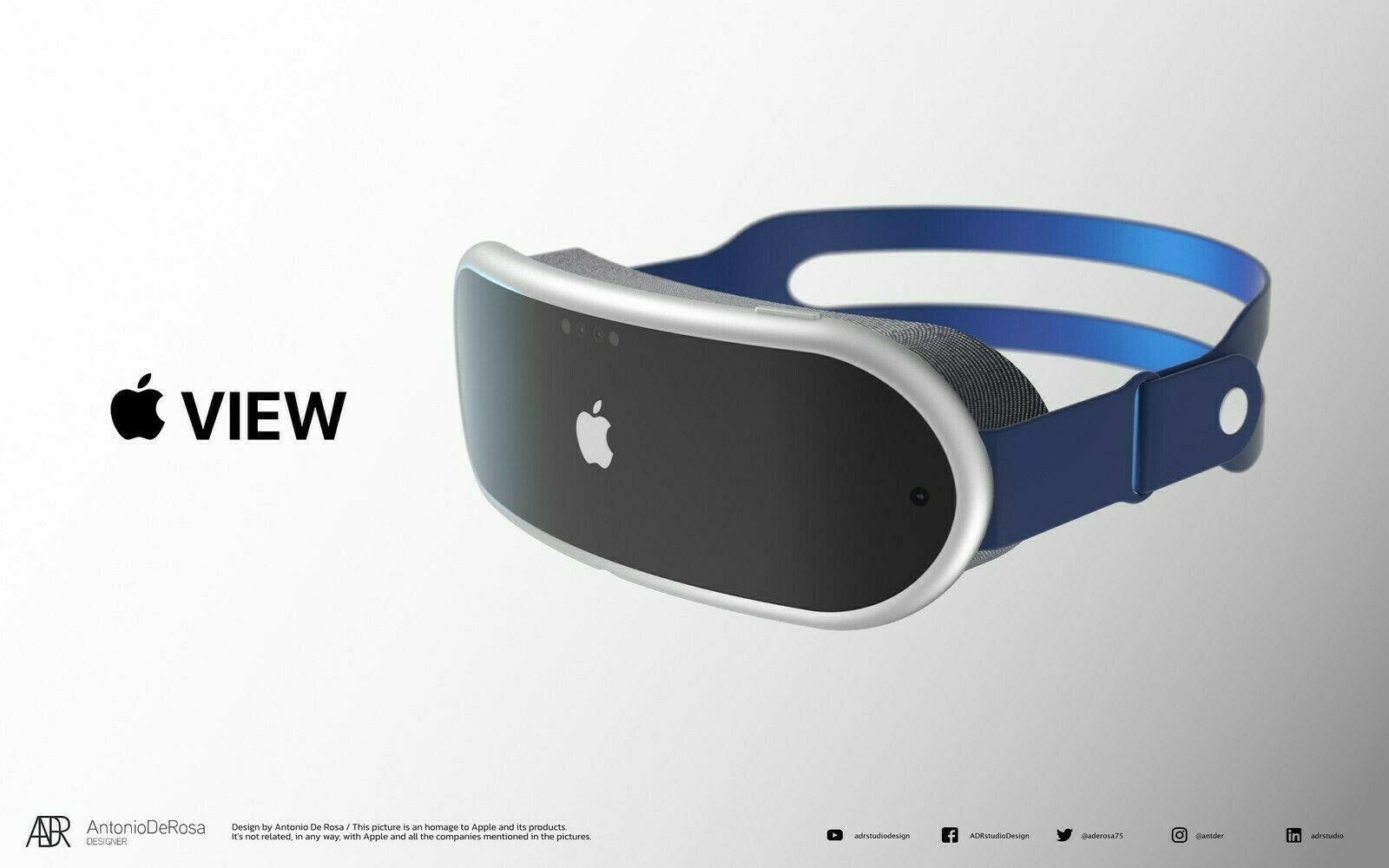
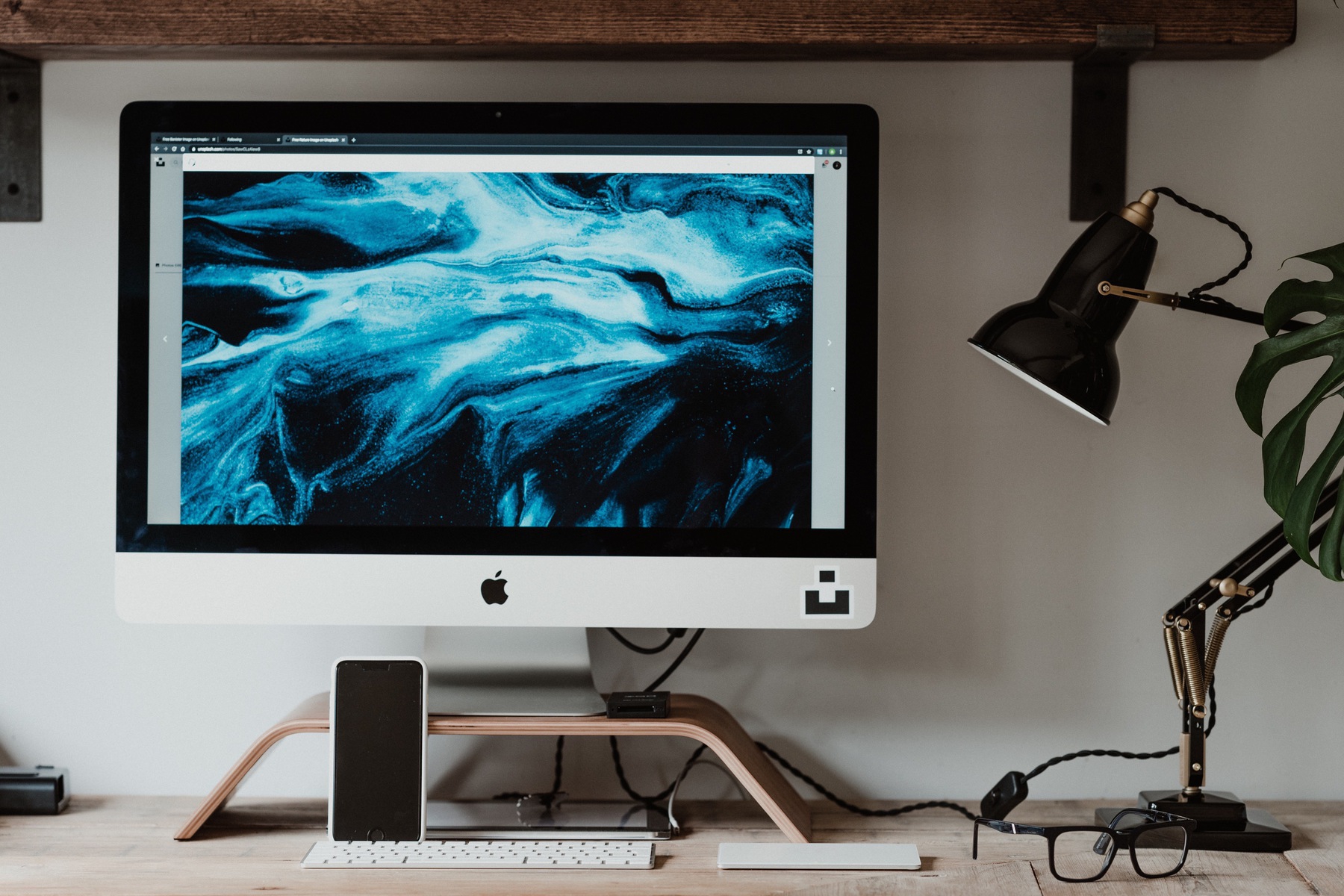
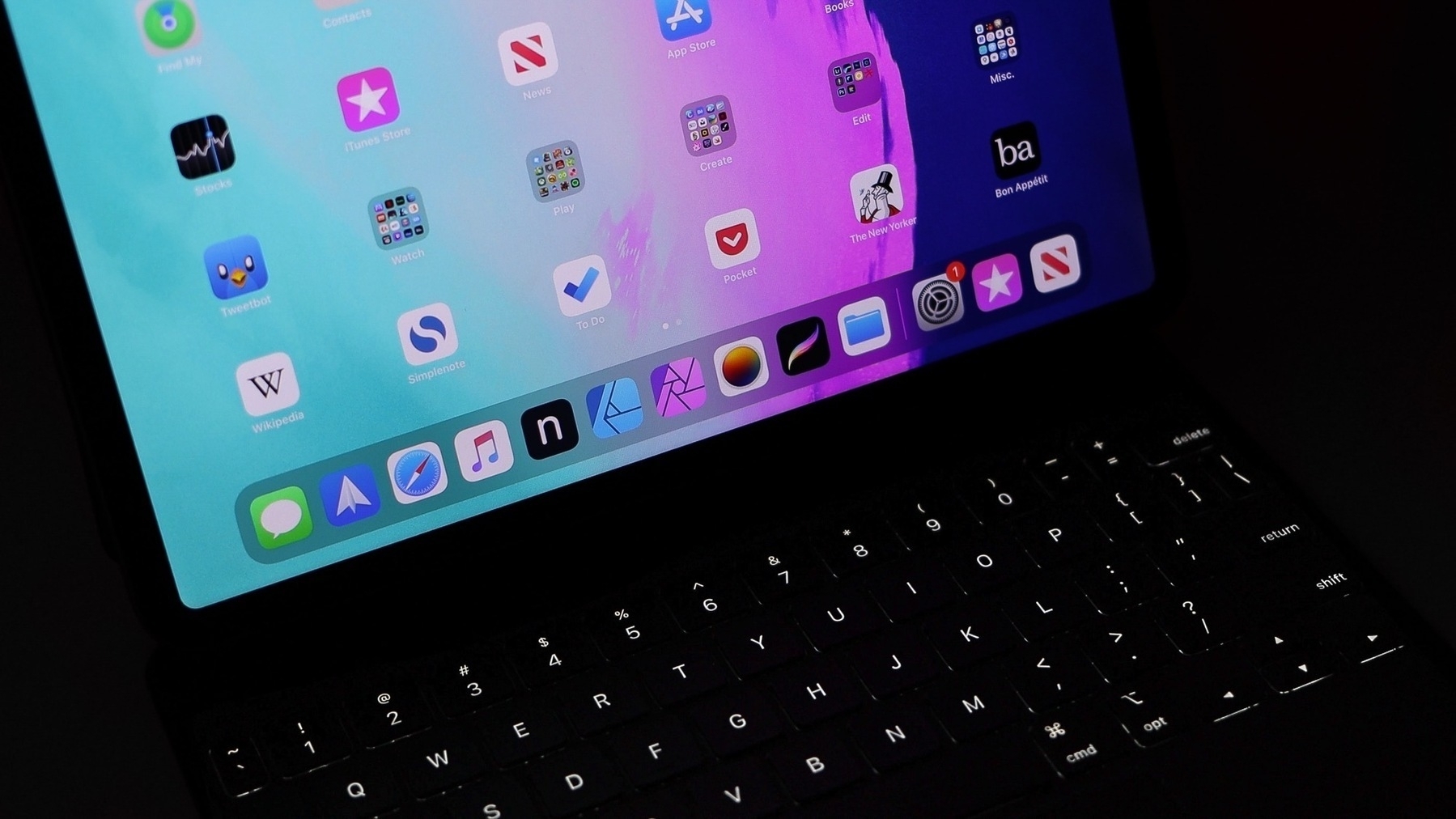
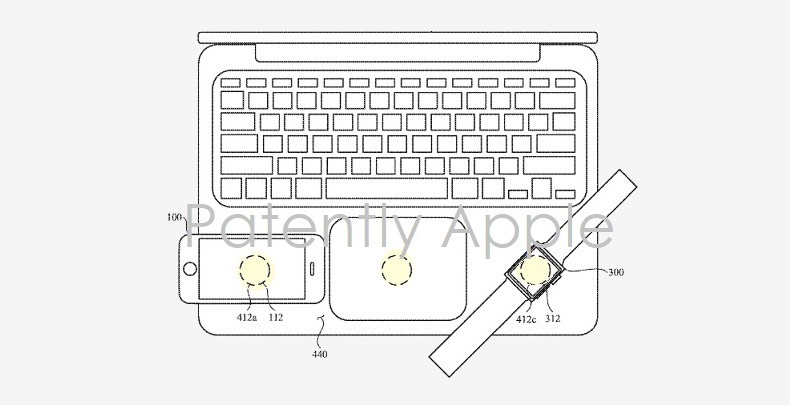
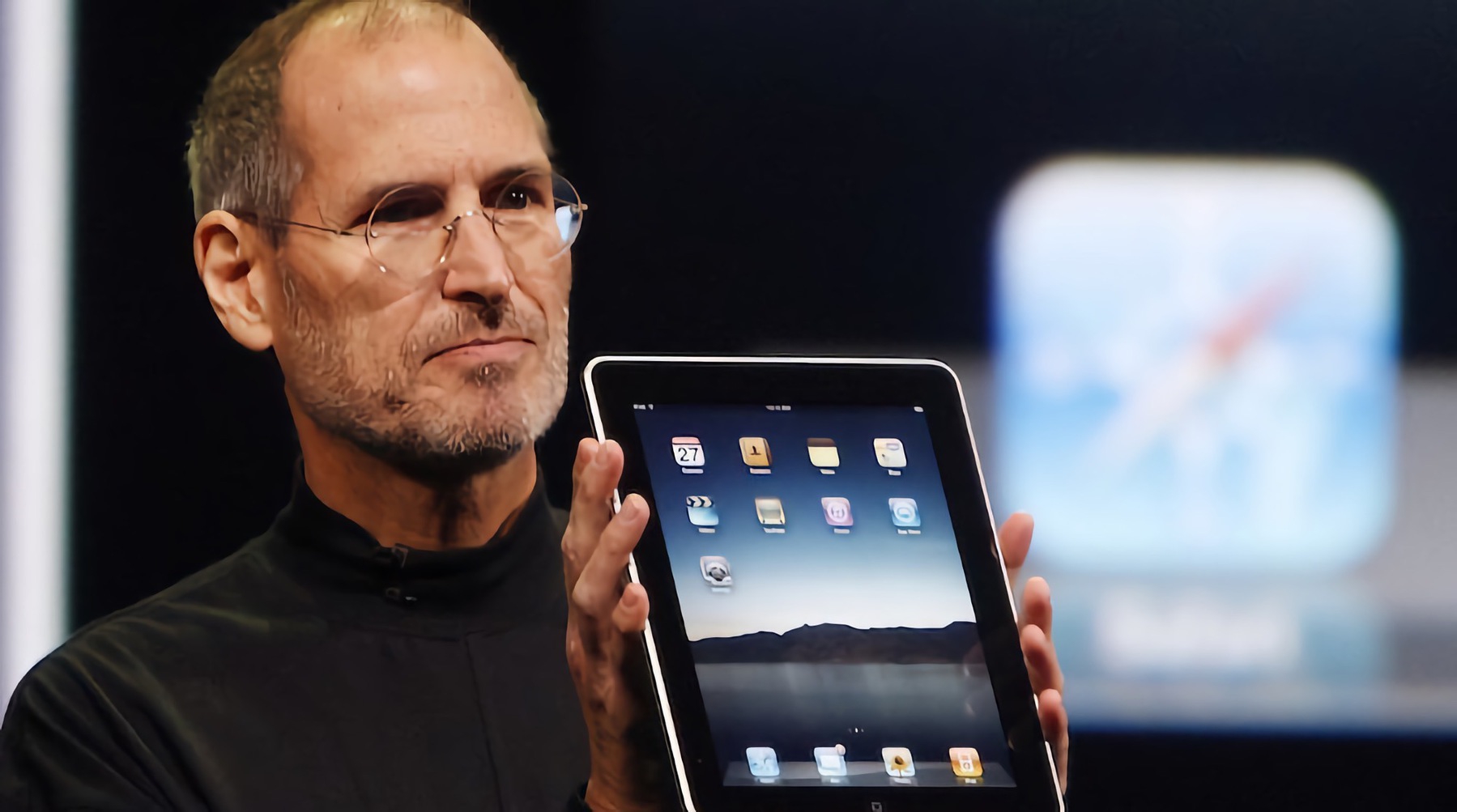
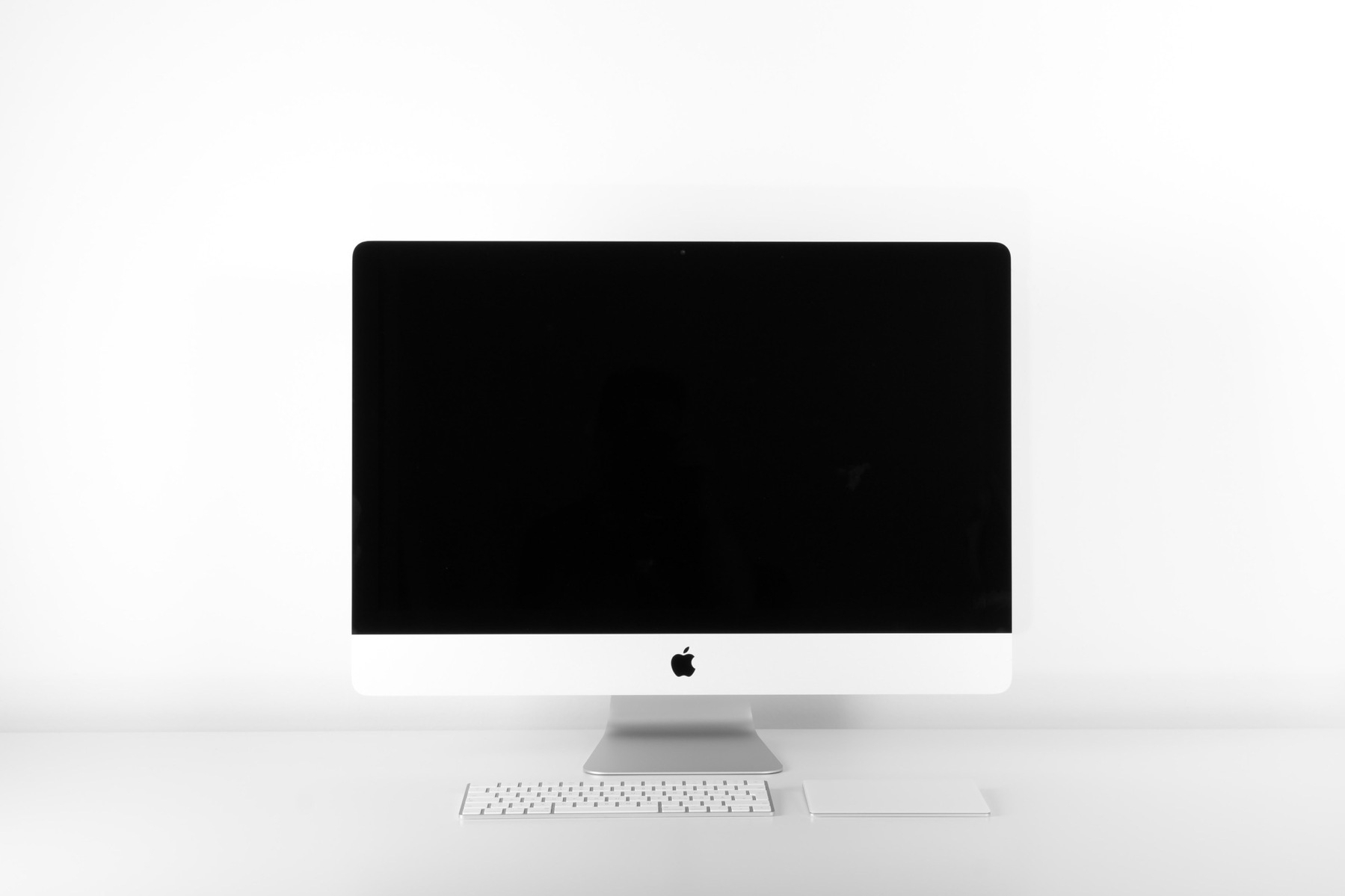
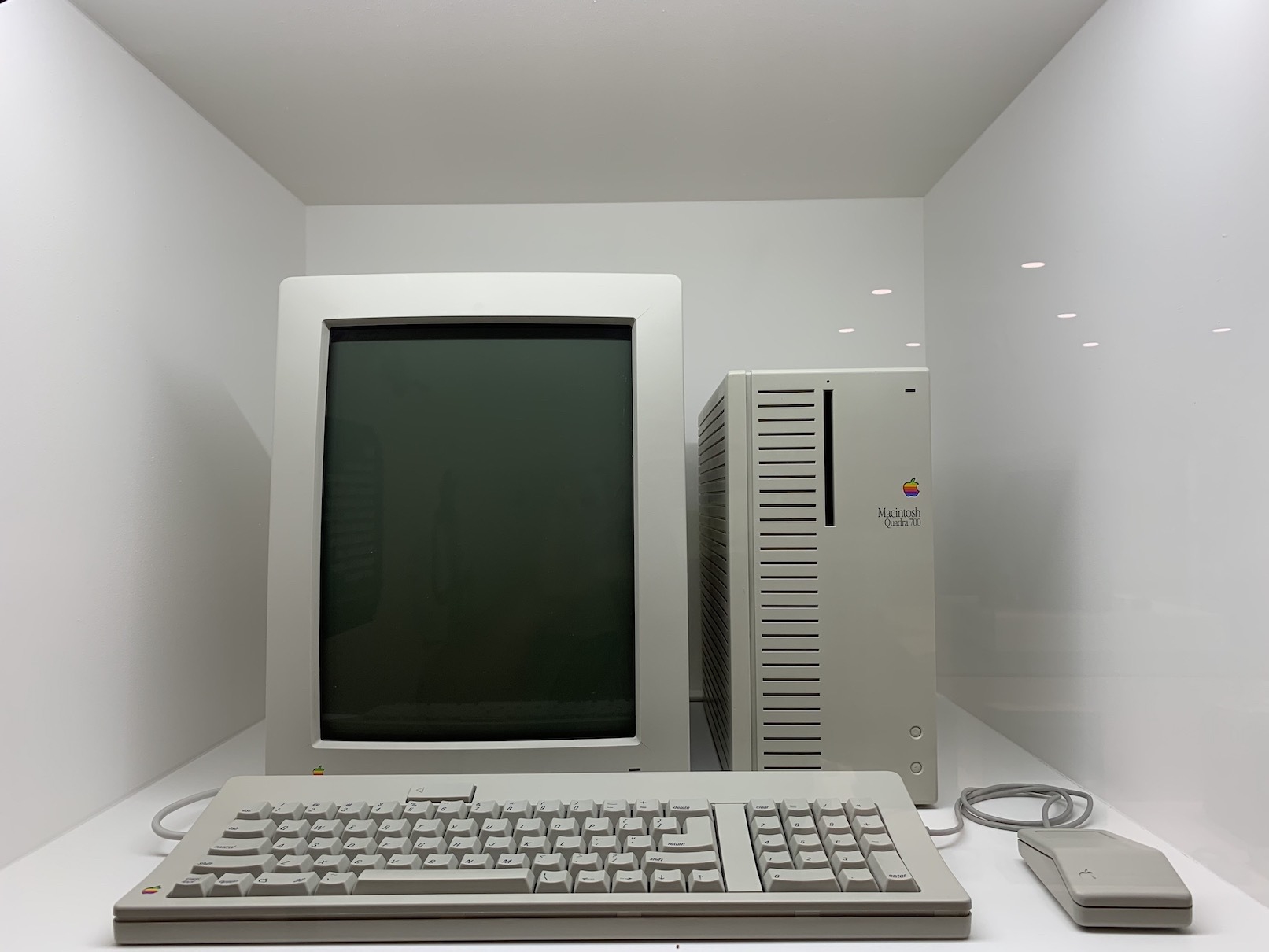
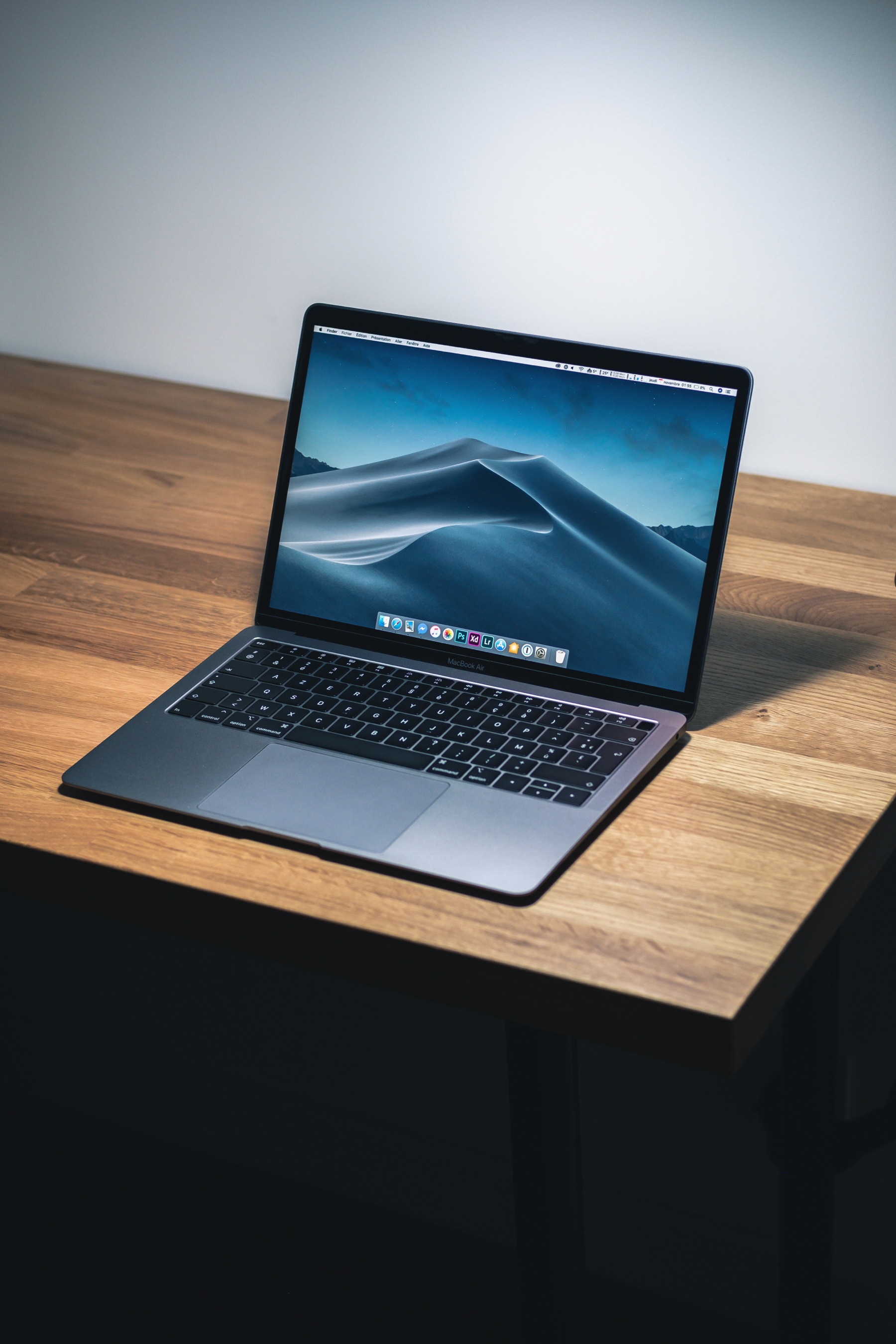
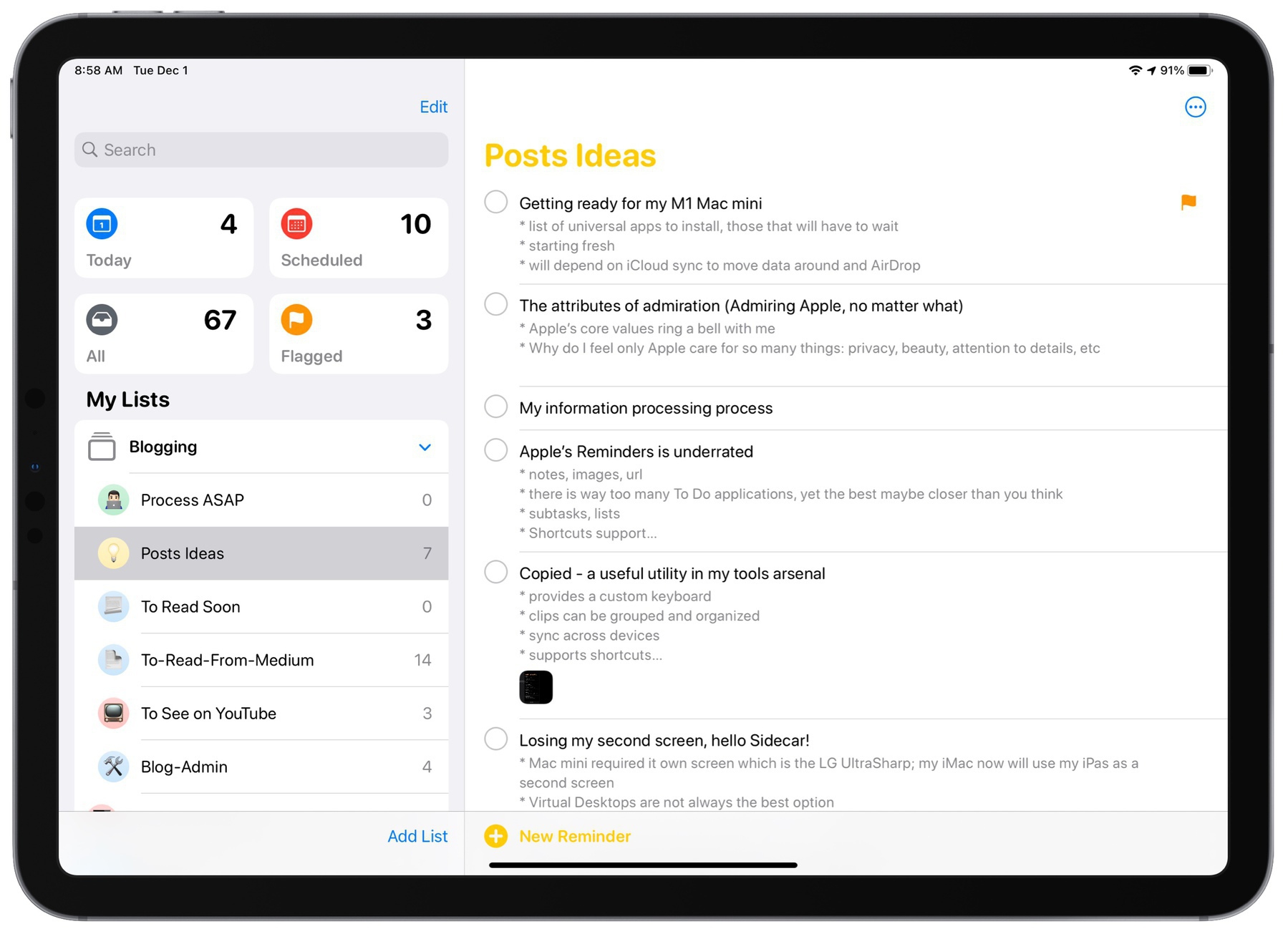
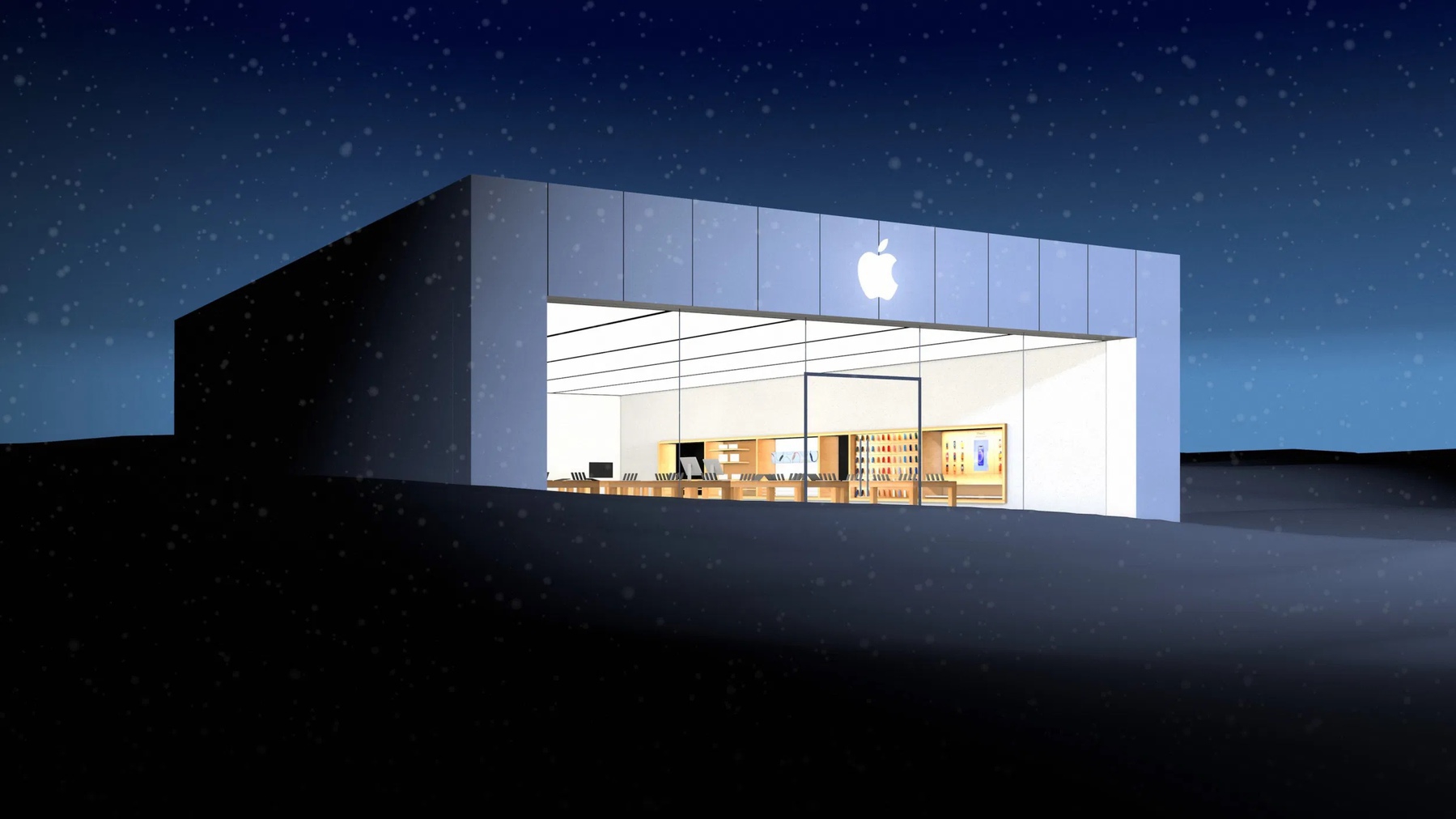
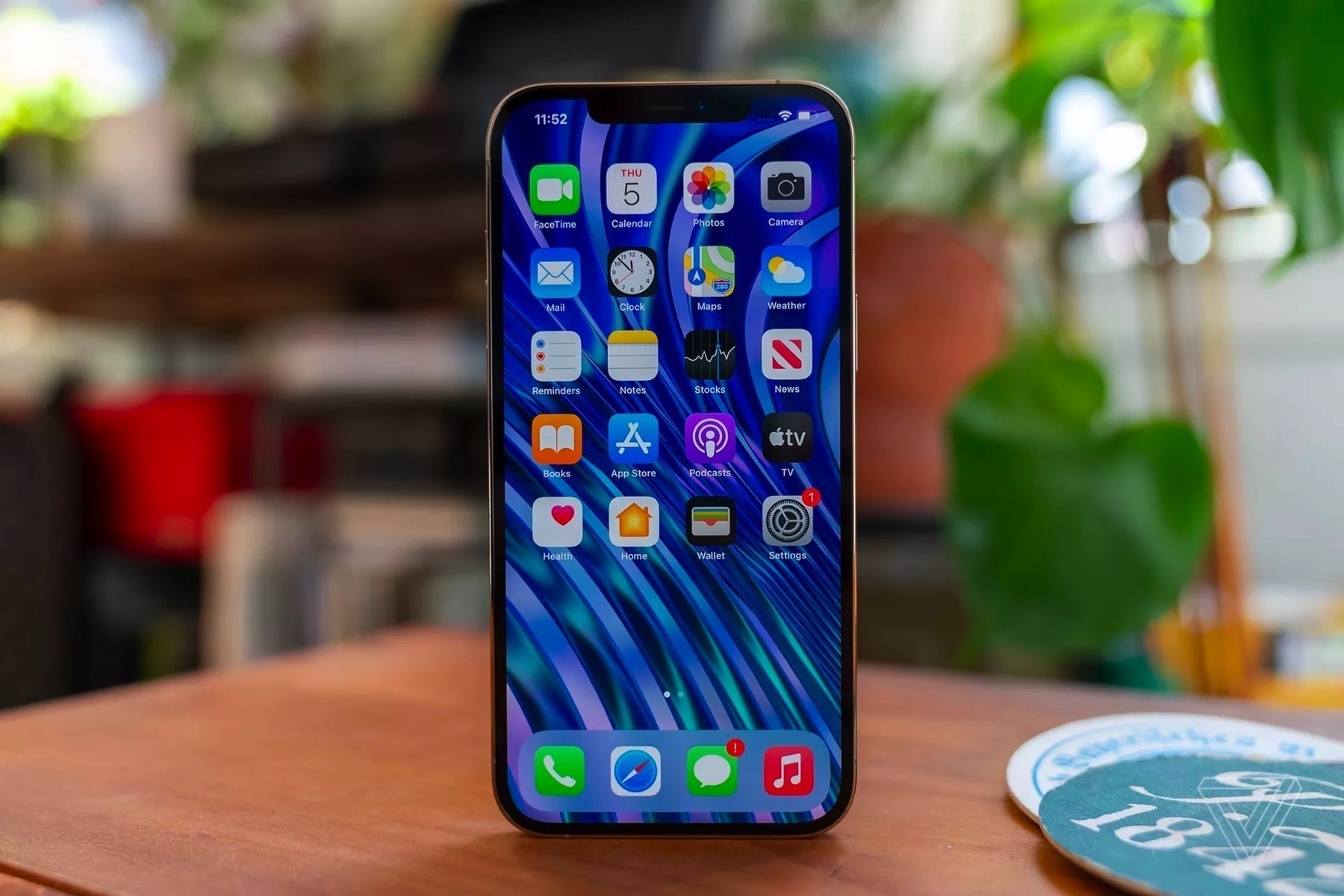
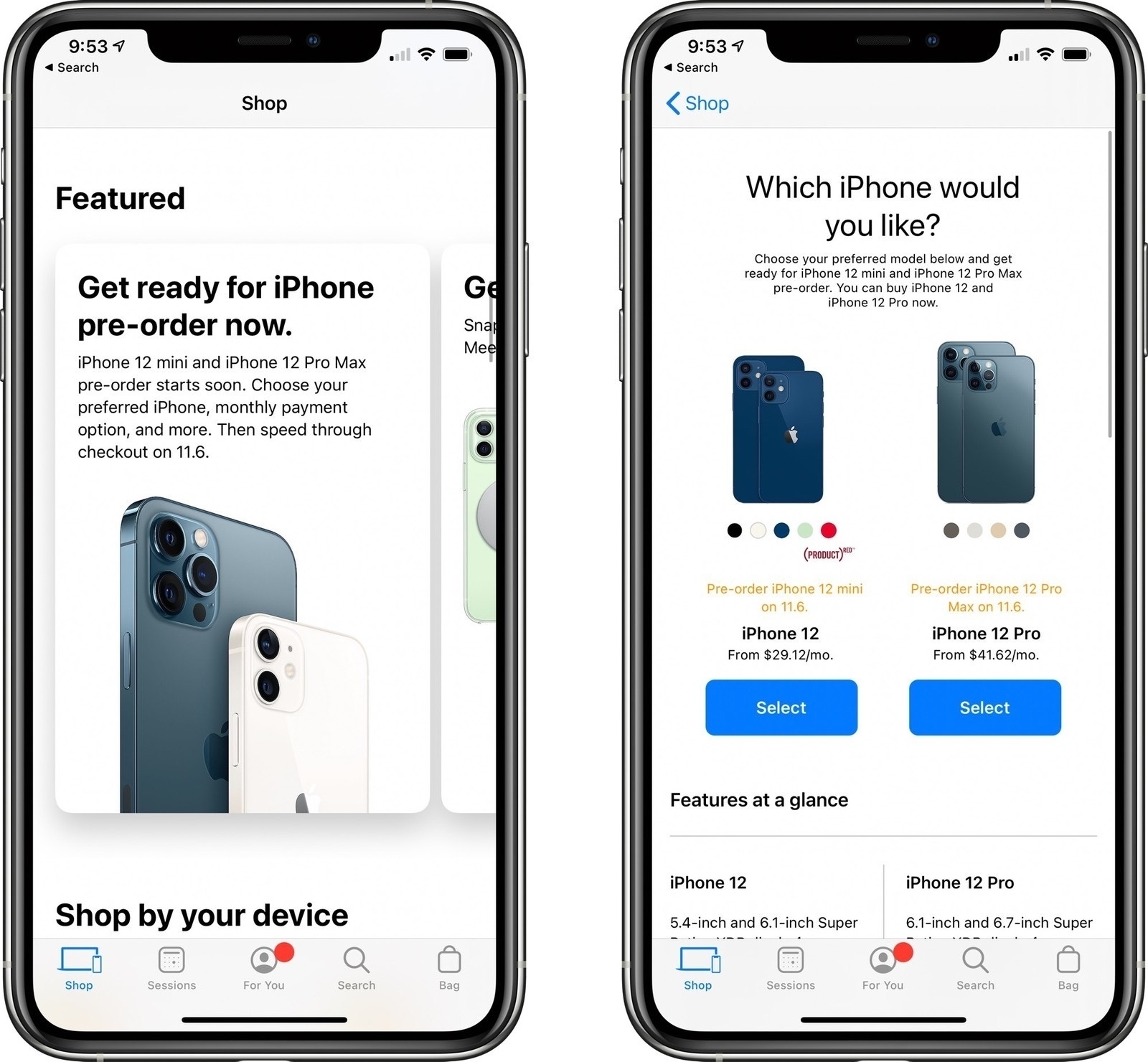
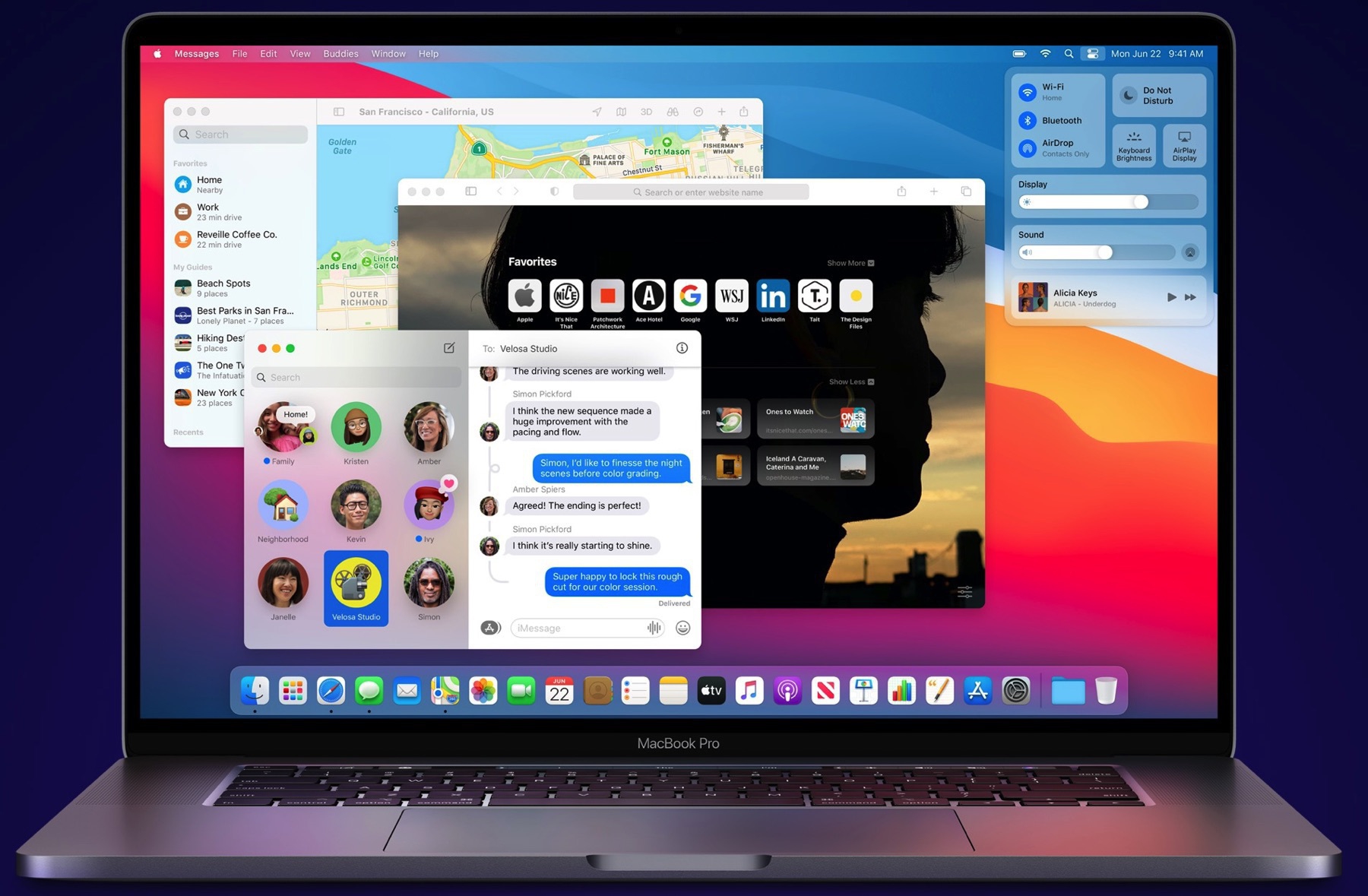
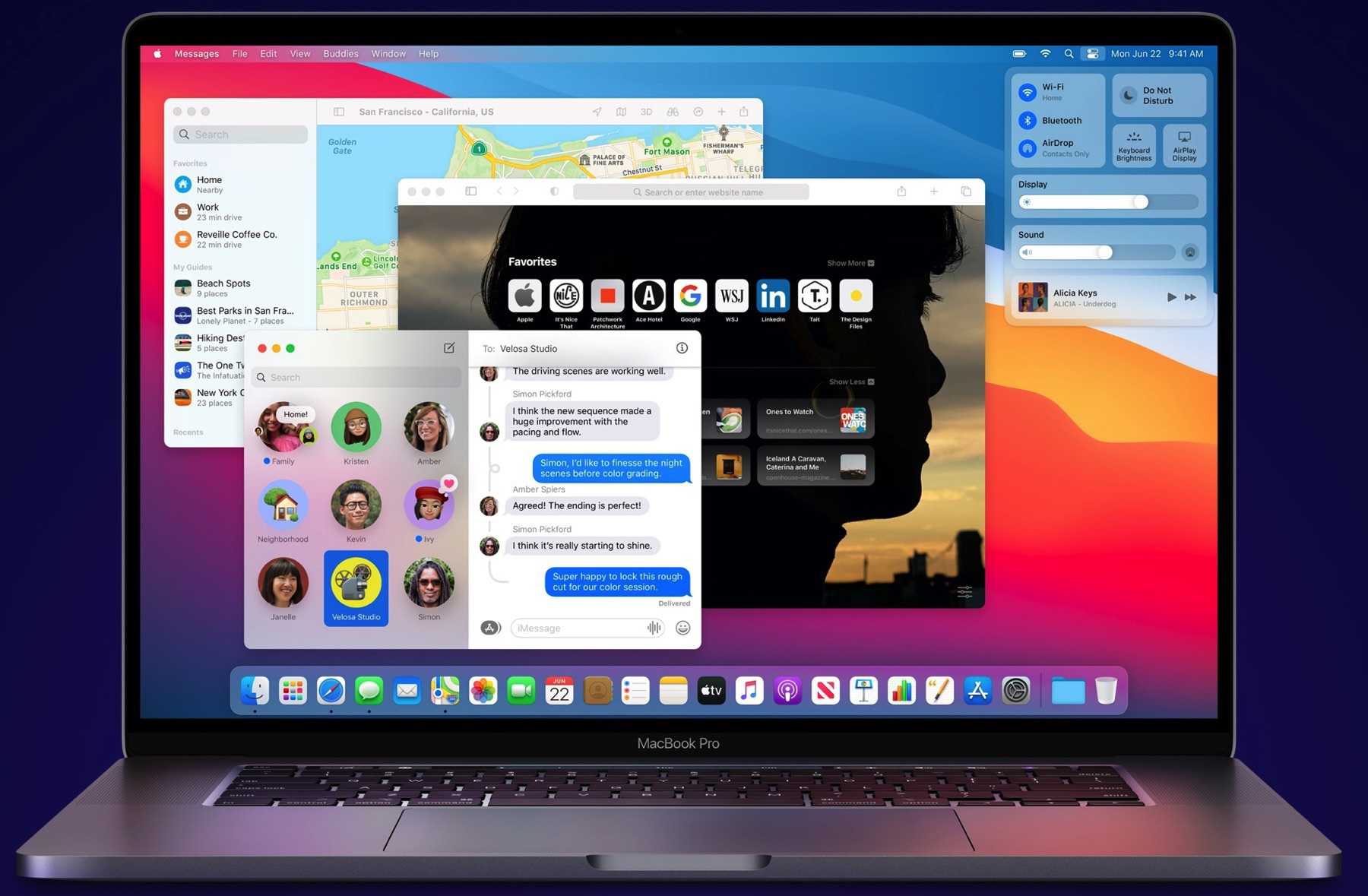
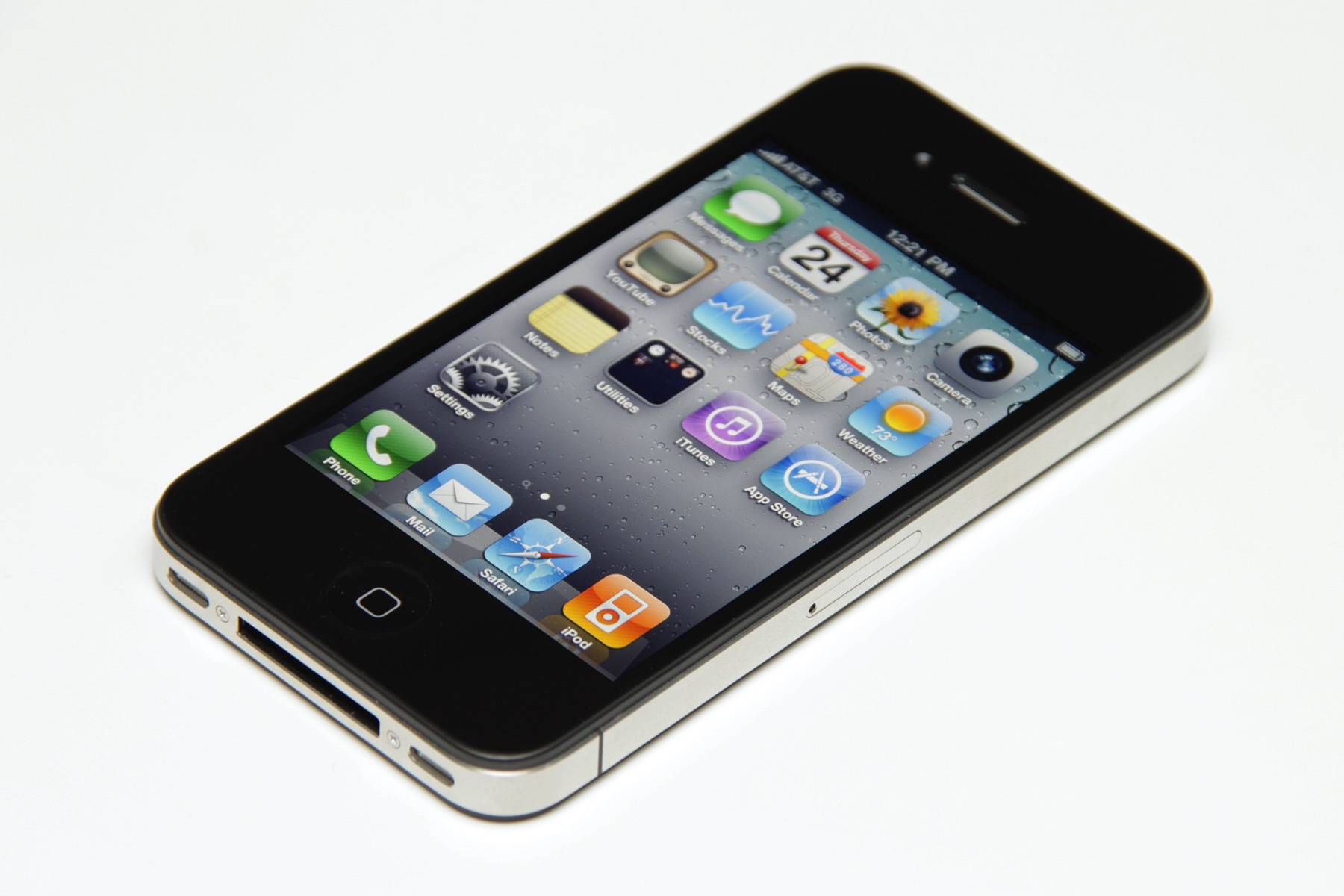
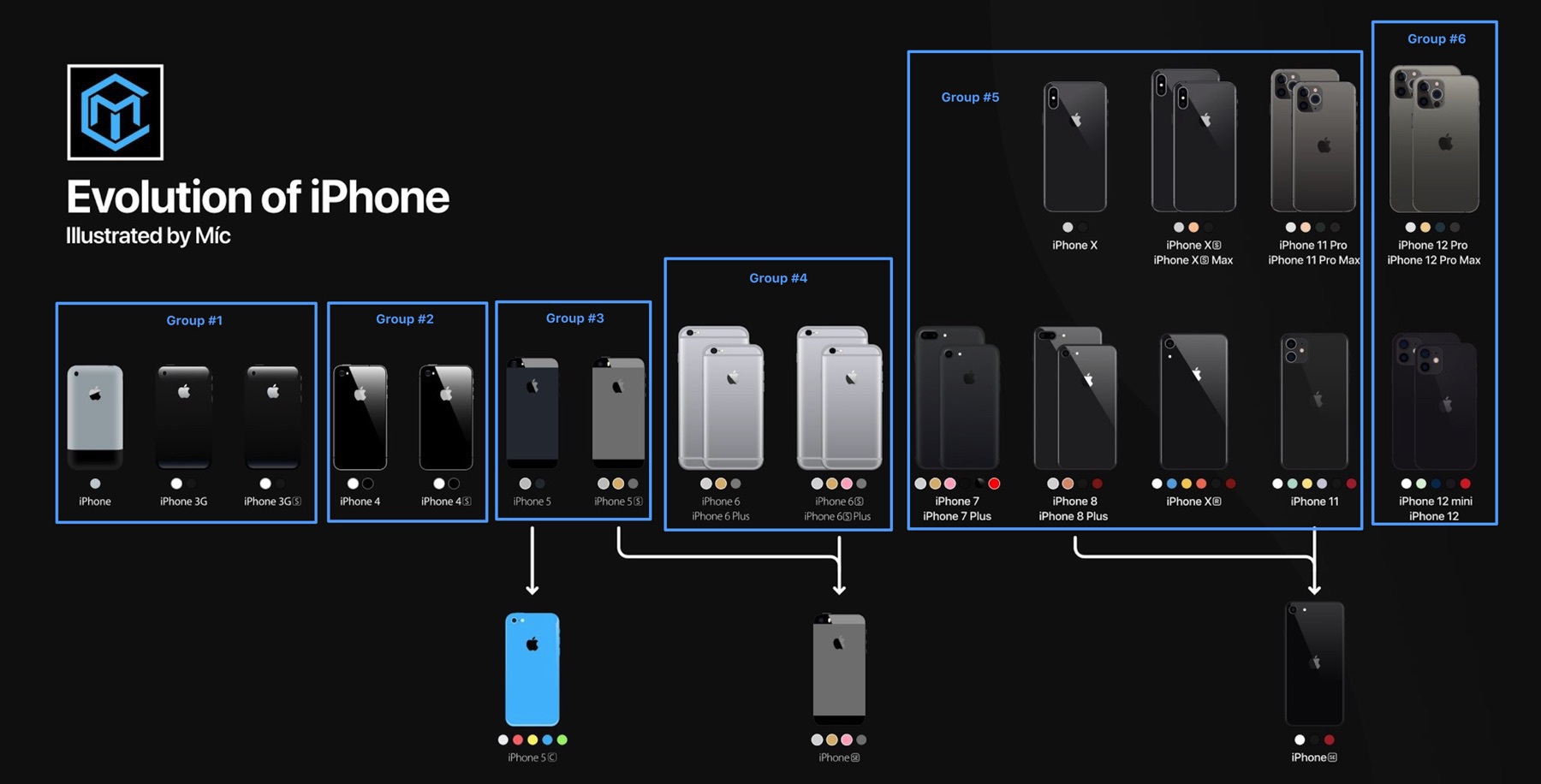
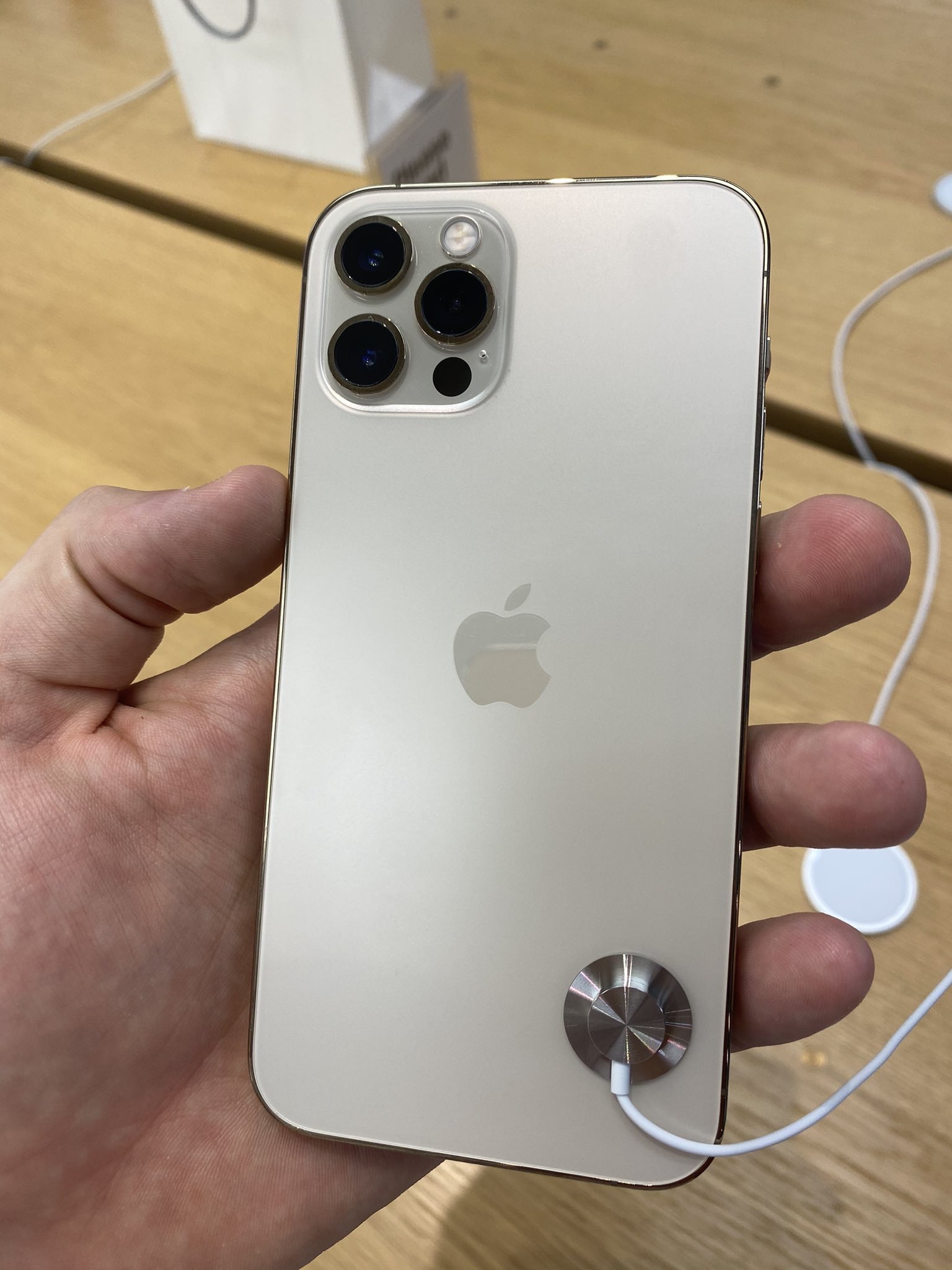
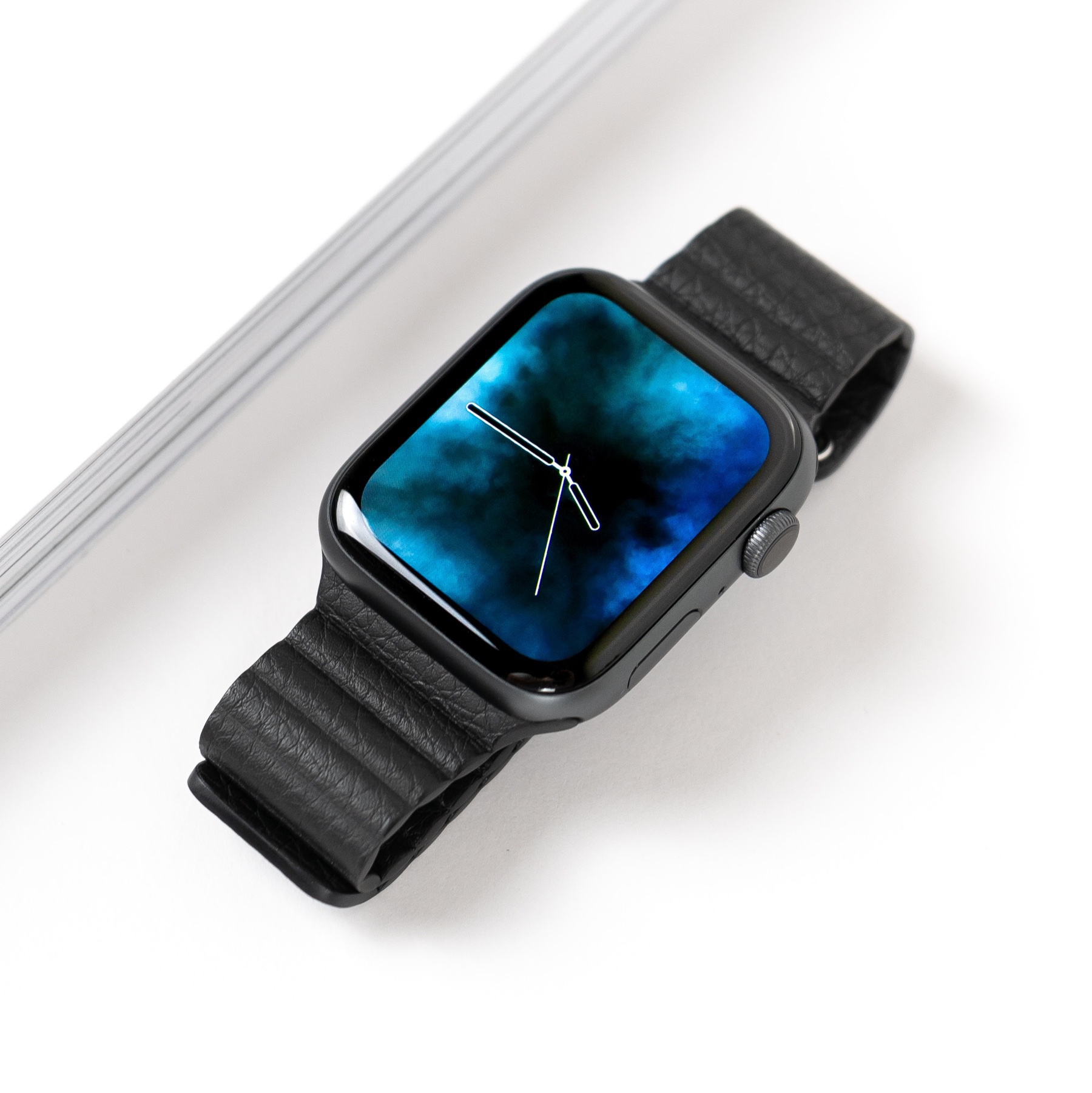
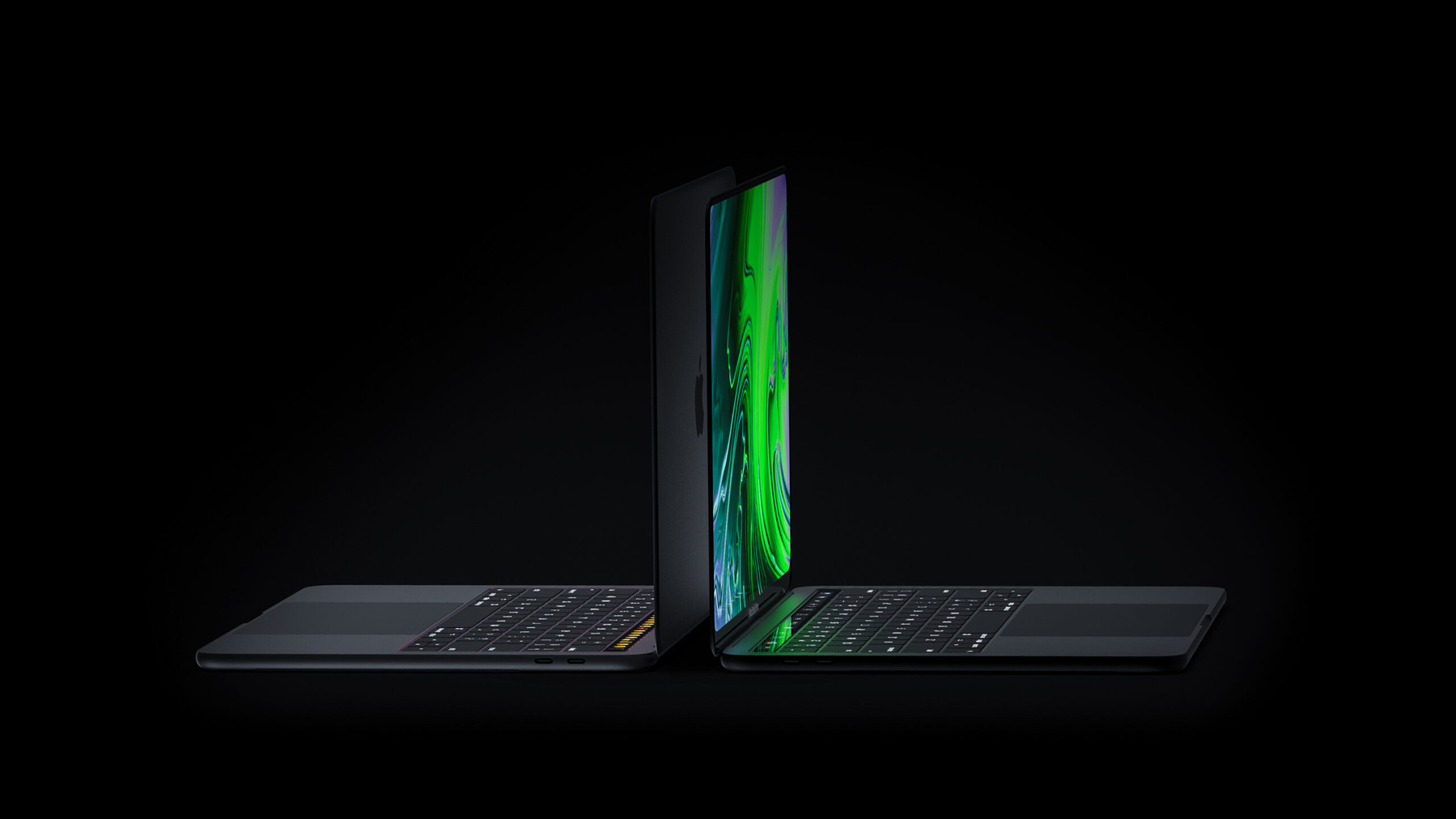
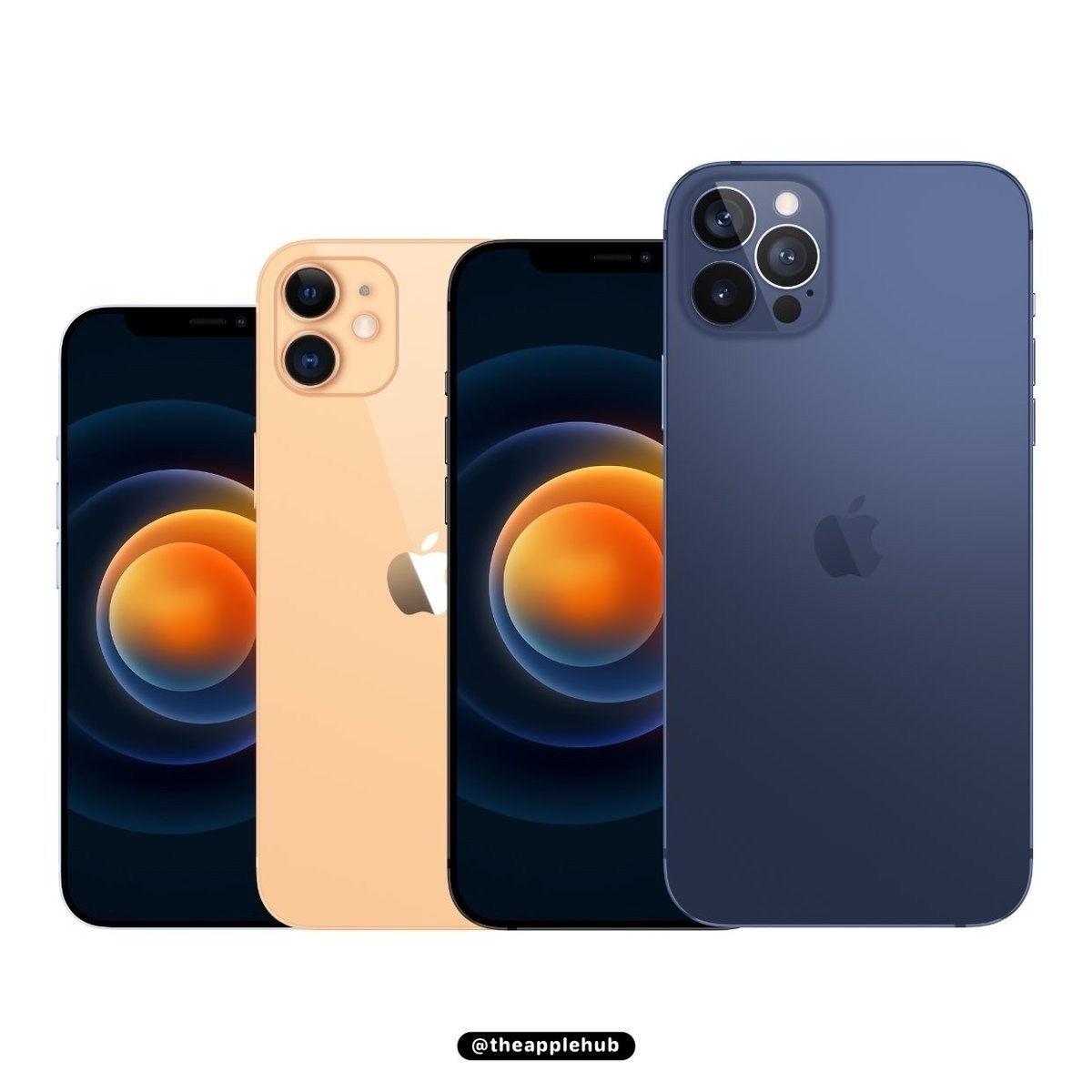
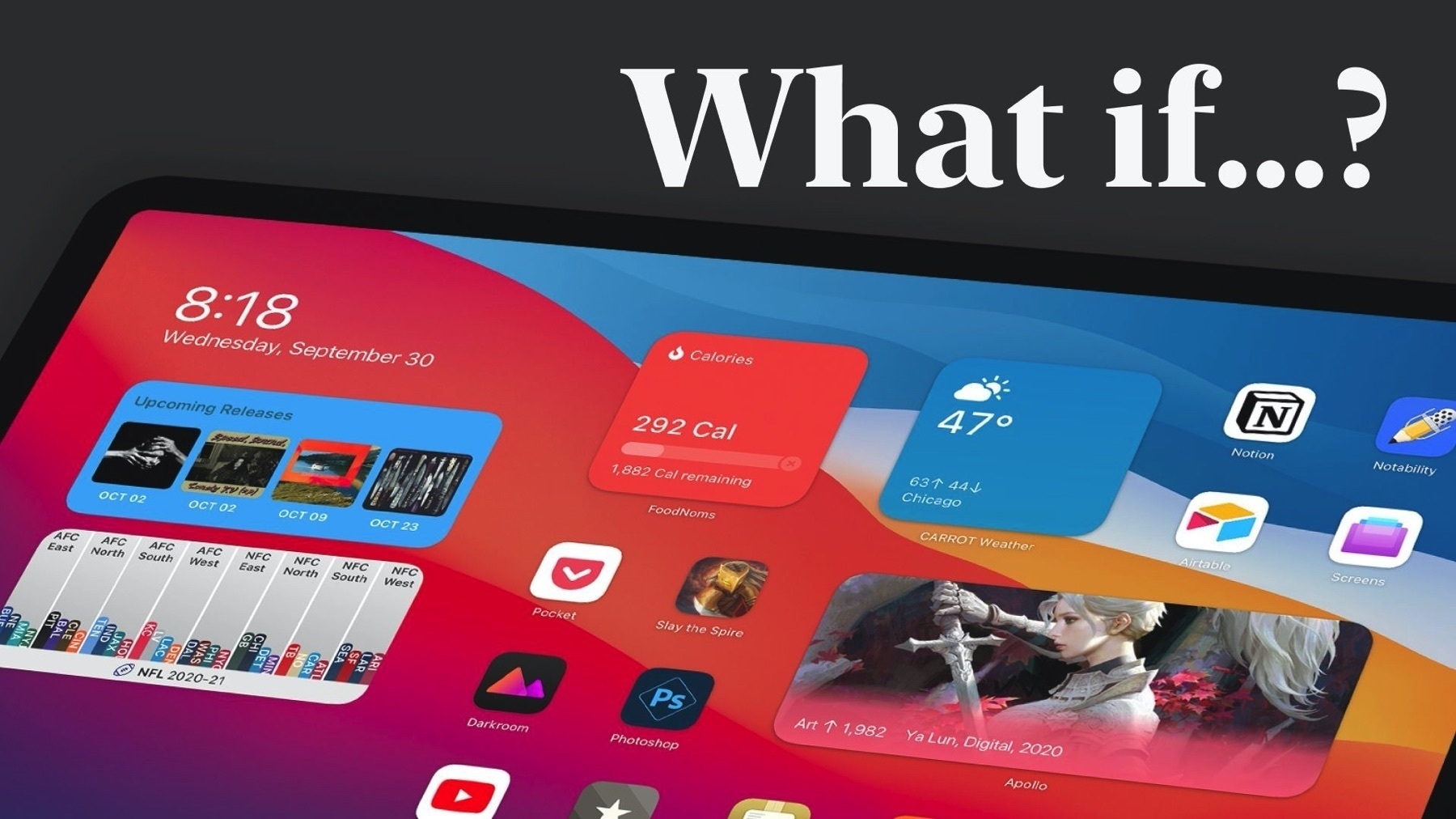
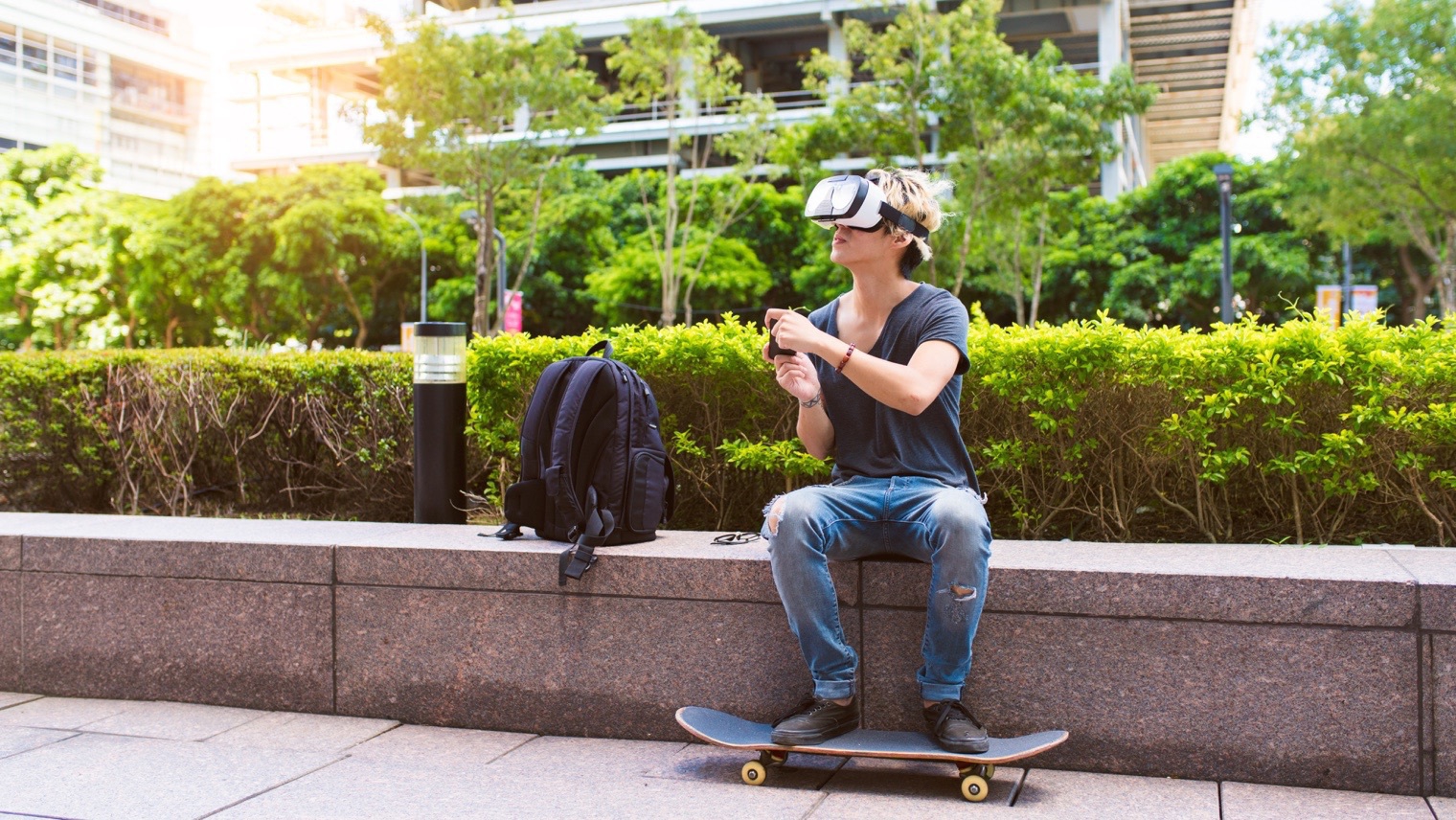
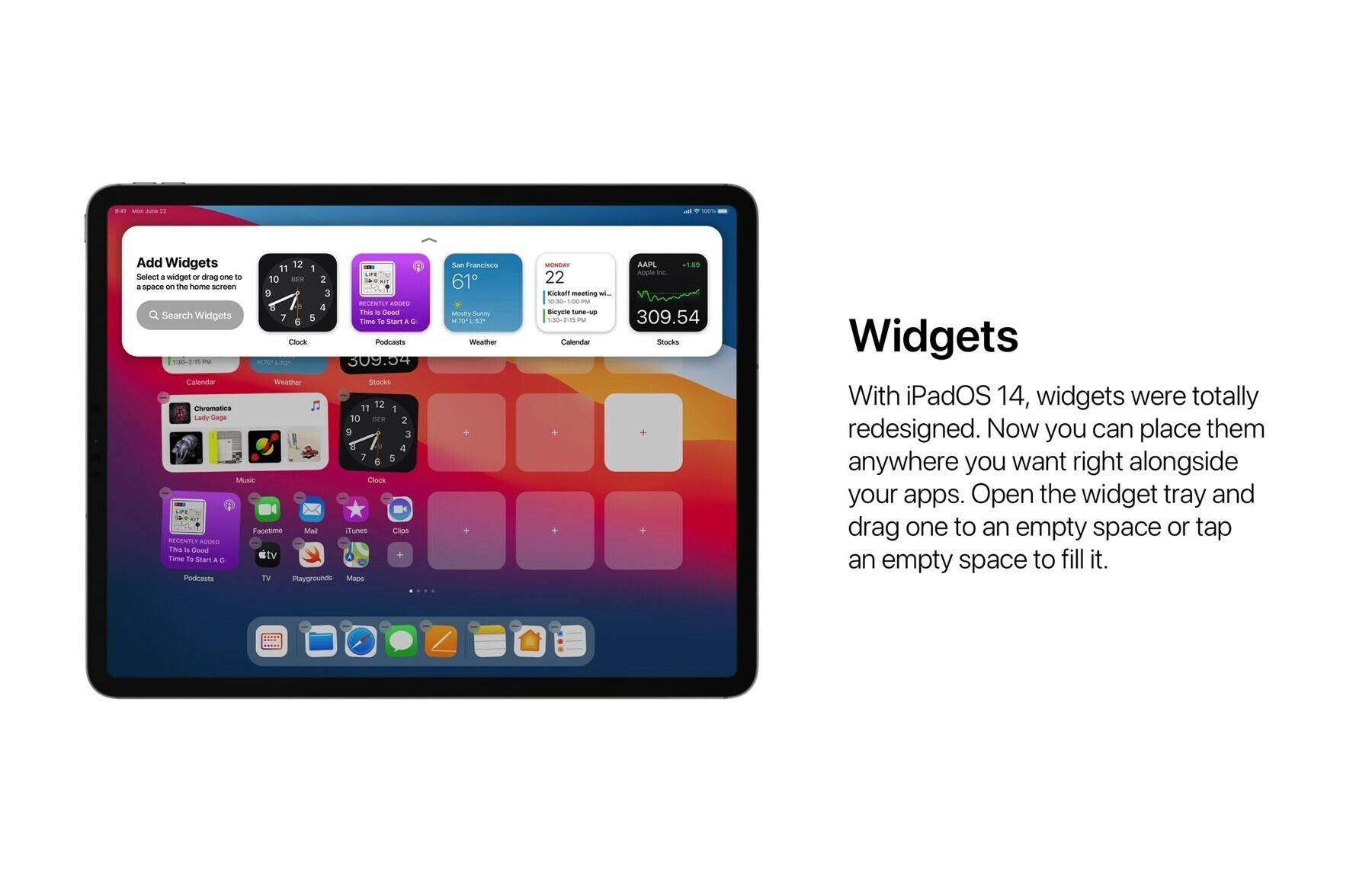
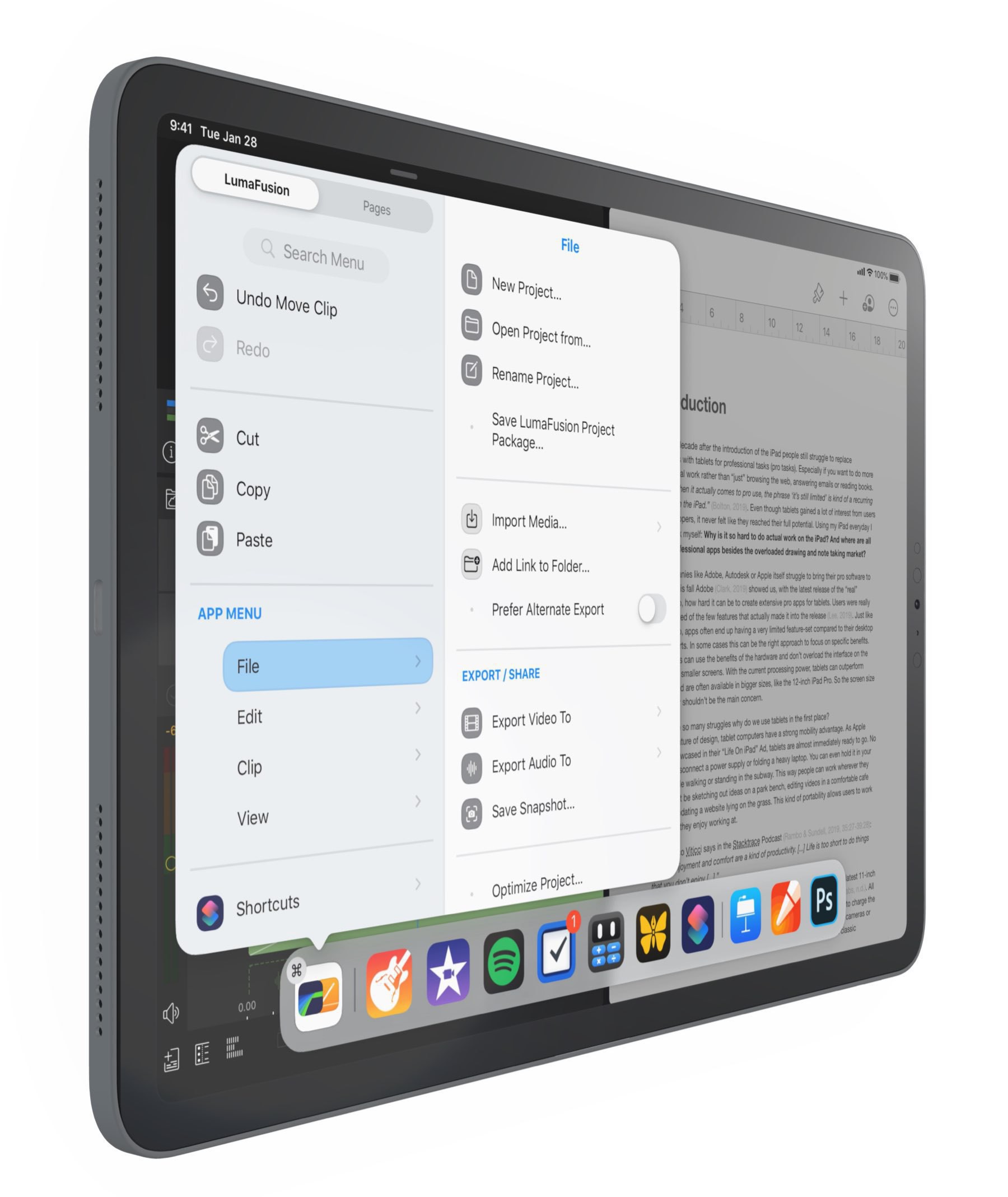
When I look at the Apple Vision Pro, I see a device with many software and hardware technologies that Apple took years to create, develop and refine. They did it in plain sight with the iPhone, the iPad and the Mac. Each of these devices played a significant role as a test bed for what would come next, a portion of what we can find in the Vision Pro. I can see many examples: windows management introduced on the iPad via the Stage Manager paved the way for window management on the Vision Pro, Three-dimensional and object placement in an augmented reality view in the Apple Store app when placing a virtual Mac on a physical desk, LiDAR Scanner with FaceID paved the way to Personas, continuity on all Apple OSes, and so much more set the playground for a robust ecosystem that takes all its meaning in the Vision Pro. And there are probably hundreds of more technologies that I cannot see. I guess the Apple Vision Pro was in development for a decade at Apple, and with each new feature Apple put into their devices, the headset benefitted from it.