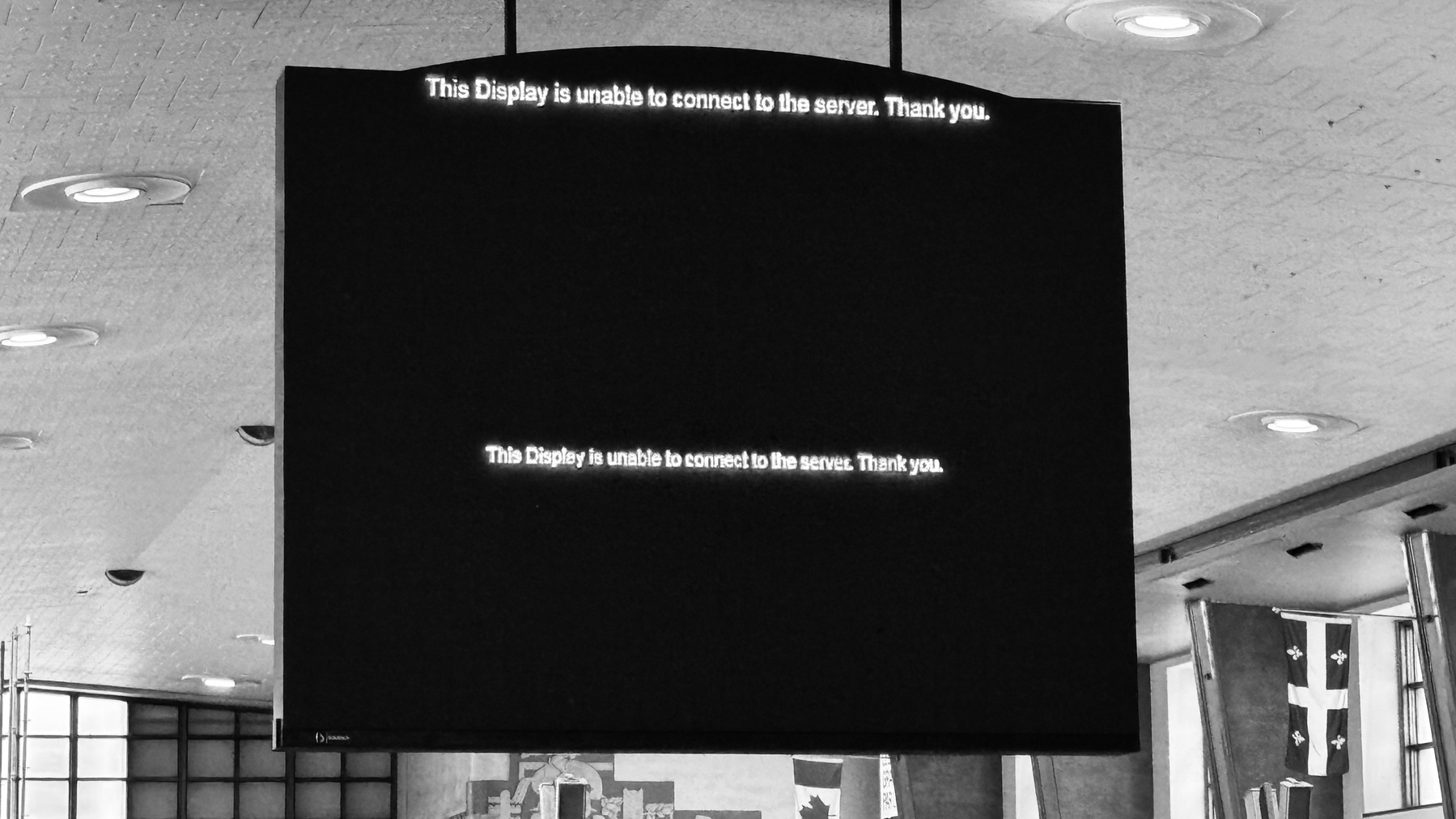
404 - Page Not Found

I have an issue with Short.io. I want to contact their support to find a solution to something that partially works, but no contact information is available in the /Support section. The /Blog section shows a small “Contact Us” button leading to a page not found error. There is no mail address either. They ask for $ 250 / year for a “Personal” subscription plan. How can I trust them if I cannot contact them for support?1🤔

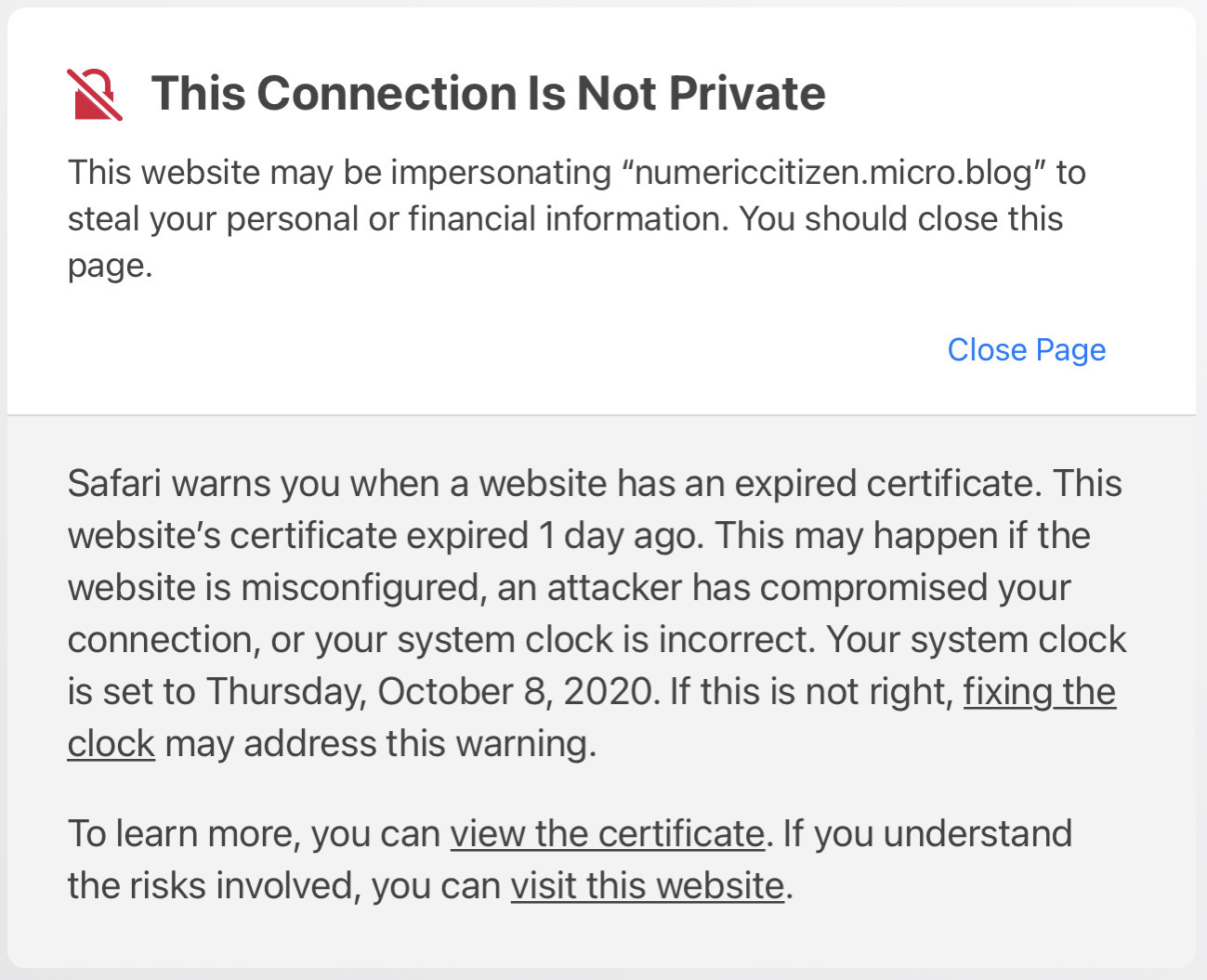
The problem: not all links are leading to the destination page under the go.numericcitizen.me domain name. Why? This used to work for all links, but it’s no longer true. Why? Exhibit one: this link works. This one won’t.

Instead of 404 - Page Not Found, this should be 404 - Support Not Available 😔

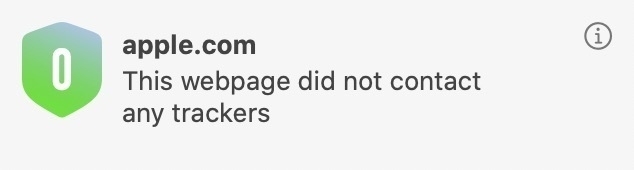
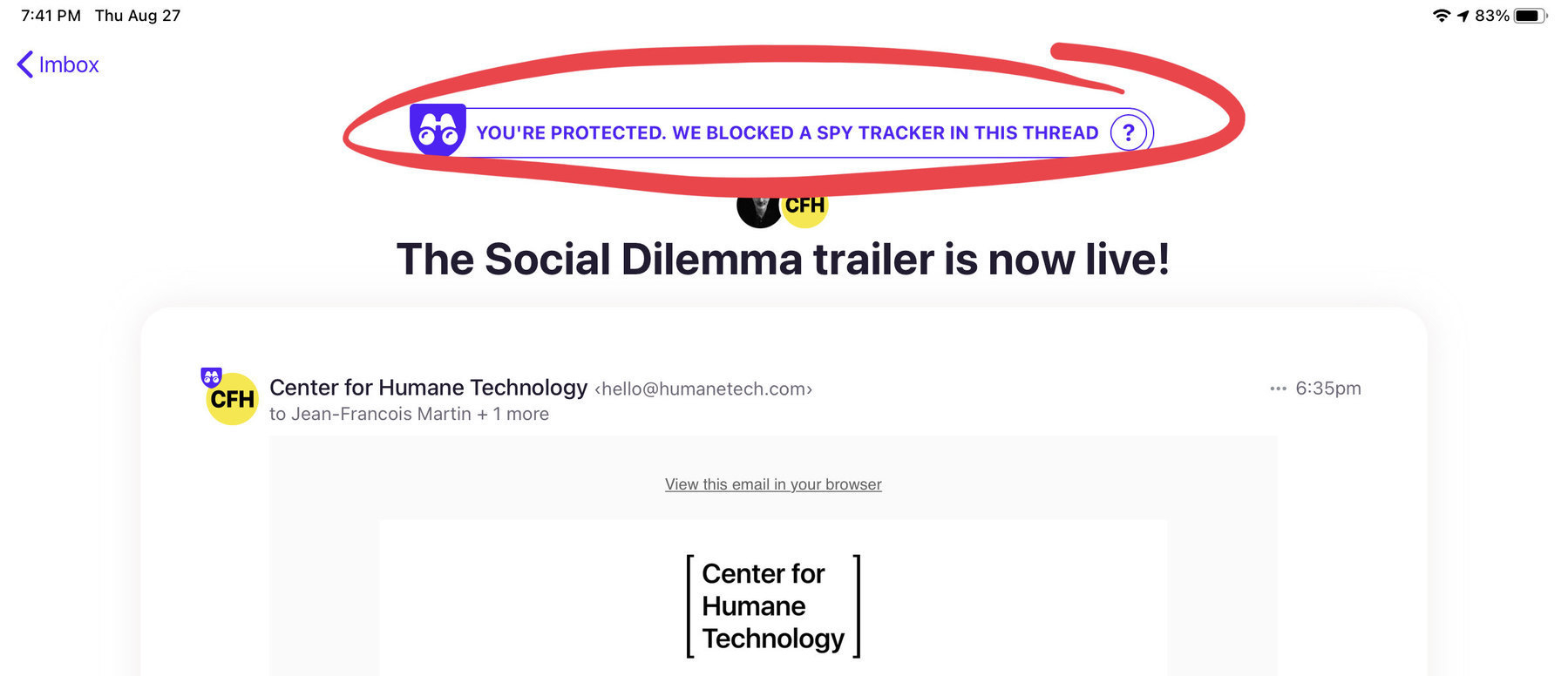
Update: I got my answer after chatting with tech support through their chatbox on their website, which wasn’t initially showing because of content blocking in Safari. 🤦🏻‍♂️ All is fine now.


  1. Their Twitter account is a ghost town; the last tweet was posted in 2021. ↩︎

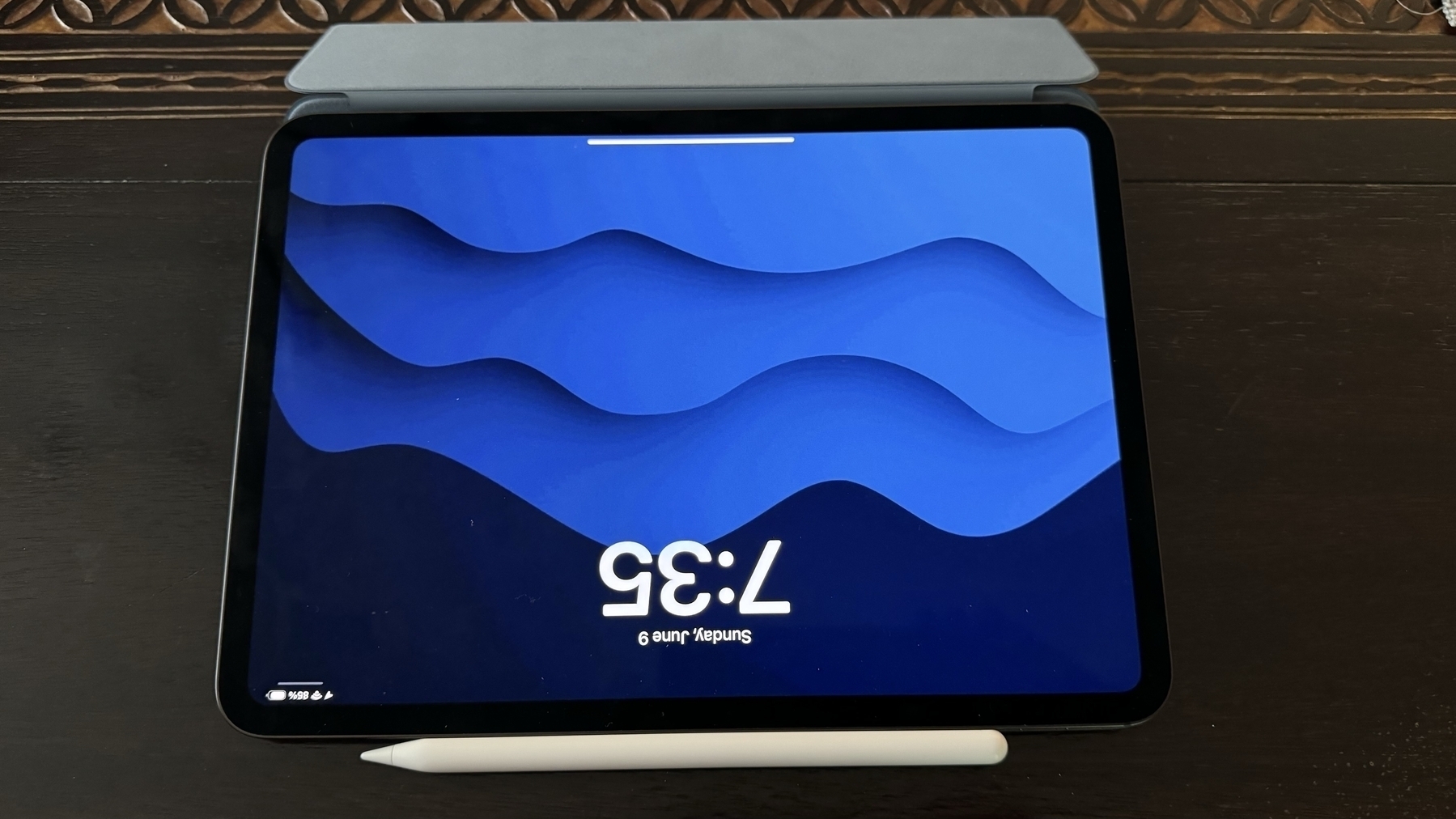
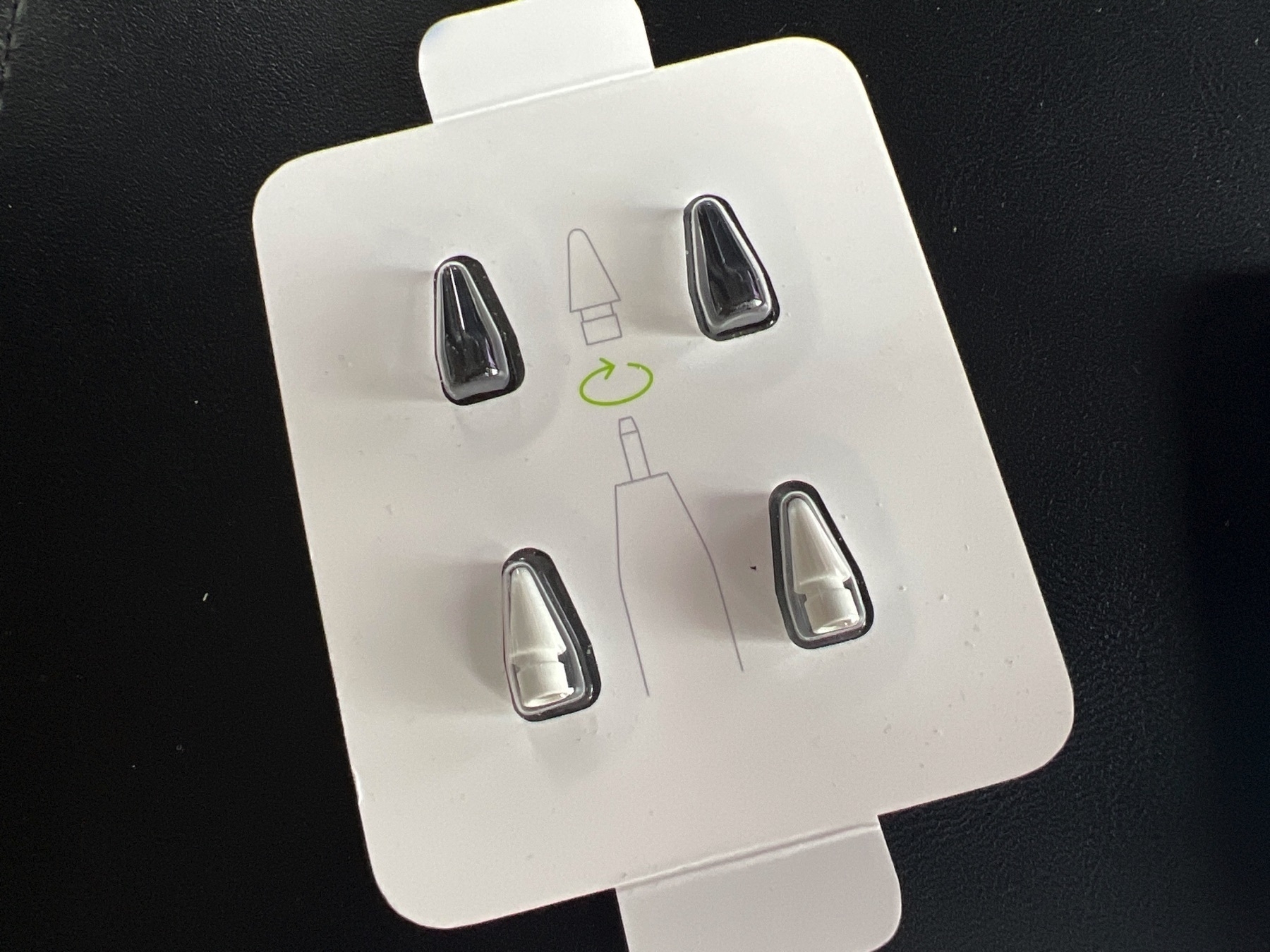
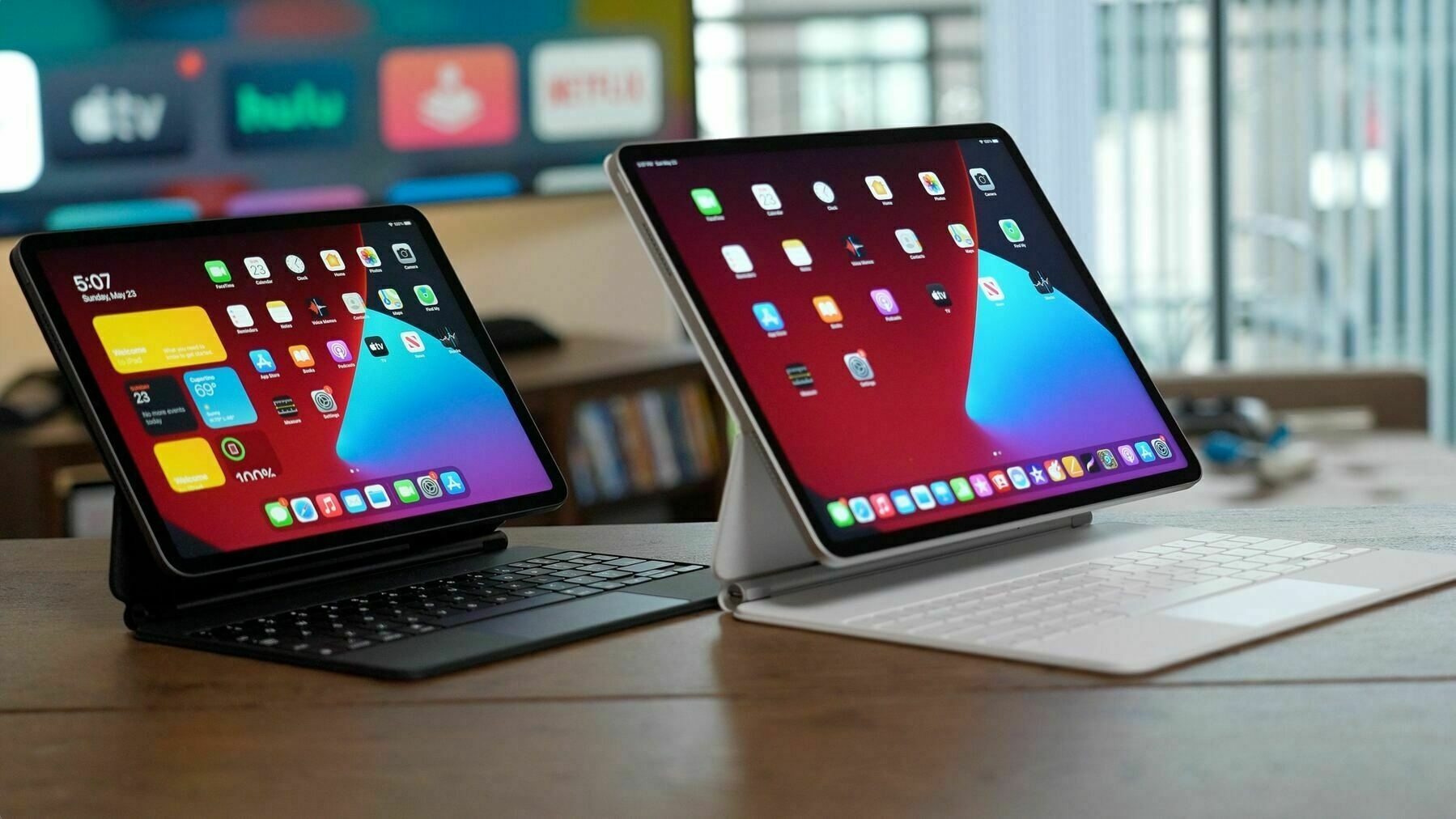
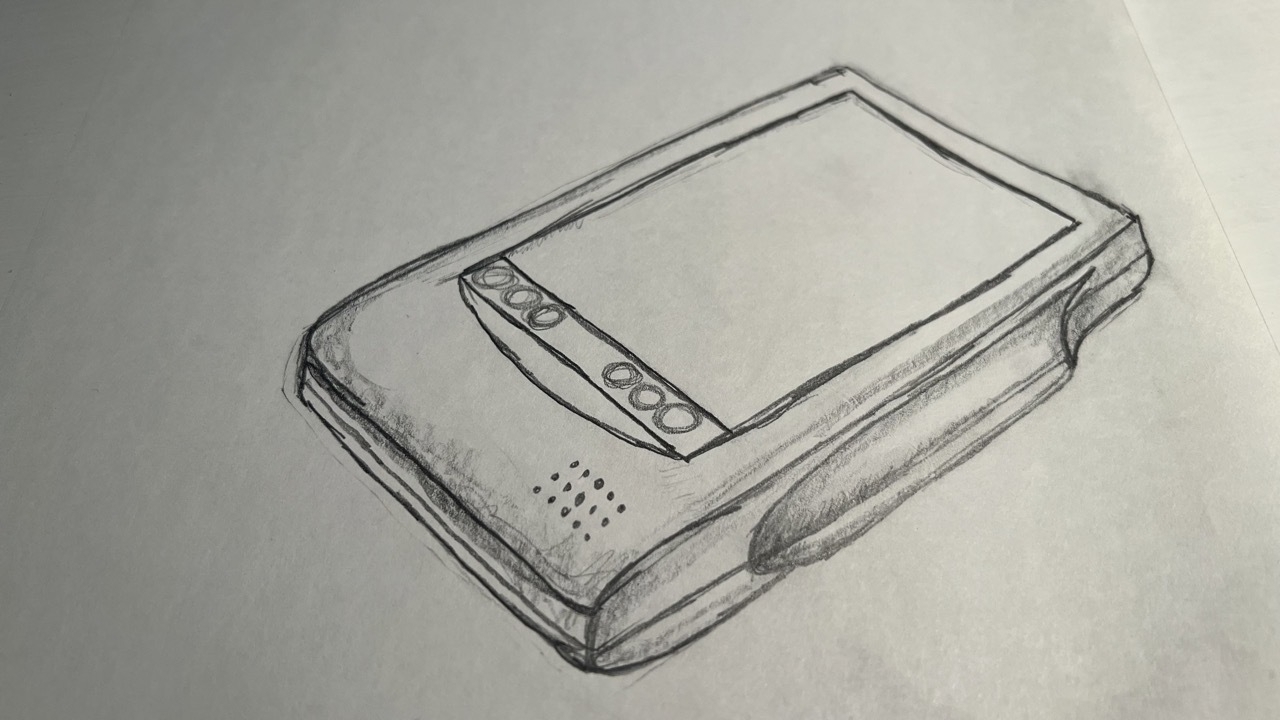
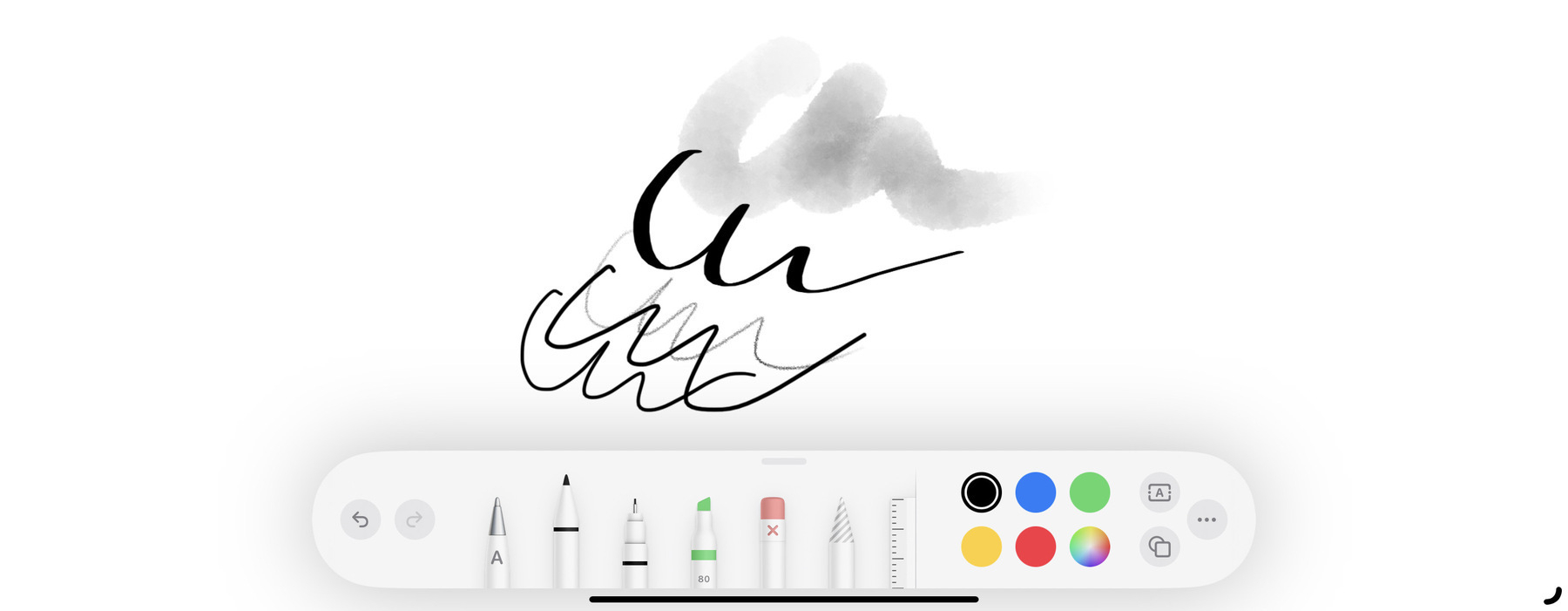
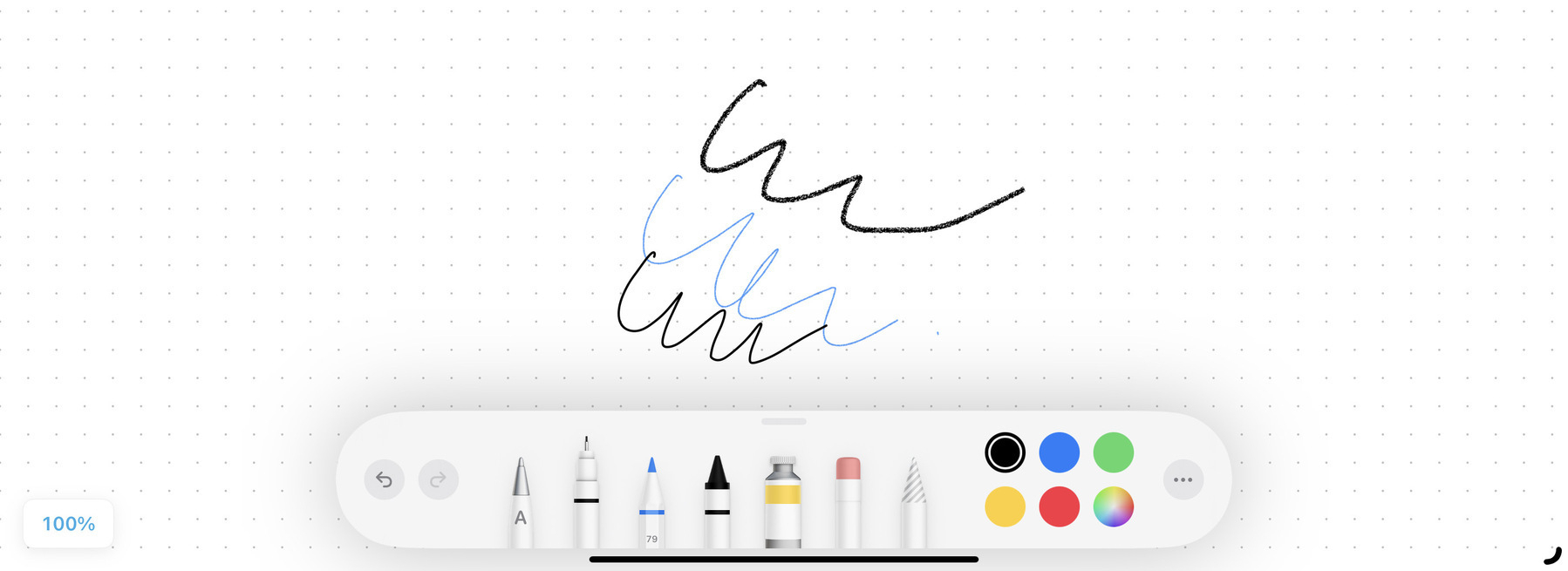
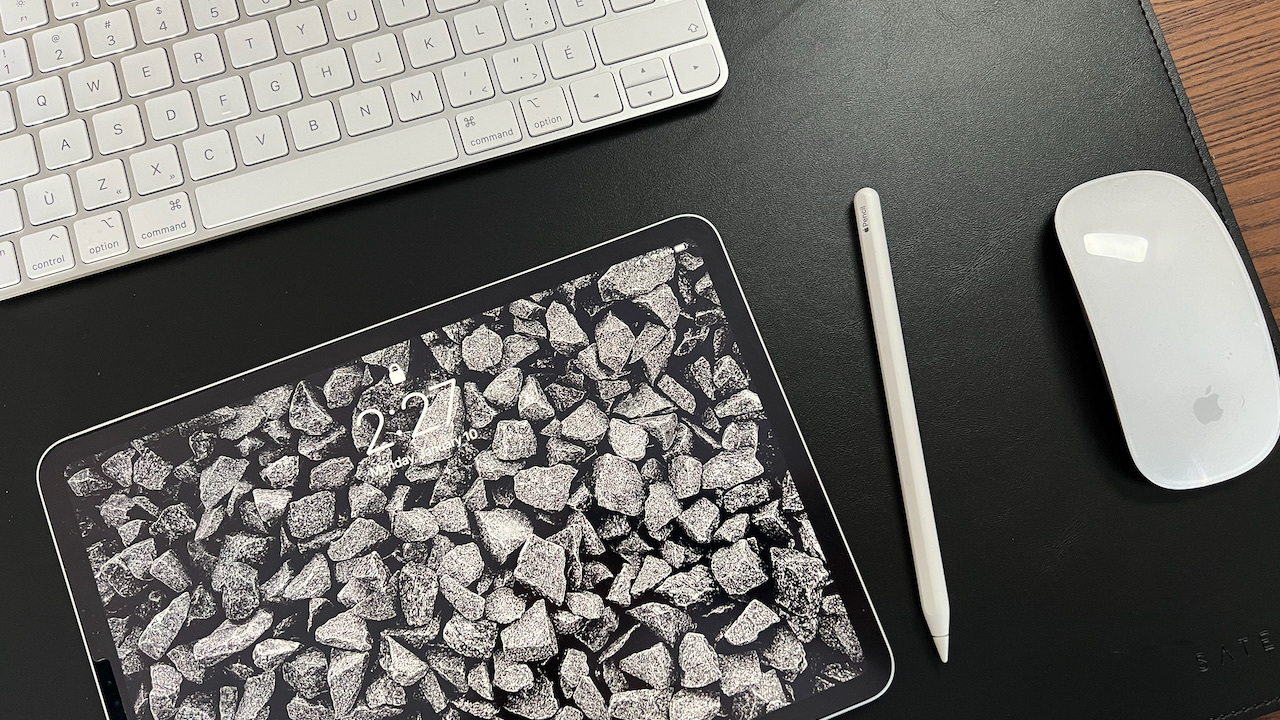
If Apple is indeed close to releasing the third-generation Apple Pencil with a magnetic pencil tip, I can see that coming with some new trick, enabled with iPadOS 17.1, probably to be launched before October 21st1. What else could this new pencil do? Include an electronic erasure on the other end of the pencil? 👀


  1. The date was apparently leaked by a French government agency about the reduction of radiation from the iPhone 12, which Apple would indeed fix no later than October 21st. ↩︎

A Definitive Solution to a Simple Problem

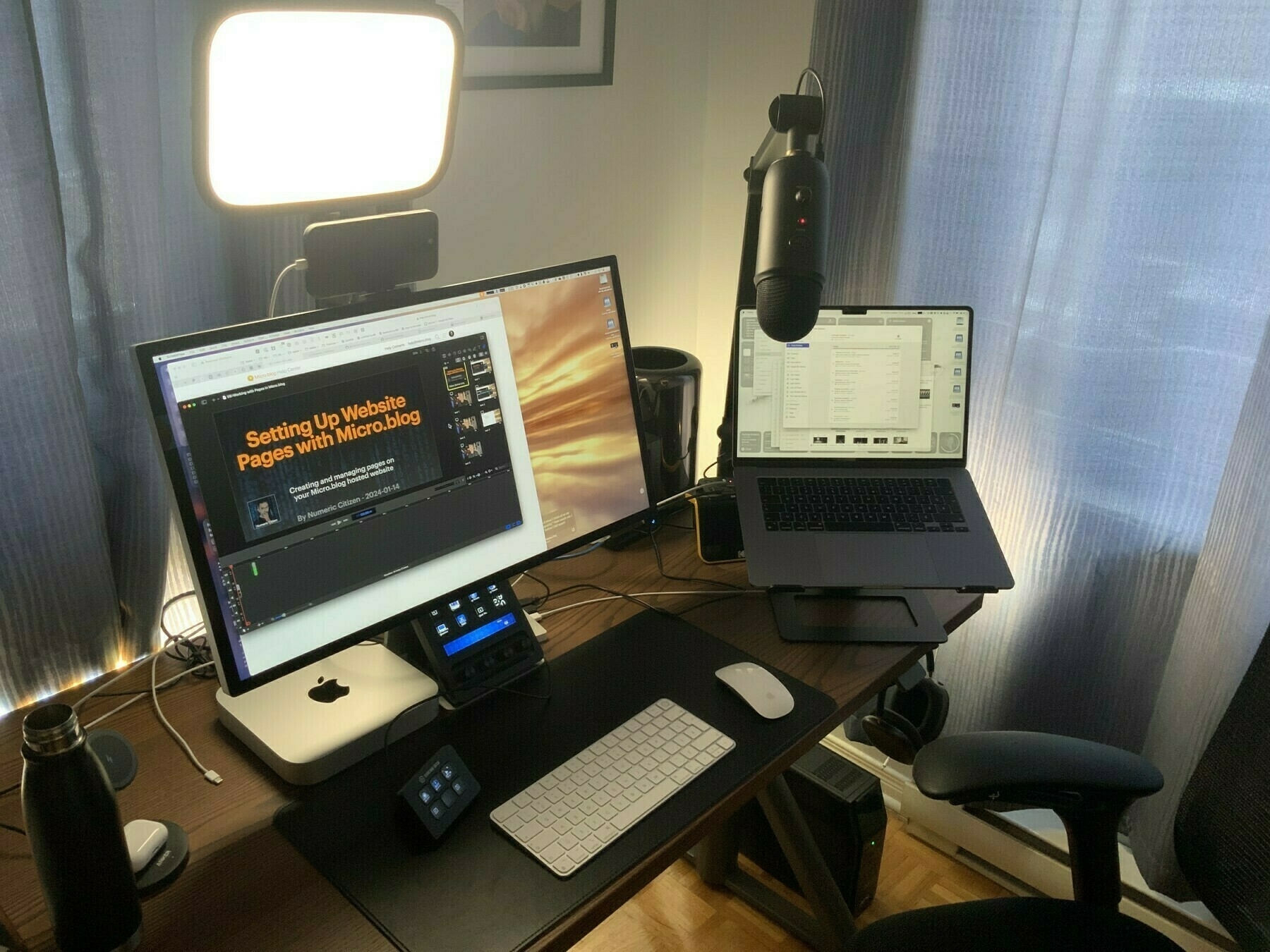
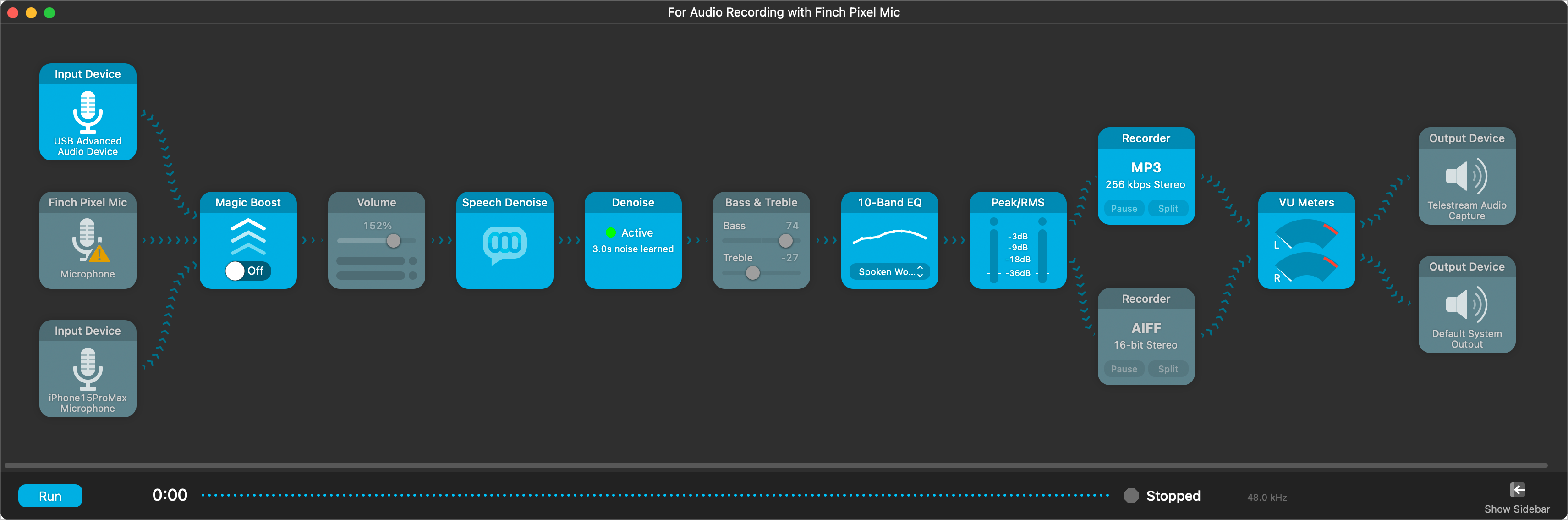
I finally found the right setup to definitively fix my audio record quality. The problem triggering this endless trial-and-error journey is that the Blue Yeti microphone can be too sensitive and pick up too much background noise1. On paper, the macOS Voice Isolation recording should fix this. However, ScreenFlow 10.0.9 has issues with audio recording from a USB microphone while Voice Isolation is active2.

The solution? Use Audio Highjack3 to record from the USB microphone with Voice Isolation active and output to the ScreenFlow audio capture driver. When recording, I start the Audio Hijack session, then switch to ScreenFlow and hit record. Voilà. I do use Adobe Podcast Audio Enhancer too. The results are quite good! You can hear it in my latest podcast episode. A screenshot of my Audio Hijack workflow is included so you can look at it4.

A flowchart depicting an audio recording setup includes input and output devices, audio processing components, and conversion tools.

  1. People in the house don’t always pay attention when I’m recording my stuff. We could hear them quite easily. ↩︎

  2. The sound is highly distorted. It’s a known issue, apparently. ↩︎

  3. Audio Hijack is a superb piece of software if you ask me. ↩︎

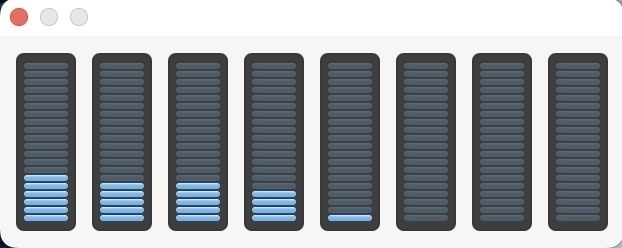
  4. More tiles are included so I can make sure there are no lingering background noises after Voice Isolation makes its magic. ↩︎

Episode 05 — Sometimes It’s Better to Say No

Hi, this is Numeric Citizen.

You are listening to Thoughts and Tribulations of a Composite Creator.

This is episode number five, Sometime It’s Better to Say No.

This year, it’s the year of focusing on the right activity, on the right creative project.

When Apple announced the Apple Vision Pro in June, I was thinking about creating a new website which would collect all the information related to the headset.

I thought it was a great timing for starting this collection and organizing the information and tidbits that I would gather from the web, from YouTube, from articles, reviews, and things like that.

The reason I wanted to do that is to be able to build a collection that, over time, people would come over and get all the information they can have on the Apple Vision Pro.

I did a similar project, which I’m currently still updating, which is called the Apple Rumors Hub.

It takes not too much time to build, but I do have some activities that I need to constantly do in order to keep the information current on this website.

This is a website that is built using craft, and I would do the same thing for the Apple Vision Pro Hub, but I’ve been thinking about if this is worth my time, my effort, and if I would better be off to spend my time on more projects that are gaining more traction instead of working on that, because the Apple Rumors Hub is not getting a lot of visitors.

It’s very, very quiet, and I’m wondering if this would be the same with this Apple Vision Pro Hub website.

I decided recently, after much thinking, that it wasn’t worth the trouble to do this project, so the Apple Rumors Hub is going to stay, but the Apple Vision Pro website won’t come to life.

I’m pretty satisfied with this decision because I really want to manage how I’m spending time on my different projects.

This is a decision that has been long in the making, but now I’m here, and I wanted to share with you, if you are a creator, if you are a writer, or any type of creators, sometimes it’s better just to say no so you can focus on the right things for the right time.

Thanks for listening to this very short episode of this podcast.

I hope you enjoyed these thoughts, and I hope to see you for the next episode.

Thank you for listening, and see you guys for another one.

Bye.
Apparently, Apple is working on a way to upgrade iOS on iPhone still in their box at the Apple Store. This would prevent issues where there is a bug in the final release of iOS that could hinder the upgrade experience of new buyers. I’m still wondering how the GM of iOS is installed at the factory and how long it takes to be installed. Is the USB-C port helping make the operation faster? 🤔
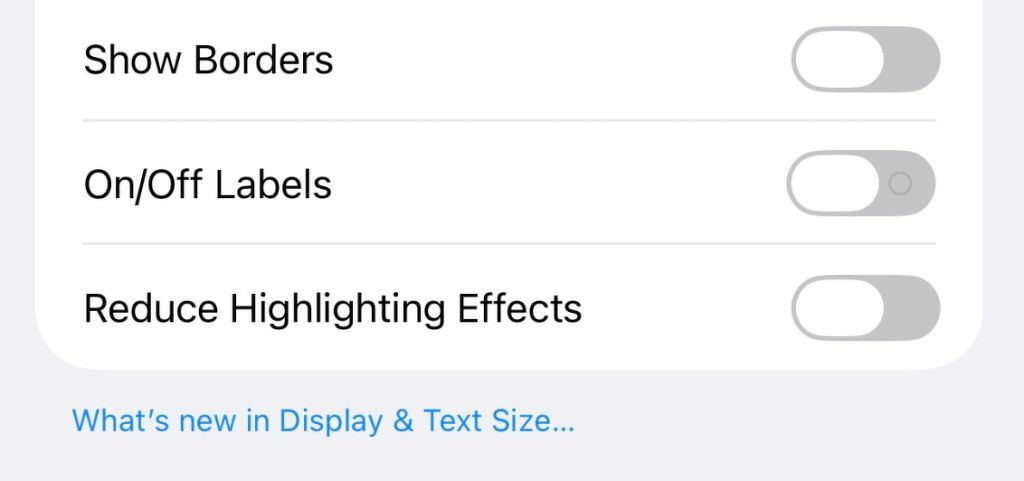
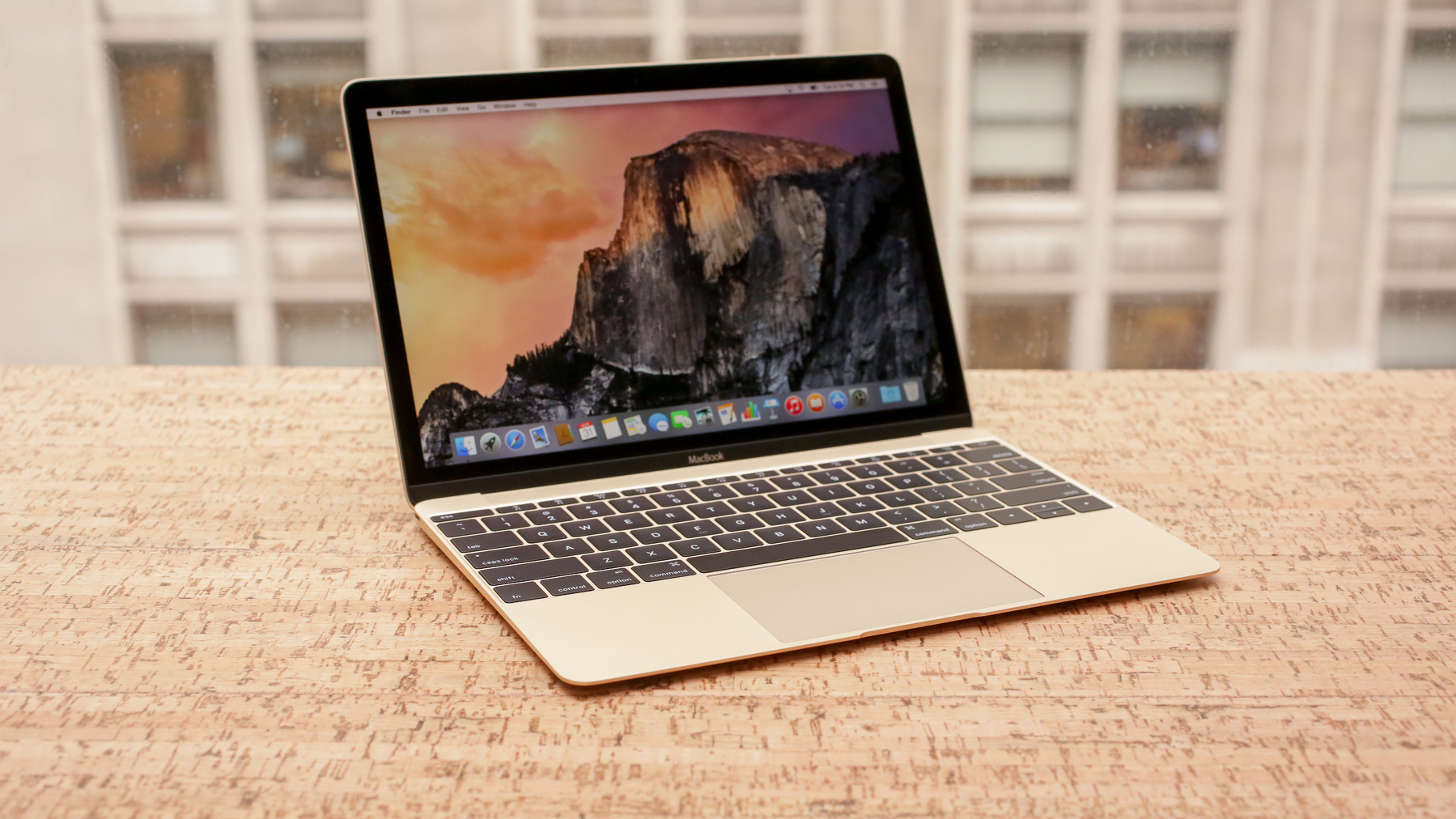
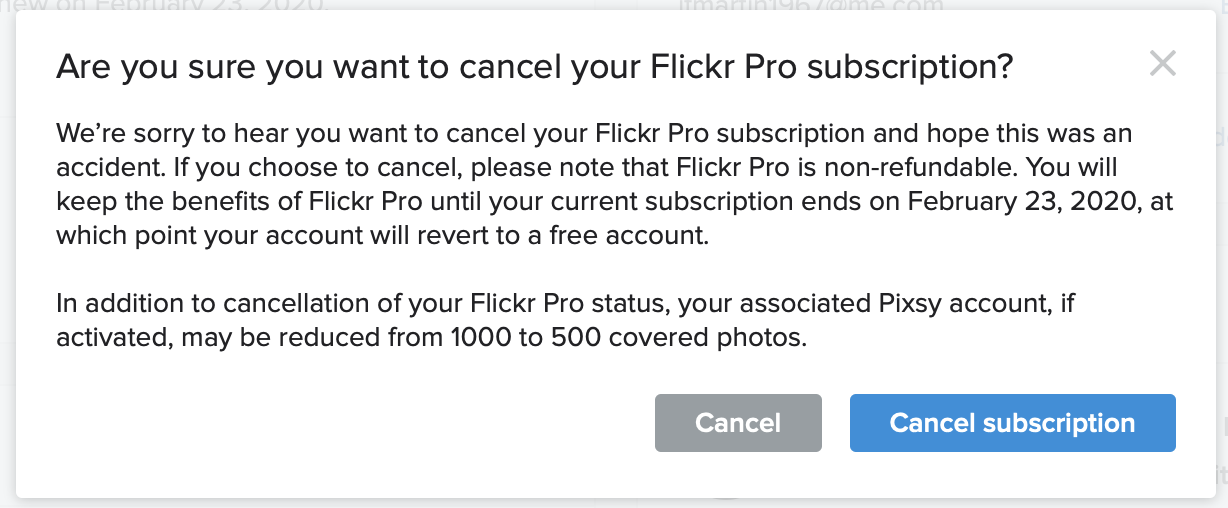
I’m getting an issue with Short.io where domain name cloaking is no longer available. It used to be just fine. Something has changed recently. To get it back, I have to subscribe to the personal plan costing 250$. Looking for alternatives. Cc @Mtt who uses the same setup as mine.

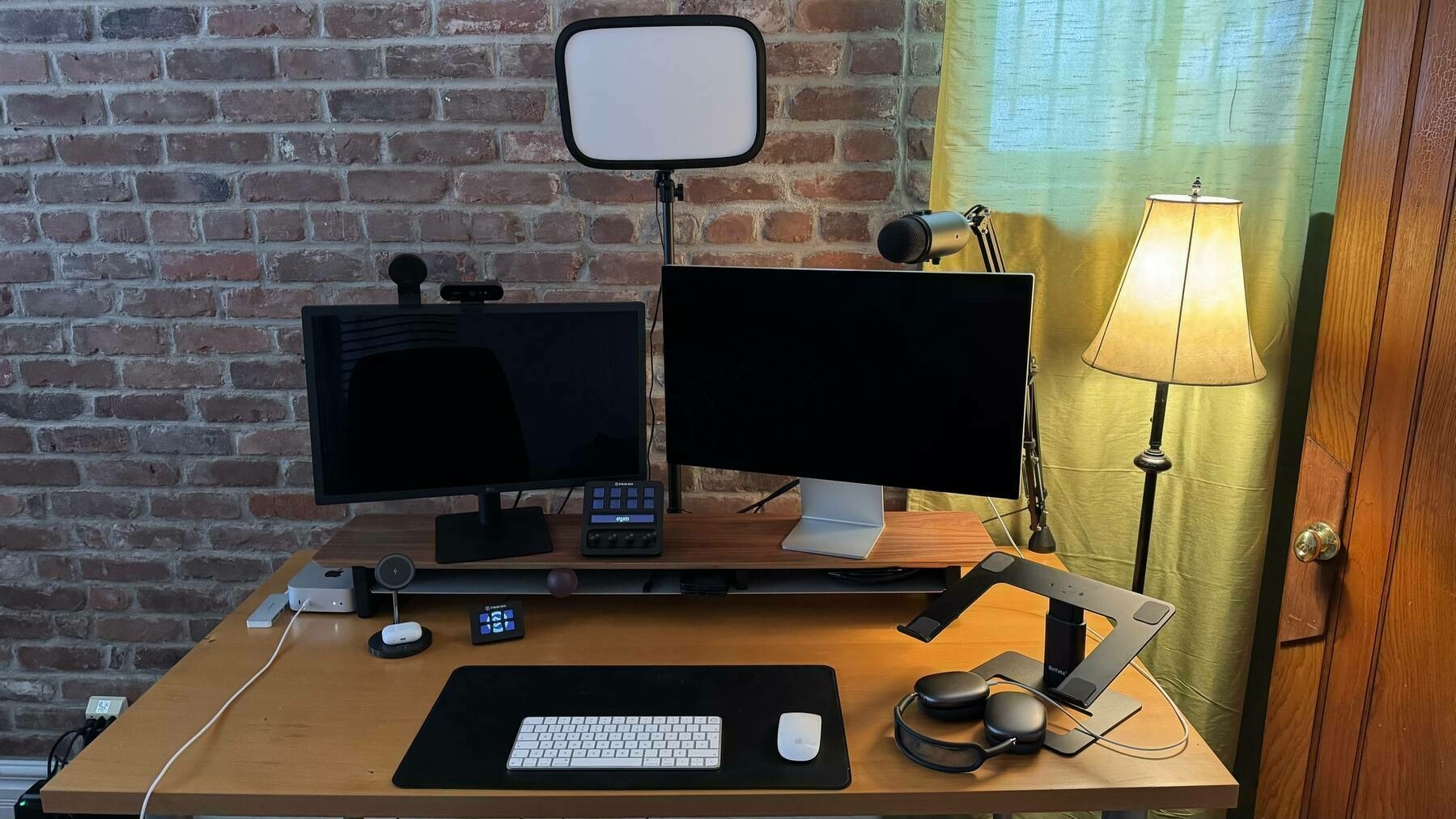
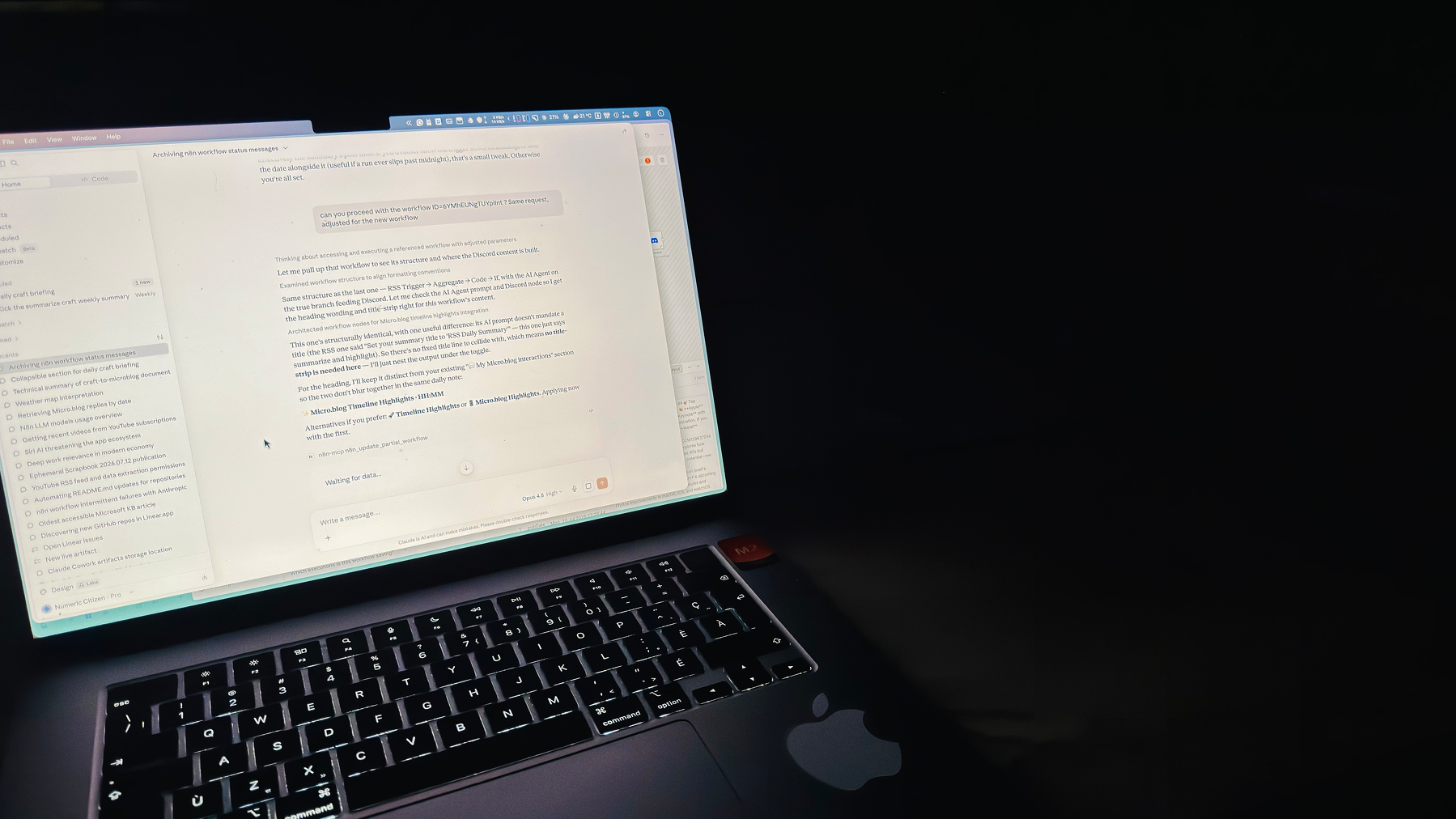
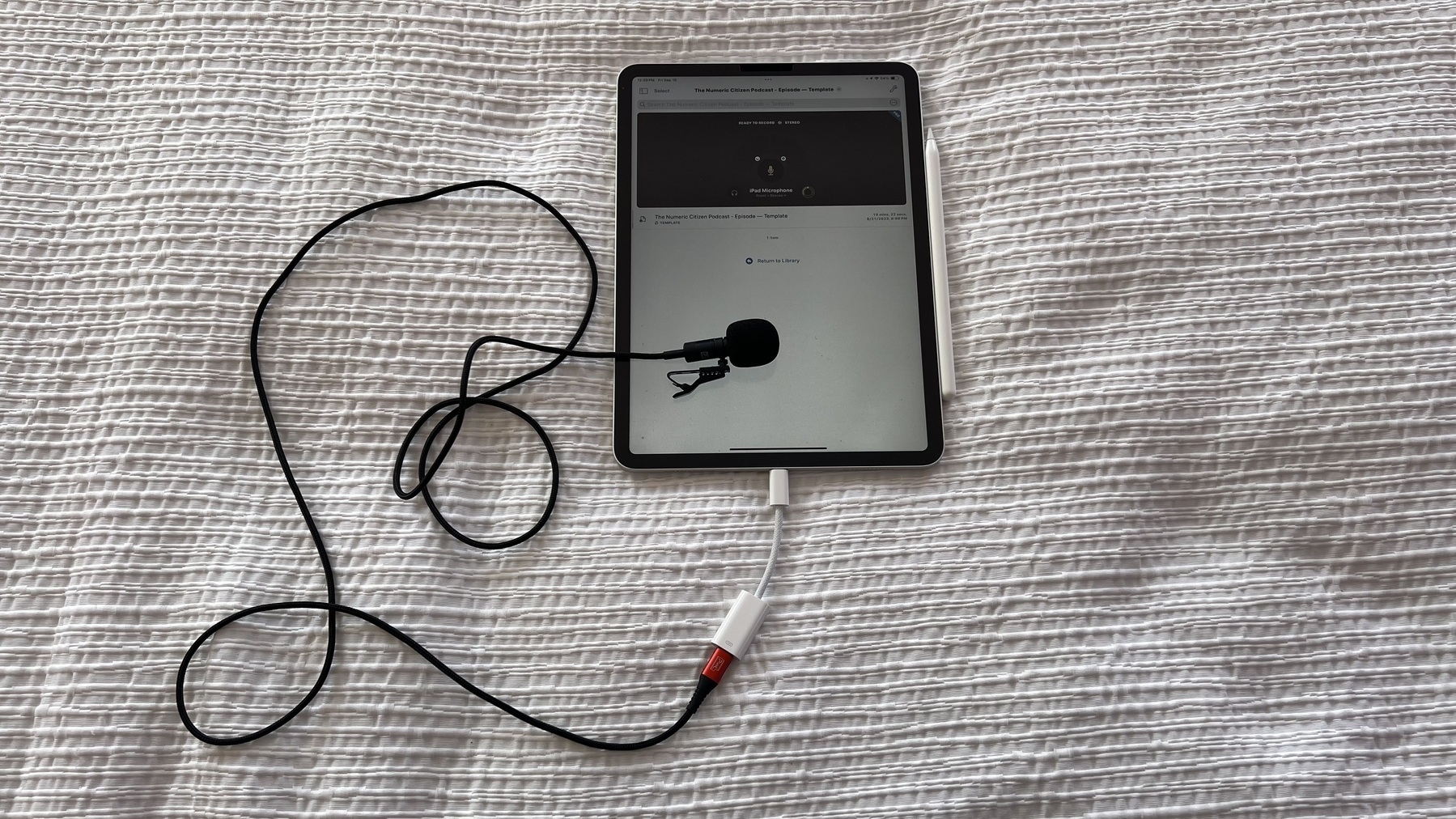
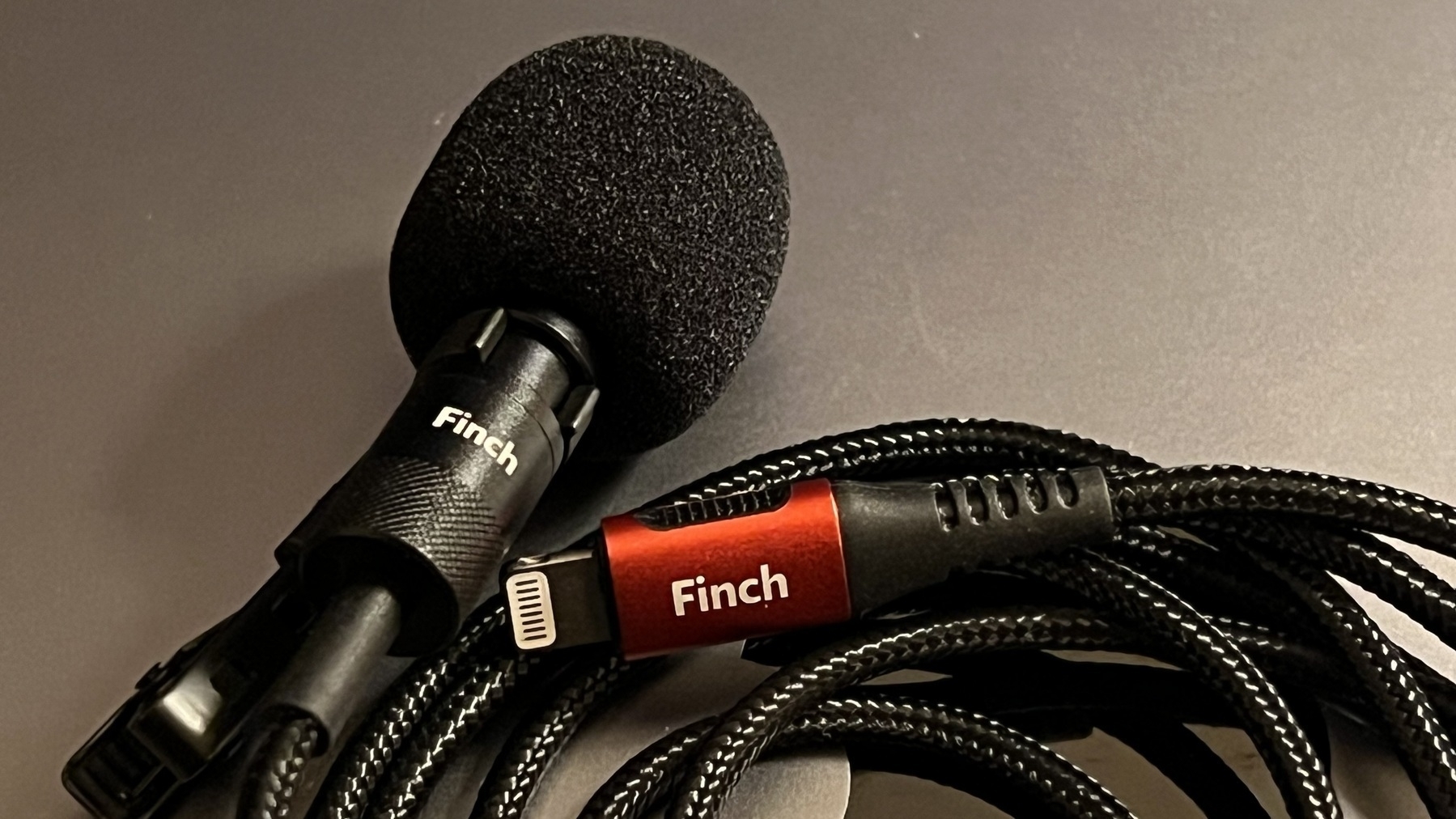
Discovery of the day: I can use Audio Hijack with ScreenFlow to record the Mac audio from the Finch Pixel USB-C1,2 mic and the Mac screen. Why use Audio Hijack? Well, so that it can use the macOS Voice Isolation feature and output the results to the Mac audio, which the special audio driver of ScreenFlow, in turn, picks up. Without this, ScreenFlow 10.0.9, with direct voice isolation, creates distorted sound.


  1. With the Lightning version, I had no issues with the iPhone 13 Pro, macOS Voice Isolation and Screenflow. The problems come from using USB (A or C) microphone devices. It’s a known issue, apparently—no fix in sight. ↩︎

  2. I spent way too much time and money trying to fix the sound quality for my recordings. ↩︎