Weekly Posts Digest from Numeric Citizen Microblog
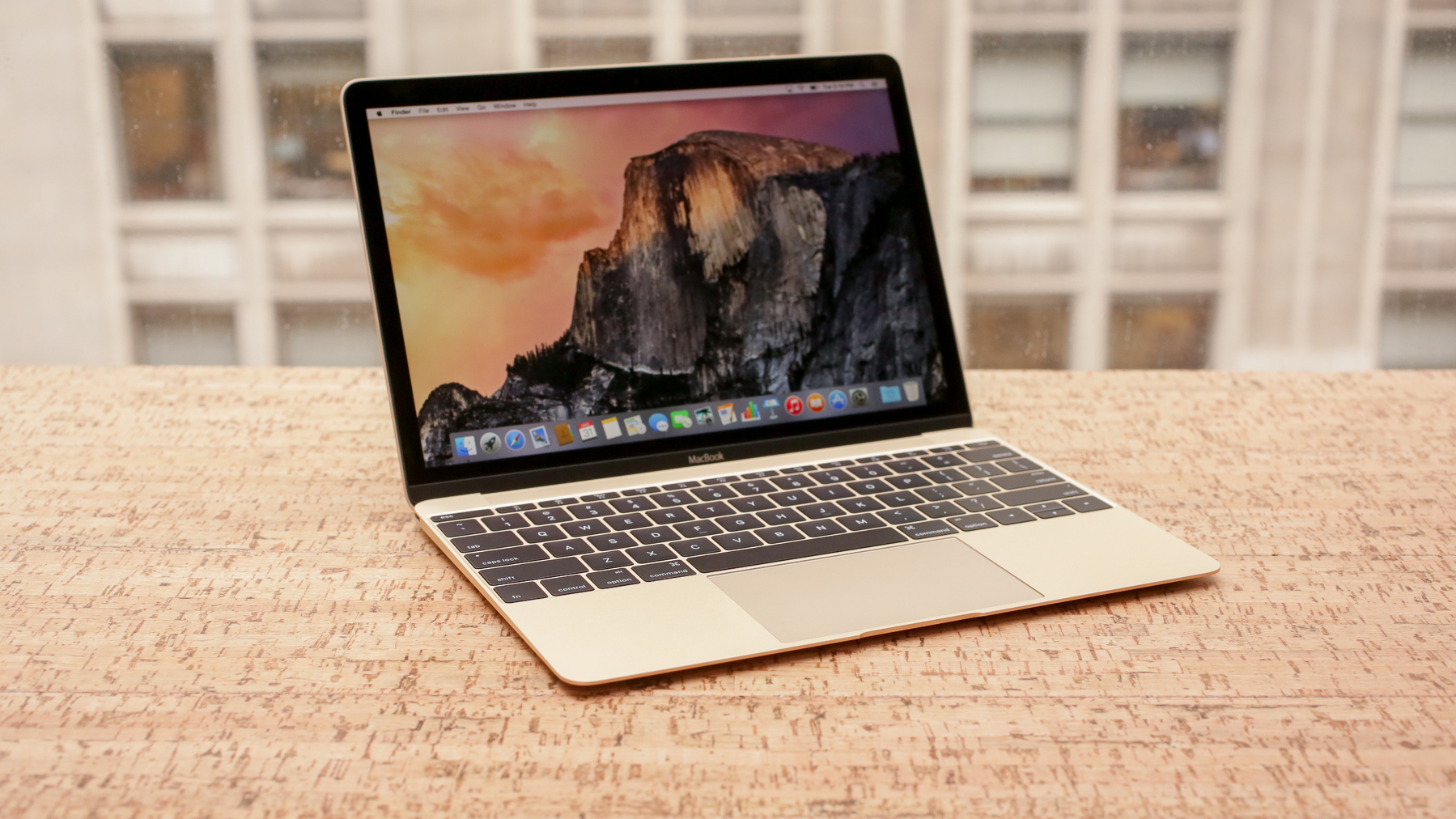
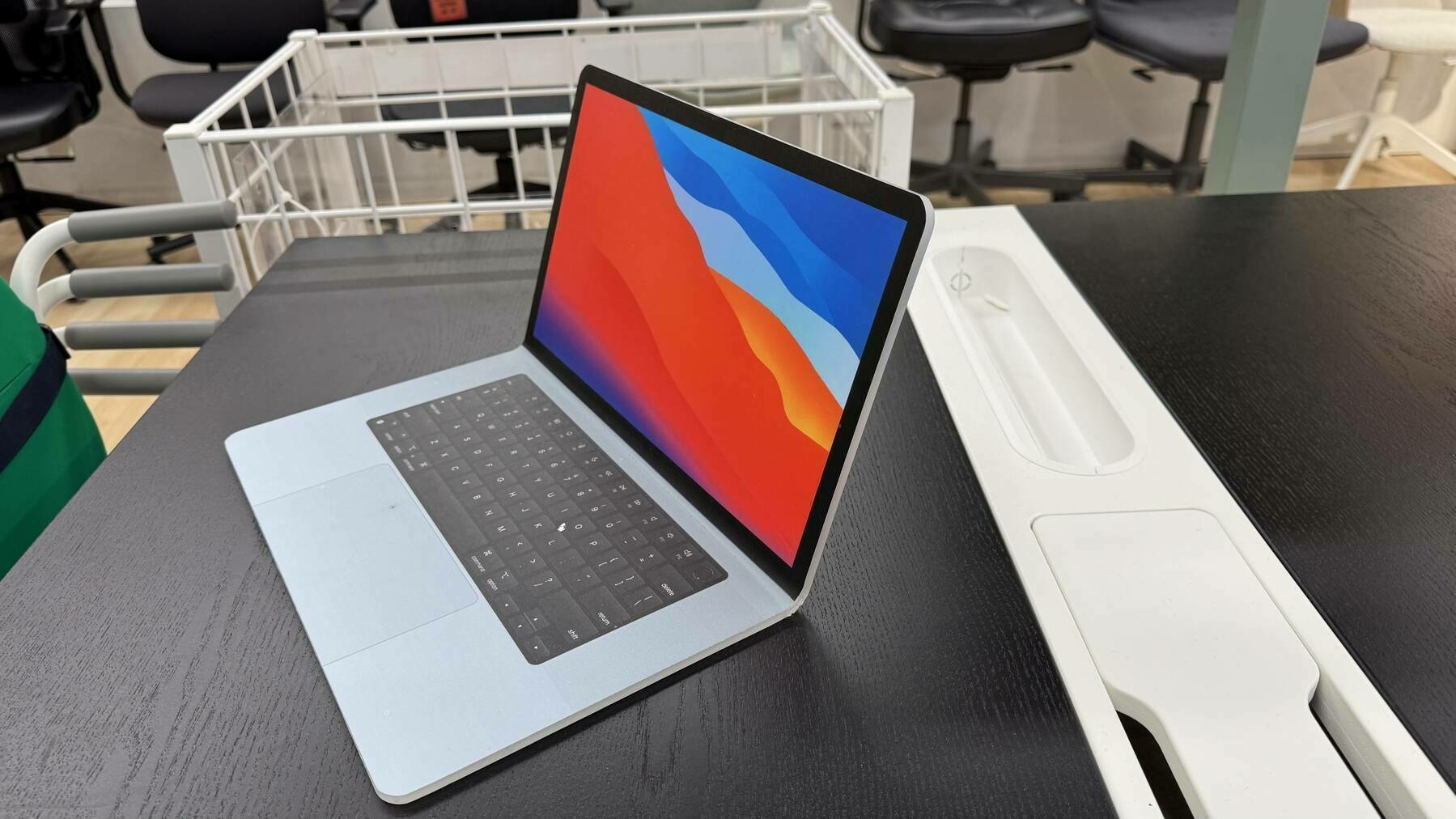
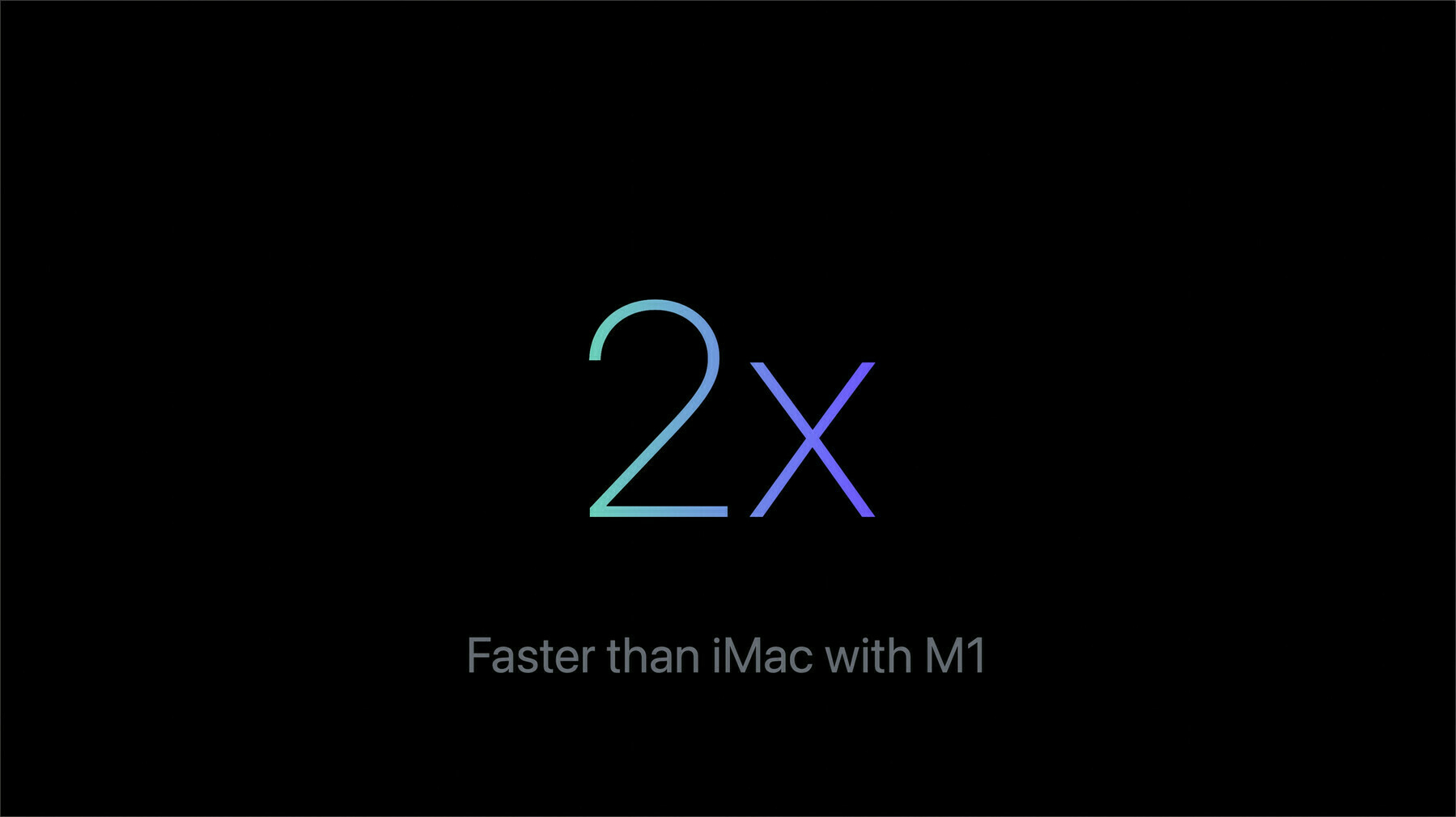
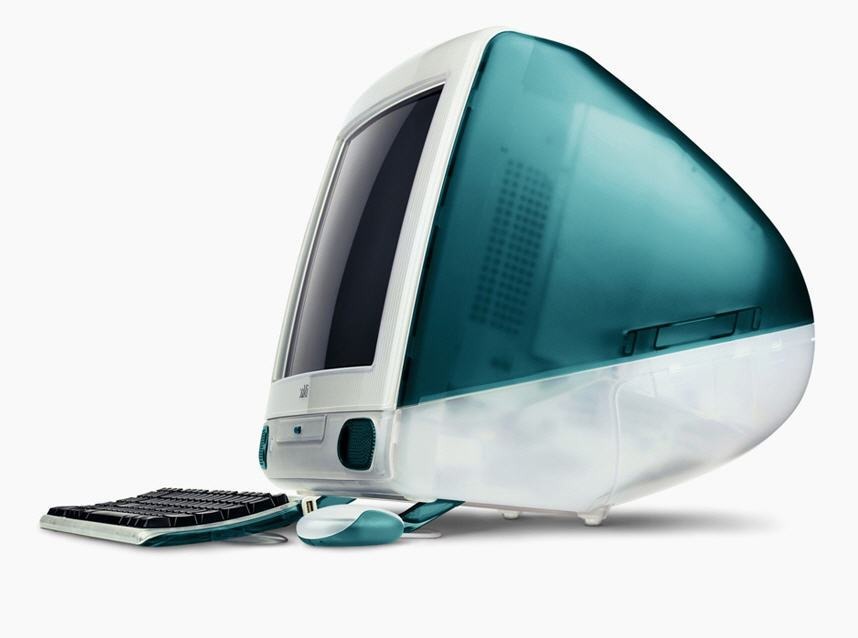
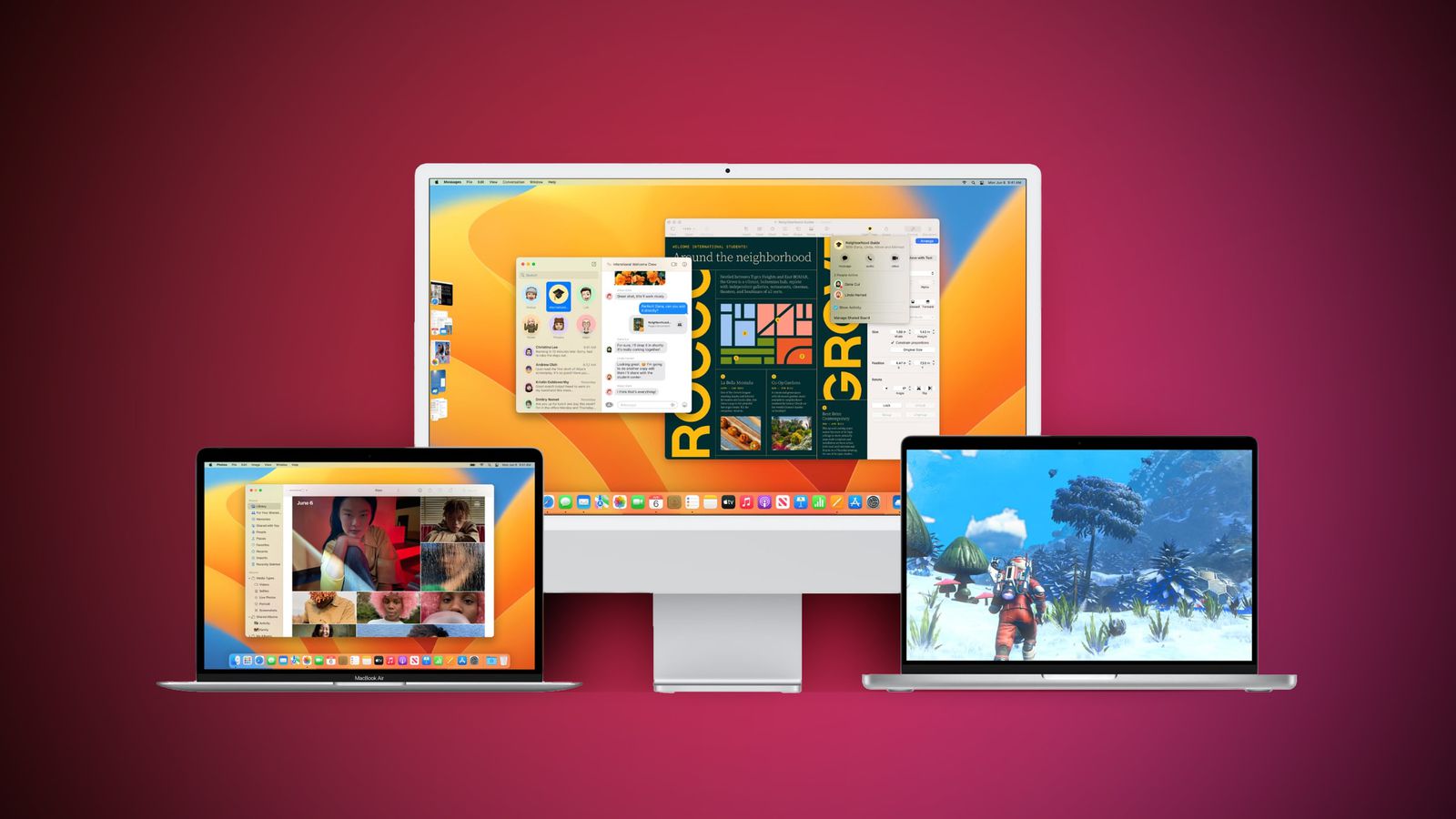
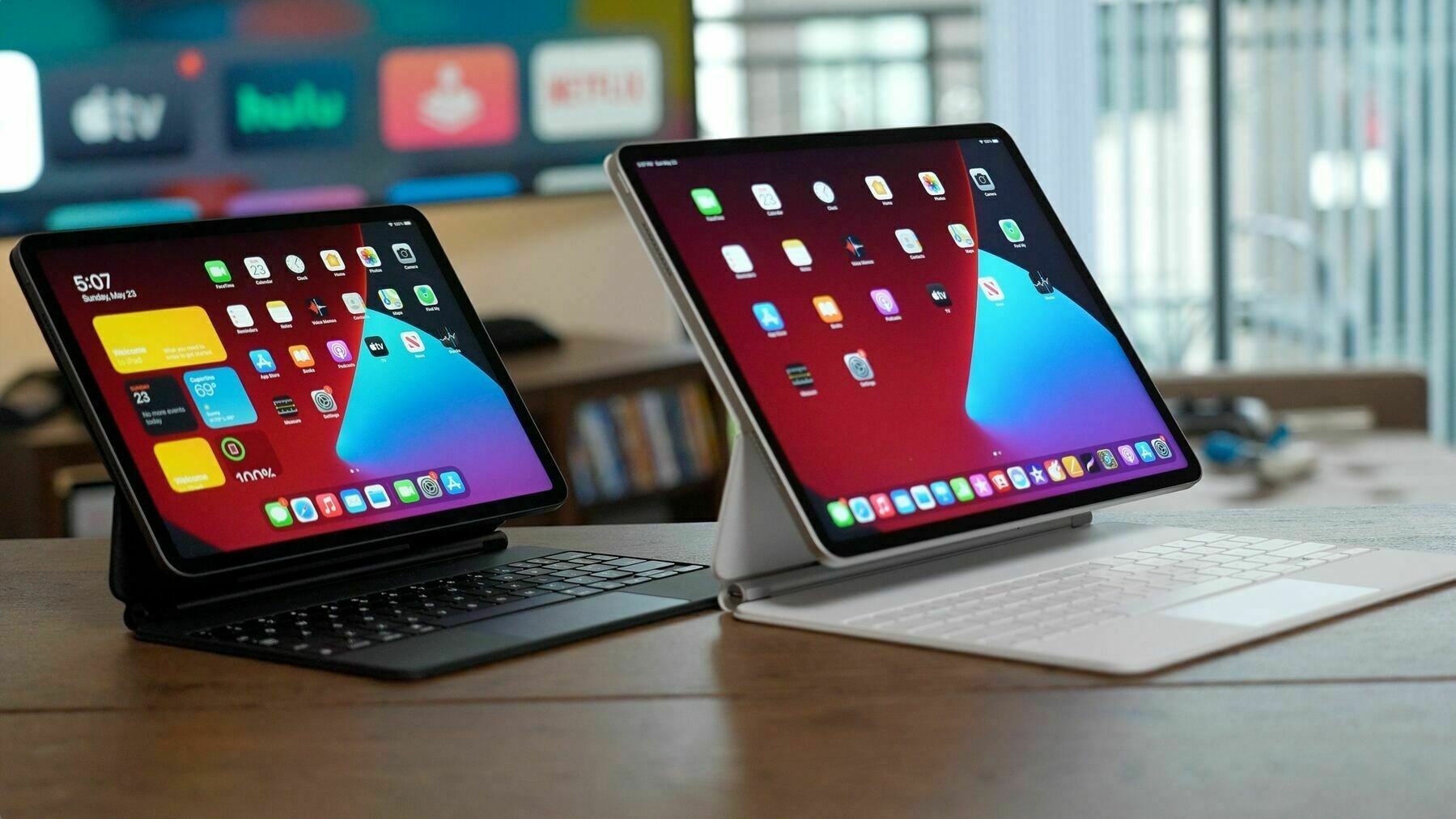
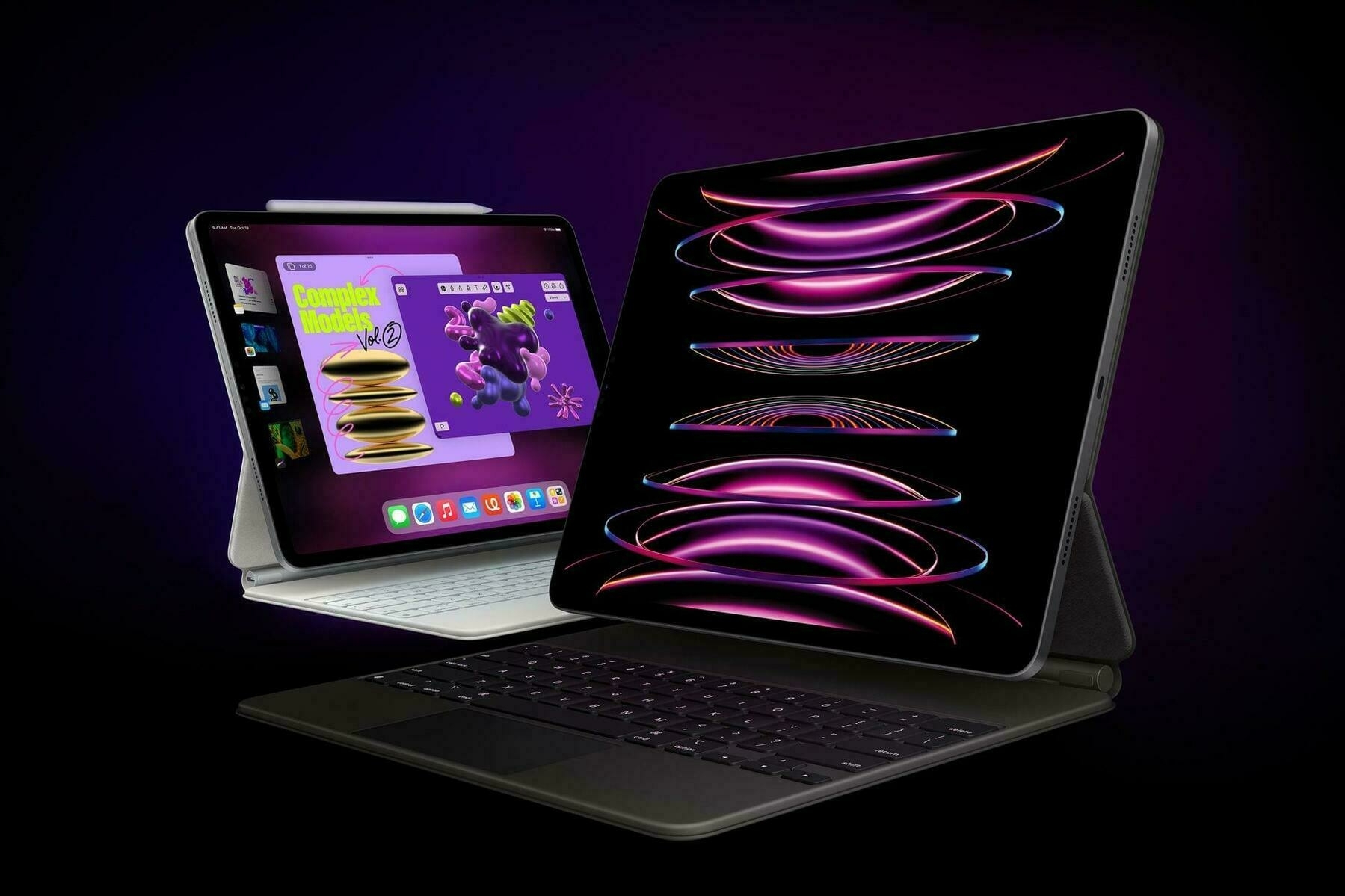
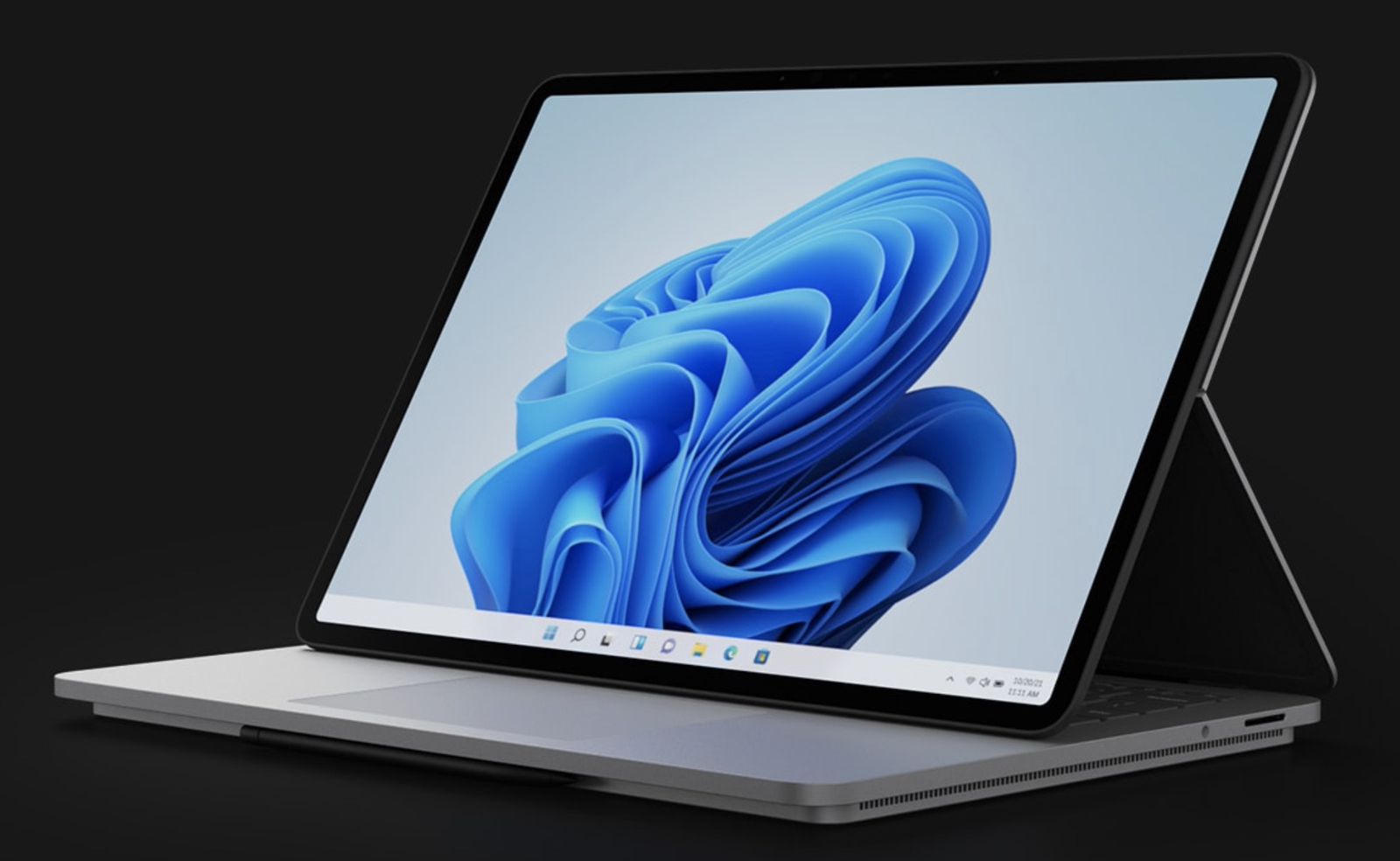
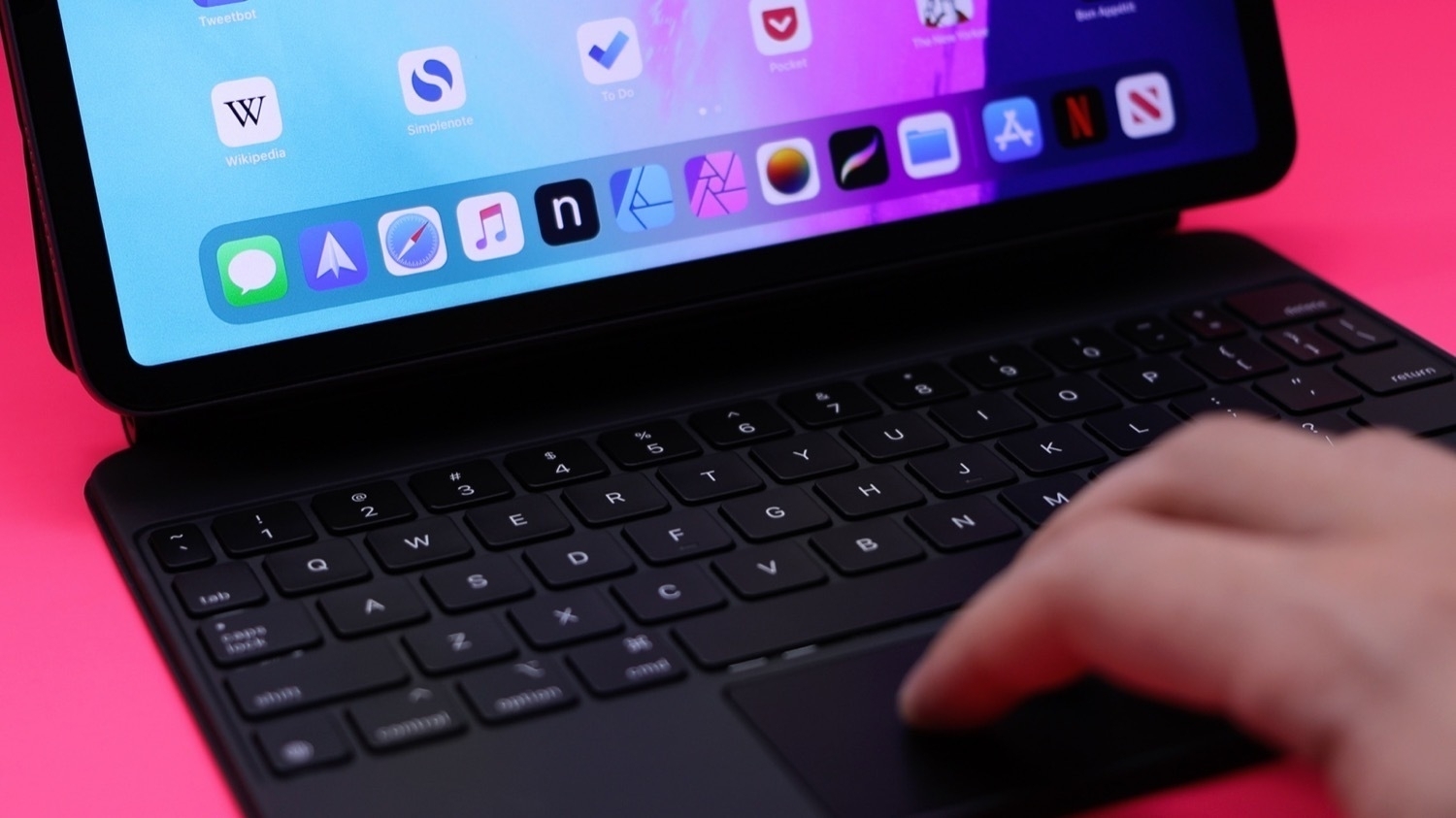
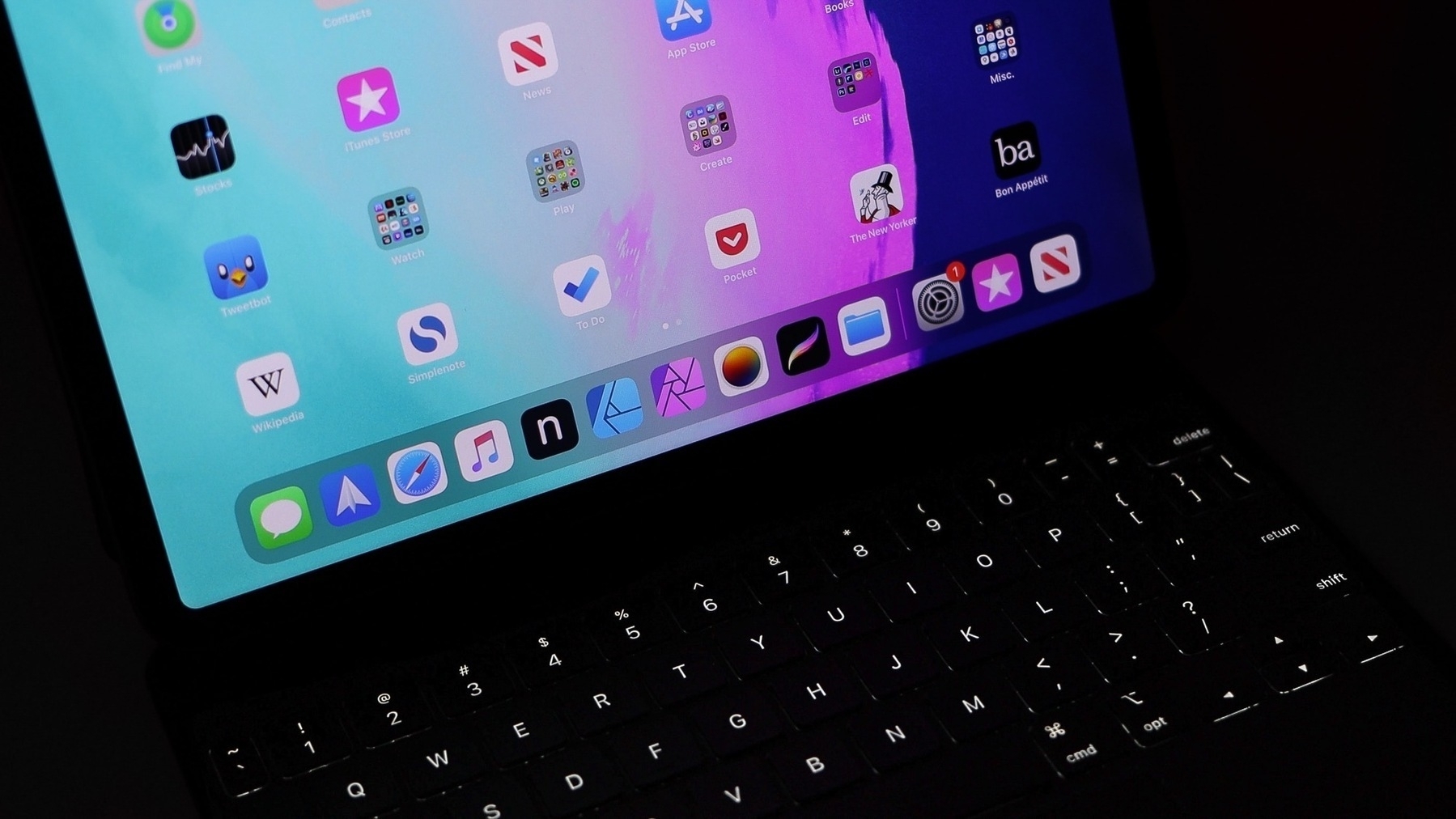
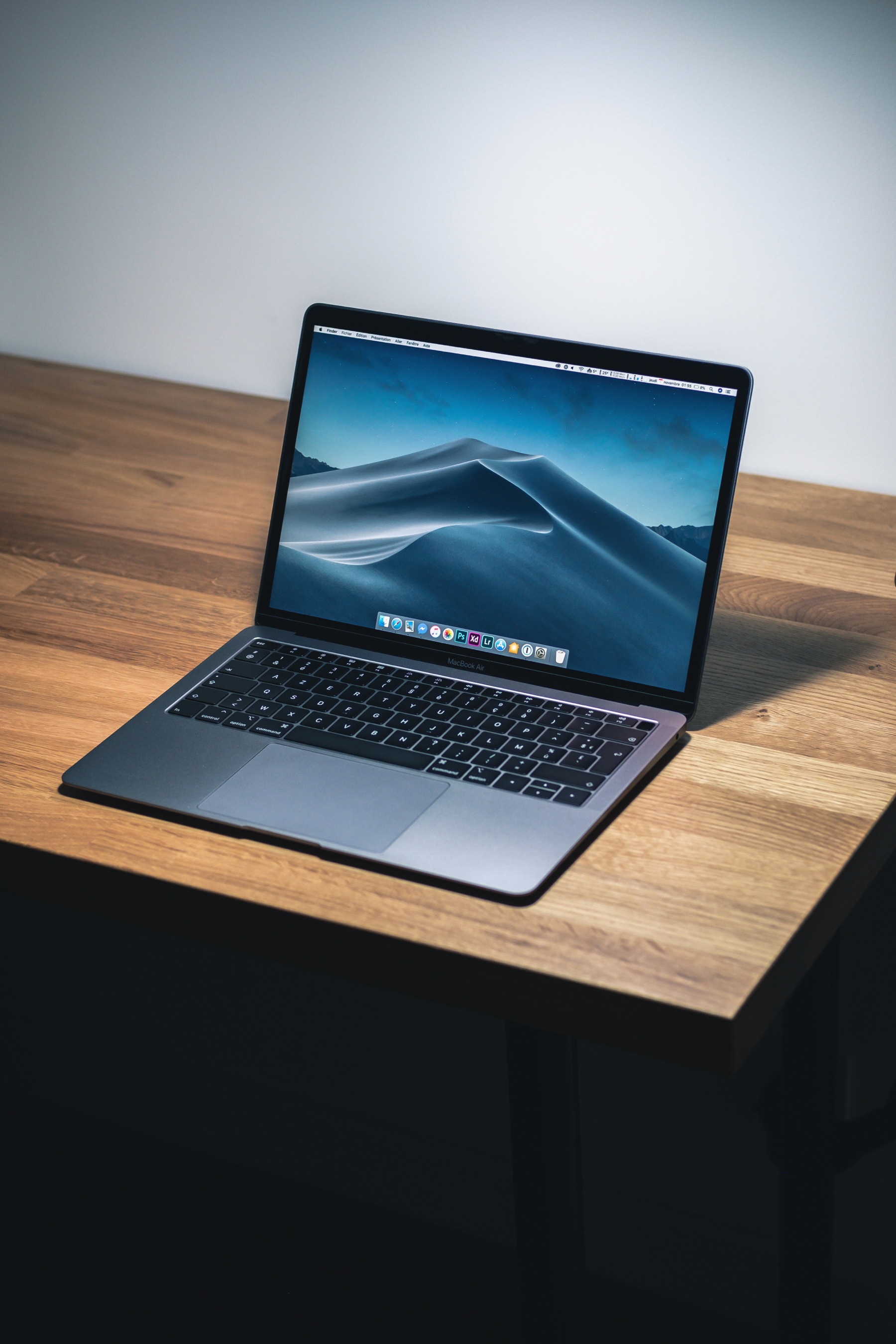
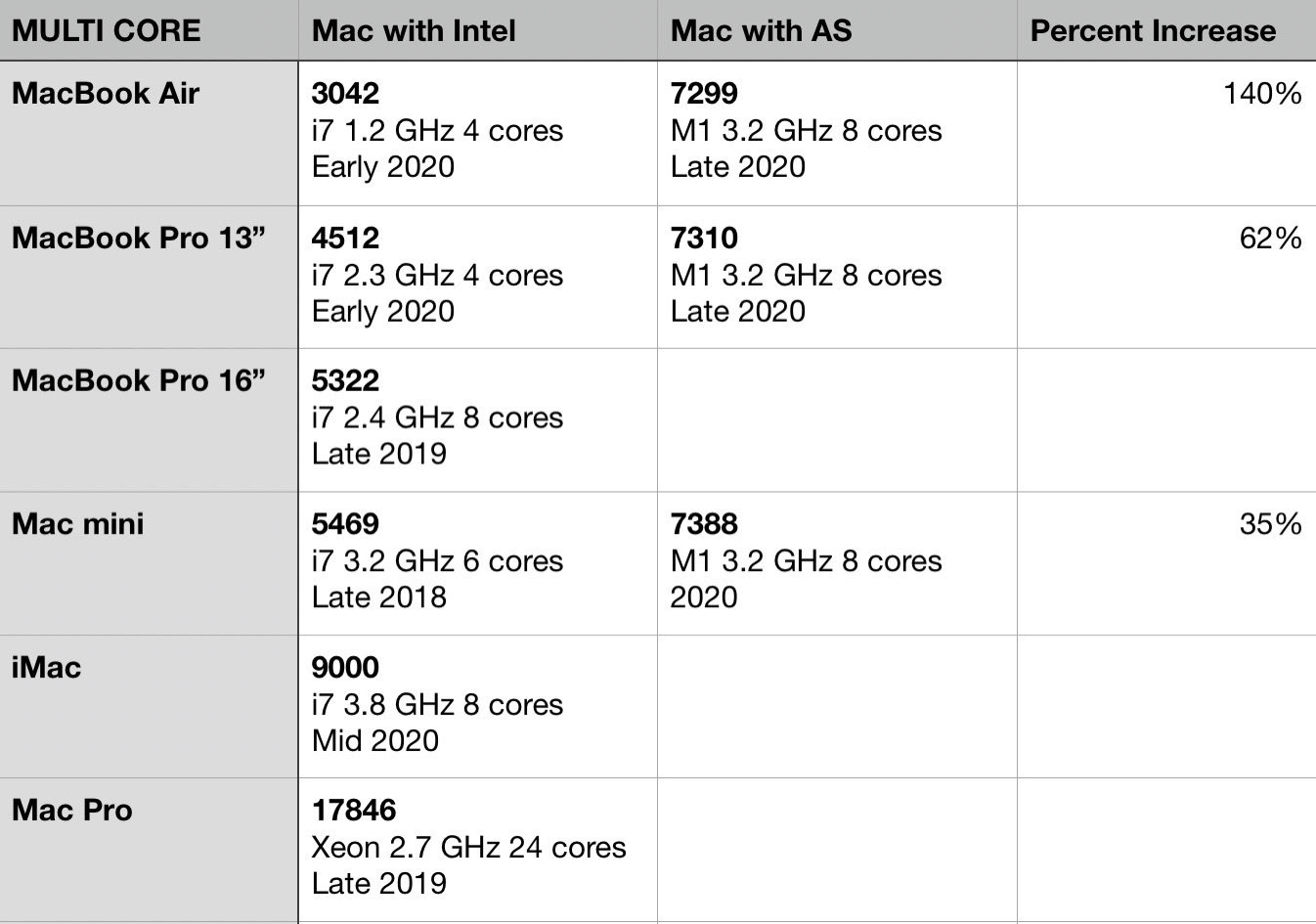
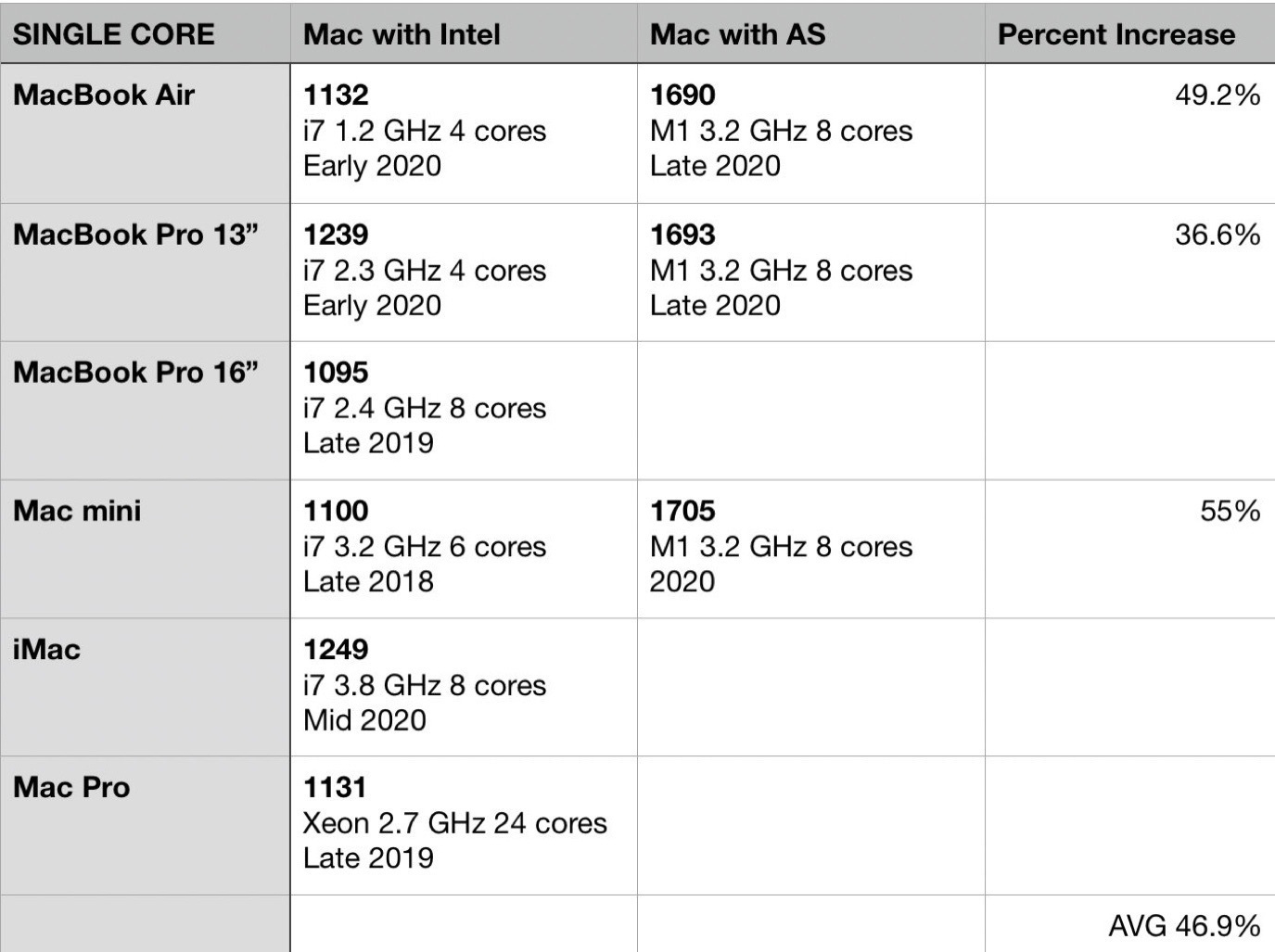
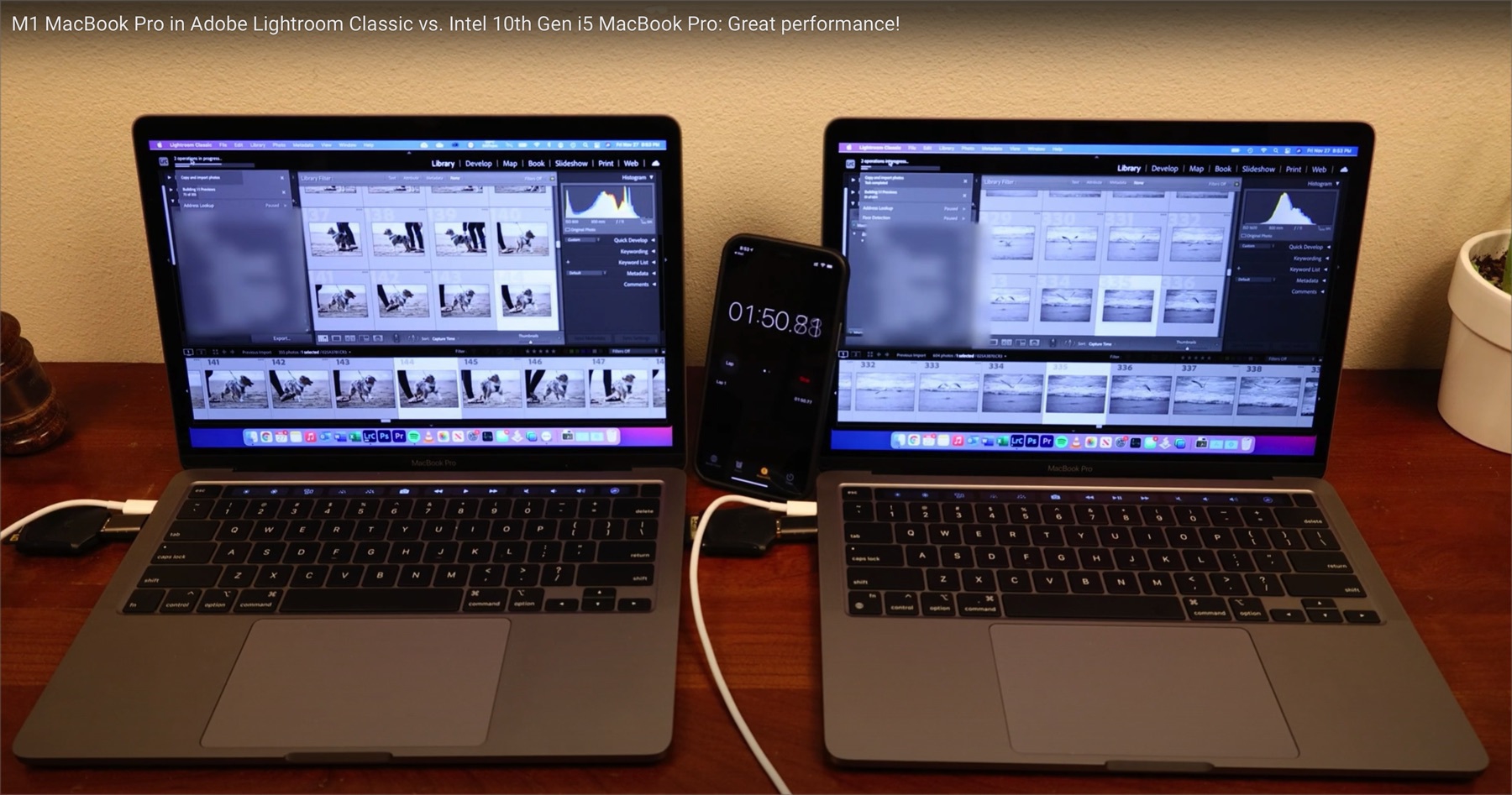
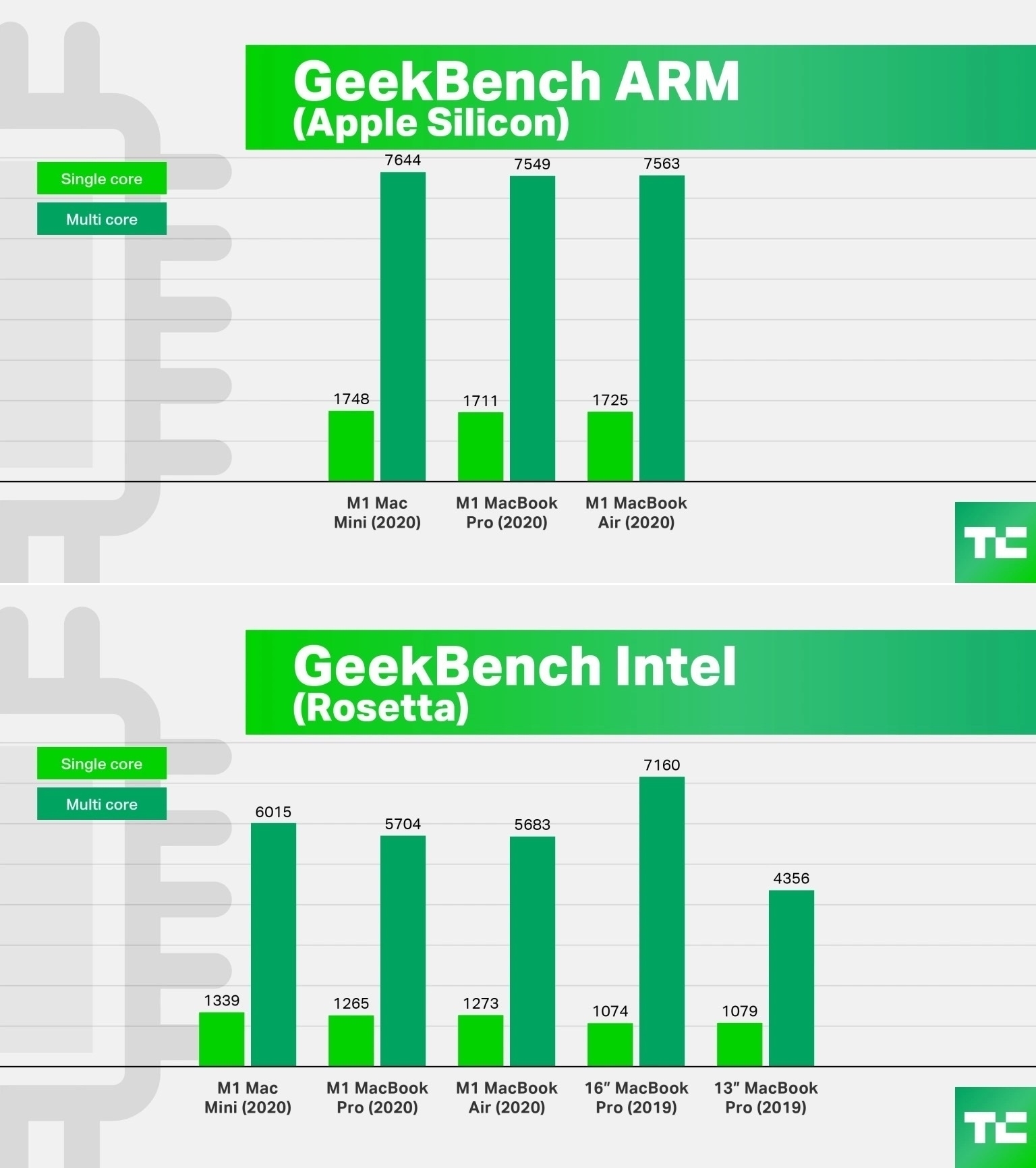
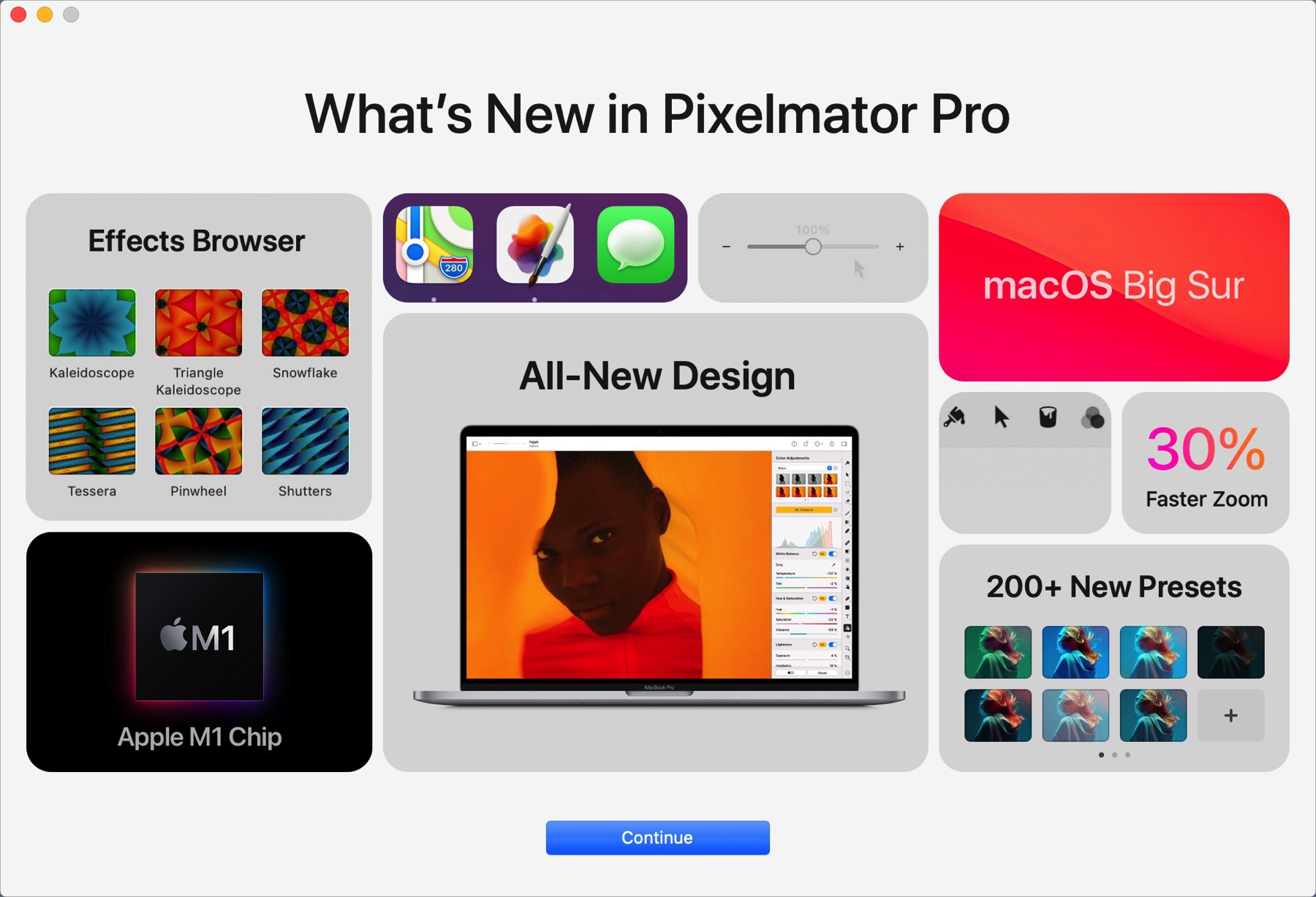
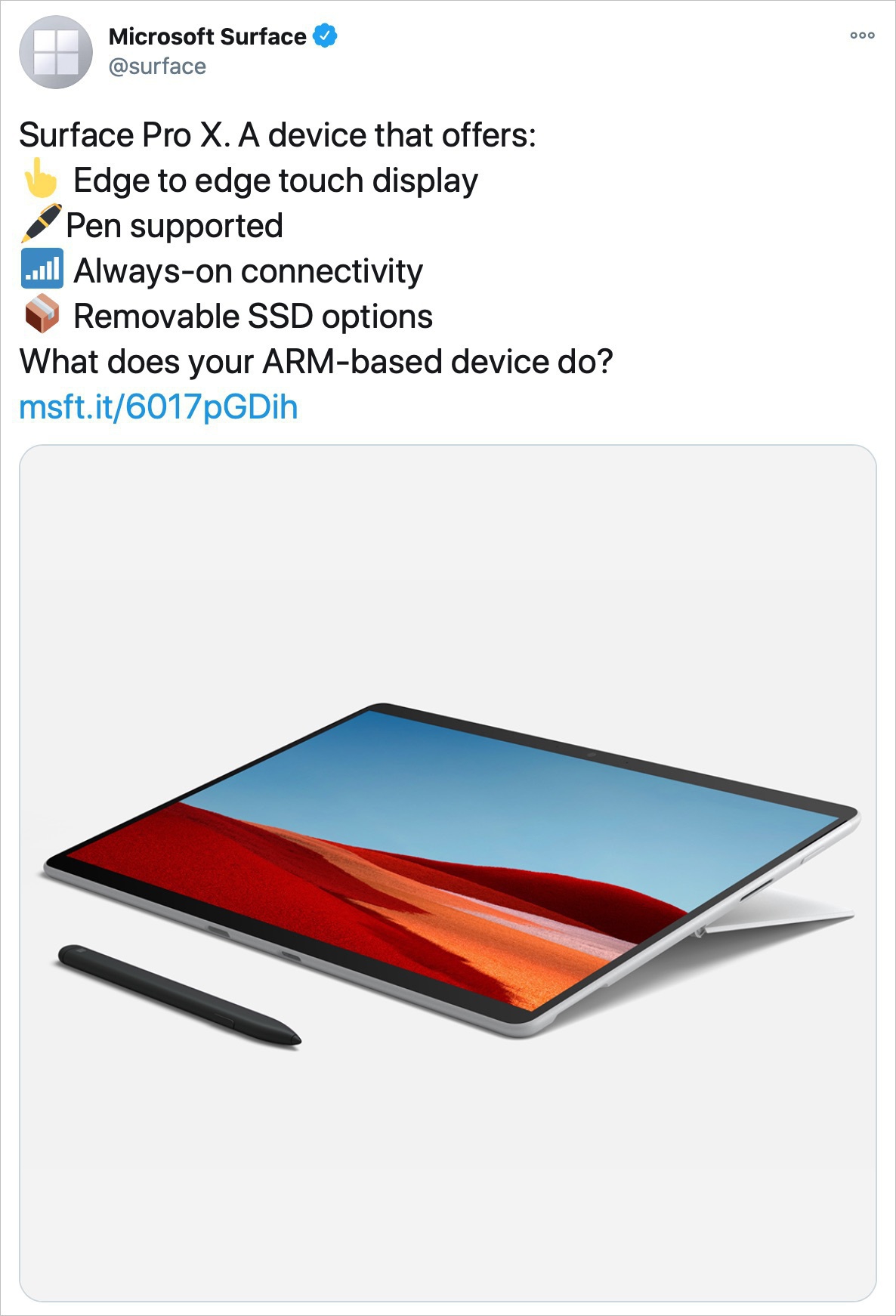
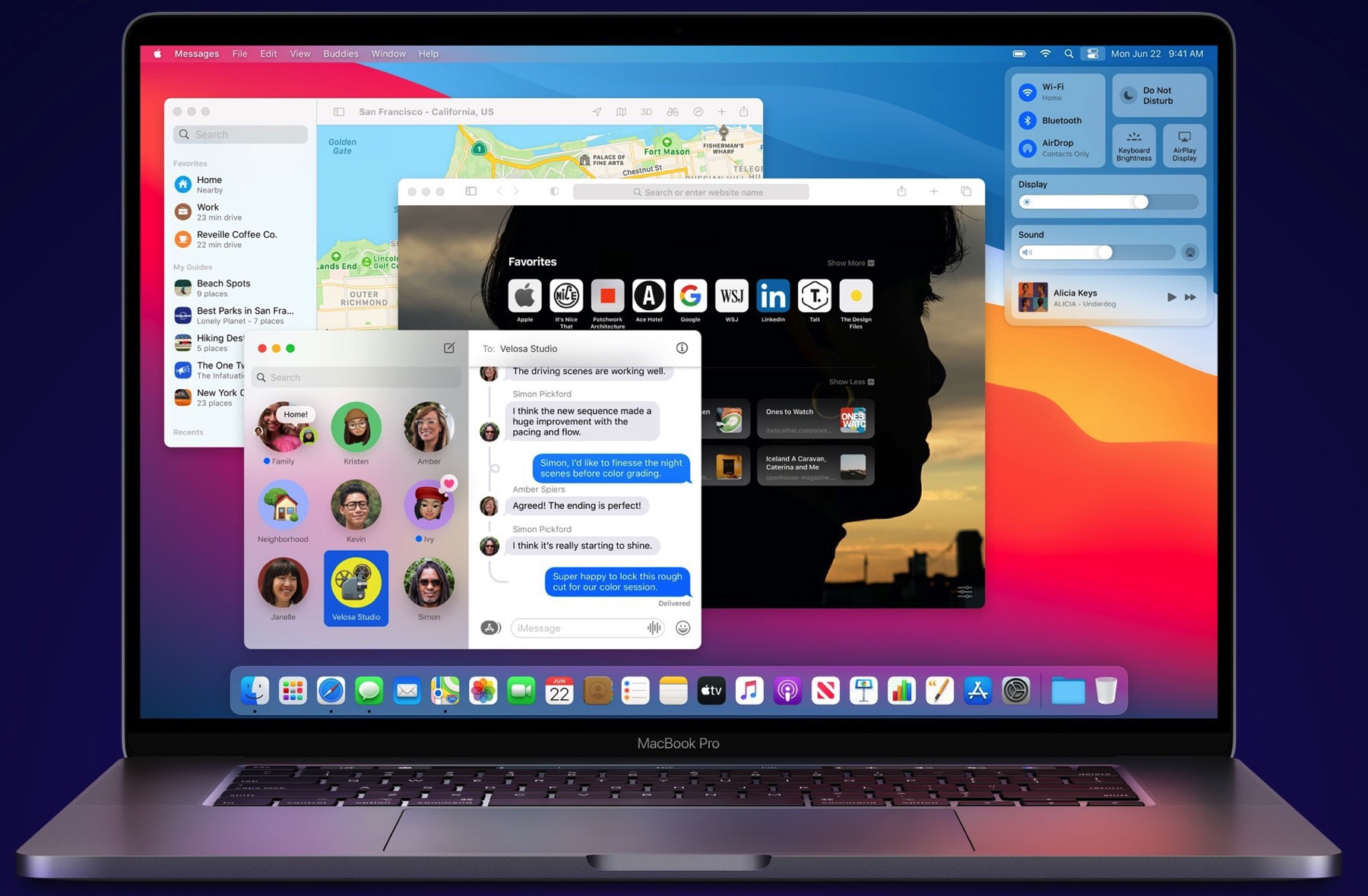
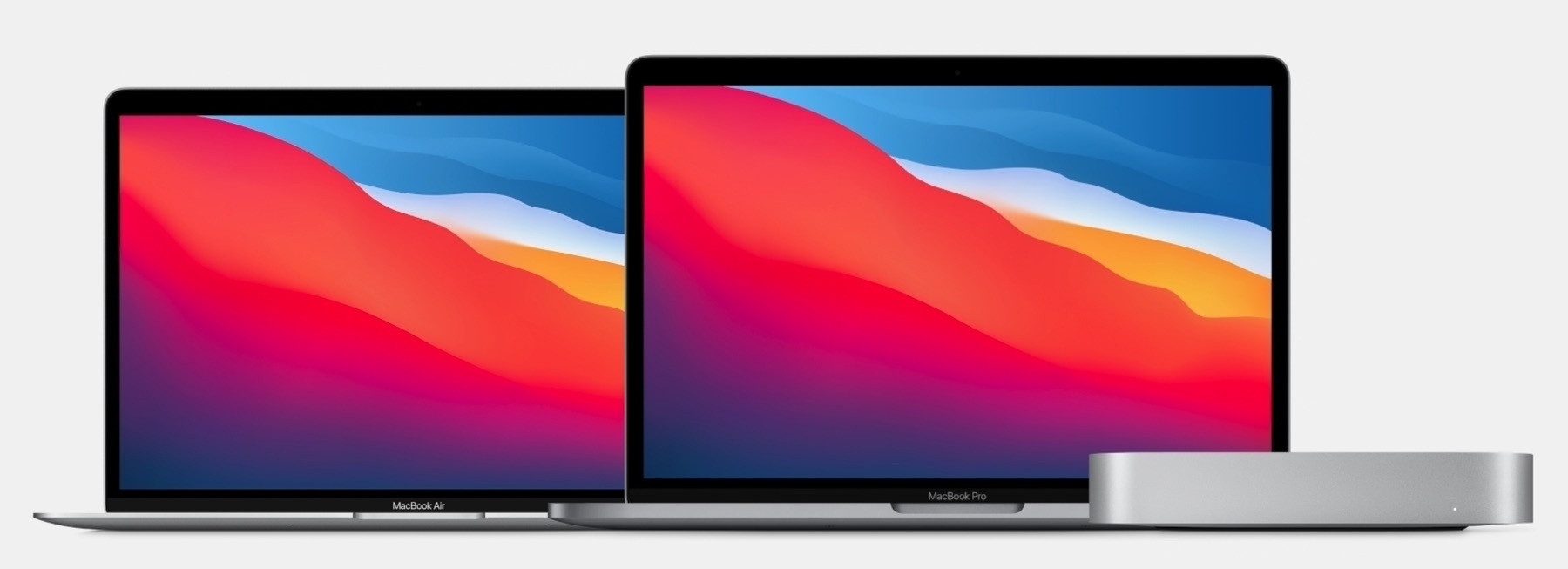
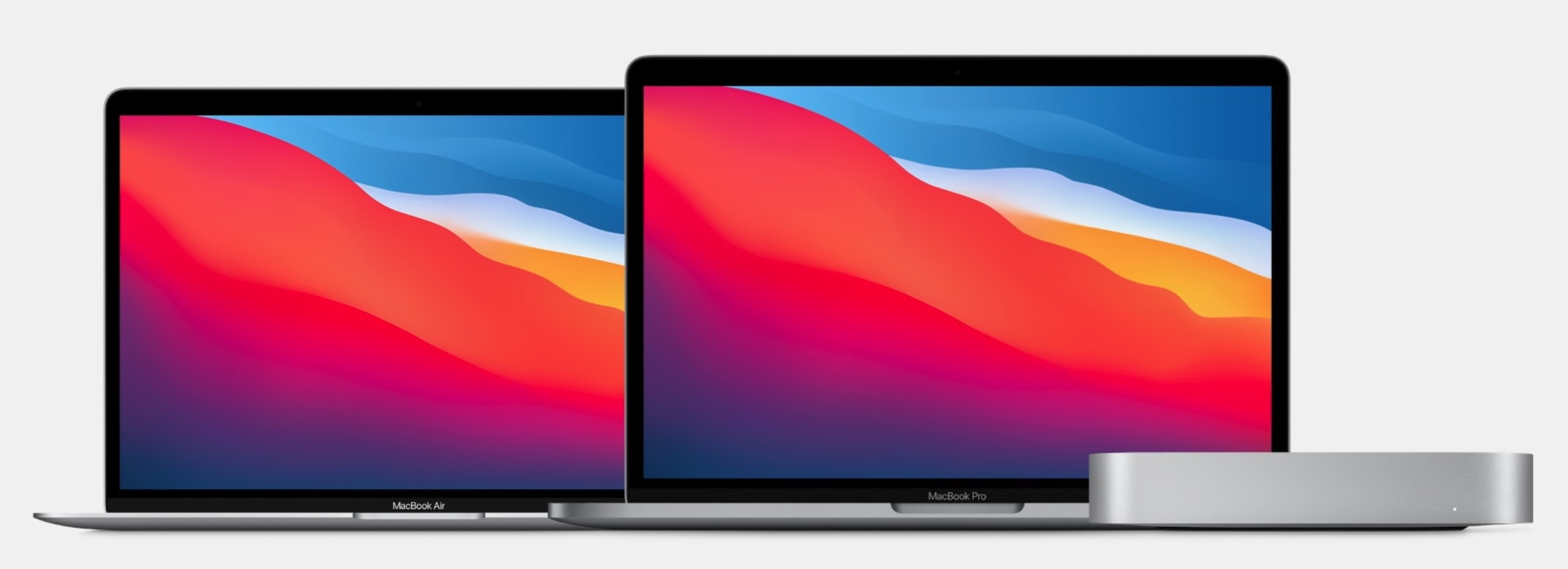
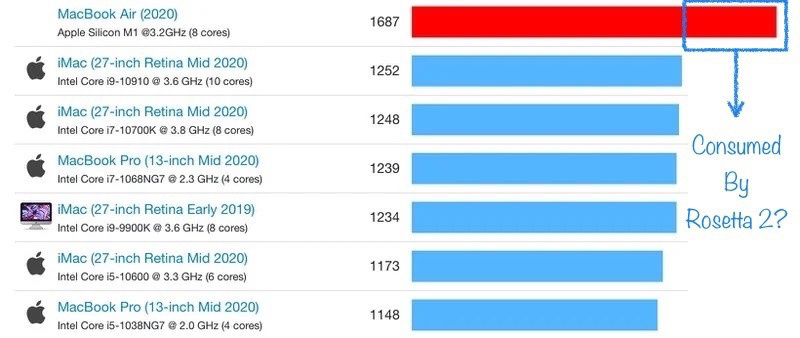
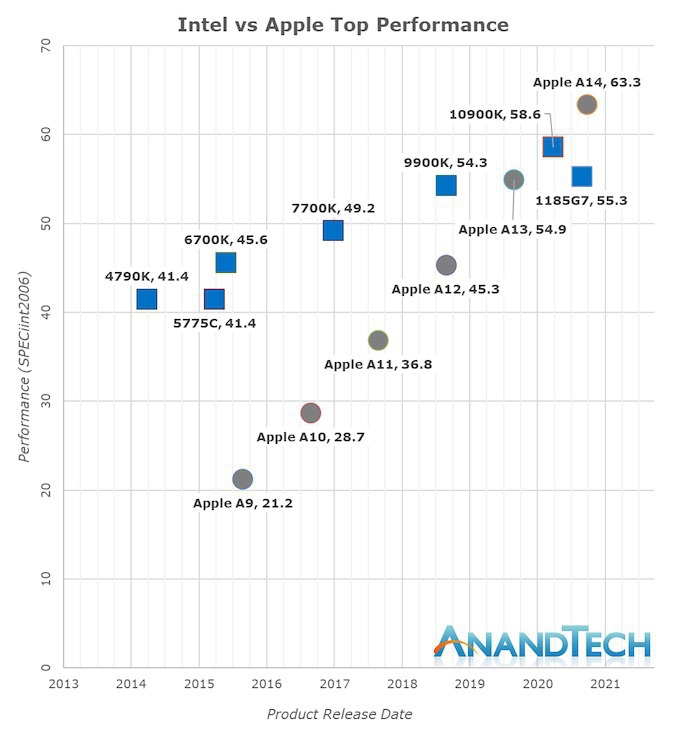
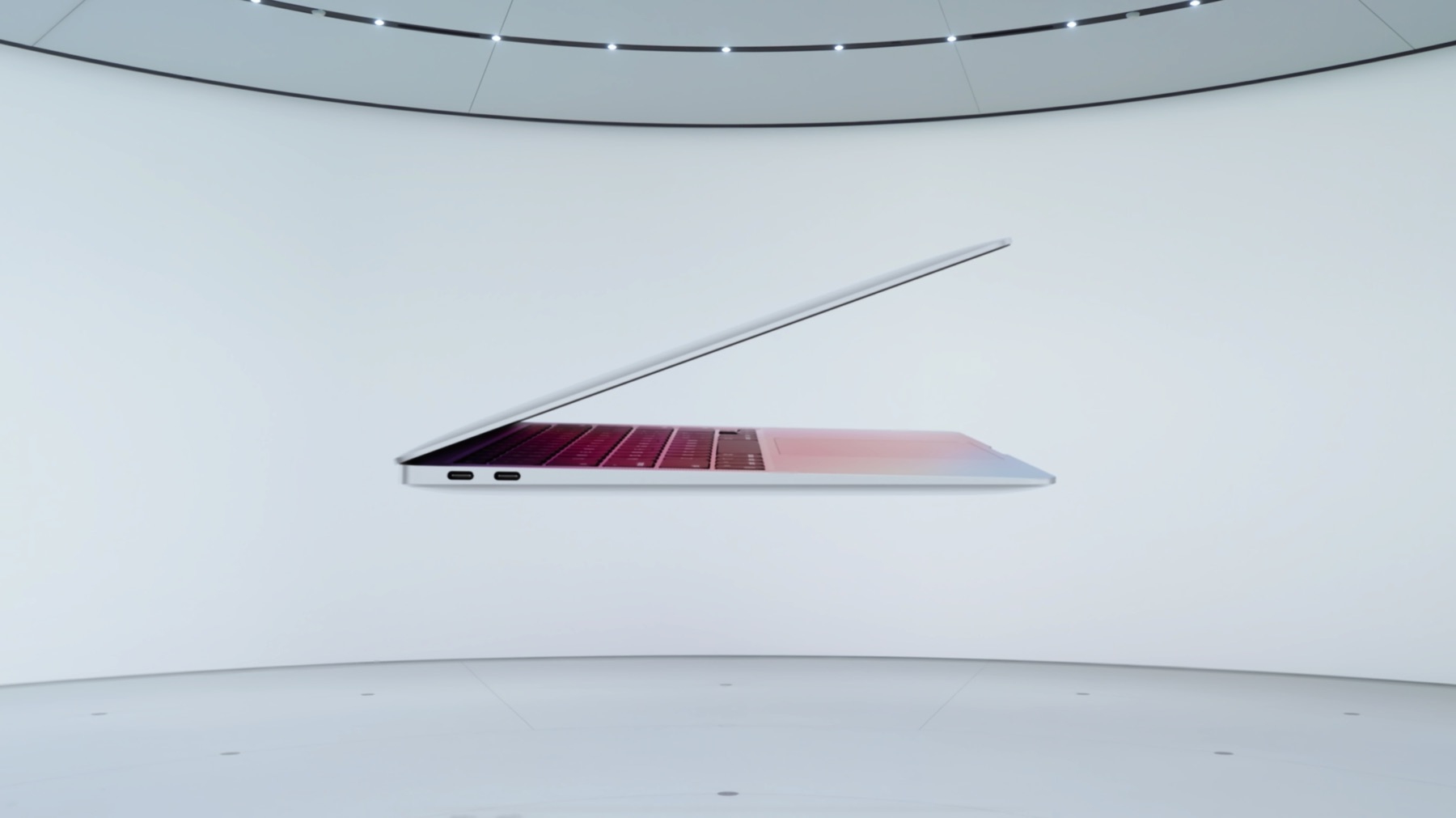
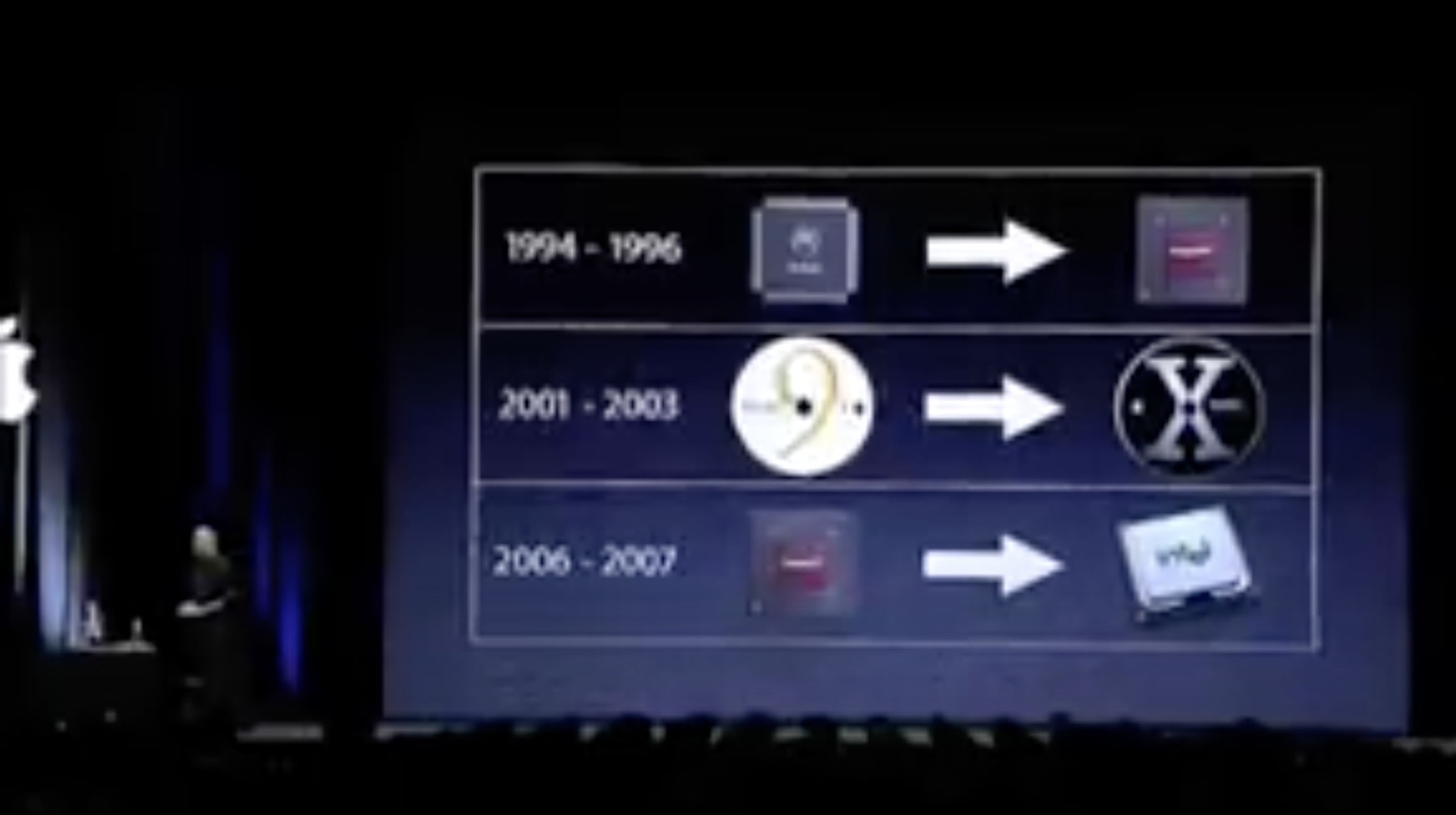
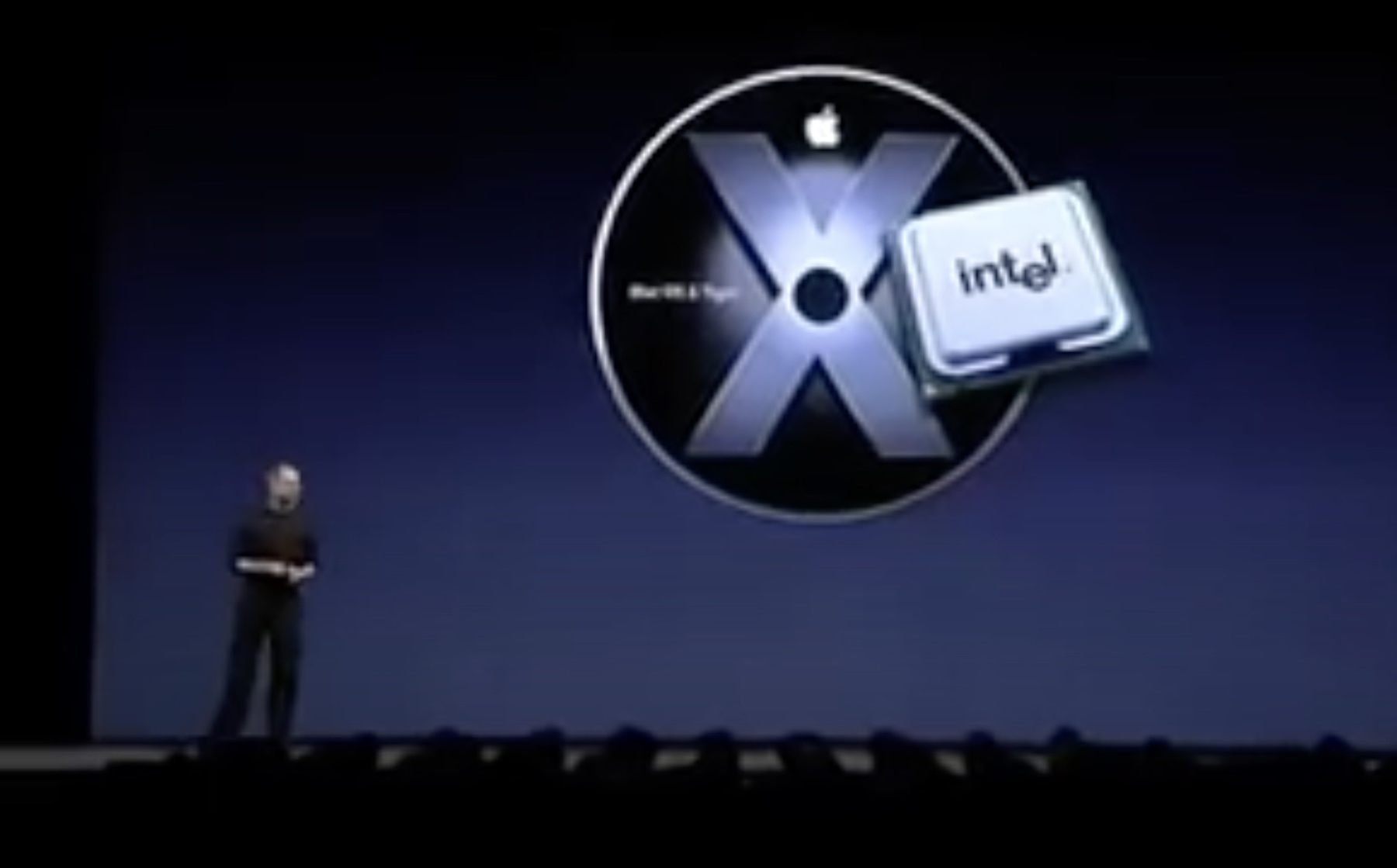
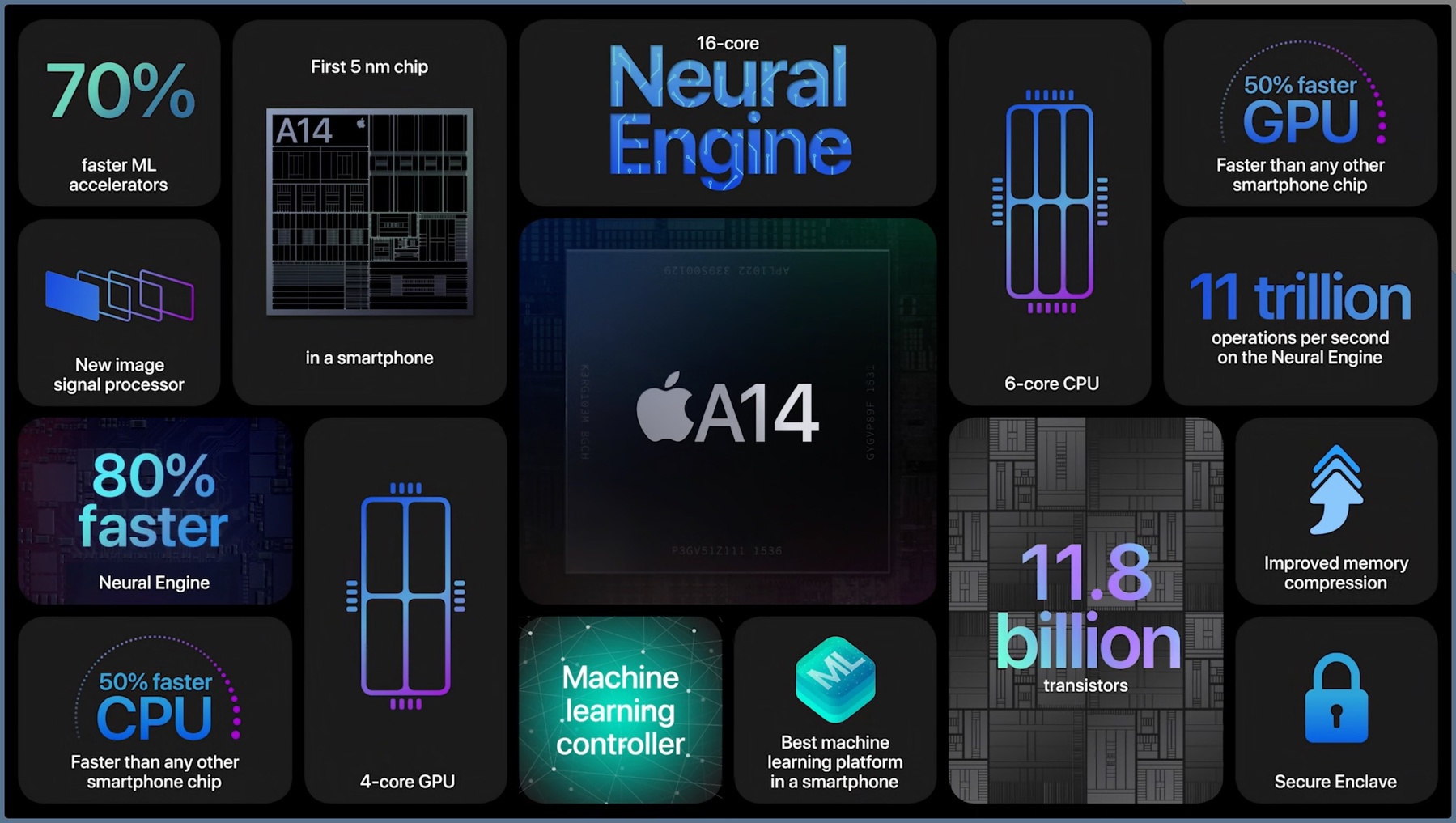
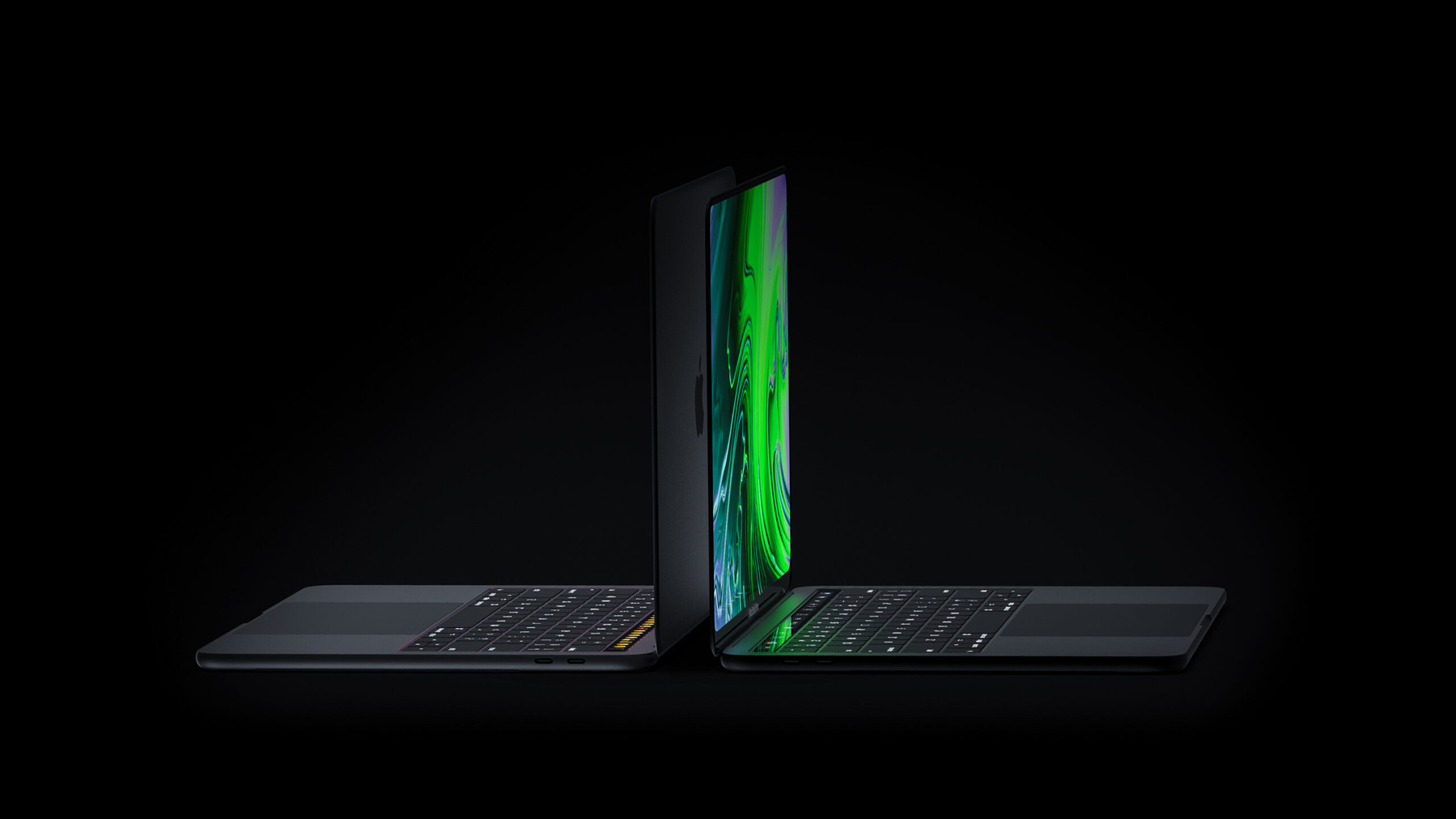
Arm-based notebooks will gain share over Intel and AMD, almost doubling their shipment share to 25% by 2027 from 14% today.
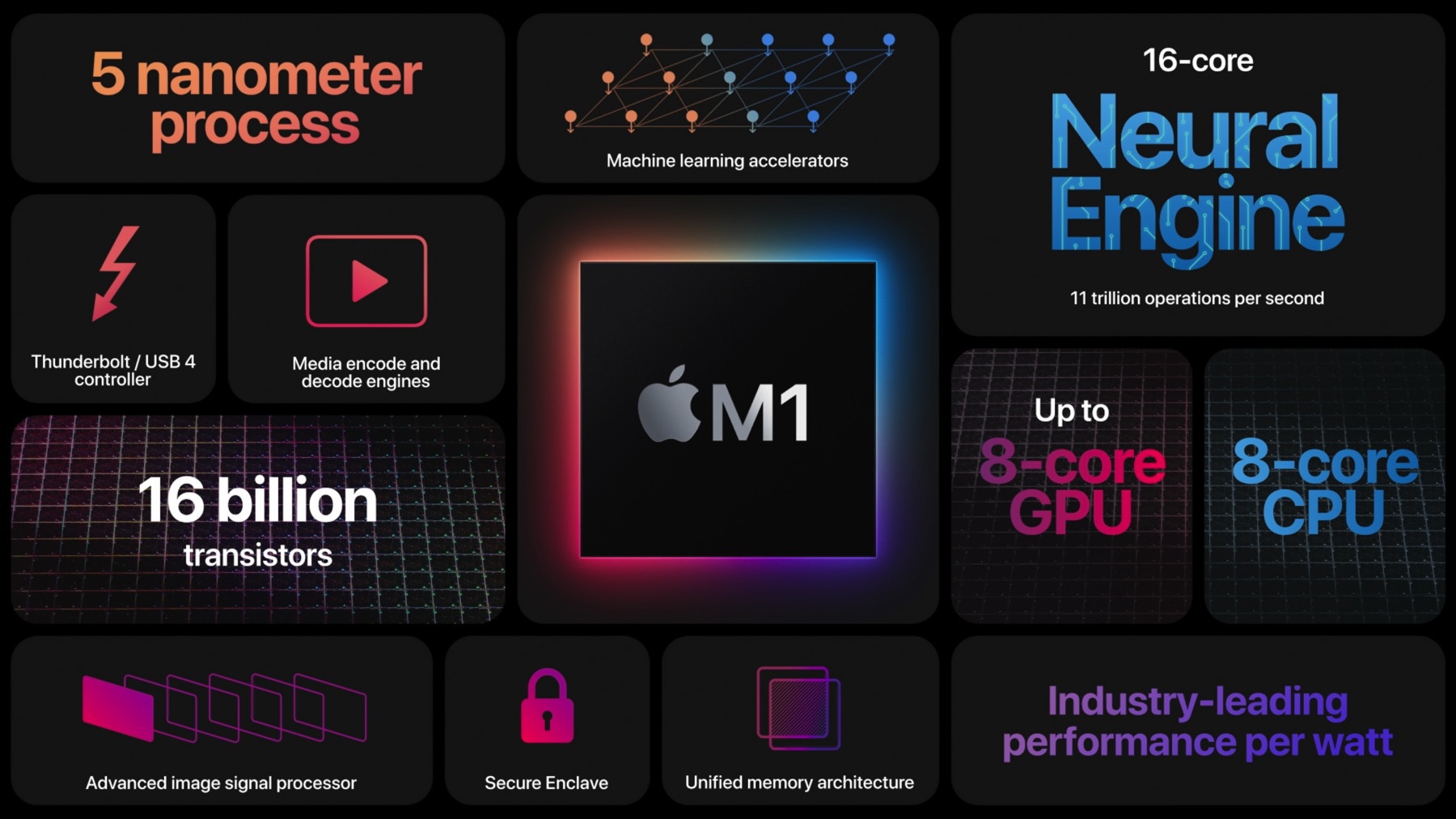
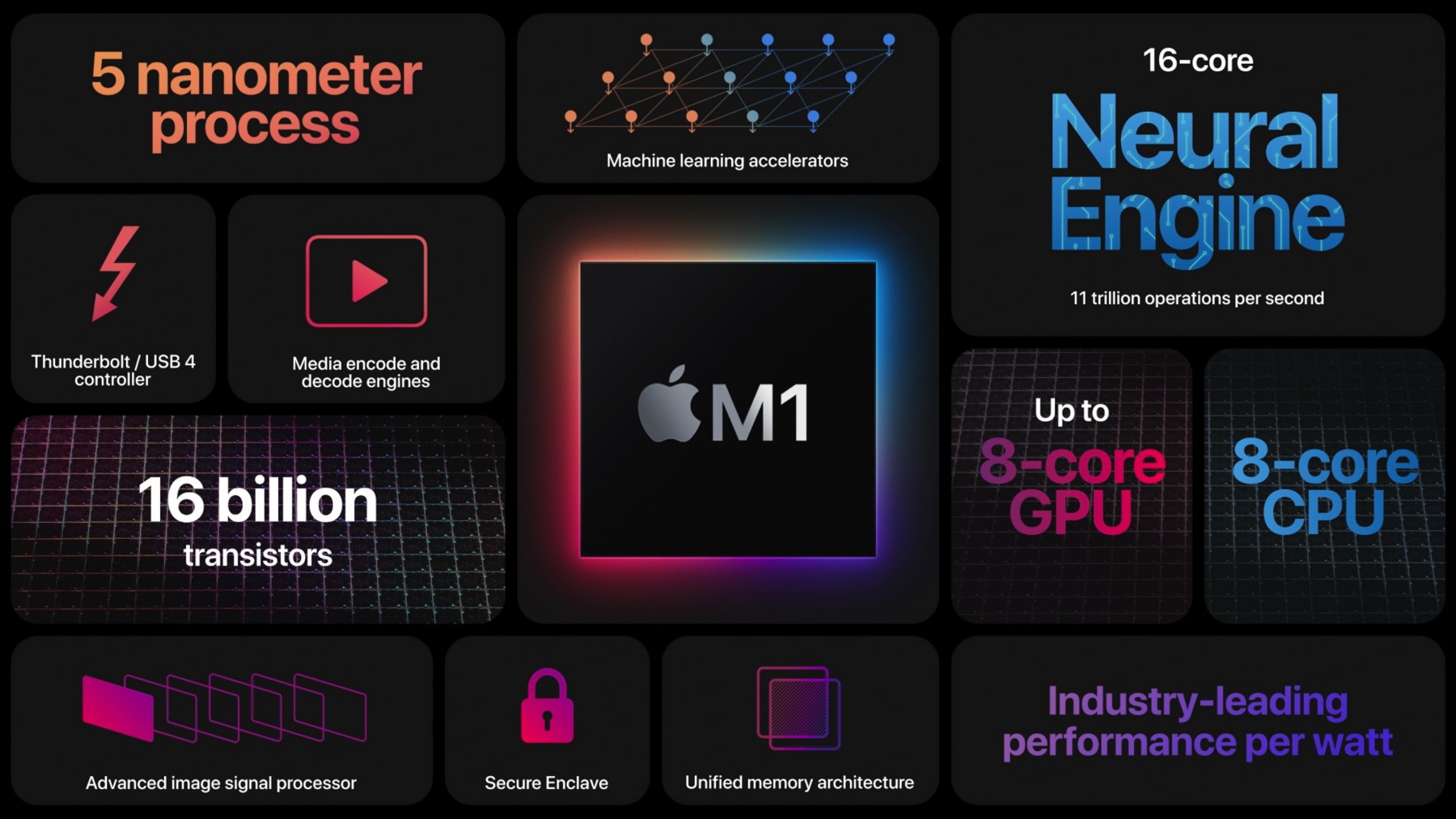
Arm-based PC SoCs are highly customizable. Unlike x86 CPUs, which are designed to be general-purpose processors, Arm-based SoCs can be tailored to specific use cases. This means that SoCs can be designed with a greater number of high-performance CPU cores and highly integrated memory, enabling them to compete with x86 CPUs
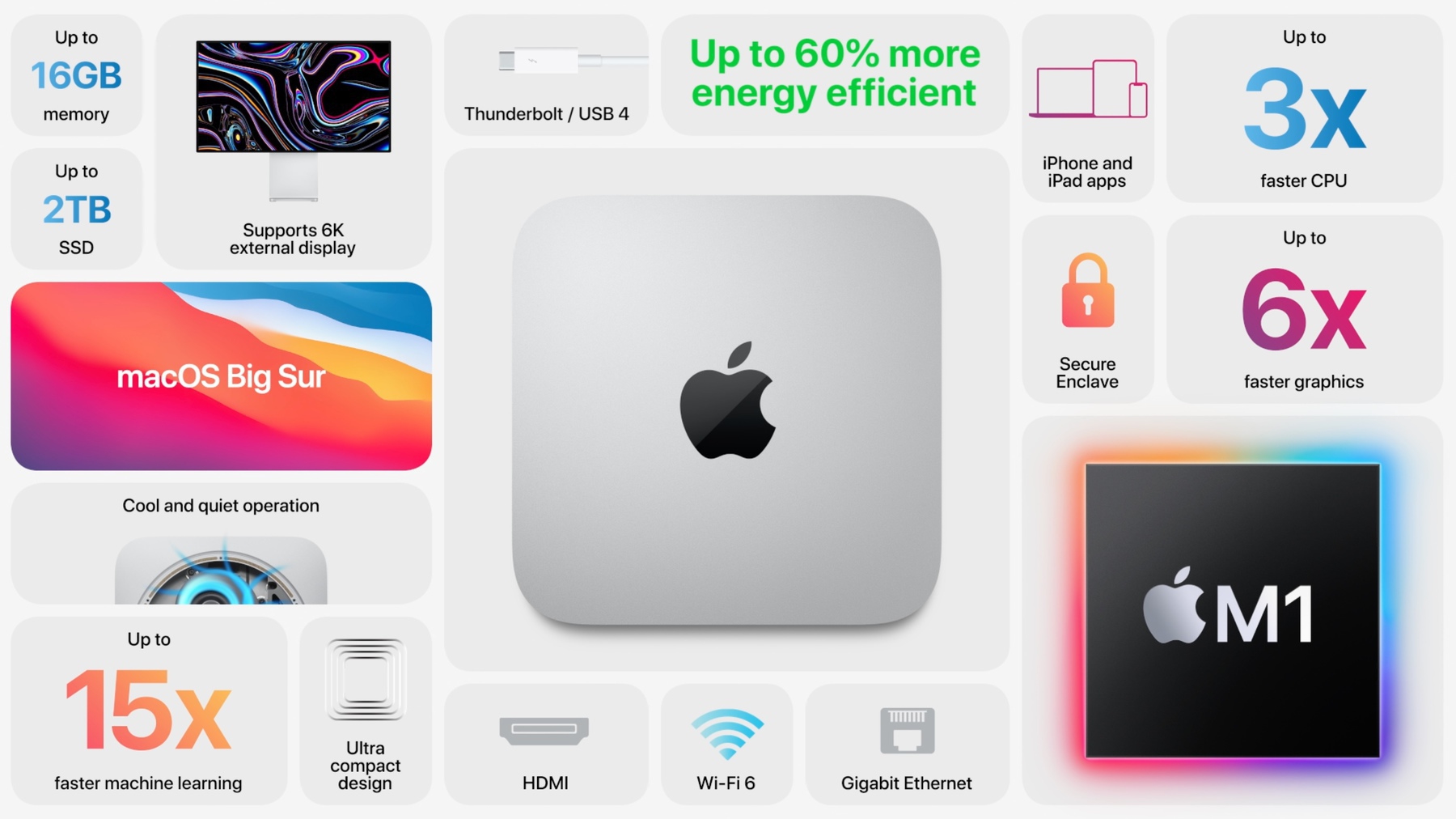
Arm-based SoCs offer several advantages over x86 CPUs, including lower power consumption and improved thermal efficiency. Additionally, their integrated AI-feature cores make them superior to x86 CPUs.
One question: how is Intel going to fight back against ARM? Is this even possible without starting over? ARM advances are, simply put: massive.
2023-04-23
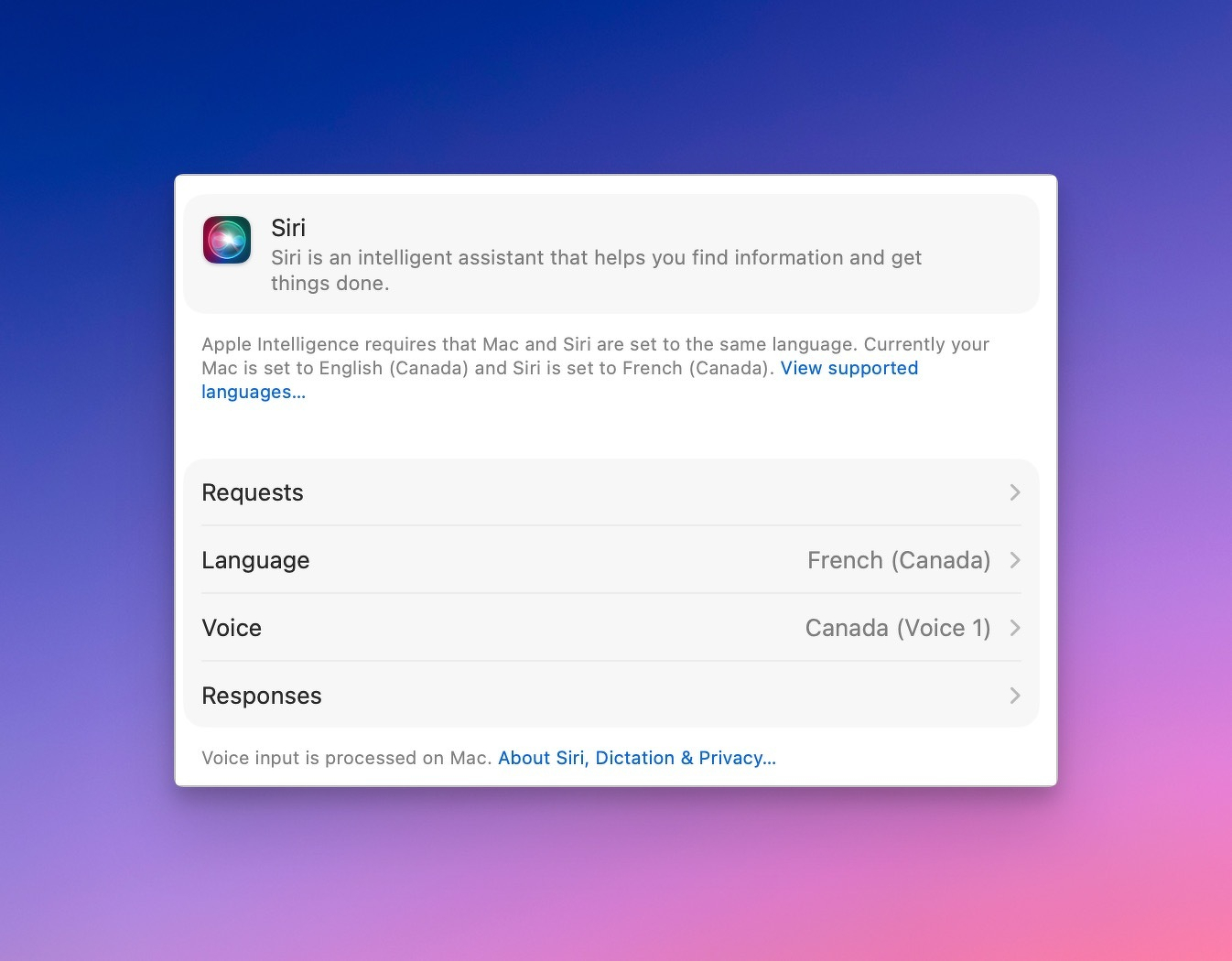
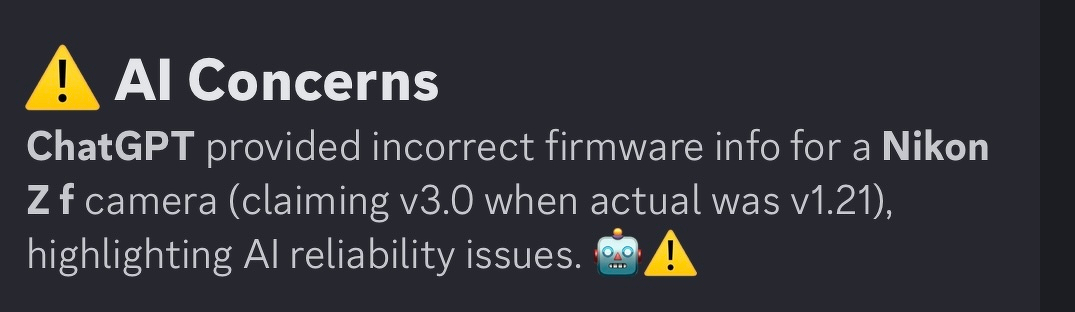
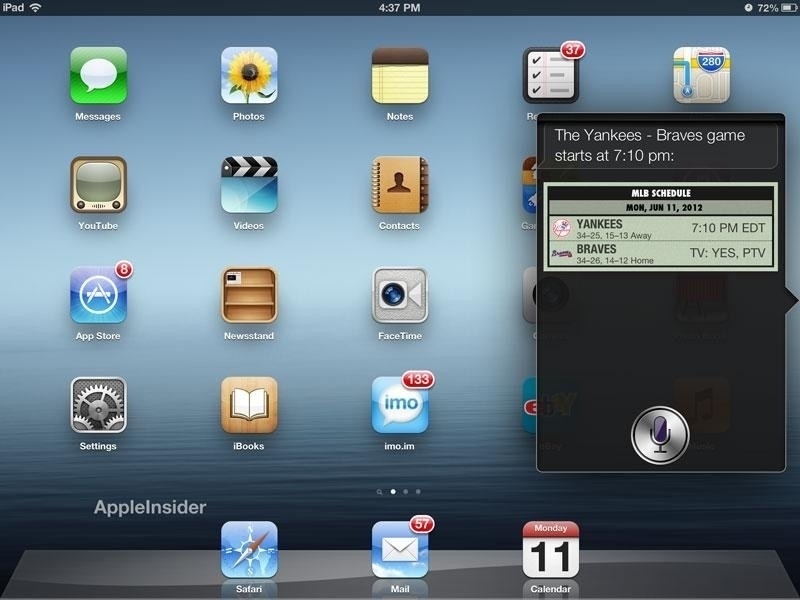
There’s a lot of talk about how AI can get facts wrong. That’s fair, but in my experience it’s correct most of the time. Even when it’s slightly off, there’s usually some useful truth in the answer. Much more frustrating is voice assistants who can’t even begin to give an answer. Source: Manton Reece
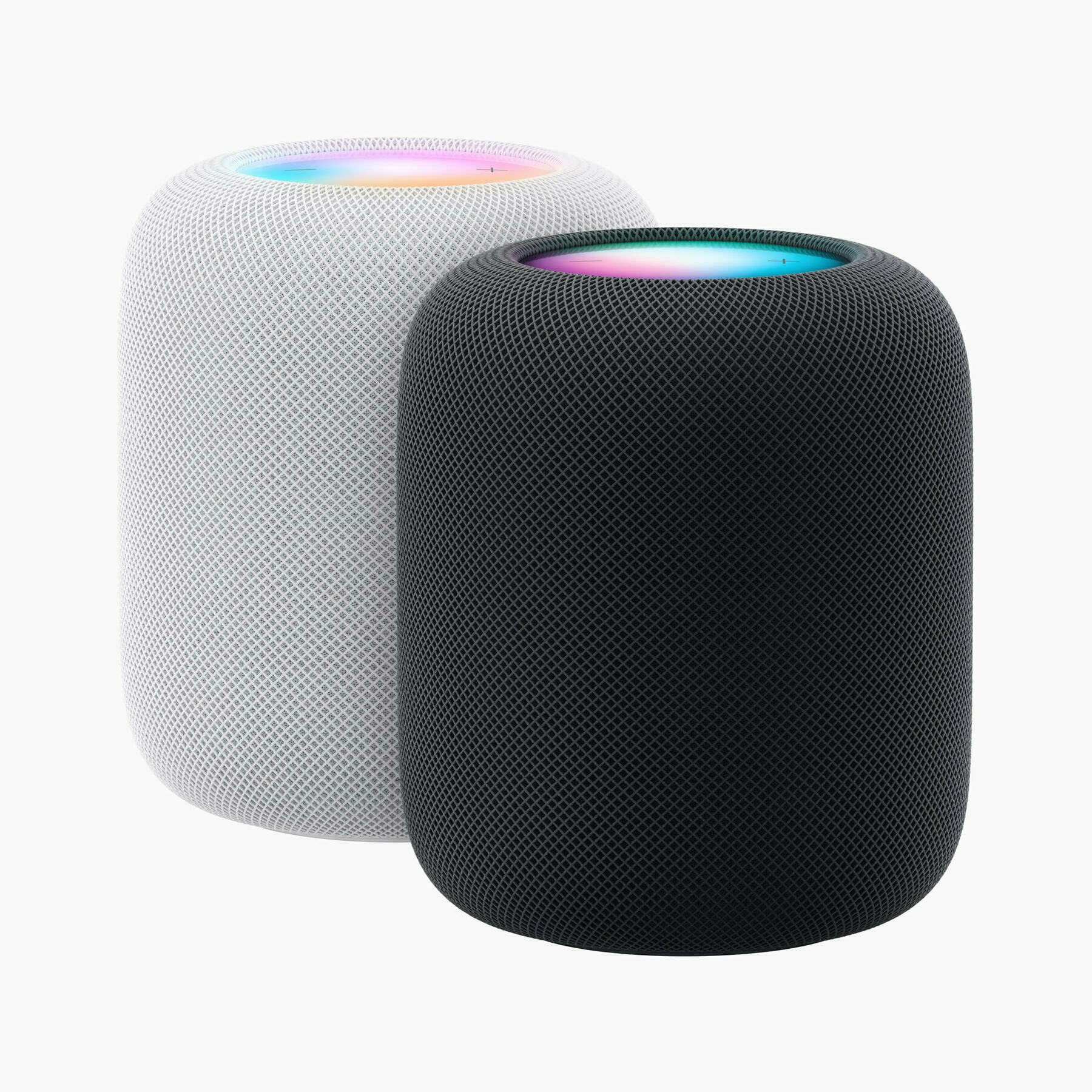
You may be mind blown or not with ChatGPT and the like, but comparing these tools to Siri’s capabilities makes Siri look really bad. Not sure if comparing Alexa makes any difference. These assistant were leapfrogged.
2023-04-23
How Amazon put Ukraine’s ‘government in a box’ — and saved its economy from Russia
Since the day Russia launched its invasion Feb. 24, Amazon has been working closely with the Ukrainian government to download essential data and ferry it out of the country in suitcase-sized solid-state computer storage units called Snowball Edge, then funnelling the data into Amazon’s cloud computing system.
As a guy working in IT for nearly 30 years, I can imagine how complex and critical this project was for Ukraine. Transferring a vast amount of data doesn’t happen overnight. Preparing a landing zone in a cloud provider is a complex project. AWS’s (Amazon) contribution is essential, and I wonder if their contribution covers the subscription fees too. I wish I could work on this kind of project myself.
2023-04-23
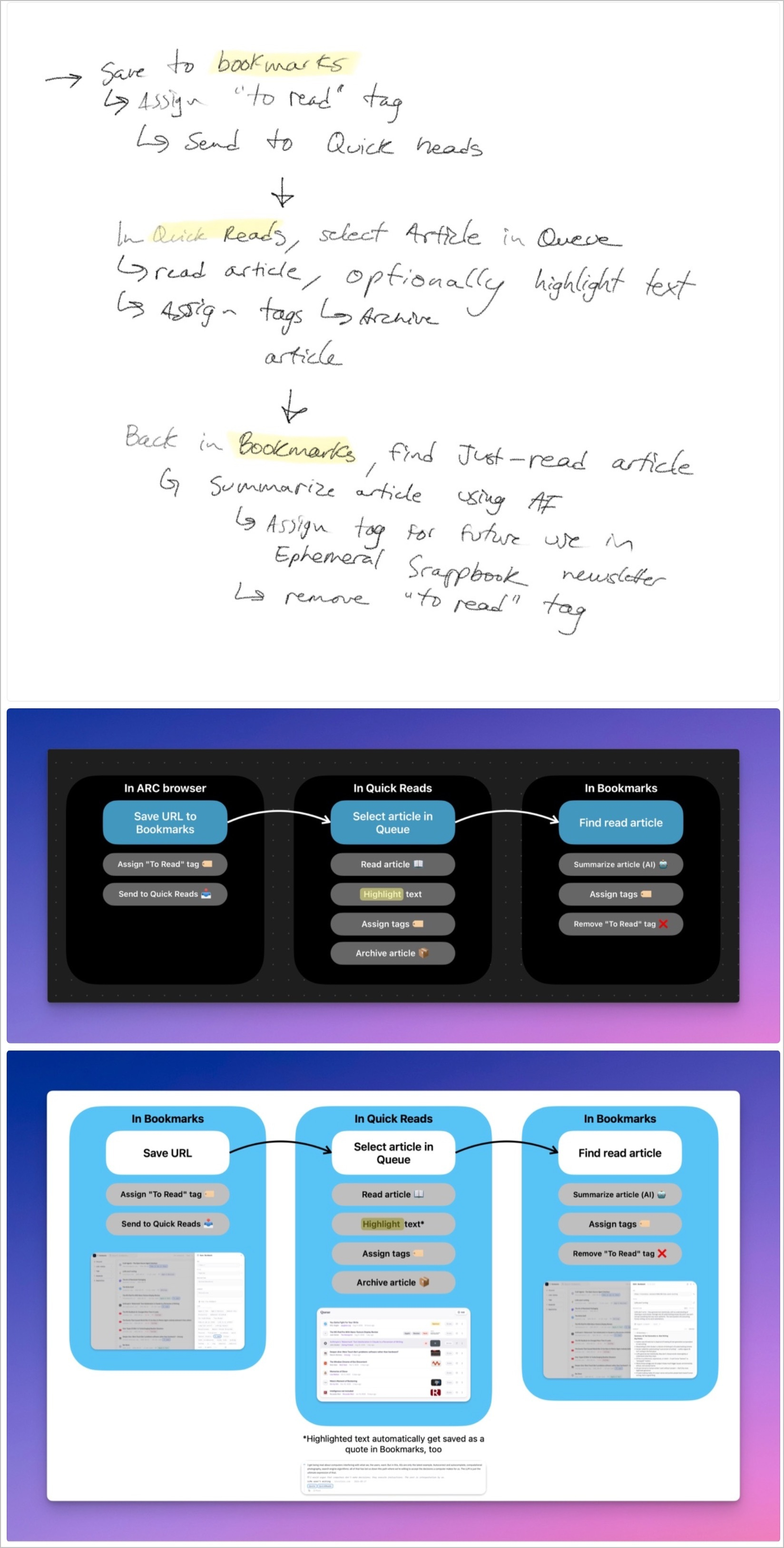
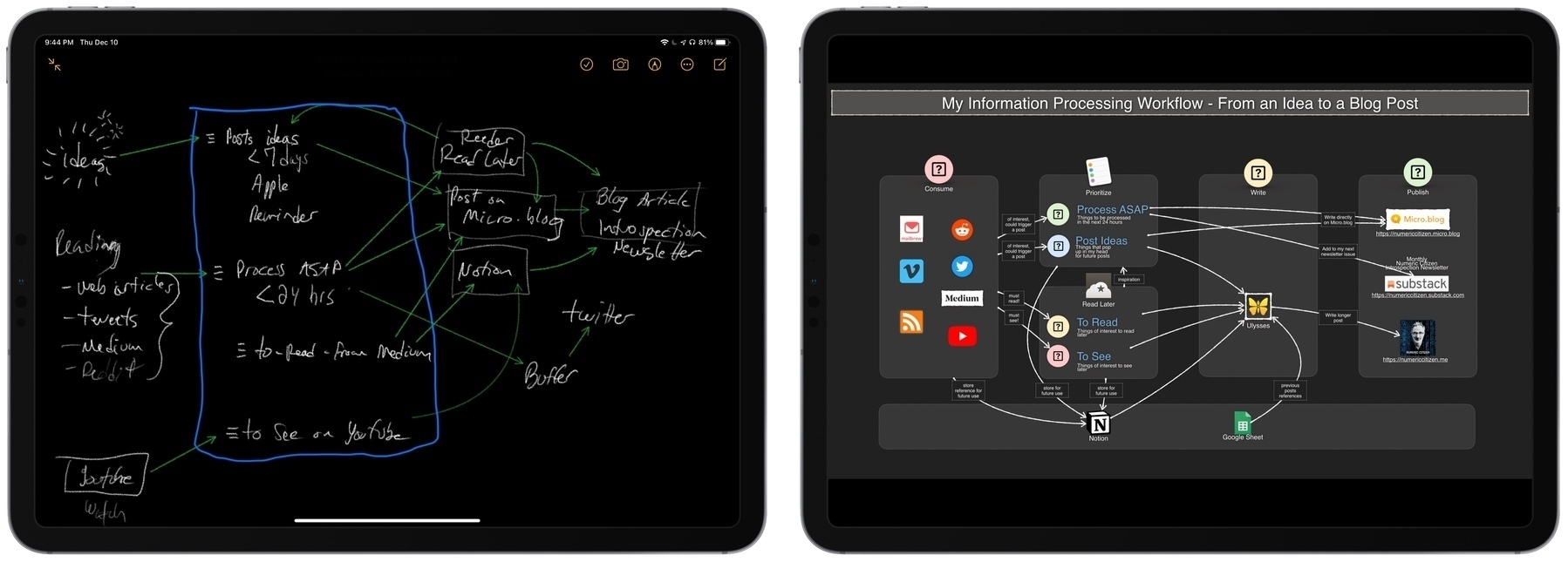
And Just Like That Micro.blog Syncs with Readwise.io
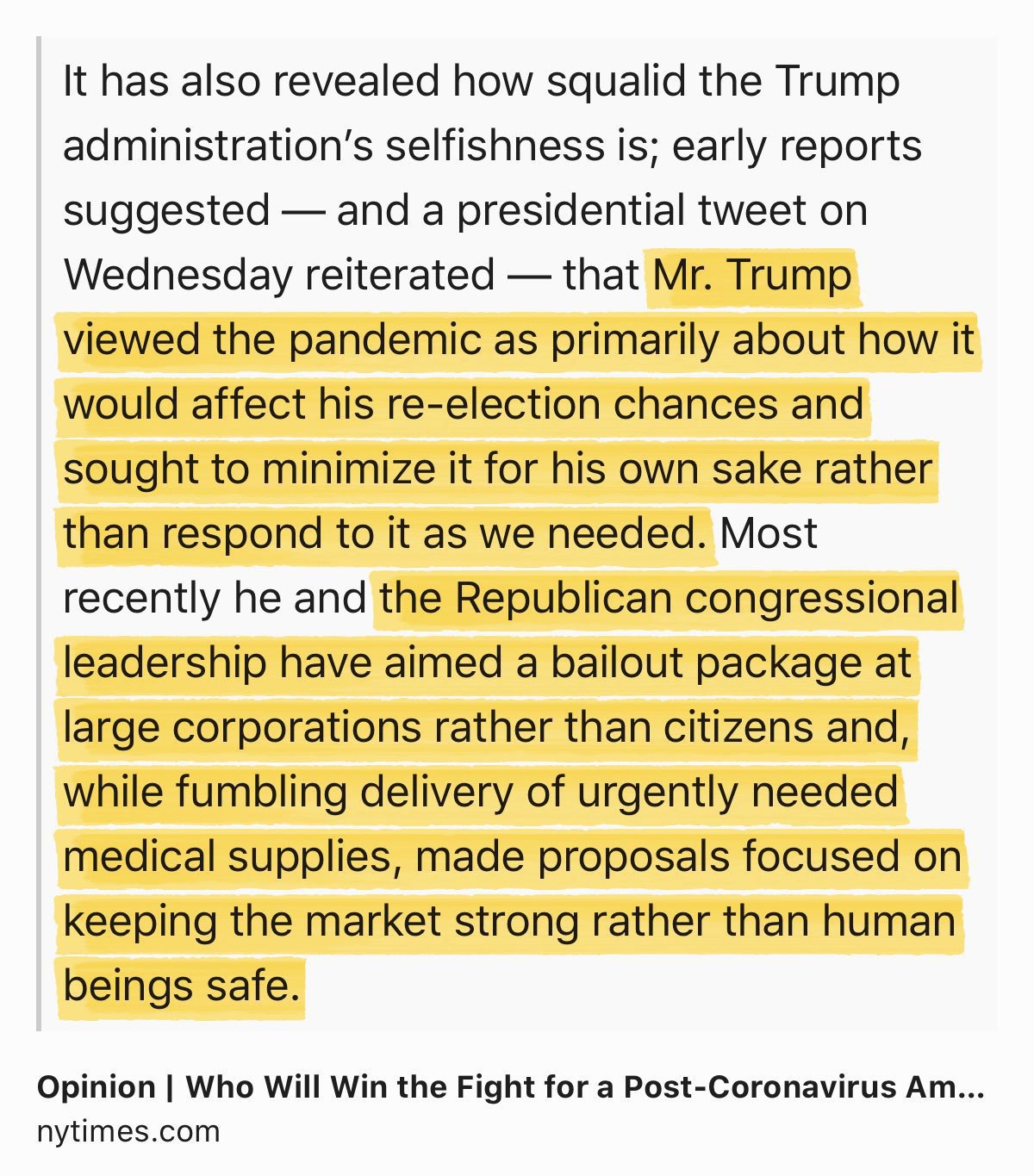
Today, I unexpectedly came across this announcement from Micro.blog: Highlights are now synced to Readwise.io, provided that you have an account with them and that you are on an Micro.blog Premium plan! How cool is that!

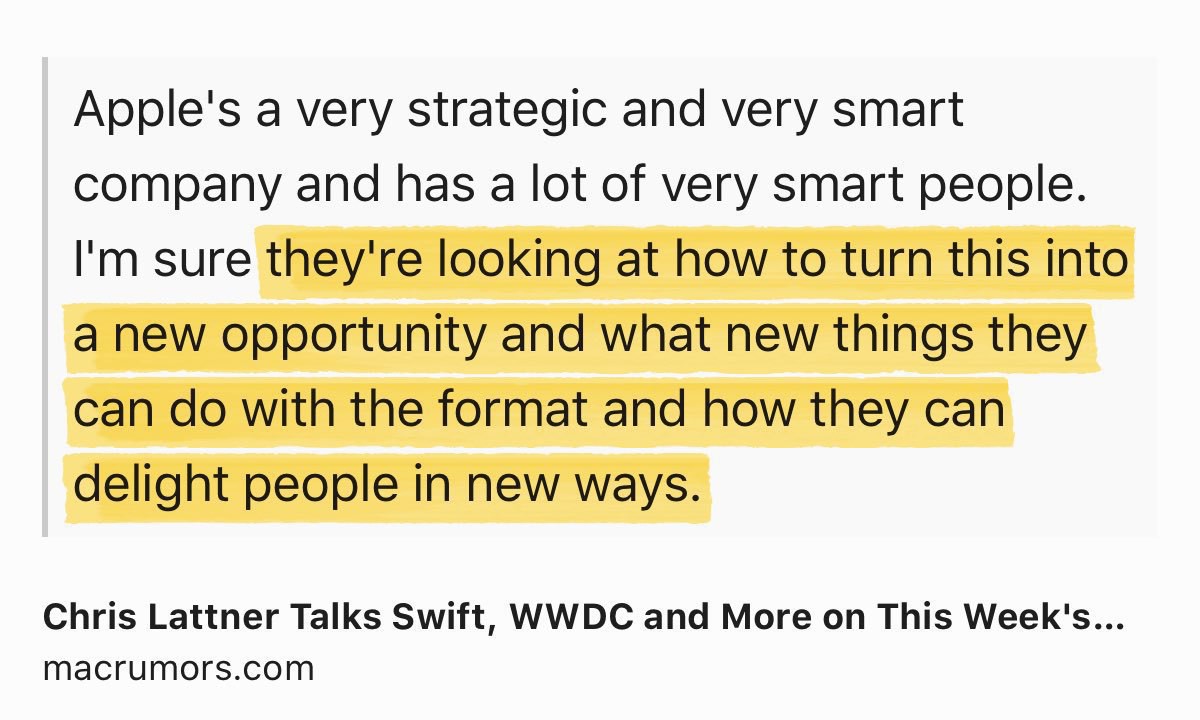
I immediately configured my Readwise.io connection in the Bookmarks section and exported past highlights in a CSV file. Next, I tried the feature on an article from MacRumors.

After a few minutes, I could read the archived version of the article and highlight some portions. And sure enough, my highlights were saved to Readwise.io in a snap.


The nice thing is that Inoreader also supports saving my highlights to Readwise.io. Everything going at the same place. Occasionally, I export and then import my highlights into Craft. Readwise remembers the point of my last export session.

Hello, Bluesky. Nice to Meet You.

In my Friday Notes edition #102, I shared my thoughts about my last four months without Twitter and how calm and quiet my digital life has become. I even wrote that I might ignore Bluesky. But that was last week.
Well, it didn’t take long to contradict myself! As you might have guessed, I’m now on Bluesky as @numericcitizen (of course), thanks to a generous donator of an invite link (looking at you @Maique).
Please make no mistake; it’s an experiment. I’m not planning to spend too much time on Bluesky, but I’m genuinely curious about its evolution and the traction it gets, if any.
I’m allowing myself to get on board for a simple reason: Manton from Micro.blog added support for cross-posting content to Bluesky. It didn’t take long. For me, it’s like getting a seal of approval from him. I highly value his opinion on Bluesky and the open web in general. So, I made the jump without really knowing what to do next except to enable the cross-posting of my content posted on MB.
Now, I wish Bluesky doesn’t get filled up with too many dark clouds. My fingers are crossed.
PS. I’m curious how Micro.blog will push that post onto the Bluesky universe. See you on the other side.
PPS. I’m gathering my thoughts and observations for an upcoming experiment status report. Stay tuned.
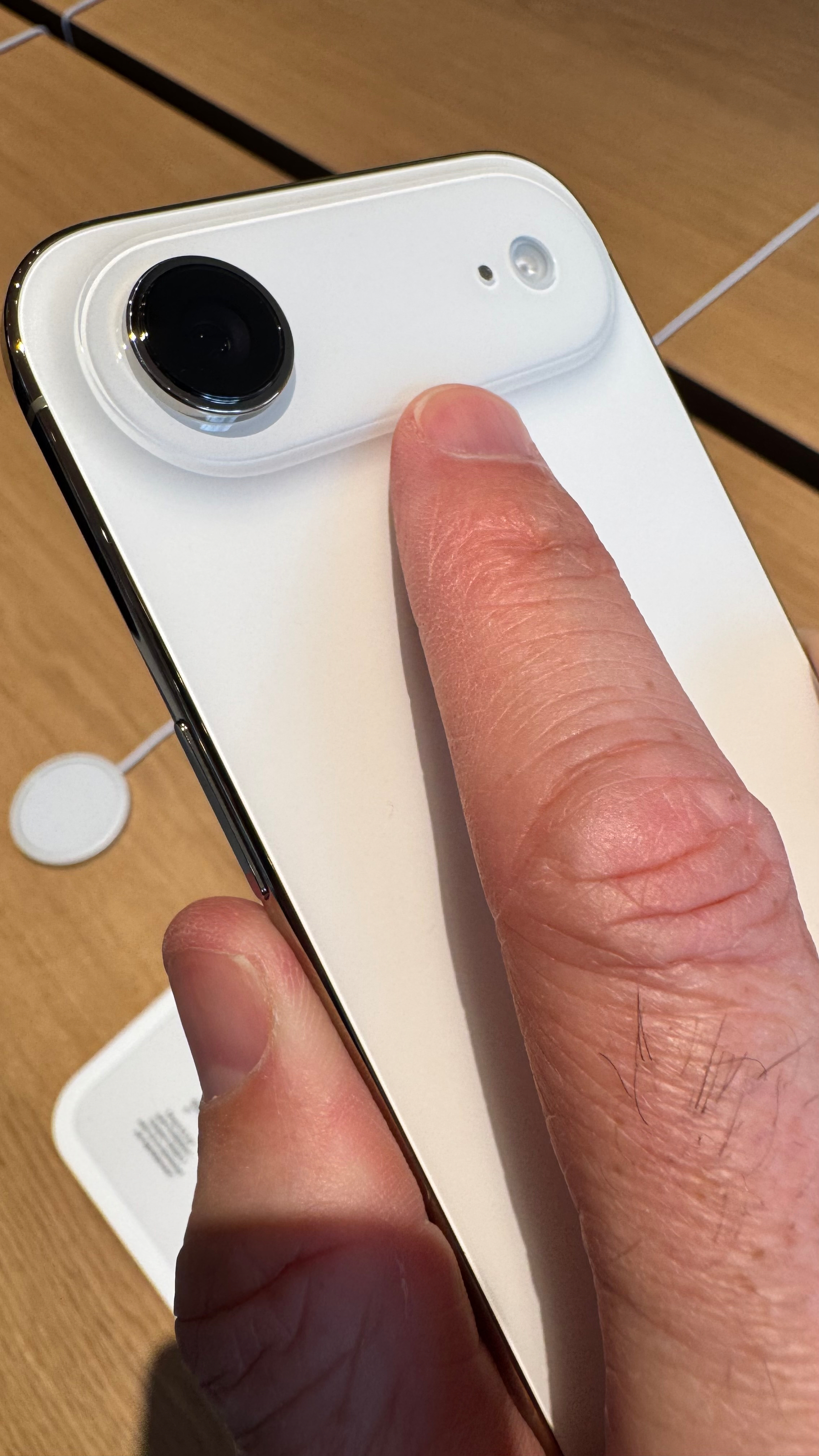
Blank. At first, I thought it was a joke. It’s not.
2023-04-26
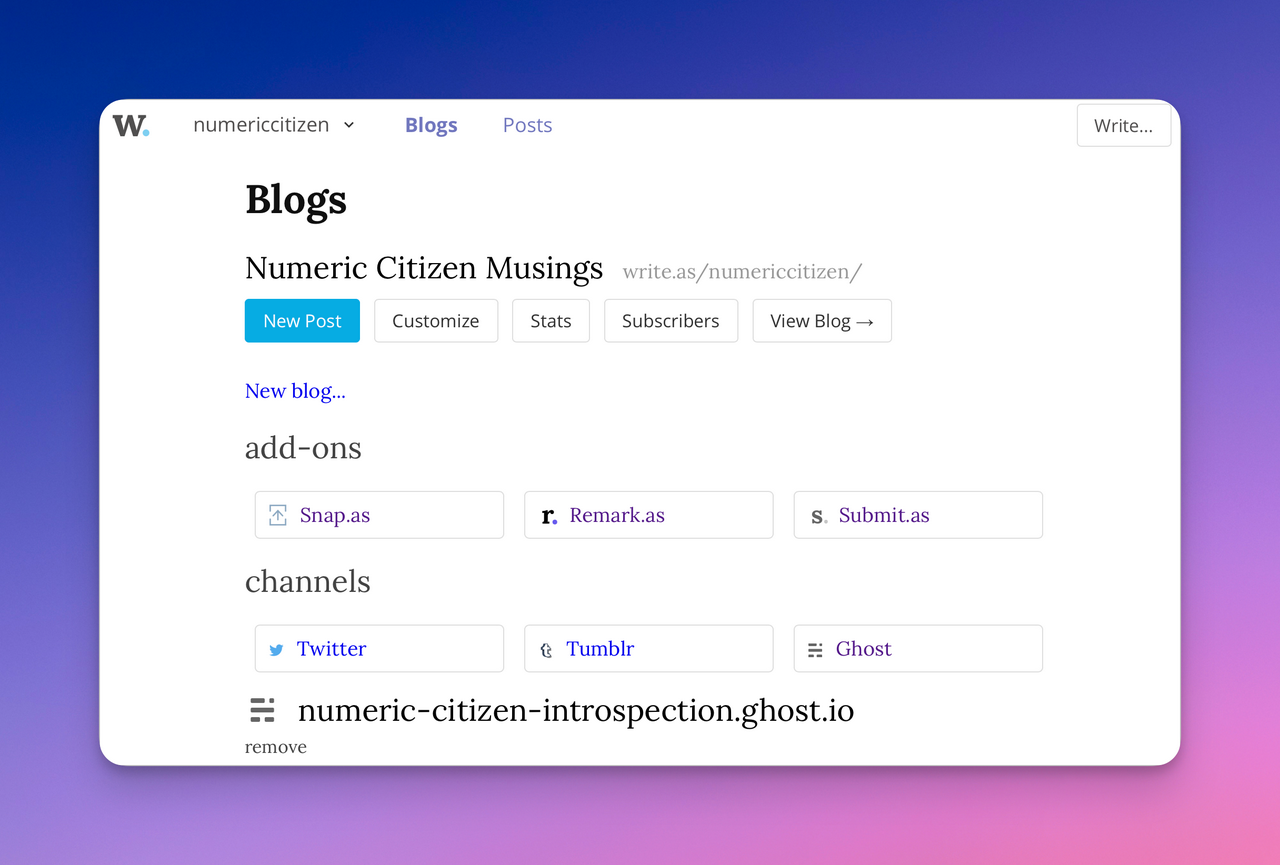
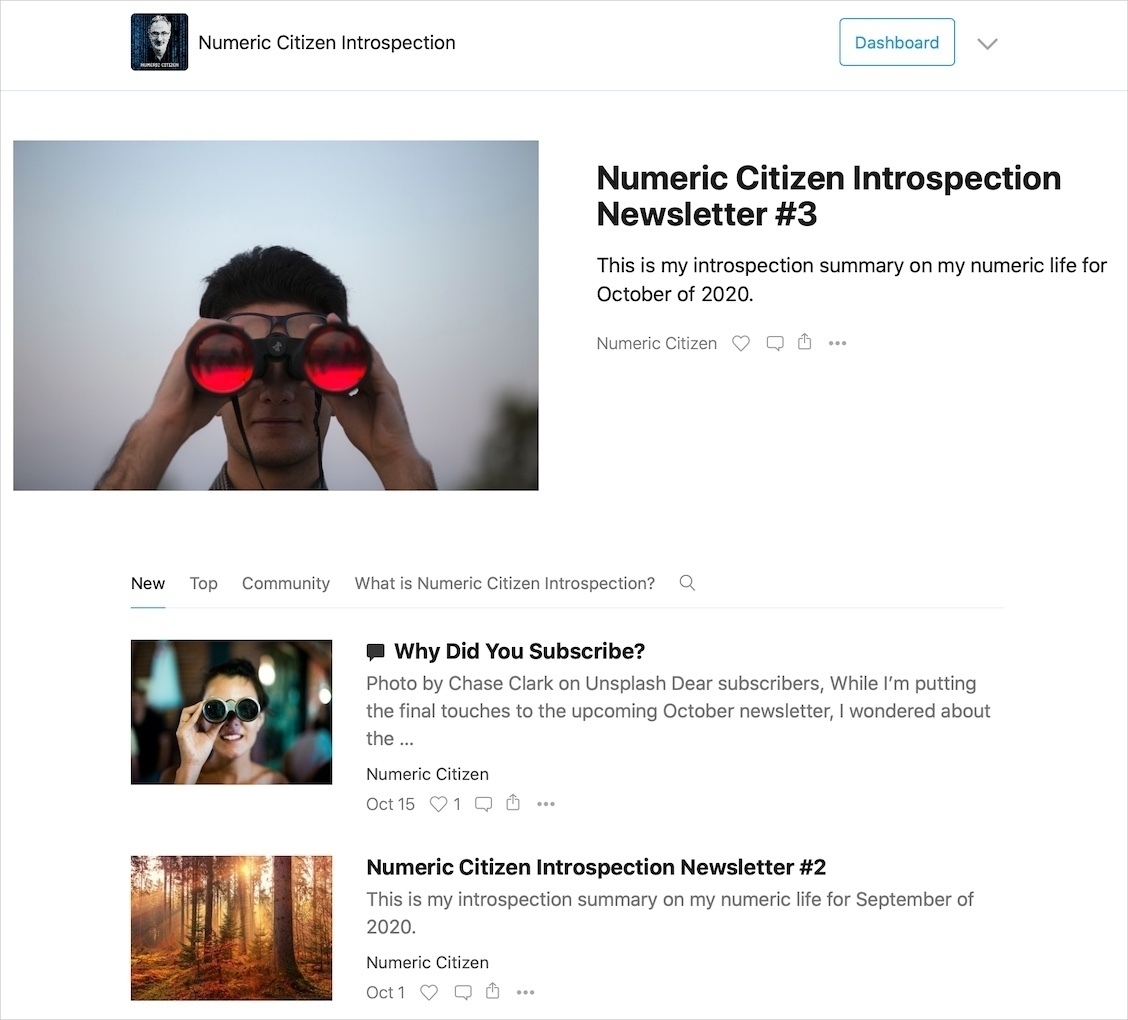
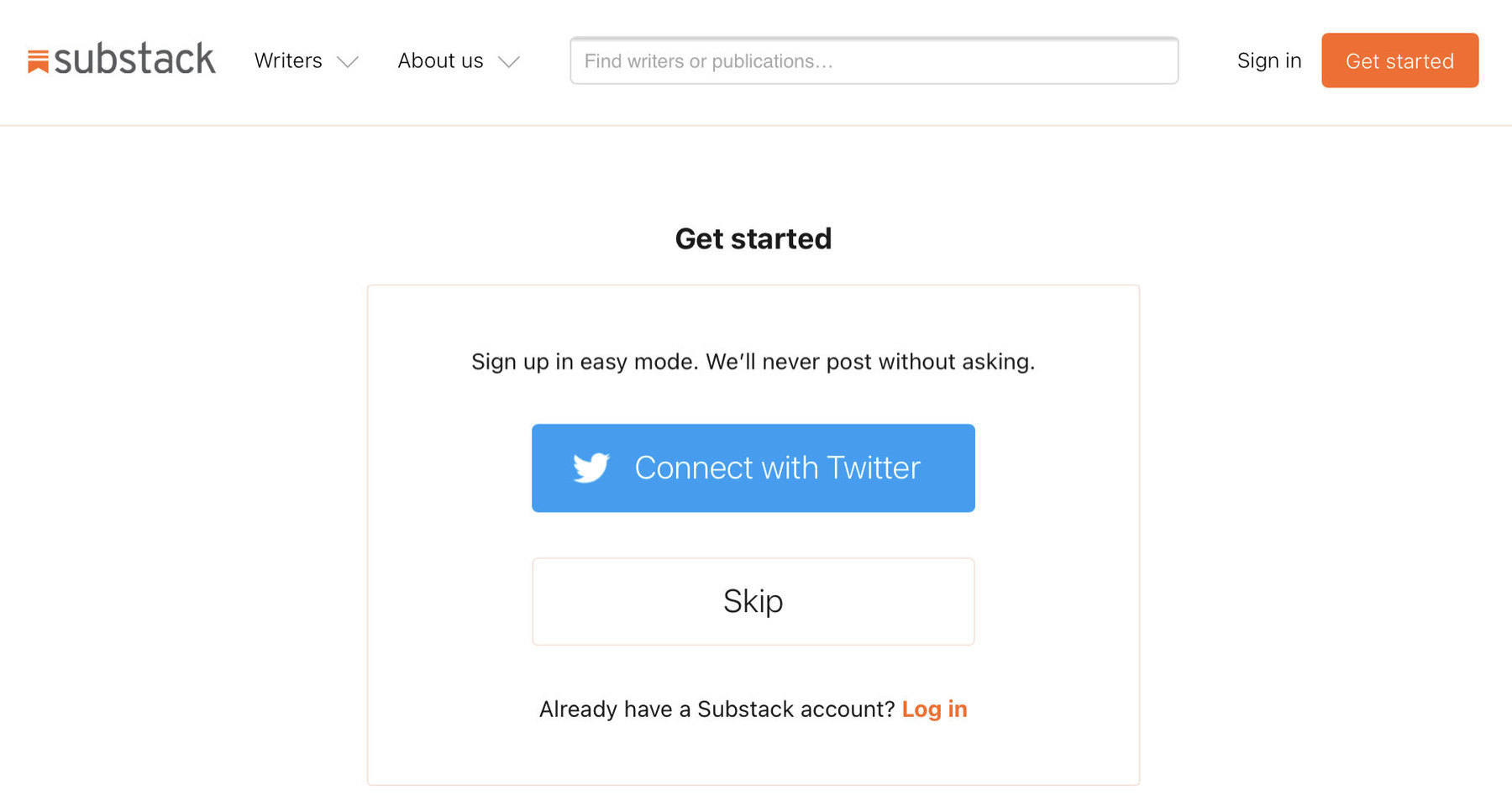
And now, I’m seriously considering closing my Substack account and migrating this to Ghost (using their excellent concierge service). 🤔
2023-04-26
Major Updates Coming to WriteFreely And WriteAs
Matt, the founder of the WriteFreely ecosystem, recently wrote a promising post:
It’s become clear over time that in order to make WriteFreely (and Write.as) as useful as it can be, it needs to have a much more unified experience.
…
I don’t think it makes sense for our self-hosted product to be chopped up into multiple components like our hosted tools are. Instead, I want to bring all those tools into a single application in WriteFreely.
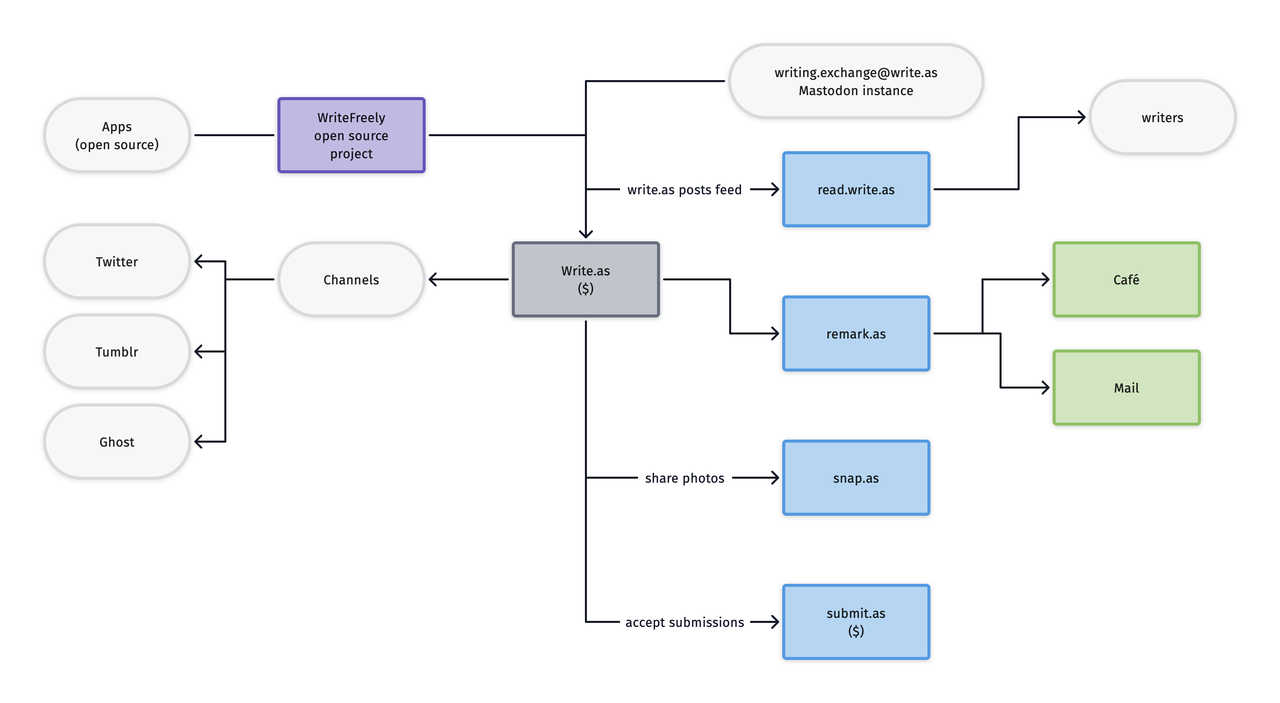
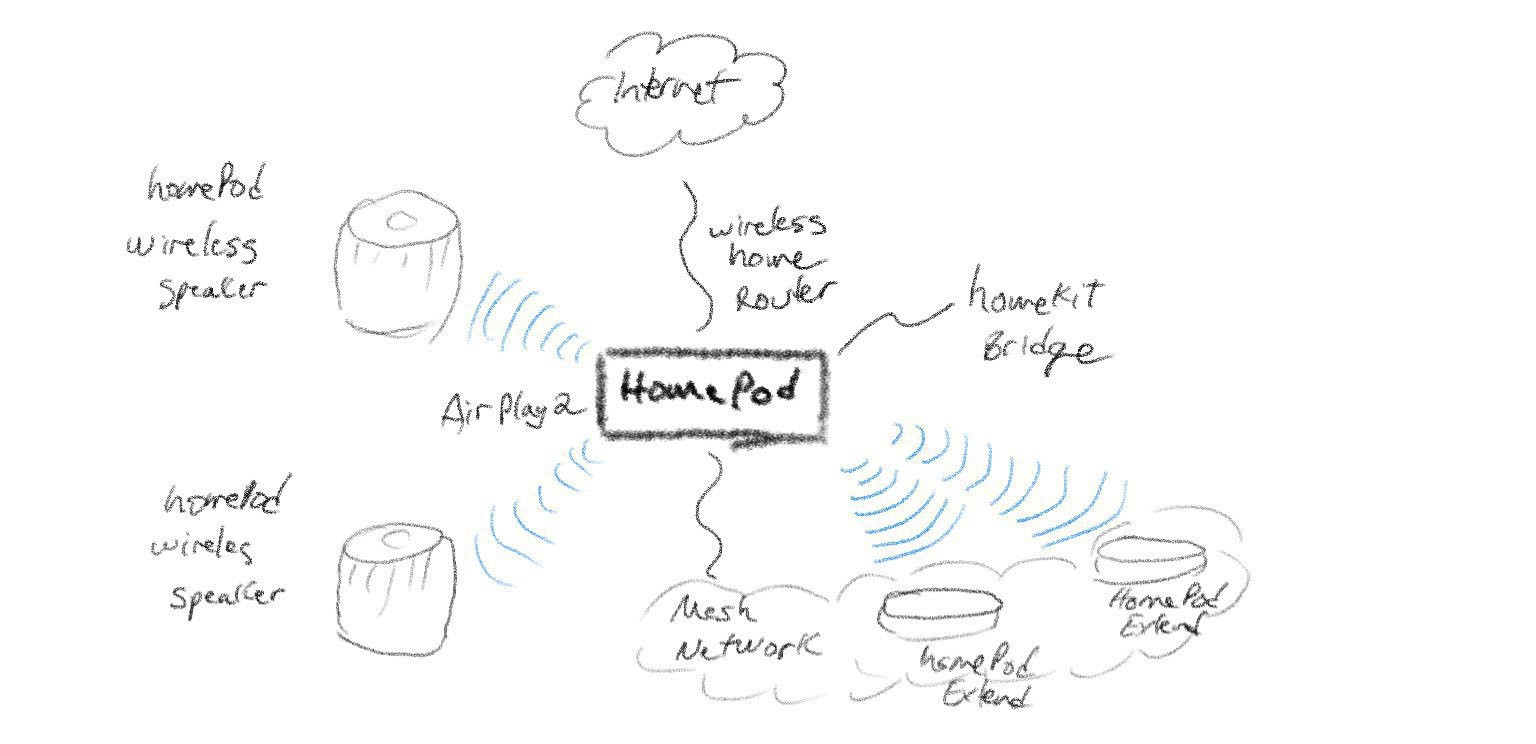
Earlier this year, I wrote an article (“The Write.freely Ecosystem Explained”) trying to explain the WriteFreely ecosystem because I thought that, in its current form, it was a bit hard to grasp. It’s one of my most popular posts on Write.as. I think there is a need for unification and consolidation into a seamless experience. I’m glad the see that it’s coming.
I have pulled the trigger: the concierge at Ghost(pro) is already working on importing my Substack content. It’s another nail in the coffin for Substack. If all goes well, bye bye Substack this weekend.
I must admit that this one is mostly an impulsive decision compared to my exit of WordPress. The migration is much more simpler compared the moving out of WP. In the end, I know I won’t regret it. Moving between platforms shouldn’t be a source of anxiety.
2023-04-26
Message to Those (Still) on Twitter
After seeing this post by Chris Hannah:
It’s incredible to see the effect of the various recent changes on how the “blue checkmarks” are given out and what they seemingly represent to different demographics of people.
Here’s my take on this. It’s straightforward: you don’t need to be verified by Twitter (or any of these centralizing platforms) to feel that you exist, are relevant and be fabulous! Just be. If you’re uncomfortable with recently introduced changes at Twitter, move on elsewhere. That is all.
I’m fed up with these stories about Twitter removing previously verified check marks! This is stupid. It was bound to bound to fail from the start. Now, here we are. It failed. Look ahead.

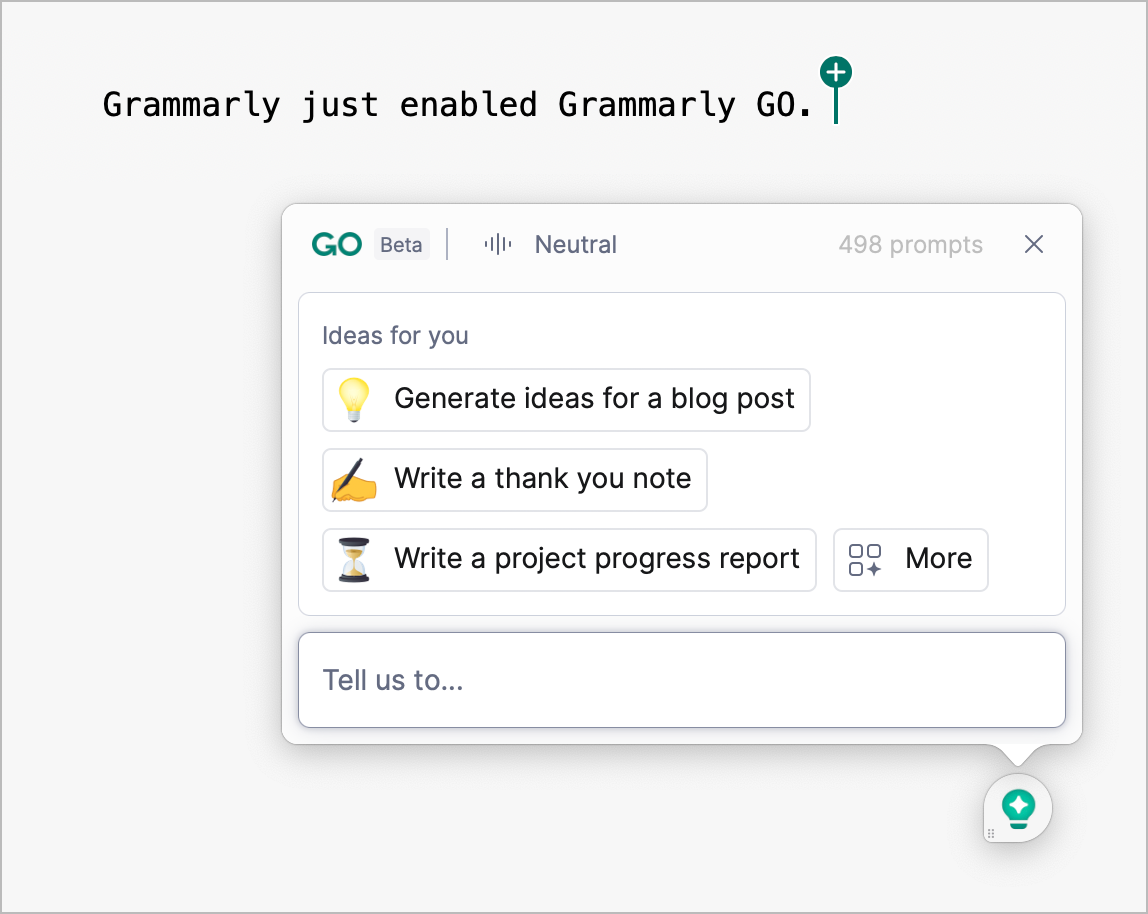
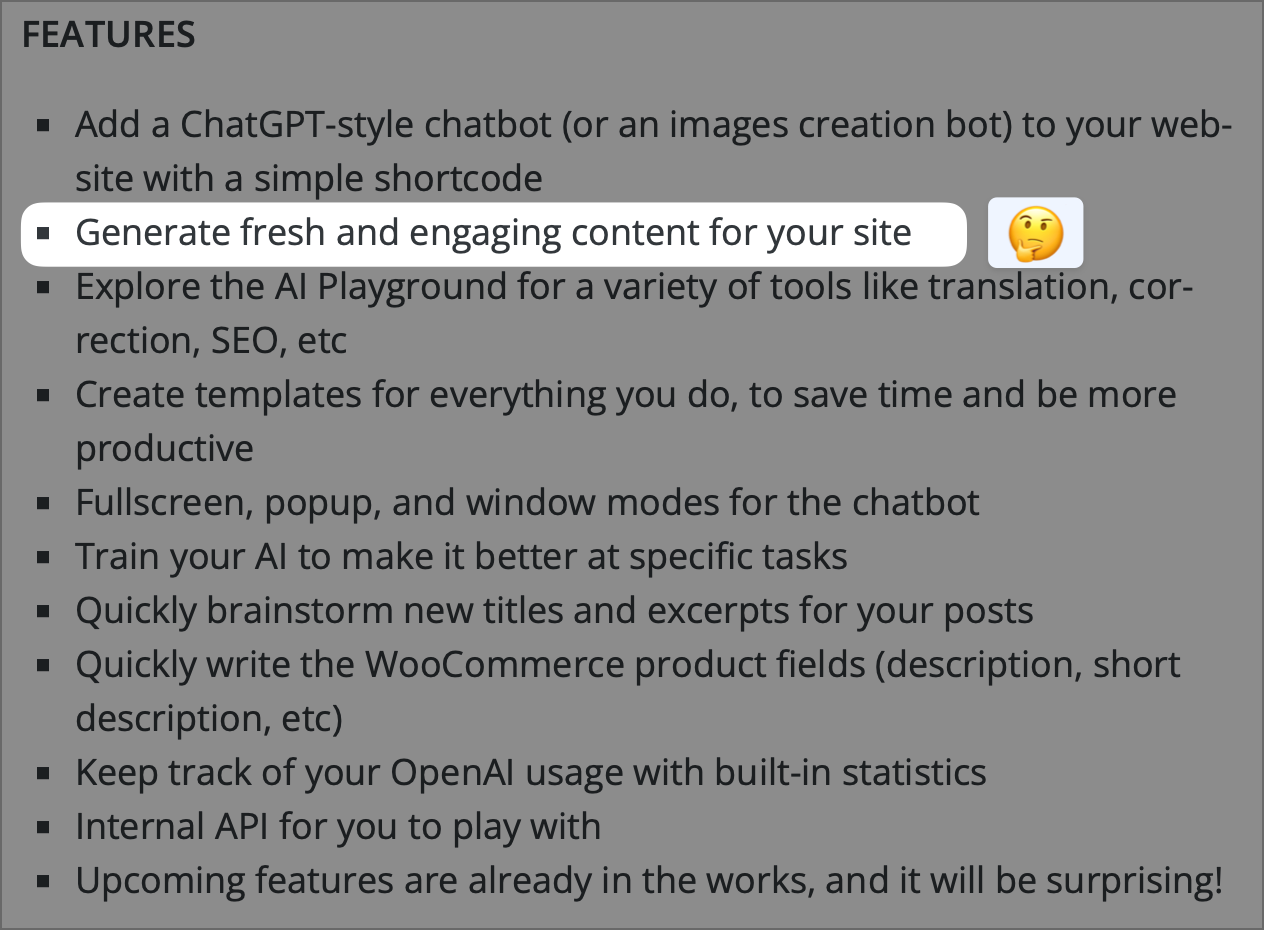
Grammarly just enabled Grammarly Go on my account. I think that’s cool and could prove to be handy occasionally. Grammarly isn’t perfect, far from it, but for someone like me who’s not an English native, it helps a lot. Now, with Go, I feel even more in good company for all my writing. I get 500 requests per month with my subscription, which is way more than enough. Are any Grammarly users out there?
Disclaimer: I wrote this text entirely on my own, without any assistance or modification from AI technology.
The previous sentence is a false statement, Grammarly Go rewrote it for me. 😂
I started writing my 2023 year summary, and I must candidly admit that I’m proud of my digital accomplishment so far. 😊 You won’t notice, but a lot is going on… you know, this iceberg 🧊 image where most of it is underwater, only to see a small portion on the surface?
2023-04-28
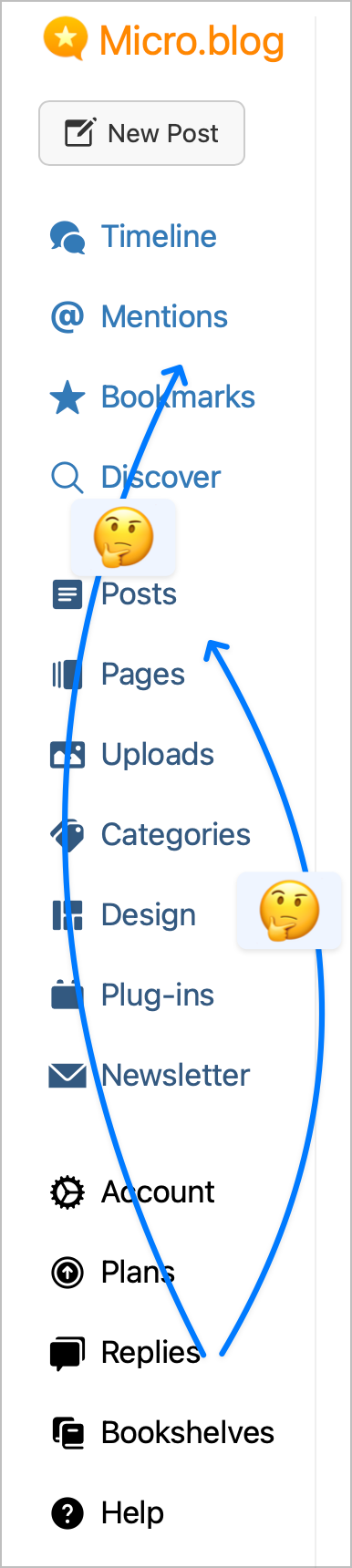
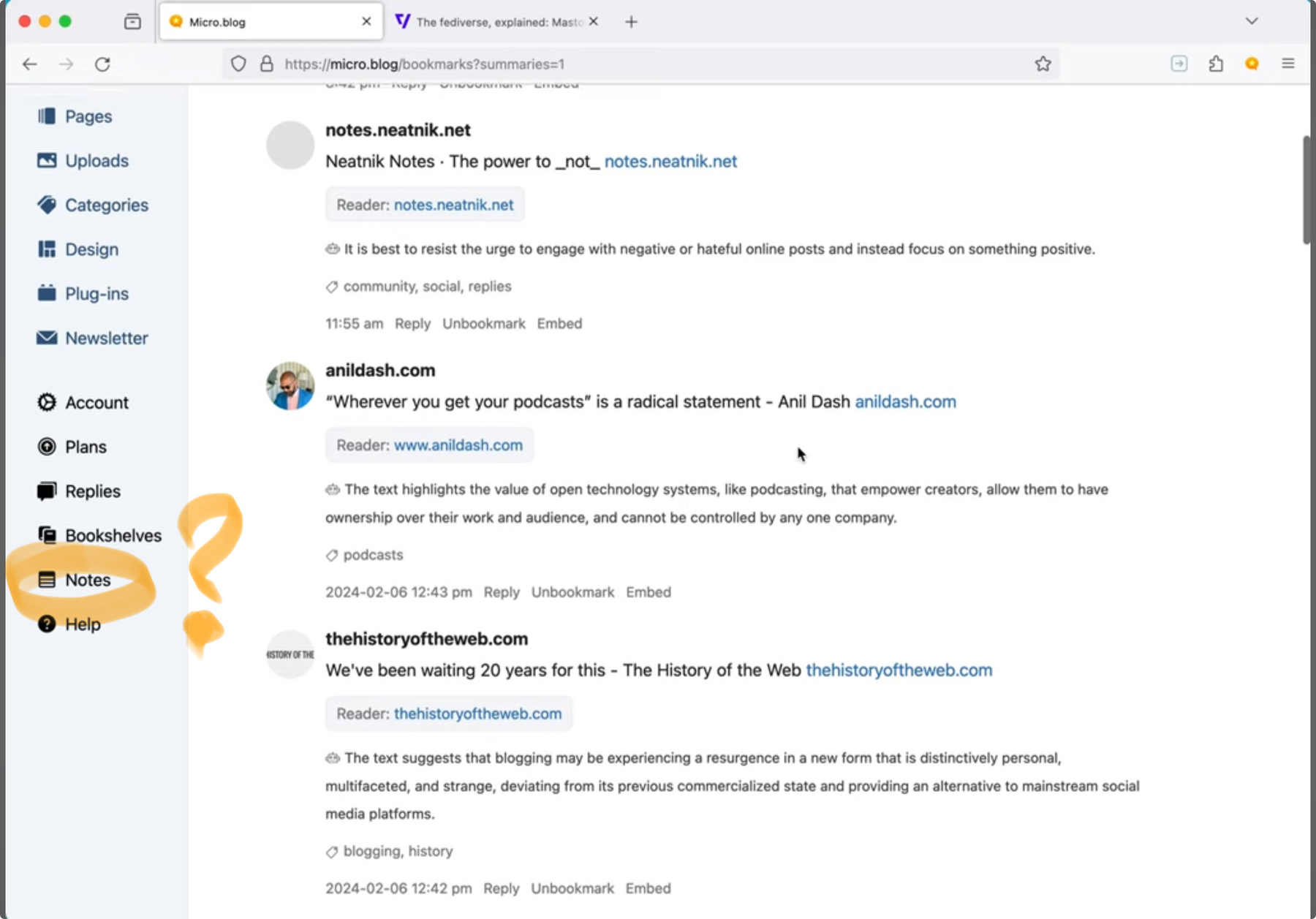
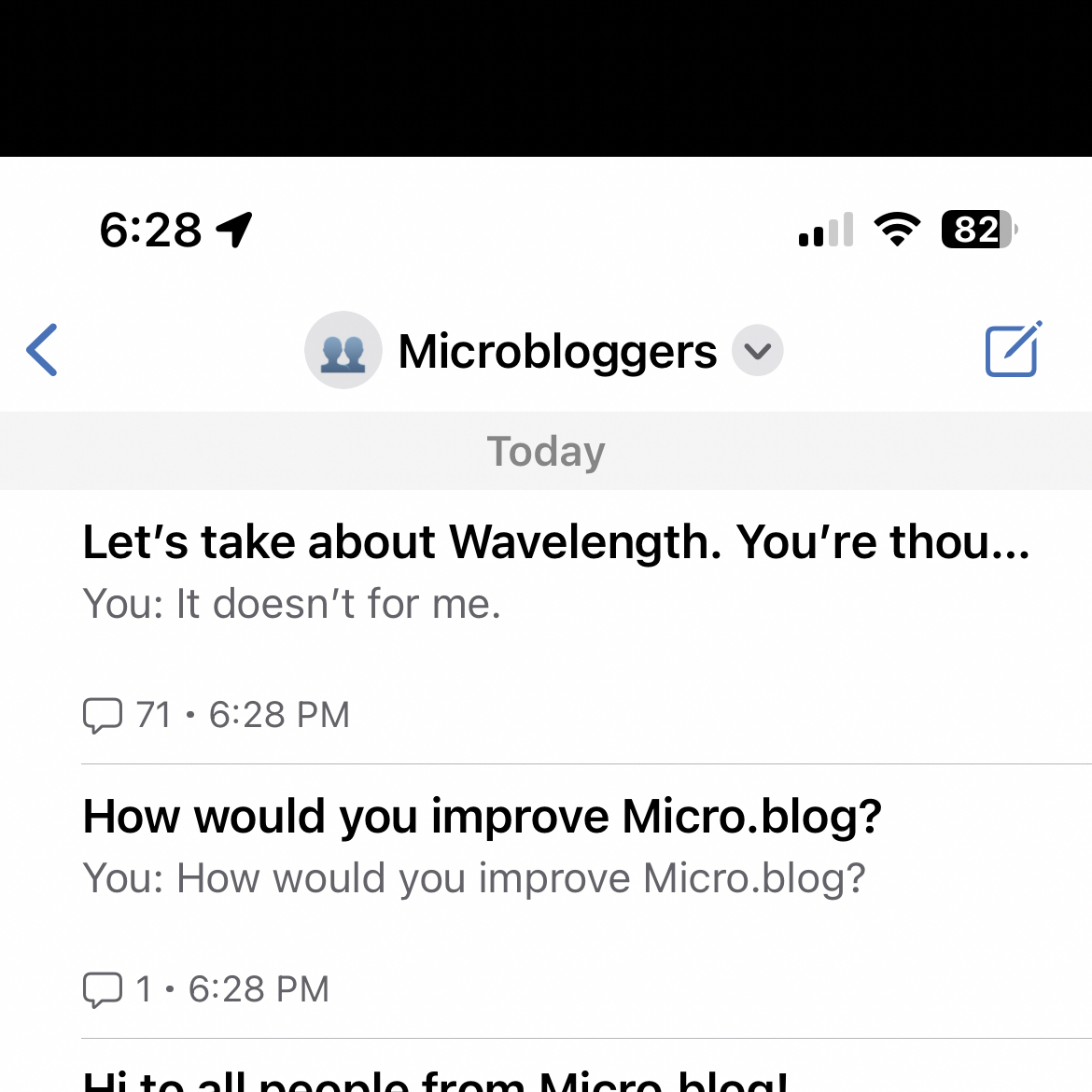
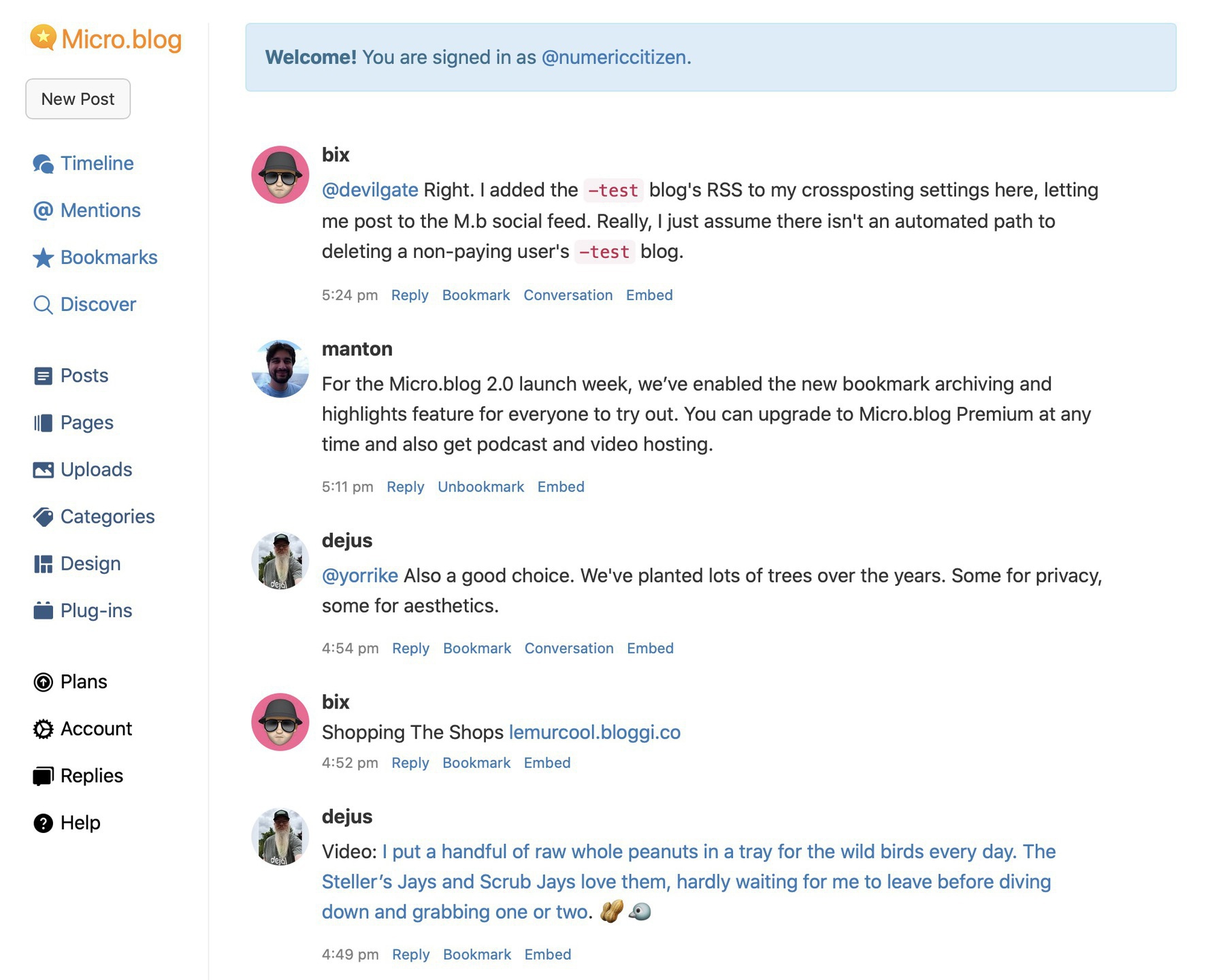
Something that bugs me with Micro.blog. Nothing serious, but still. The questionable sidebar arrangement. Why is Replies at the near bottom? Why not have a “Website” category with Plug-ins + Design inside of it? Why plans not into Account? Why “Feeds” sits inside Accounts? Why not rename “Feeds” to “Digital hub”? I’m just wondering out loud, @manton!