On Keeping a Seperate Computer for Creative Work
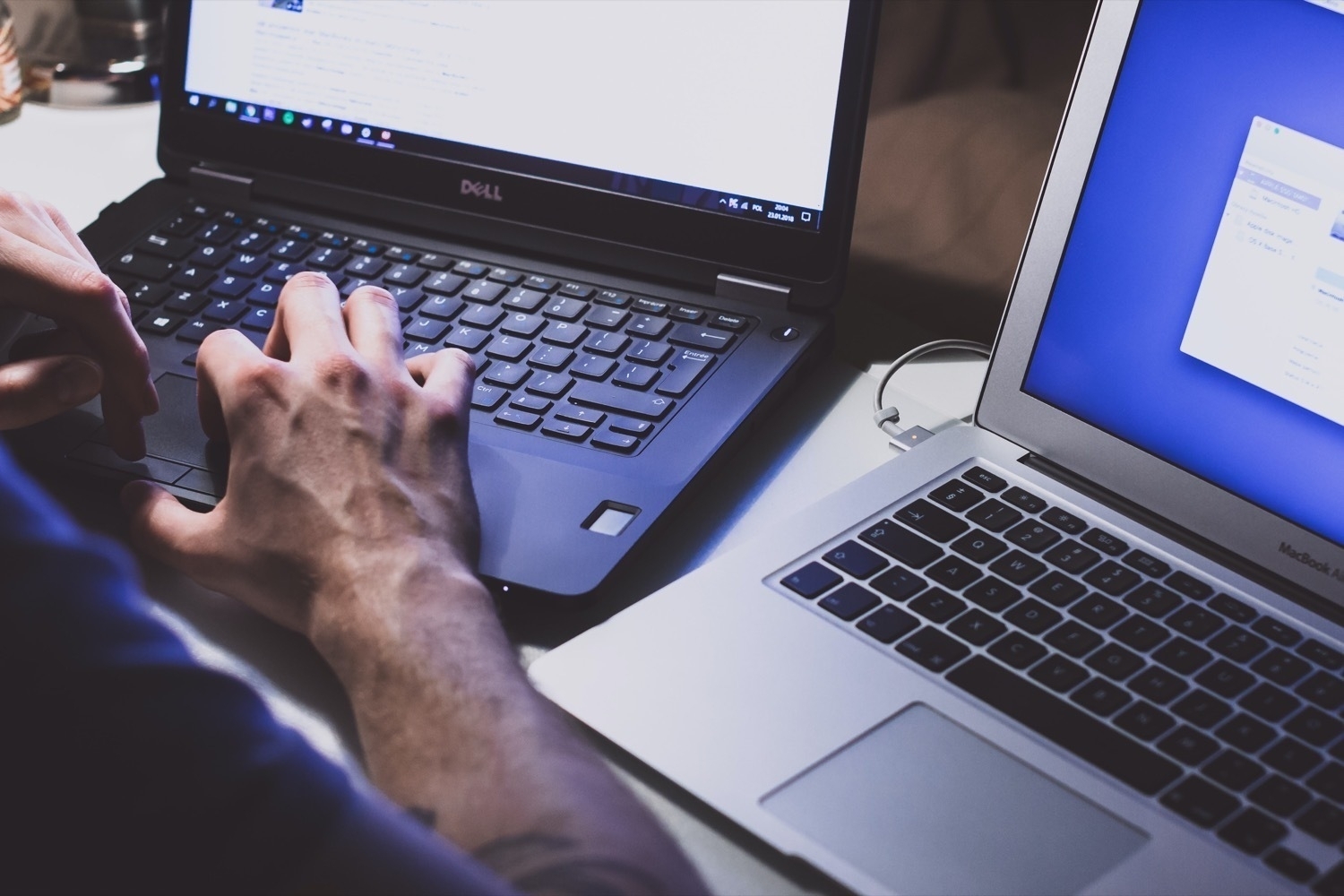
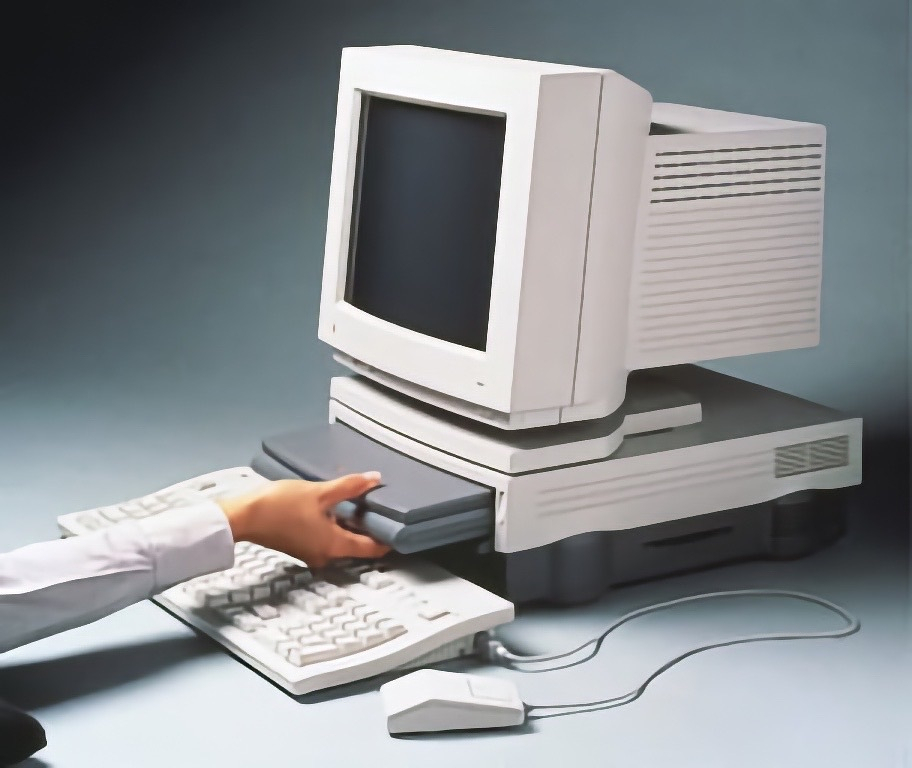
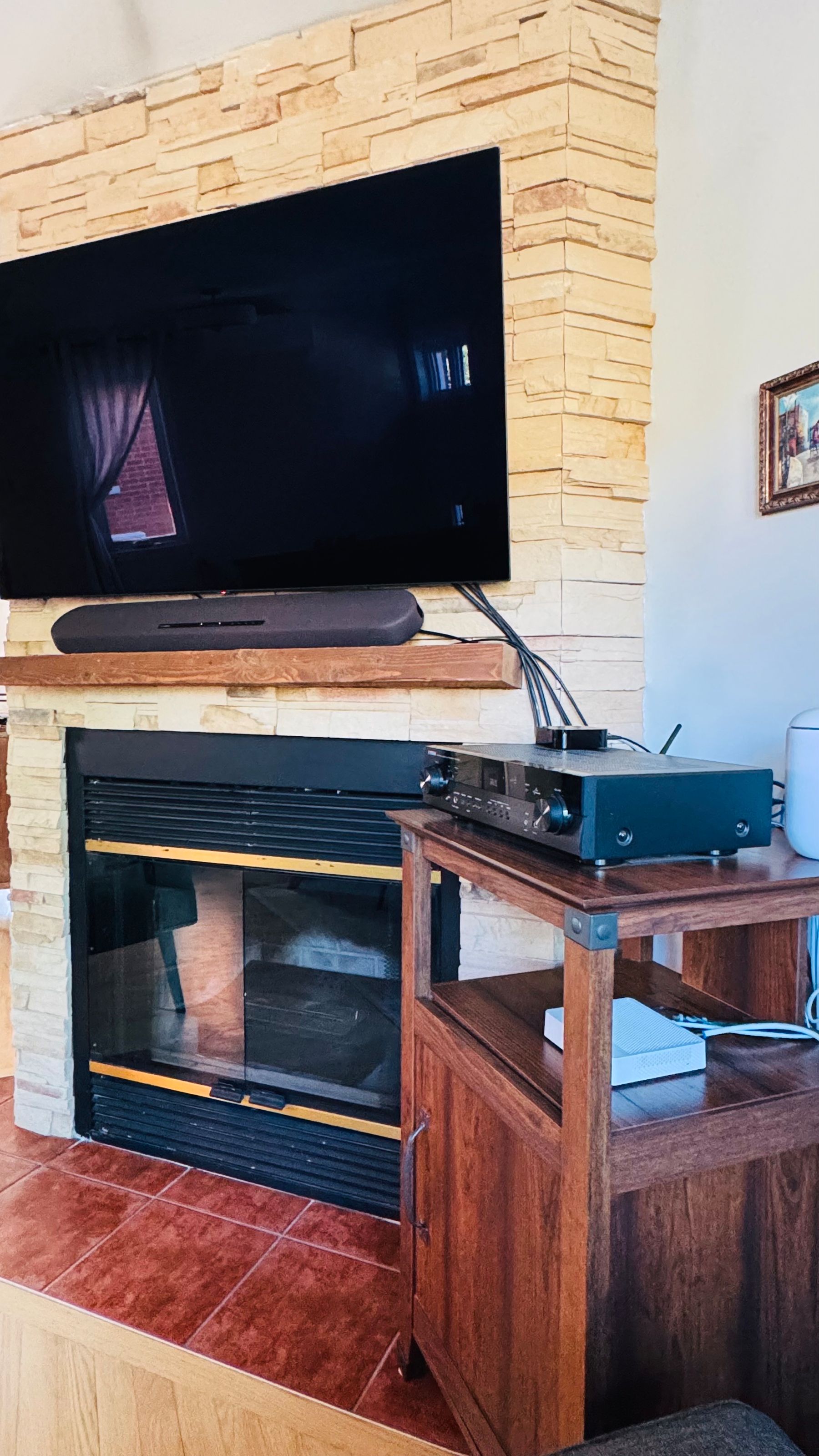
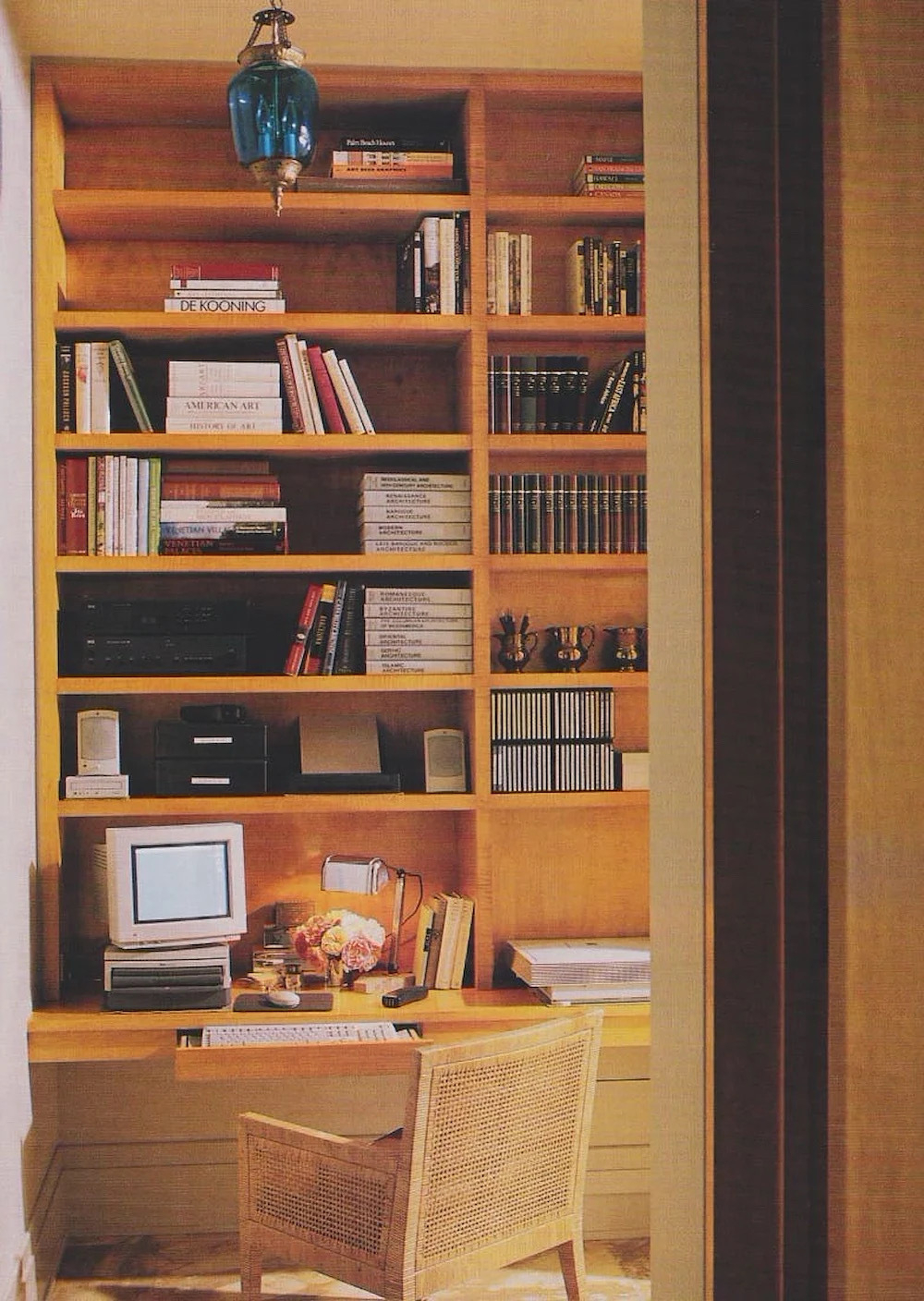
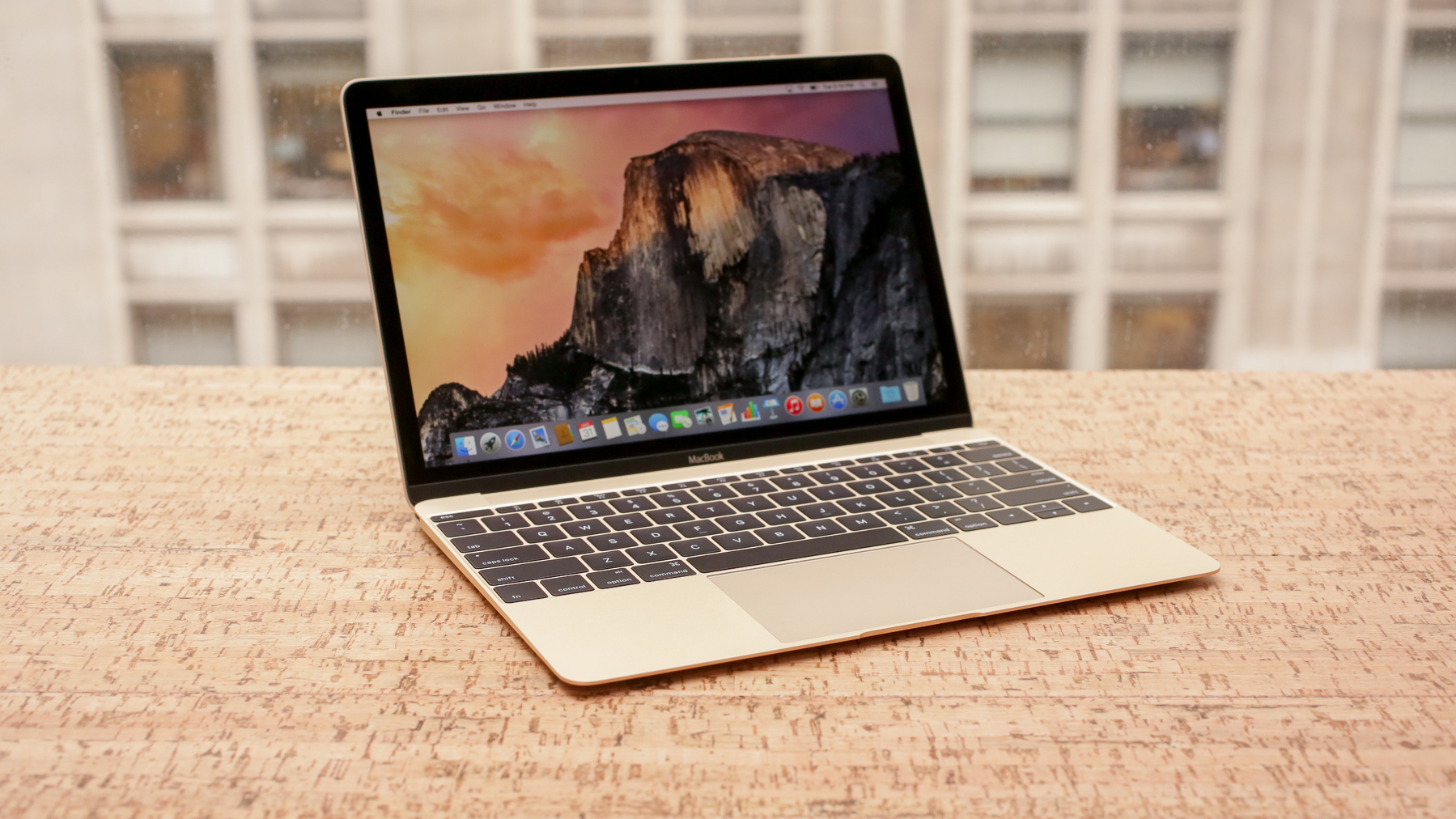
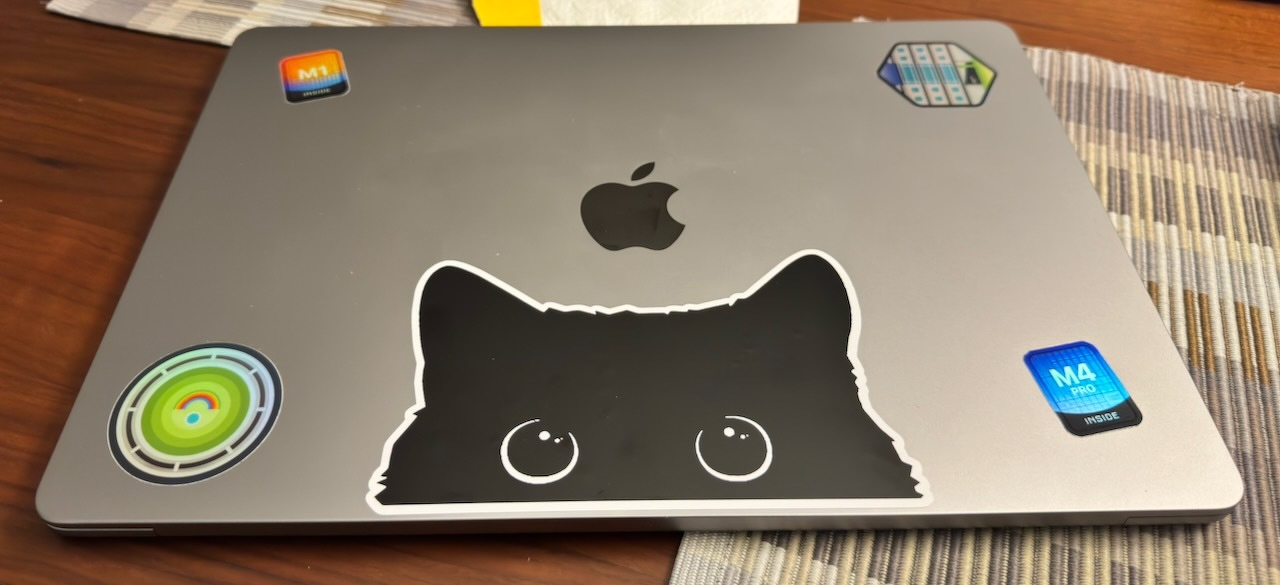
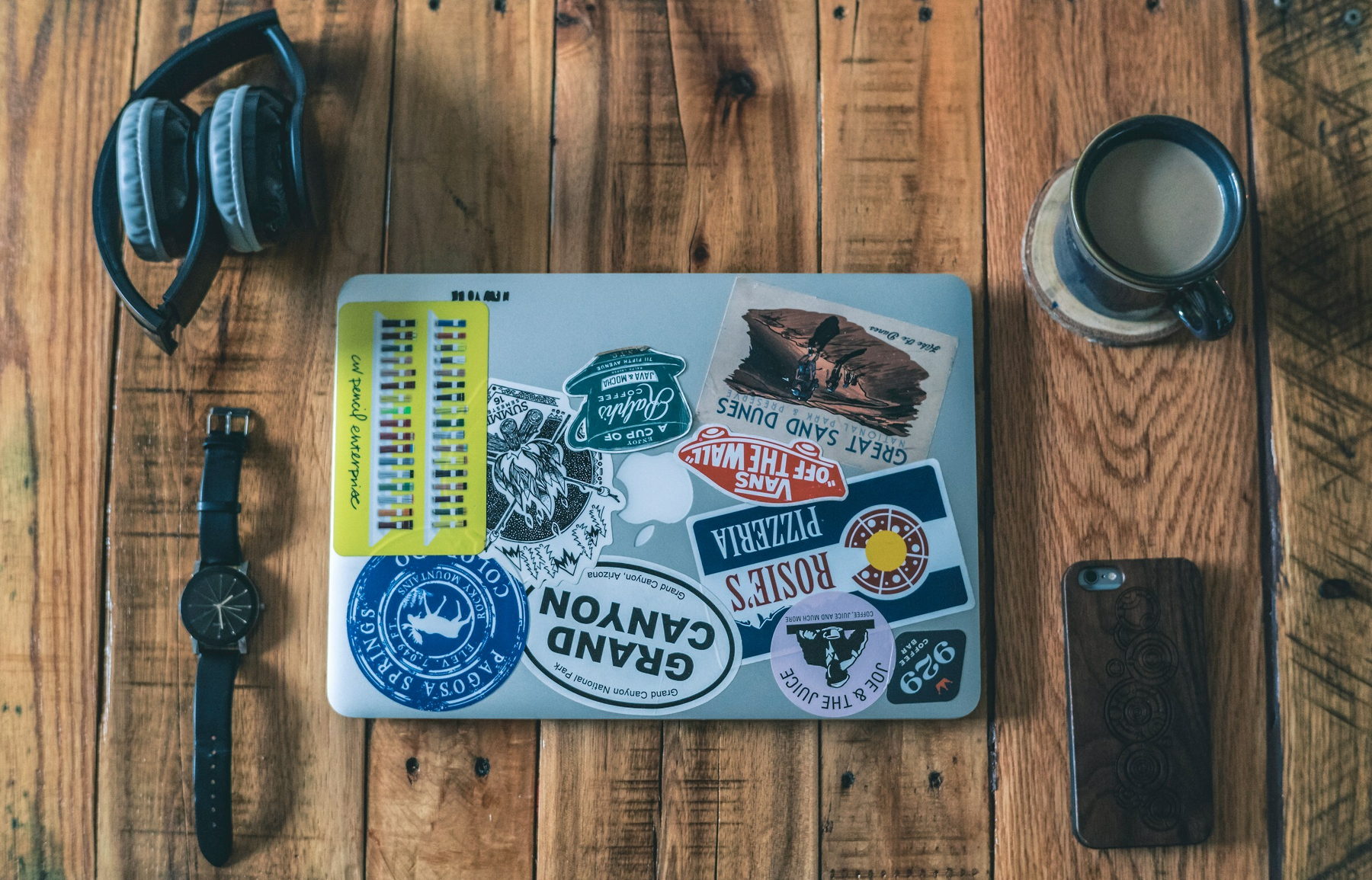
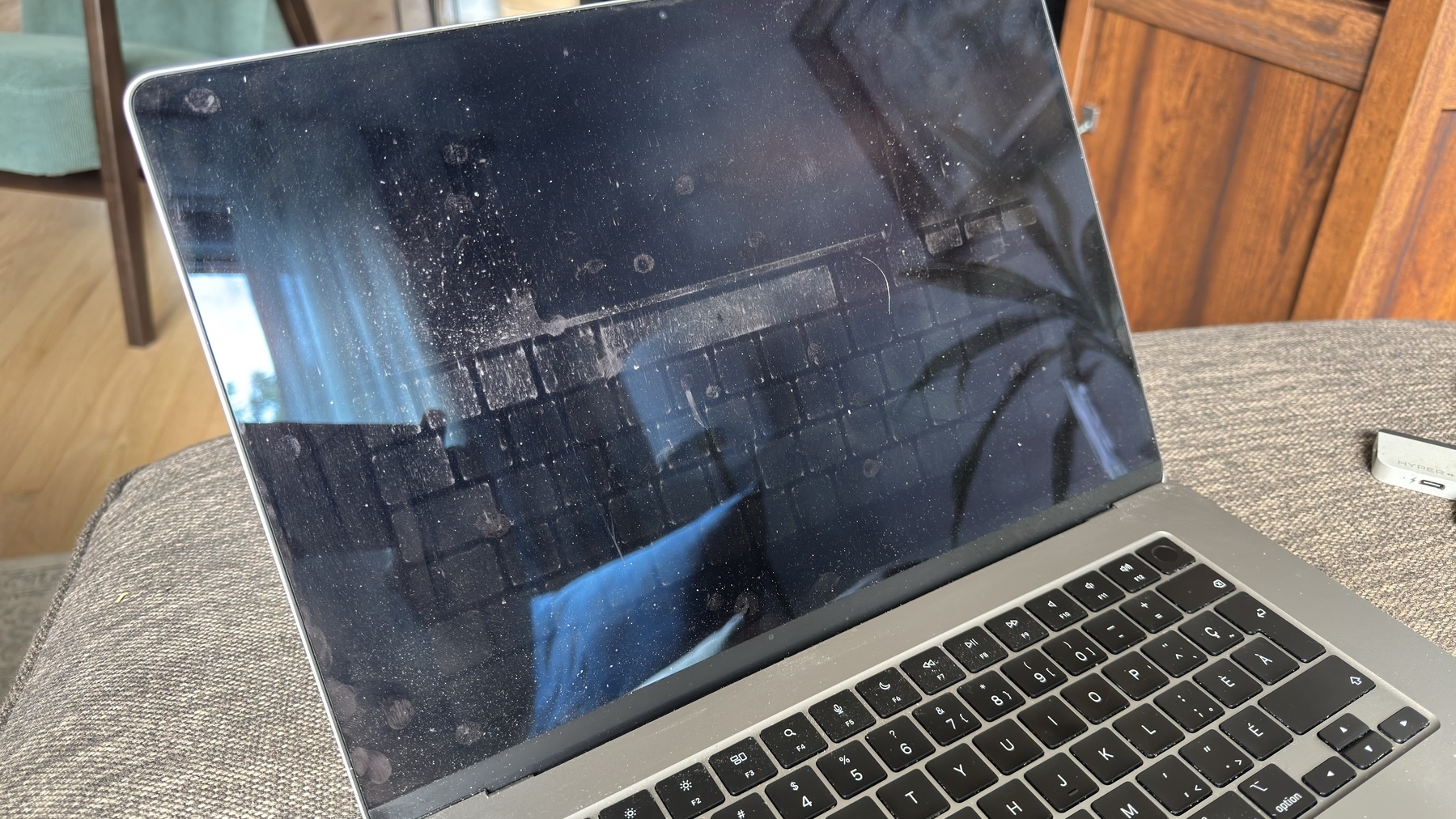
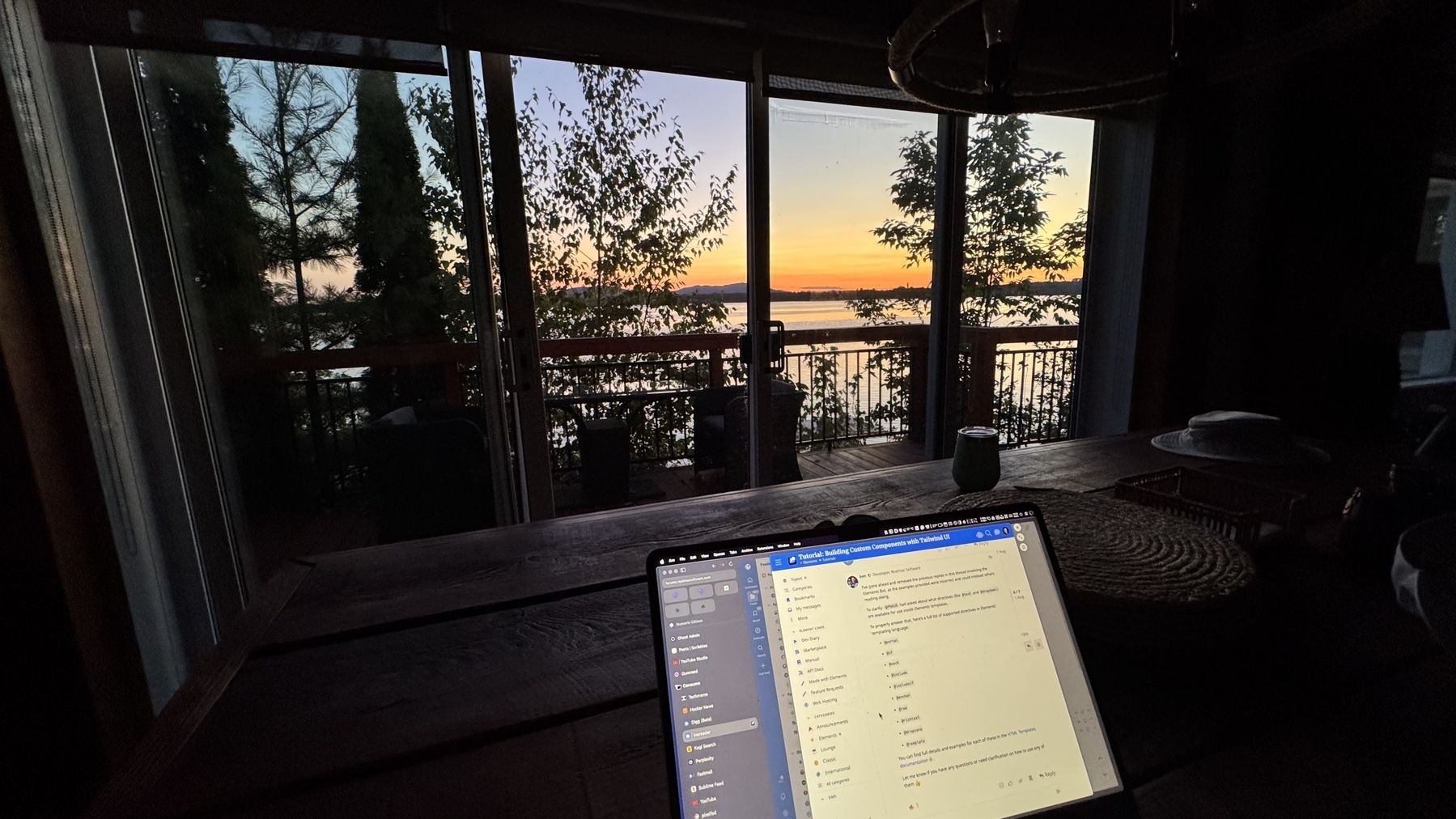
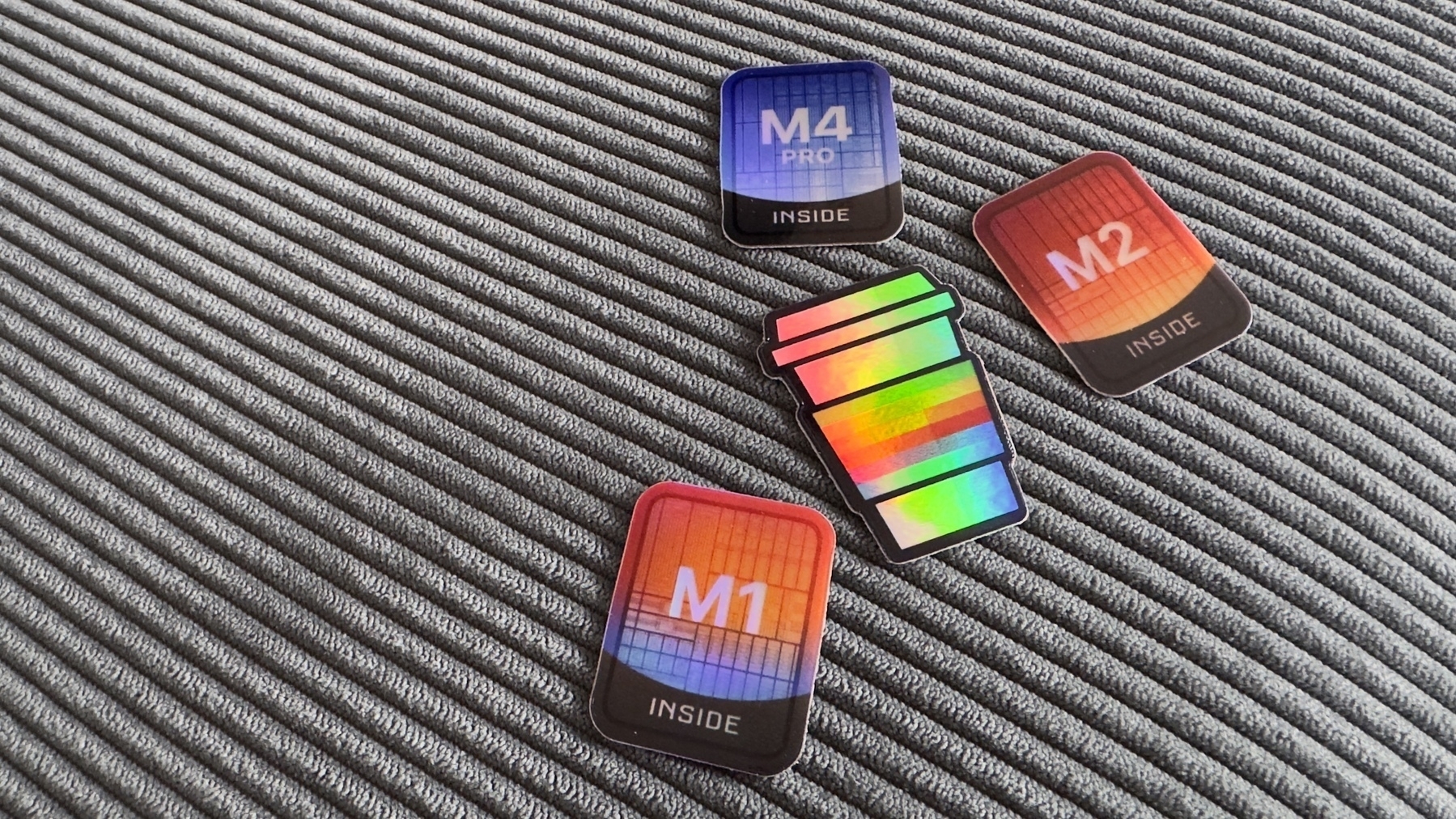
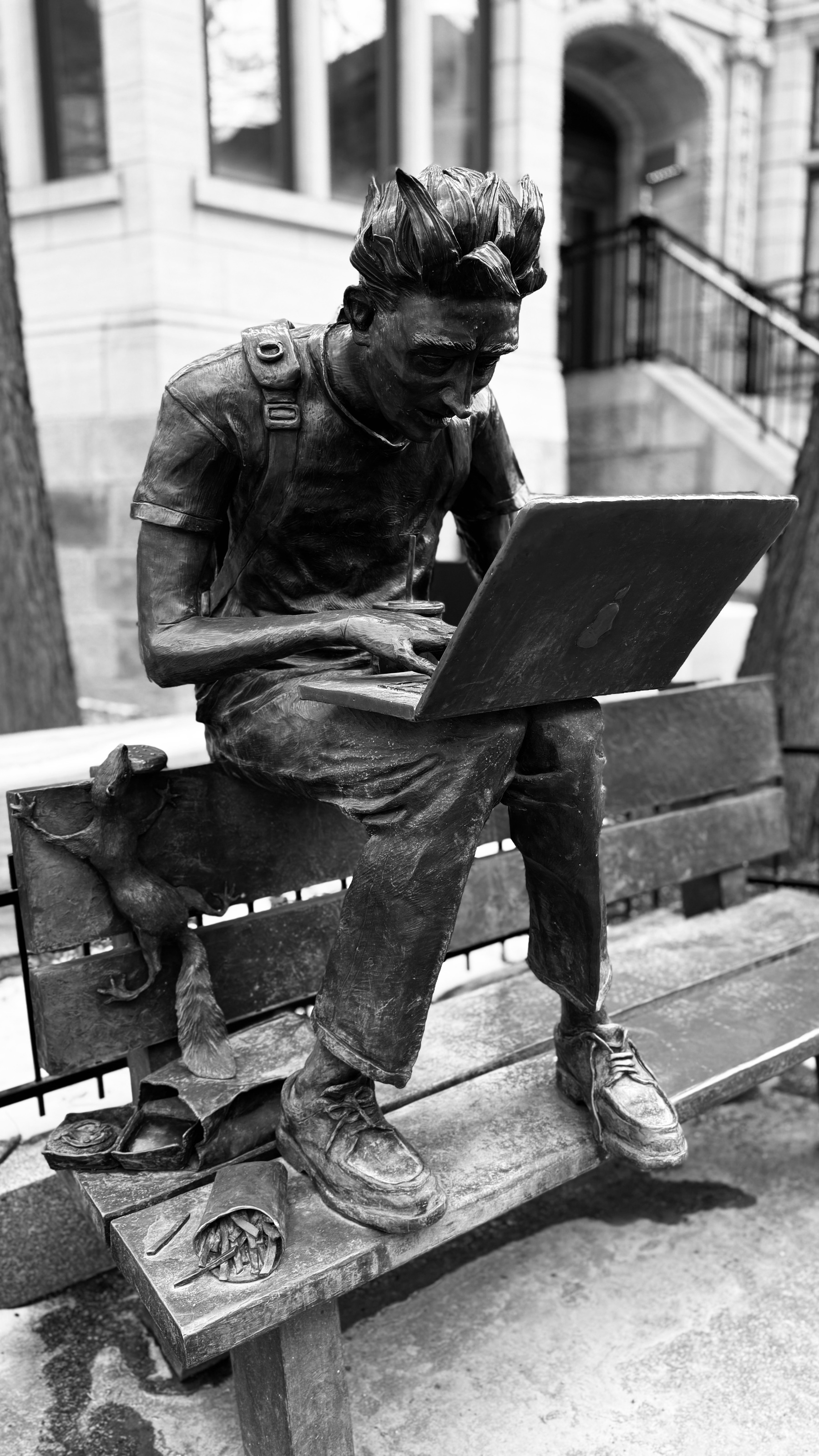
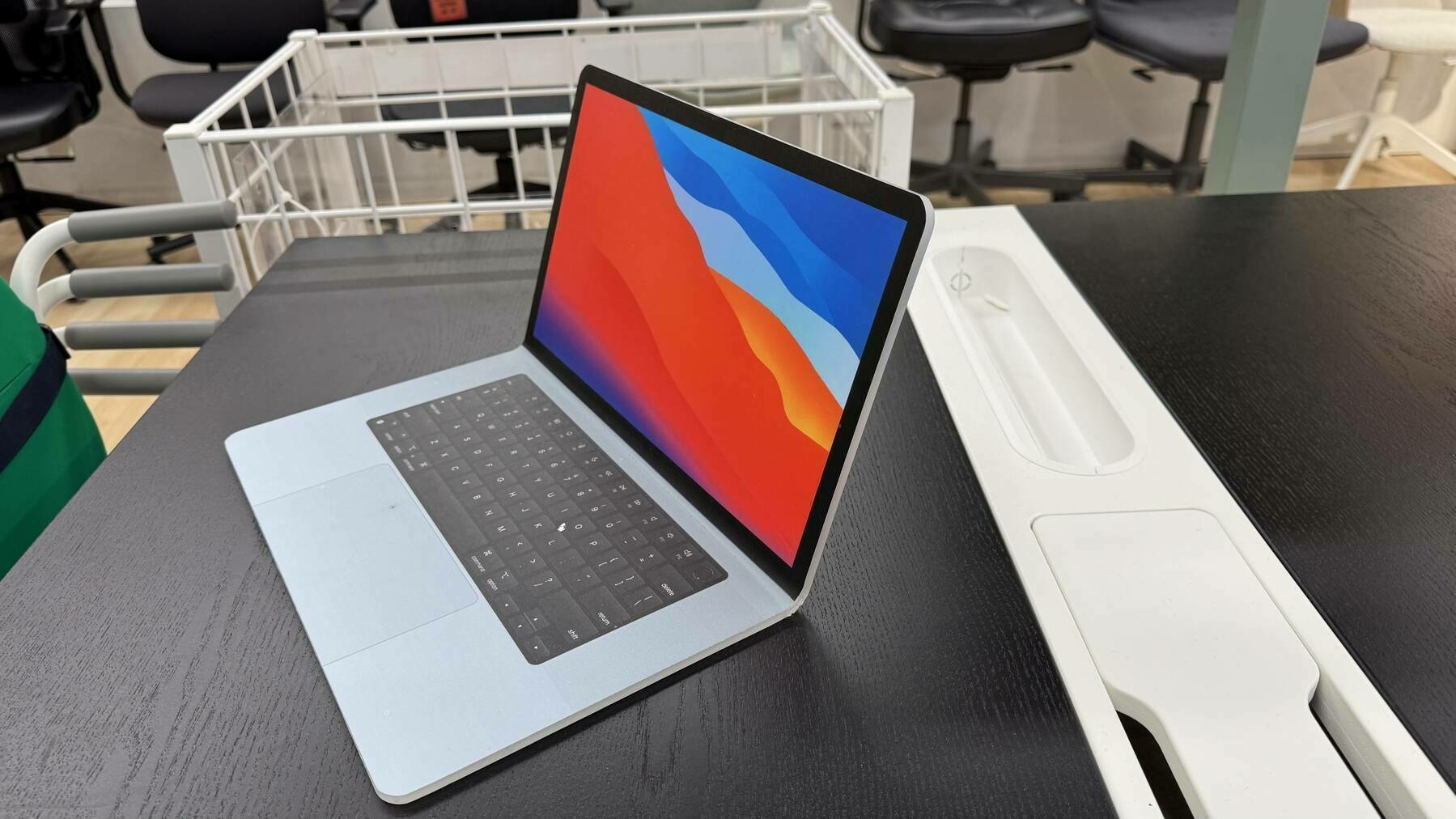
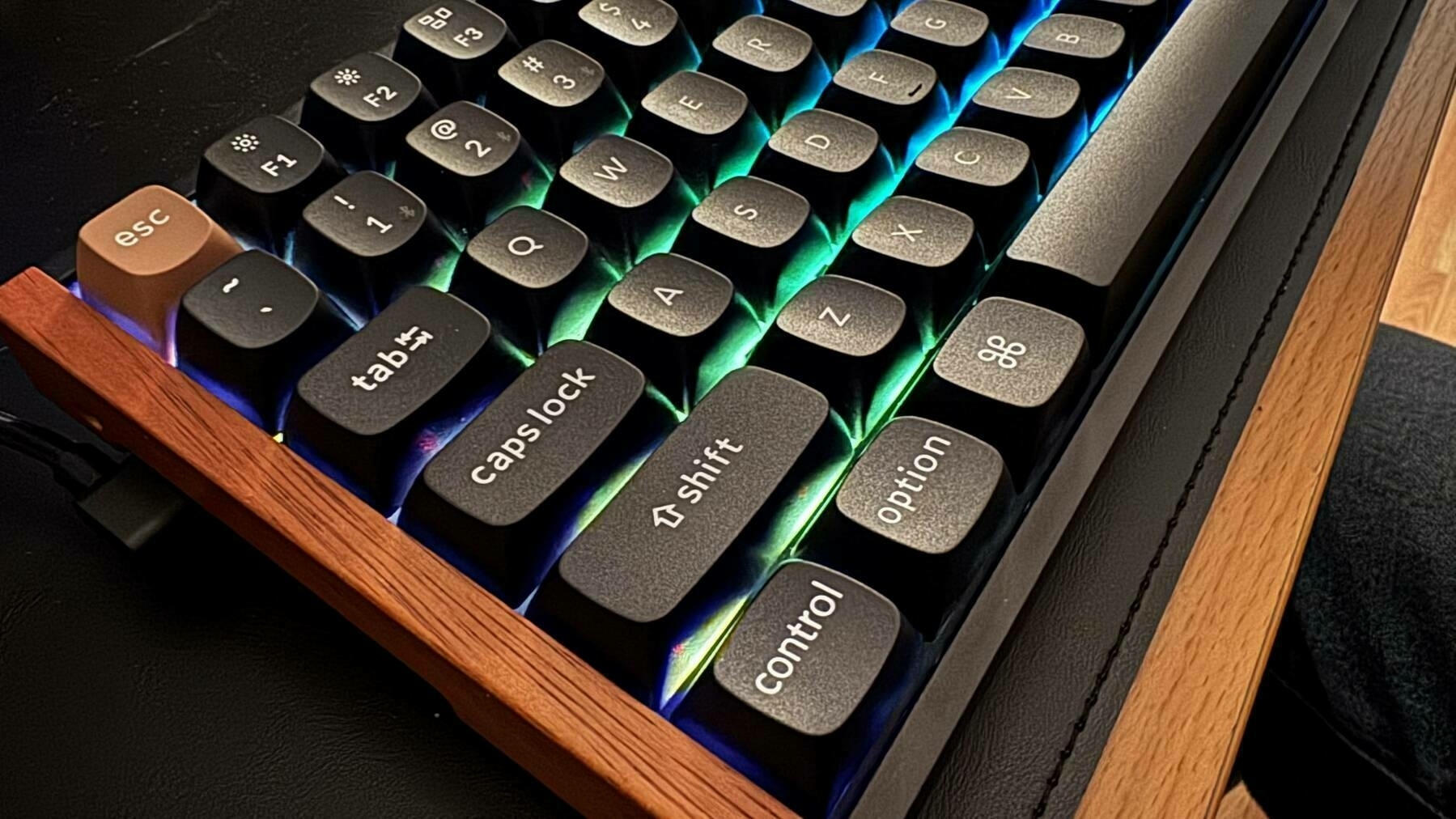
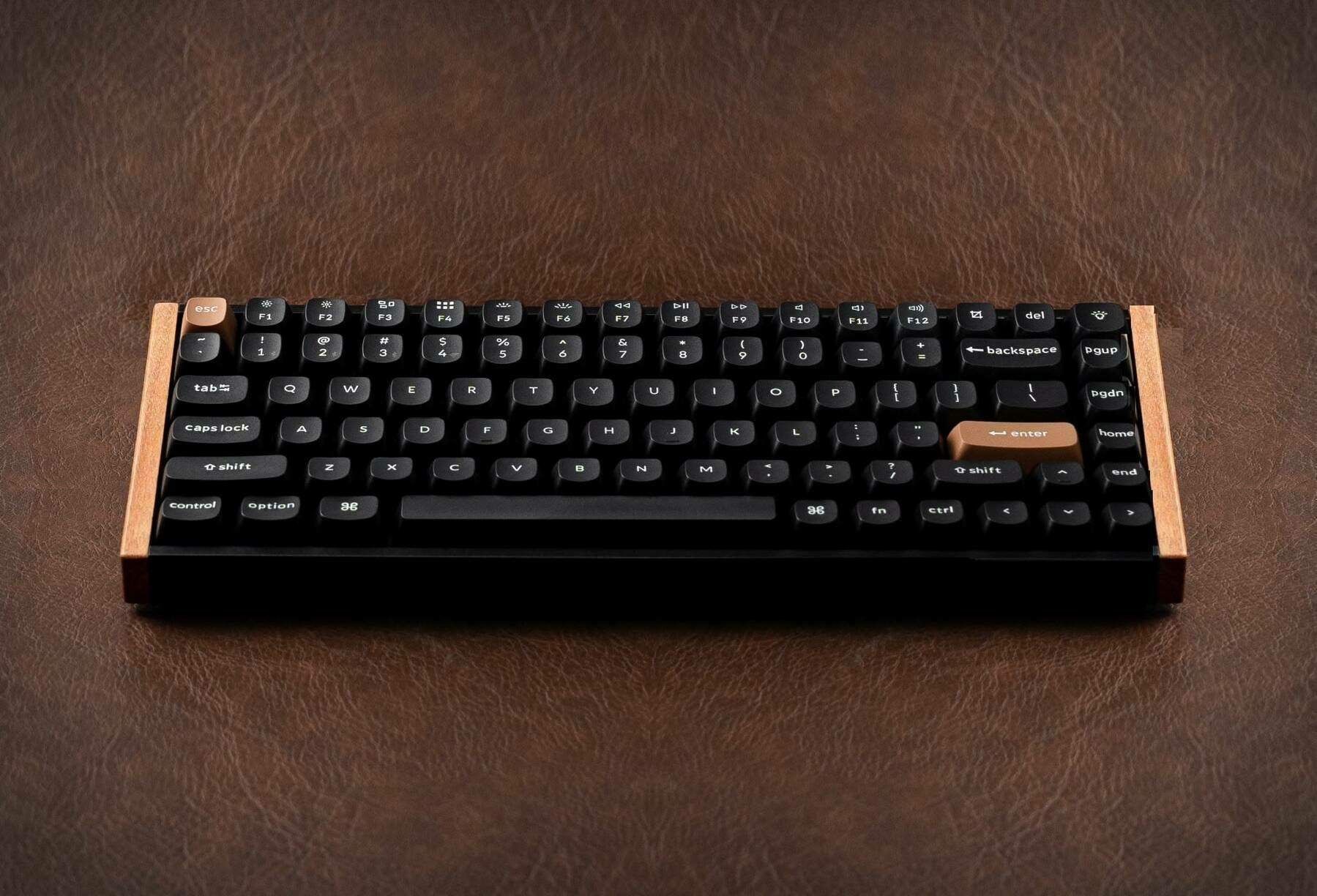
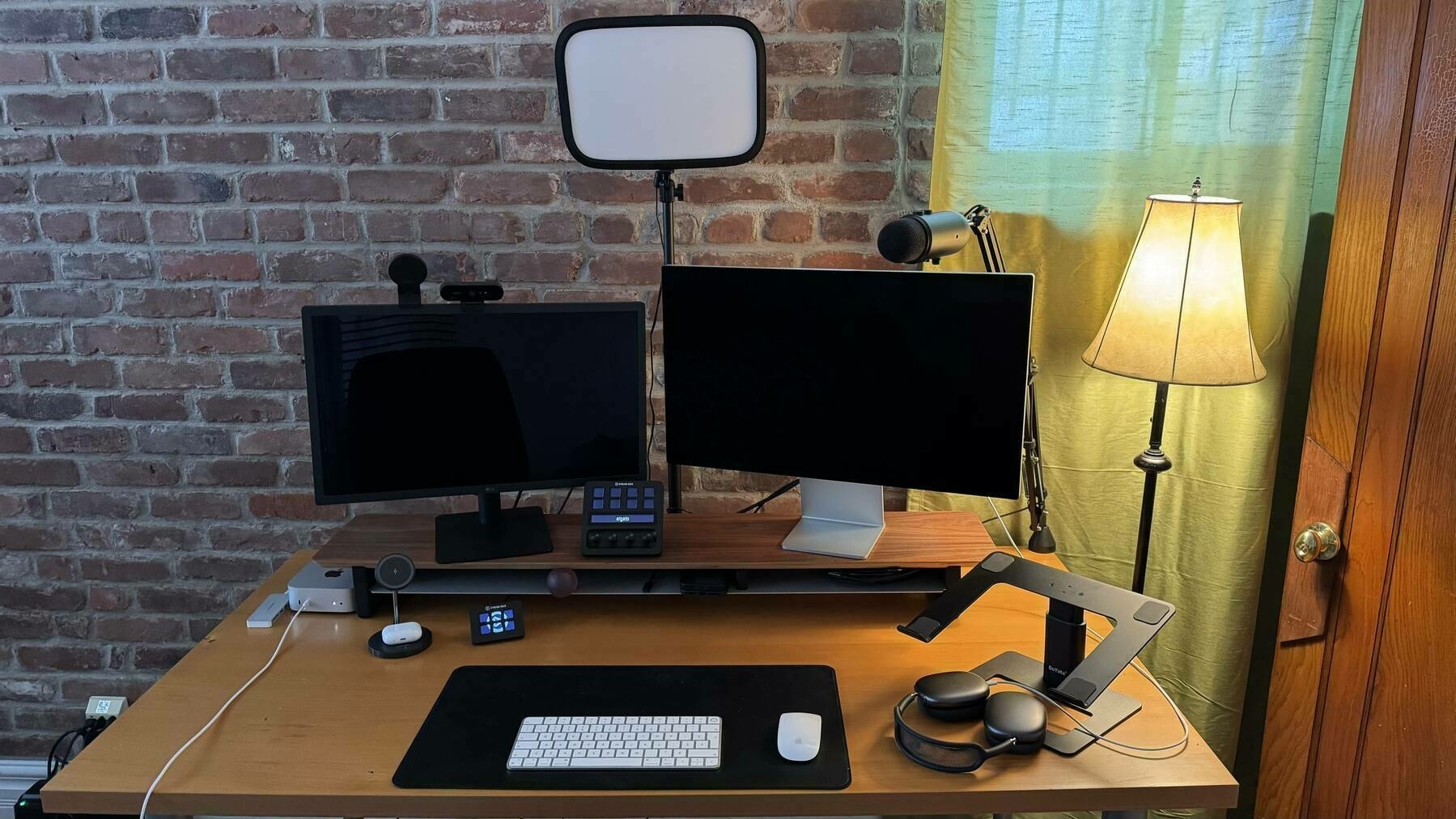
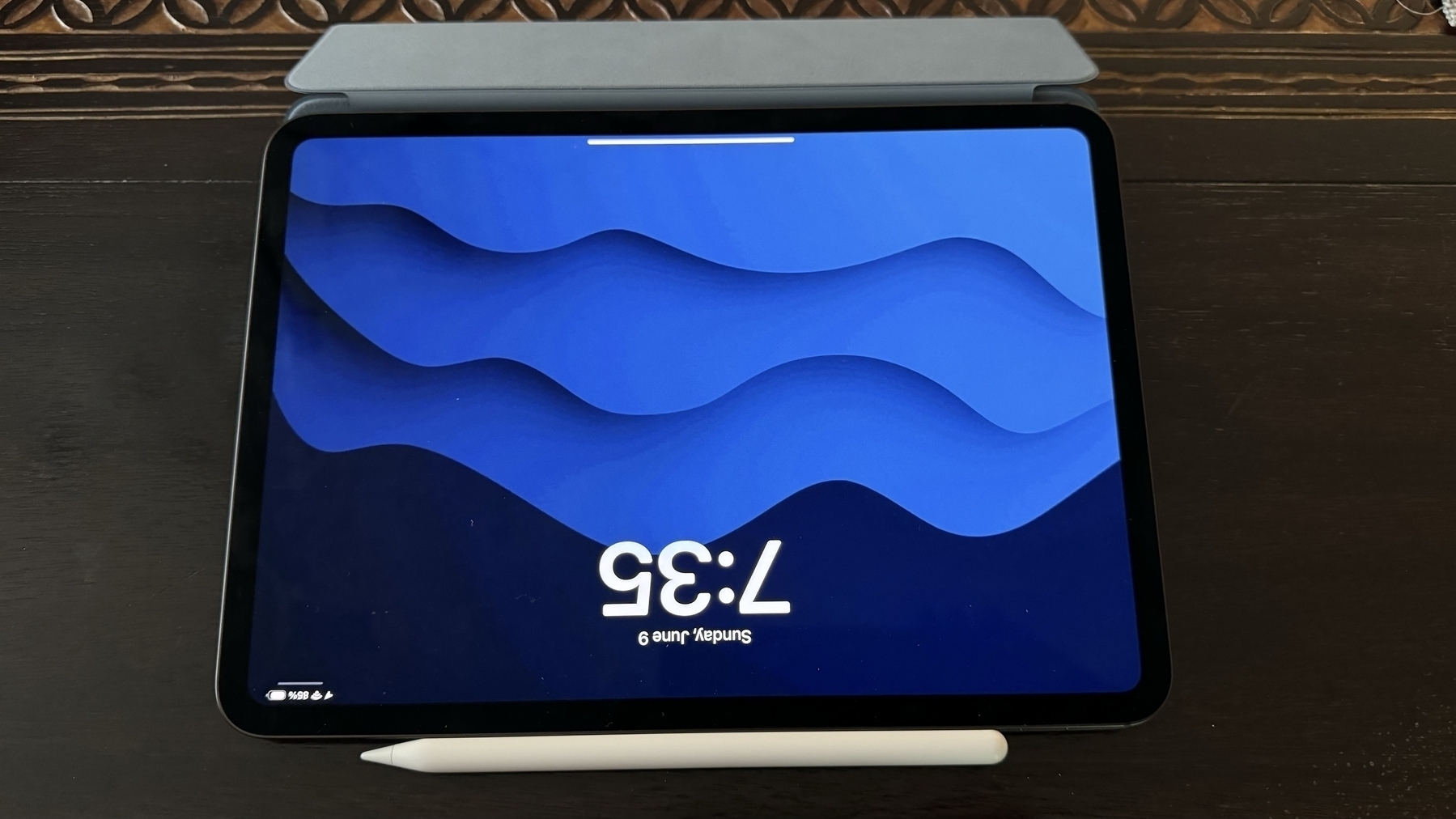
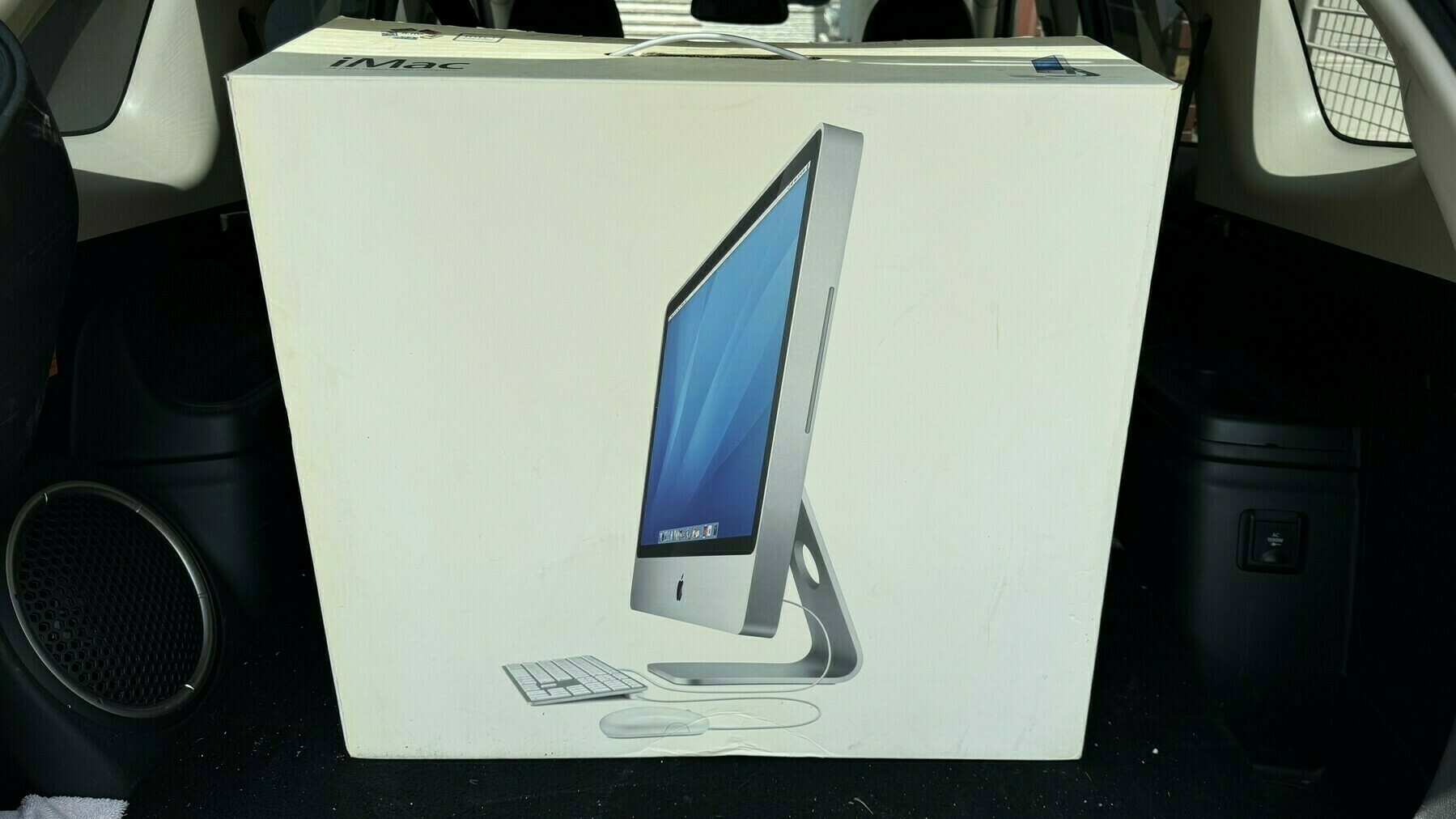
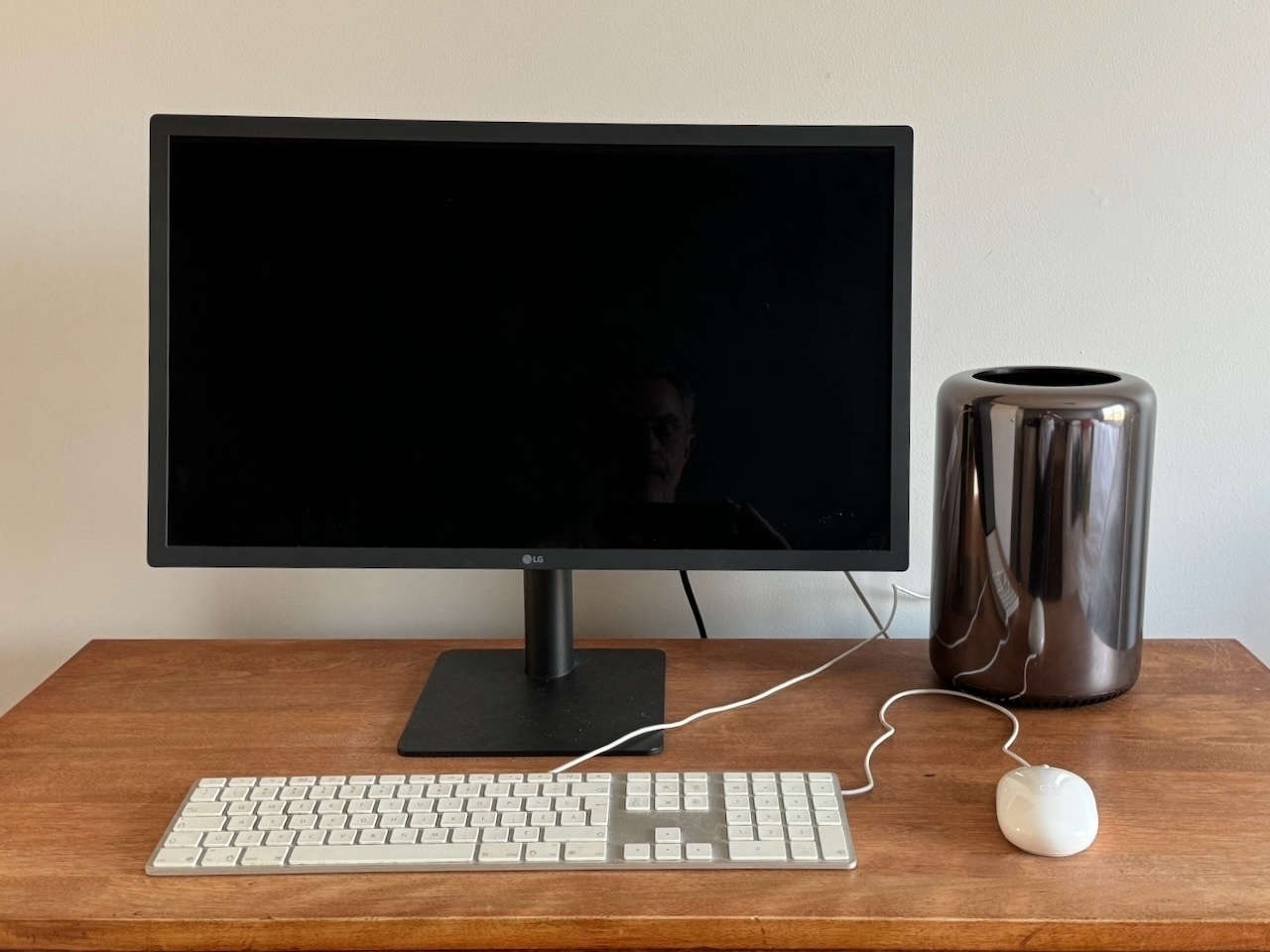
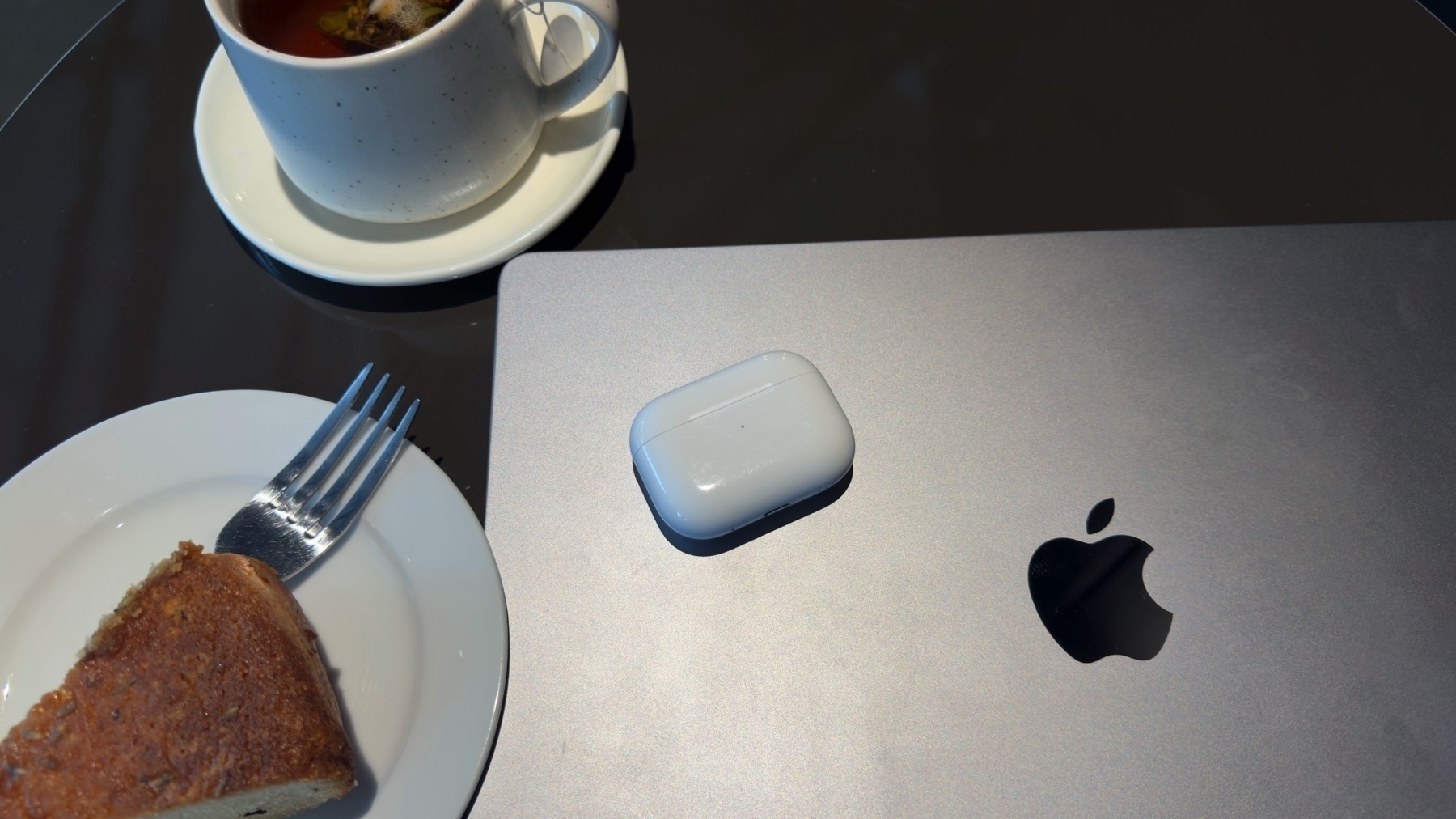
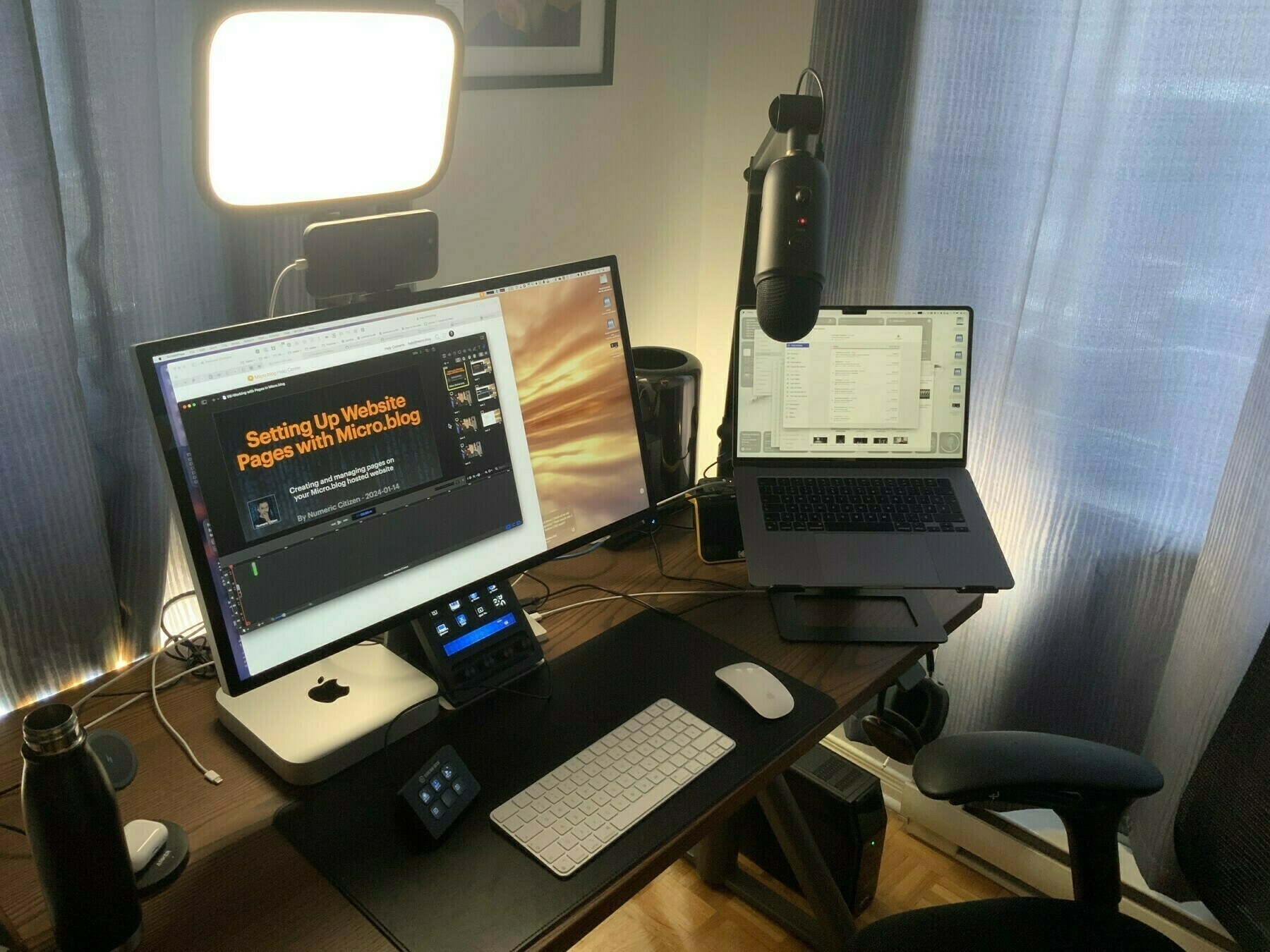
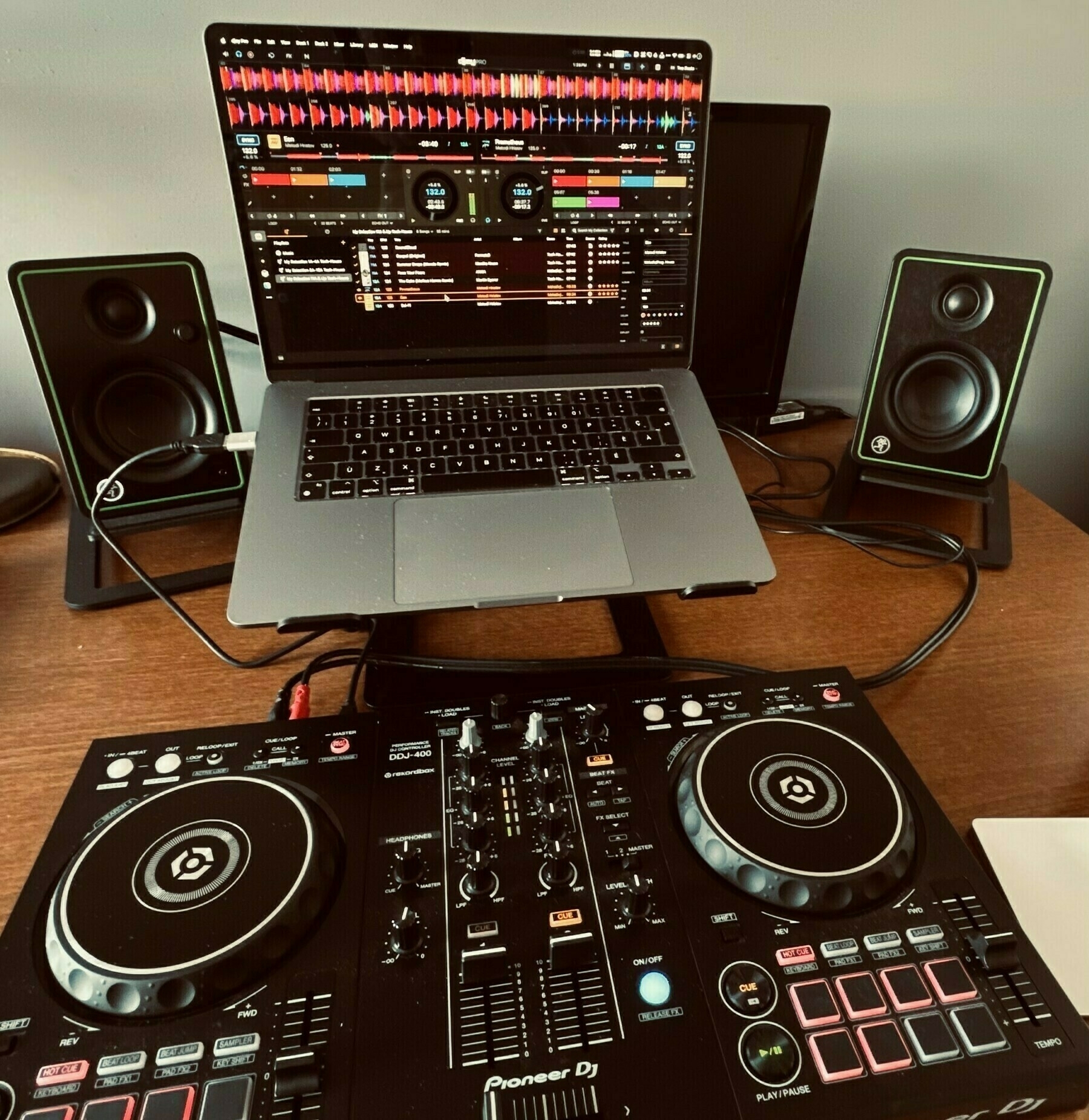
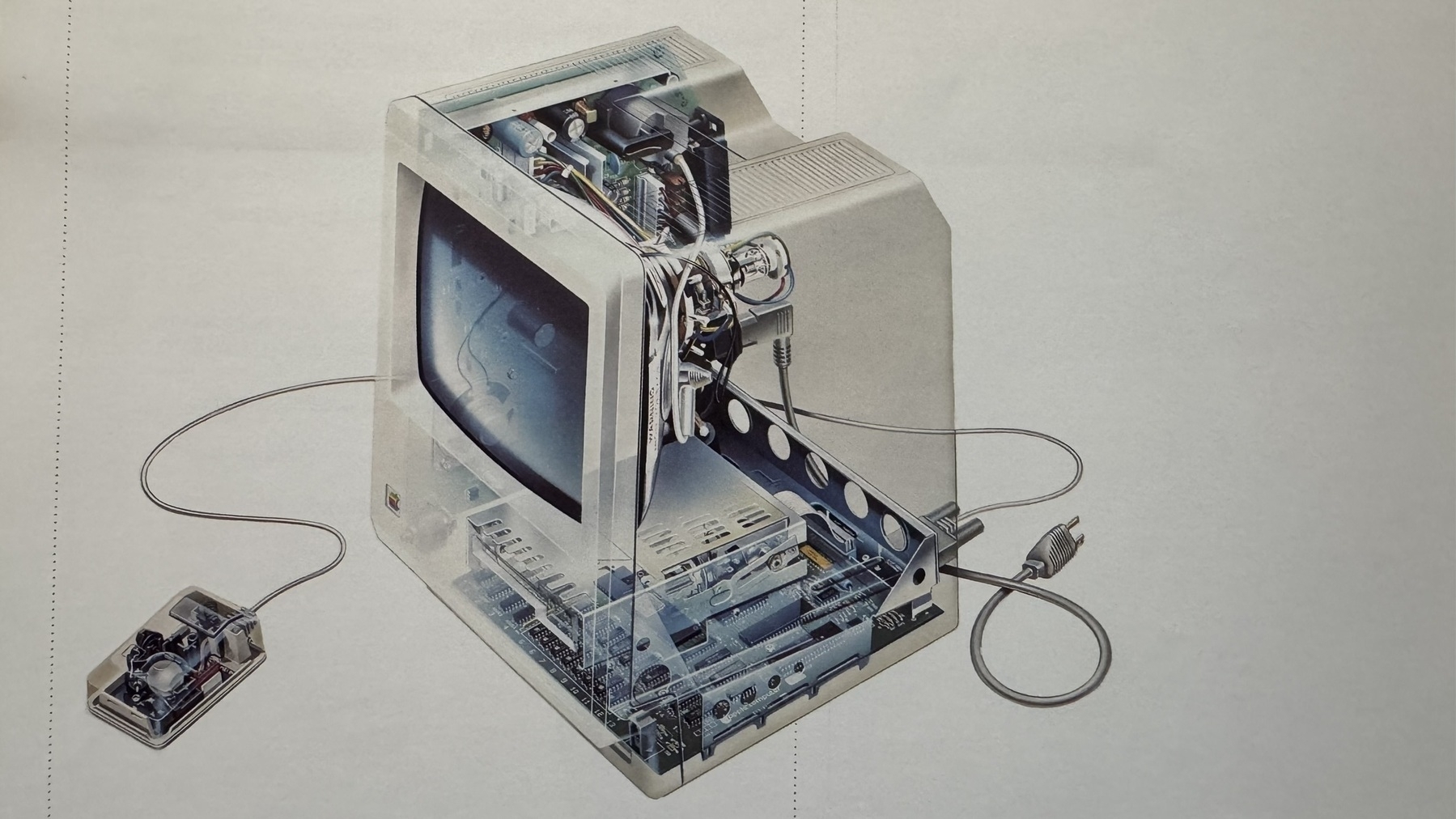
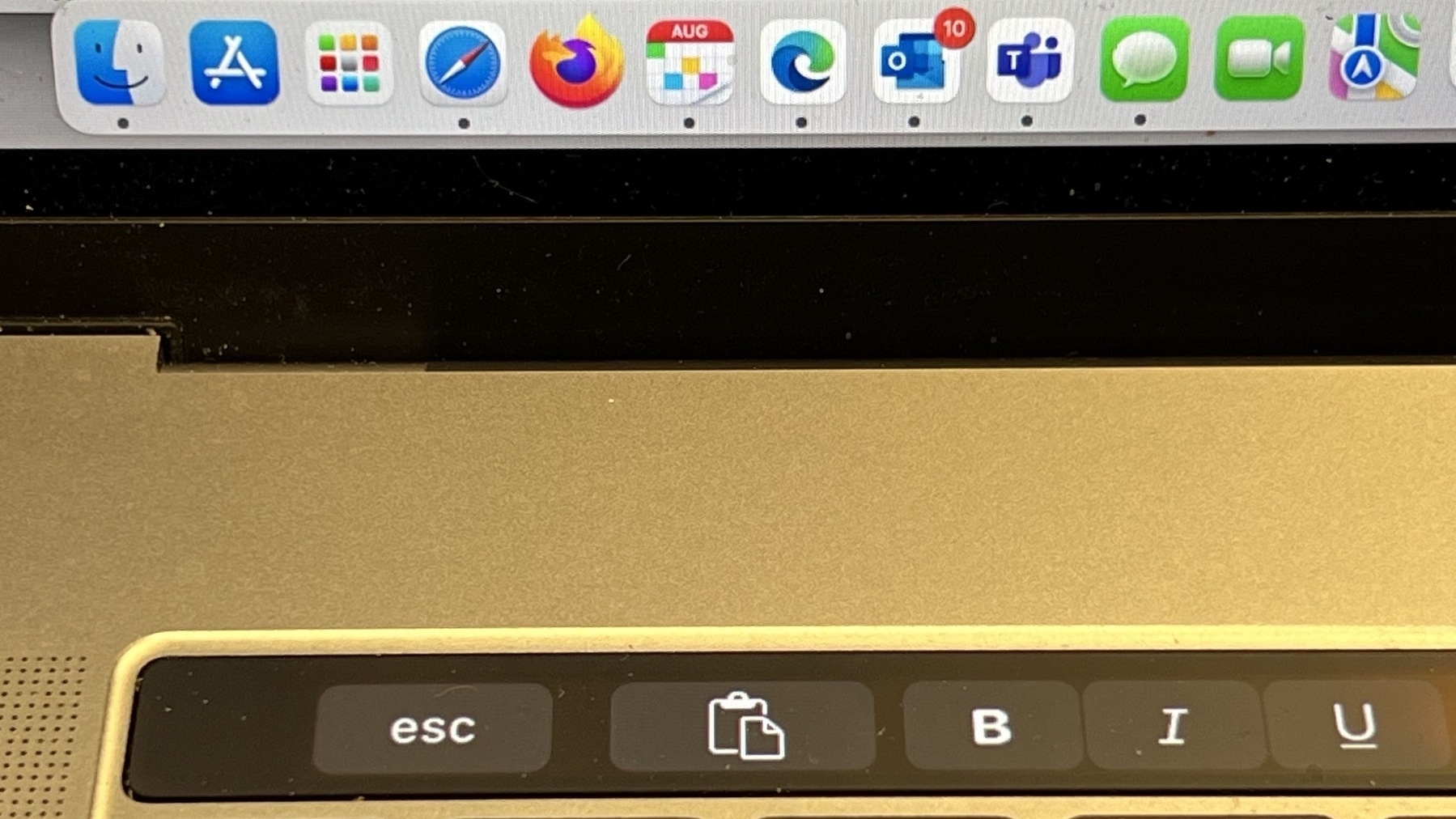
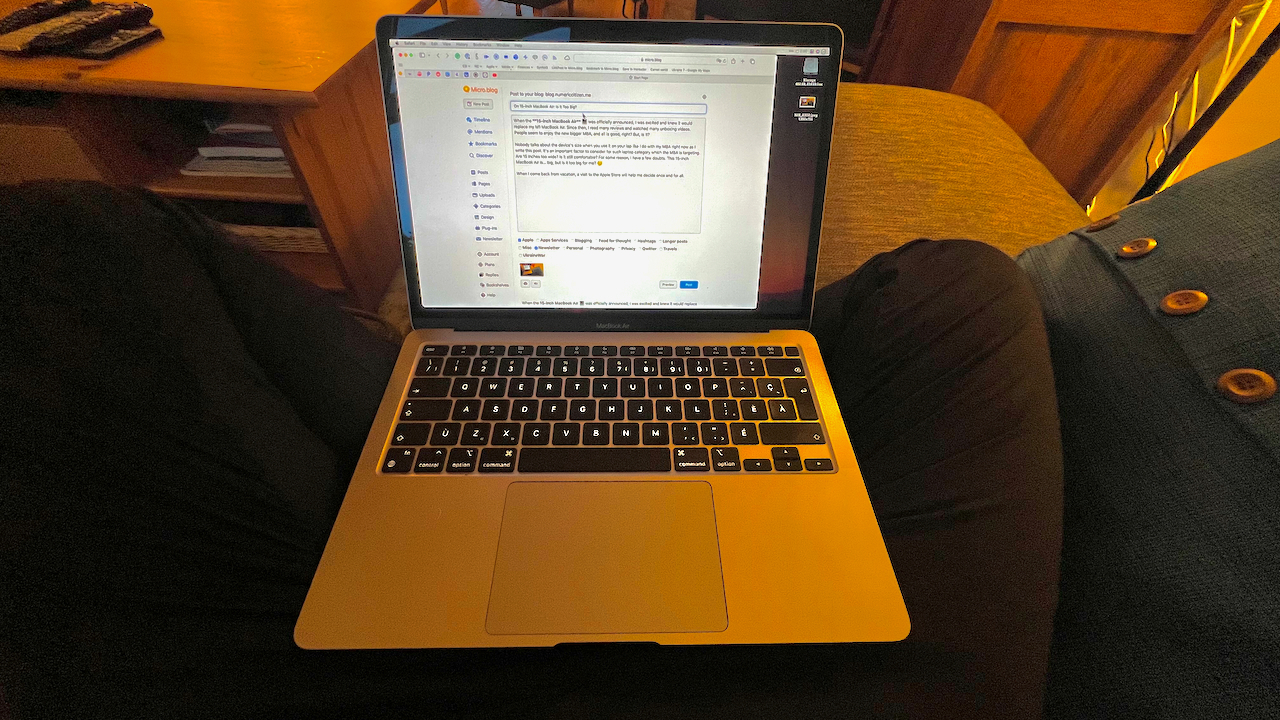
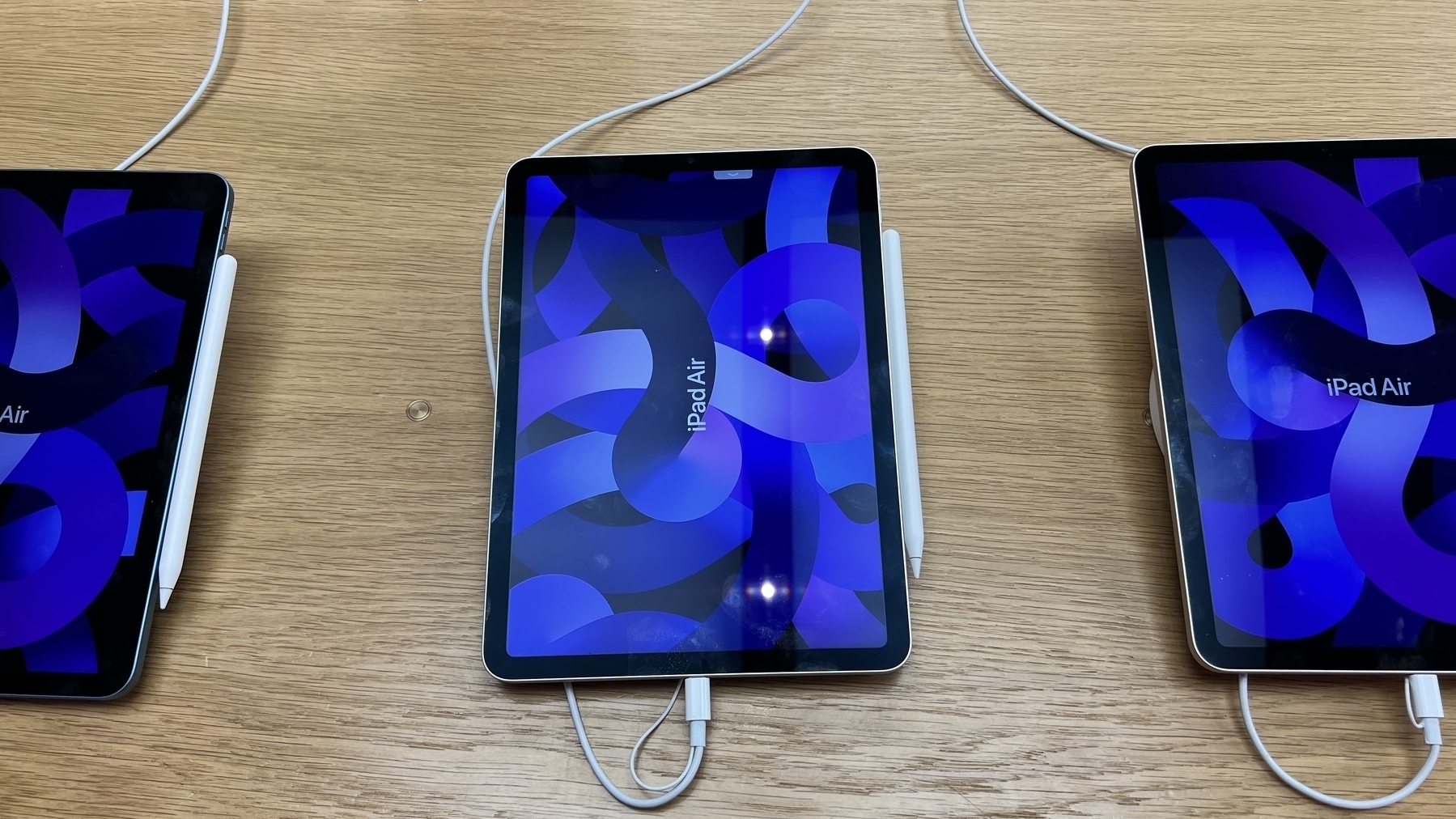
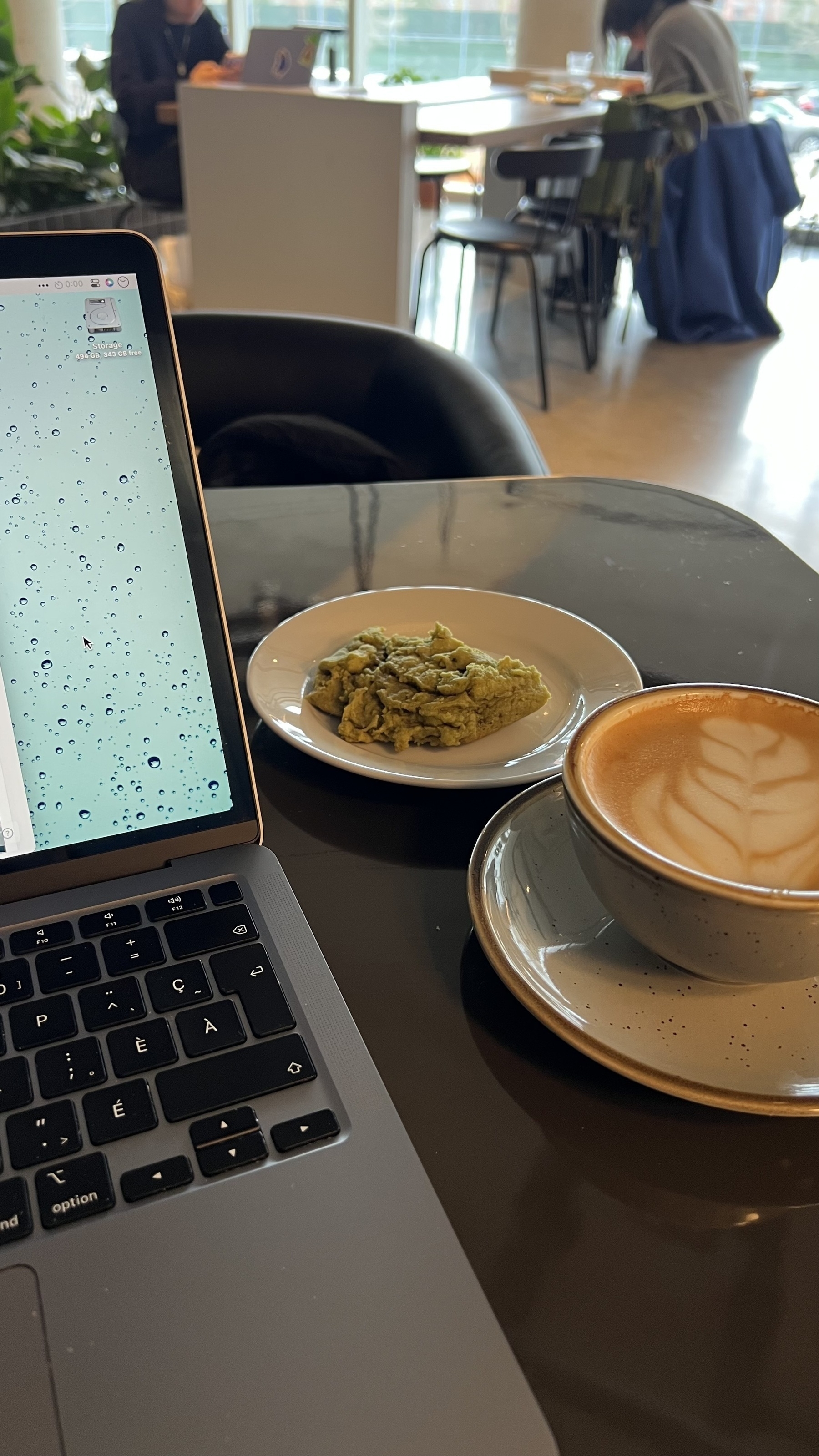
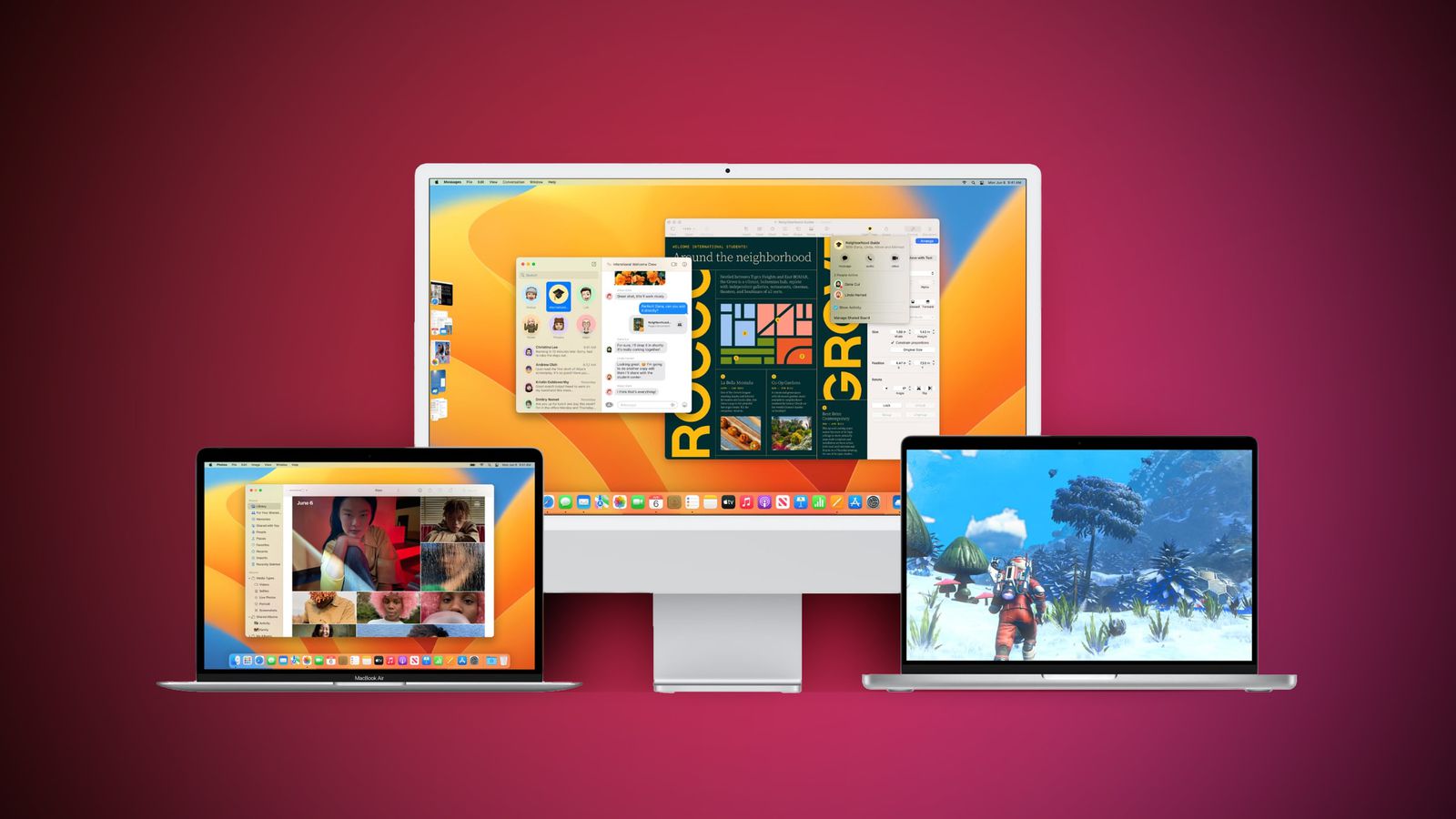
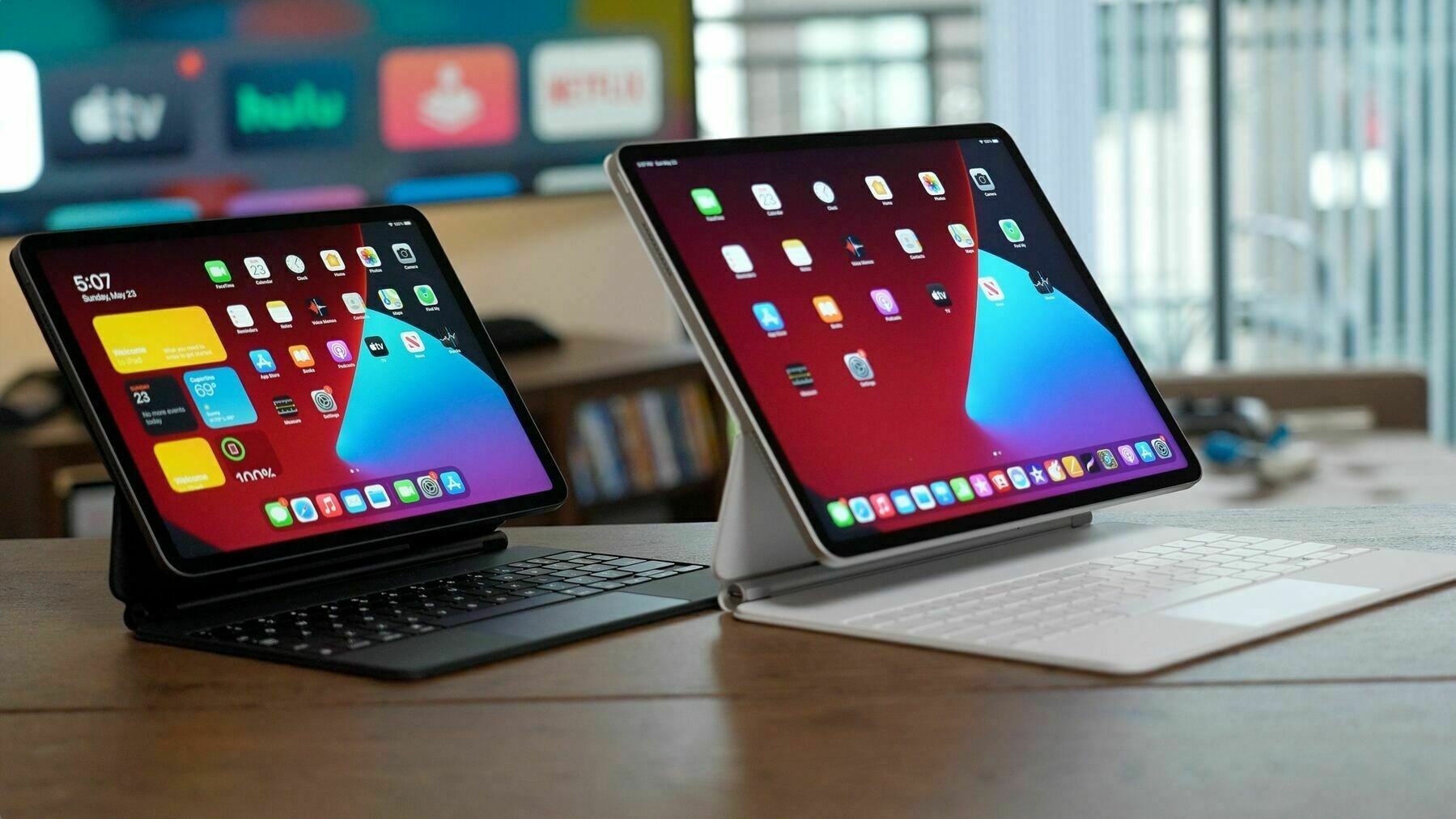
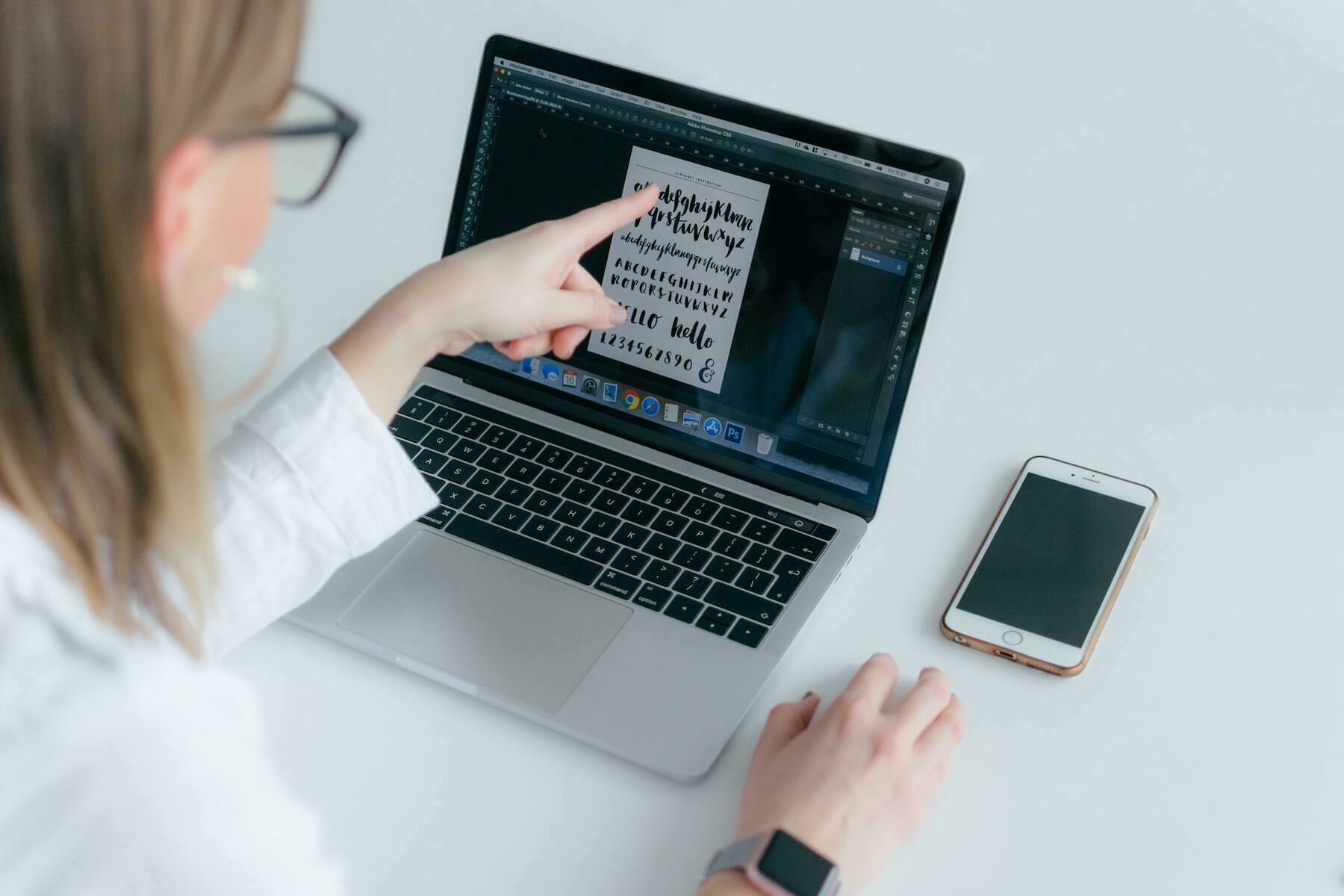
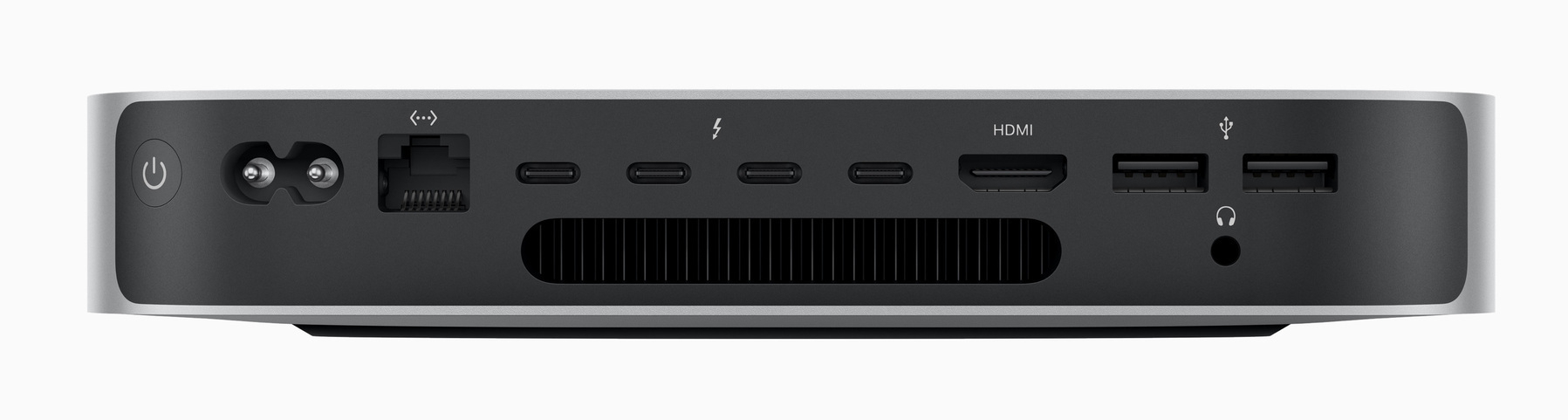
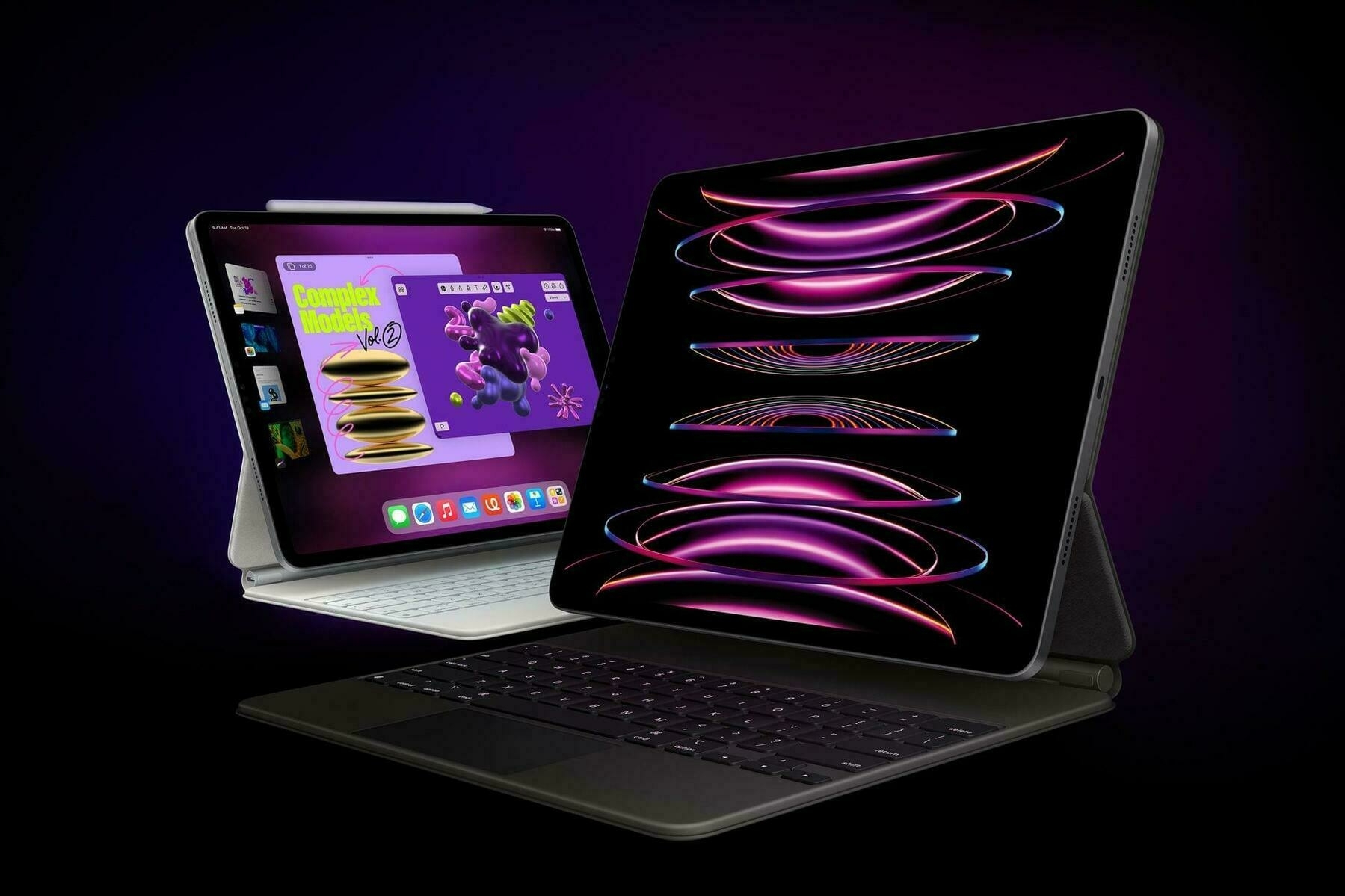
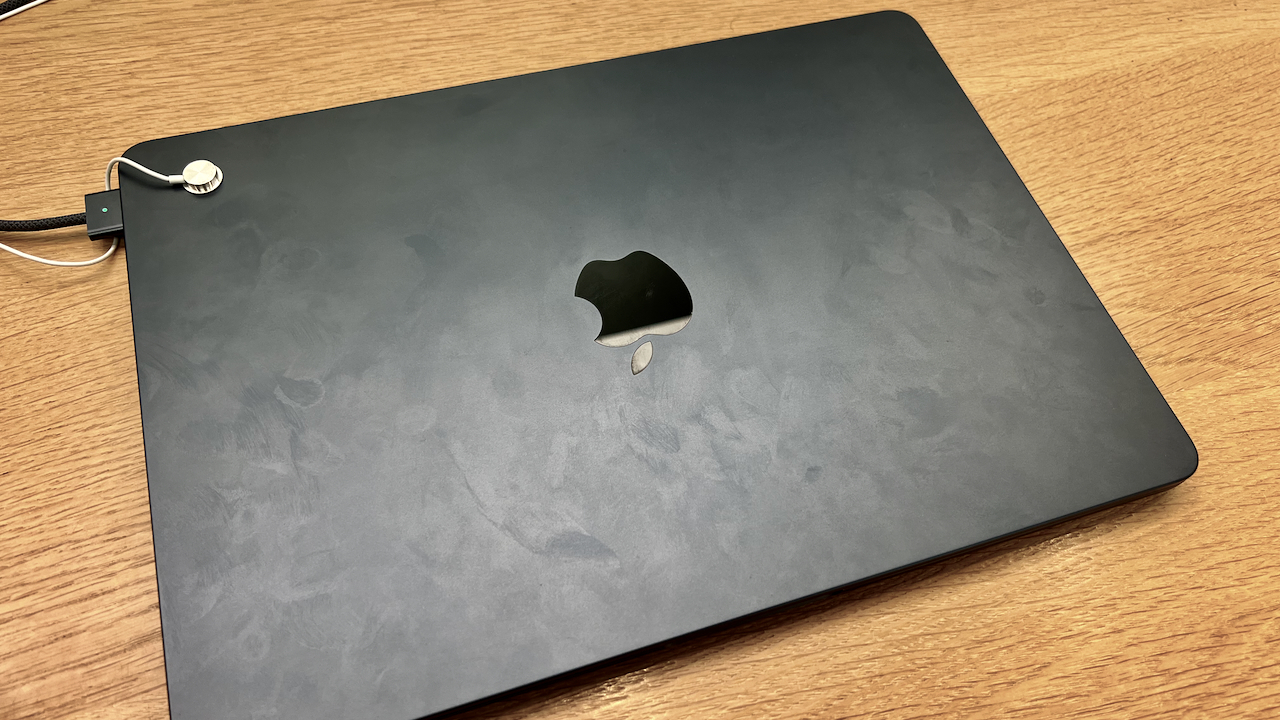
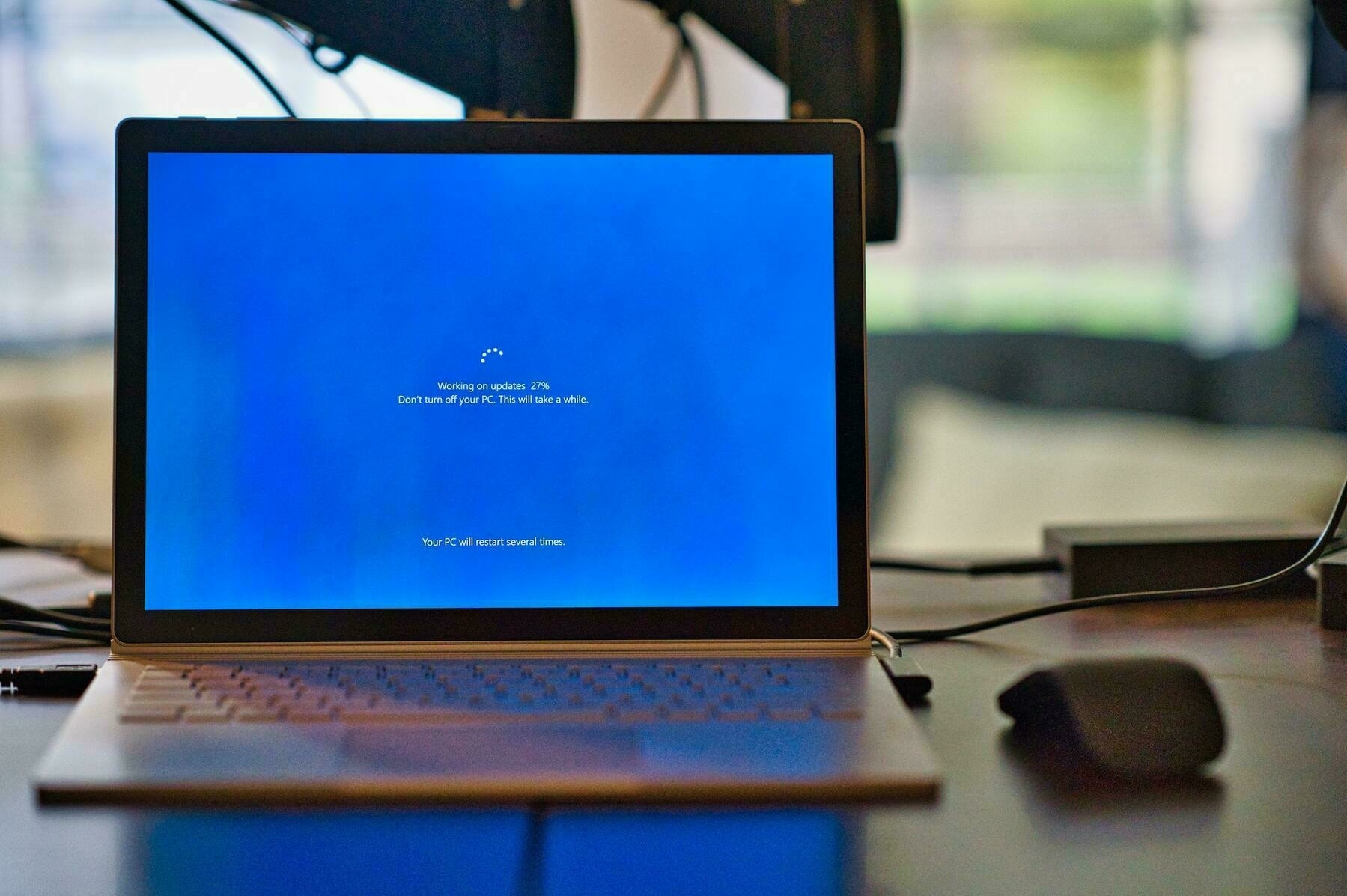
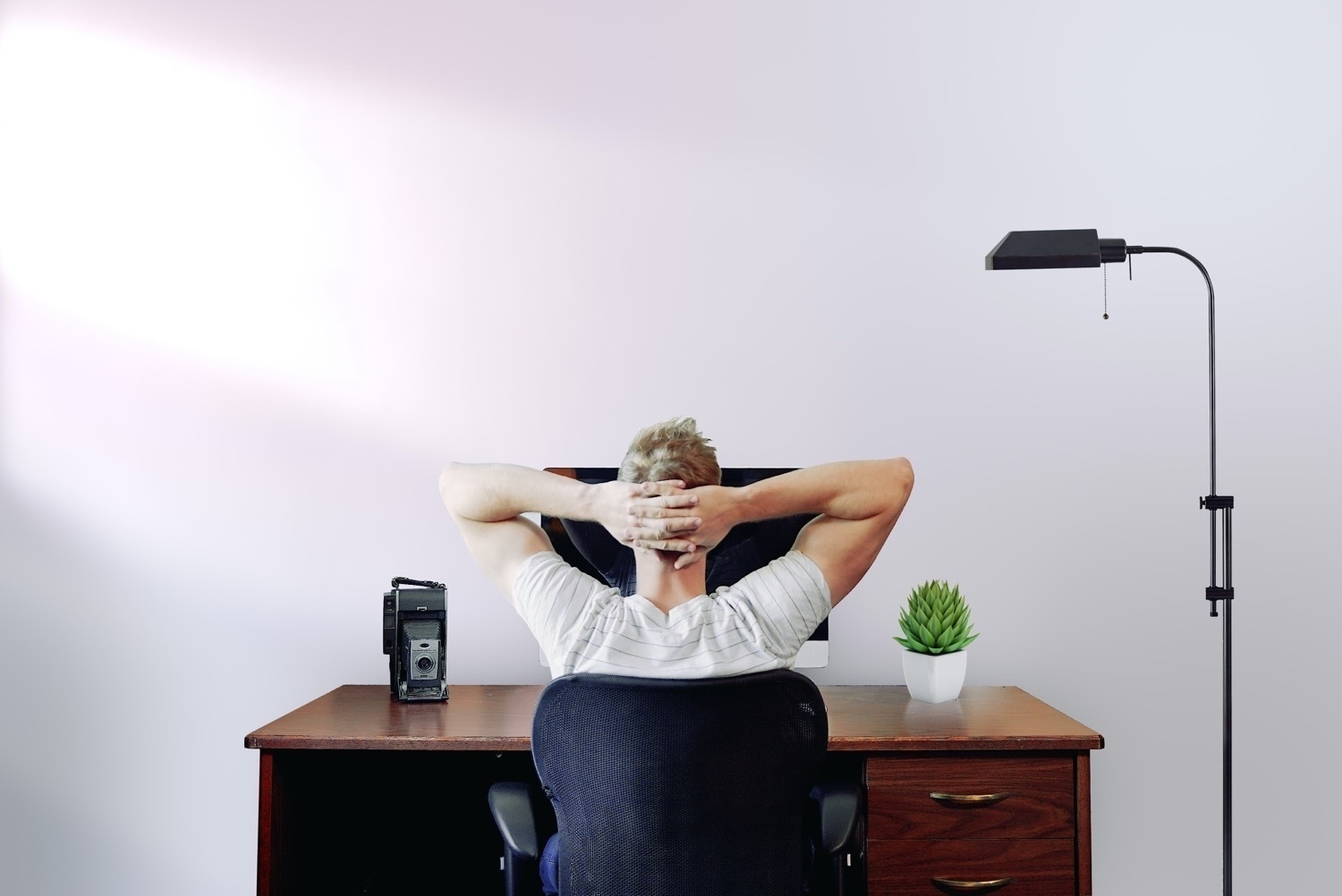
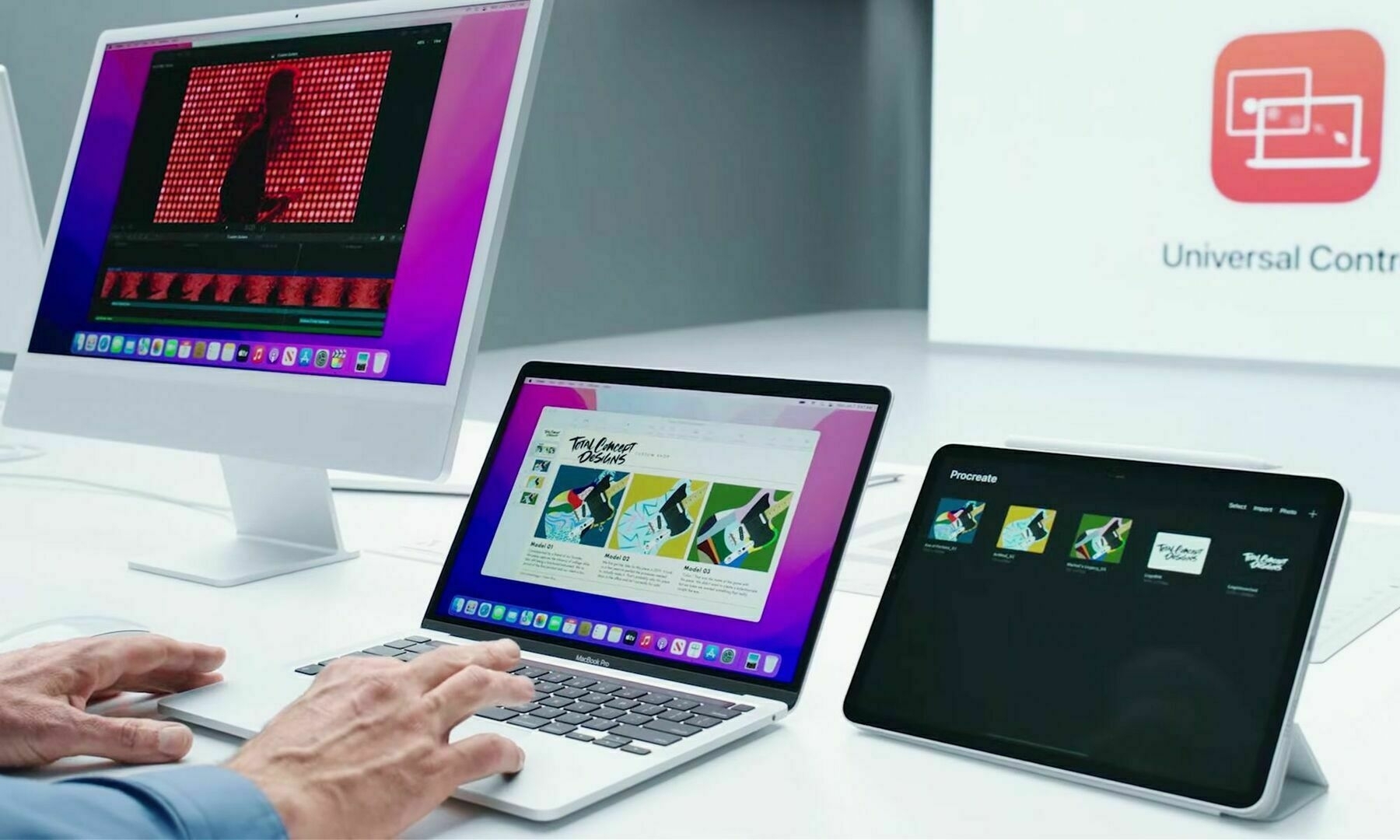
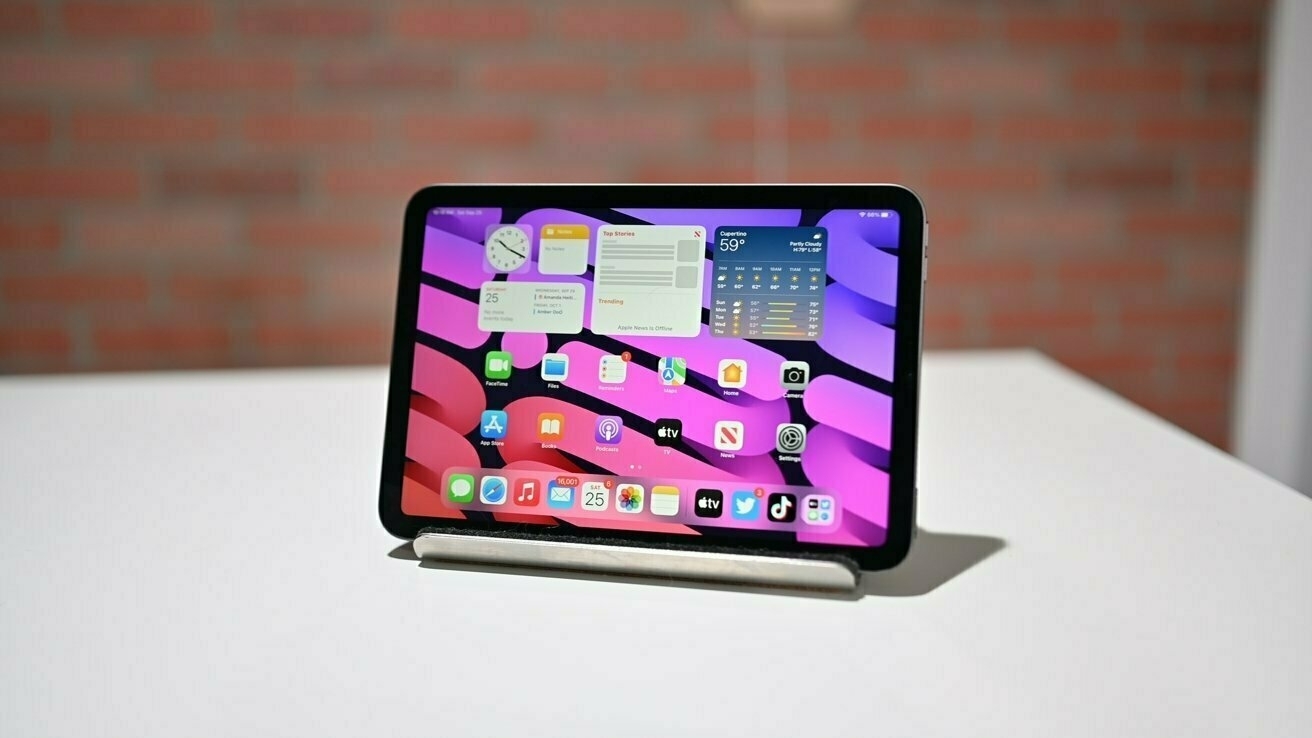
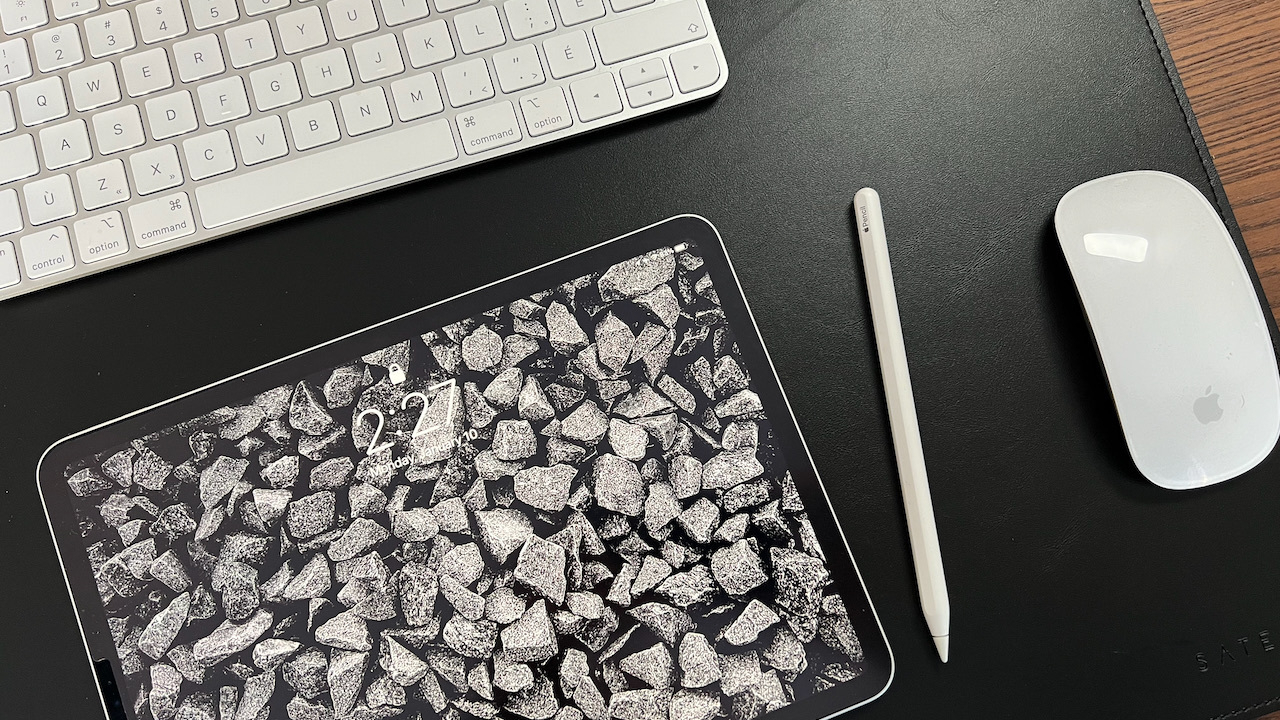
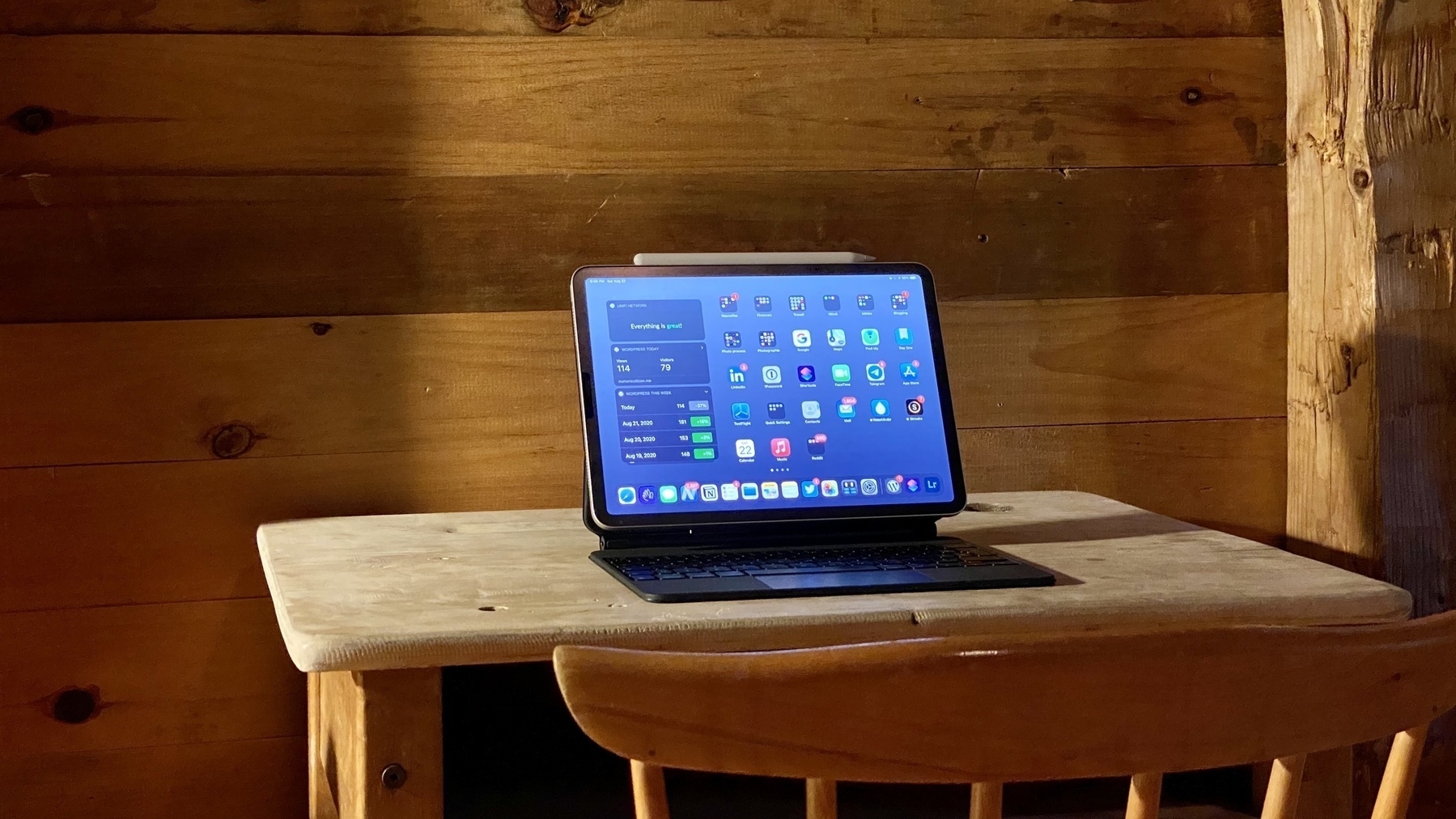
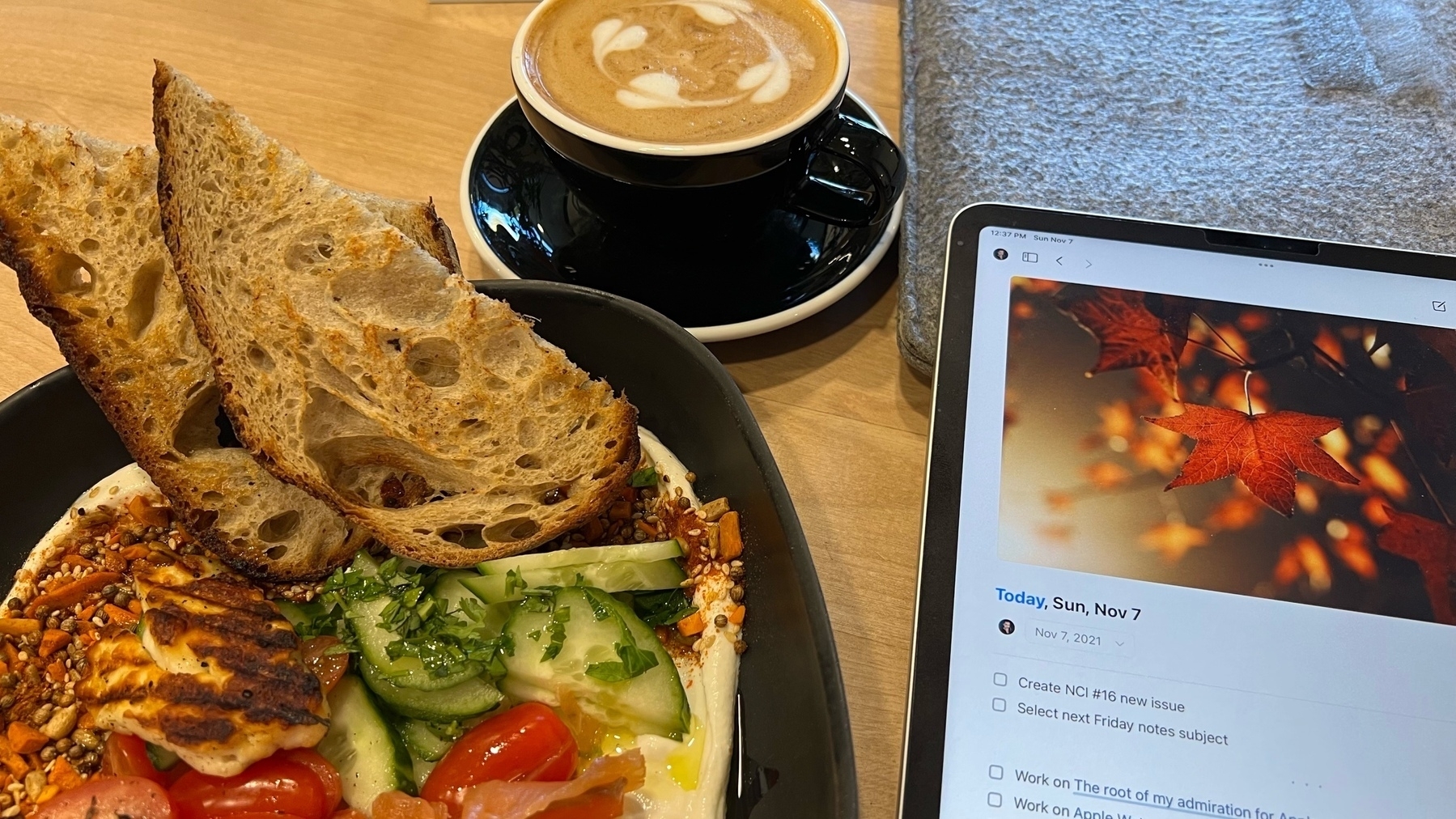
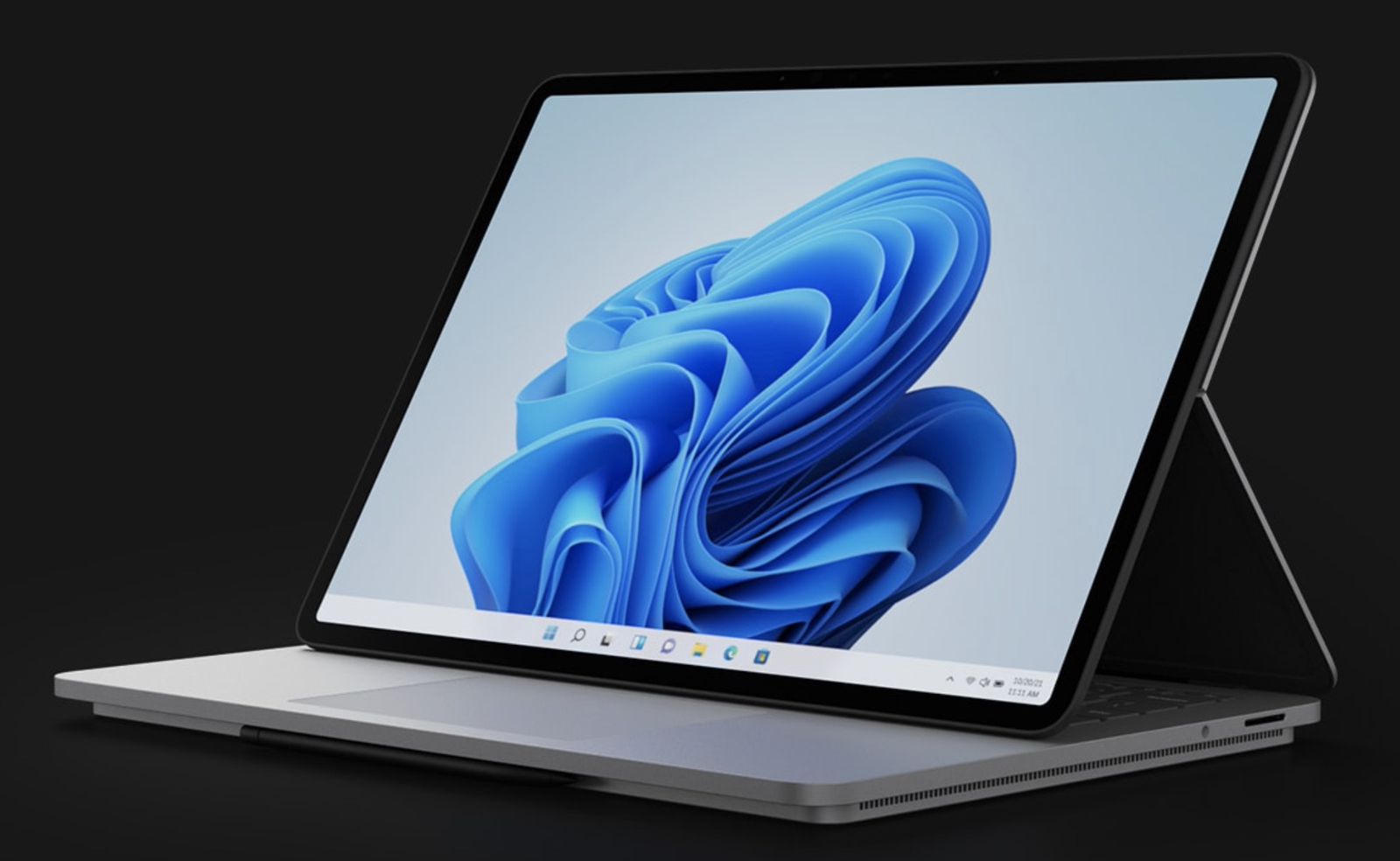
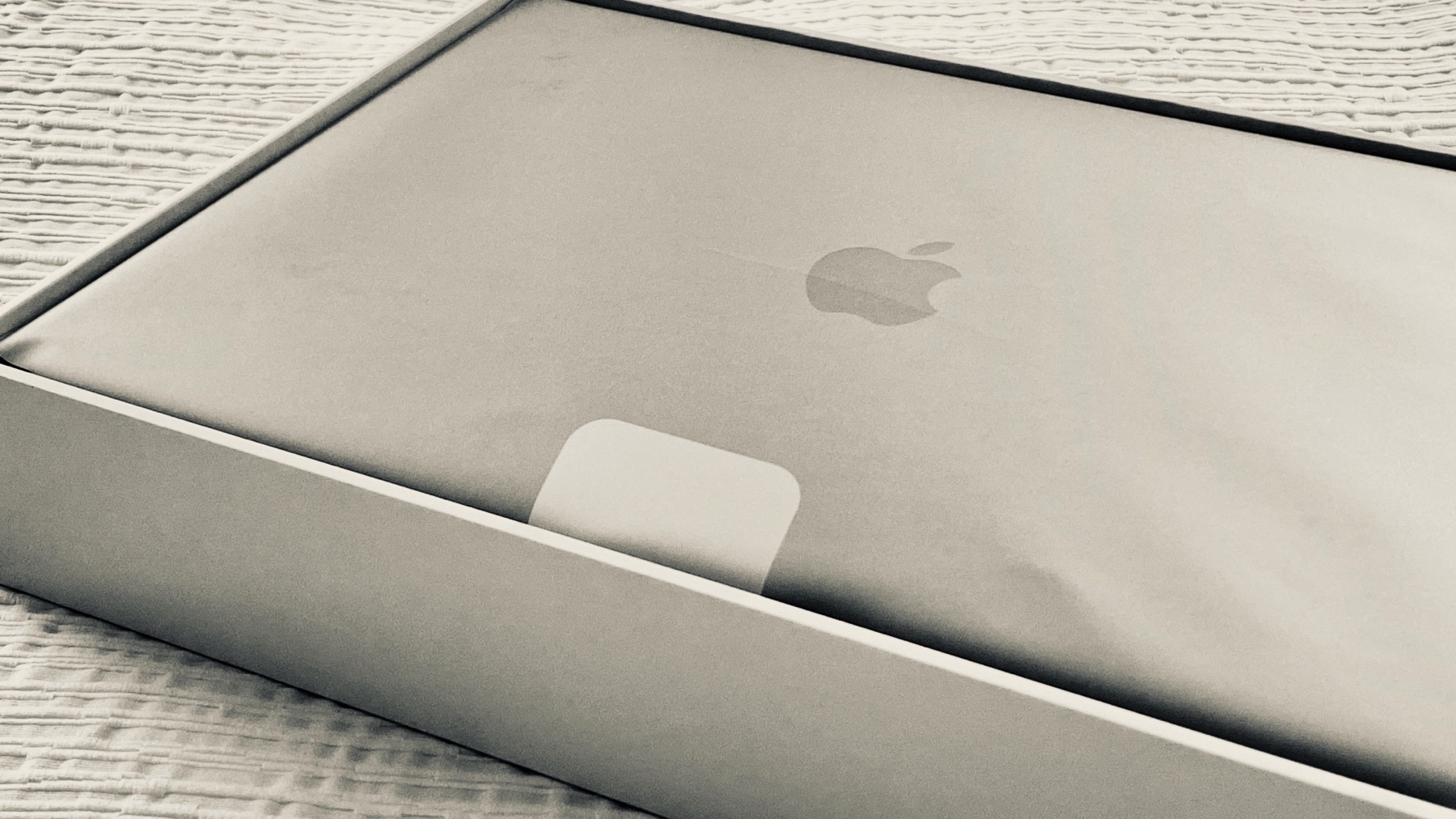
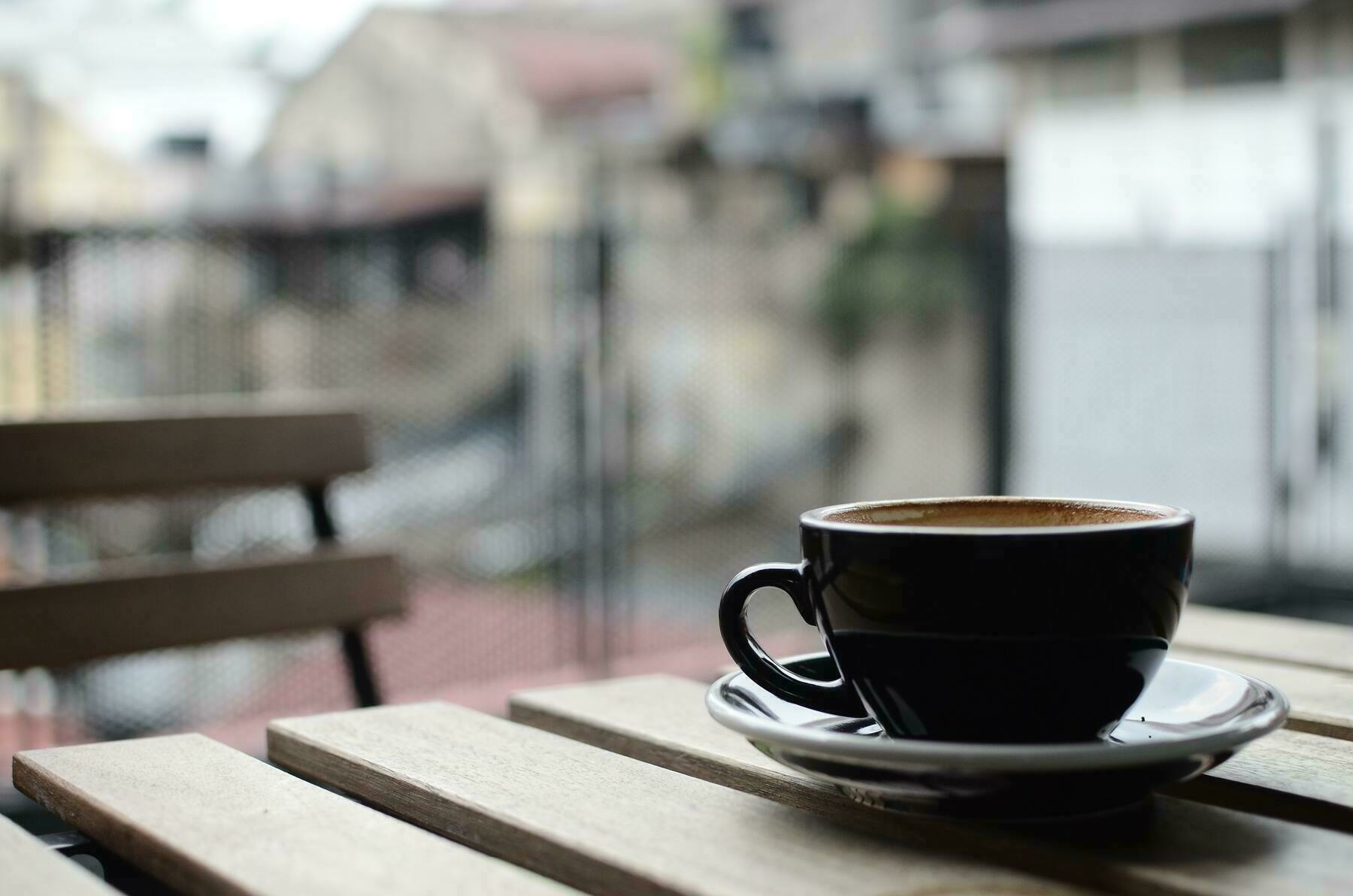
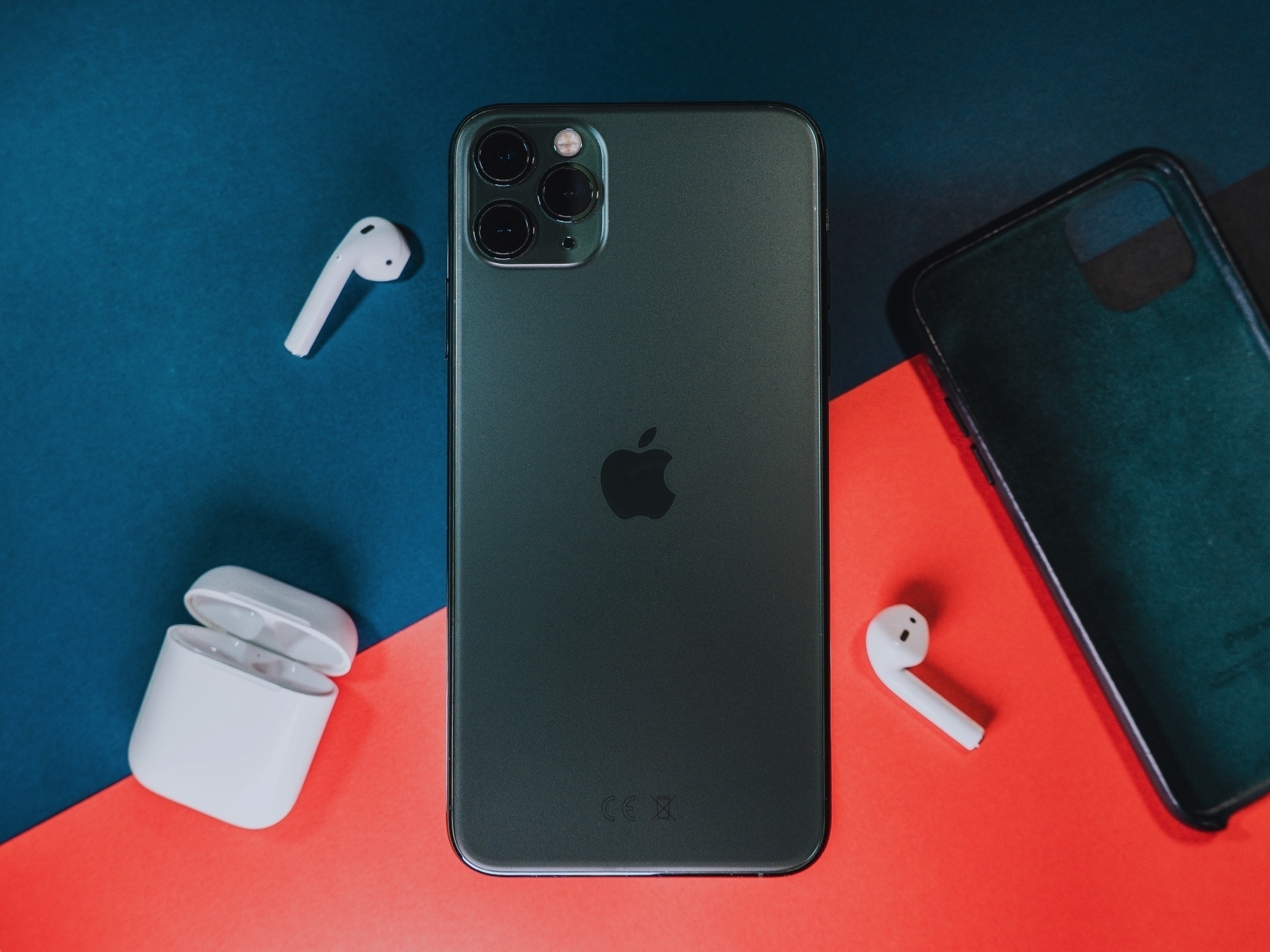
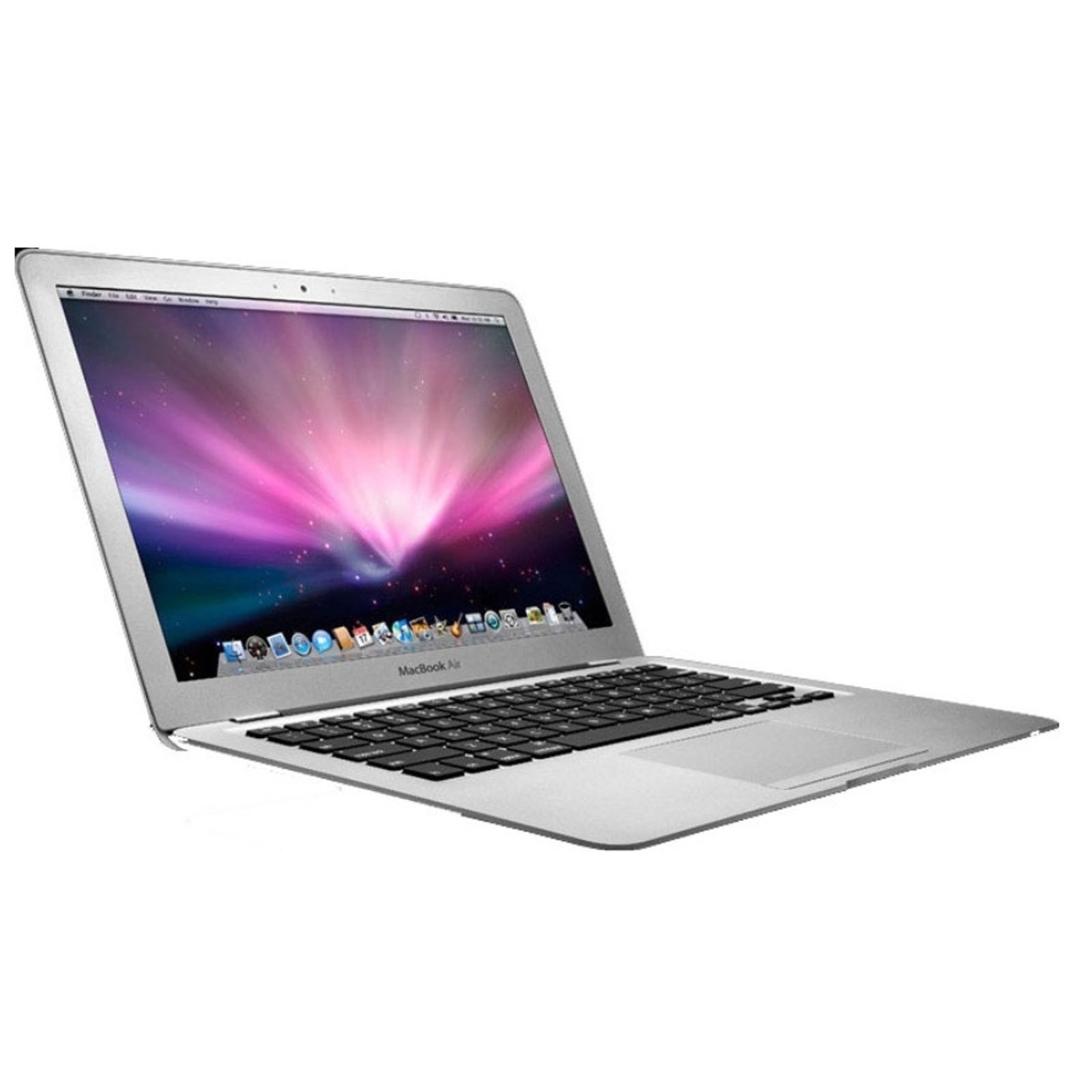
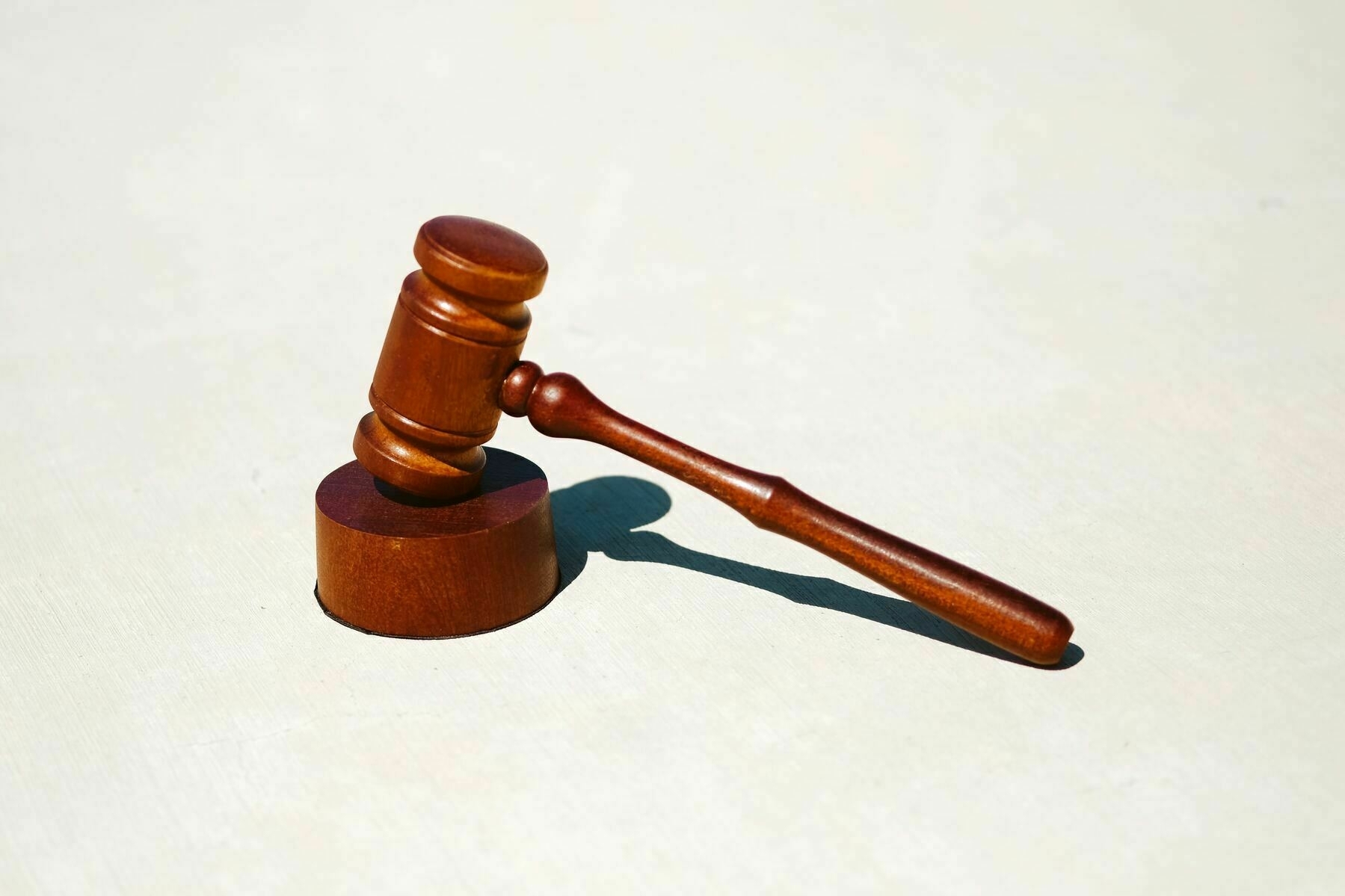
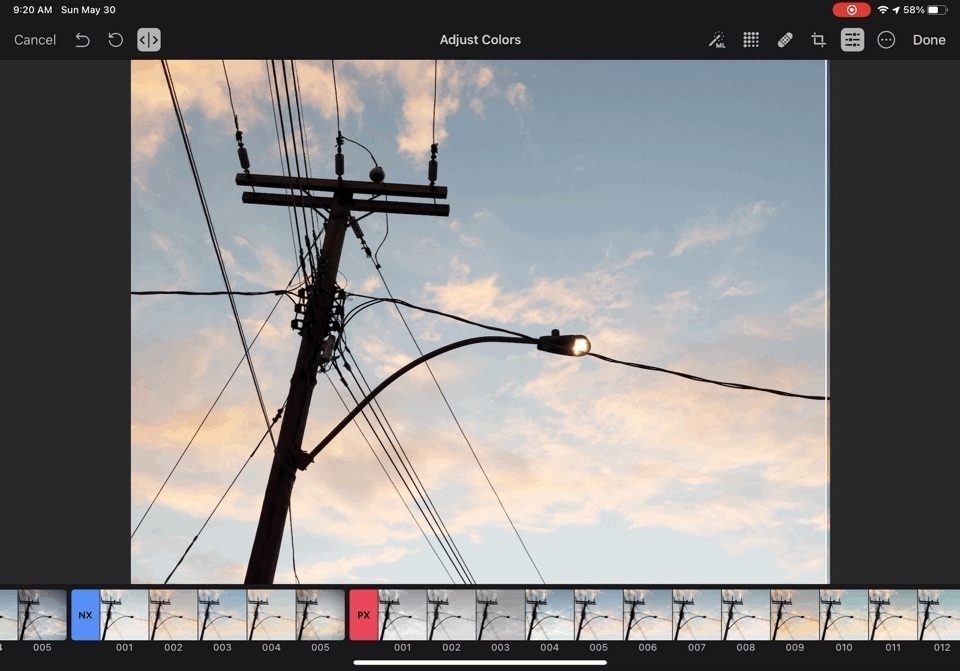
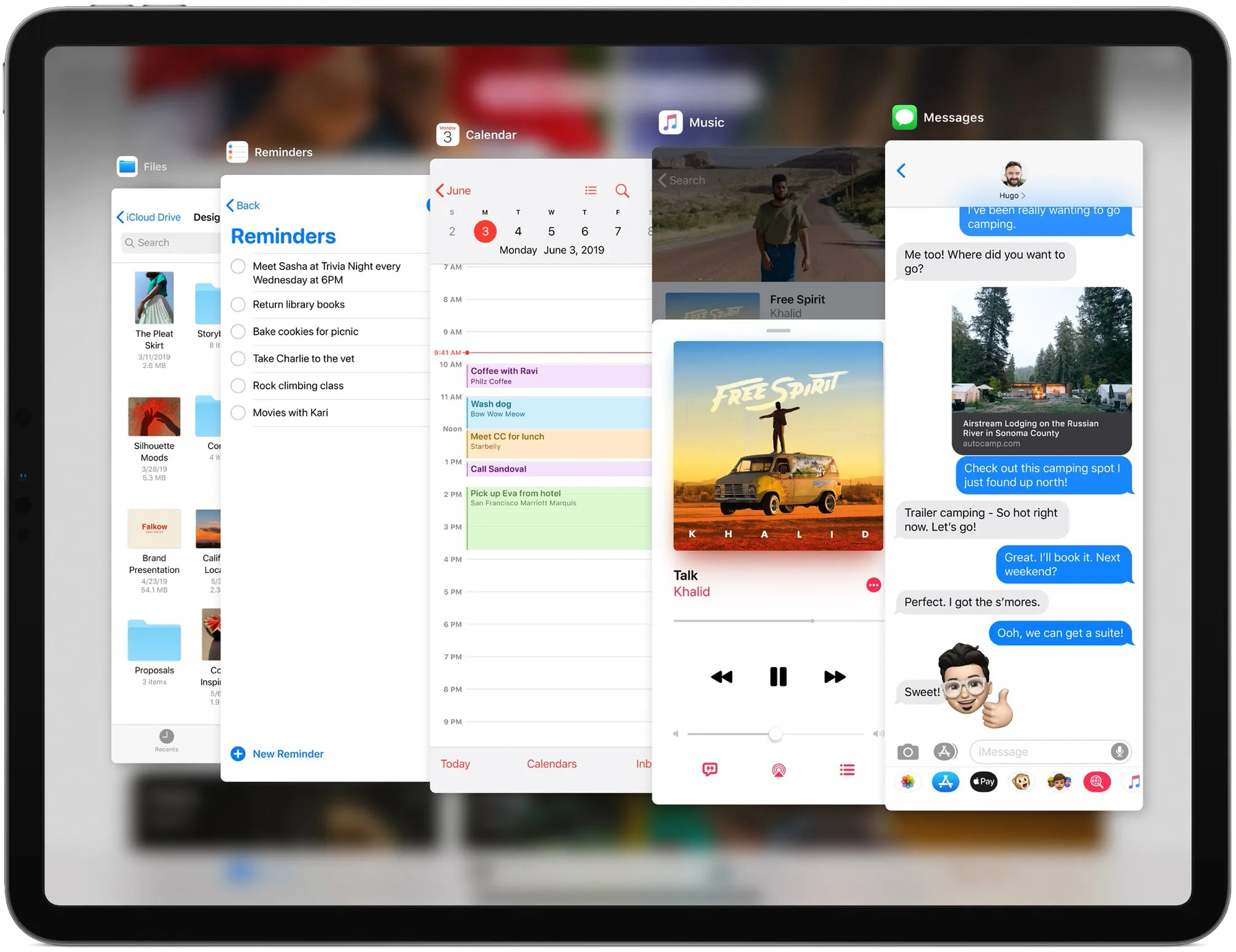
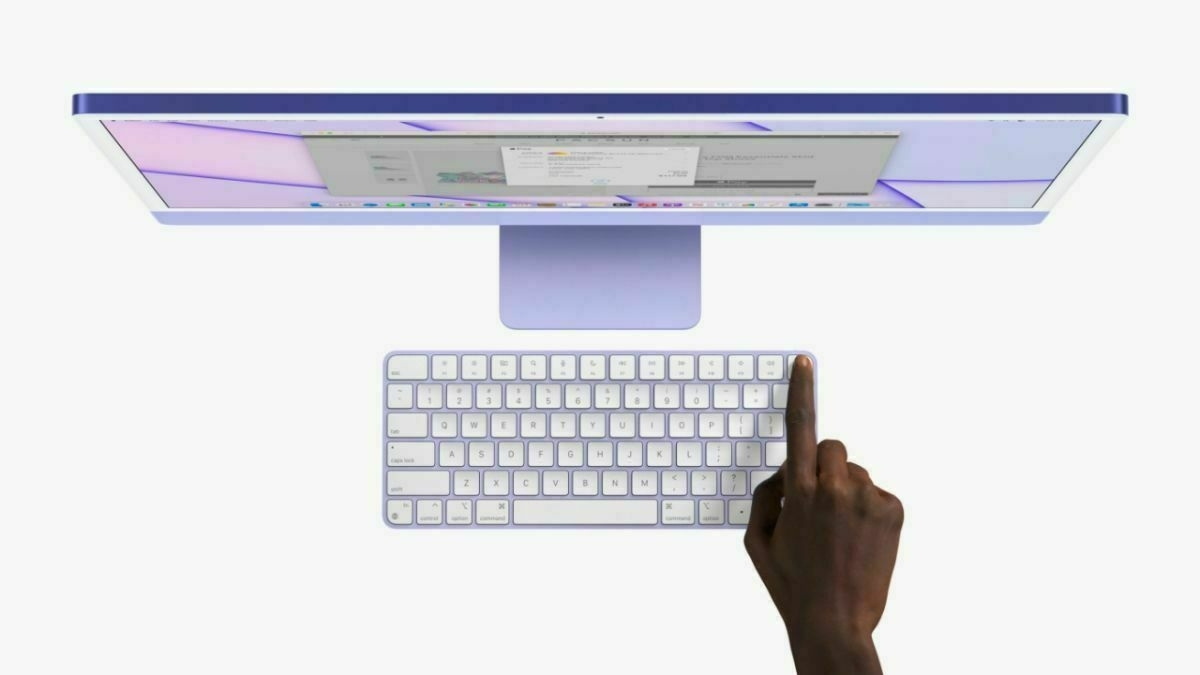
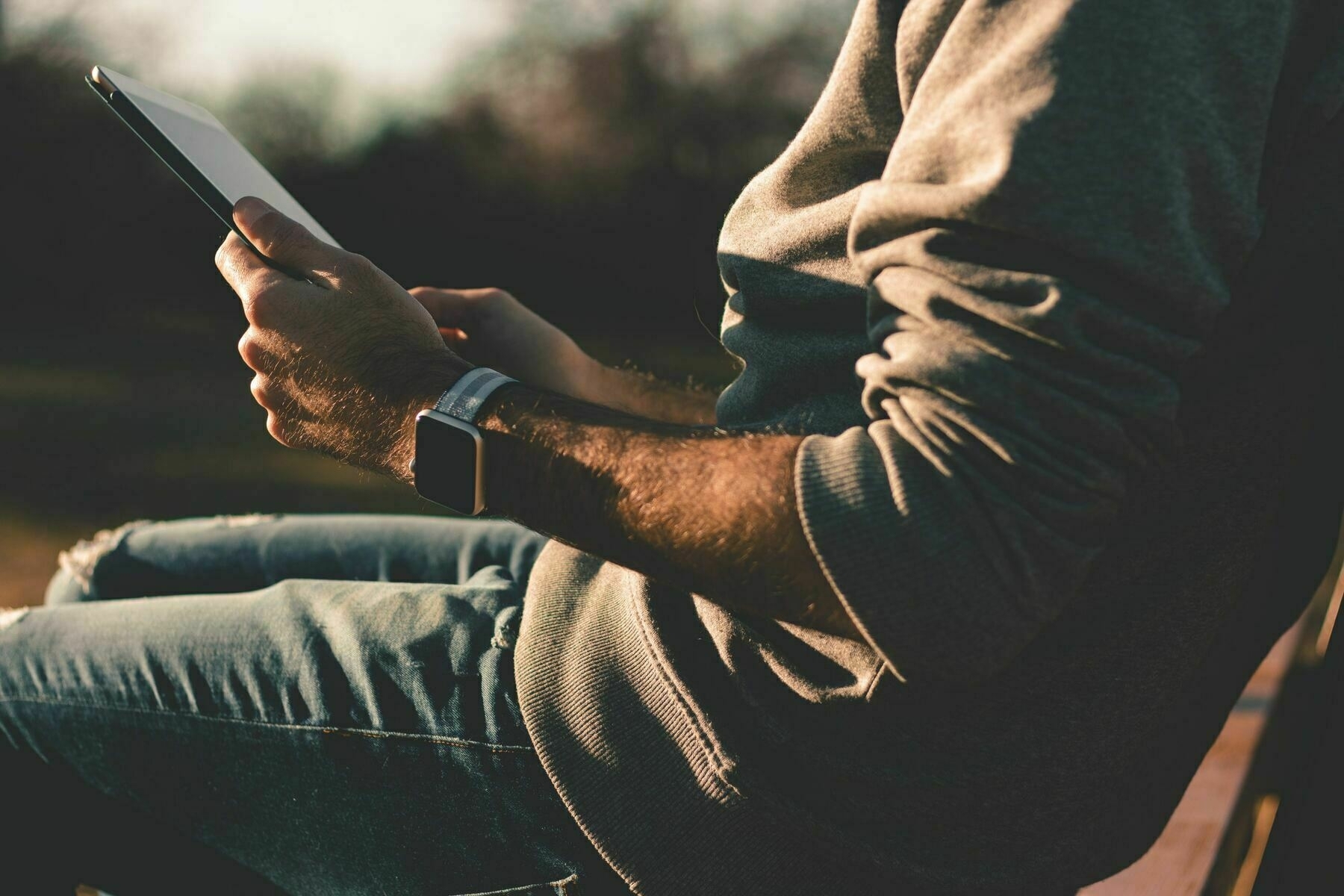
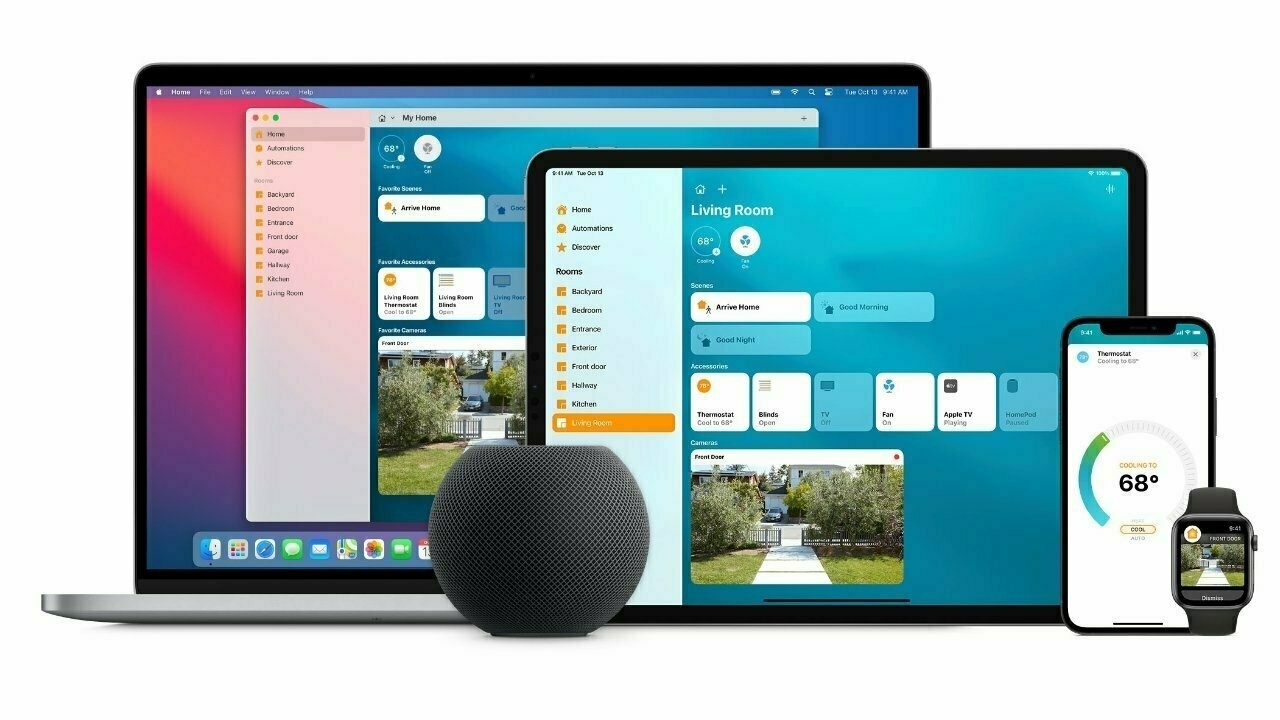
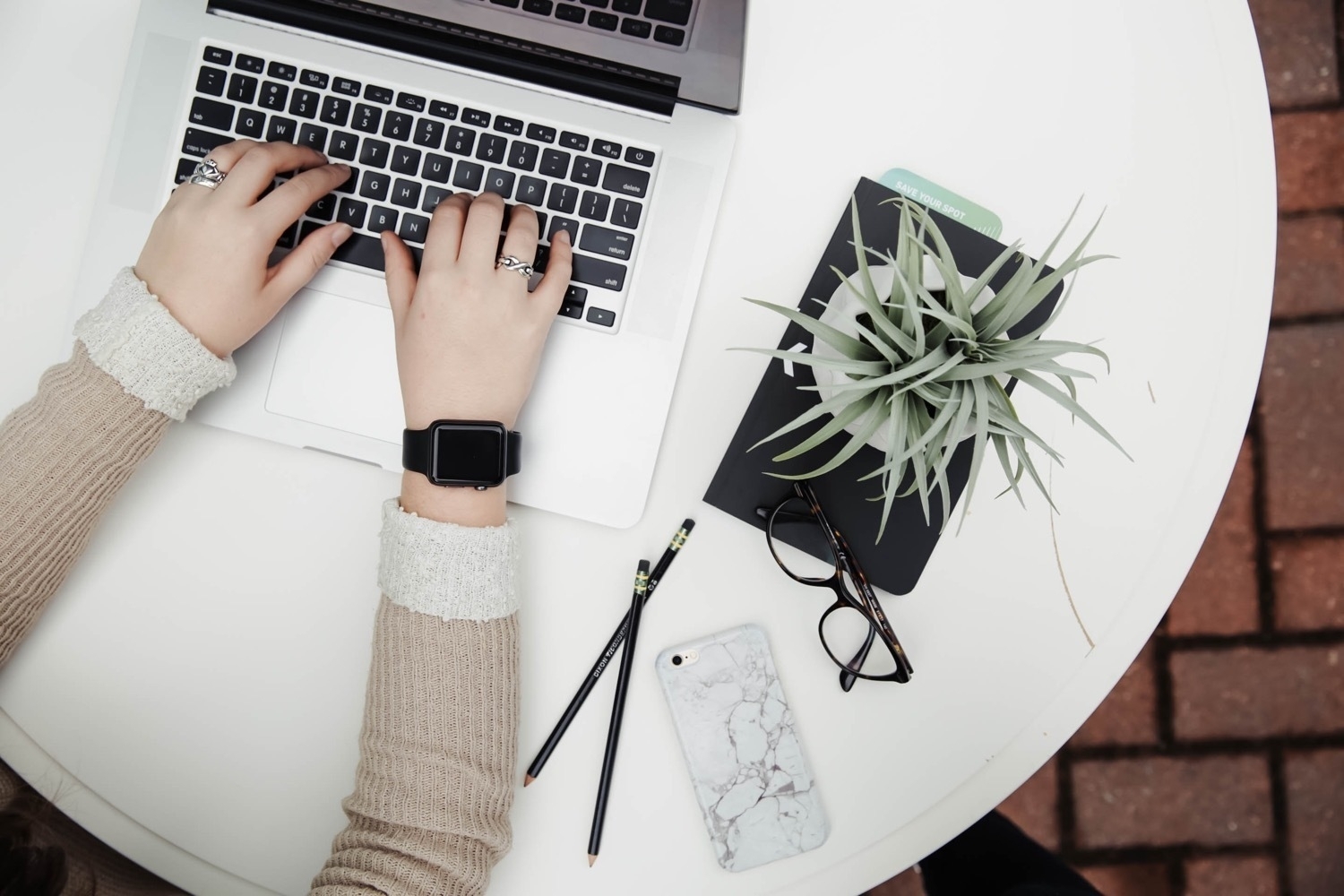
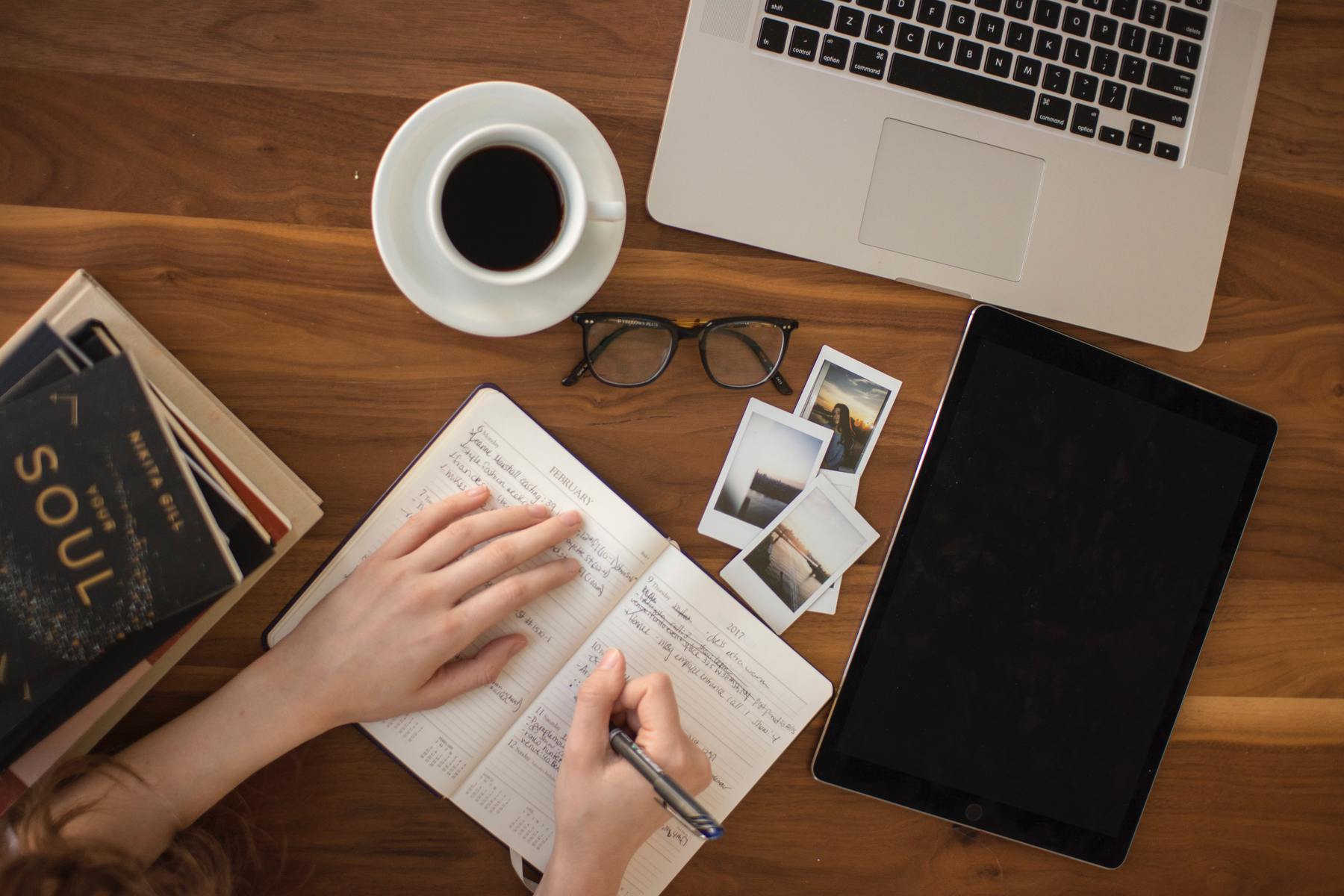
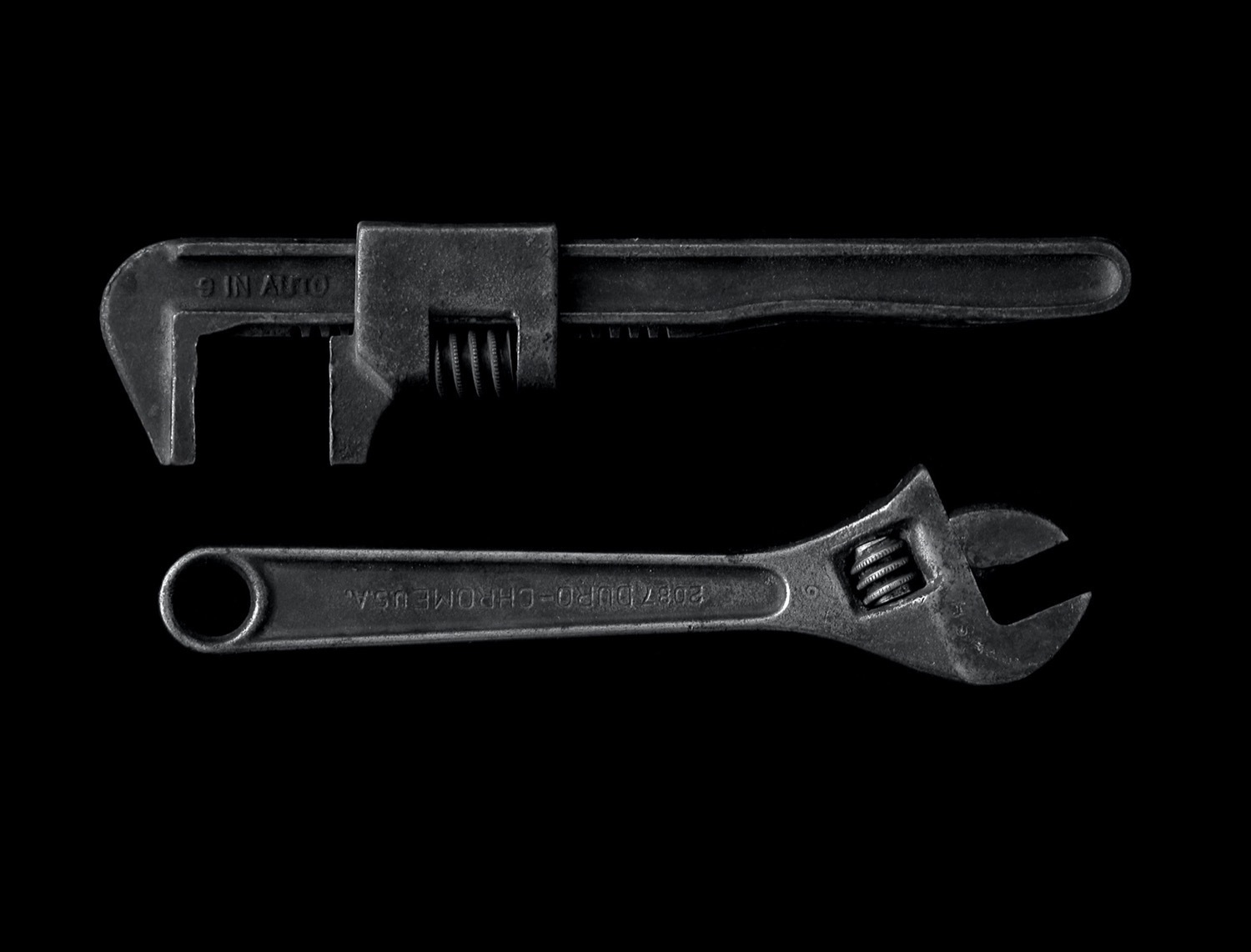
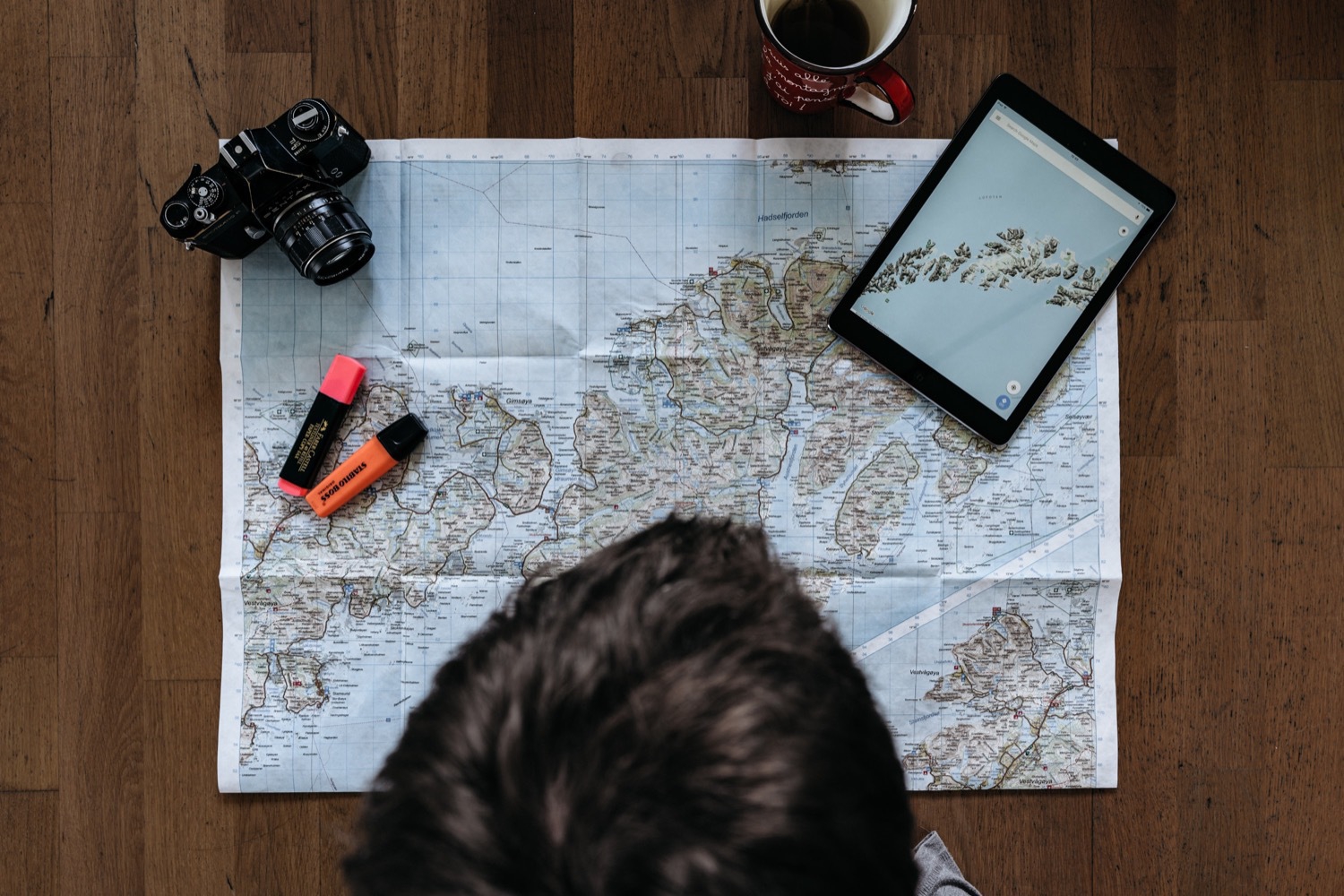
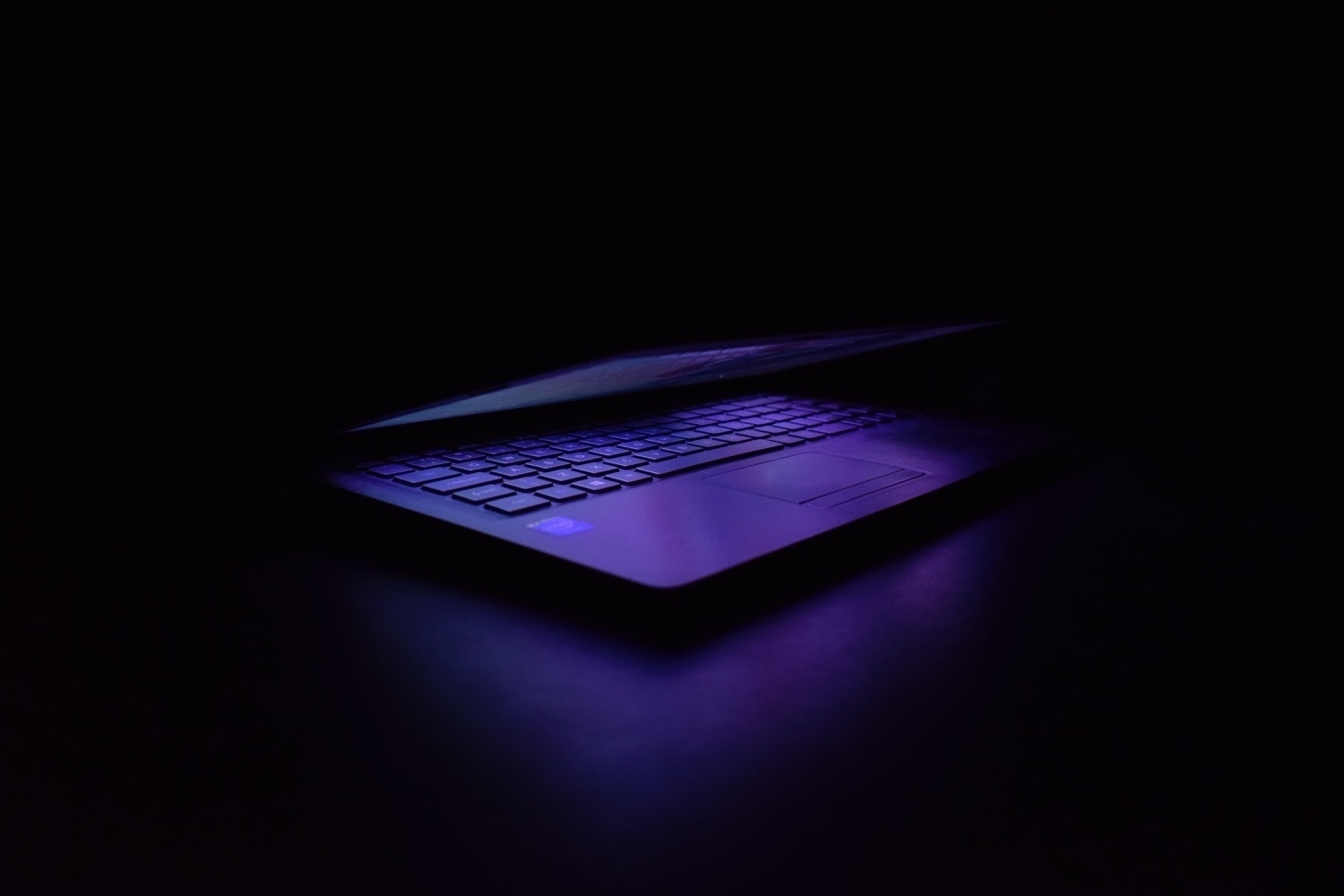
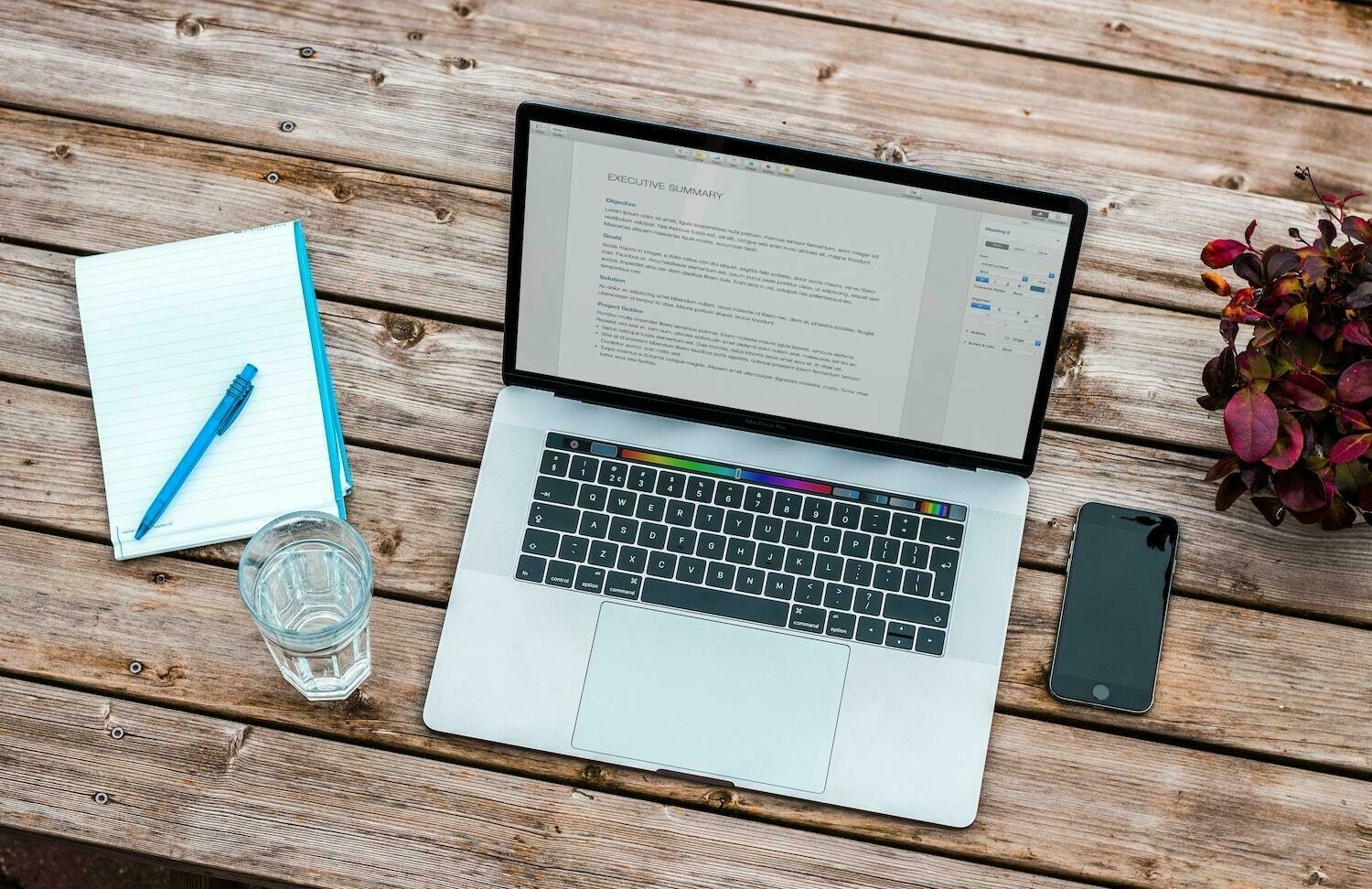
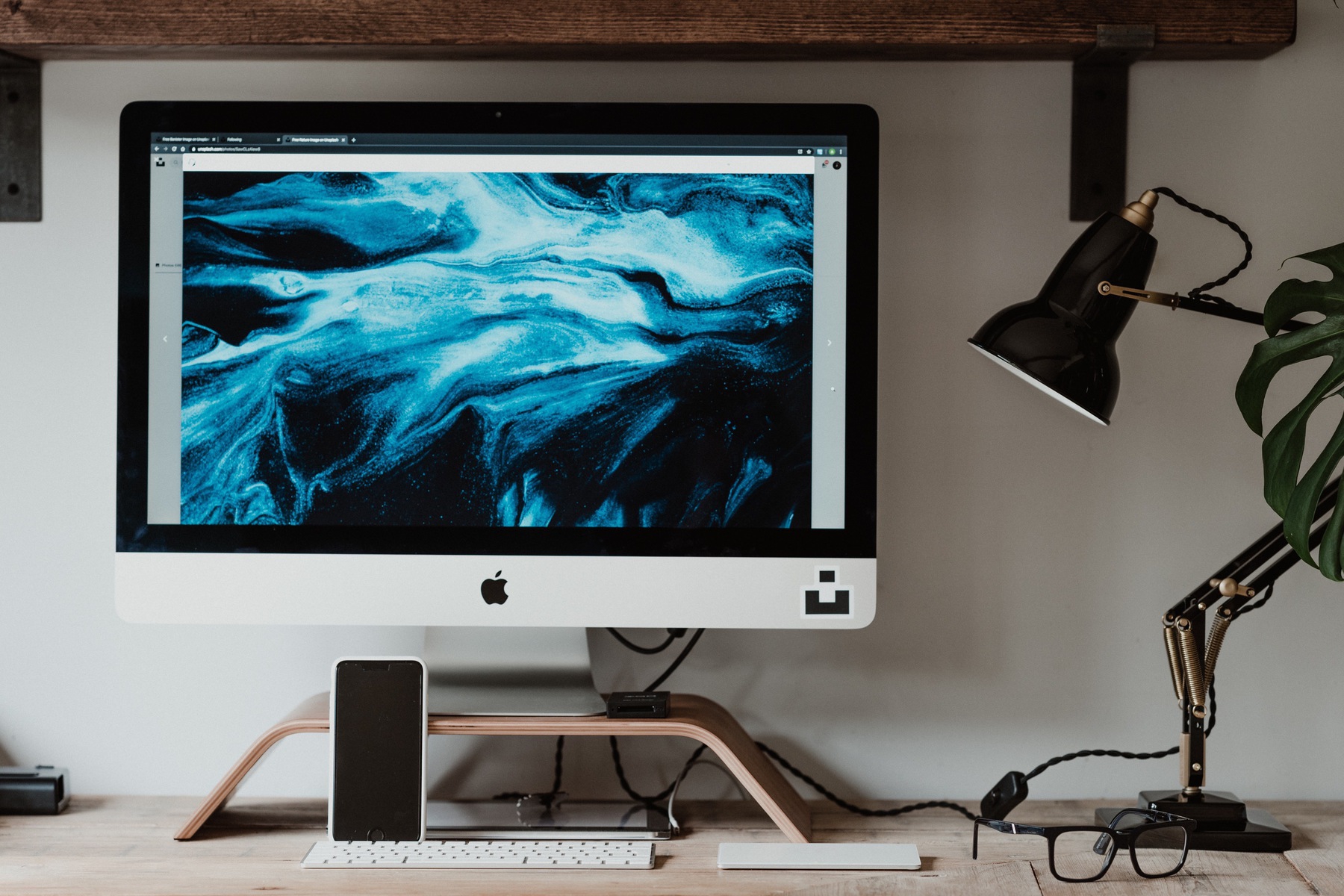
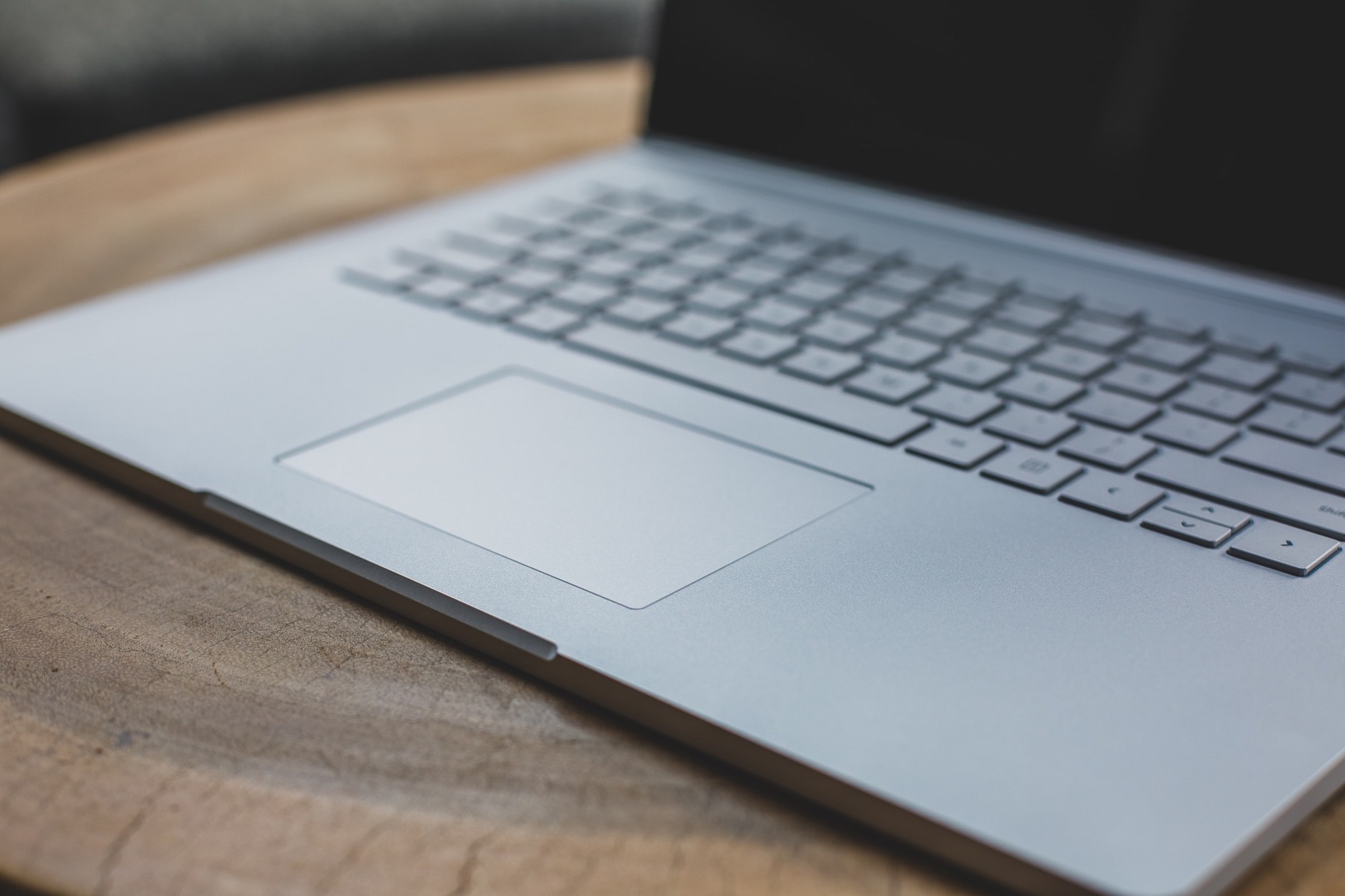
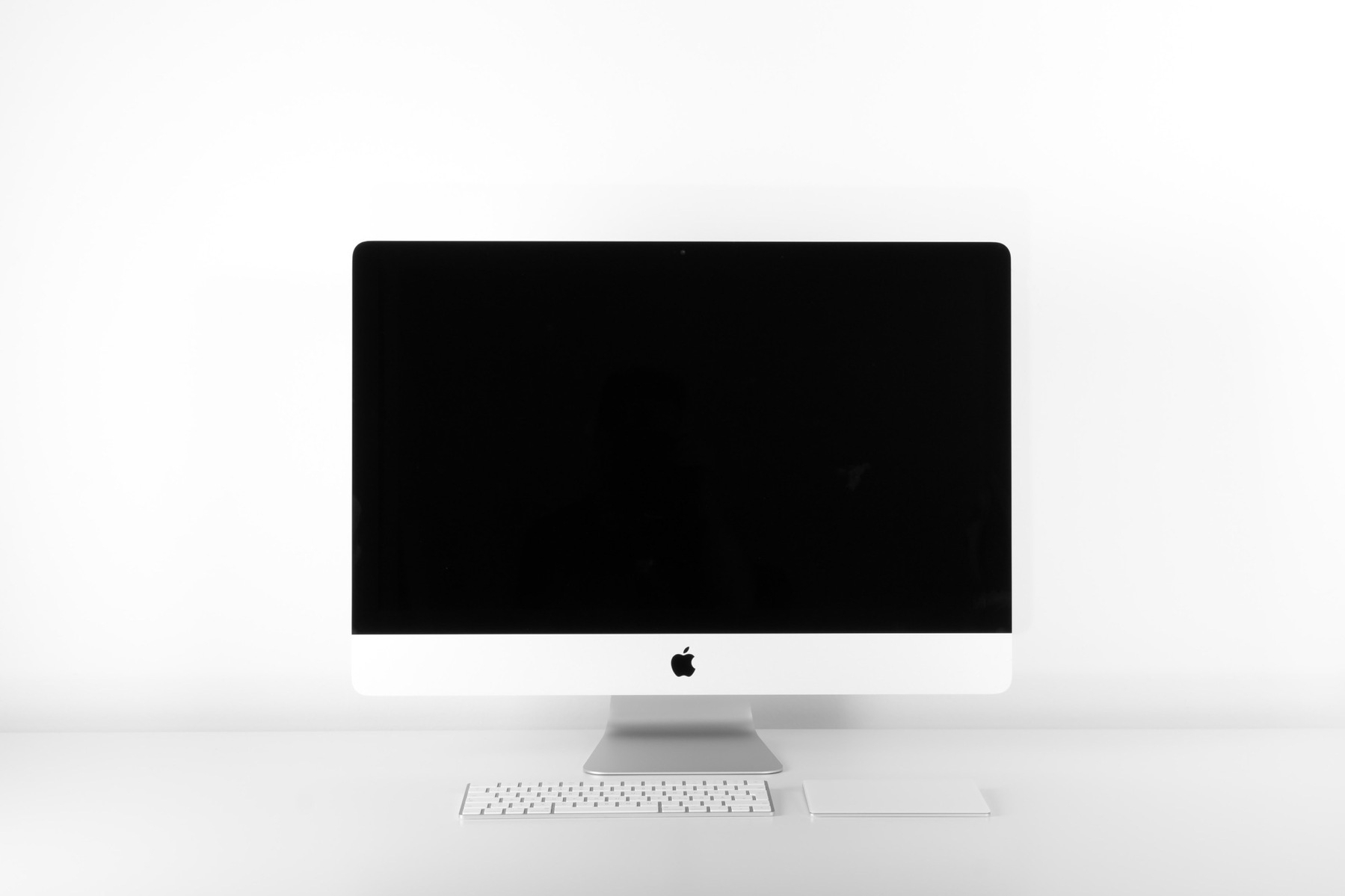
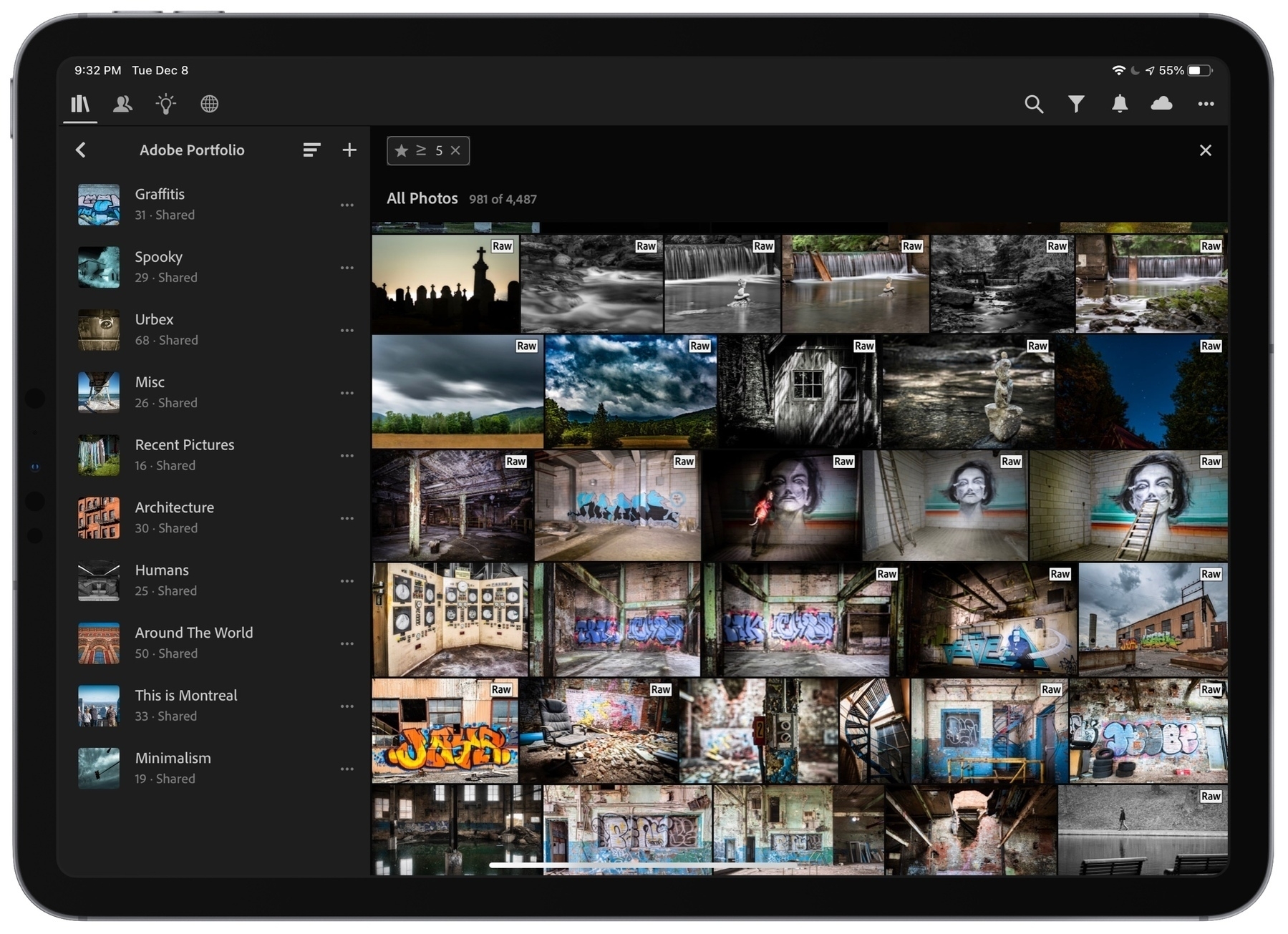
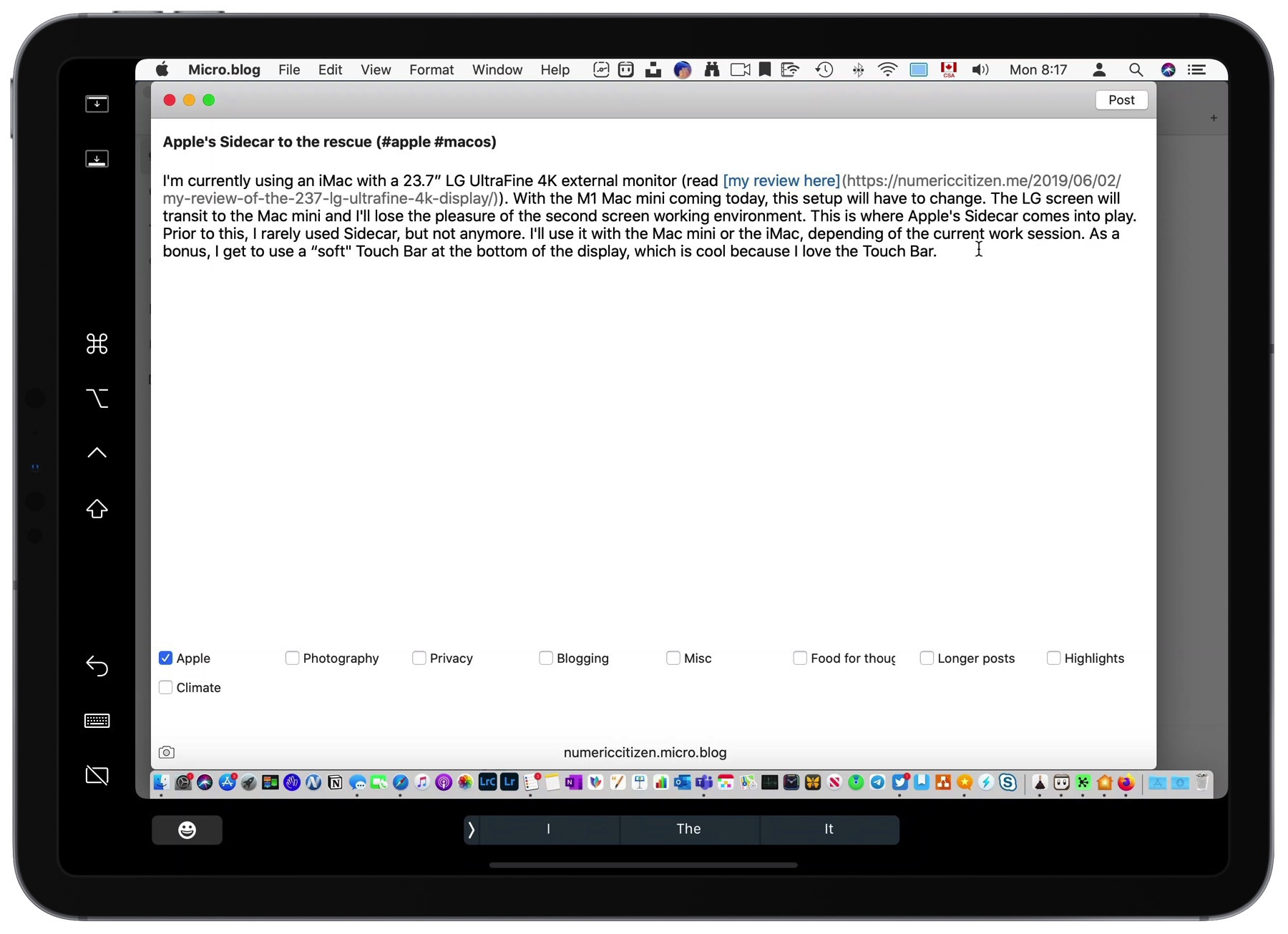
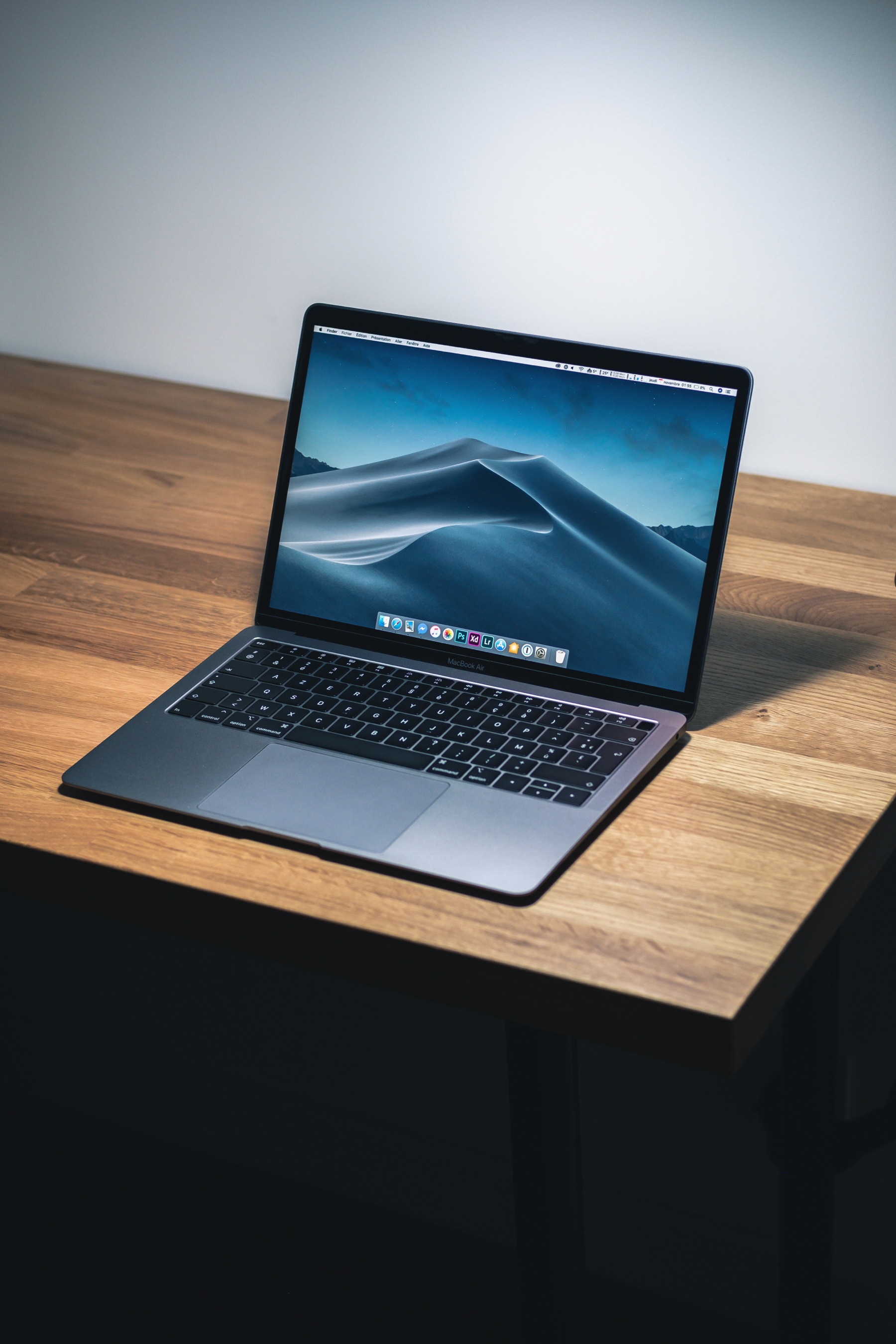
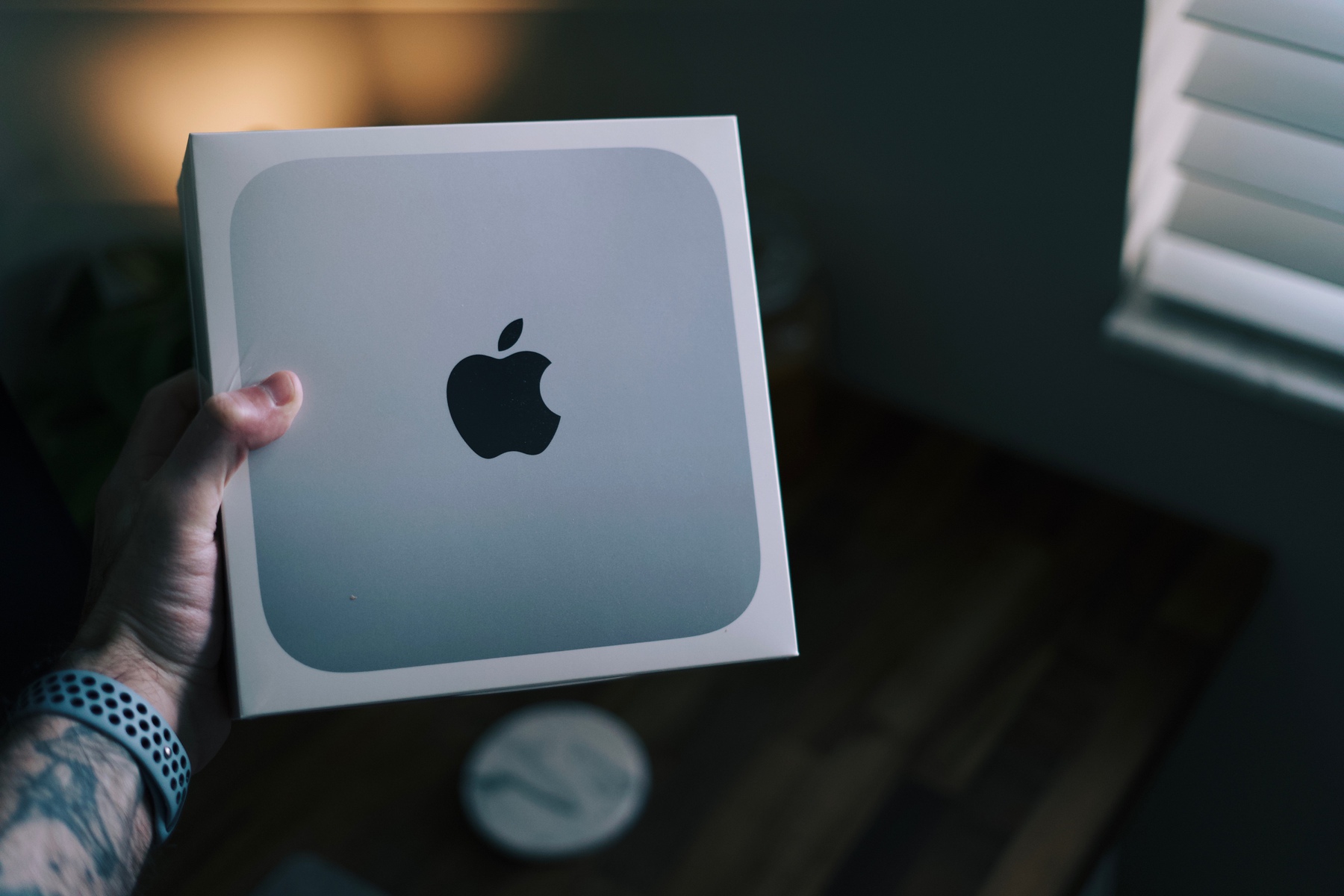
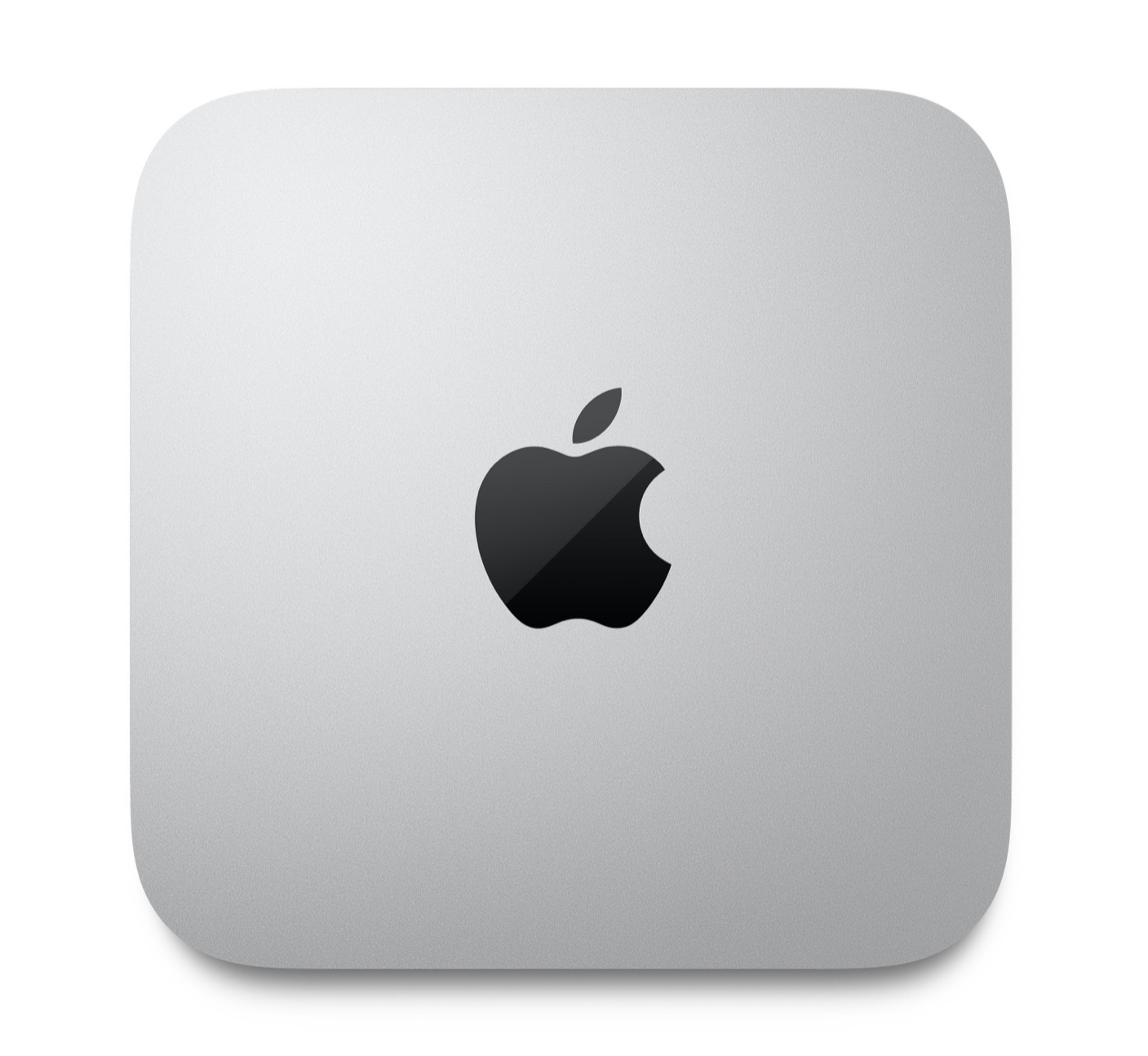
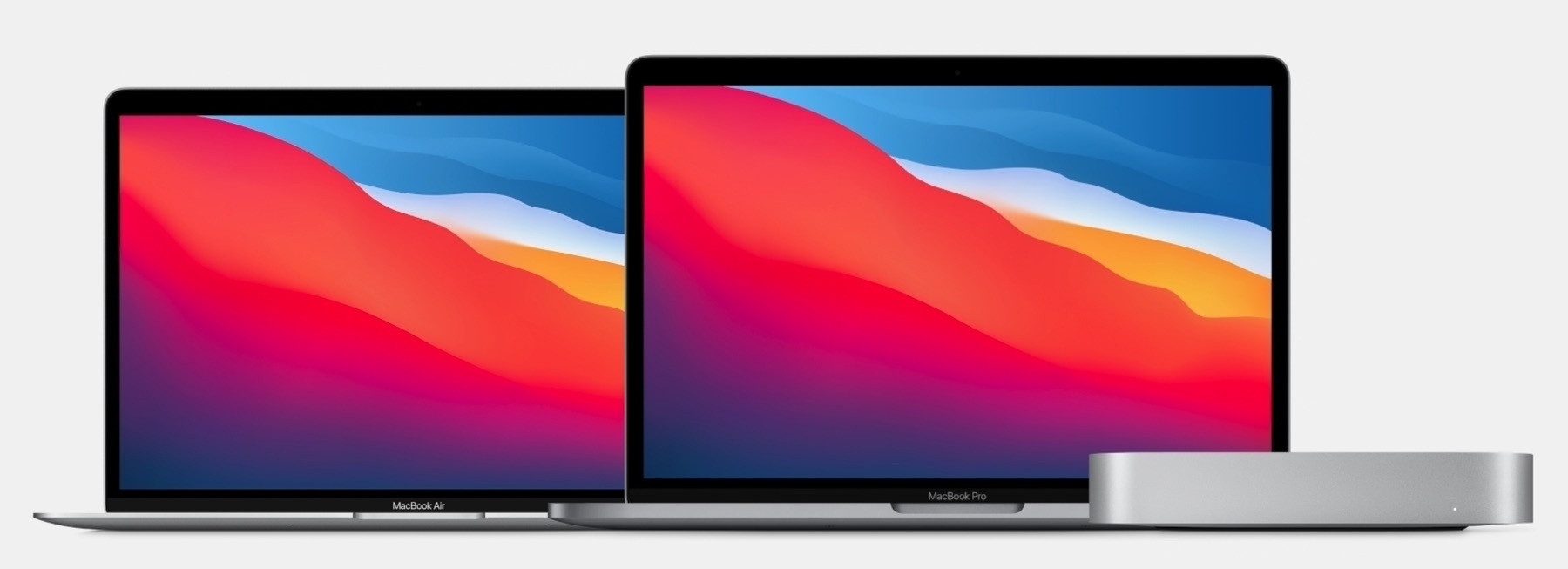
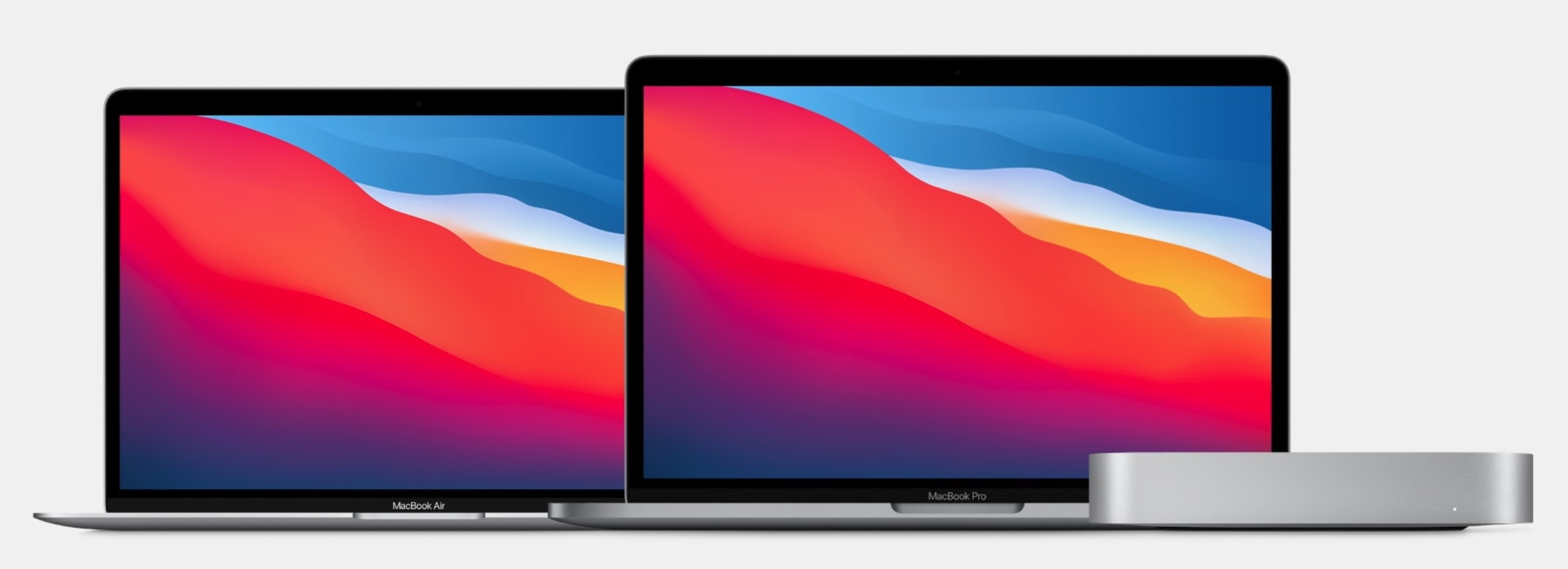
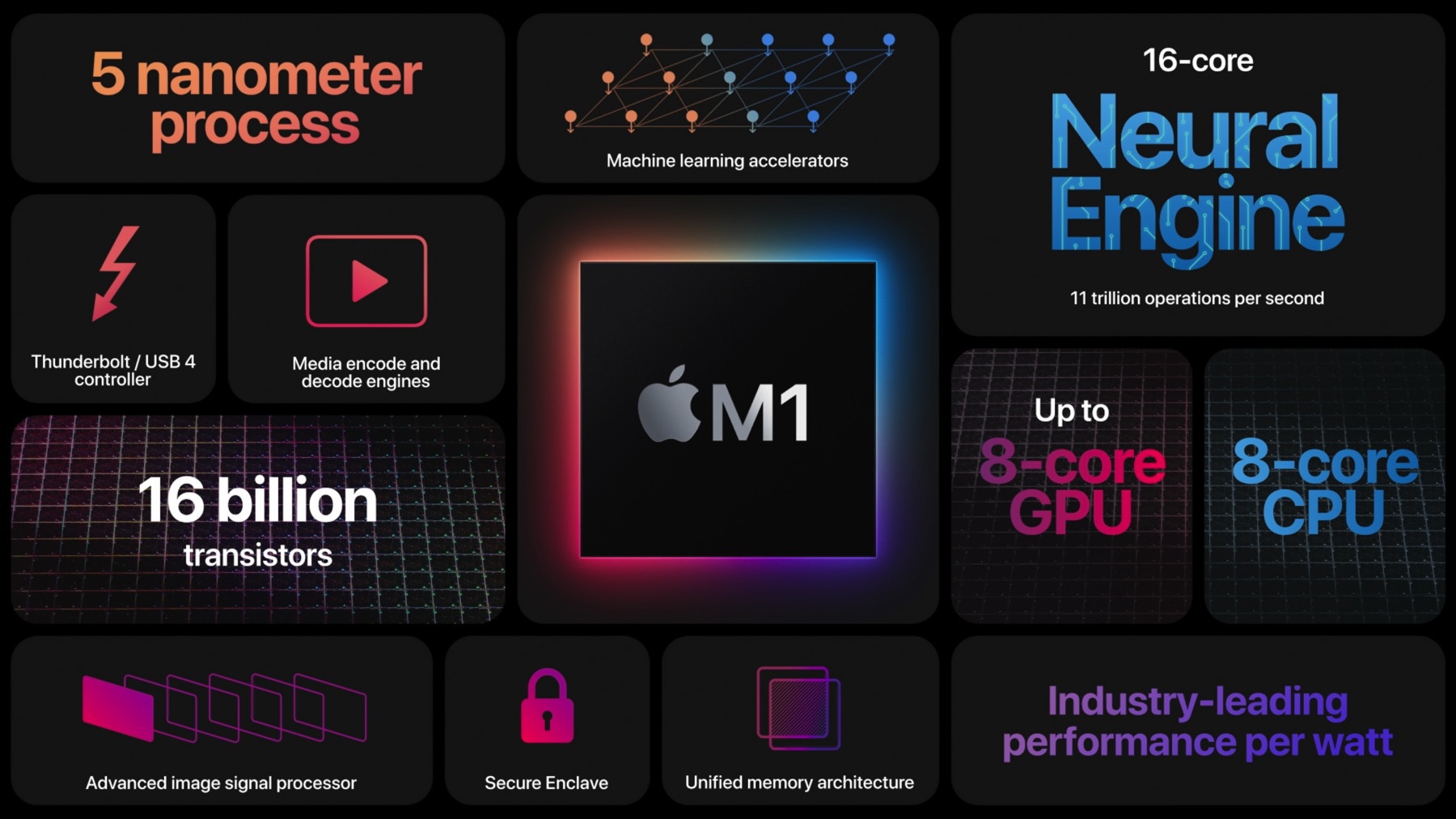
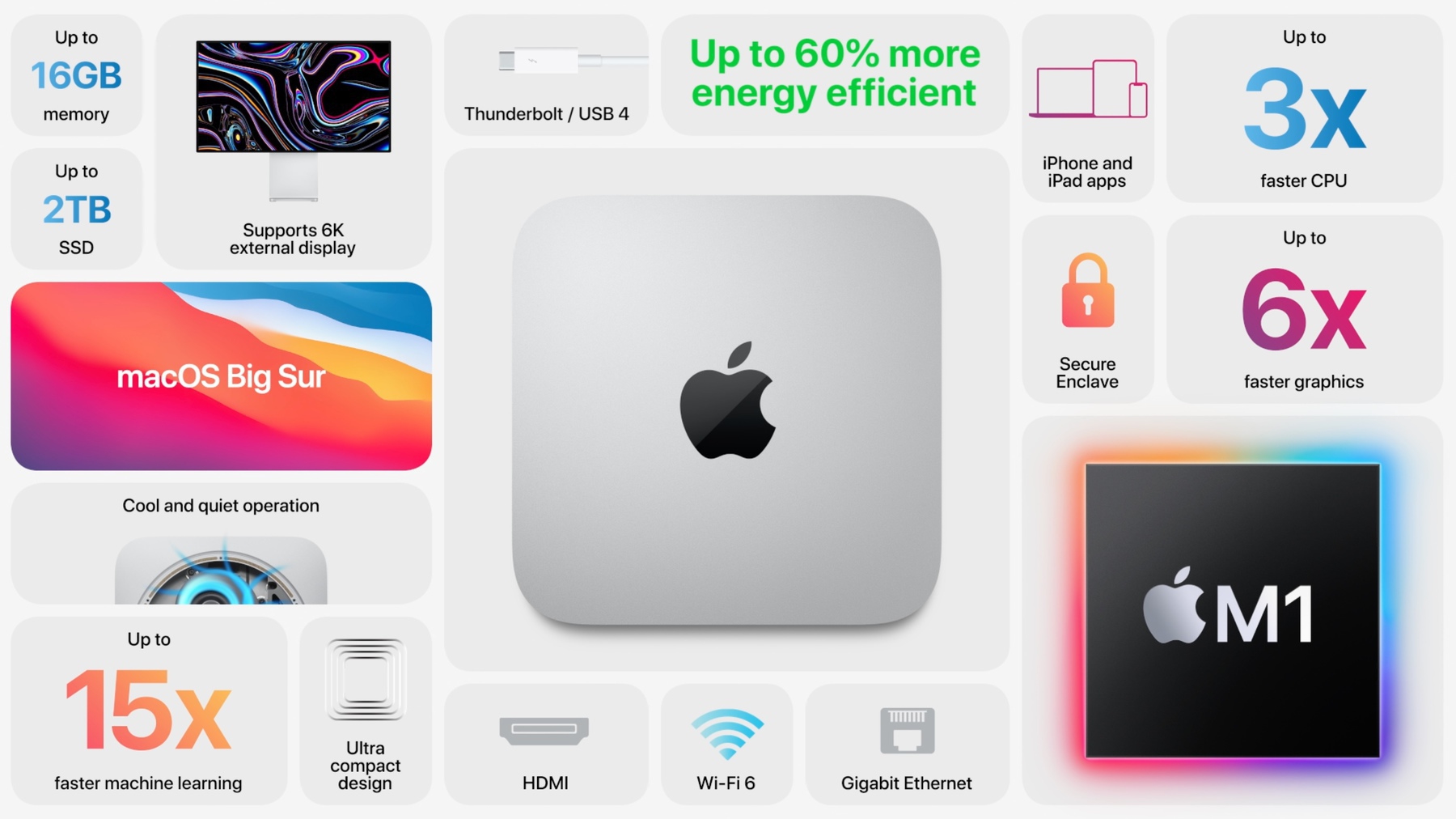
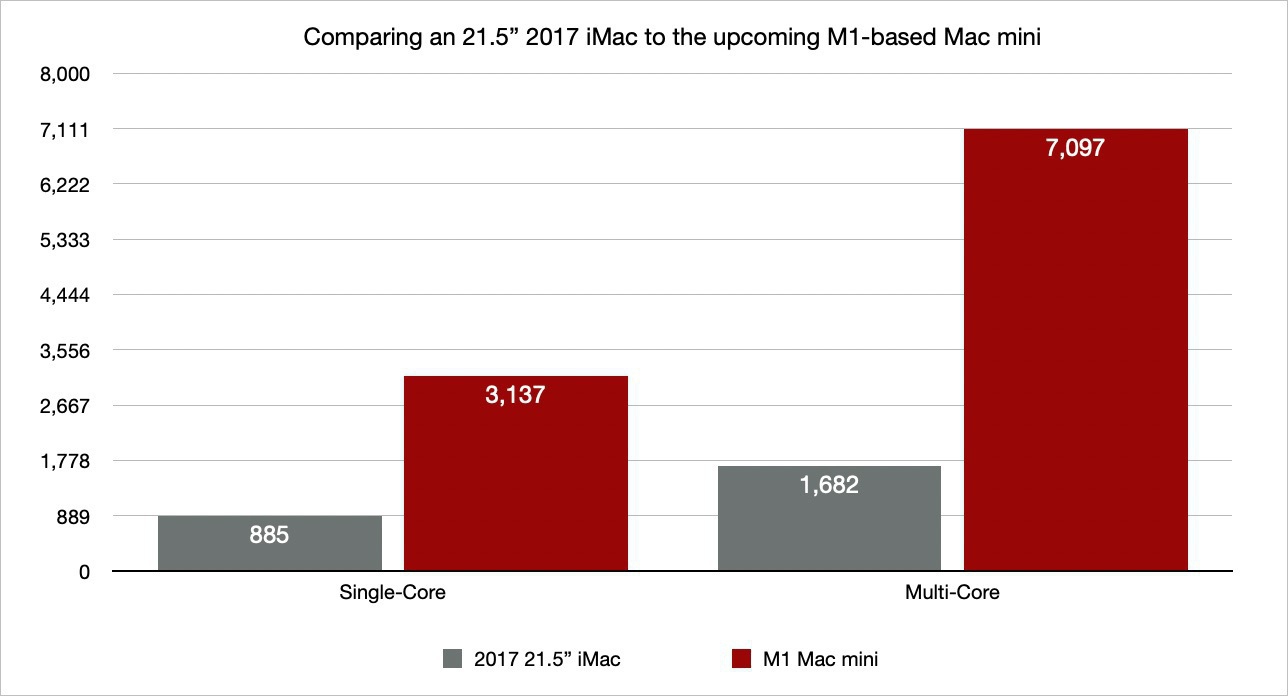
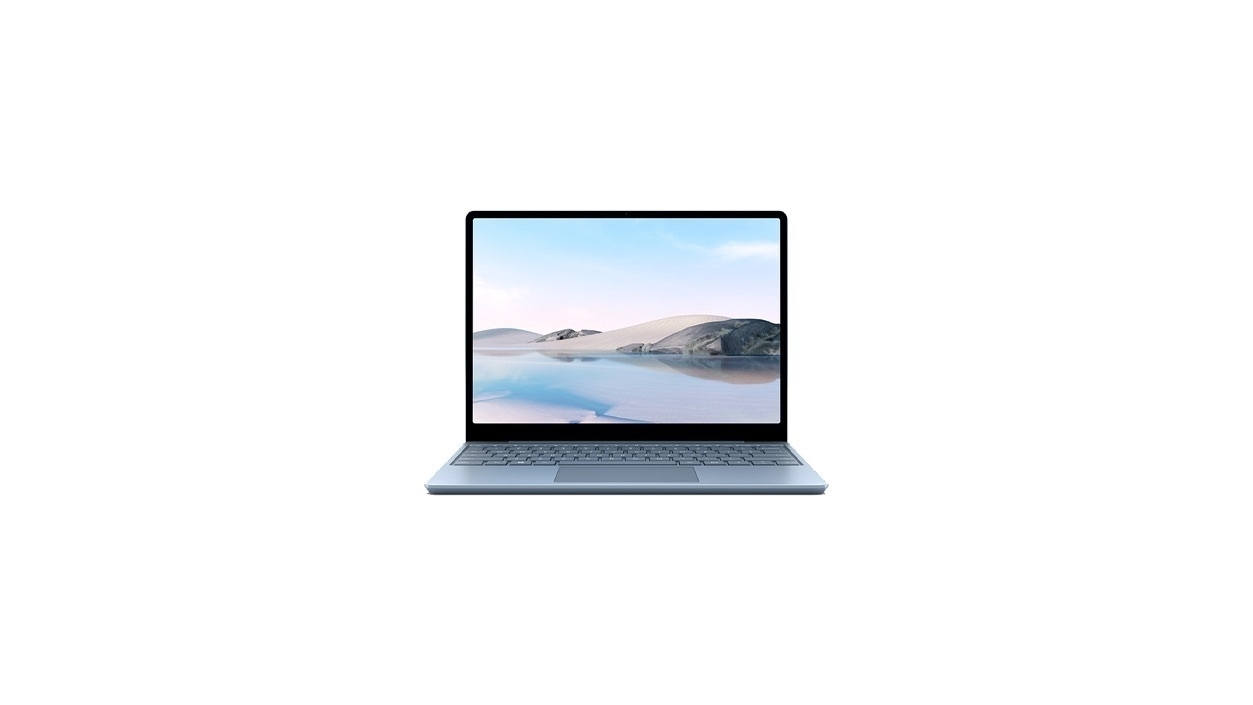
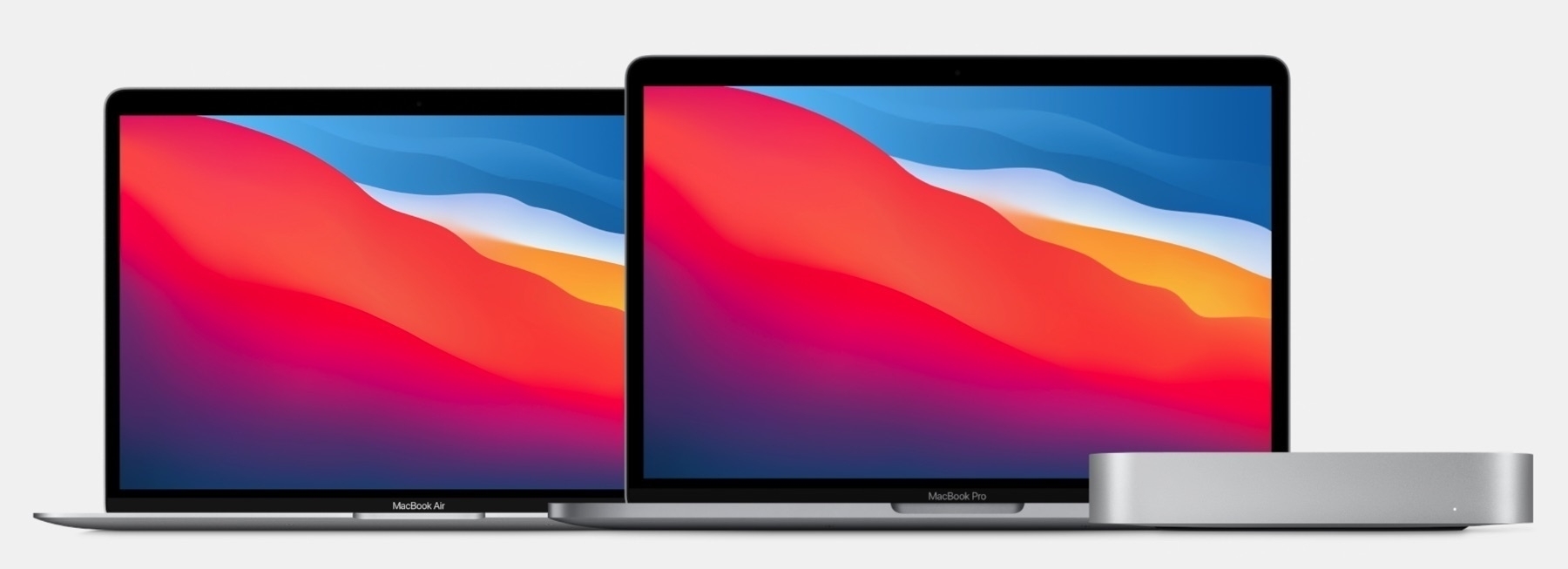
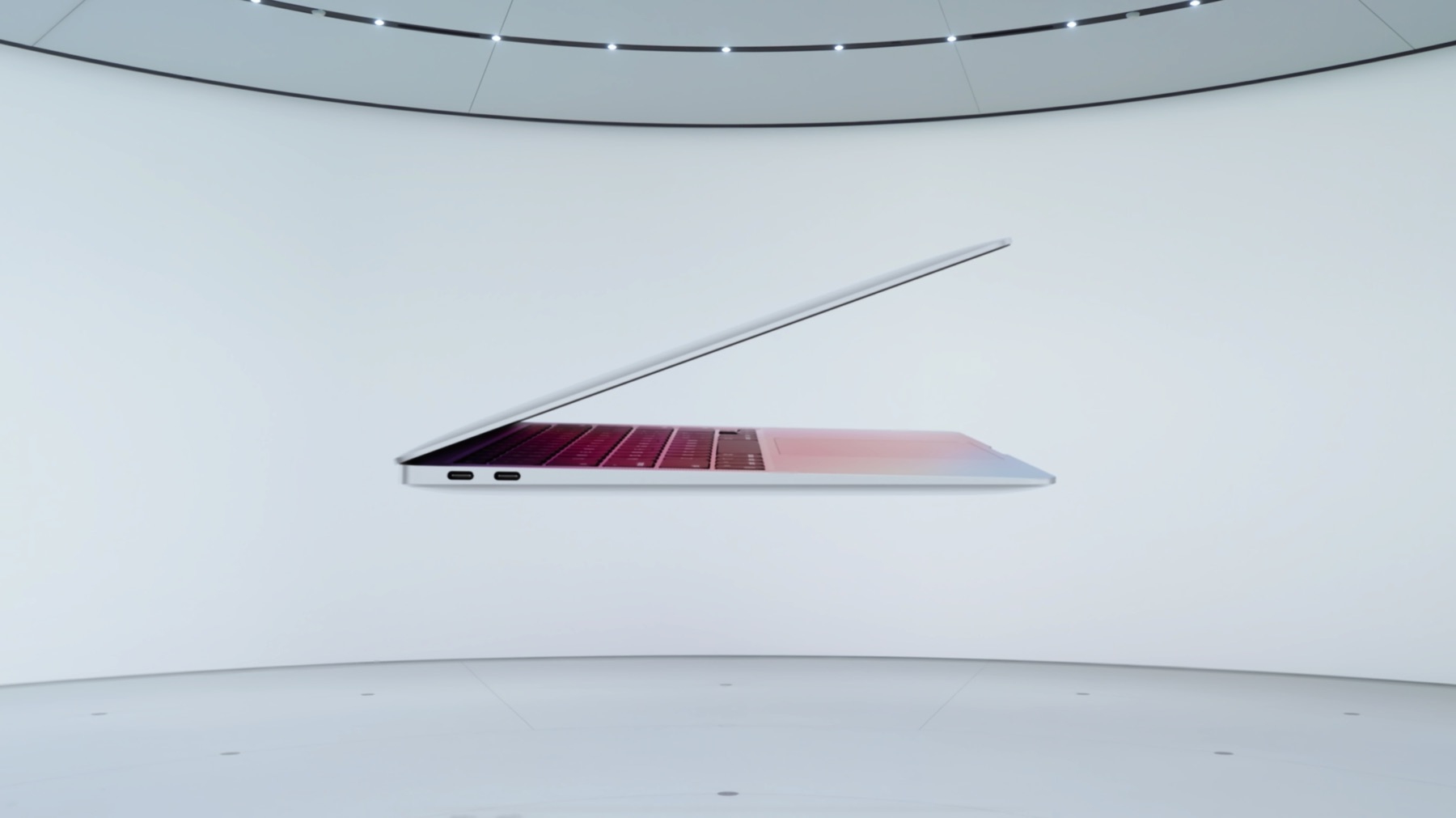
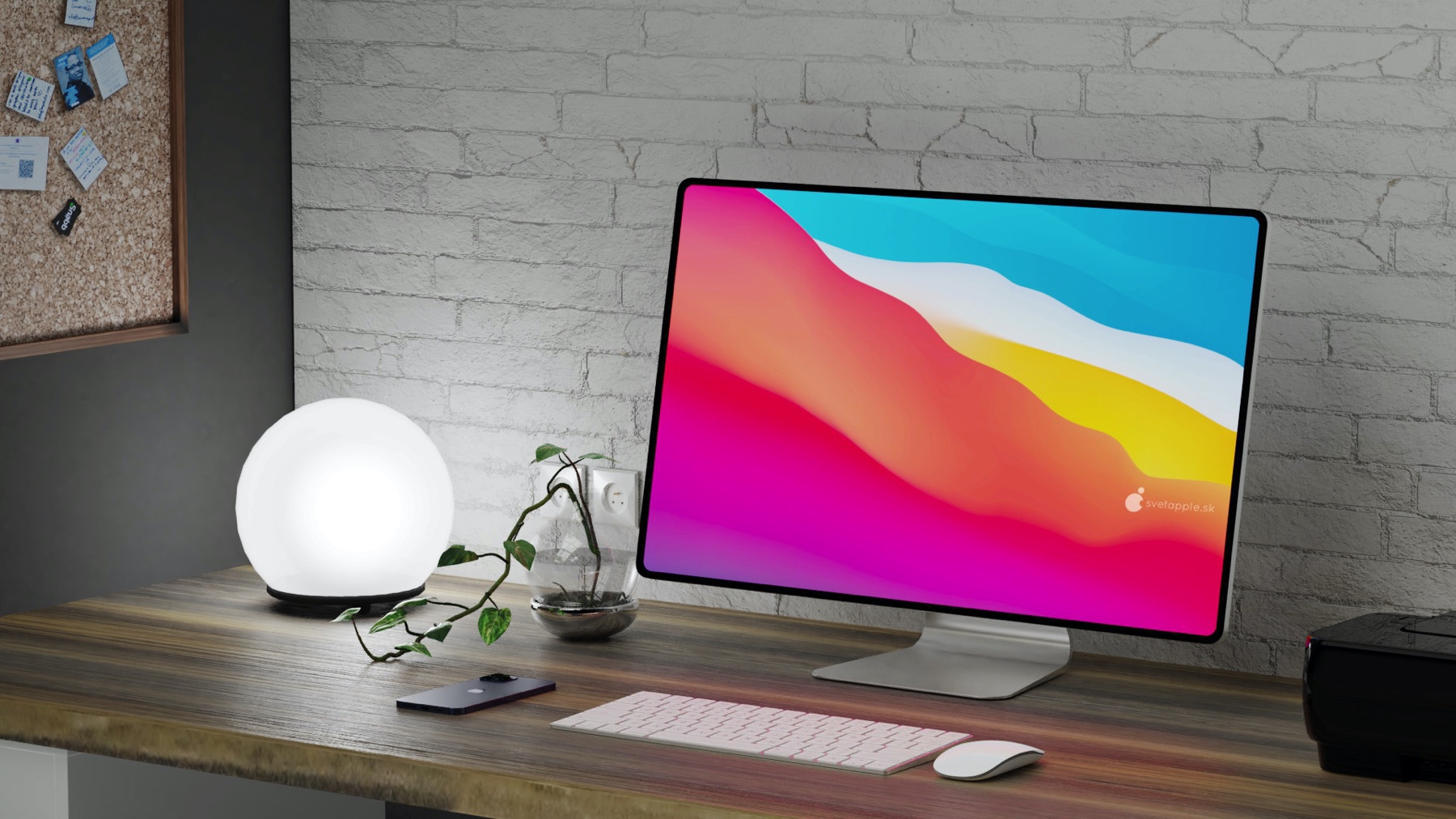
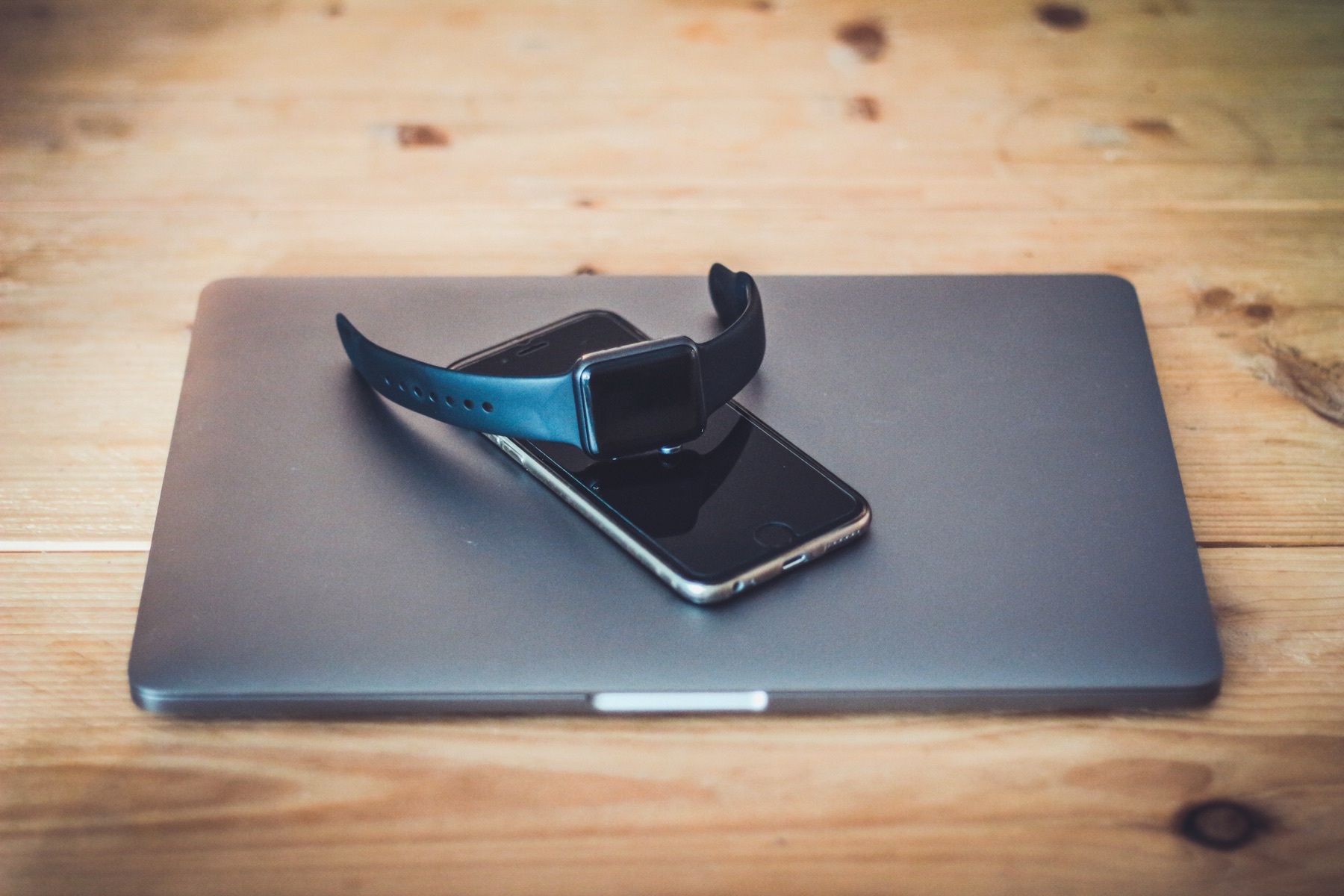
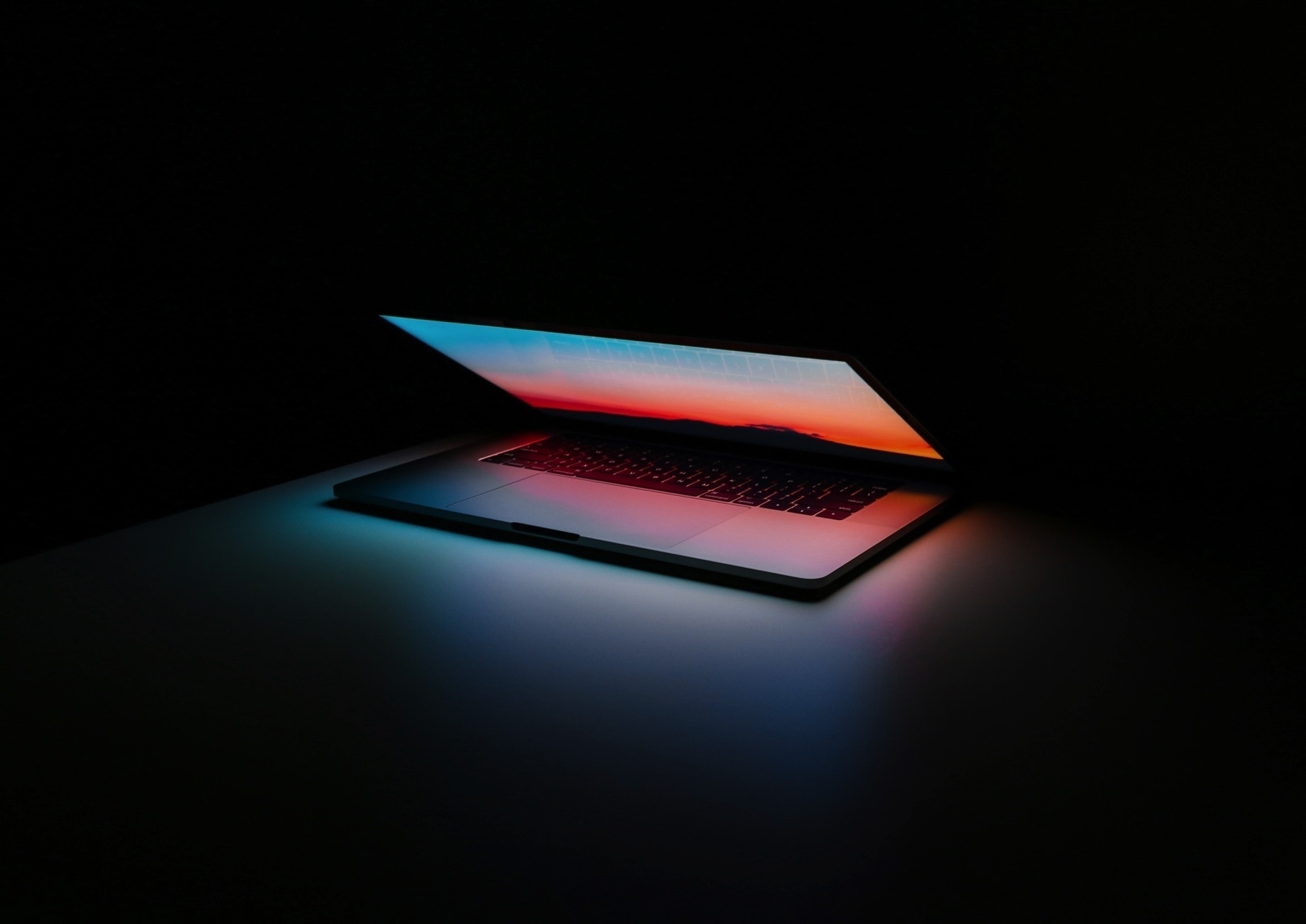
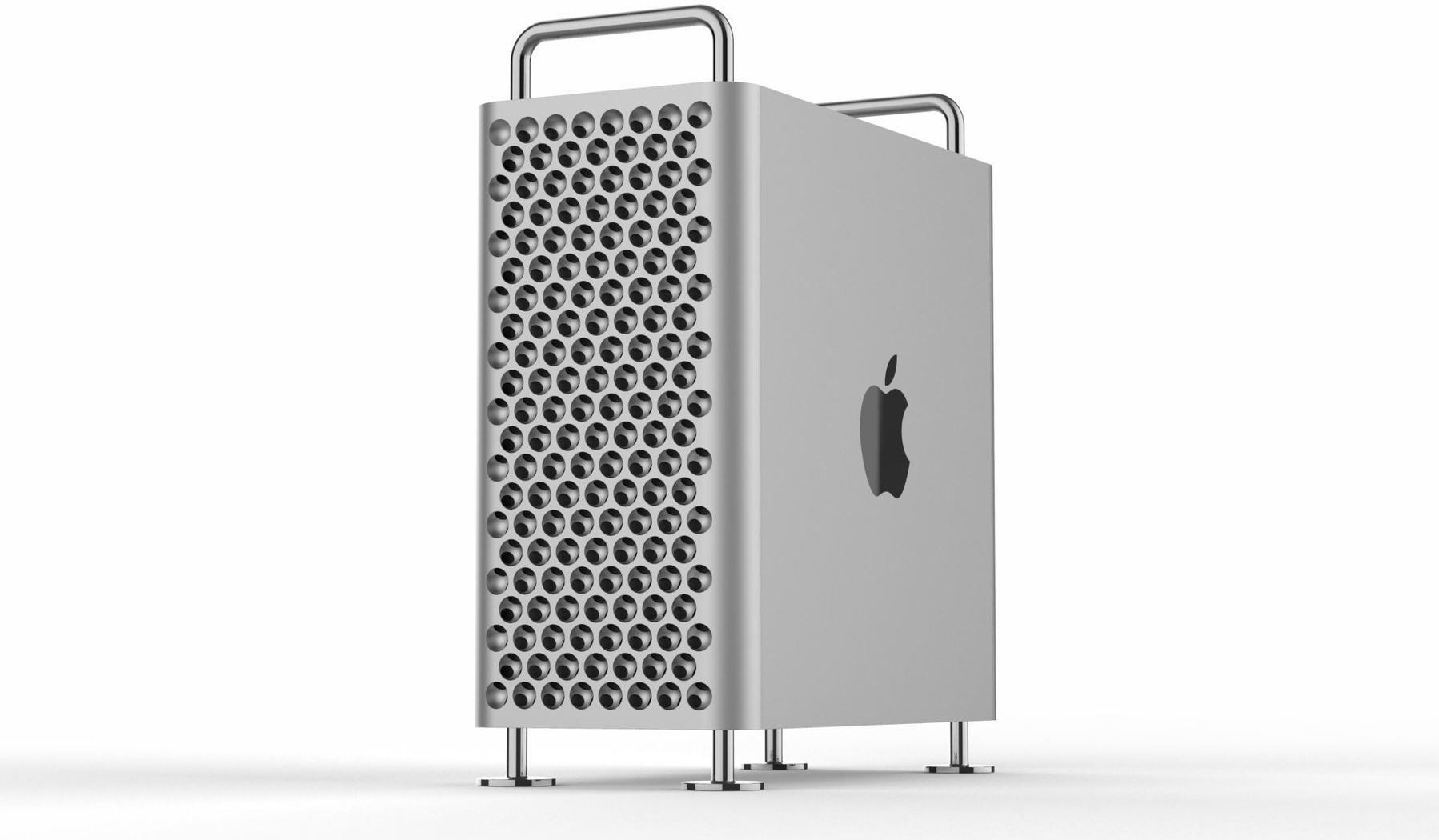
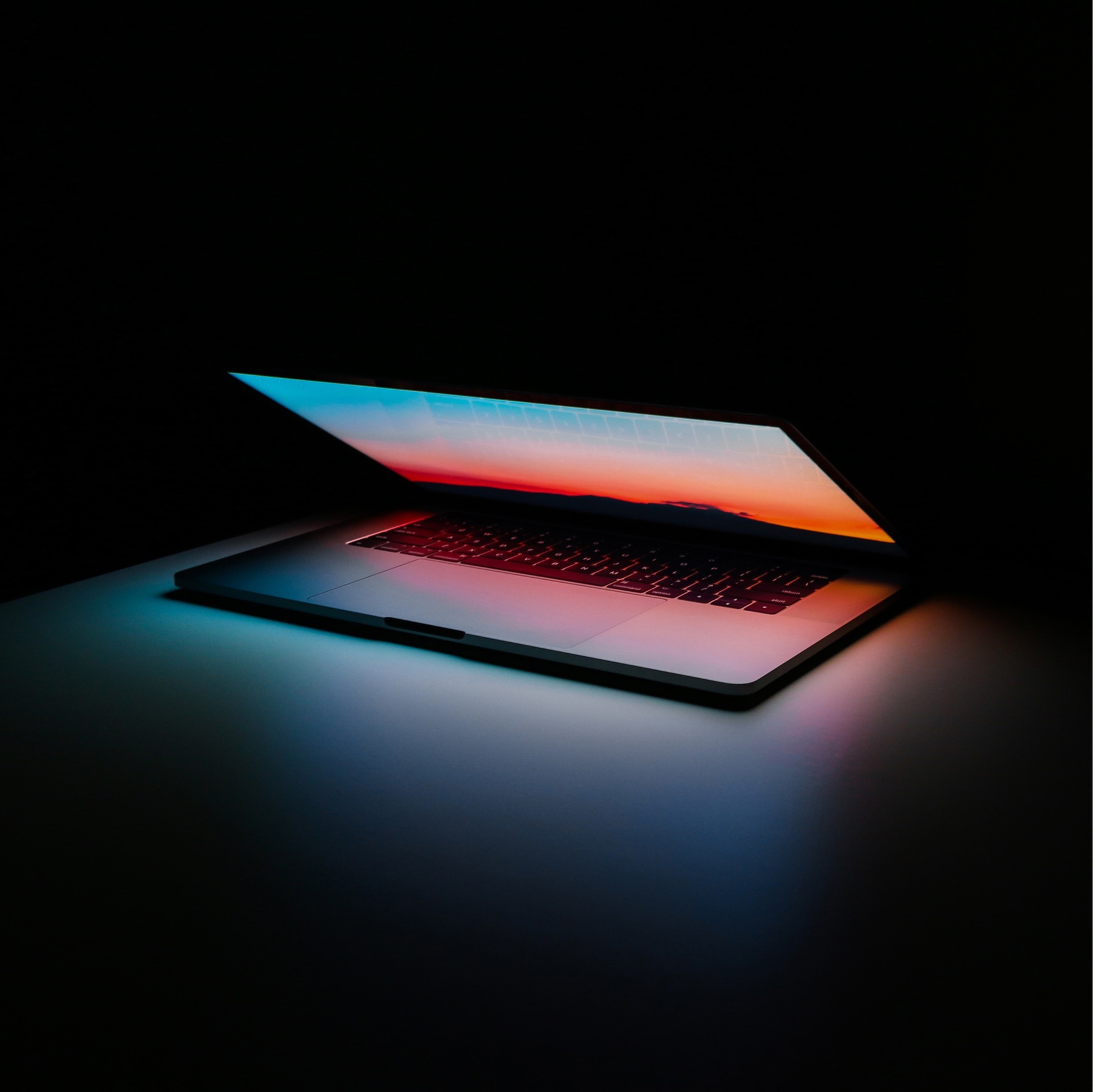
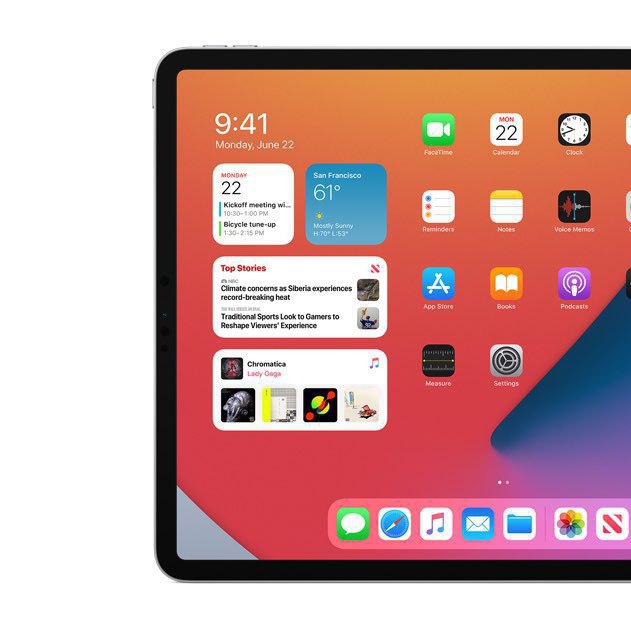
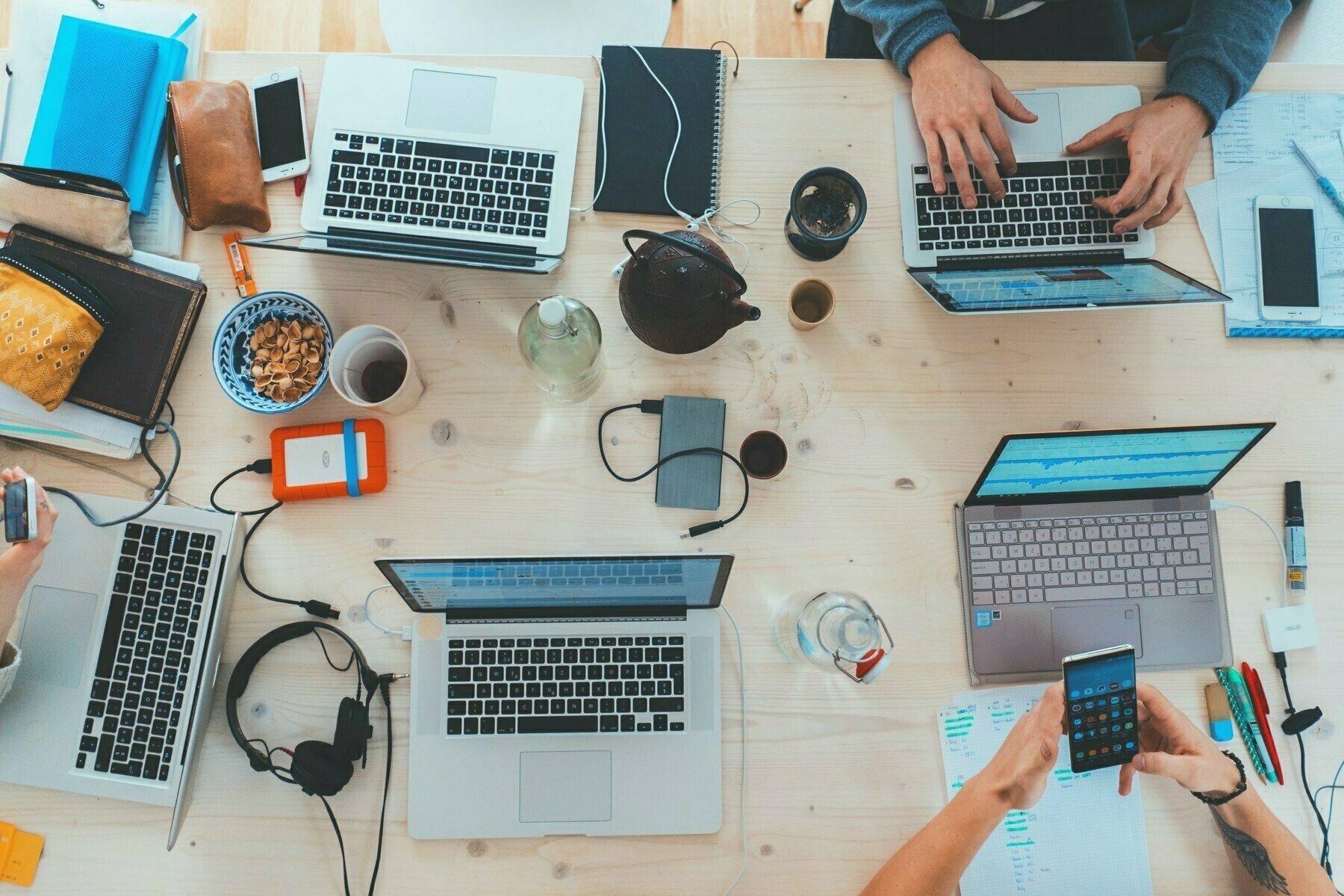
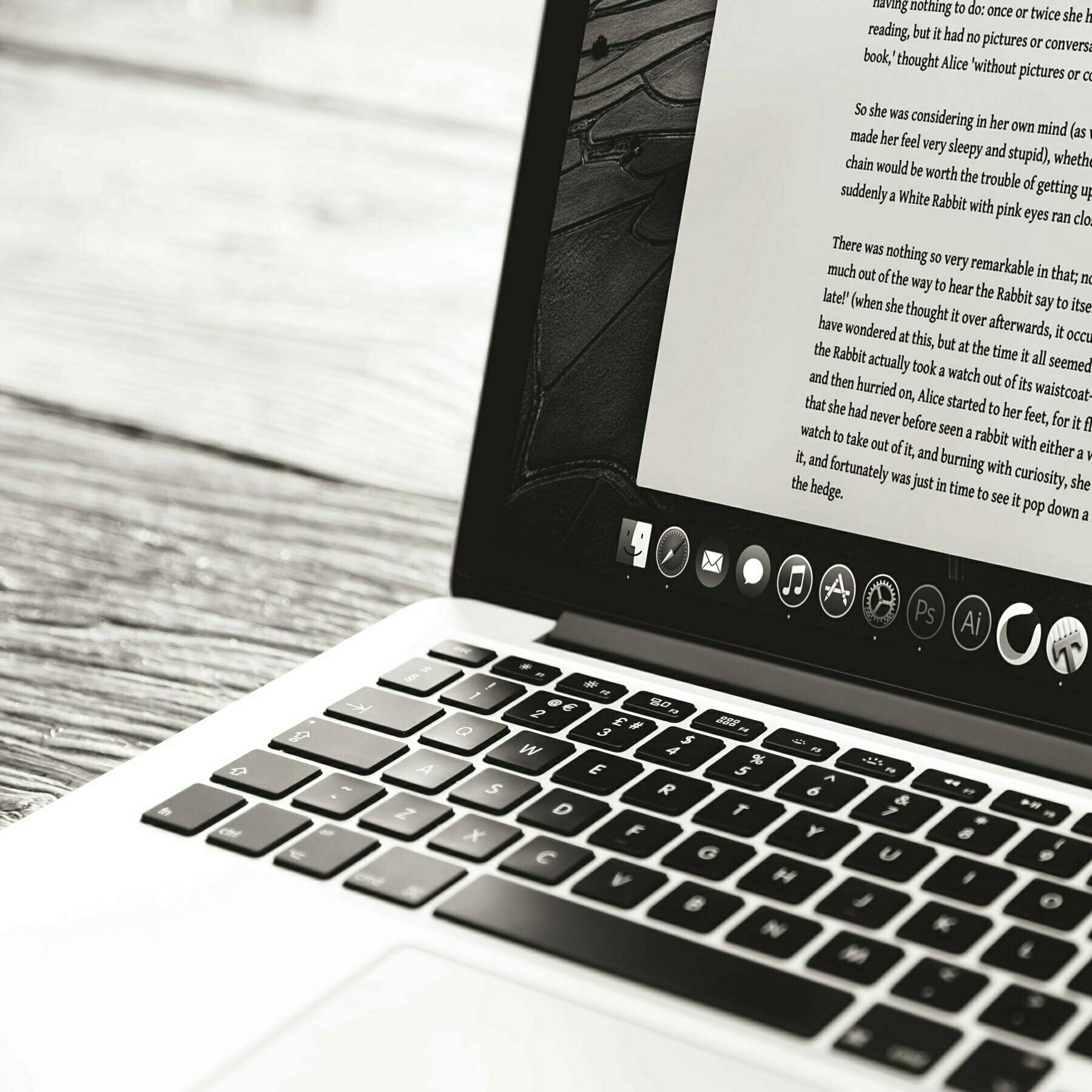
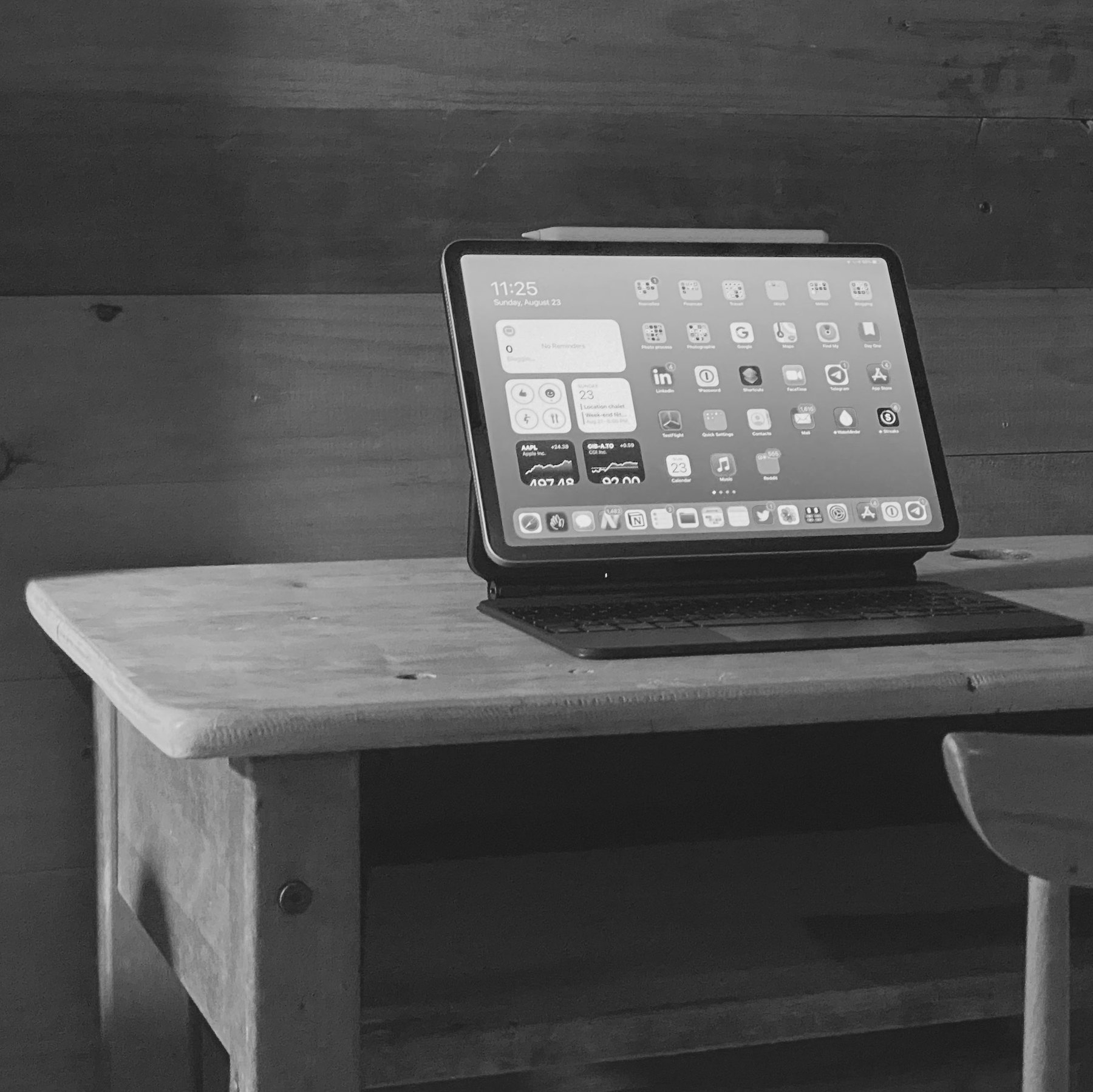
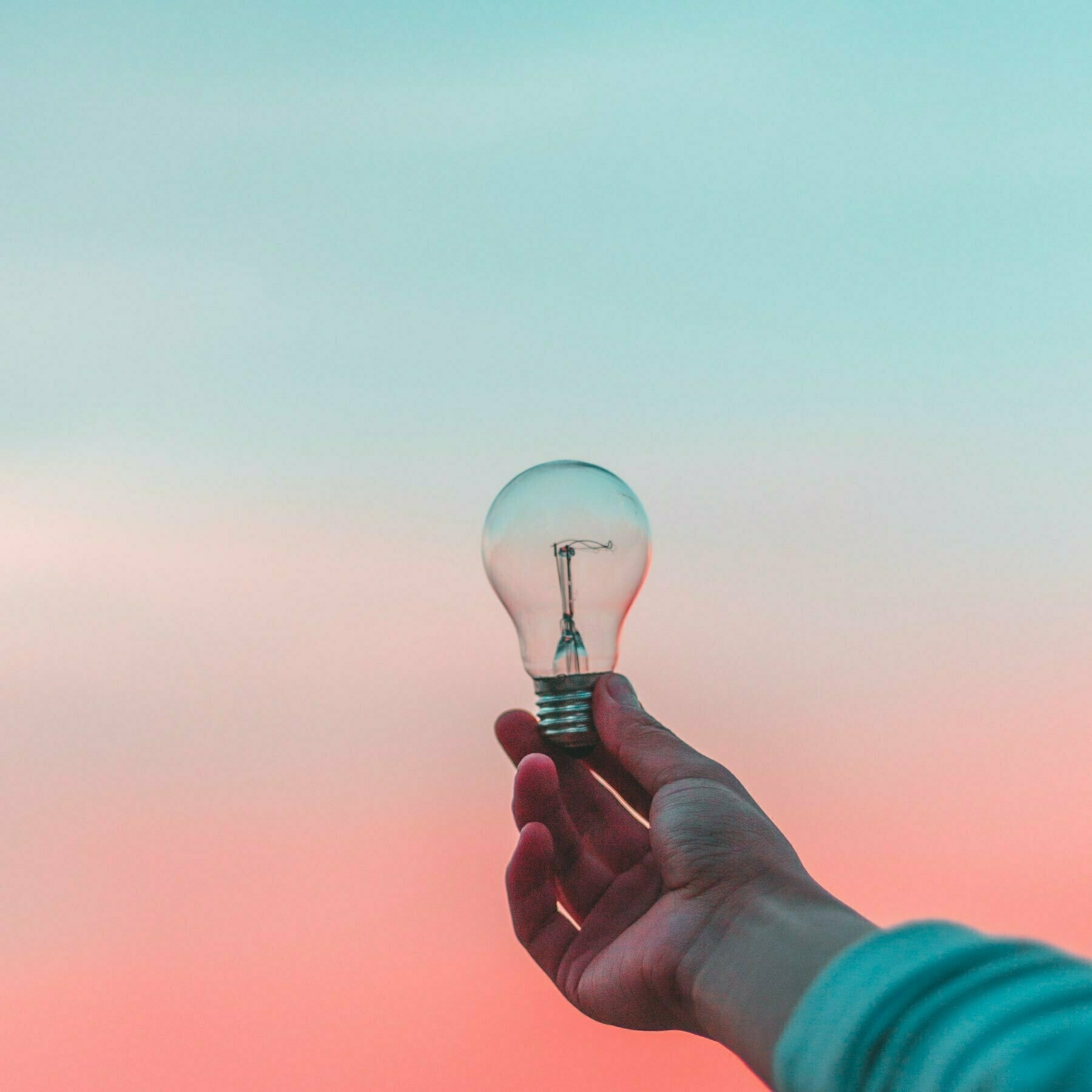
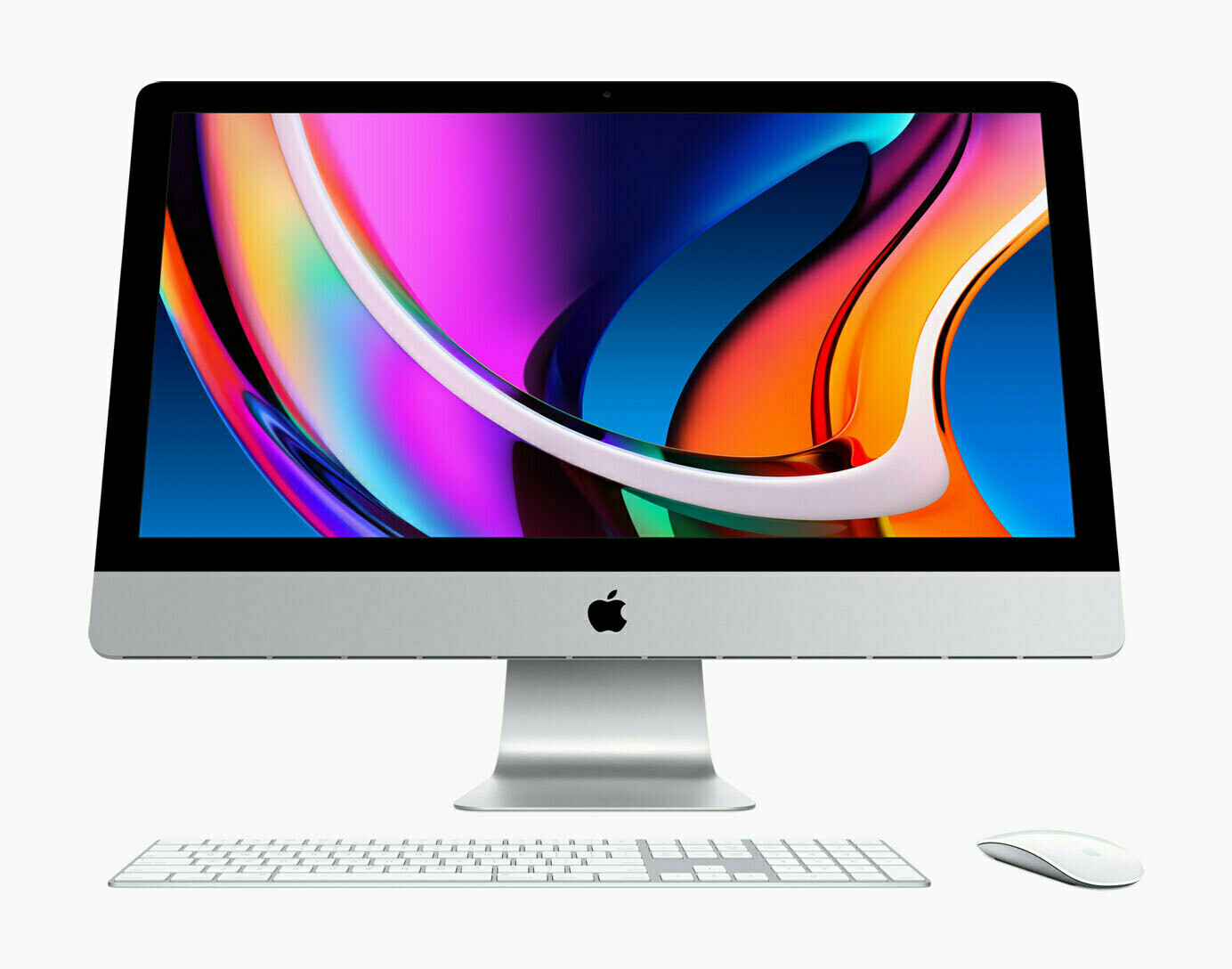
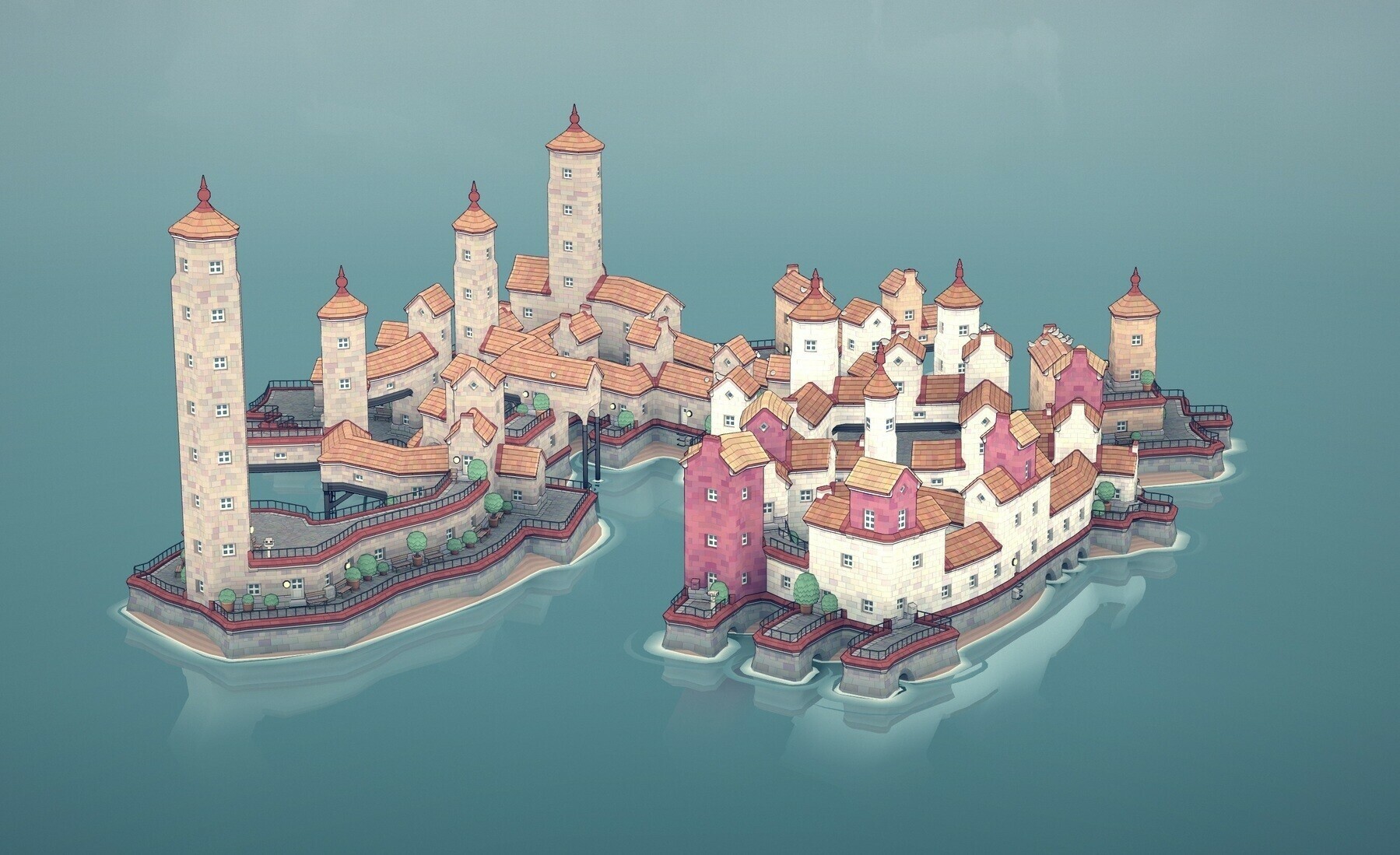
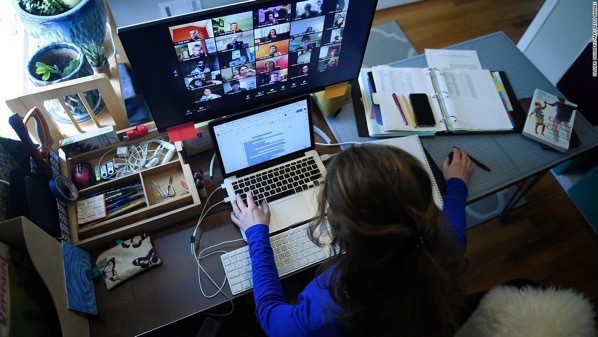
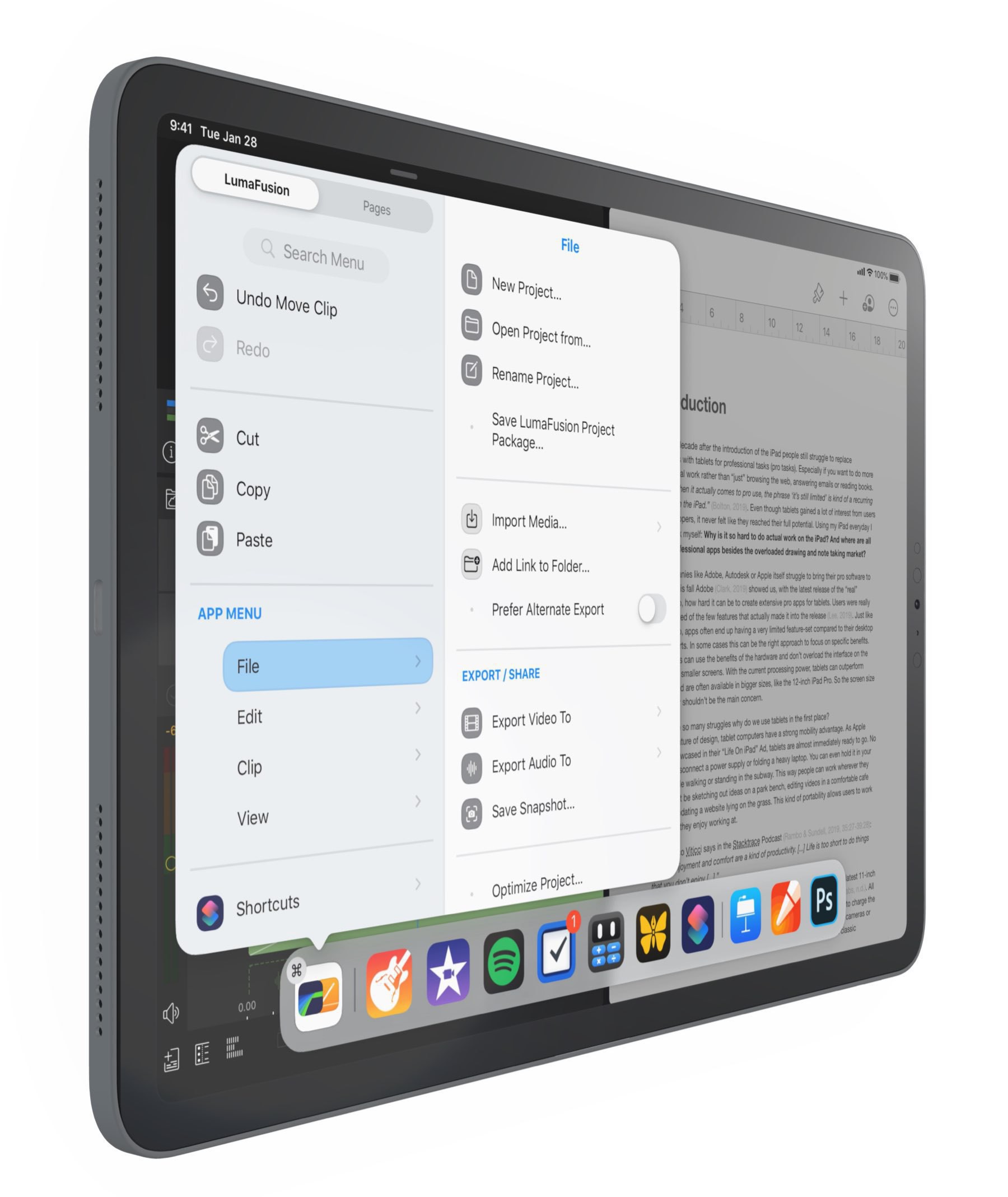
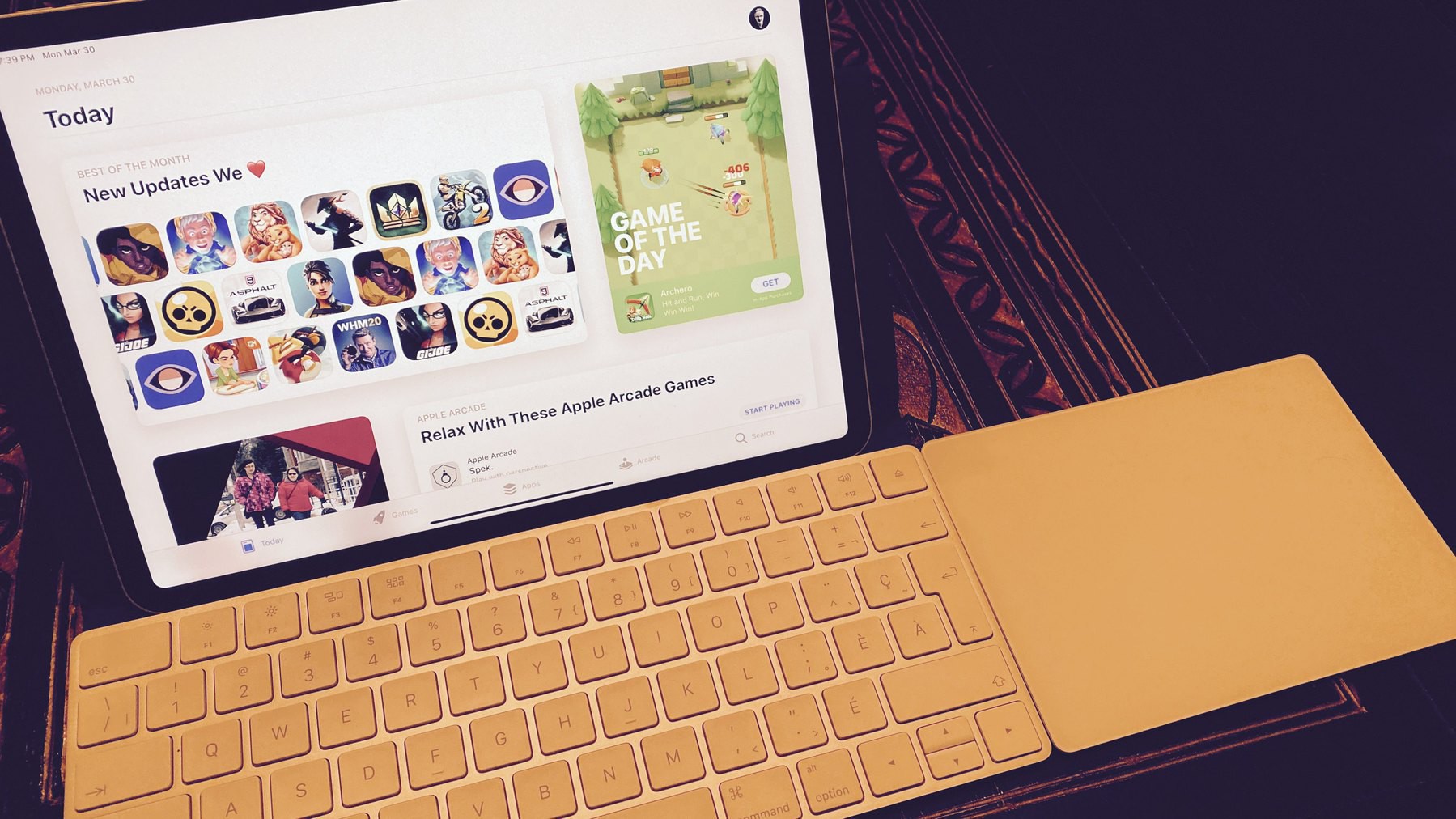
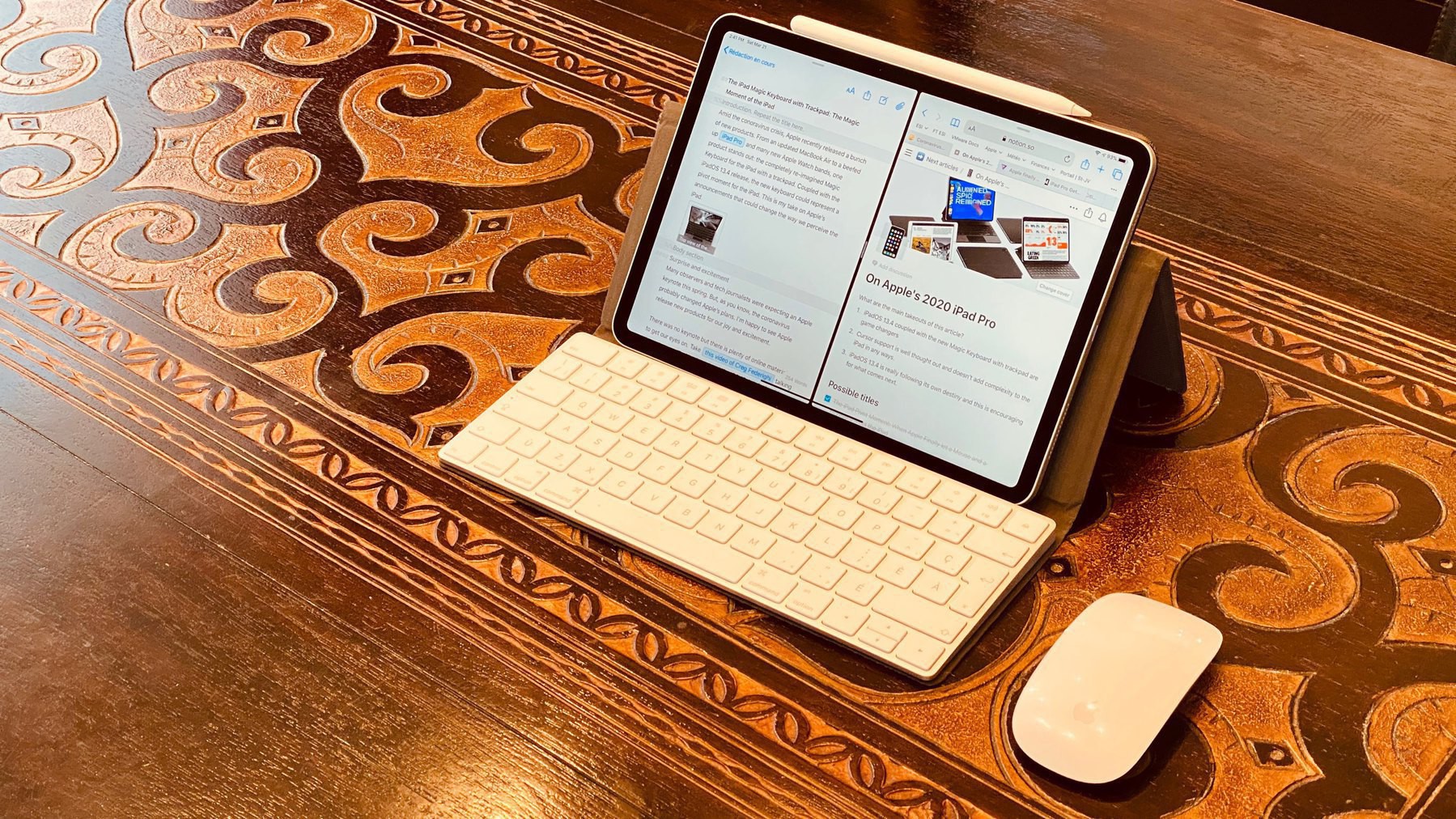
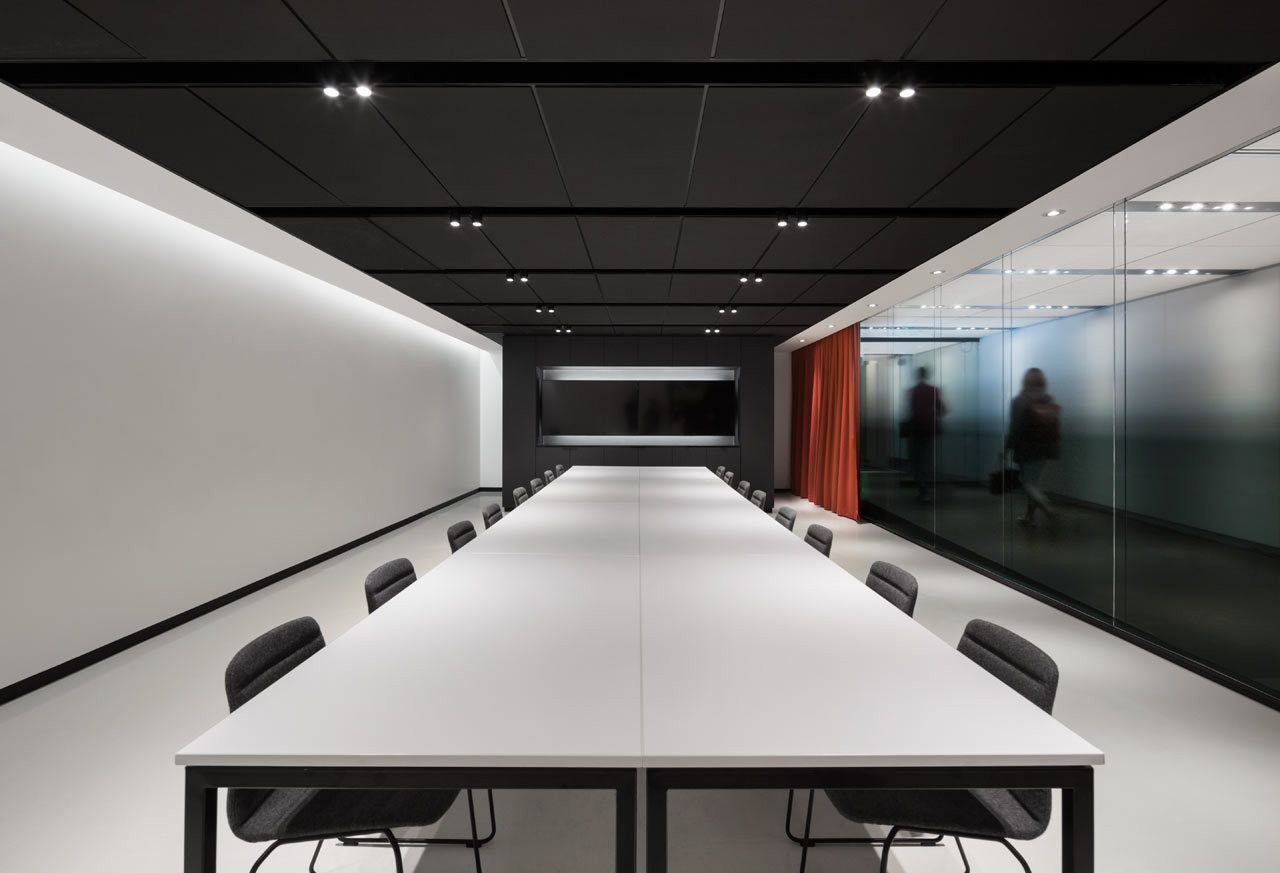
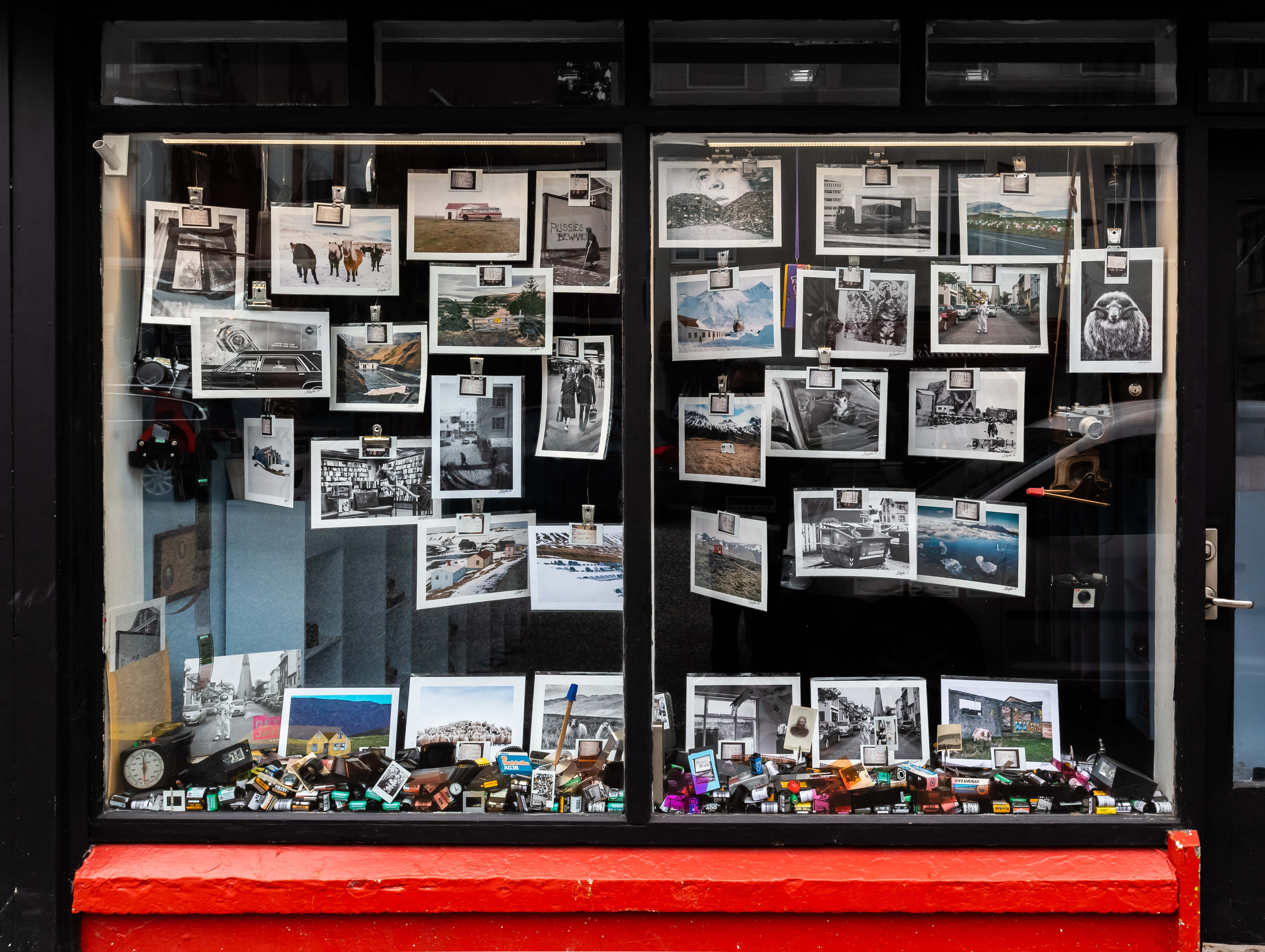
In a recent article from Josh Ginter for The Newsprint, If found the idea of having a separate computer for work and one for creative activities interesting and I’m close to feeling the same about my personal and work life. I do most of my work on an M1 Mac mini, while my creative work is done on an M1 MacBook Air. My iPad is used as a second screen on my Mac mini or for some photo processing stuff with Adobe Lightroom. The distinction between two worlds gets blurry when you consider how the cloud brings those two worlds closer to each other. If you are like me and use a single Apple ID for all your Apple services, as soon as you set up iCloud on both computers, you’ll get access to the same “virtual space and digital content” on both machines. This is where the idea of two separate computers becomes blurry and probably more of a theory.
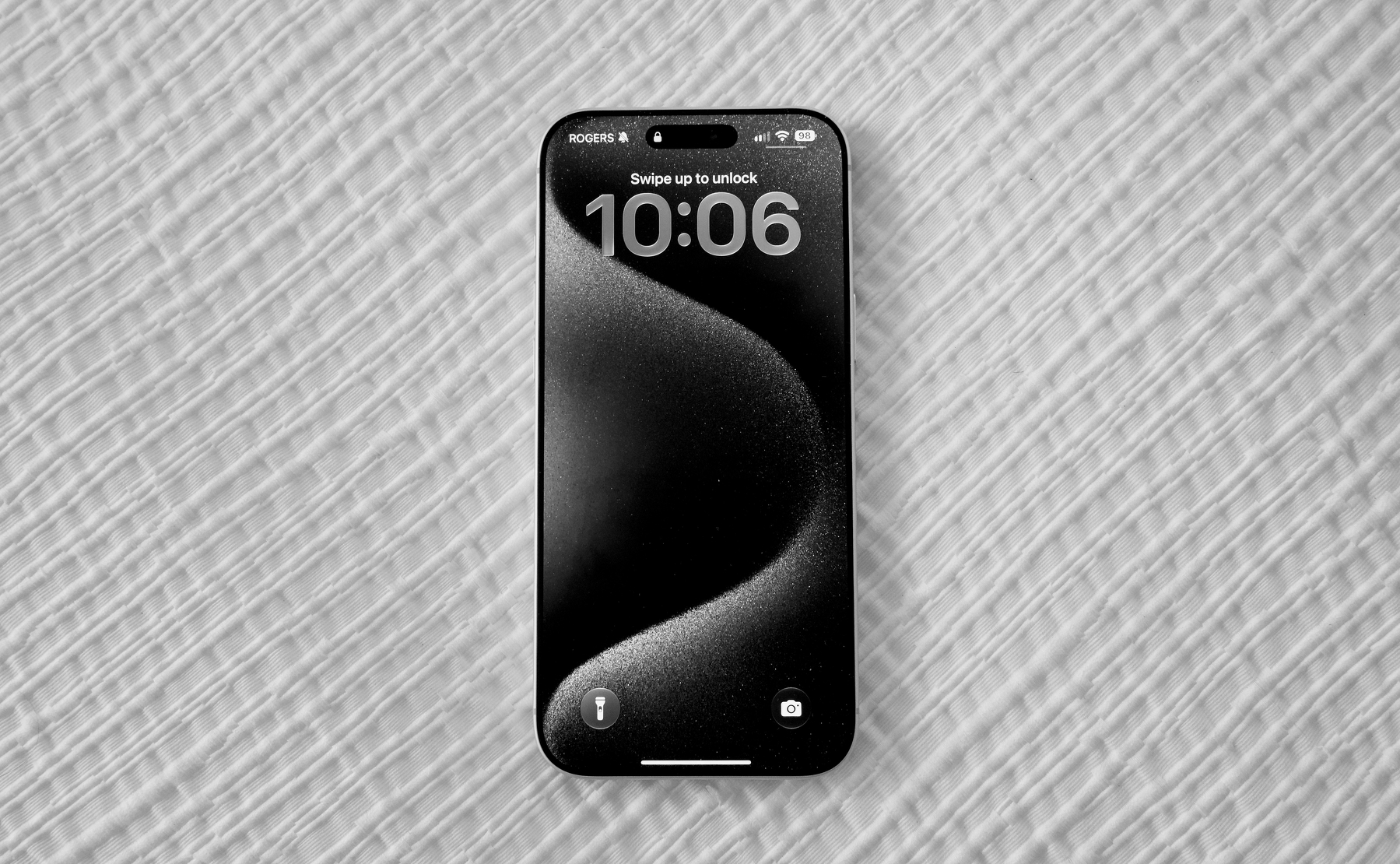
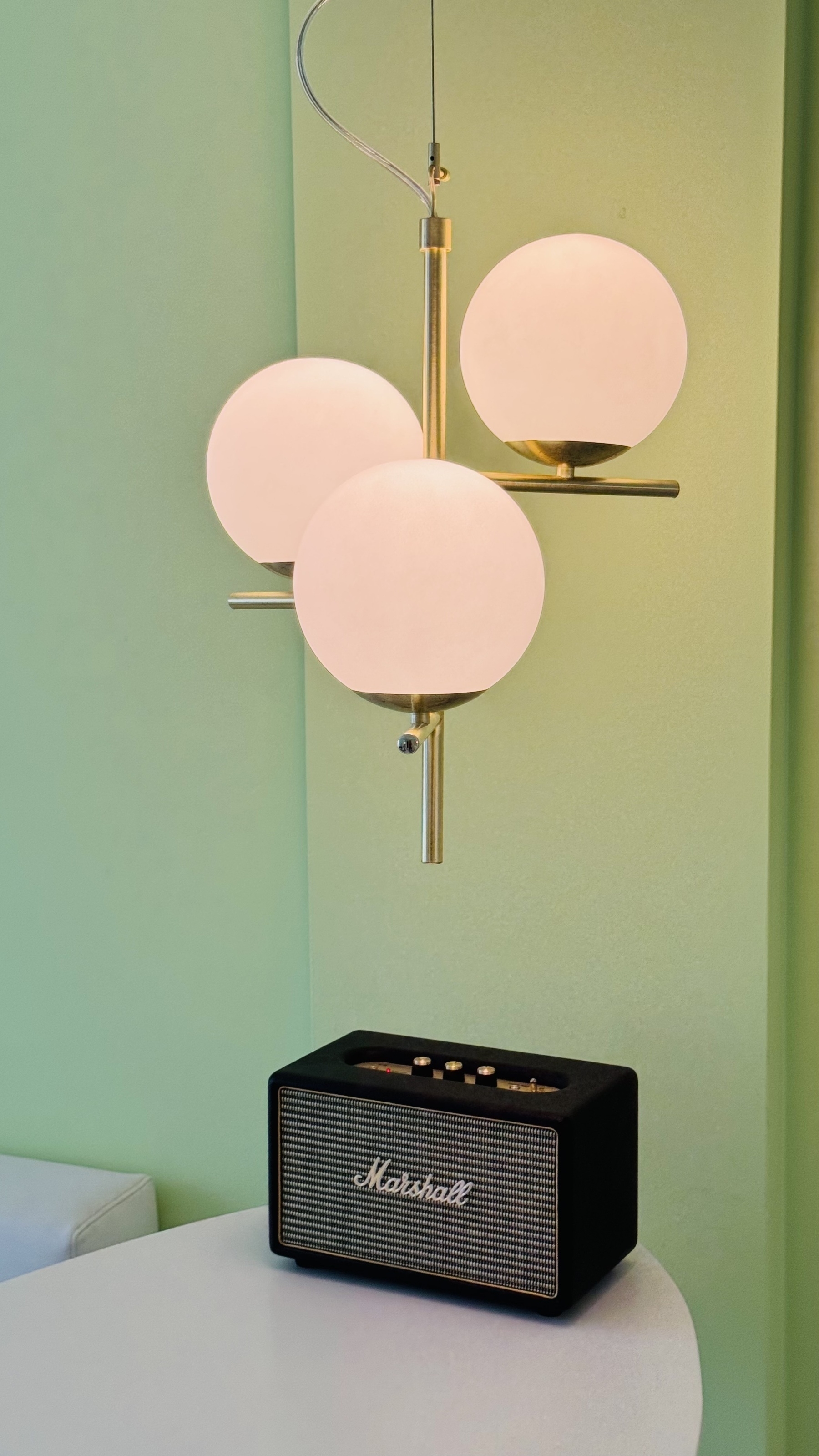
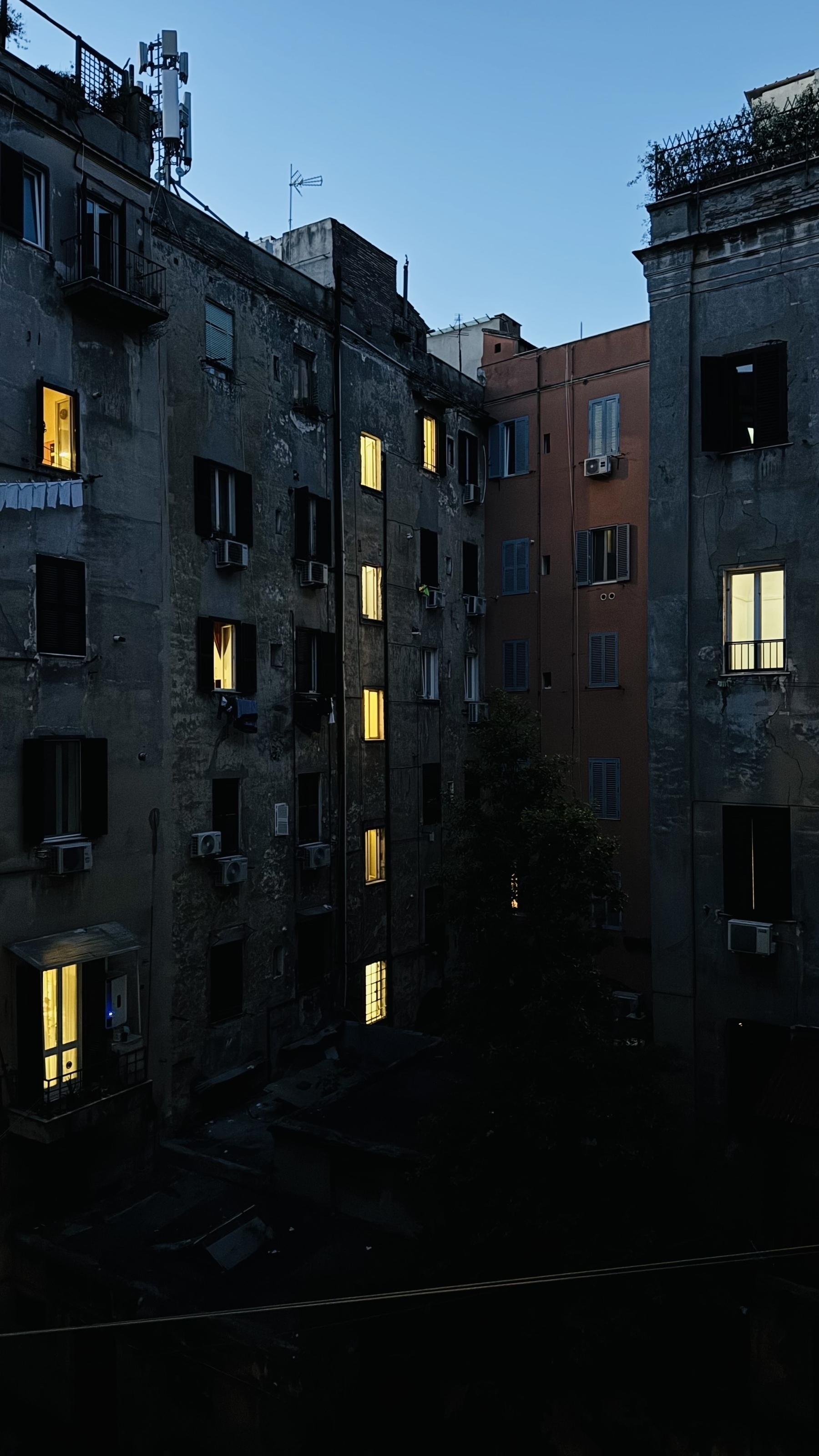
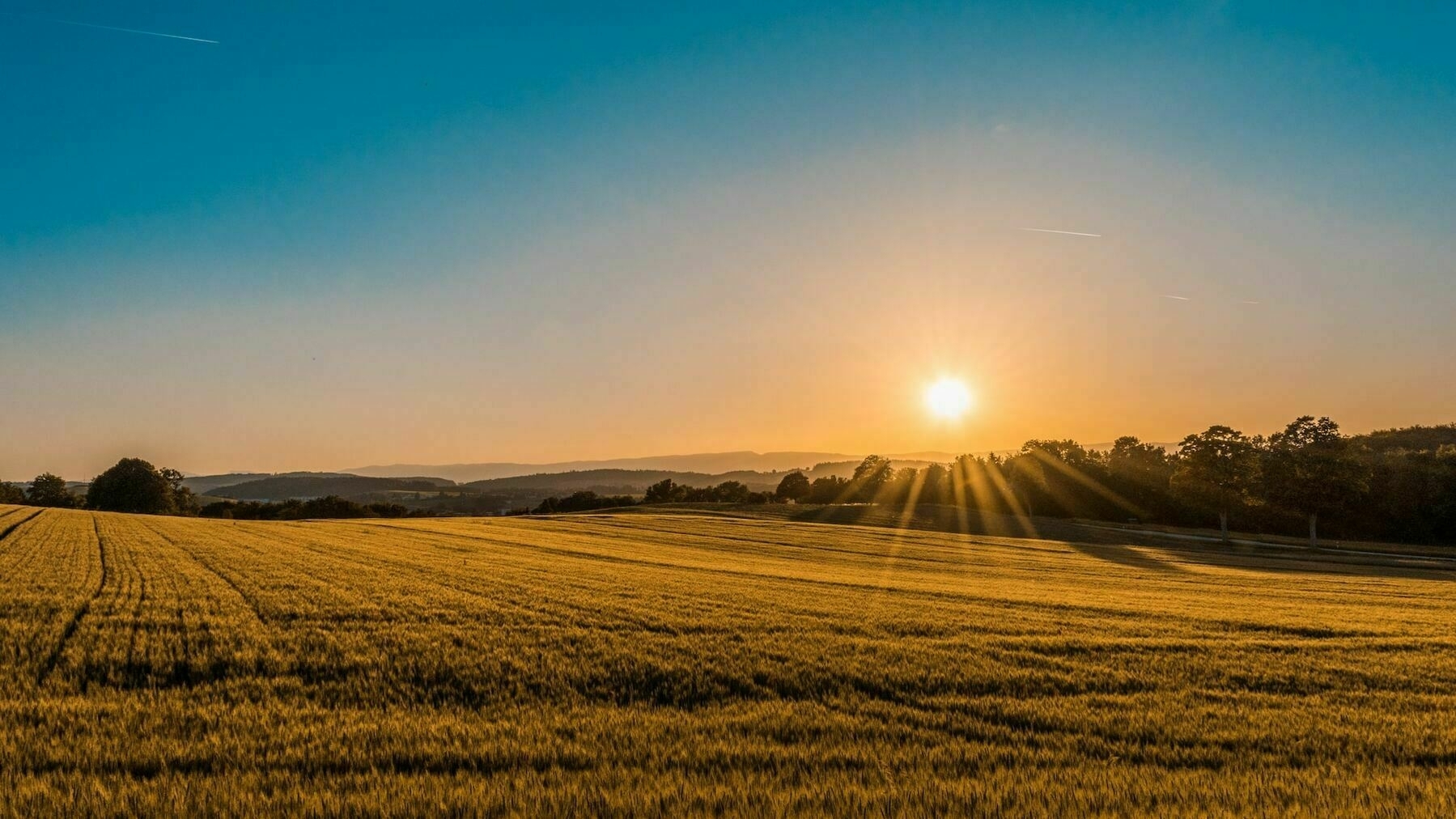
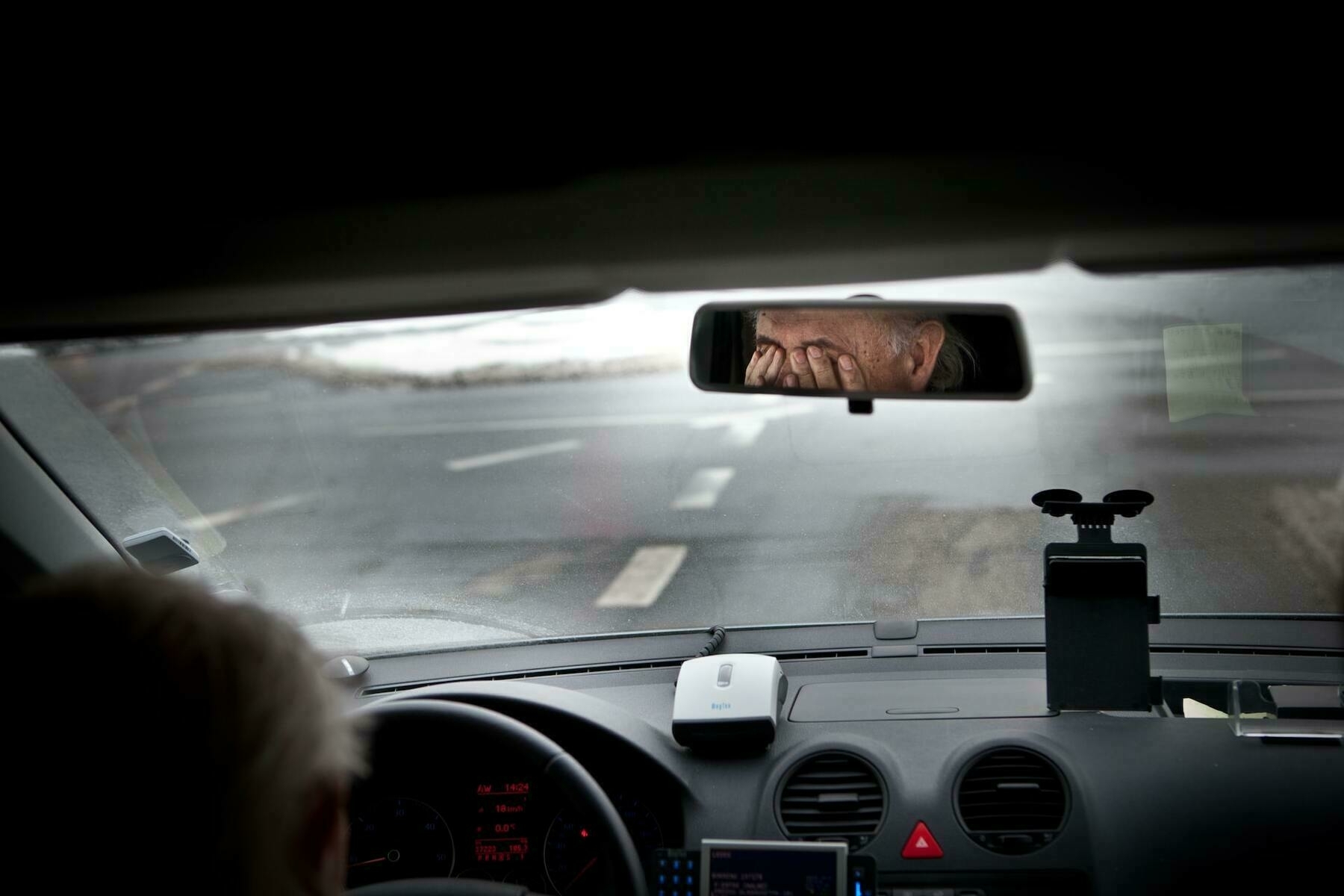
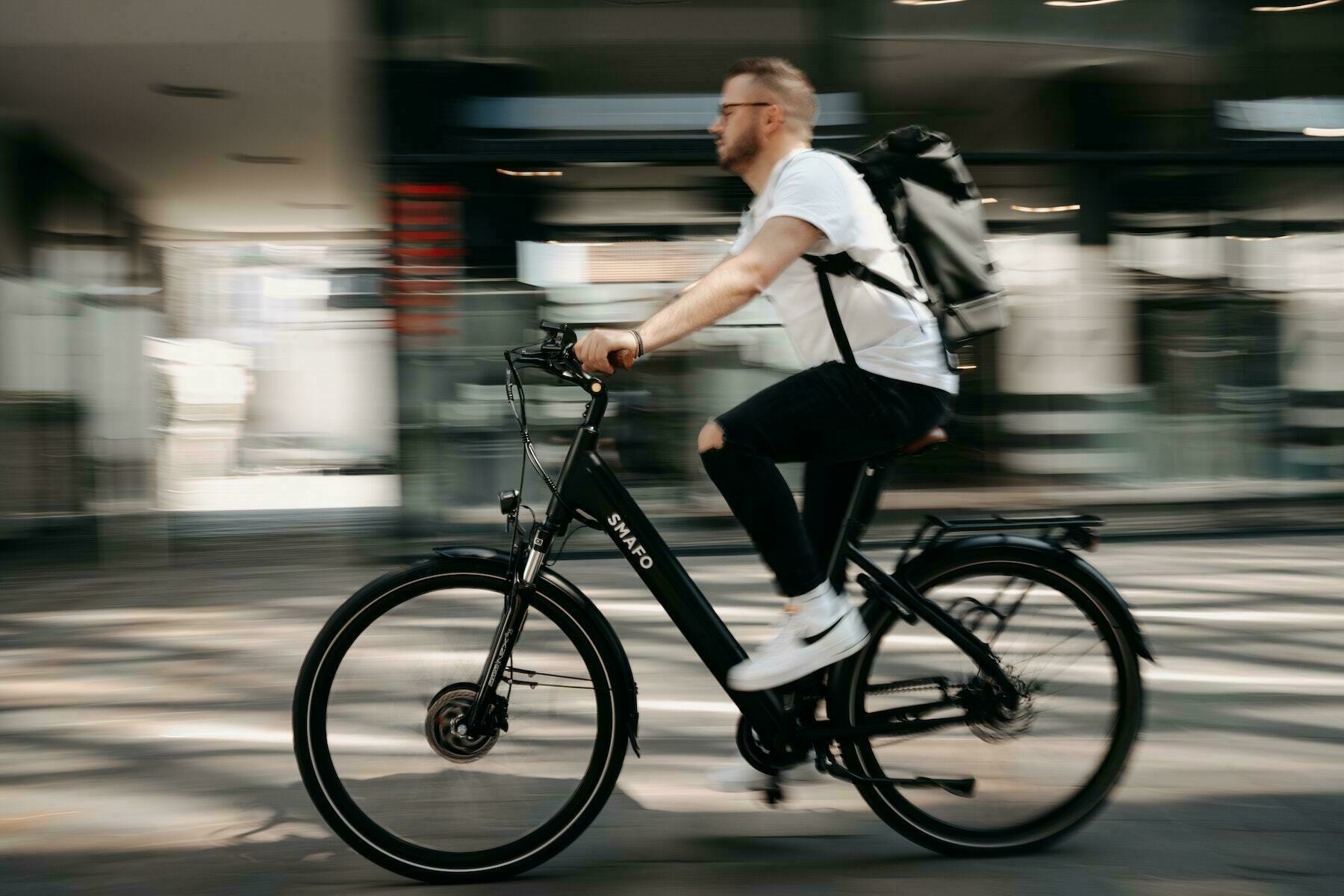
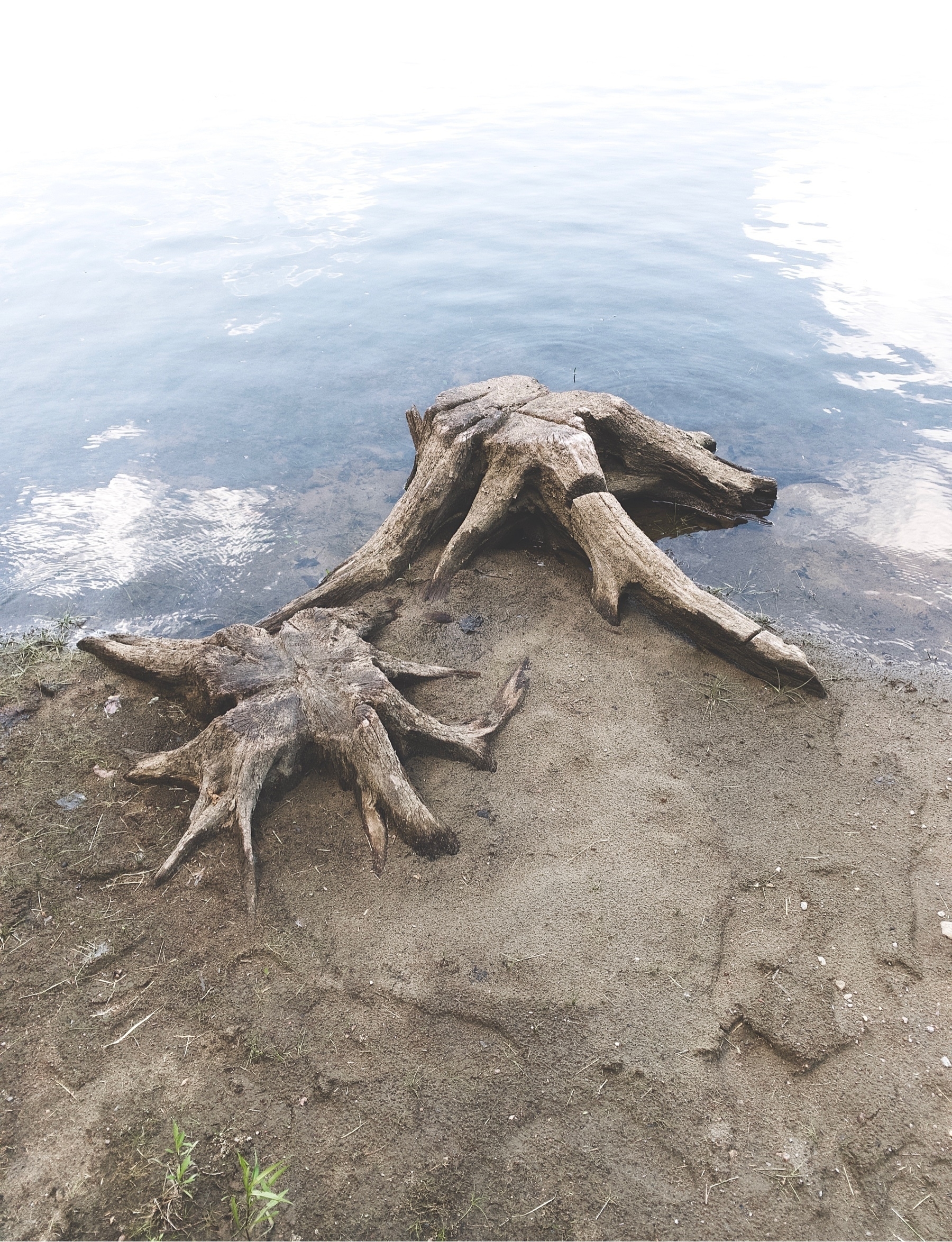
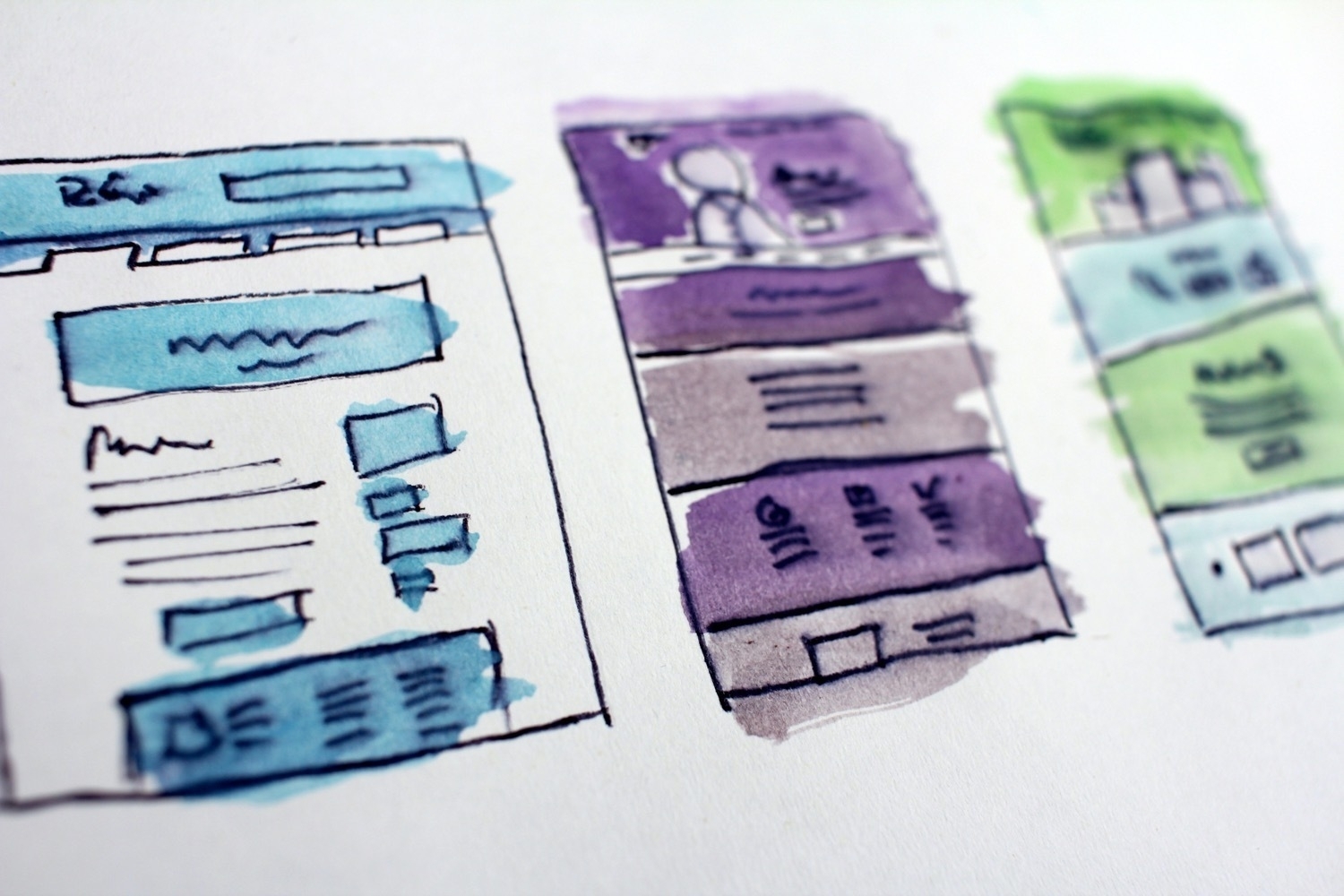
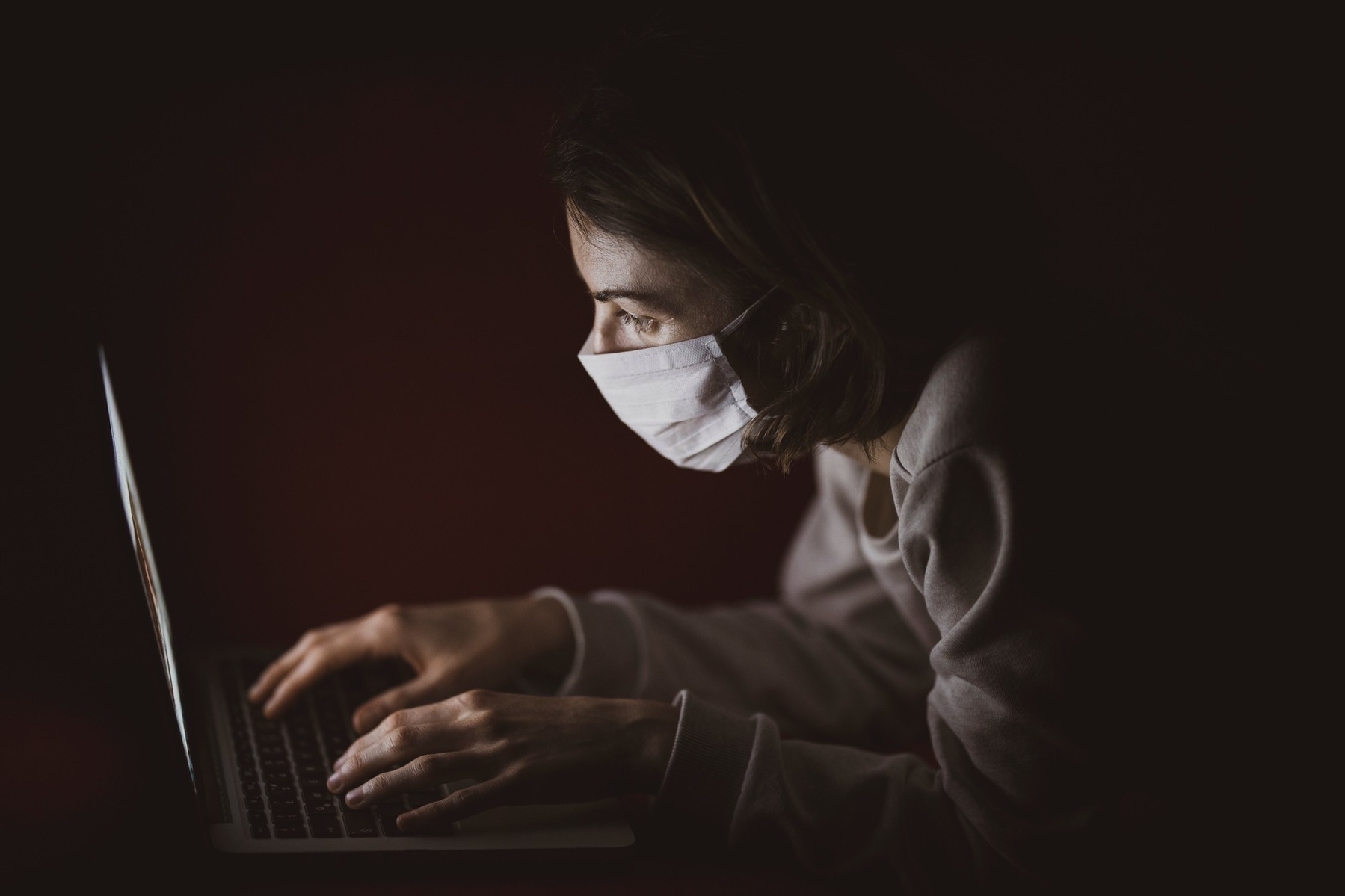
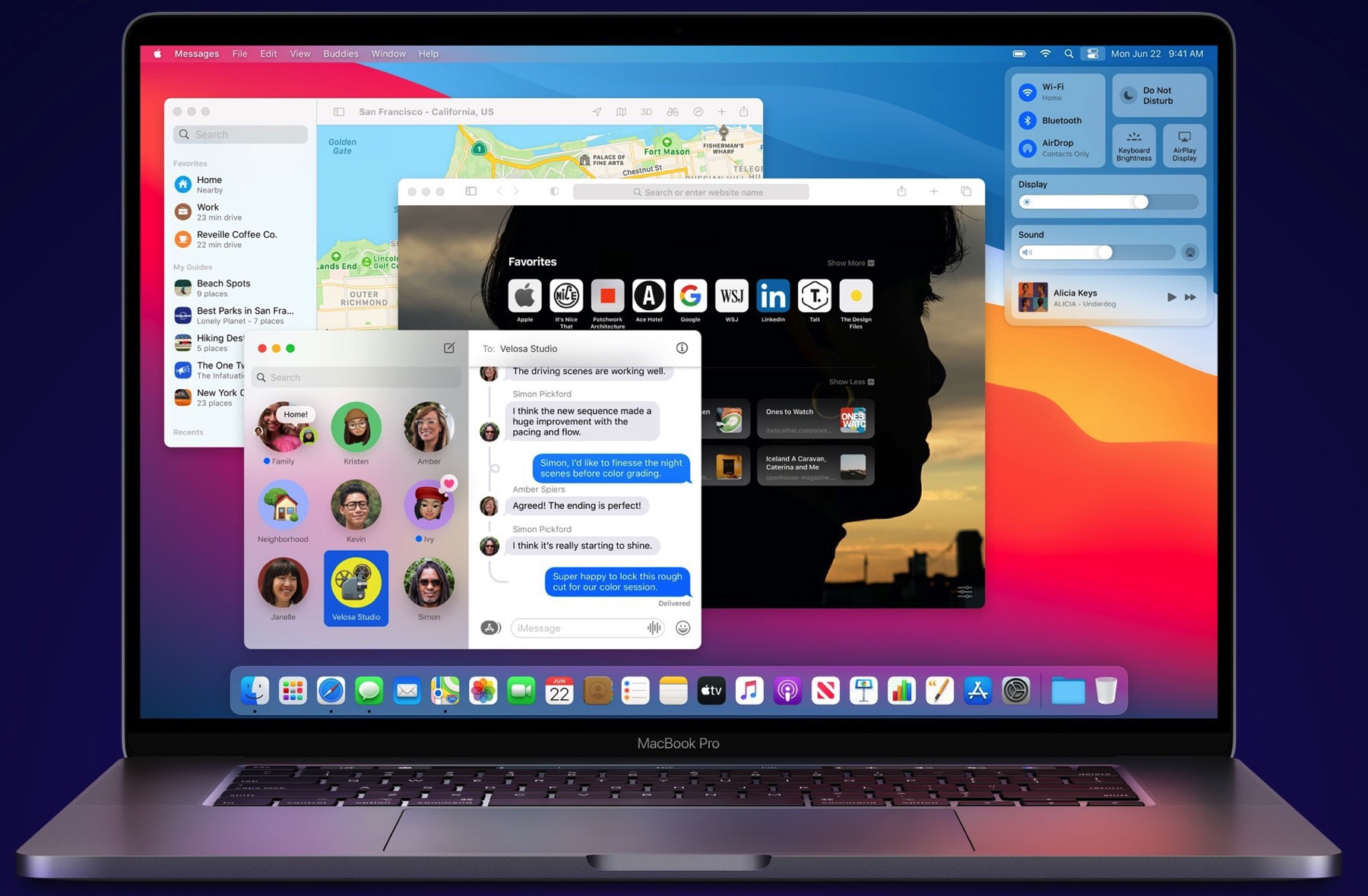
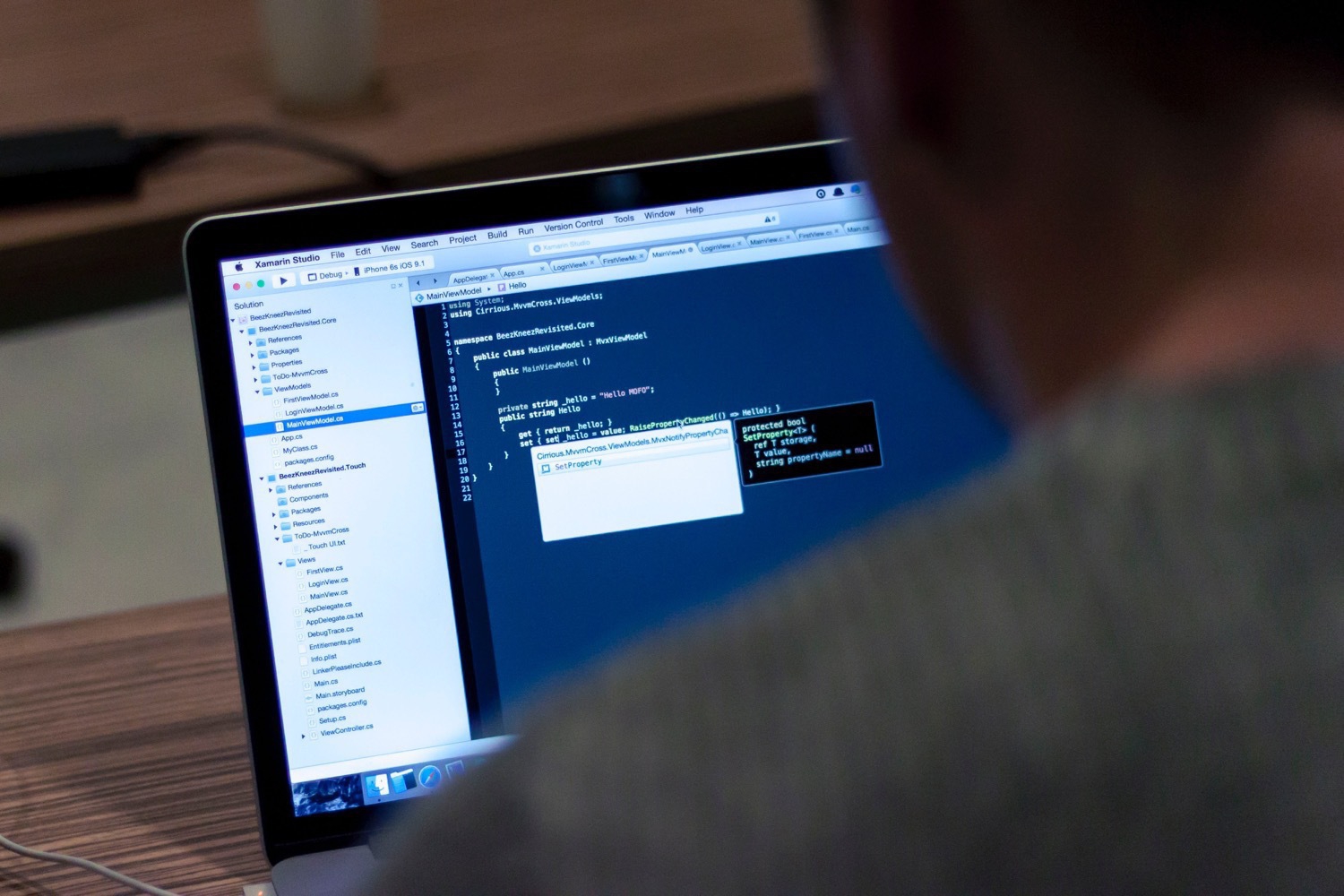
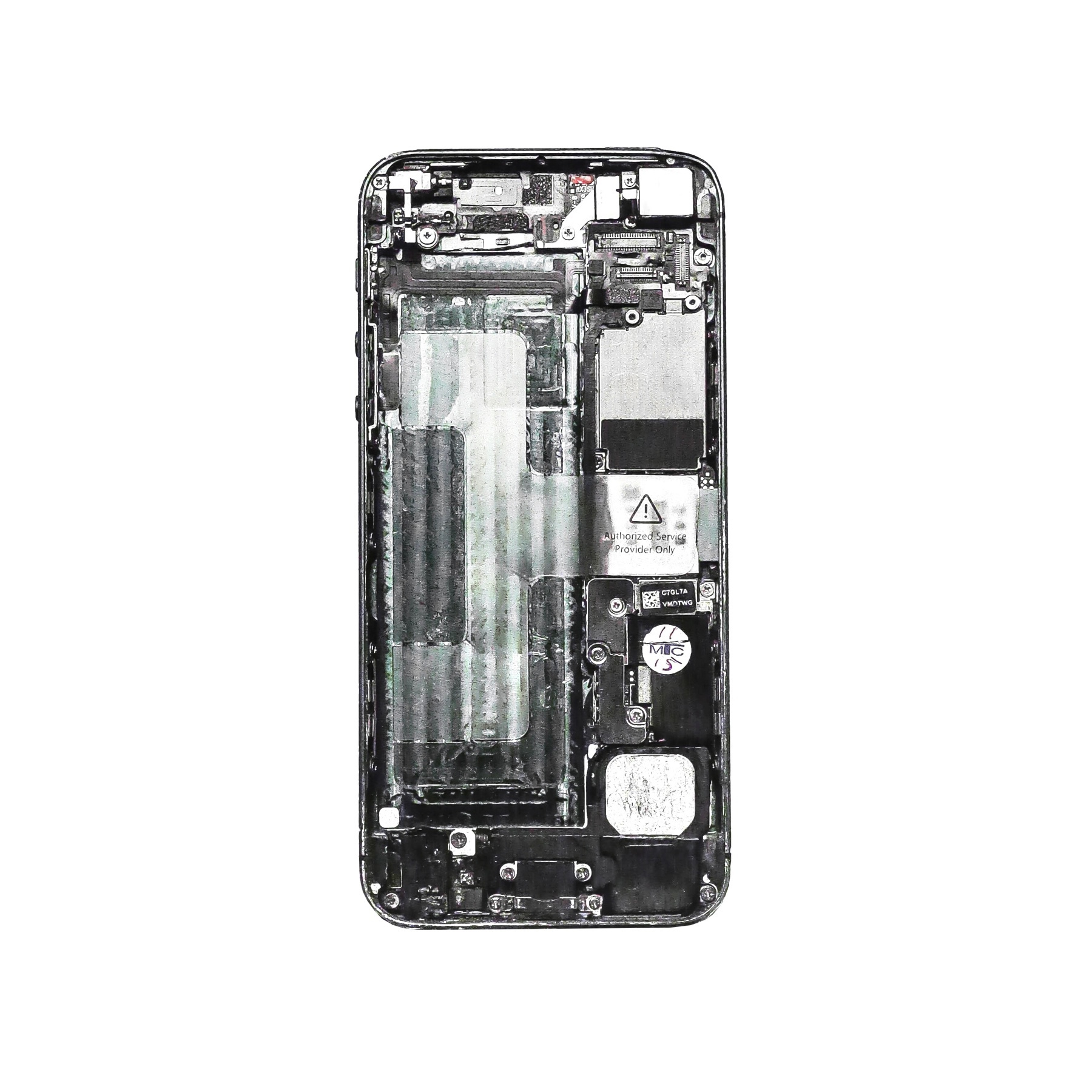
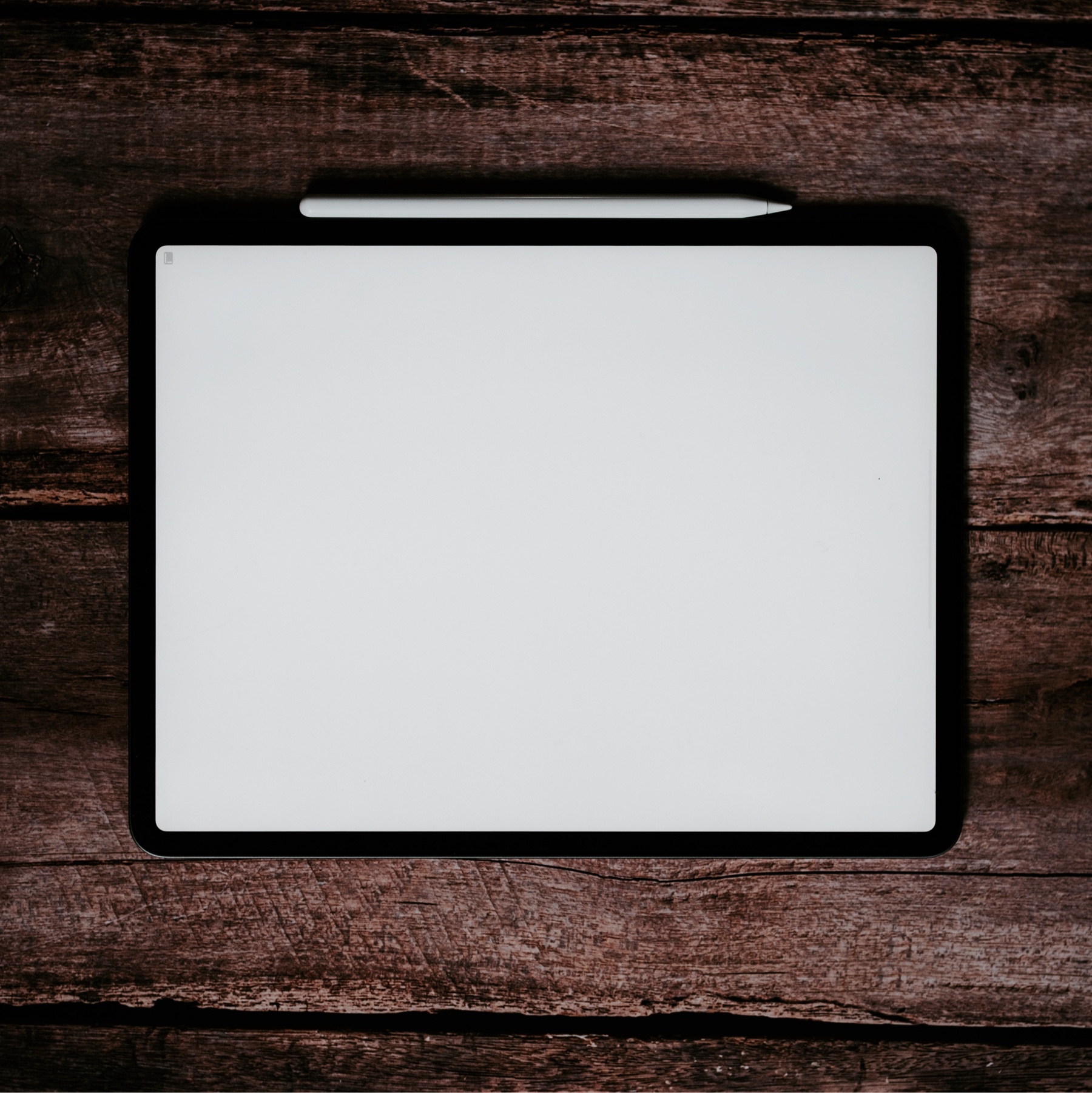
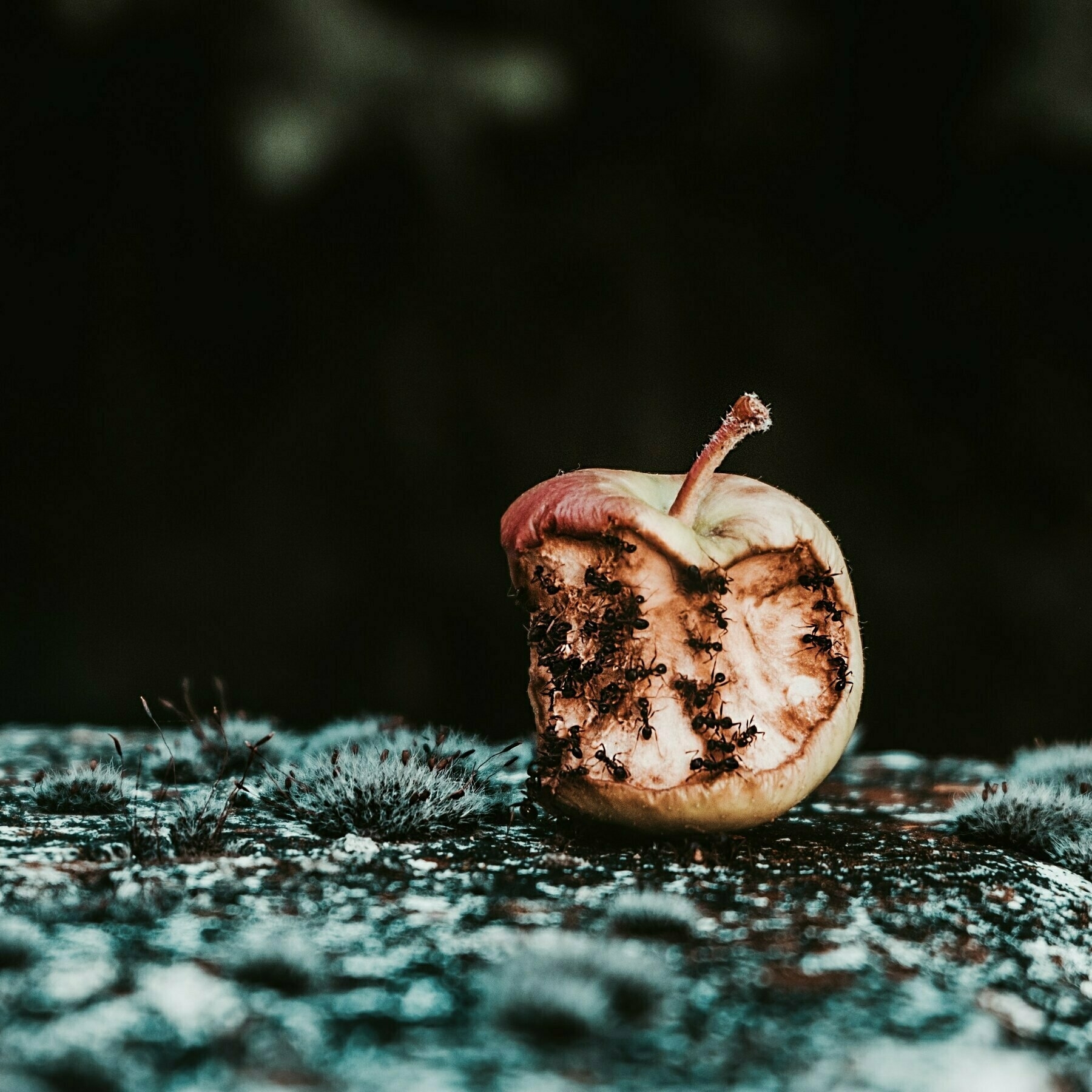
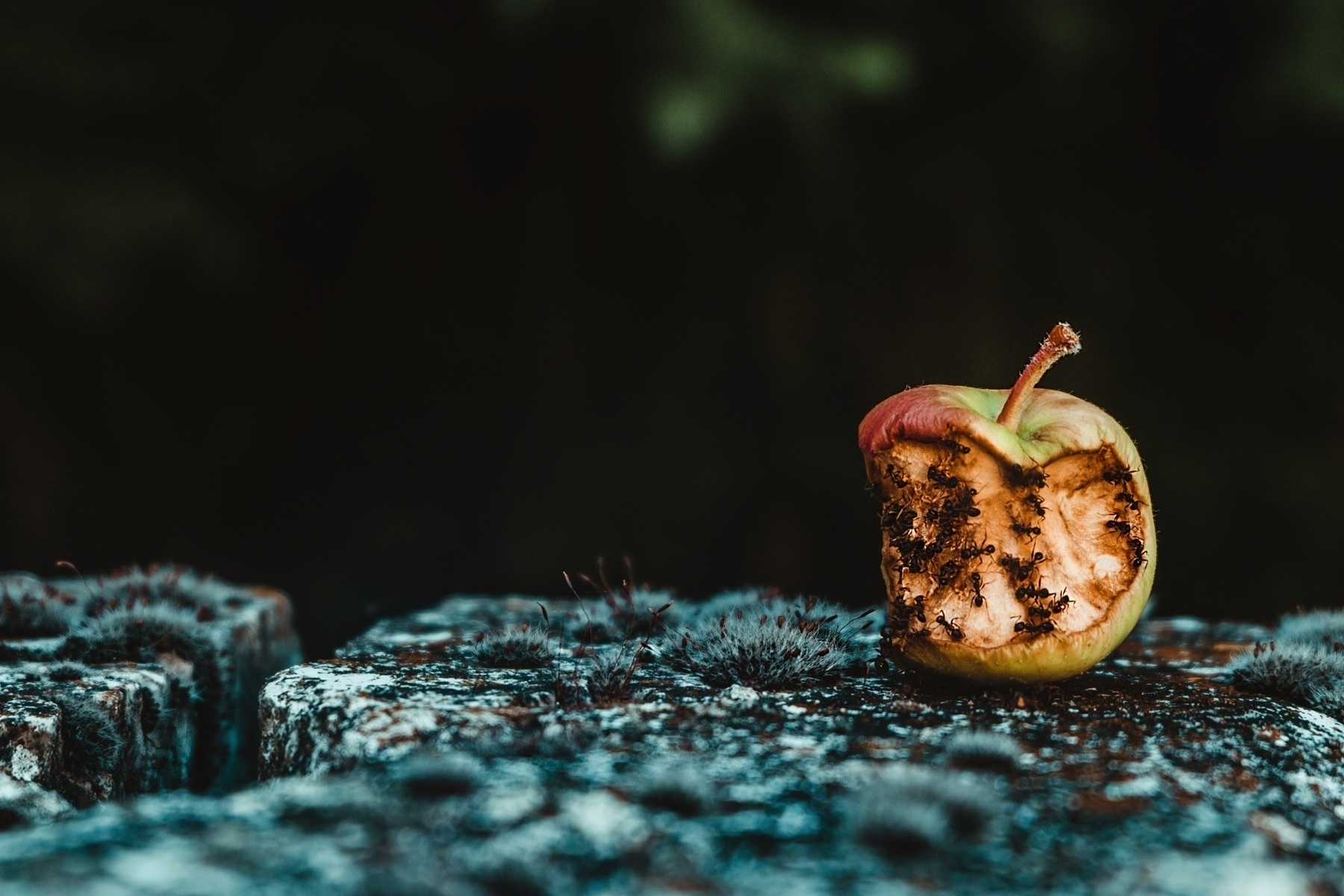
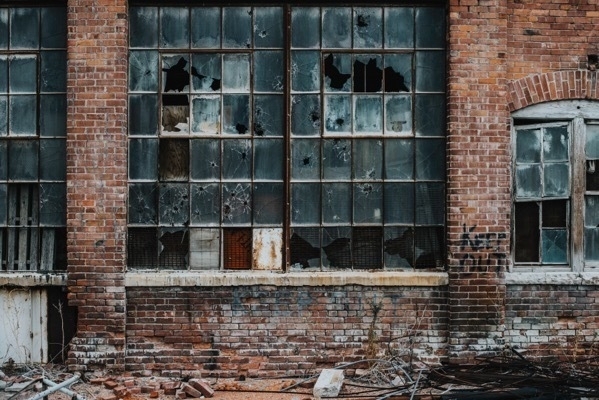
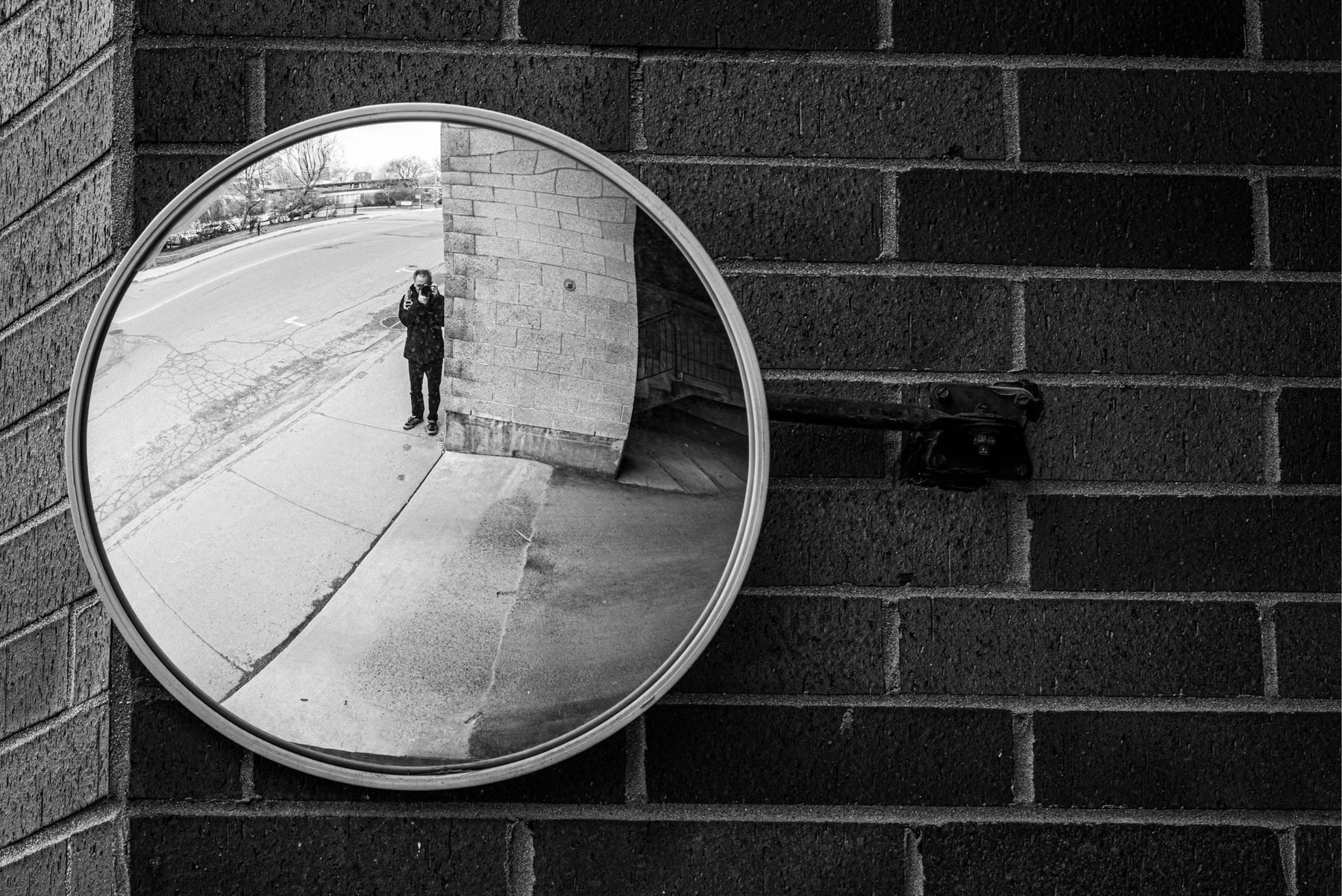
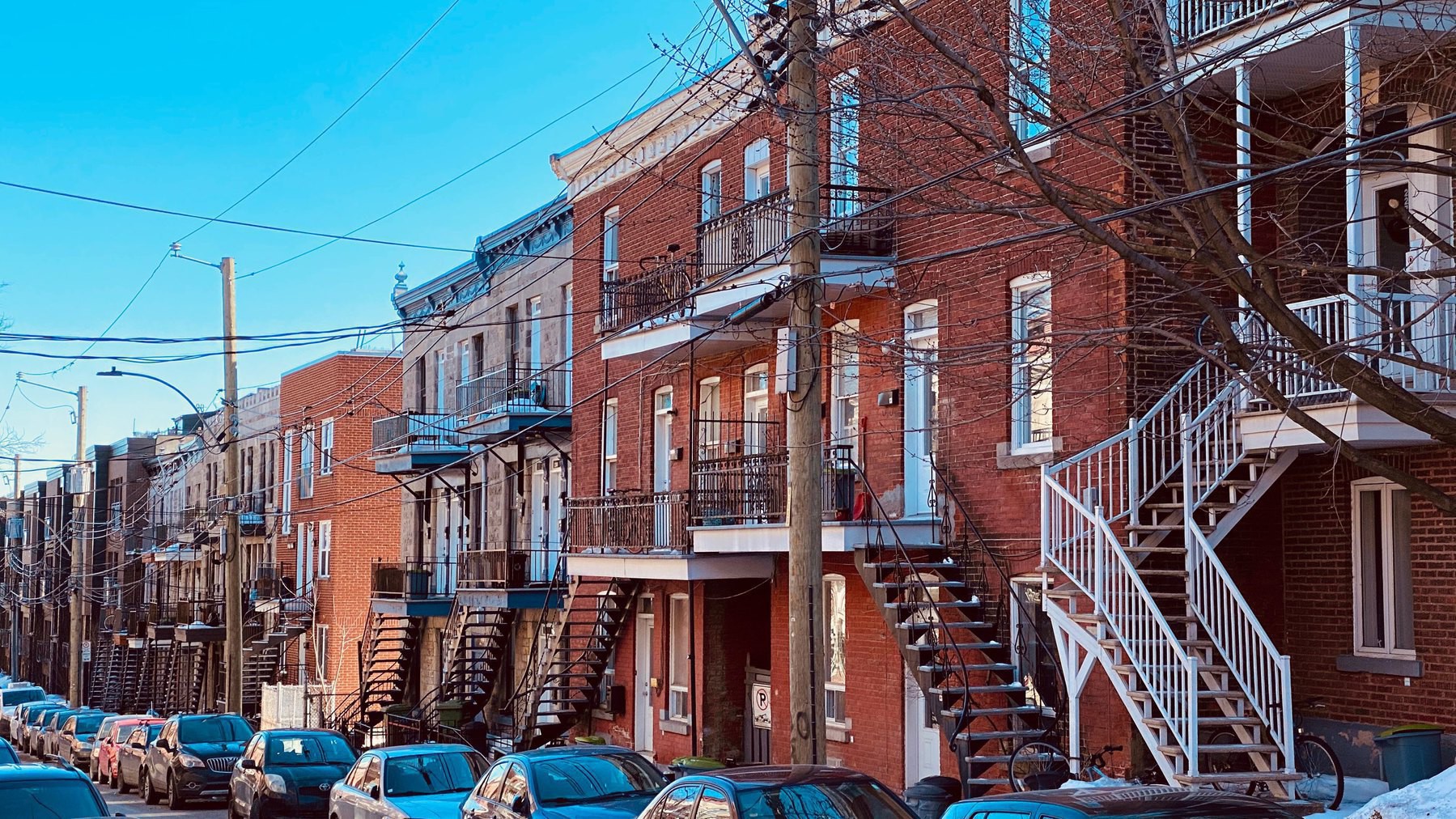
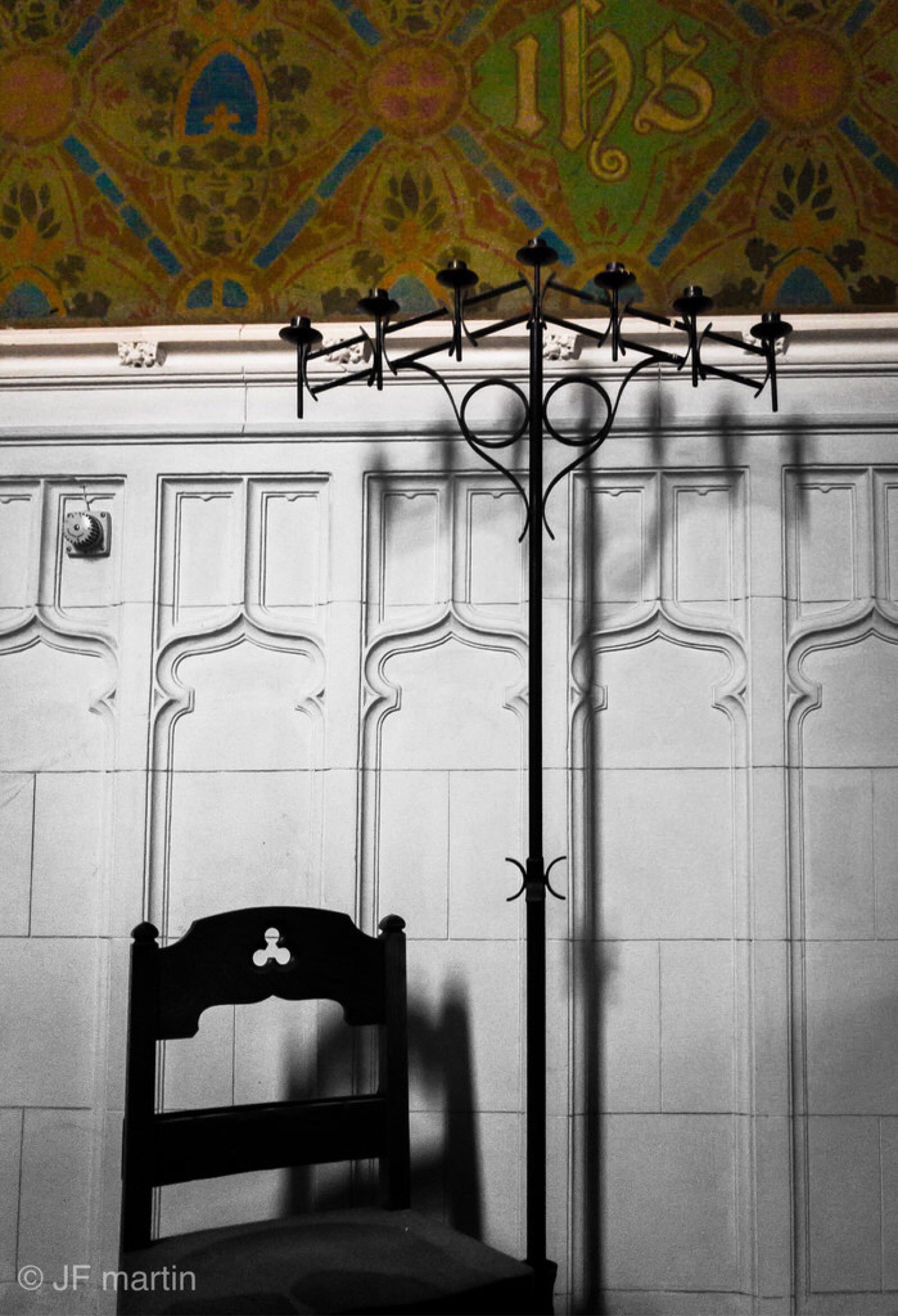
Photo by freestocks on Unsplash
2022-05-01
On Returning on Telegram
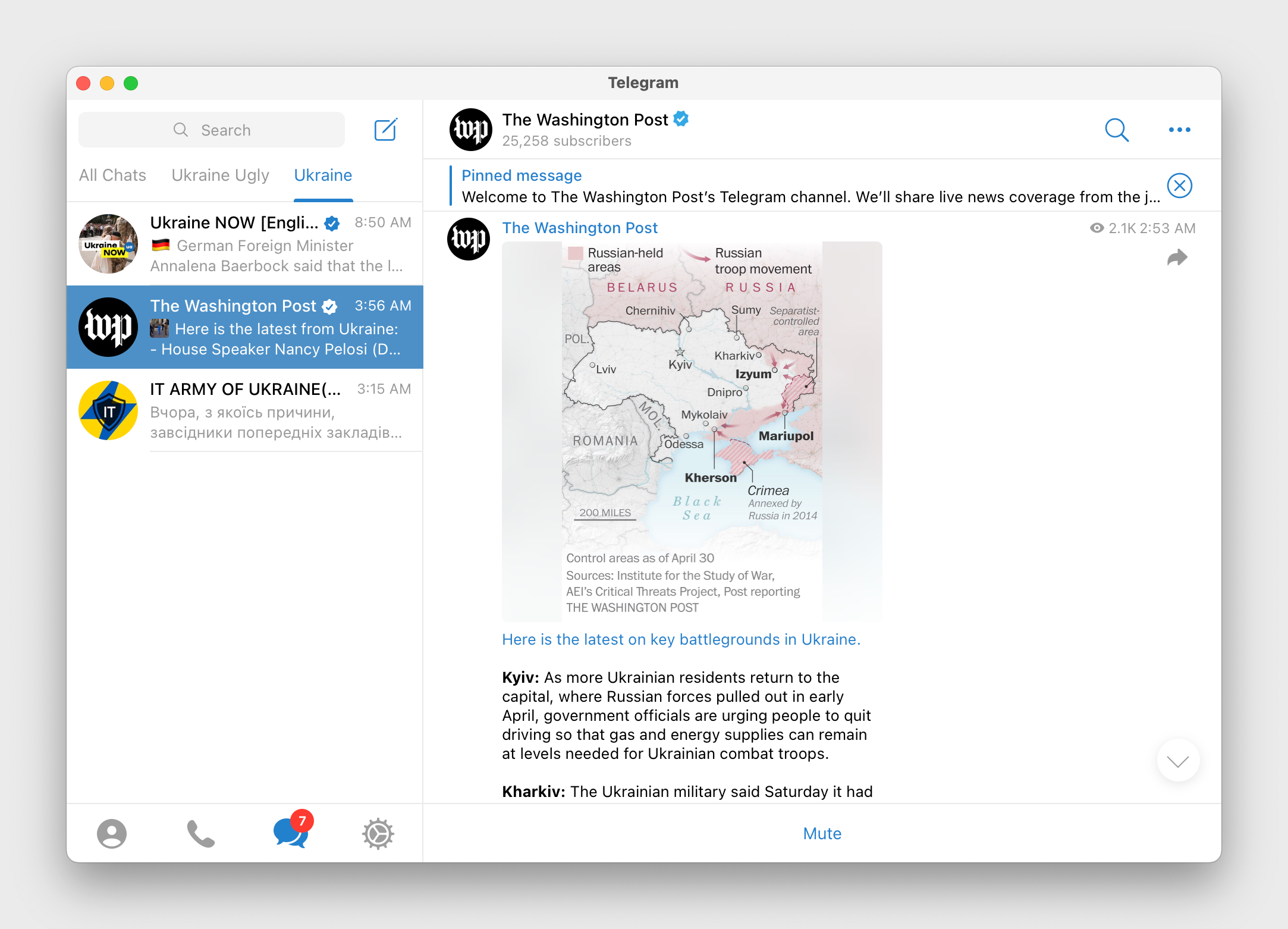
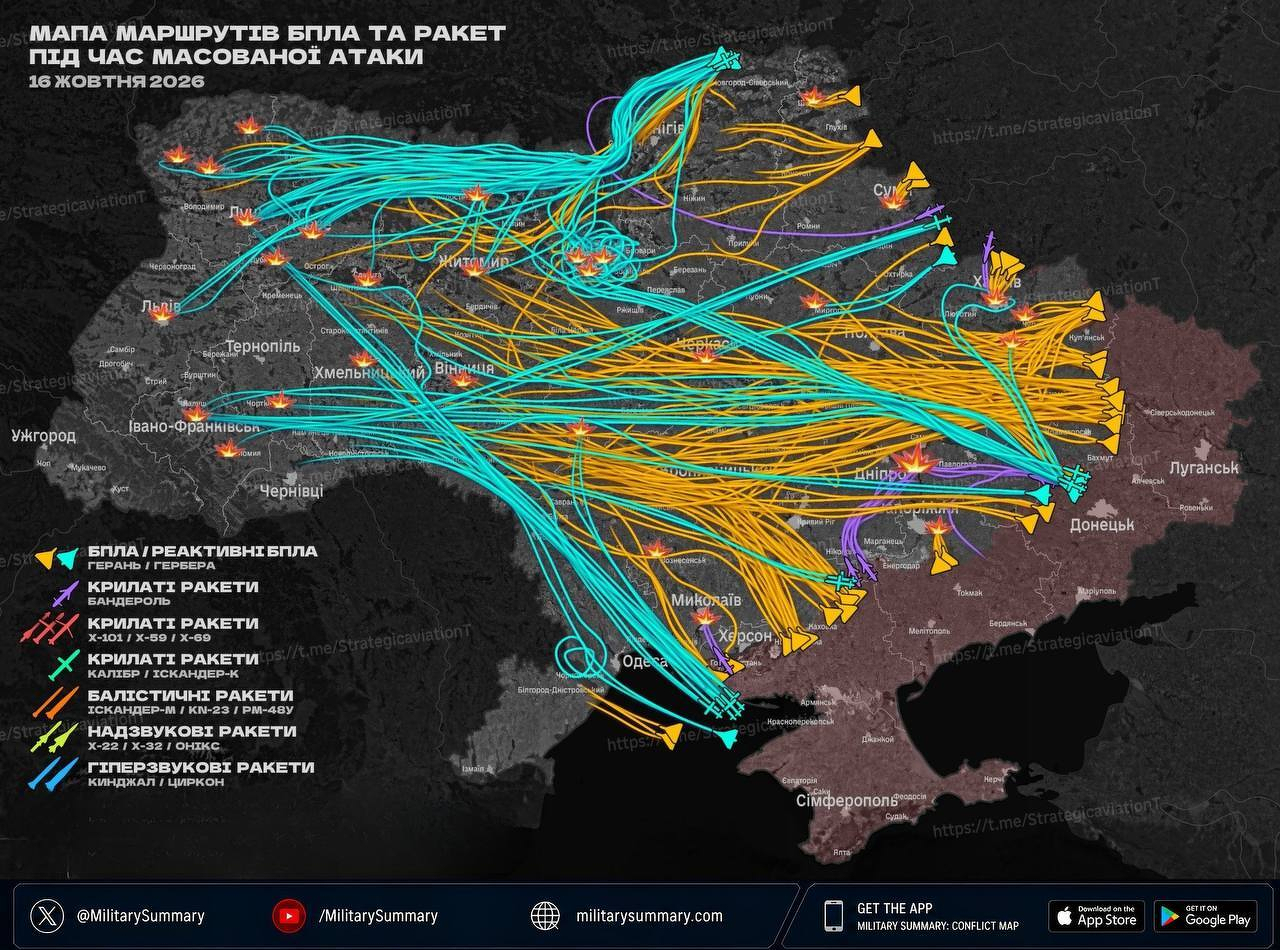
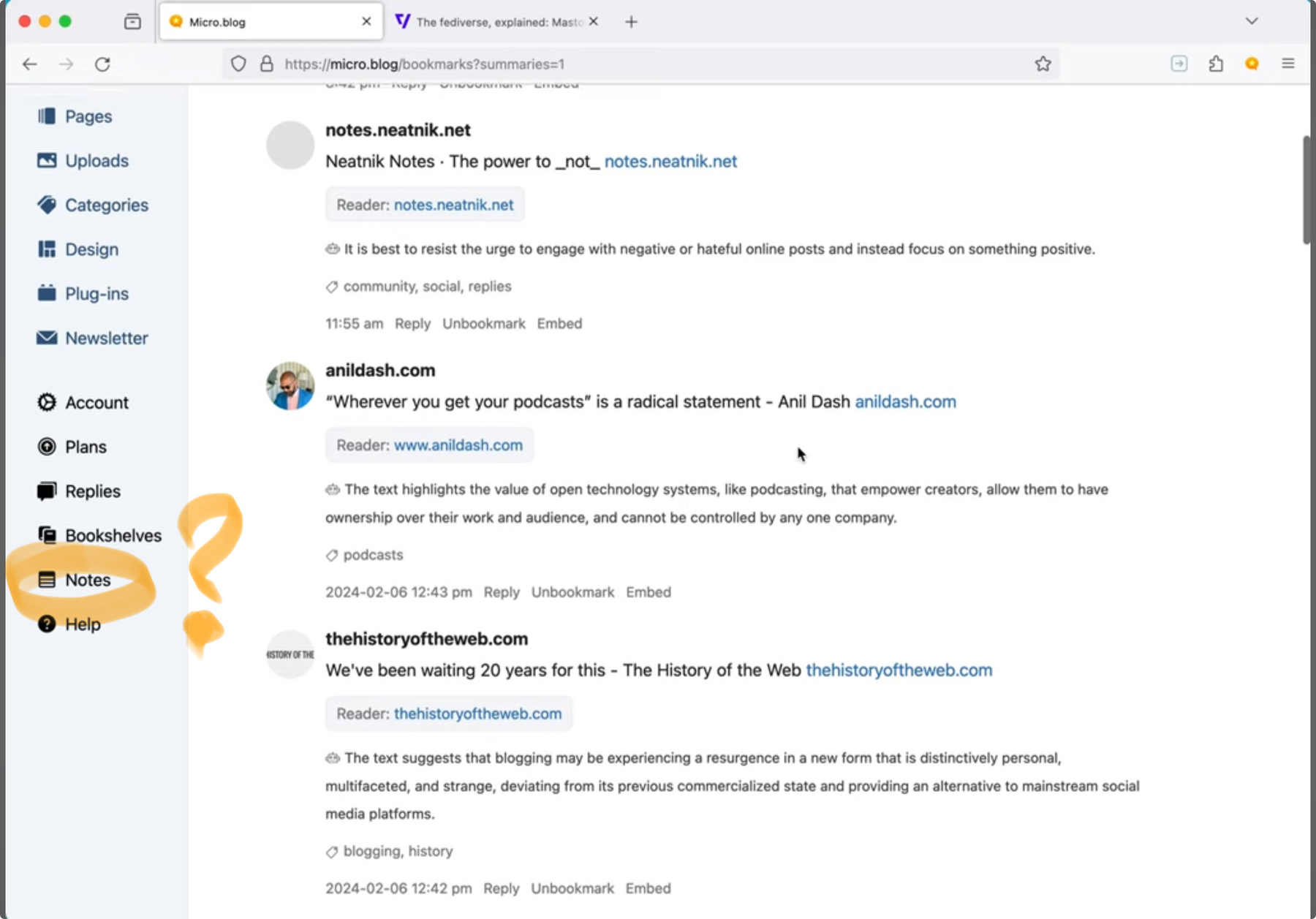
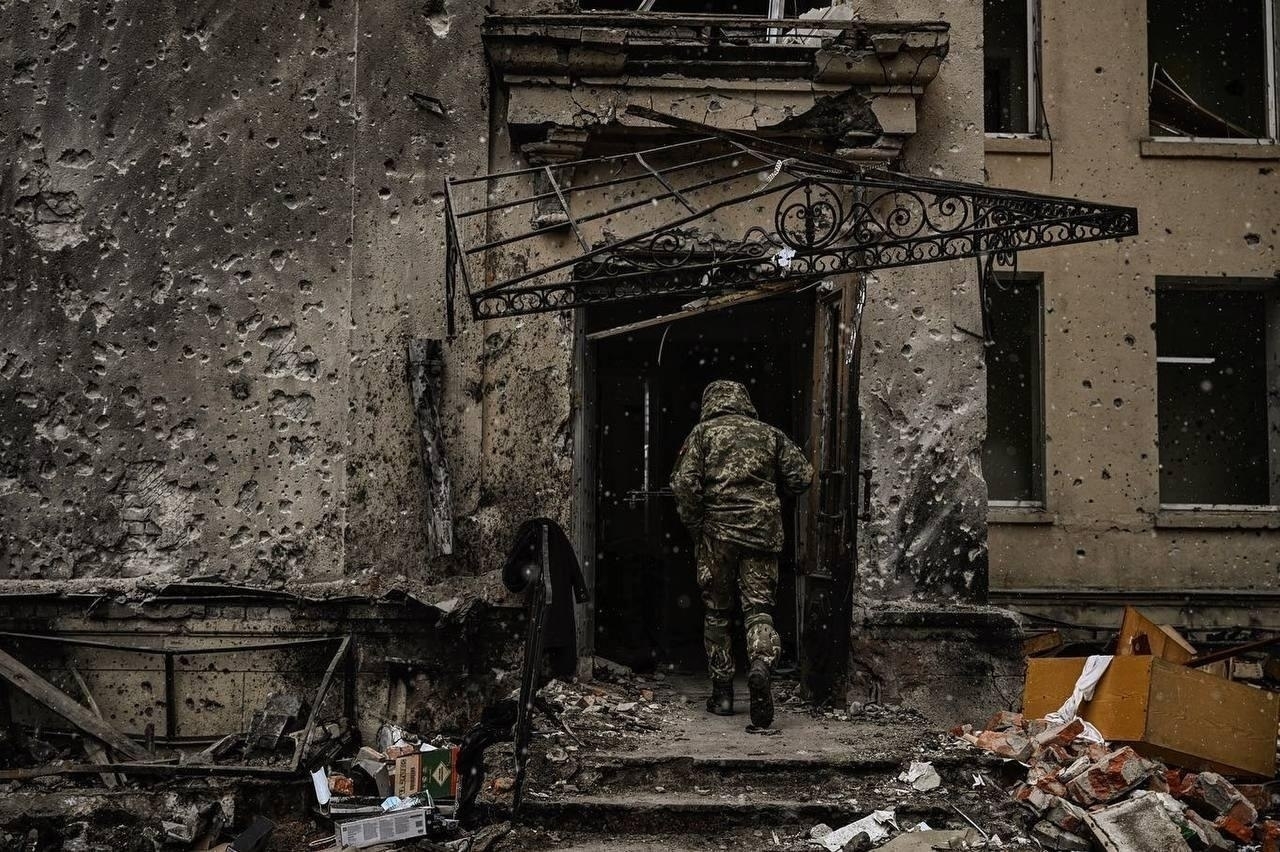
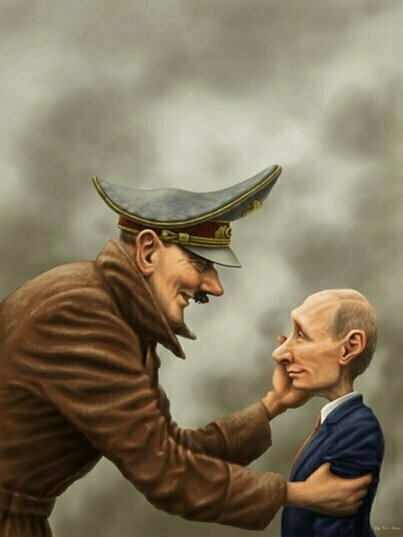
I’m back on Telegram, after closing my account about a year ago. I wrote about the reasons why on my story published on Micro.blog. Since the start of the criminal invasion of Ukraine by the Russian, I found out quickly that a lot of information about the conflict is being published on Telegram. I decided to come back and open a new account.
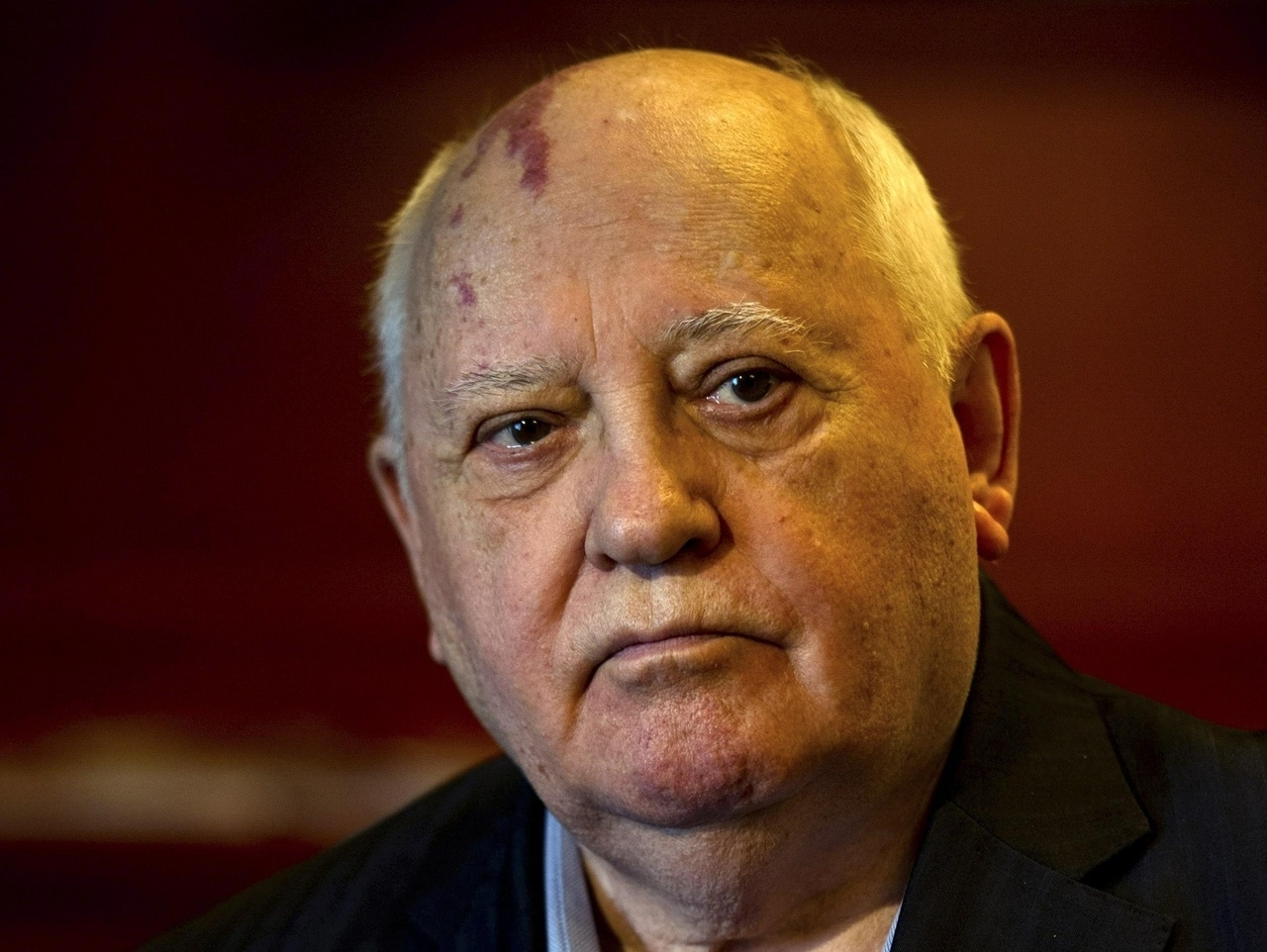
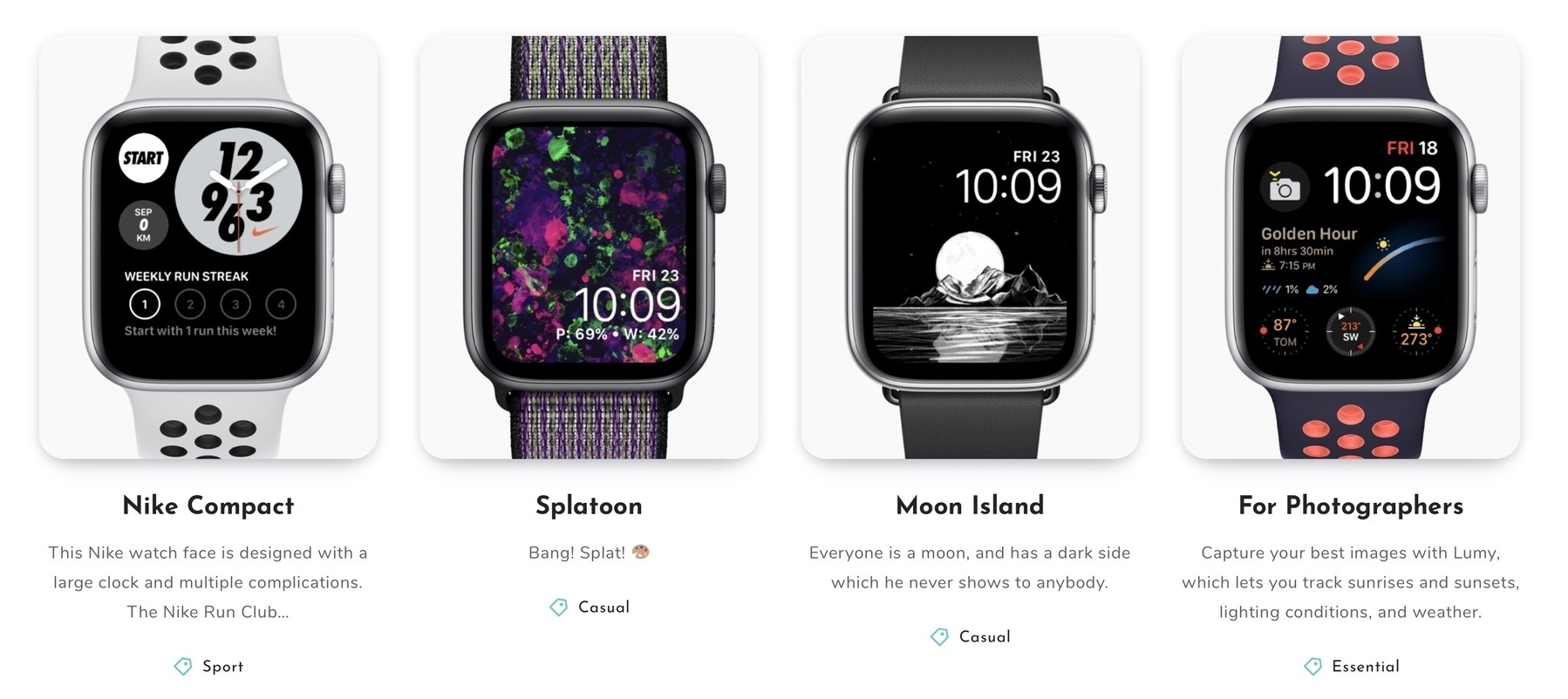
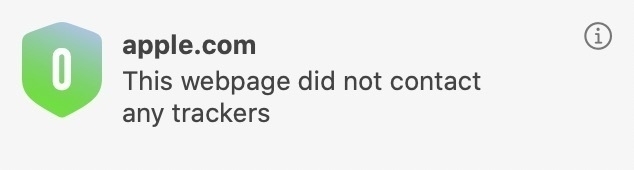
I read on Mr. Pavel Durov, the founder of Telegram. Some compare him to Elon Musk. He’s opinionated, just like Musk. He has his views on Apple and technology. He seems to advocate user privacy protection. Furthermore, he flew from Russia because he refused to cooperate with the government, which was asking to leak information from Telegram users.
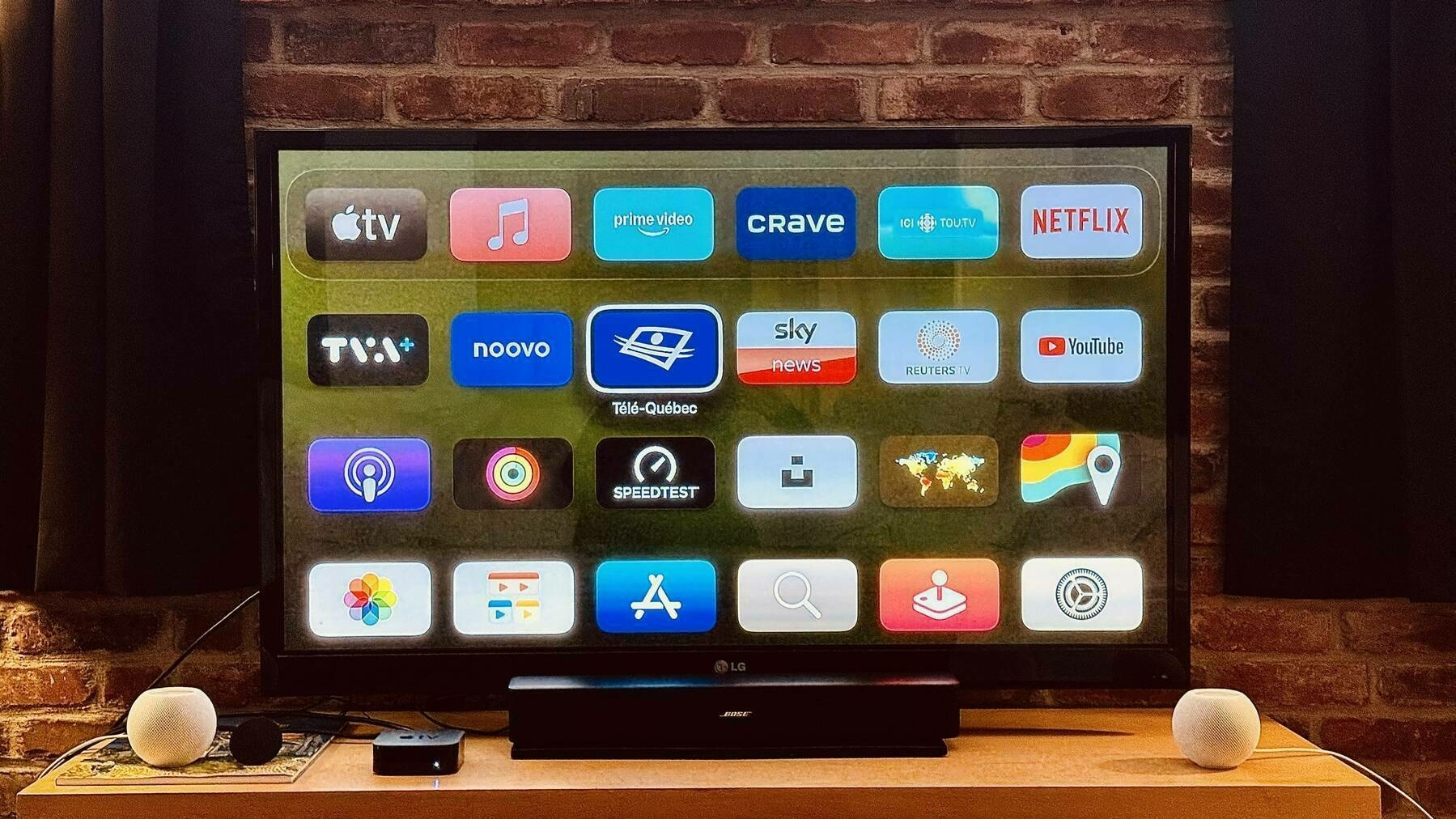
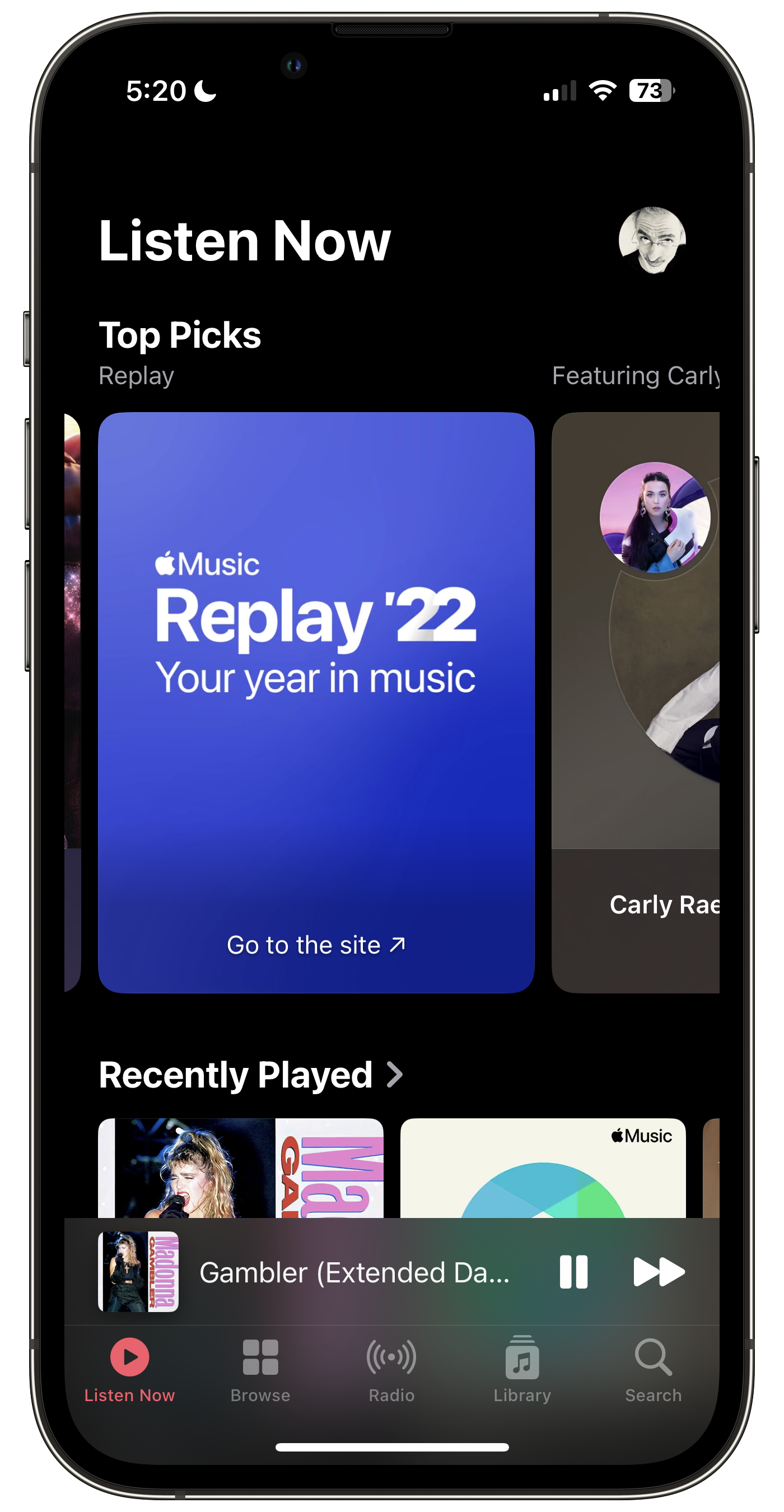
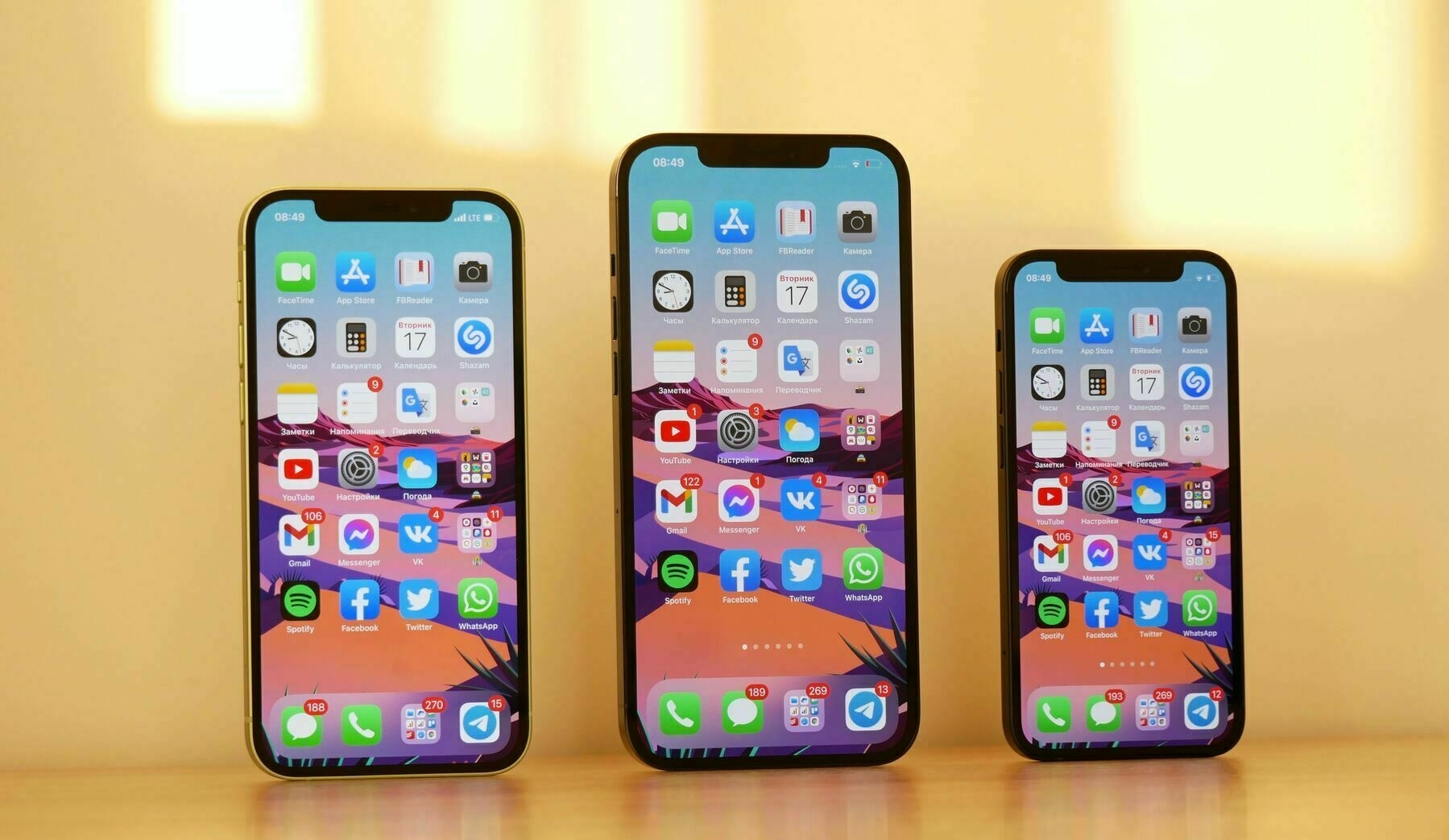
A few words on Telegram, my usage, its design and the application. It’s available on most of the Apple platforms, including the Mac. I like its design a lot. I don’t use it for chatting, only to receive messages from channels where comments aren’t enabled.
Only fools don’t change their mind.
2022-05-02
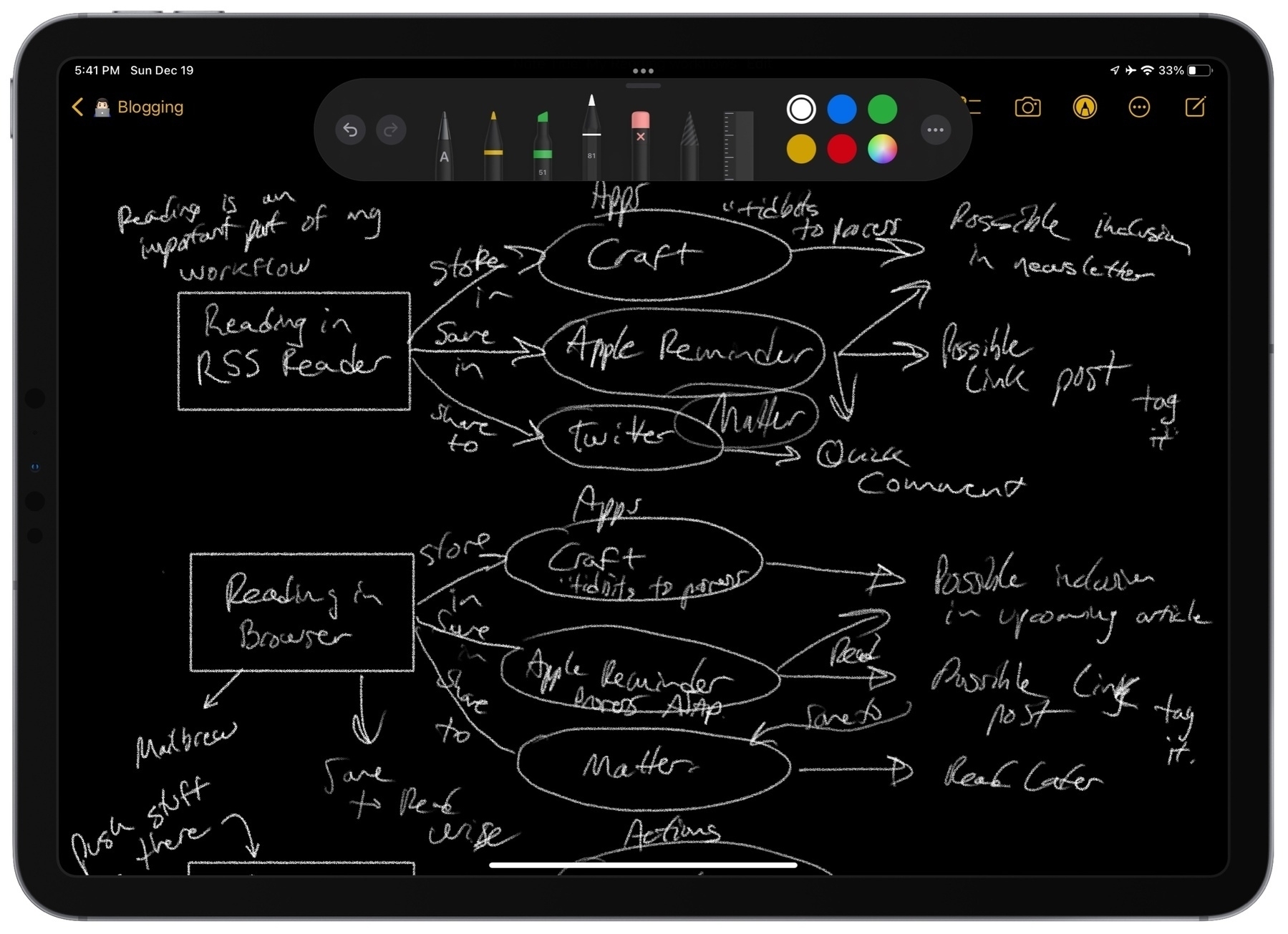
My Reading Workflow Is in a State of Flux
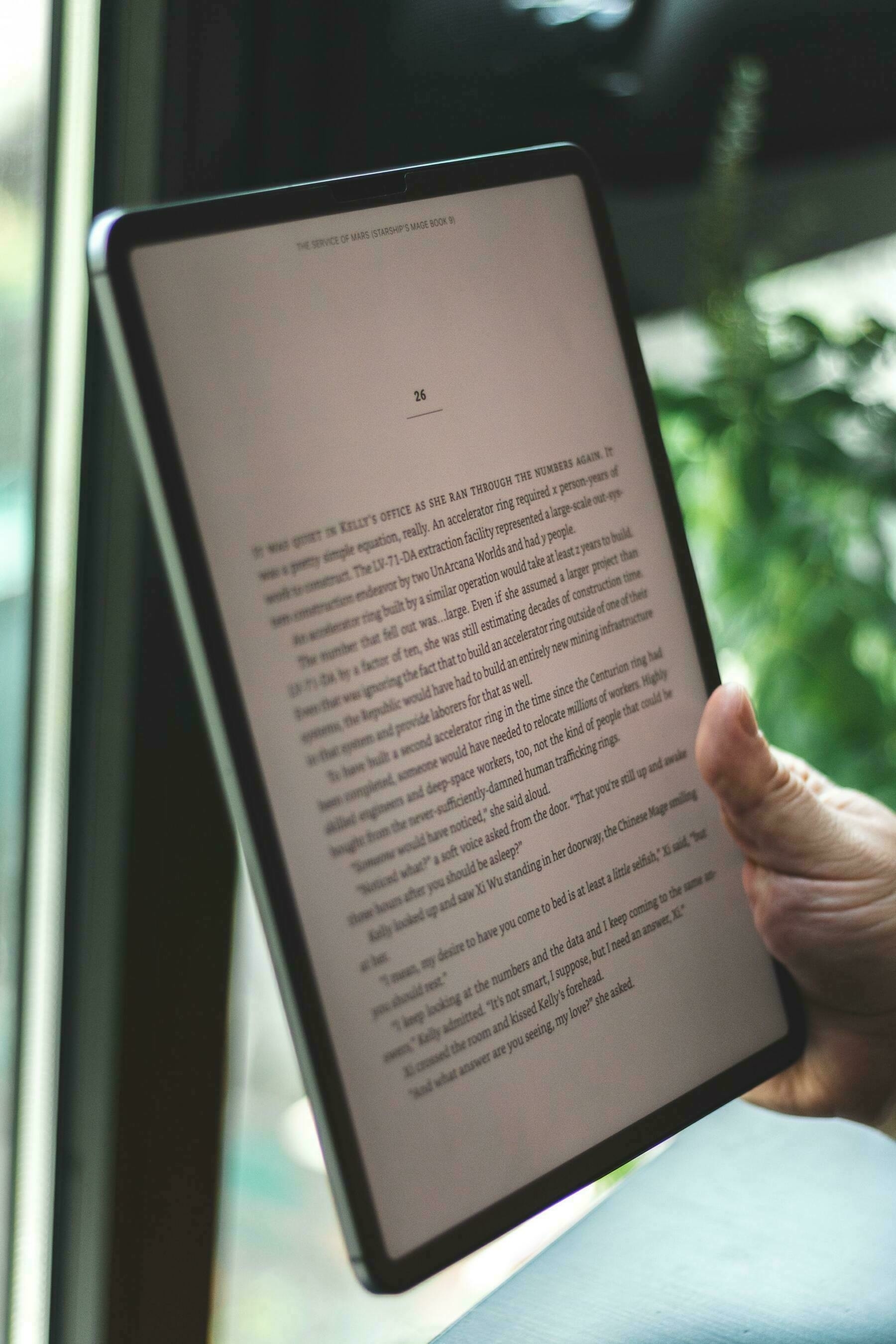
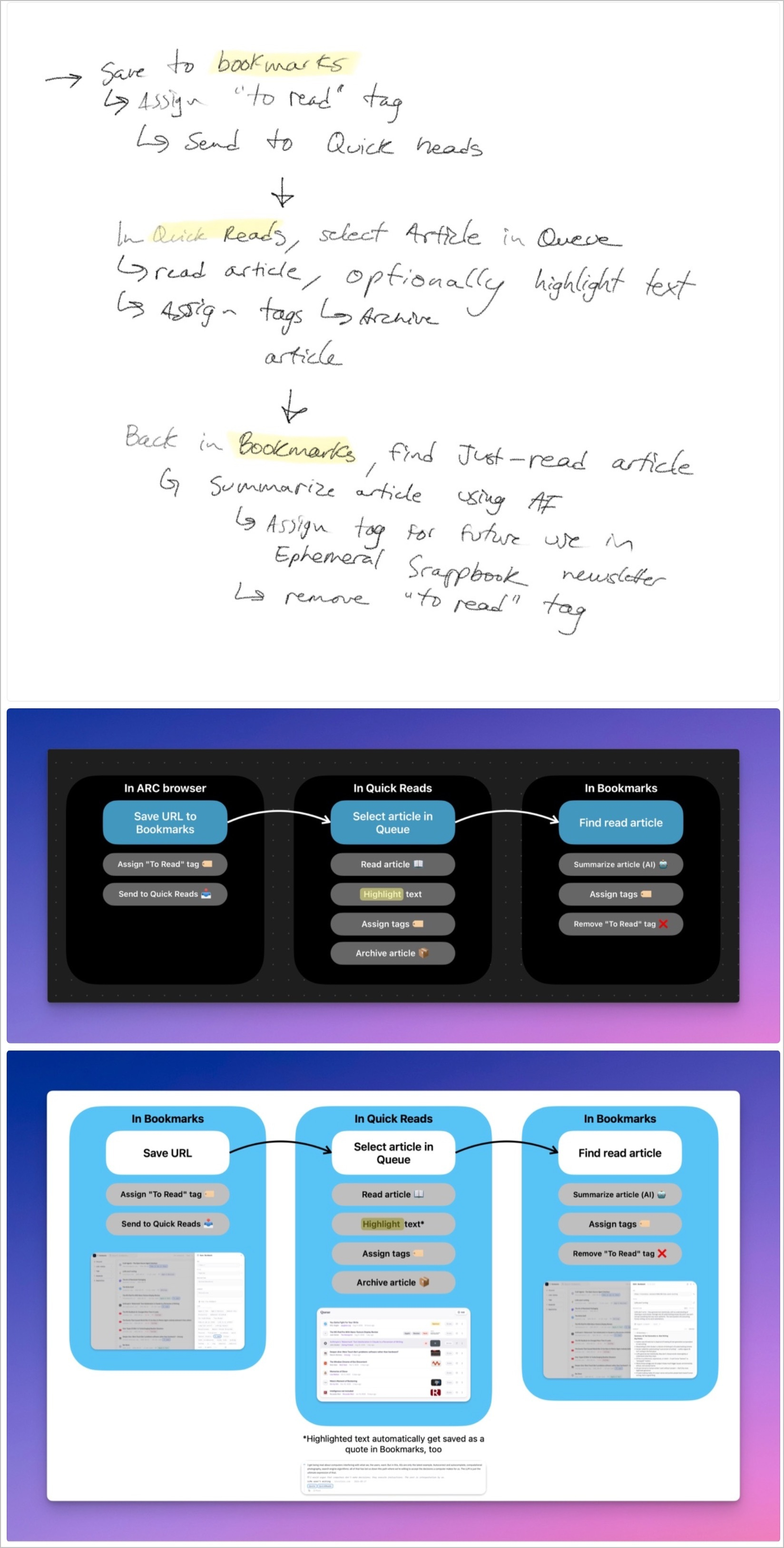
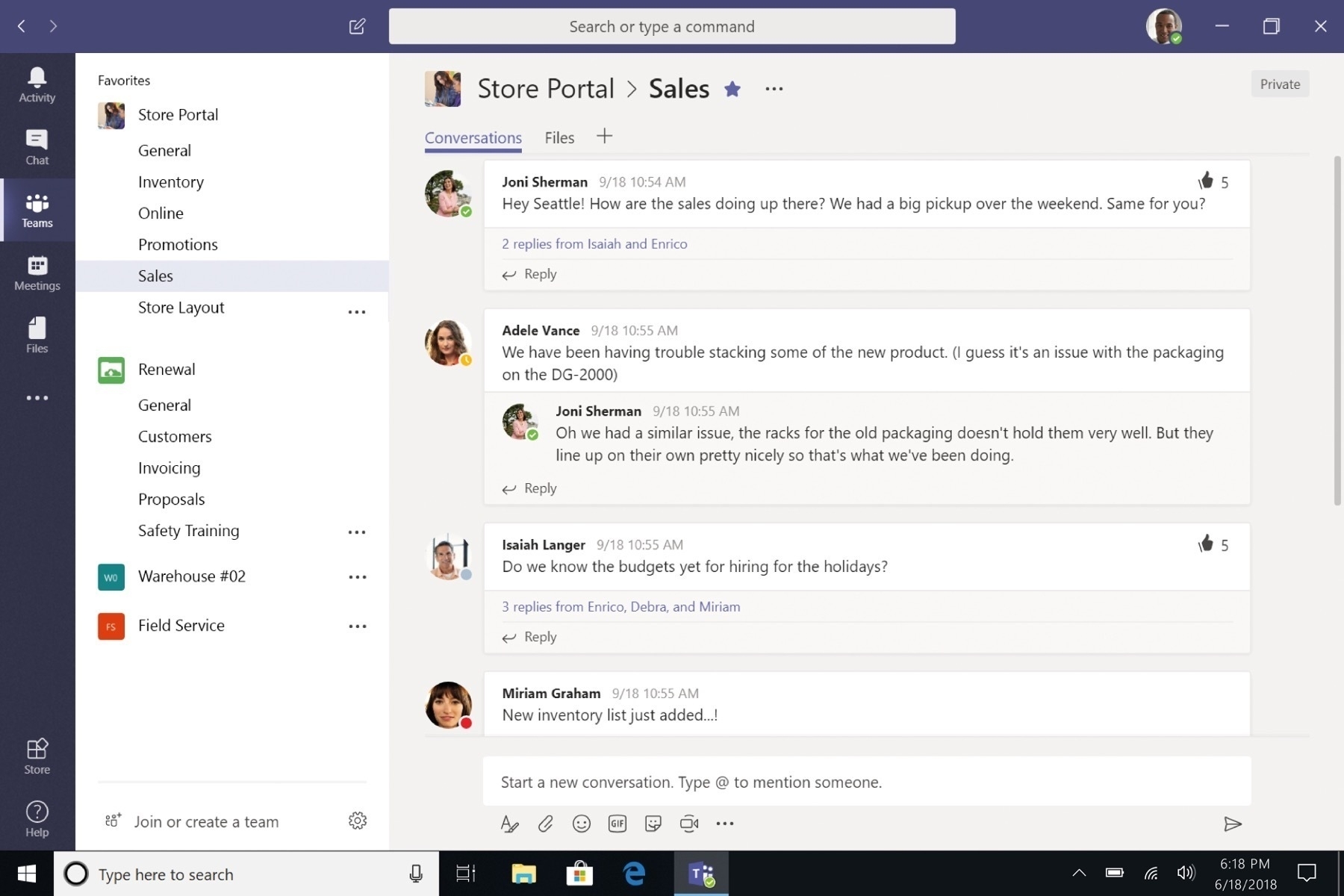
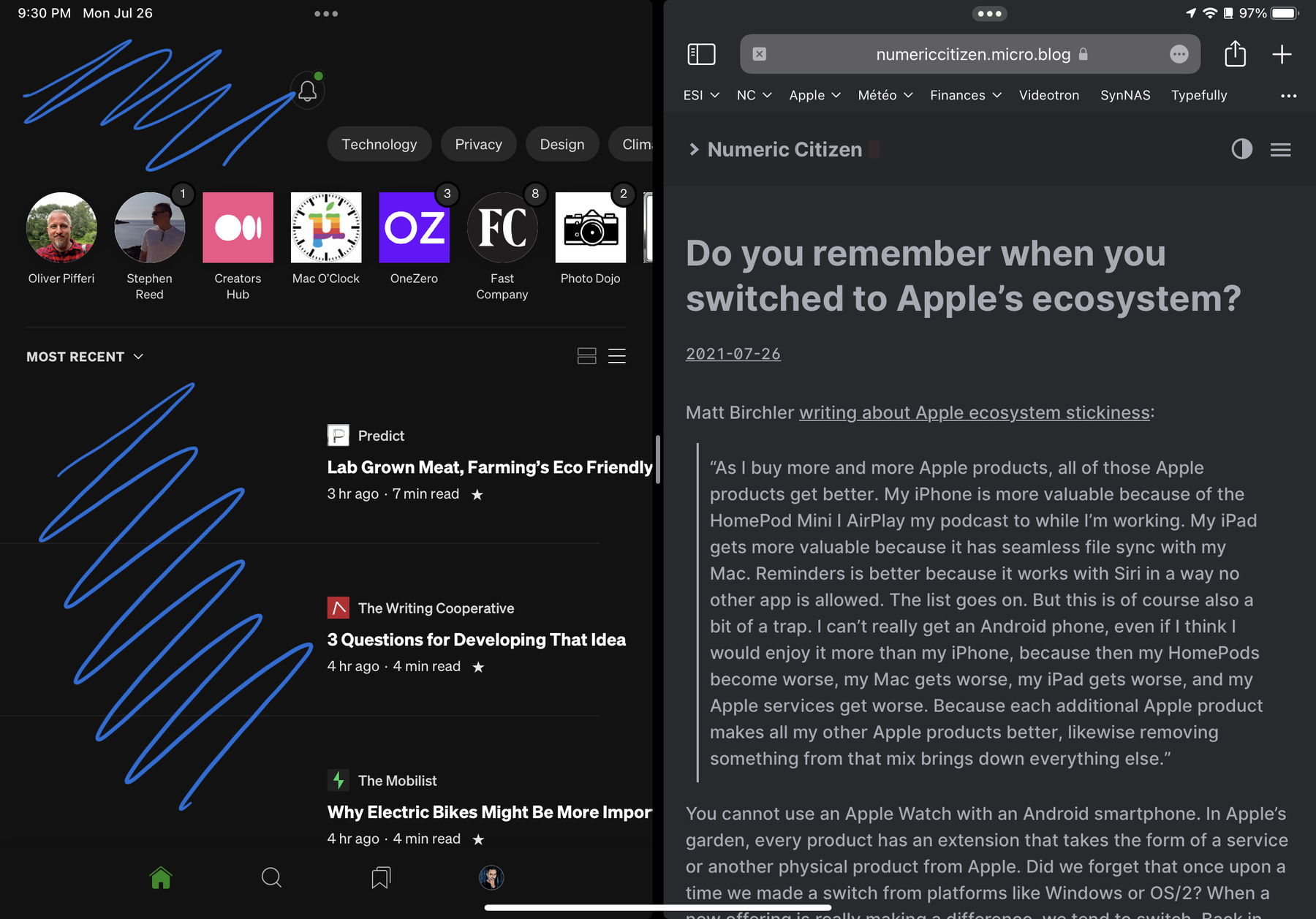
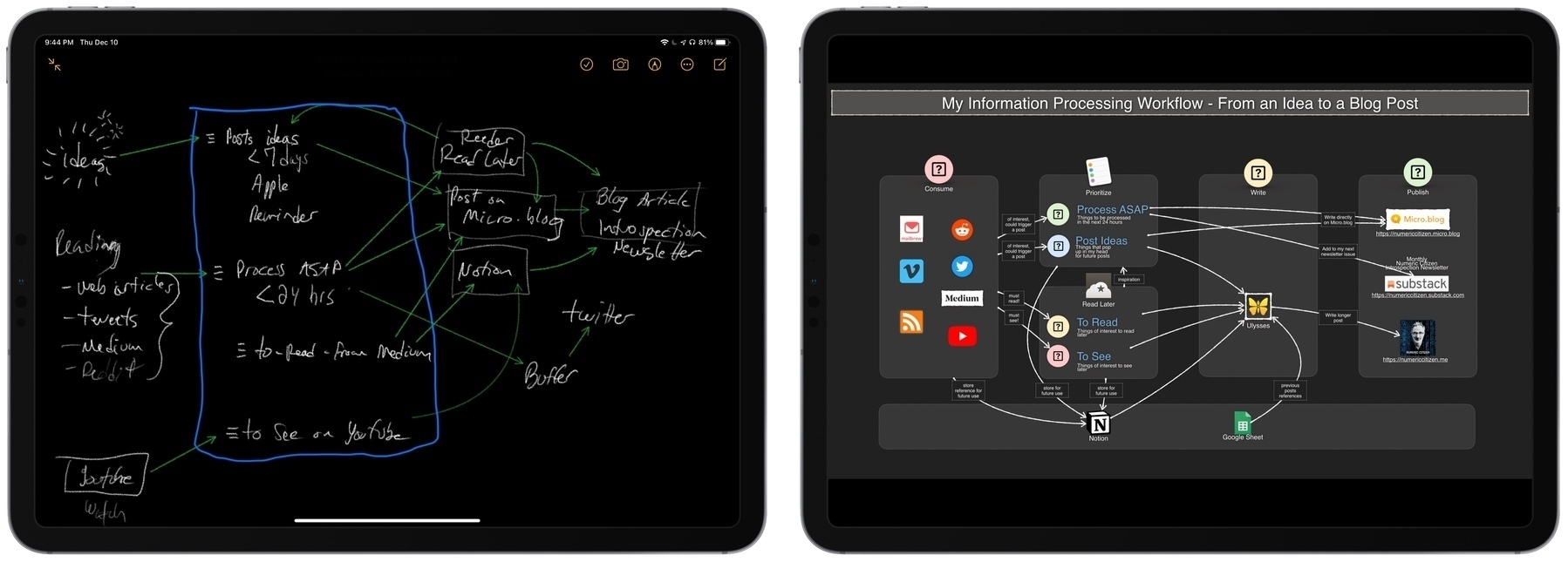
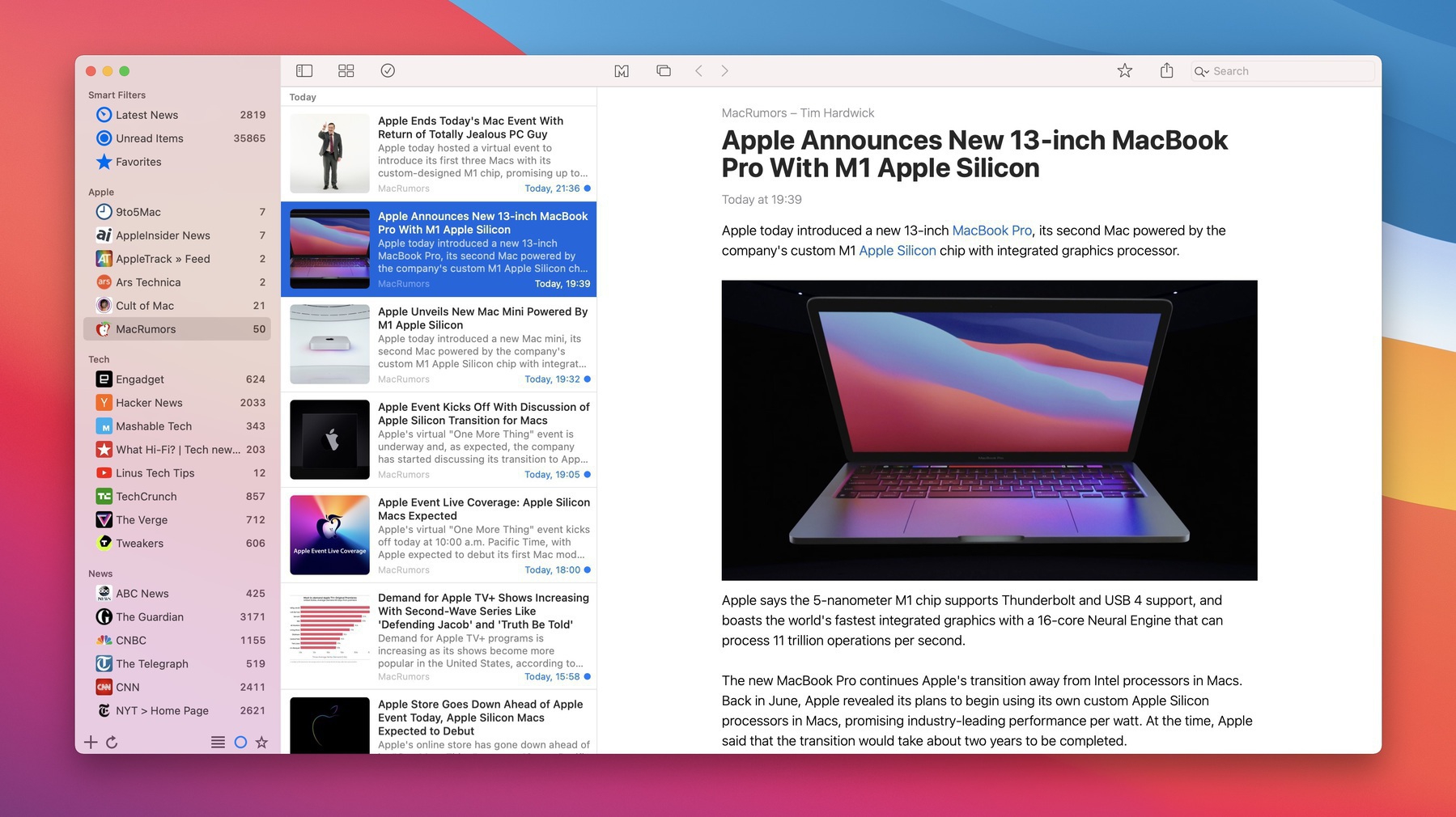
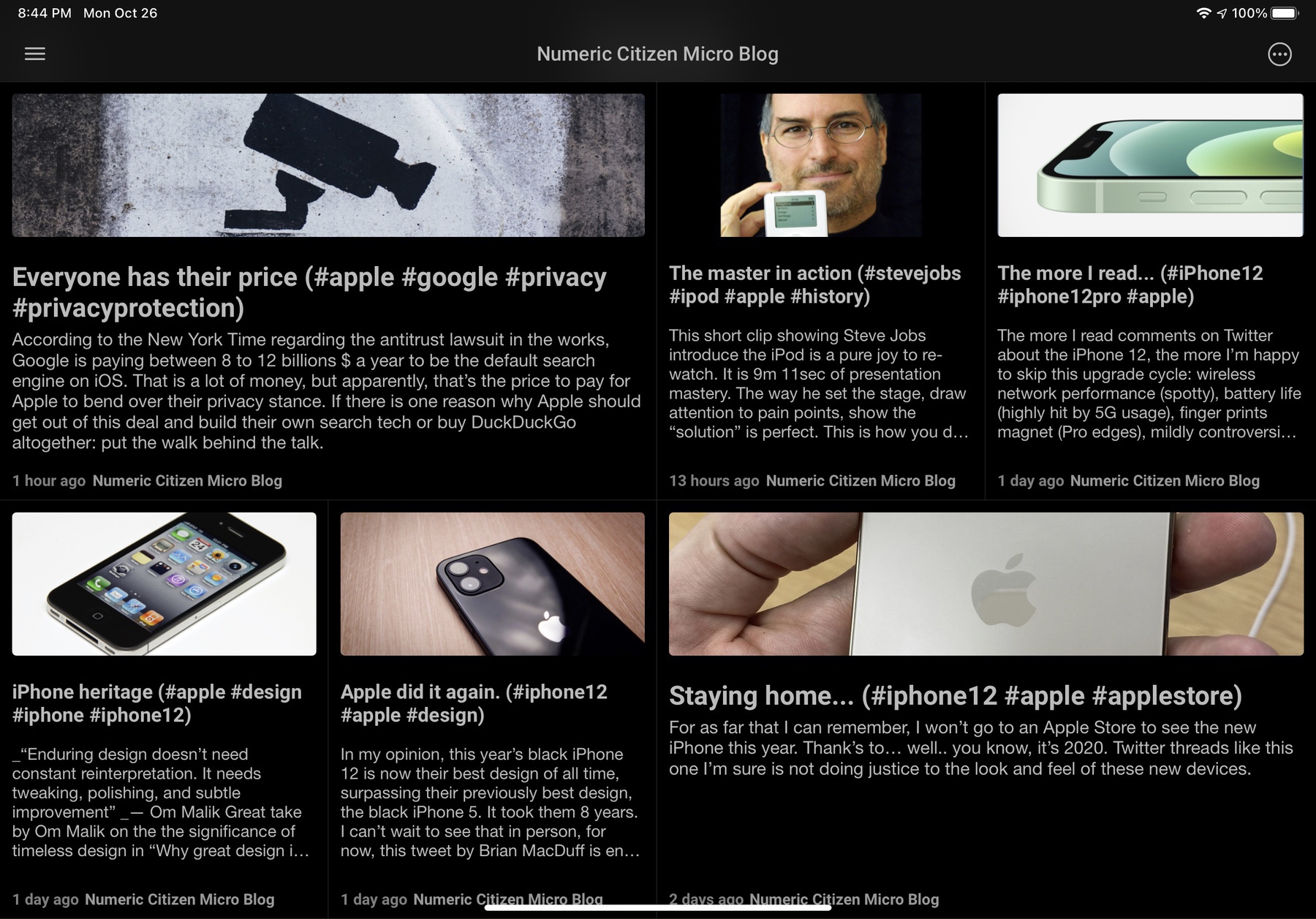
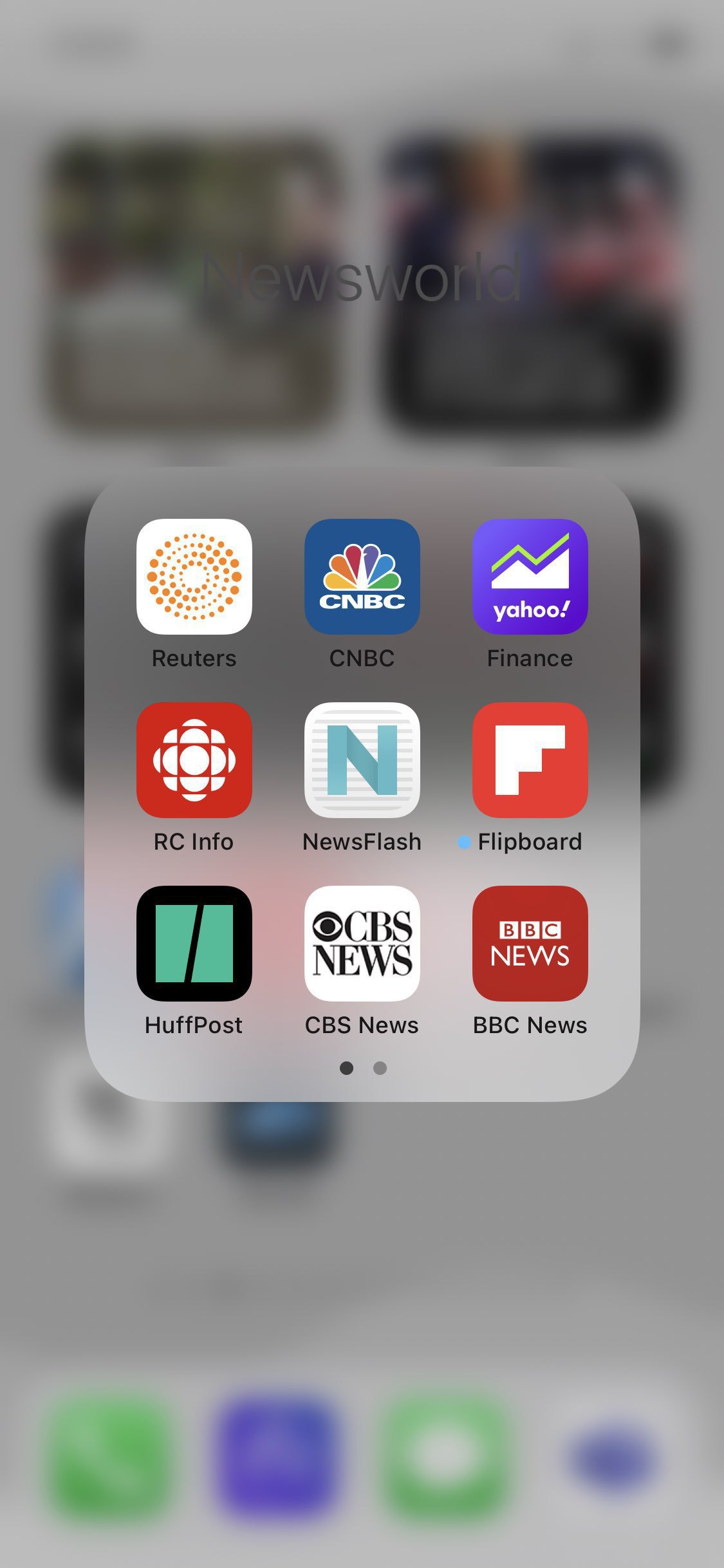
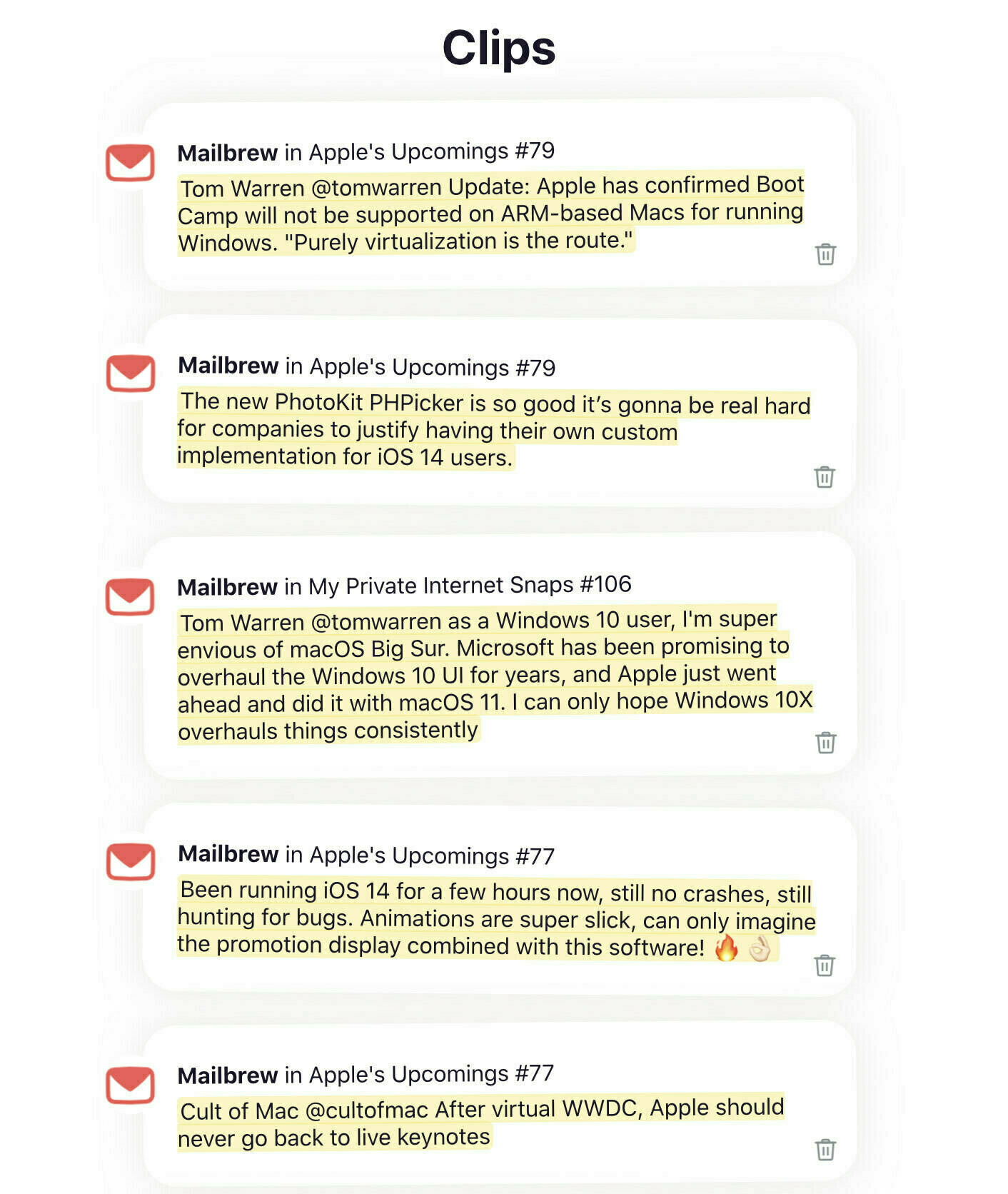
First, I got back to Pocket and paid for the subscription. Then I added Readwise. Then I found Matter, and fell in love with it. I’m not sure why. I’m still waiting for Readwise Reader application. While waiting for it, what’s the point of Readwise, again? News Explorer is my go-to application for most of my readings via RSS feeds; I can save links as favourites, but I never do so. My reading workflow is in a total state of flux.
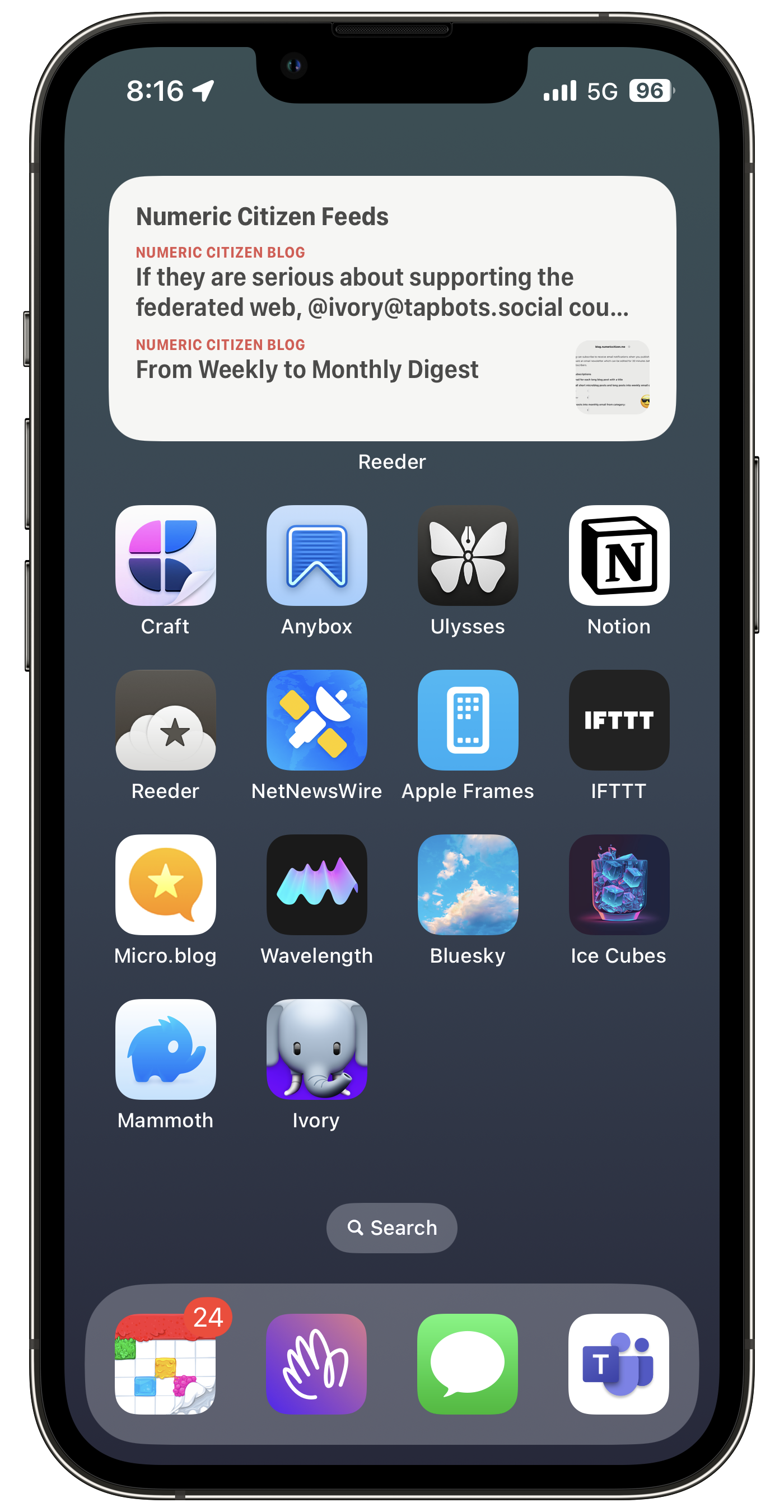
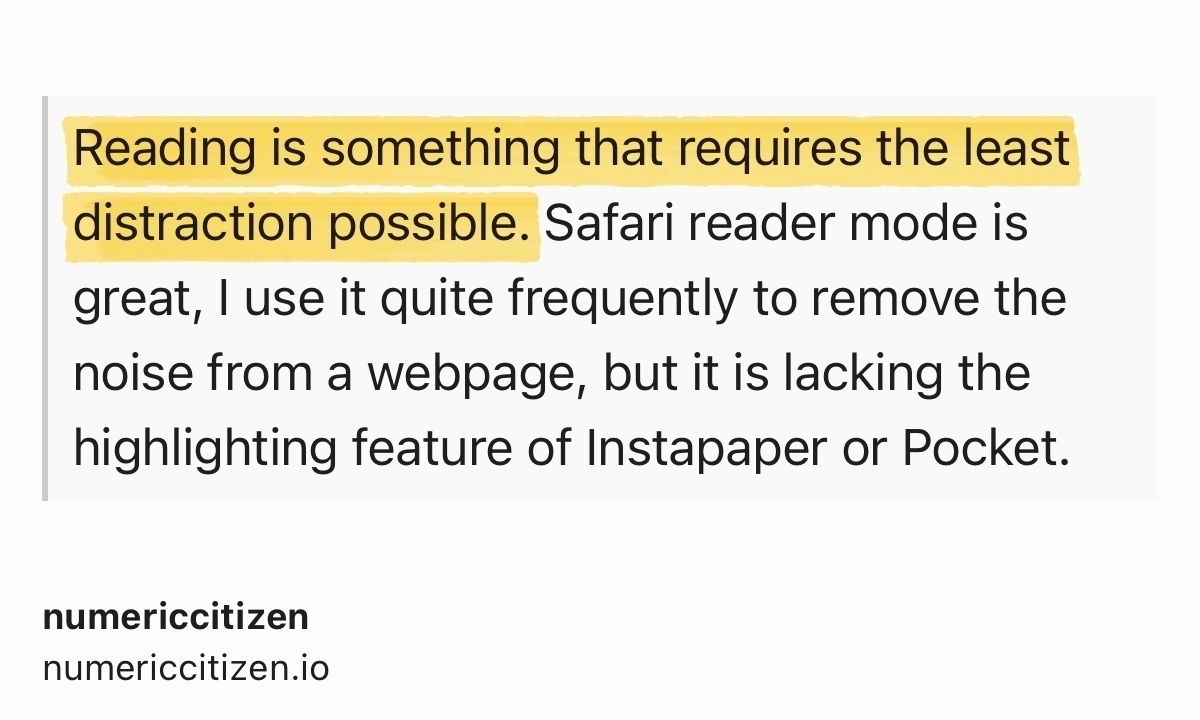
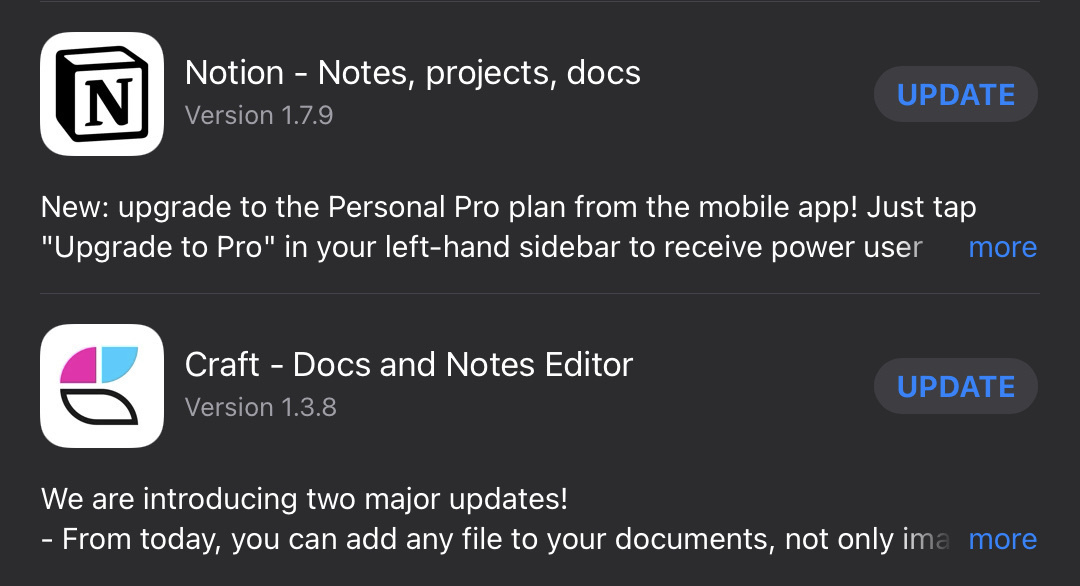
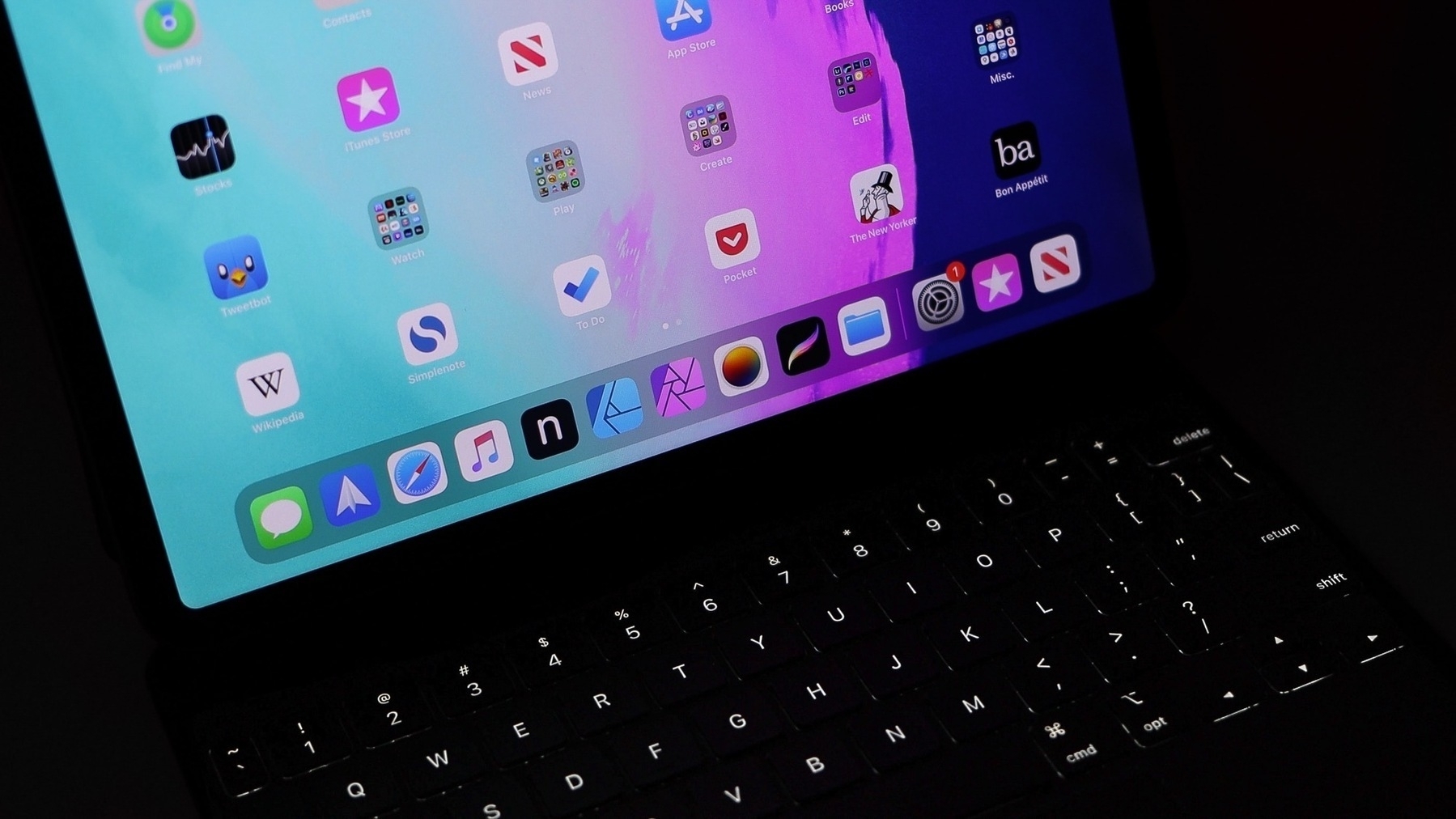
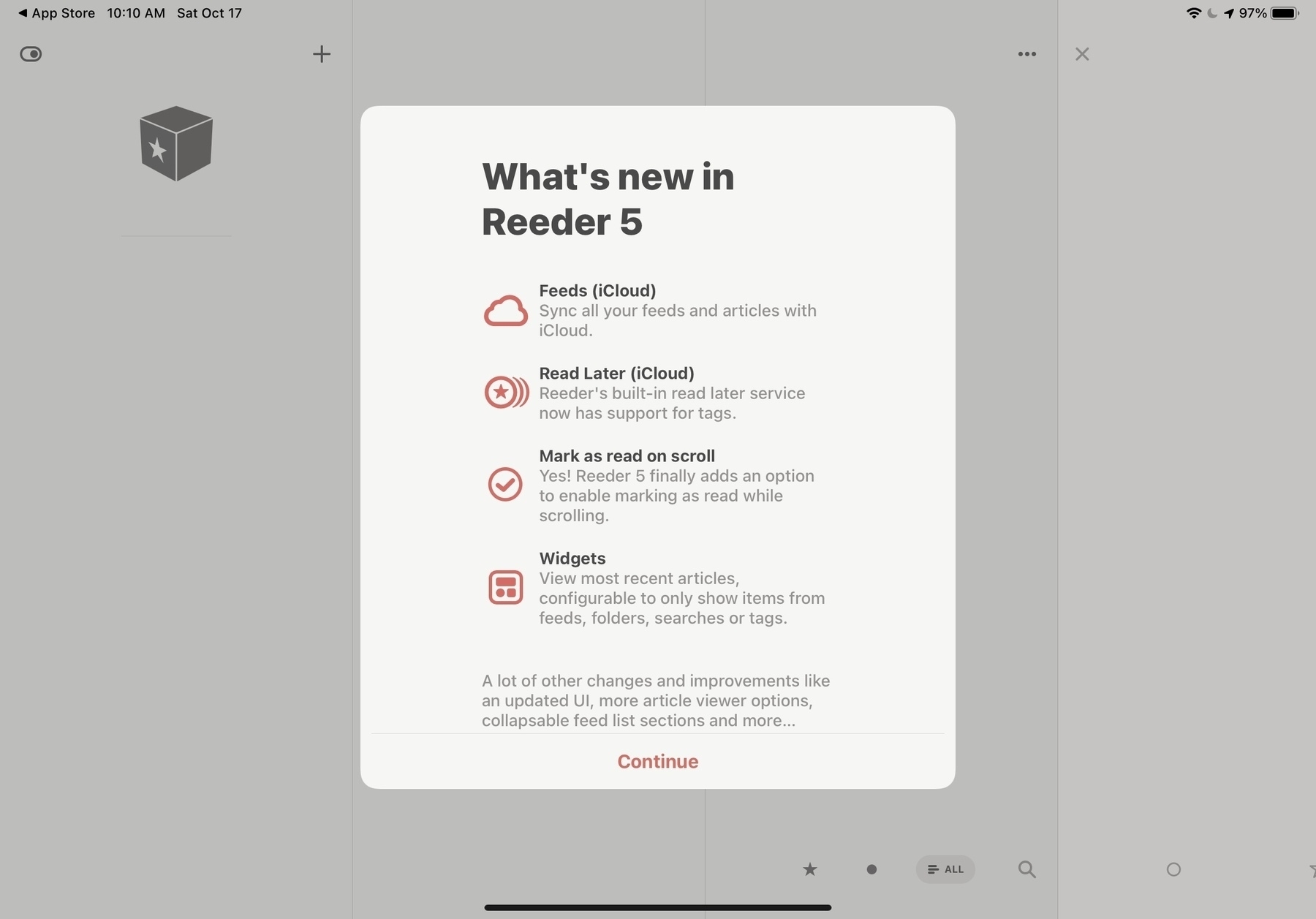
Which application or service should I use to bookmark articles that I want to read later? What should I prioritize in such application: organization of links or the reading experience? How is that fact that I collect more than I read should change my application selection? Comparing applications like Matter, Pocket, and Raindrop.io, I find many common features, which brings confusion to me. Matter seems better for reading, but Raindrop.io more complete at organizing links collections. Why can’t I have both in the same application? Craft is my goto application for drafting and writing my articles, but can save links with nice previews. Craft is lacking tags to organize objects and doesn’t offer a reading experience as it doesn’t save content from a link. Craft is of no help here in my reading workflow. And what about highlights, how do I create them and make use of them later? Matter is good at creating highlights, Raindrop.io recently added highlight support too, but that’s it. Oh, and RSS readers like Reeder or News Explorer can save links and add tags too. Finally, I wish I could find a great text highlighting extension for Safari, after all, it’s my goto browser.
To some degree, read later applications or services are still maturing, no solution is complete. This explains that, I guess.
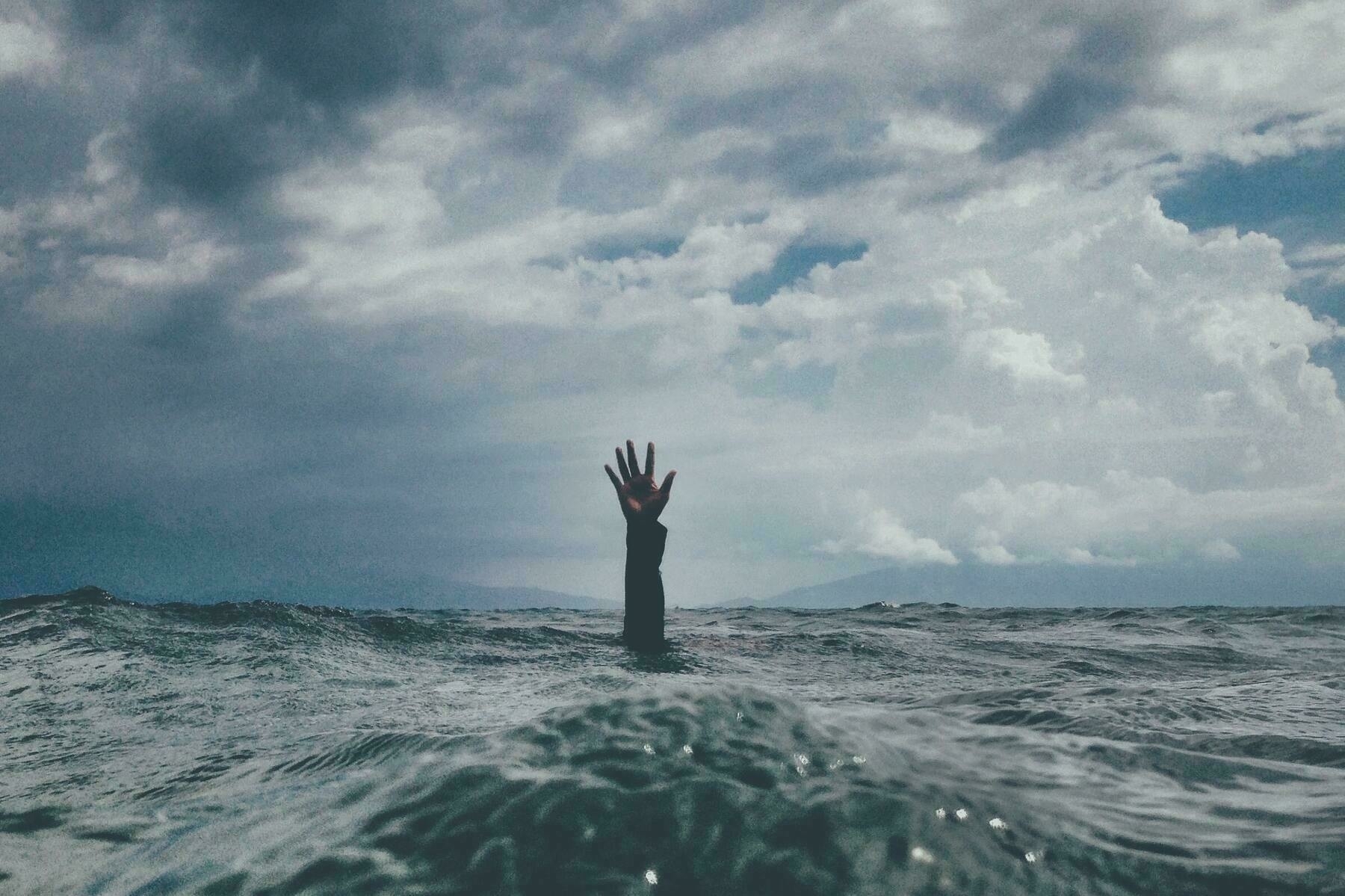
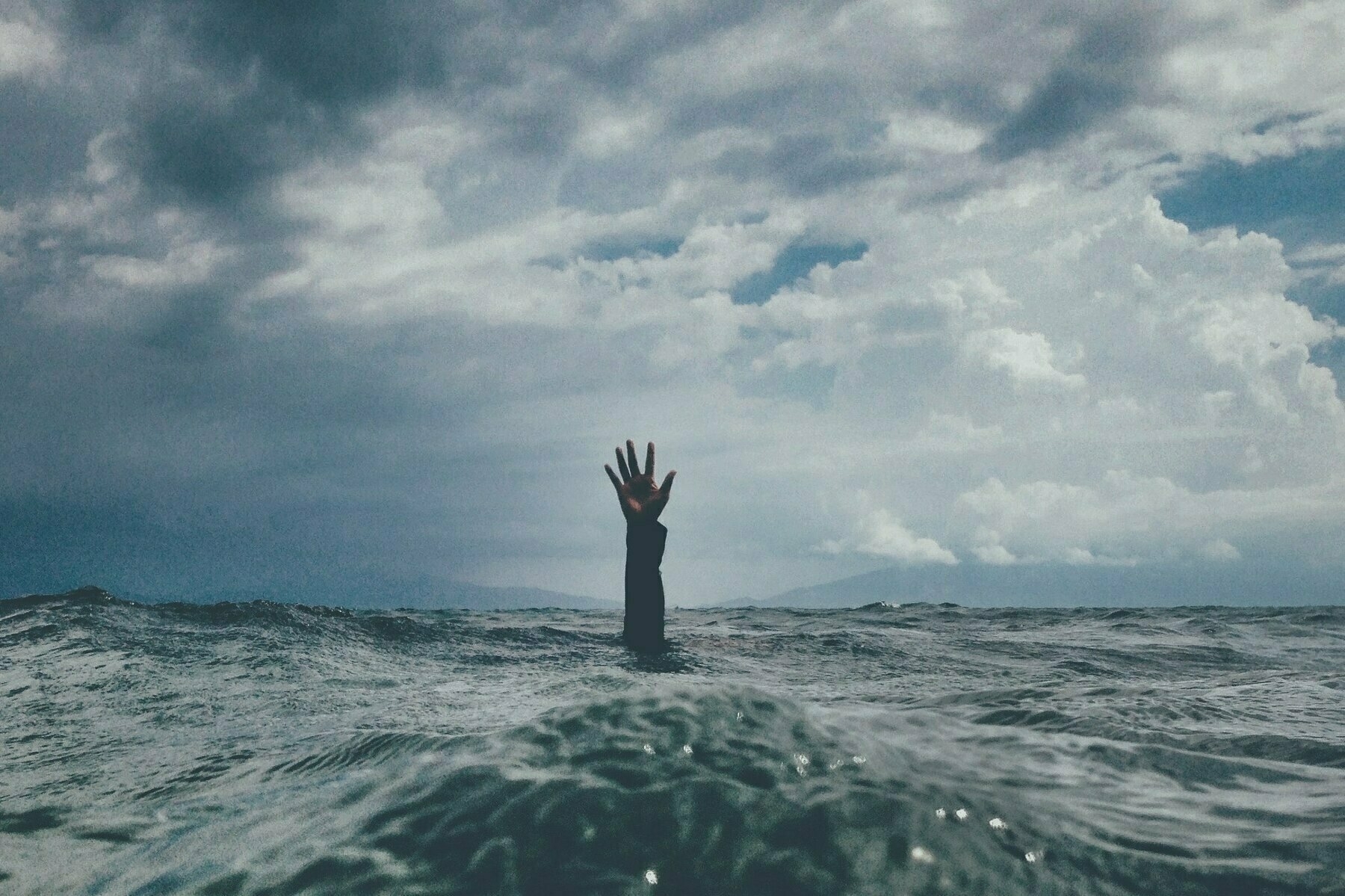
Help, please. 😫
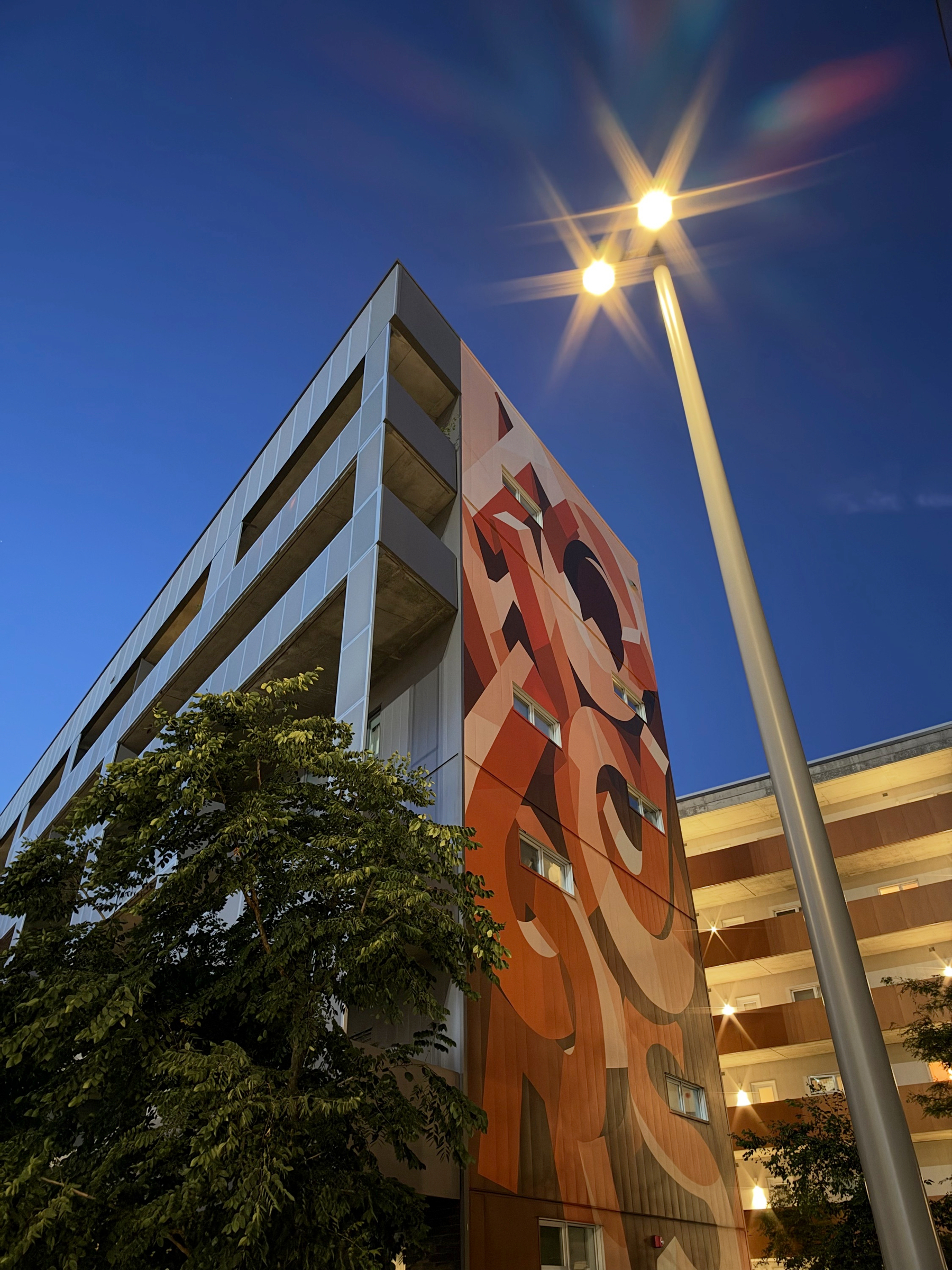
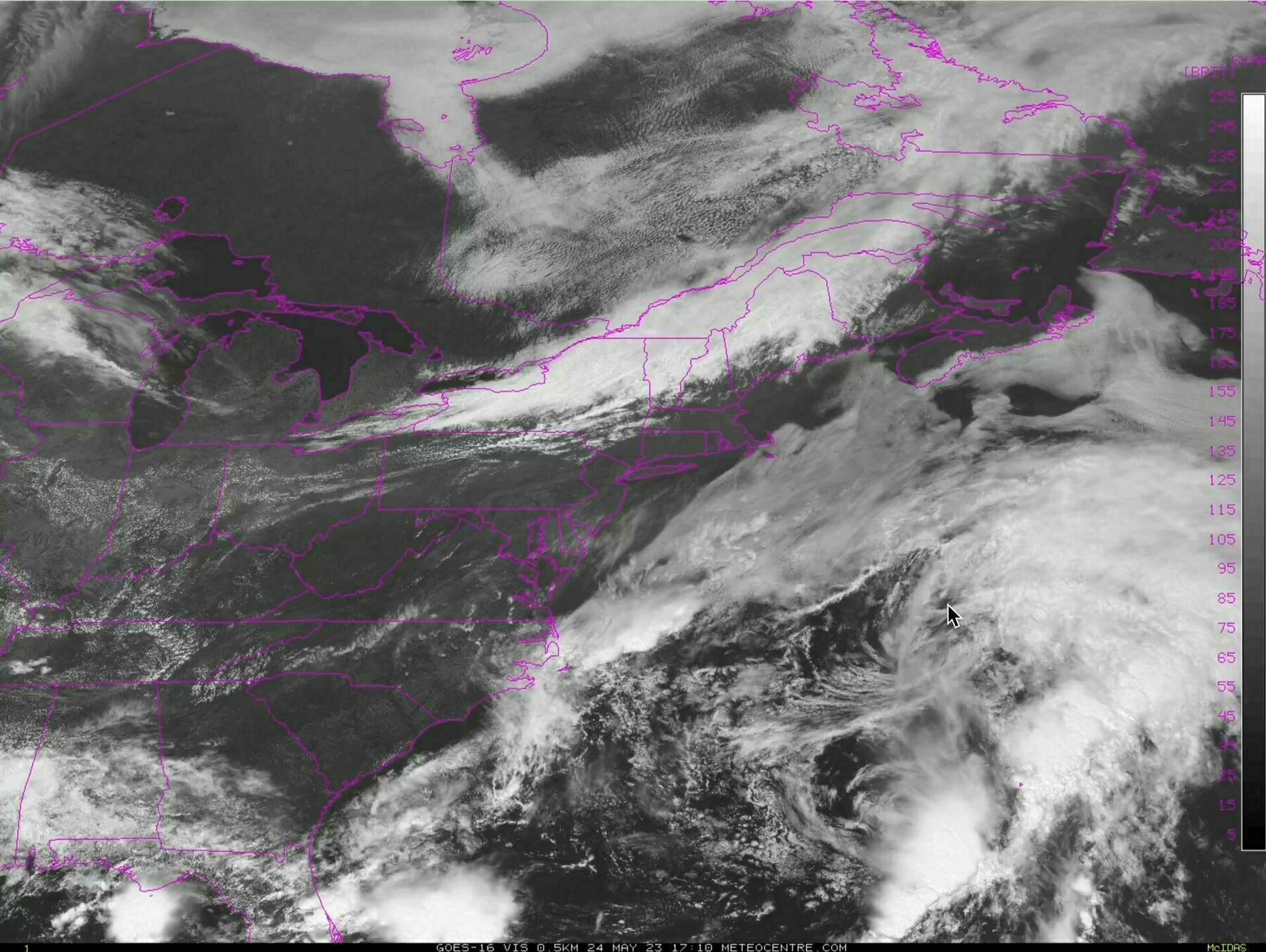
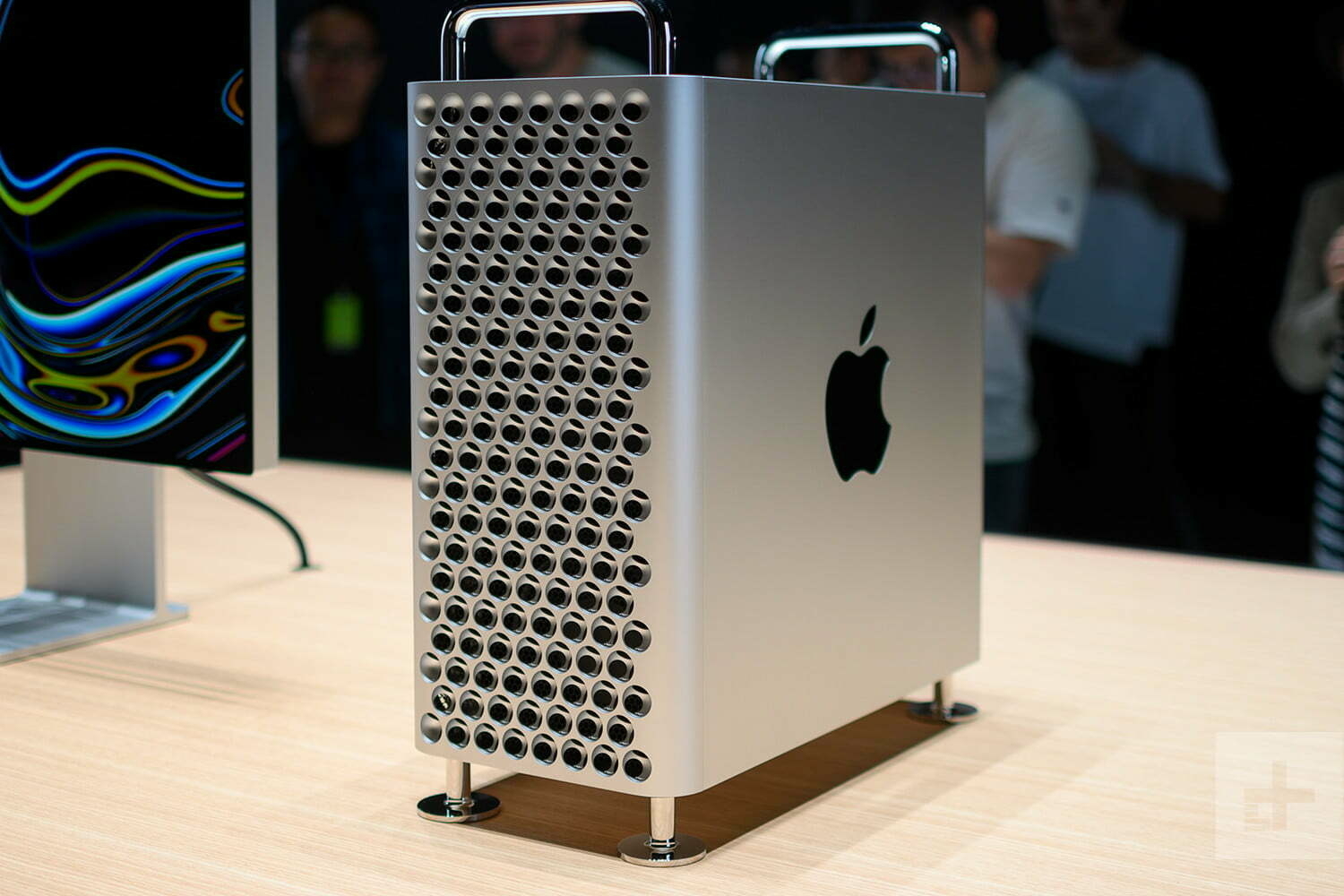
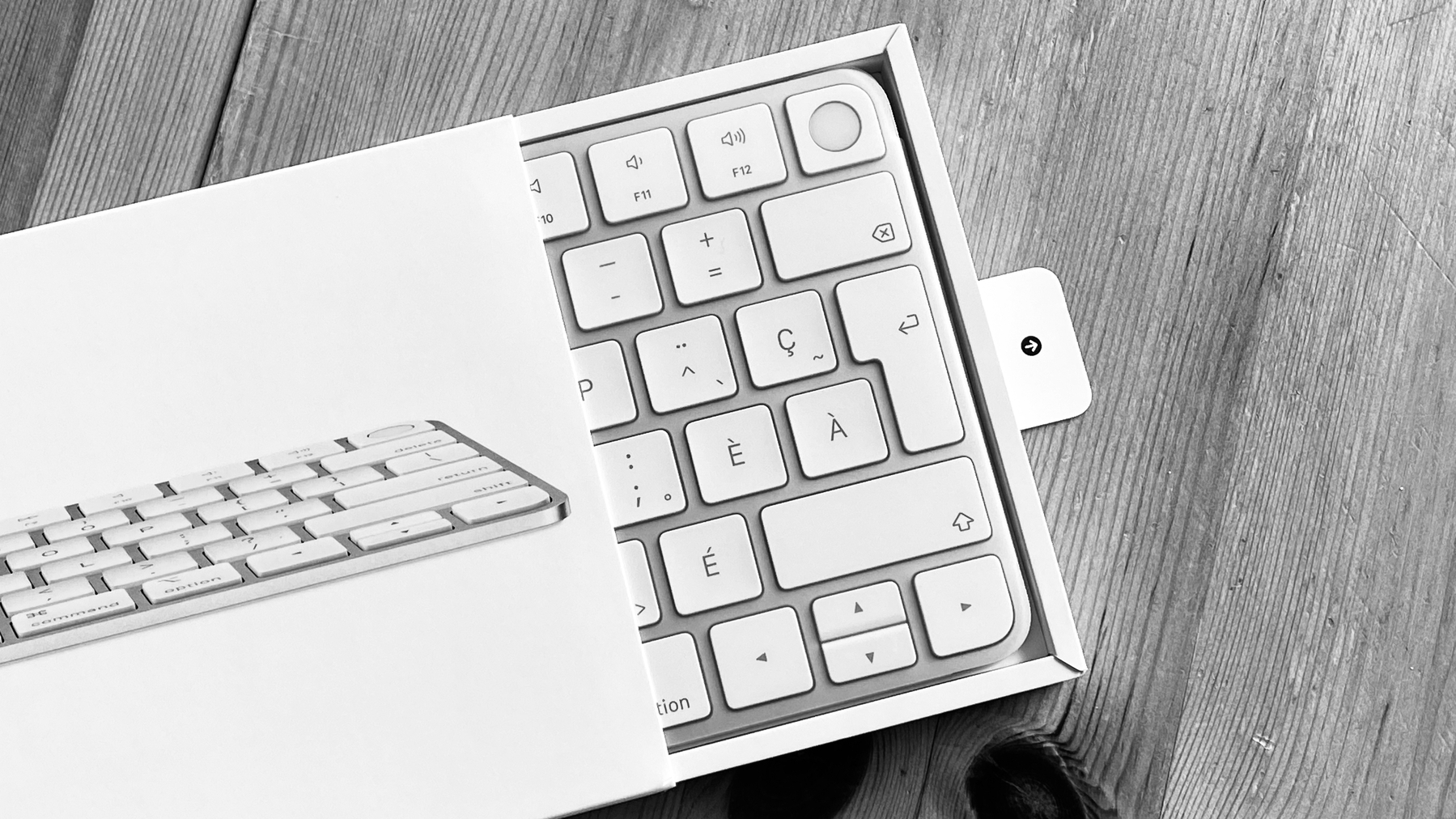
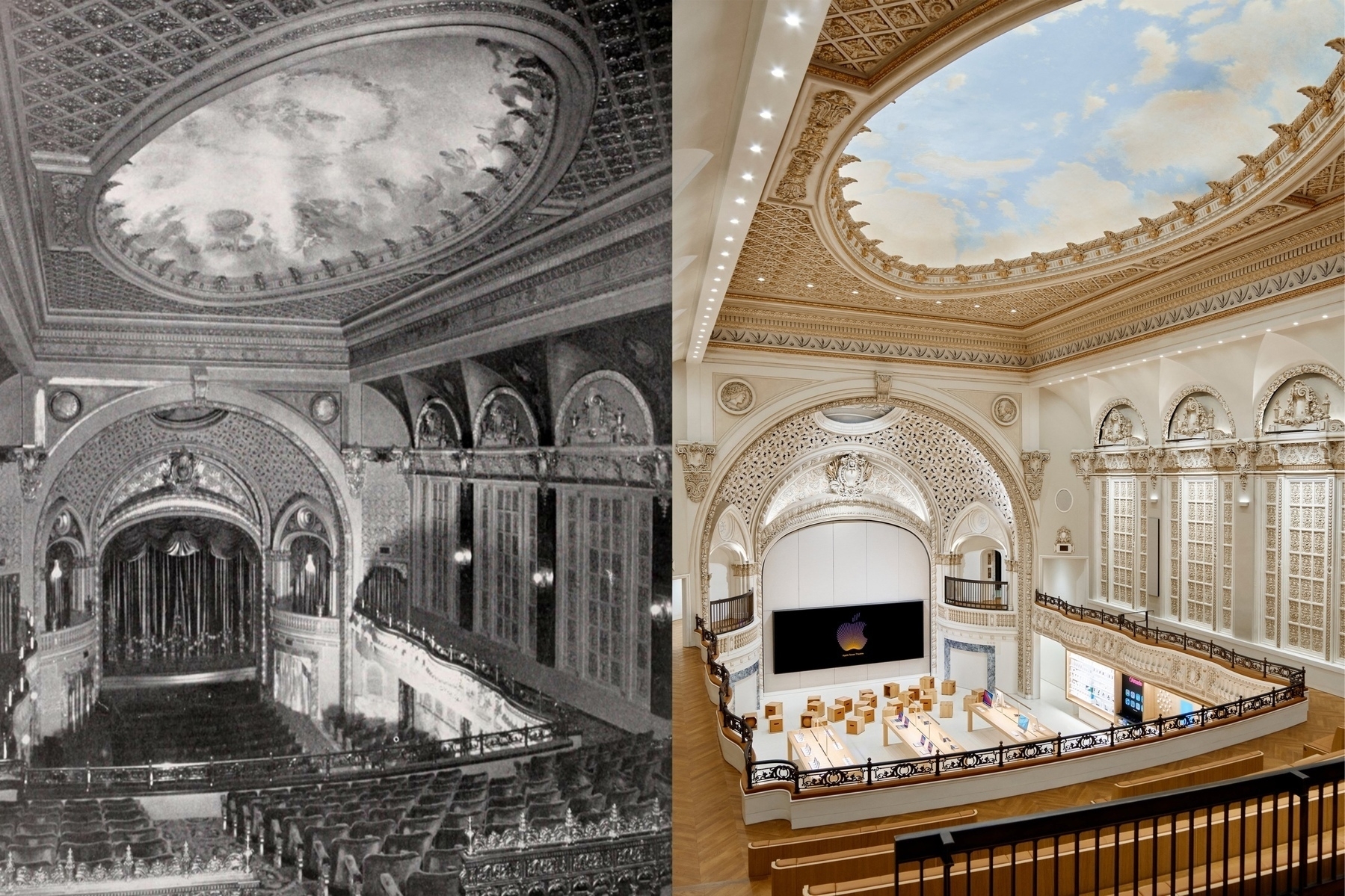
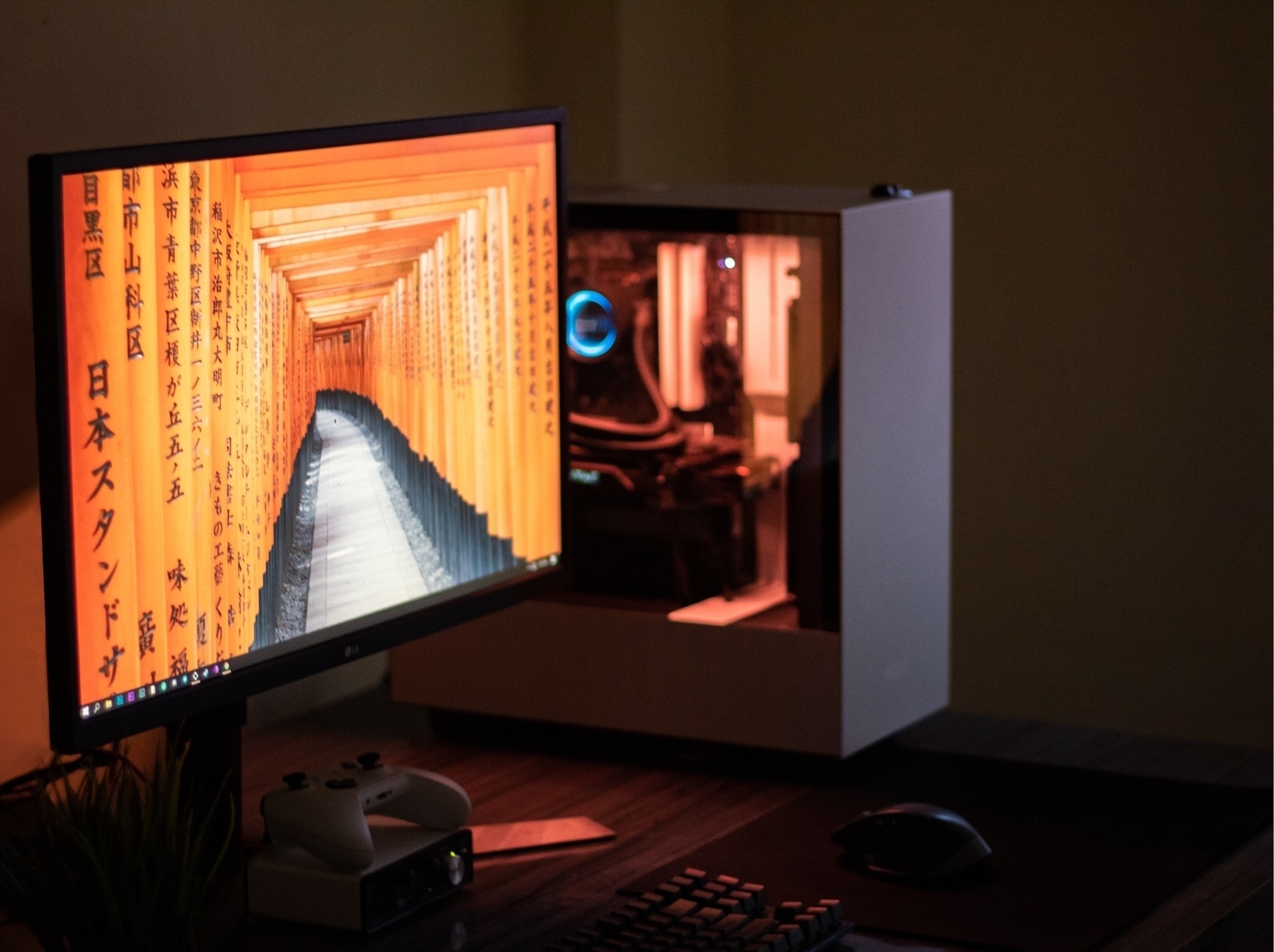
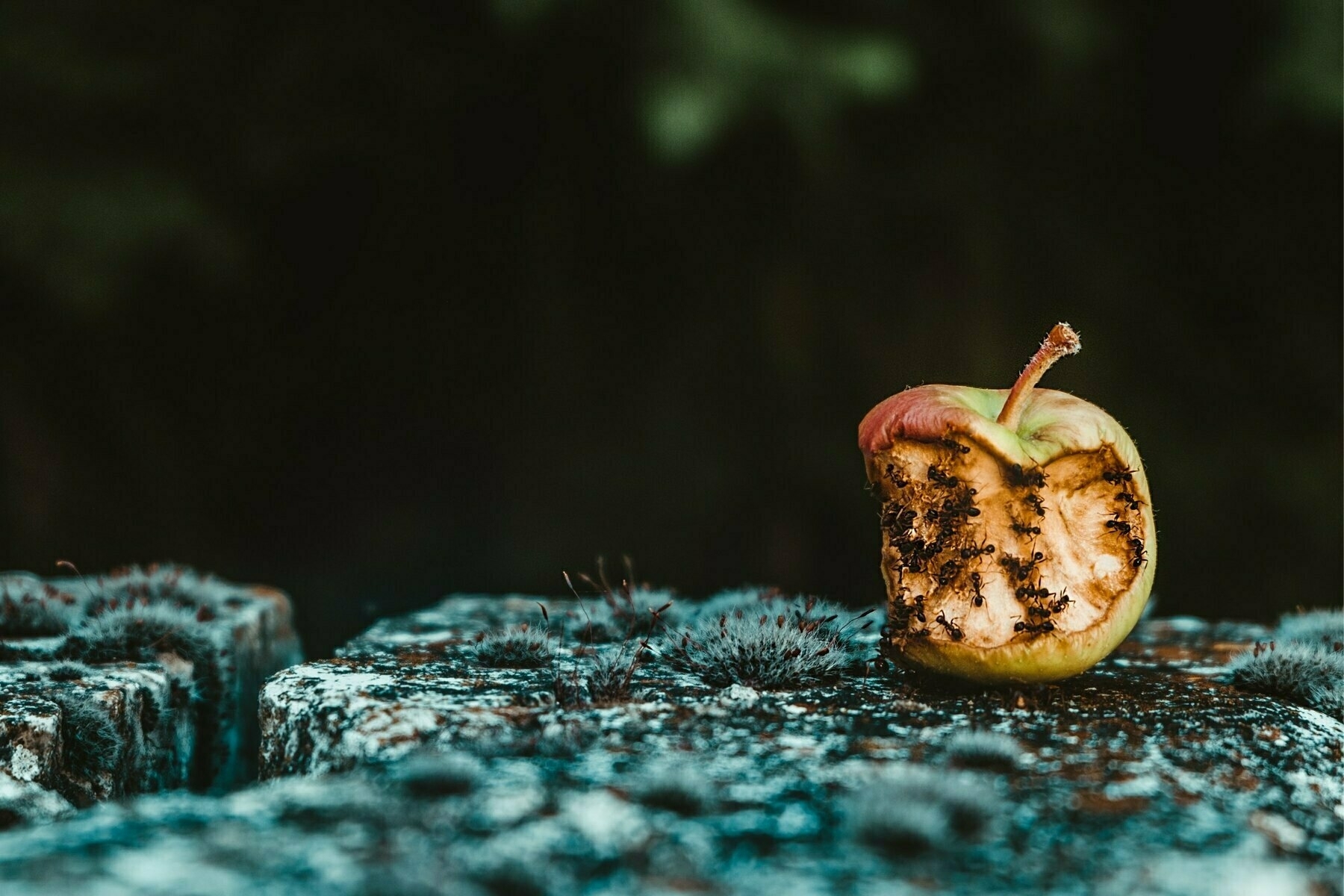
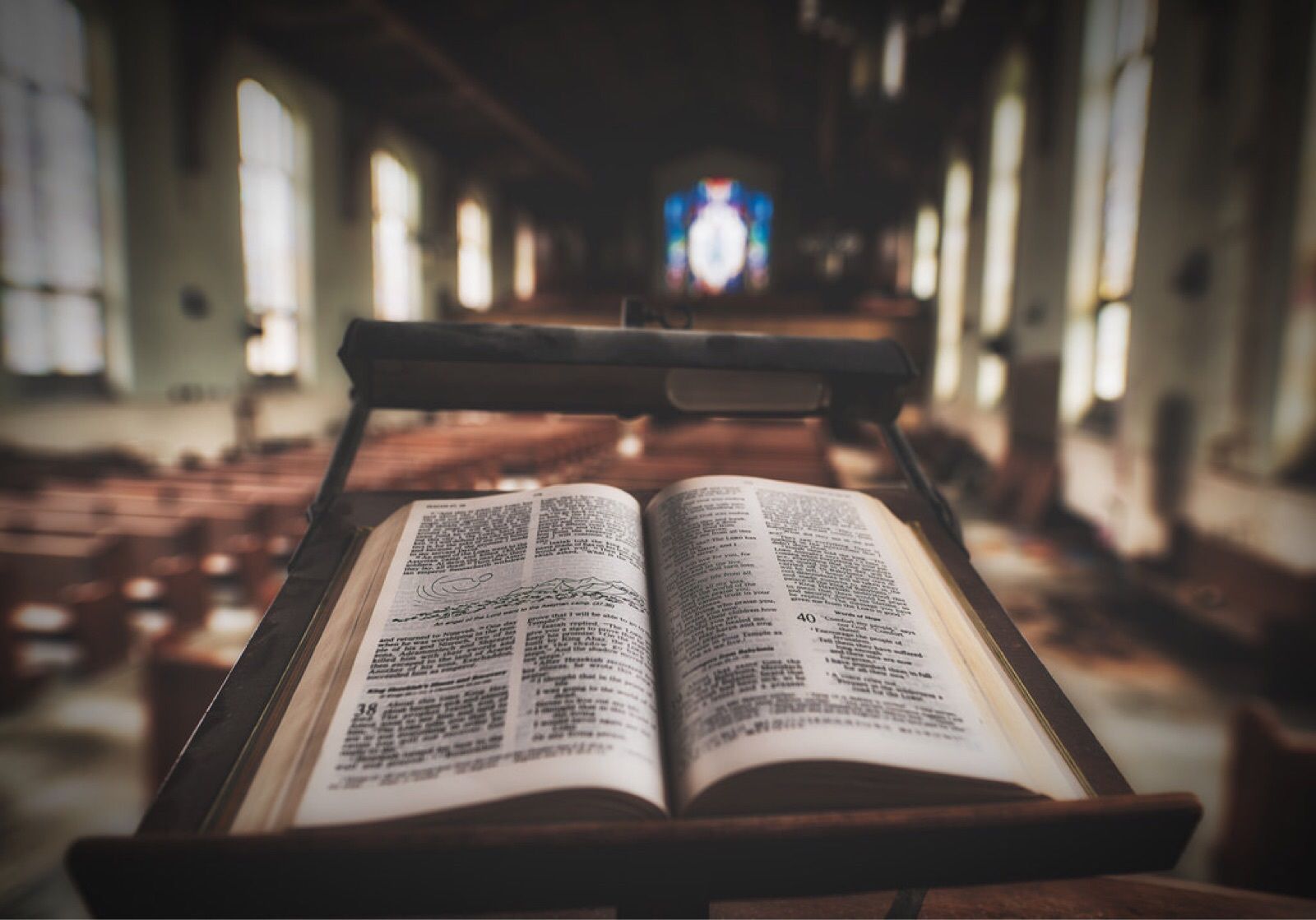
Photo by Javier Esteban on Unsplash
2022-05-07