From ProRAW to JPEG — When JPEG is Simply Enough

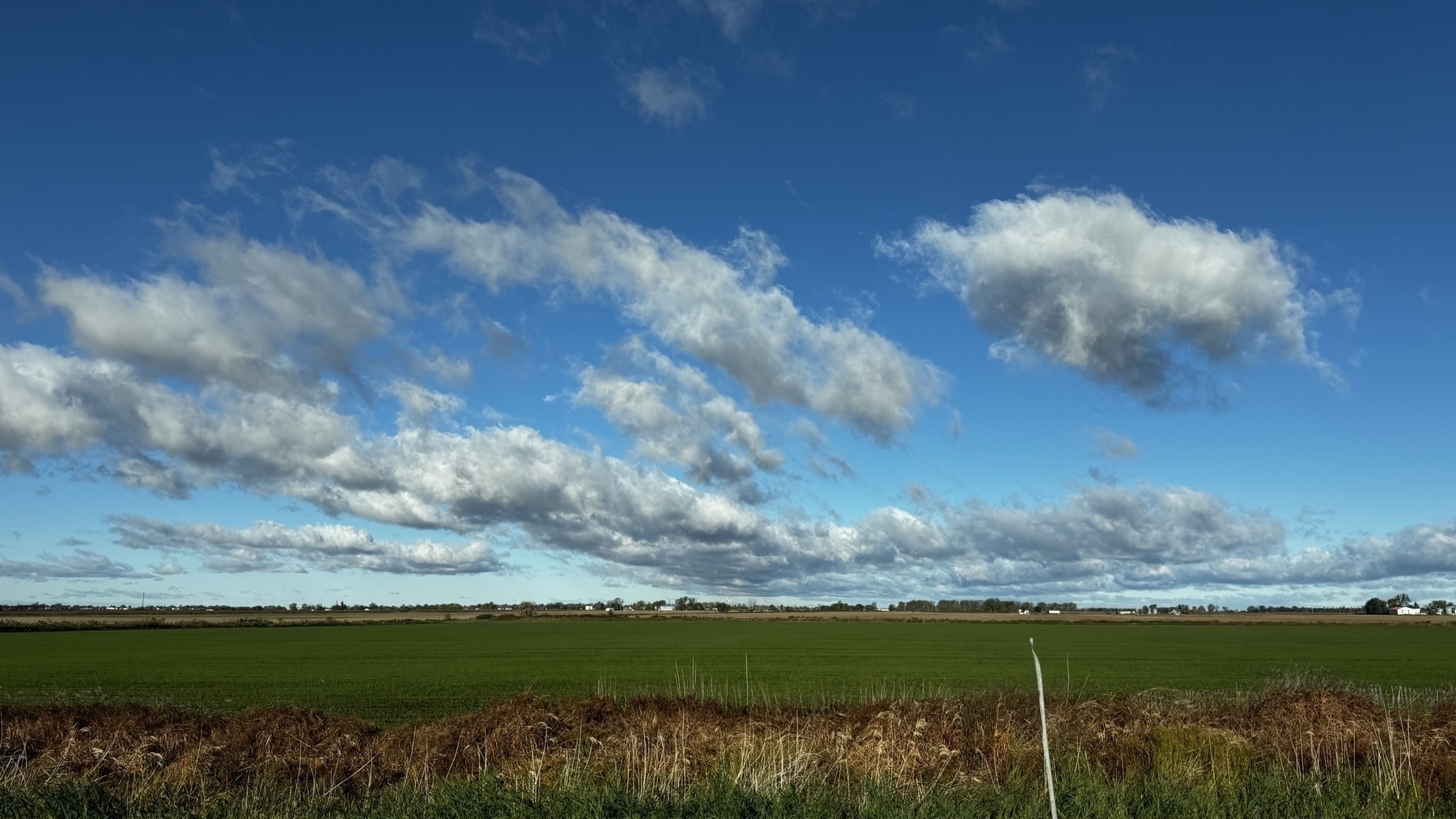
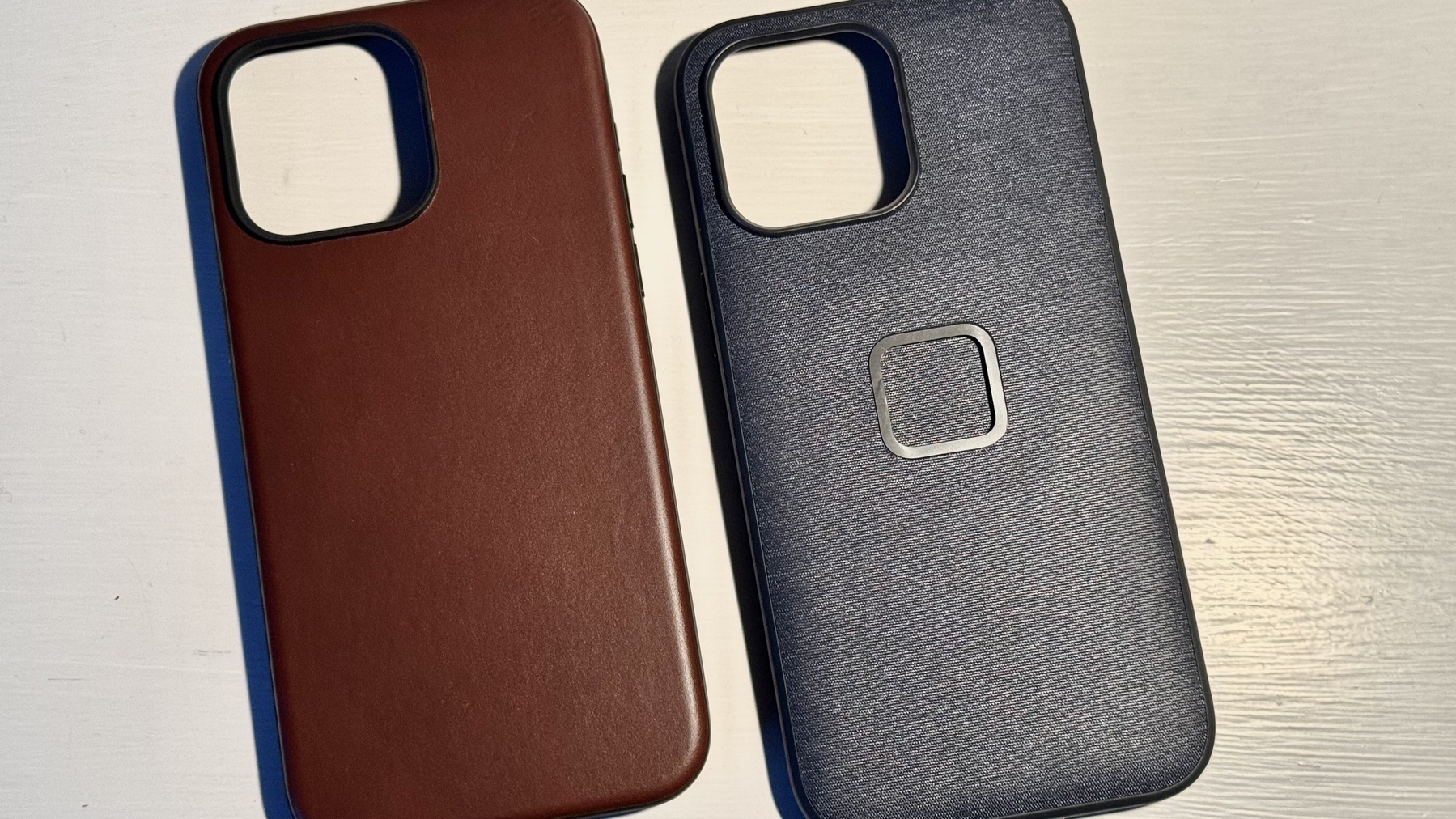
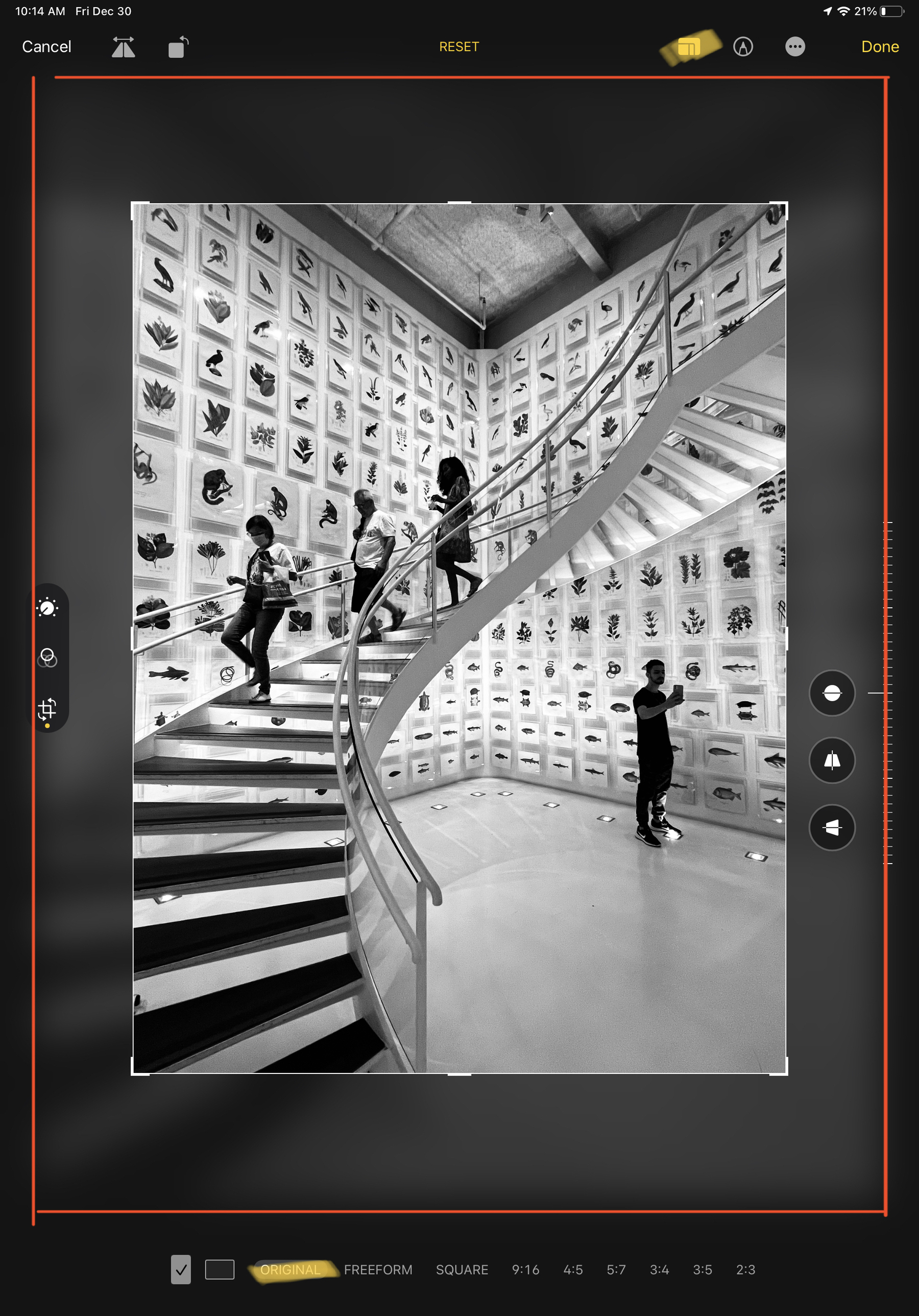
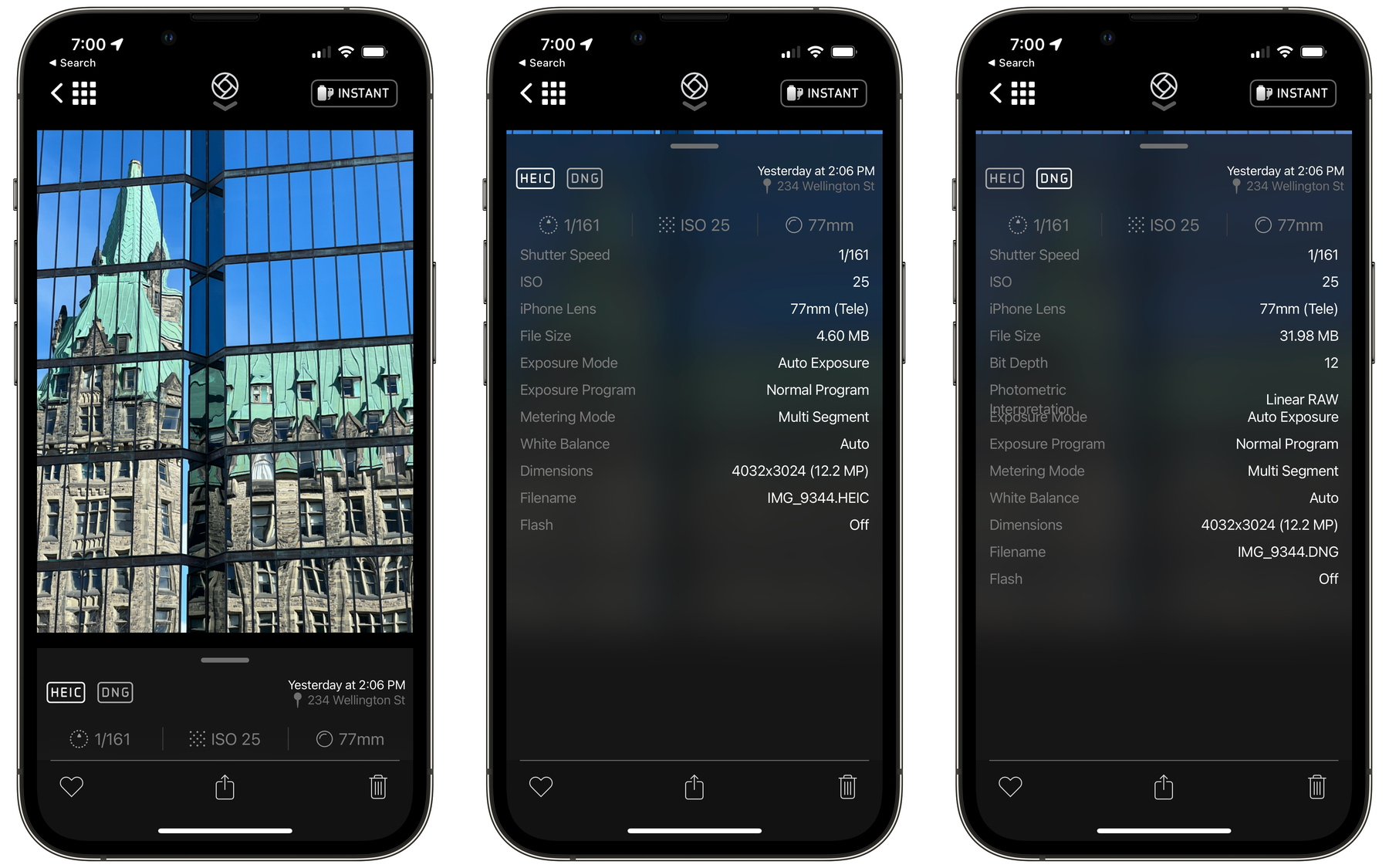
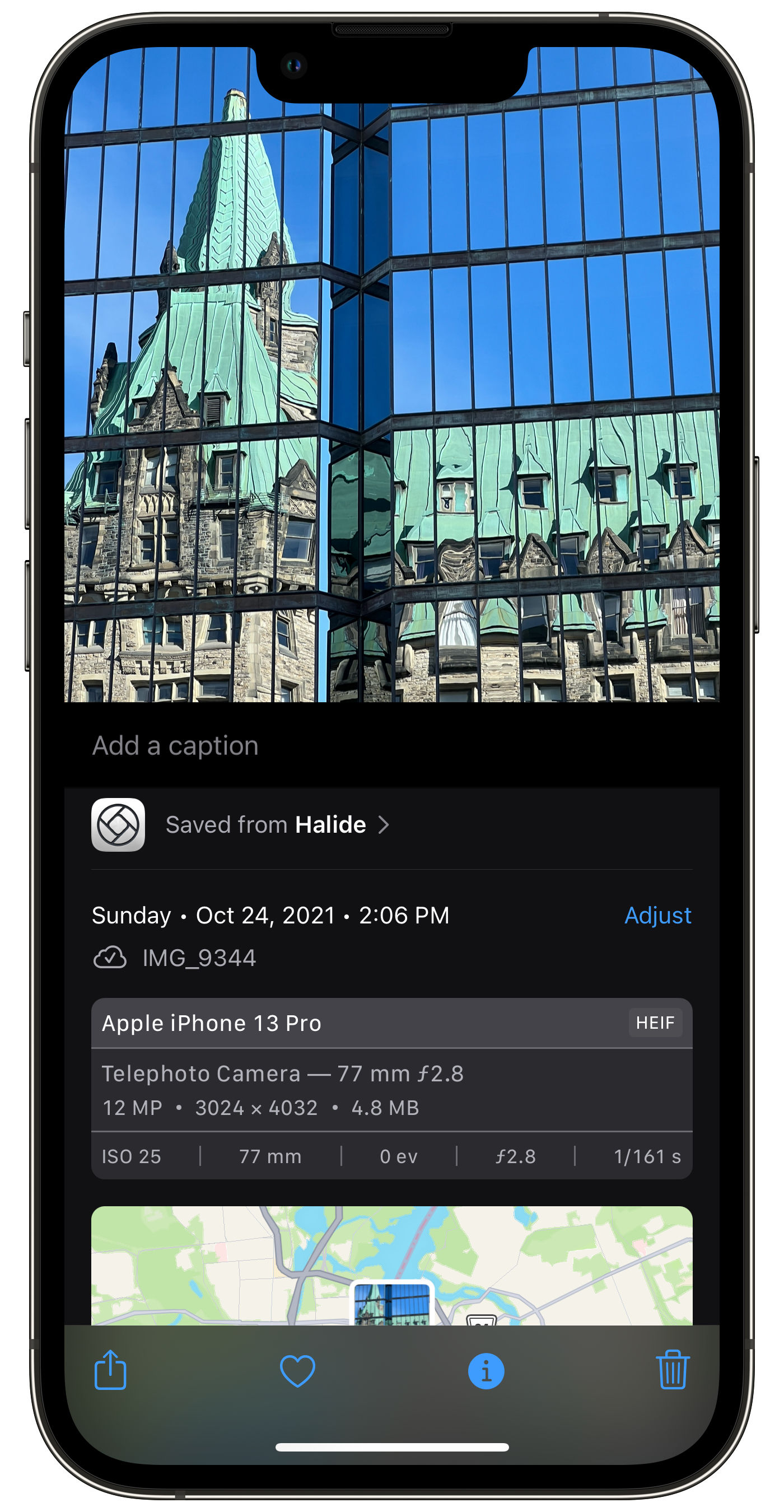
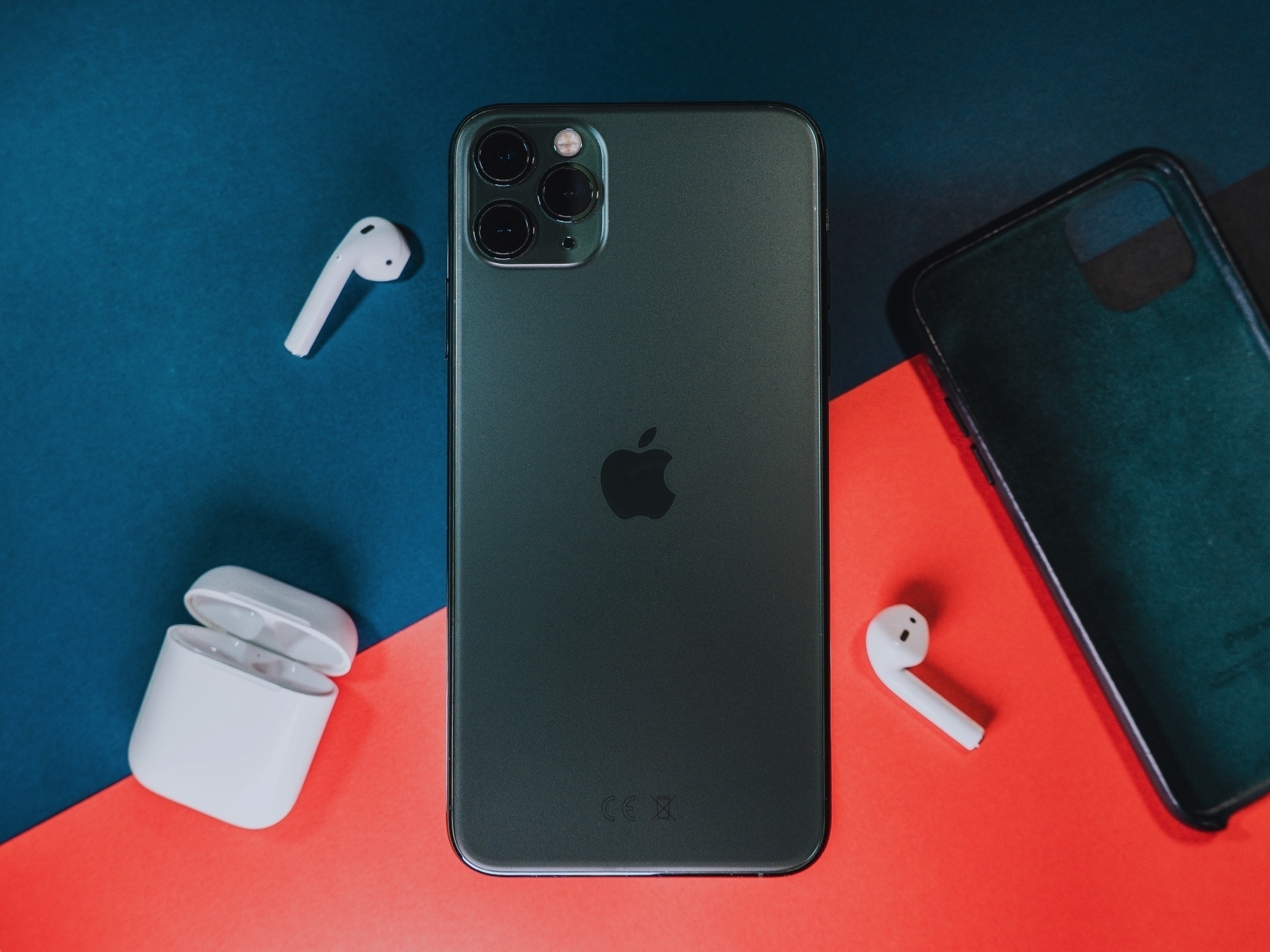
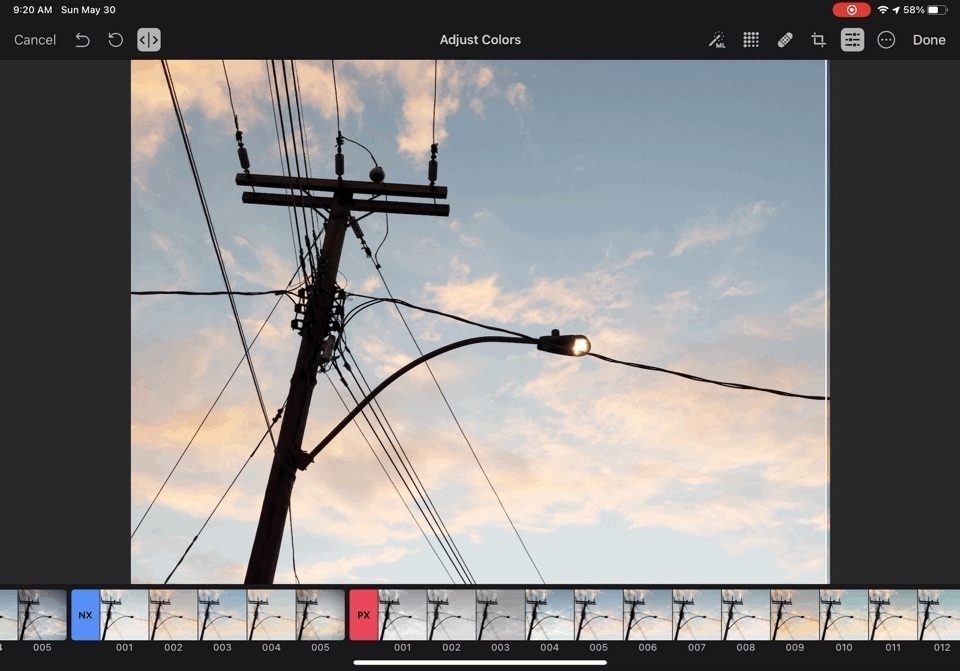
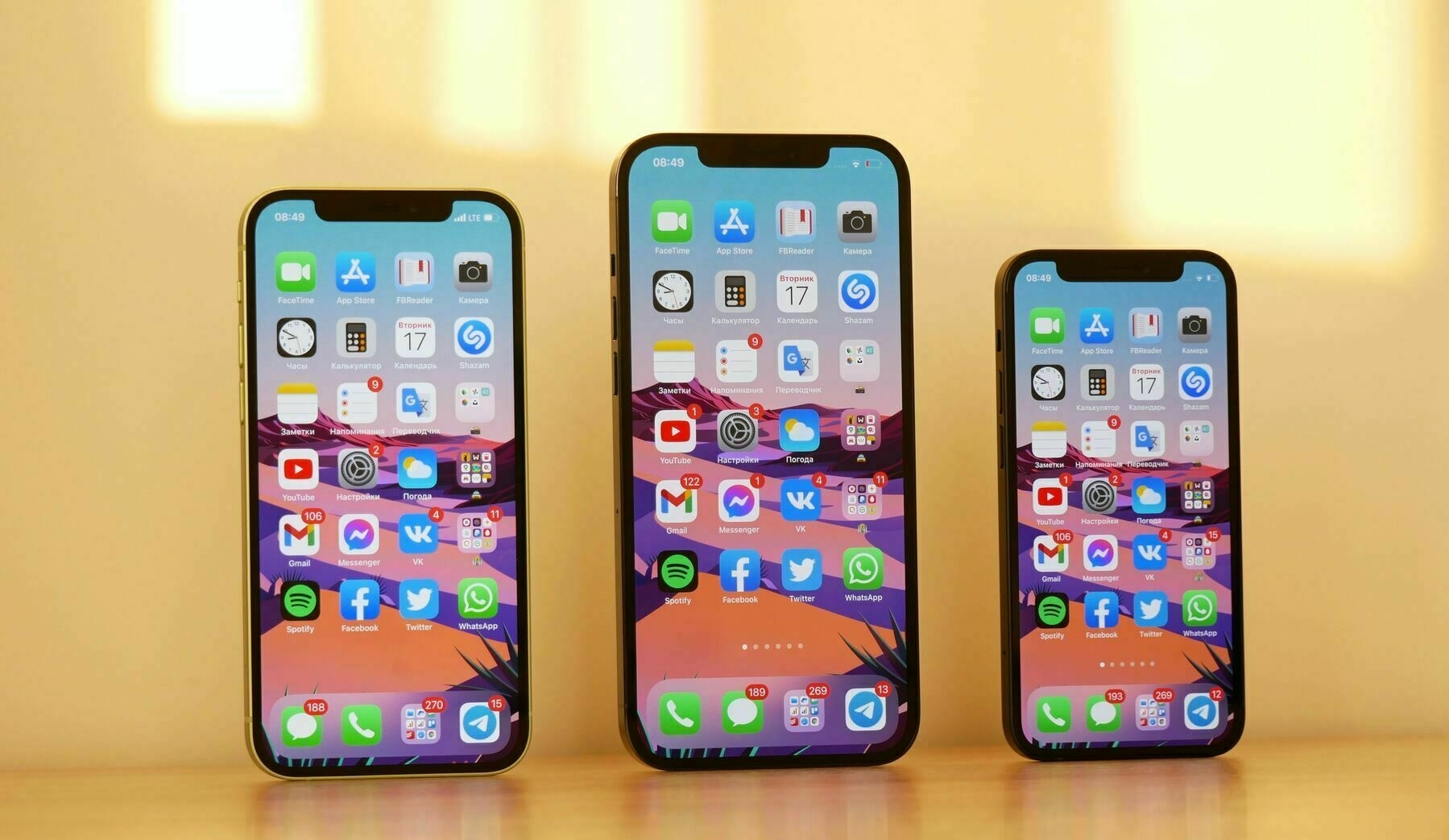
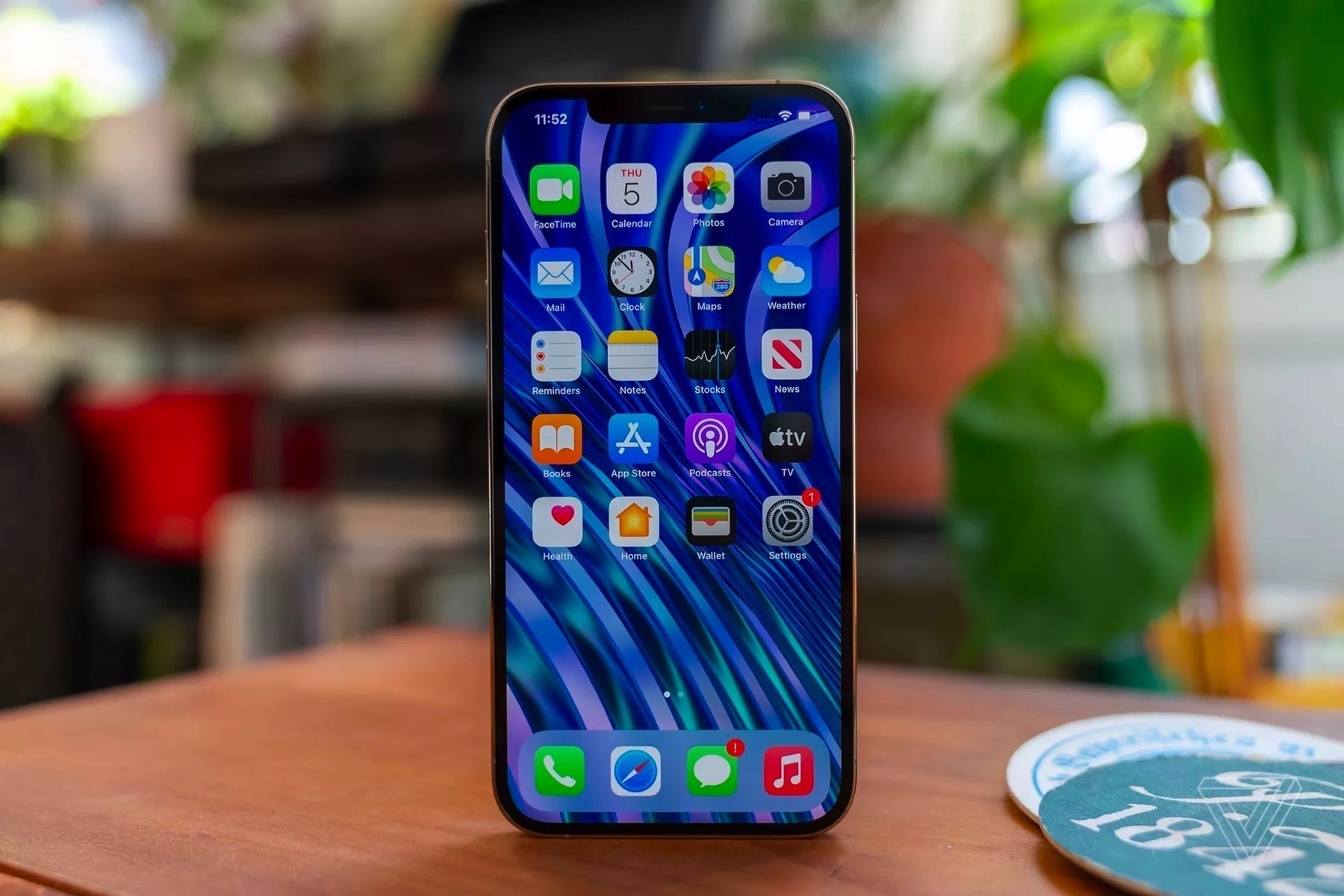
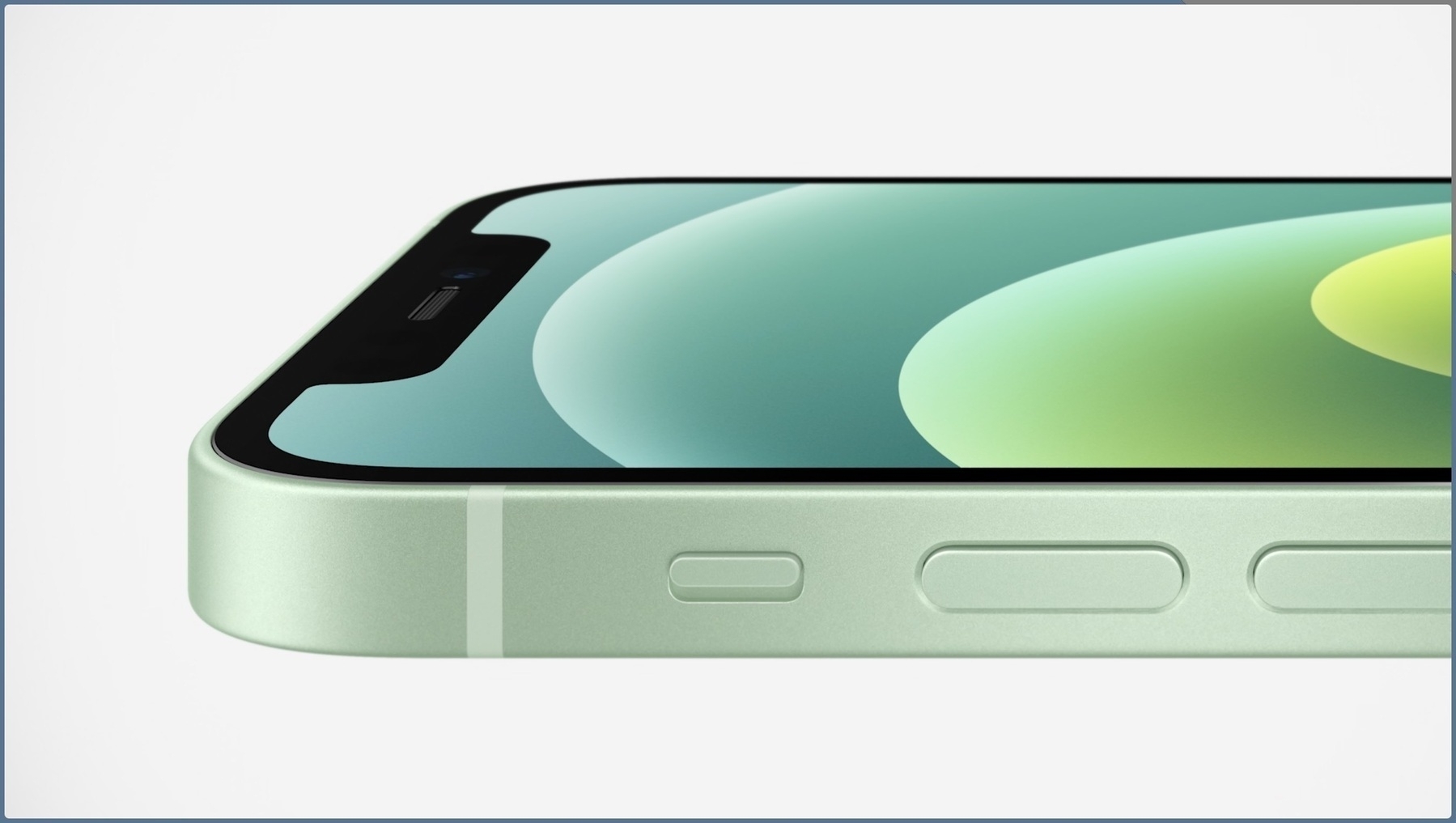
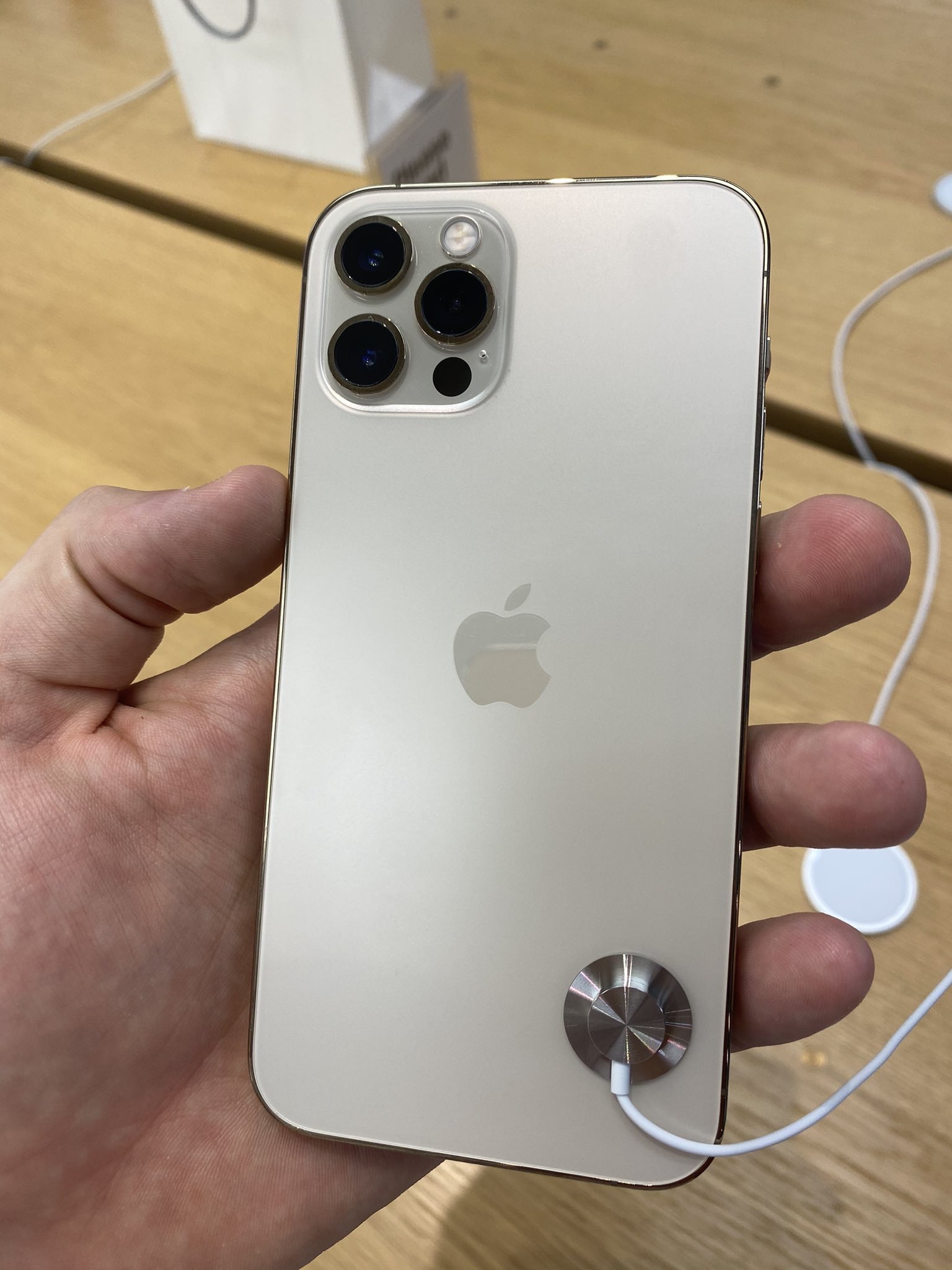
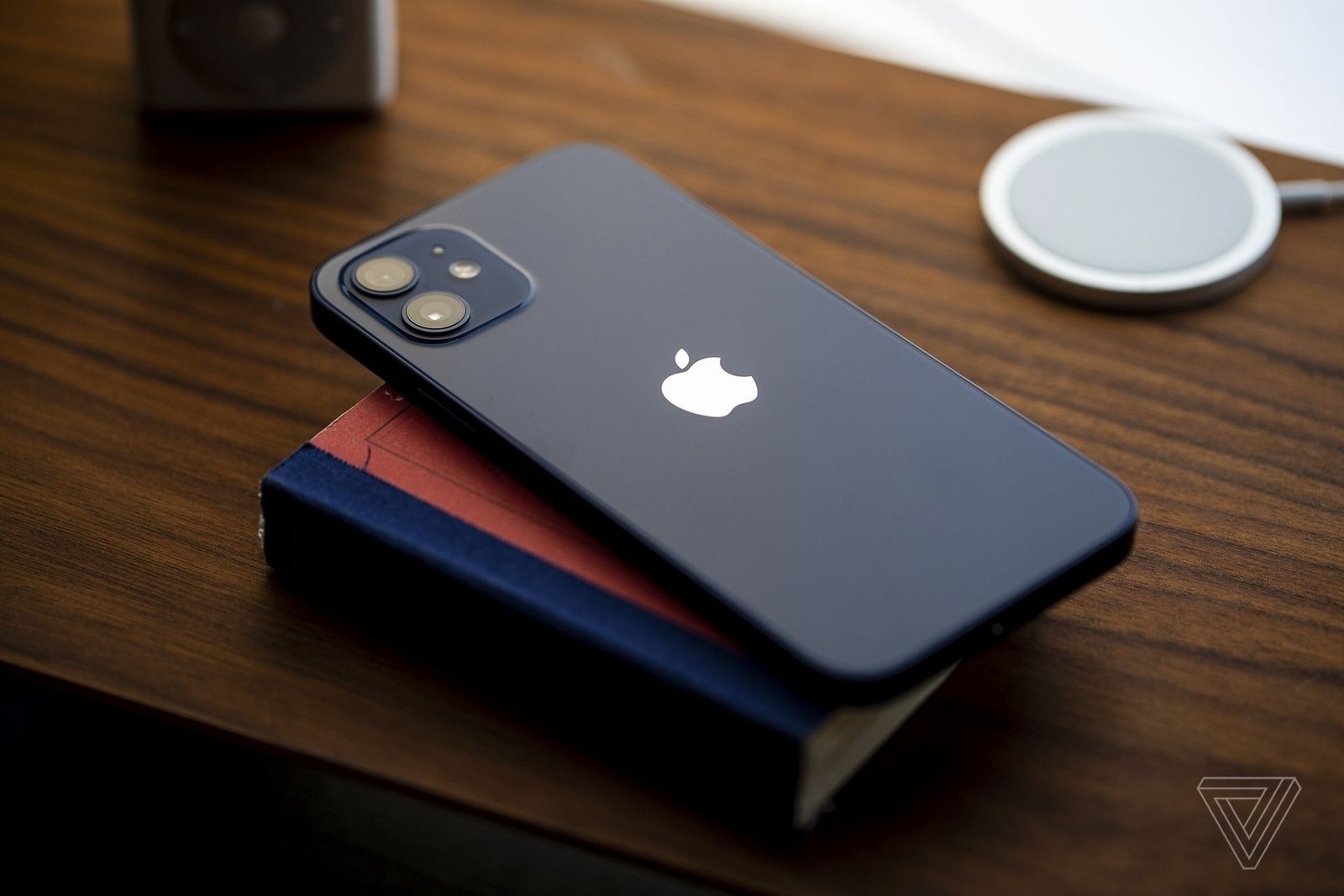
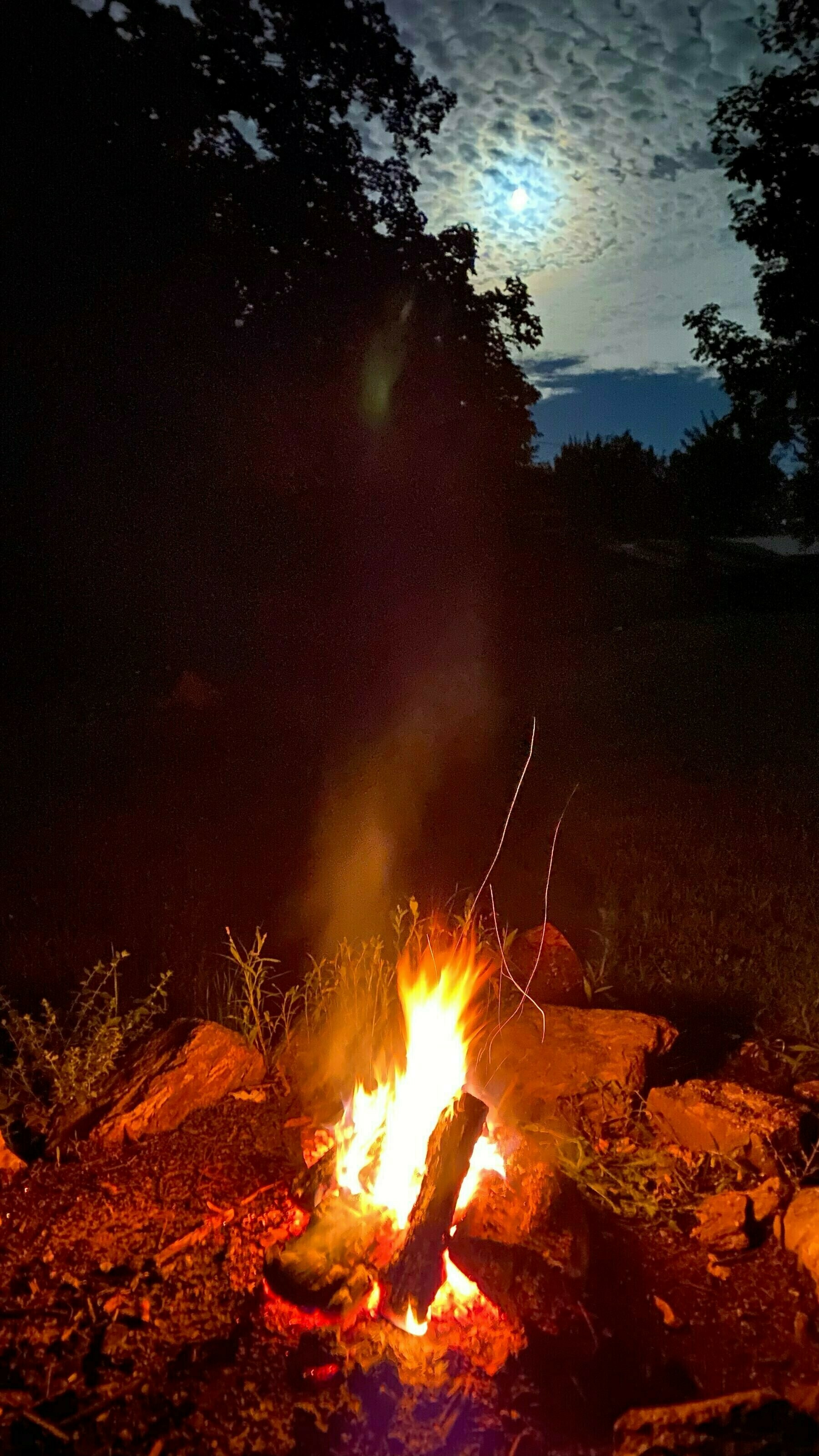
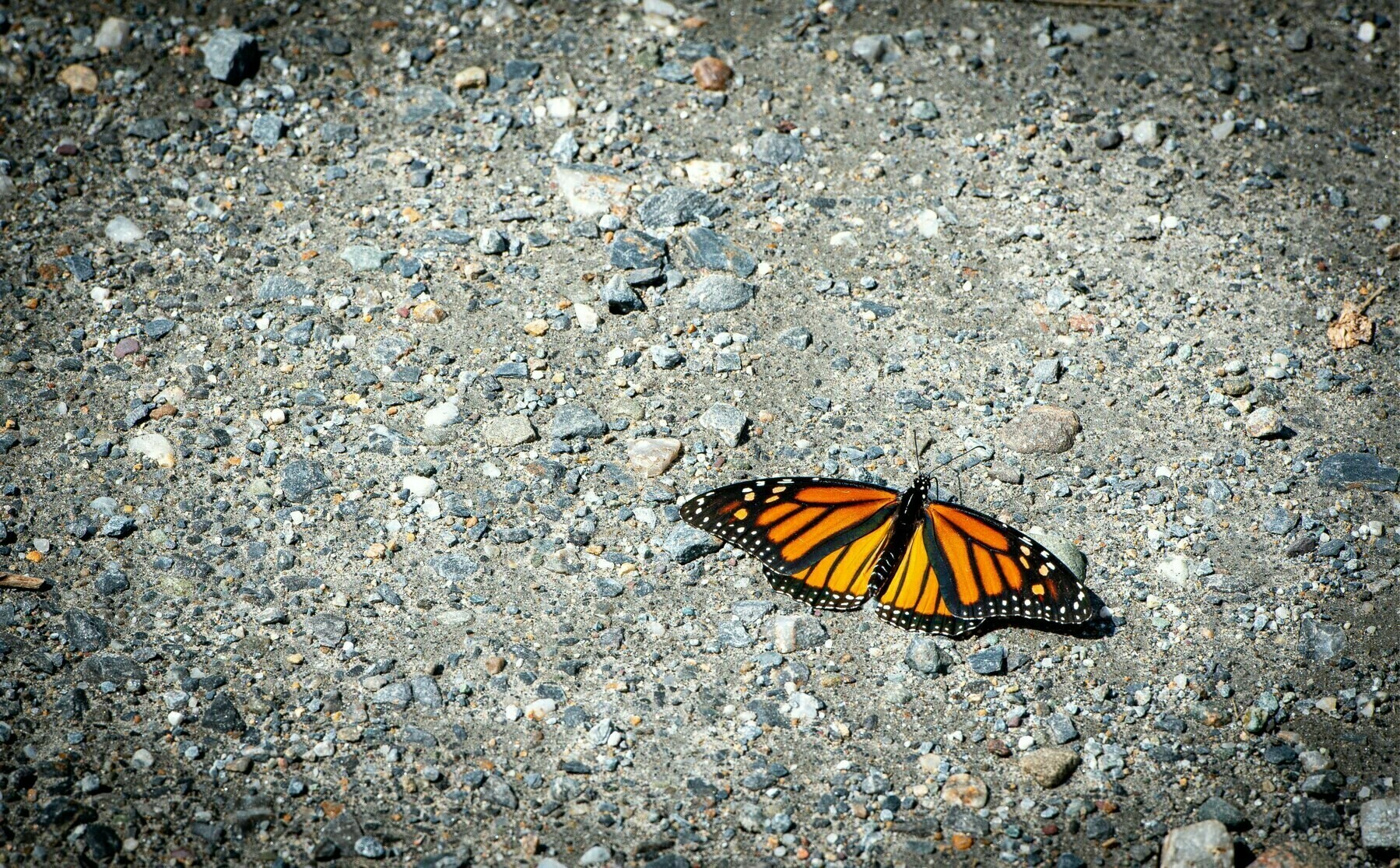
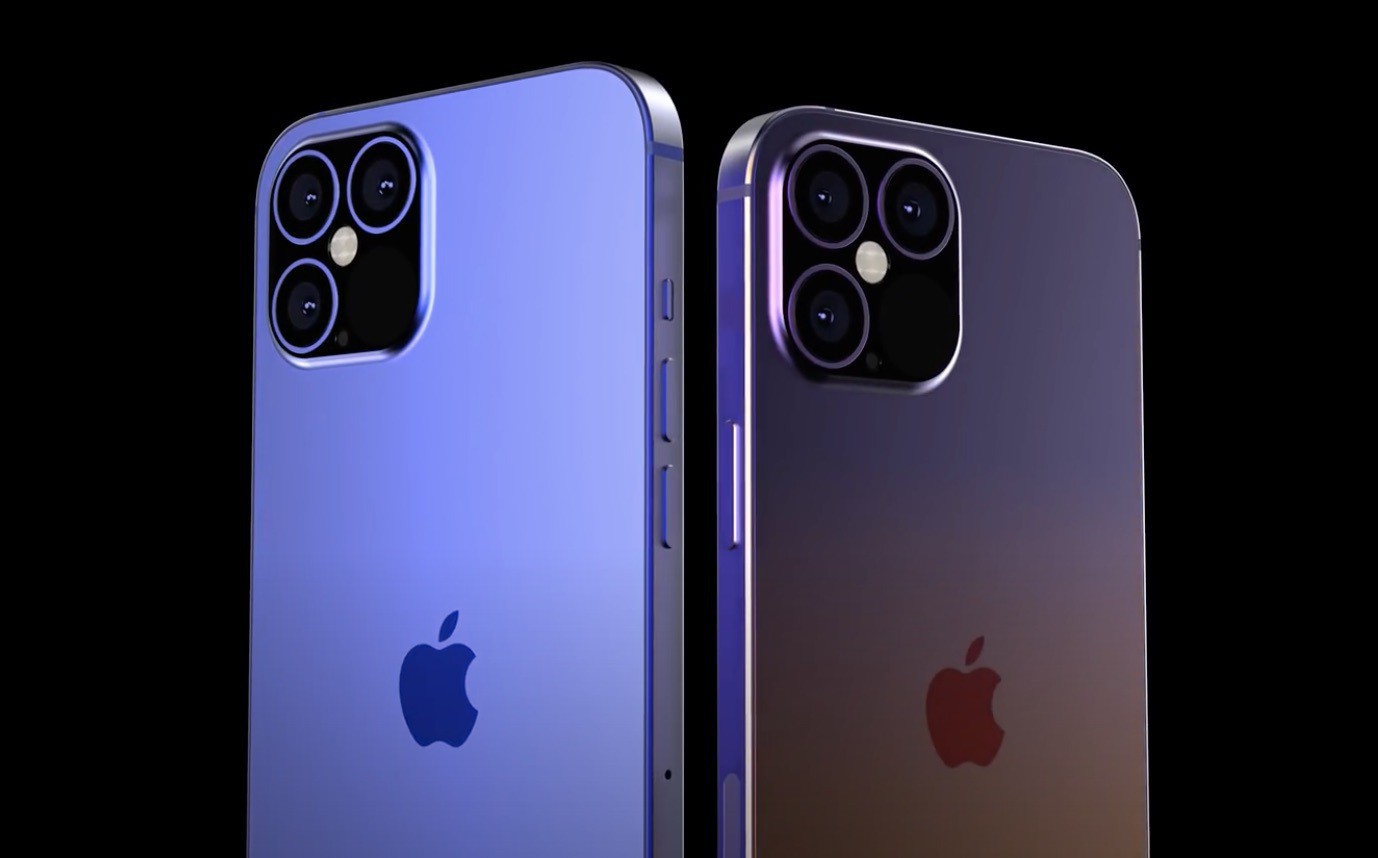
Here is a situation for which I’m searching for a solution. Let’s say I’m going out with my iPhone 13 Pro to take a few pictures outside. After a while, I notice that all the pictures that I was shooting were in ProRAW format. What if the lighting conditions were great that day and my photos didn’t require post-processing of any kind besides the iPhone’s own processing? How can I convert from ProRAW to their optimized JPEG counterparts and keep them in my iCloud Photo Library? Such process would decrease image size by a factor of ten.

I cannot find an answer for this seemingly easy question. So far, it all comes down to exporting the photos from Apple’s Photos application and then reimporting them. Such process needs to be followed by the deletion of all the original photos to prevent duplicates. There has to be a better way. Shortcuts, on iOS or macOS doesn’t provide any solutions as far as I can tell. Why is such thing not possible? If you happen to have a solution for this, please let me know.

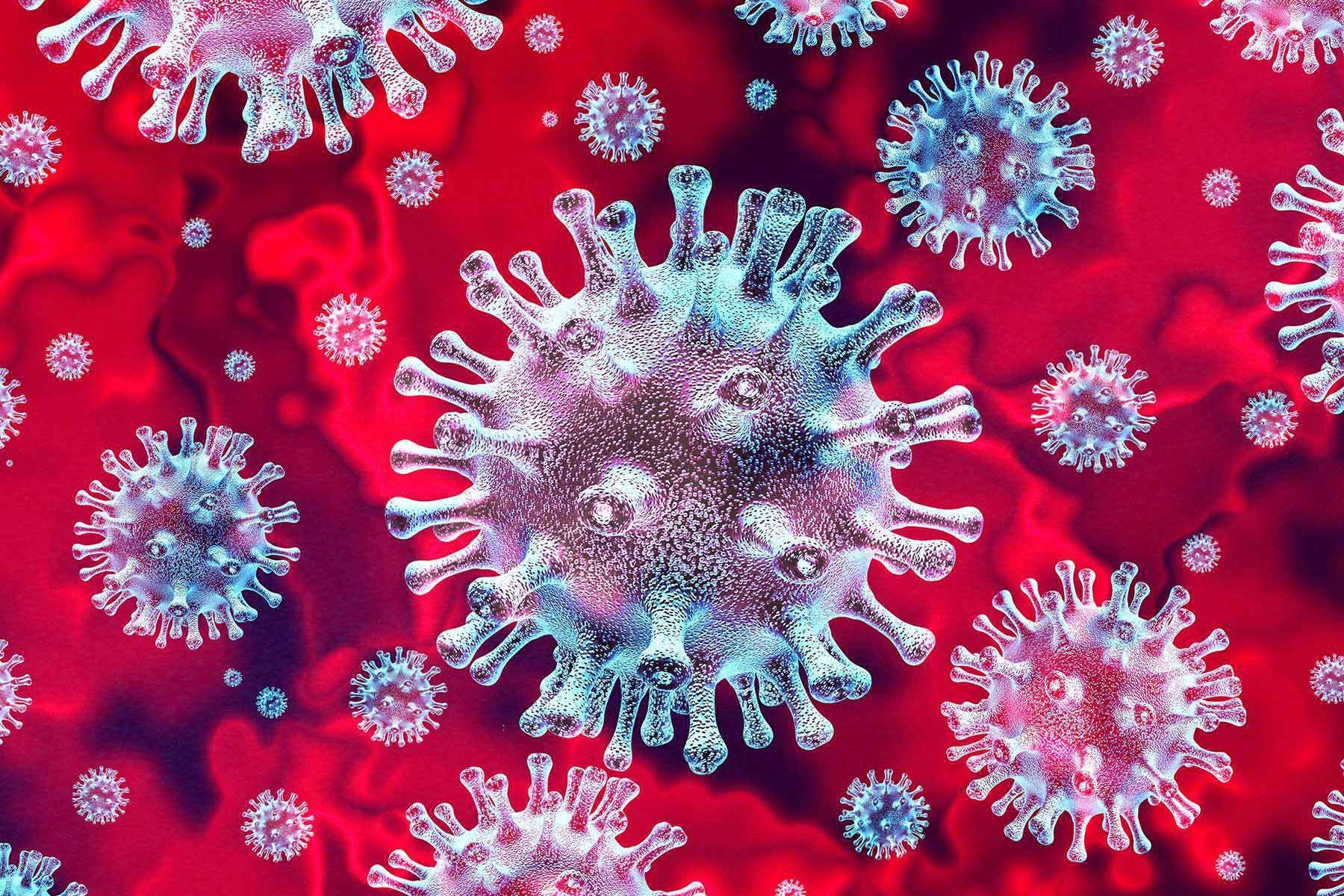
Exposure Notifications — Still Useful?

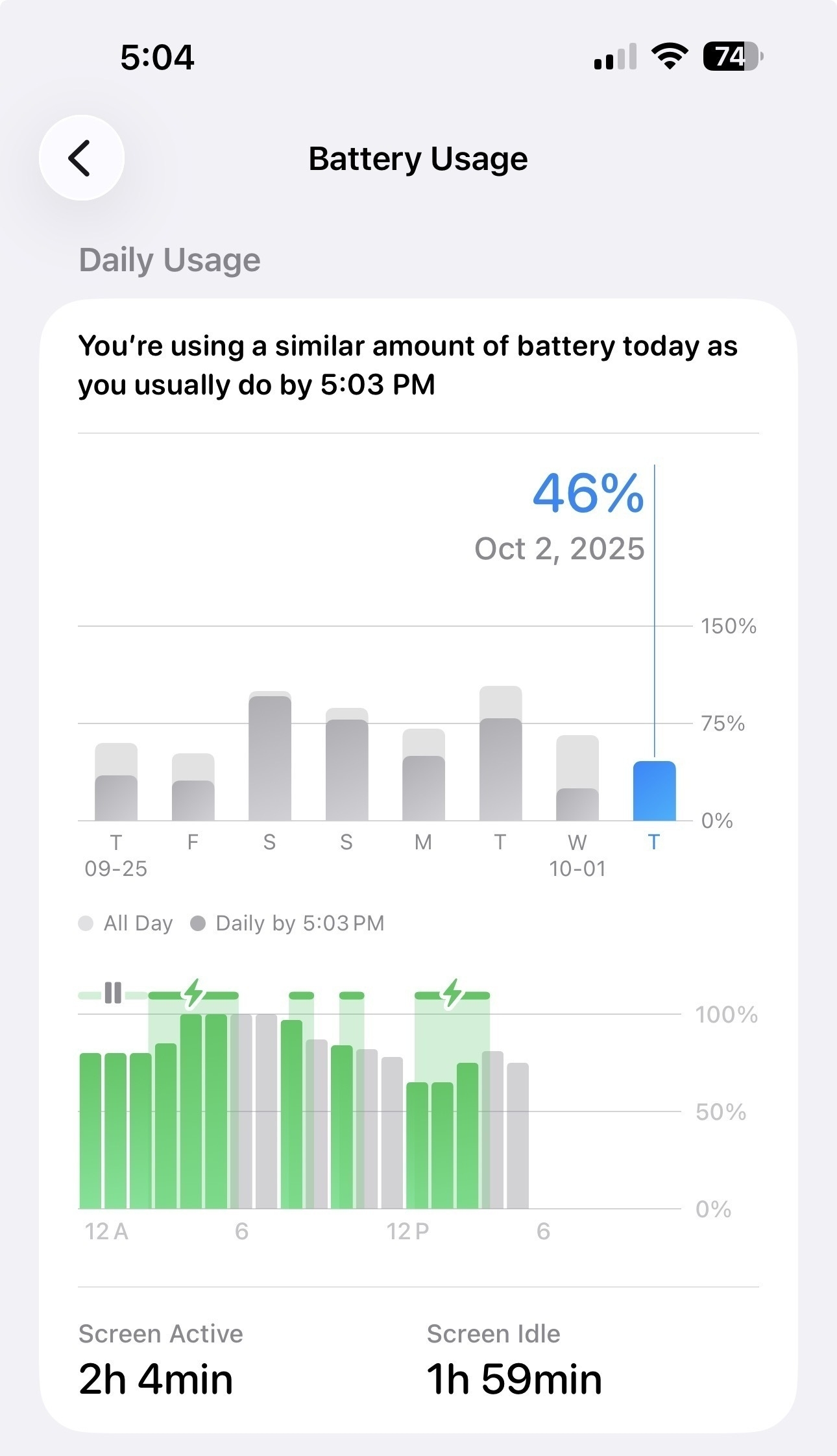
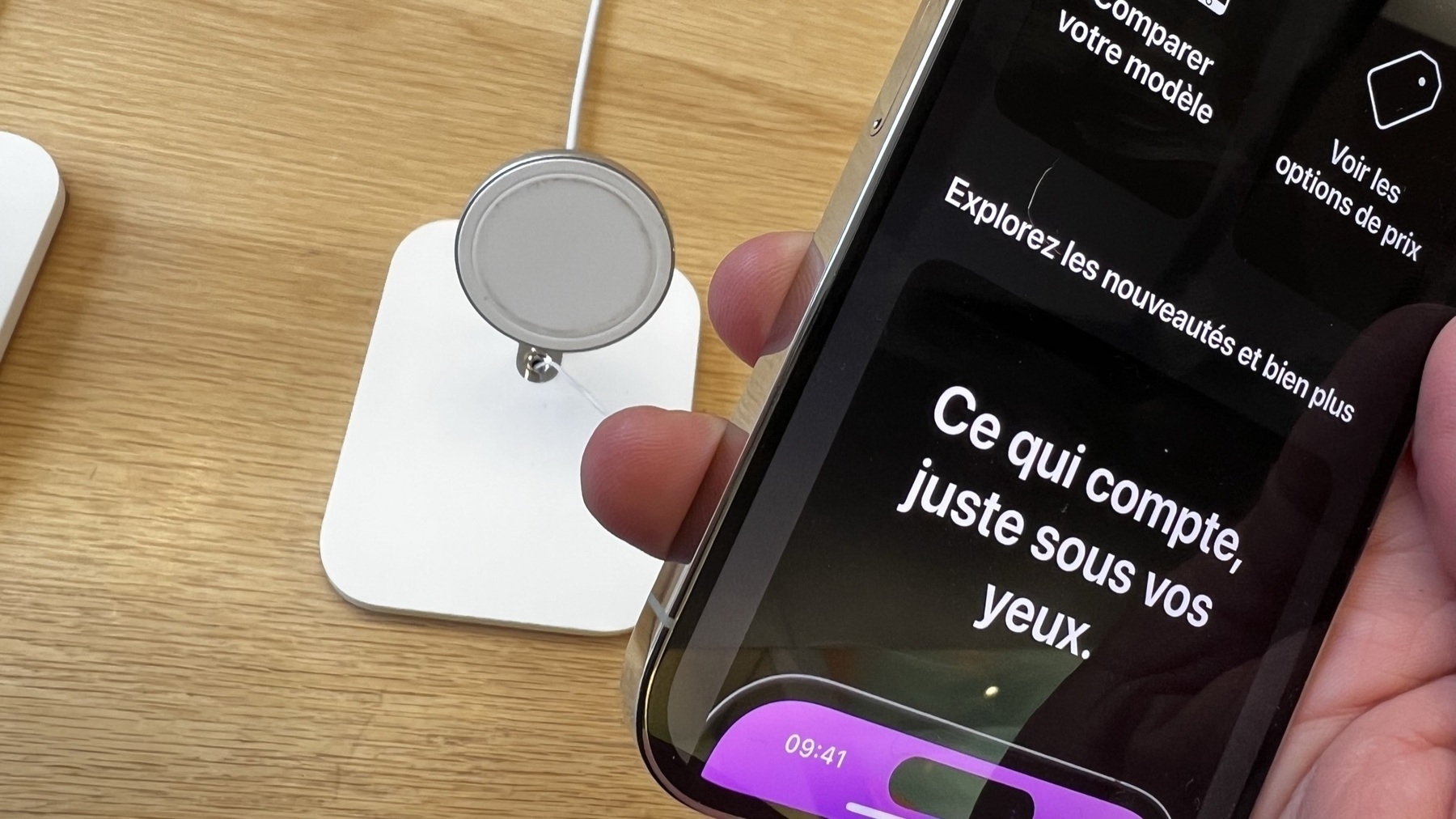
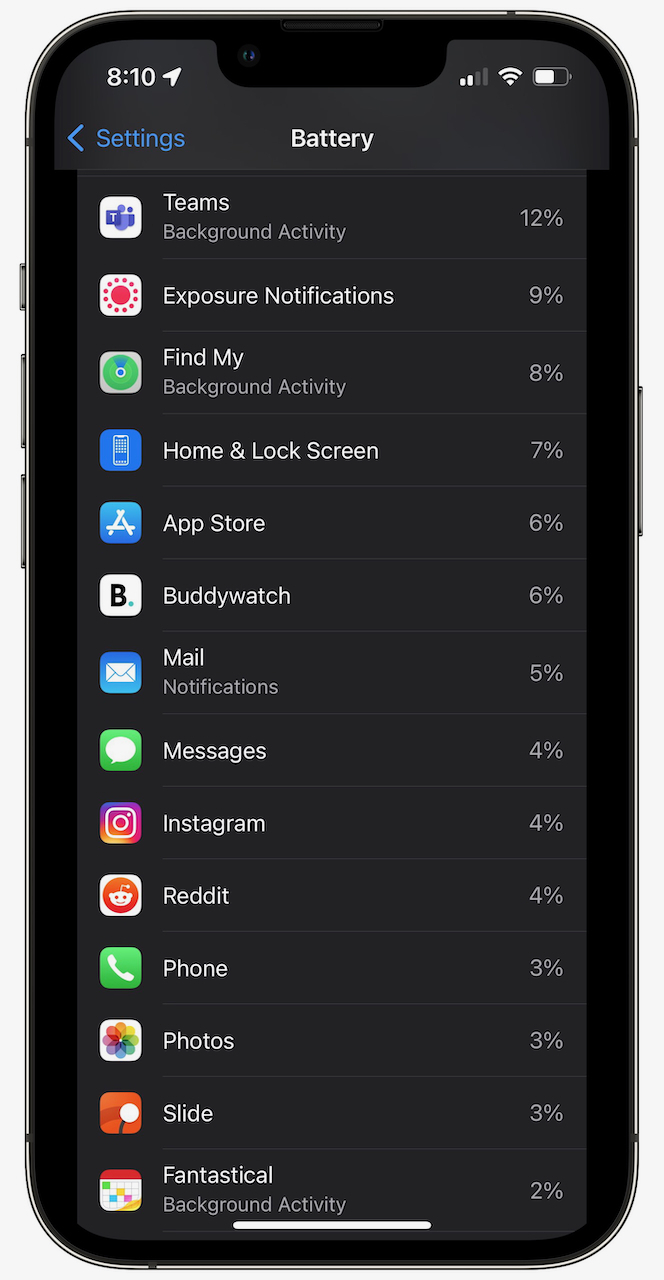
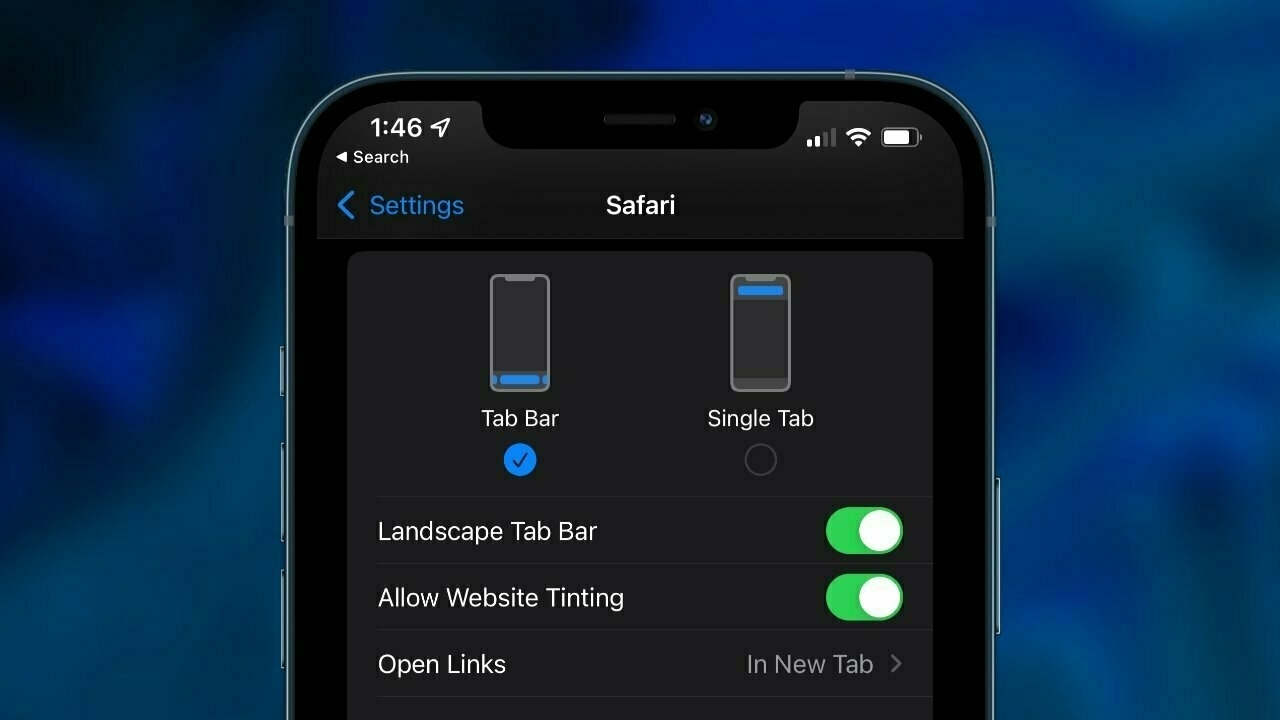
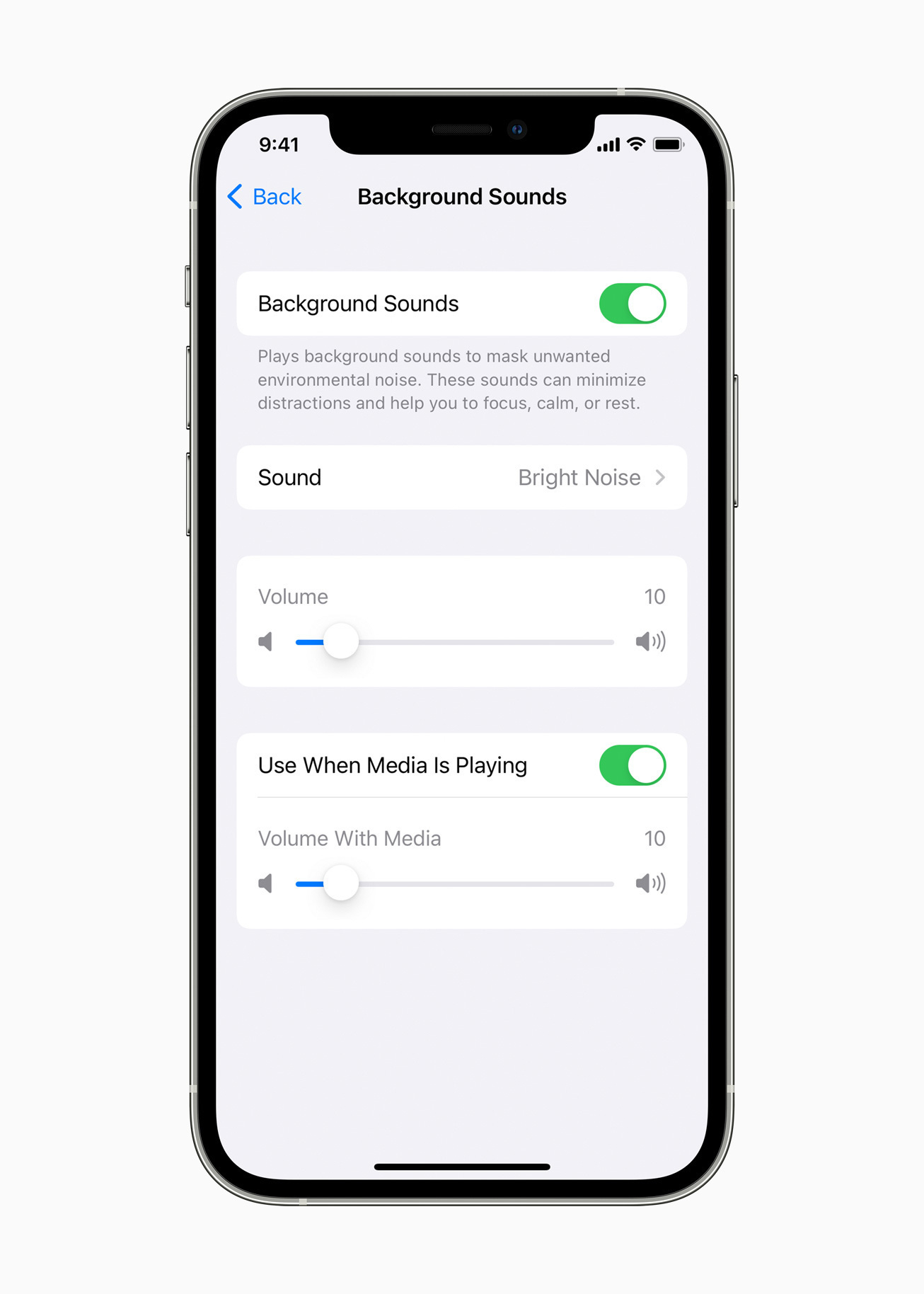
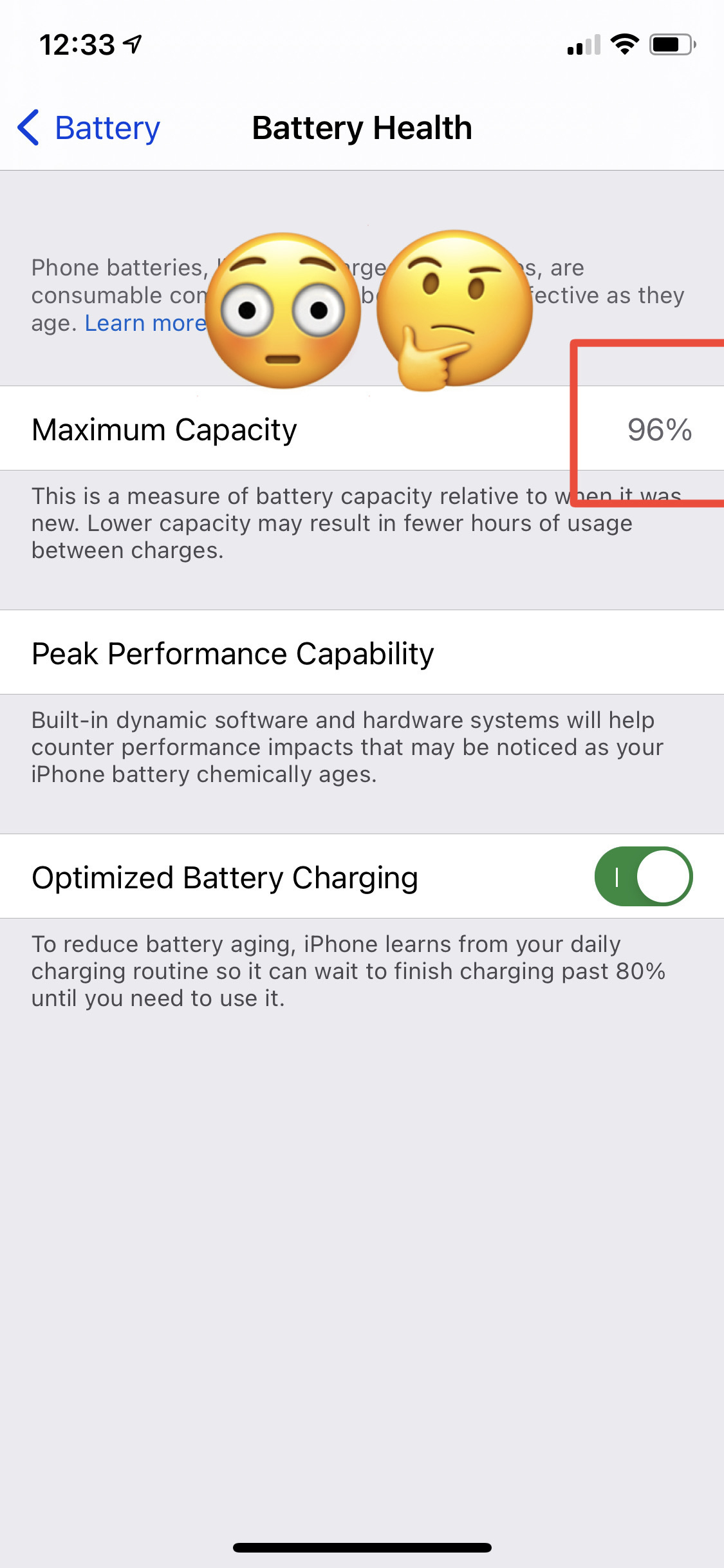
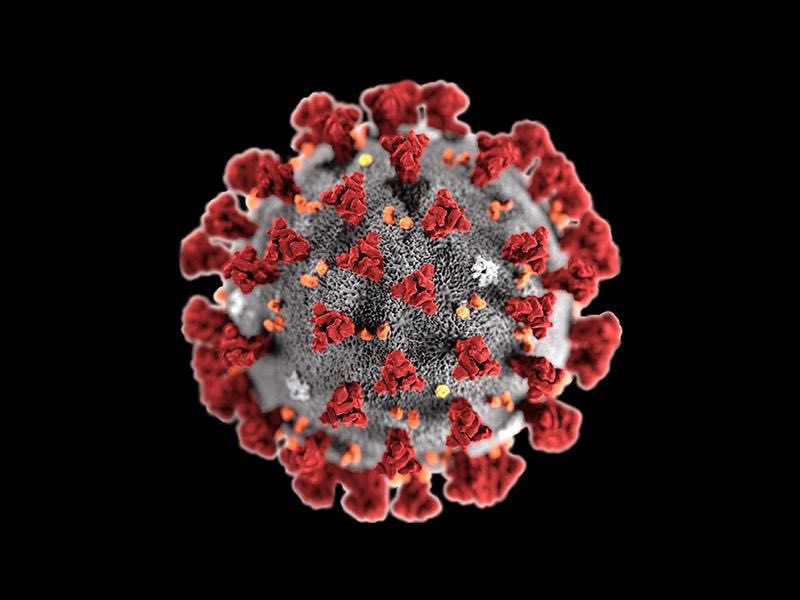
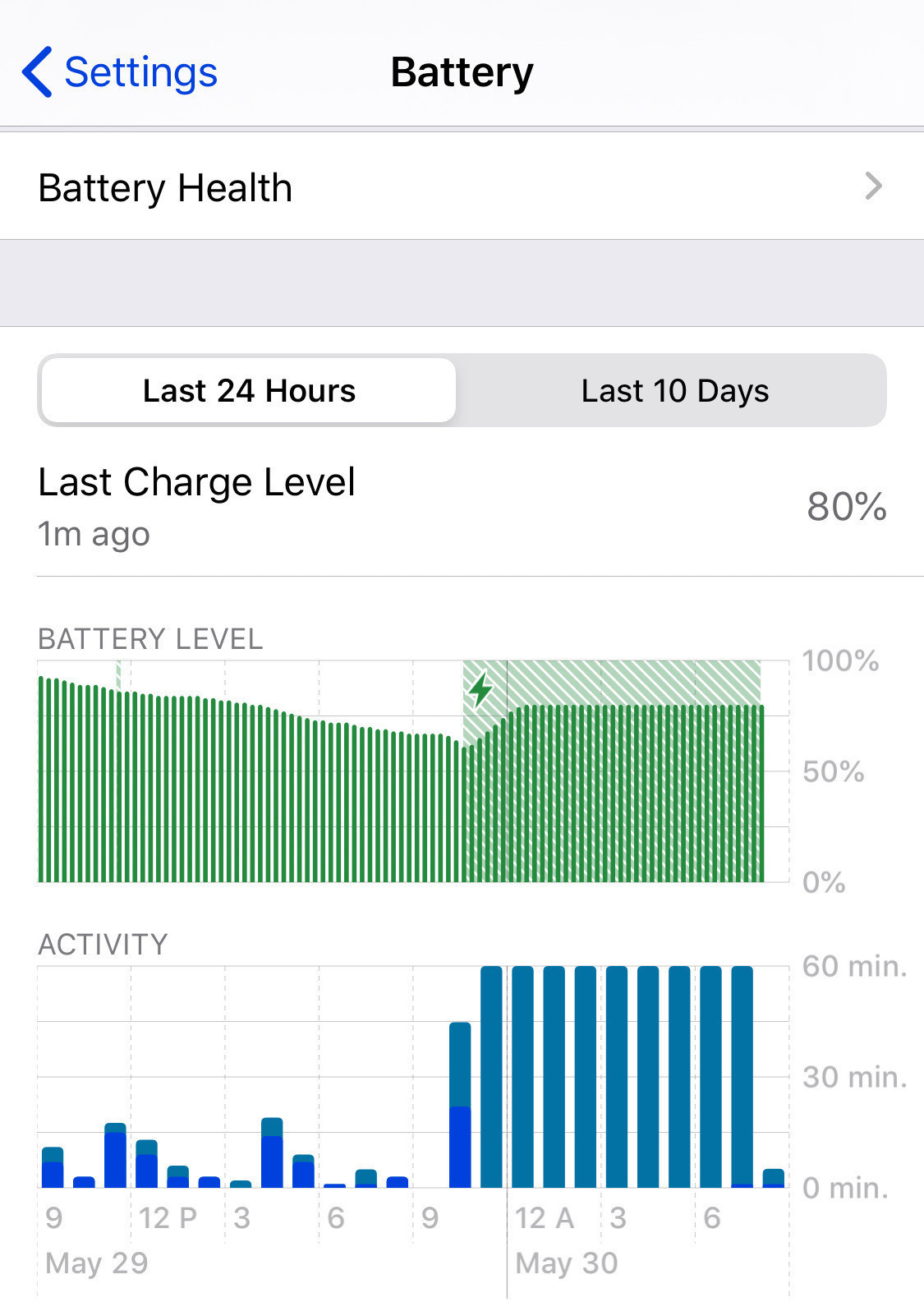
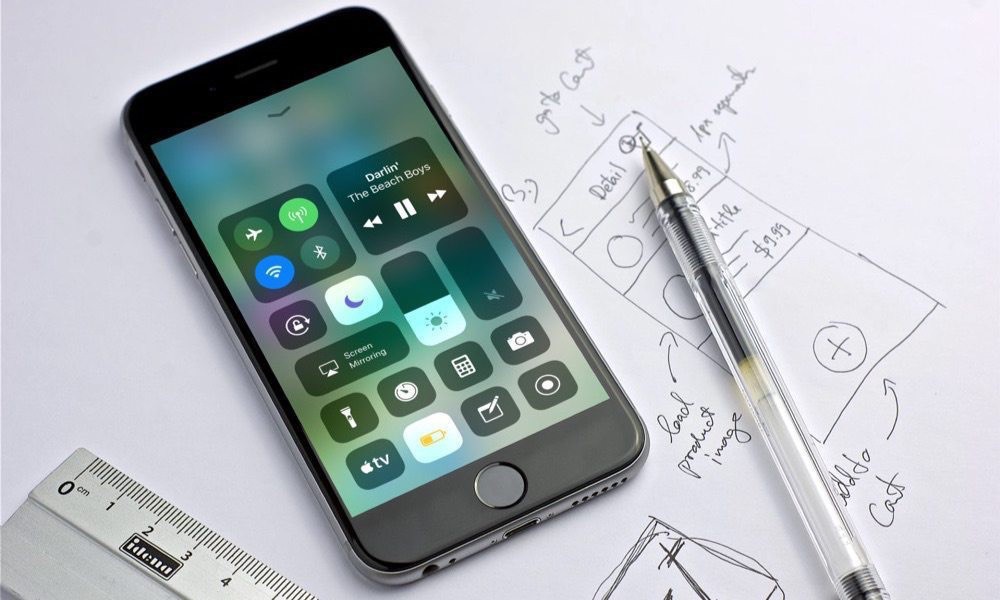
The other day I was looking at my iPhone battery consumption only to find out that the Exposure notifications feature was consuming close to 10% of the power on a 24 hours period. It’s not the first that I see Exposure Notifications to take so much juice out of my iPhone battery. I’m not alone, apparently, according to a Google search with the “exposure notifications battery drain” keywords.

The question is simple: considering that I’m fully vaccinated, considering the state of the pandemic here in Canada, considering that hardly any people actually enter their test results if found positive, why should I continue to care about having this turned on? I think I could turn it off.

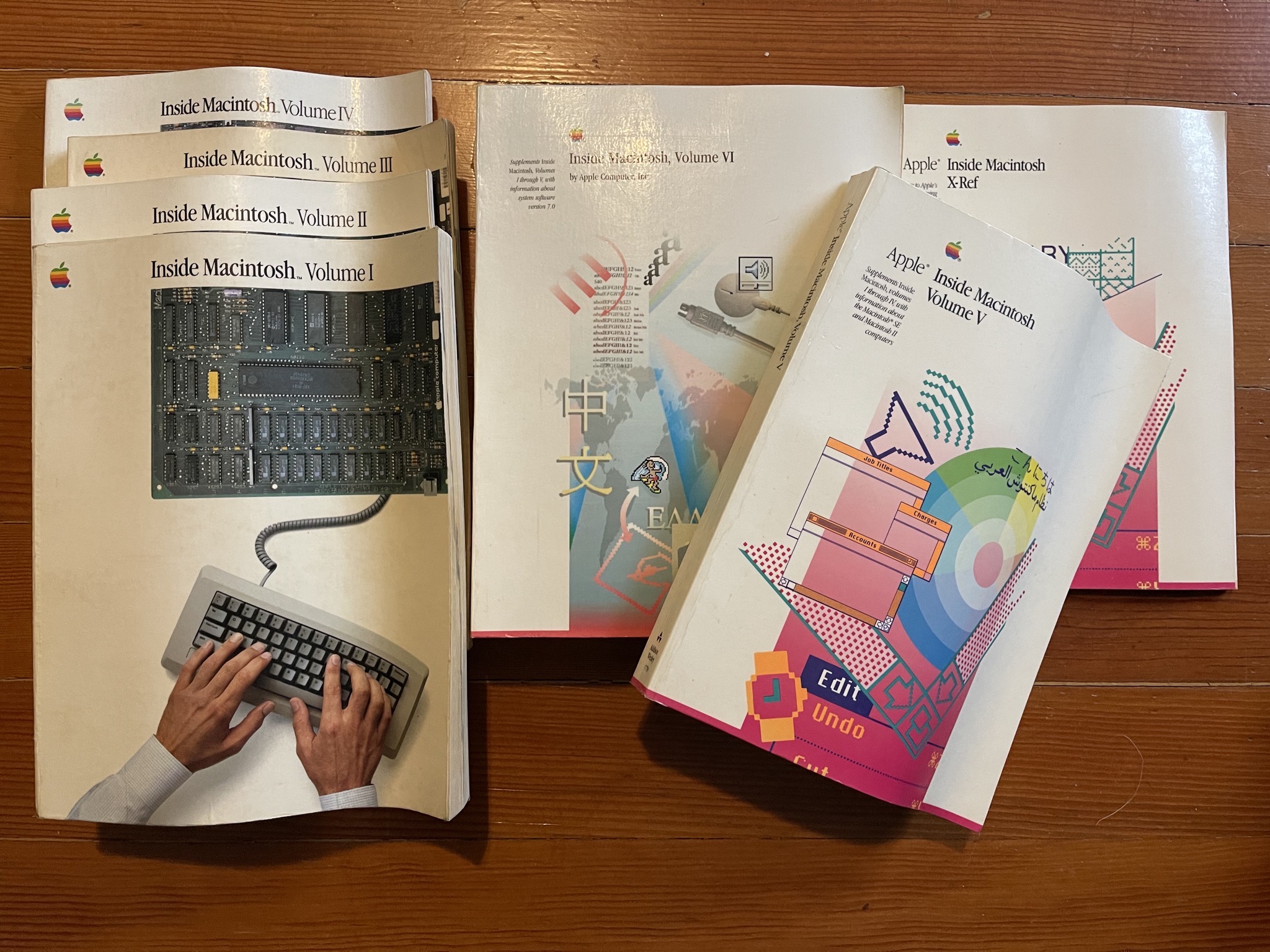
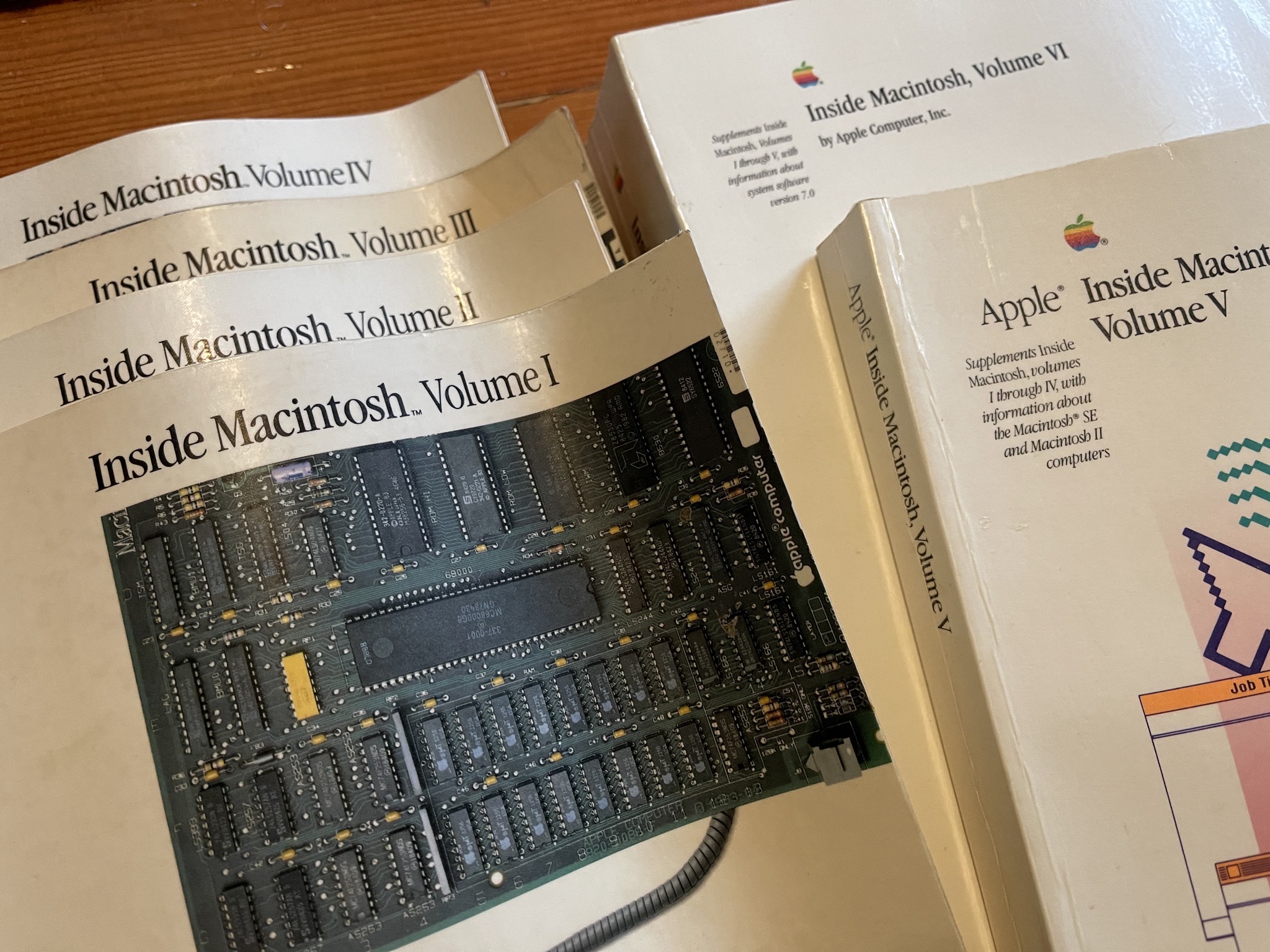
Remembering Macintosh Floppies

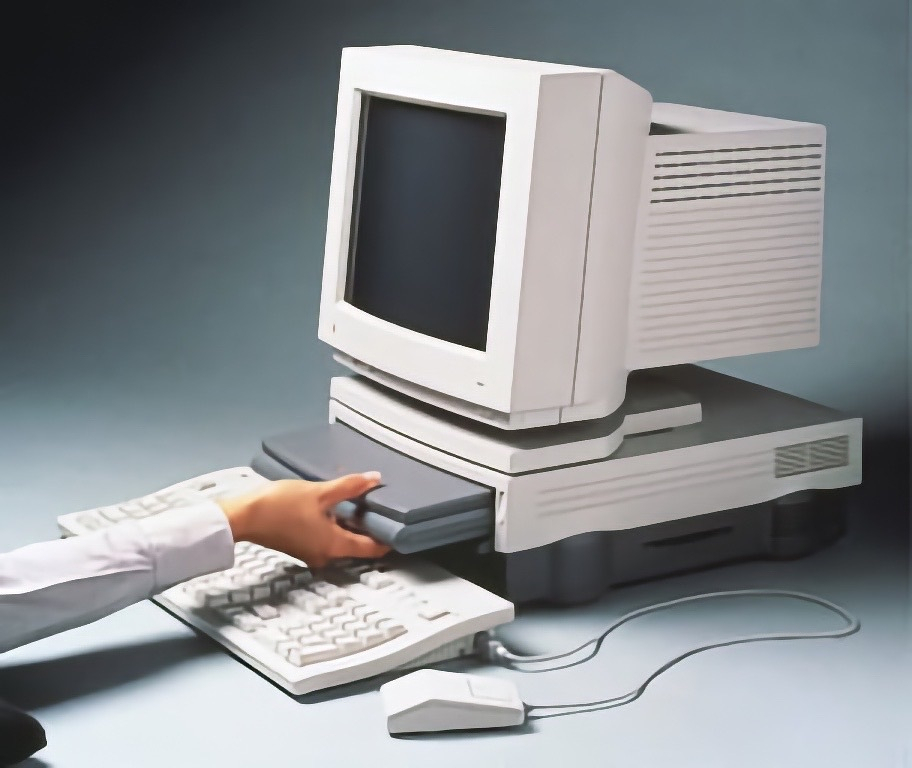
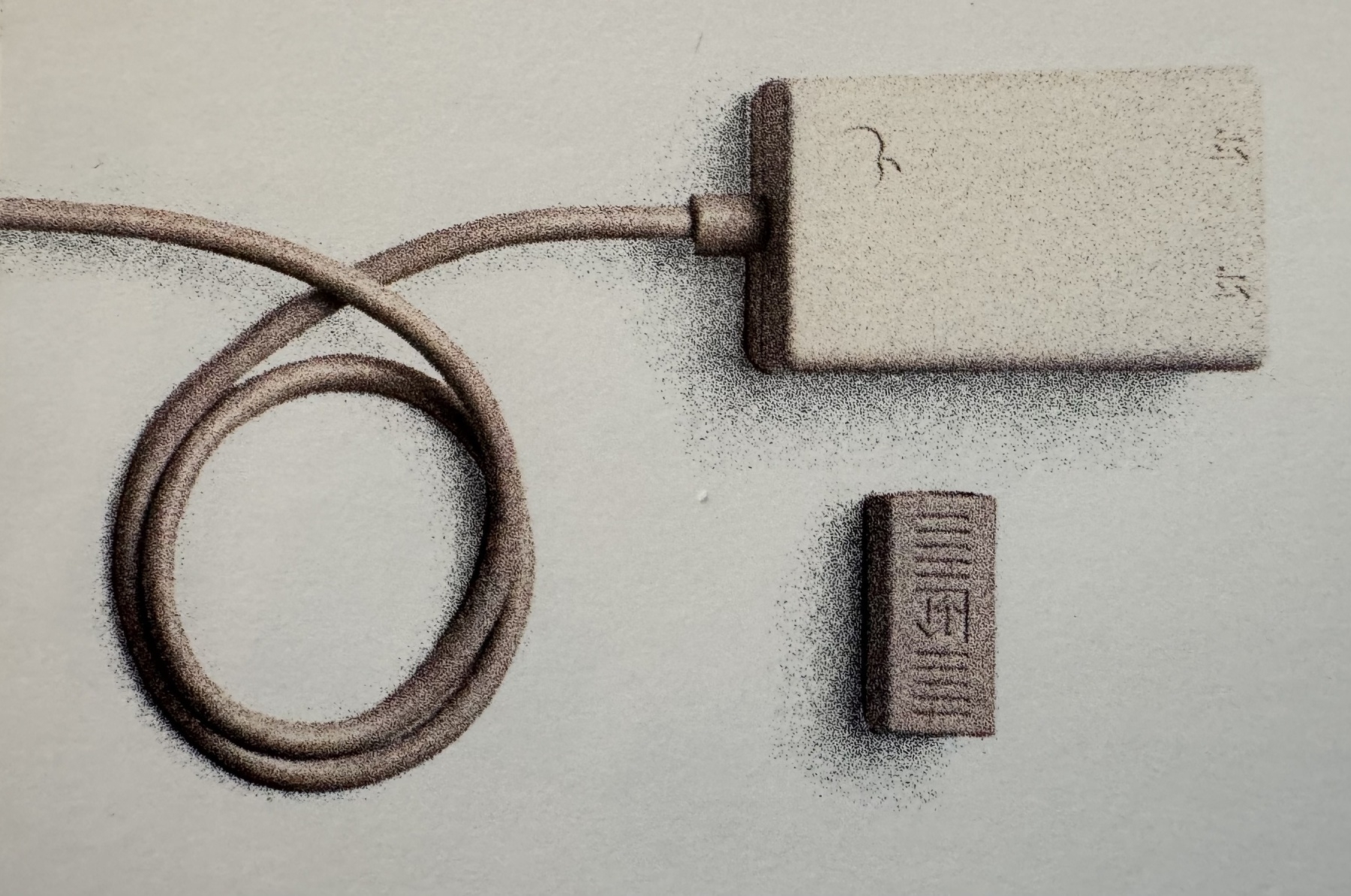
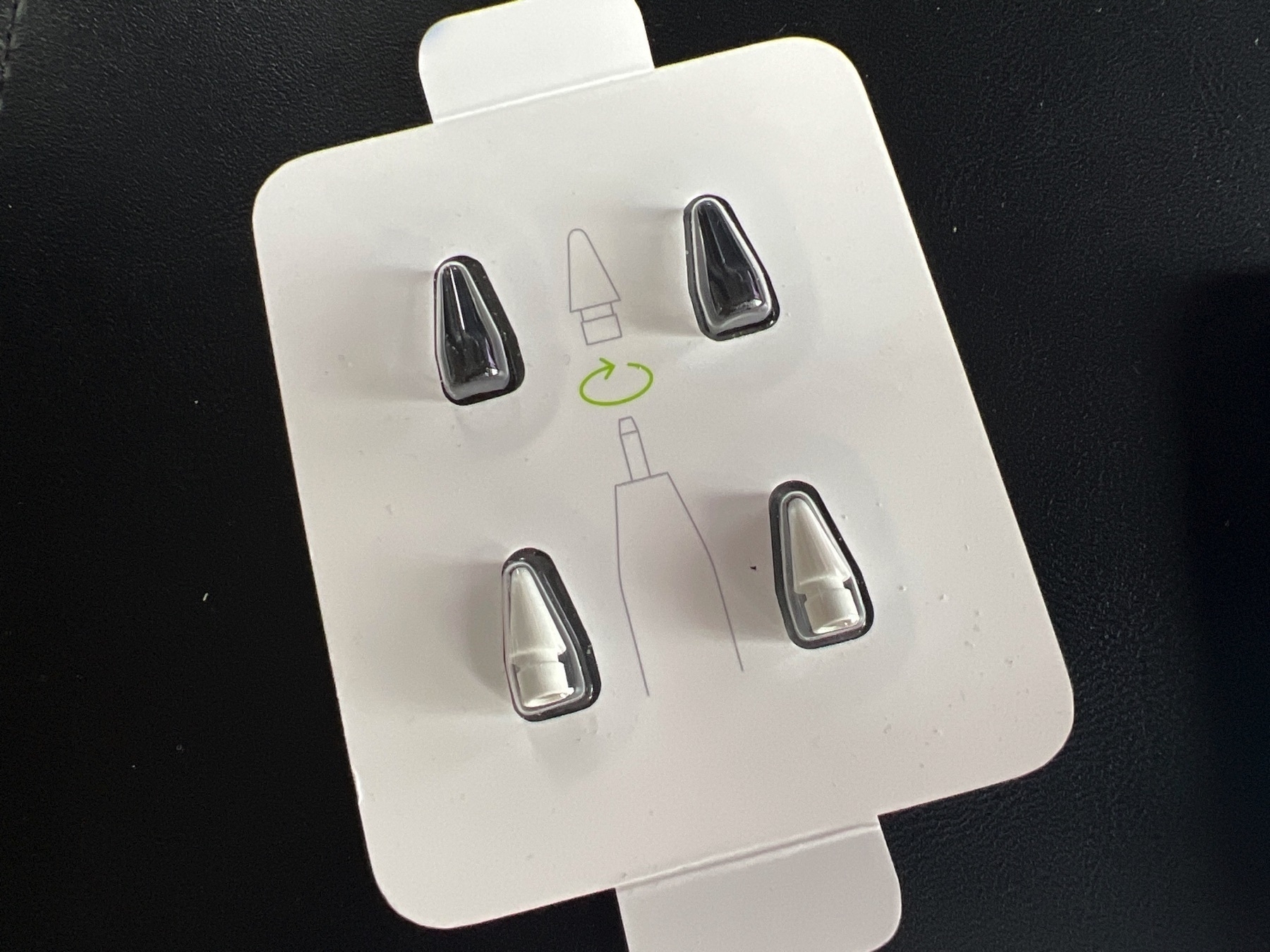
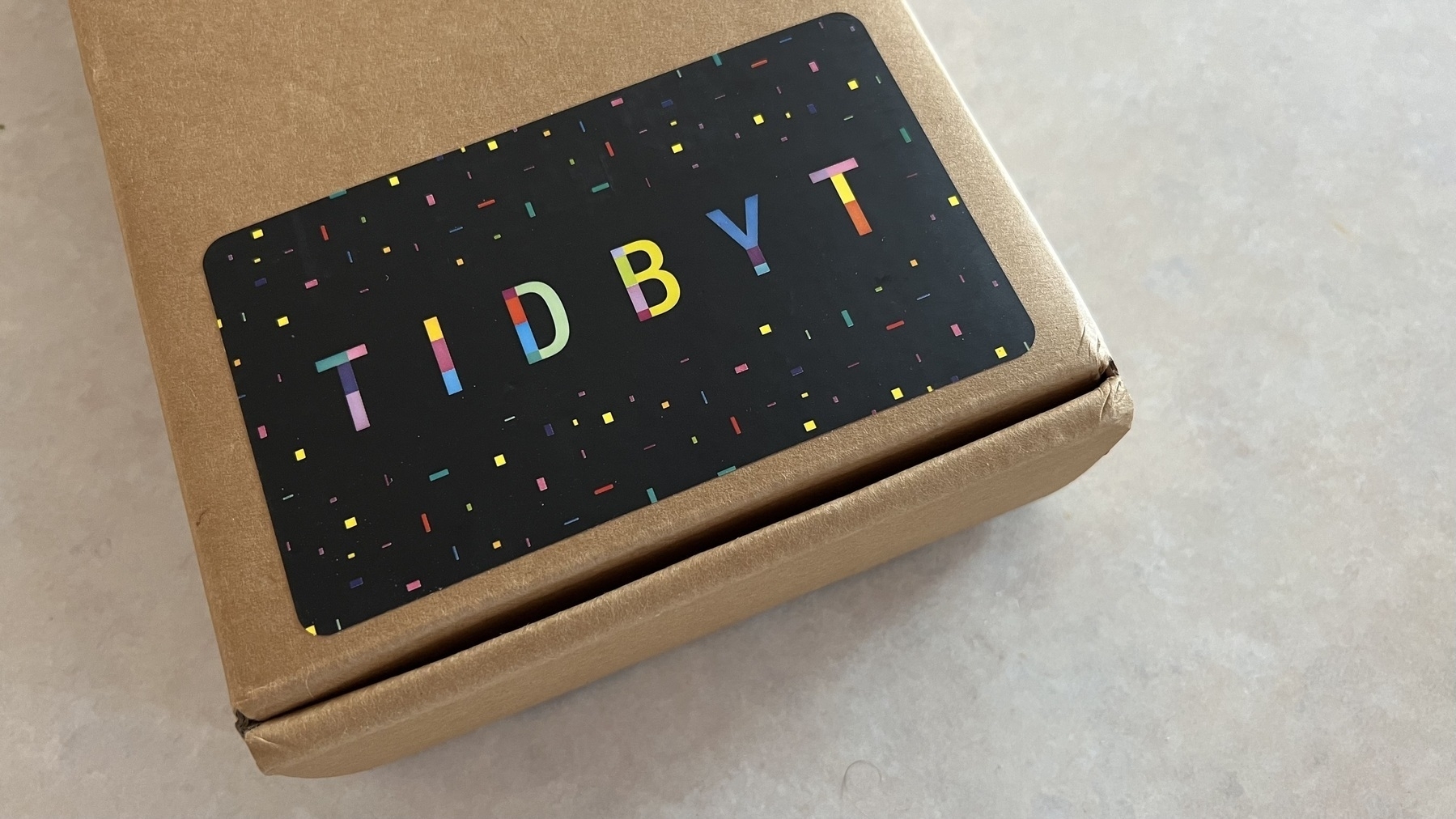
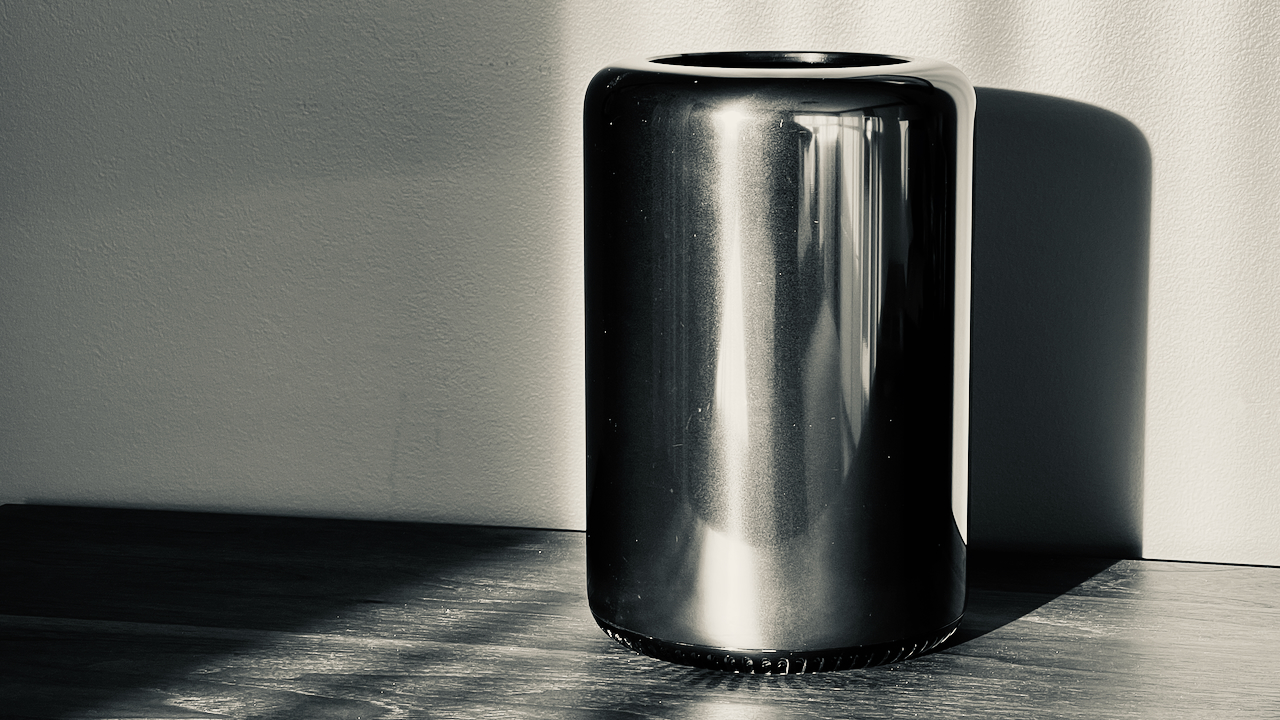
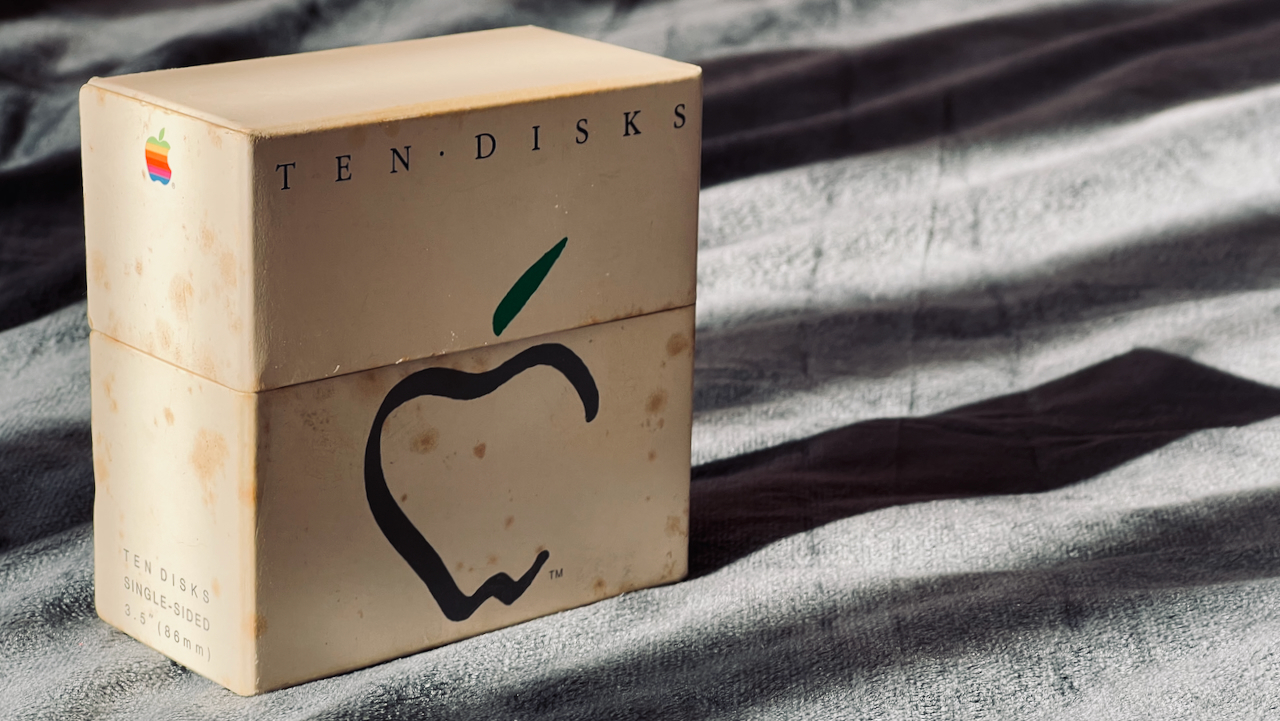
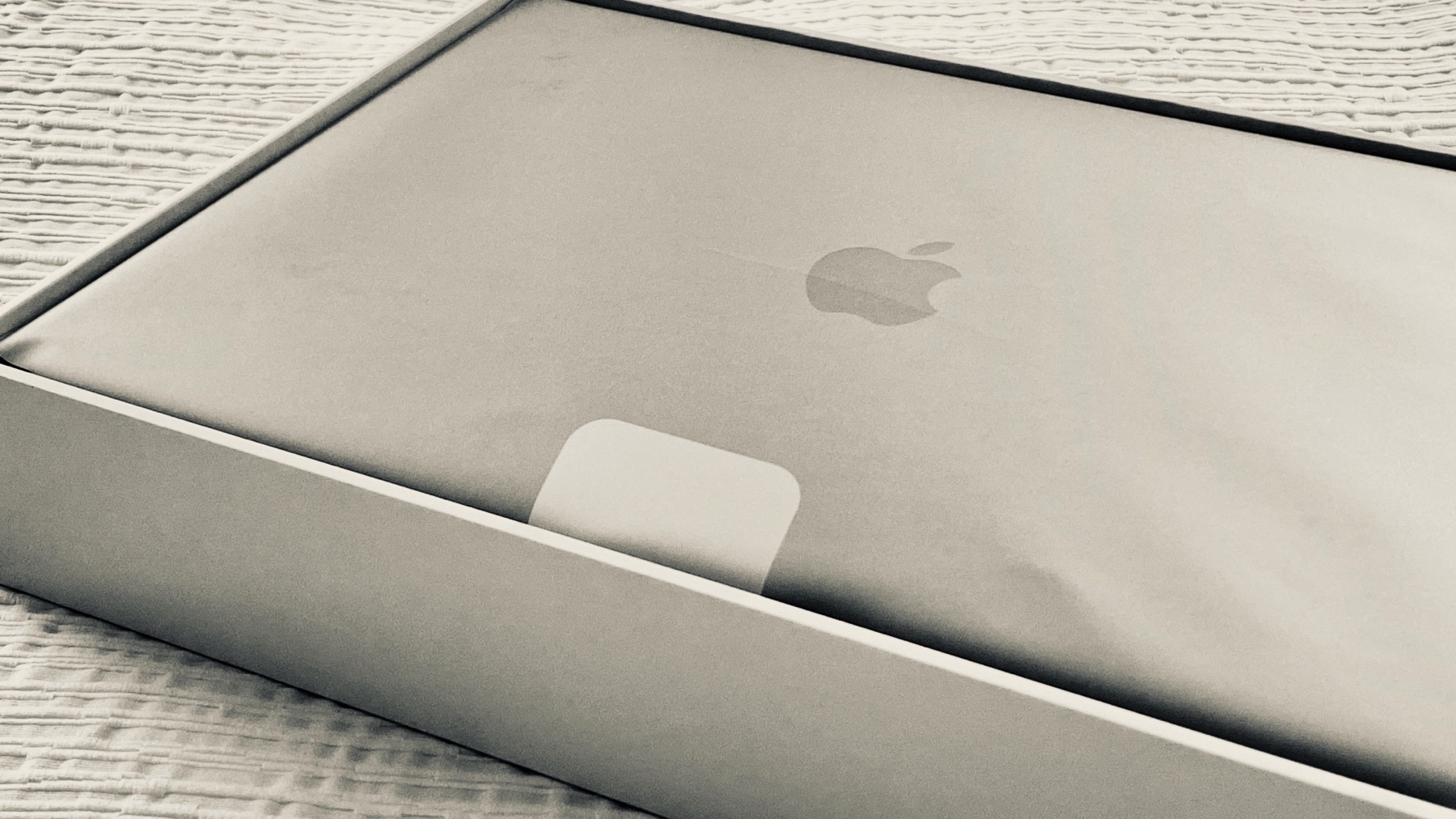
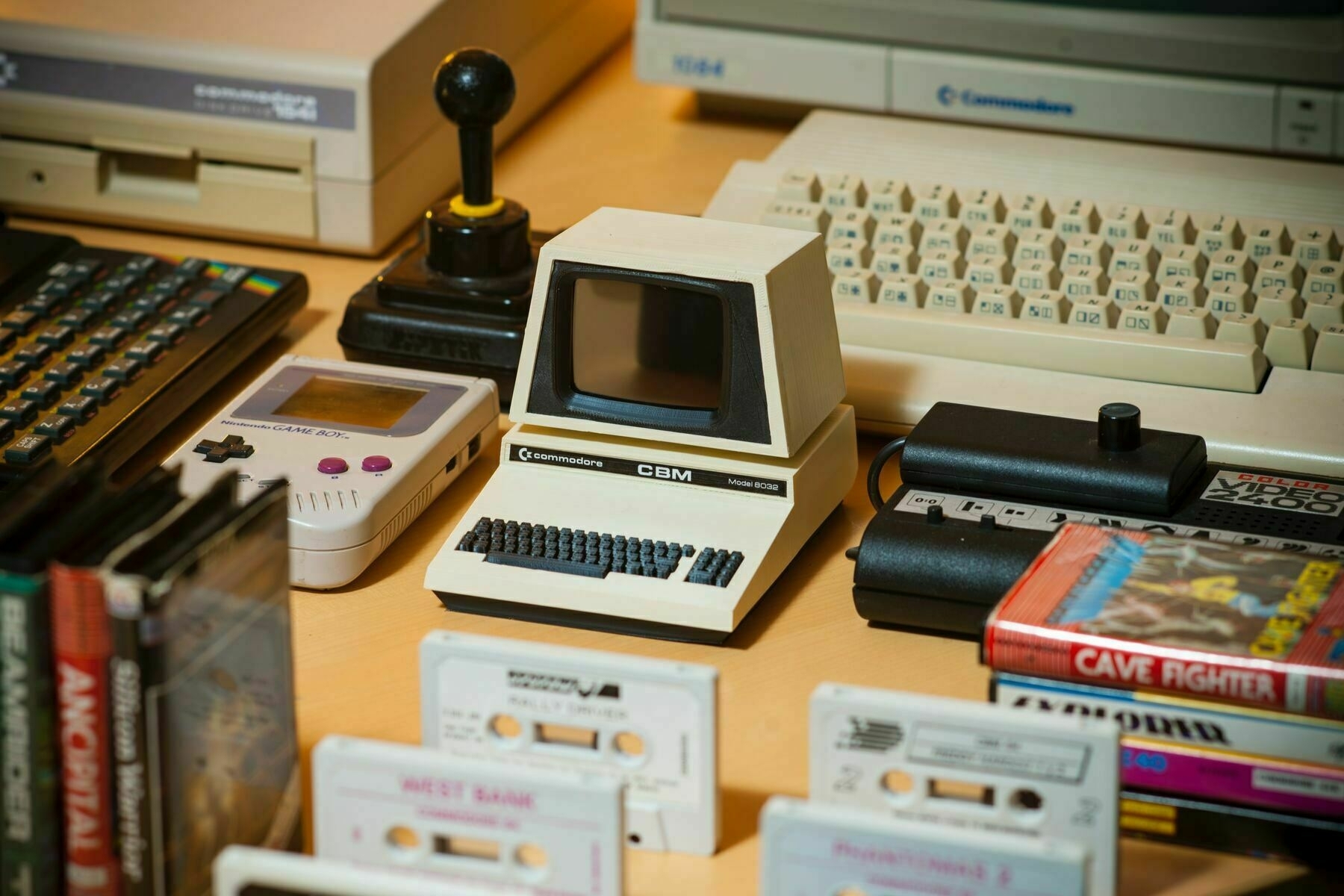
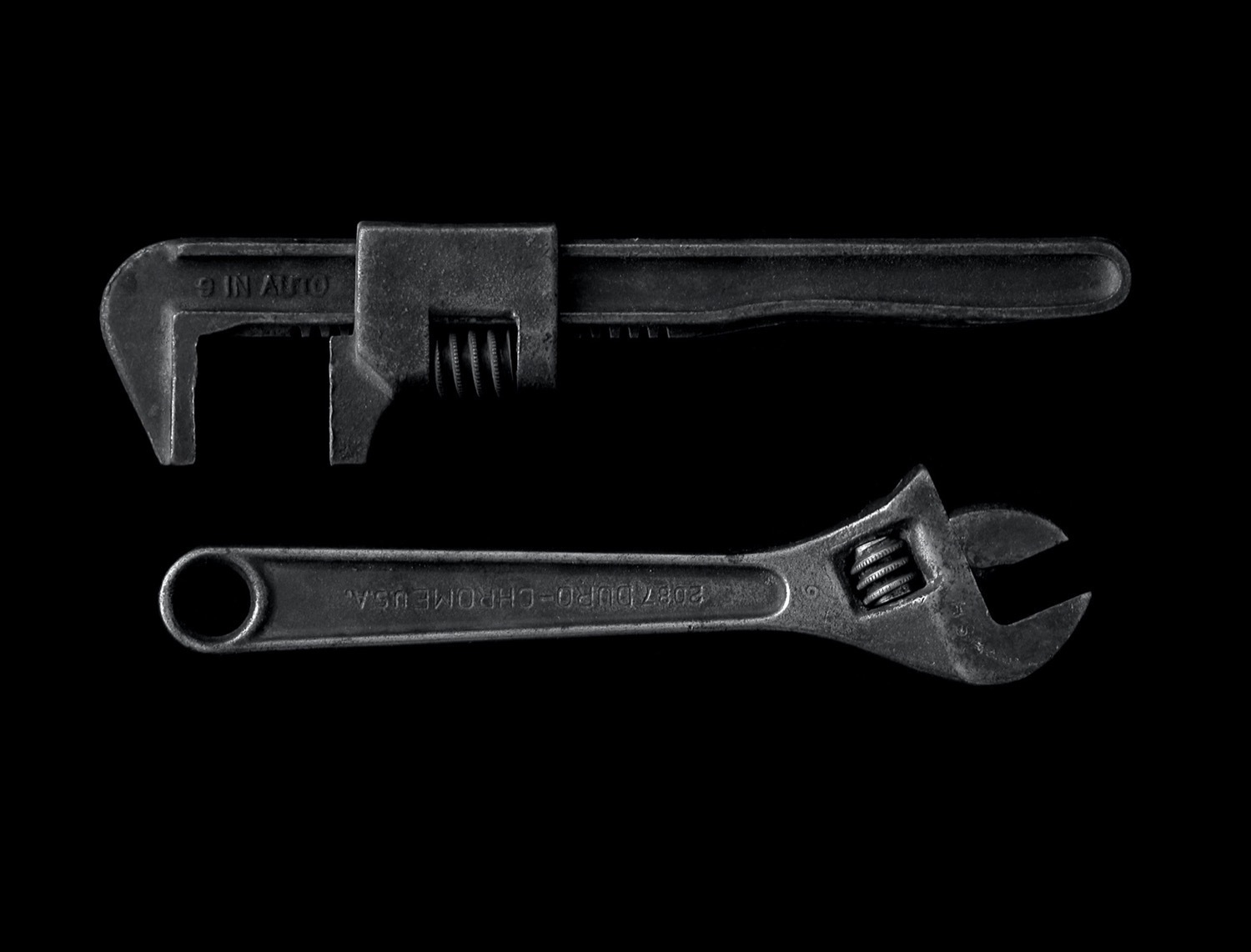
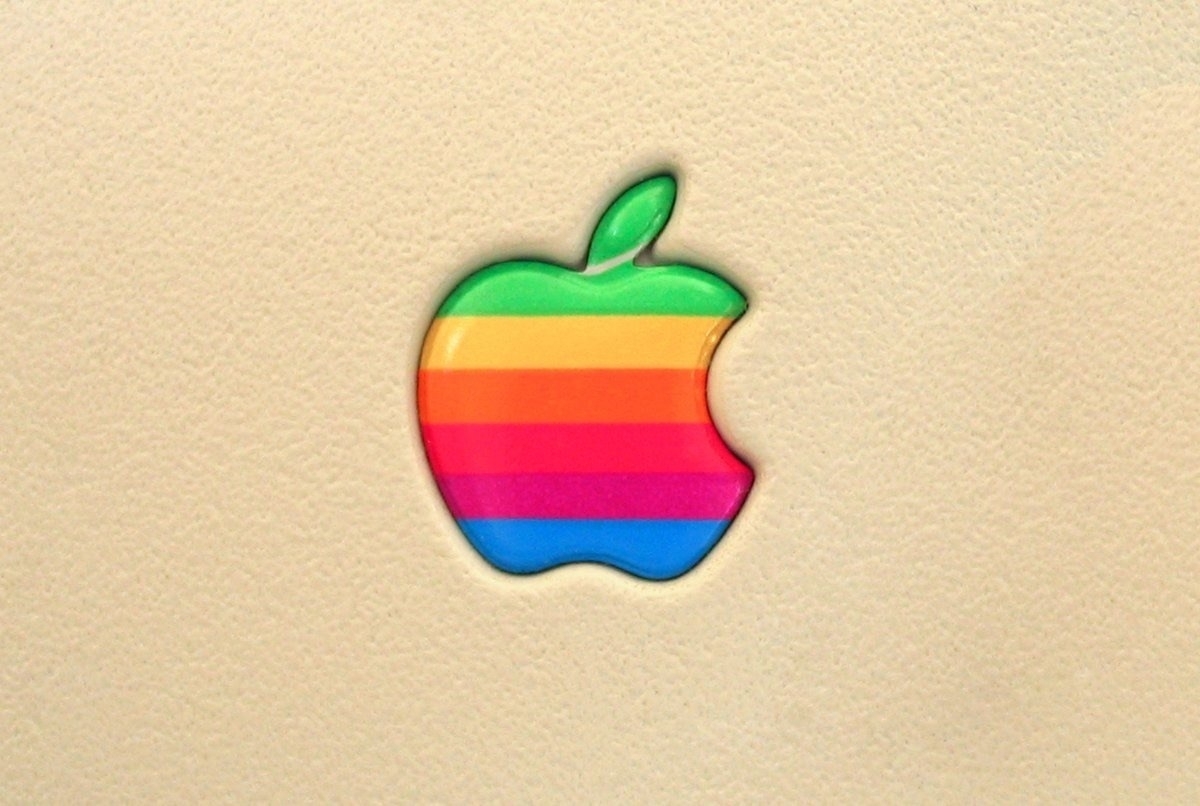
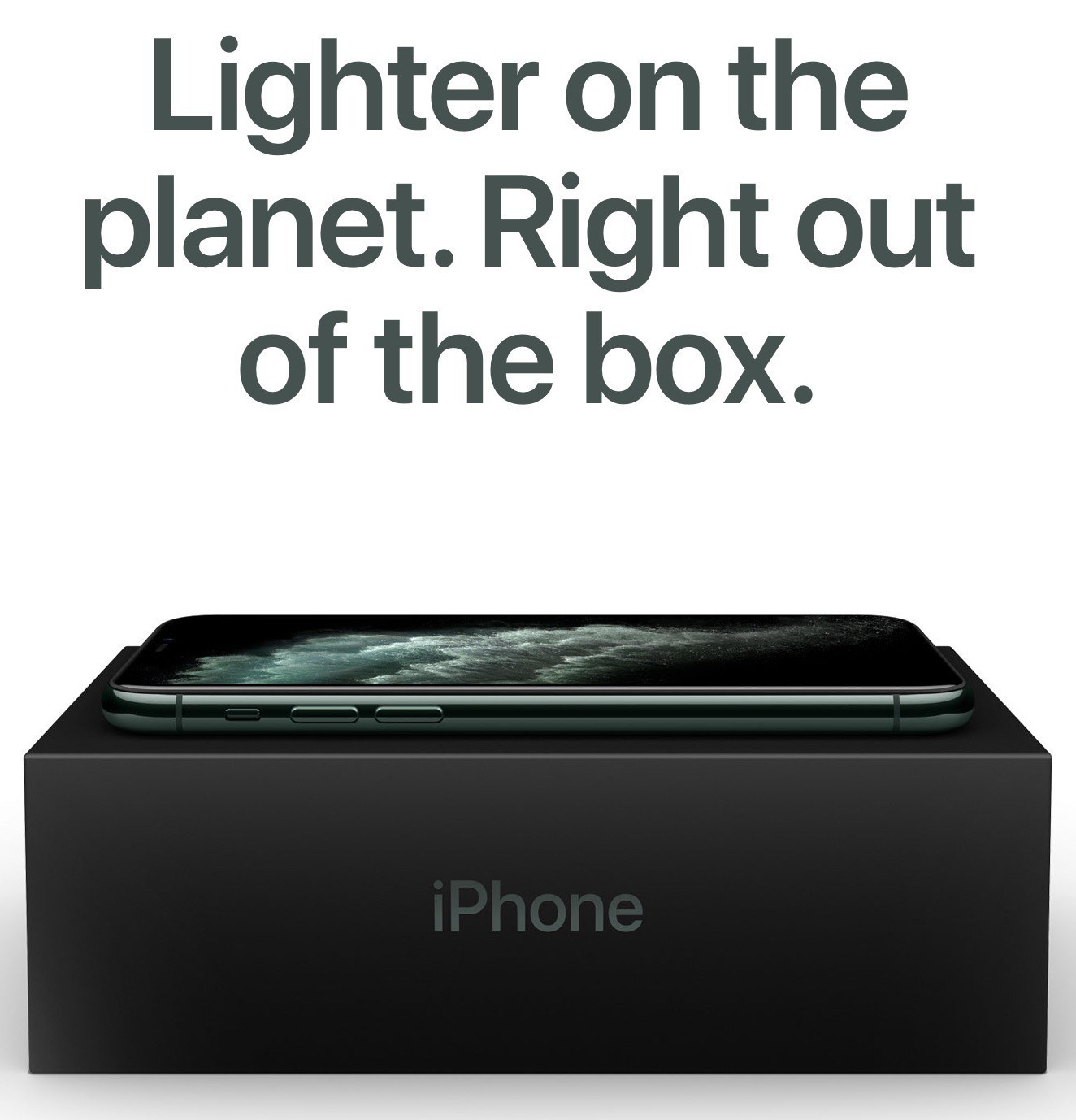
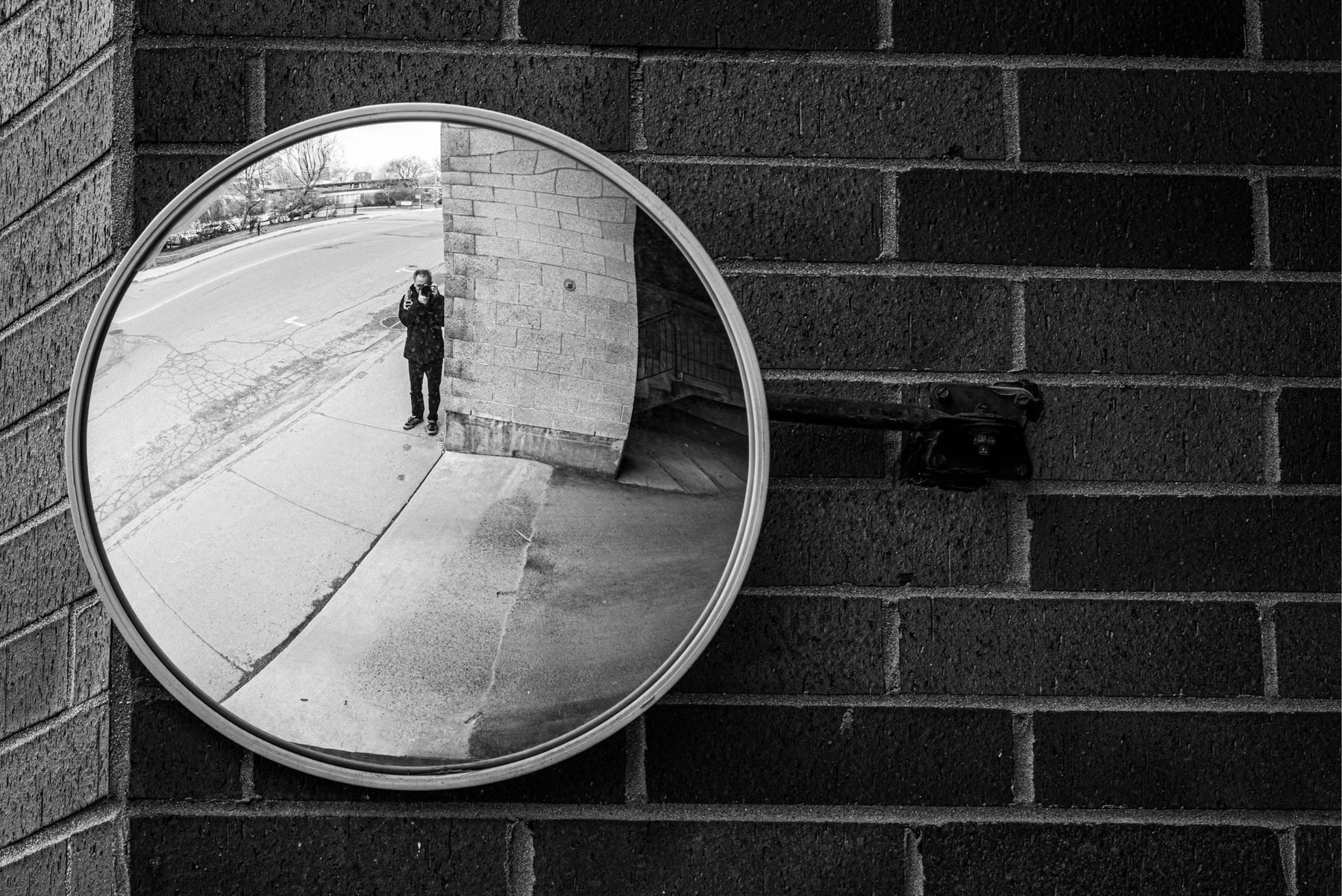
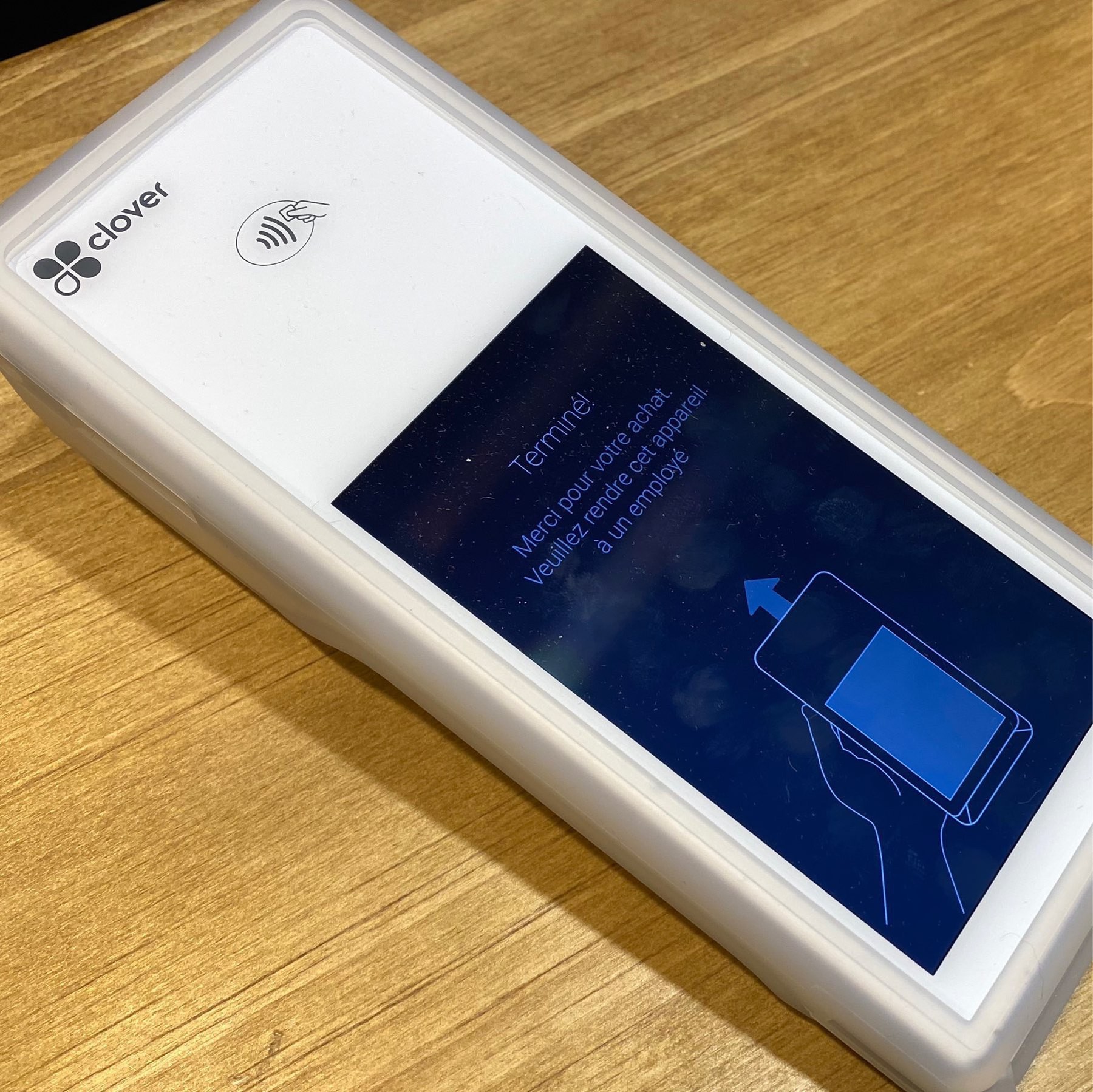
This seemingly insignificant box used to be sold by Apple and contained ten single-sided floppy disks. Those were meant to be used in a Macintosh computer. I had a bunch of them but somehow managed to keep an empty box. It was a great time.

Each floppy contained a whopping 400 KB of storage for a single-sided version. At one point we could get them for 70$ a piece. It was expansive compared to 5 1/4 inches flexible floppy disks that contained either 160 KB or 360 KB that were typically used in IBM PCs. From a design perspective, Apple’s floppy disks were rigid, smaller, sturdier and dust proof, hence a higher asking price.

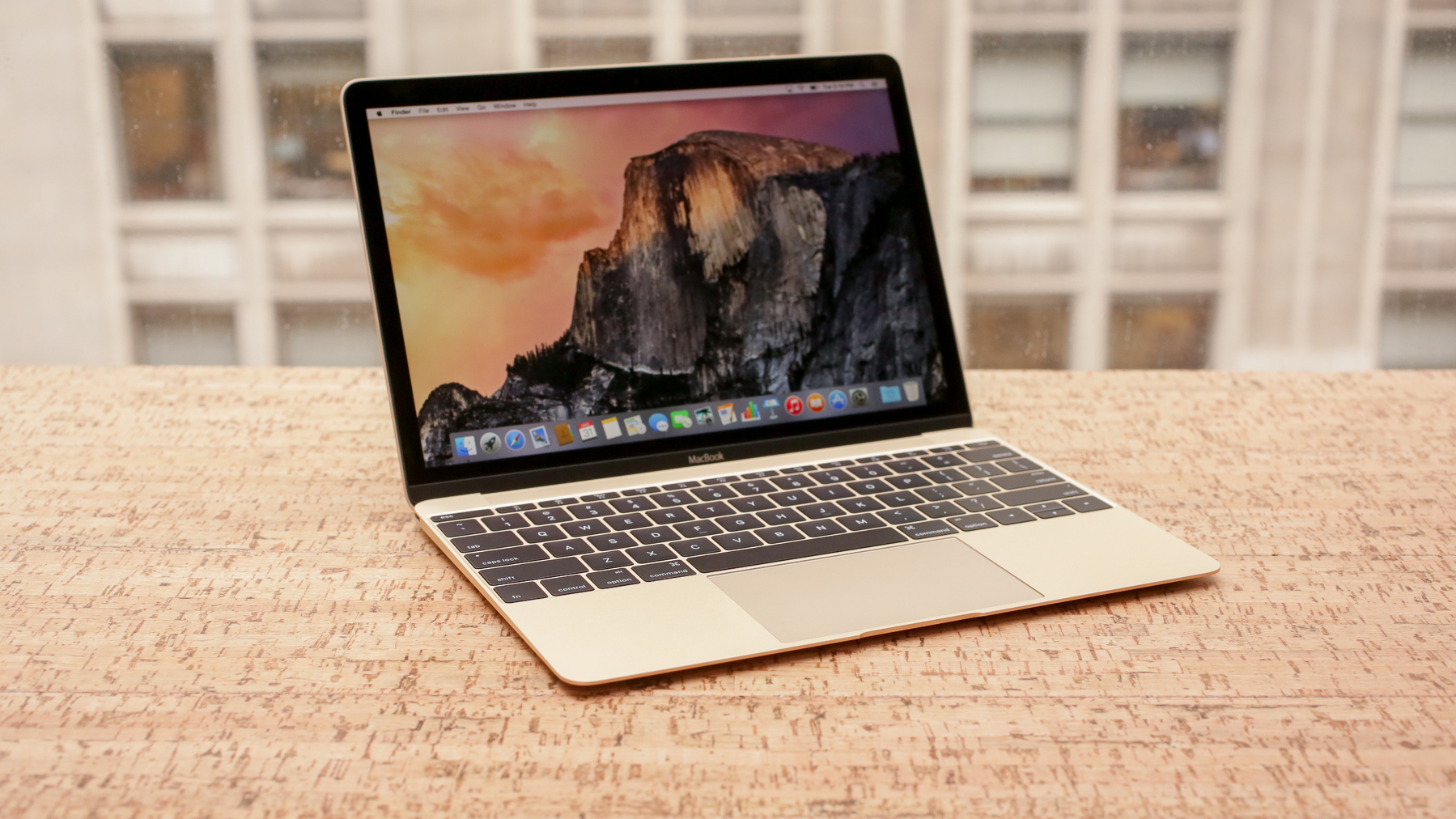
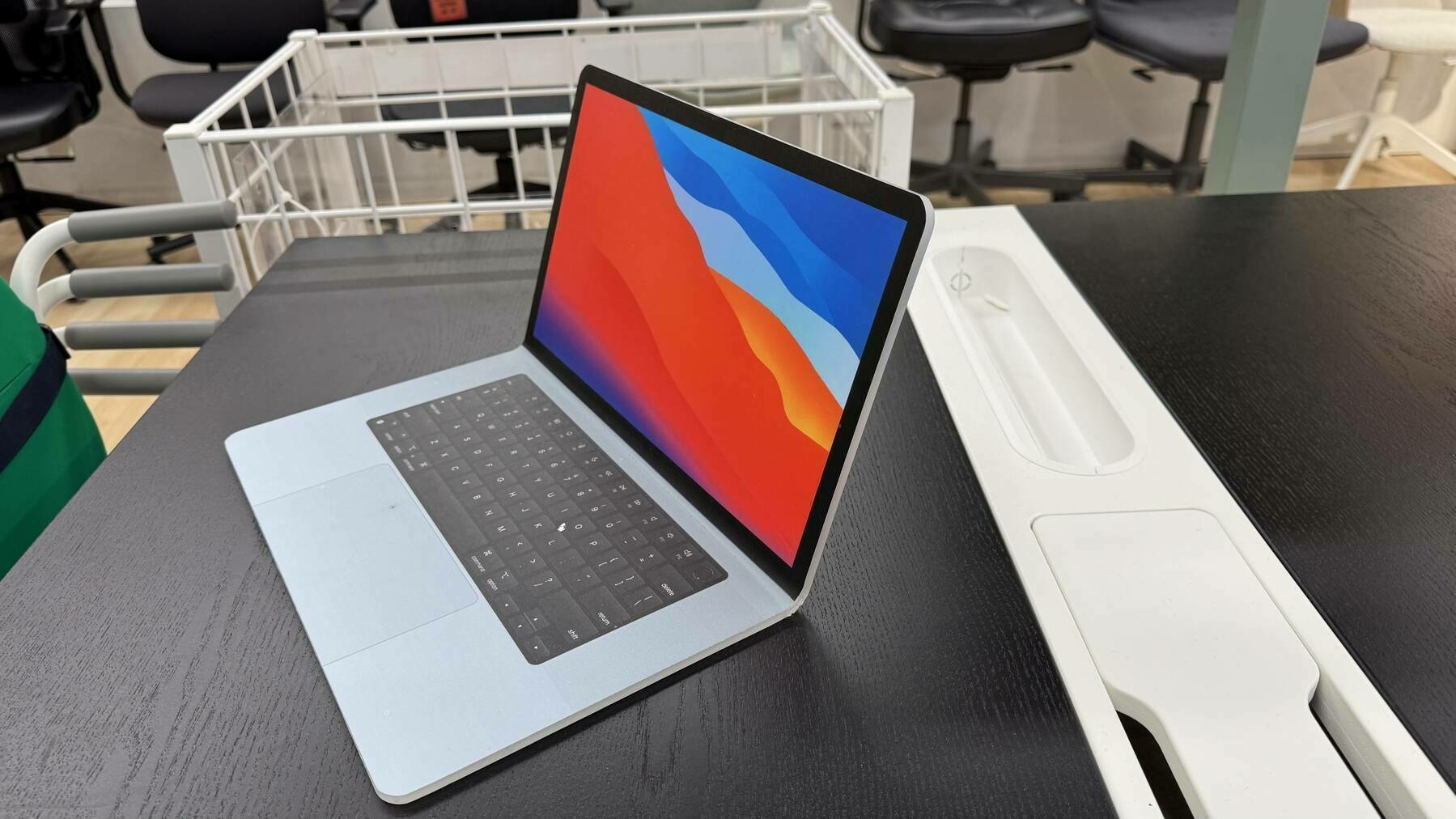
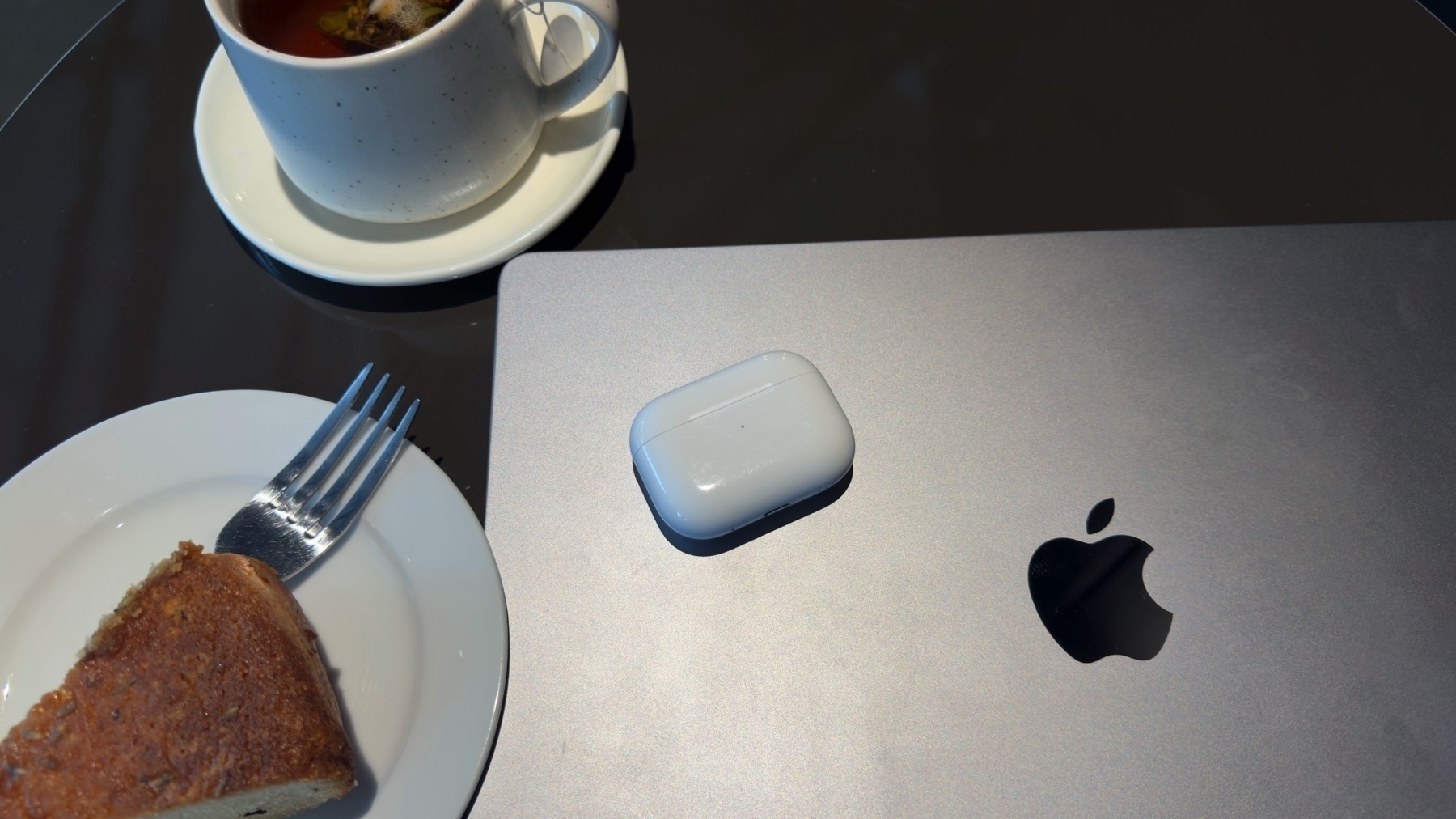
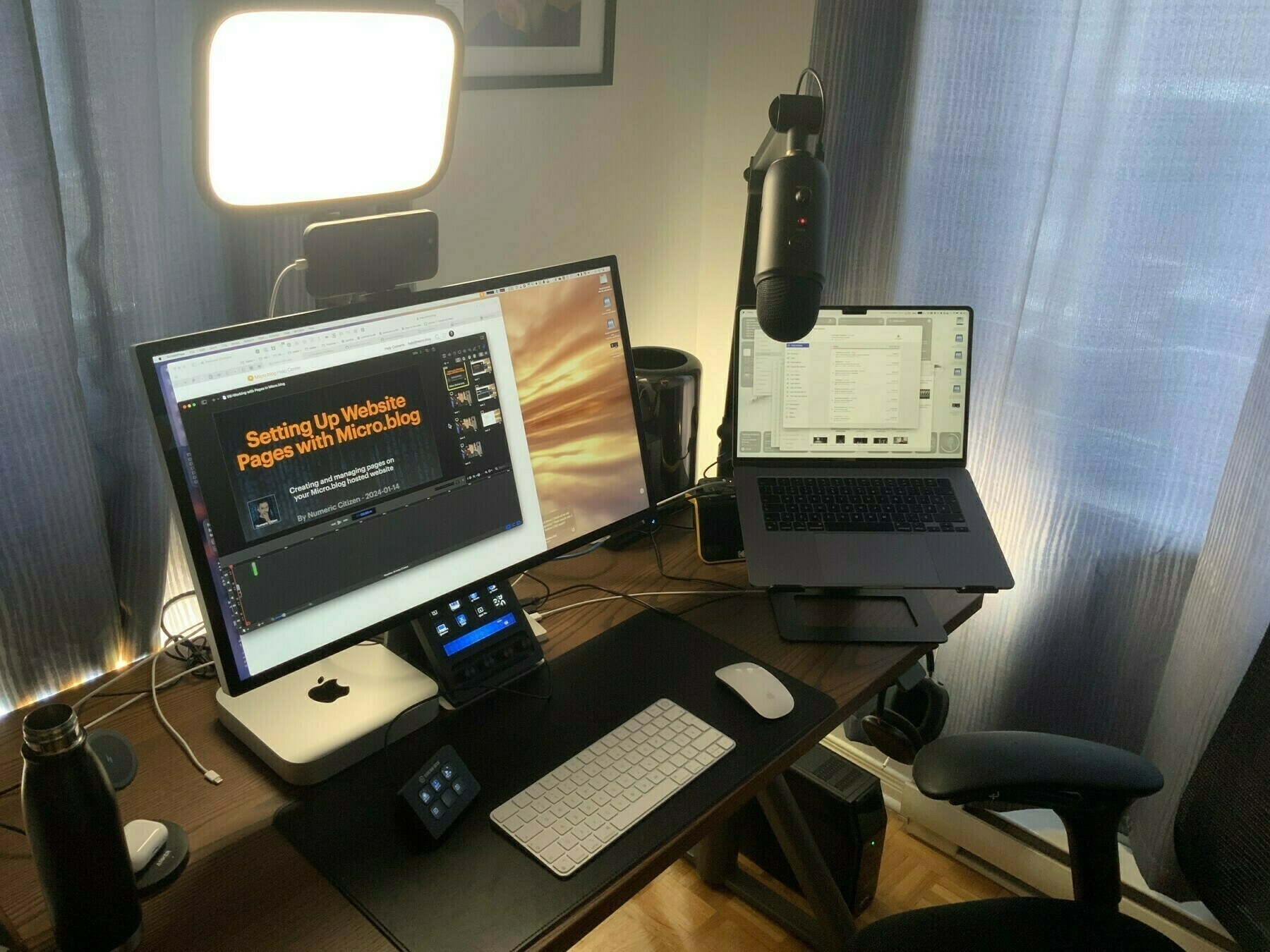
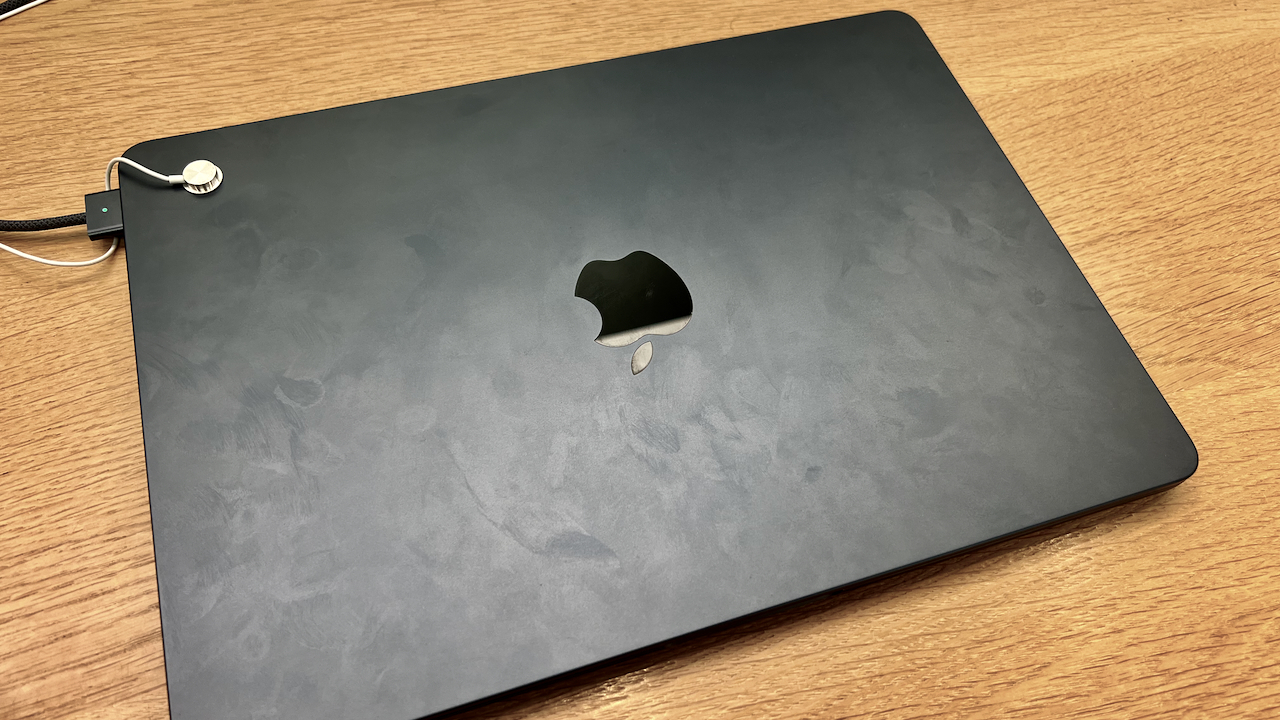
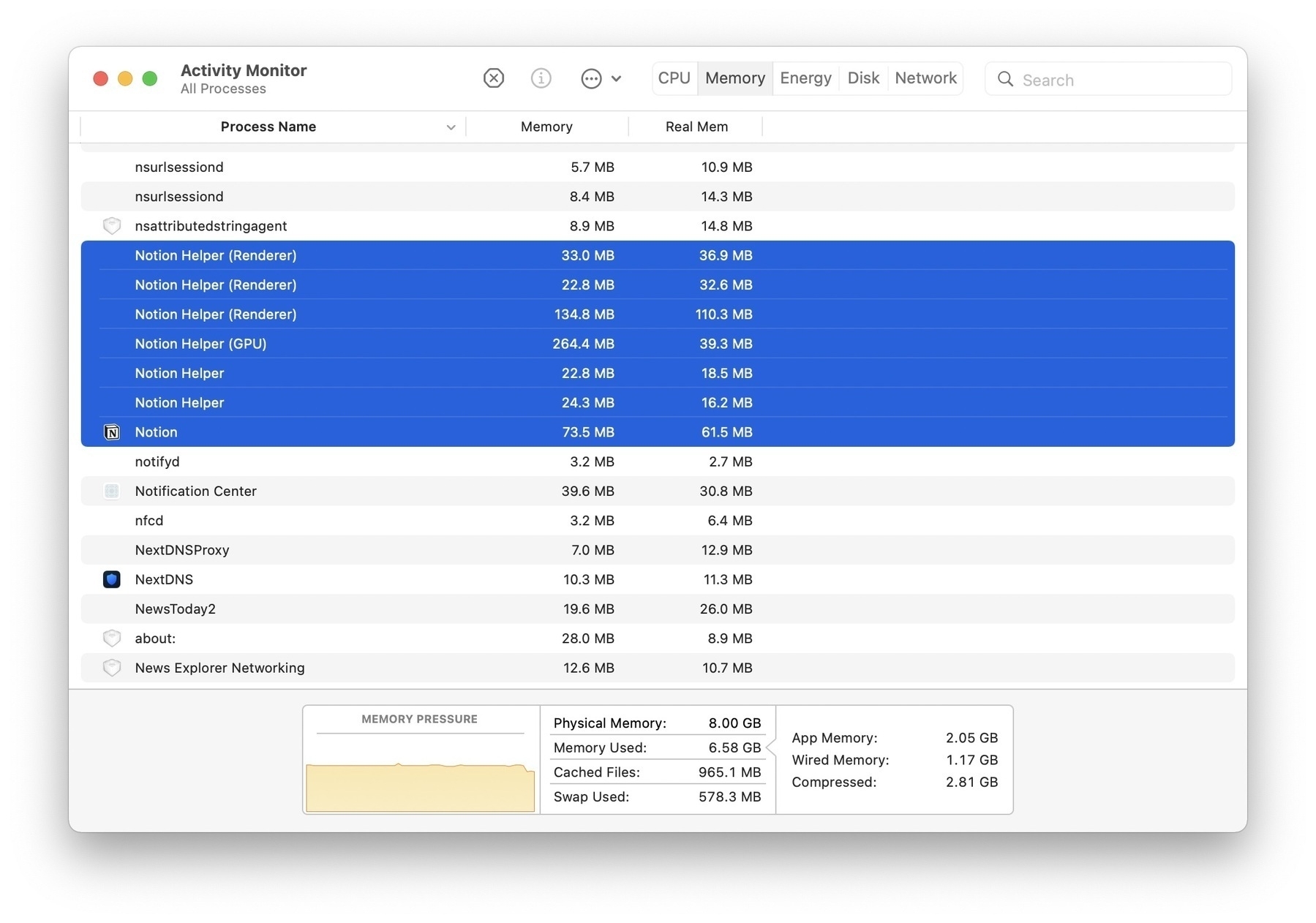
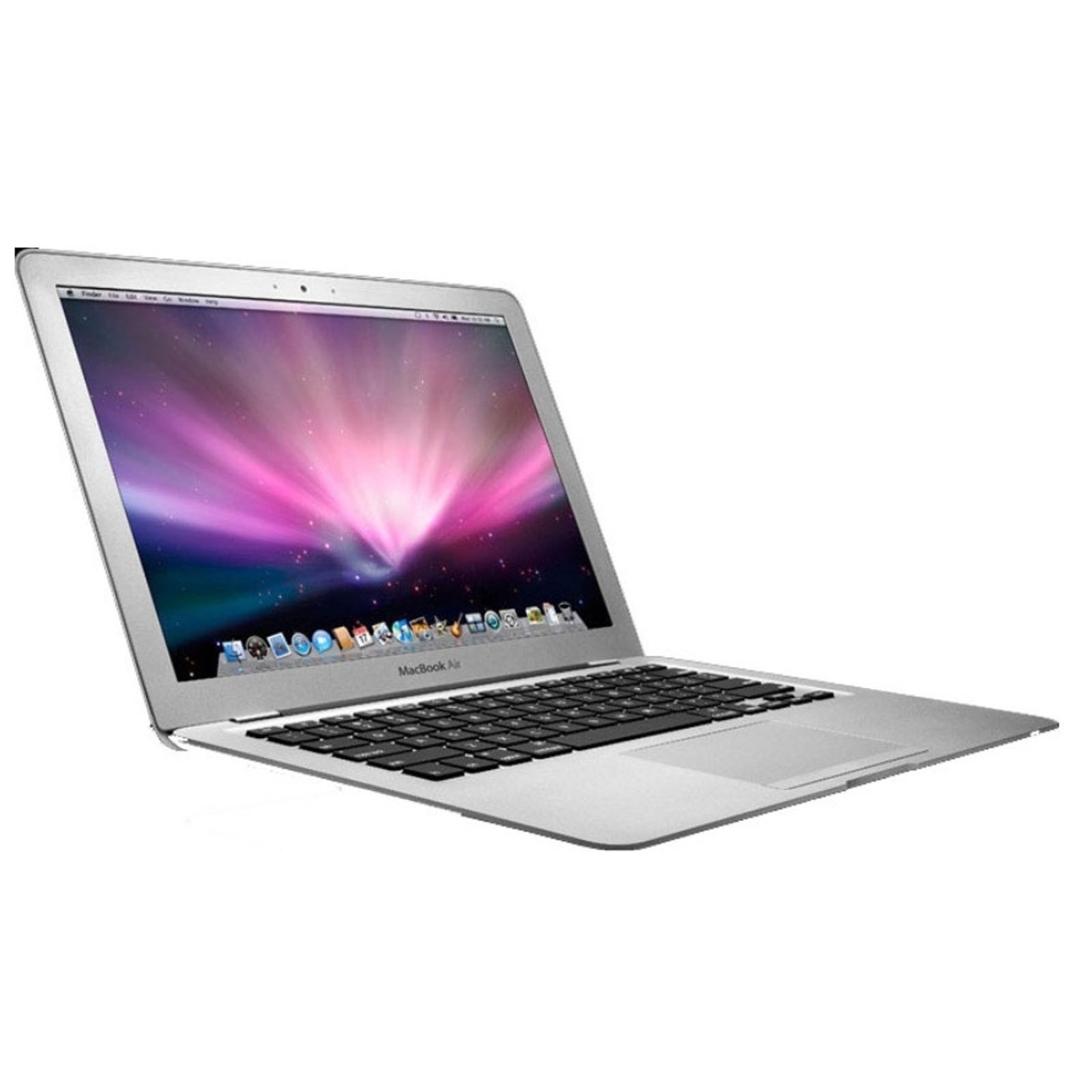
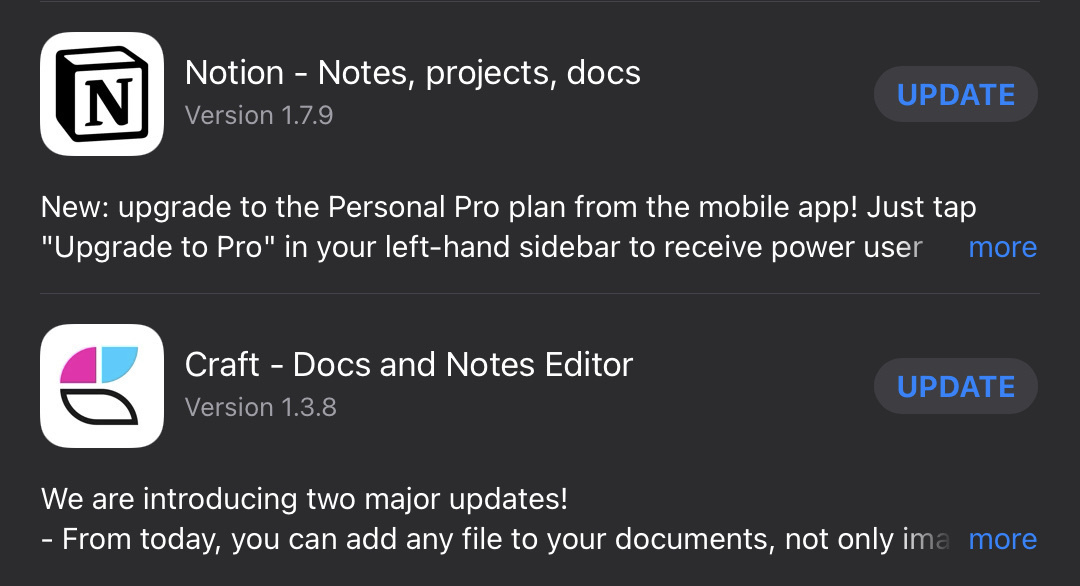
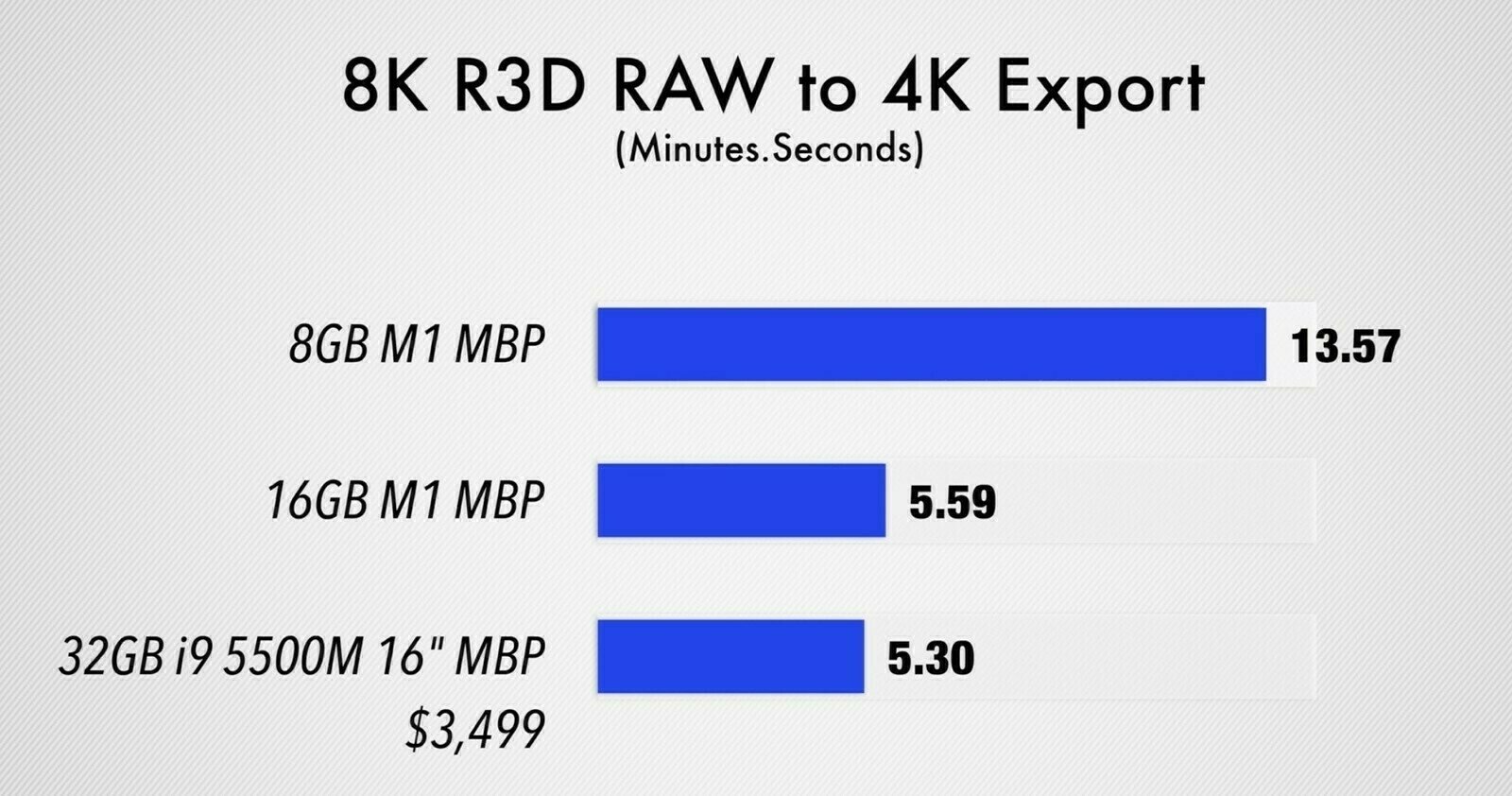
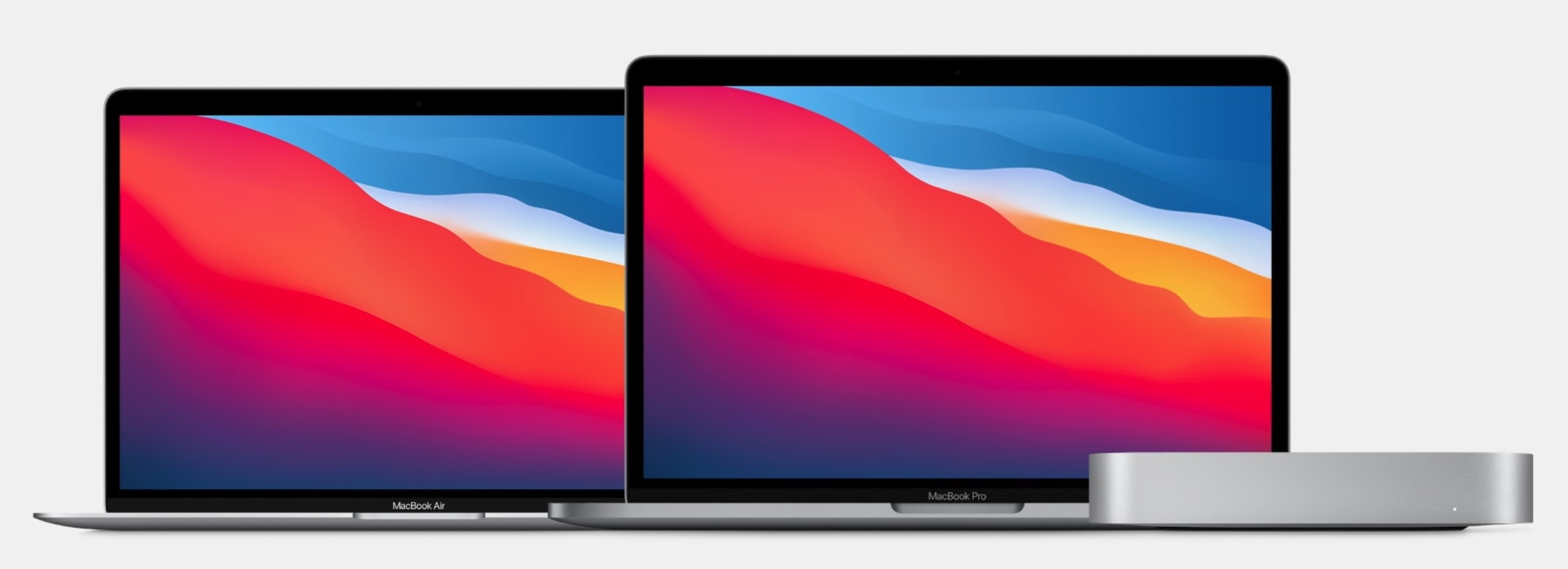
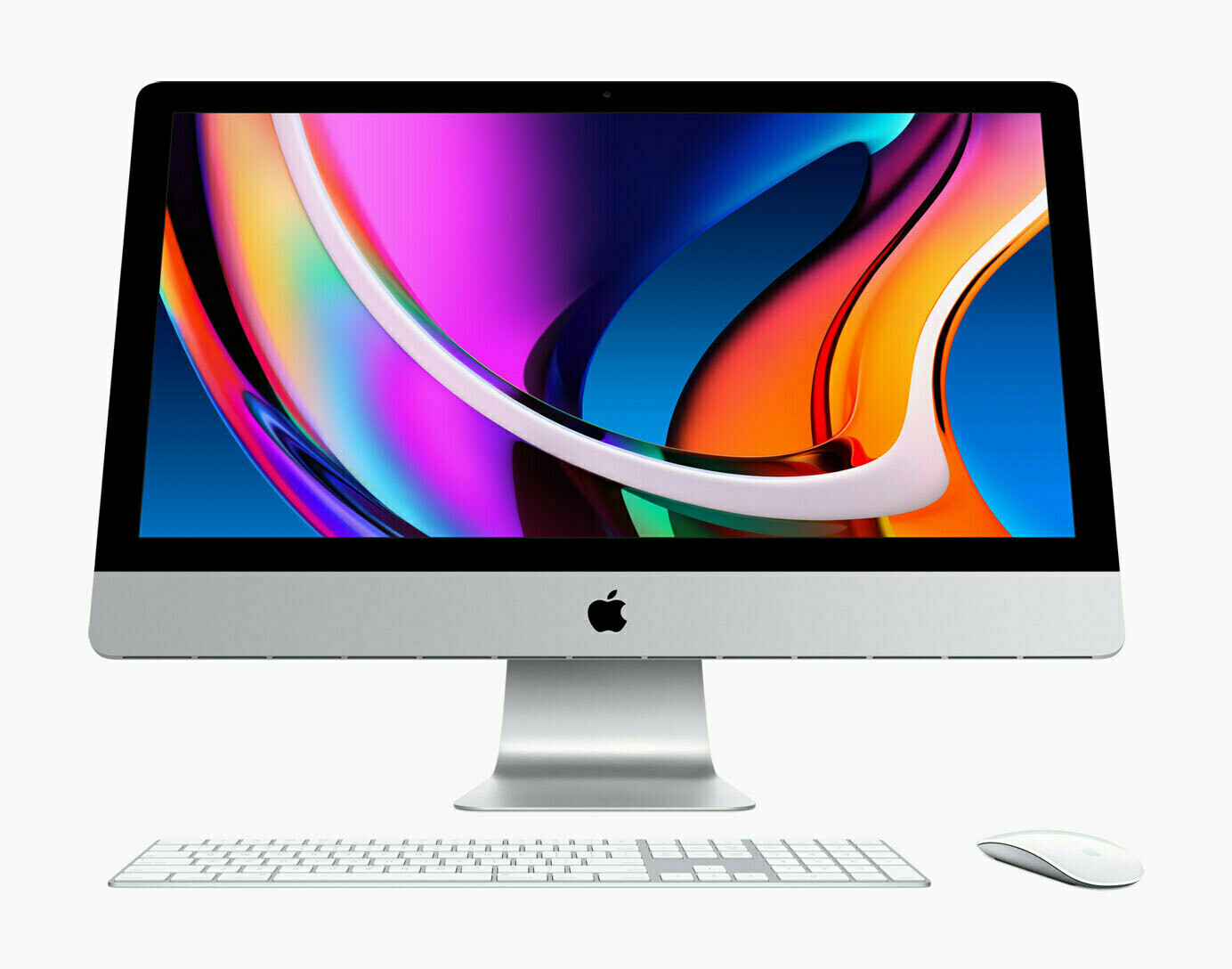
Comparing Notion and Craft running on an M1 MacBook Air. Notion takes 382 MB of RAM while Craft uses less than half of this. Both are native, but Notion is based on Electron. Well, Craft is based on Catalyst, it’s not pure AppKit. Yet…

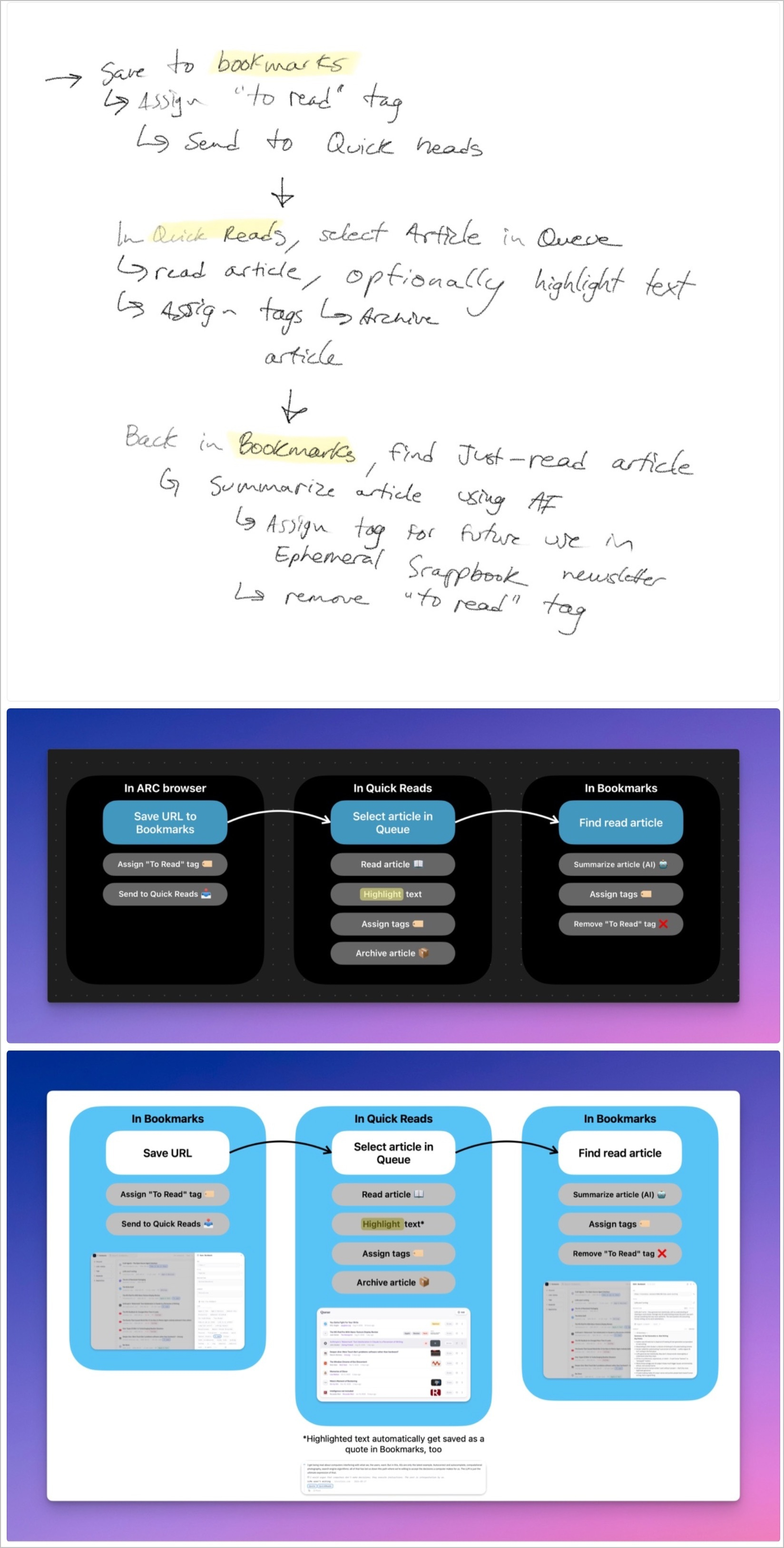
I’ve been experimenting with something in recent weeks. Each Sunday, I open Craft and switch to the calendar view and create my todo list for the upcoming week. I love this. It it because I’m checking off most of the items on the list? Probably. Here’s last week plan.

Not bad. Now, let’s prepare the upcoming week. 🧐🧑🏻‍💻

Glass Profile Page — Finally?

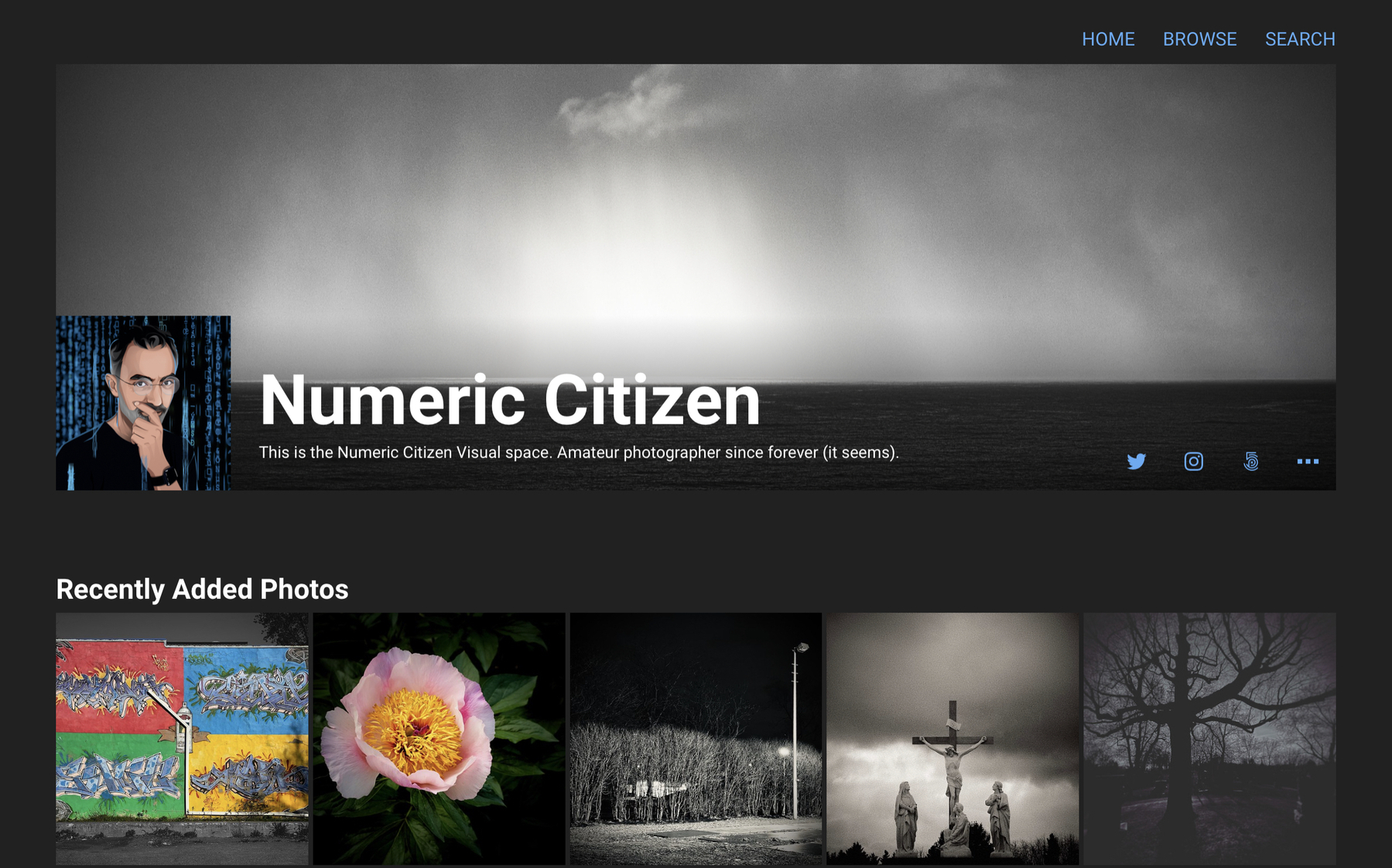
After a successful initial launch, categories support addition, now here is profile page support. Glass is maturing, one step at a time. The web experience wasn’t part of the initial launch and I think it is fine. This is my profile page. Works great on iPhone, and on iPad which is cool. To join, you need to download the application. Works great on iPhone, not available on iPad. Oops. Next? Like support? I don’t think so. Hoping to meet you there!

Computational Photography Meet Traditional Cameras

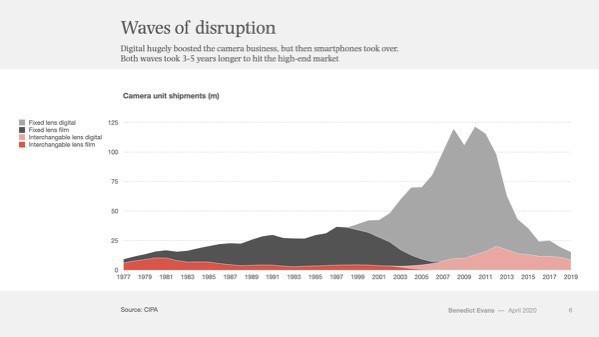
But I wonder, where is photography headed from here? Surely, computational photography will play a big role in the short term. In my opinion, smartphones are not the future of photography, but they are hinting at where standalone, interchangeable lens cameras have to go in the next few years. I can’t wait to see what’s coming next. Source: Where is photography headed? — aows

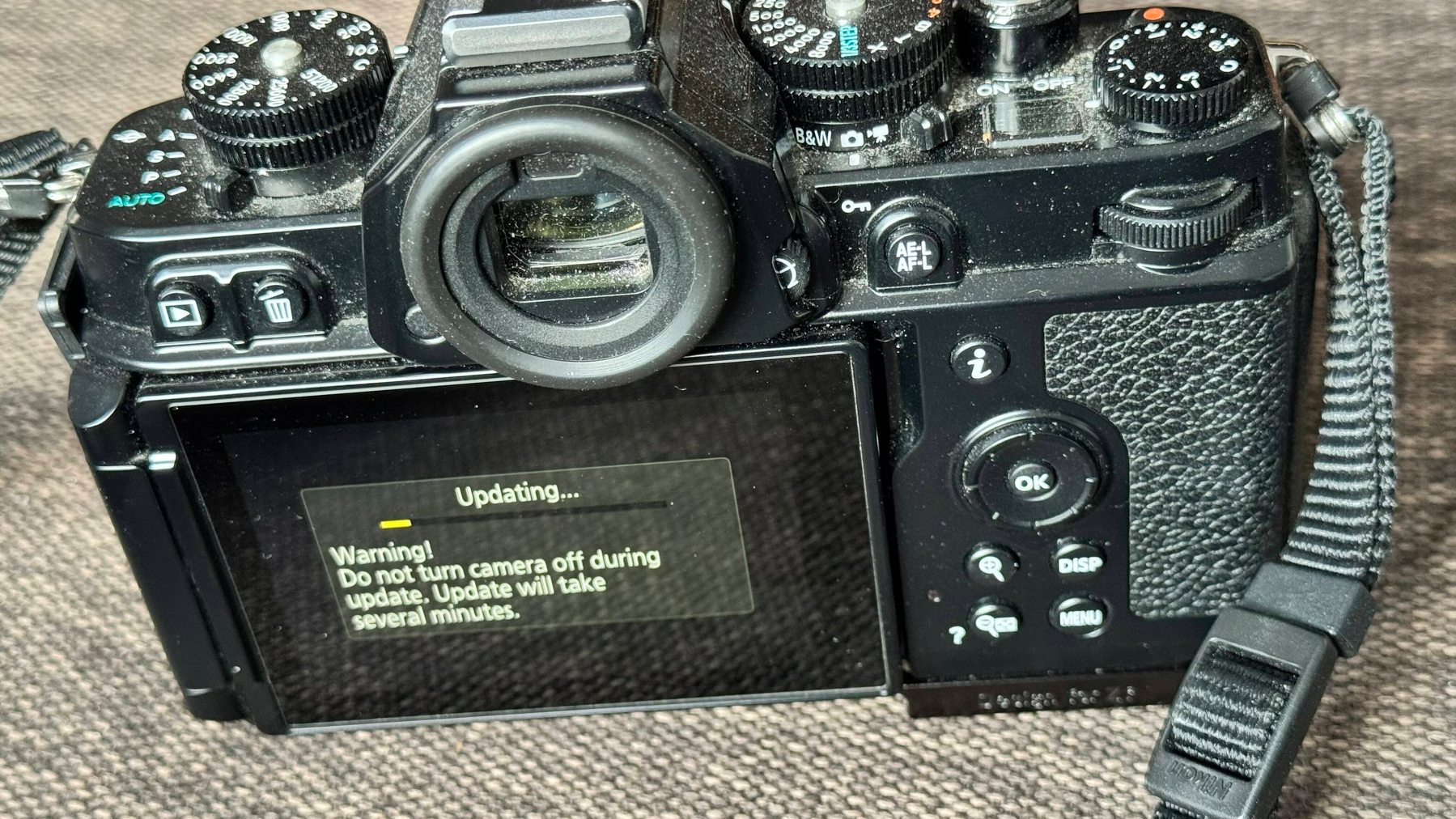
What if Canon or Nikon were developing computational photography features in their cameras, just like Apple does for its iPhone? Imagine a “real” lens, a much bigger CCD captor, algorithms coupled with machine learning running on a powerful CPU. I wonder if this is the only way for Canon and Nikon to survive.