Media Consumption Frenzy
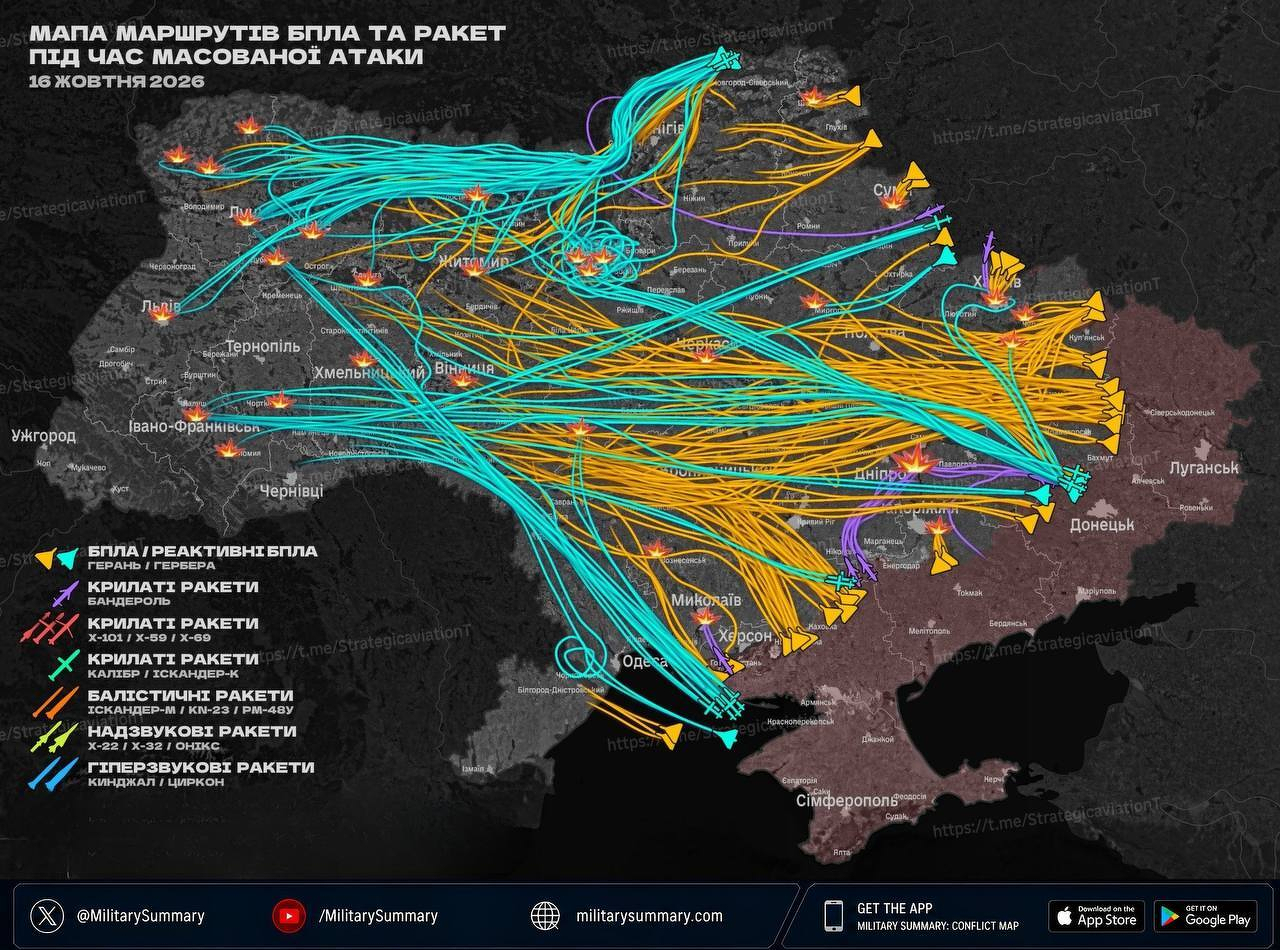
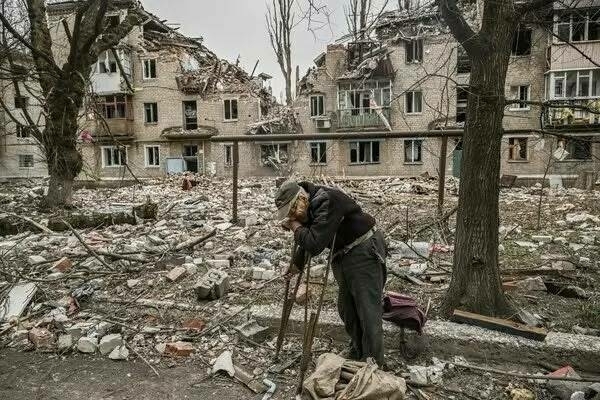
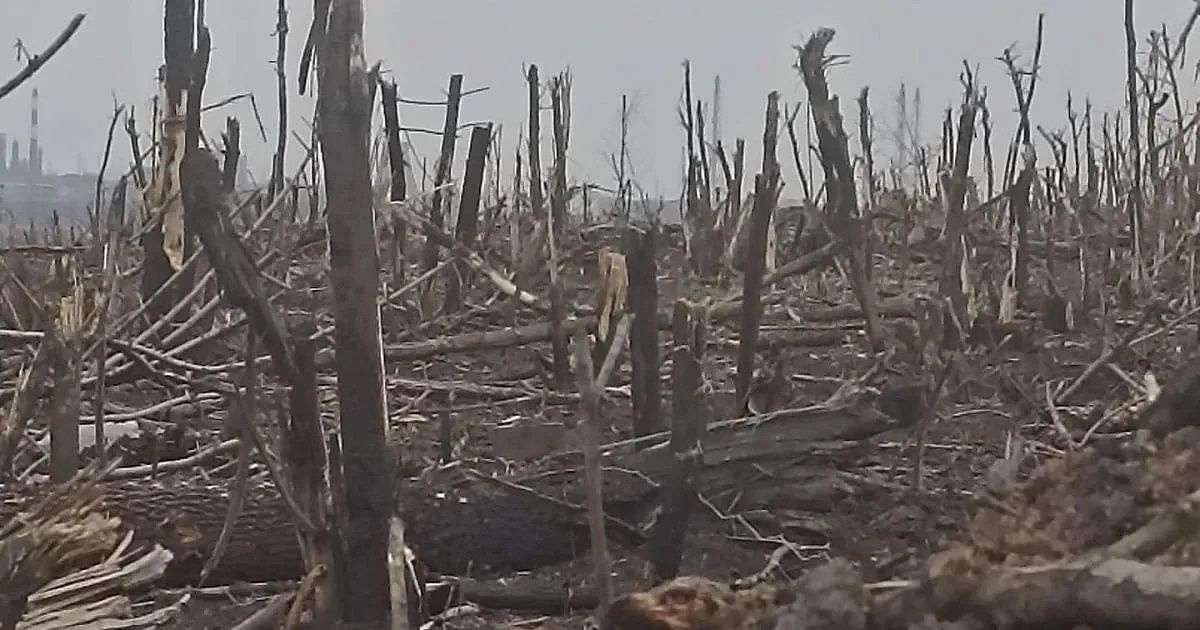
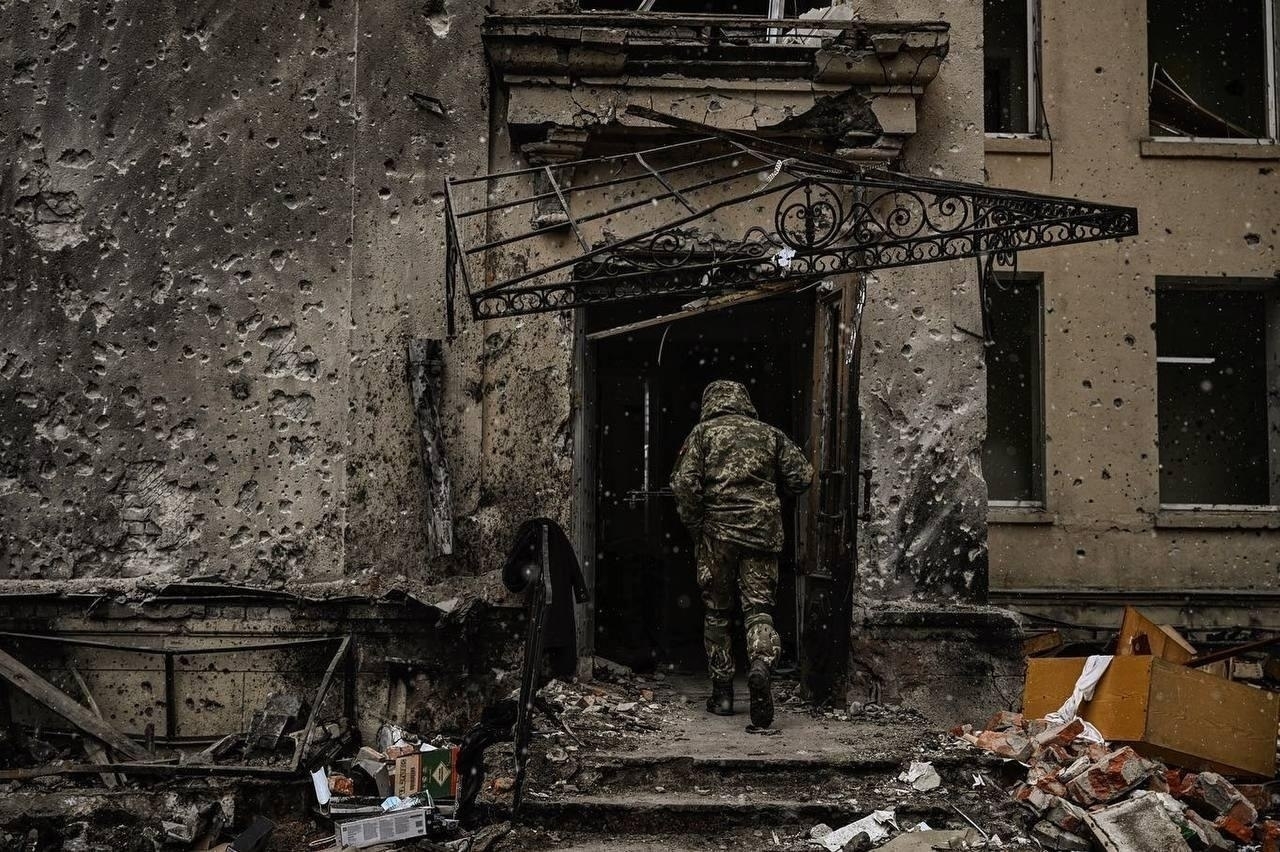
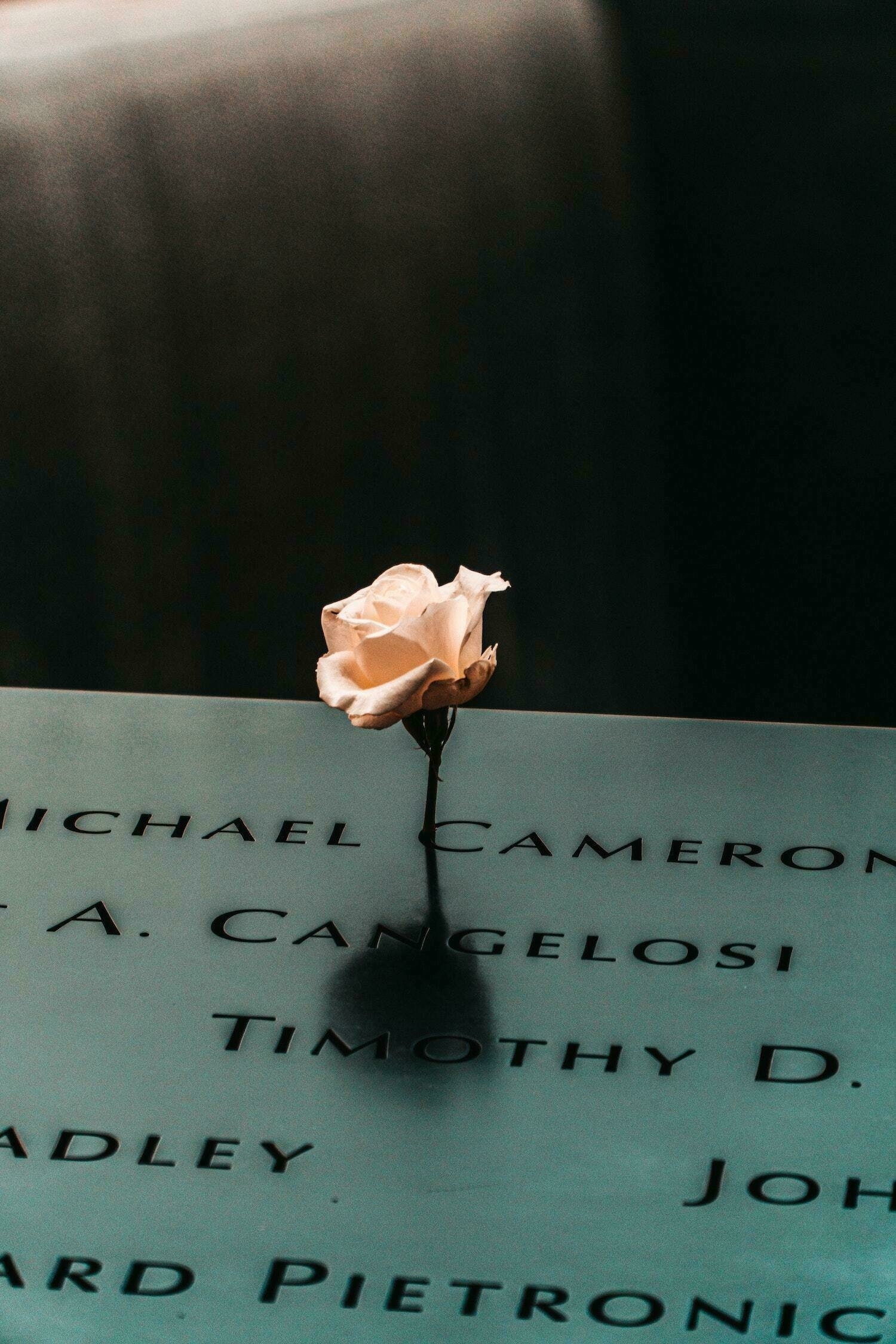
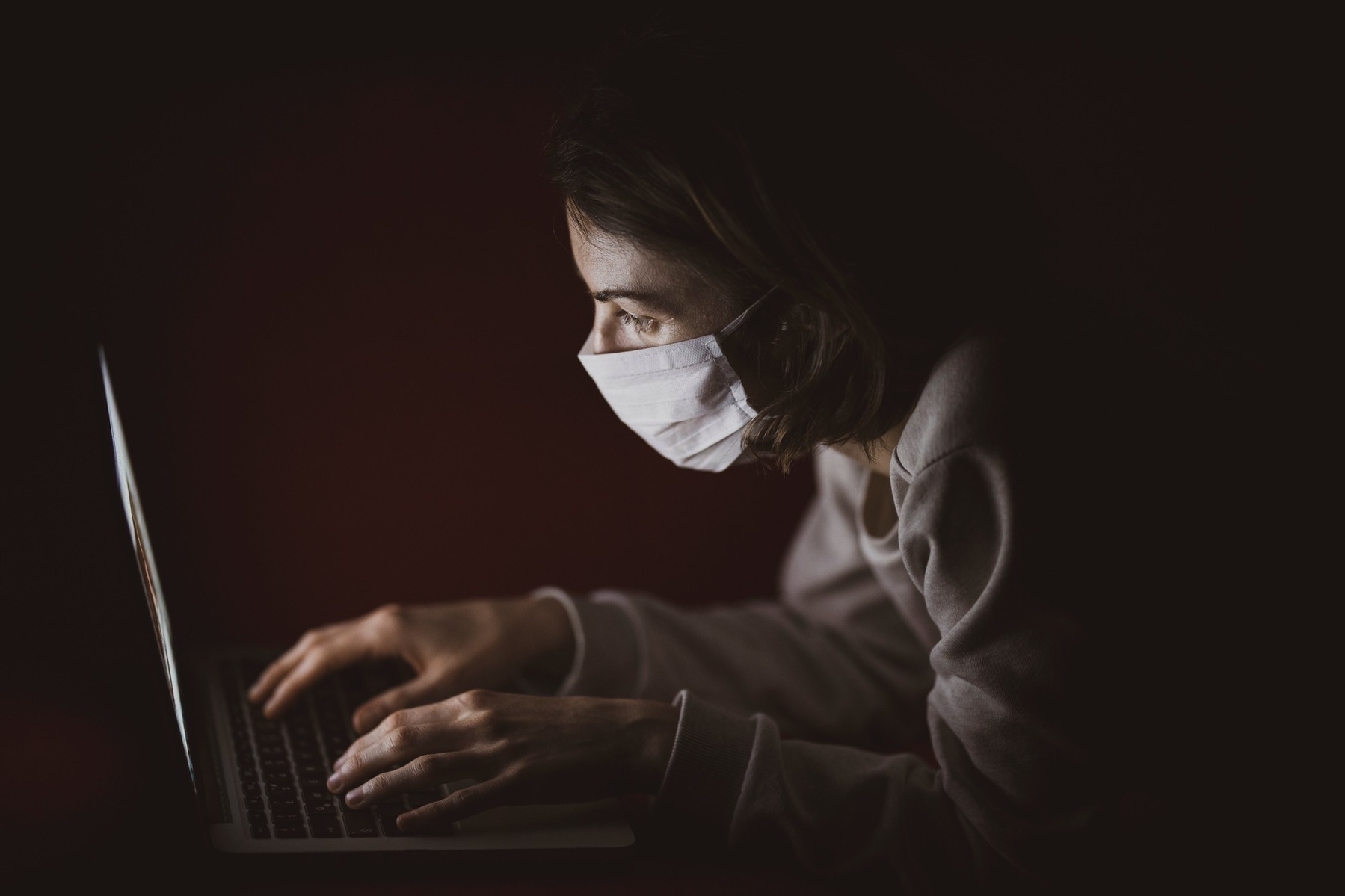
🇺🇦 Current events in Ukraine are triggering a media consumption frenzy in me that resembles the one that came after the 9/11 attacks. If similarities are to continue, fear is going to be next to invite itself into my life. 😨
🇺🇦 Current events in Ukraine are triggering a media consumption frenzy in me that resembles the one that came after the 9/11 attacks. If similarities are to continue, fear is going to be next to invite itself into my life. 😨
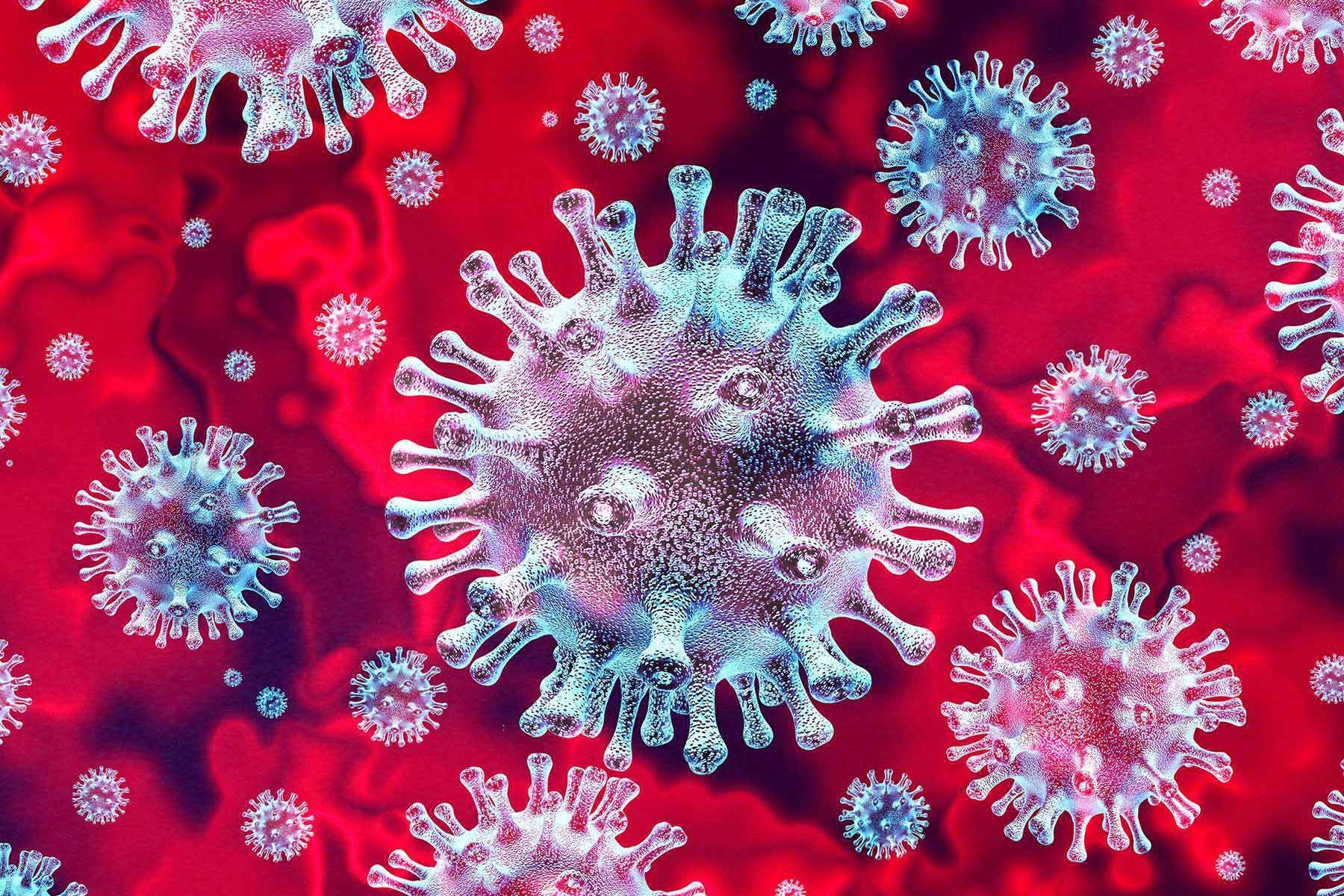
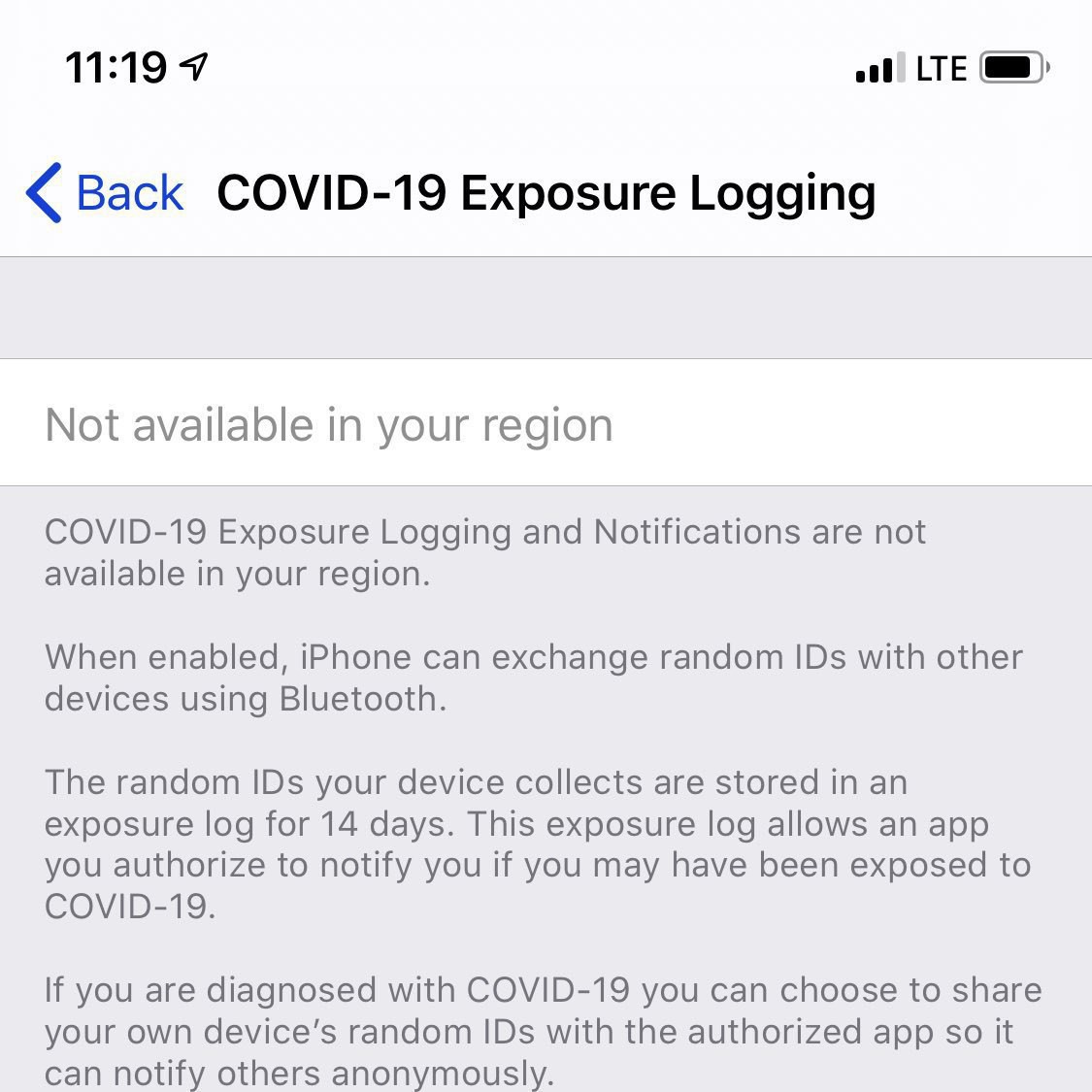
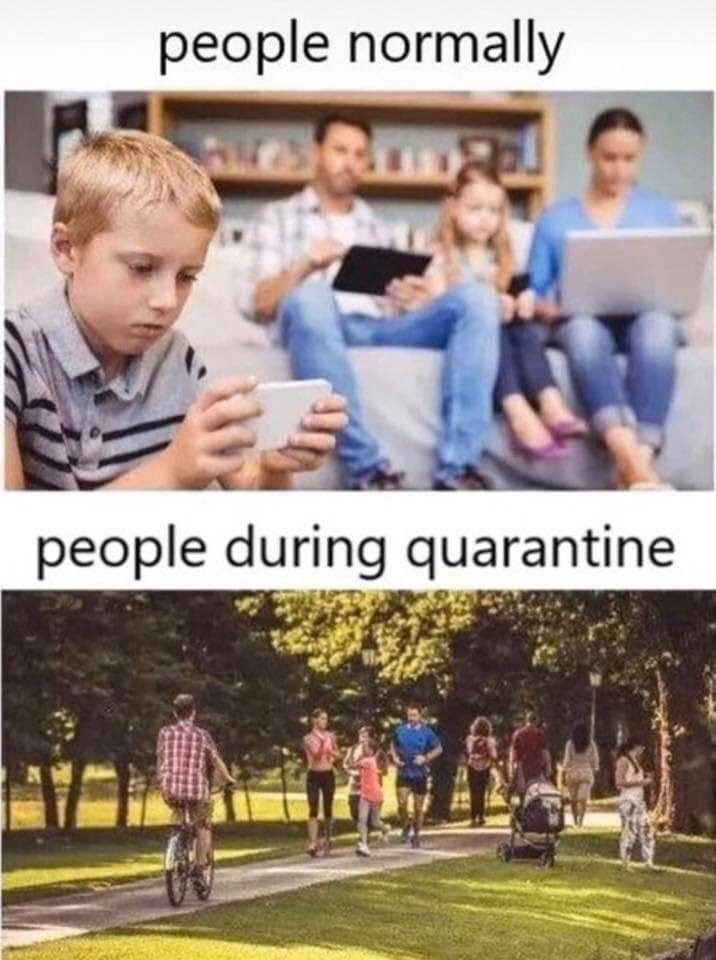
⌛ If I look at myself these days, I find that I’m less willing to go out for a quick getaway outside the city than I used to be. In the last two years, repetitive confinements and strict sanitary rules certainly left their marks on me. I hope time will bring back my willingness to open myself for opportunities and take advantage of them when they present themselves. Today was such a day of “taking advantage” of opportunities: seeing my sister, going out for a walk on a commercial strip in the afternoon. This made me happy. 😀
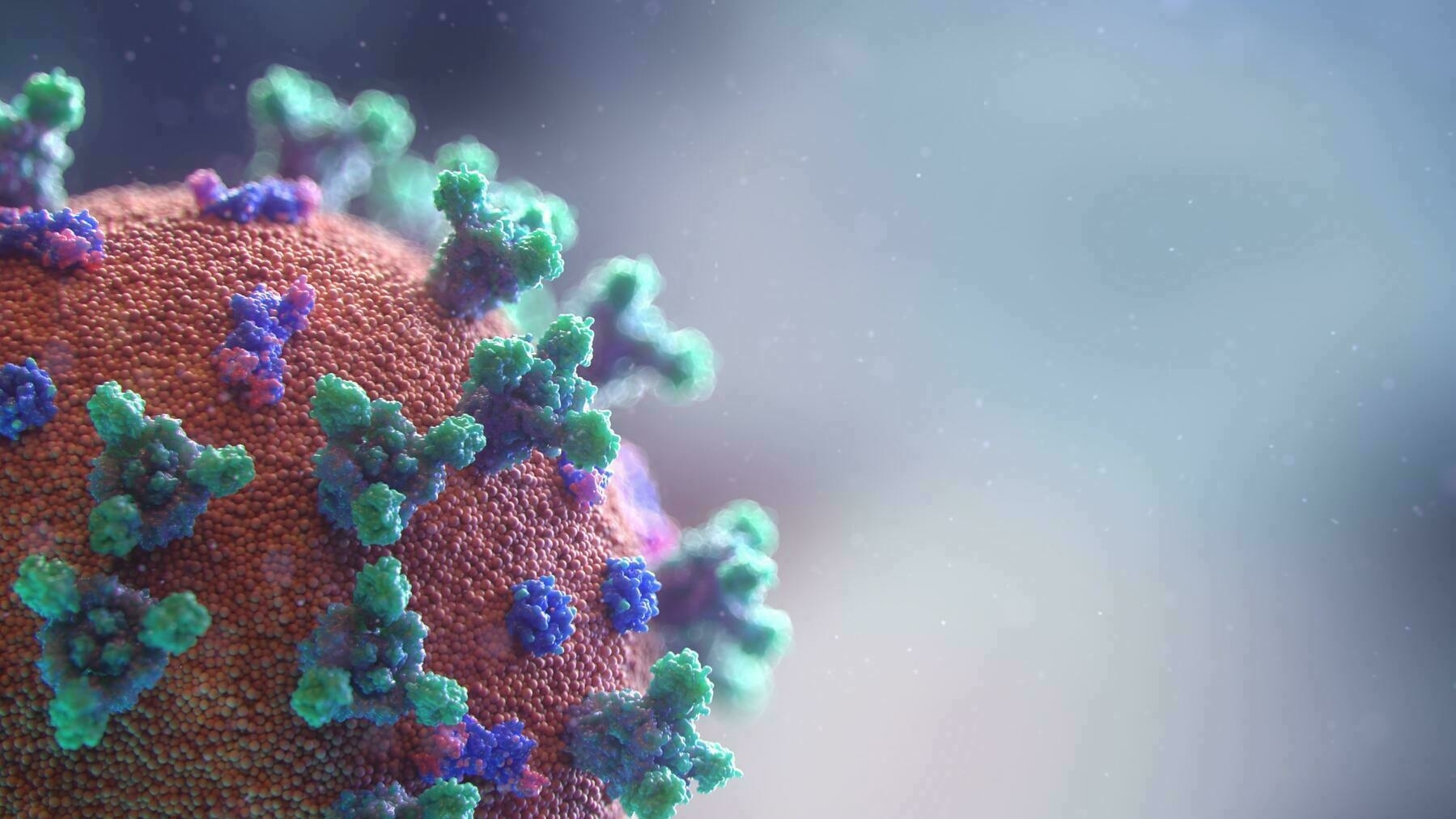
#COVID-19
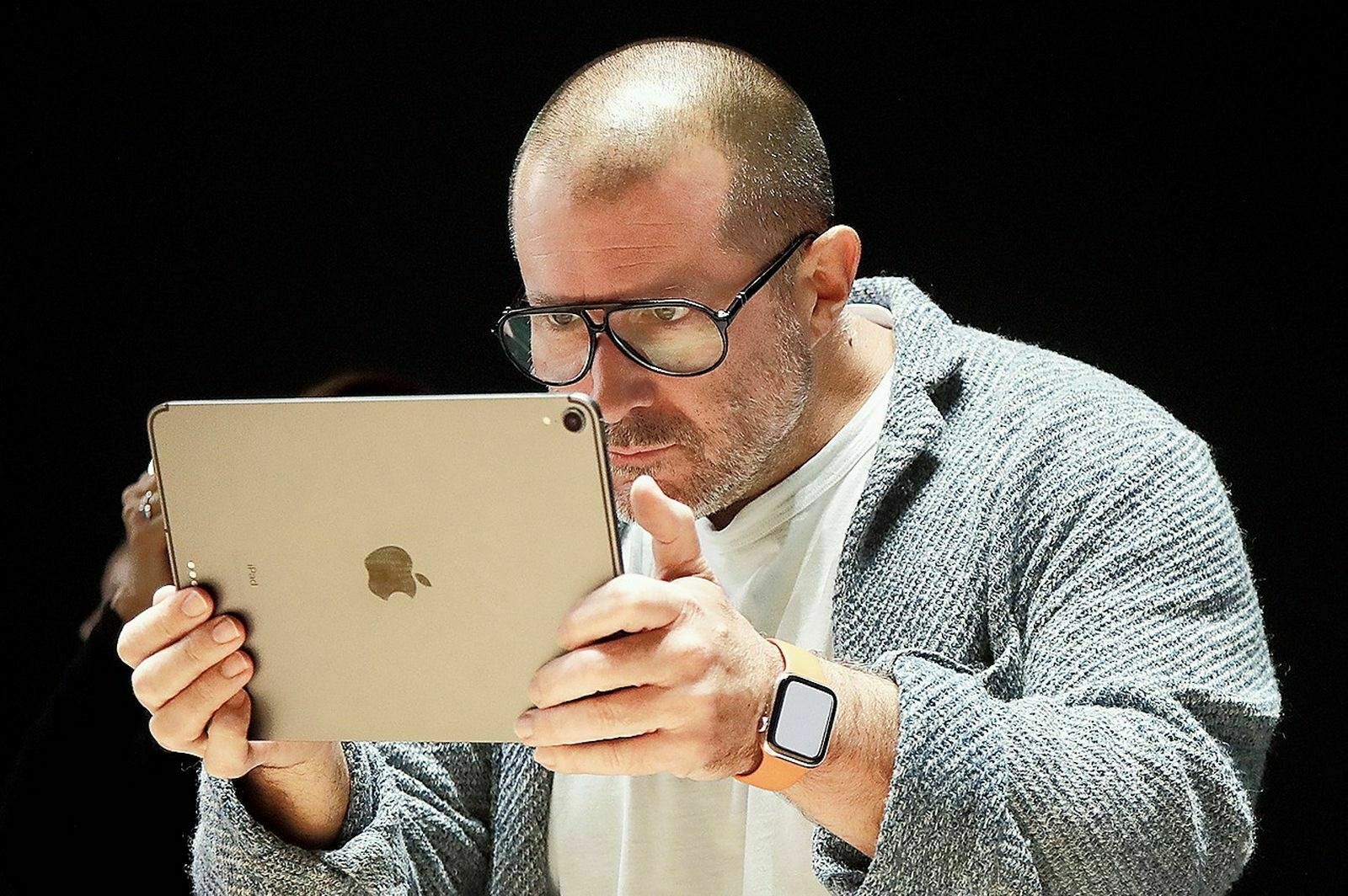
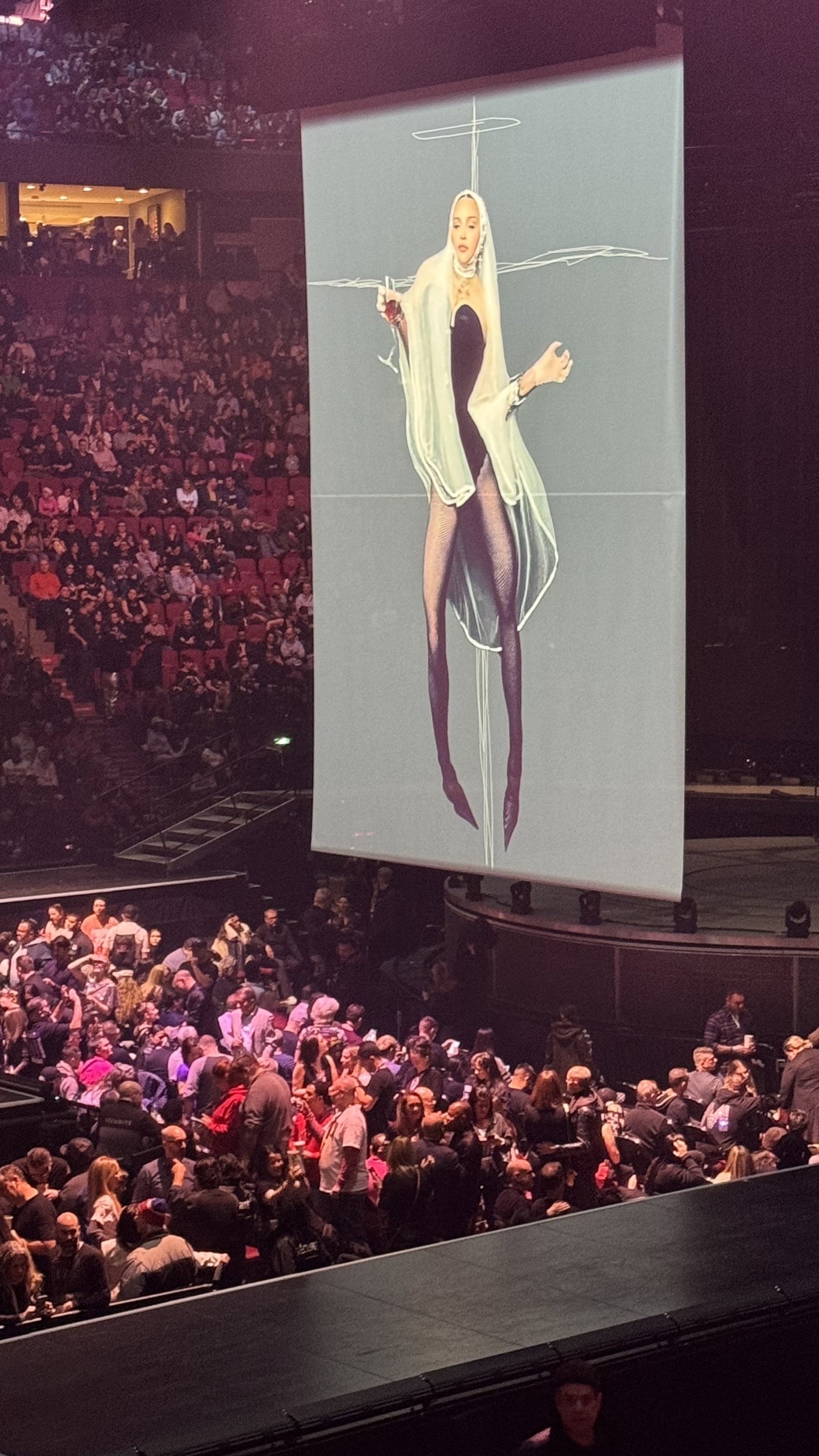
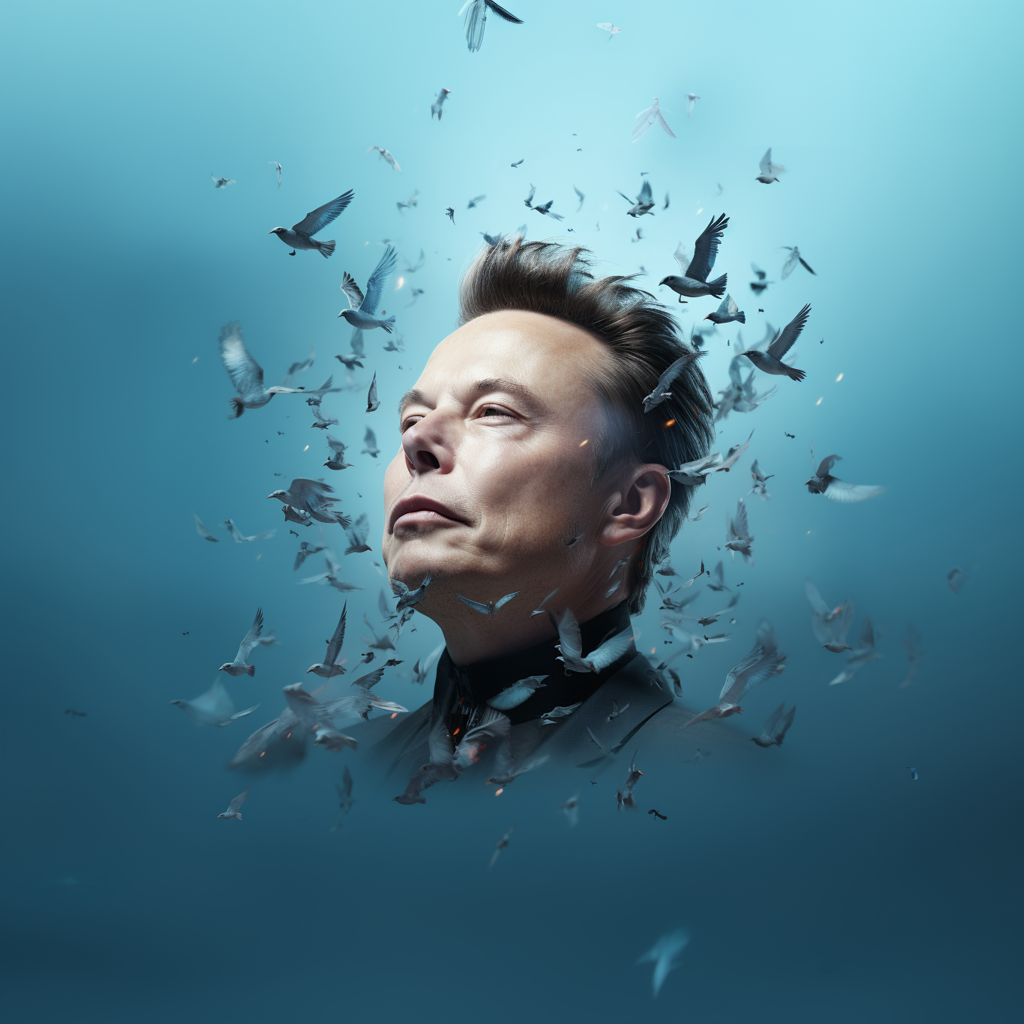
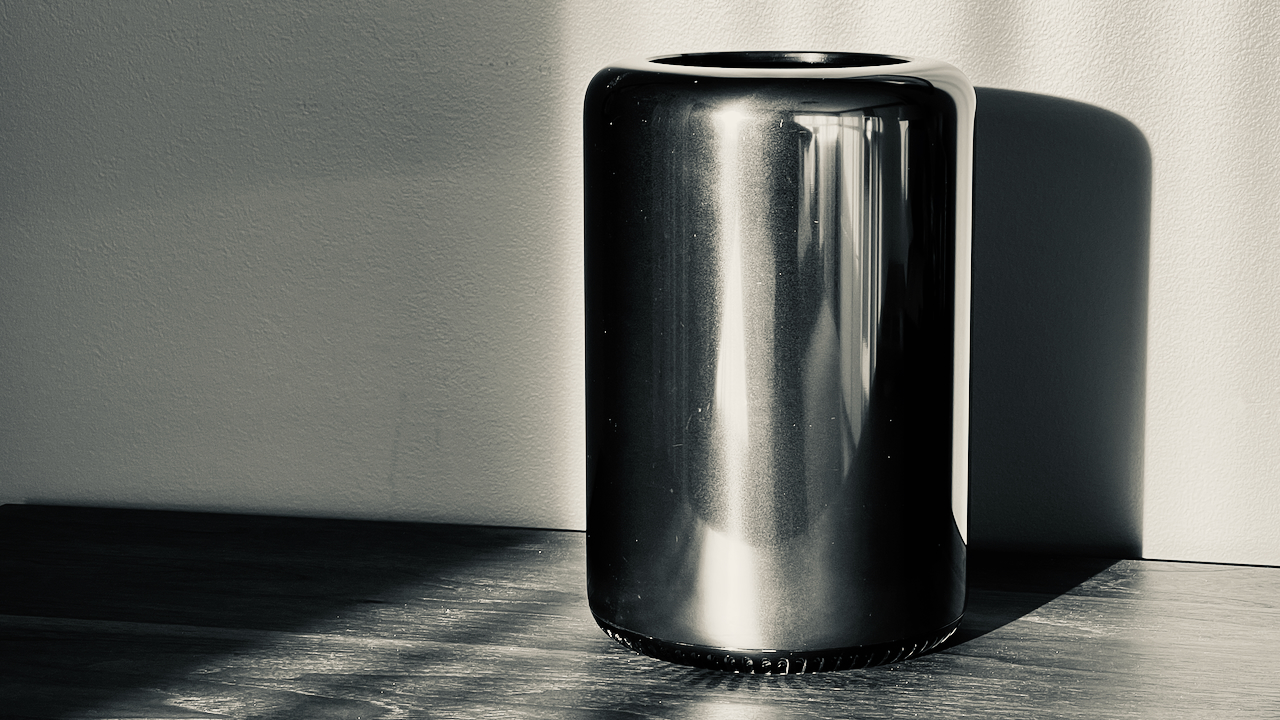
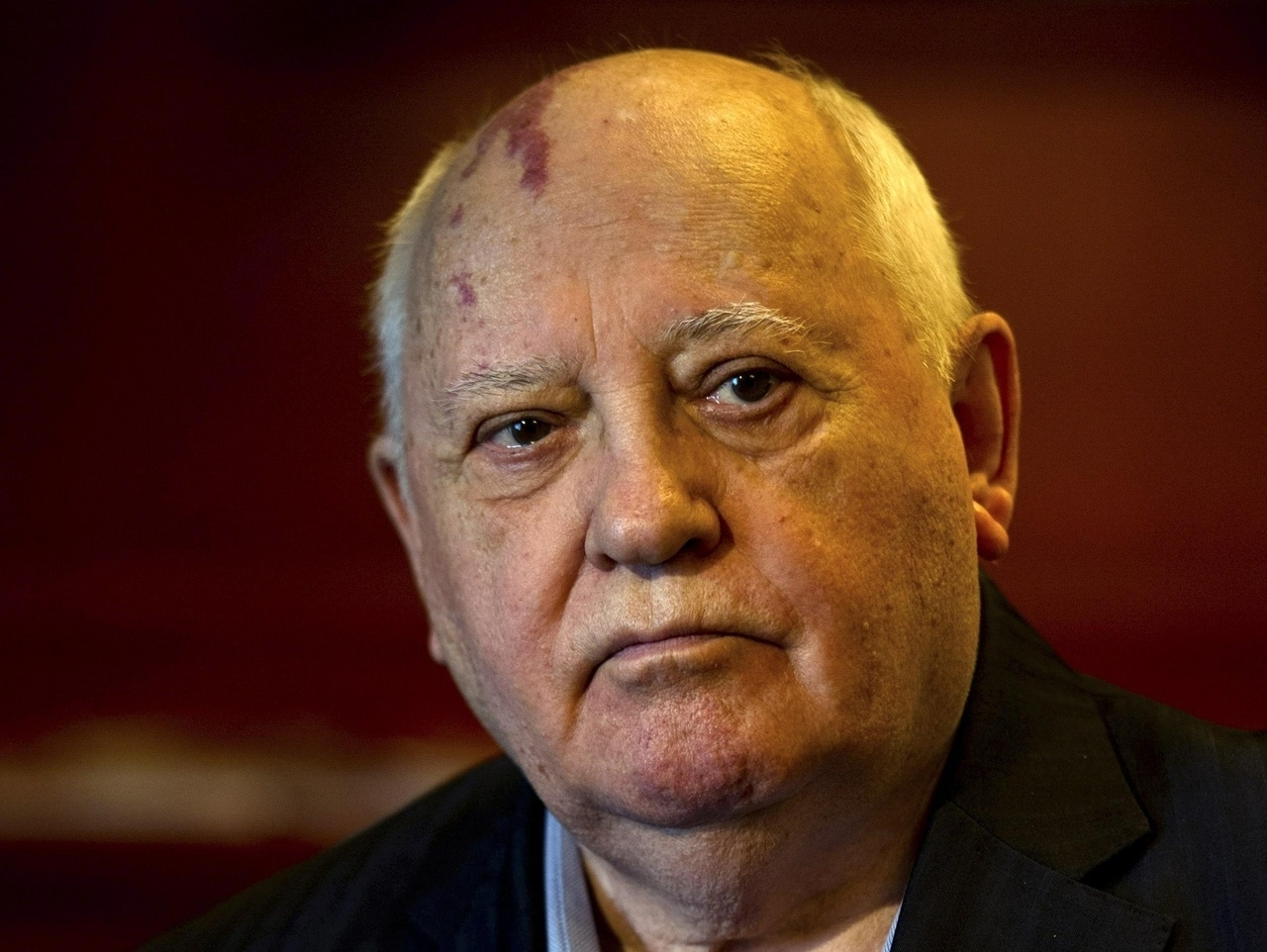
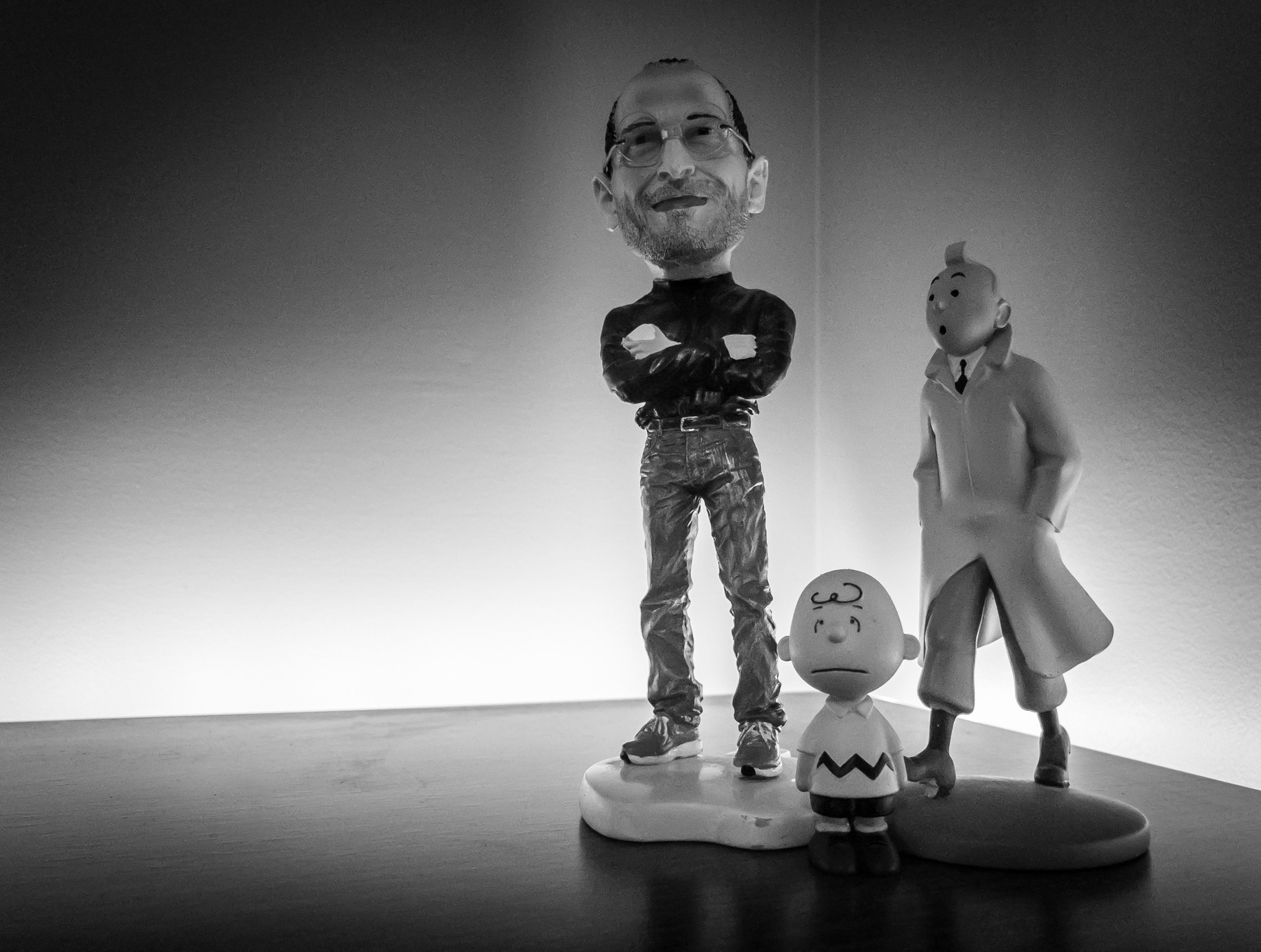
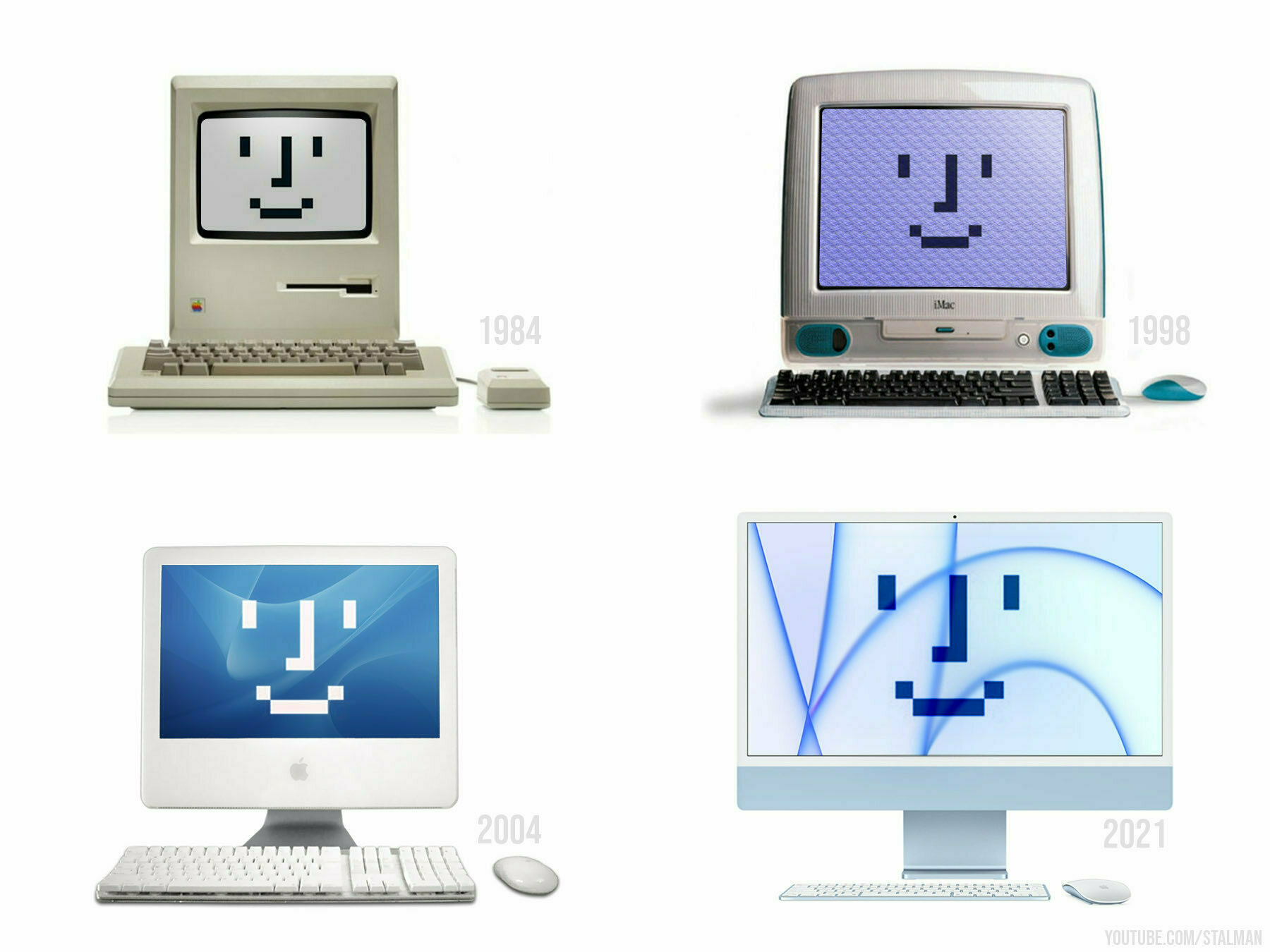
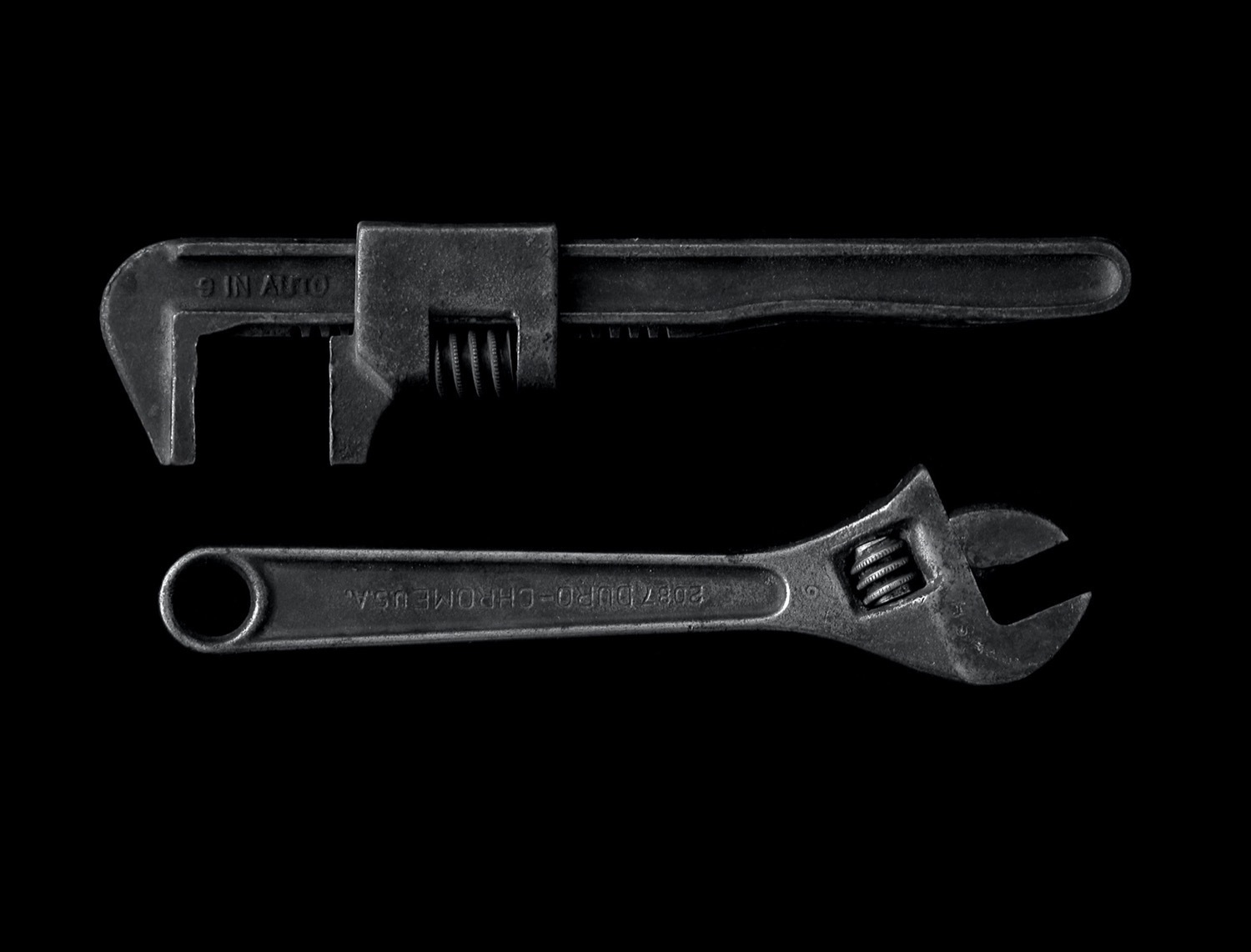
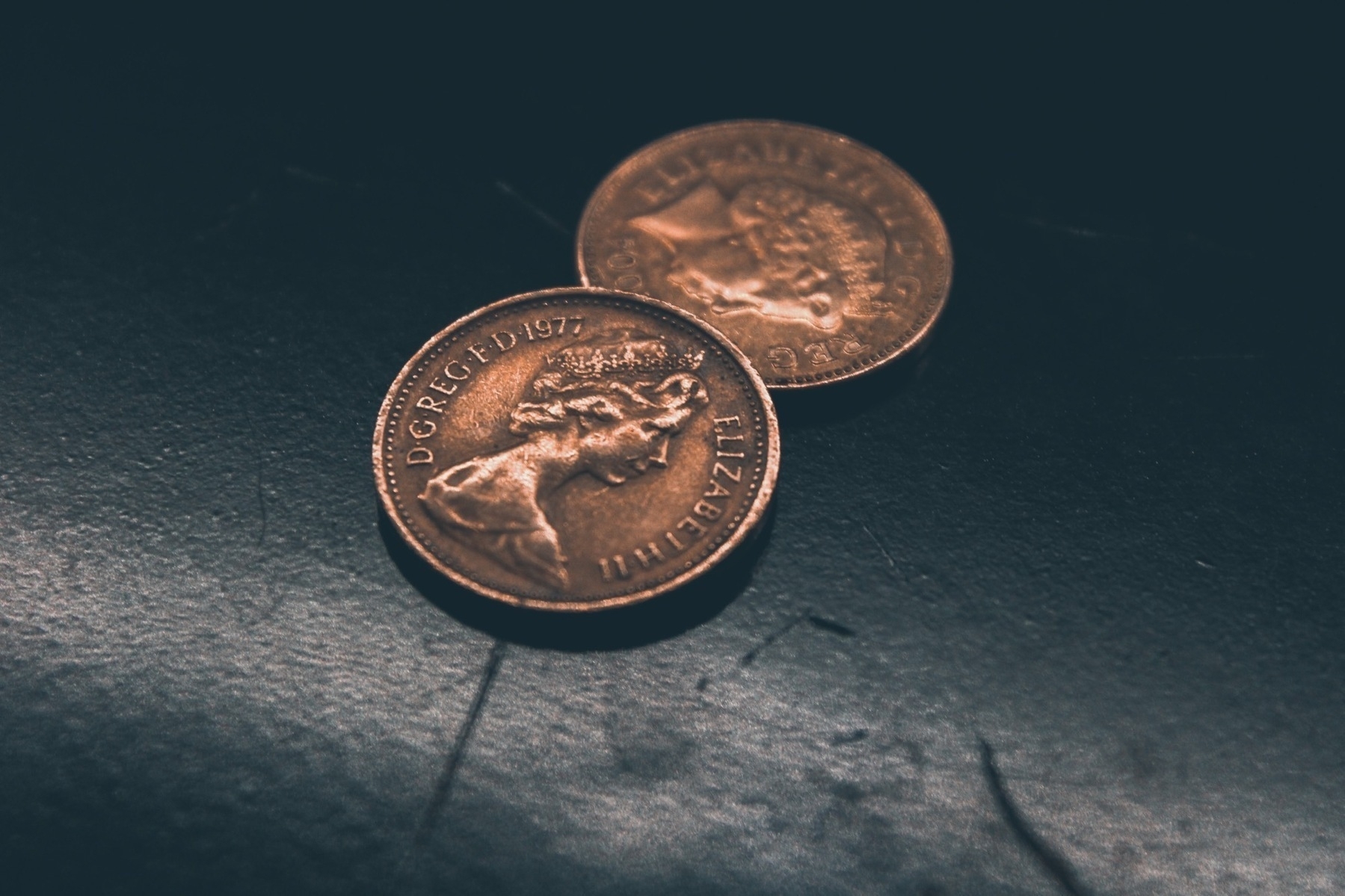
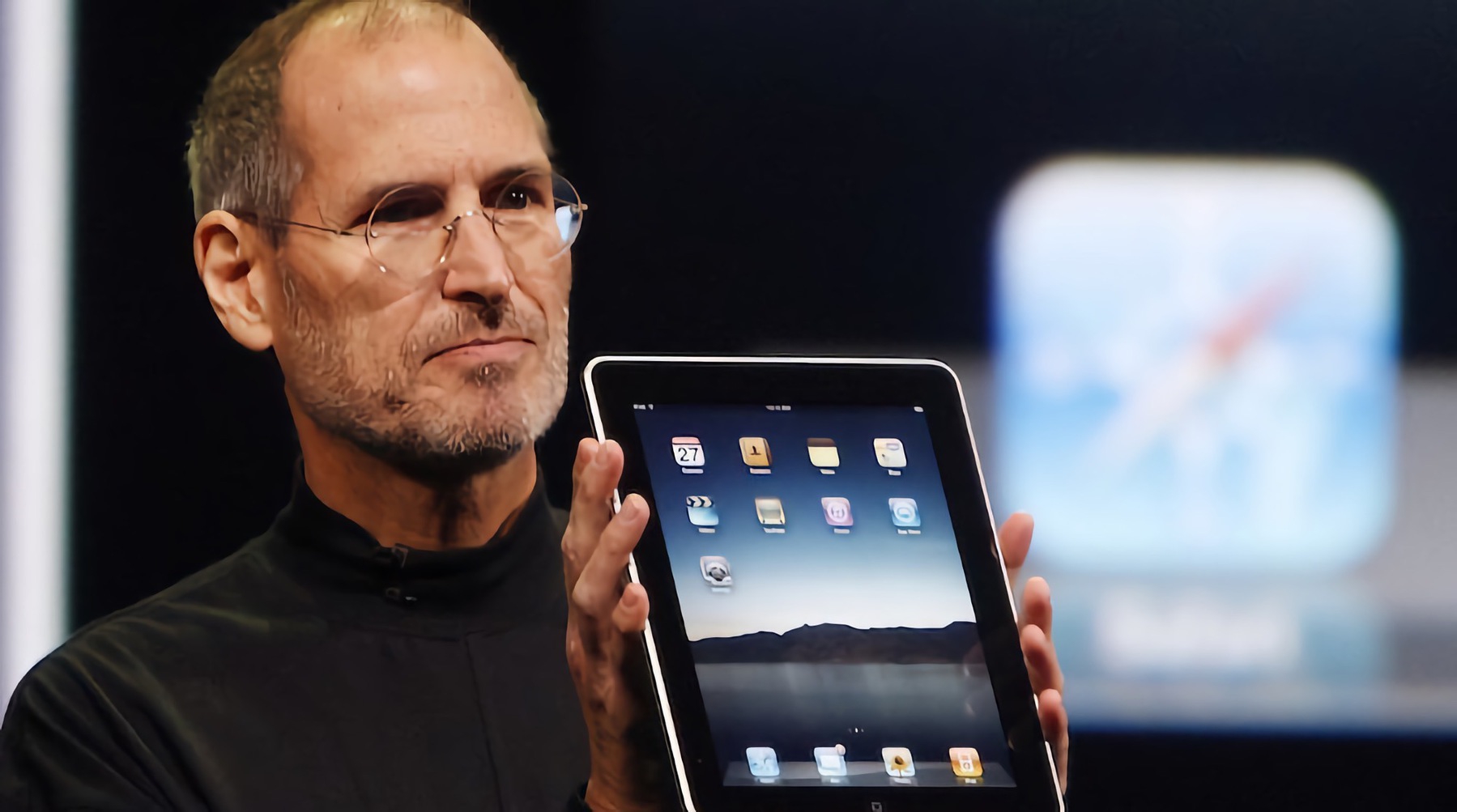
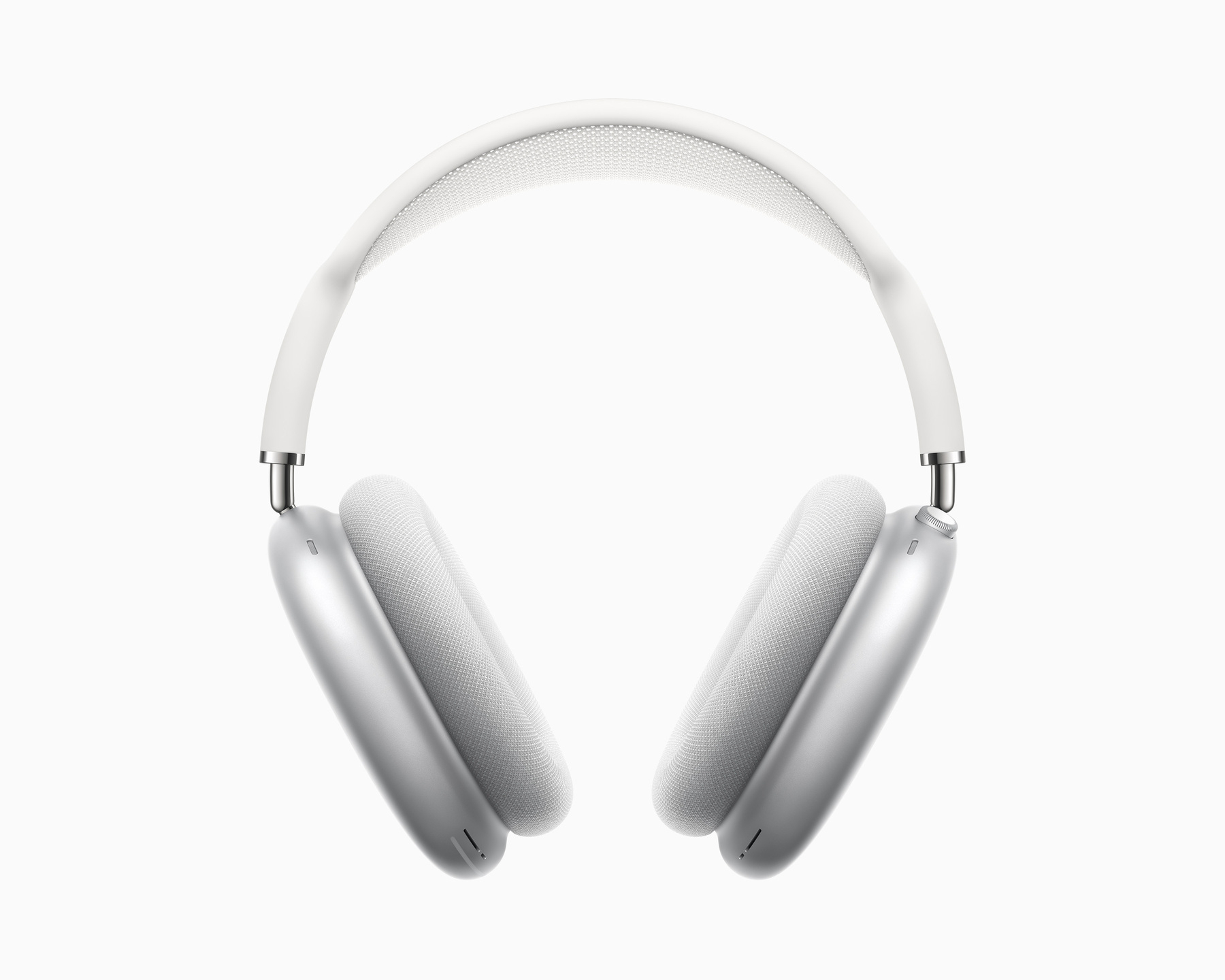
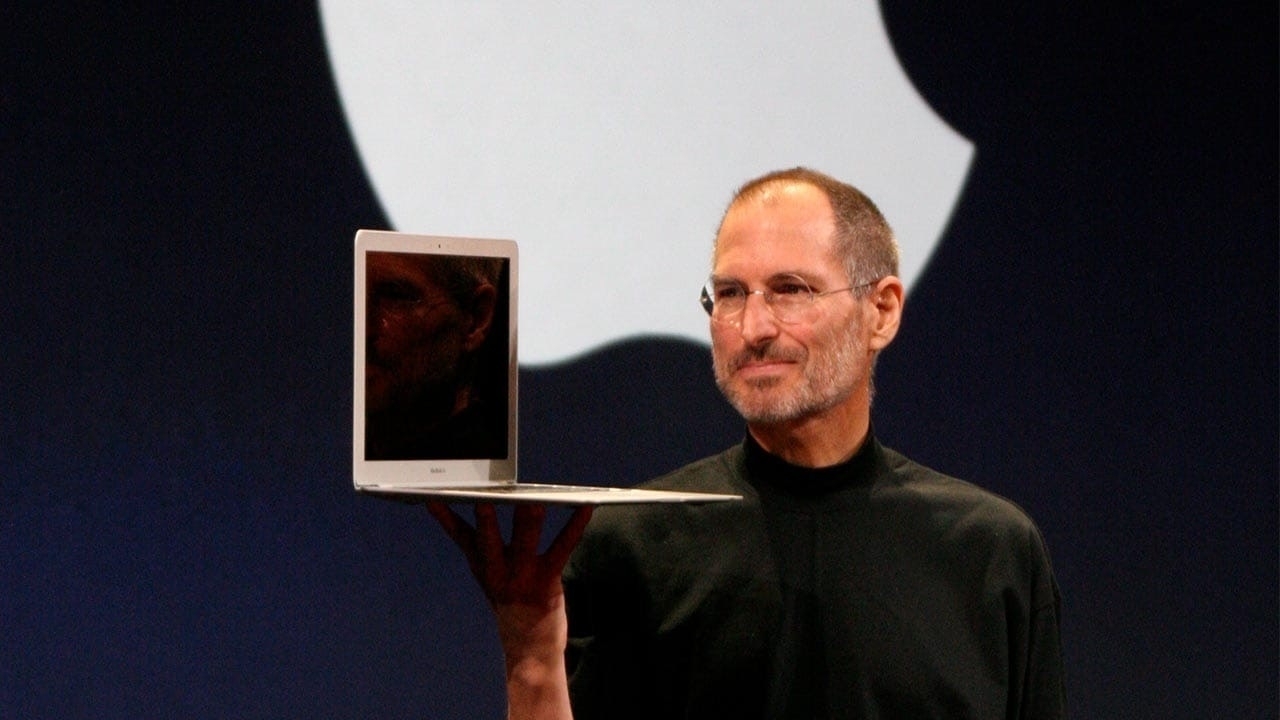
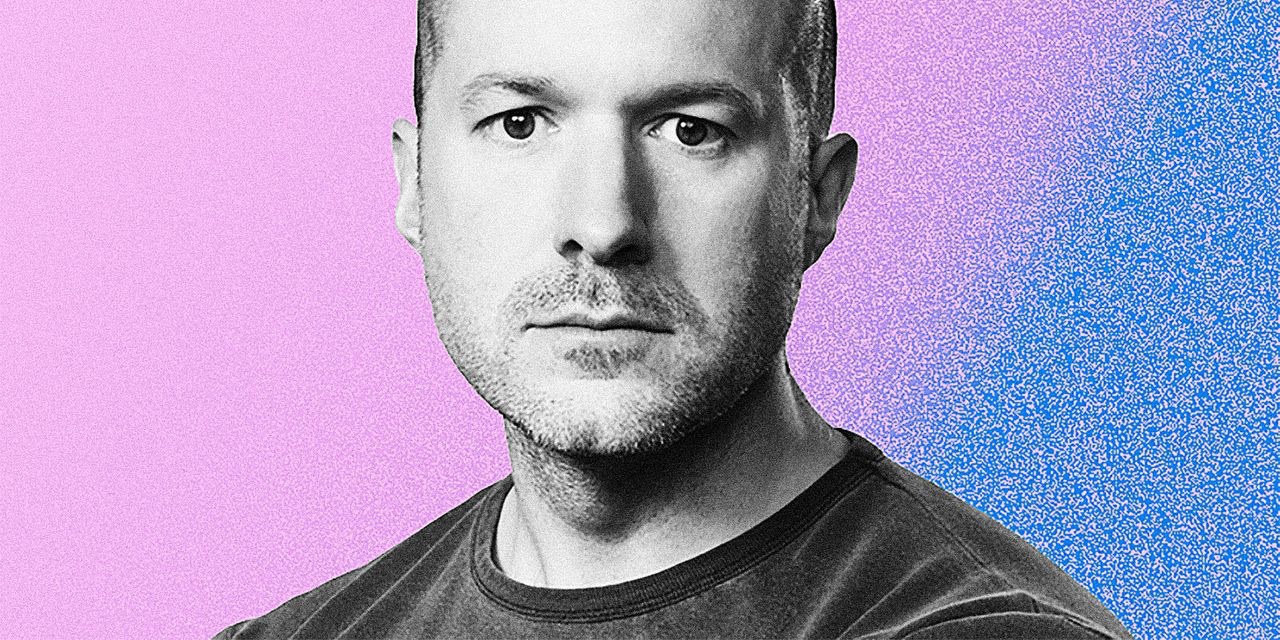
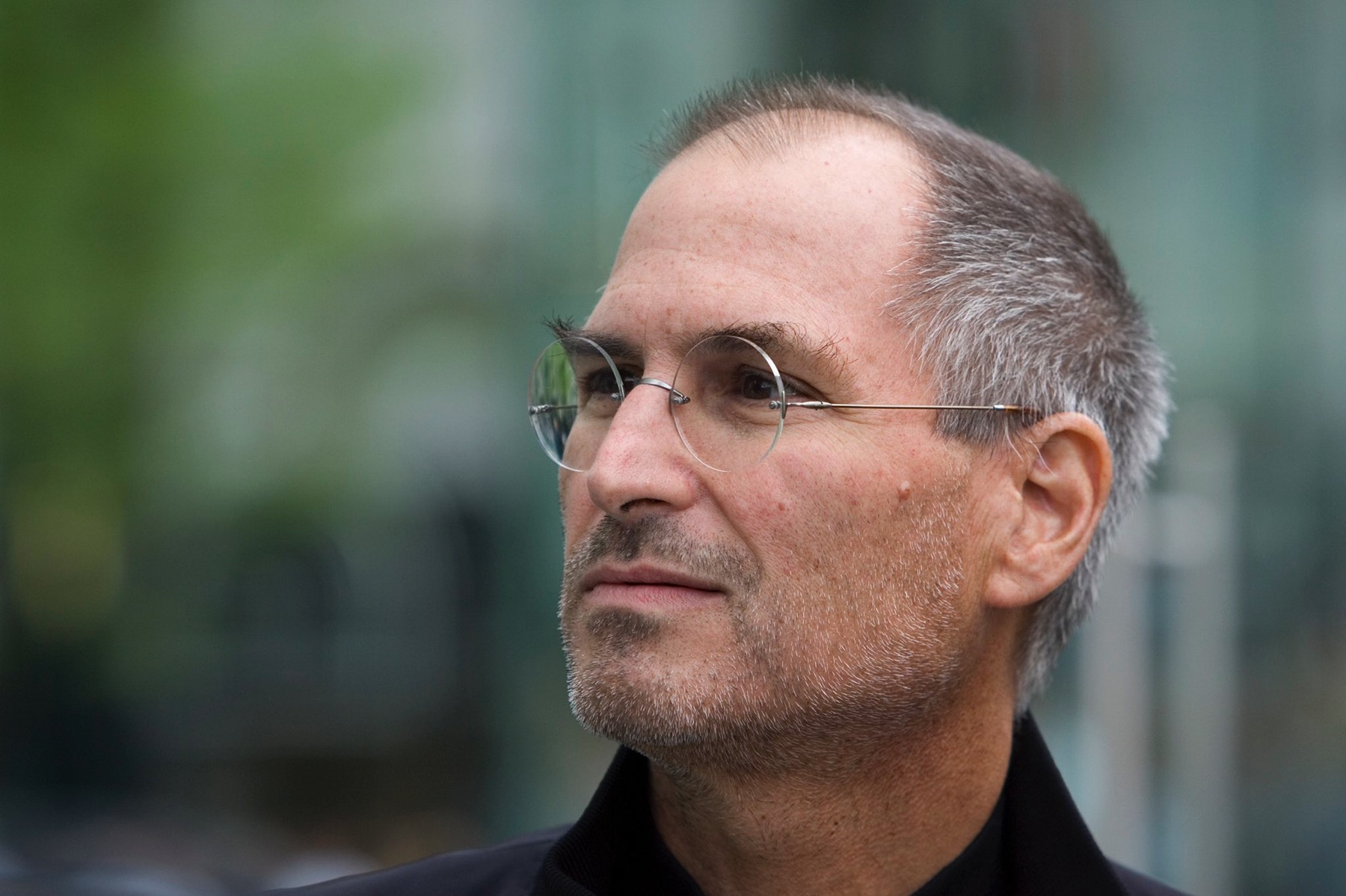
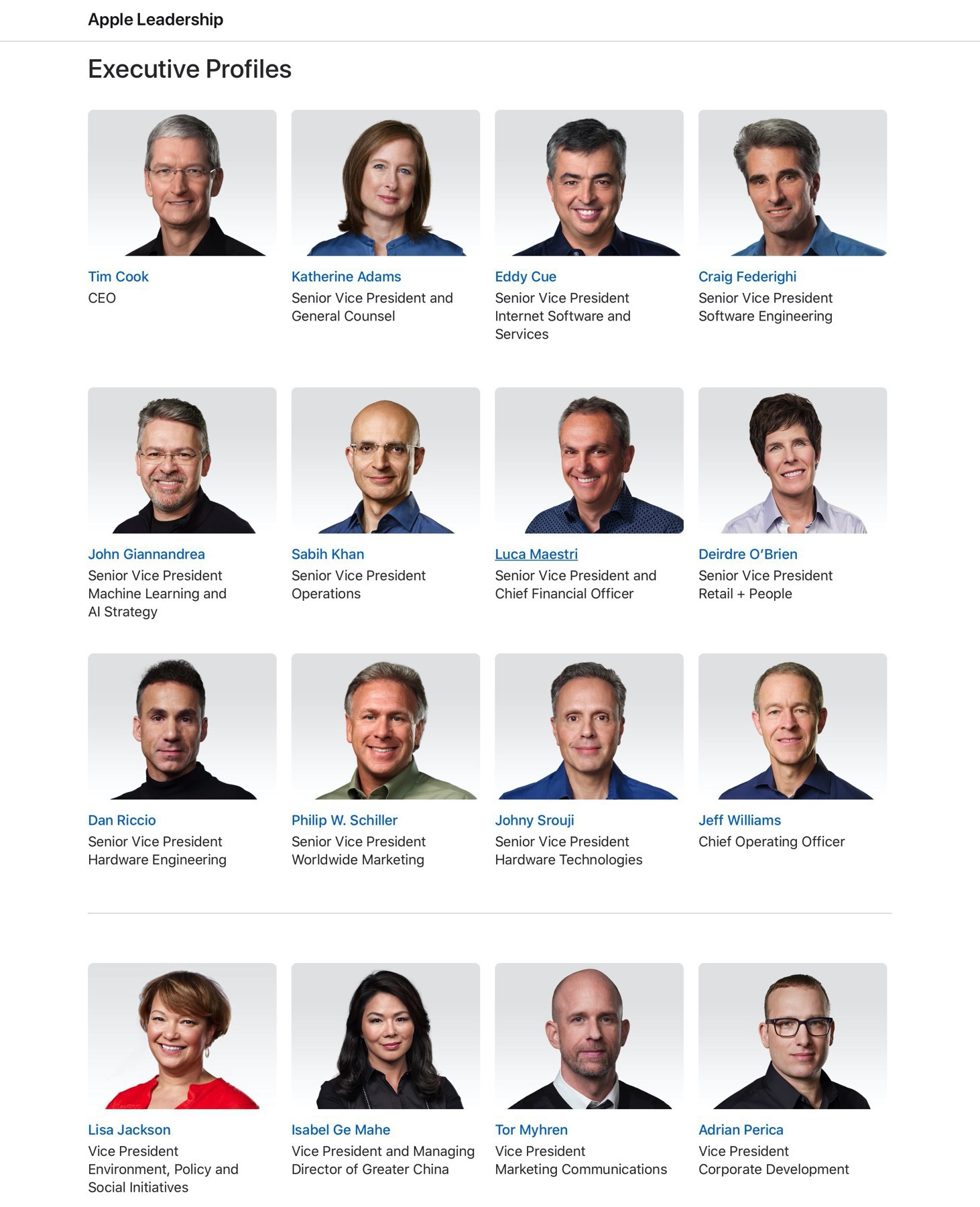
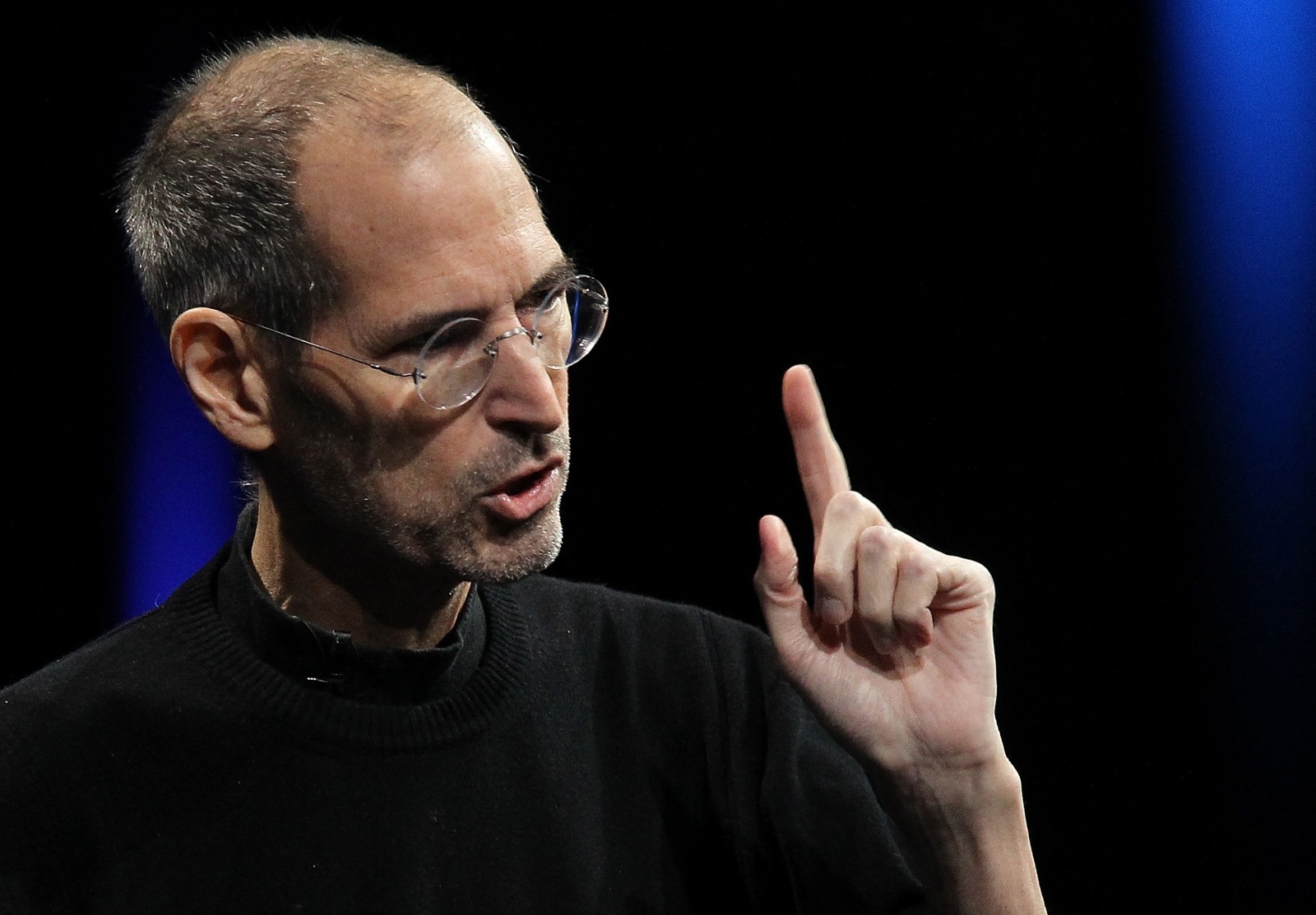
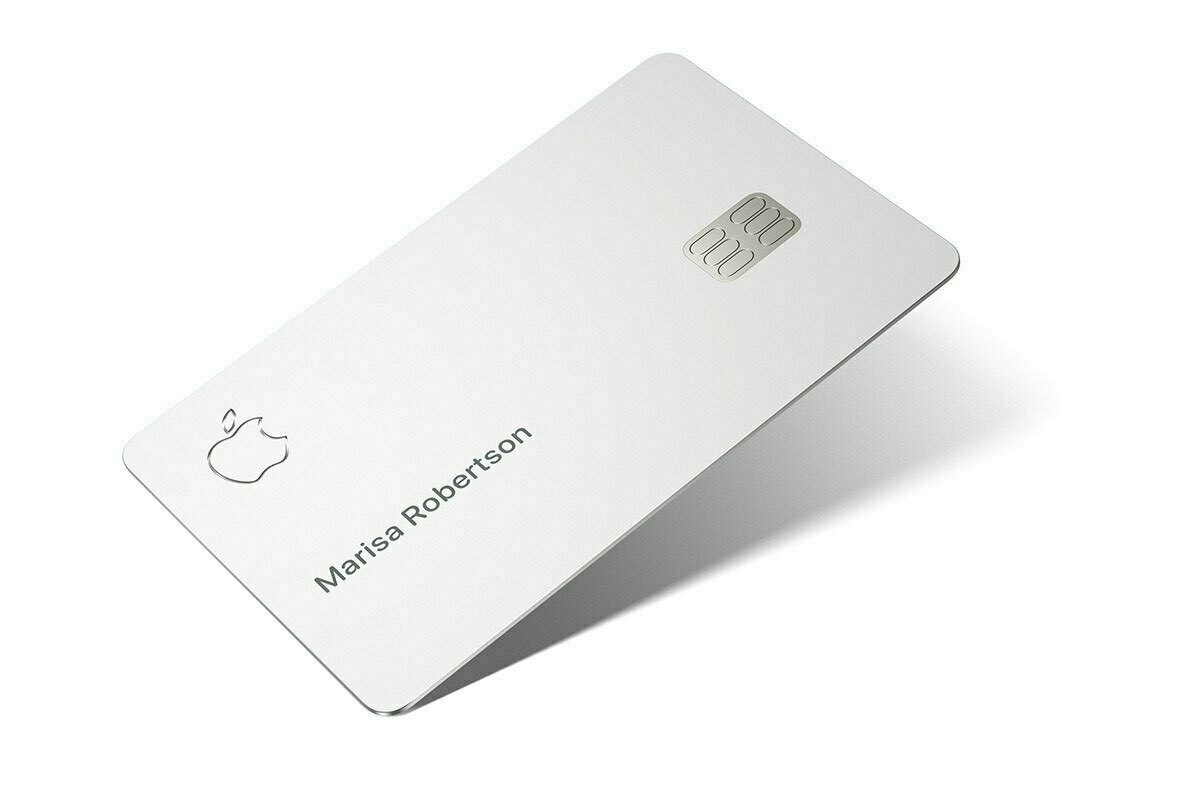
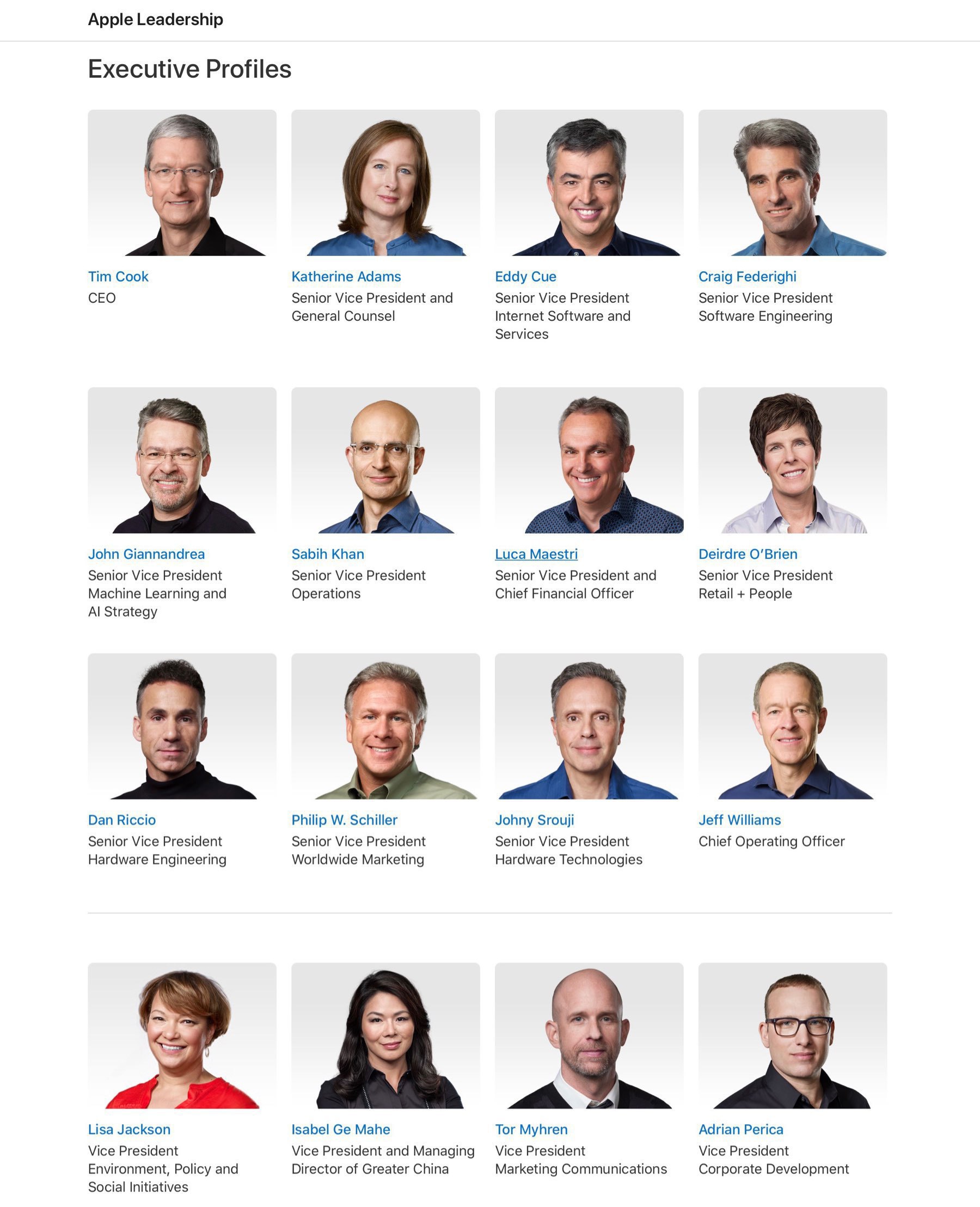
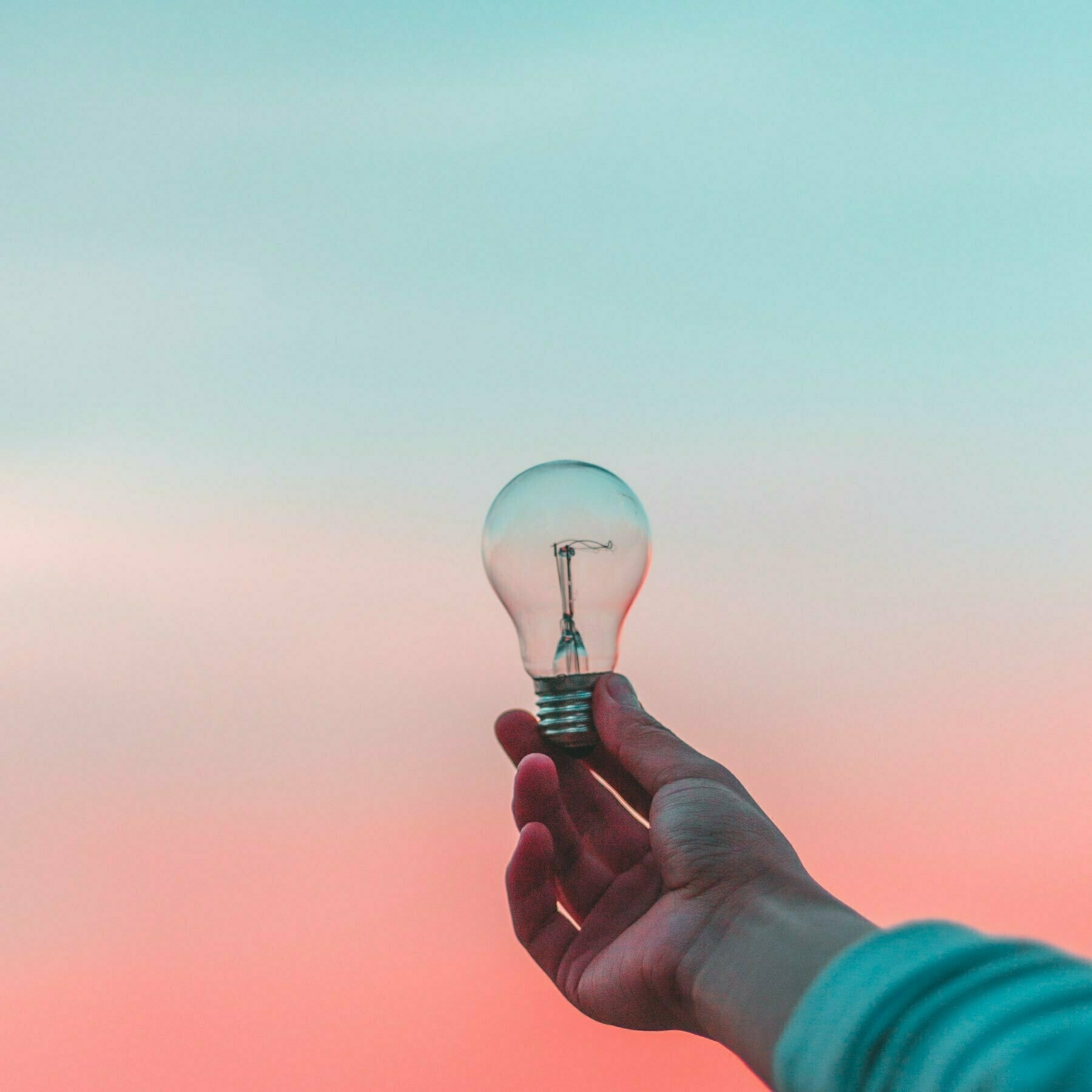
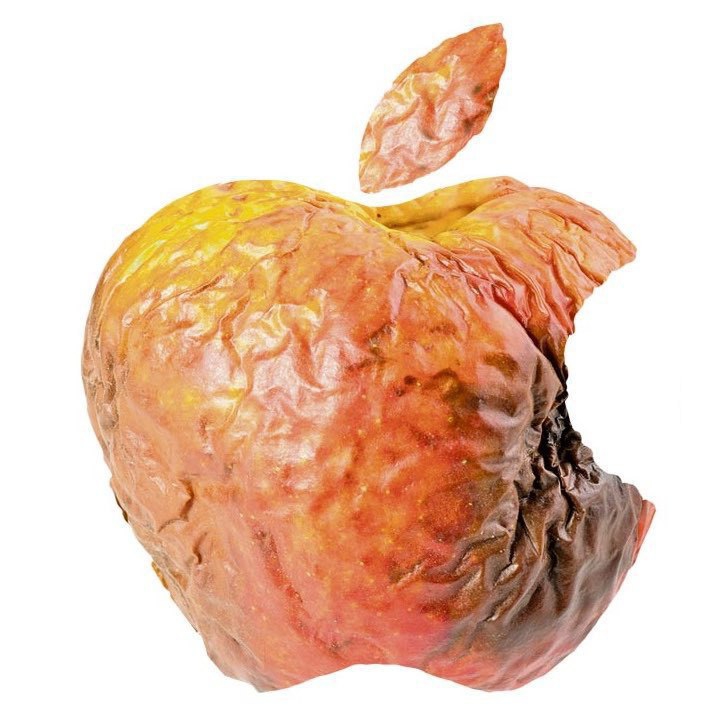
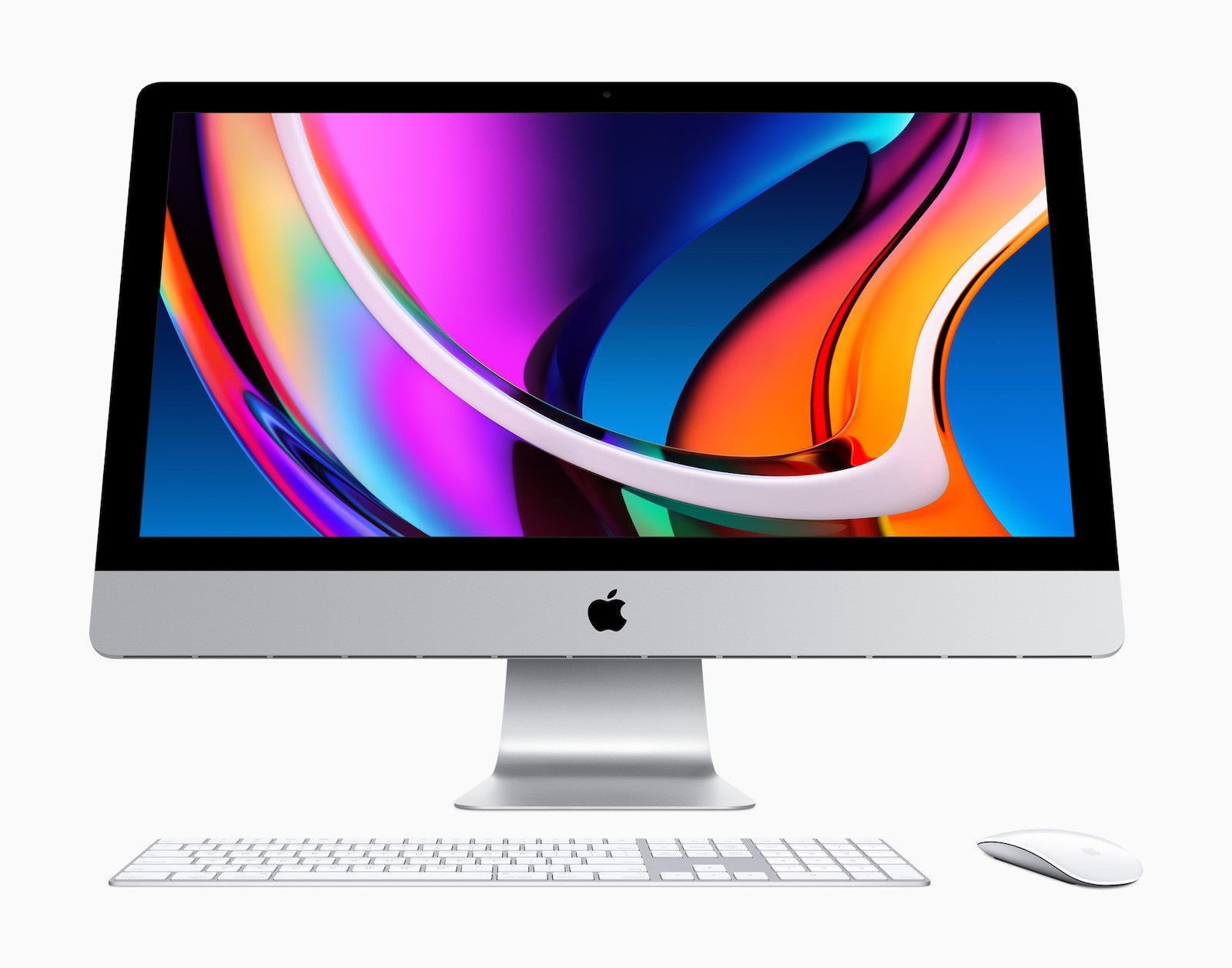
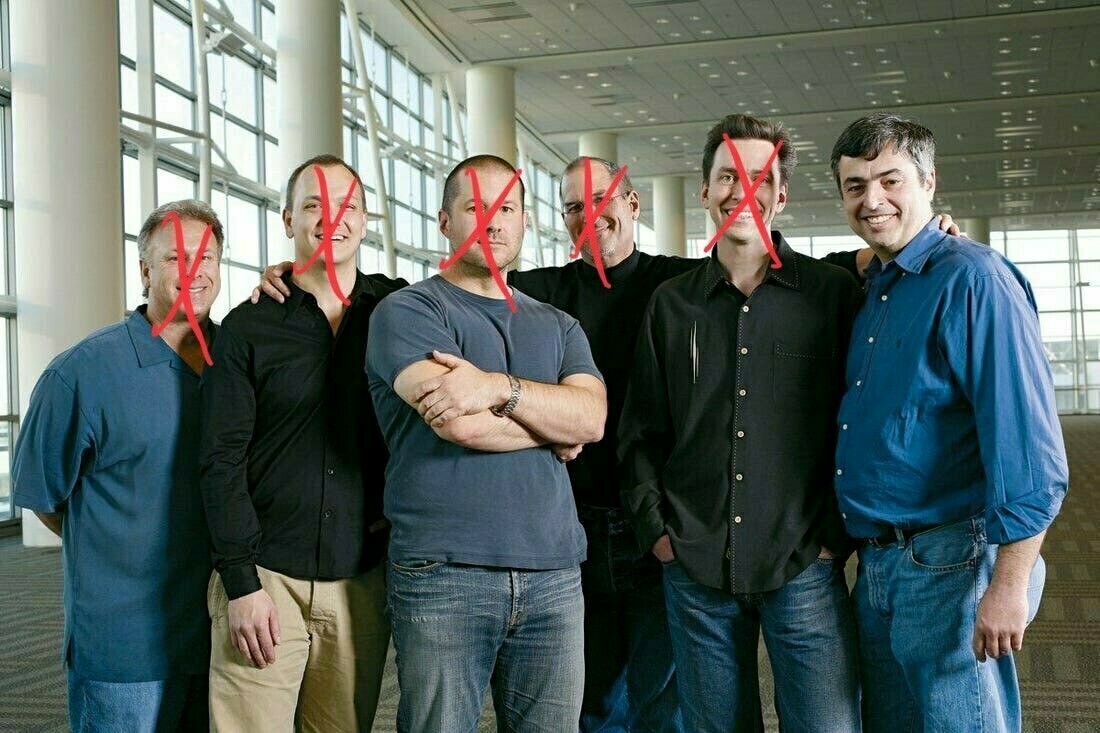
😢 What do you think they have in common? Creativity. Man, I miss all of them. They are so different from each other. Three in music, one in technology. I often ask myself: what if they were still alive, what would be their next gift to us? From who do you find inspiration?
#musings #creativity

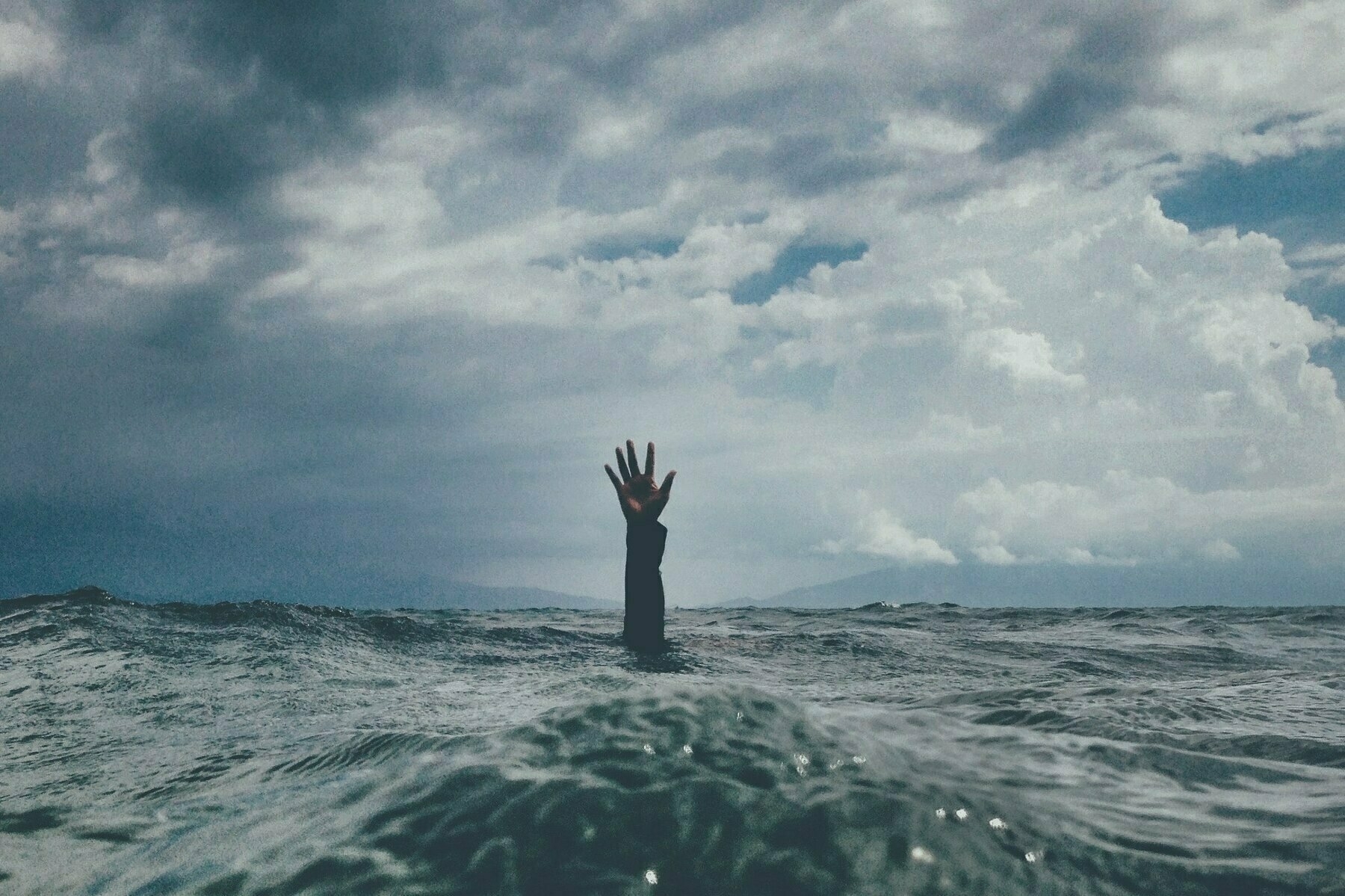
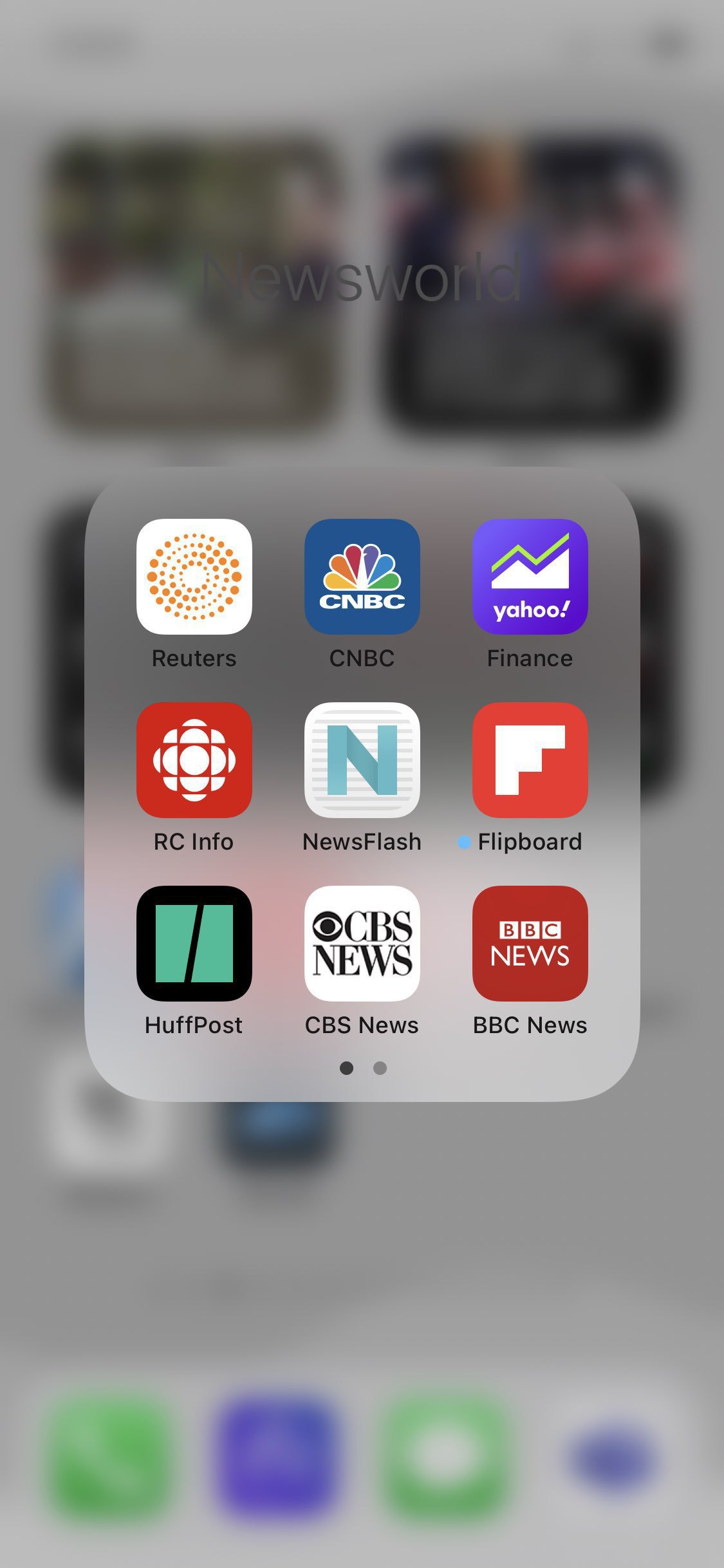
📺 With current events happening in Ukraine, with the help of smartphones and the internet, dramatic events like these are streaming with a constant flow. My attention is diverted like a plane from its programmed destination. It’s really hard to stay focused on my writing projects. I have so many. 🇺🇦
On Carrot Weather — Is It That Cool?

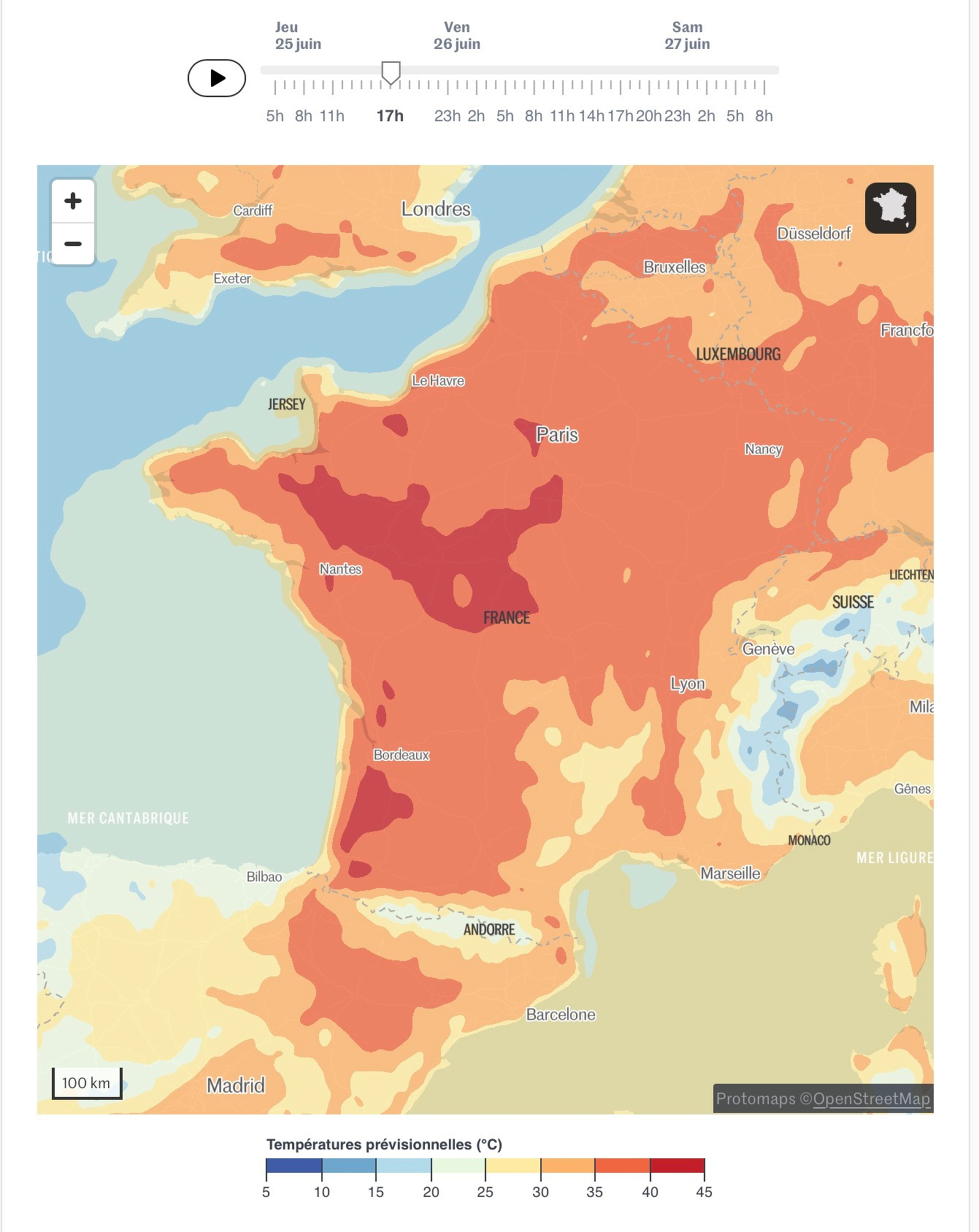
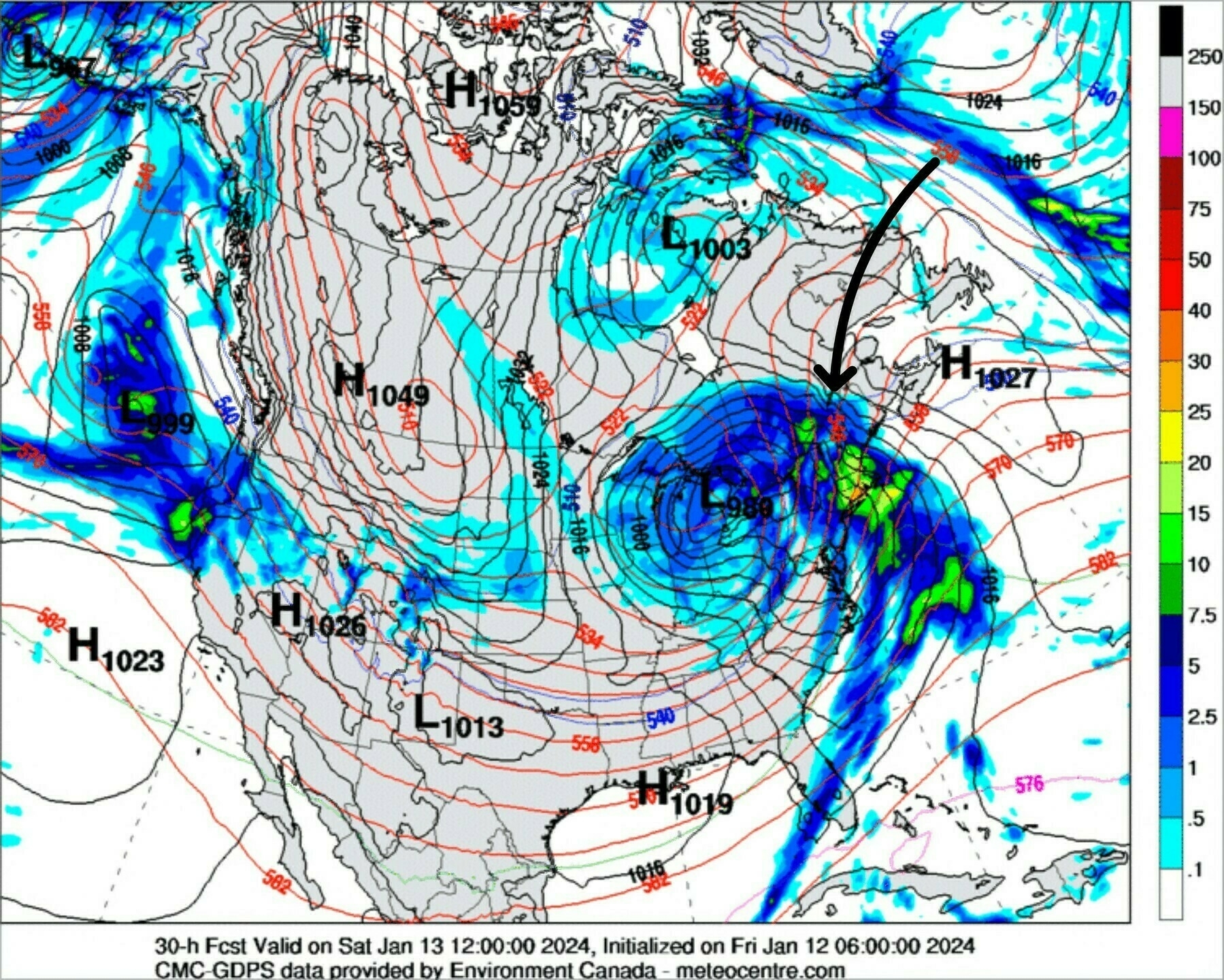
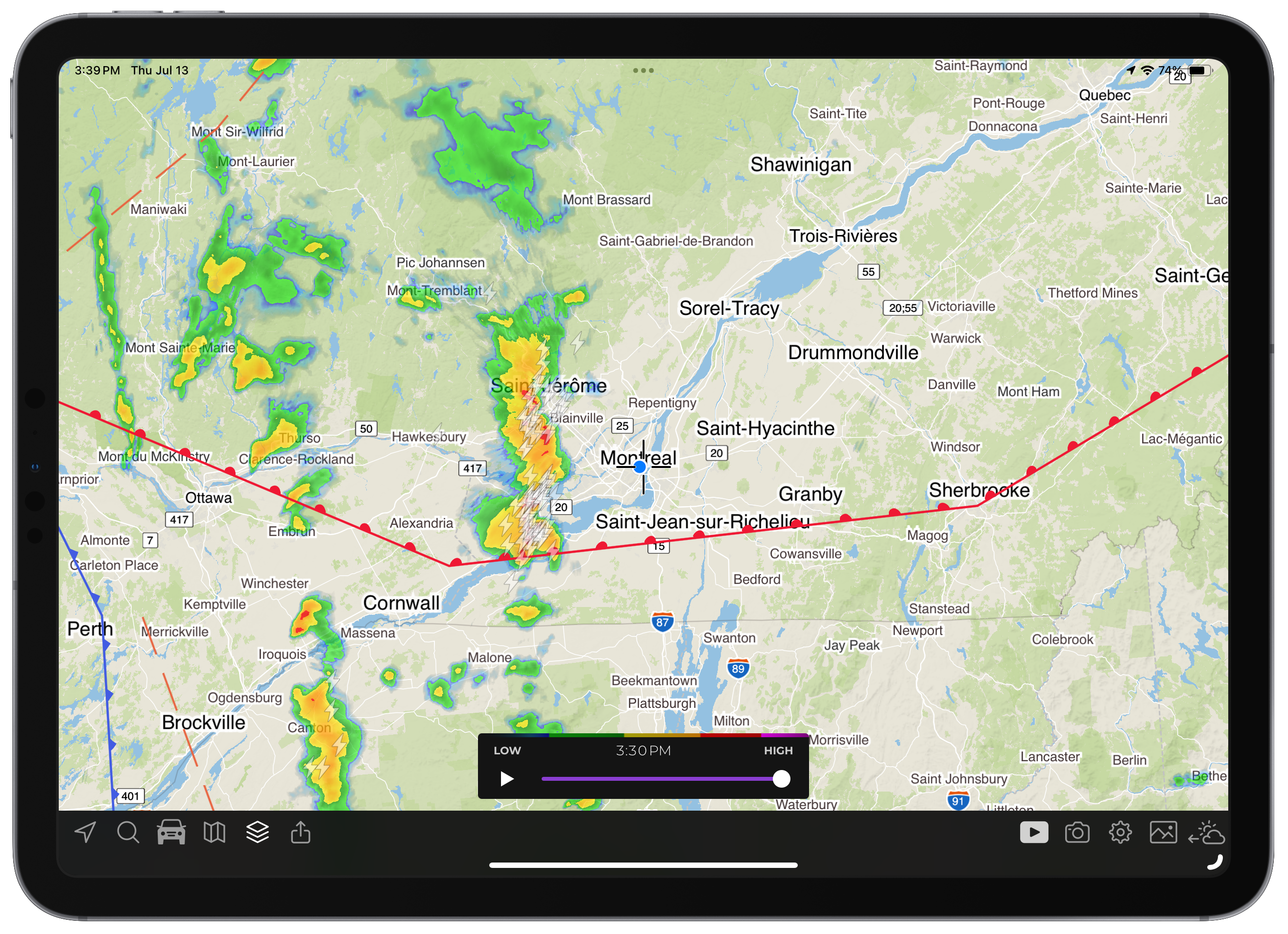
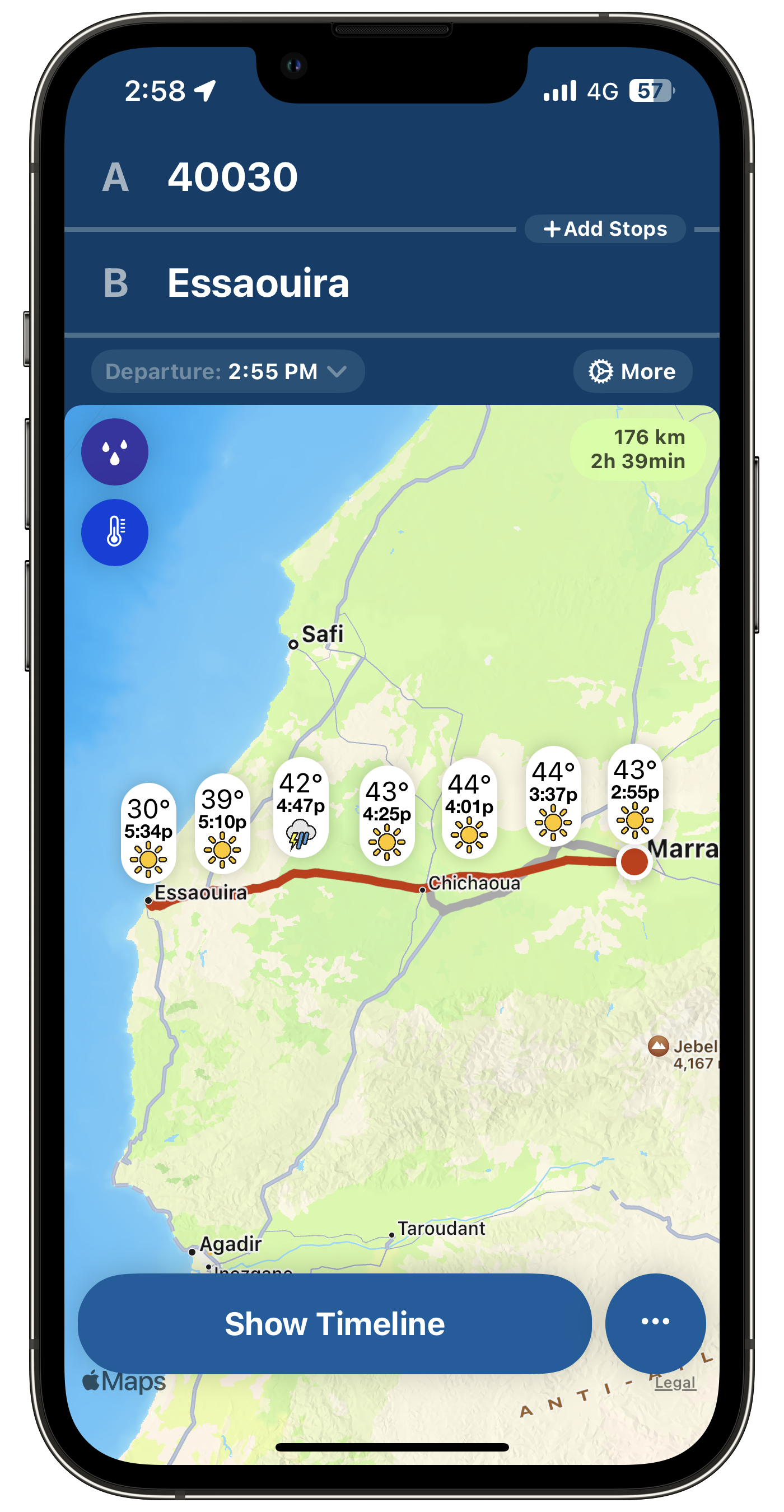
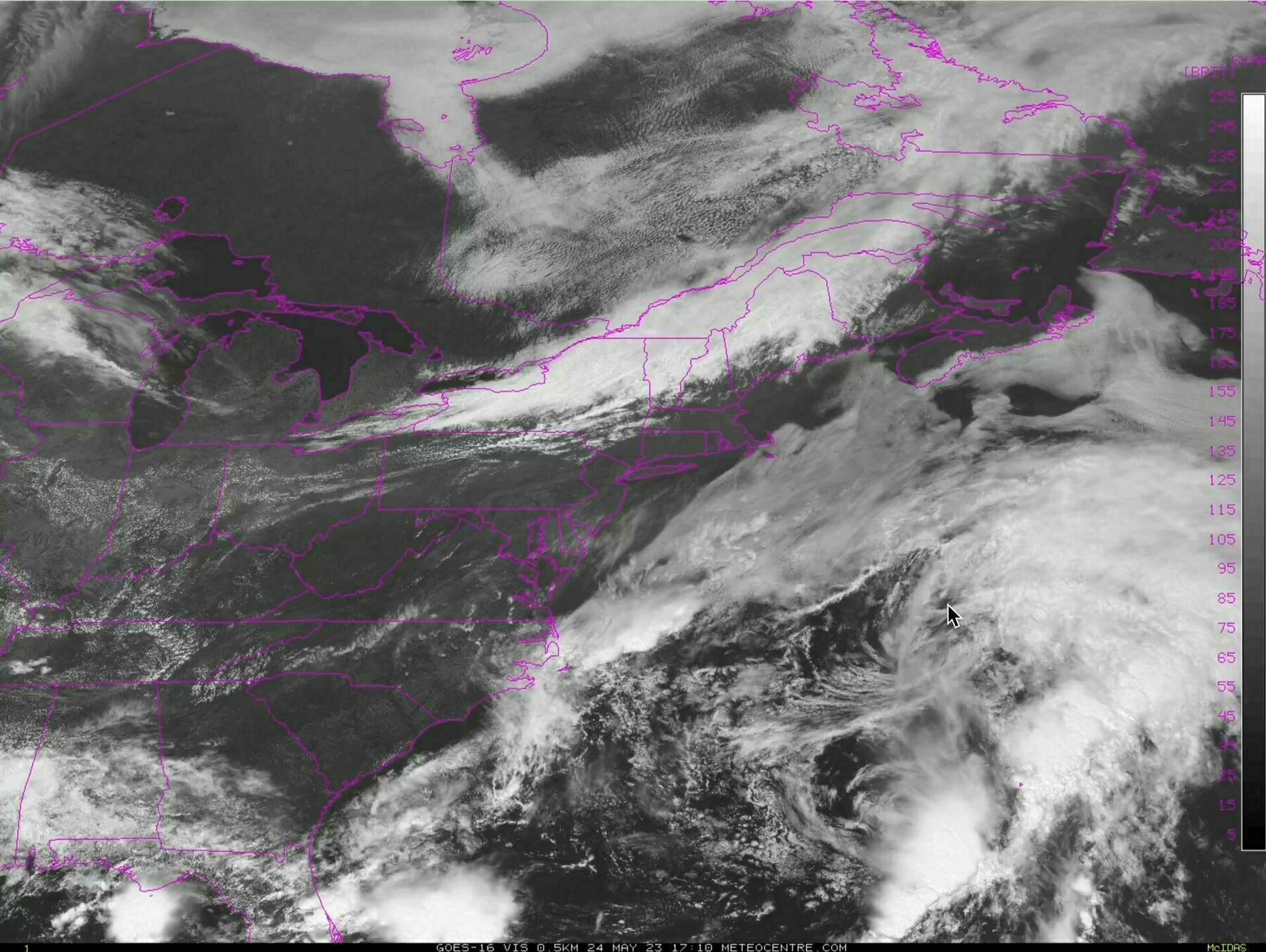
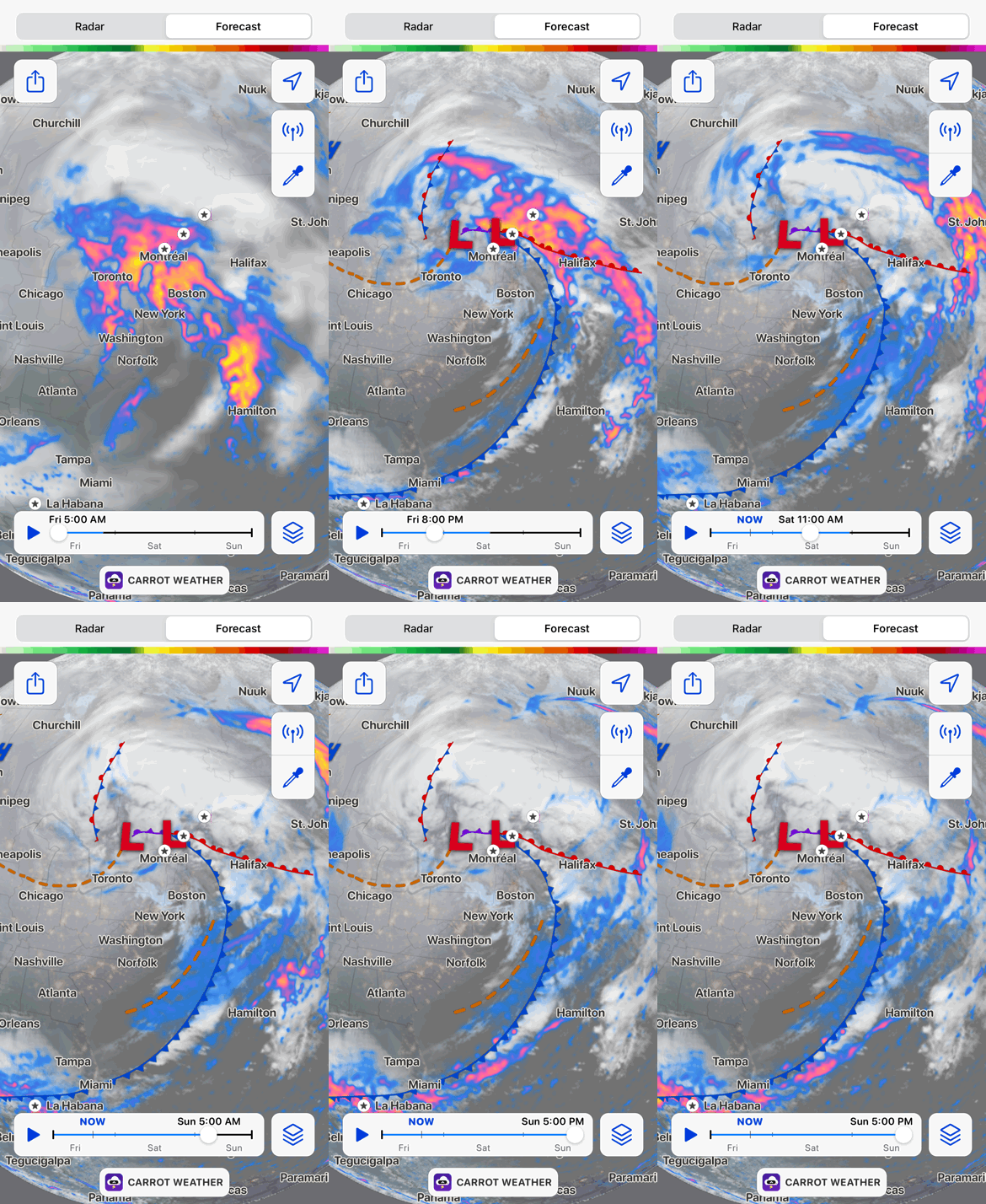
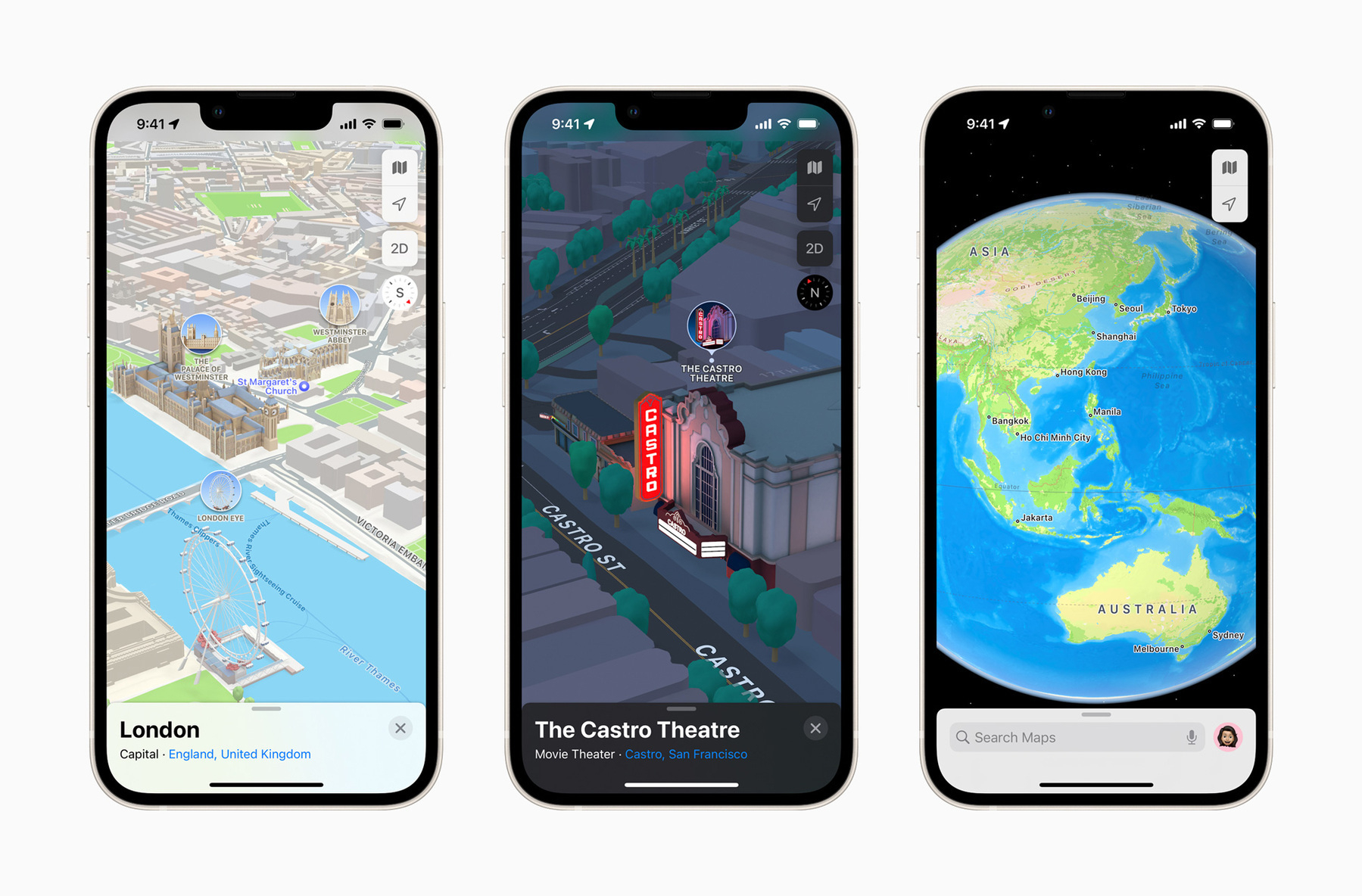
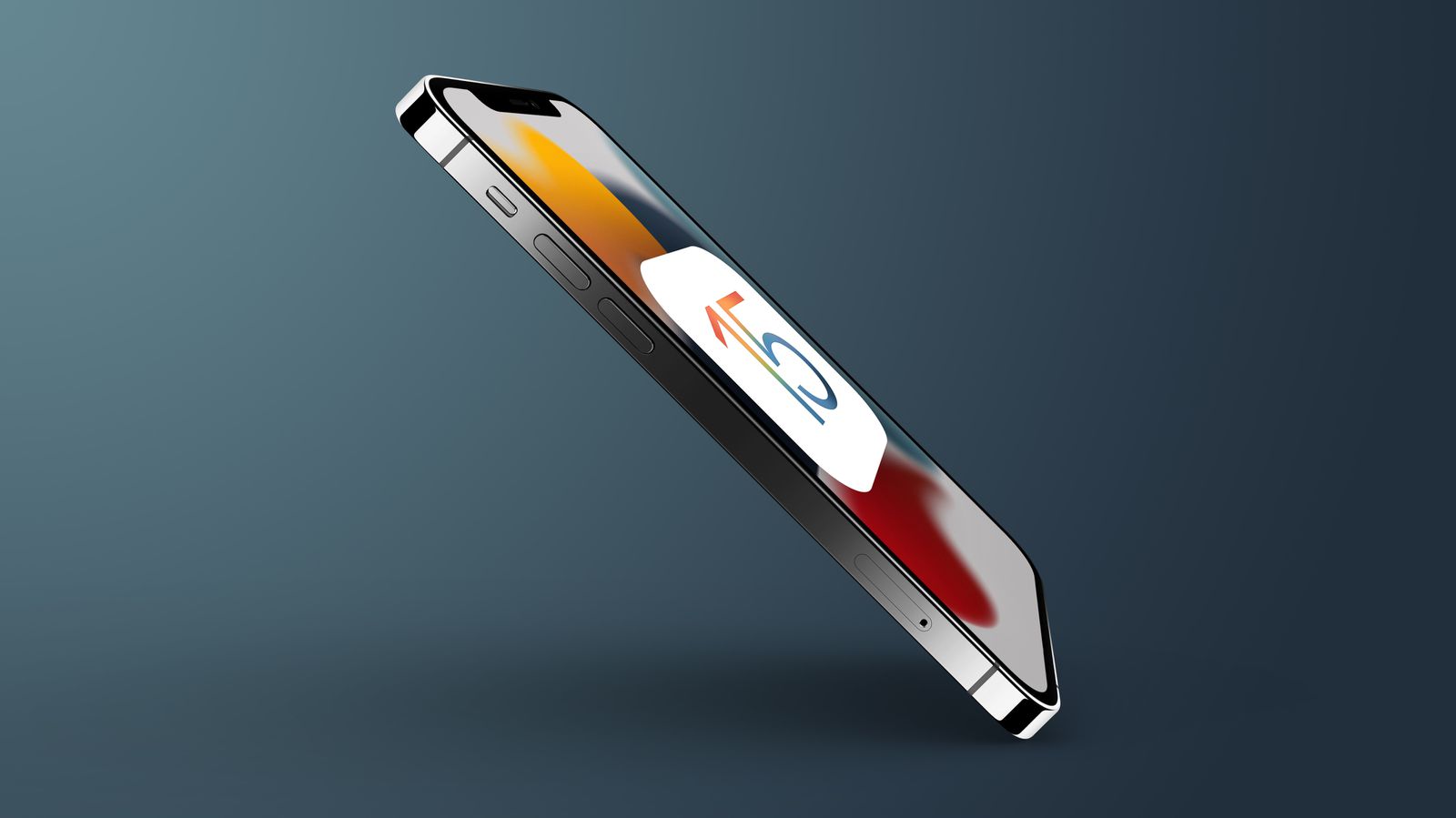
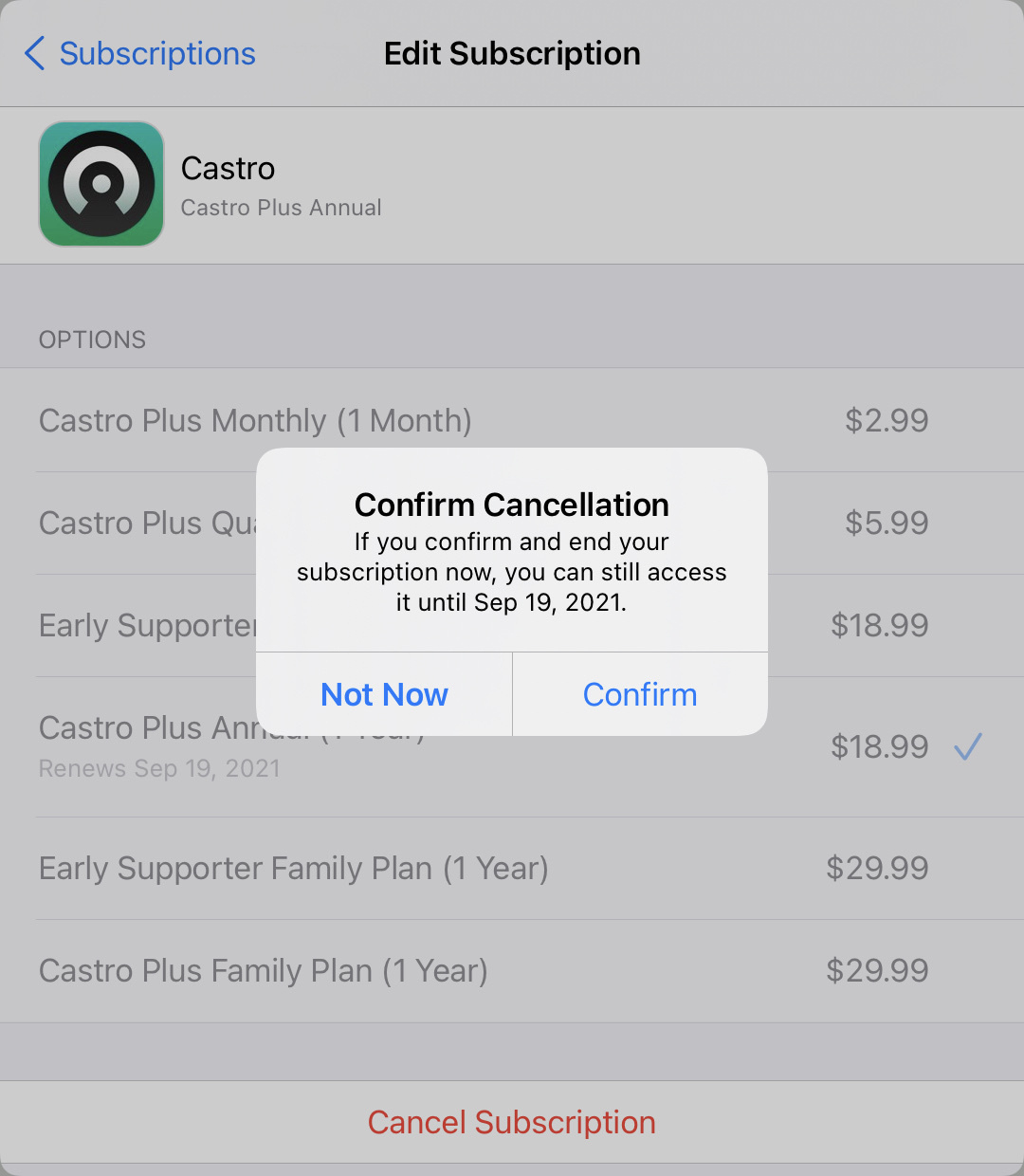
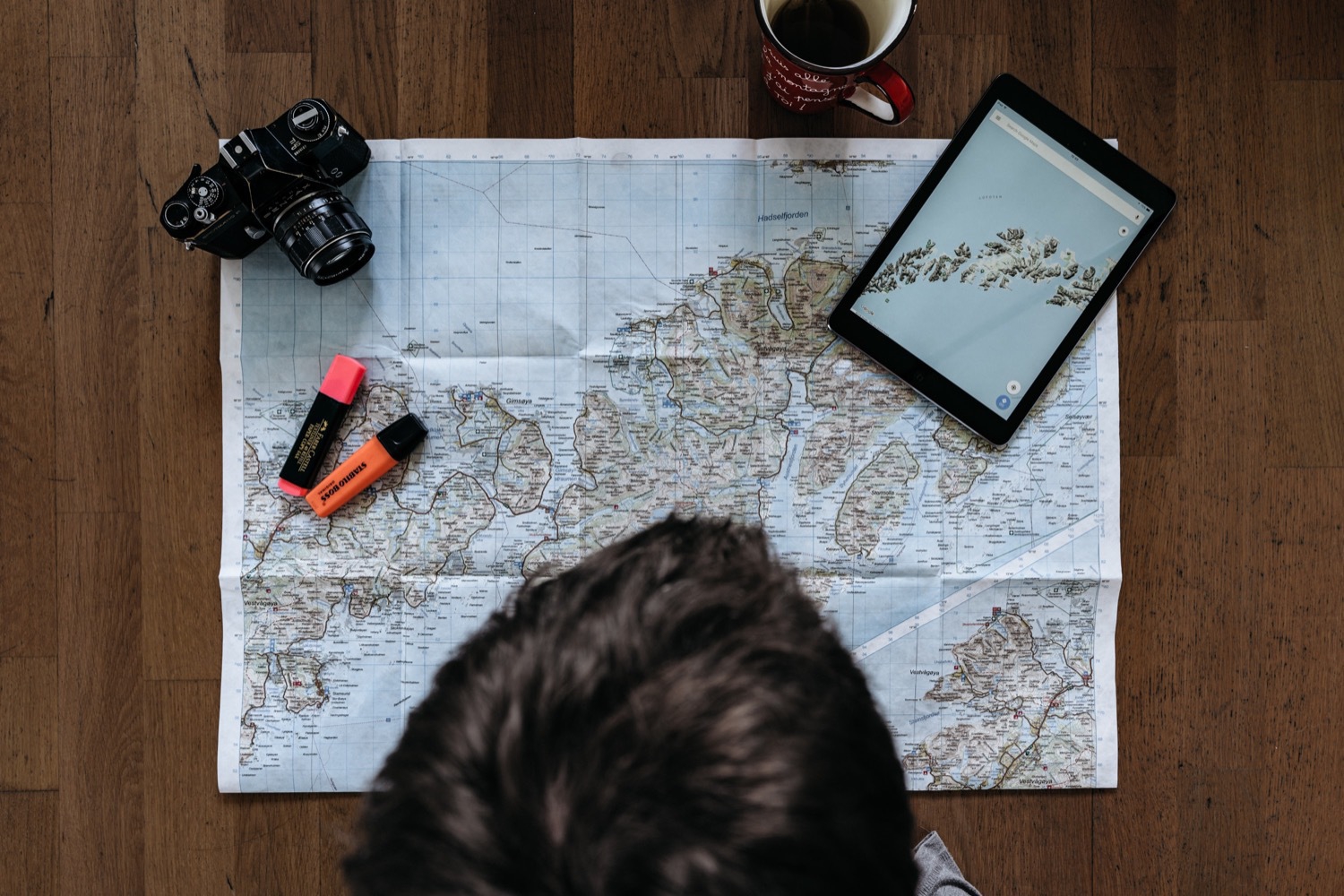
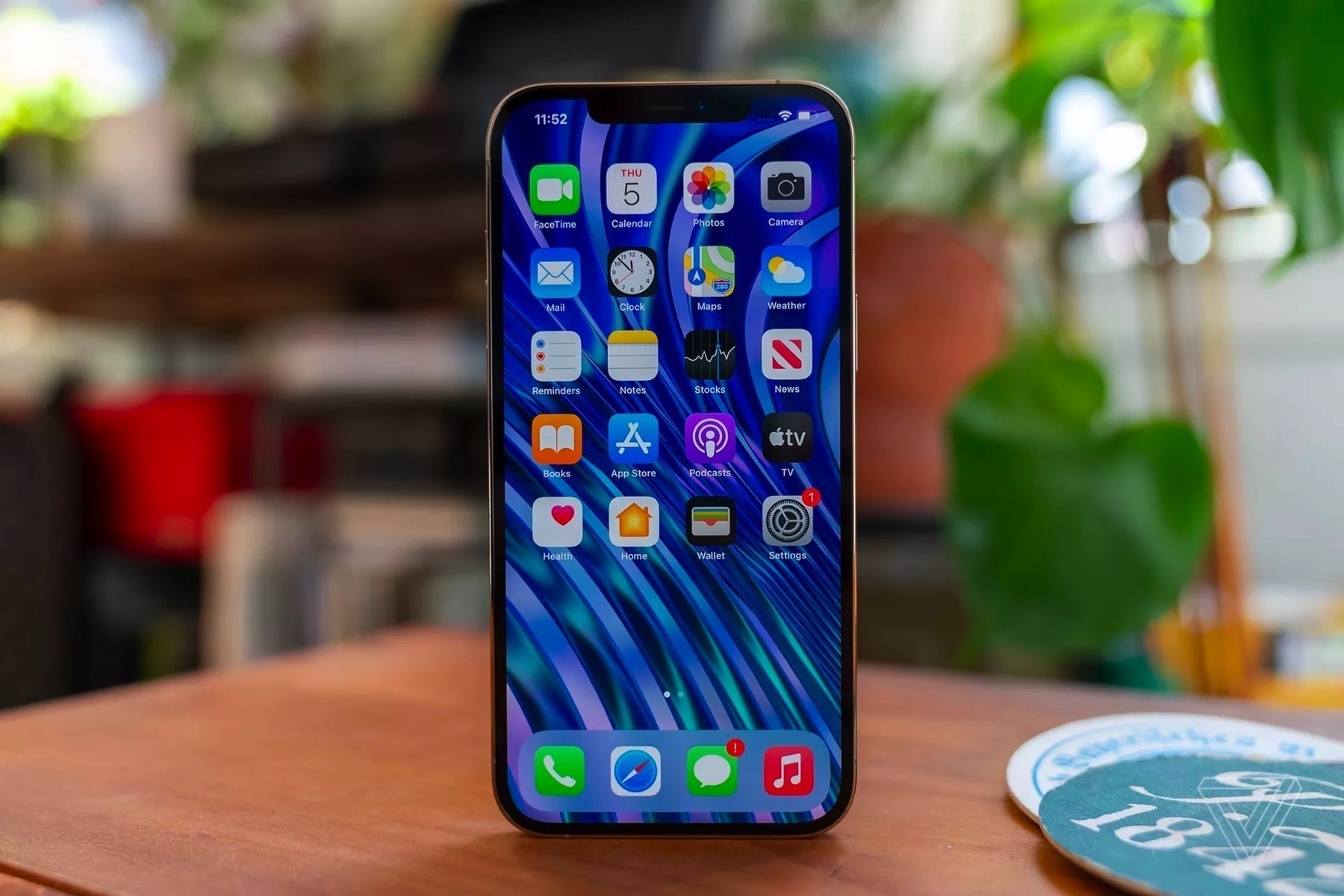
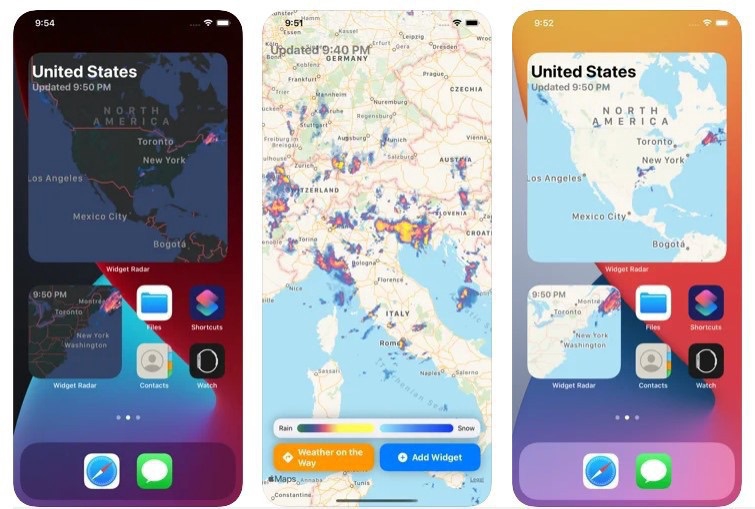
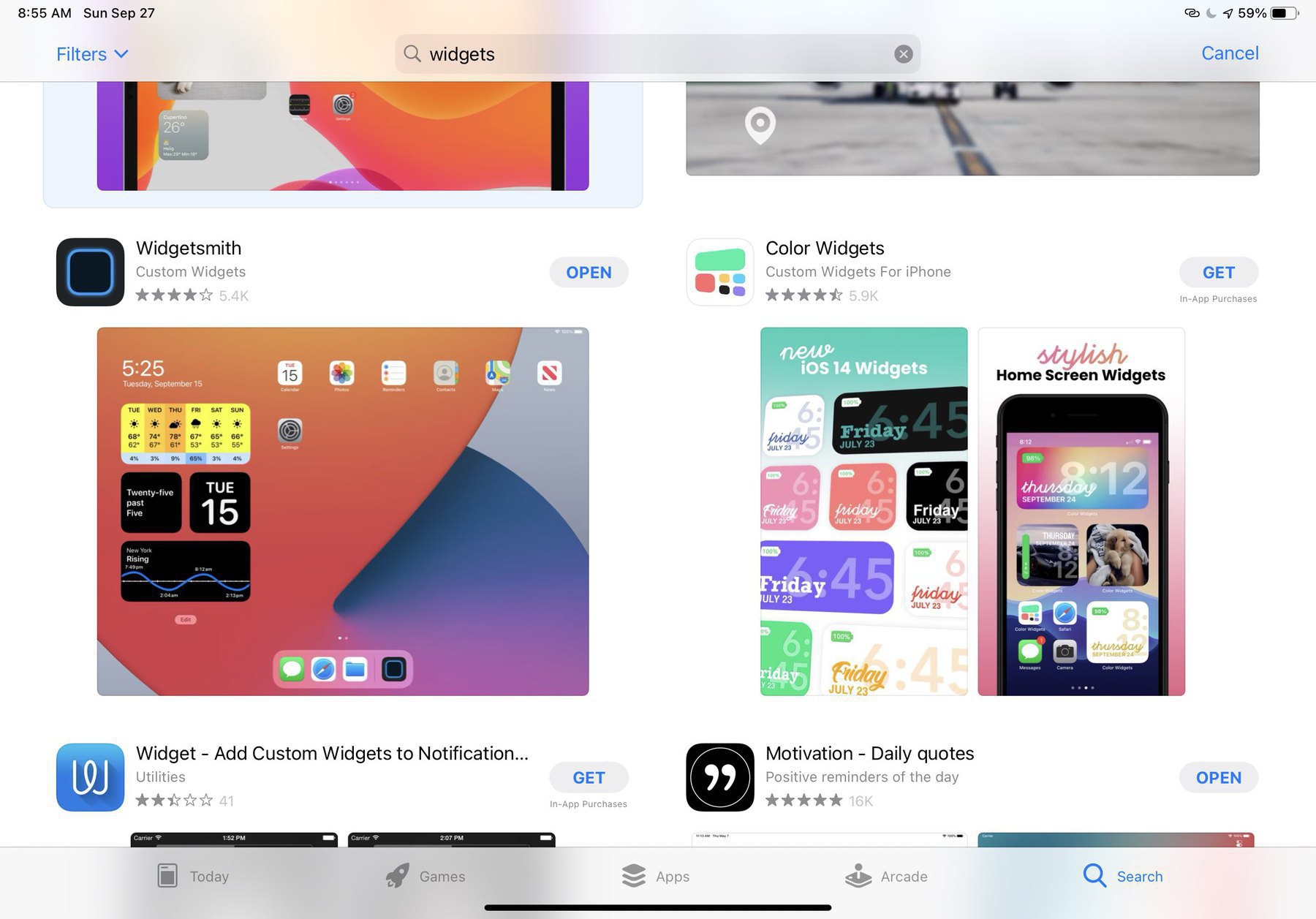
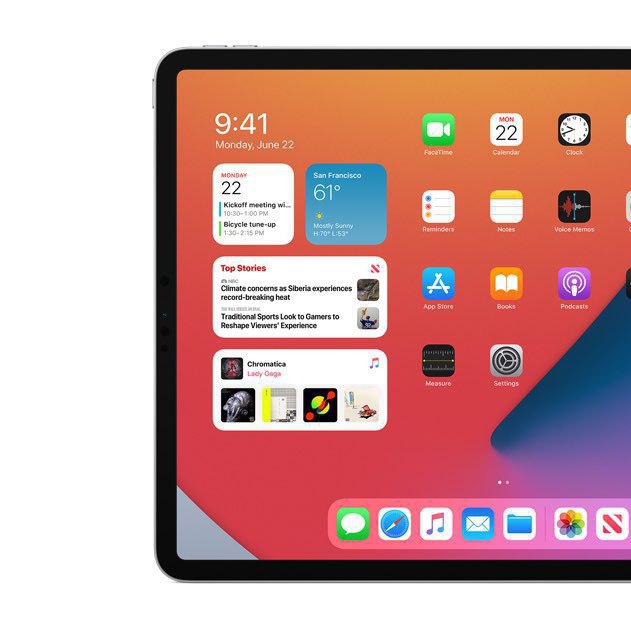
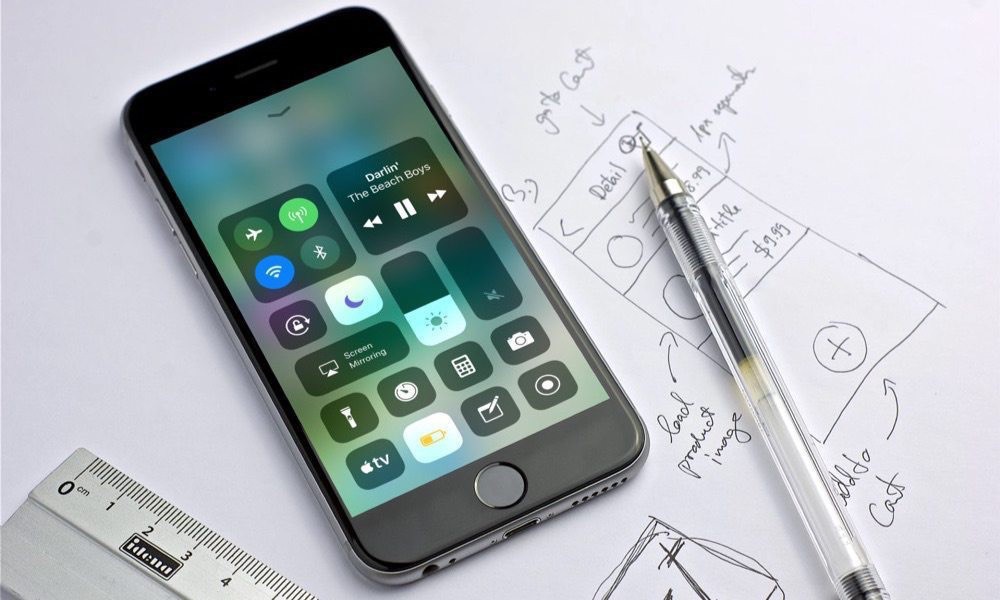
Why is Carrot Weather so popular? I’m a weather enthusiast and I like trying new weather-related applications. I use many all year long, but Carrot Weather is not part of my application arsenal. They recently introduced updated weather maps, but to get a sense of them, I would need to subscribe for a year subscription. Most of the interesting features are available in the premium tier. I like the maps feature, but I wonder how better they will get compared to the ones that I’m already using in MyRadar. iOS 15 brought a significant update to the weather too, but I find the maps lacking radar resolution.
If there are users of Carrot Weather subscription, tell me more, tell my why it is so nice?
Old Computer-Related Memories
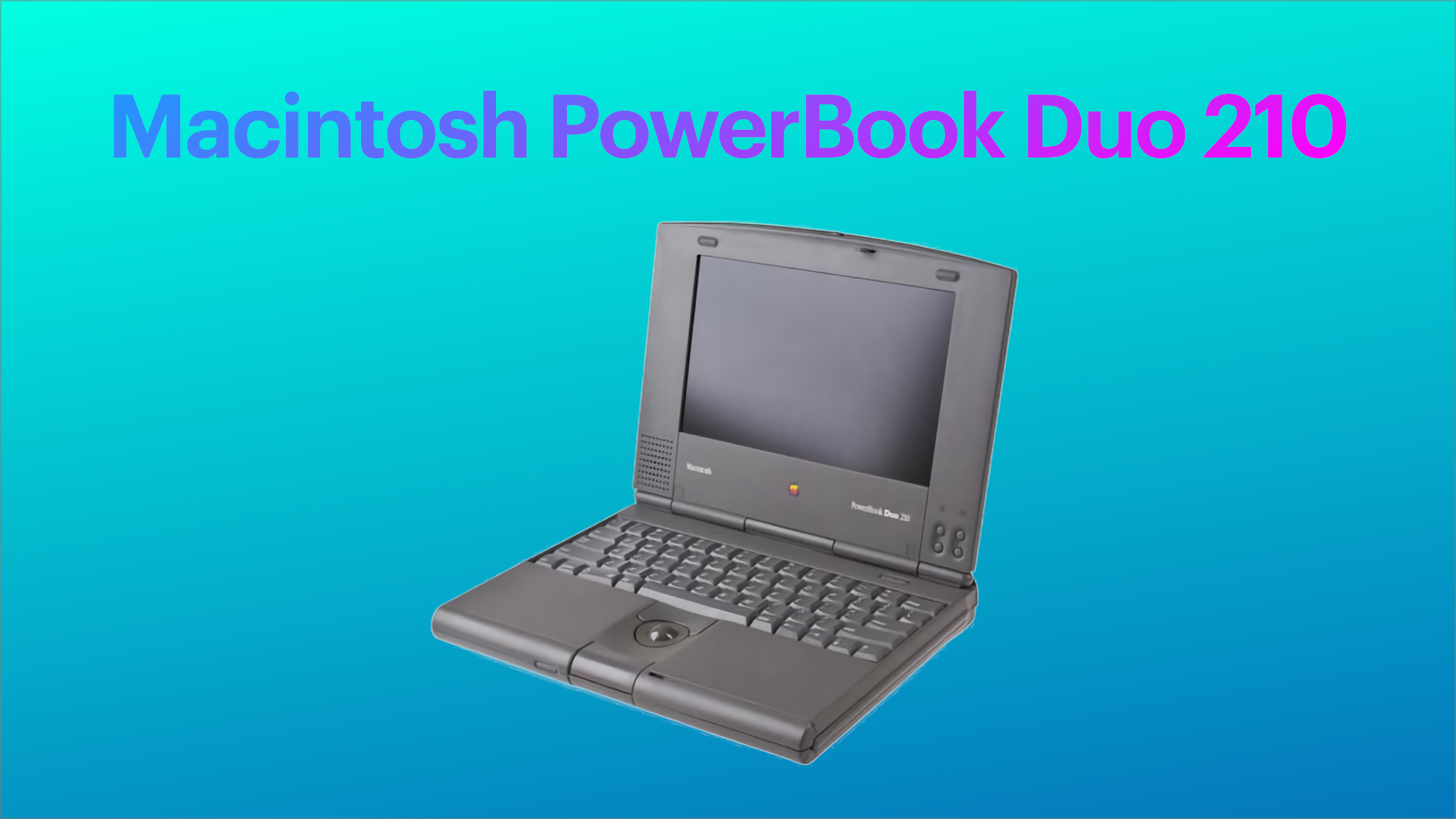
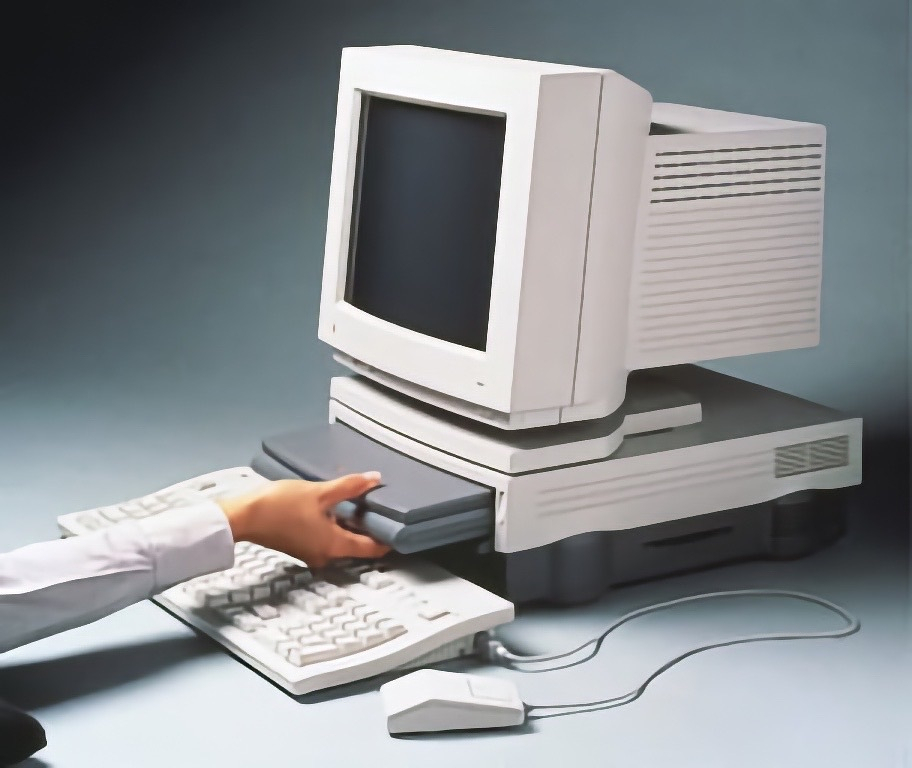
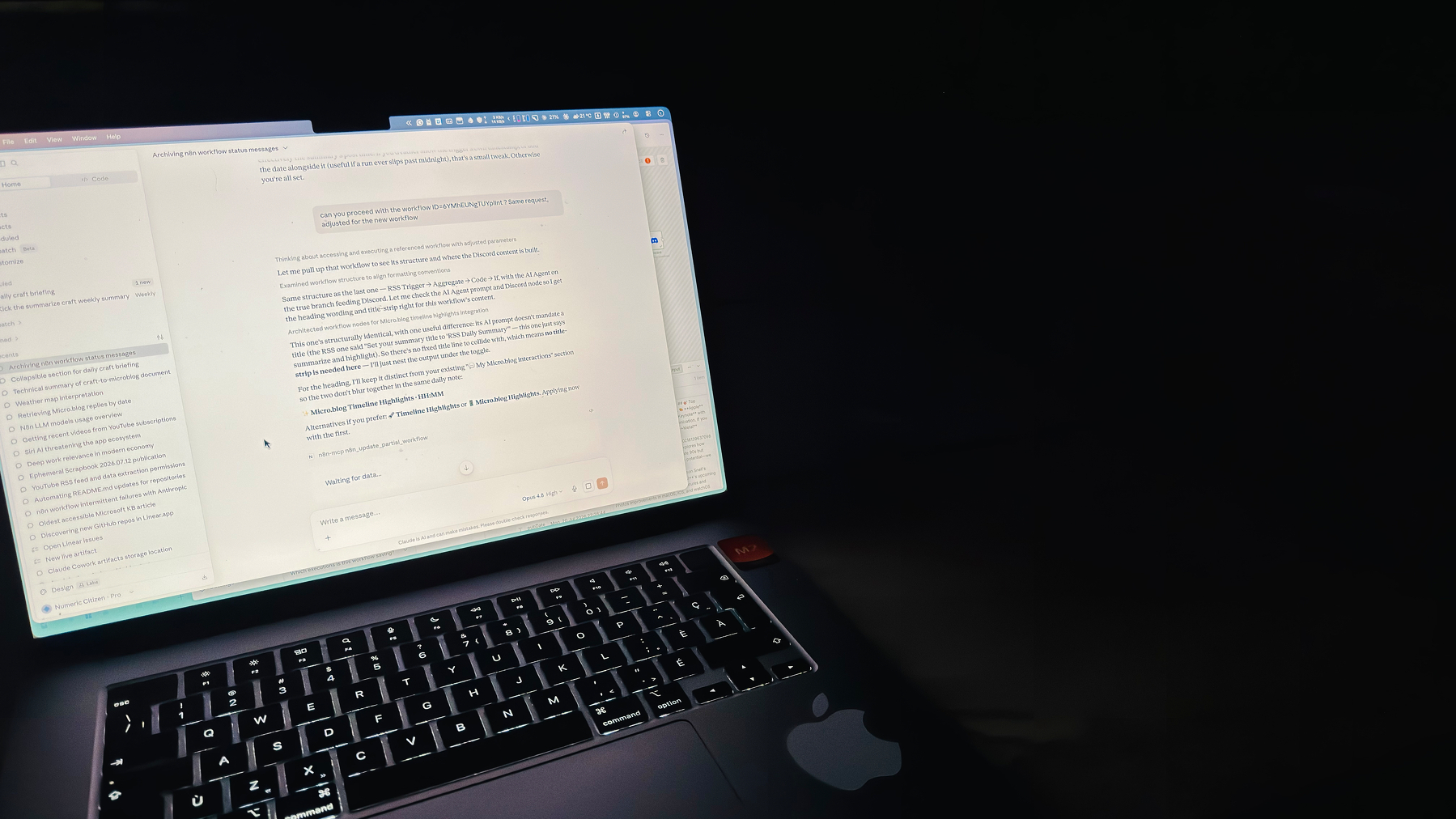
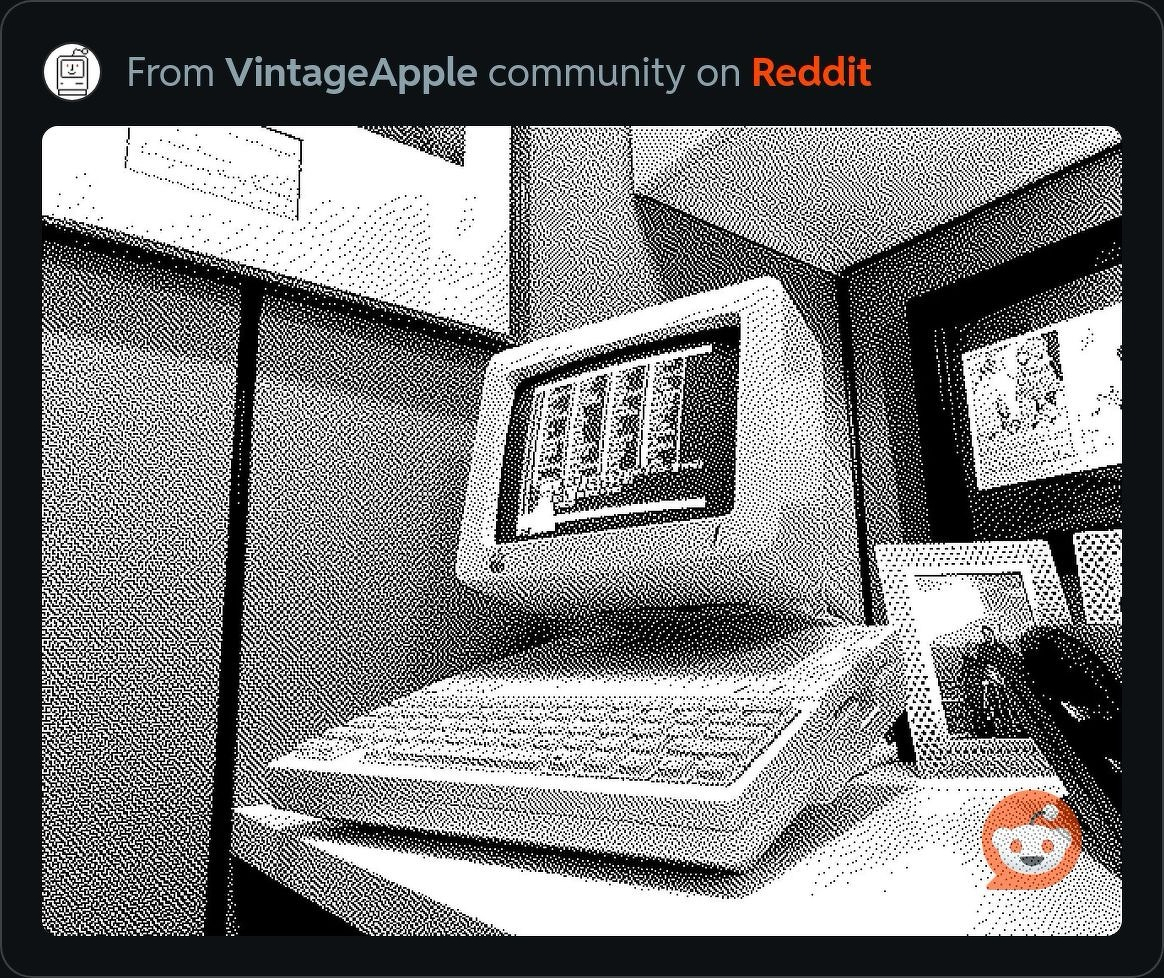
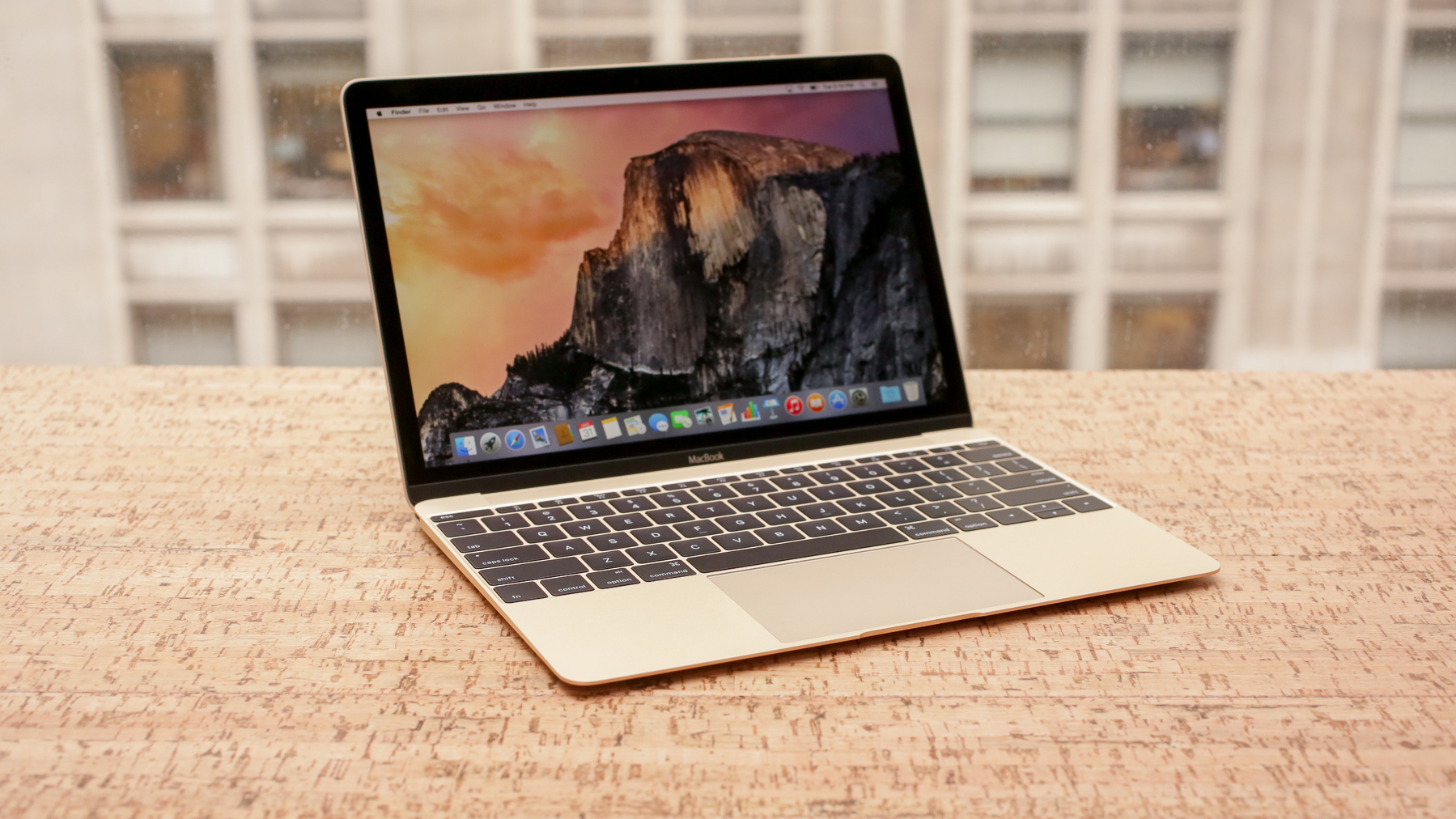
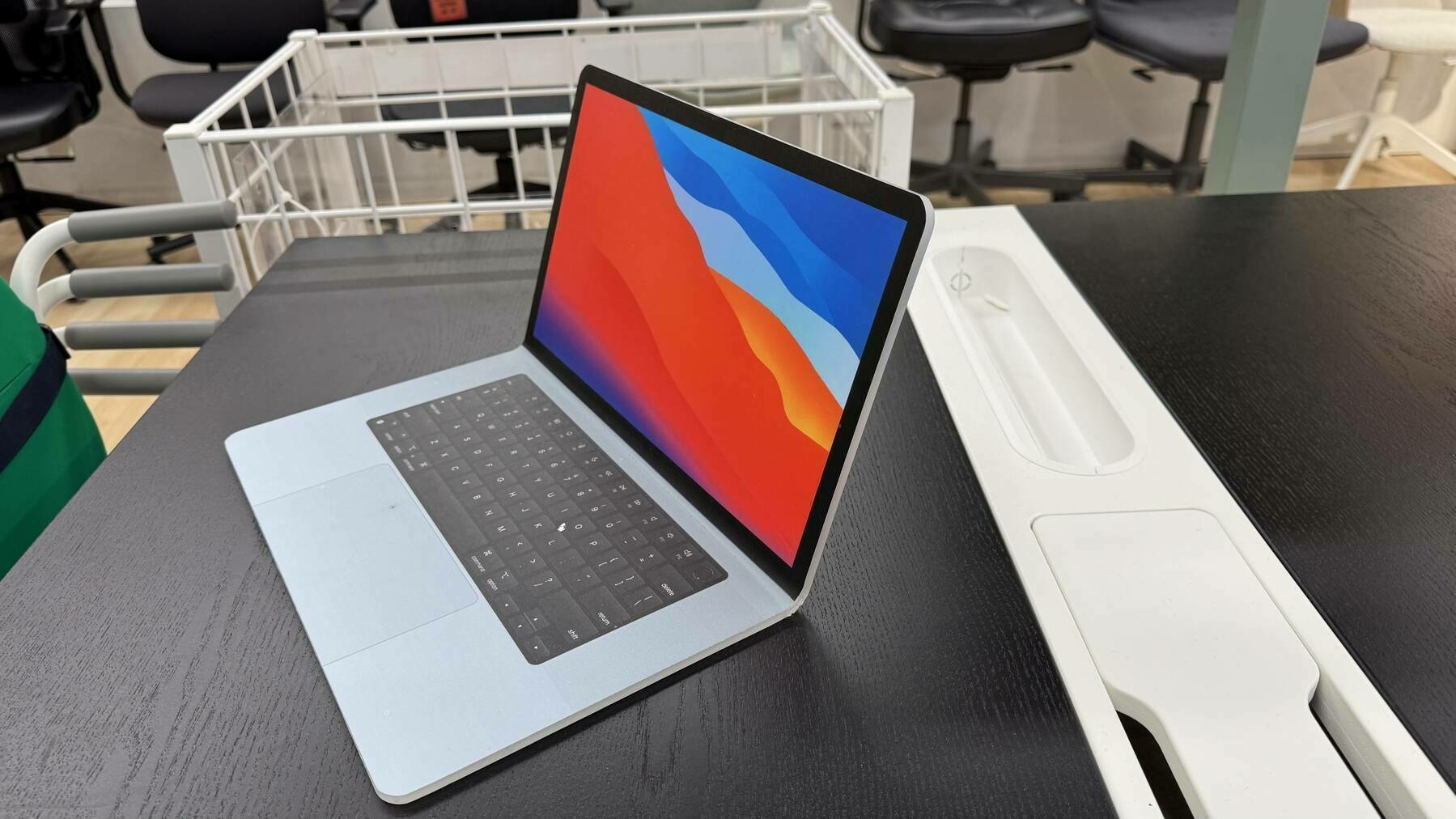
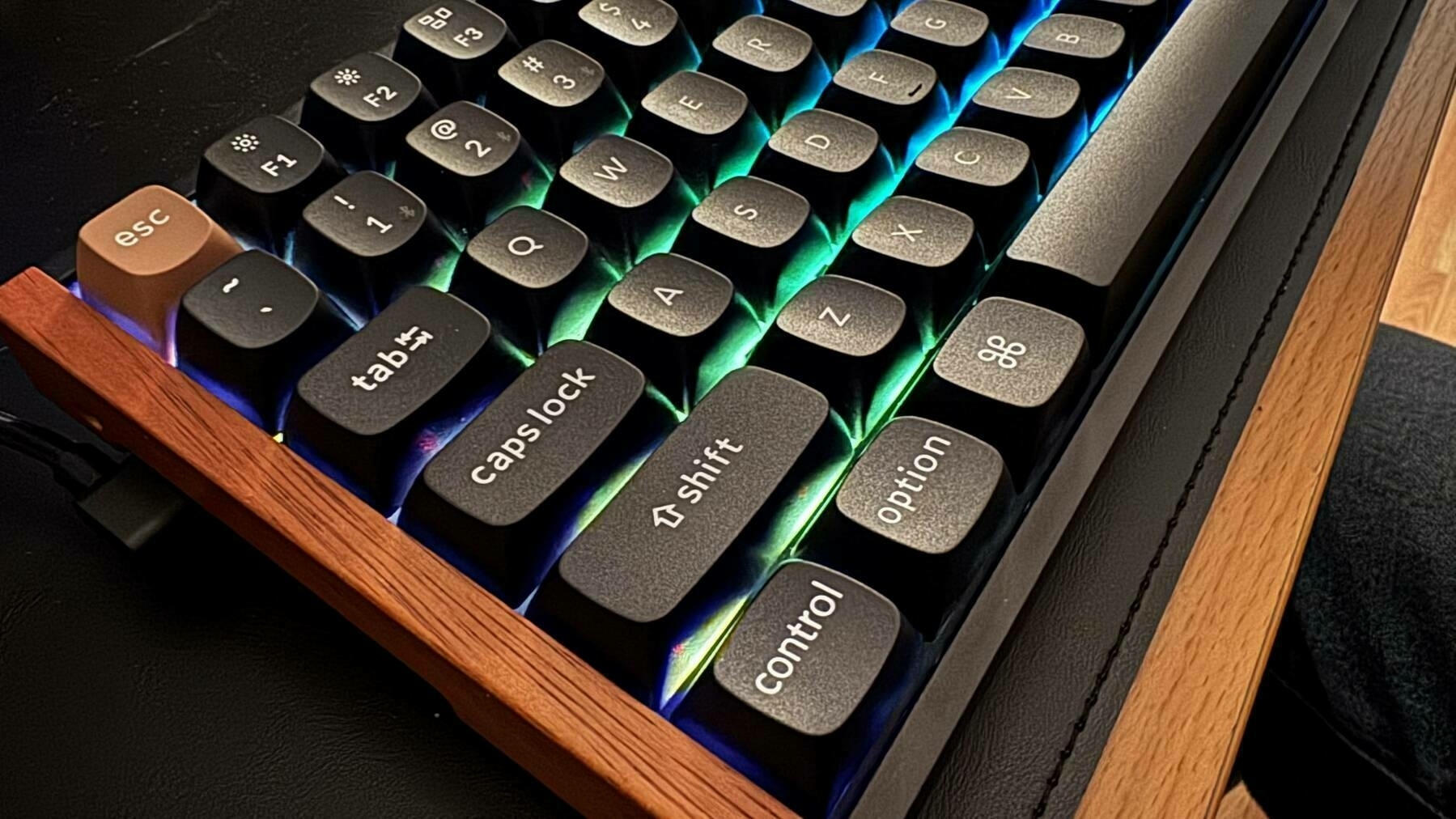
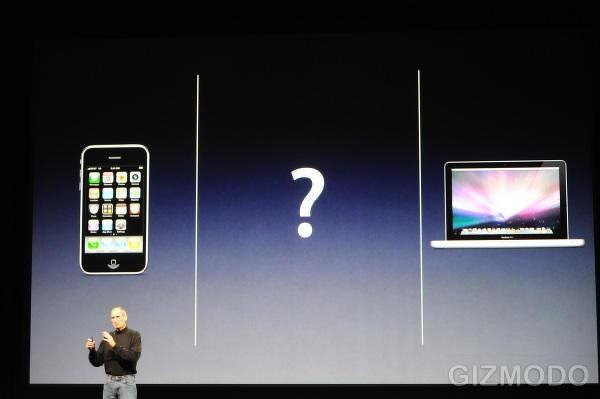
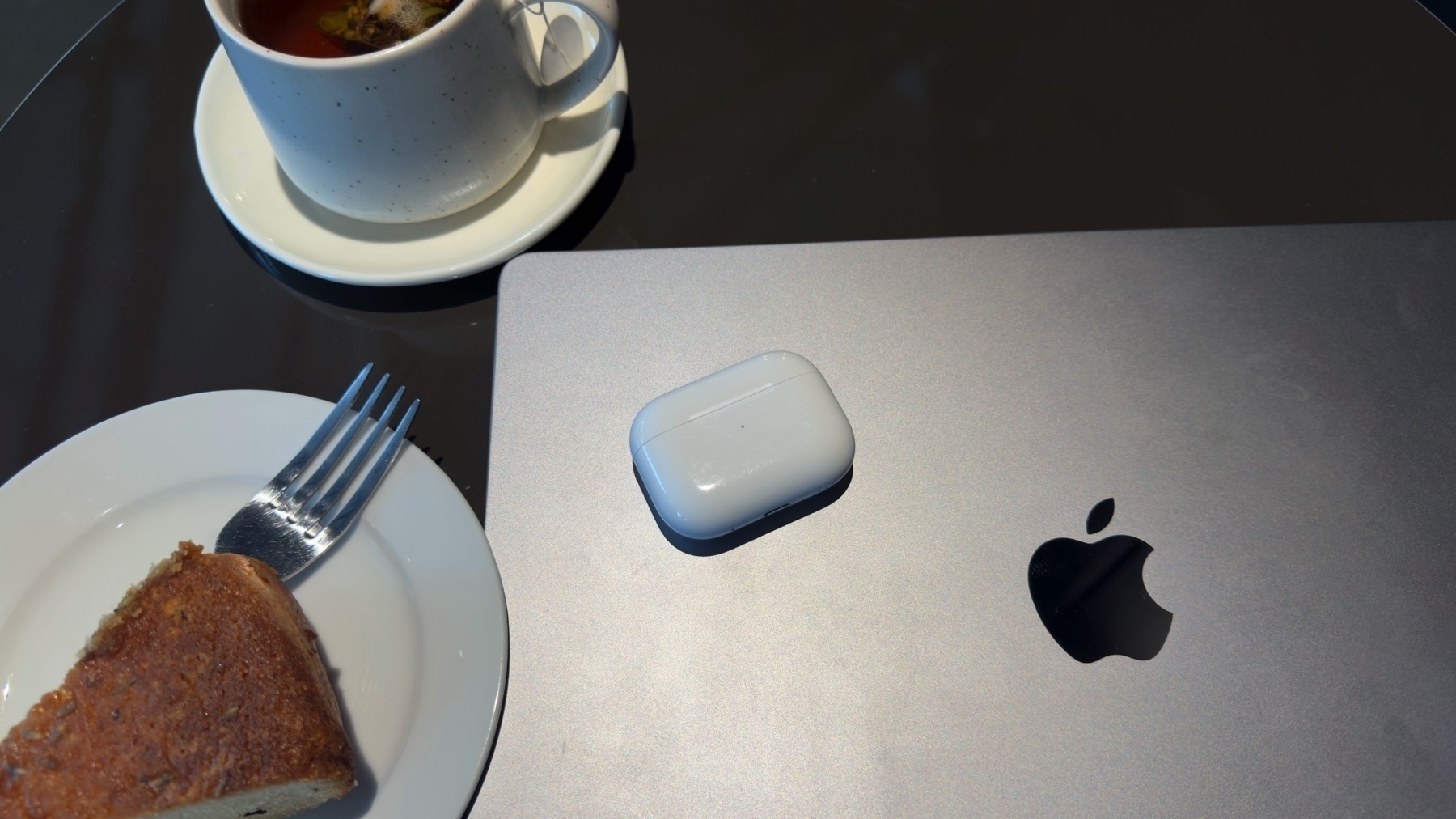
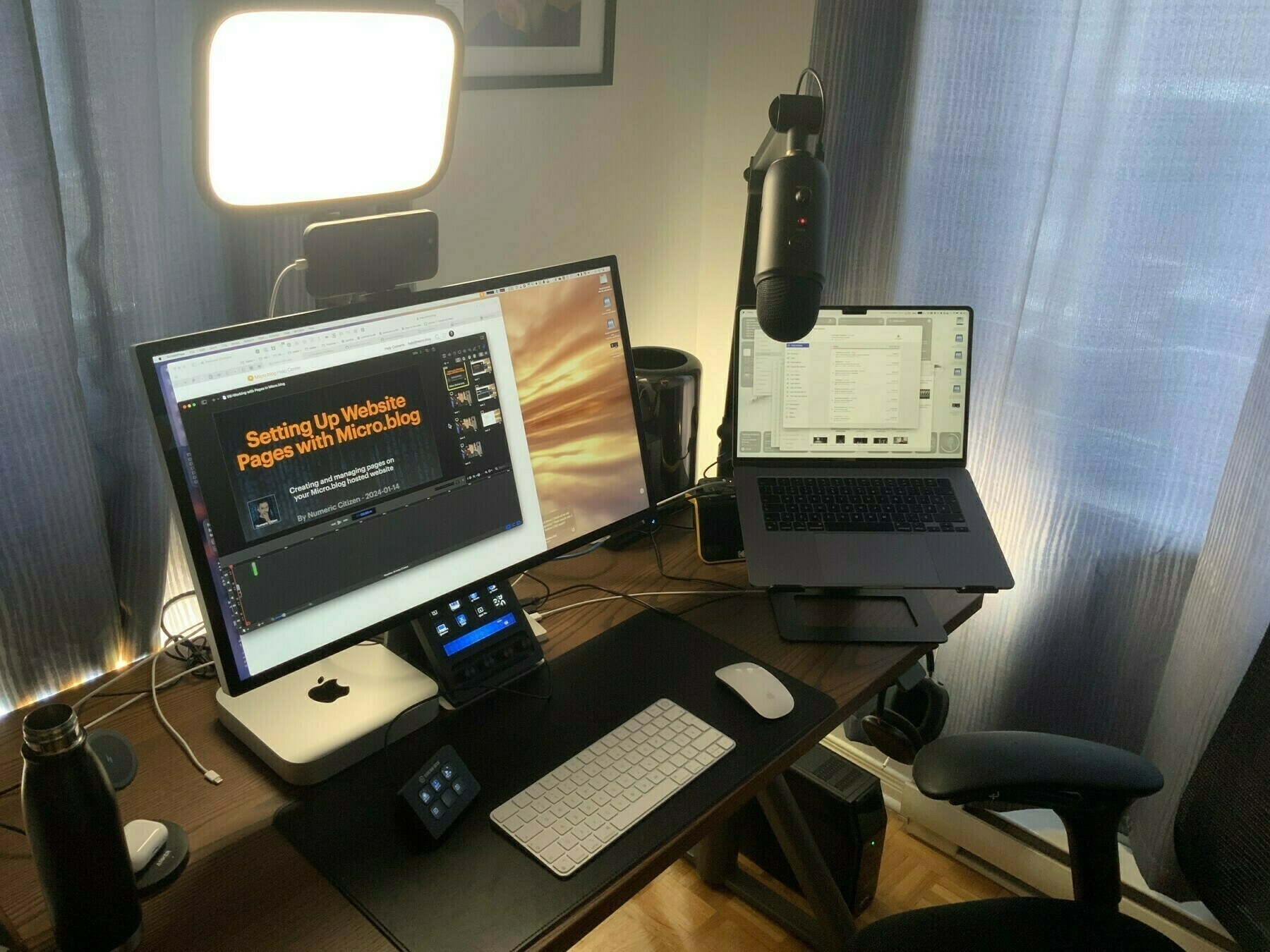
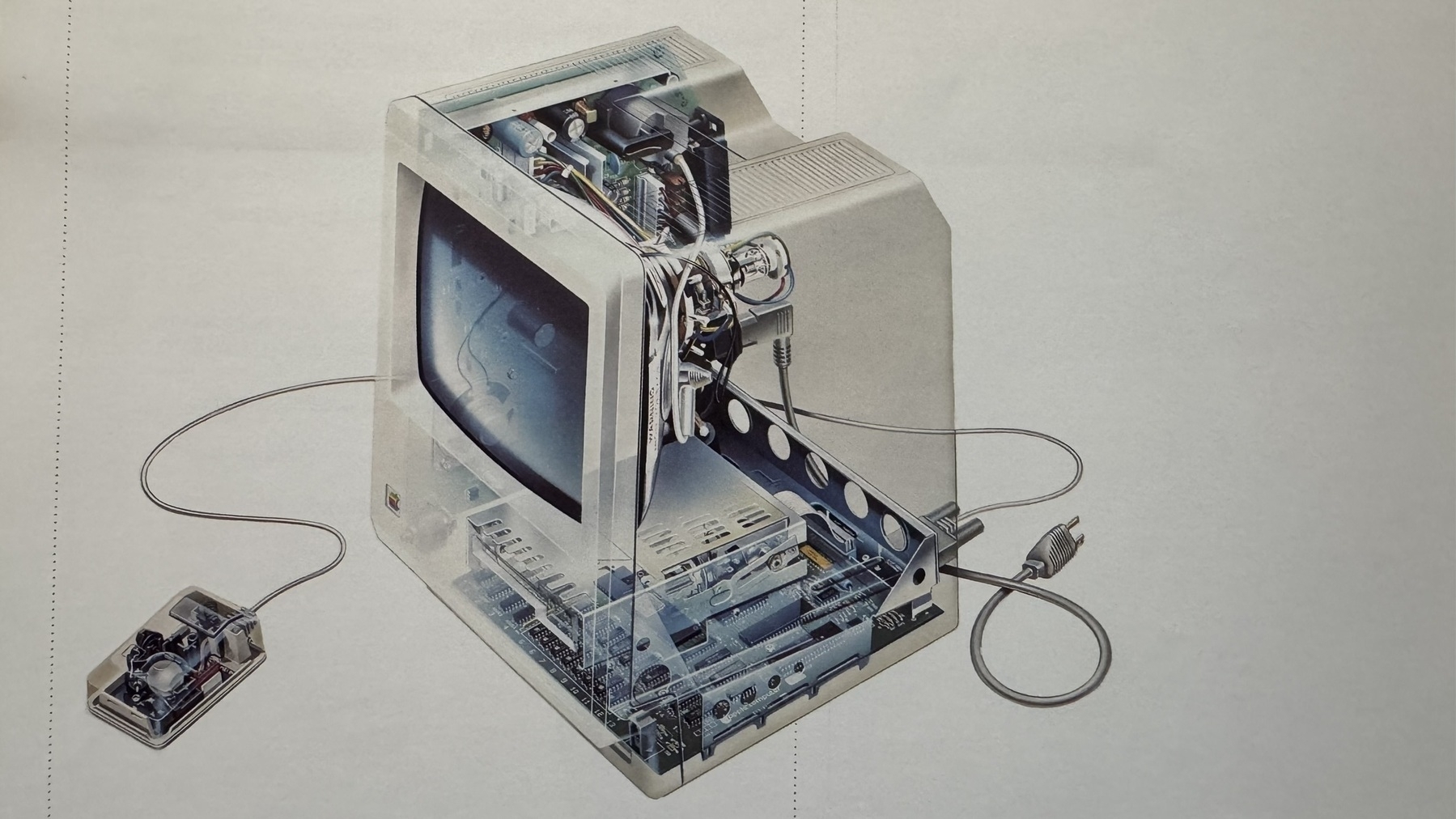
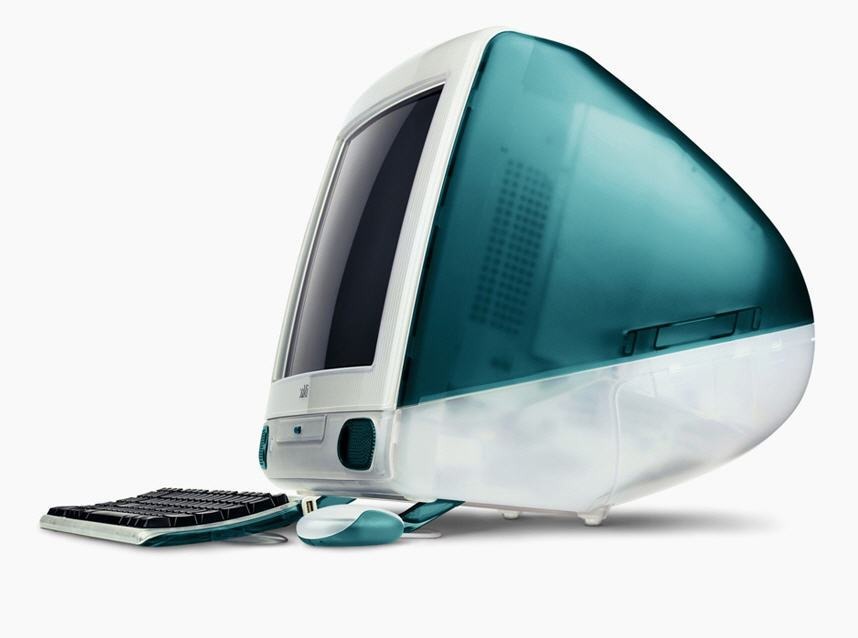
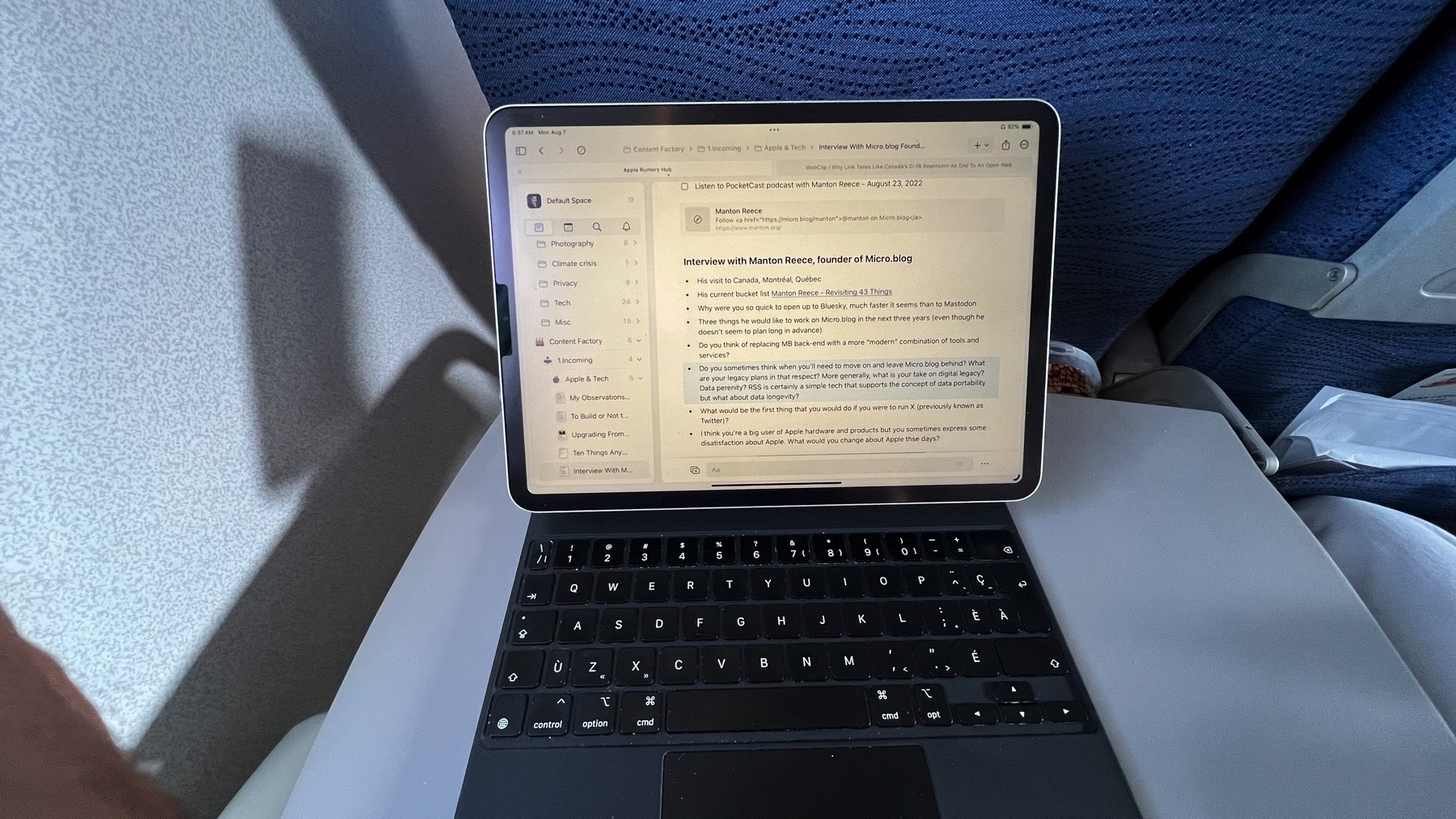
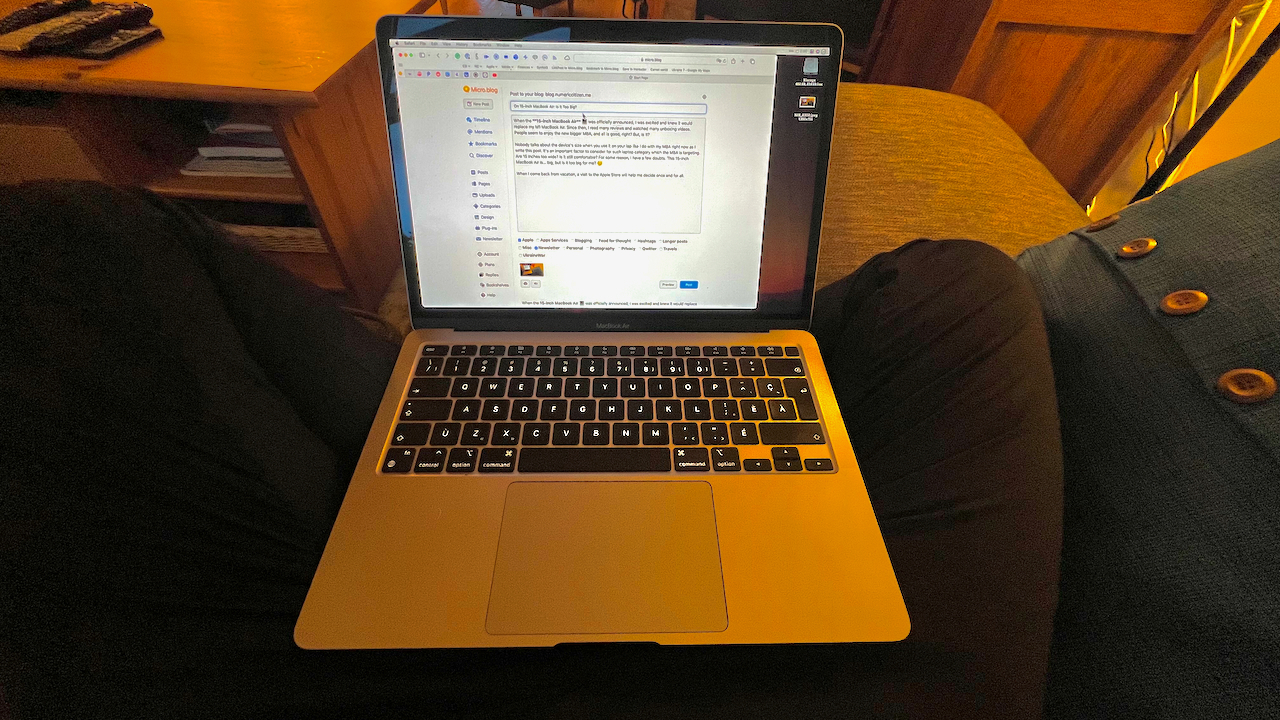
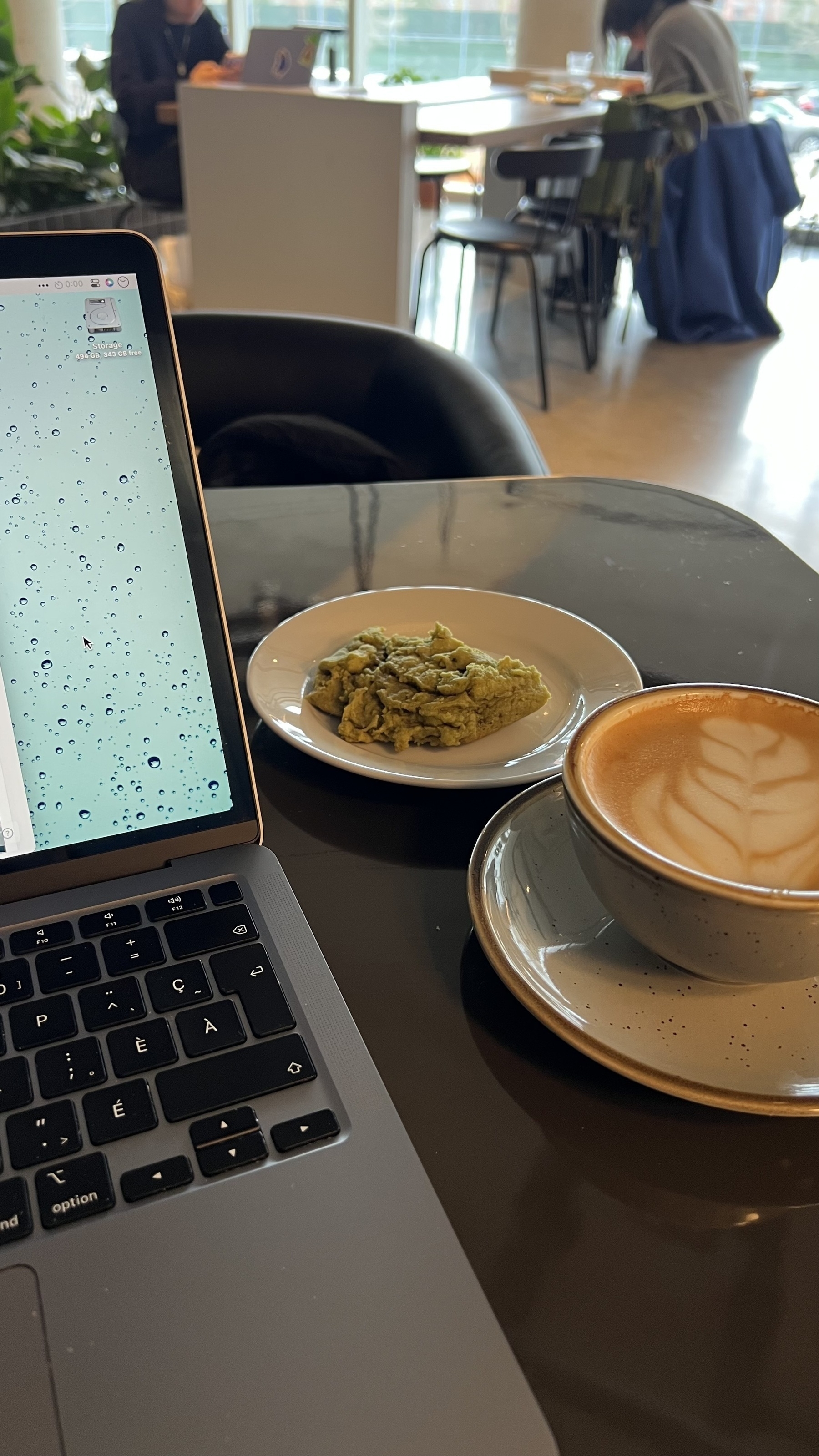
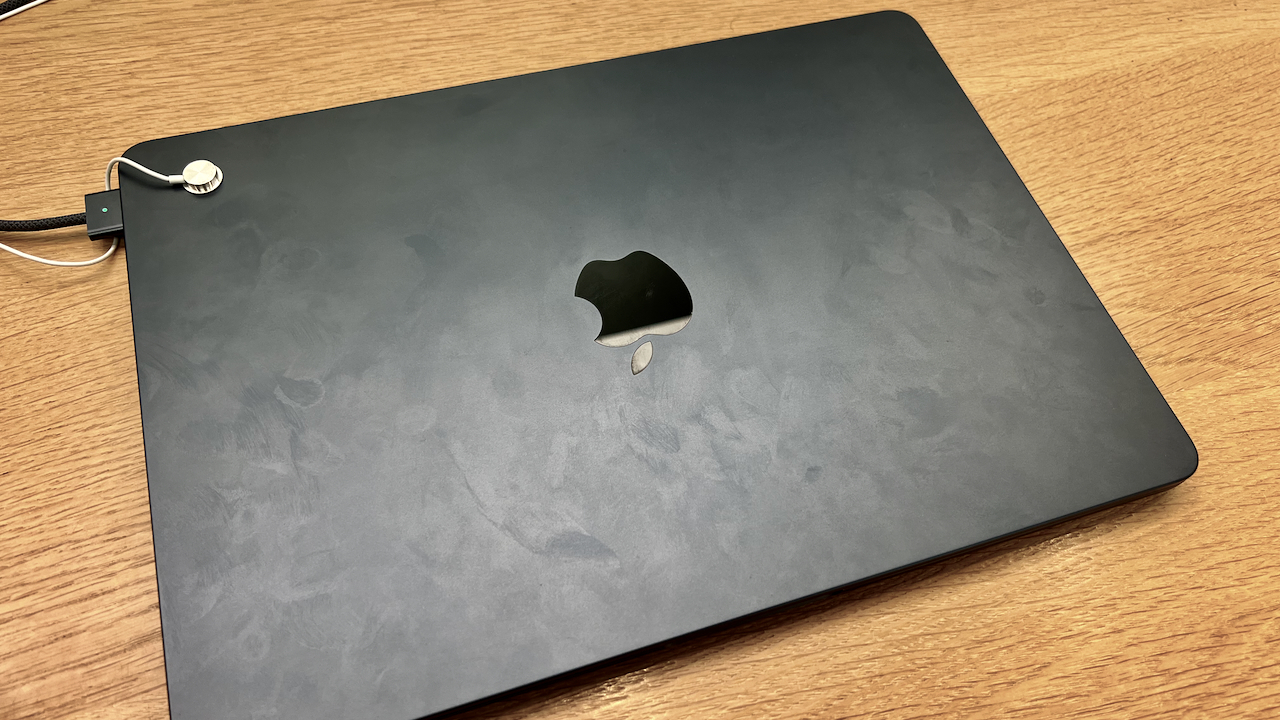
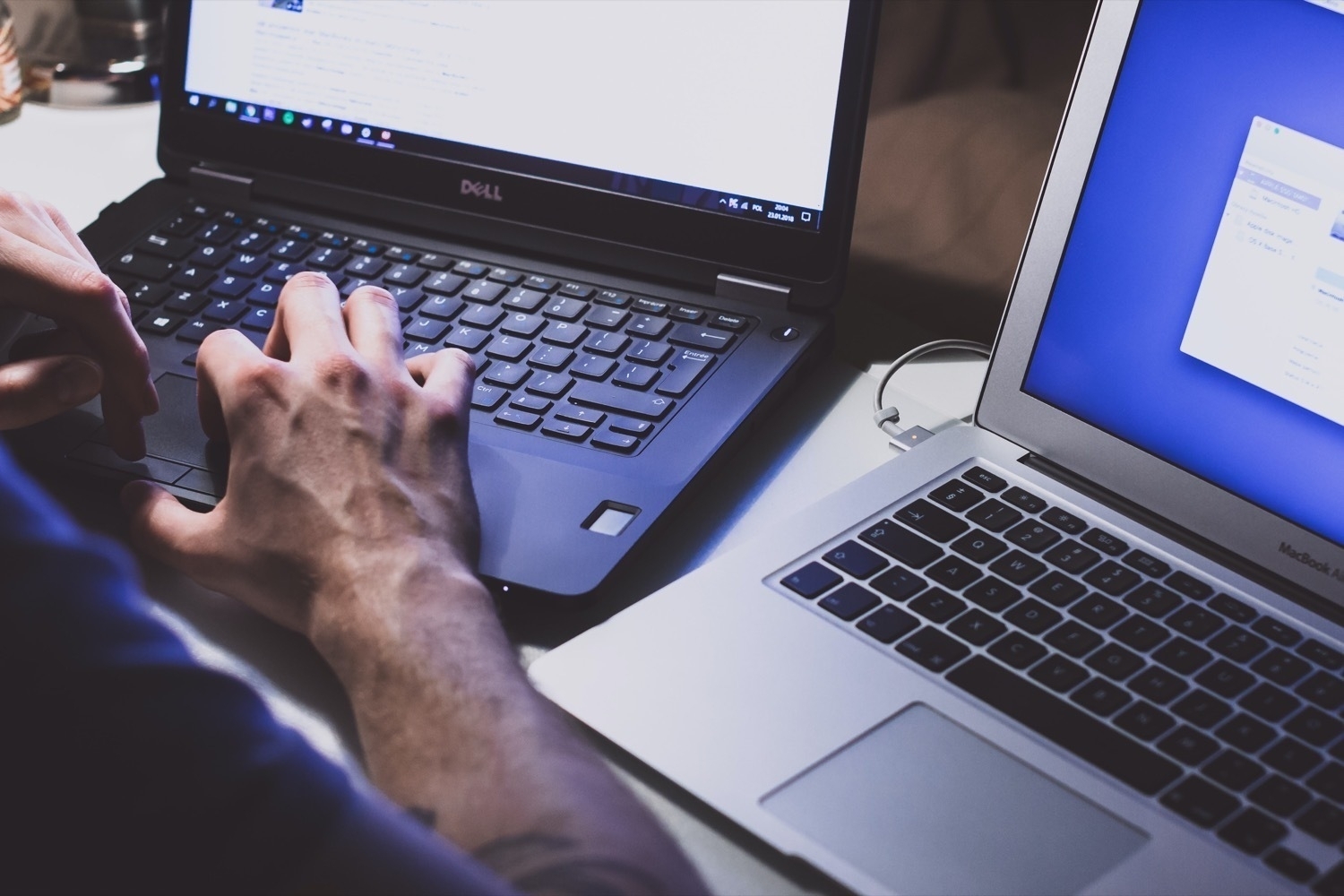
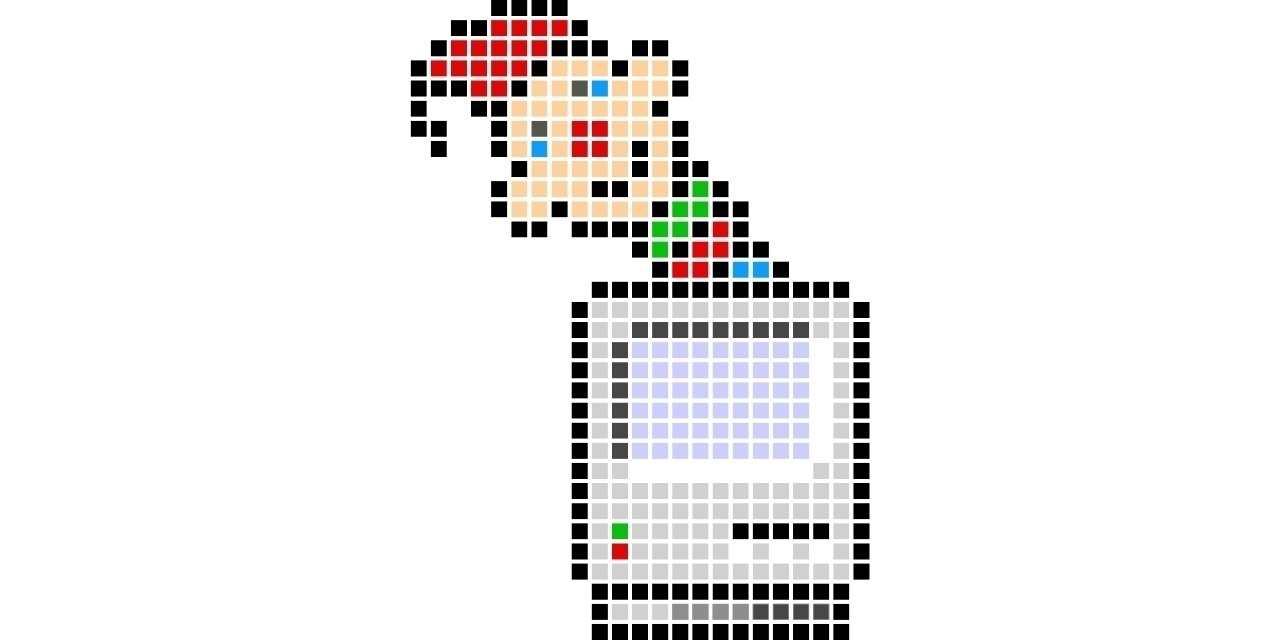
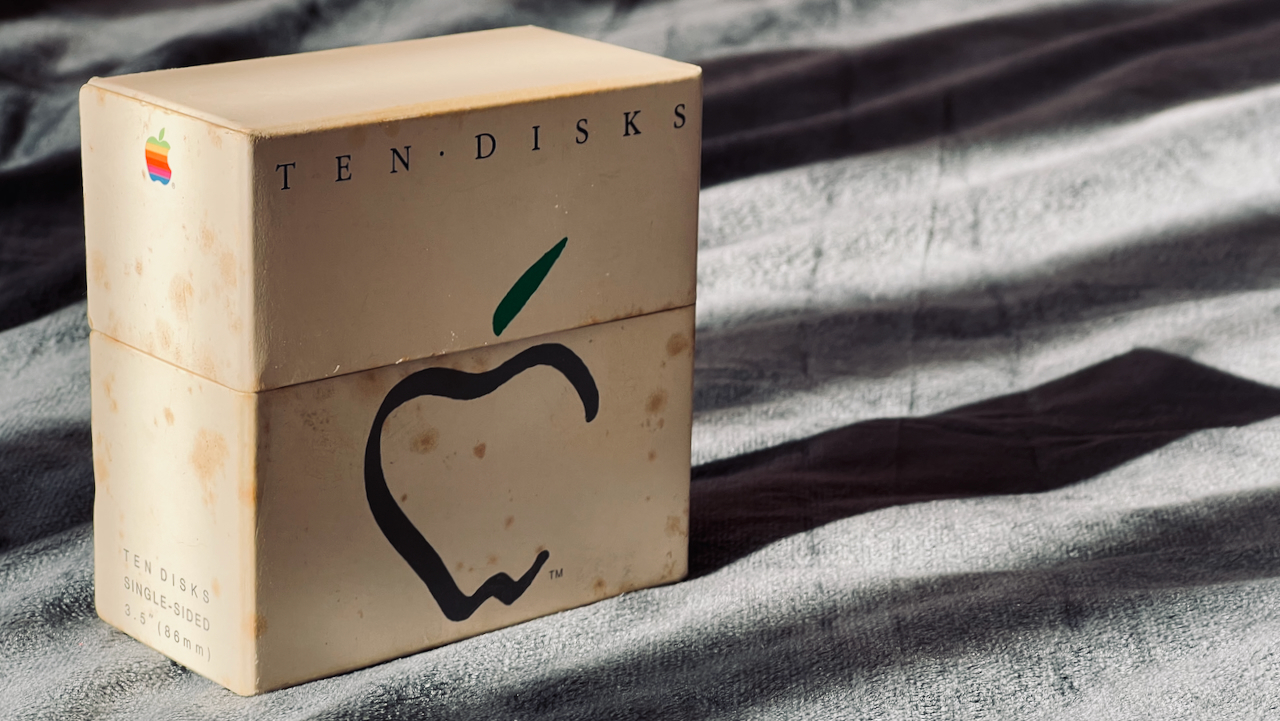
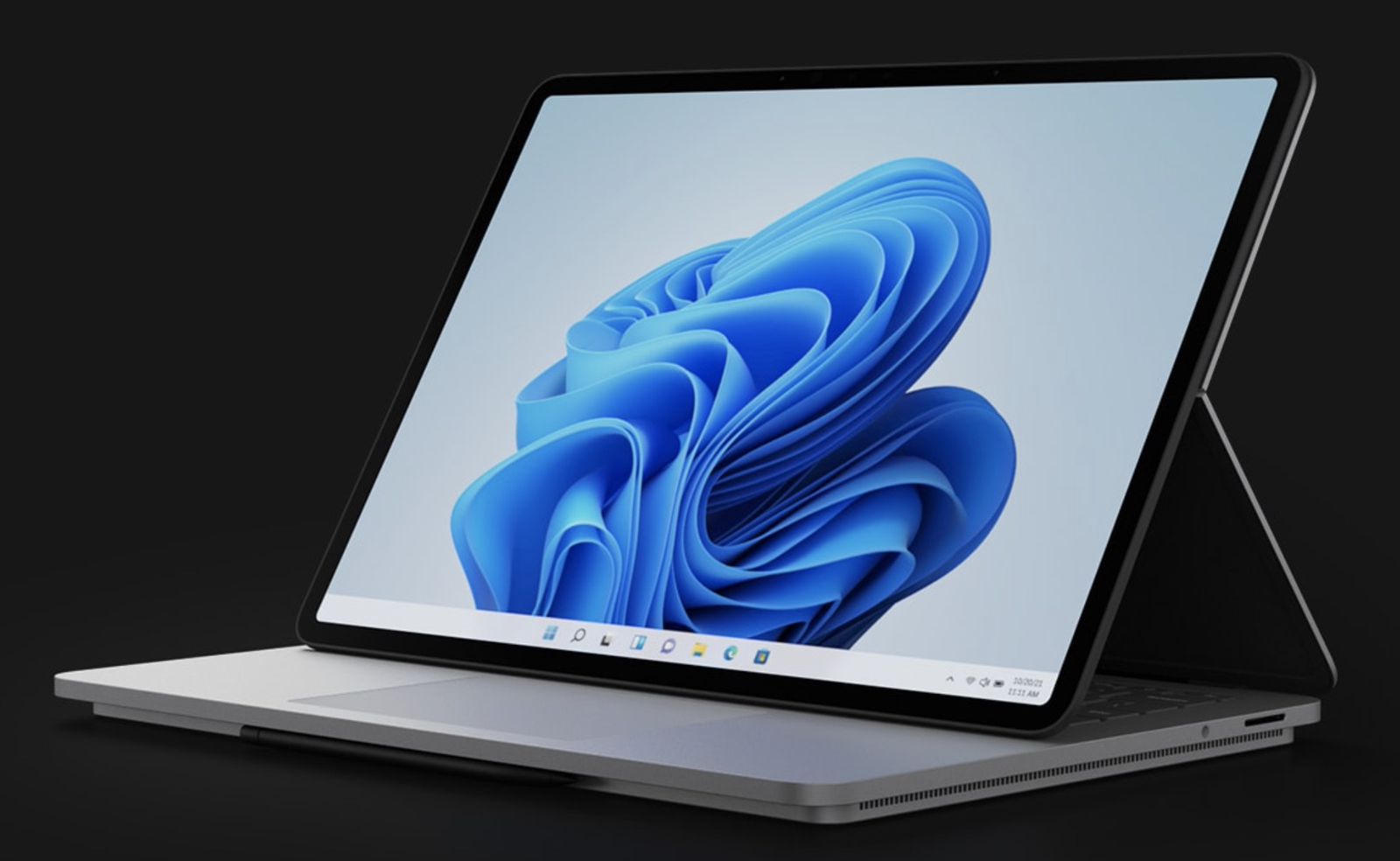
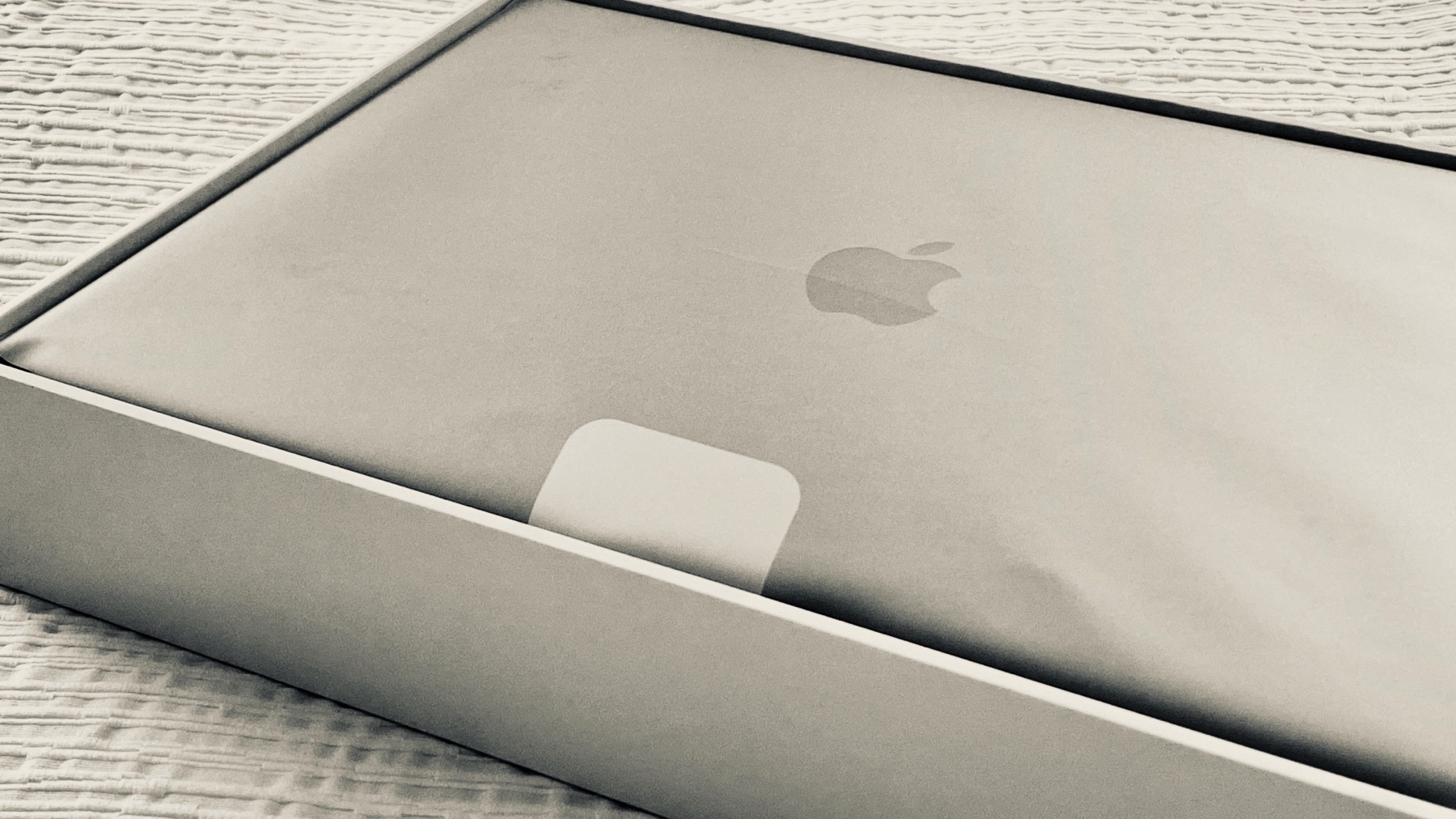
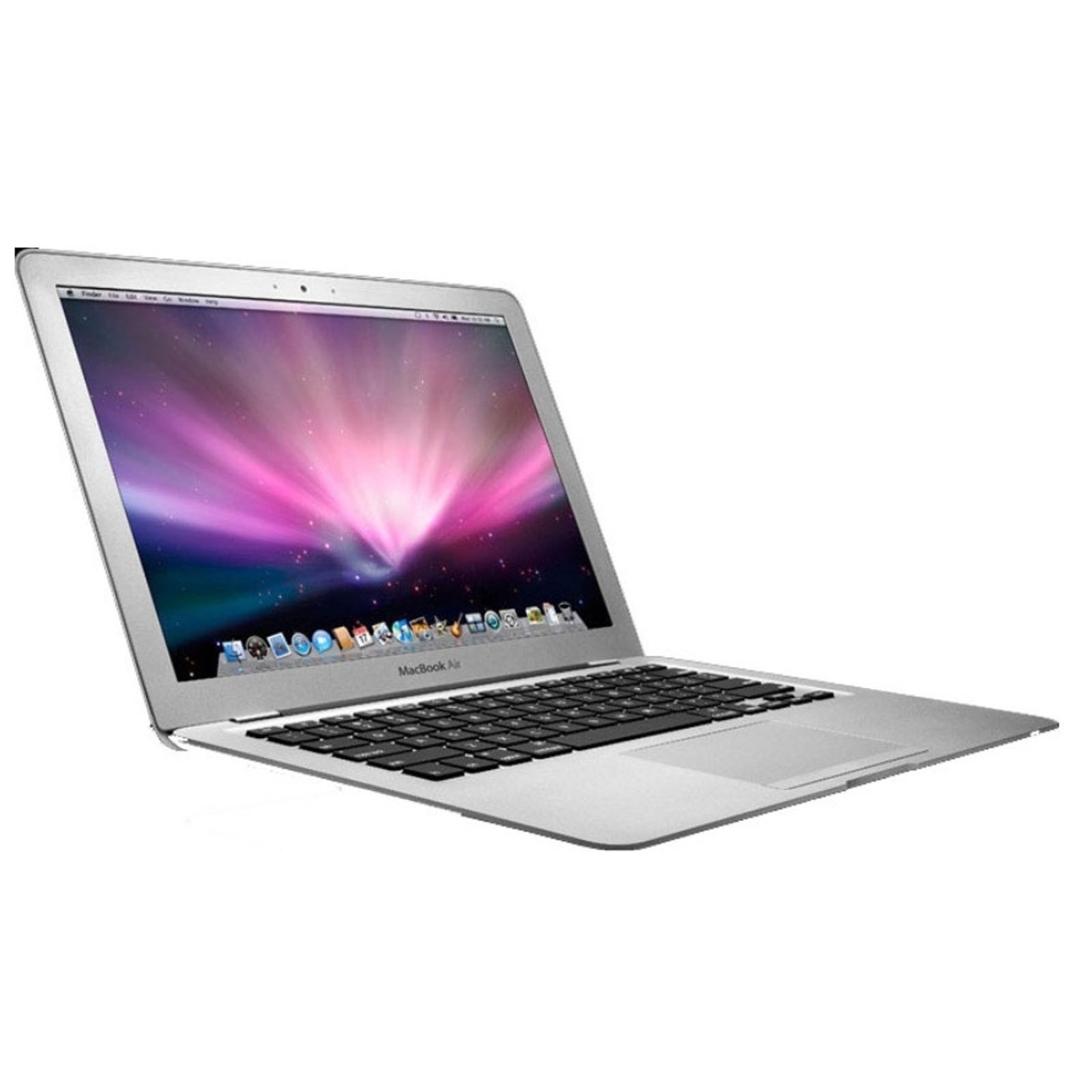
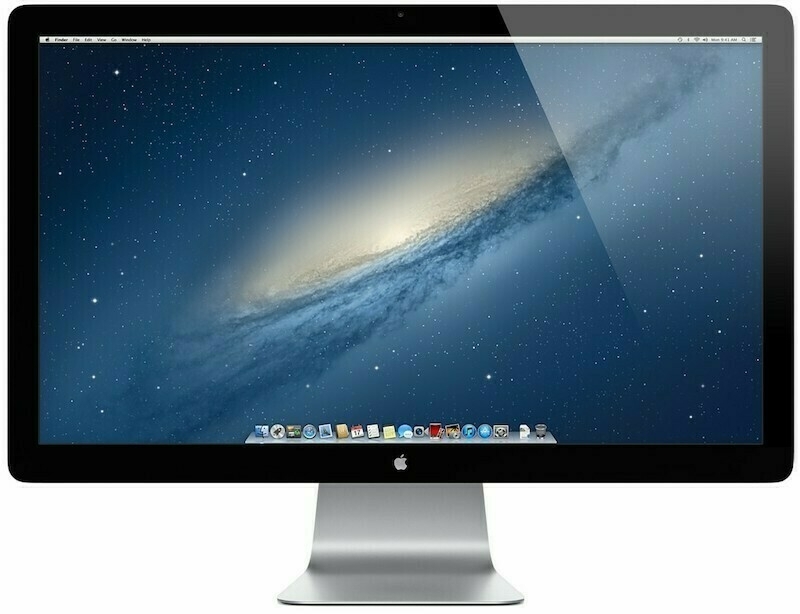
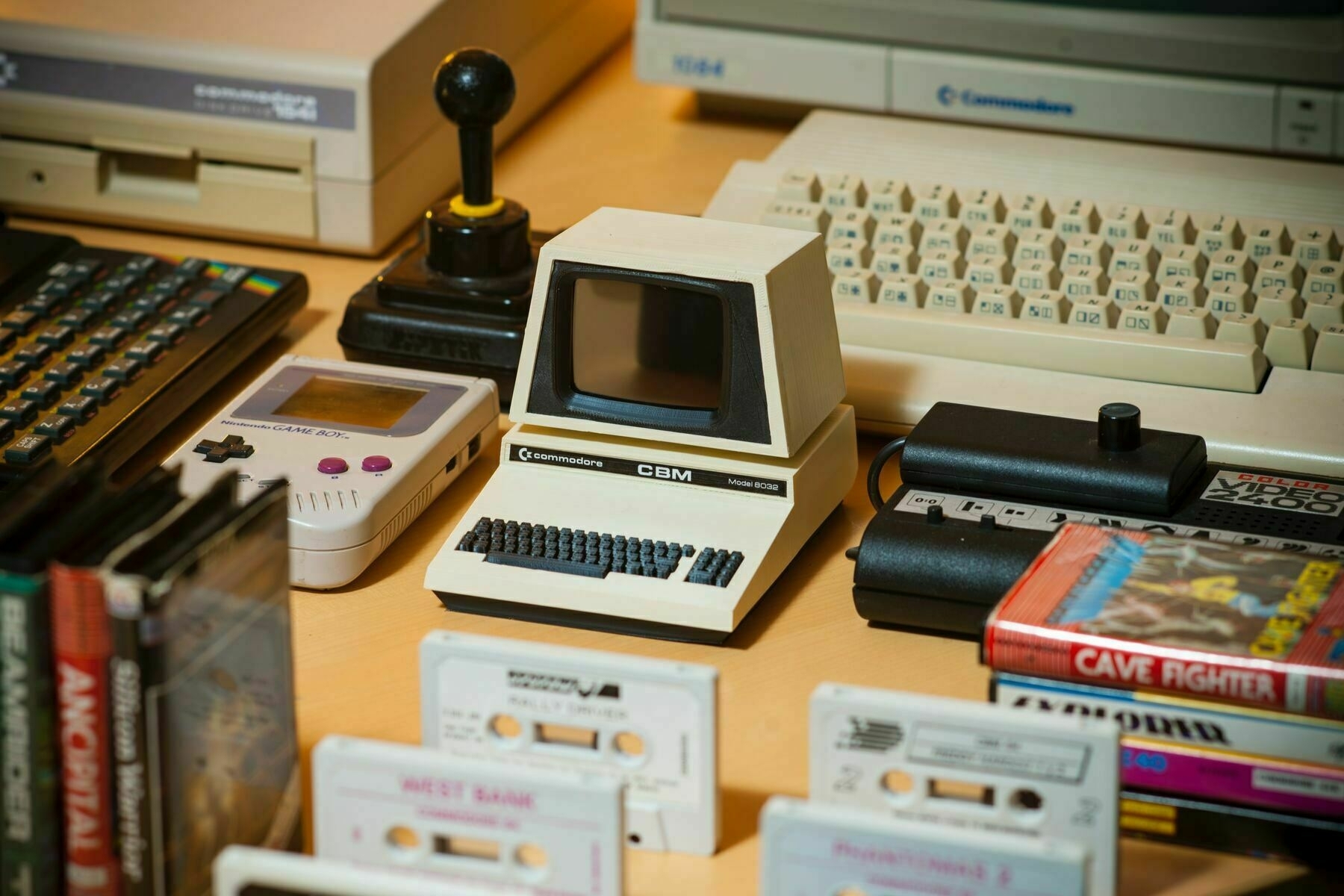
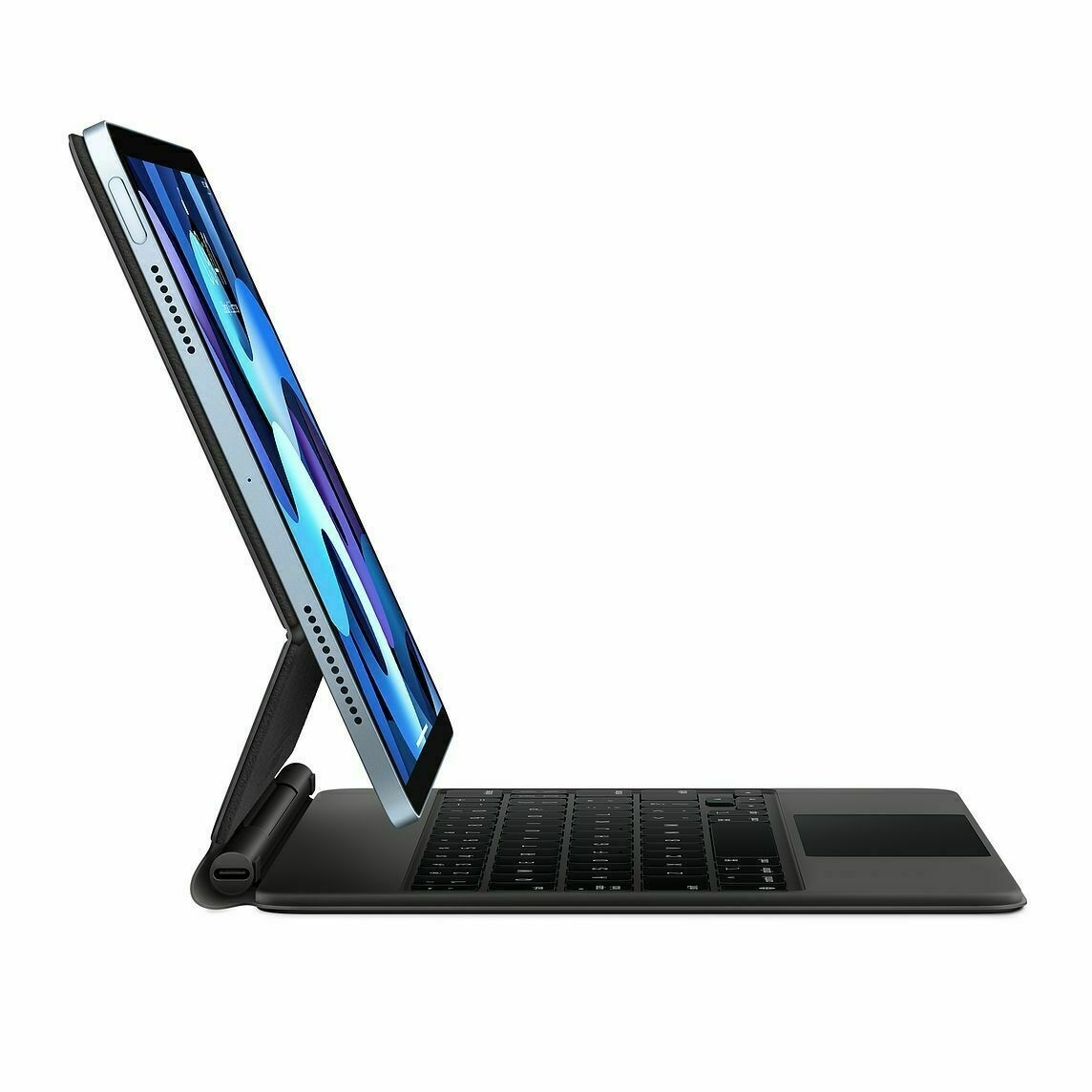
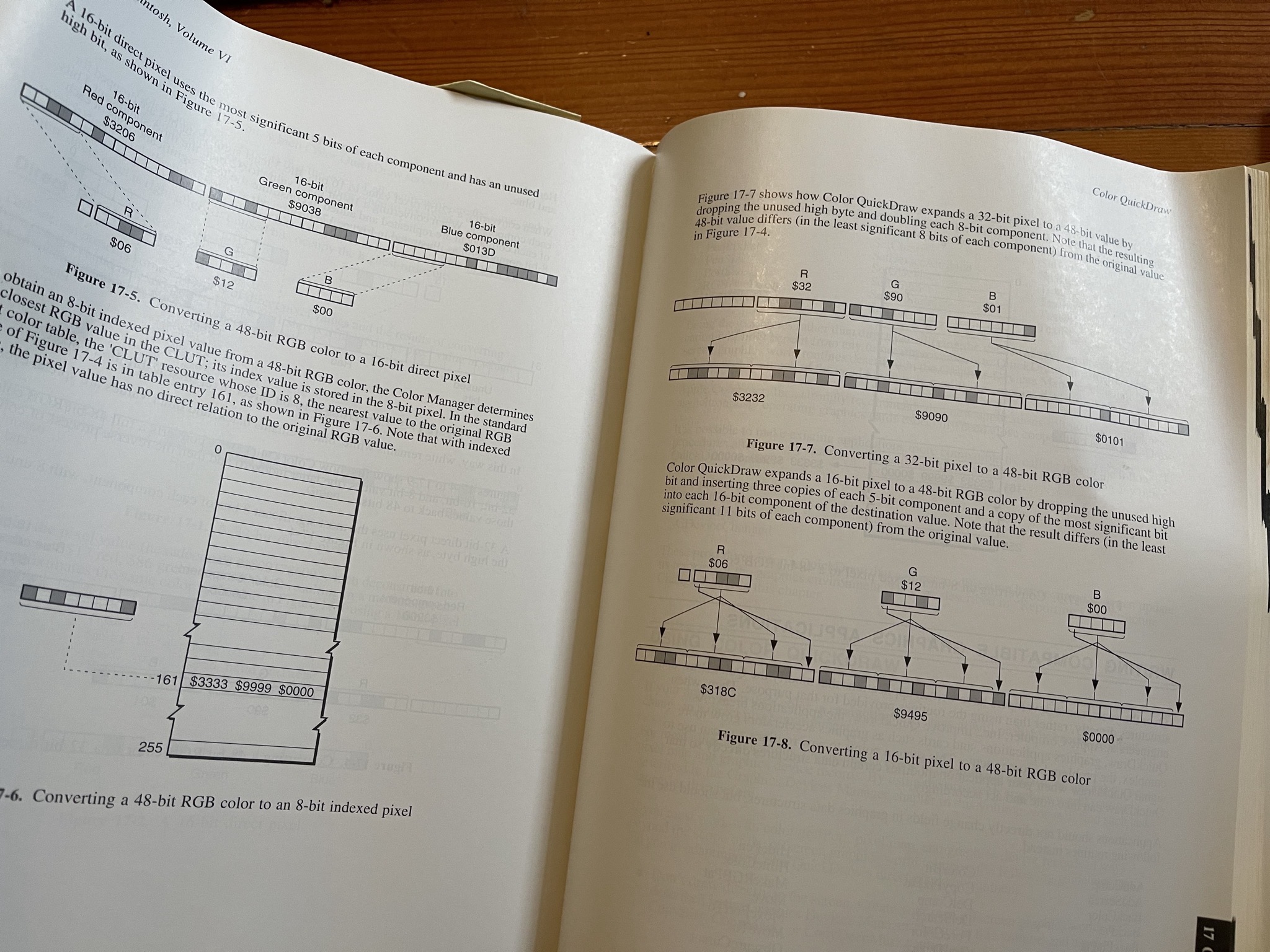
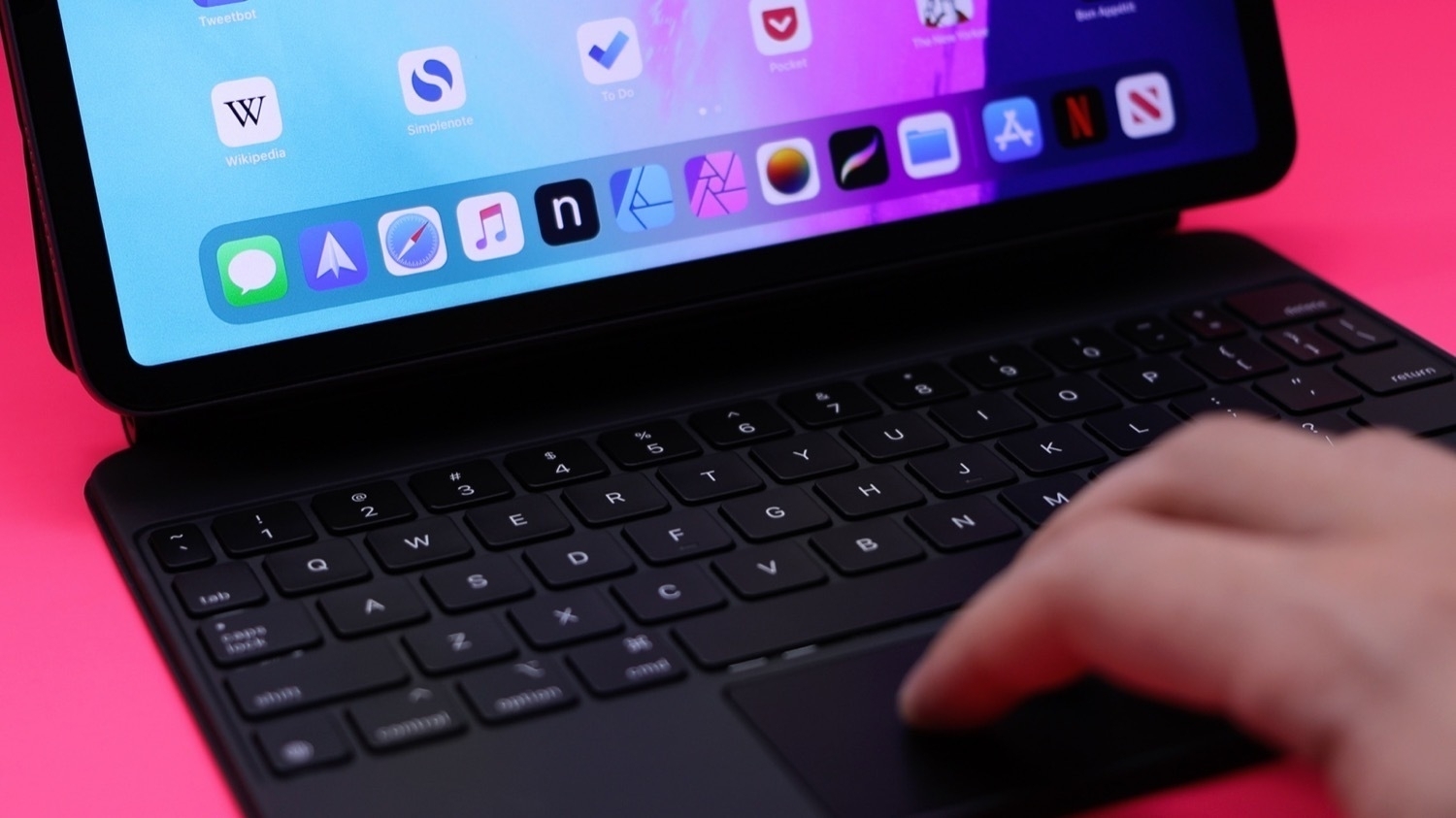
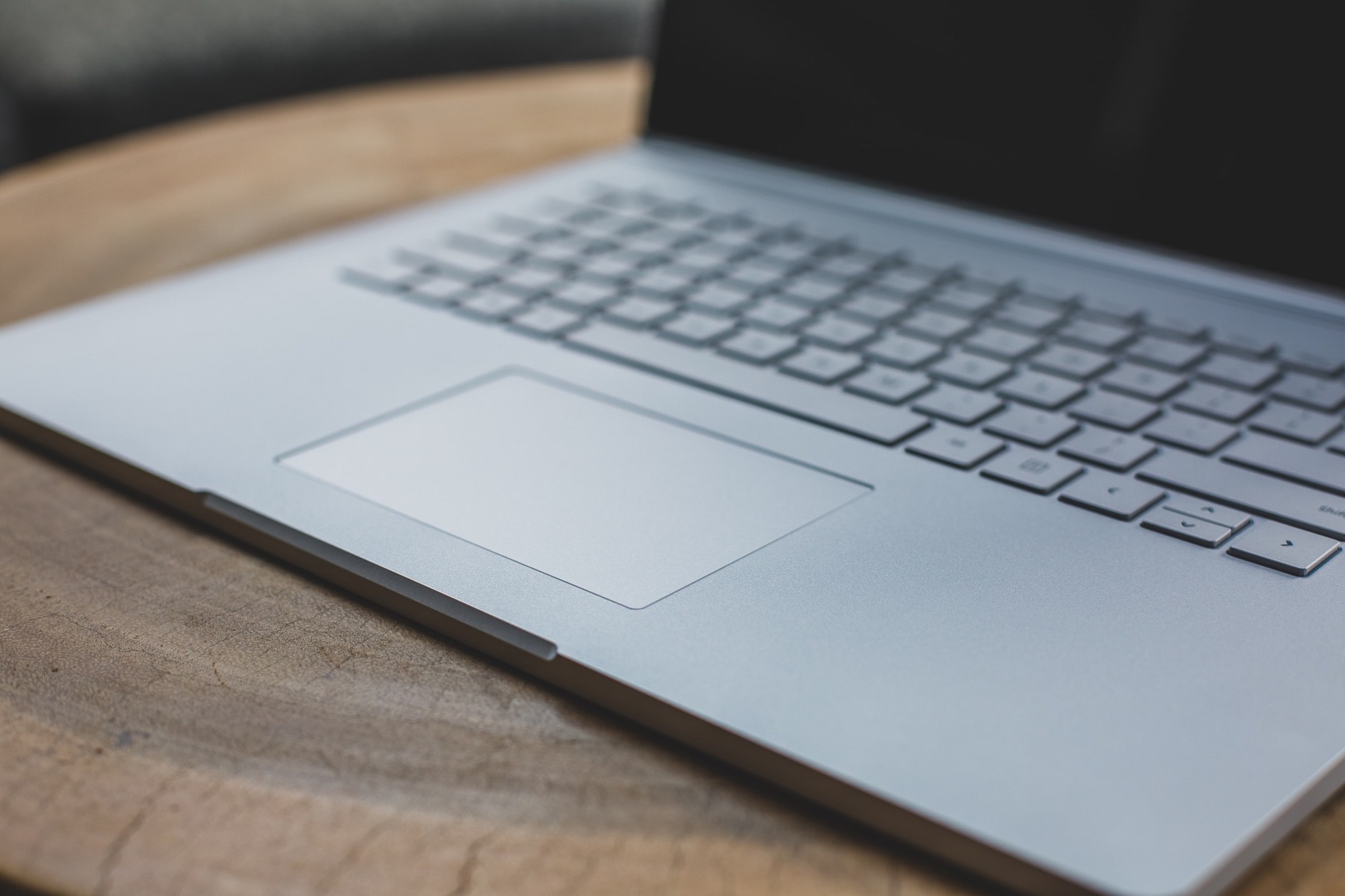
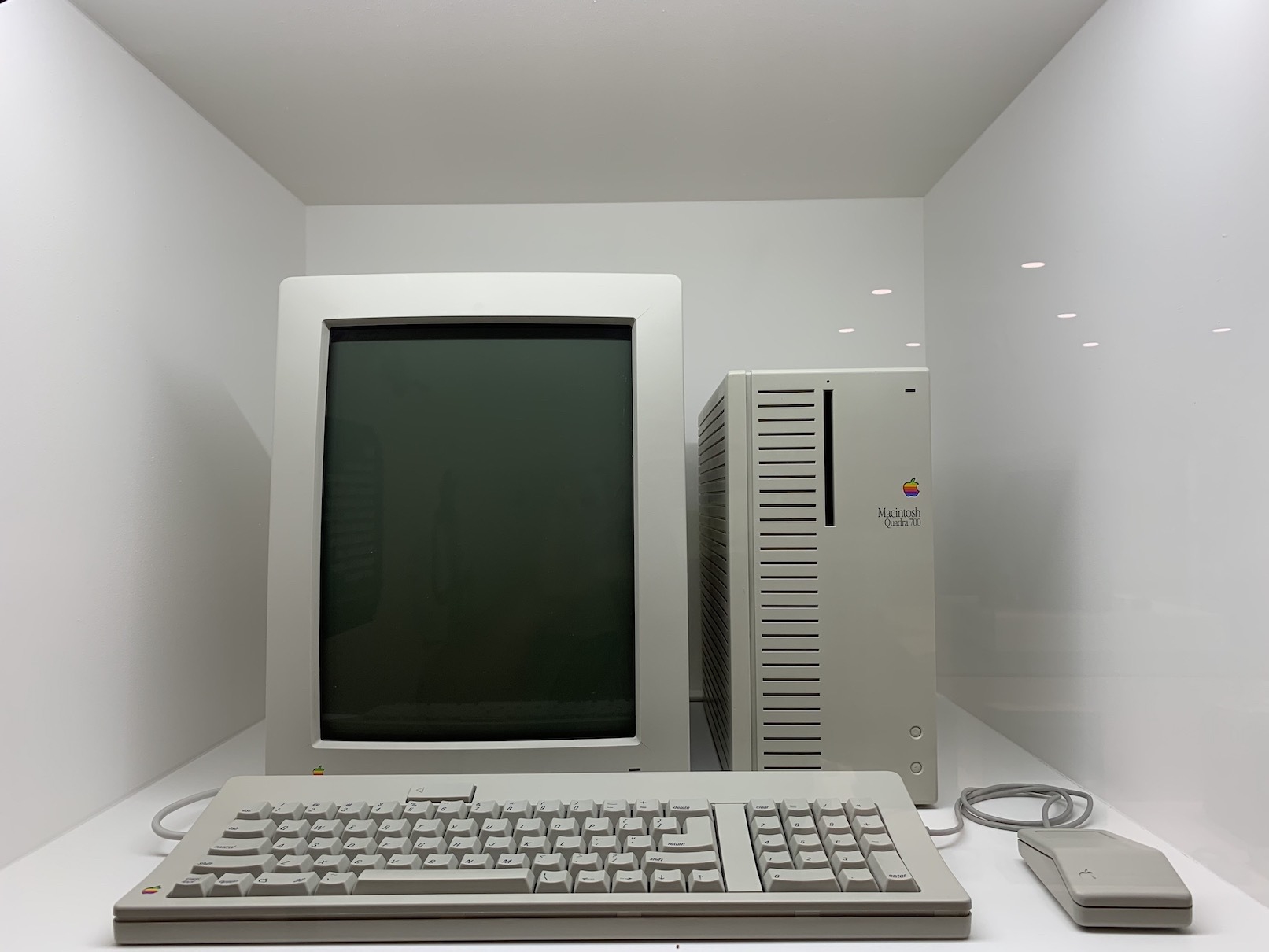
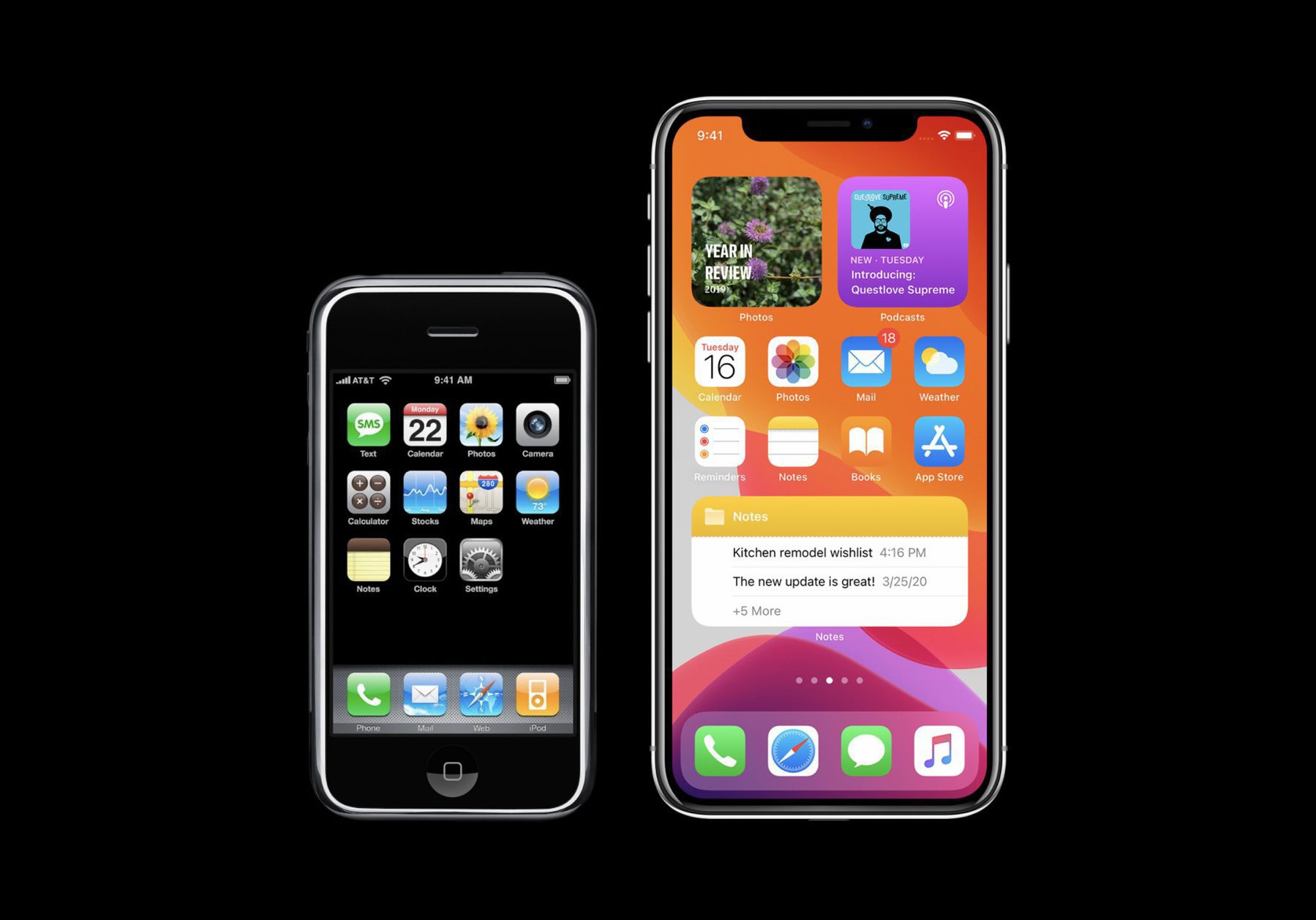
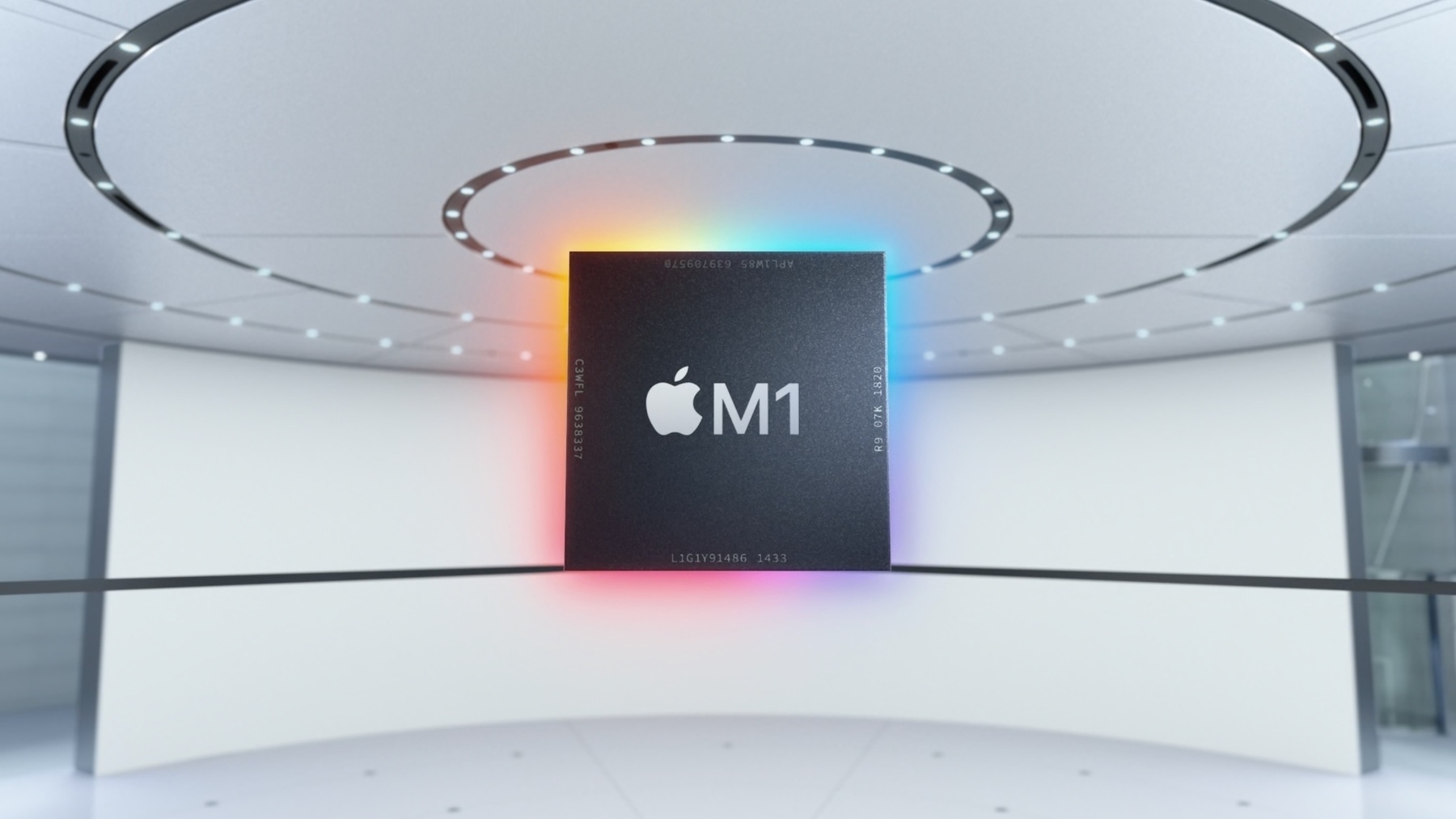
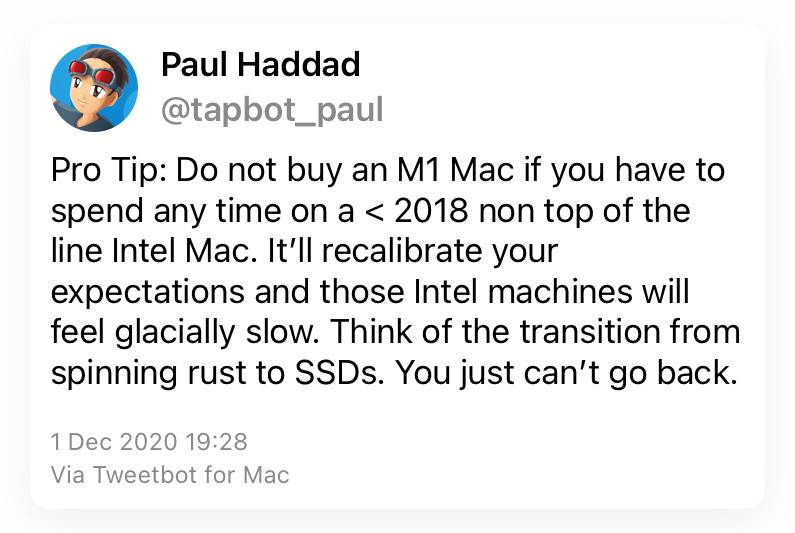
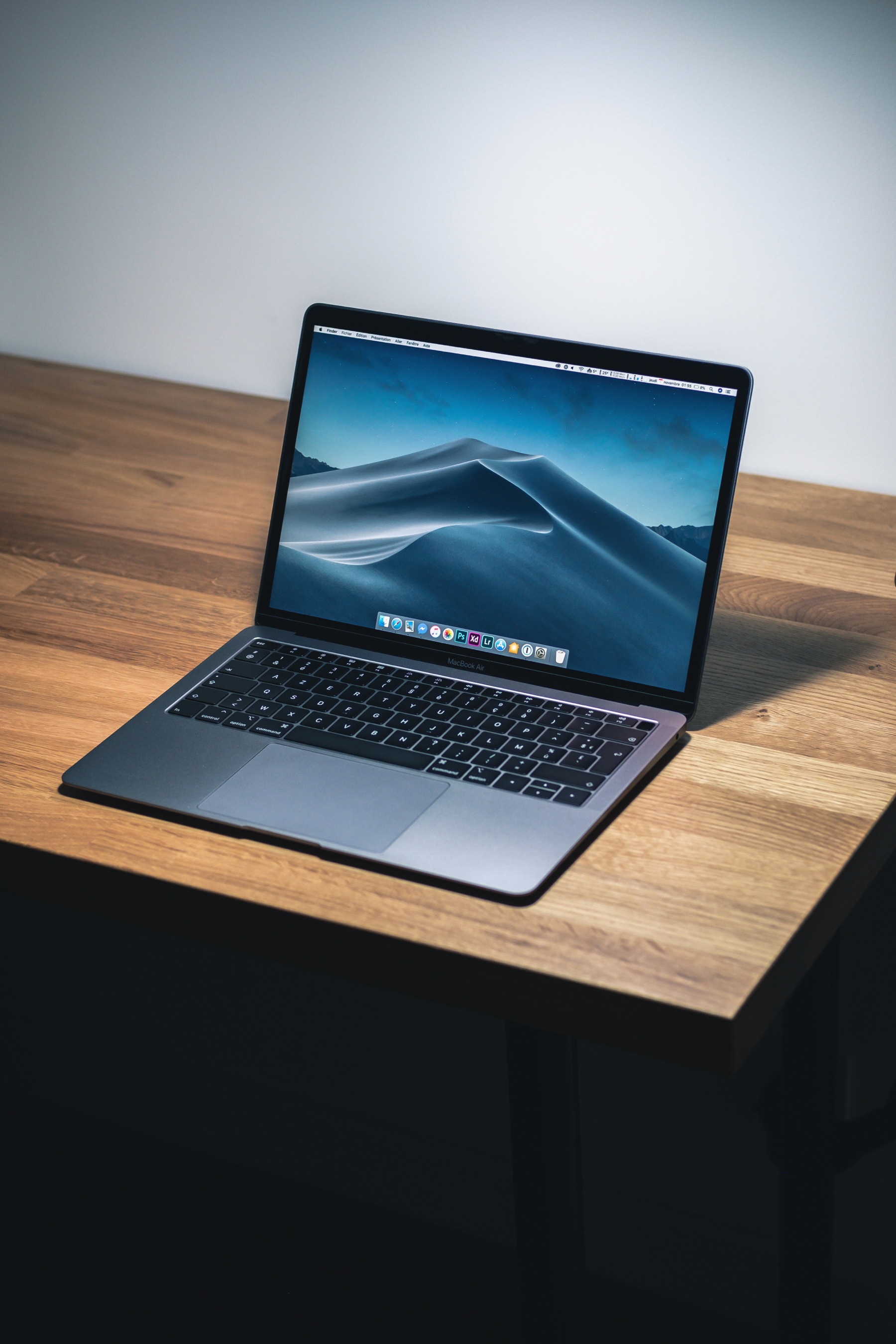
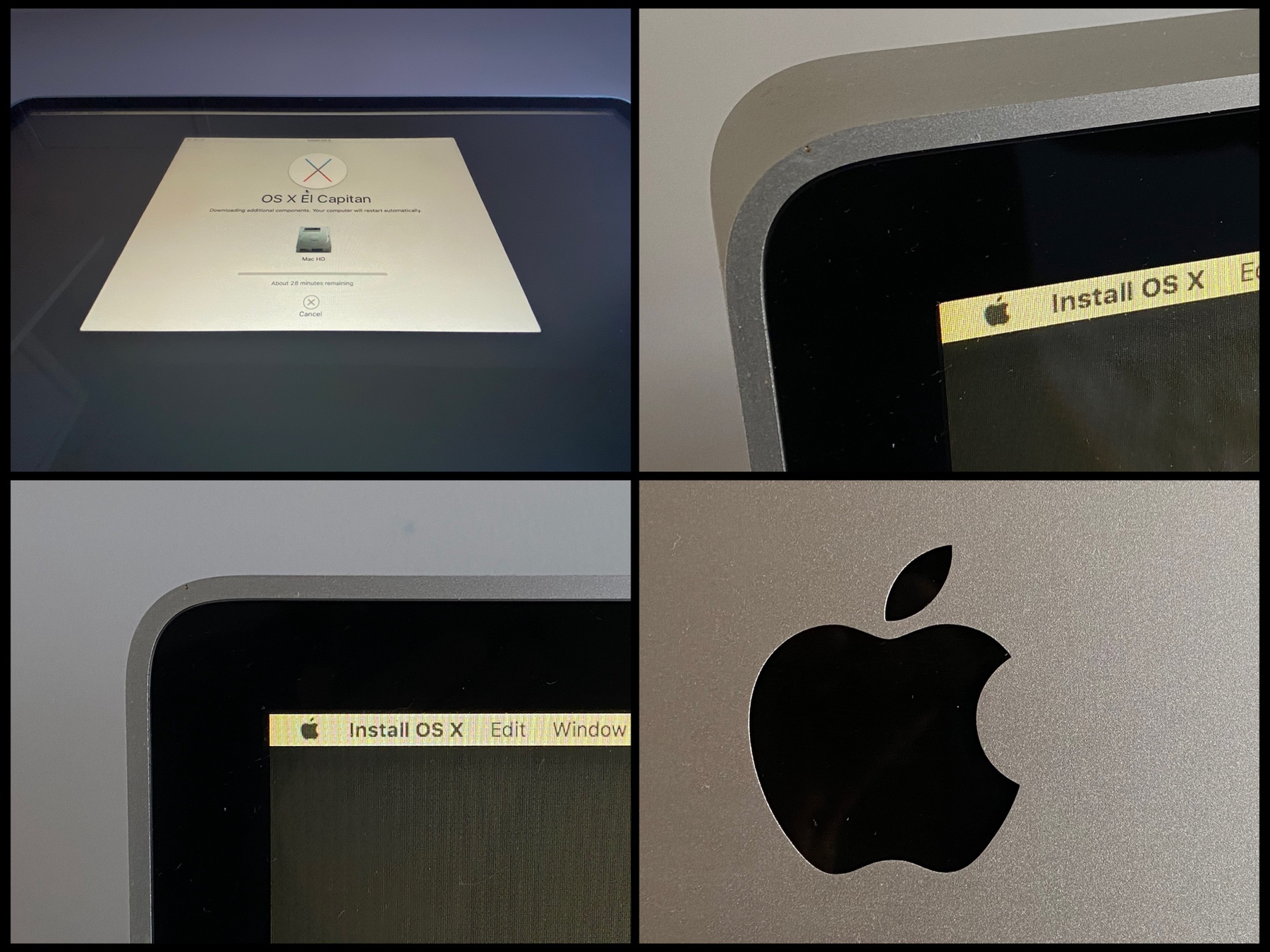
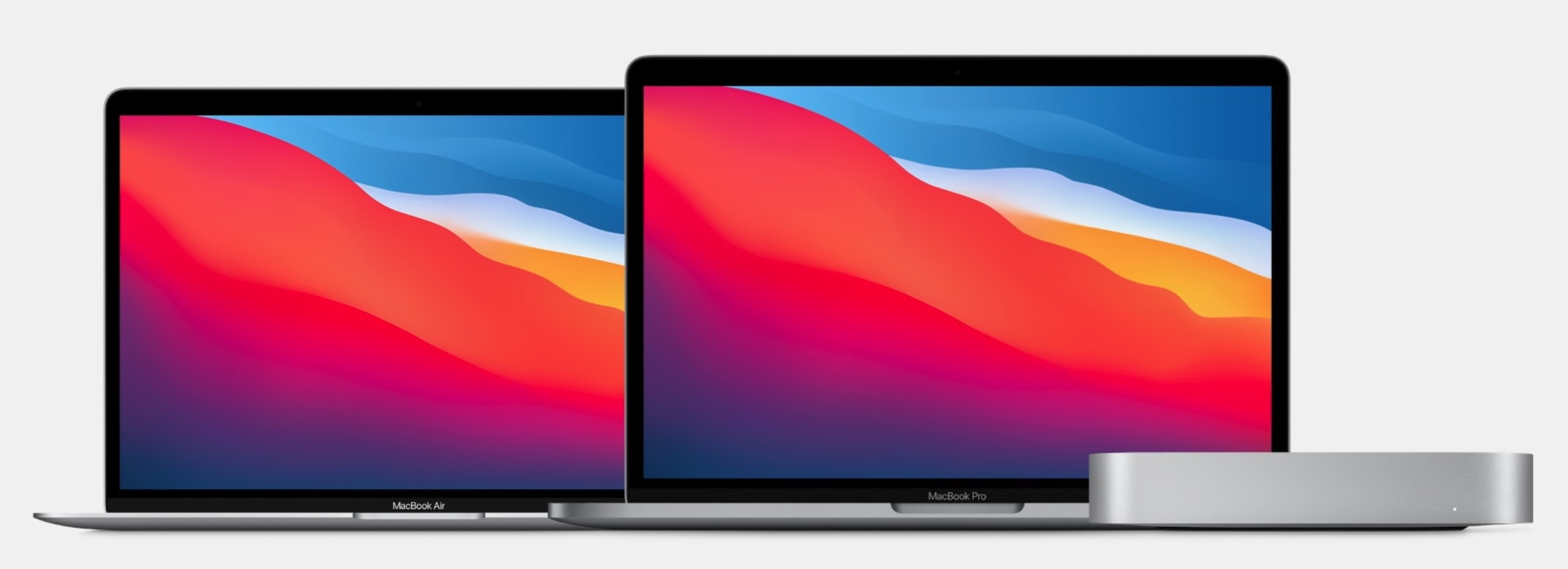
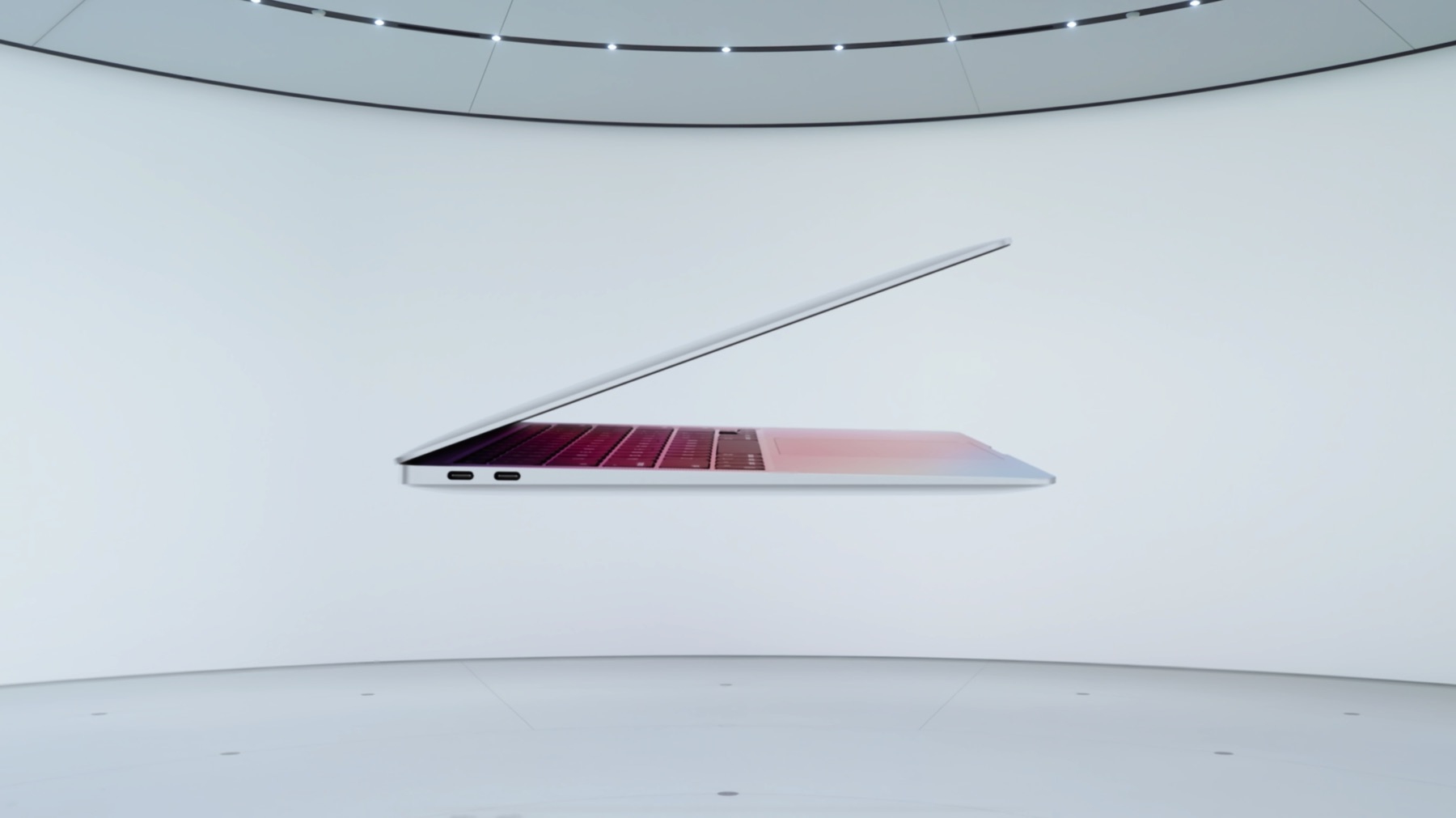
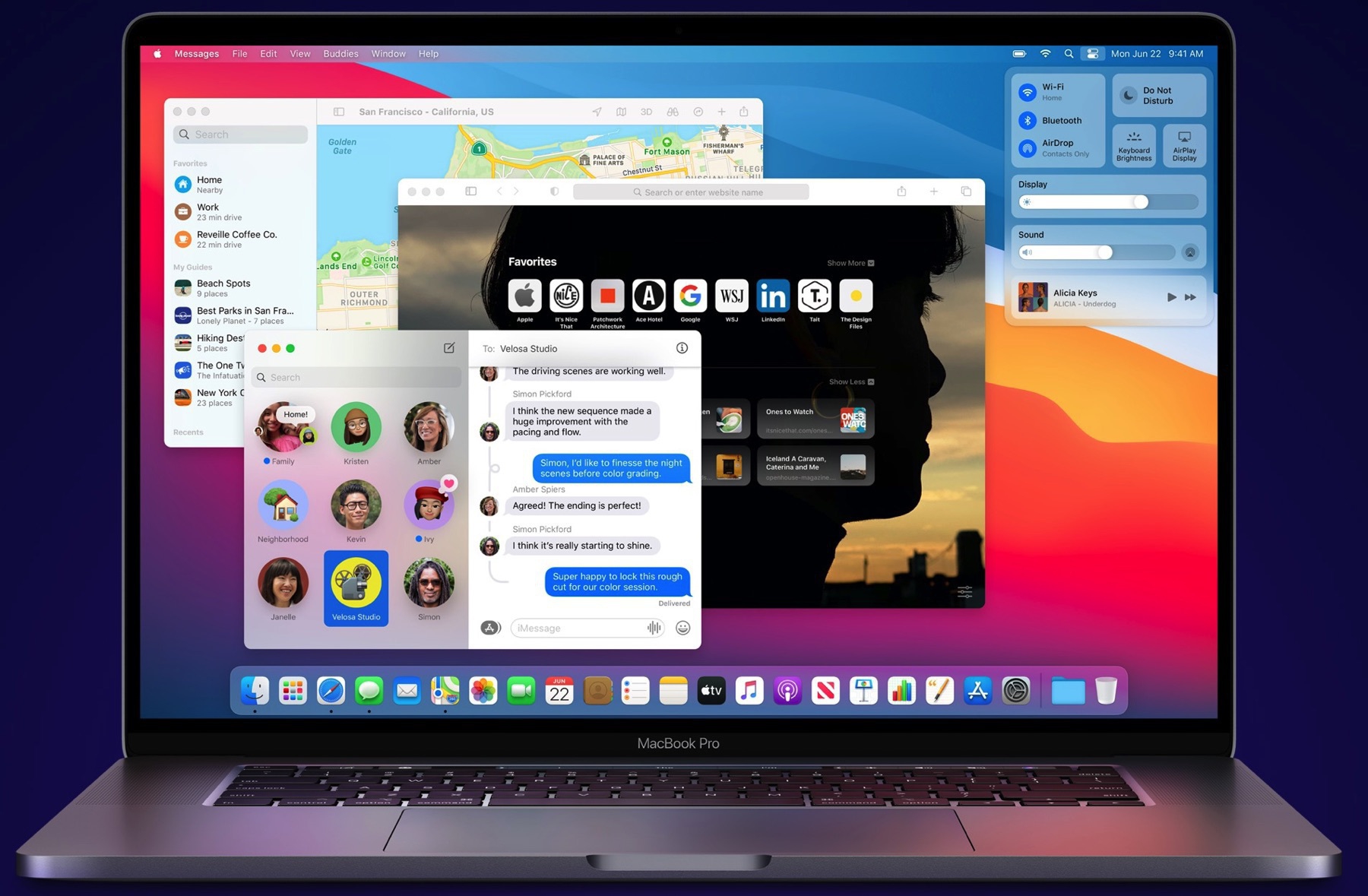
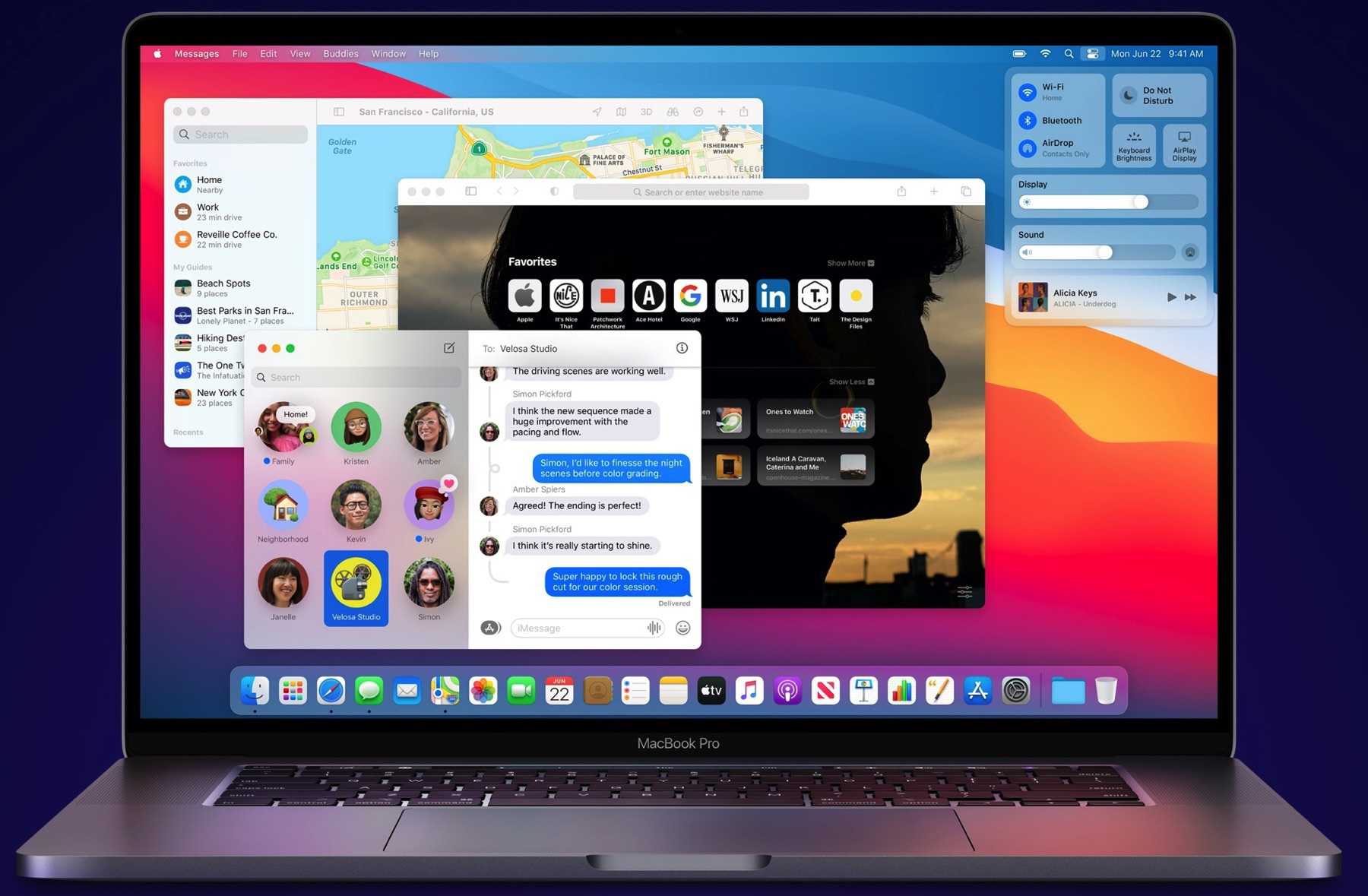
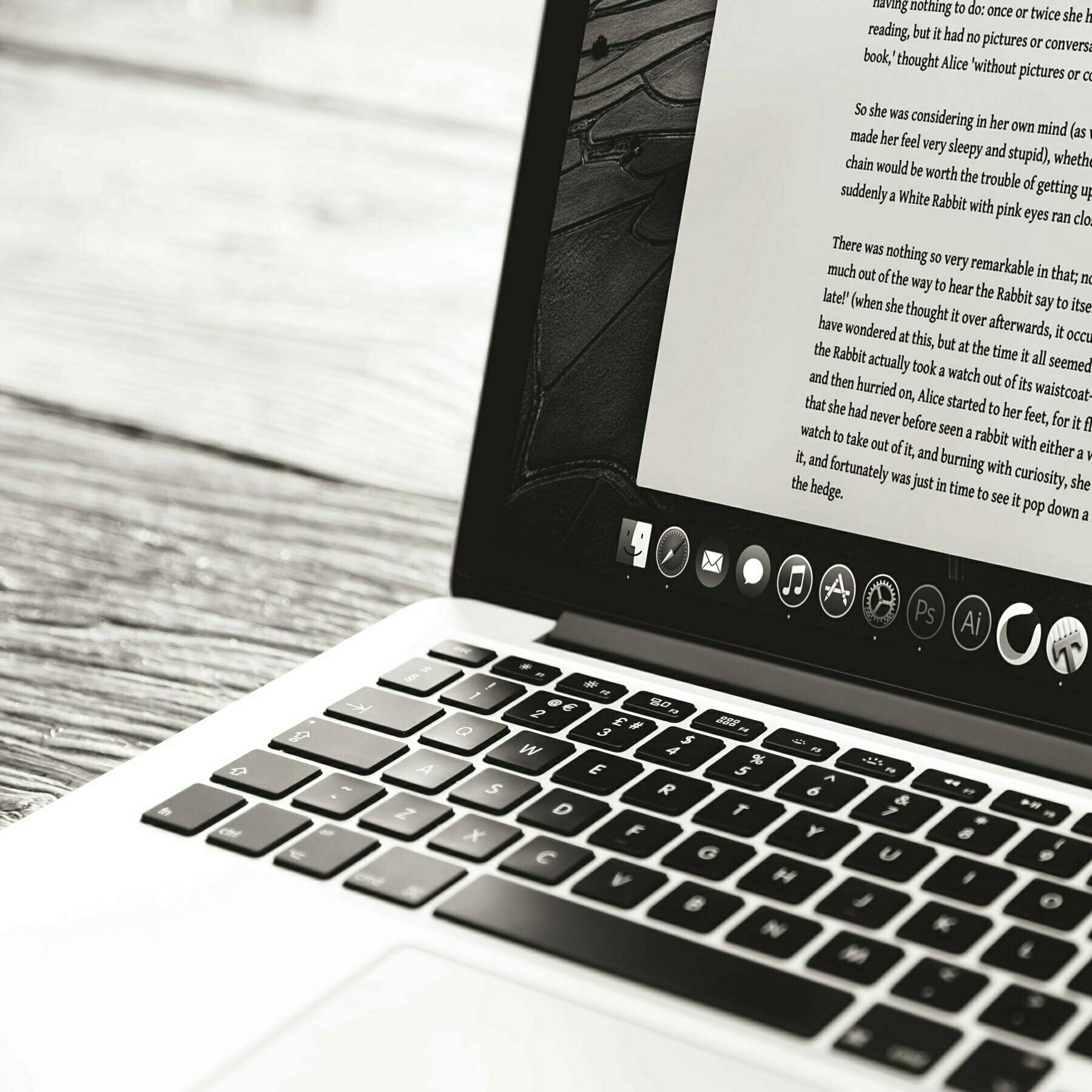
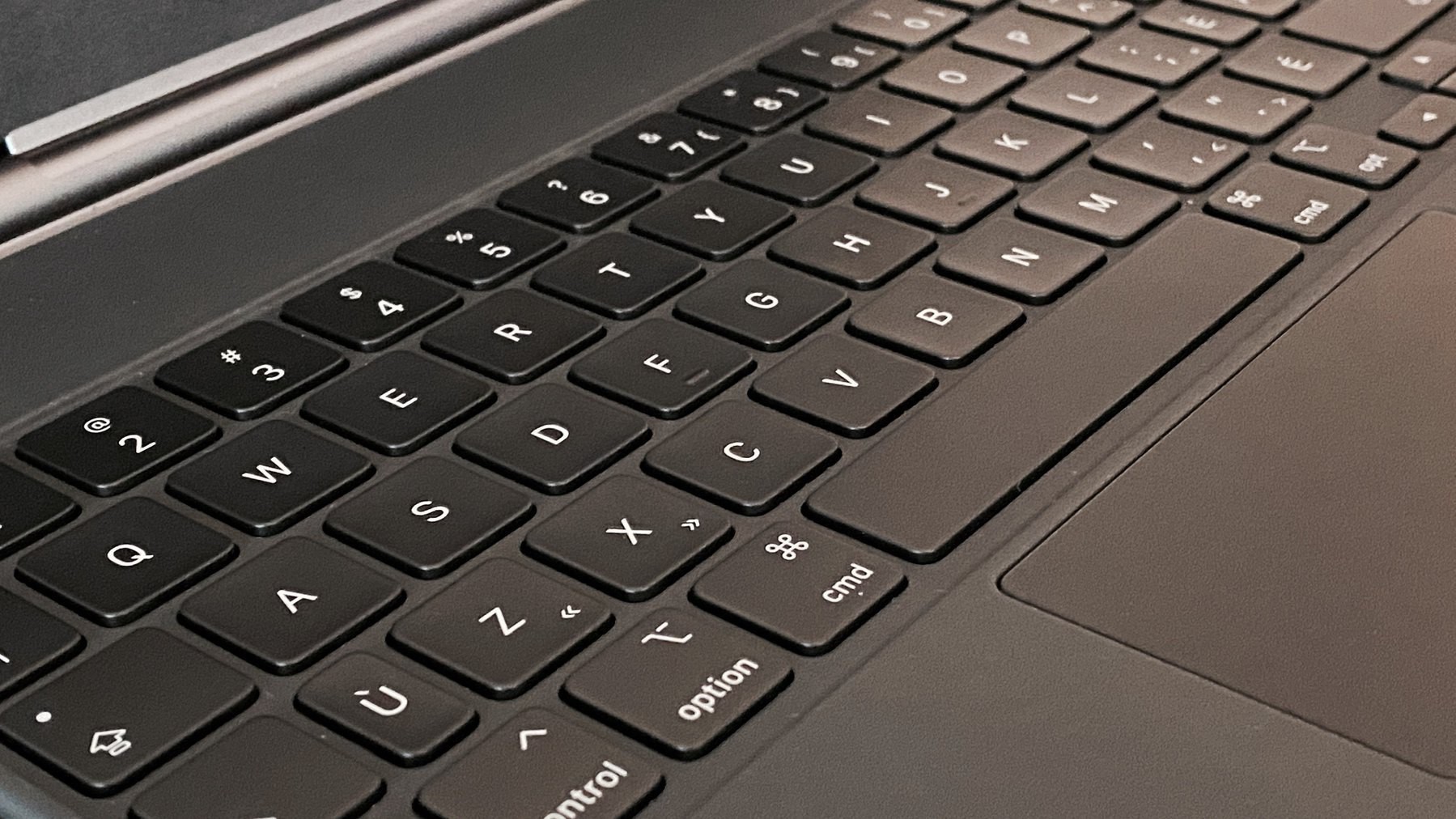
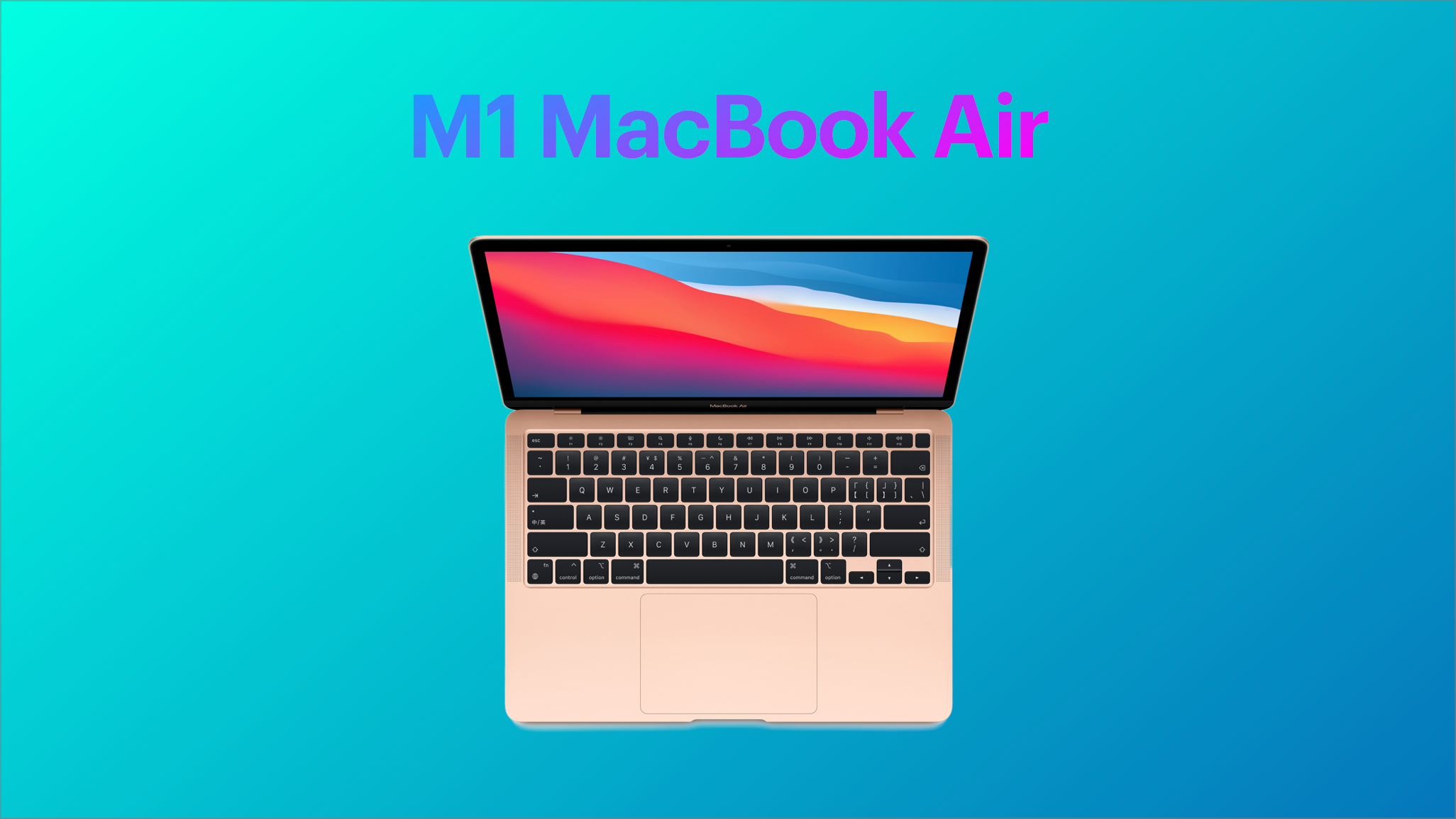
From 1993 to 1994, I owned a PowerBook Duo 210 sporting a trackball, a low-profile keyboard and a grayscale screen. I didn’t like the trackball as the pointing device. The keyboard wasn’t that great either. But, it was small, highly portable. Coupled with the Duo Dock and an external monitor, it was a cool and novel setup. It’s been a long time ago. This article was written using a M1 MacBook Air, in a coffee shop.
Dune Movie - Woah!
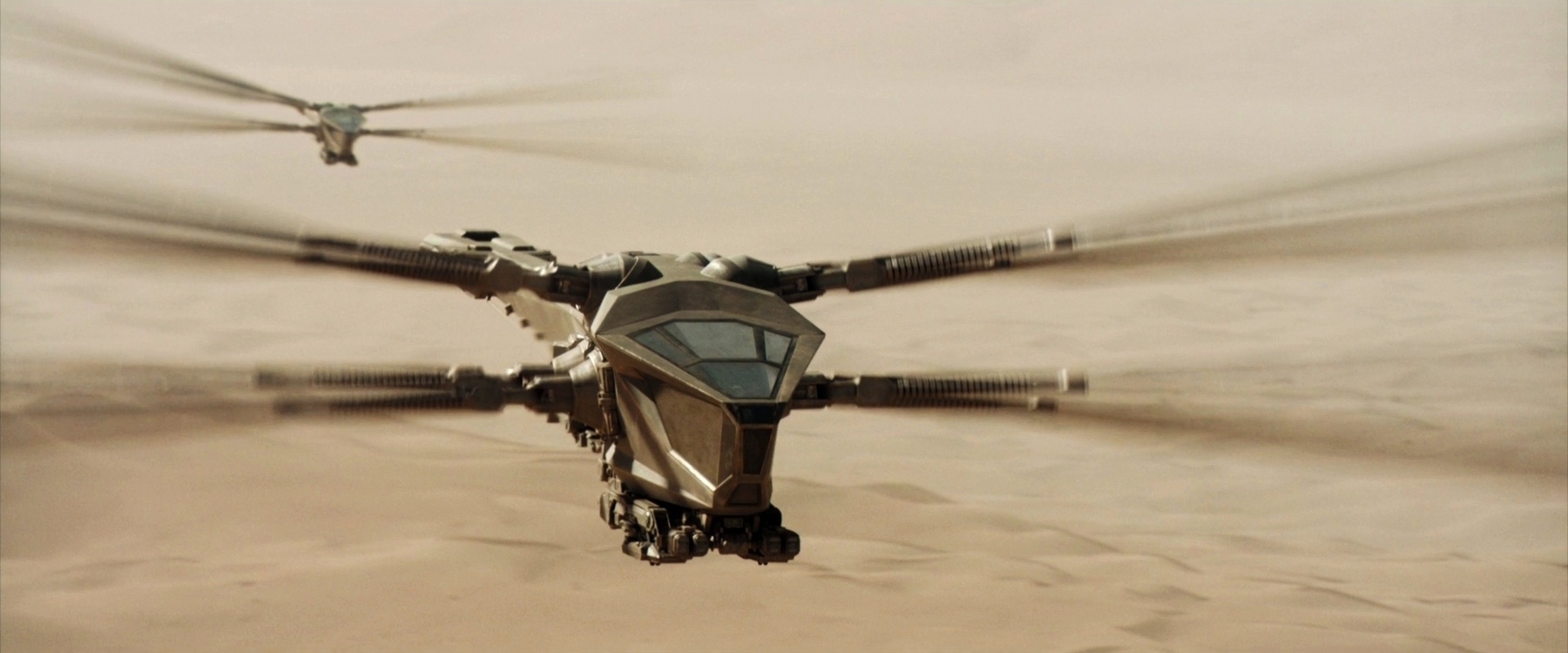
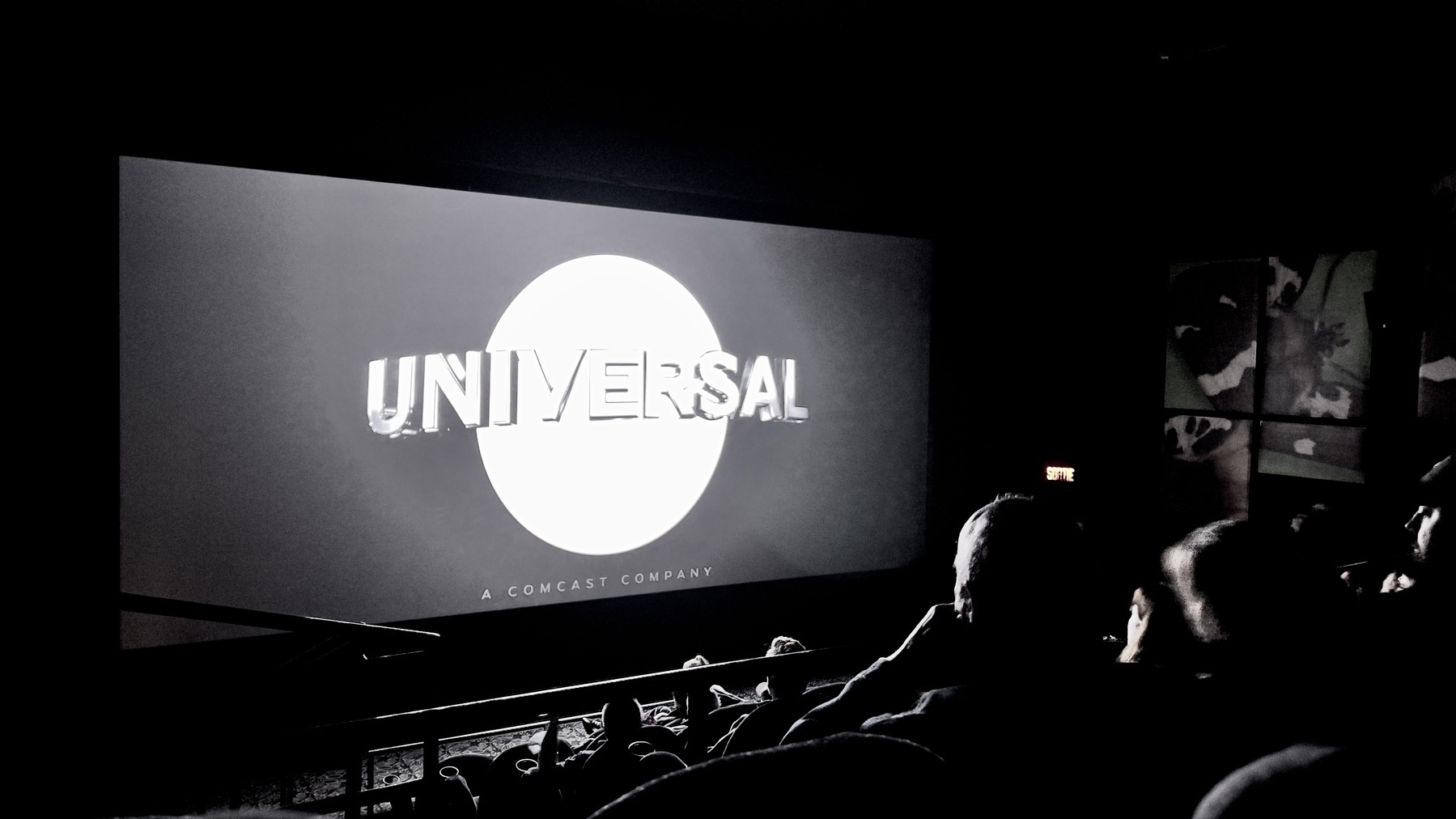
Today, I finally saw the Dune movie, by the Canadian director, Denis Villeneuve. As a Canadian myself I’m so proud of him! It’s not a movie review, far from it. Let me just say that when I think about this movie, the word “equilibrium” comes to my mind. The movie is well balanced: storyline, intrigue, visual effects (visual effects serving the story), music, Dune’s world imaginary world. But the best for me were those “ornithopters”. Wow, they were sooooo cool! Can’t wait for the next part.
Have you seen the movie? What do you think of it?
Still Mystified by ProRAW
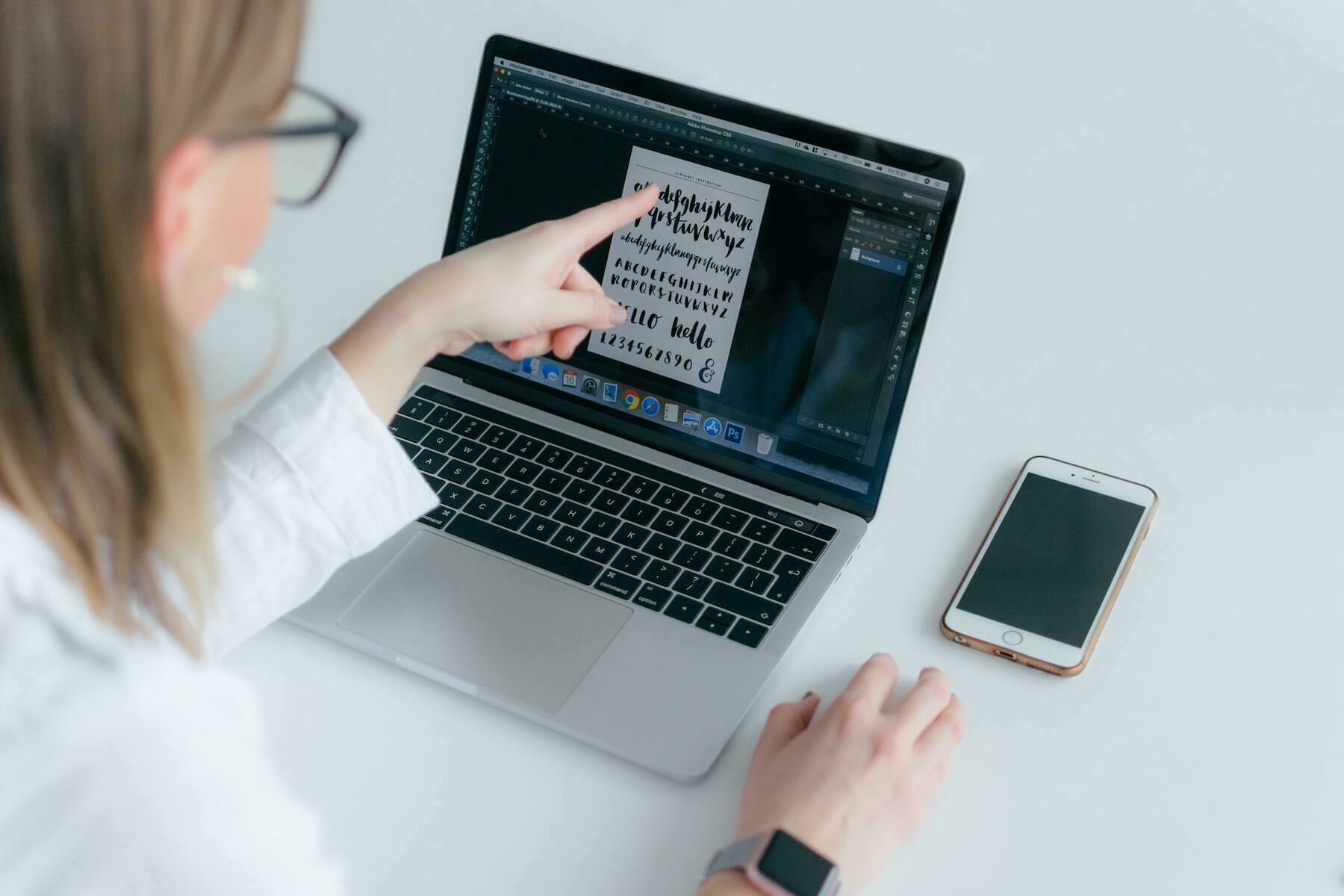
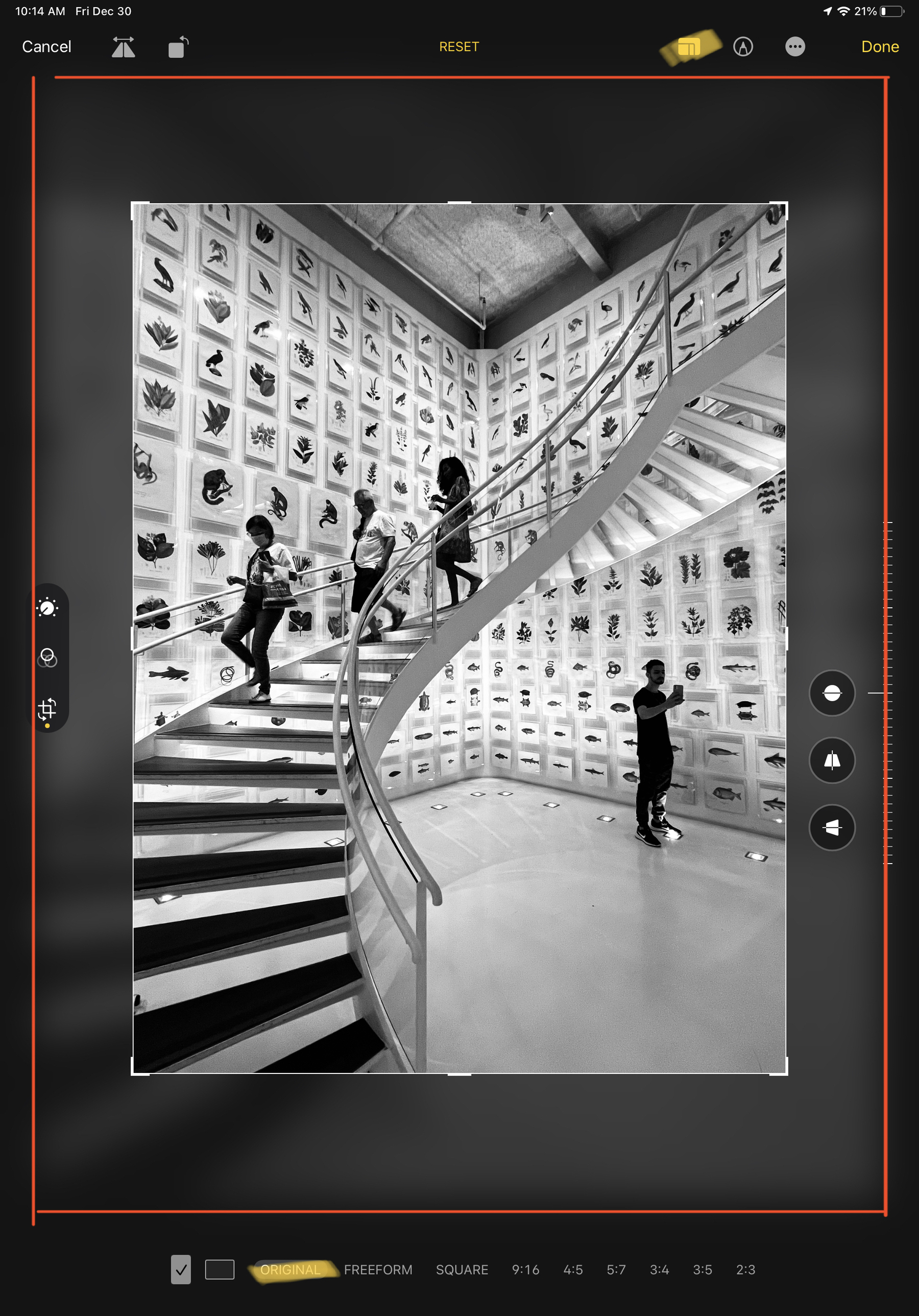
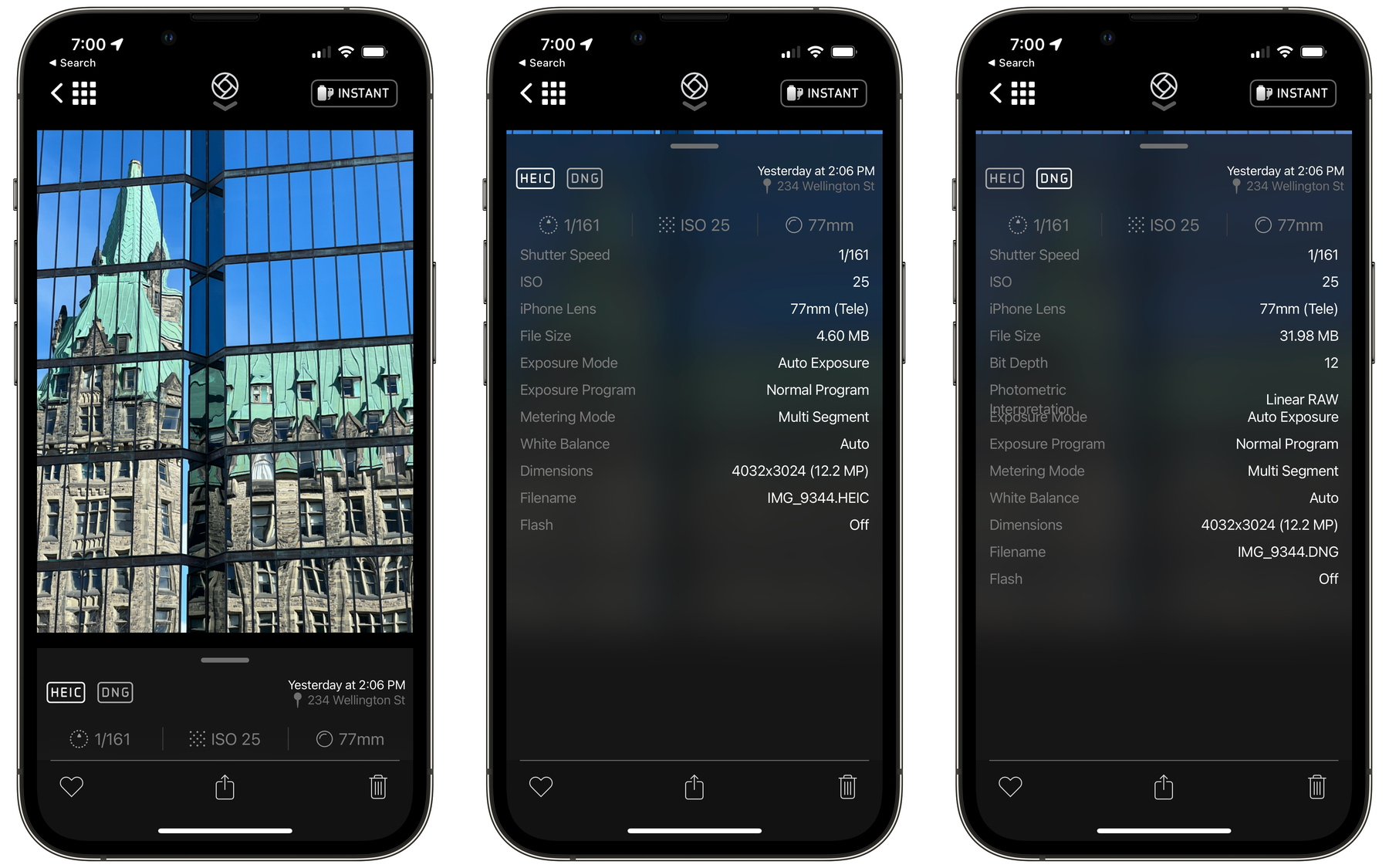
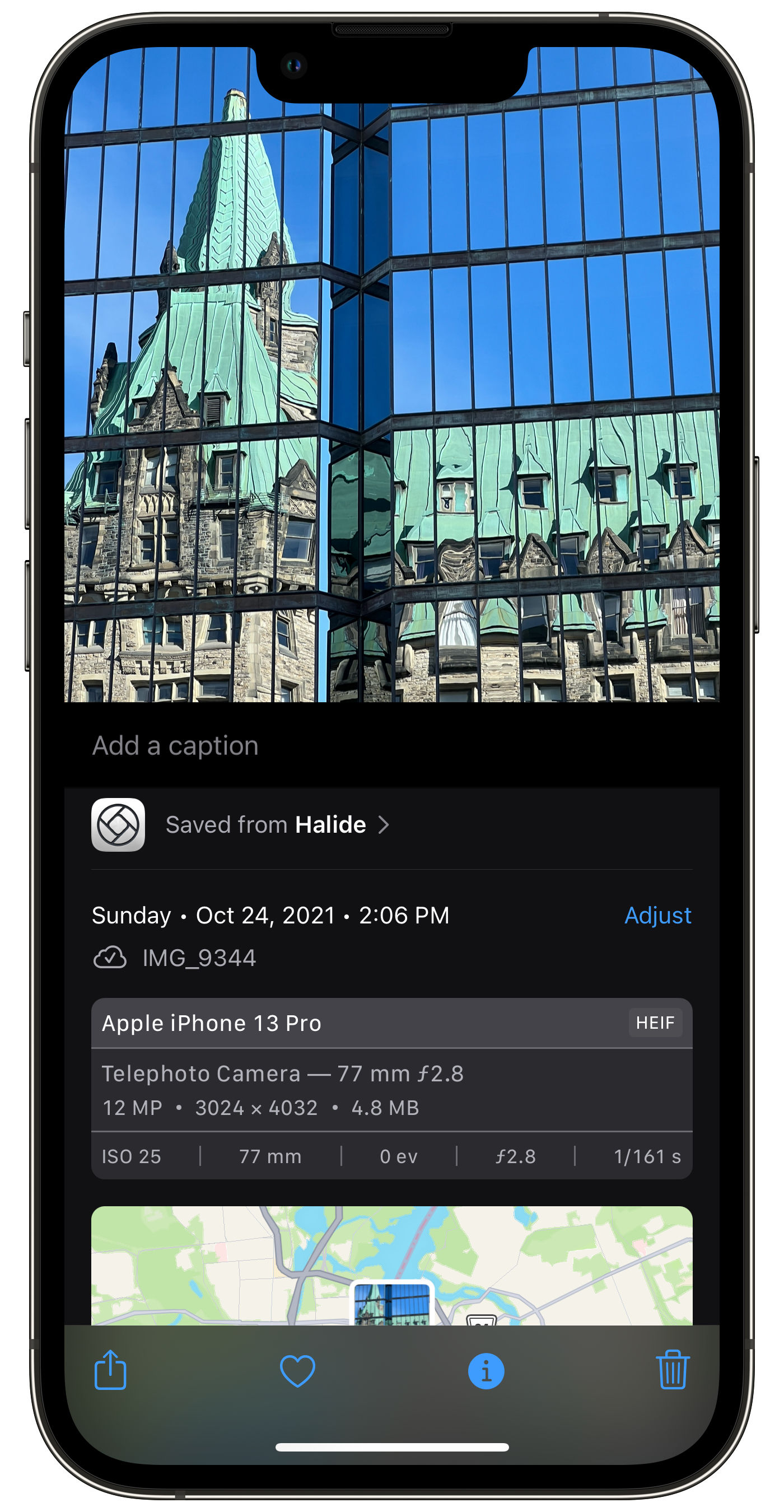
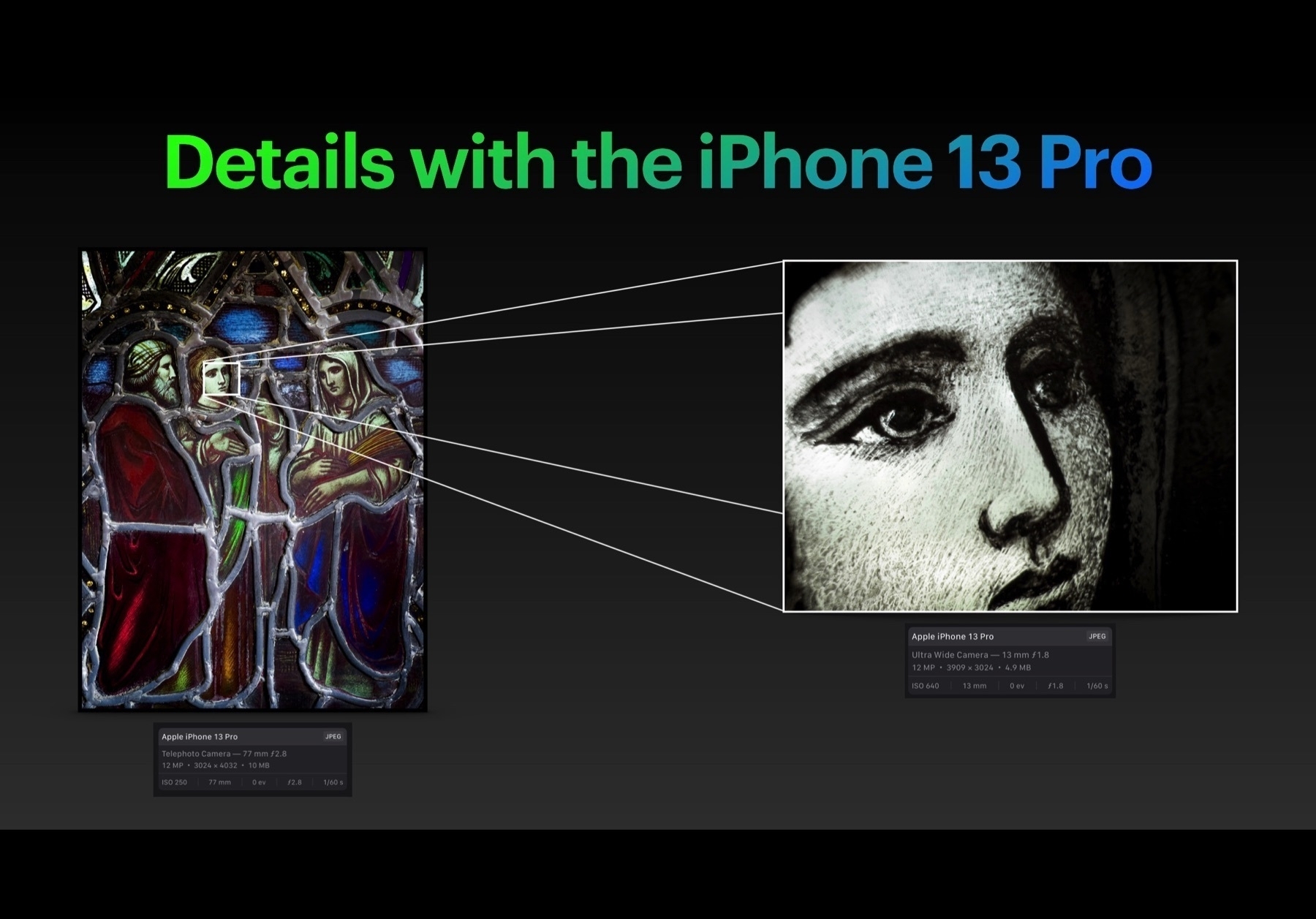
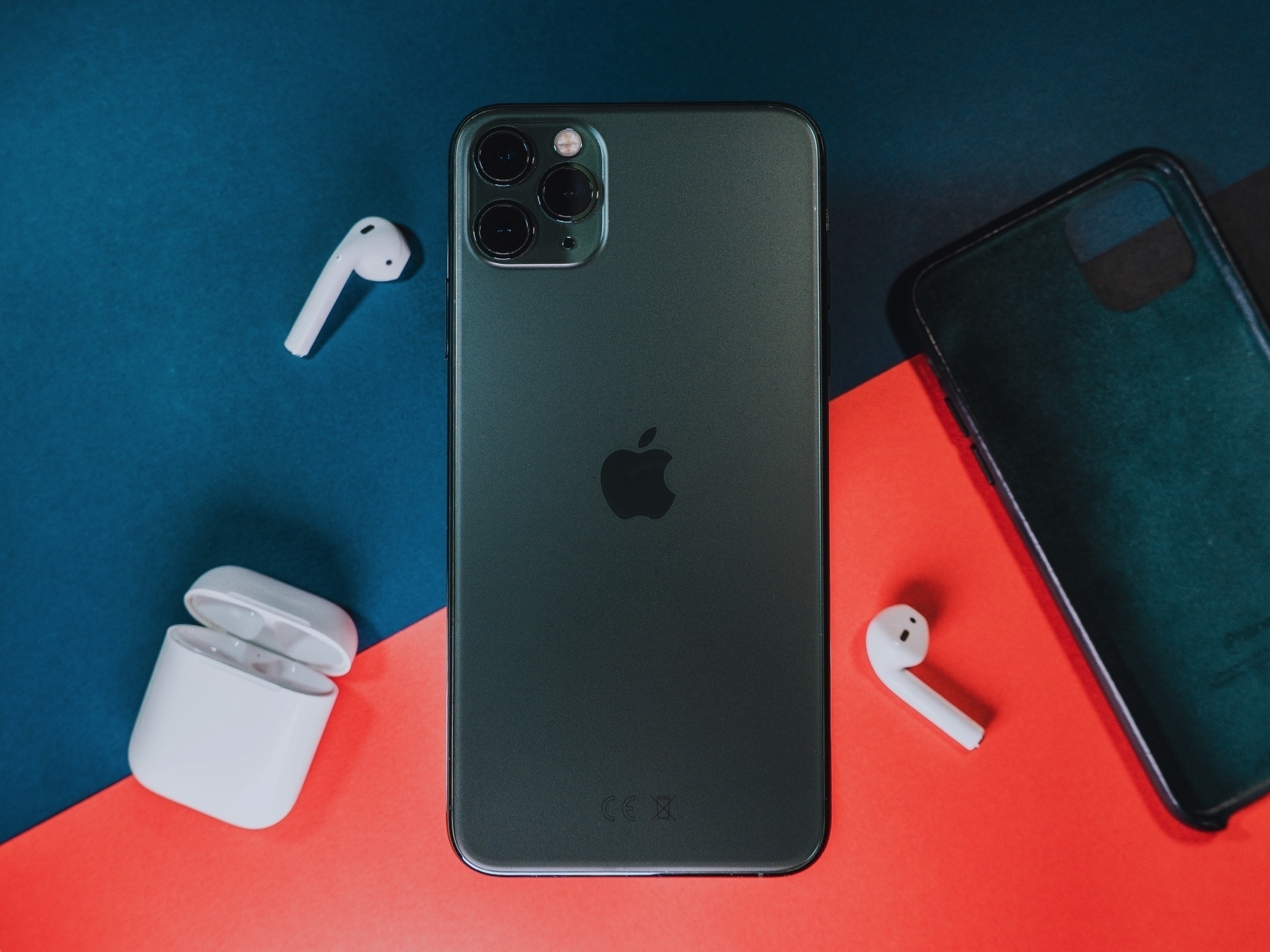
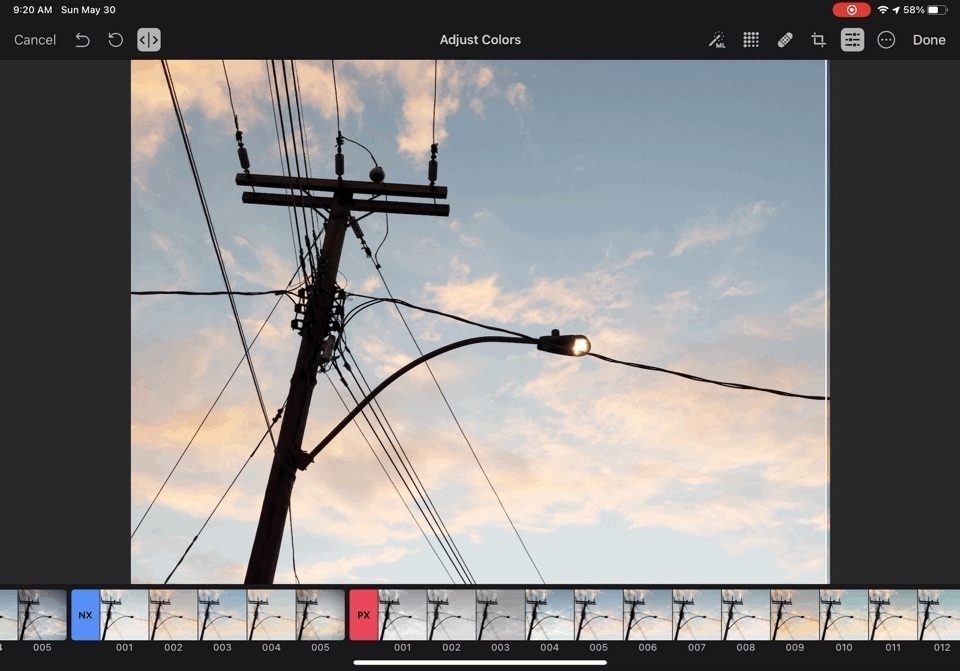
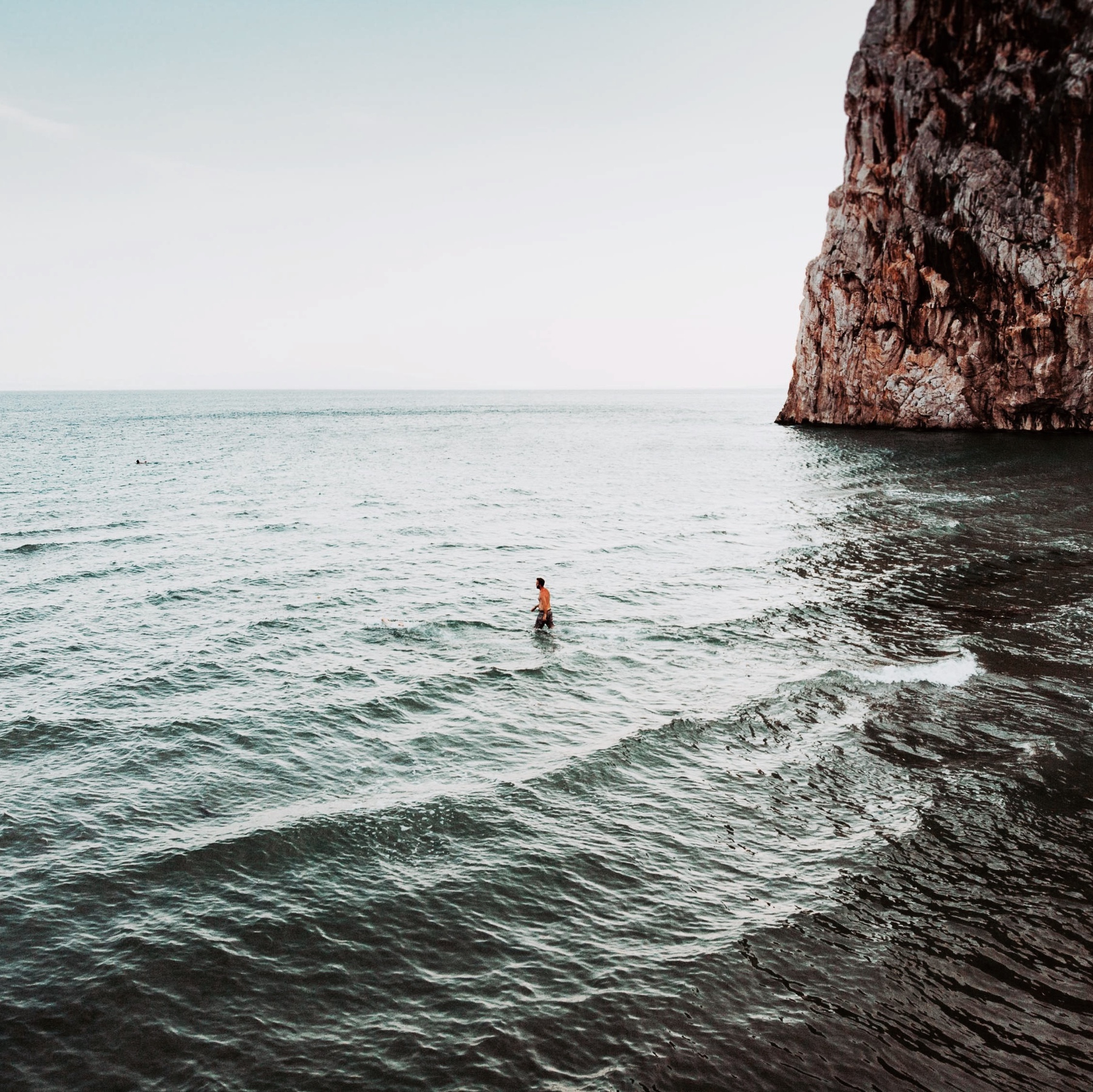
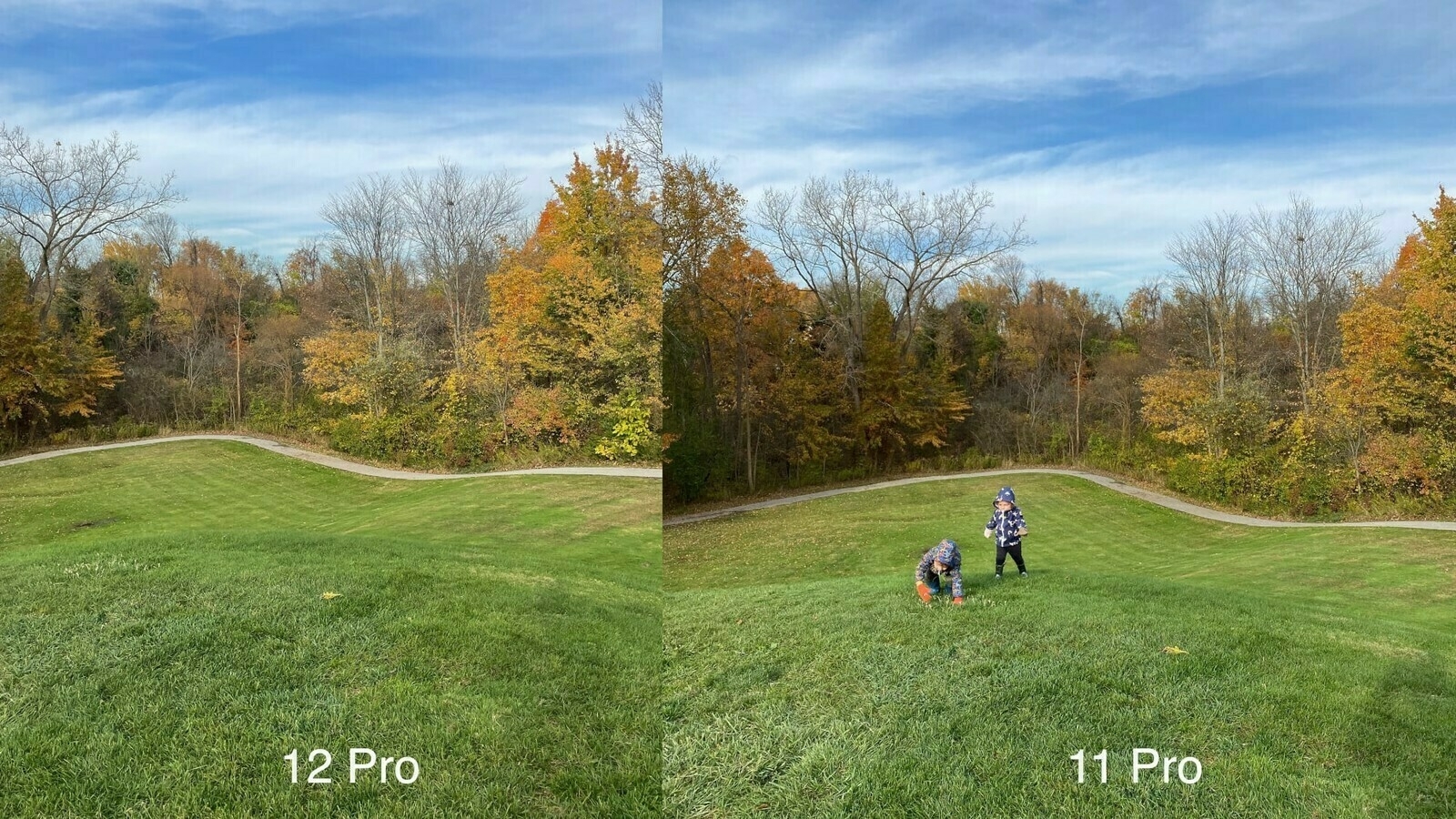
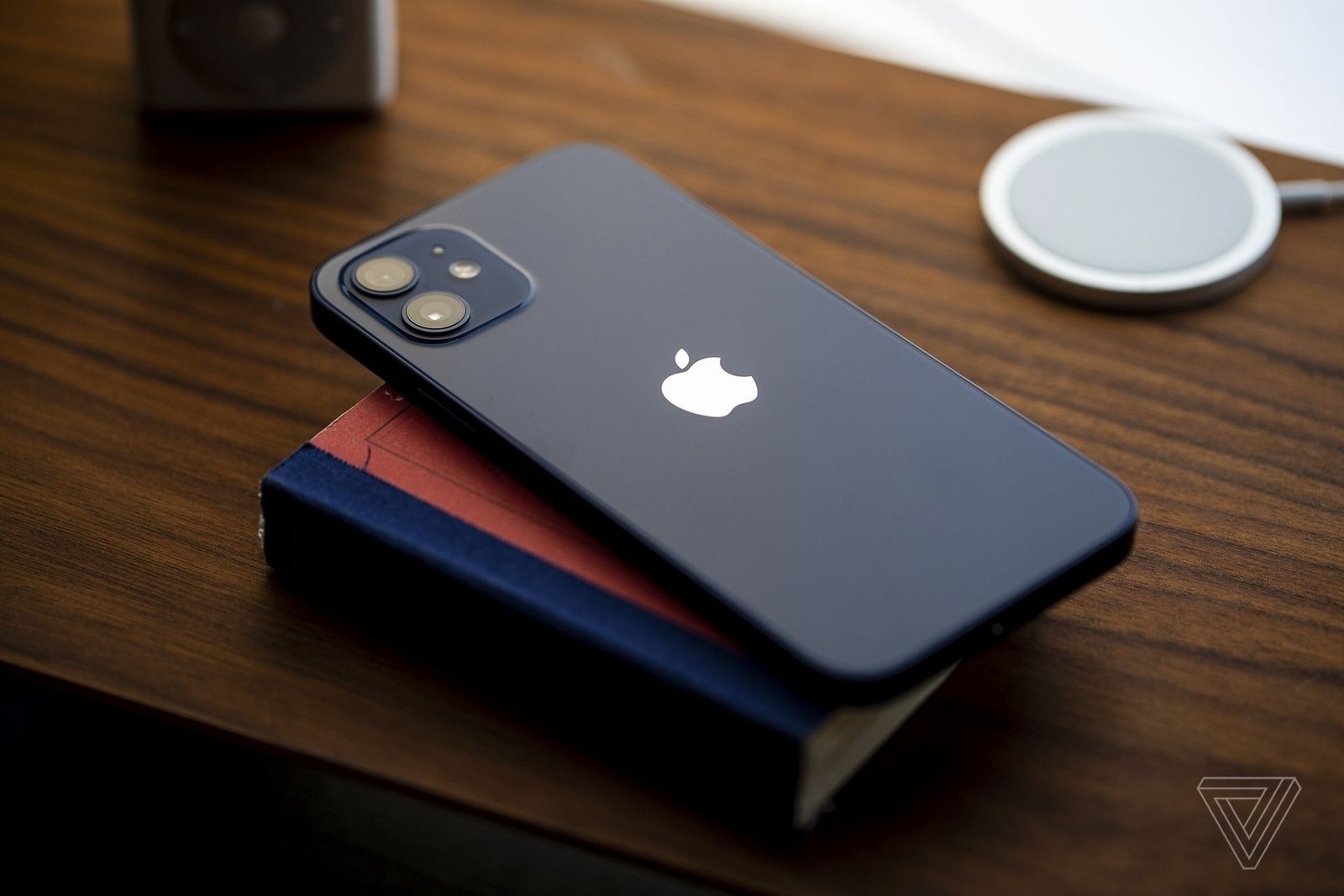
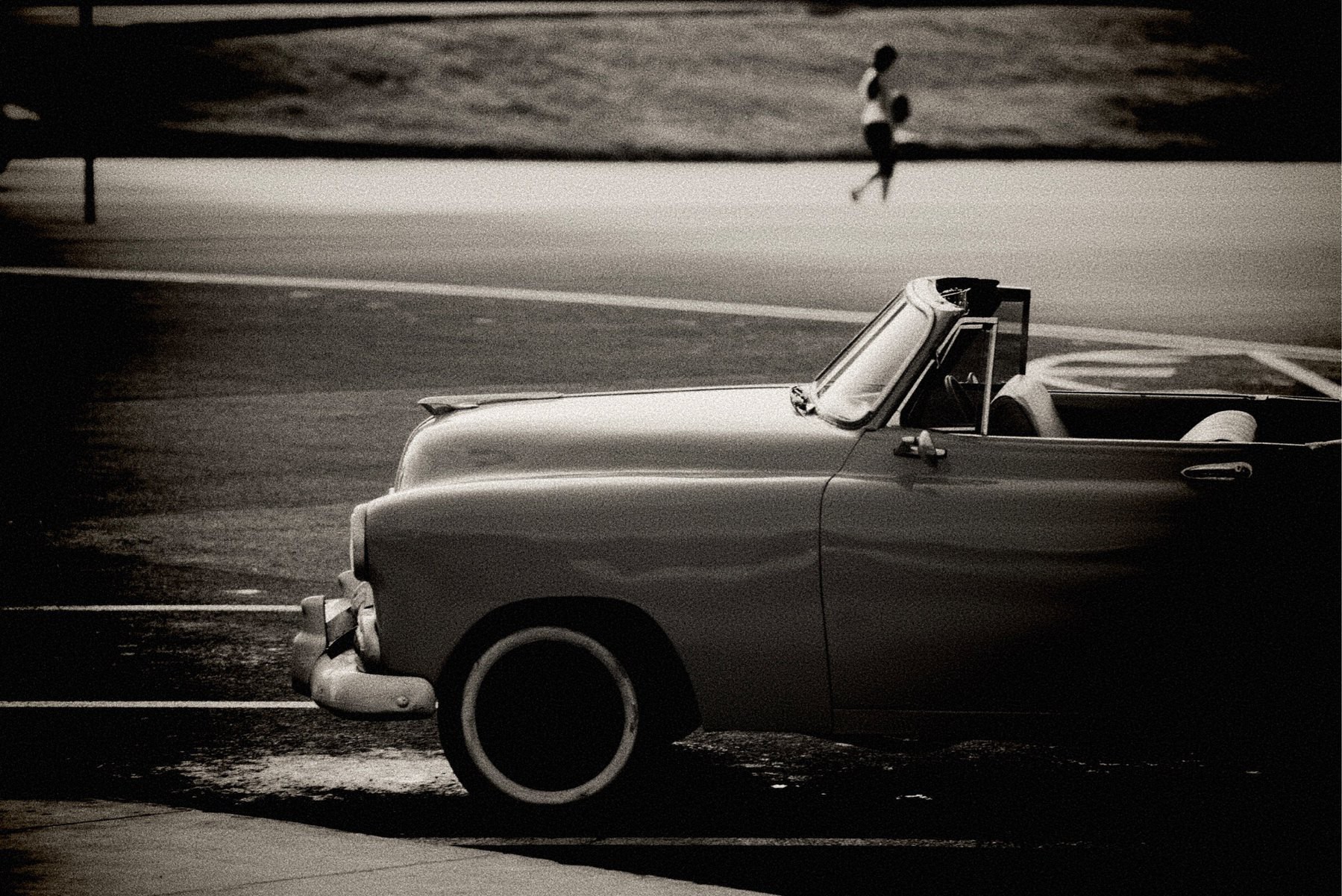
Even after reading this excellent article by the guy behind Halide, I’m still mystified by Apple’s ProRAW format. The question that keeps popping up in my mind is: if computational photography processing is involved in creating the ProRAW file (in DNG format), how can we still call this a variant of a RAW image?
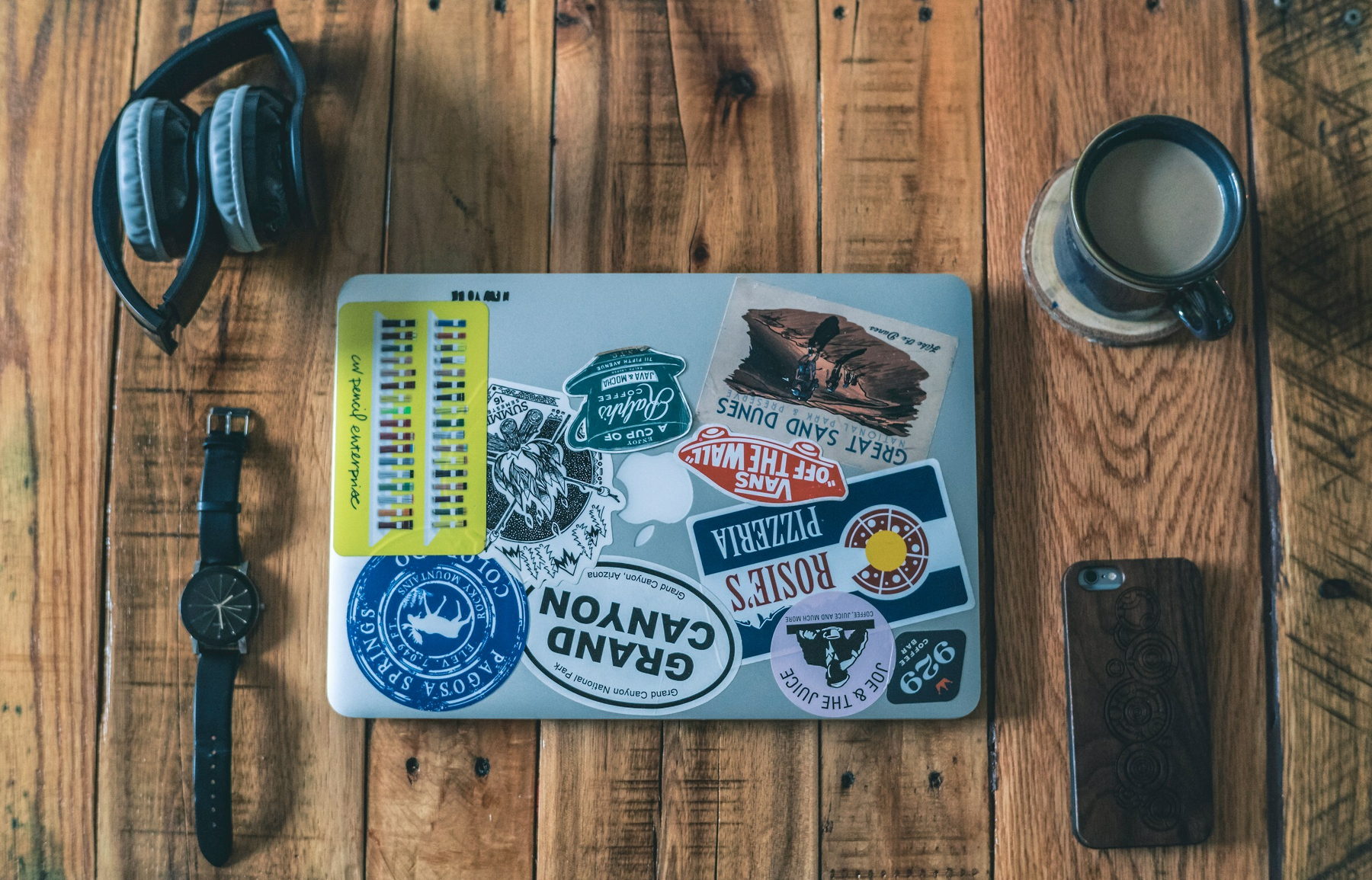
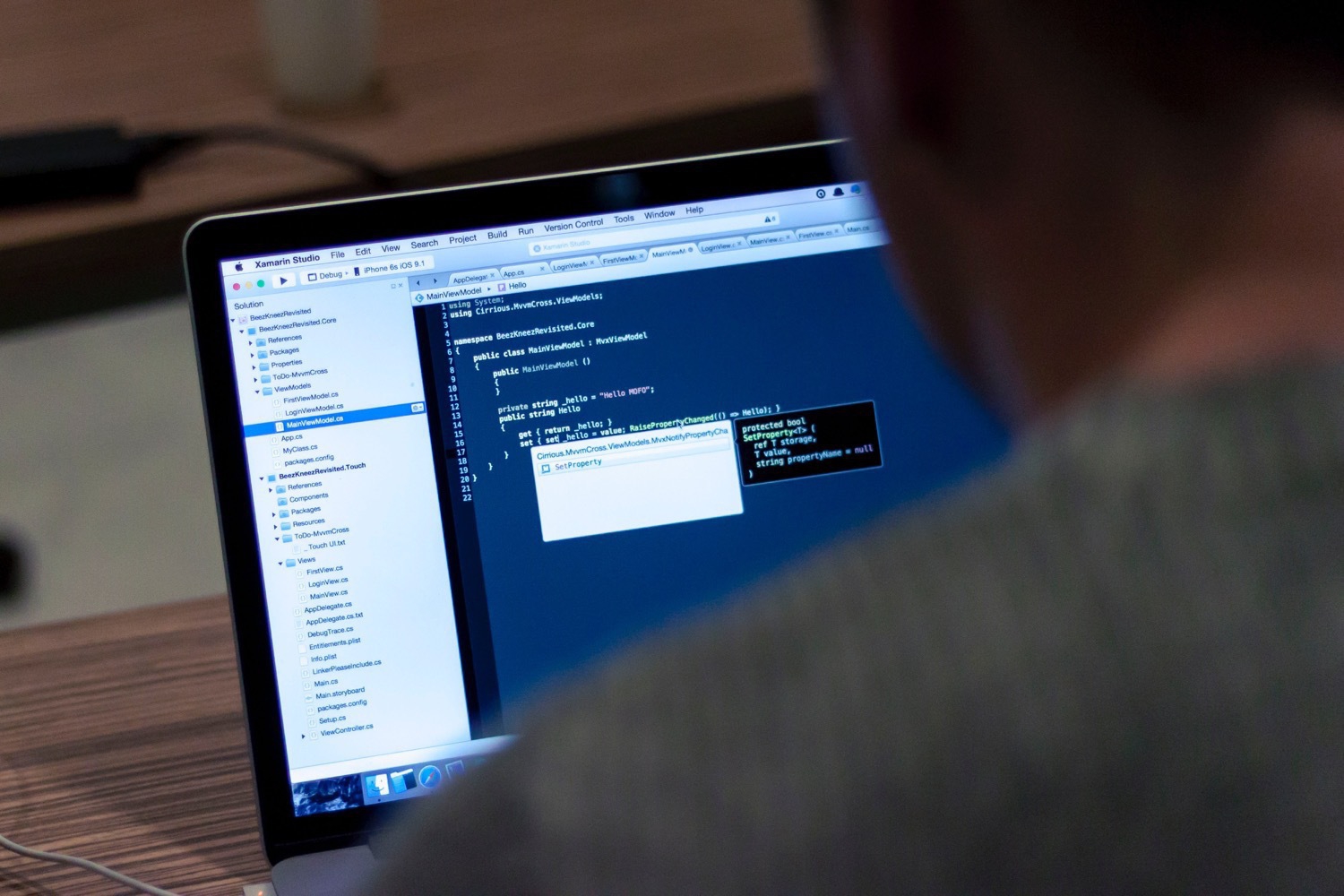
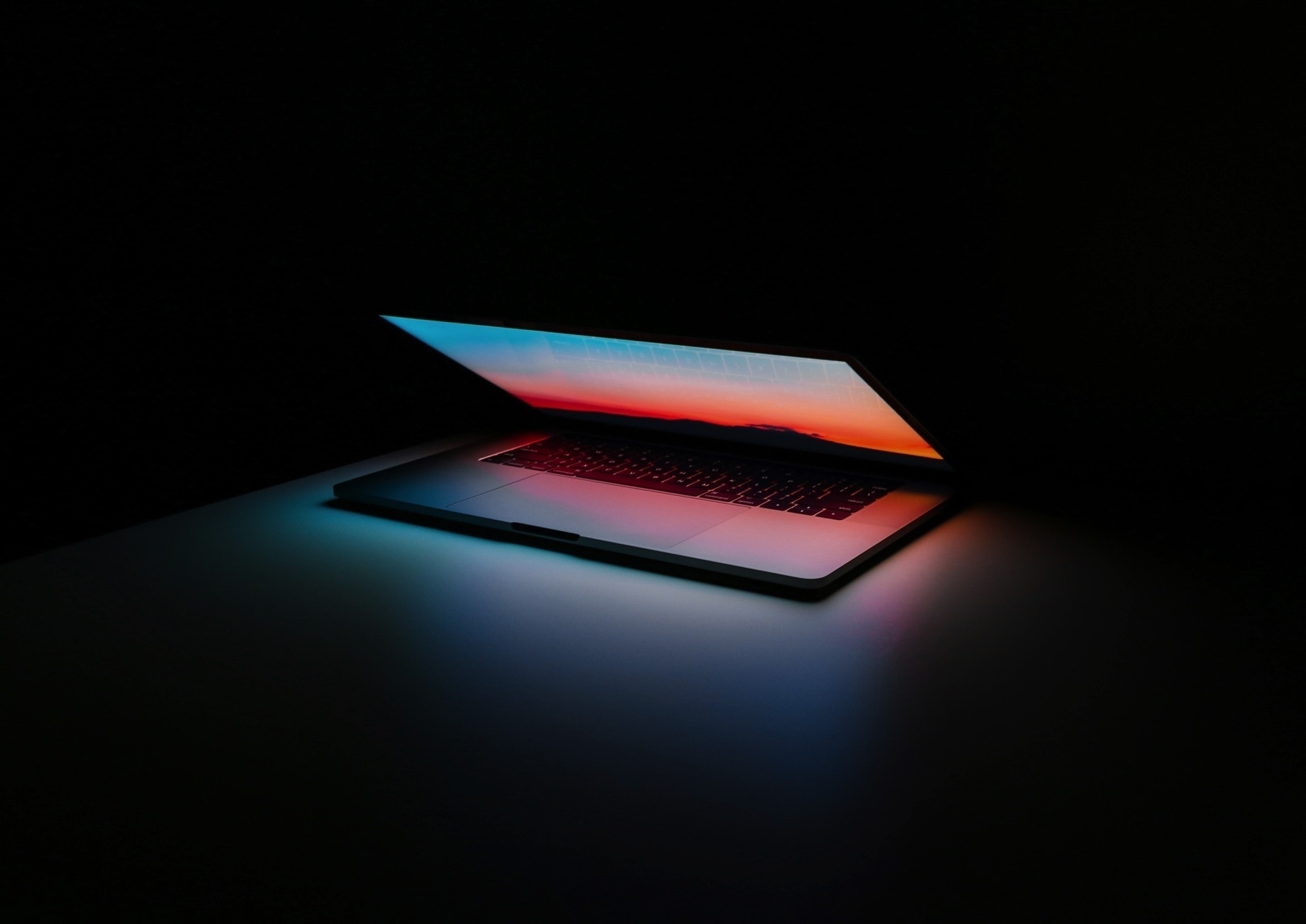
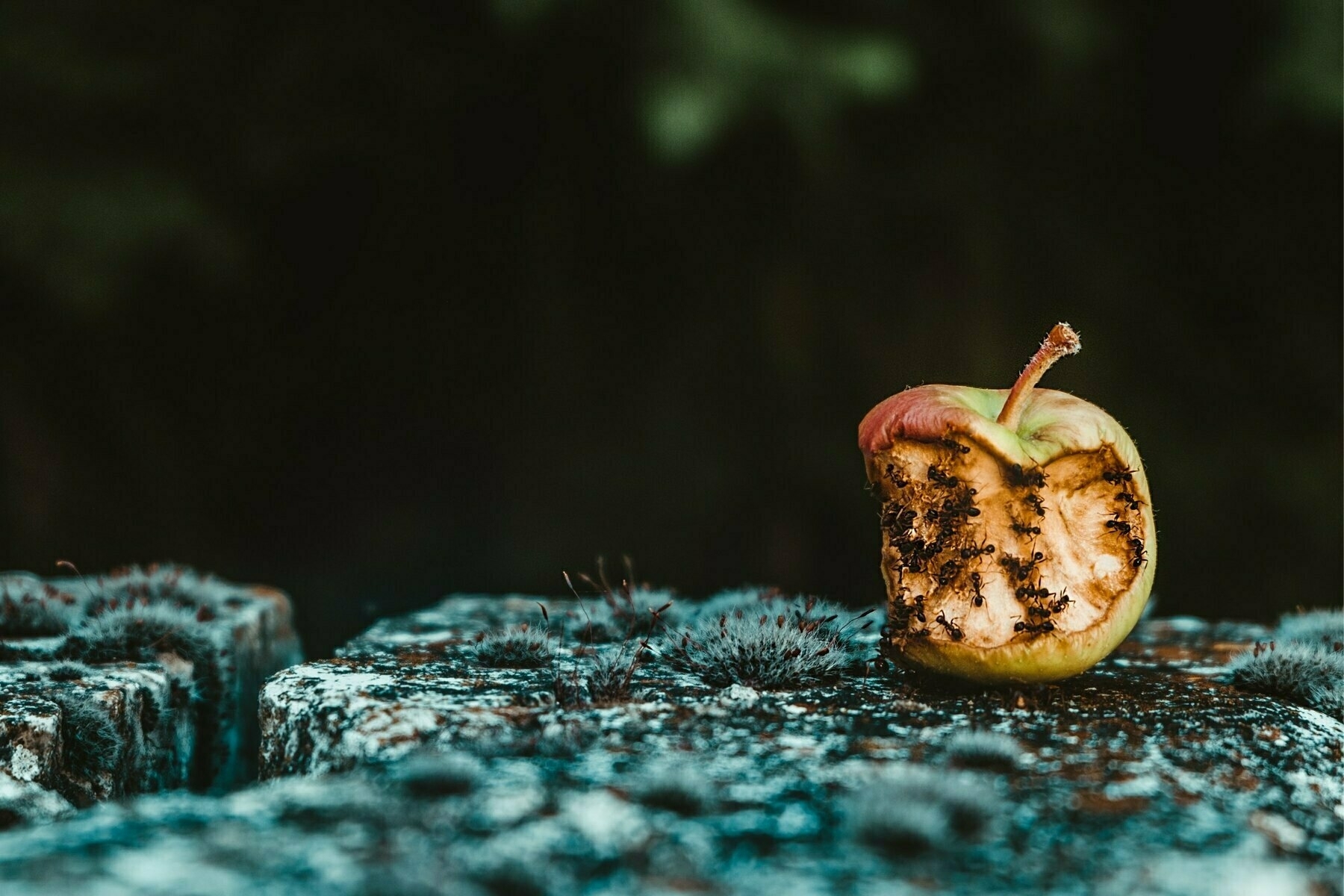
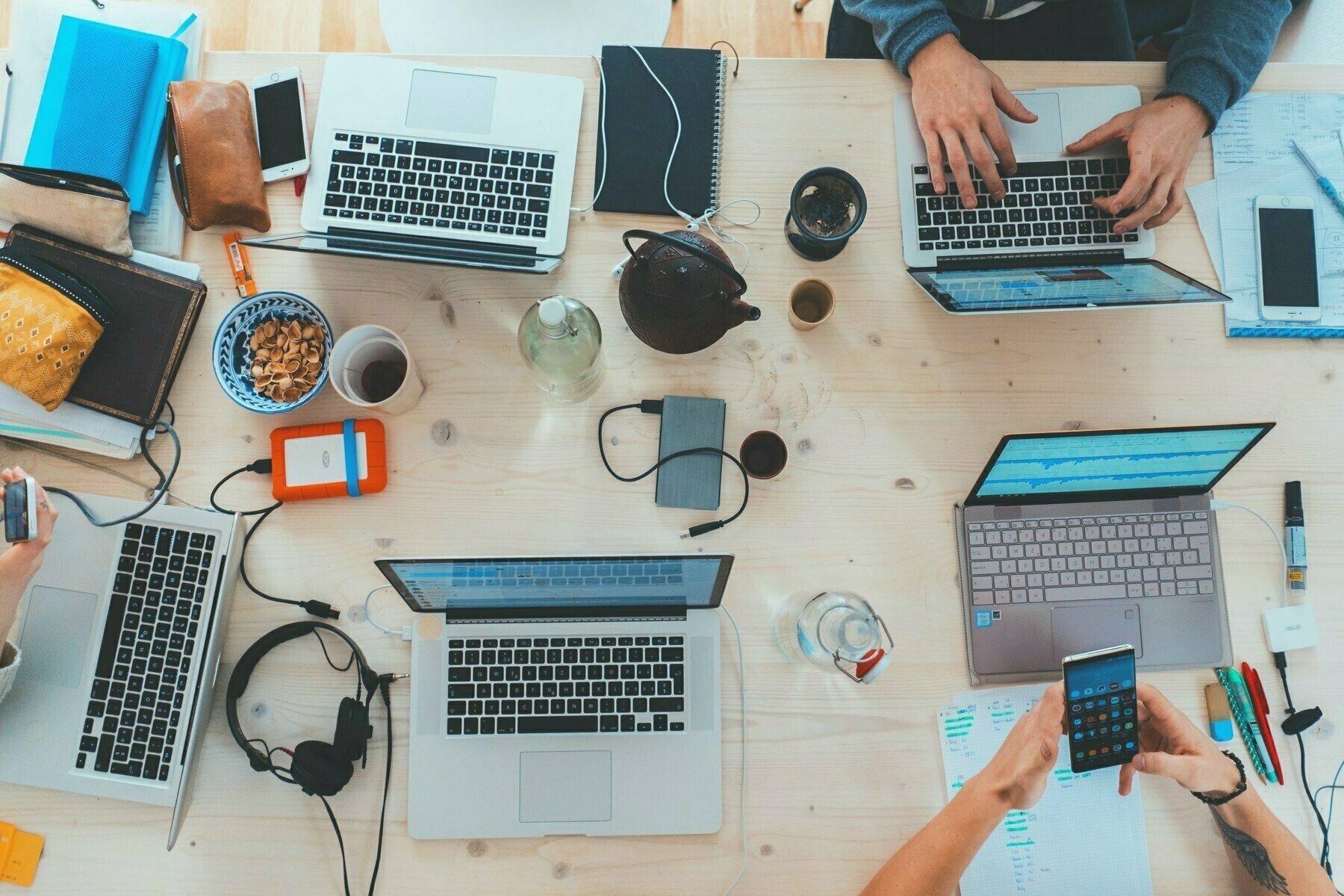
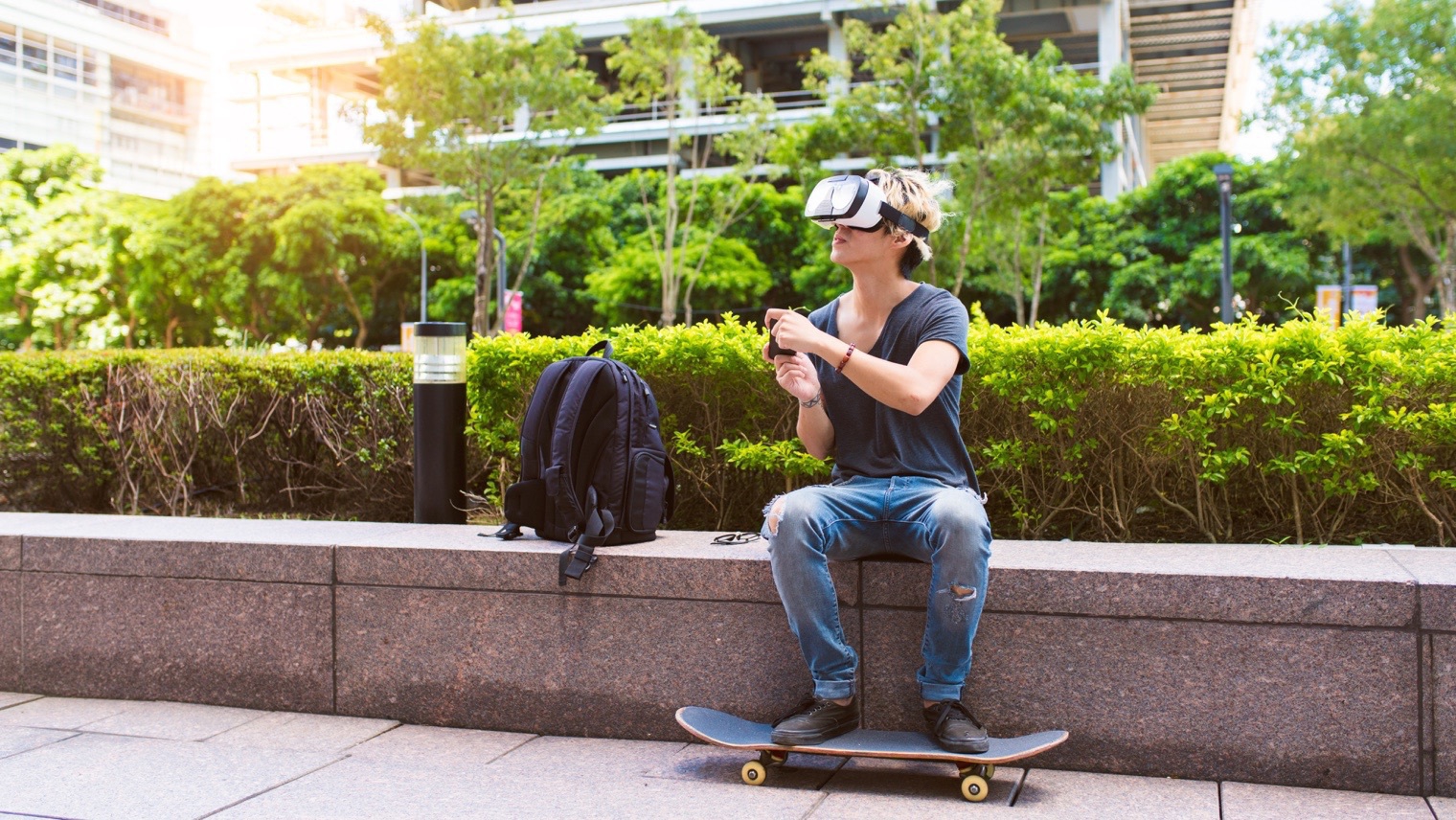
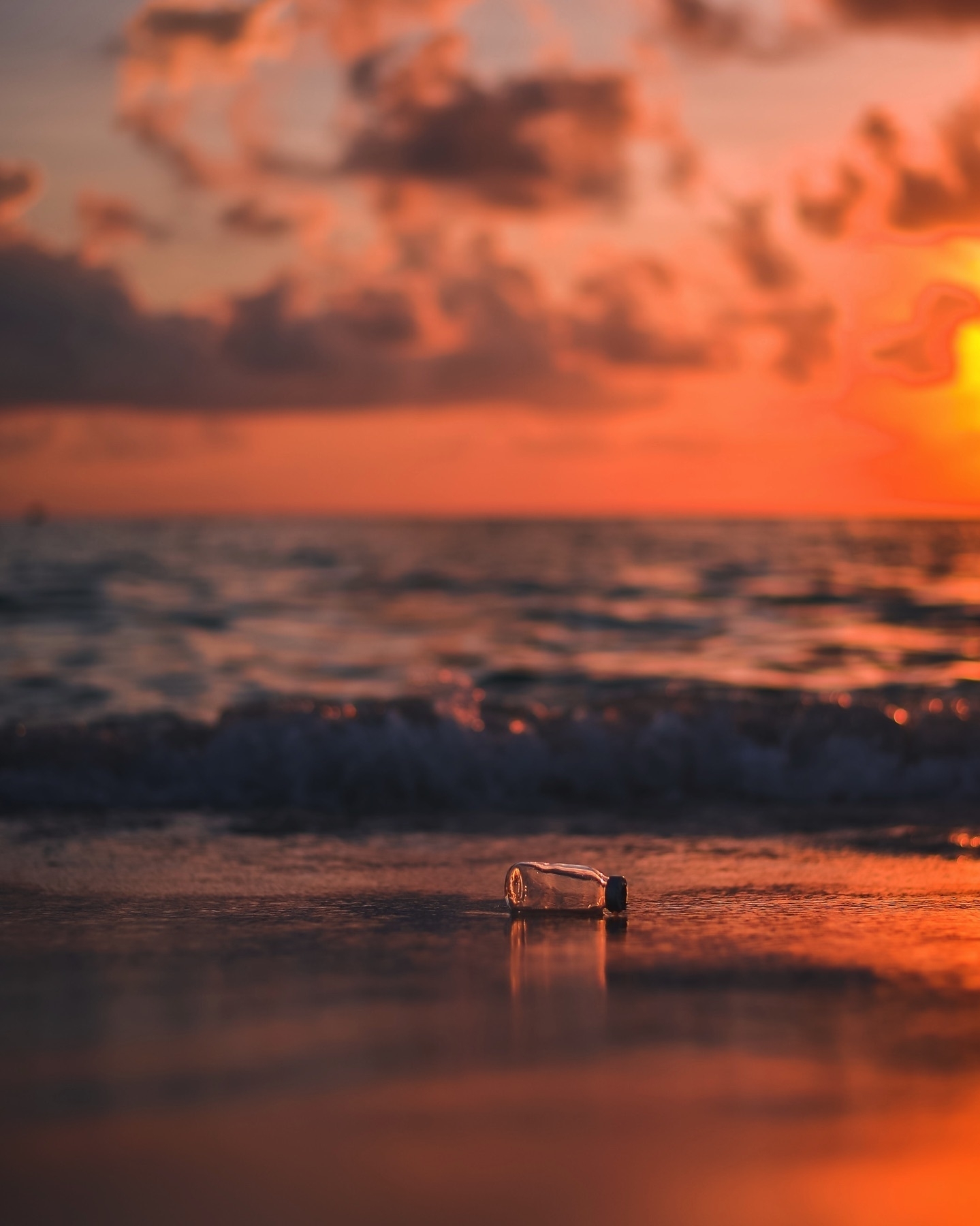
Photo credit: Jason Strull on Unsplash
On Time Machine Backups Over Network
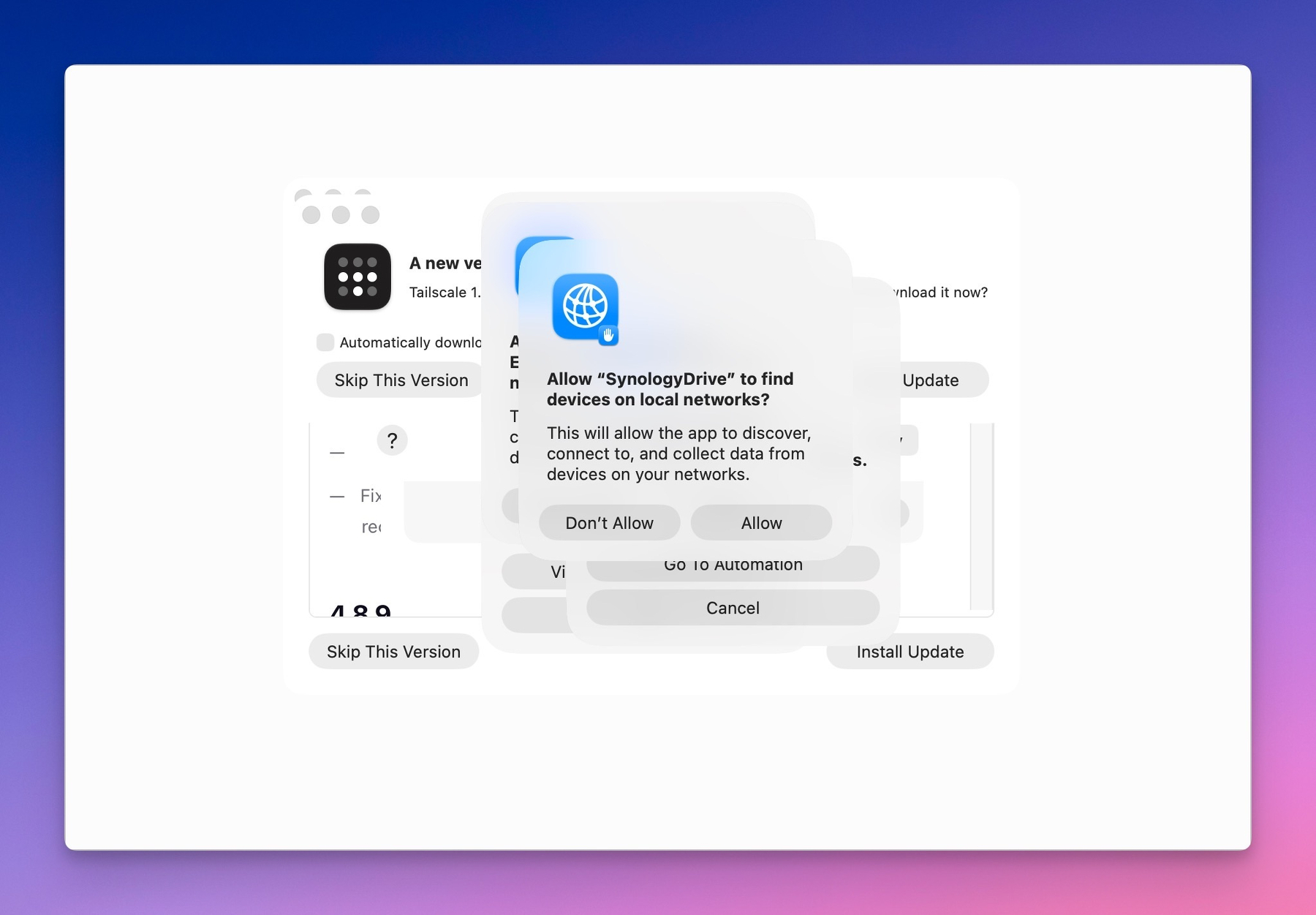
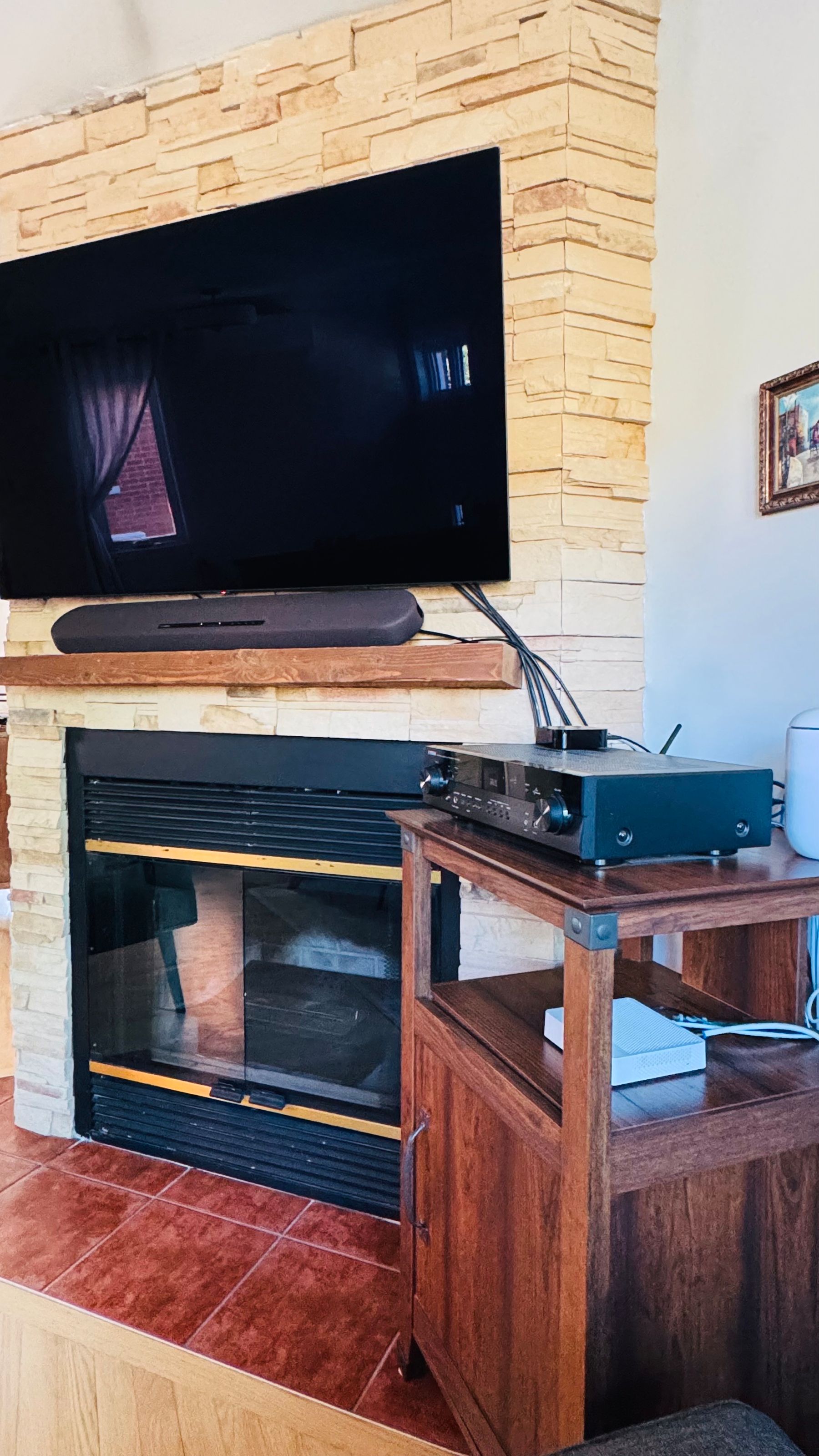
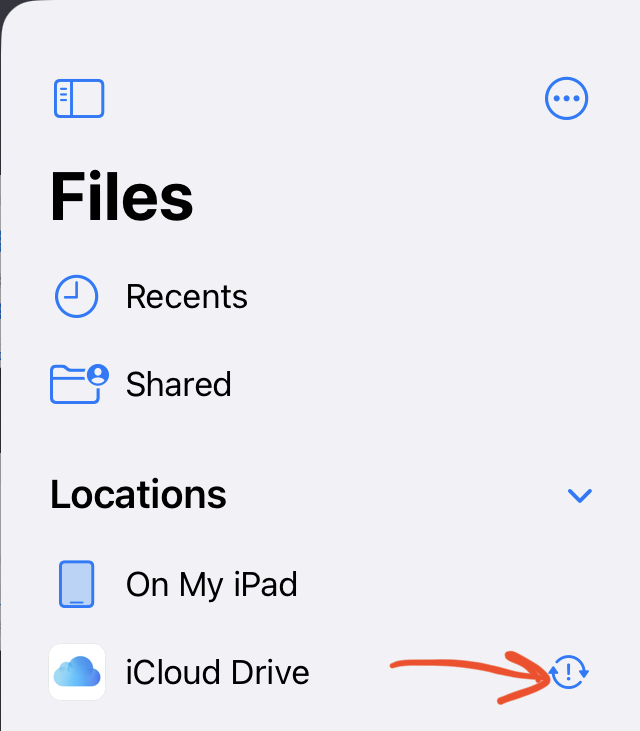
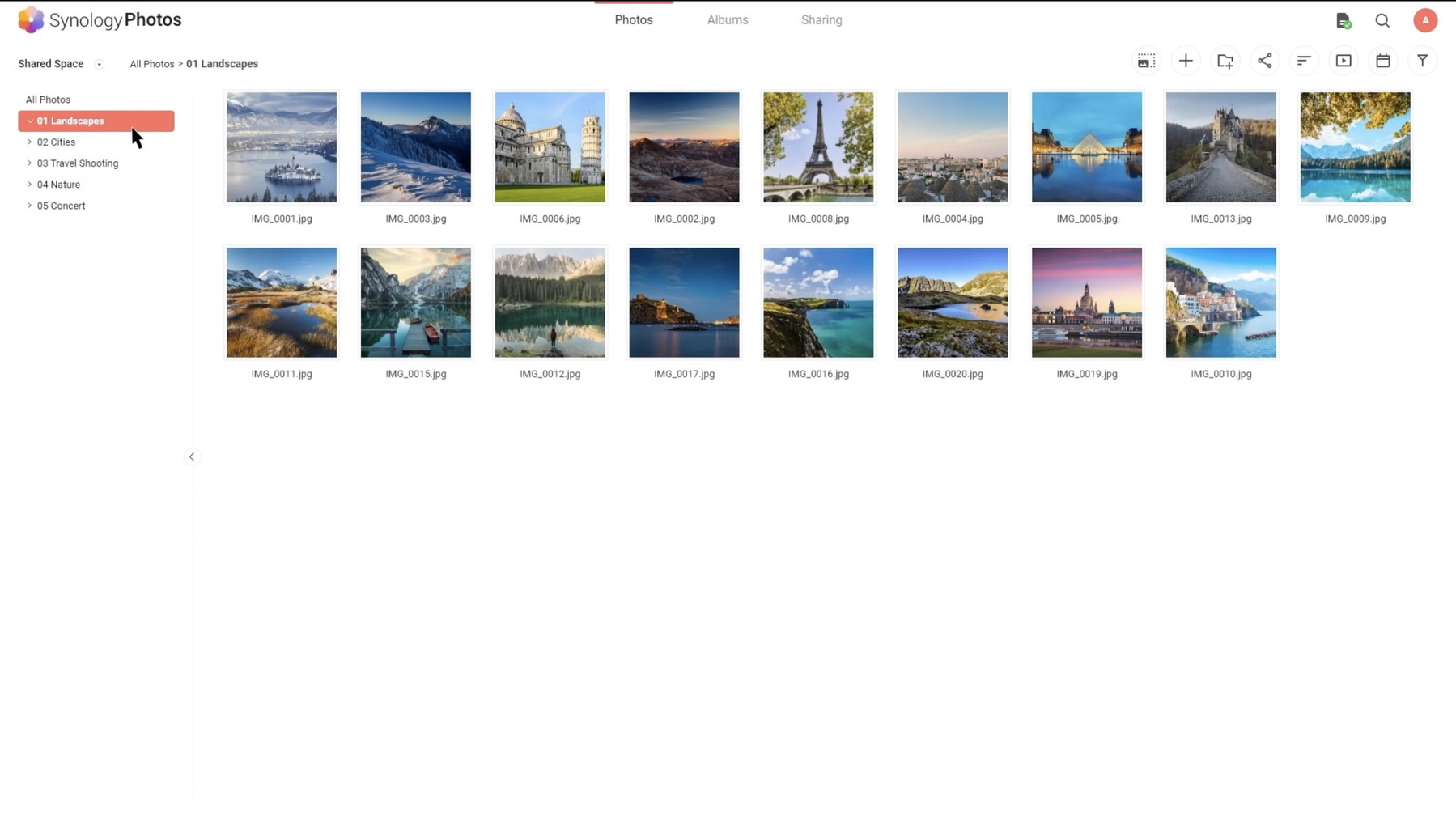
If you own a desktop Mac, you probably use an external drive for Time Machine. If you use a portable Mac, most likely not, and according to the Tidbits article, you’re not alone. The portability of the Mac is hindered by having an external drive hooked permanently. I, personally, have a different strategy: I use a Synology NAS DS720+ with Time Machine enabled to do my backups over the wireless network. It works perfectly, but I don’t do a full backup of my MacBook Air. Files that are part of iCloud Drive are excluded (read more here, you’ll find out why it’s a good idea). In fact, most of the files are excluded, except a few critical folders, outside the scope of any cloud syncing services. Applications aren’t backed up either (easy to recover in case of lost). Backups are small but are just what I need to protect my work.
A Message for Ukrainians
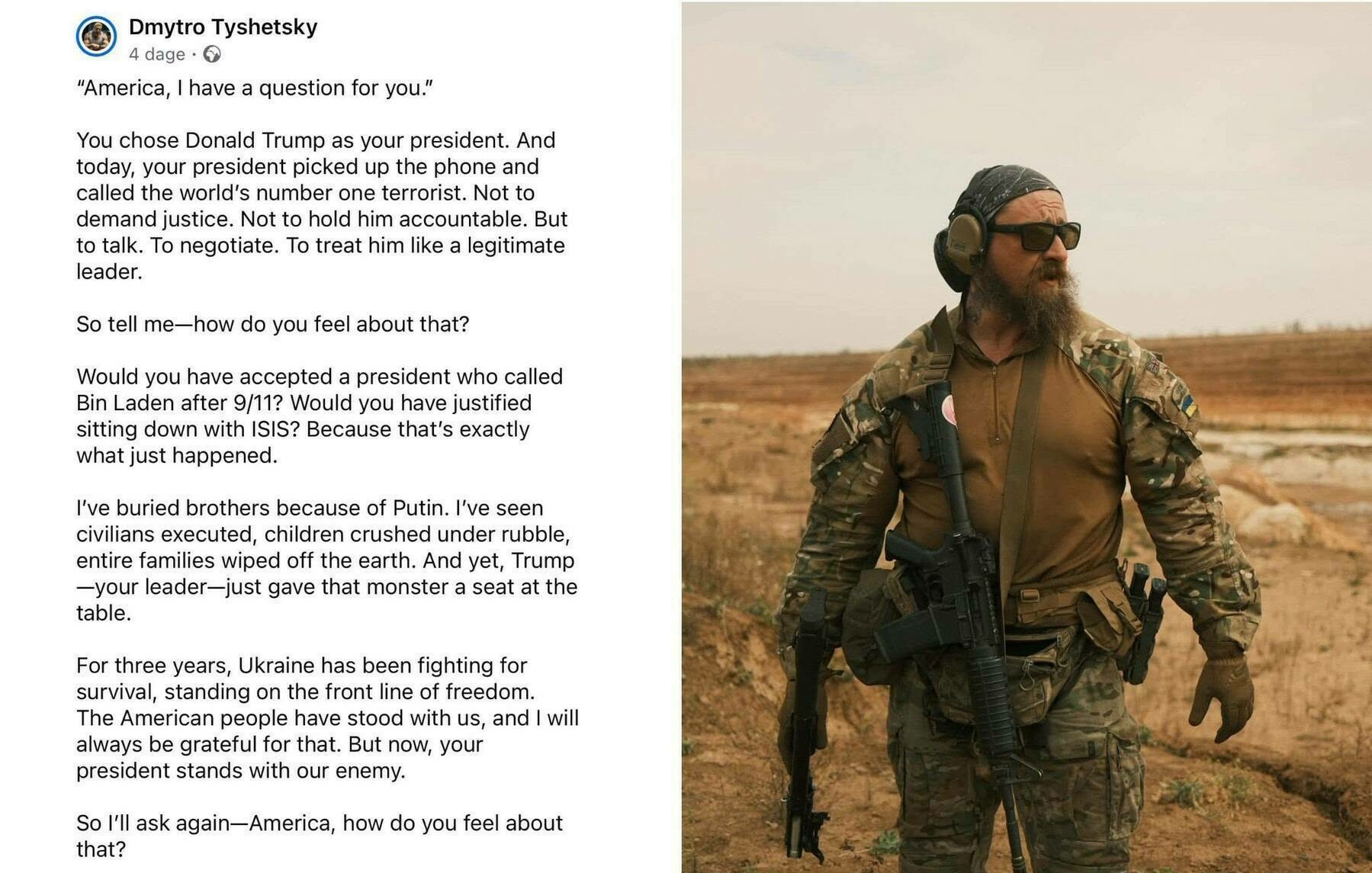
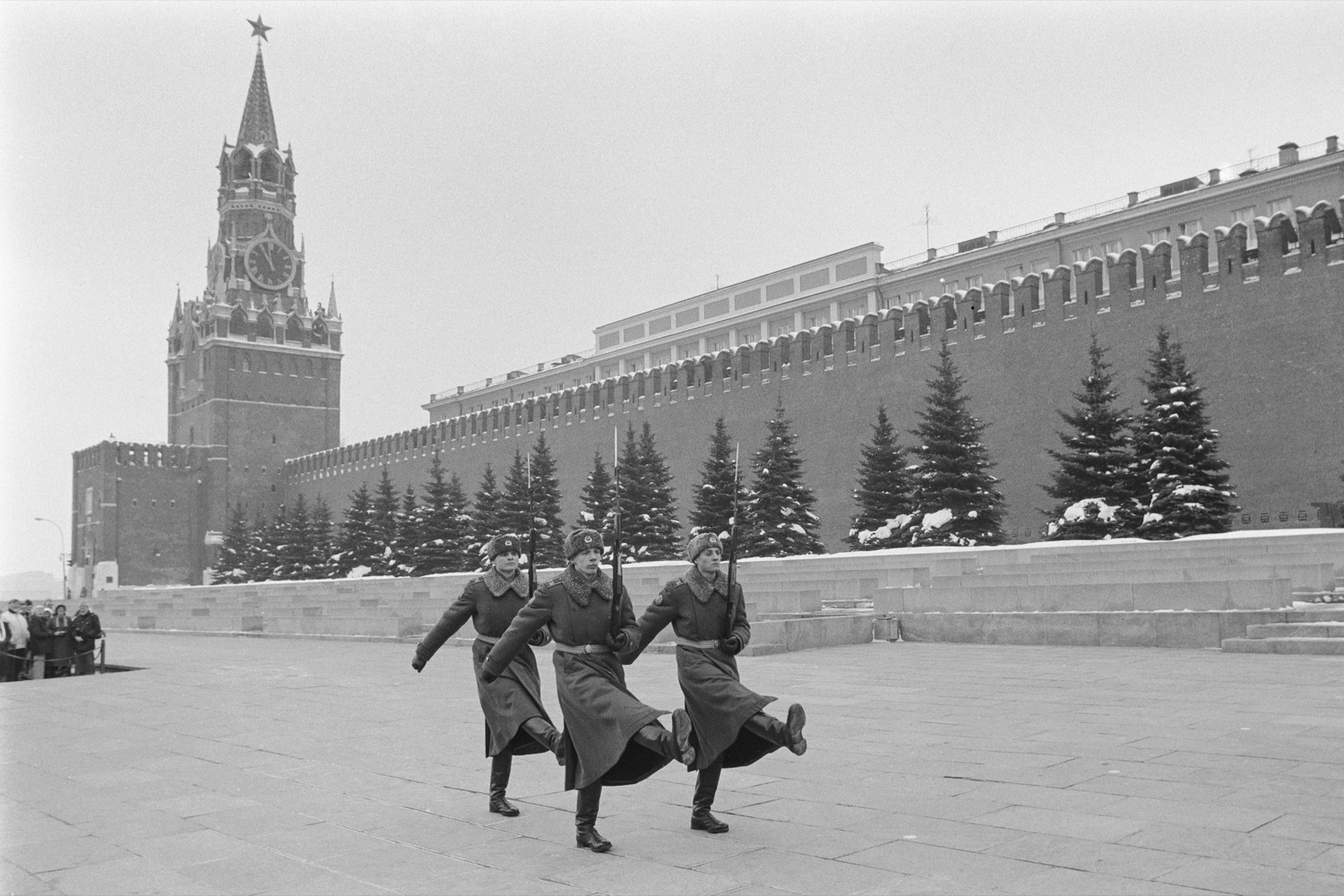
The news of the Russian criminal invasion of its sovereign neighbour, Ukraine, is appalling. Putin and his regime is committing an aggression that shall be punished, at the right time, at the right place with the right means. I cannot believe that we’re seeing such an invasion in Europe, in 2022. What’s next? Who’s next? We’re all going to suffer at various degrees from this utterly criminal invasion. I pay no respect to Putin, his government, his propaganda machine and every single Russian who support this aggression. This is an act of war against democracy.
No wonder why Ukraine wanted to stay in NATO camp, because Russia is simply an antidemocratic land. Democratic governments and systems are far from perfect, but they are the least imperfect solution.
For now, I’m sending my positive waves of support to the Ukrainians community of Montreal, Canada. I cannot wait for the next demonstration, so I can show my full support of the Ukrainians.
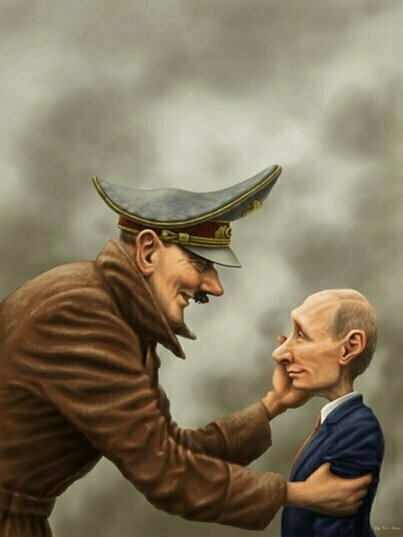
Hitler must be so proud.
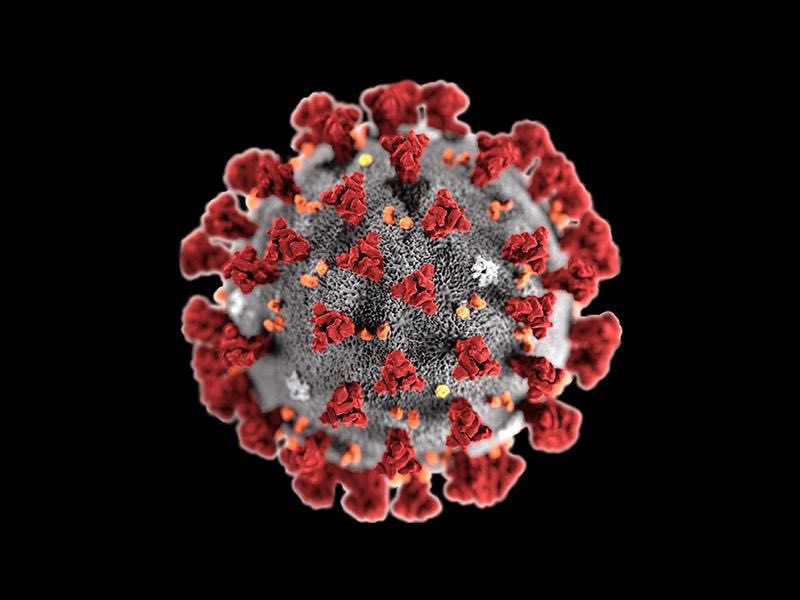
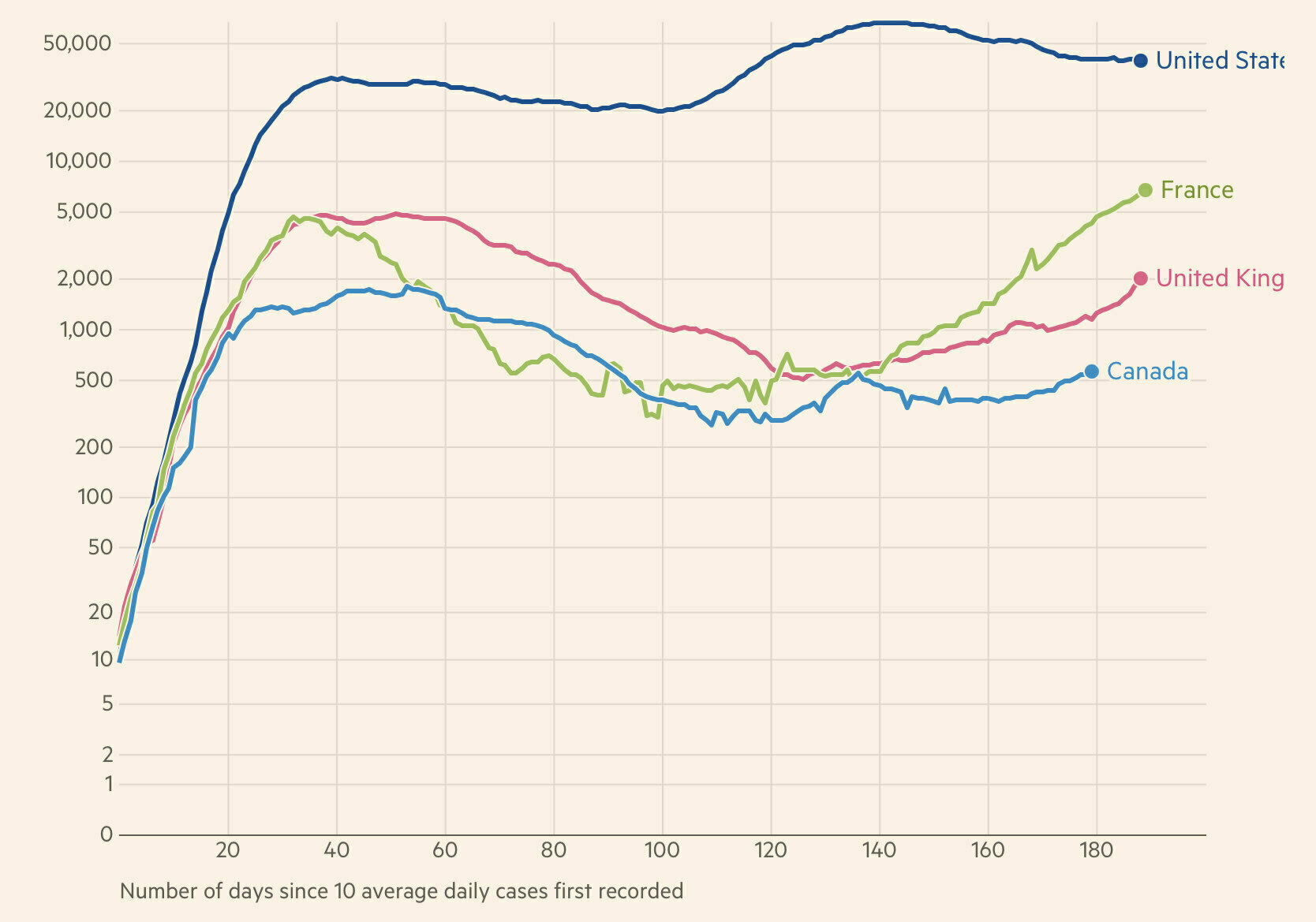
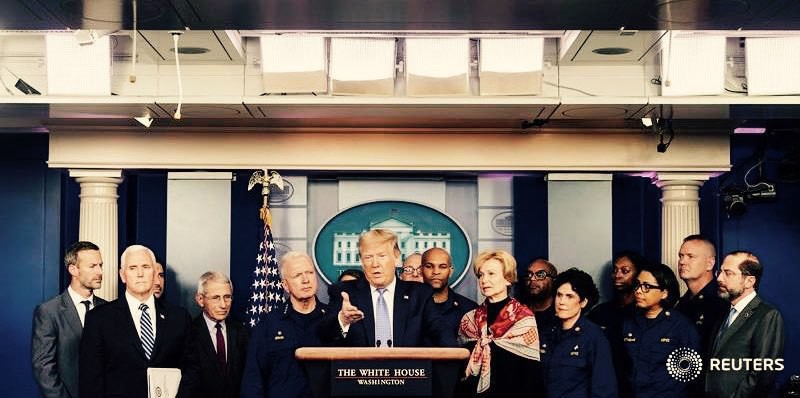
🦠 It is fascinating to see all media switch from one crisis to another, on a dime. A few days ago, COVID took the majority of air time. Now, no more, it’s the crisis in Ukraine. It’s as if COVID had vanished from the surface of the earth, just like that. Just a simple observation. 🇺🇦
🇺🇦 The news of this criminal invasion of a democratic and independent country like Ukraine by Putin and his army is appalling and troubling and brings an uncertain future for Europe and the world. We’re in 2022, and we still have to deal with criminal leaders like Putin. How should we react to this? Cancel any international sports events or competition in Russia, block Russians from participating in any sports events around the world, remove any medals won from the last Olympic, turn off ll the pipeline leading to Russia, freeze Russian banks assets, etc.✌🏻🕊️☮️
The news of the Russian criminal invasion of its sovereign neighbour, Ukraine, is appalling. Putin and his regime is committing an aggression that shall be punished, at the right time, at the right place with the right means. I cannot believe that we’re seeing such an invasion in Europe, in 2022. What’s next? Who’s next? We’re all going to suffer at various degrees from this utterly criminal invasion. I pay no respect to Putin, his government, his propaganda machine and every single Russian who support this aggression. This is an act of war against democracy.
No wonder why Ukraine wanted to stay in NATO camp, because Russia is simply an antidemocratic land. Democratic governments and systems are far from perfect, but they are the least imperfect solution.
For now, I’m sending my positive waves of support to the Ukrainians community of Montreal, Canada. I cannot wait for the next demonstration, so I can show my full support of the Ukrainians.
Hitler must be so proud.
If you own a desktop Mac, you probably use an external drive for Time Machine. If you use a portable Mac, most likely not, and according to the Tidbits article, you’re not alone. The portability of the Mac is hindered by having an external drive hooked permanently. I, personally, have a different strategy: I use a Synology NAS DS720+ with Time Machine enabled to do my backups over the wireless network. It works perfectly, but I don’t do a full backup of my MacBook Air. Files that are part of iCloud Drive are excluded (read more here, you’ll find out why it’s a good idea). In fact, most of the files are excluded, except a few critical folders, outside the scope of any cloud syncing services. Applications aren’t backed up either (easy to recover in case of lost). Backups are small but are just what I need to protect my work.
🏢 As my workday is coming to an end, I have a few questions in my mind. The same questions pop up when I take short walks during the day, so I can step back for a few moments and reflect on my current day.
Did I do my best today? Did I help my colleagues to achieve their goals? Did It make a difference? Am I always actively listening? Did I add value to the process? Am I the best one to do this job today, right now? Did I start the right discussion, ask the right questions? Were my answers ok? Complete? 🙇🏻
So many questions.
#work #musings #workday #purpose