Another coat of paint to Windows UI mess? (#windows11)

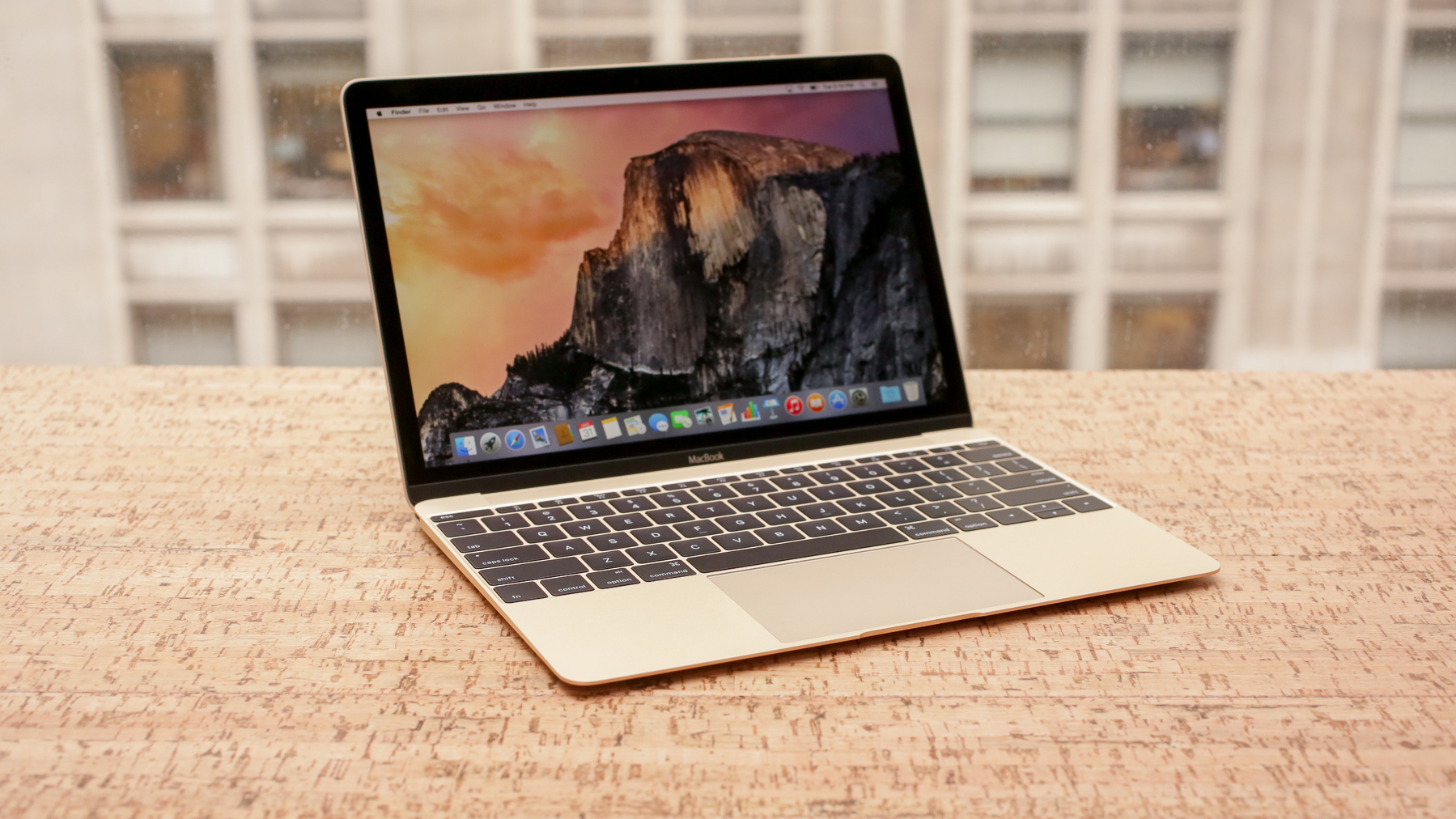
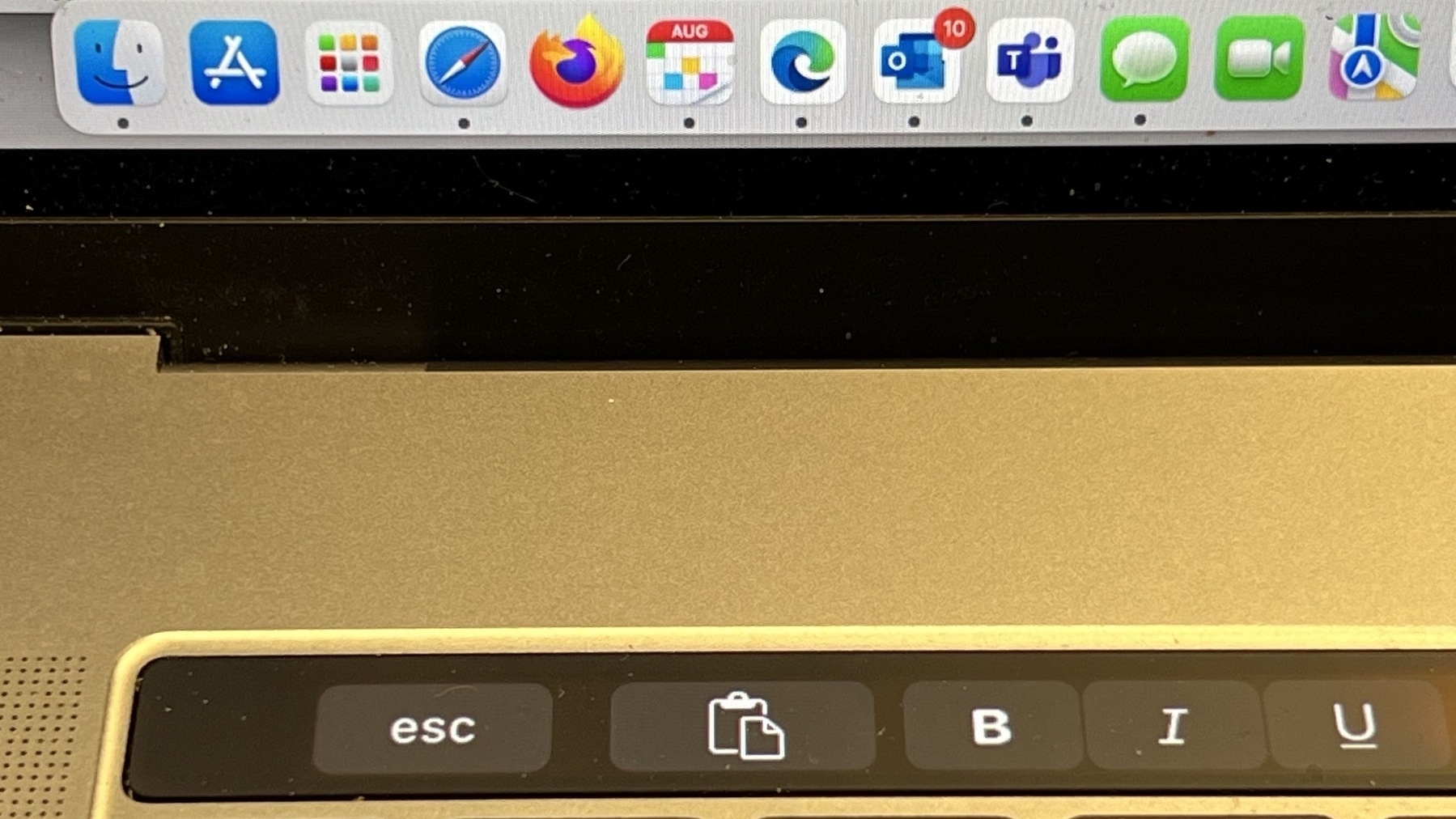
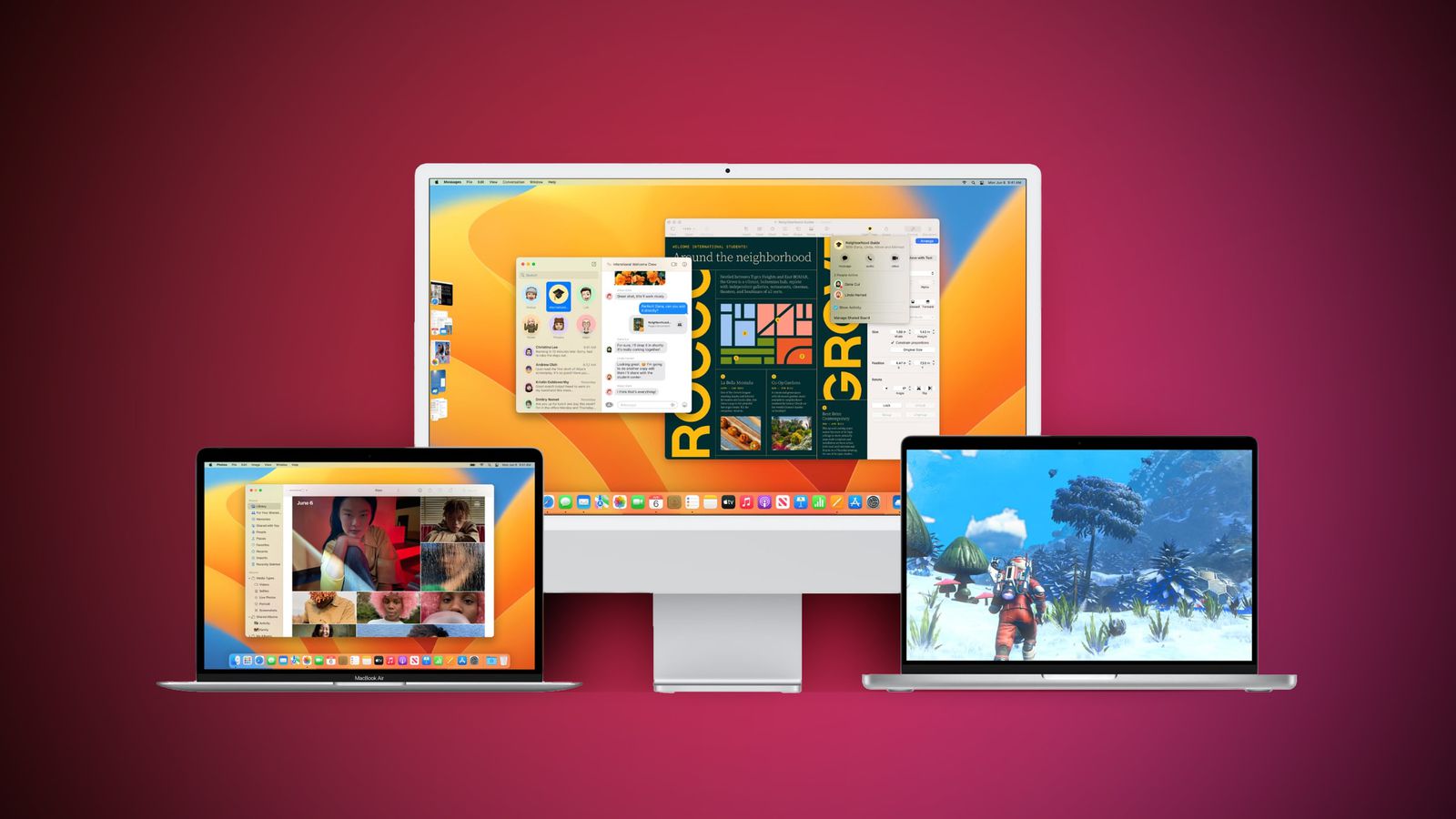
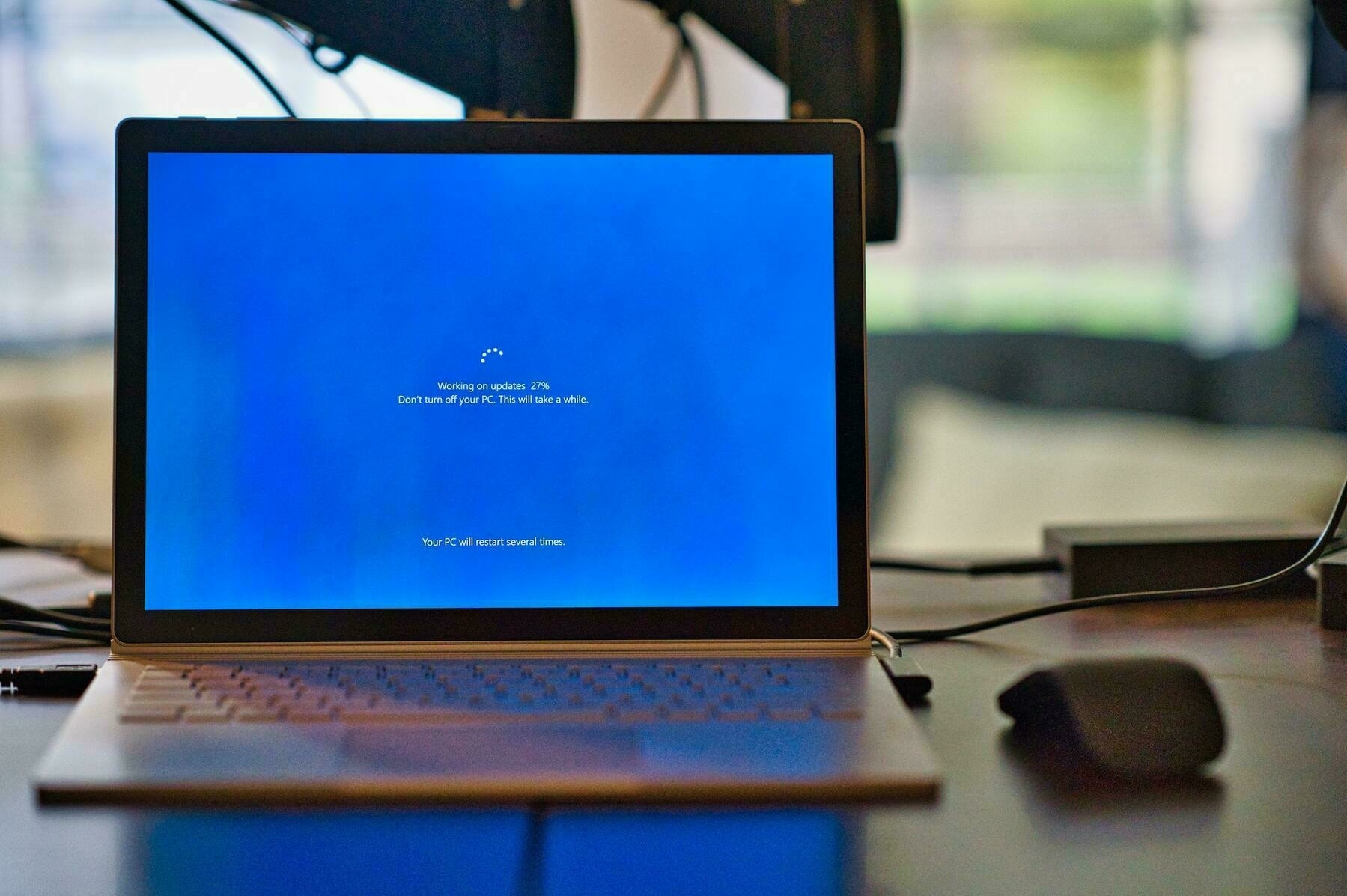
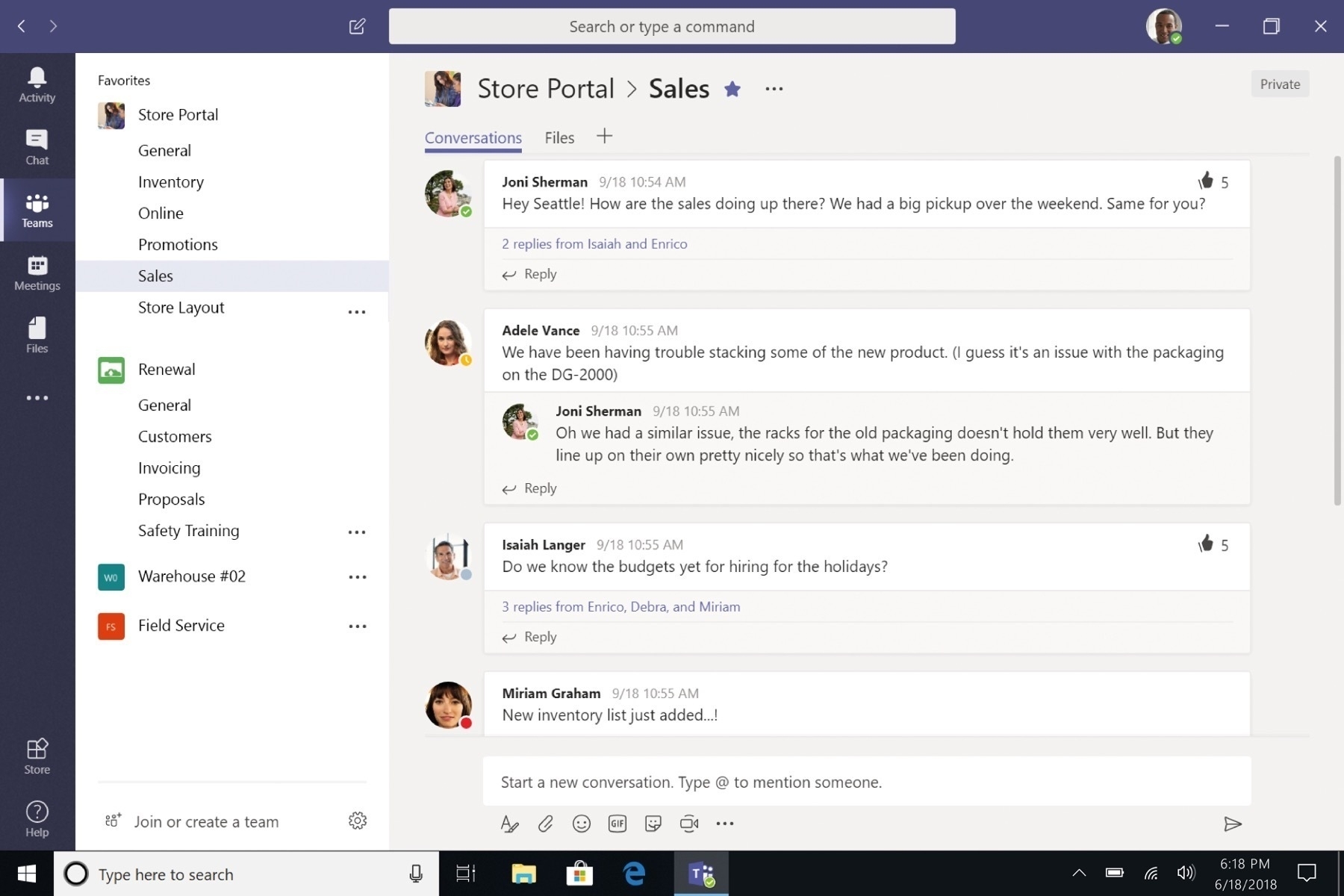
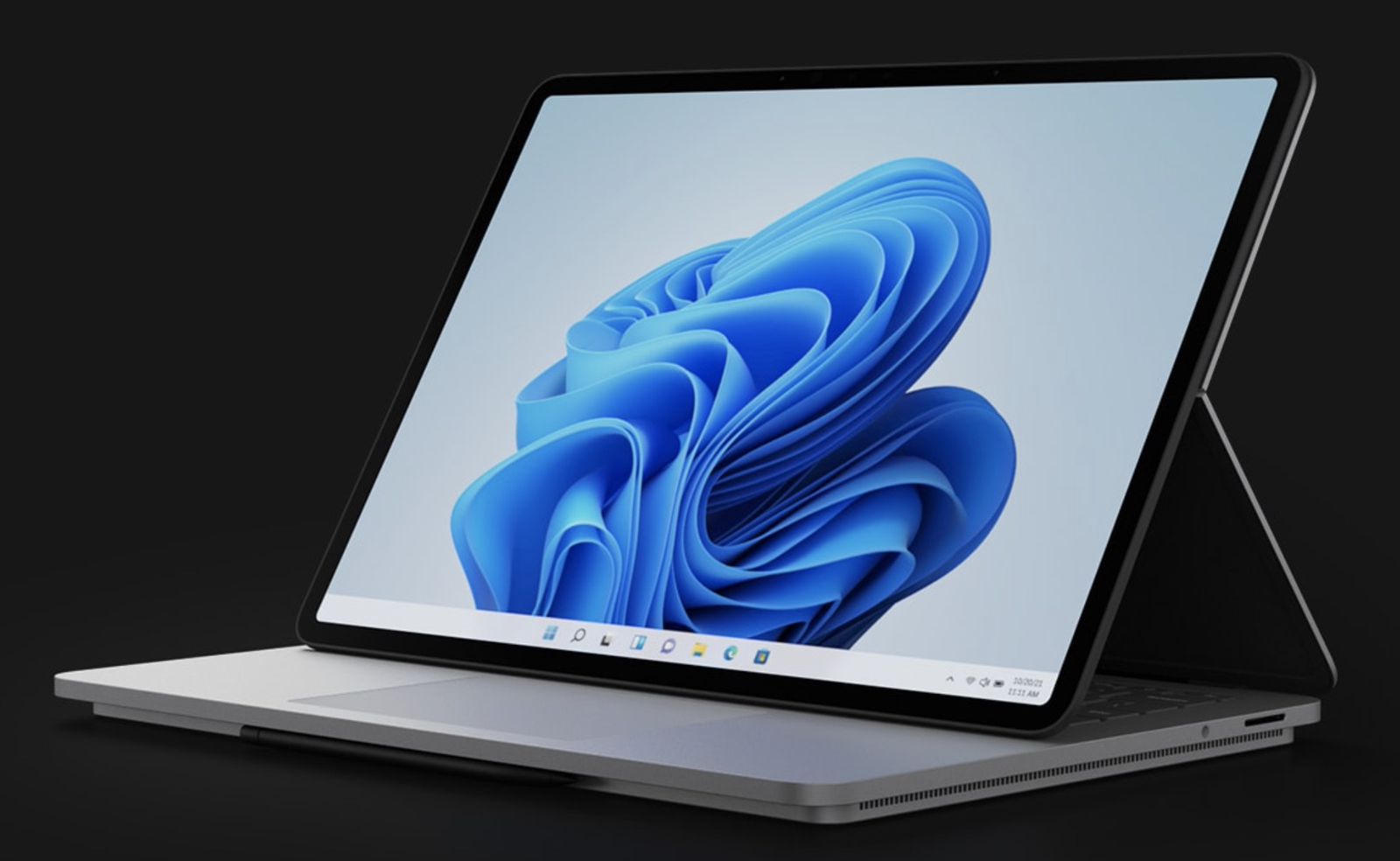
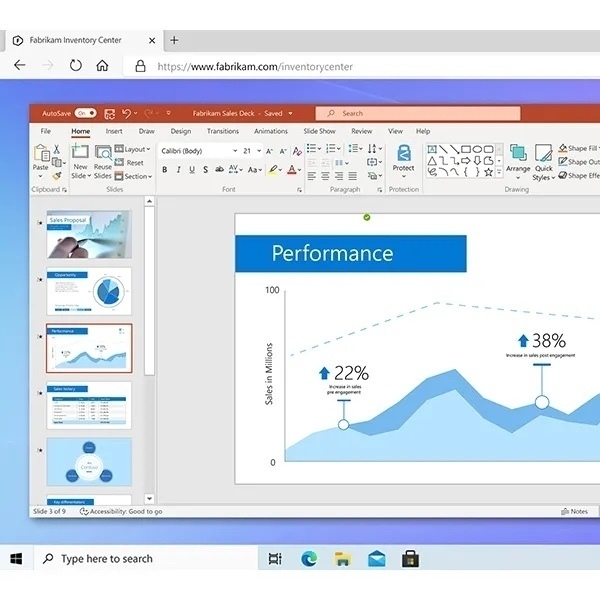
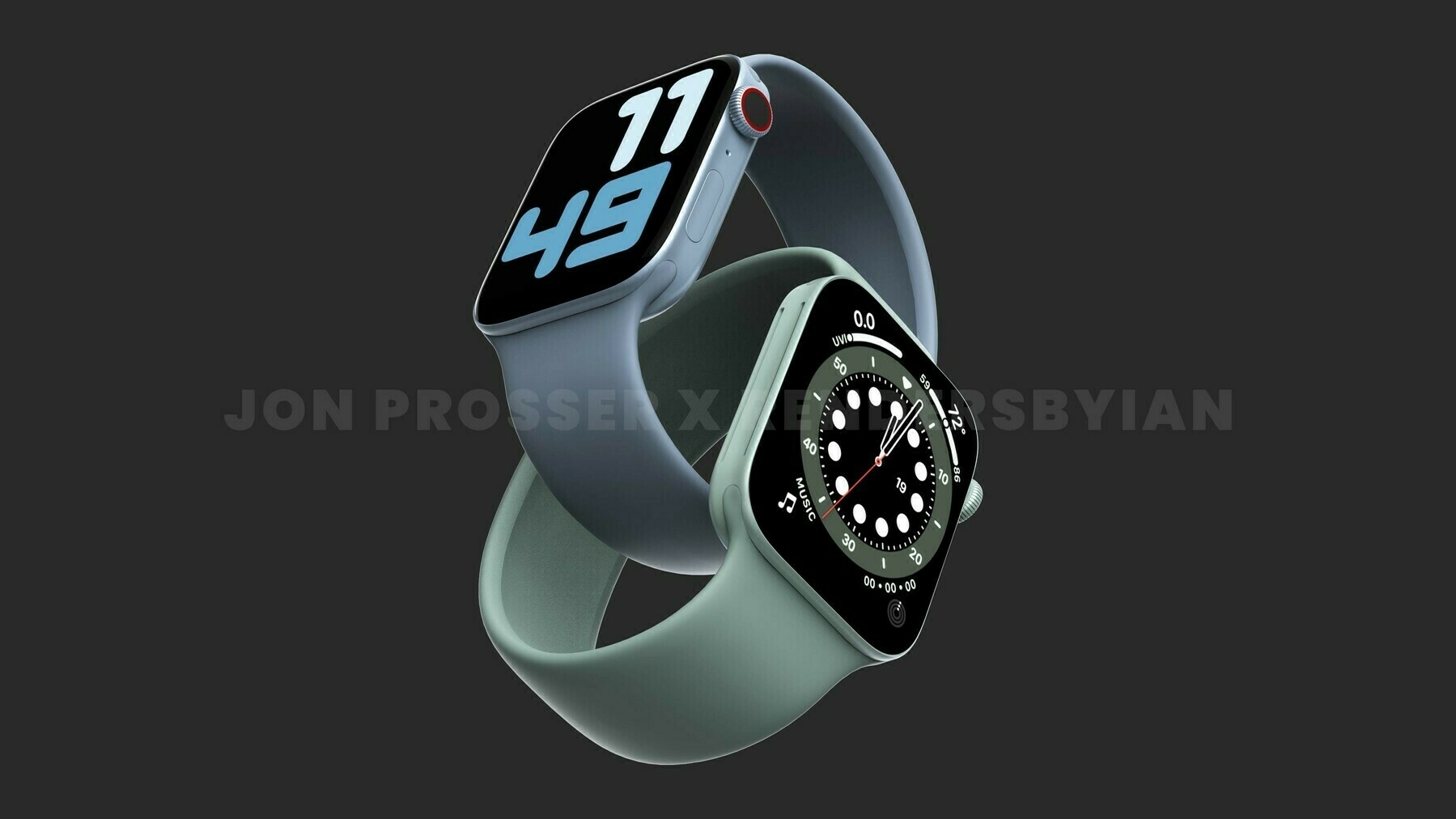
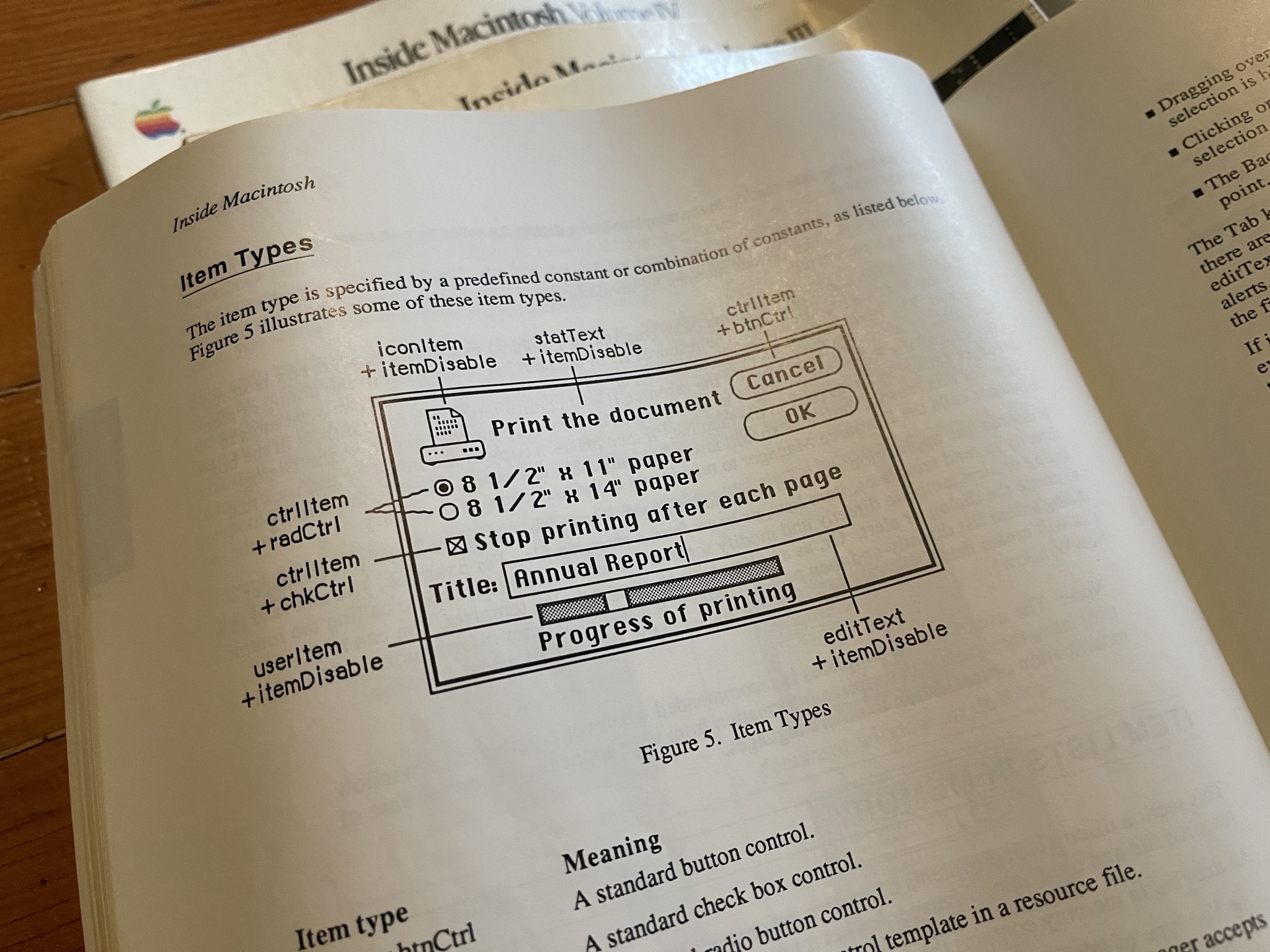
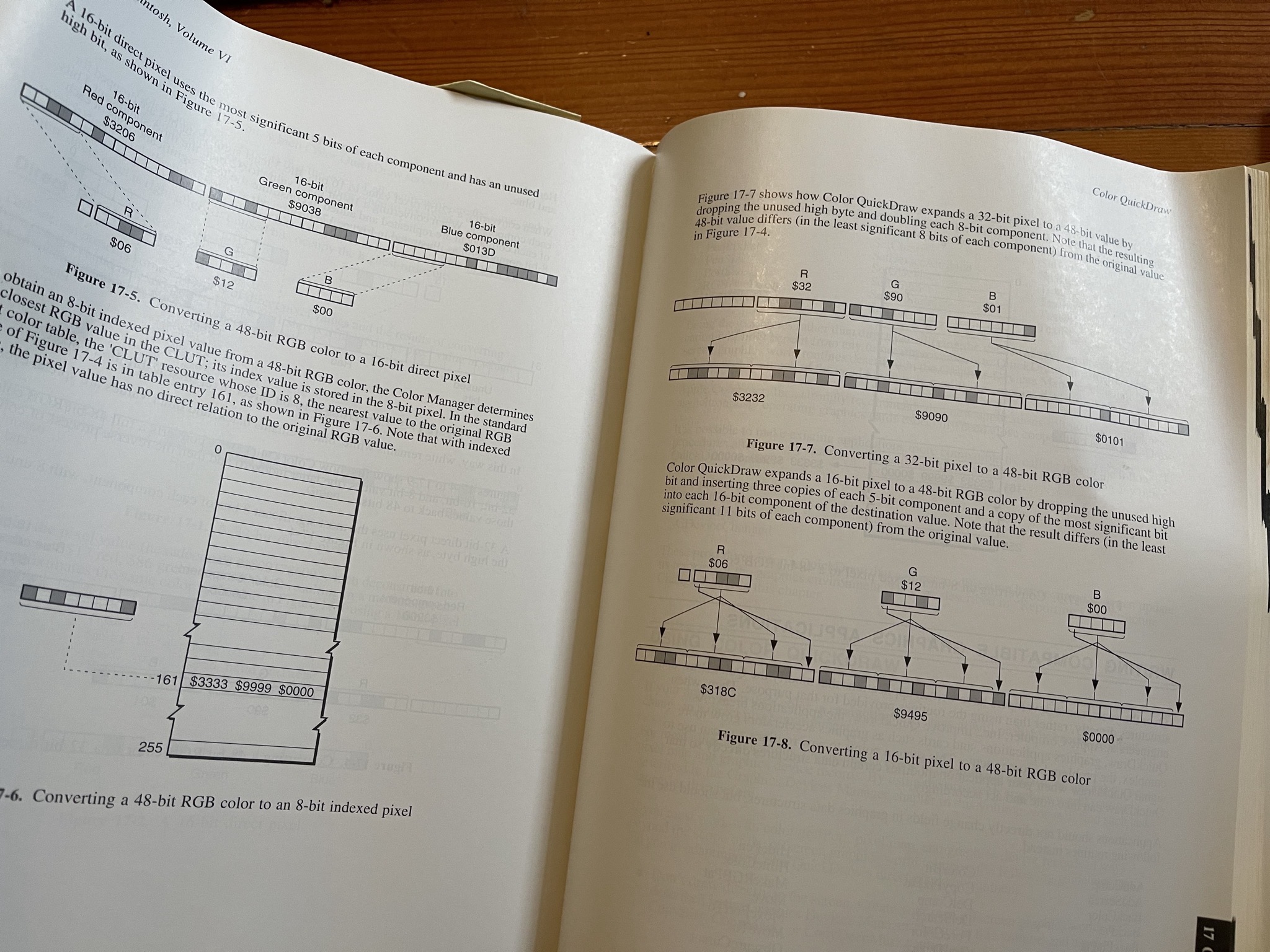
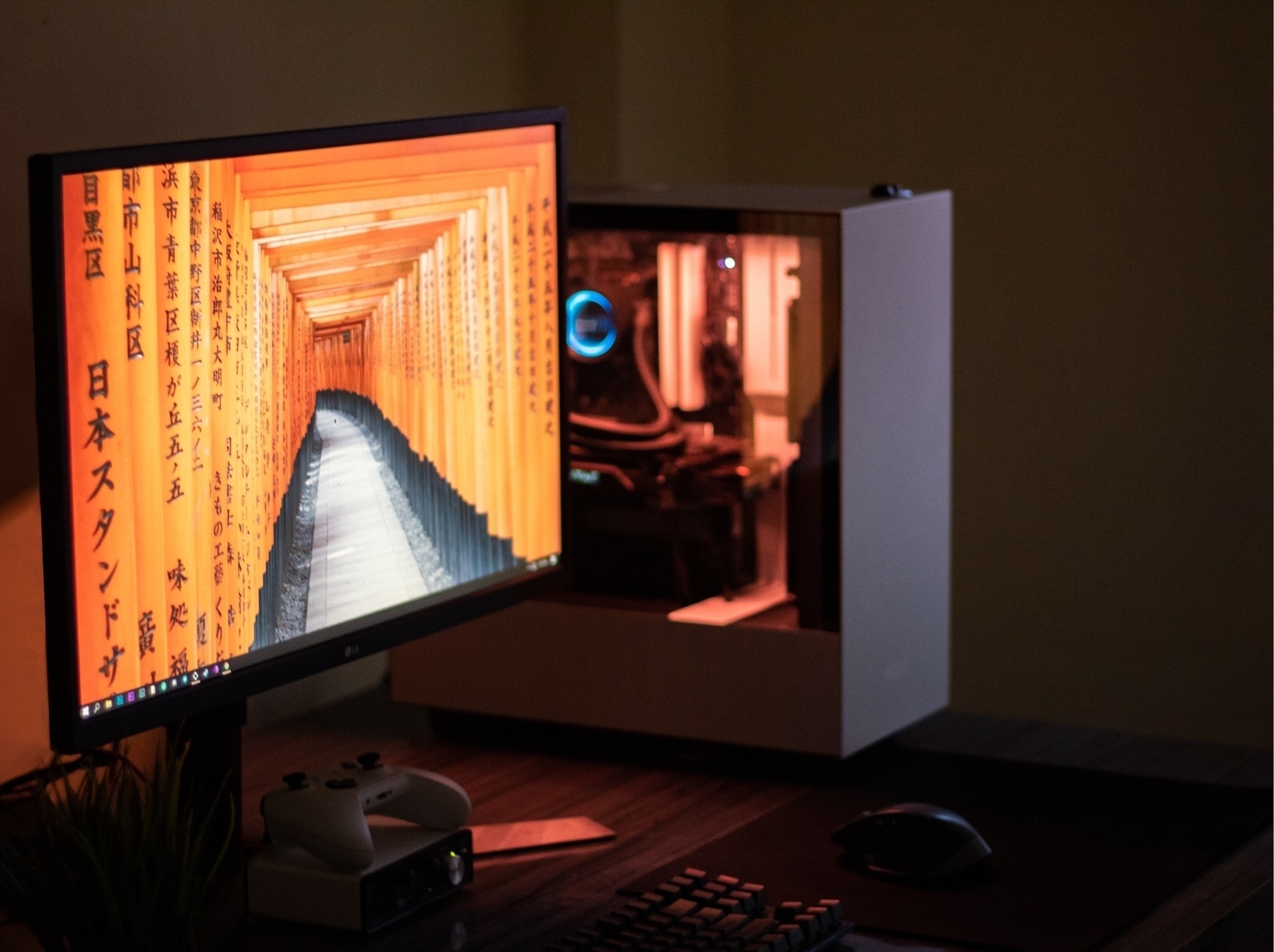
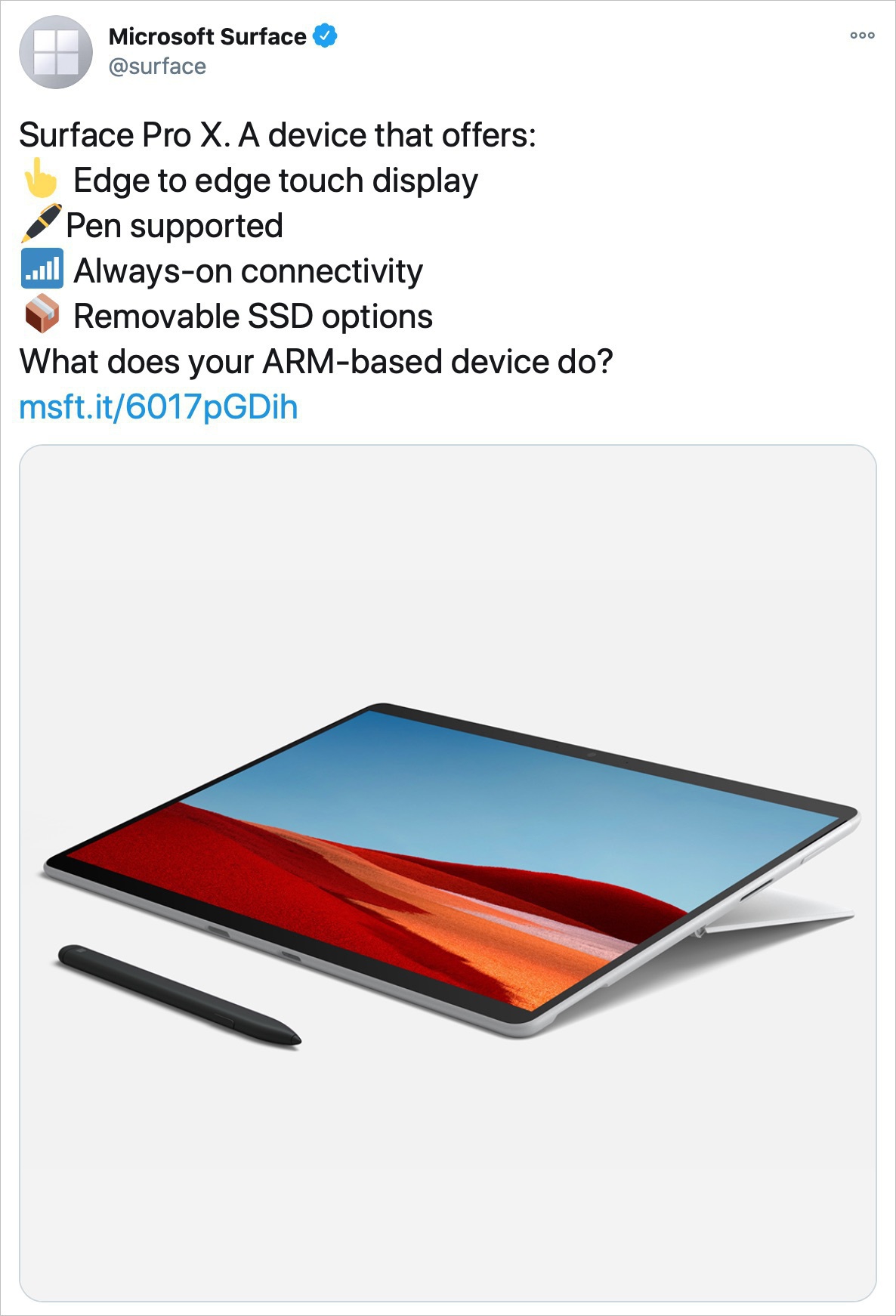
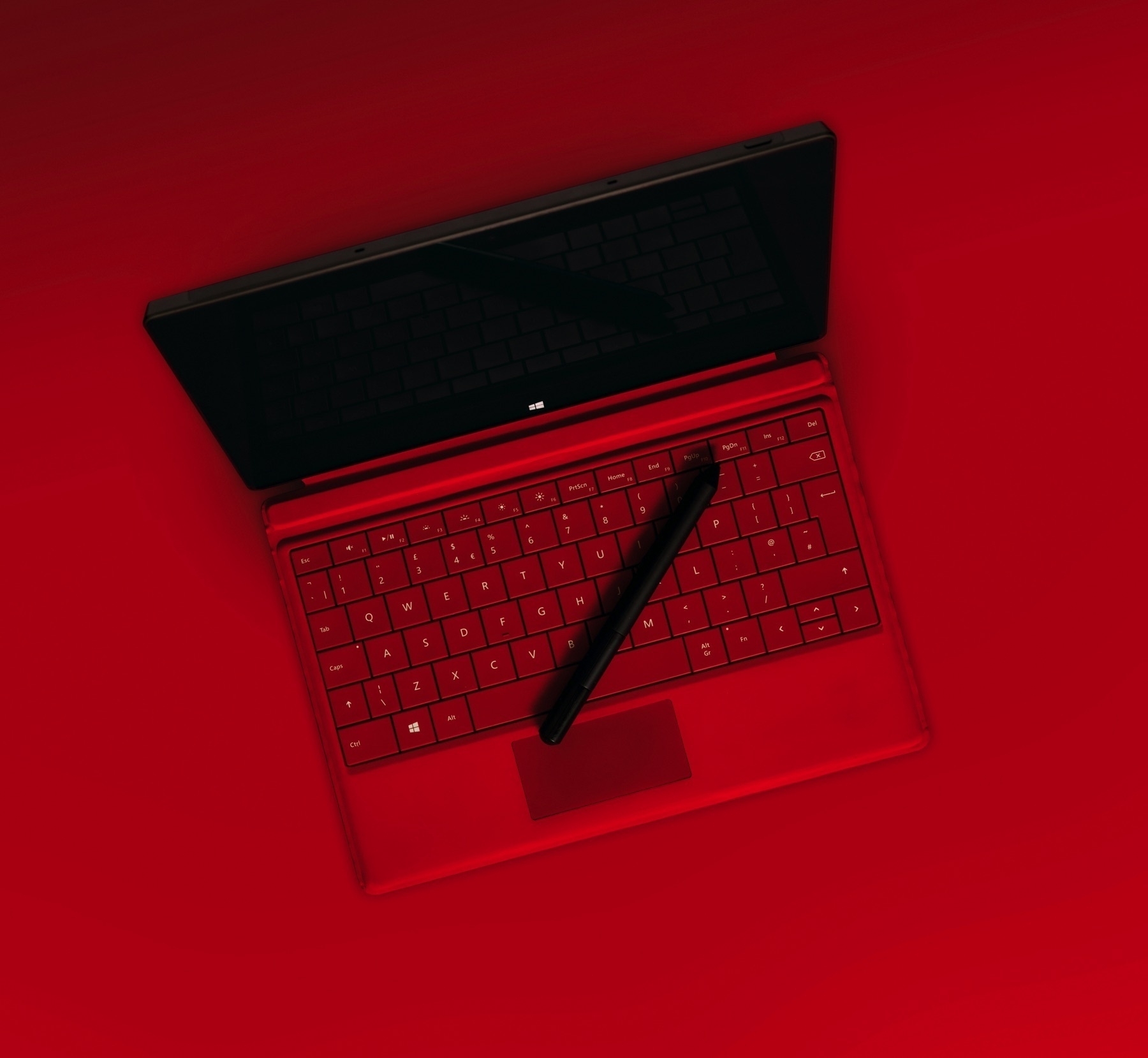
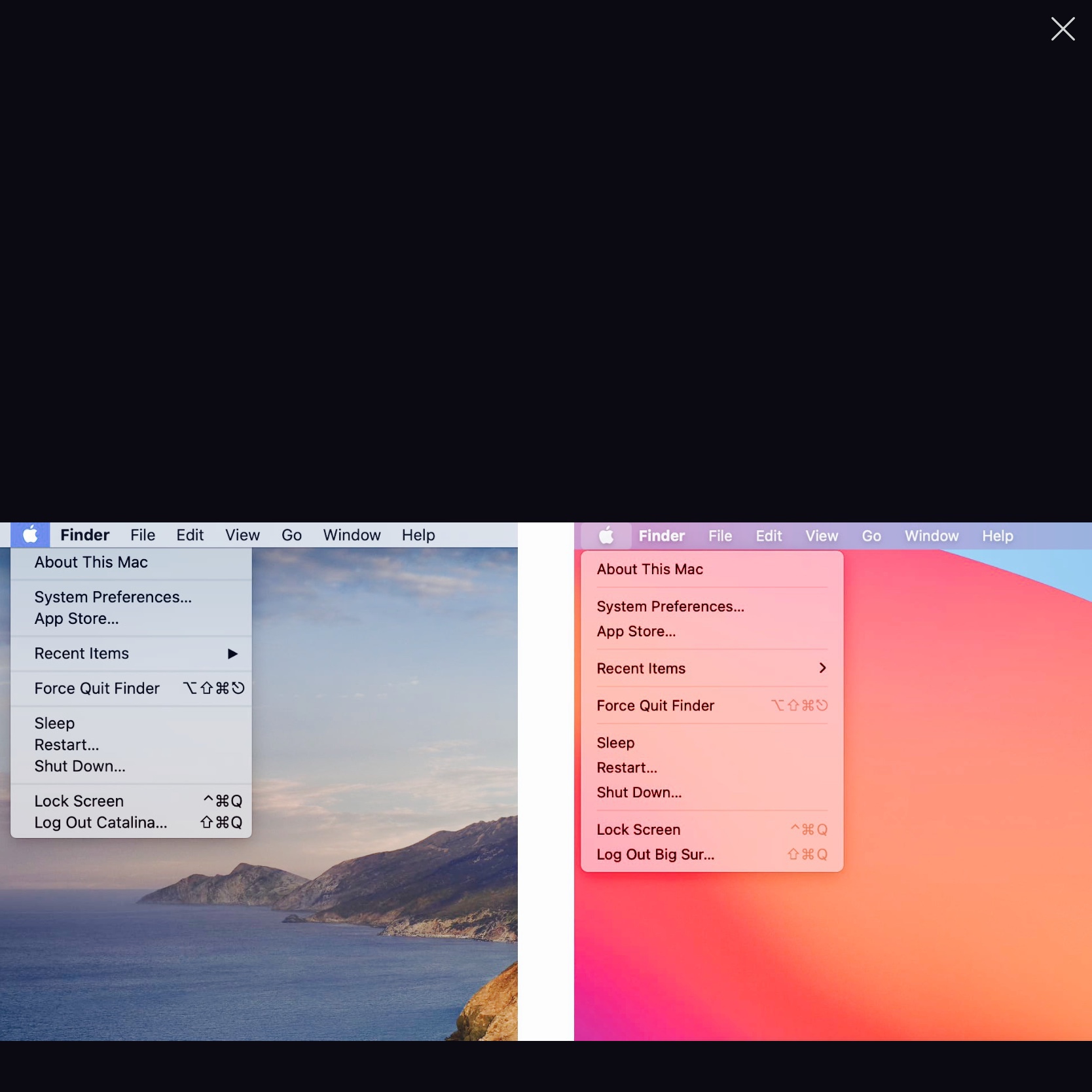
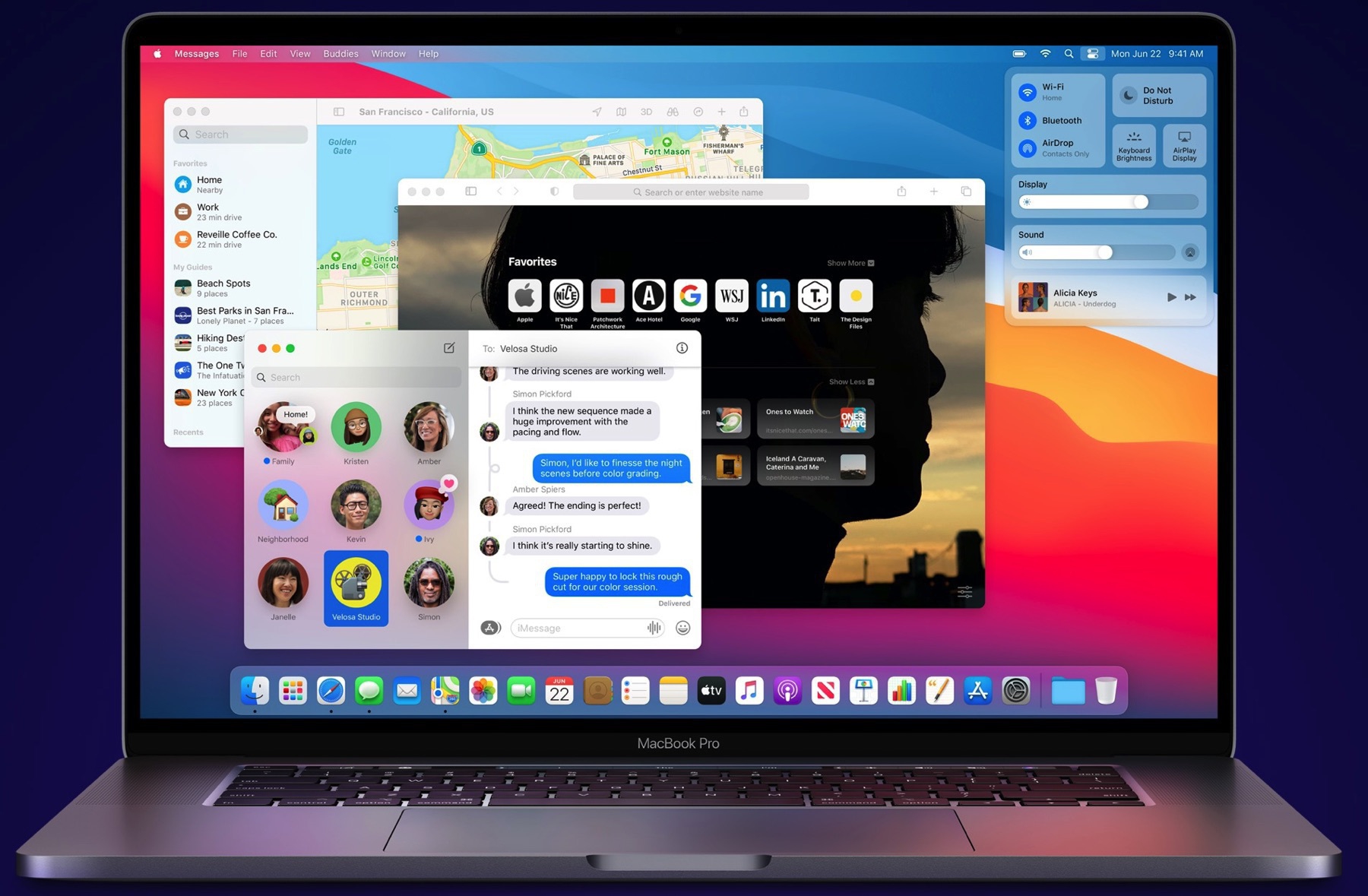
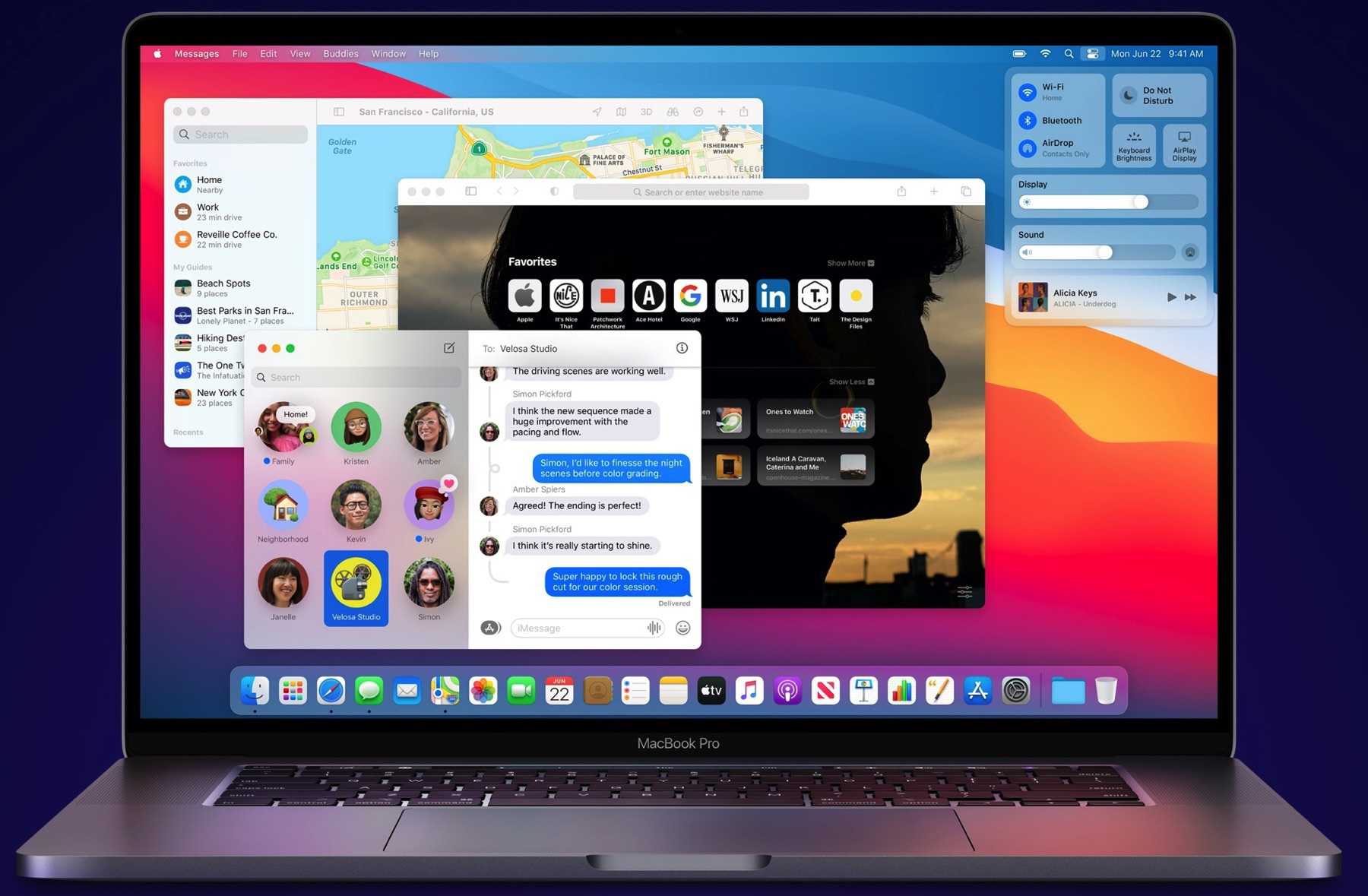
So Windows 11 is a thing. Is it a revolution to Windows? Maybe, maybe not. It depends if you can install it on your PC, which is far from certain. But let’s say you can, how deep goes the UI refresh? Is it like it was for Windows 10 which was supposedly a redesign of Windows 8 which was tweaks to Windows 7 UI that came before it. Here is a simple question: Did Microsoft really clean up the Windows UI mess that it has become over the years? I don’t care too much about windows transparency level, toolbars, icons. Getting rid of UI legacy feels a more useful and laudable endeavour.

On design trends — sadness

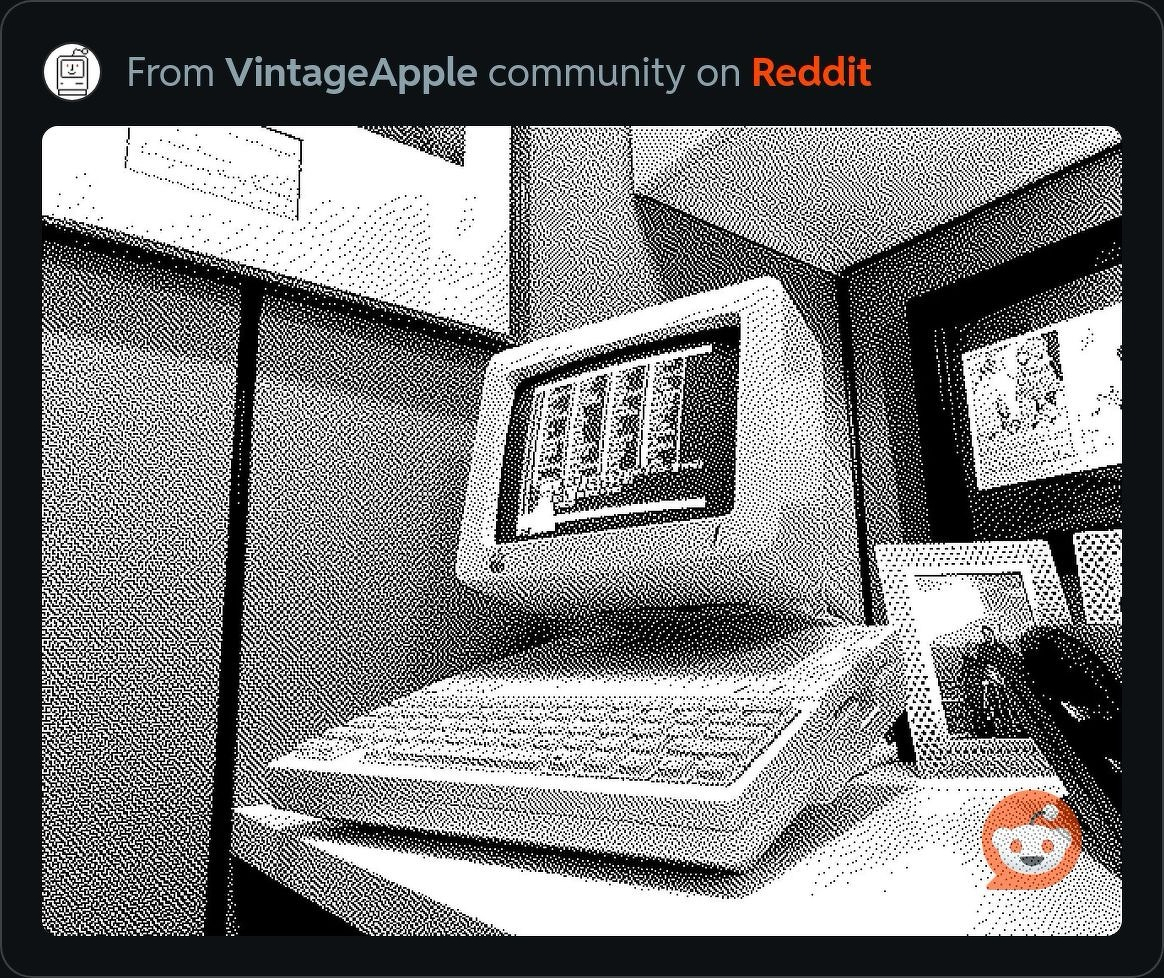
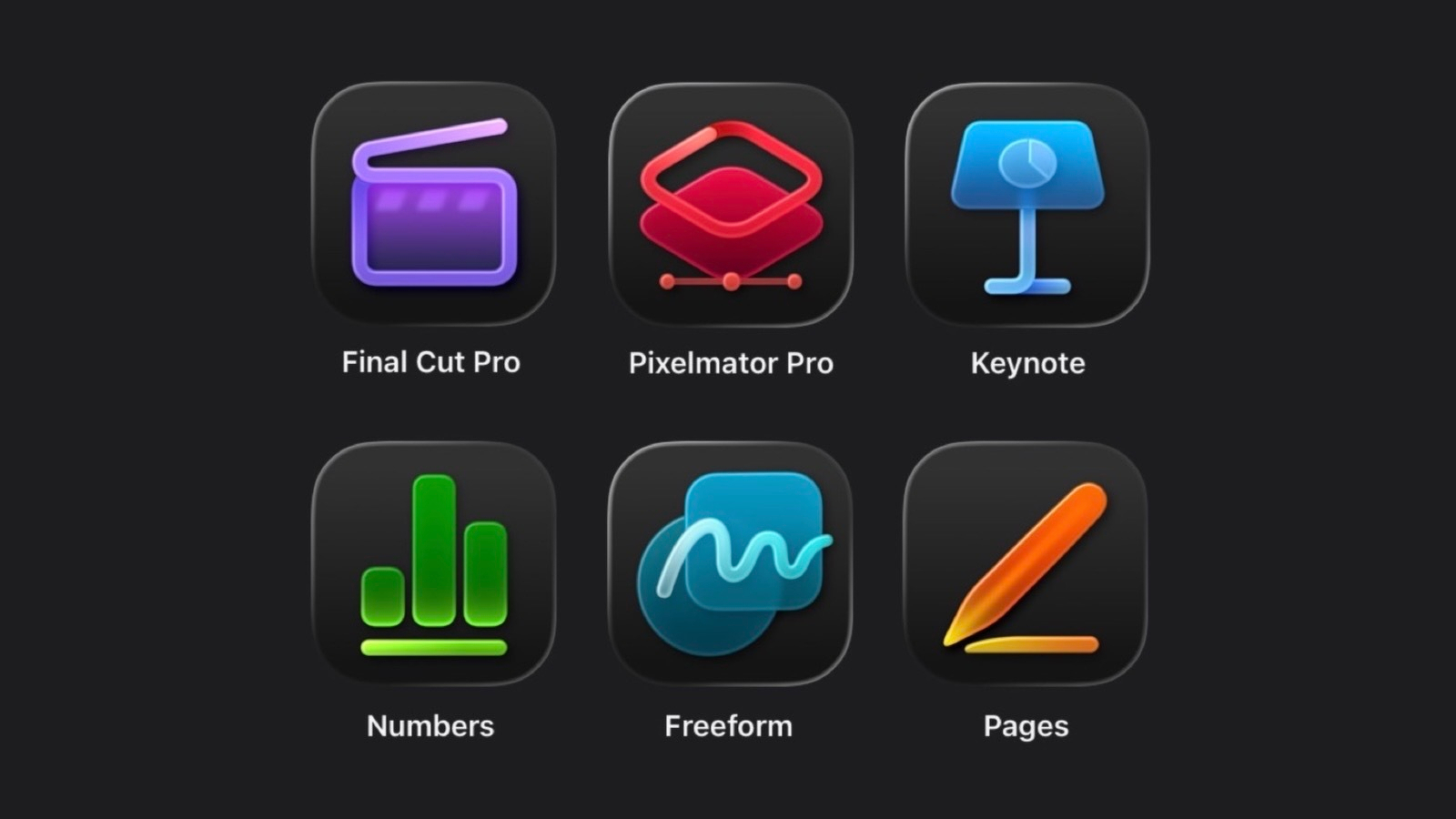
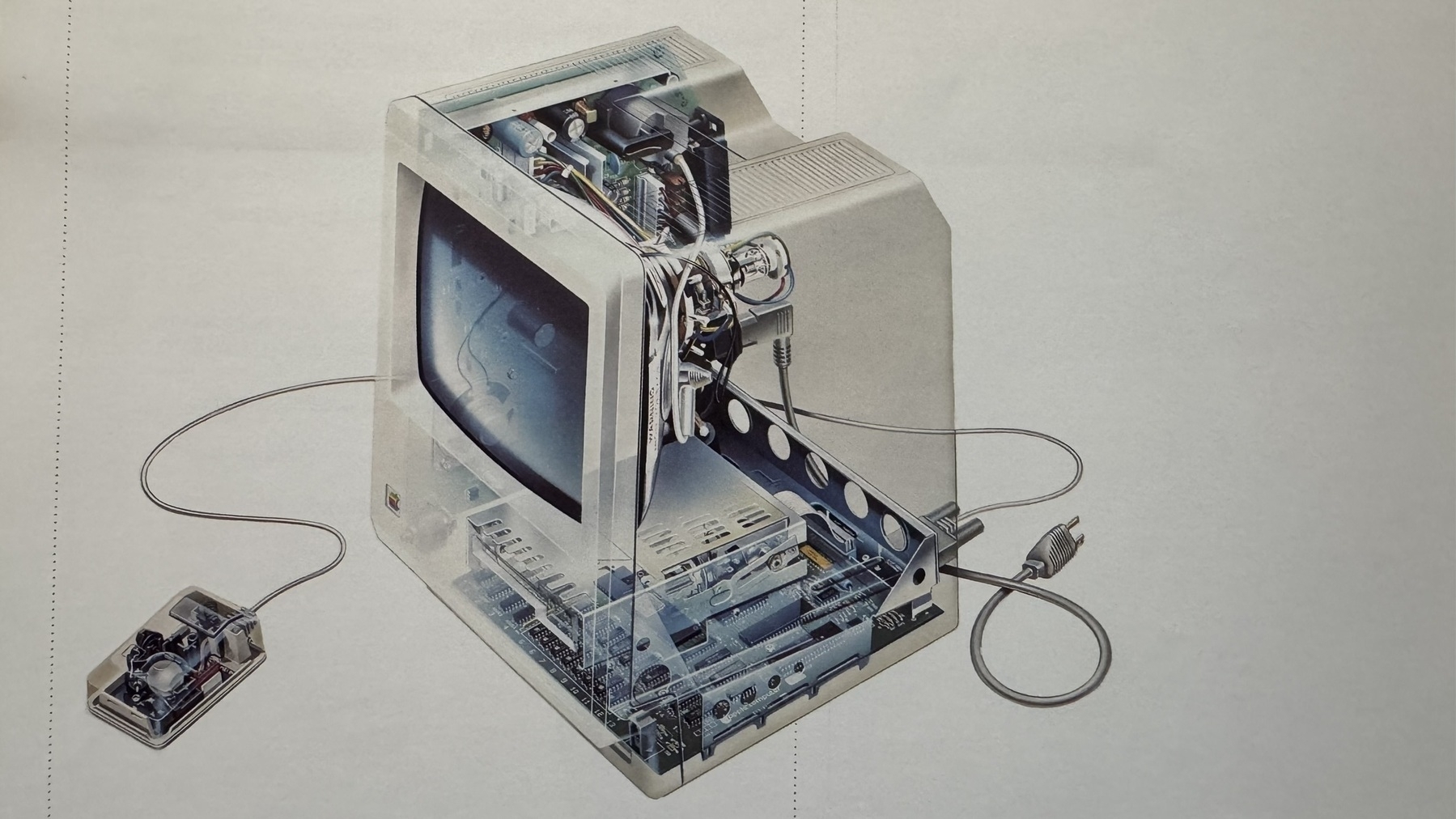
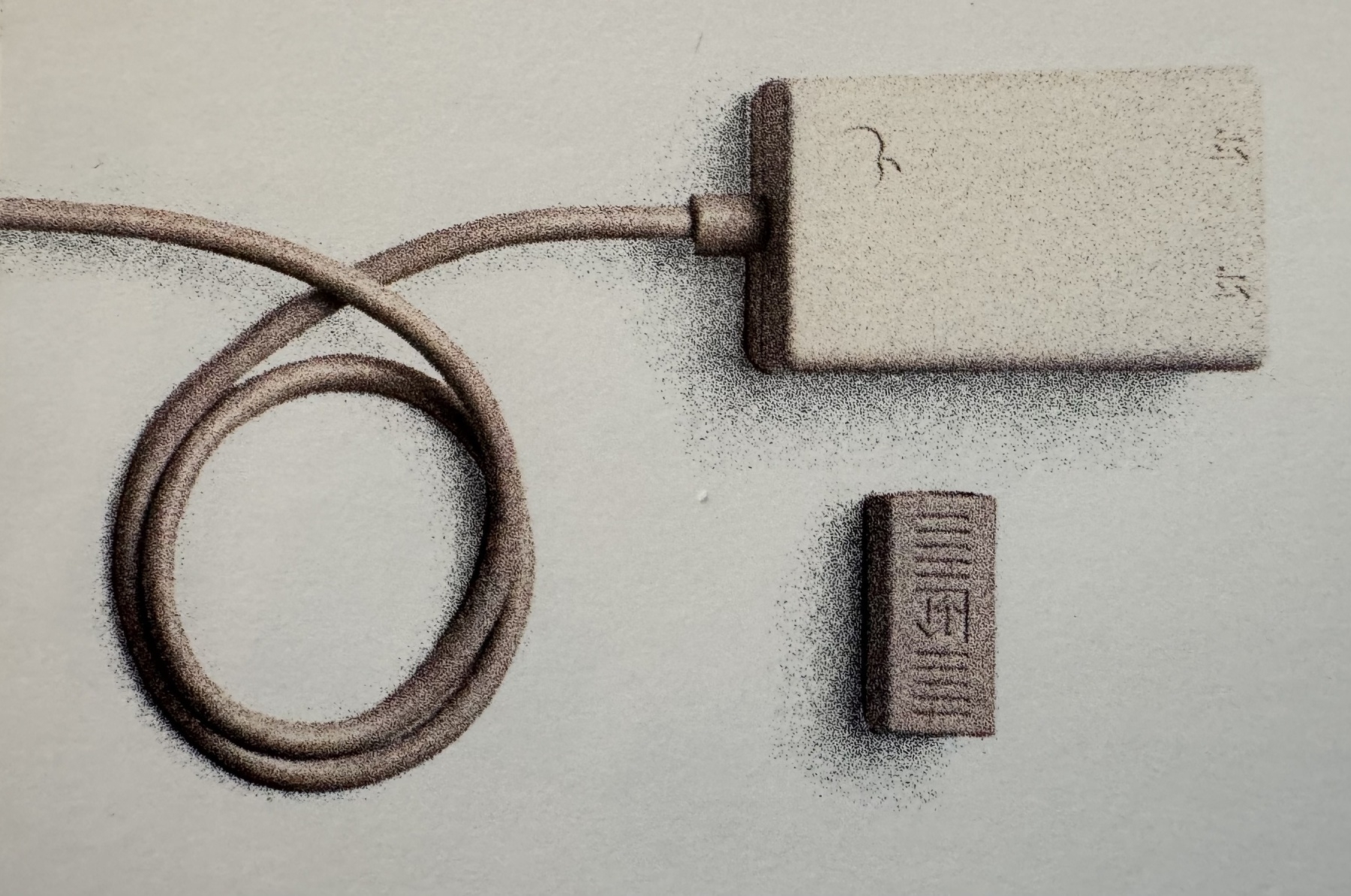
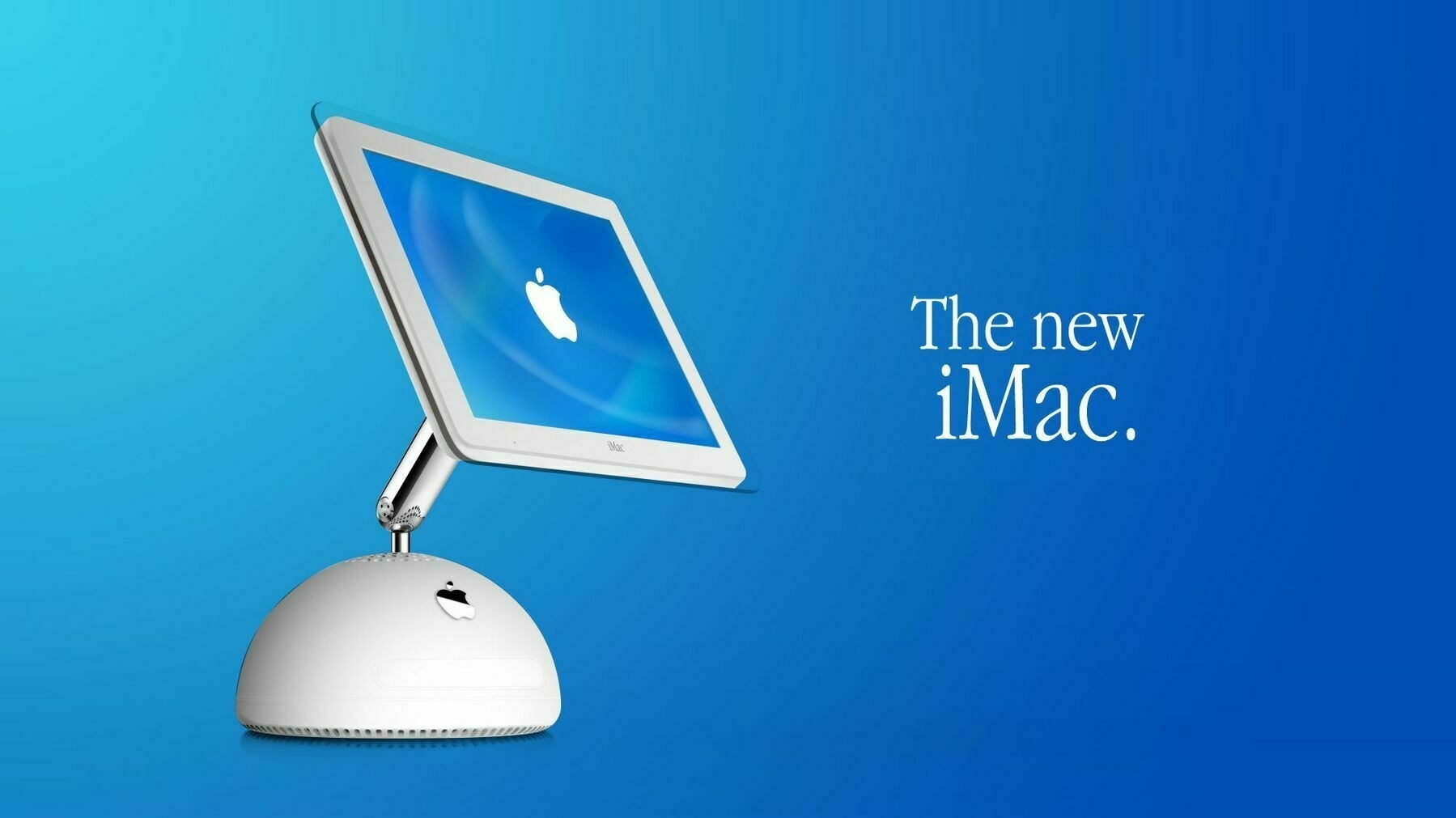
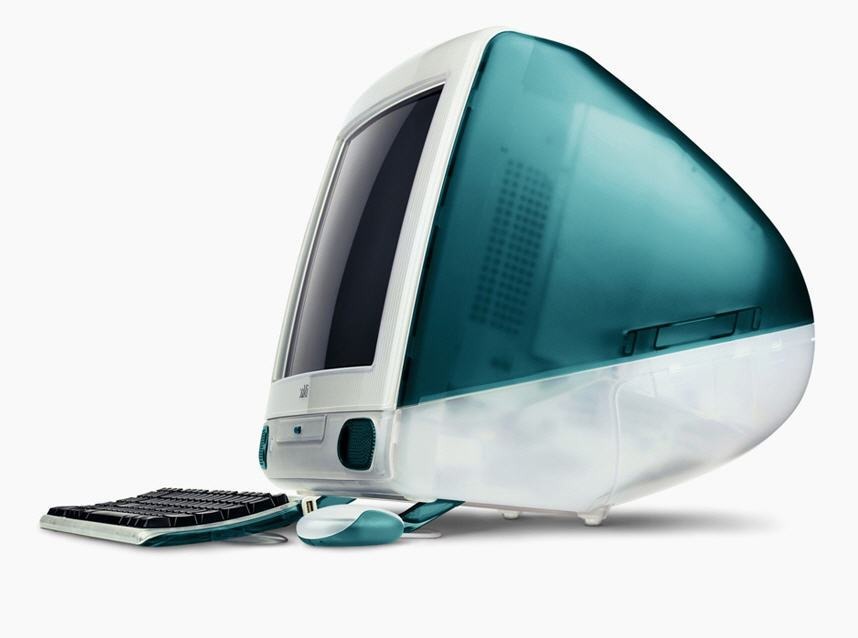
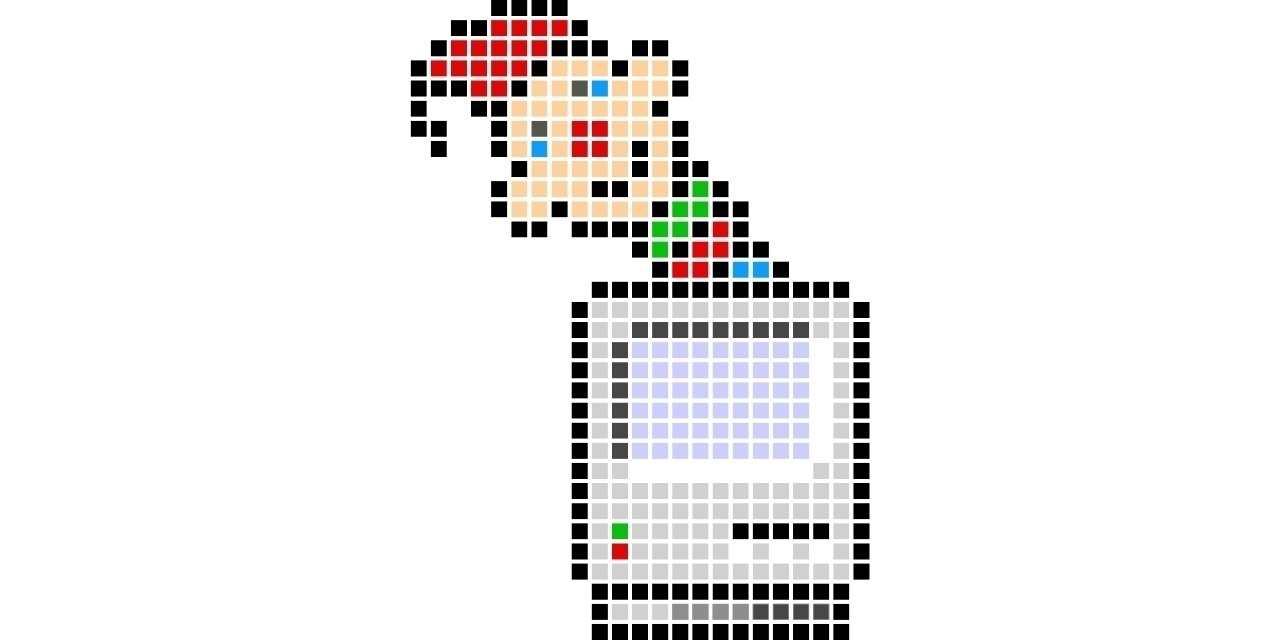
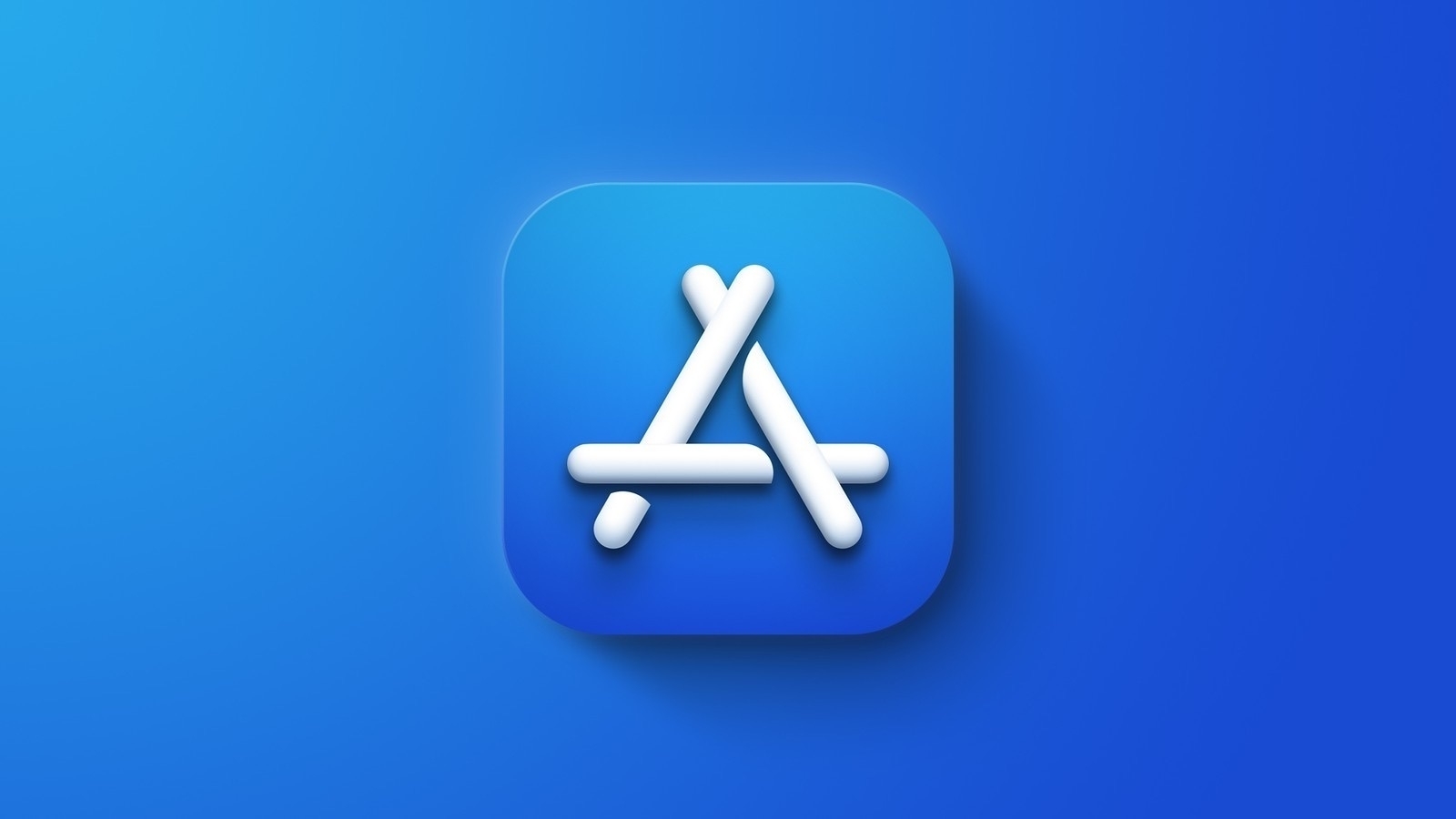
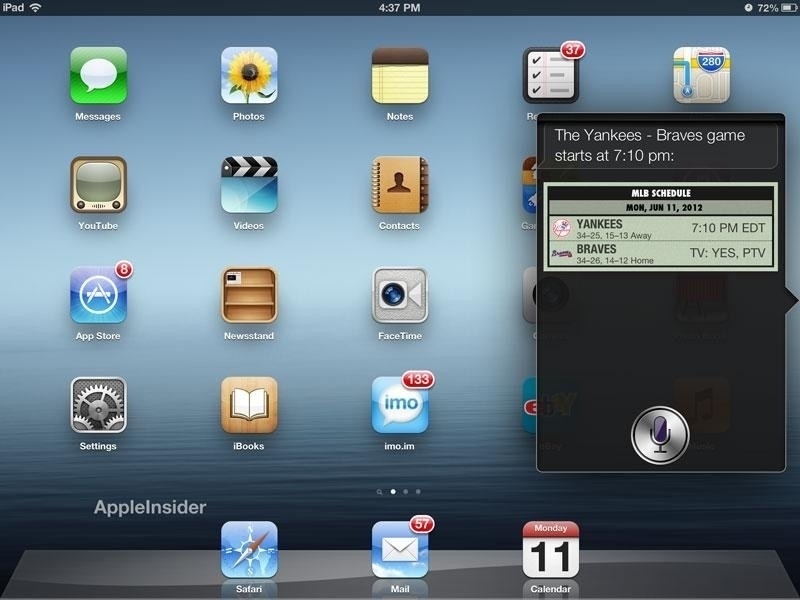
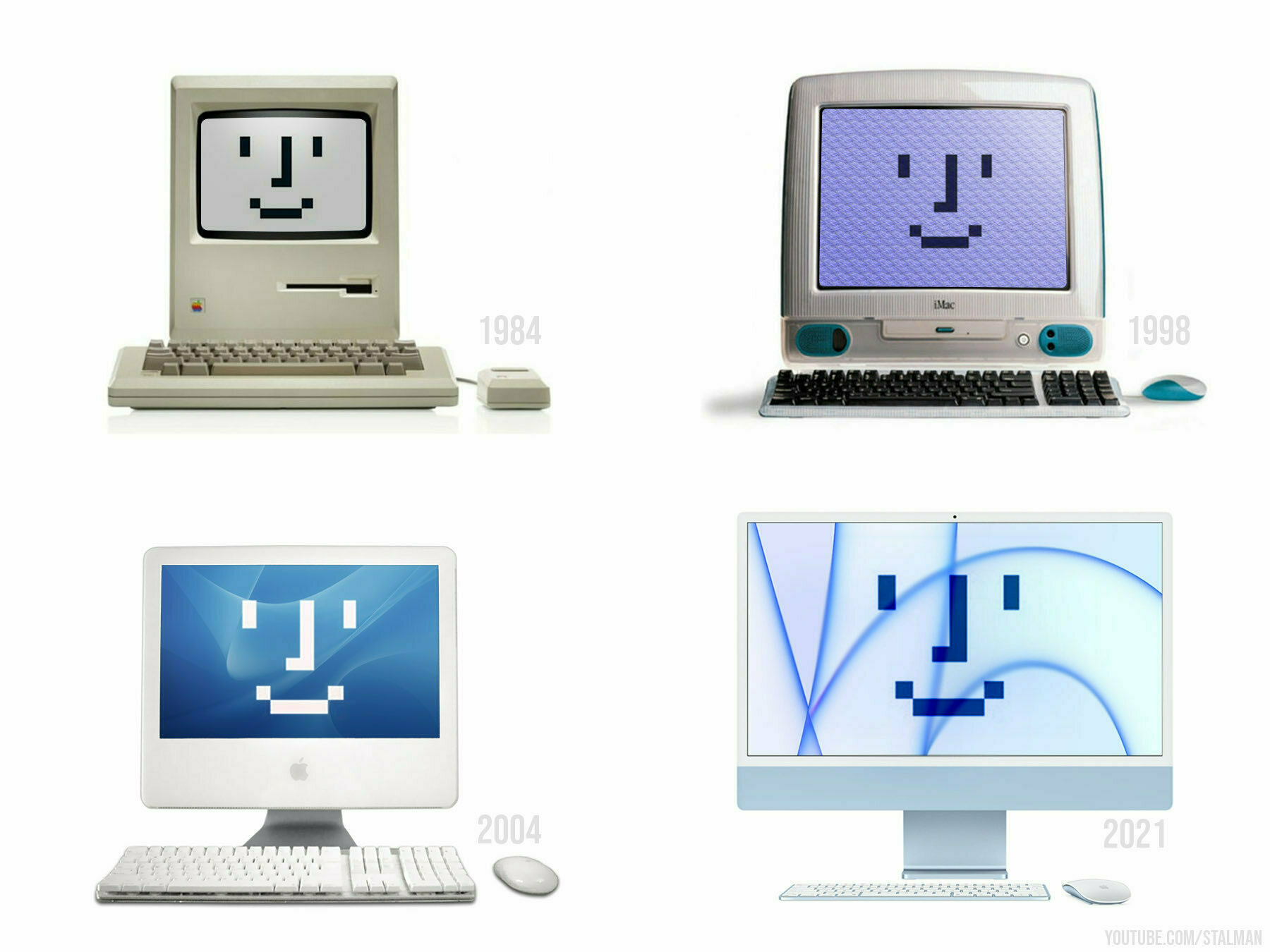
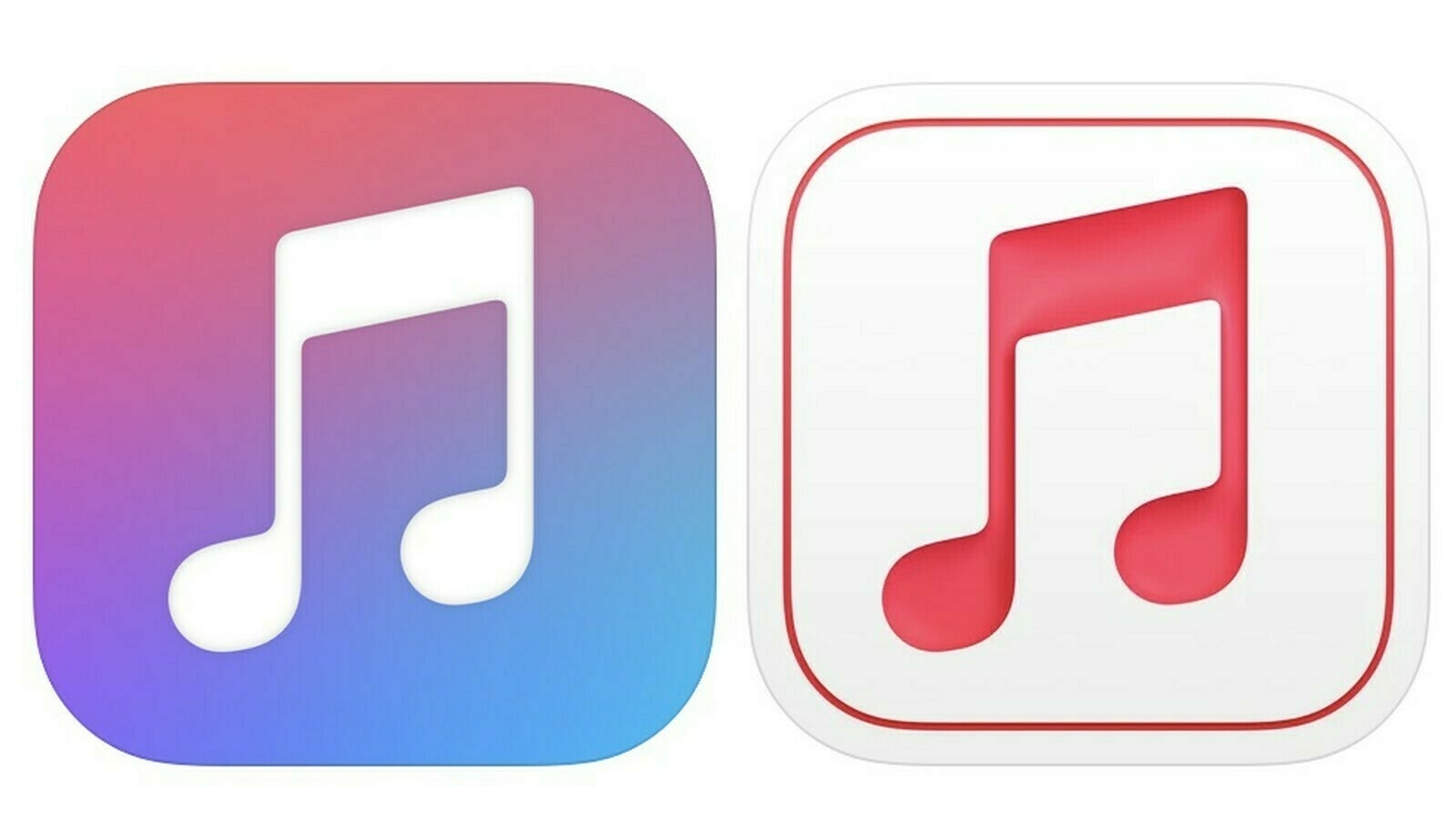
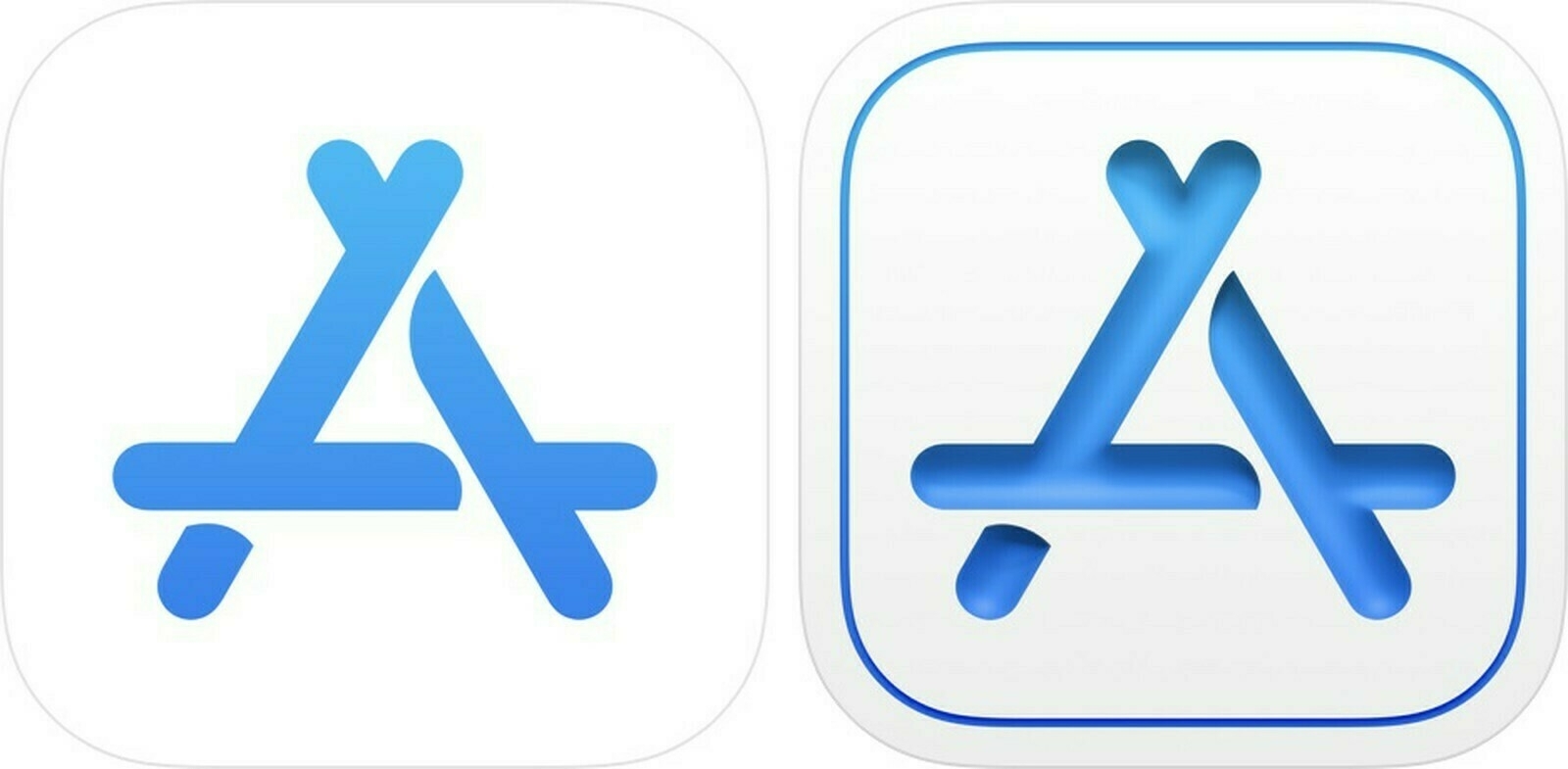
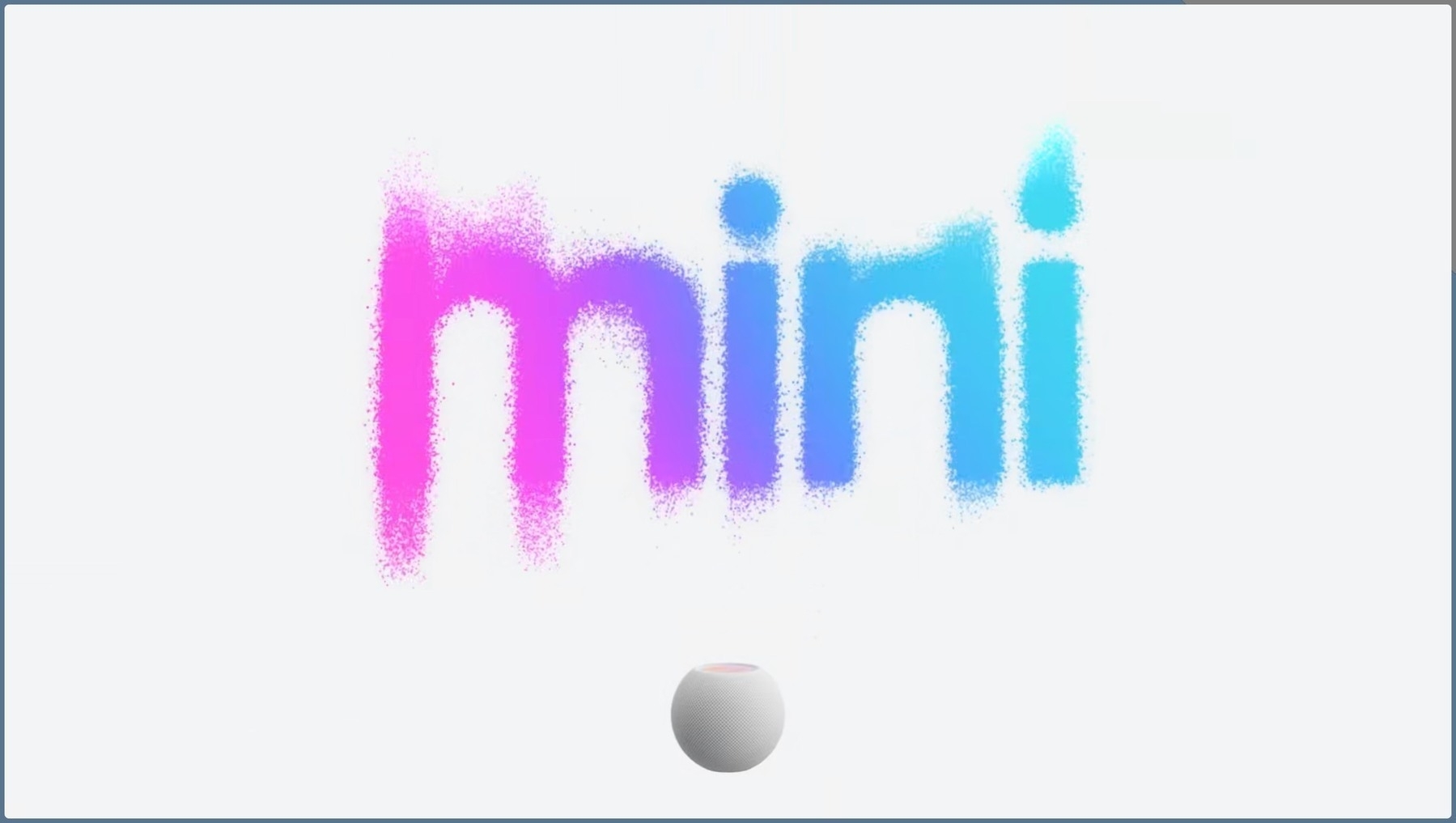
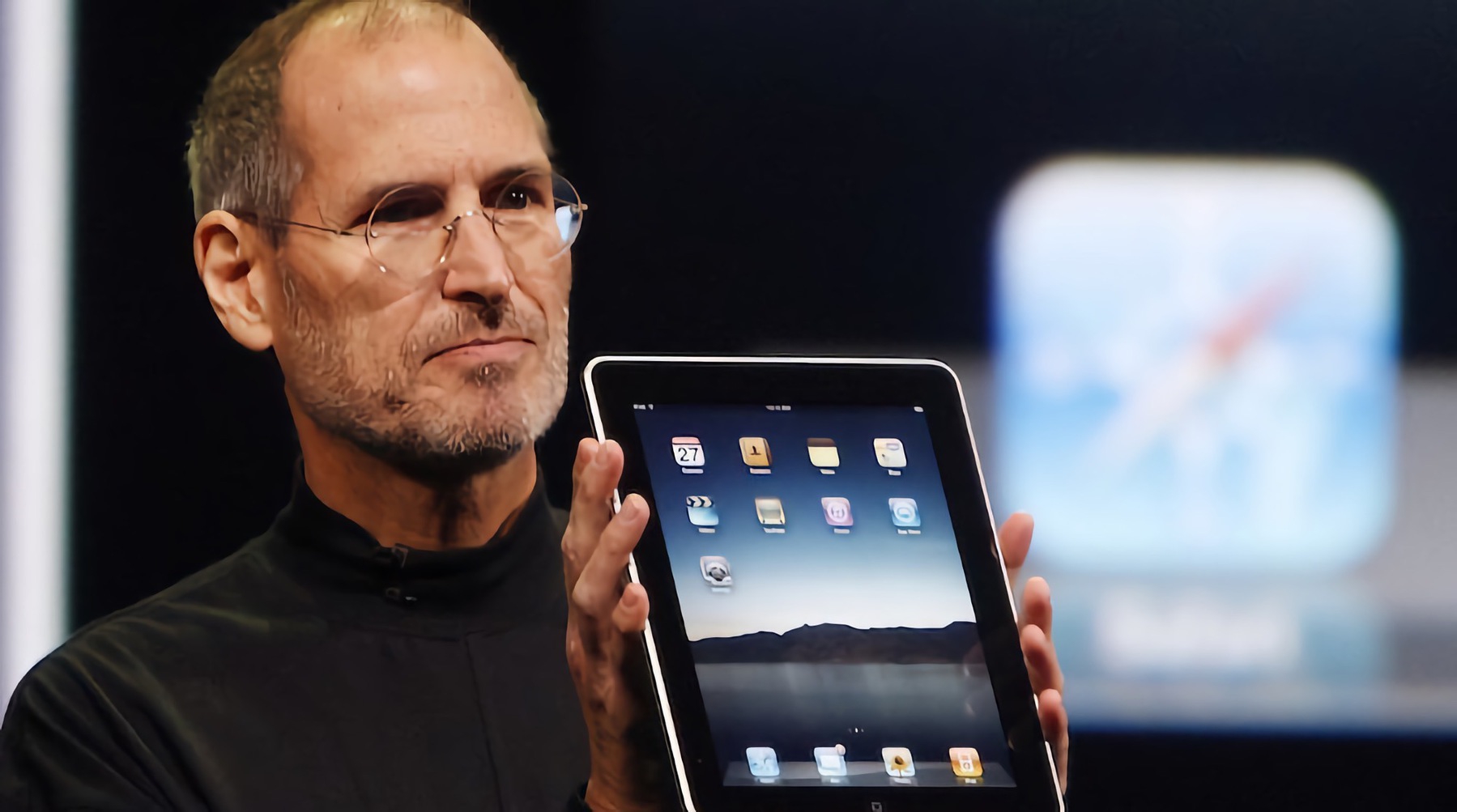
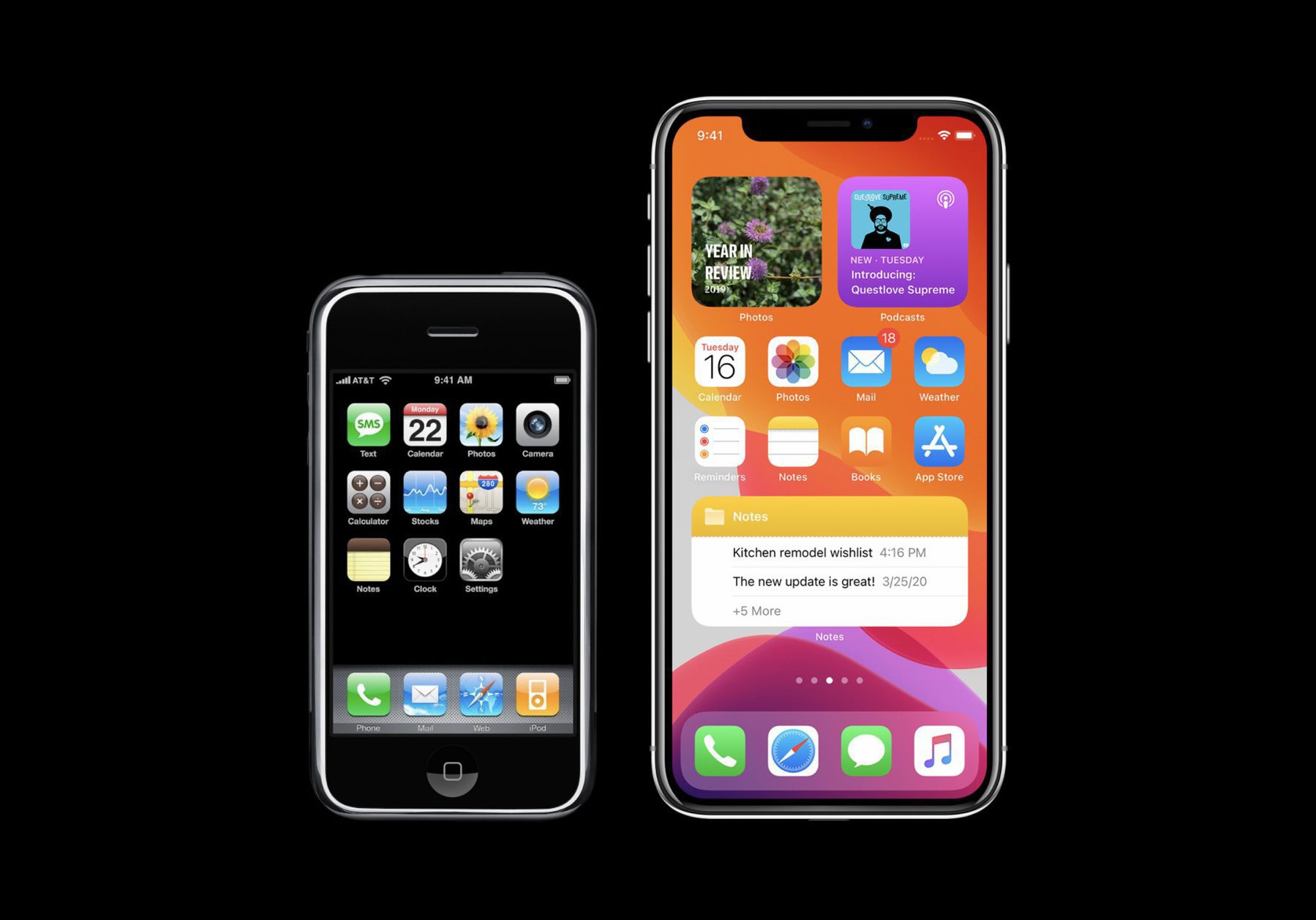
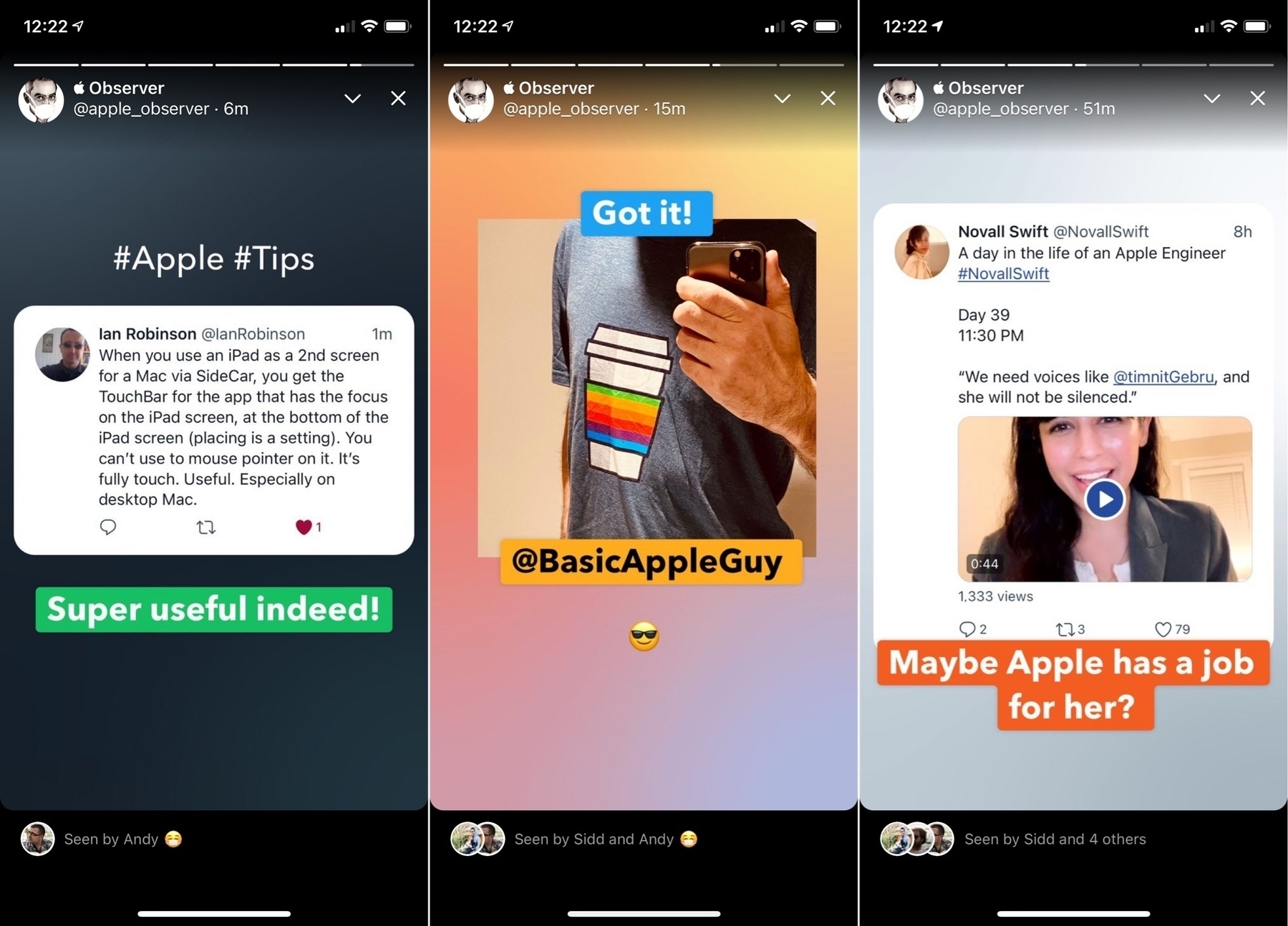
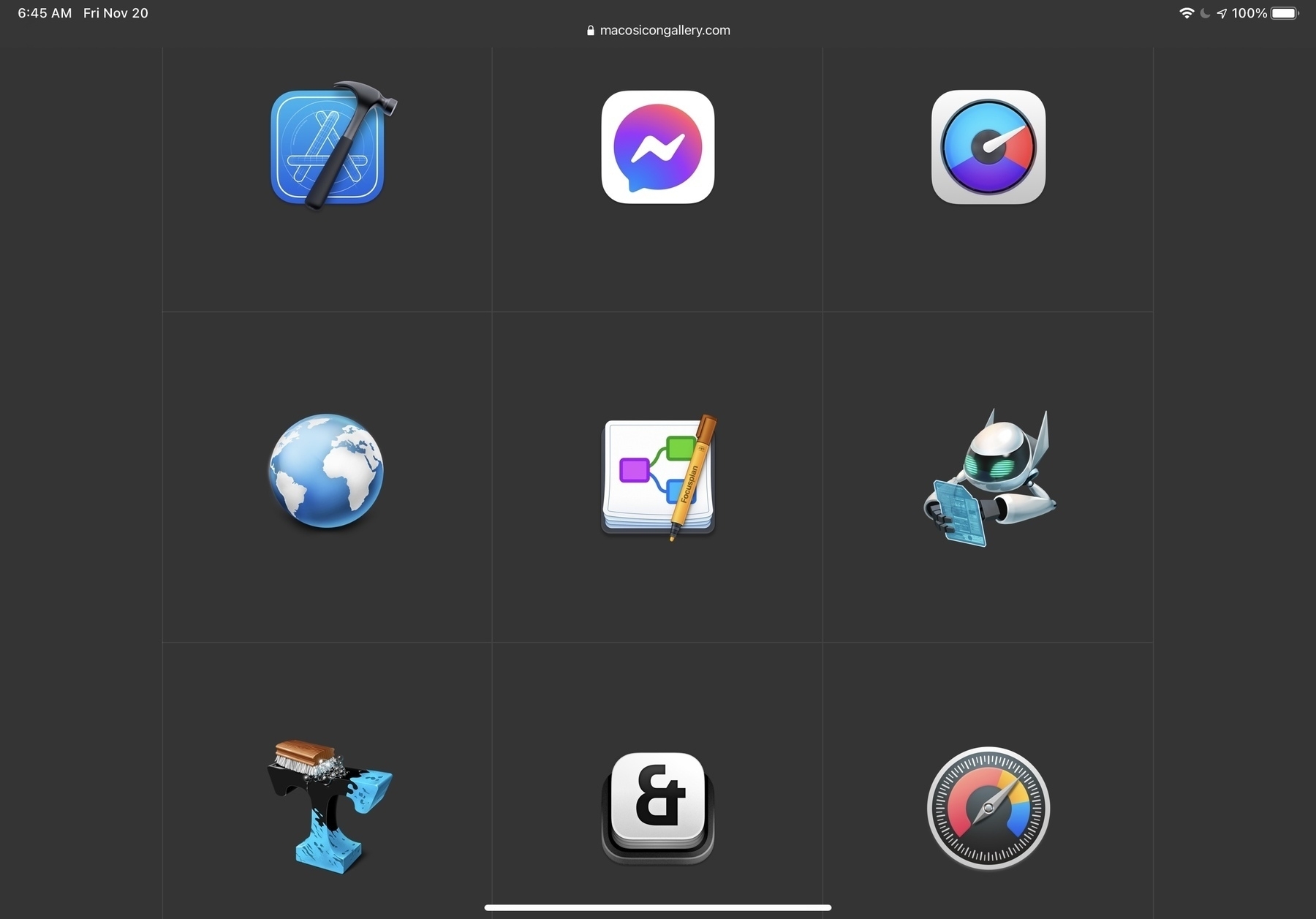
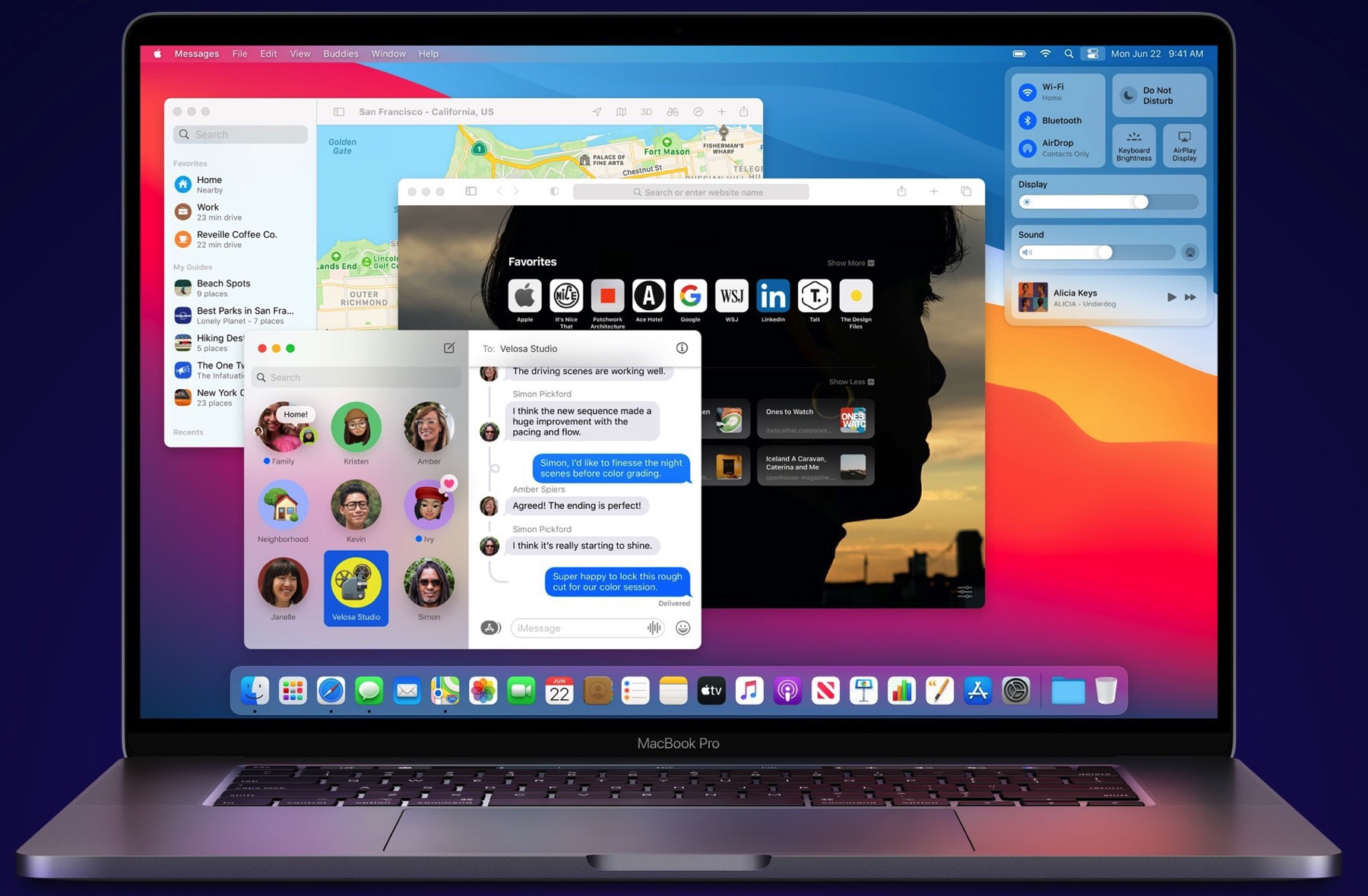
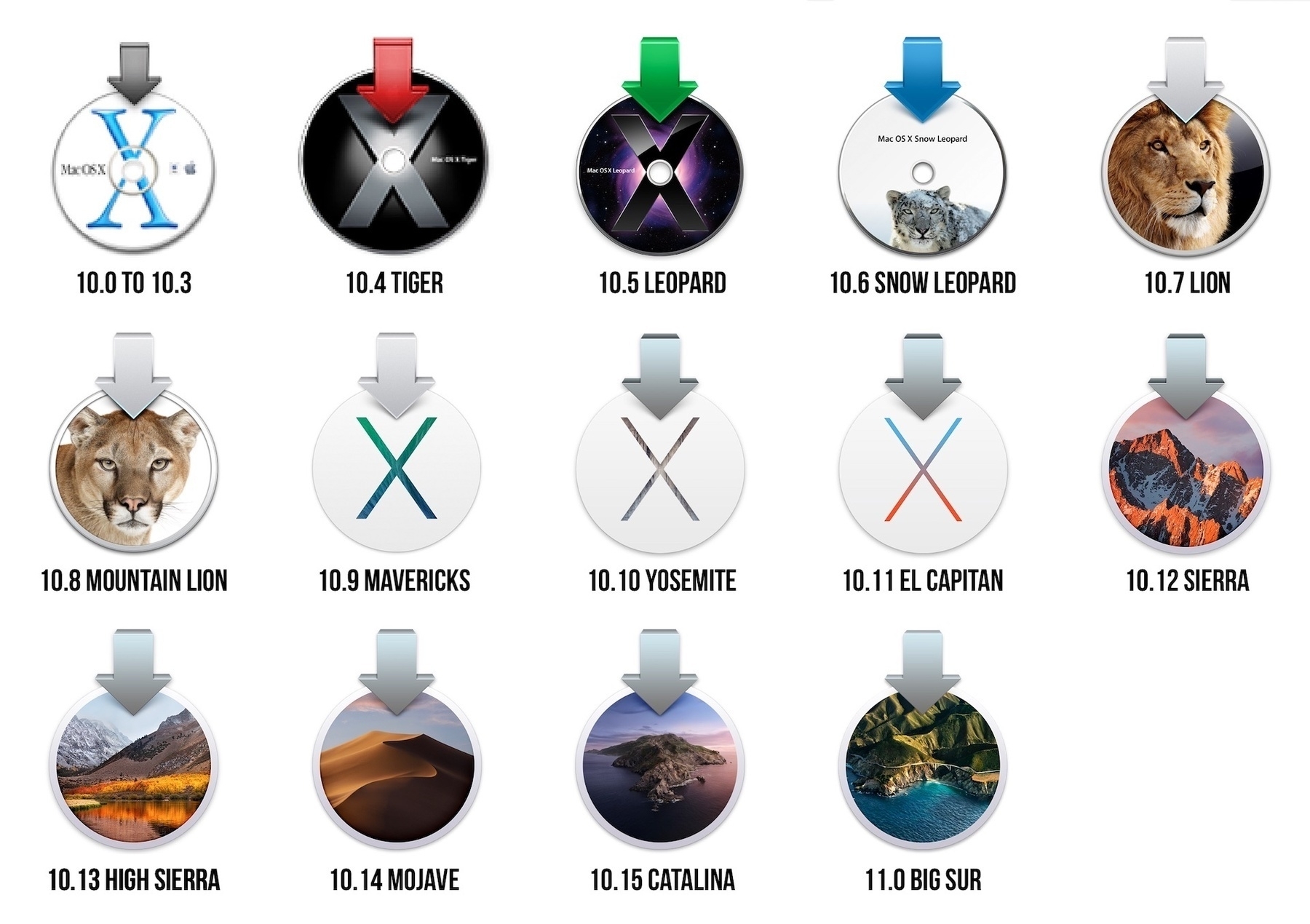
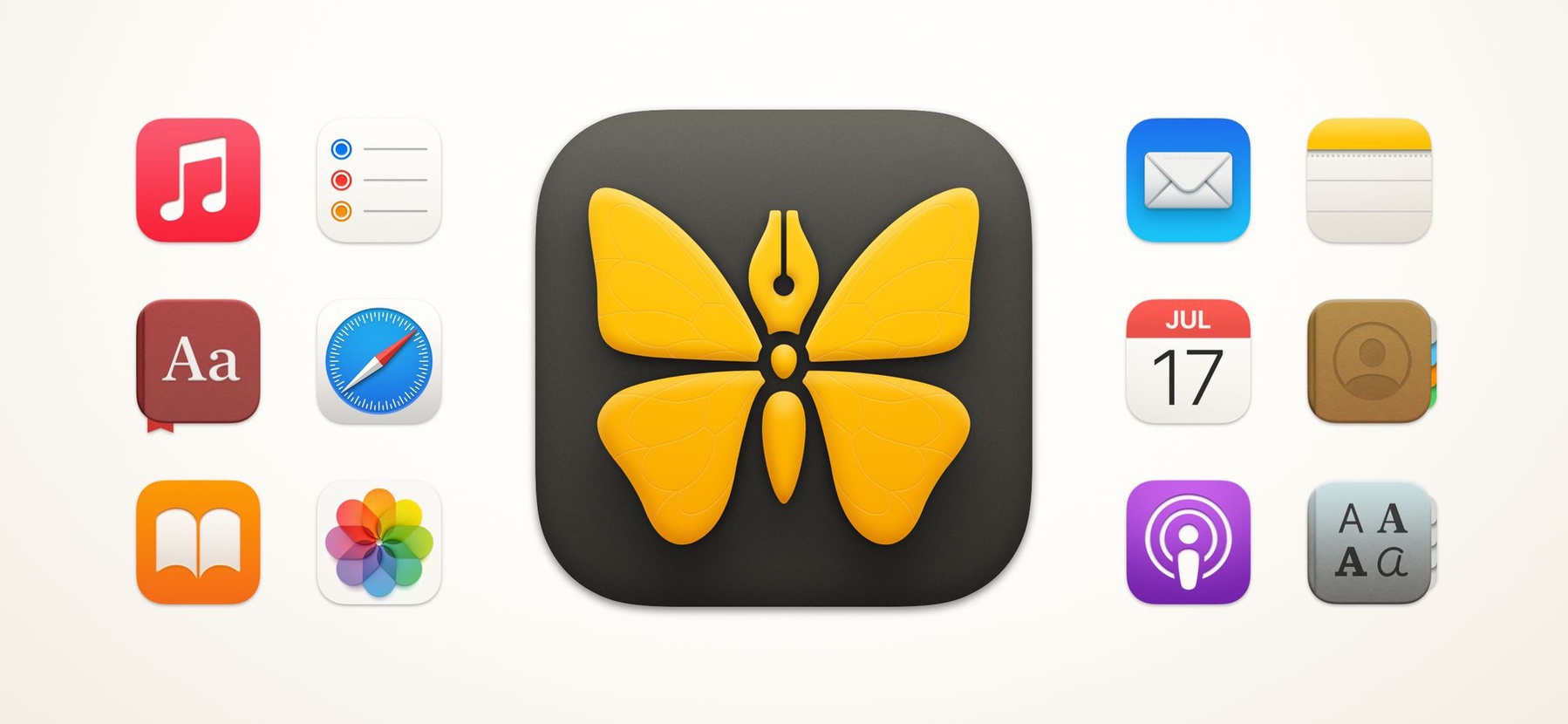
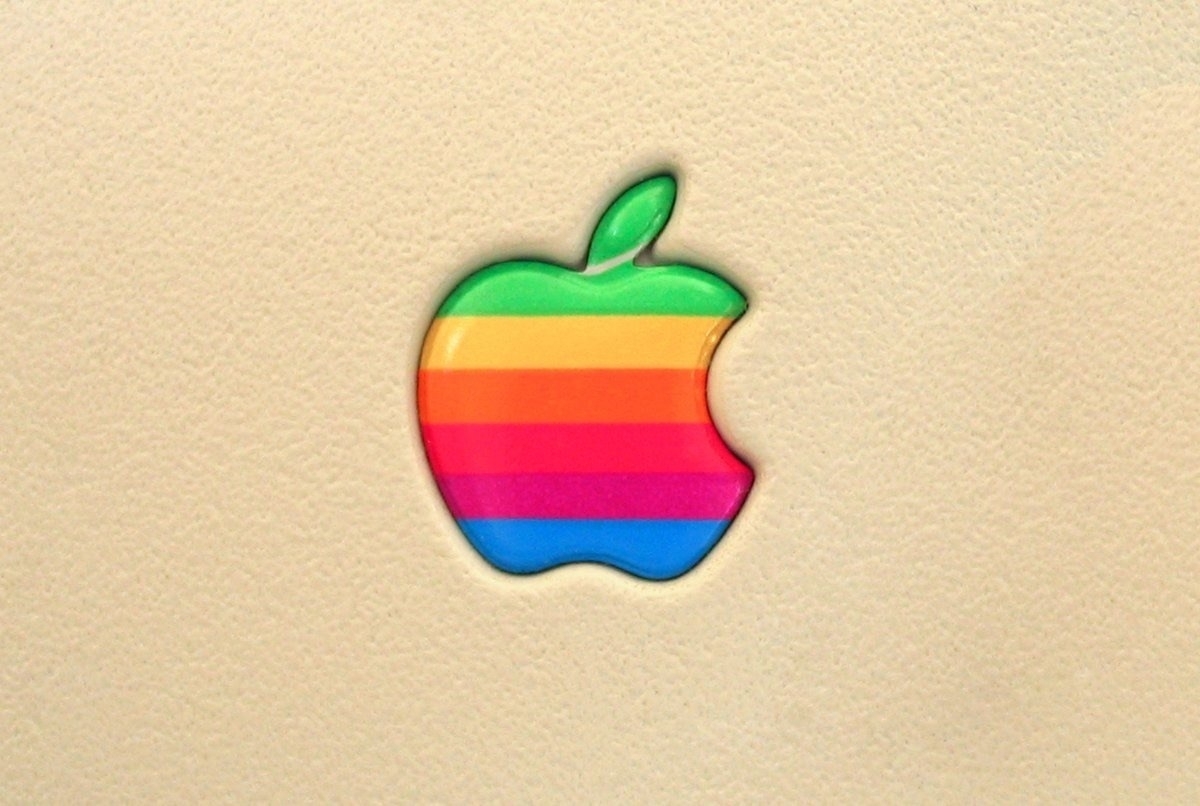
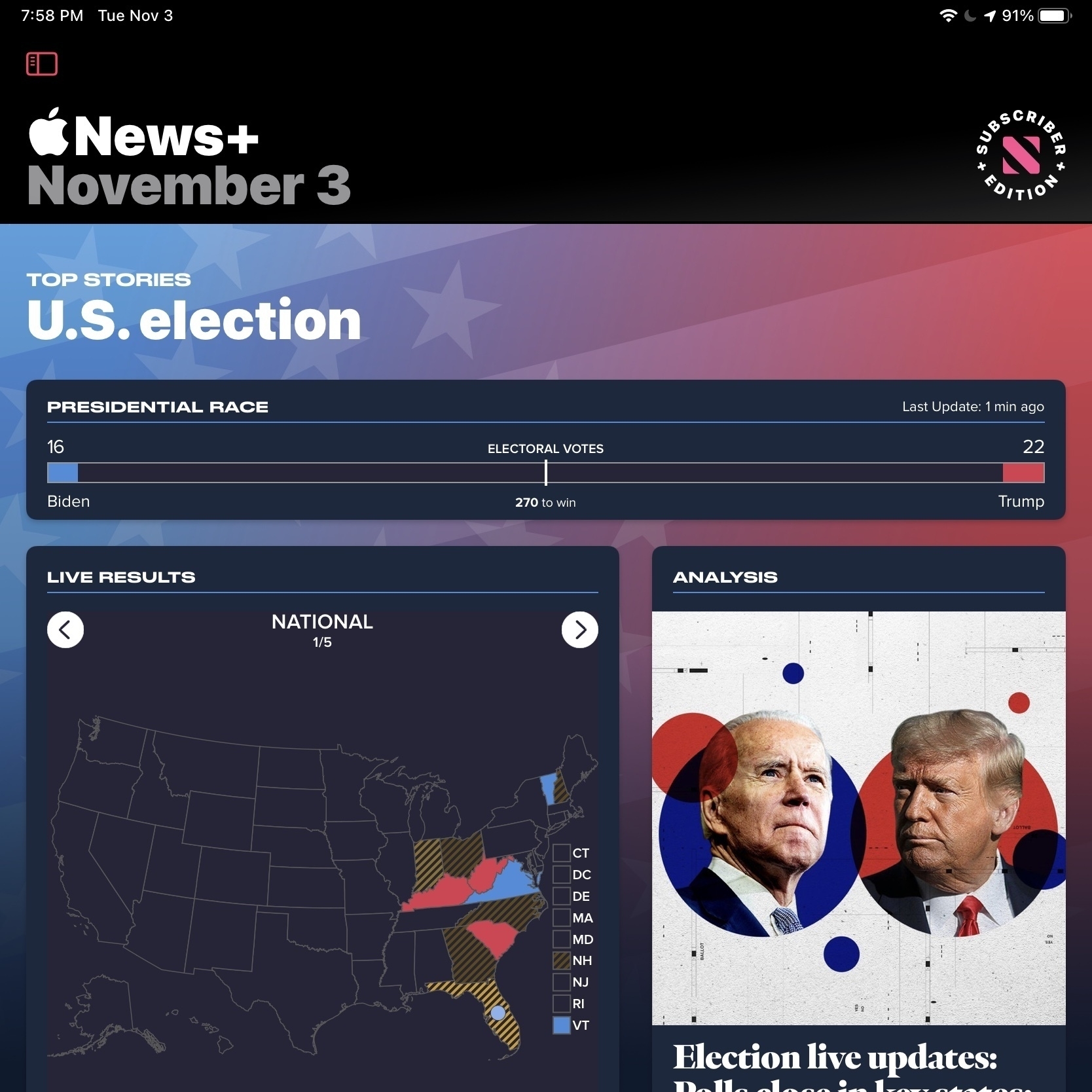
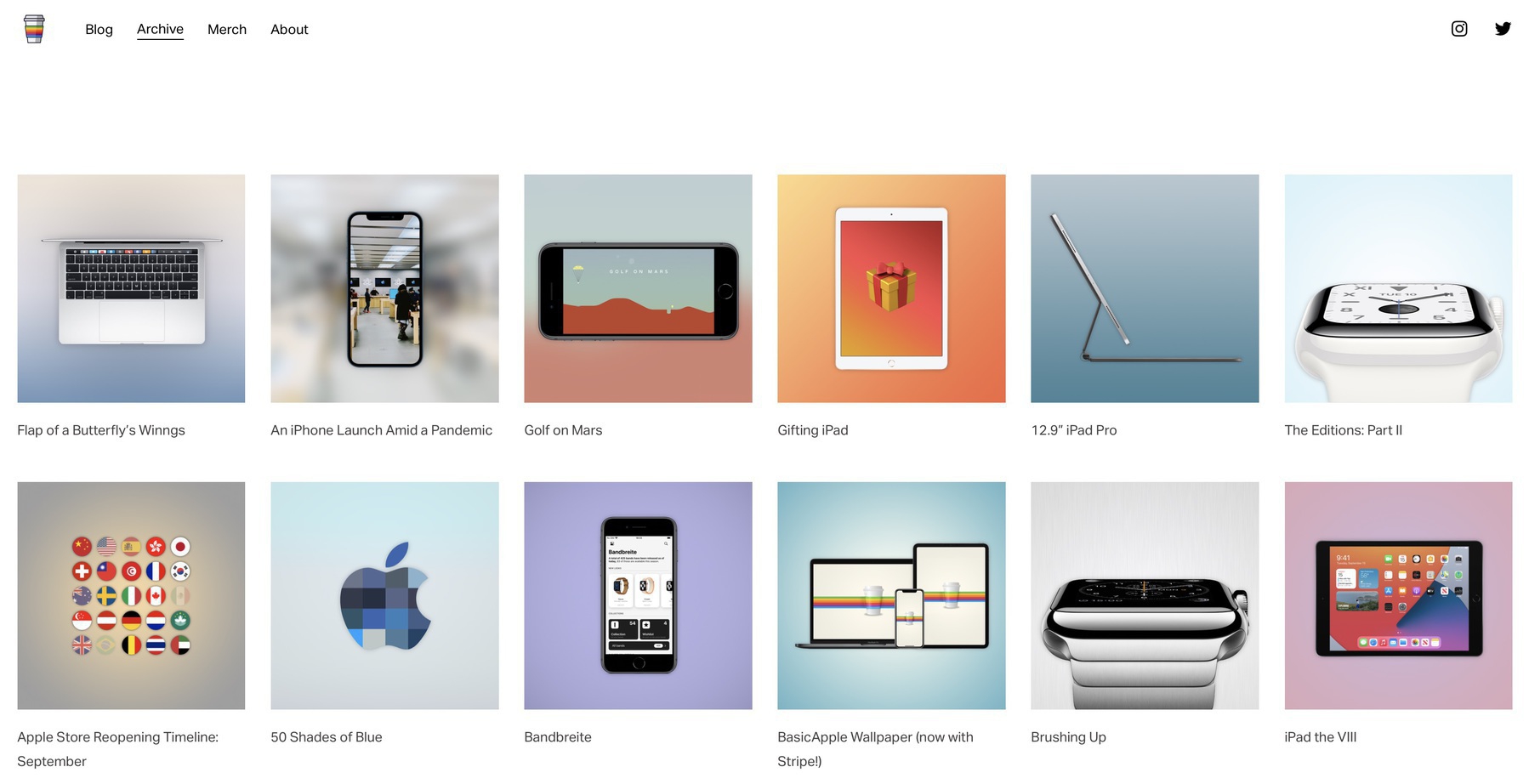
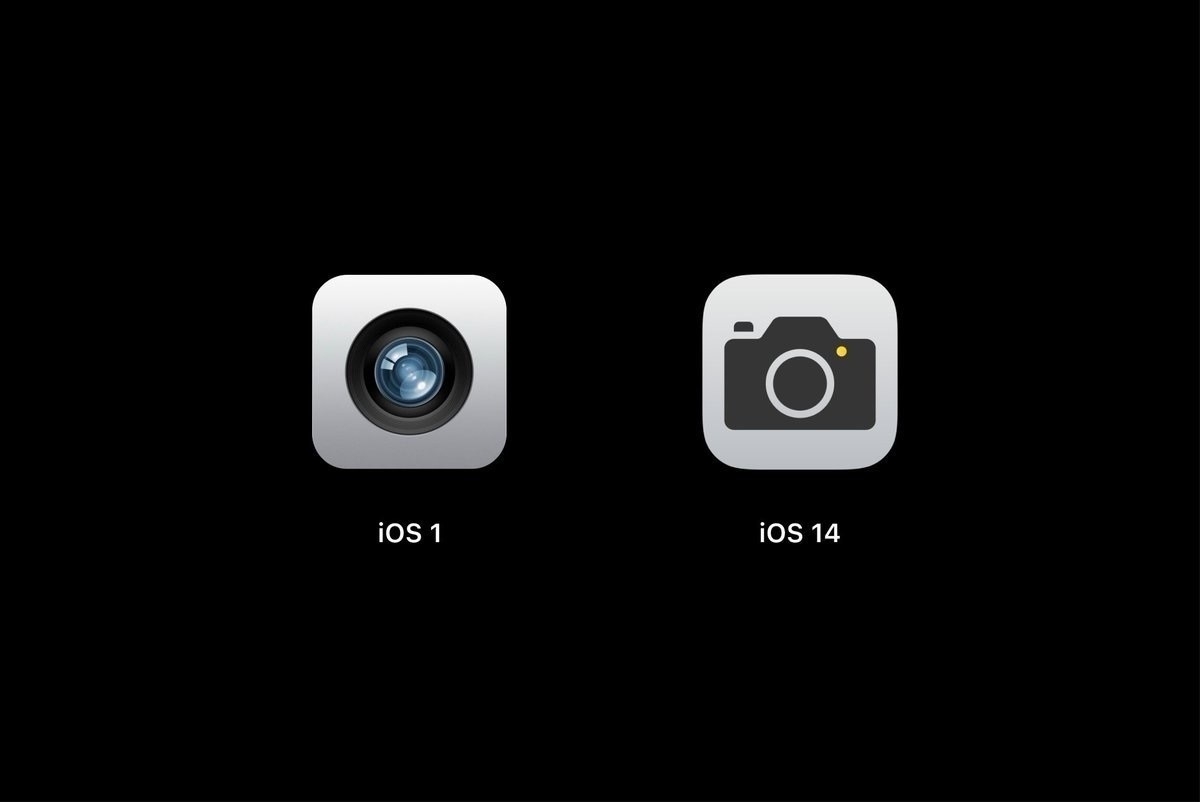
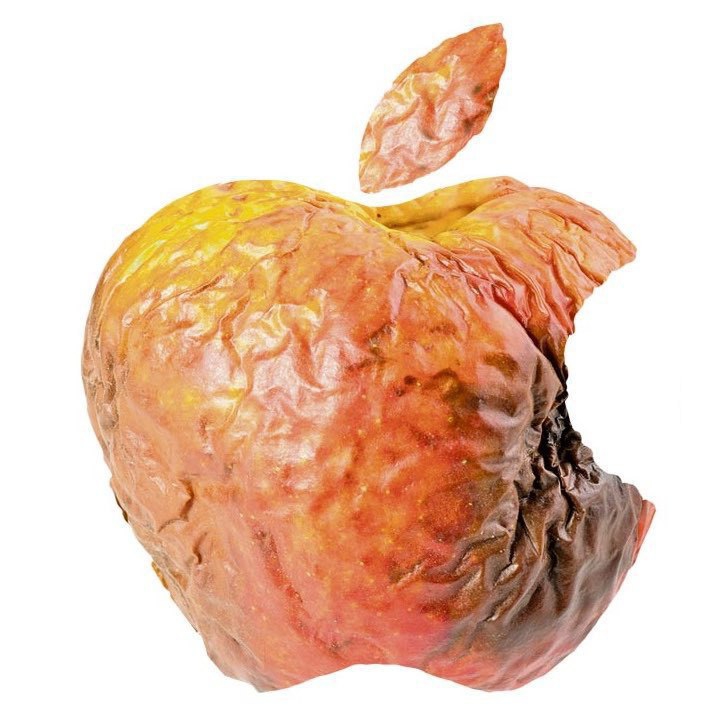
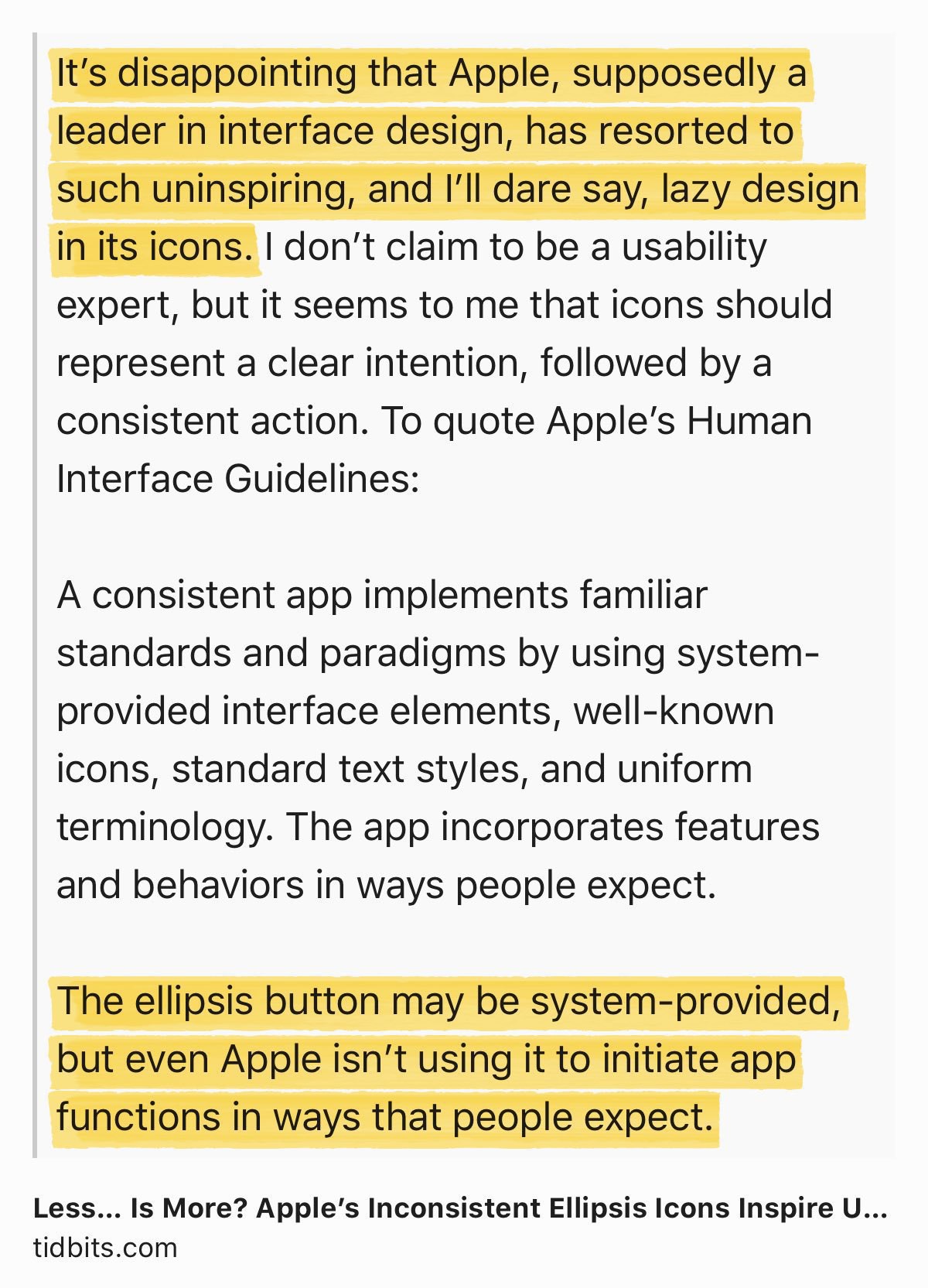
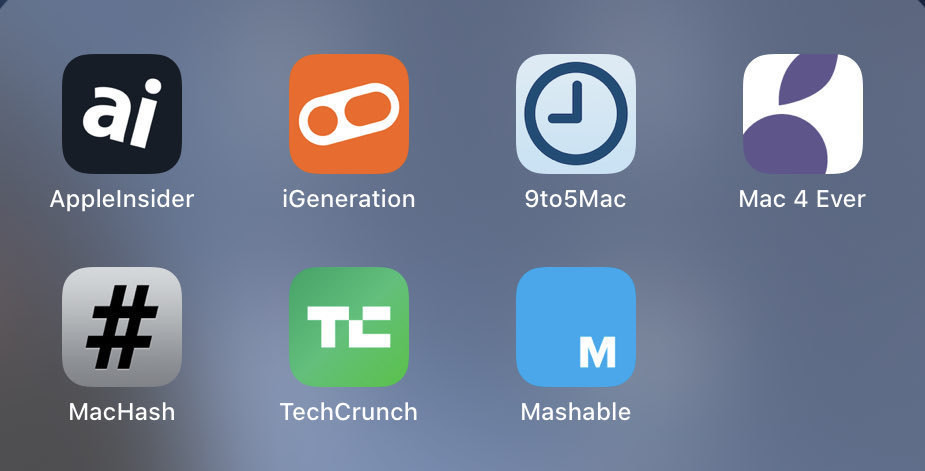
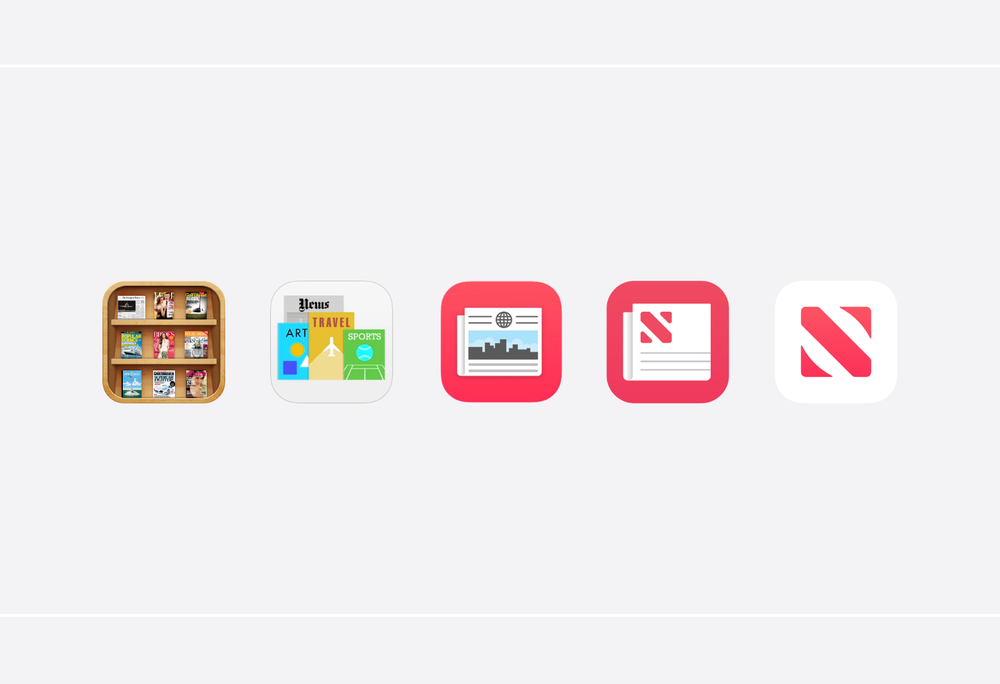
While reading a recent article from Basic Apple Guy about News+, there is this illustration that shows how far Apple News icon has come since its beginnings. I have included the illustration here. It shows how bad design has become in the last five to ten years. That is really depressing to see. As much as things like AR and LiDAR technology help bring real world and virtual world closer together, UI design seems to go the opposite direction. Why is that? When will that trend stop and maybe revert a bit? Why can’t we get visually joyful icons anymore? Is it a matter of design costs being too high?

A few observations on my iPadOS 15 beta2 experience so far

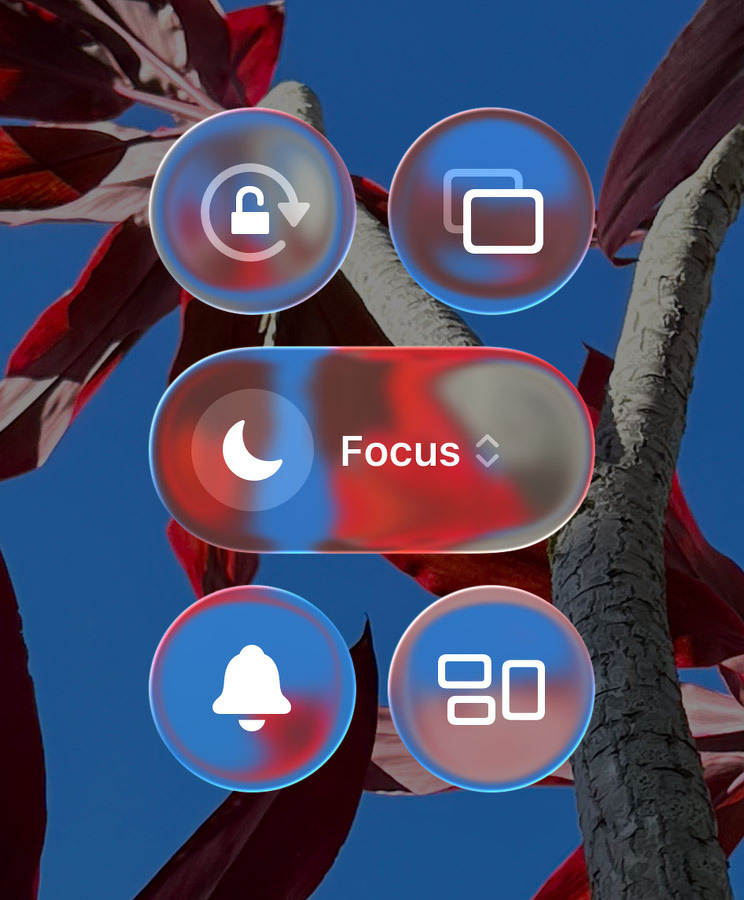
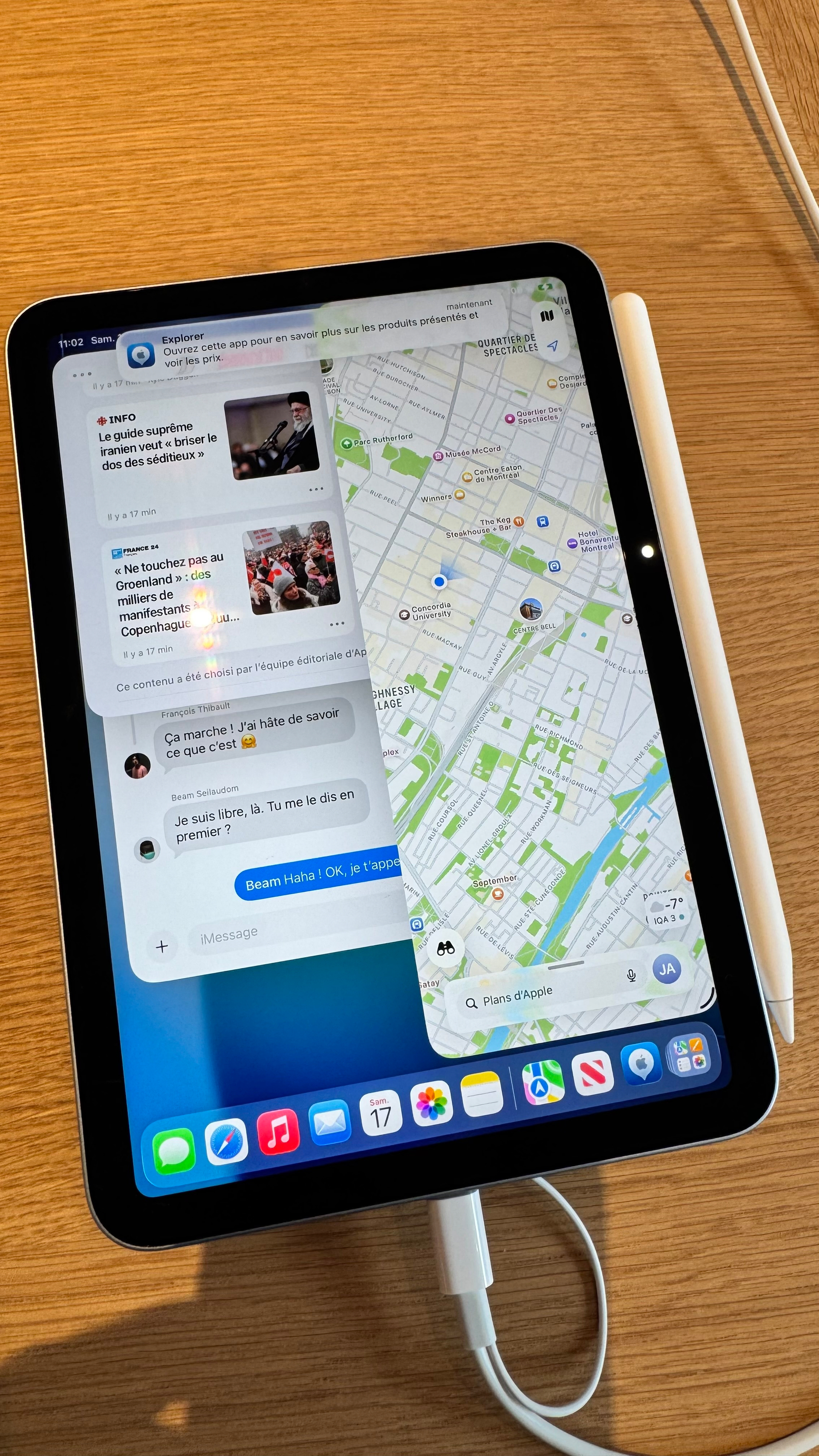
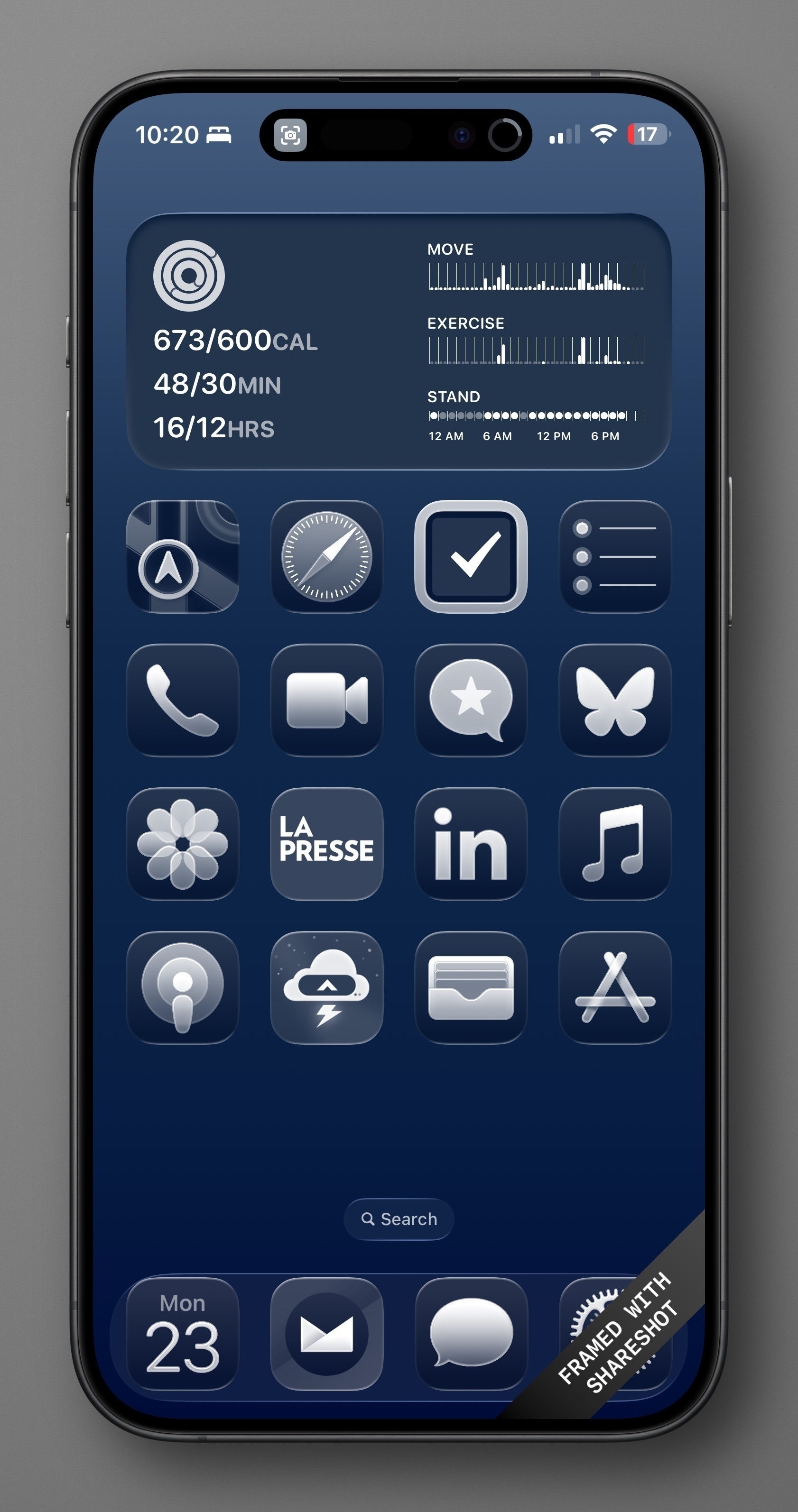
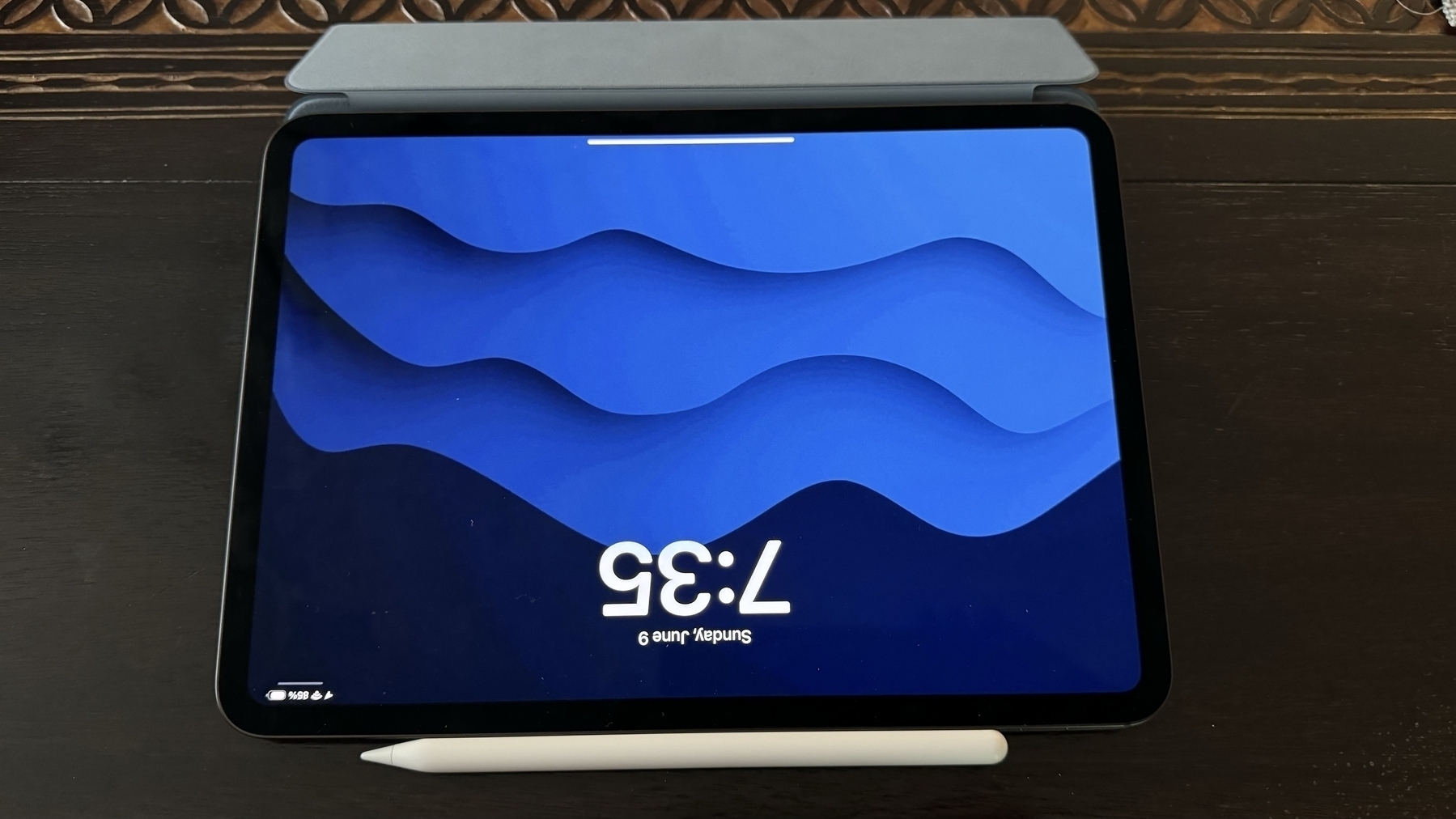
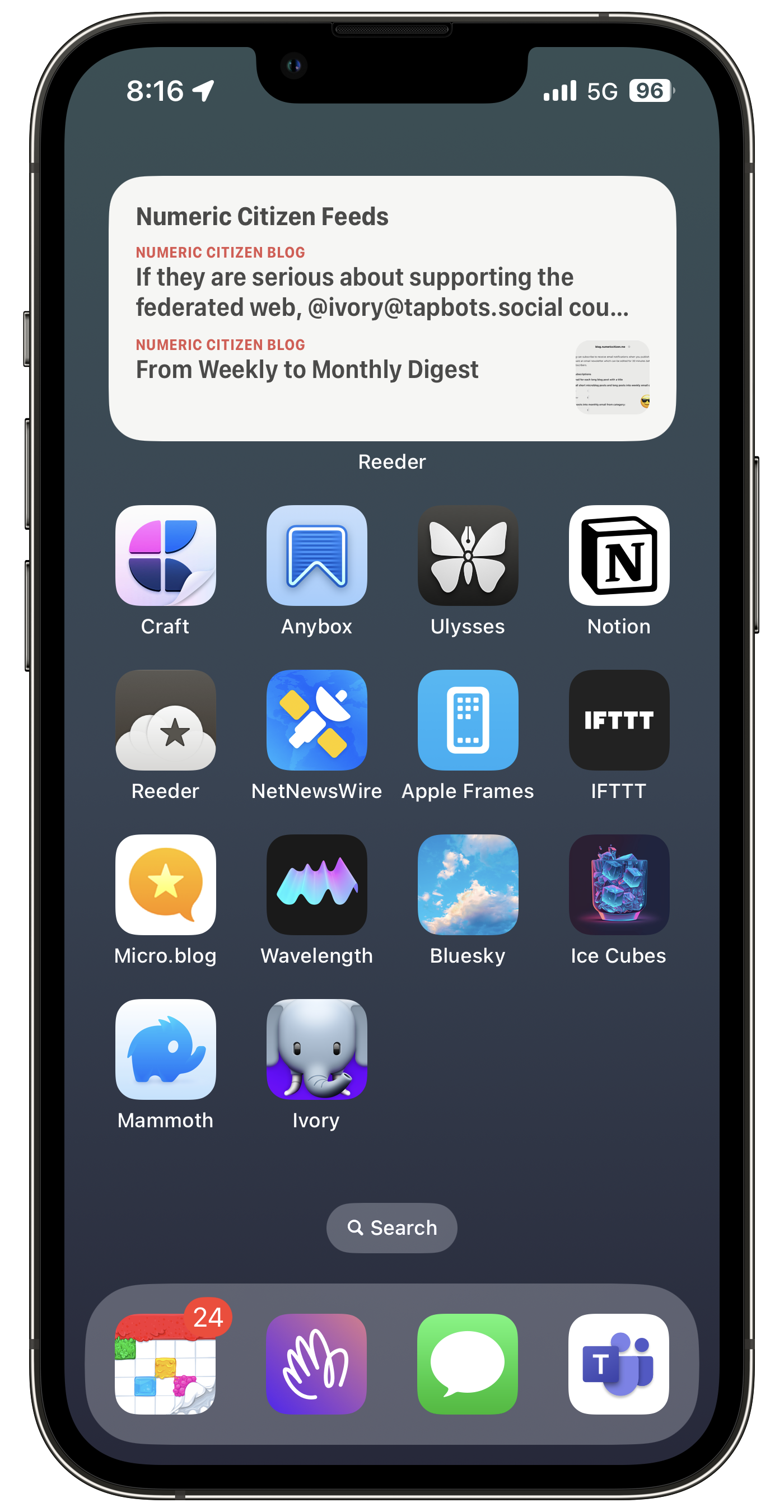
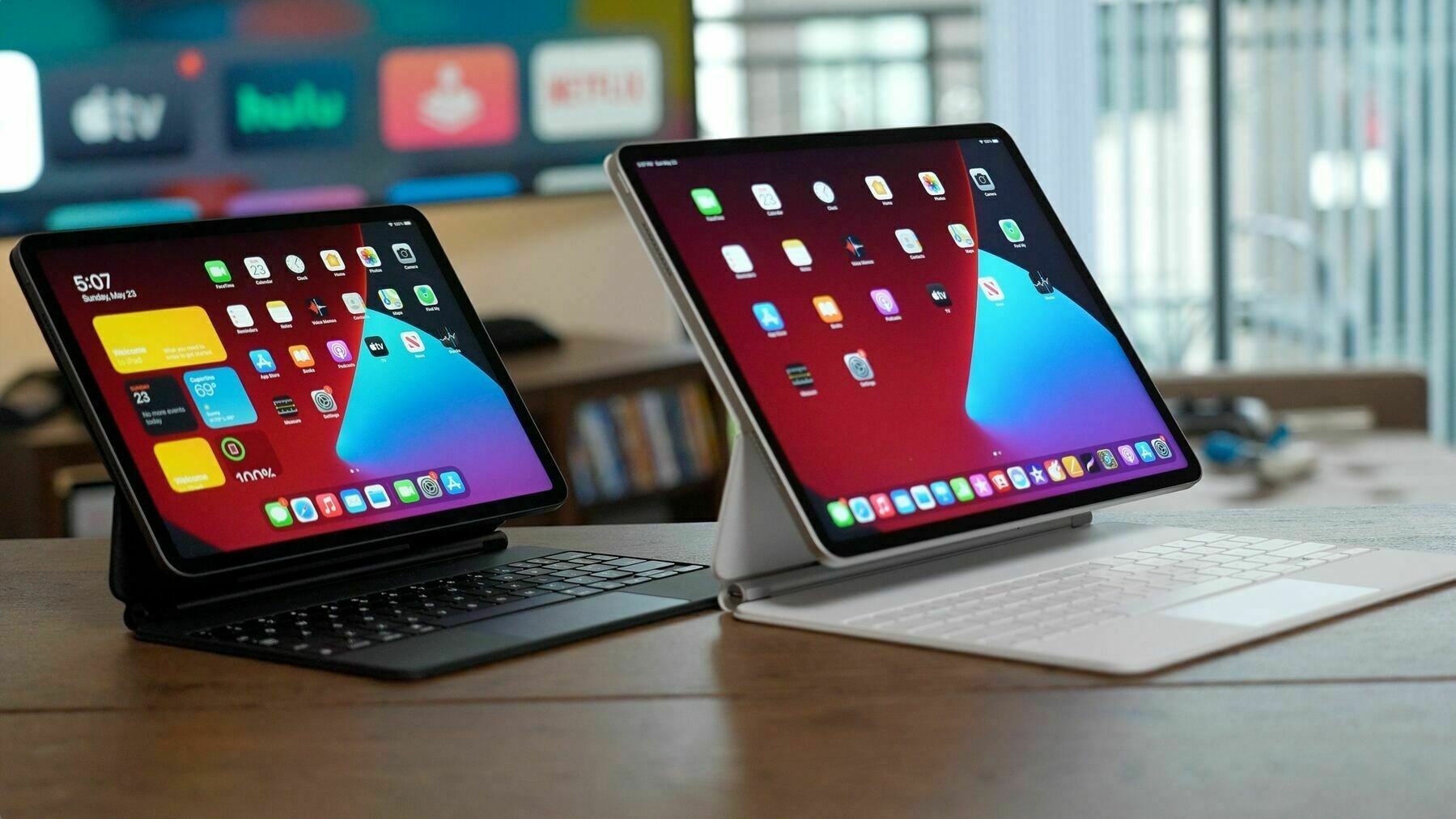
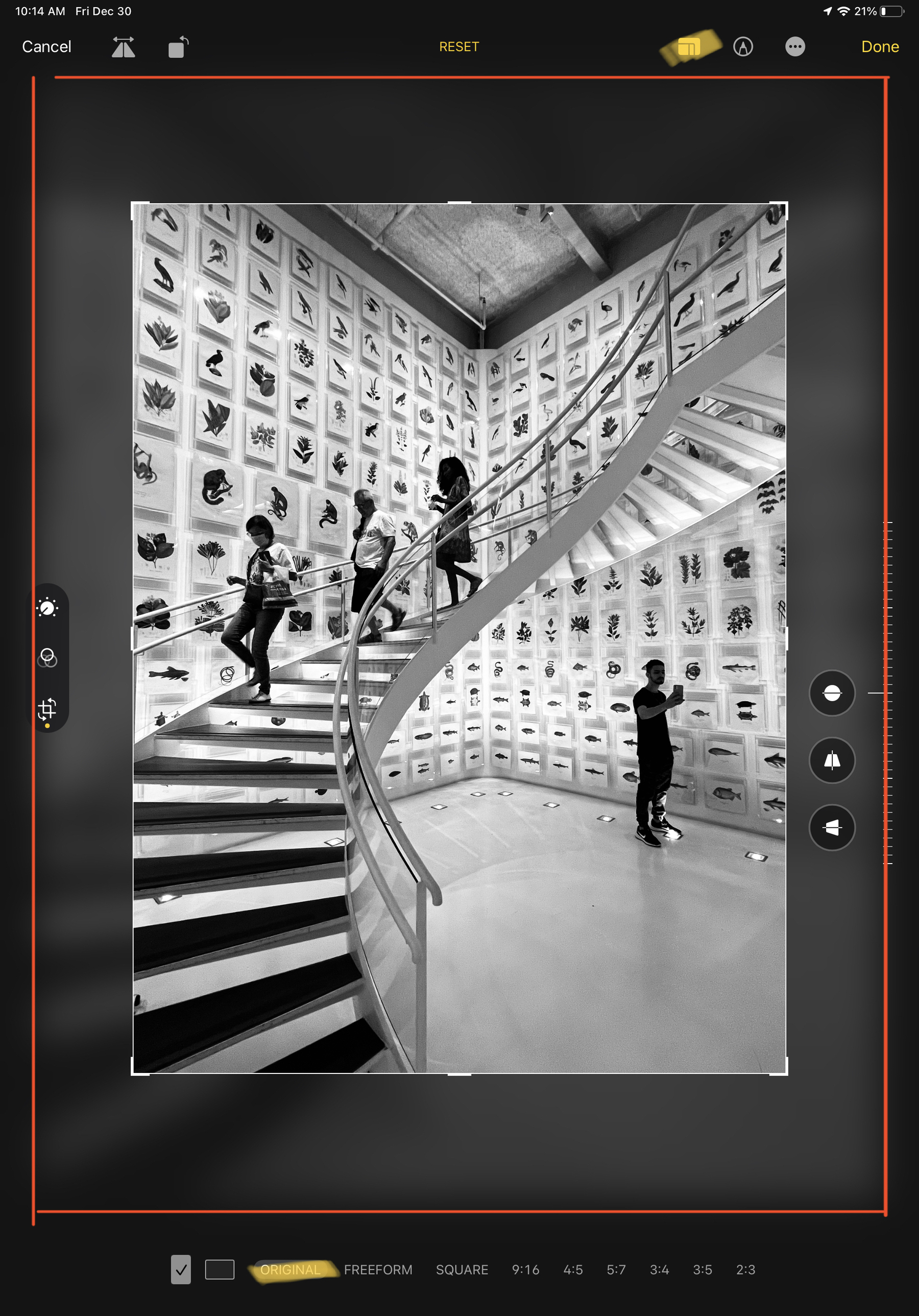
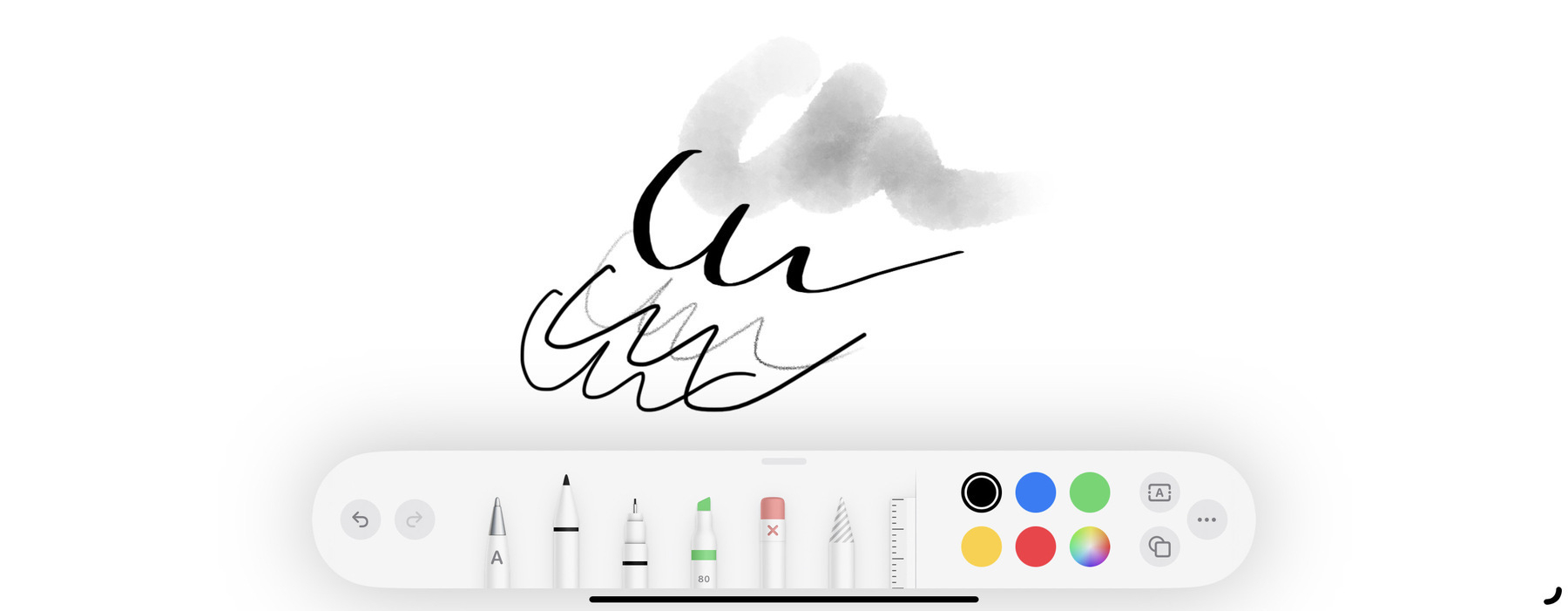
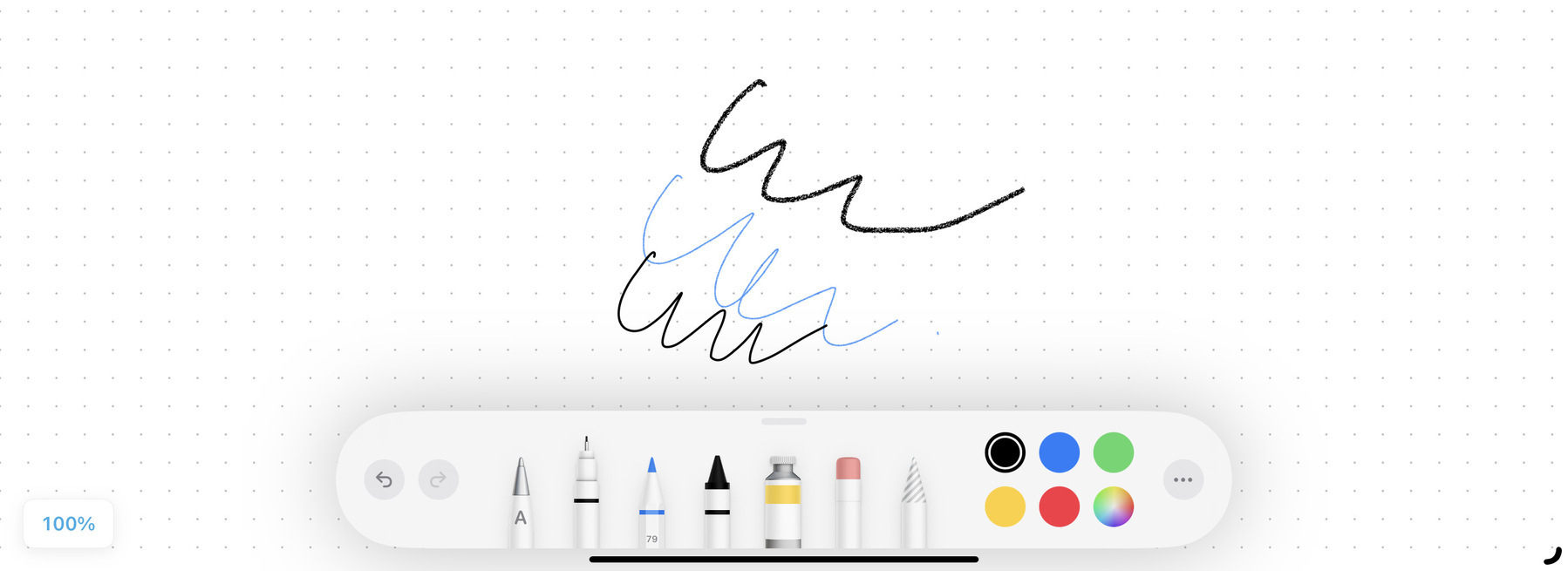
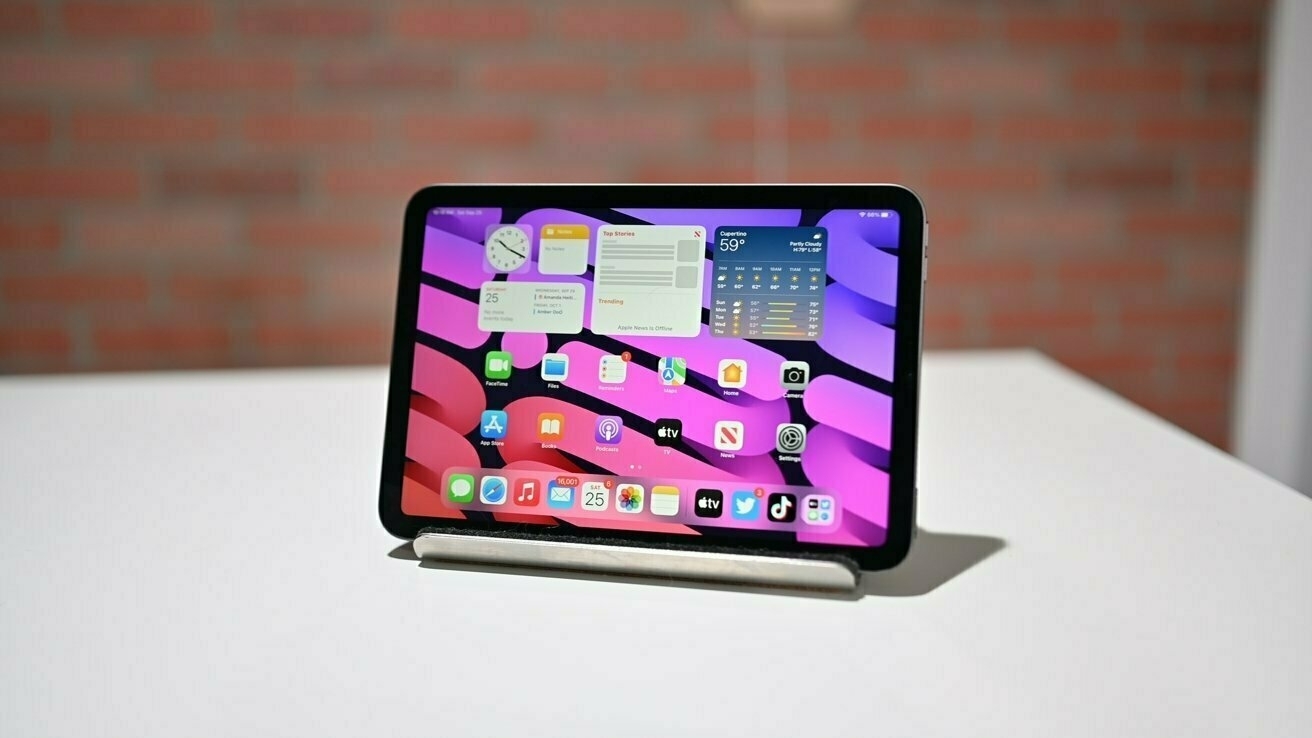
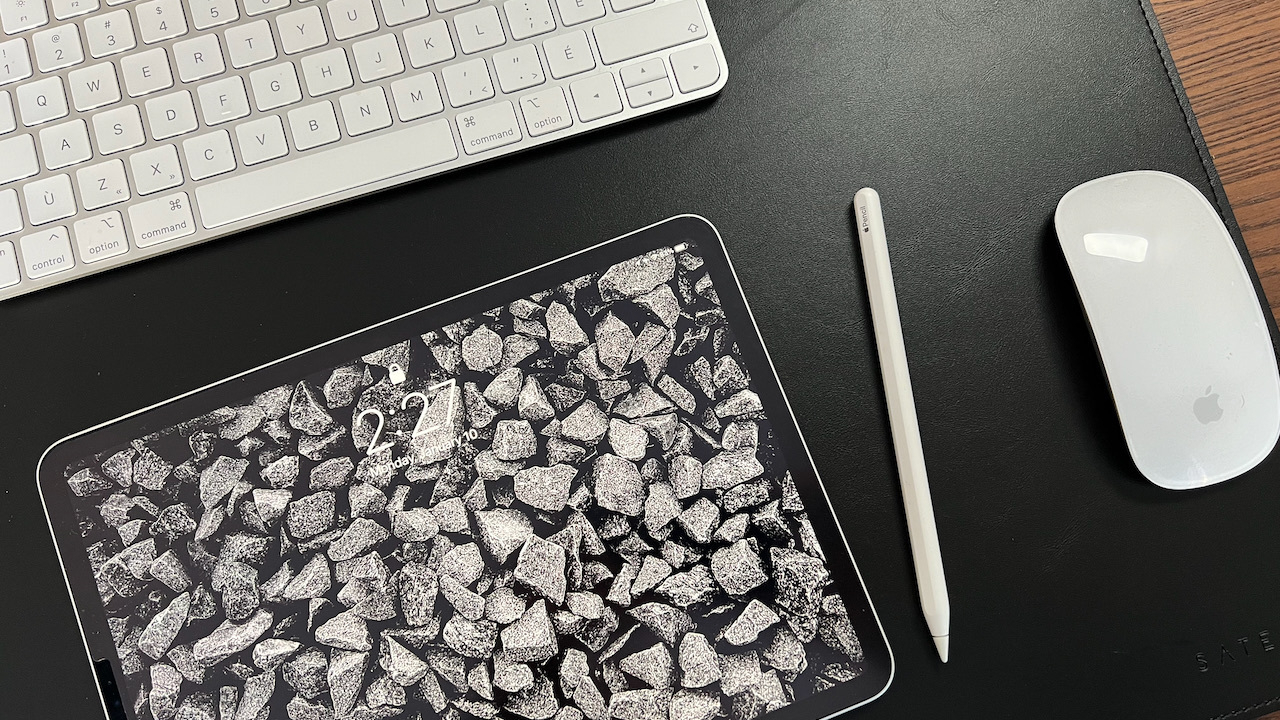
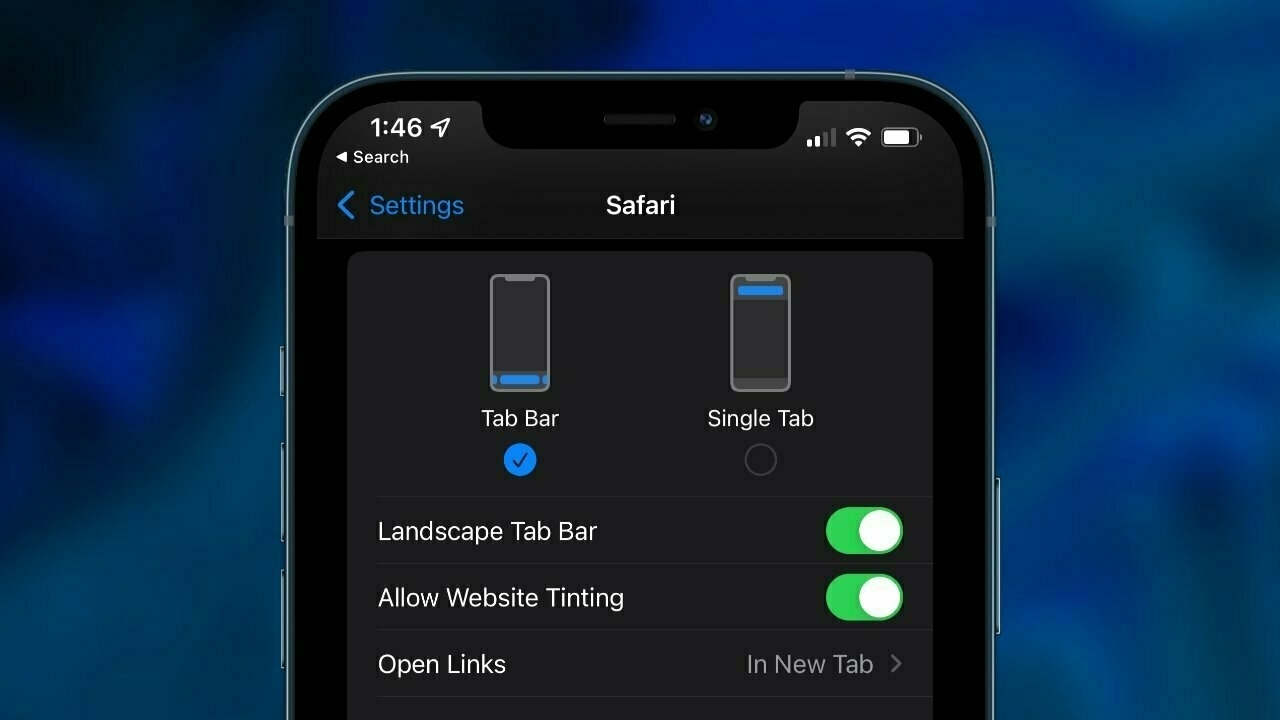
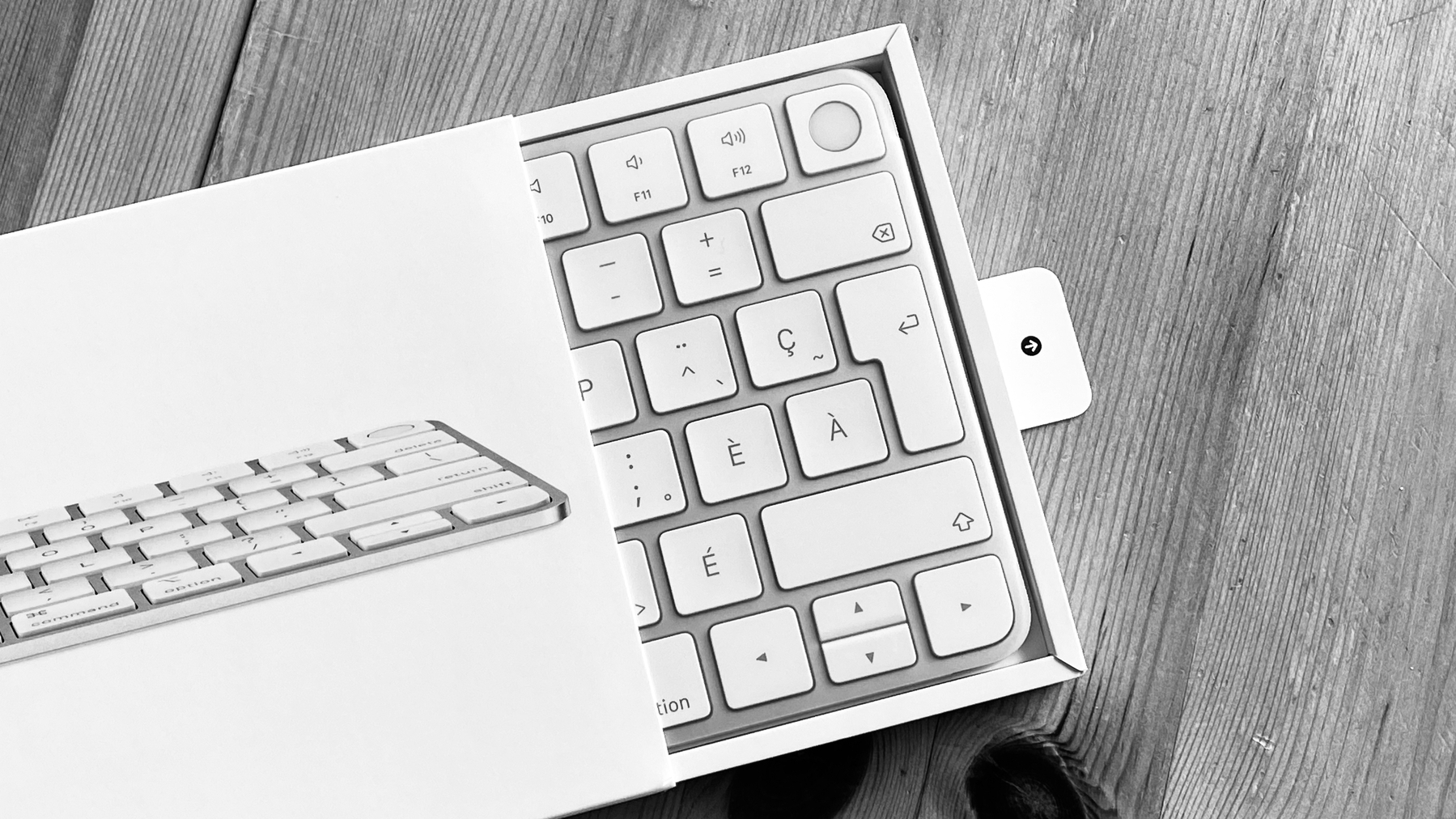
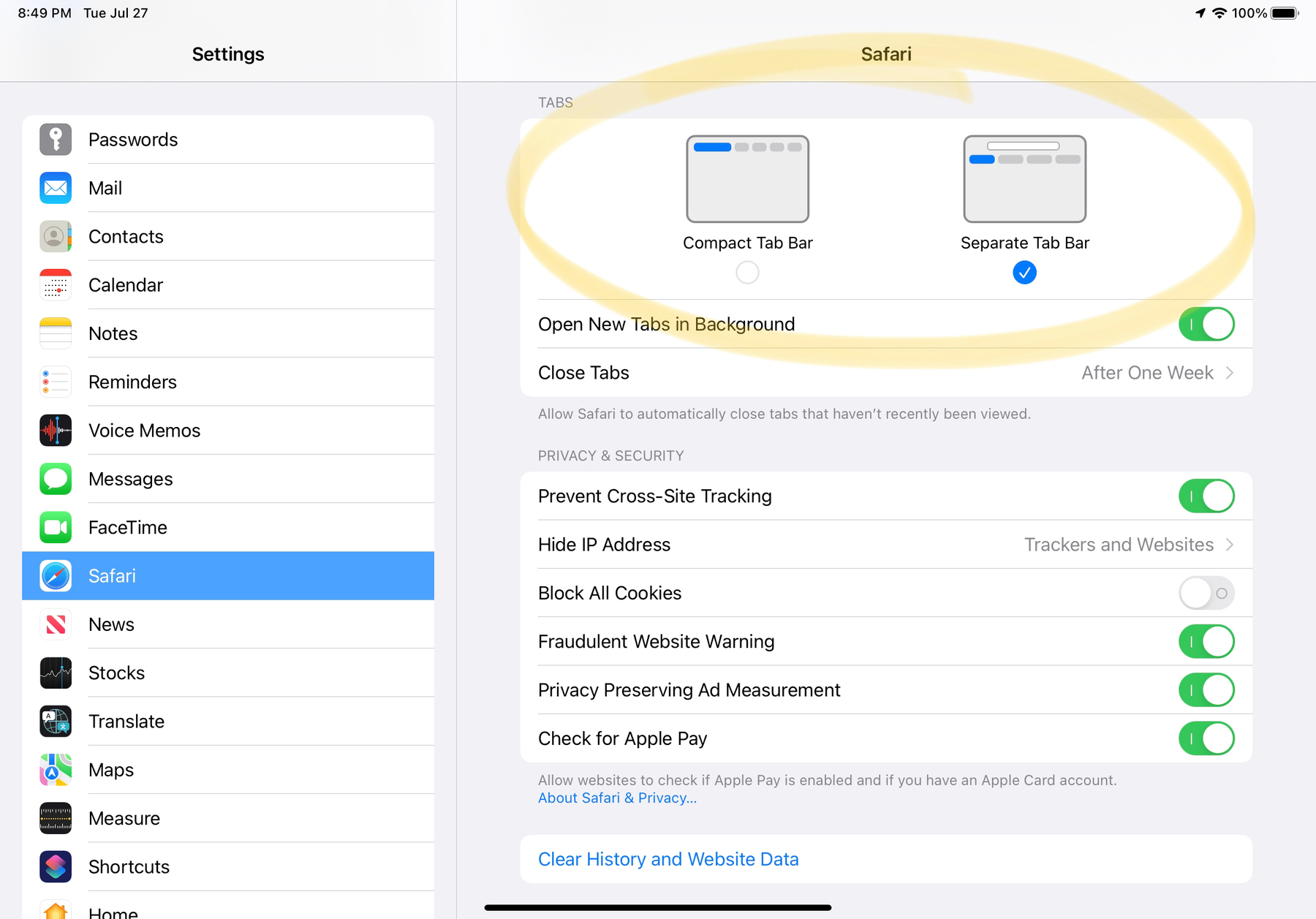
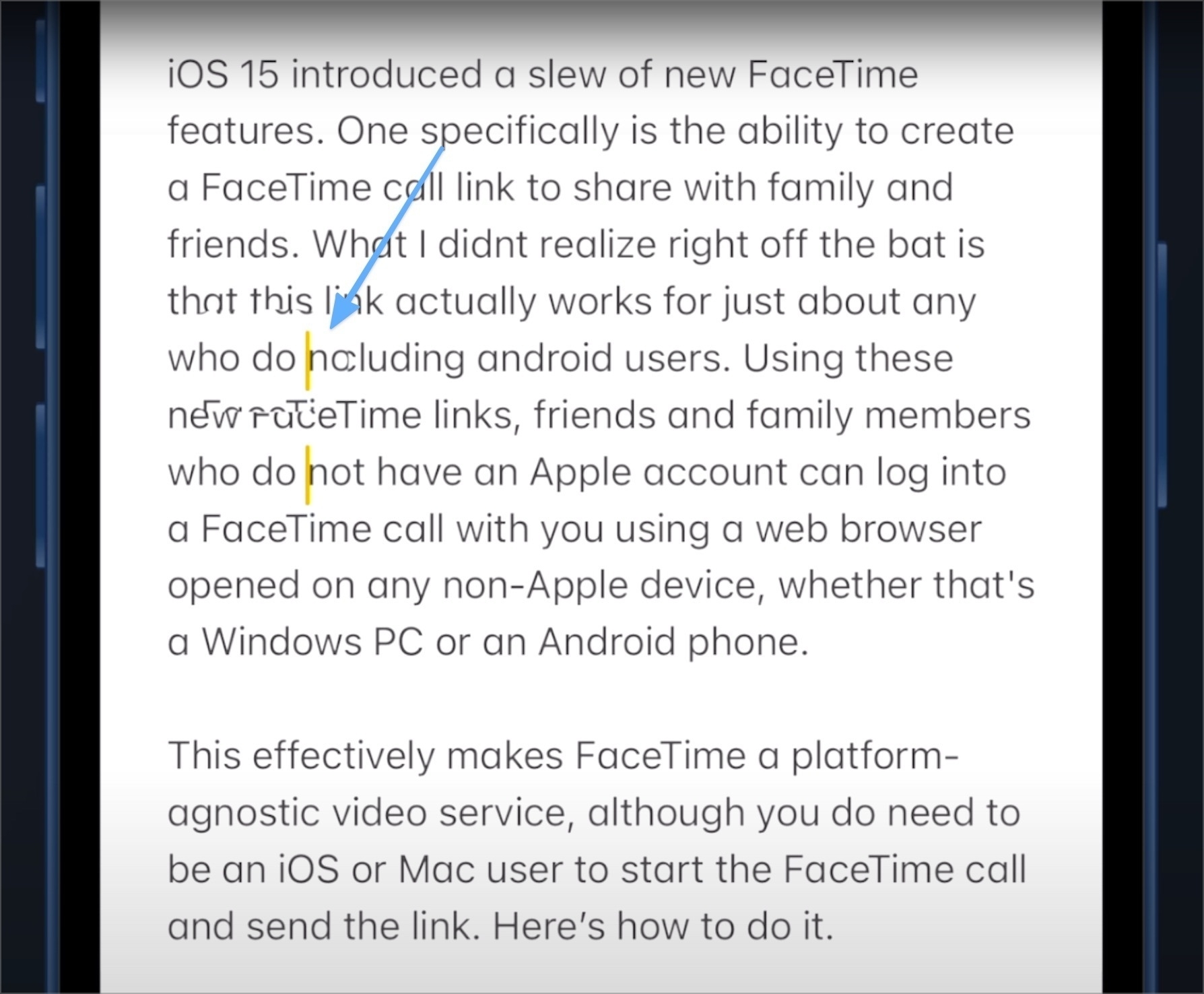
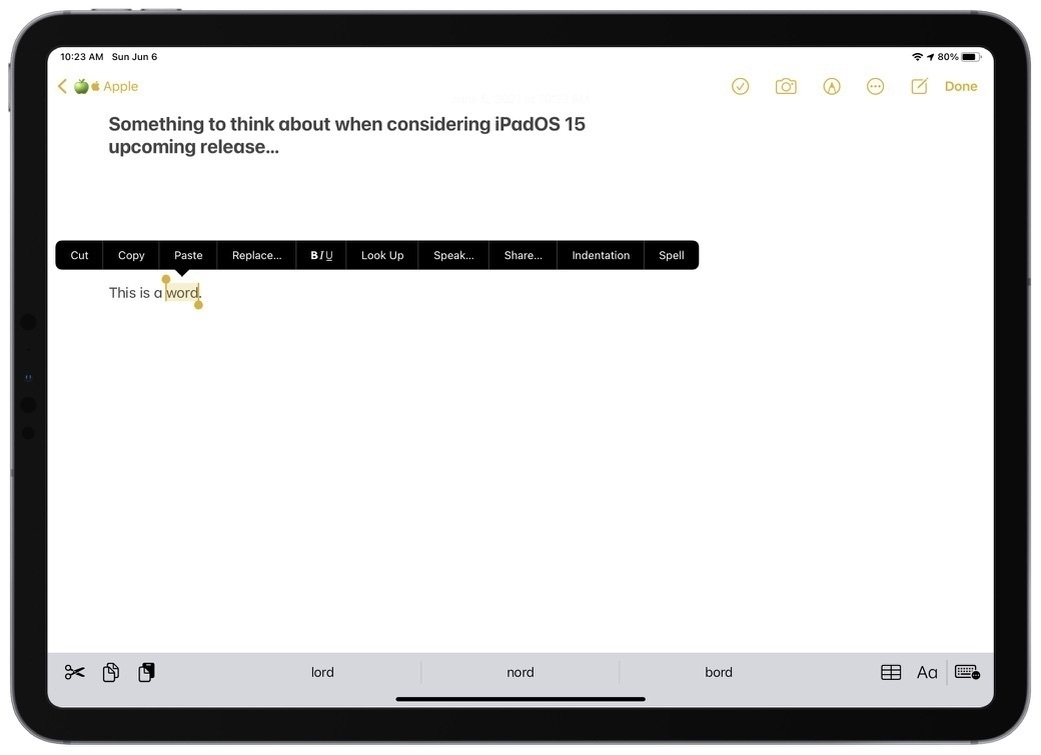
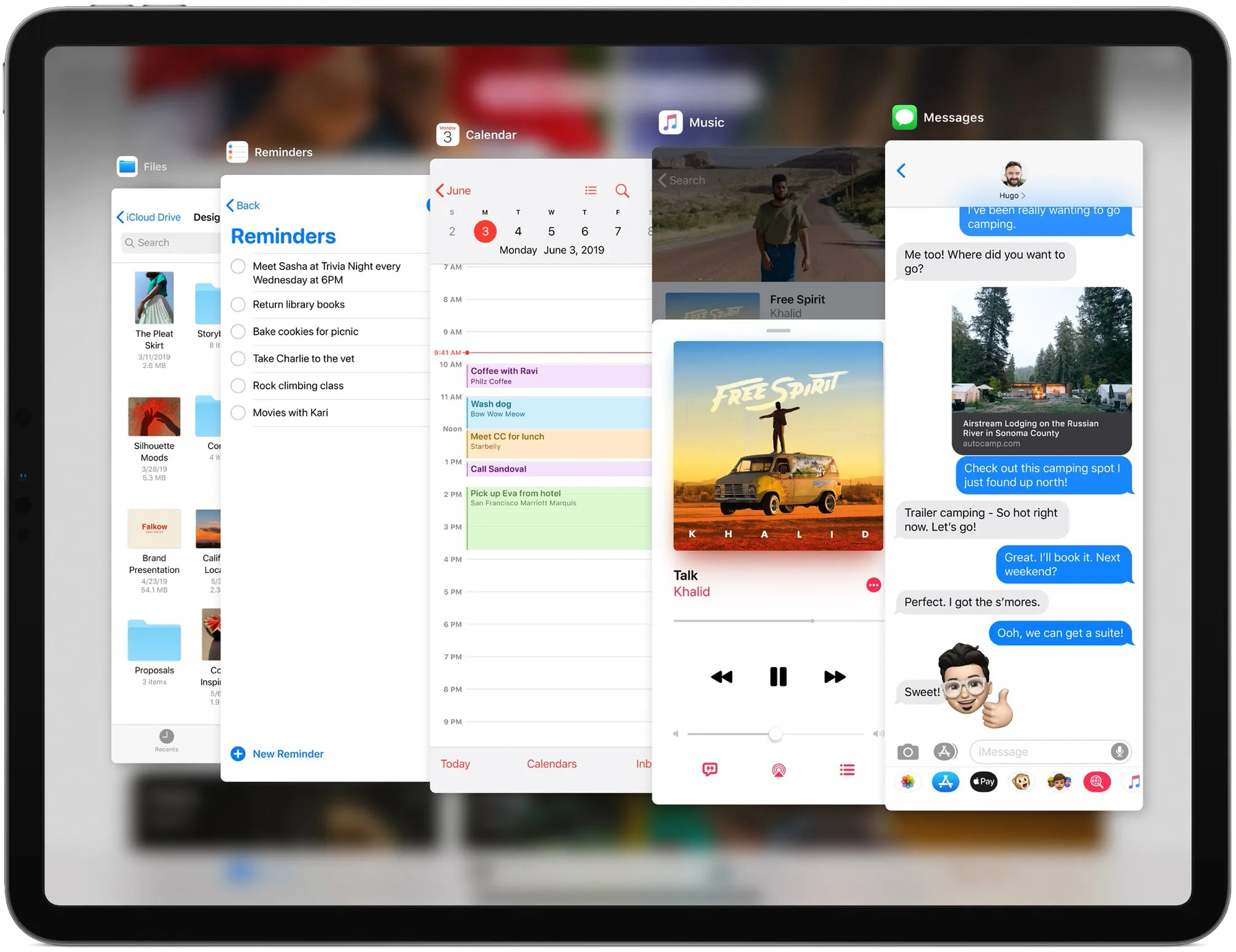
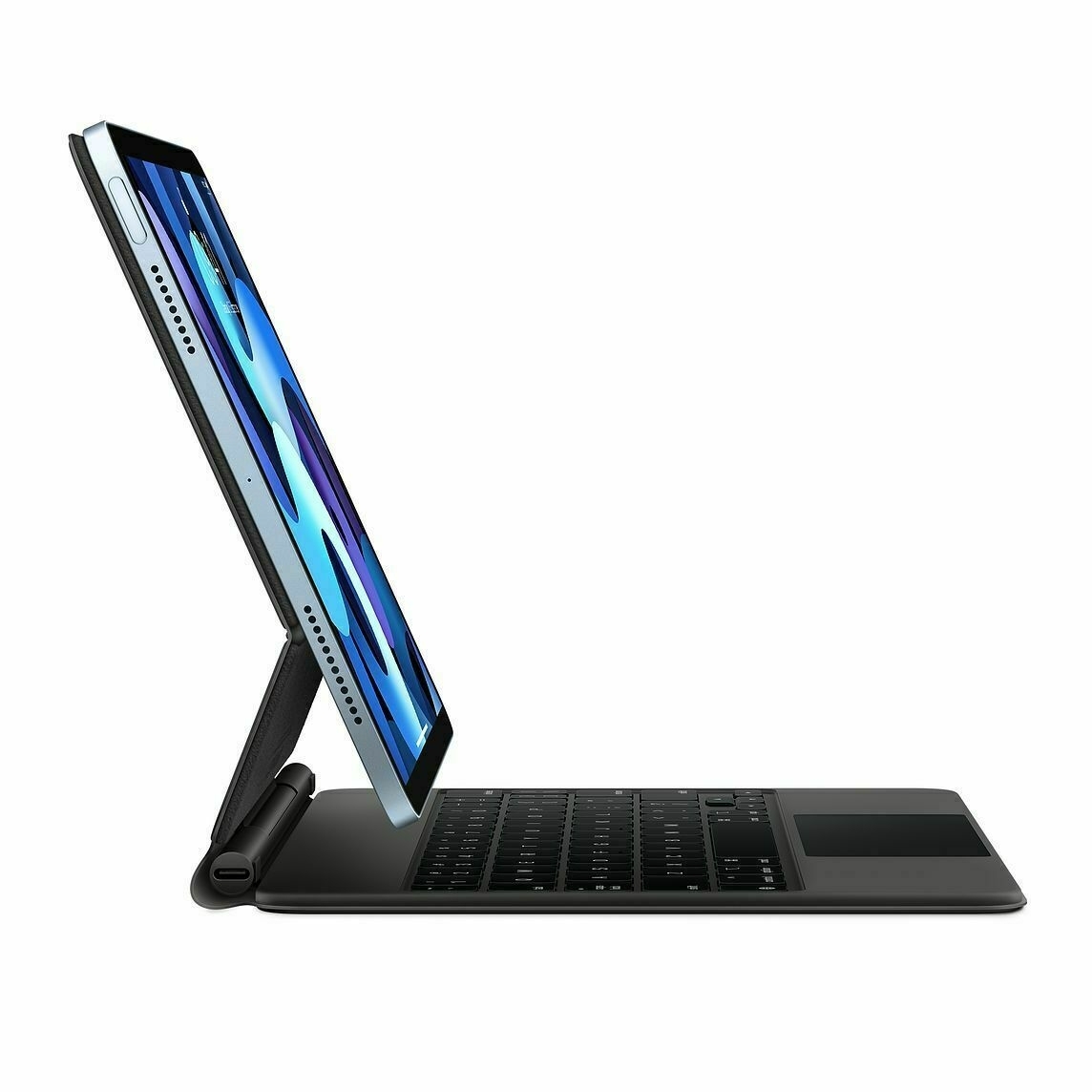
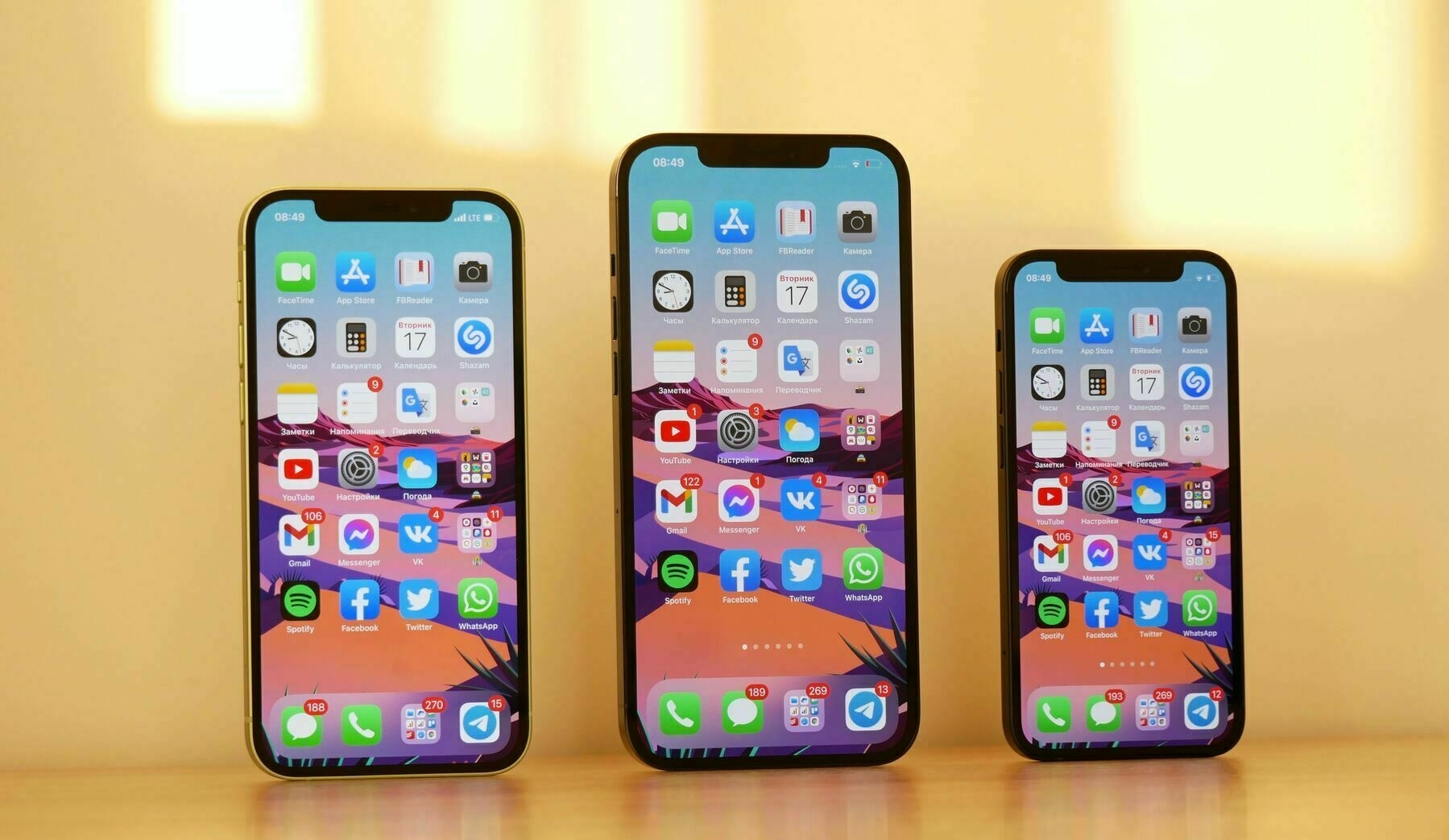
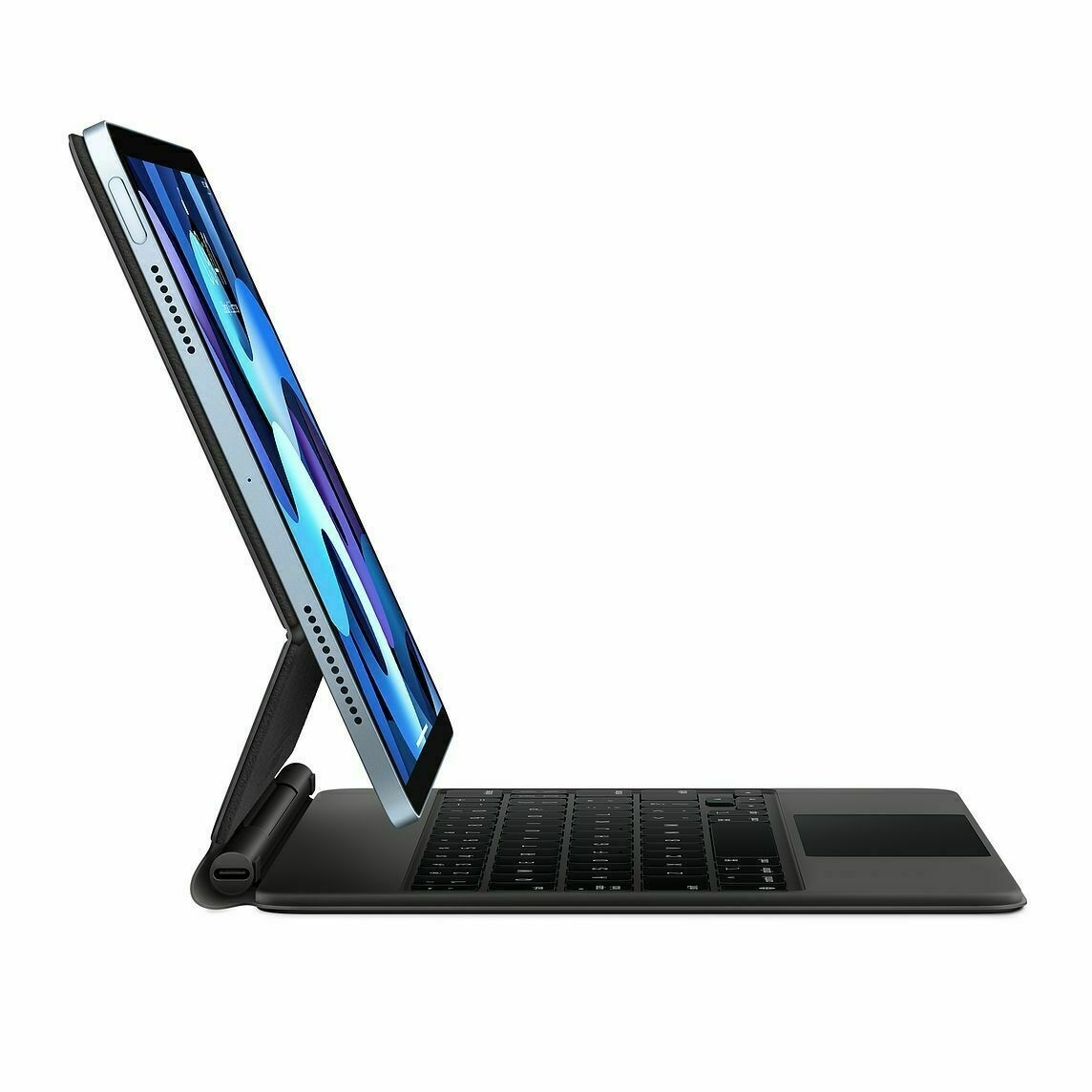
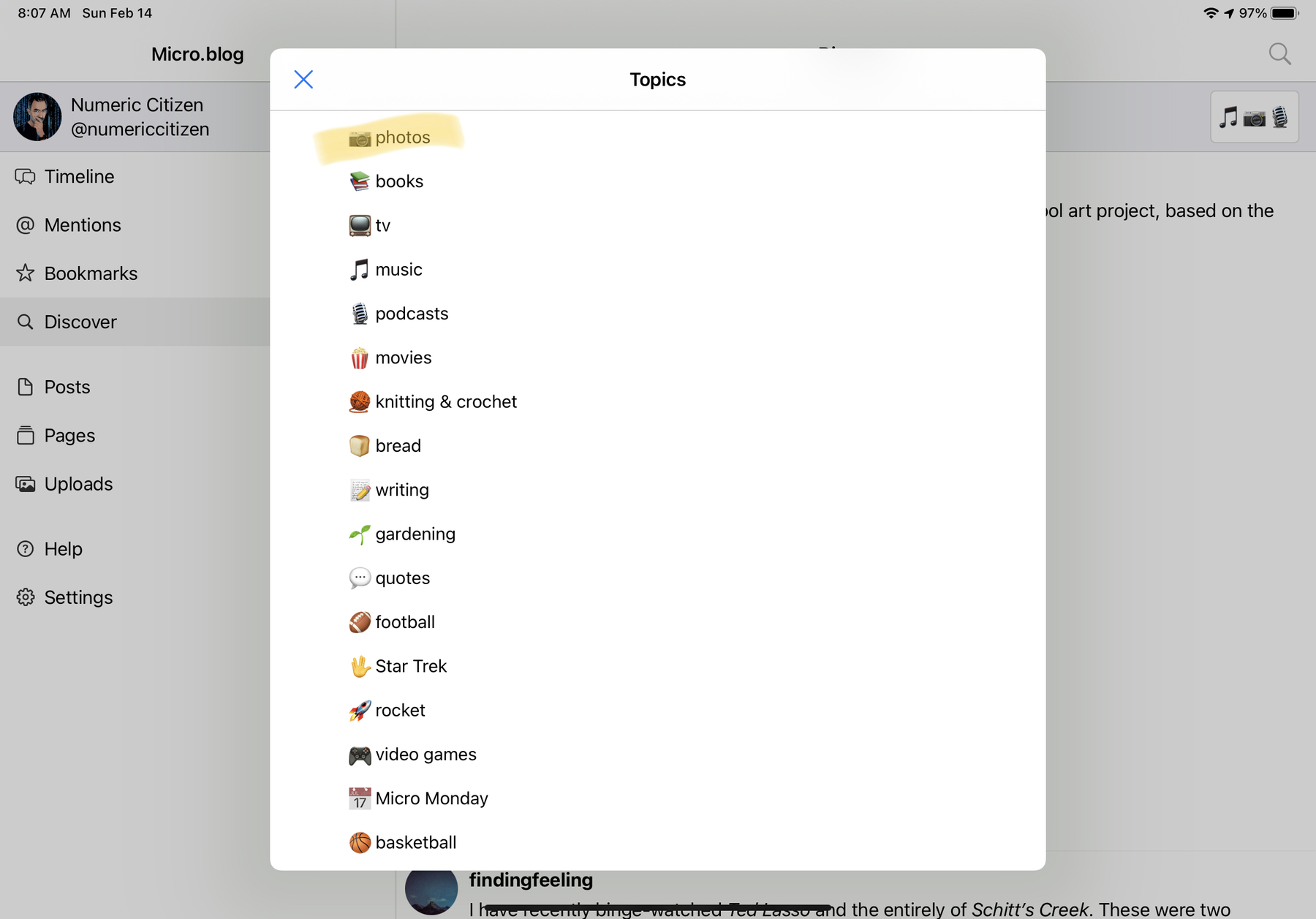
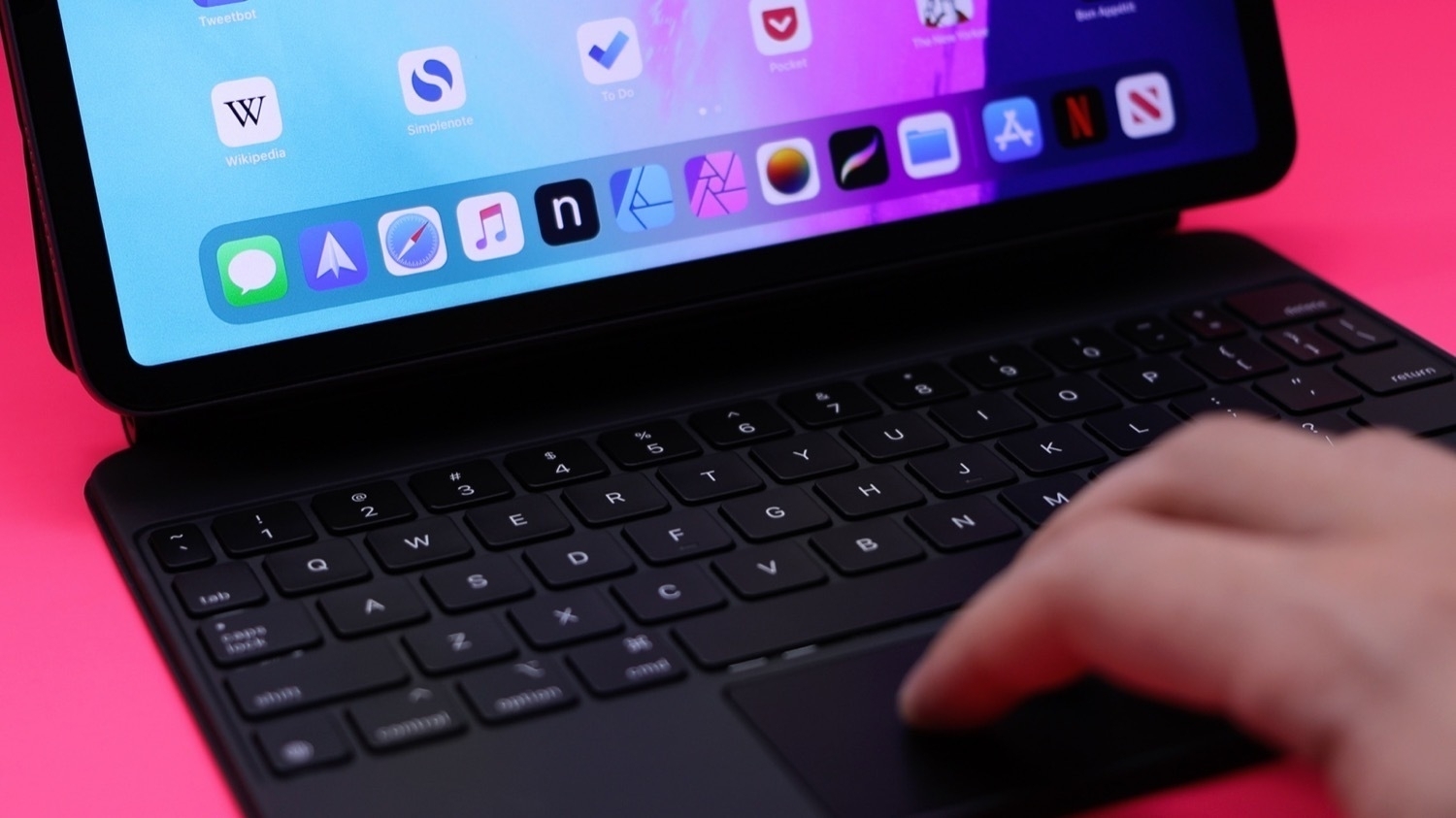
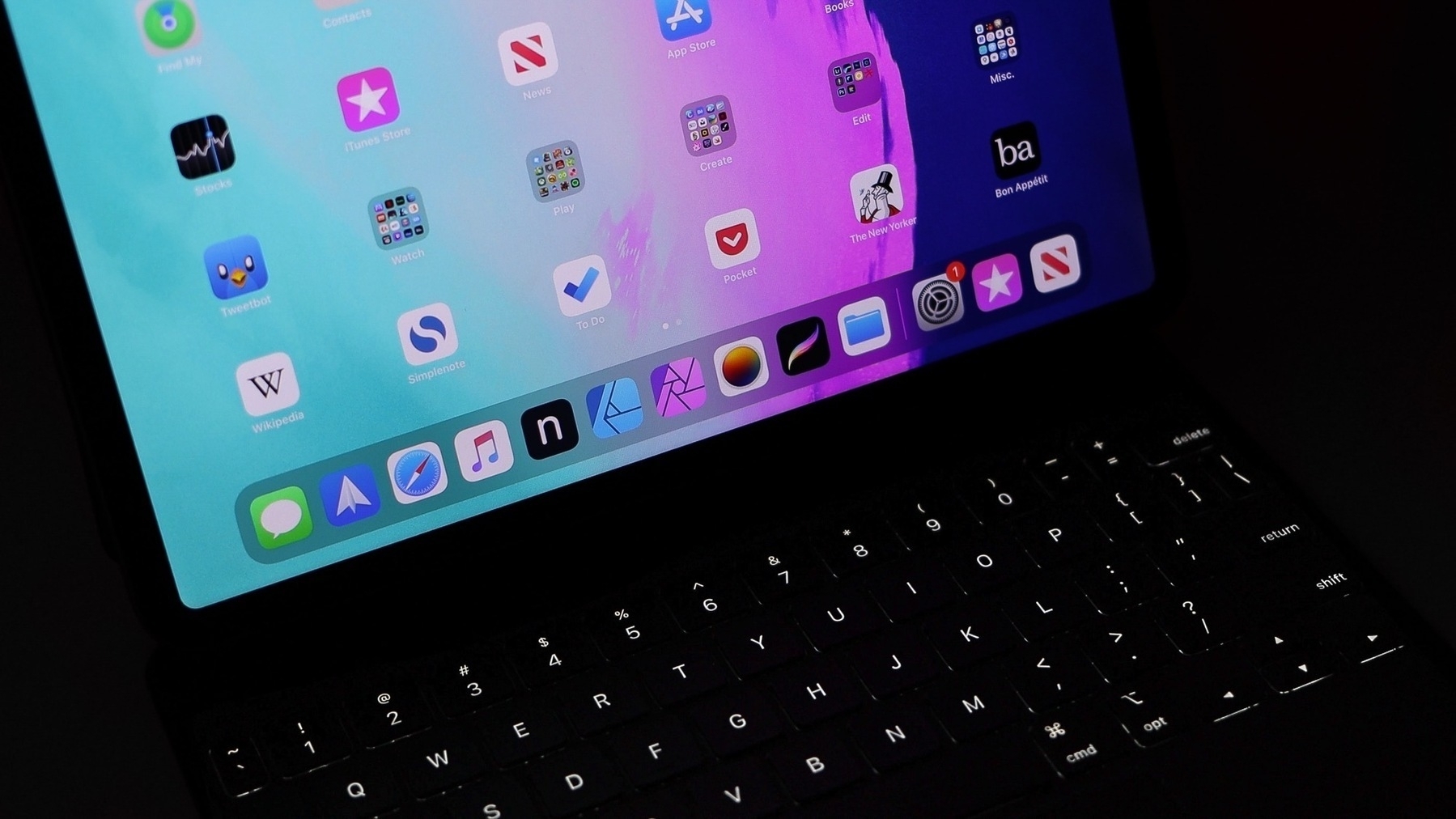
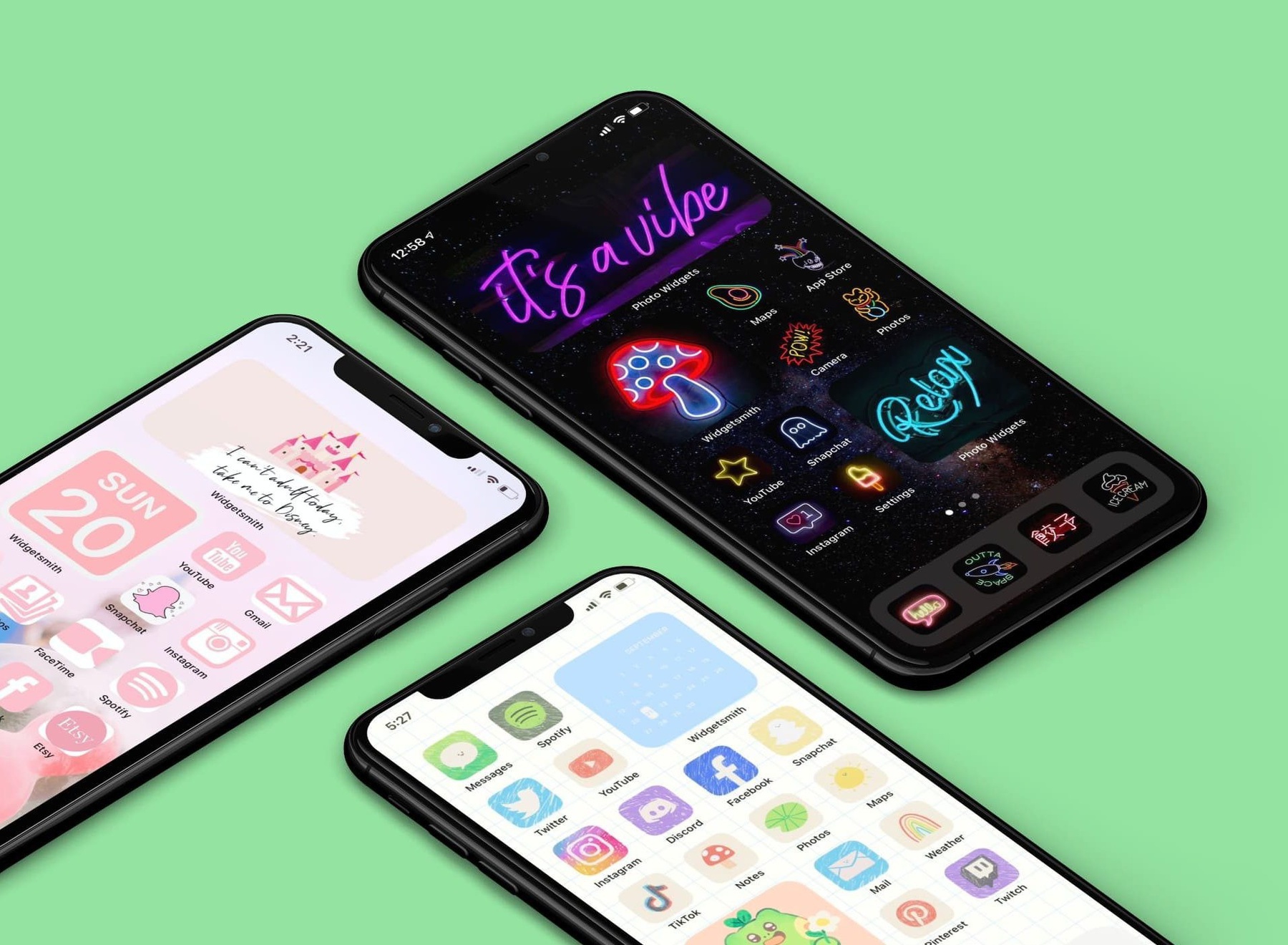
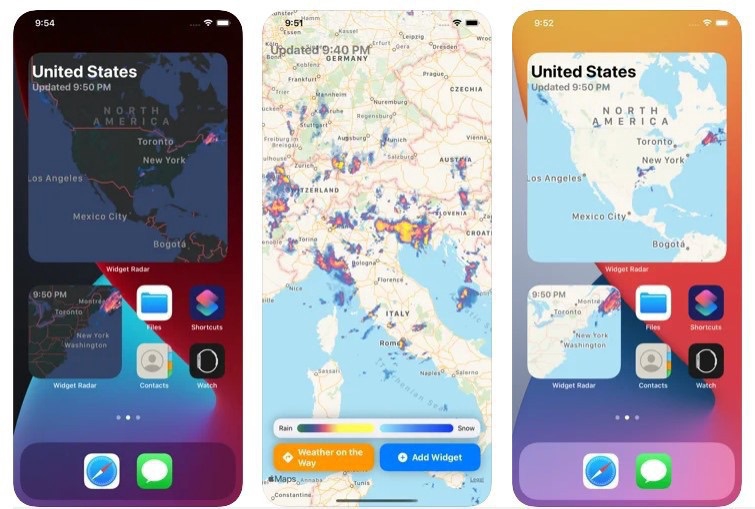
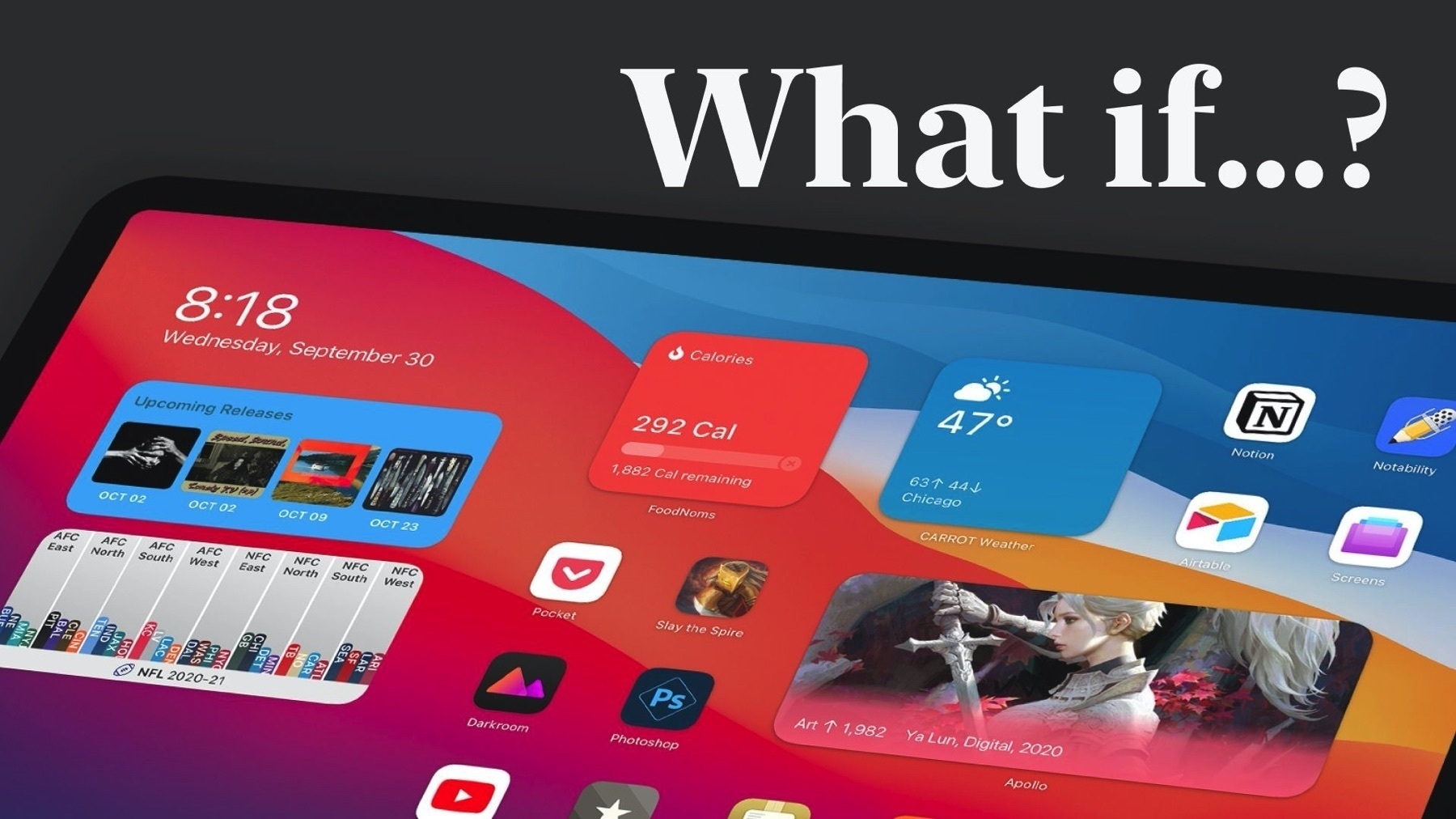
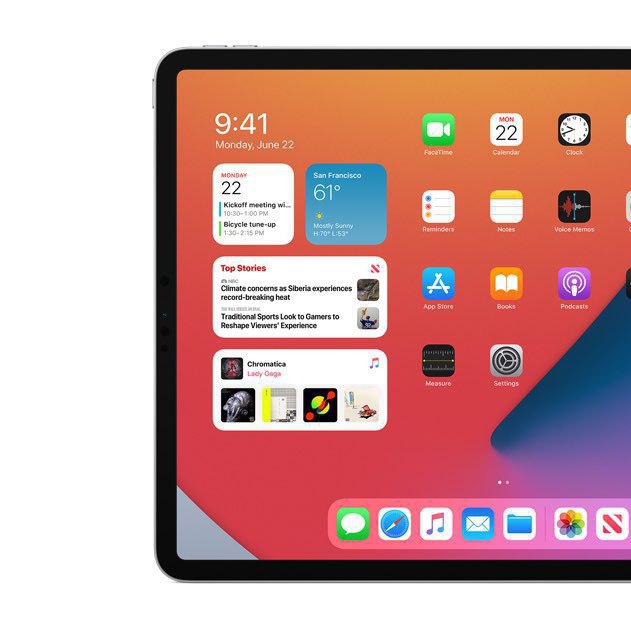
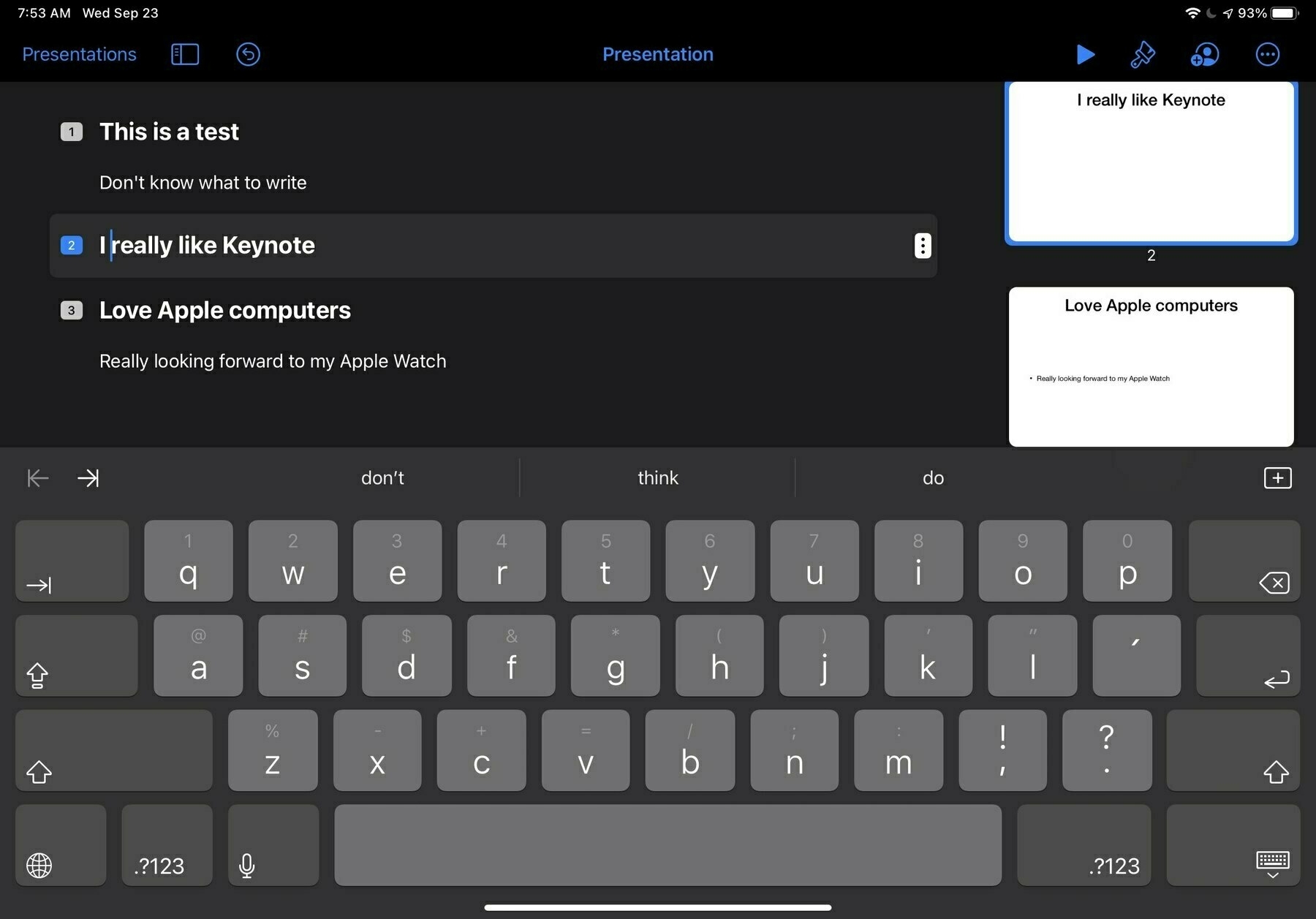
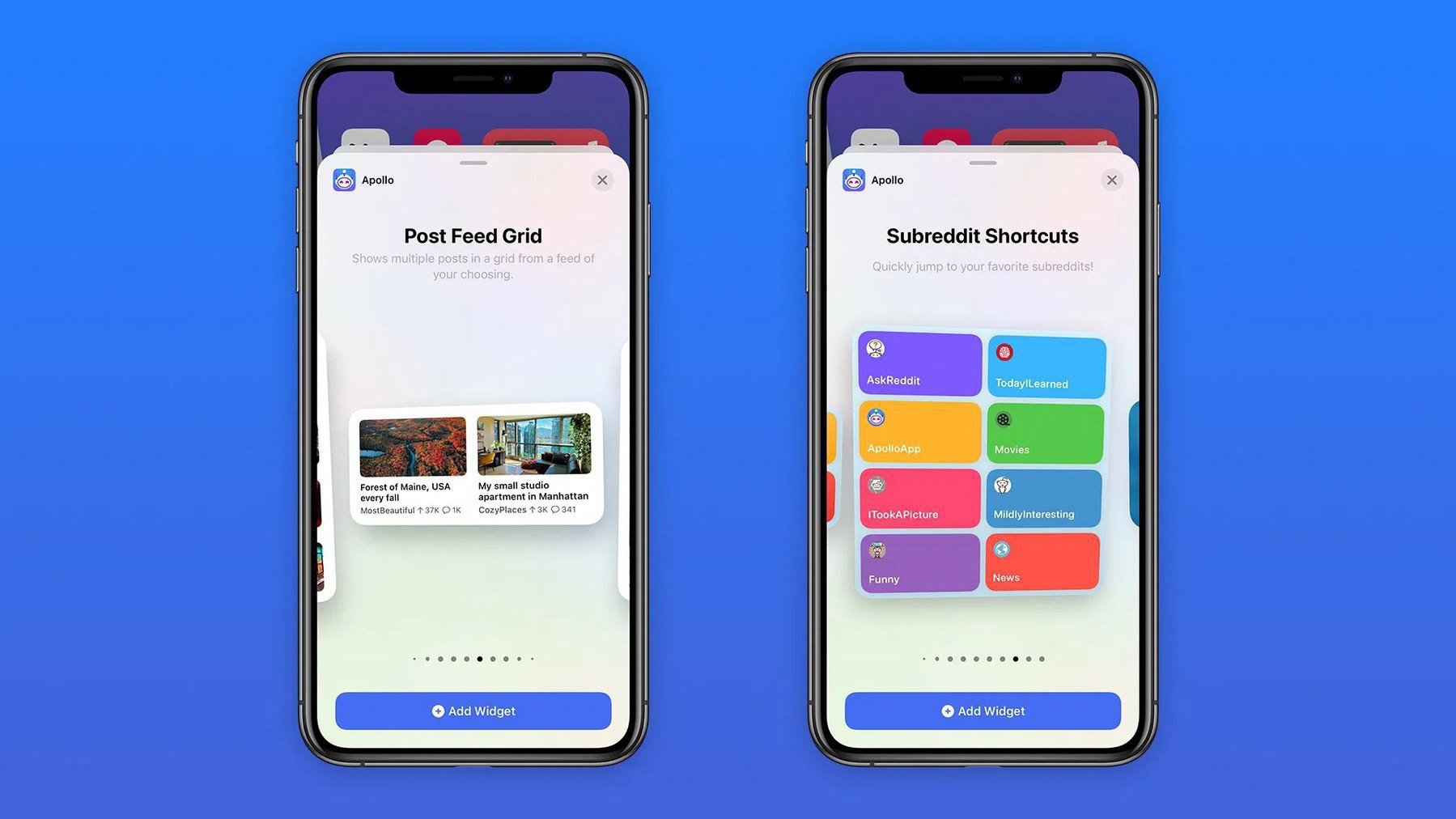
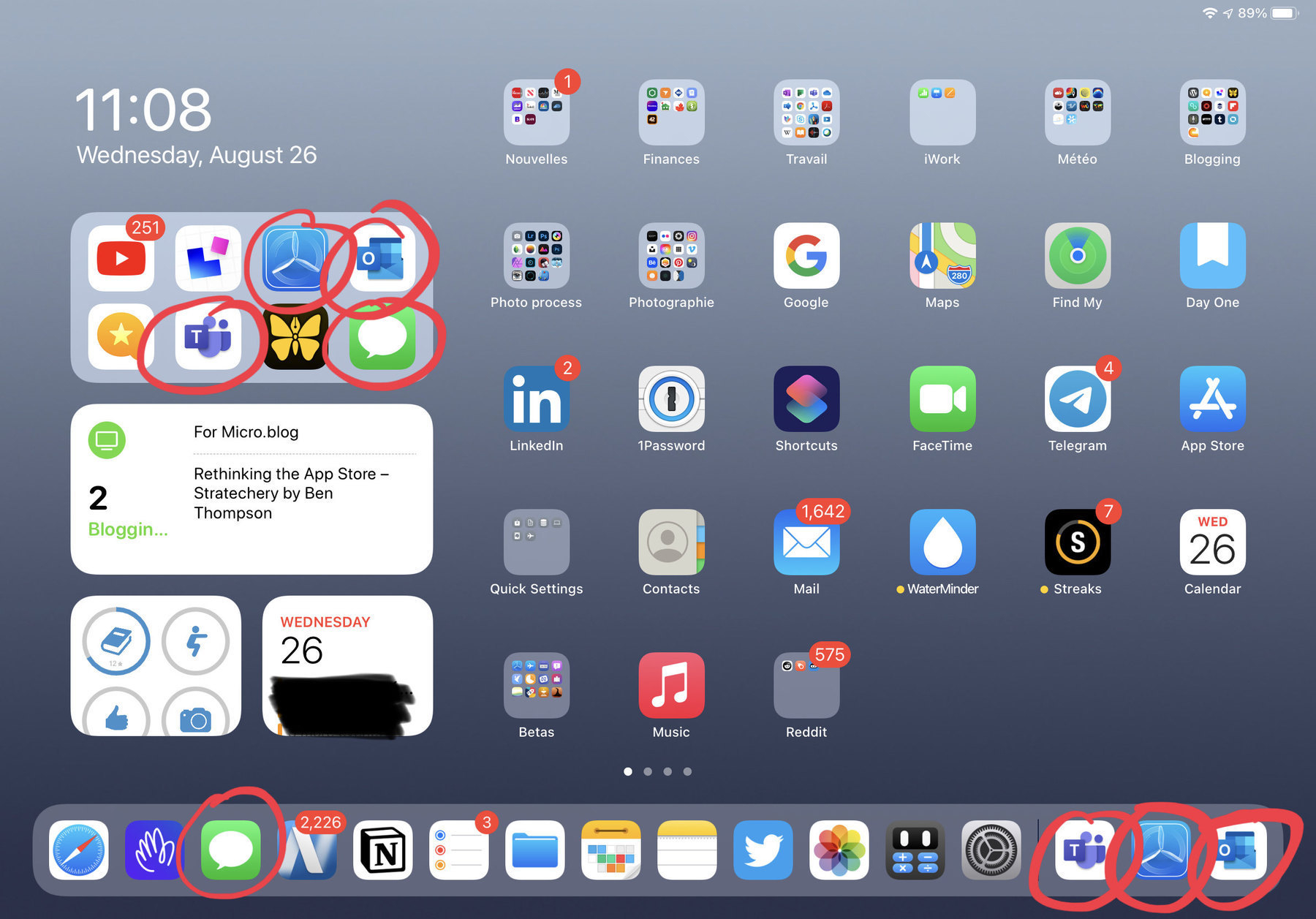
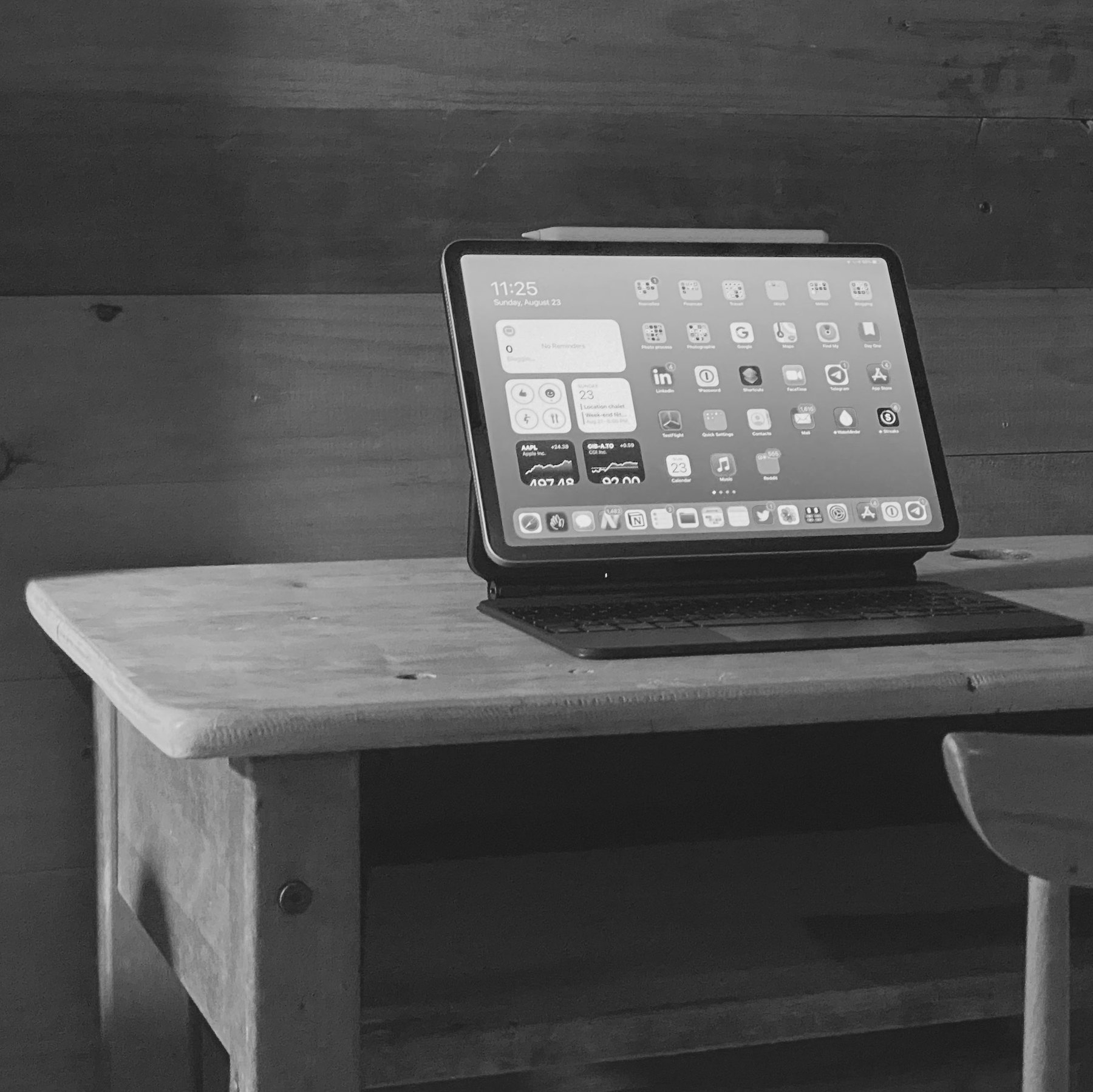
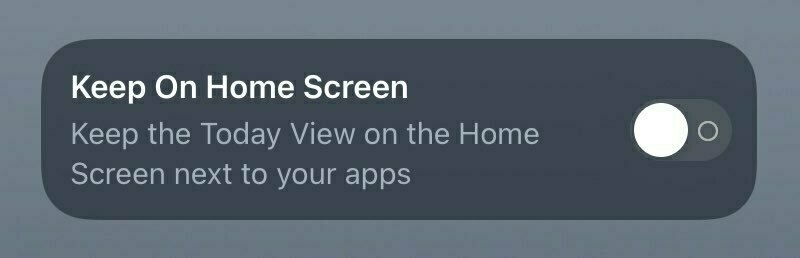
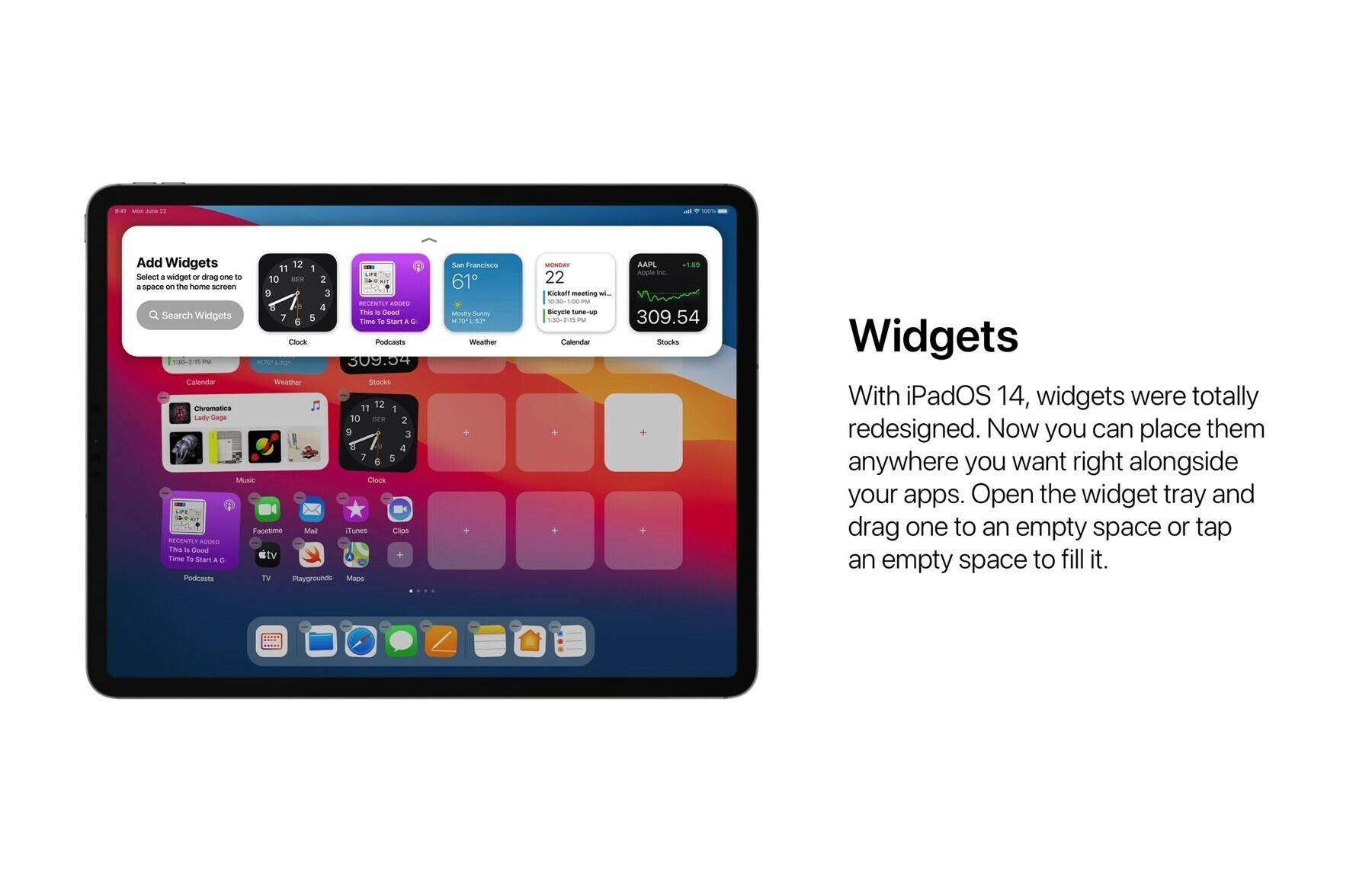
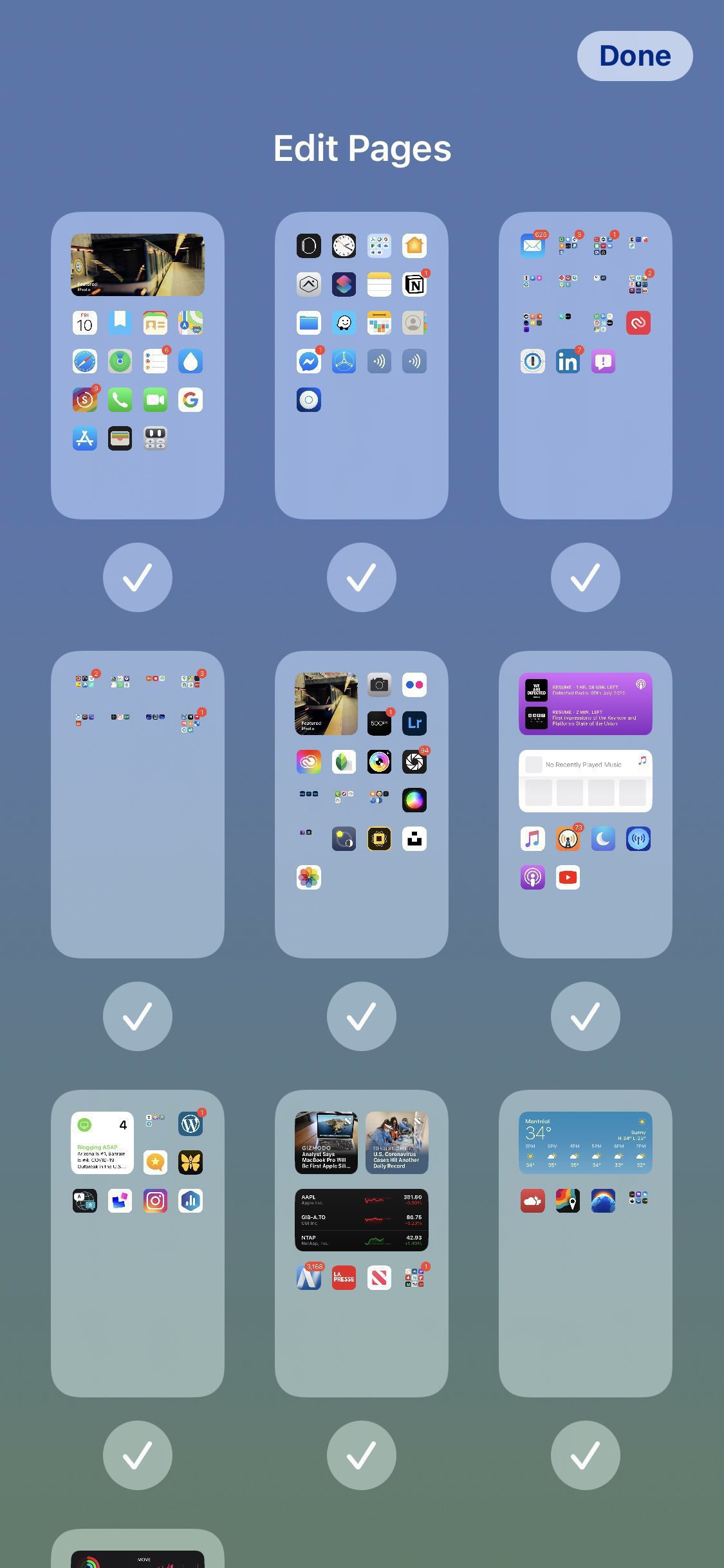
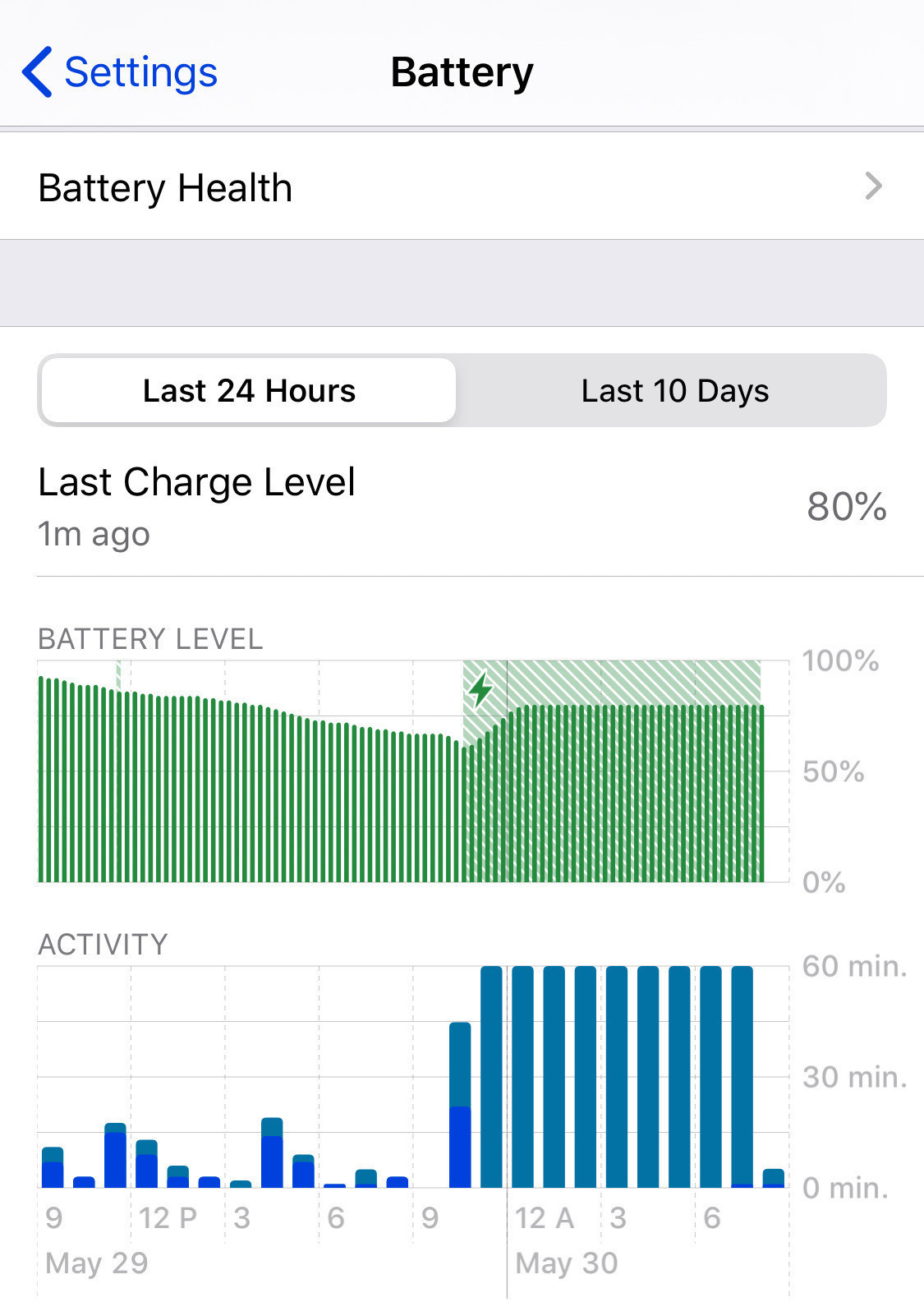
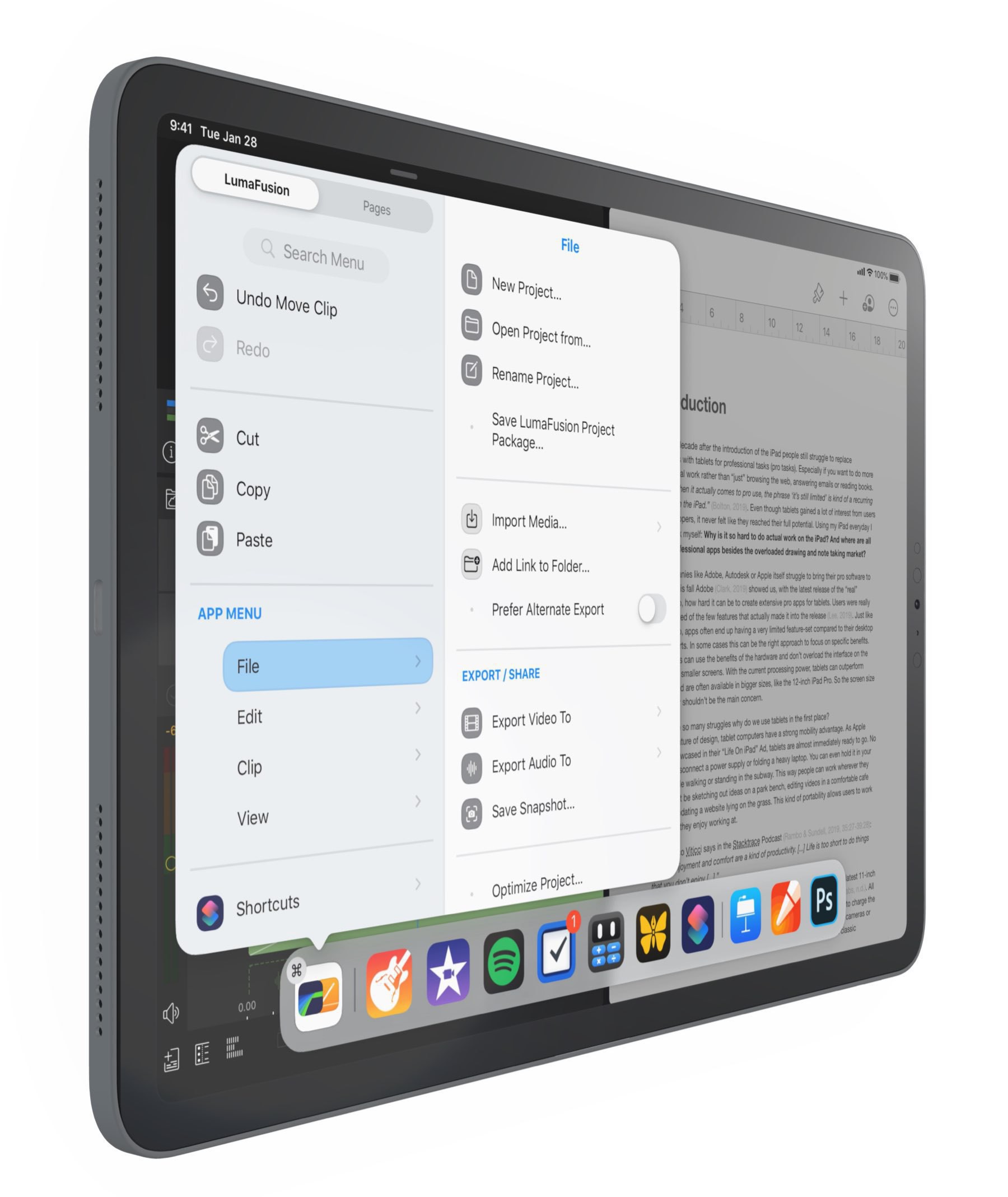
So, I took the plunge and installed iPadOS 15 beta2 on my iPad Pro. A few observations. It’s beta and it shows. Home screen and widgets placement is janky. One springboard crash so far. All my apps are working just fine. Battery life is taking a hit. Text recognition in pictures is jaw breaking and open up all sort of new use cases. The QuickNote feature is a nice addition that will complement my blogger workflow. QuickNotes appear as regular notes on iOS 14. The loupe is back, thanks god, but I think refinements are needed: it is hard to distinguish from the surrounding text. I completely redone my home screen arrangment. I didn’t setup Focus modes yet as I’m not done with home screens setup yet, both are tied together. I love the new notifications design. I’m really liking iPadOS 15 so far. I use App Library a lot, much more than on my iPhone. 1x1 Widgets are replacing application icons on my first home screen page and I love it! Reordering of home pages is alone enough to justify upgrading! Didn’t use the new multitasking a lot yet, just played a bit with it and it’s a good improvement. Alt-tab in split-view will switch focus between the apps, welcome in 2021. Unpopular opinion: I kind of like Safari’s new design, not sure if this will hold true on the iPhone, though. I love the new keyboard overlay at the bottom of the screen; it is no longer as wide as the screen. I like the refreshed design of the shortcuts editor and the suggestions. That’s it for now. Back to home pages setup.
When hackers strikes personal NAS-type devices

Pool Western Digital My Book Live NAS owners… many of them woke up to find out that their content was gone from their devices. Apparently, hackers came in by using an unpatched vulnerability on devices where the last update was issued in 2015 by Western Digital. This brings me to ask the following questions: were those devices directly connected on the internet? If yes, that dumb. If this was a known vulnerability, why WD didn’t issue a patch? Companies should be required to publish security-only fixes for far longer than they do right now. I’m sorry but 2015 isn’t that old for such a type of devices. Finally, I personally own a Synology NAS, obviously not directly connected on the Internet, yet, I have to wonder if it is still secure. I’m planning on enabling 2FA to add another layer of protection, though.

iPadOS 15 beta 2: install or not, that is the question (#ipados15 #ipadod15beta2)

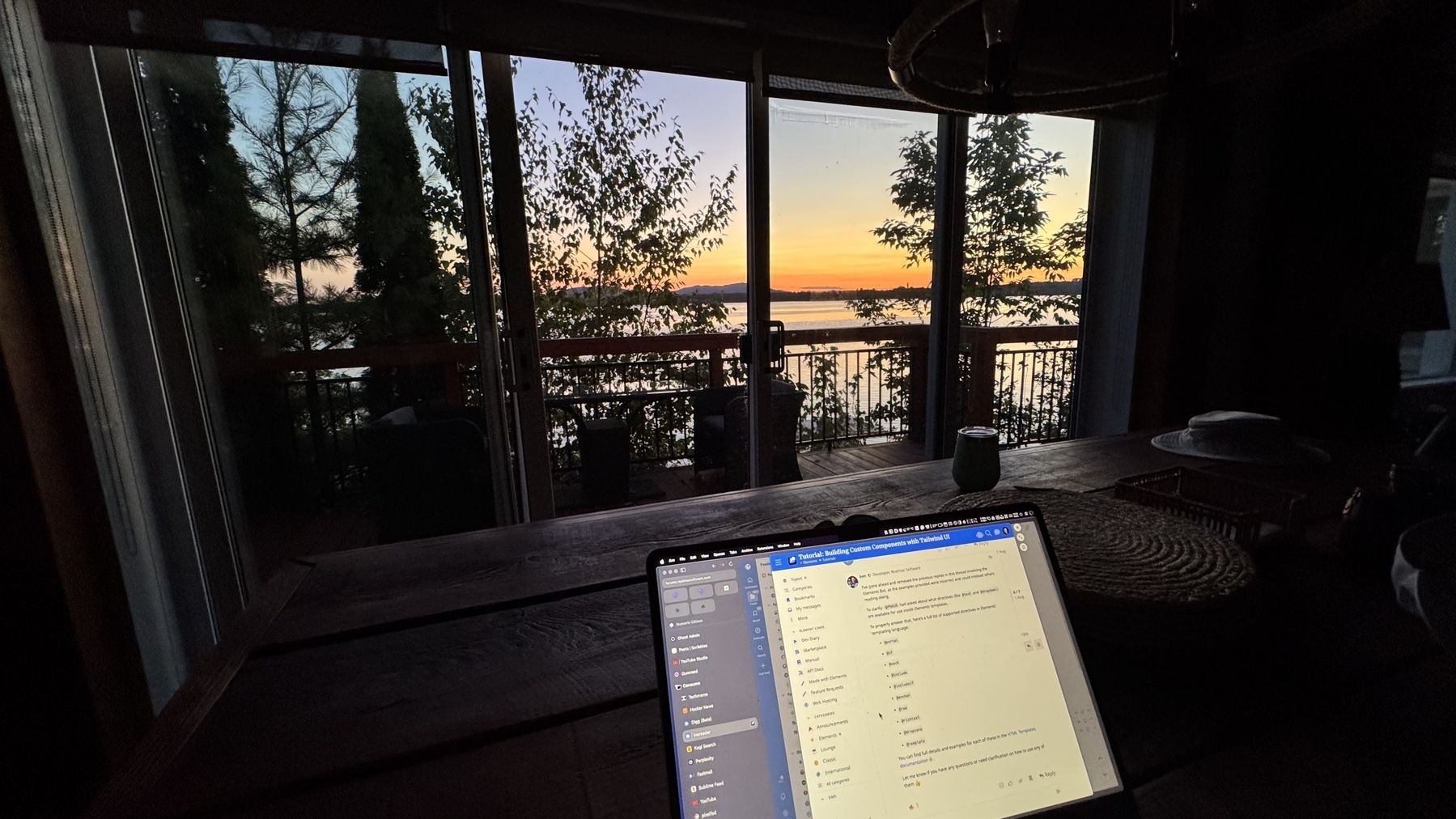
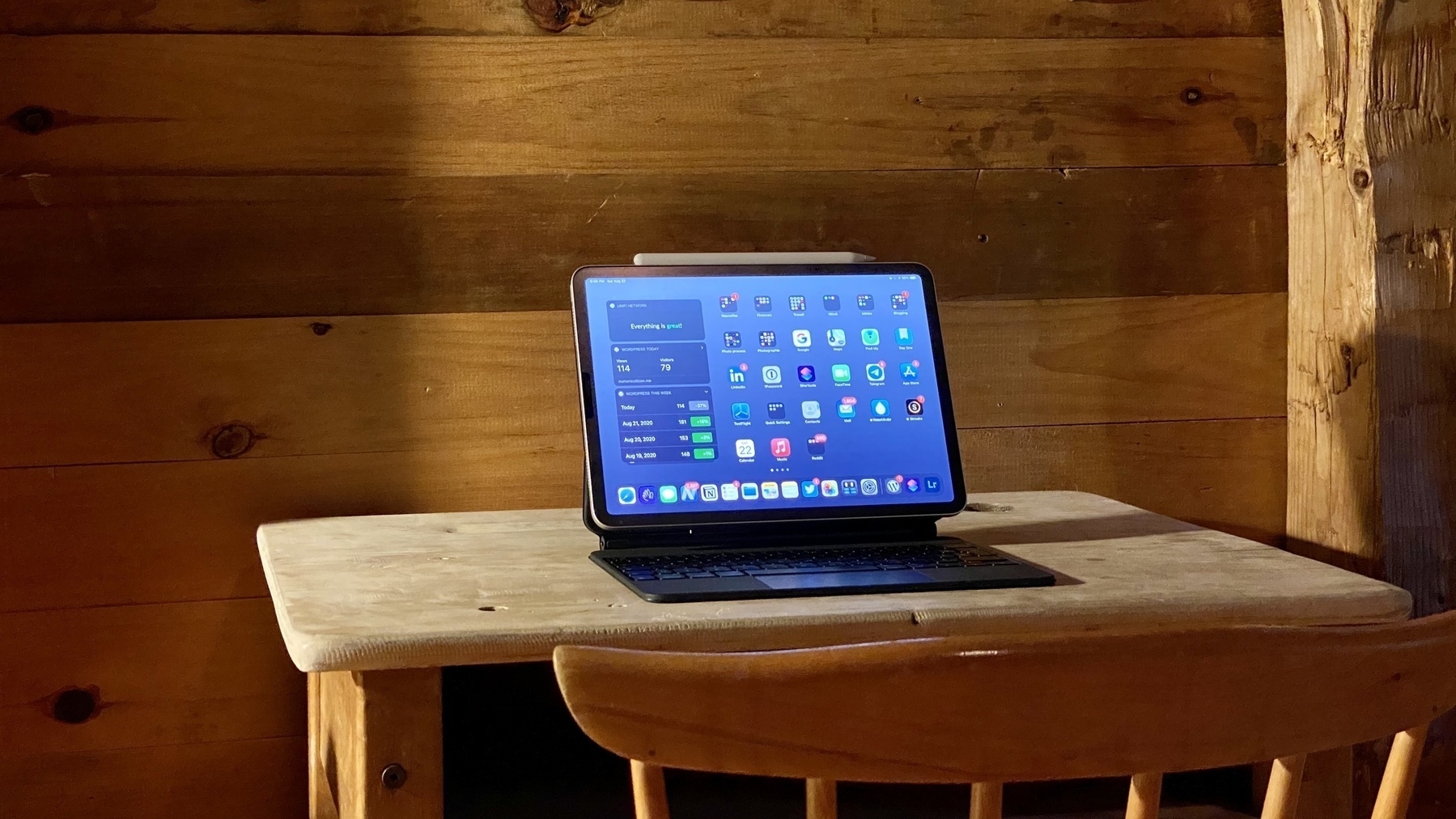
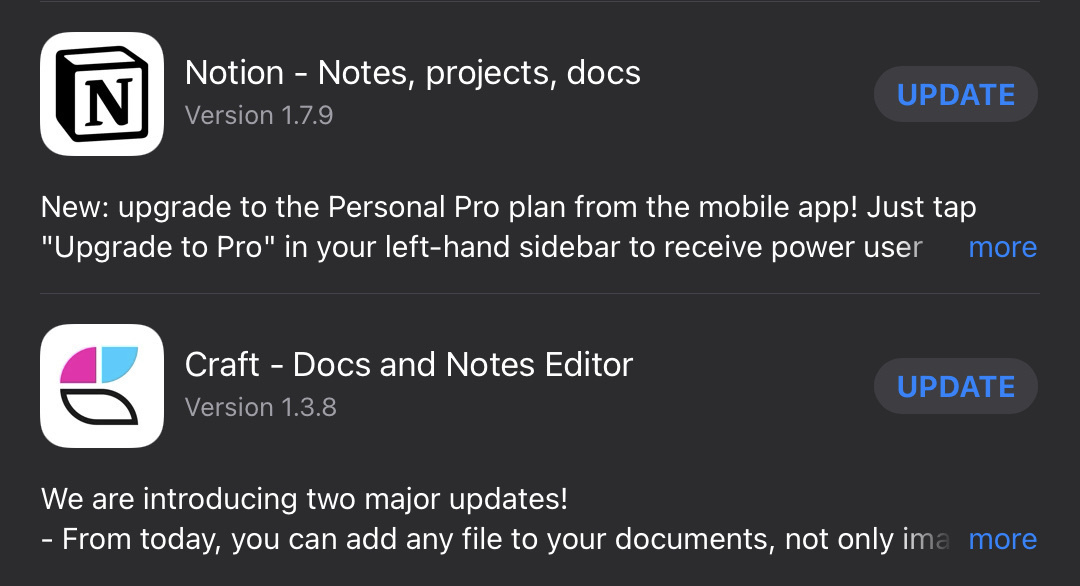
I’m on vacation. I have some time to spare. My vacation time is spent between my home and a rented chalet. The iPad Pro and my iPhone 11 Pro are my main devices. Beta 2 came late this week and reports are starting to come in. In summary, lot’s of fixes, a bit faster and apparently no big show stopper. I’m mostly using Craft these days and Apple’s stock apps like Reminders and Notes. What could go wrong?

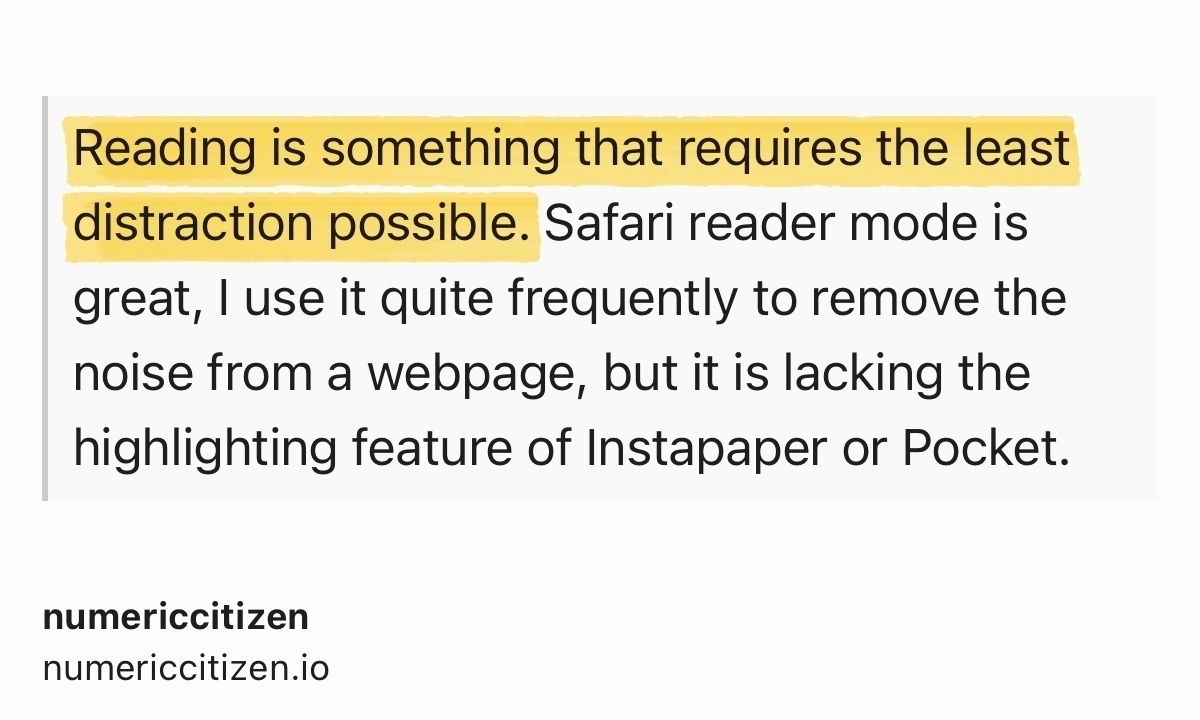
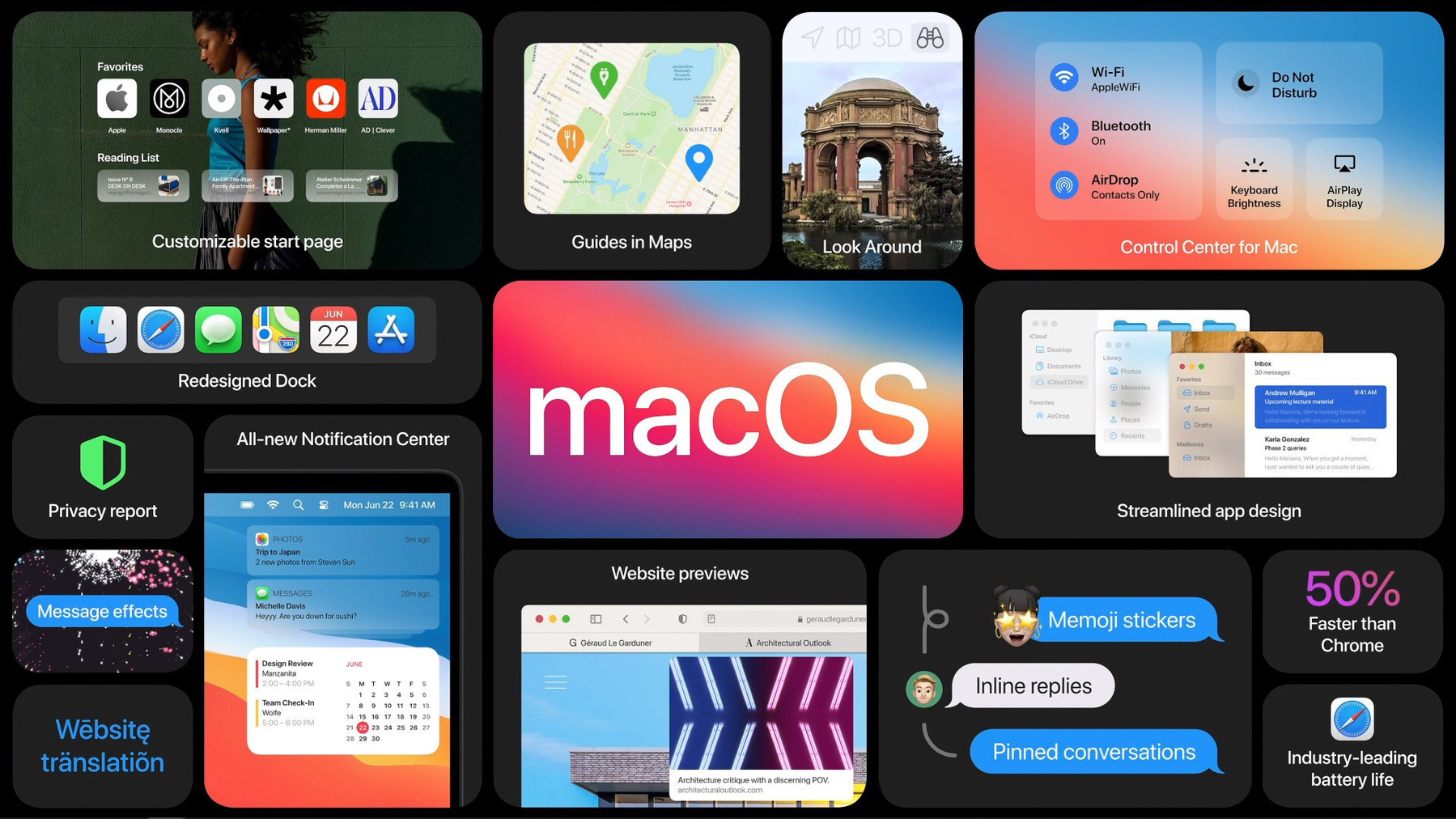
My situation is similar to James Rogers’ from iPadInsight. Last year, I went all in with iOS 14 betas on my iPad and iPhone. This year? I’m a bit more caution. I’m looking to test iPadOS more than anything. As I write this, I get a feeling that I’m trying to convince myself of either waiting for the public beta of simply live dangerously and make the plunge. But what happens in Photos memories on non-upgraded devices? What about Messages in the cloud? What if I create a new reminder item on iOS 15 but want to check it off on a non-iOS 15 device? So many questions… Help me with this.

I know that I should put some time in writing my next issue of my monthly newsletter instead of writing this microblog post. 🤷🏻‍♂️

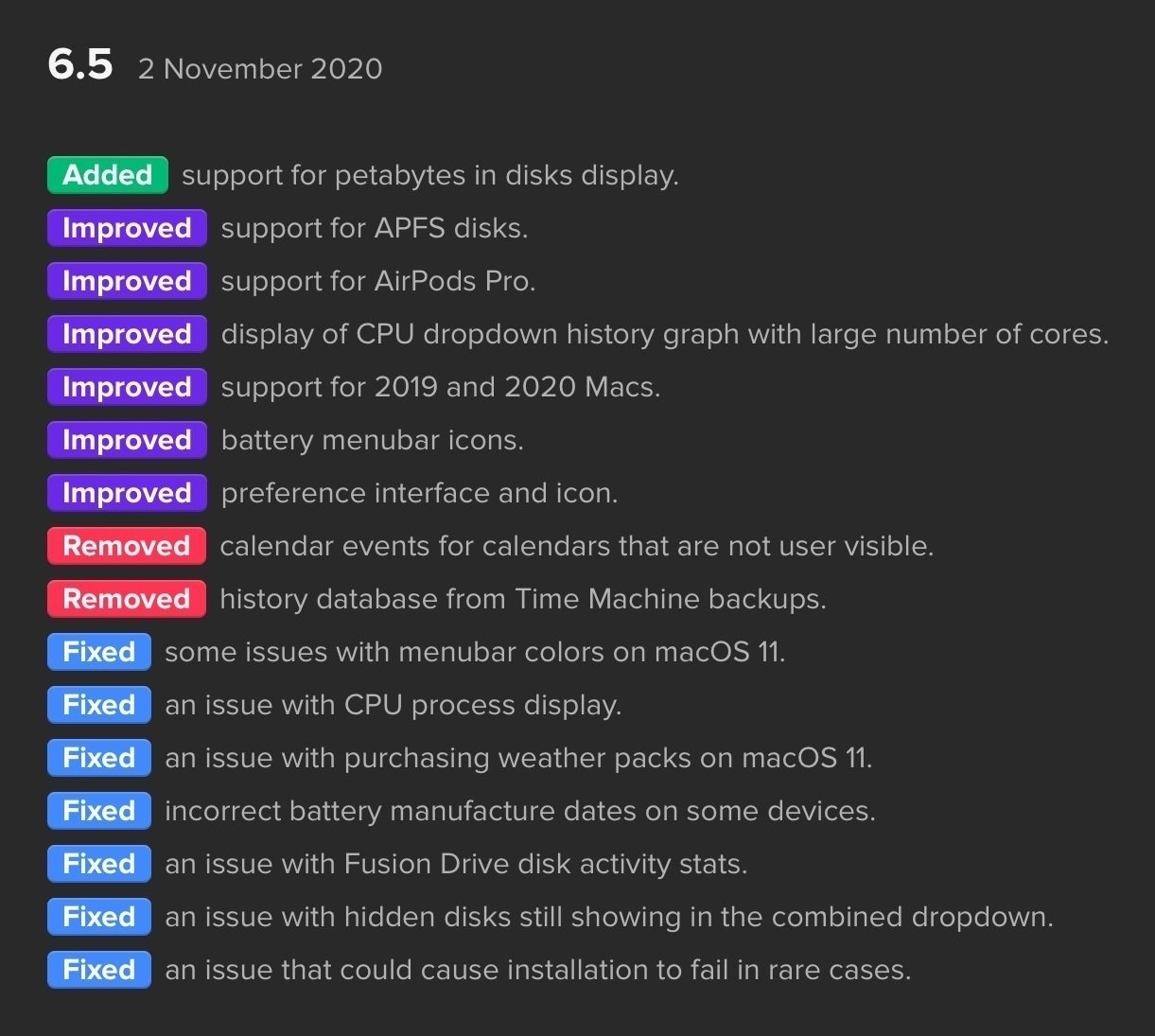
Just got an idea: have a look at the release notes and see if there are any deal breaker in there. Stay tuned. 😅

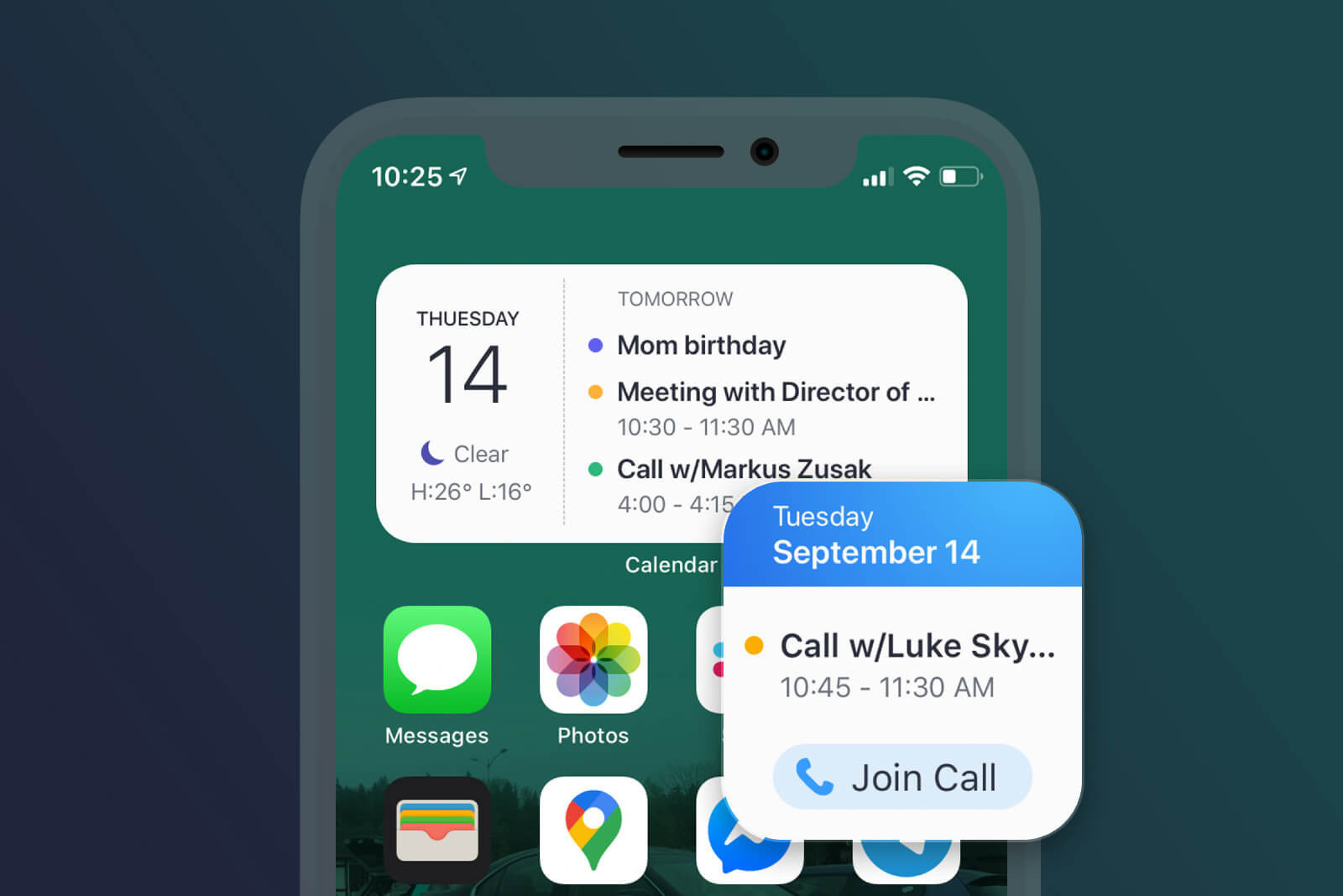
Are Facetime Links Enough to compete against Zoom or Teams?

Benjamin Mayo on FaceTime 15 in the landscape of collaboration tools like Zoom and Teams:

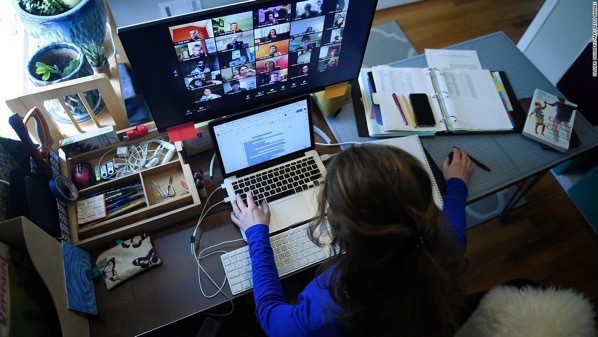
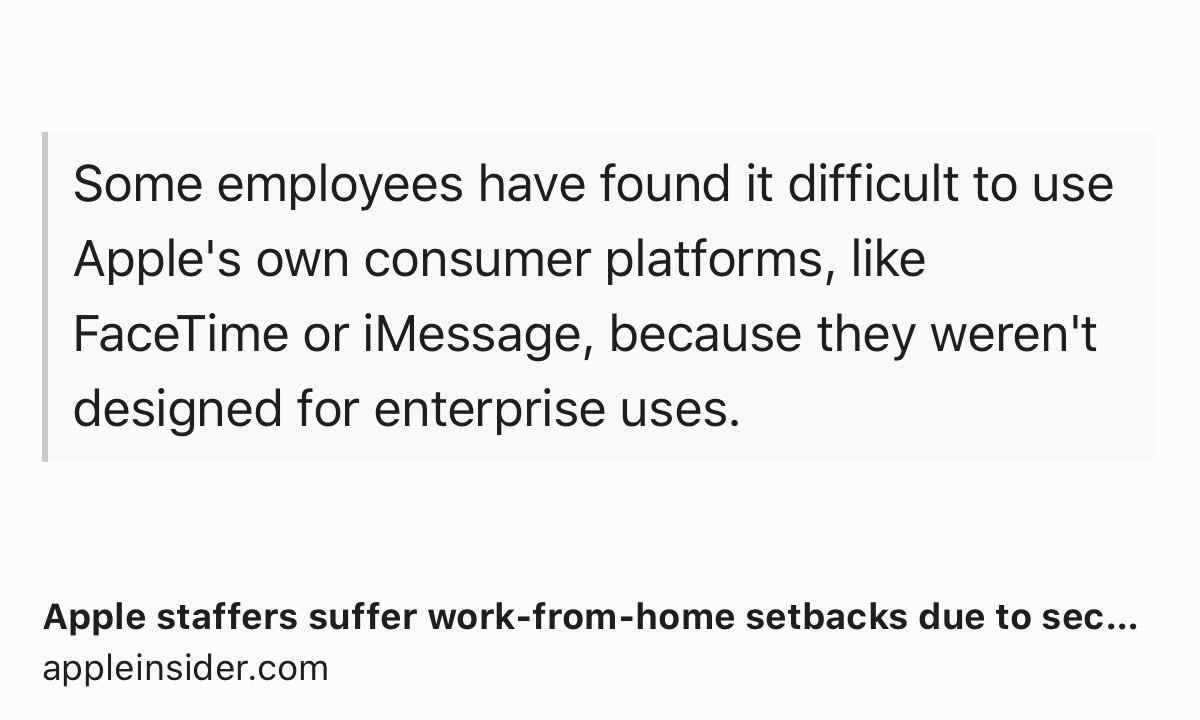
FaceTime is more like an add-on of Messages, competing against WhatsApp and traditional phone calls if anything. You also see this in how each service handles identity; Zoom and Teams have abstracted user accounts, whereas on FaceTime you connect by sharing your personal phone number or email address — information that you only want to give out to close friends. Source: FaceTime in iOS 15 — Benjamin Mayo

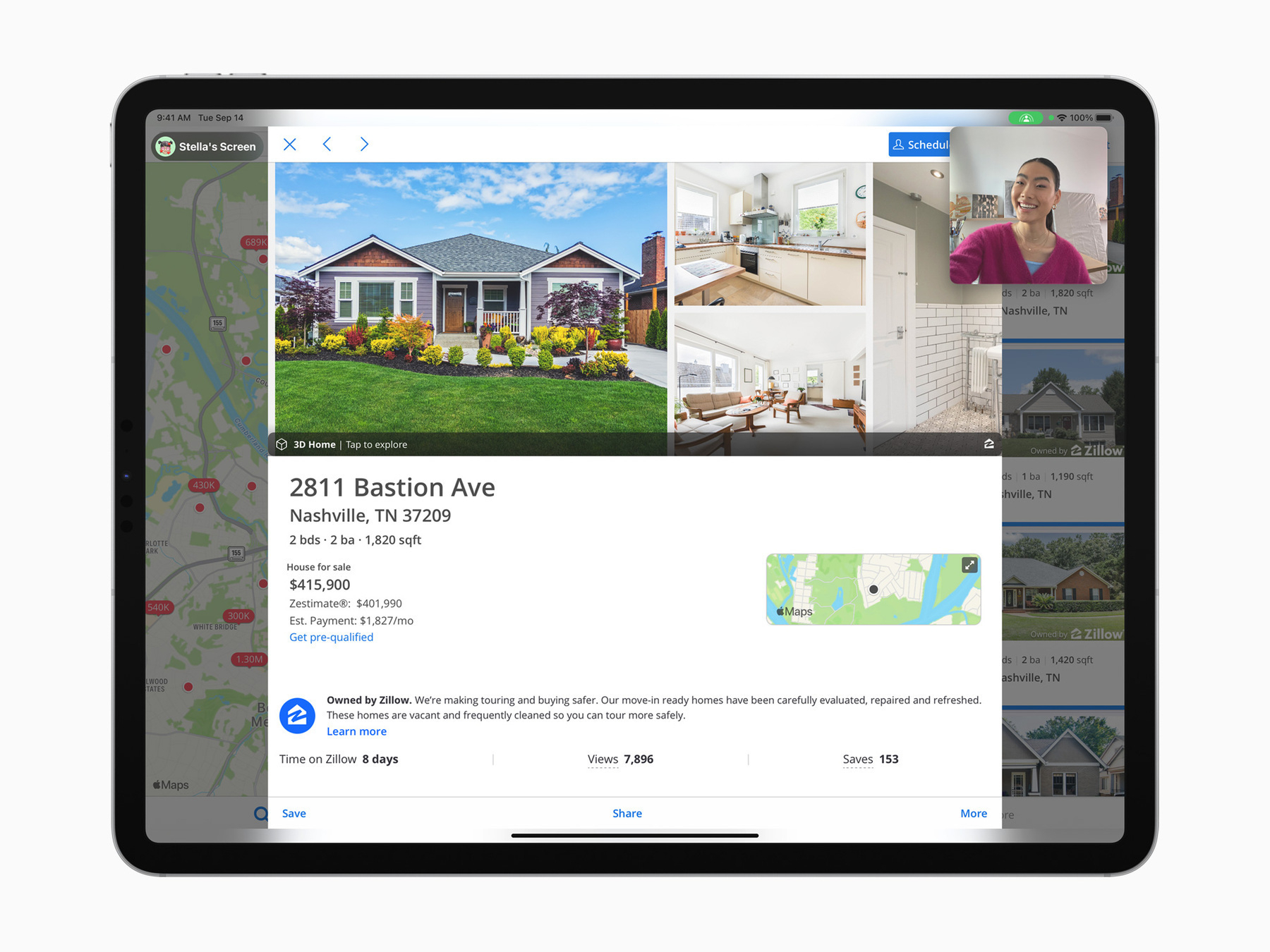
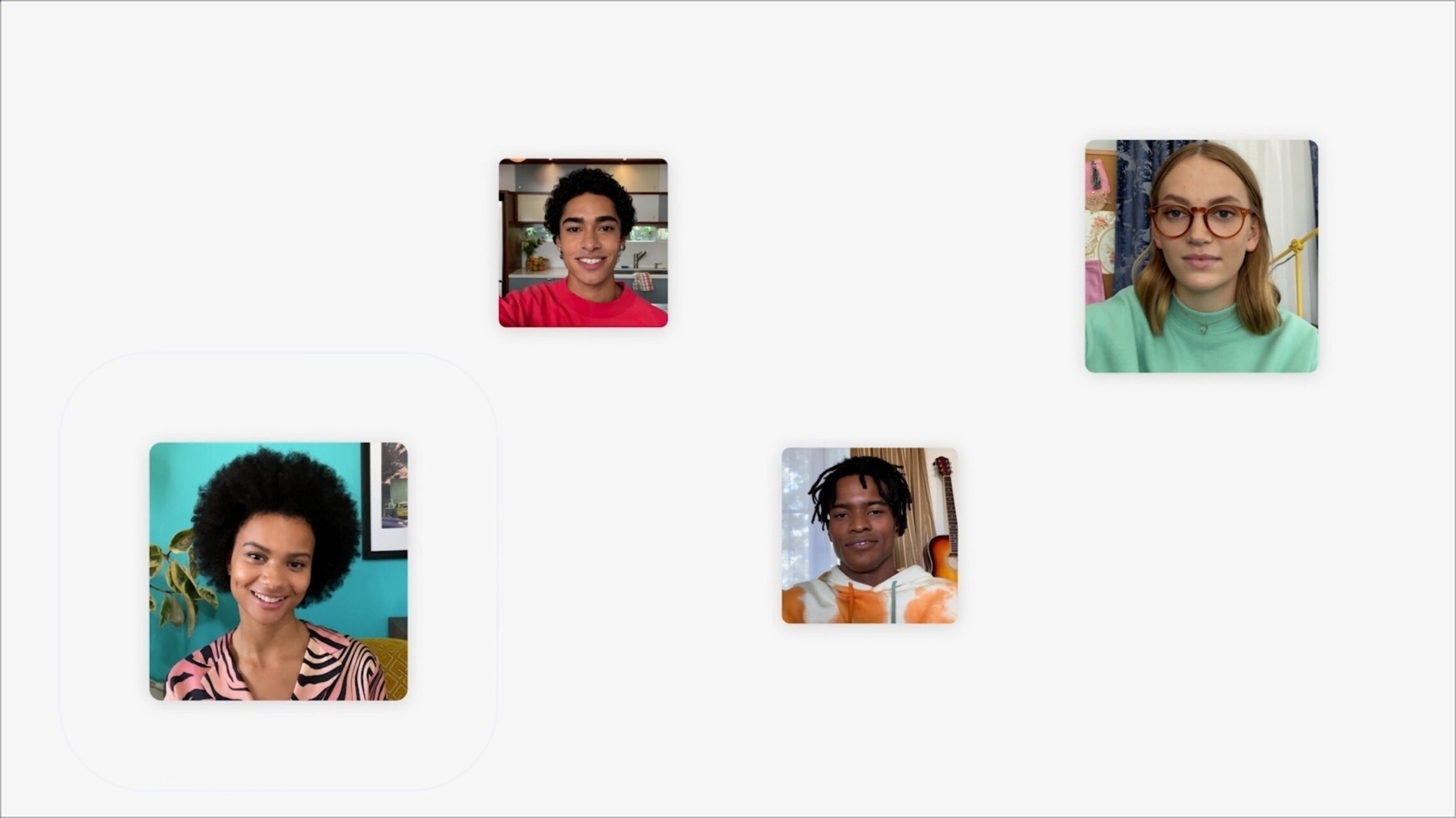
Surprisingly, to use FaceTime, you need to give very personal information like your phone number of your email address… while other competing platform has abstracted that account information a long time ago. FaceTime links represent a step in the right direction, as sharing a link is enough for others to get onboard. Time will tell if this proves to be enough in the enterprise.